




© 2026 SCREENPRO®. Specifications are subject to change without notice. | SamsAV All Rights ReservedSite Map Designed by iwonder.cn


Installation manuals, wiring diagrams, dimensional drawings, and other technical documents are available for selected SCREENPRO® products.
Because installation and wiring requirements vary by screen series and configuration, always use documentation that corresponds to the exact product model.
If you cannot find the required document, provide the screen model and serial number when contacting SCREENPRO® technical support.
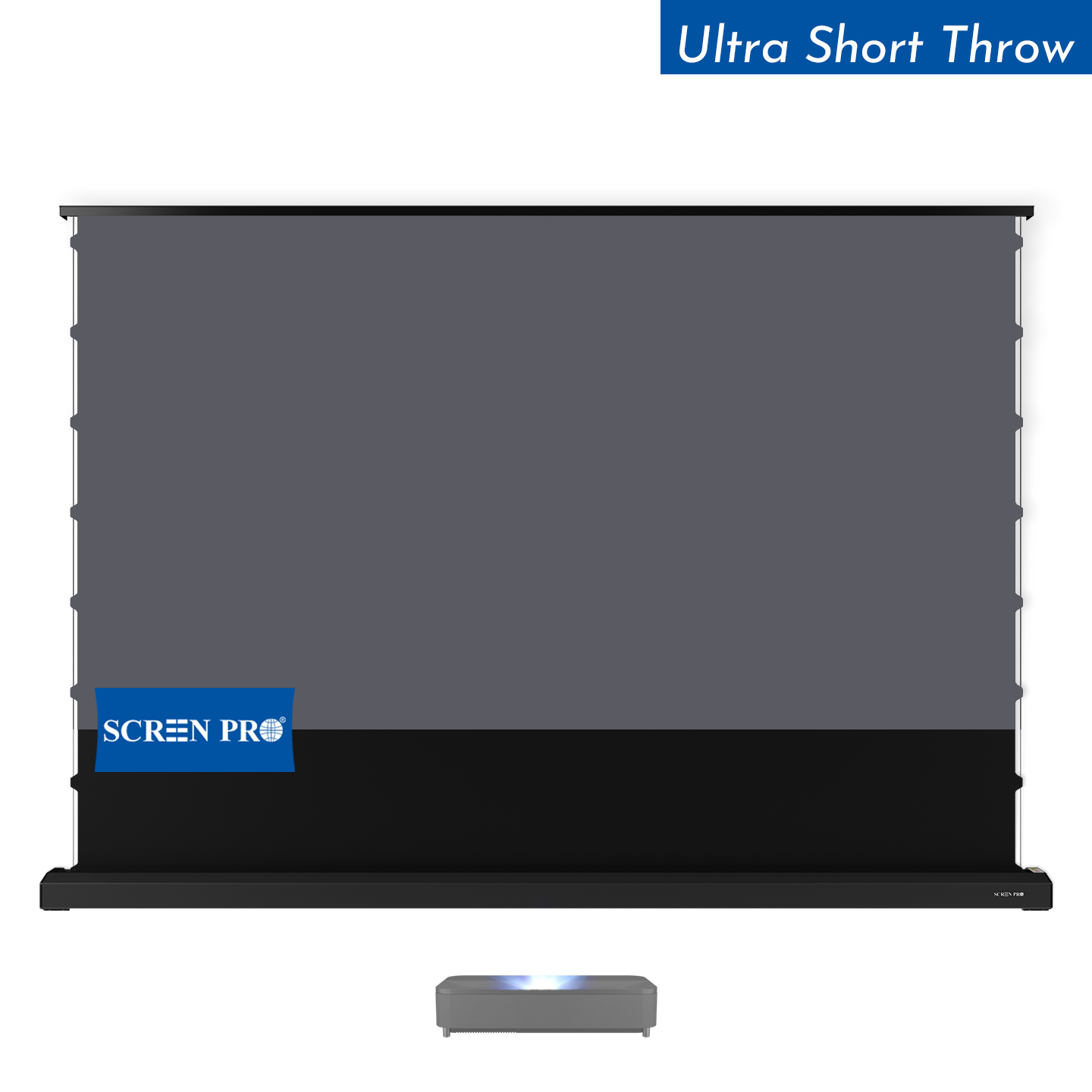
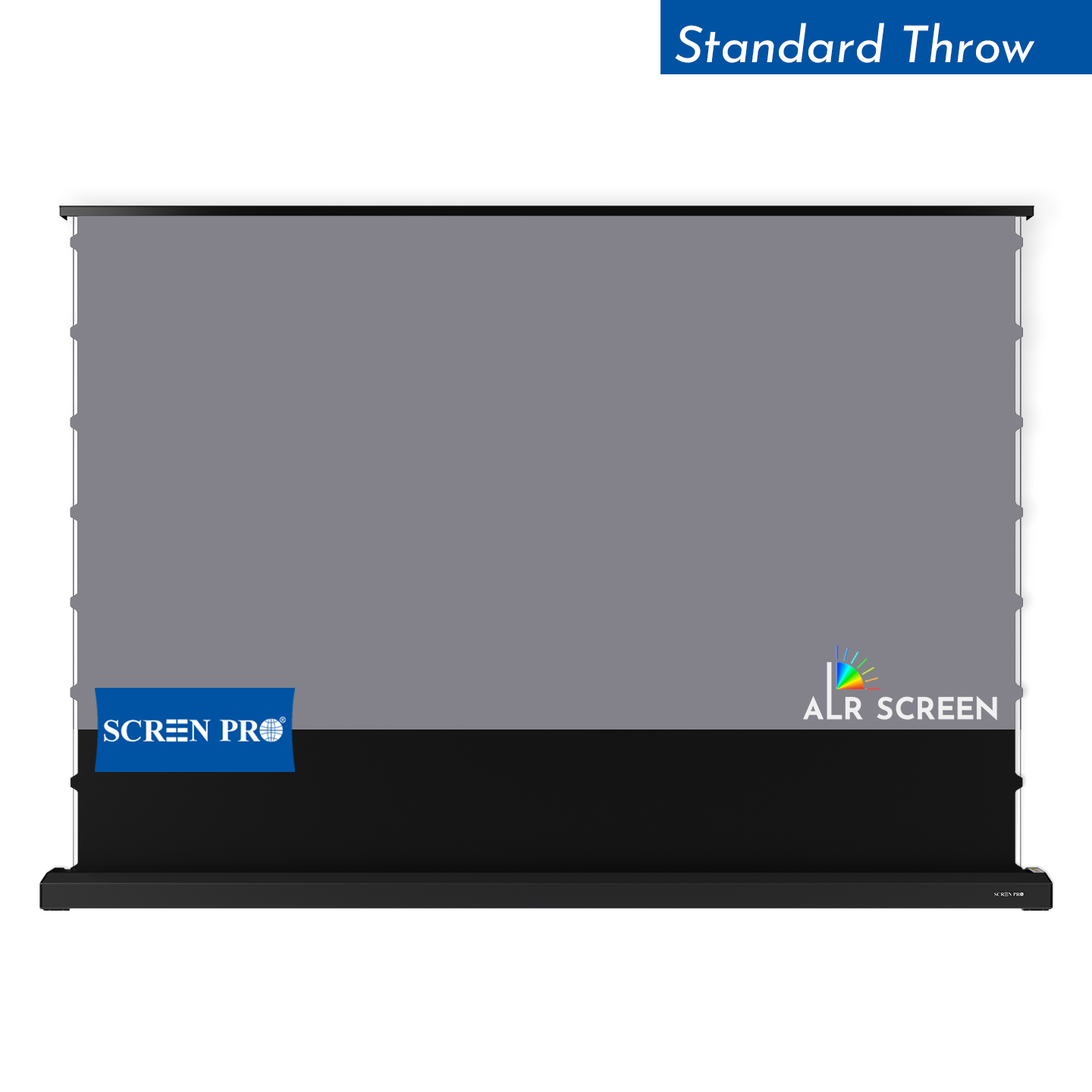
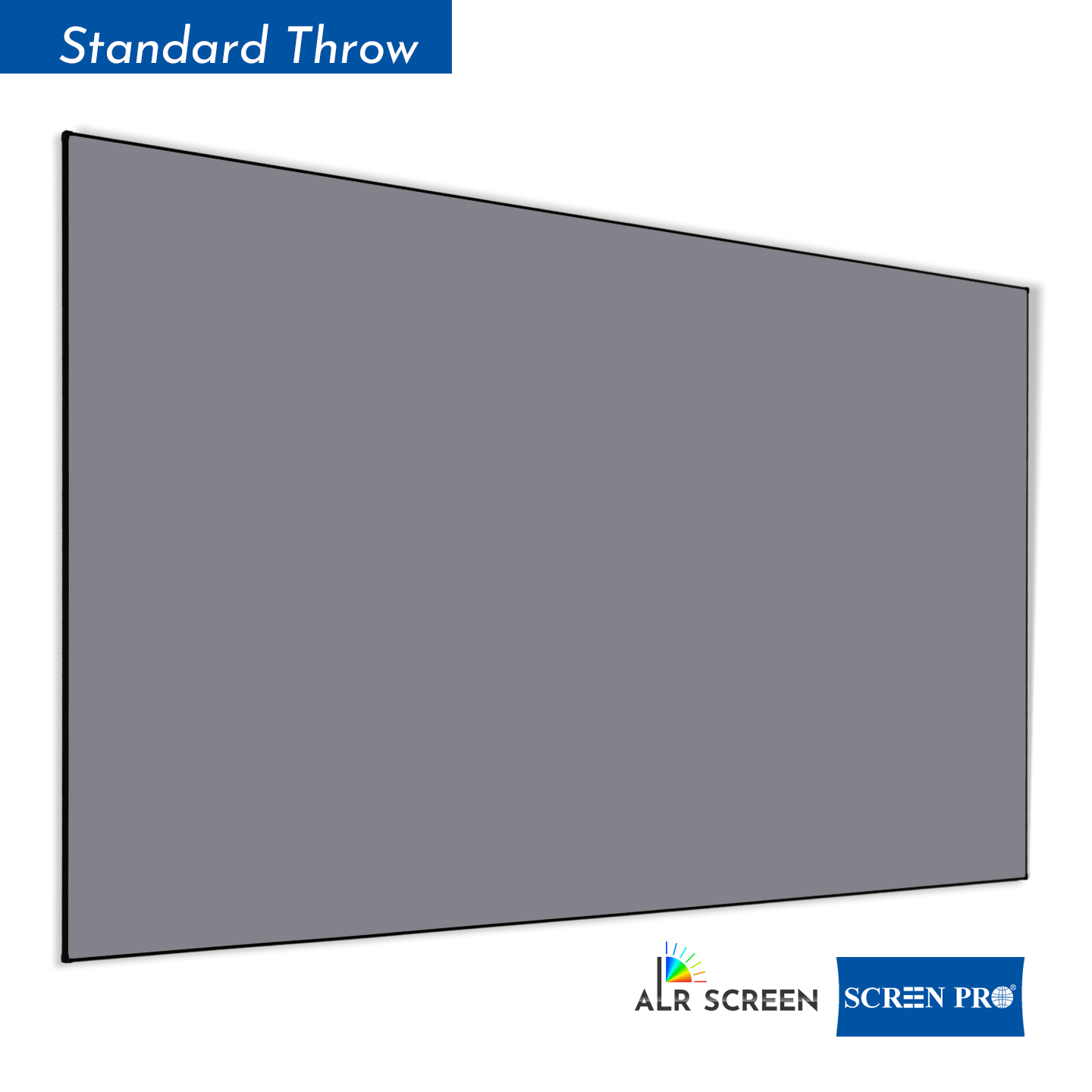
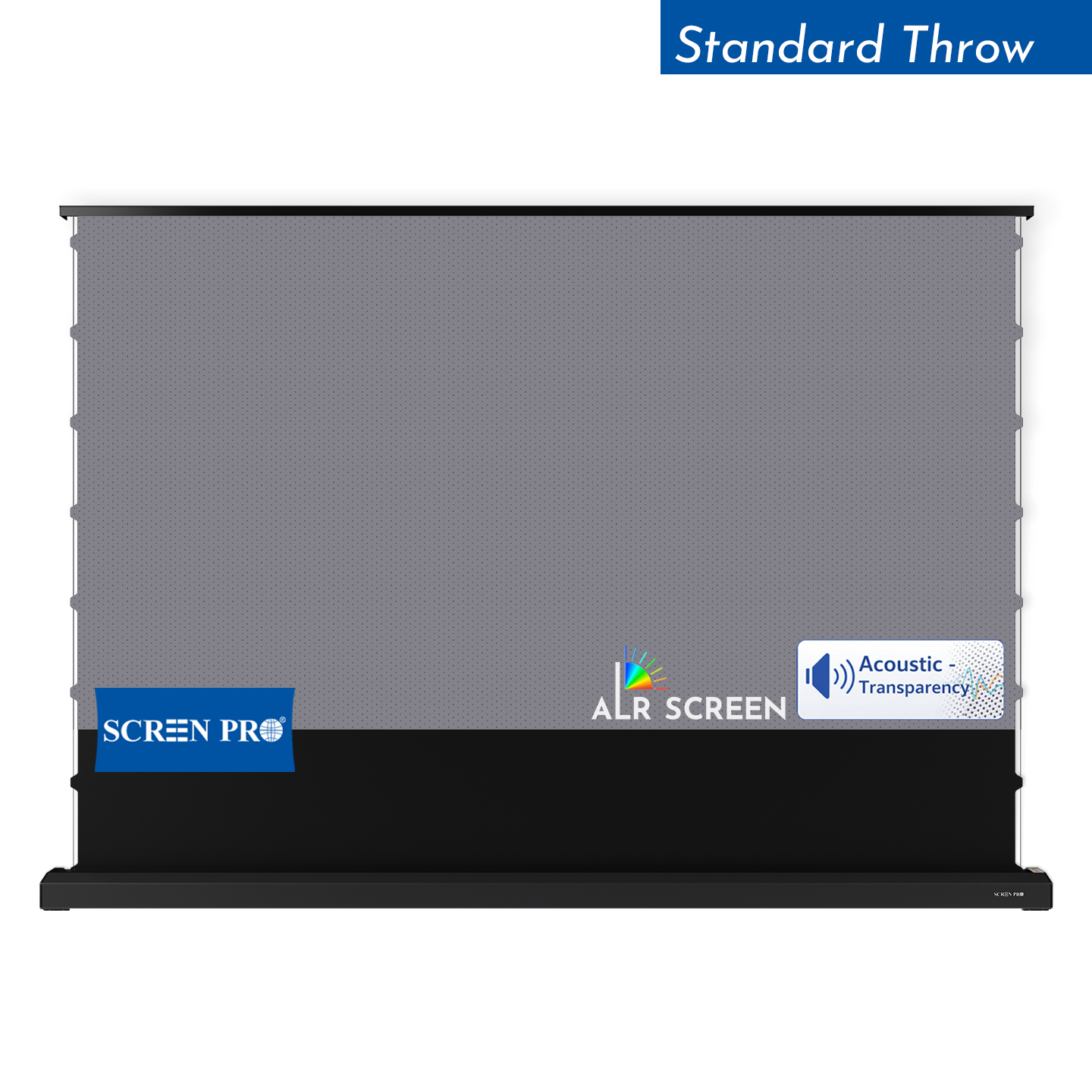
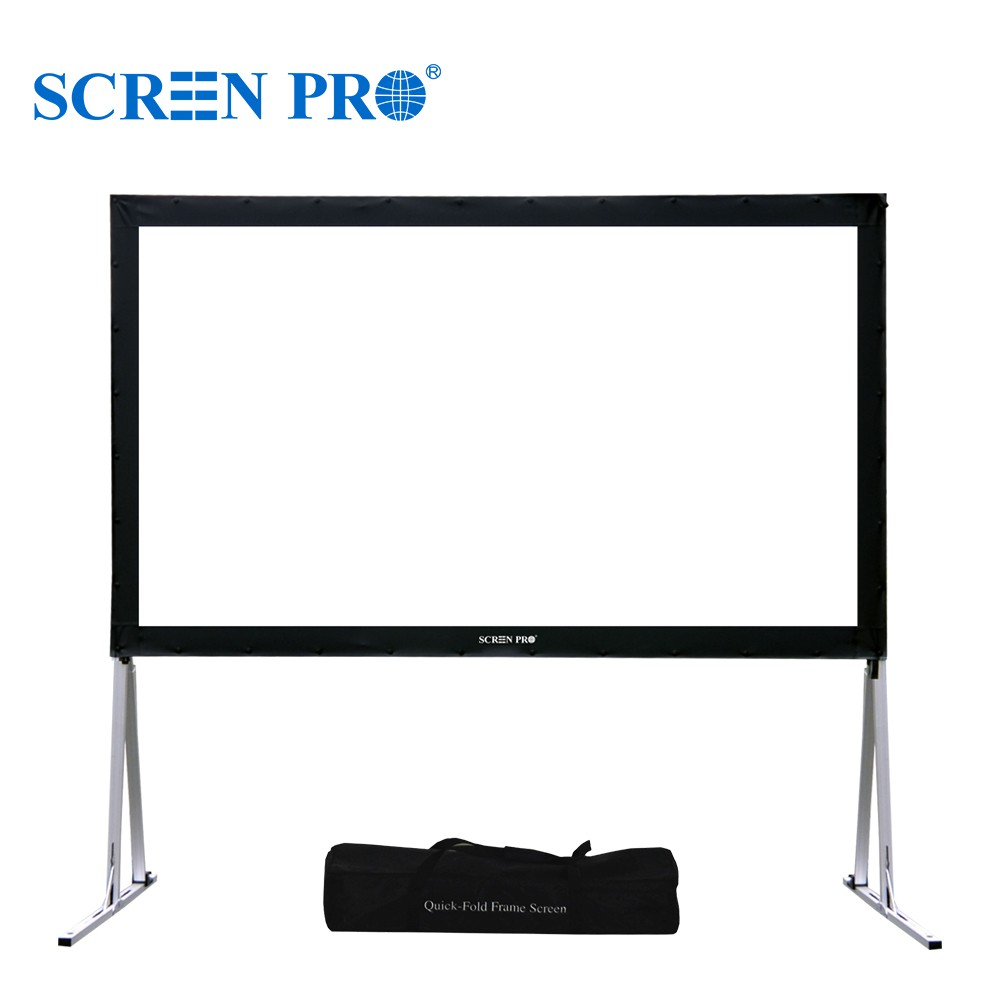
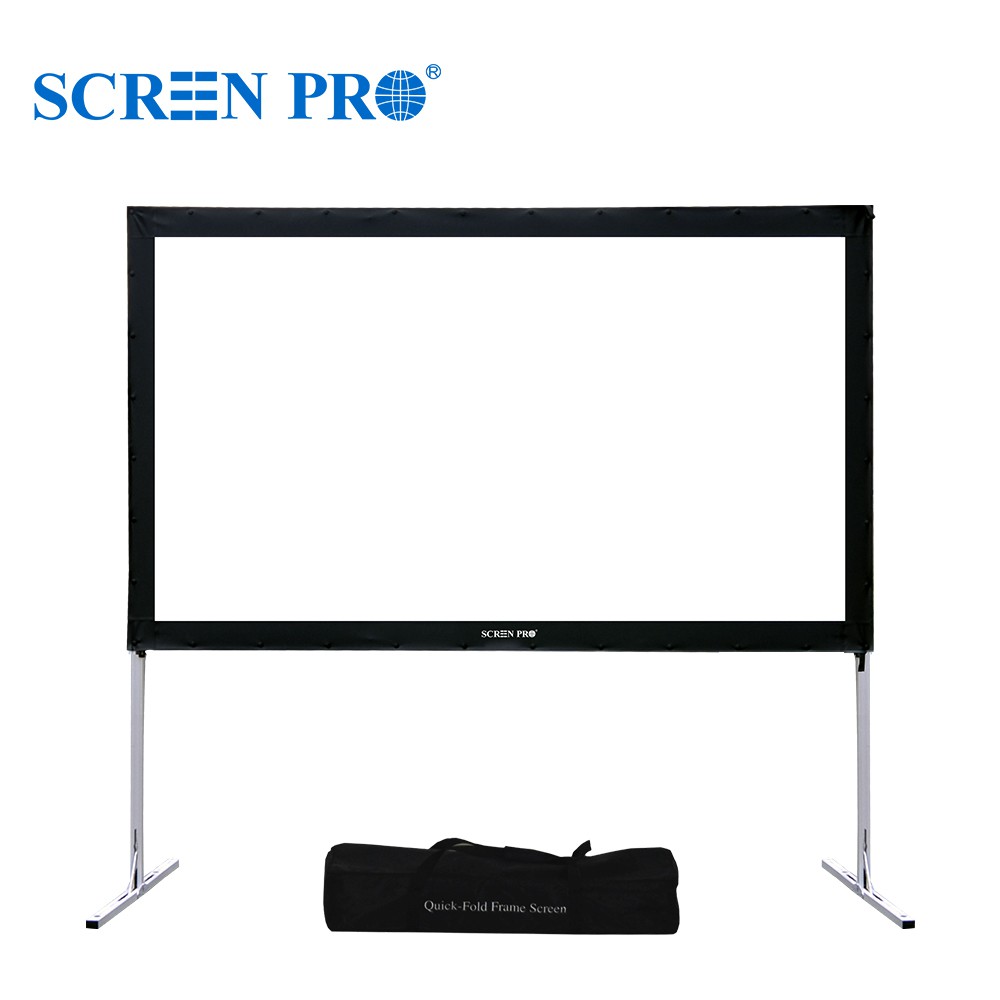
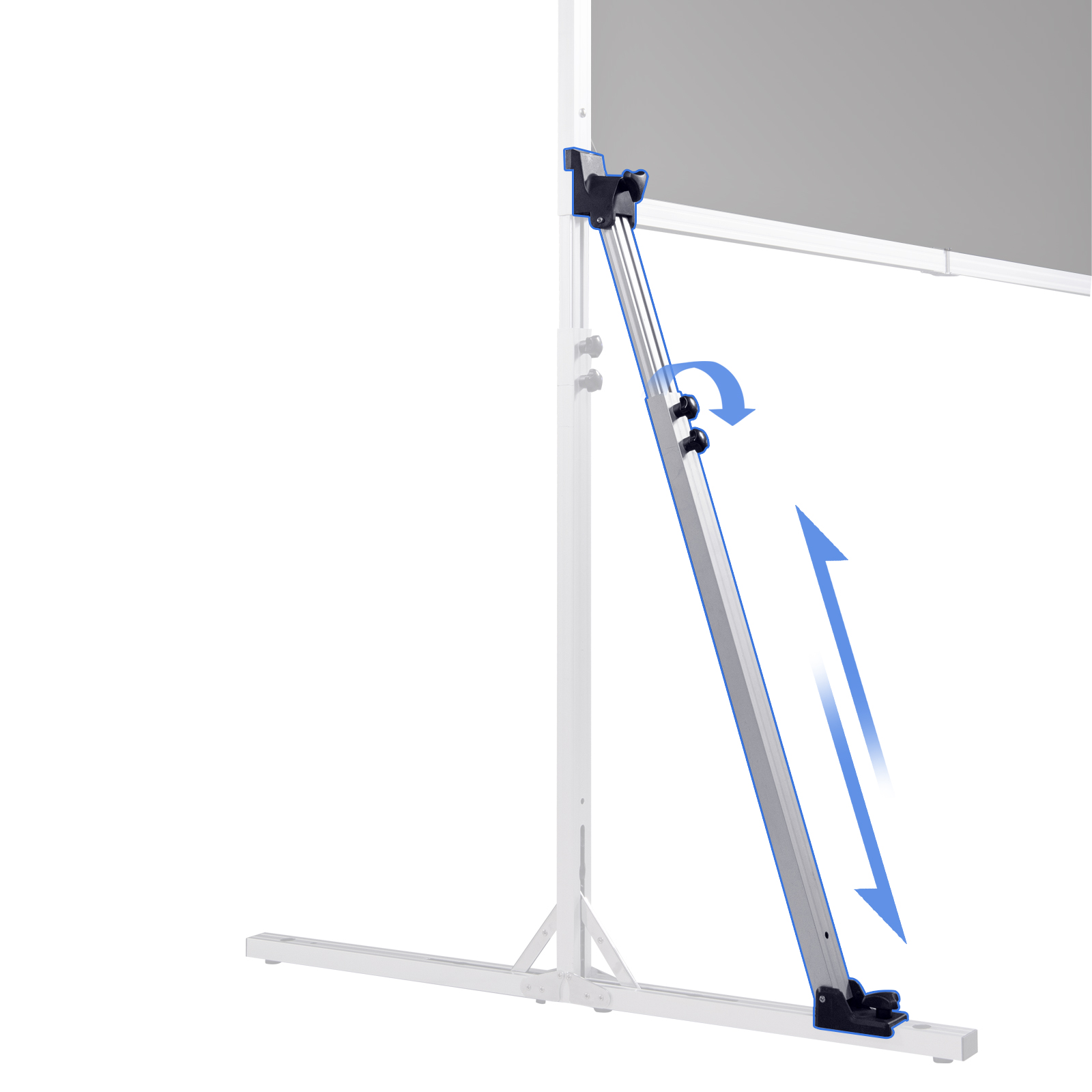
Depending on the screen series, SCREENPRO® projection screens may support wall mounting, ceiling mounting, in-ceiling installation, floor installation, or other mounting configurations.
For wall- or ceiling-mounted screens, the mounting surface and supporting structure must be suitable for the weight and dimensions of the screen.
Before installation, confirm the screen model, mounting-point spacing, available installation space, structural support, and projector position.
For directional ALR materials, projector position and screen orientation should also be confirmed before installation.
Not every mounting method is available for every SCREENPRO® screen series. Always refer to the installation instructions for the specific model before preparing mounting points or ceiling openings.
Depending on the screen series, SCREENPRO® projection screens may support wall mounting, ceiling mounting, in-ceiling installation, floor installation, or other mounting configurations.
Wall- and ceiling-mounted screens require a suitable supporting structure capable of safely carrying the screen and mounting hardware.
Before installation, confirm the screen dimensions, mounting-point spacing, installation surface, available clearance, and projector position.
Not every mounting method is available for every screen series. Refer to the installation instructions for the selected model before preparing mounting points.
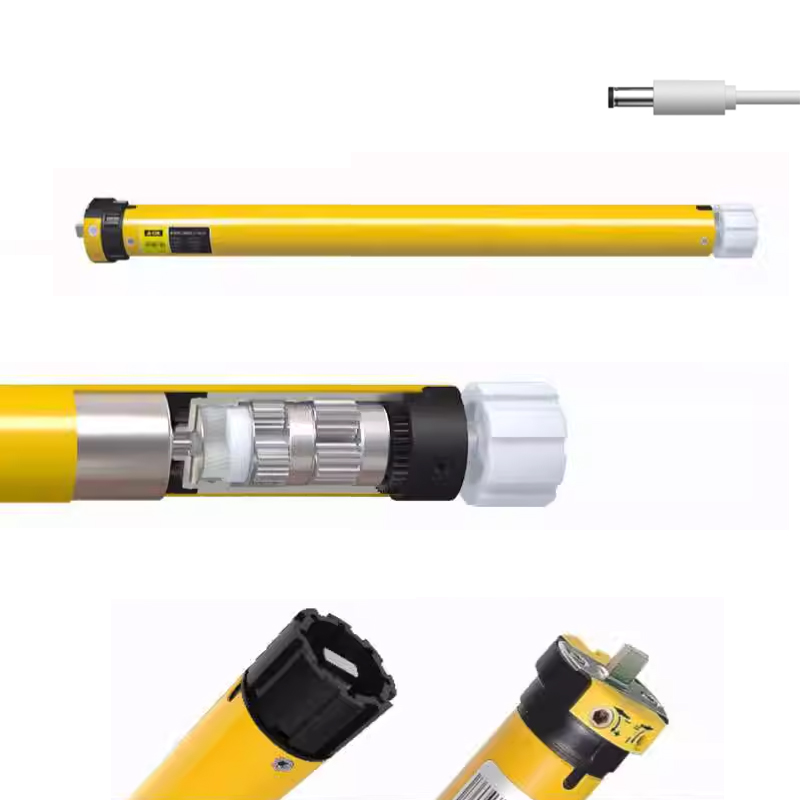
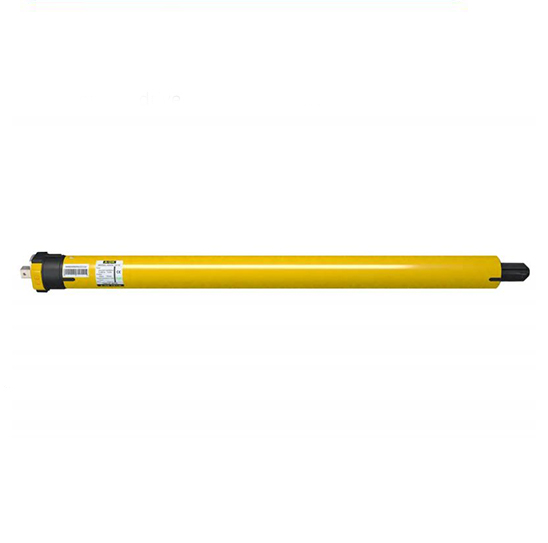
Wiring requirements vary by SCREENPRO® screen series, motor type, controller, voltage, and control configuration.
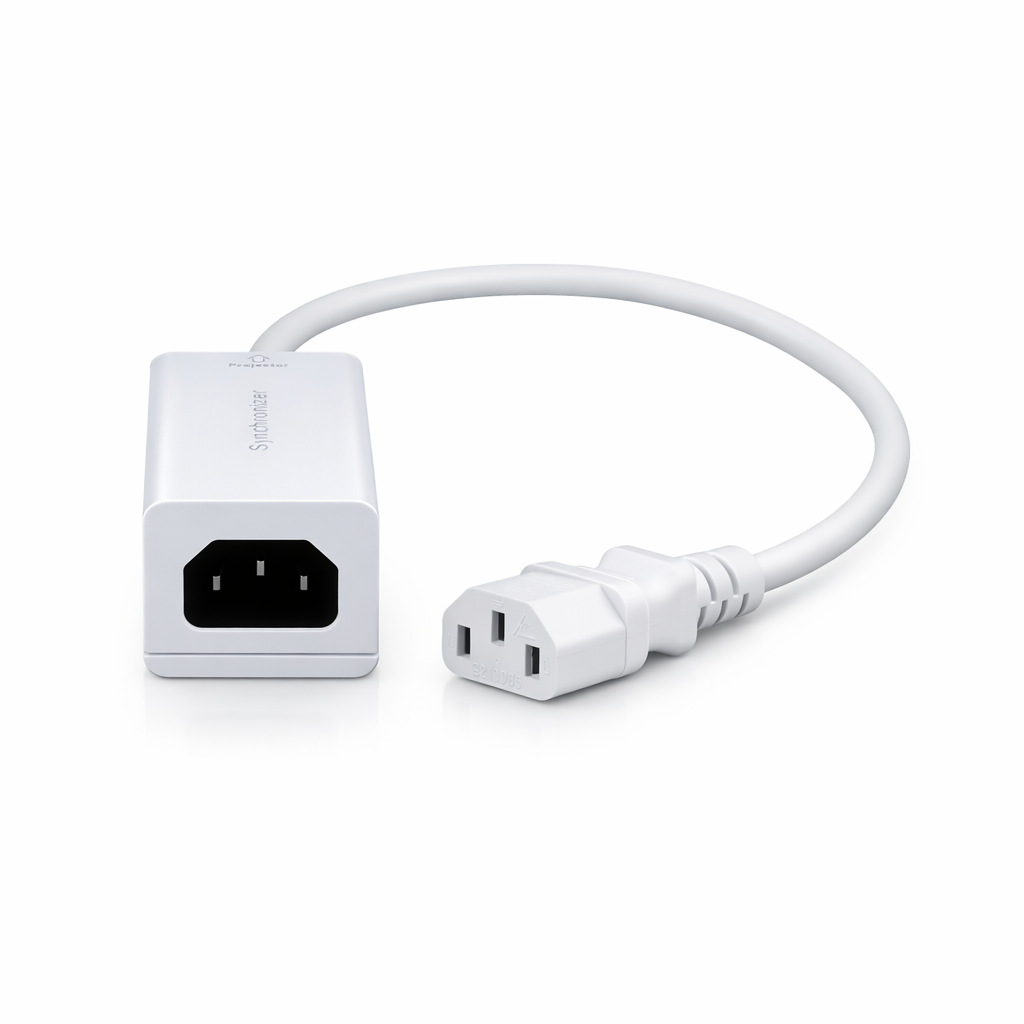
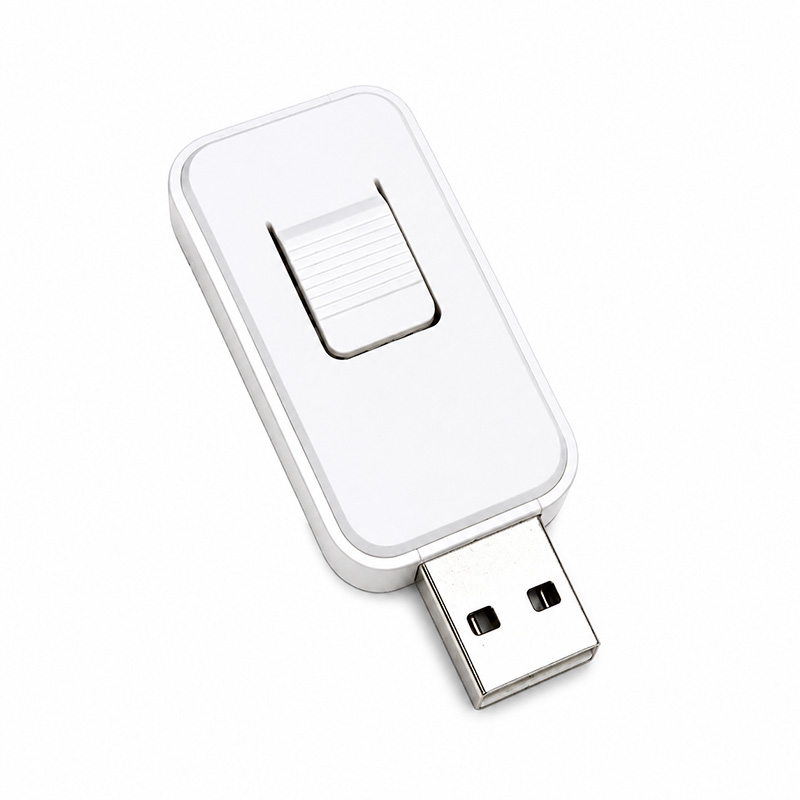
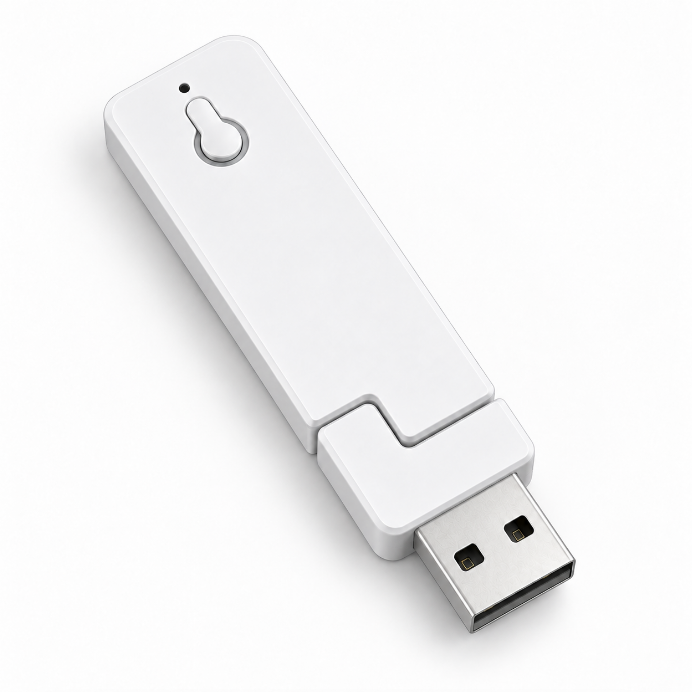
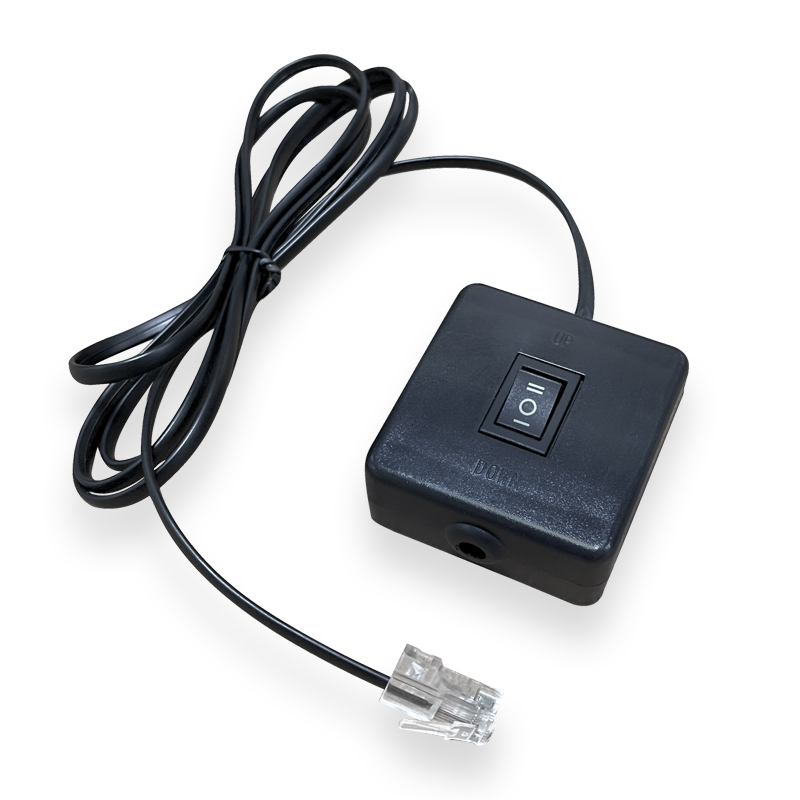
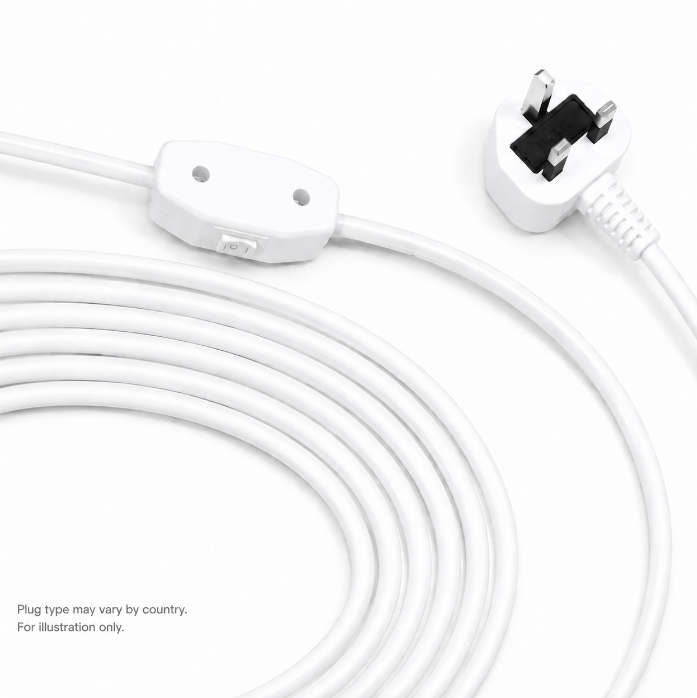
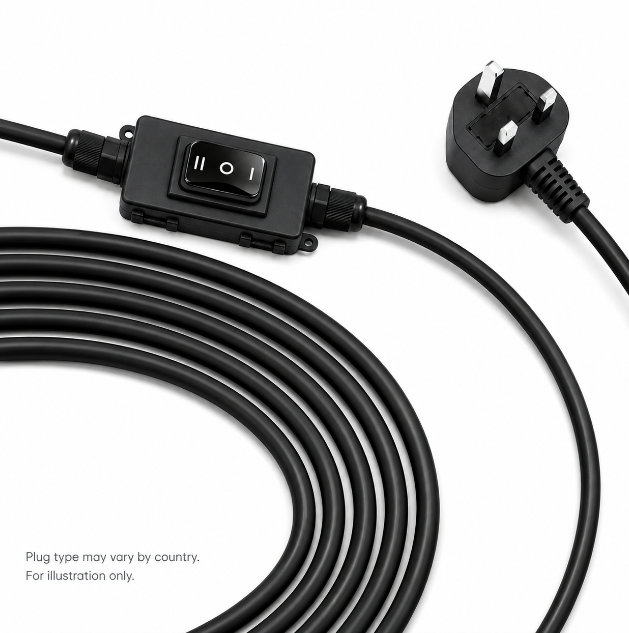
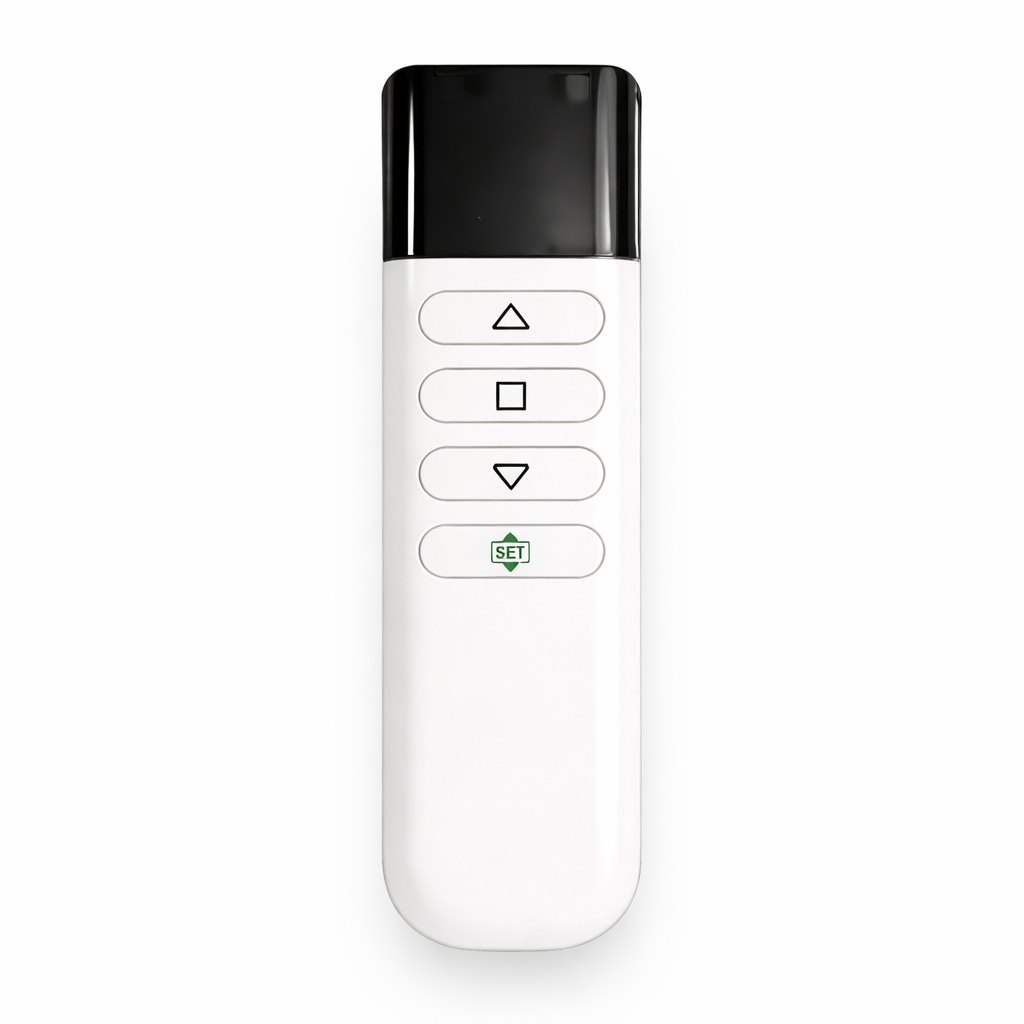
Depending on the model, connections may include AC power, wall-switch control, dry contact, RS485, trigger control, or other supported interfaces.
Always use the wiring diagram supplied for the specific screen and controller. Do not use a wiring diagram from a different model unless compatibility has been confirmed.
For professional AV or building-control integration, confirm the screen model and required control interface before wiring.
Electrical installation should be performed in accordance with applicable local electrical requirements.
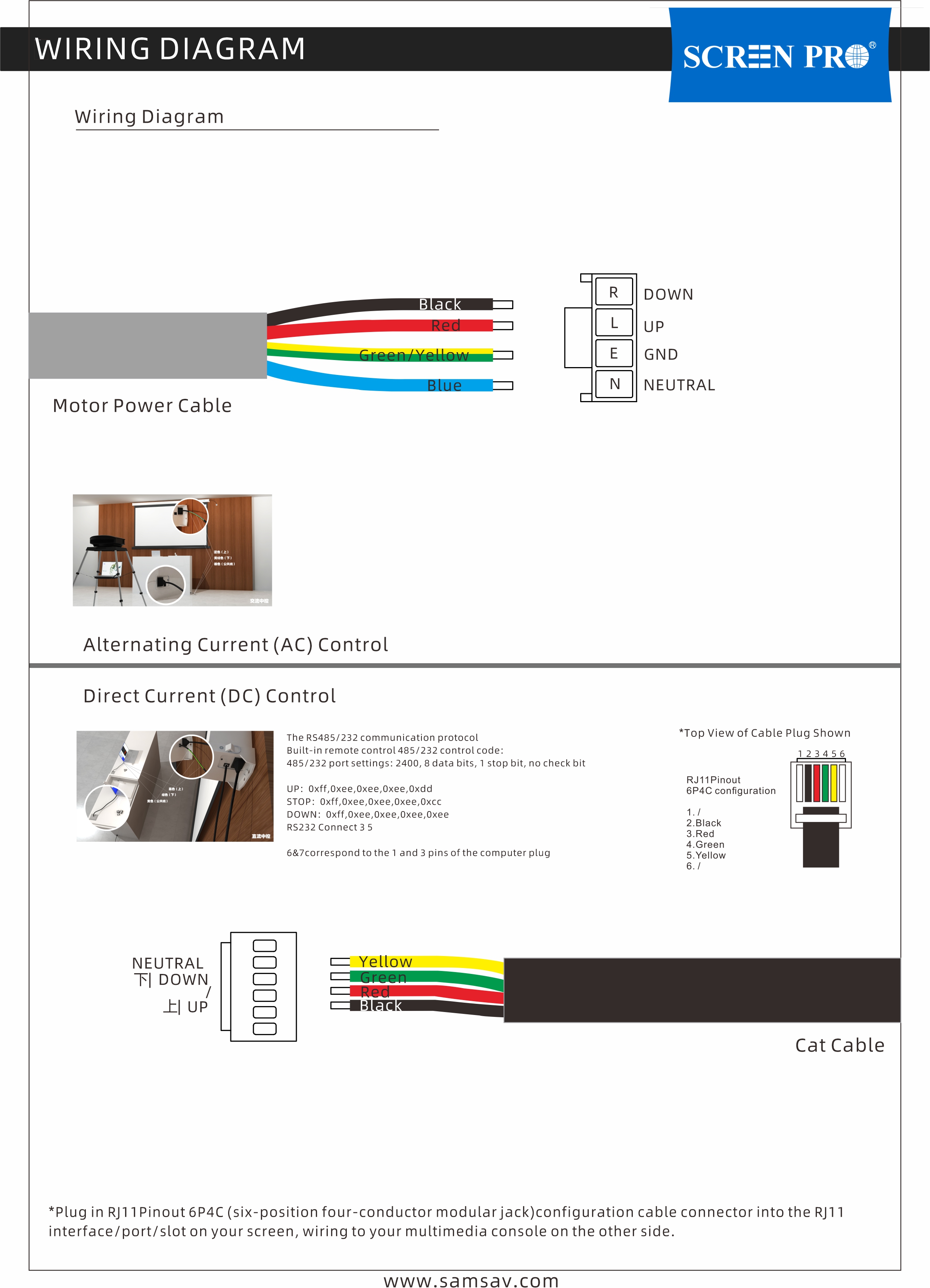
Example only — refer to the wiring diagram supplied with your specific model.
The correct installation height depends on the screen size, viewing position, seating height, room layout, and projector installation.
The viewing area should generally be positioned at a comfortable eye level for the intended audience rather than simply installing the screen as high as possible.
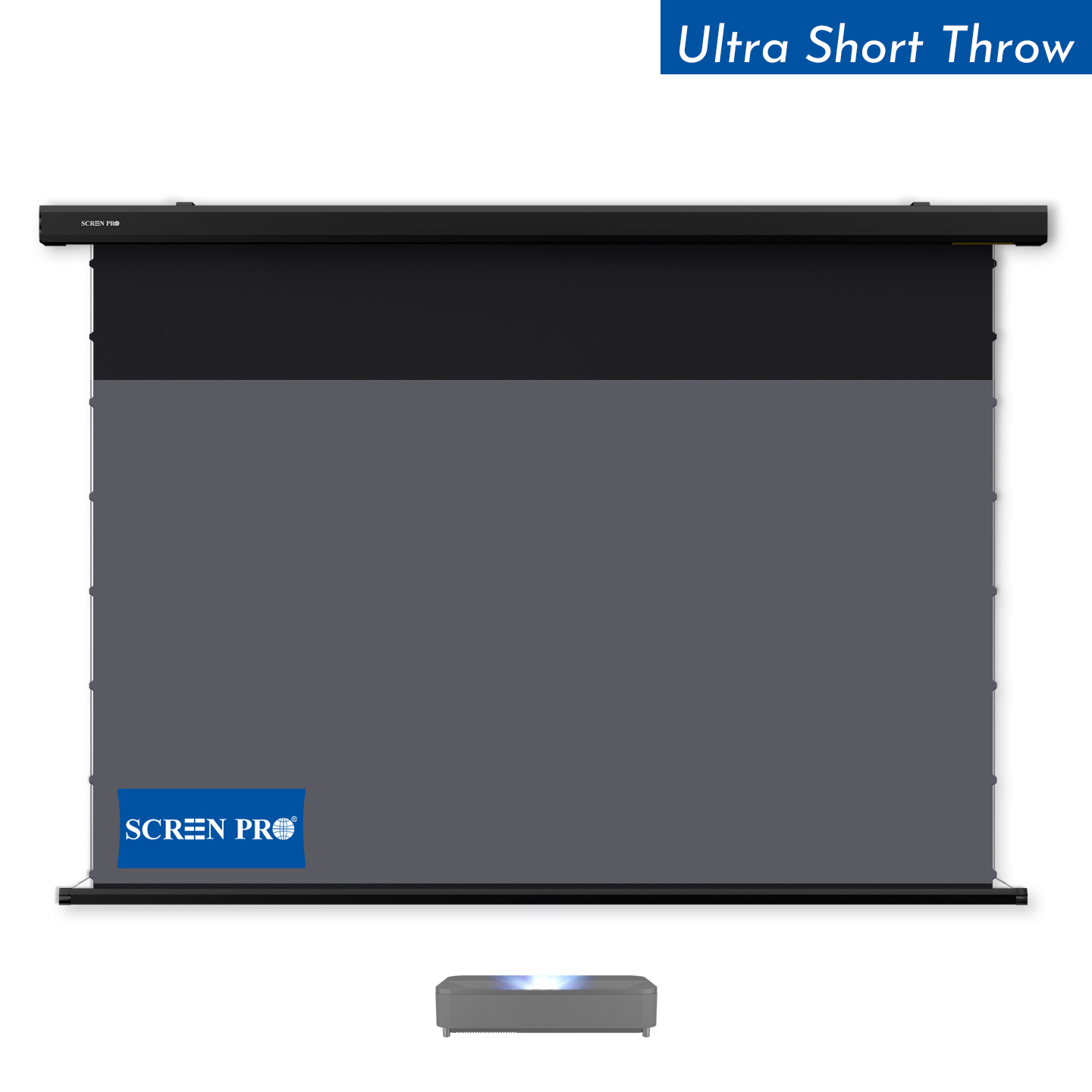
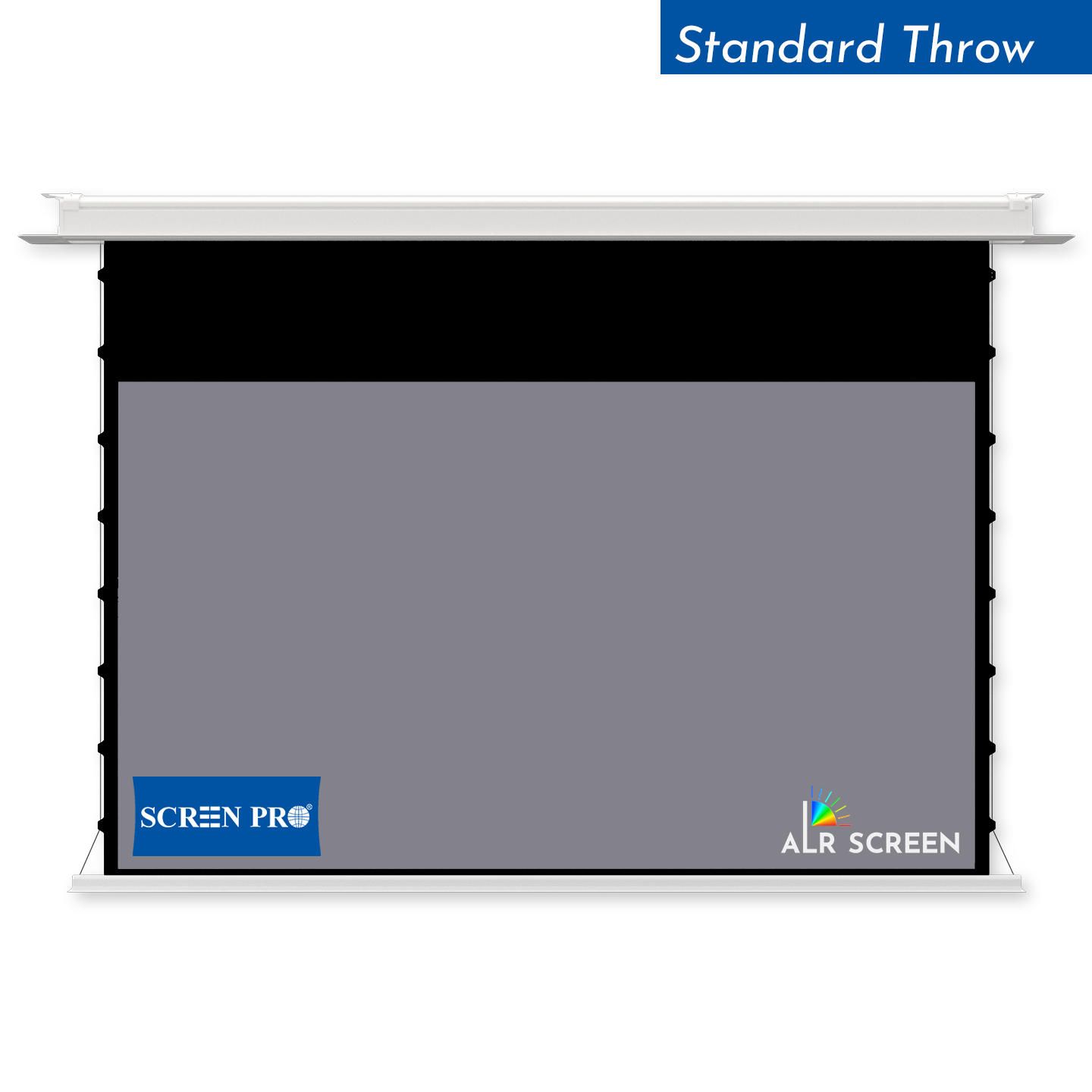
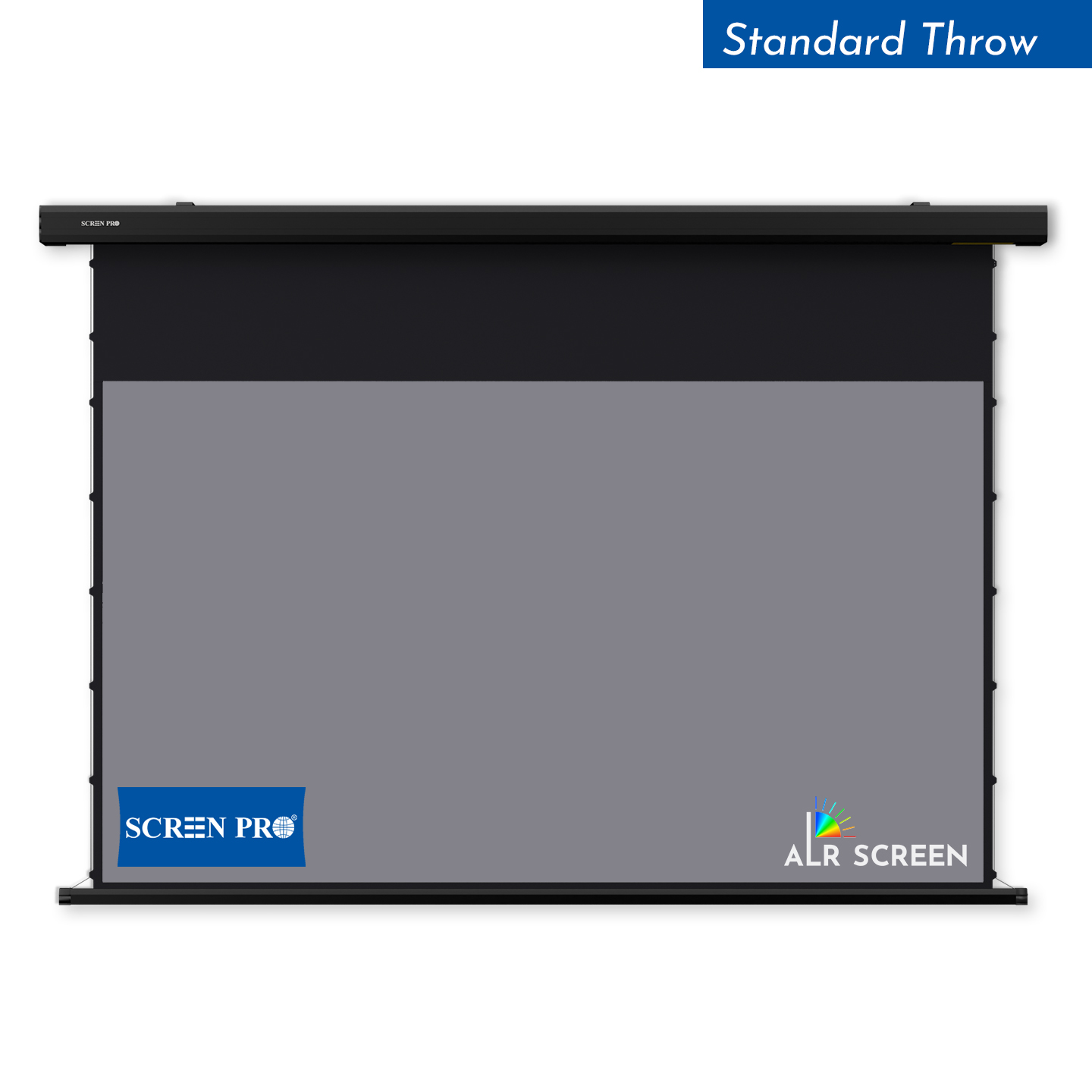
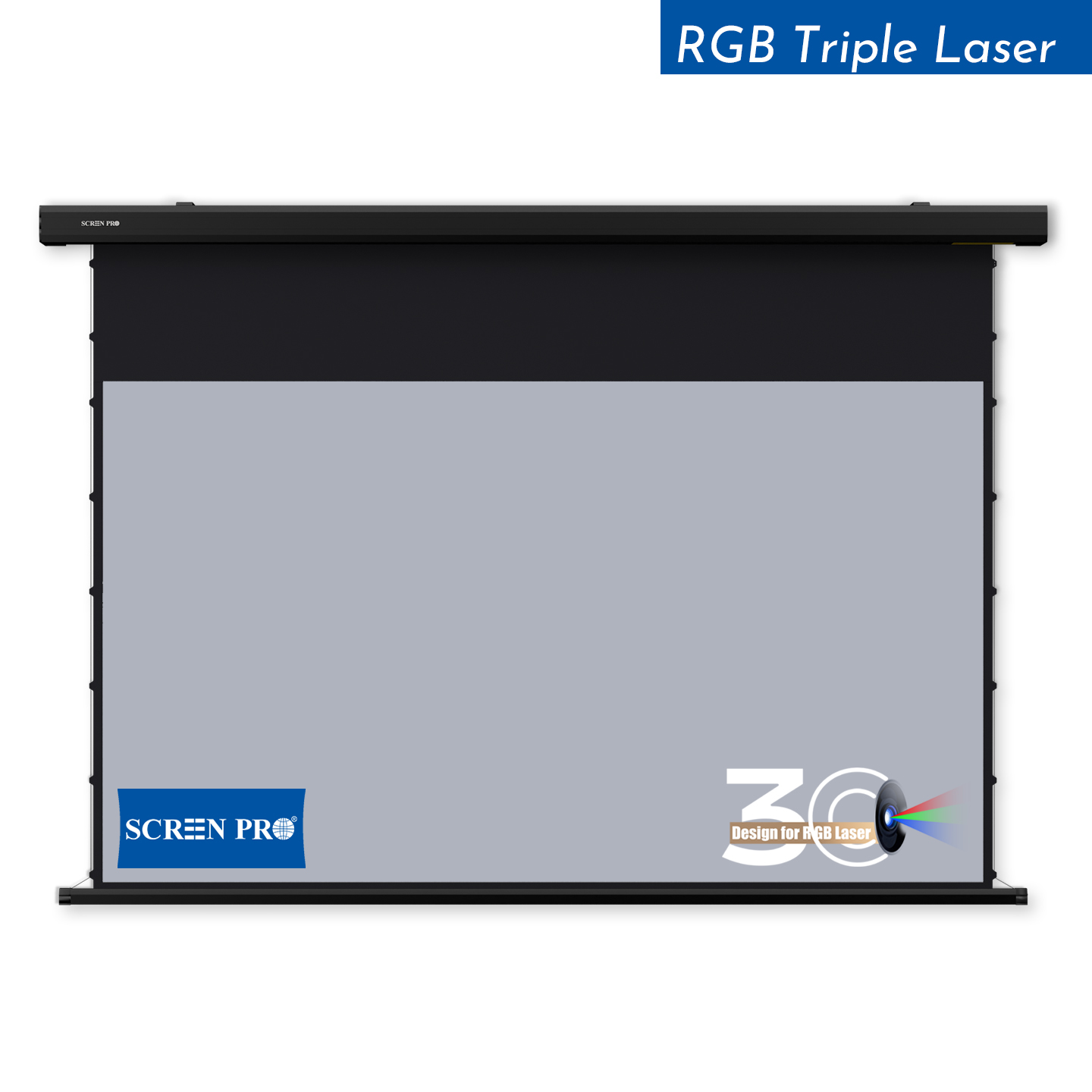
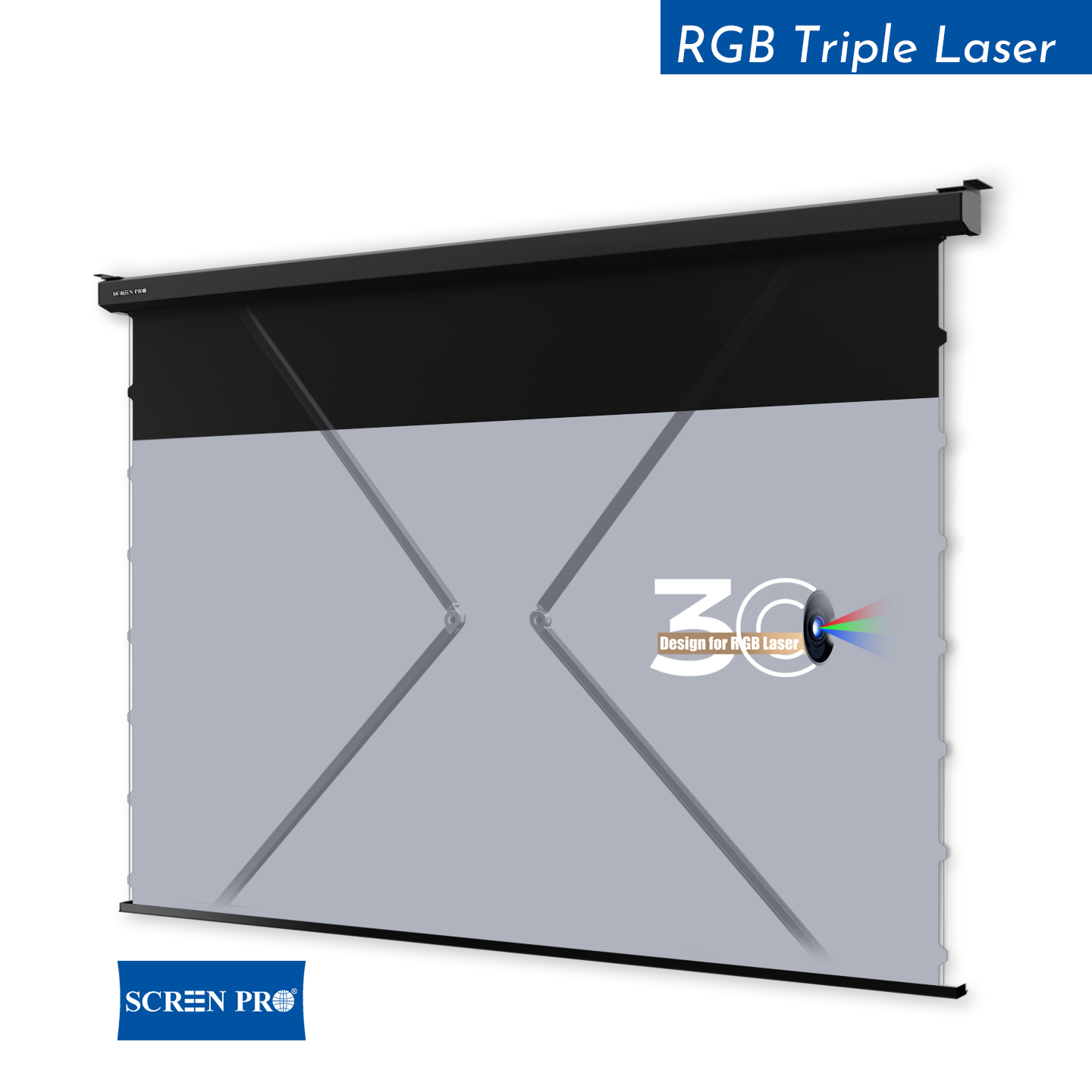
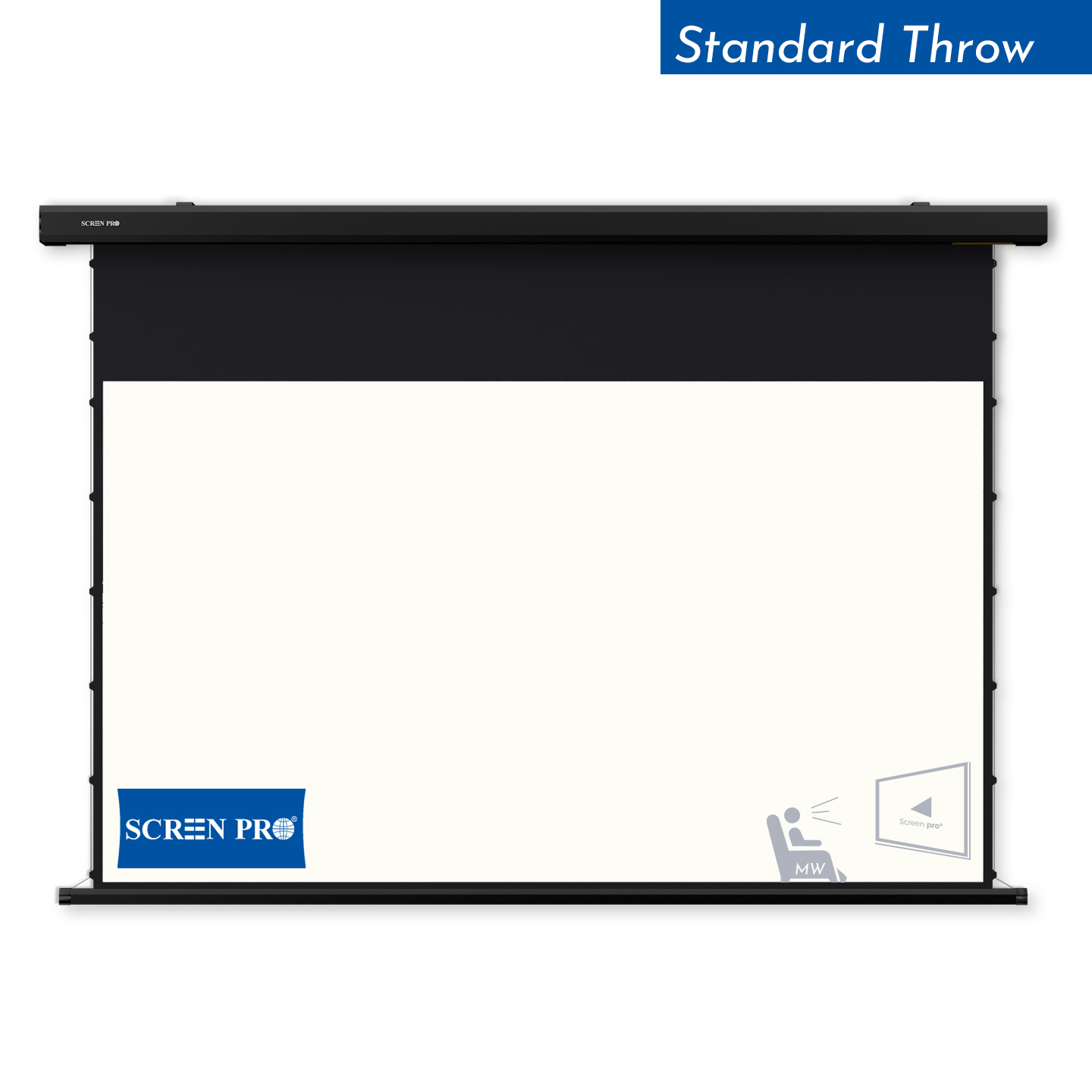
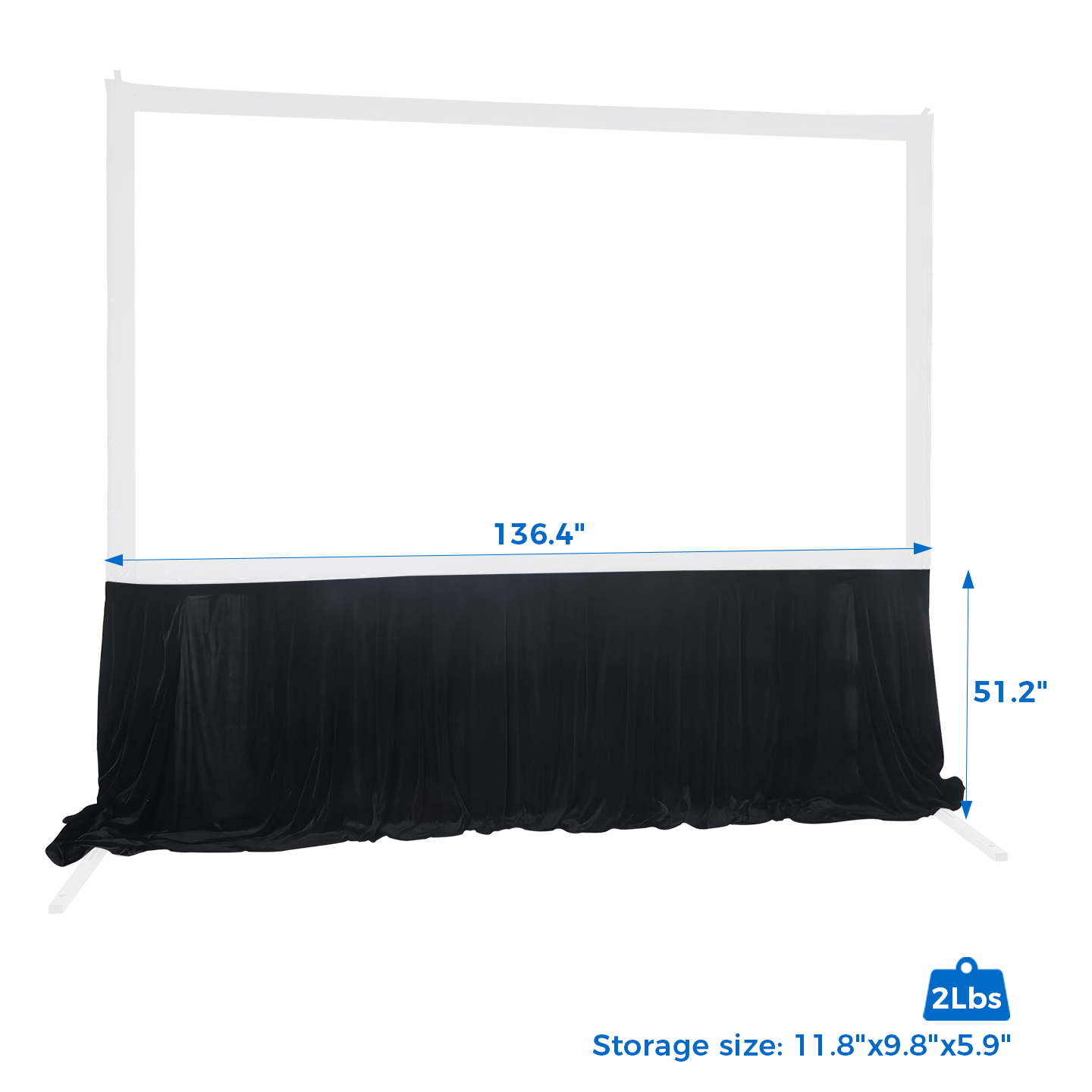
For motorized screens, the upper black drop may help position the viewing area lower while allowing the screen housing to remain close to the ceiling.
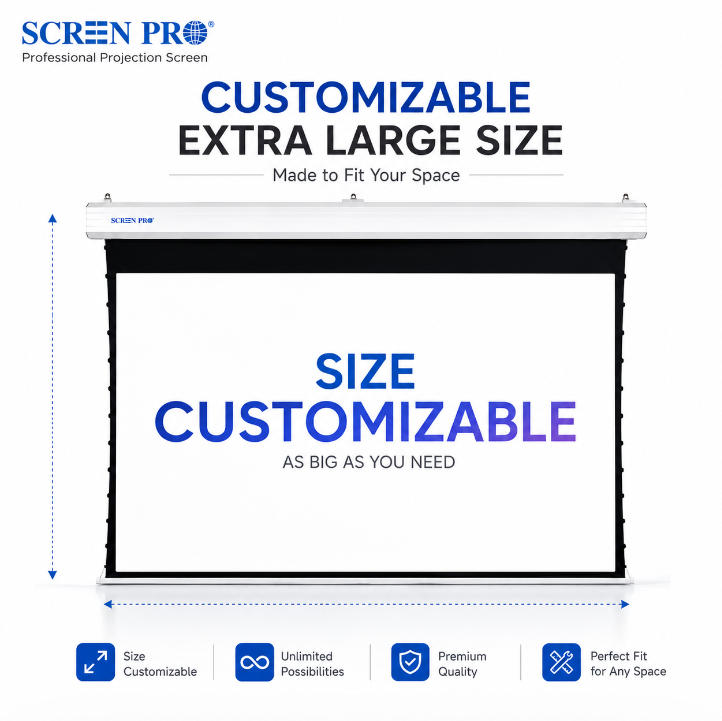
For custom installations, confirm the required viewing-area position before ordering so that screen dimensions, black drop, and installation height can be evaluated together.
Before installing a projection screen, confirm the screen model, screen size, installation location, projector position, and available mounting space.
For motorized screens, also confirm the required power supply, control method, cable routing, and access for future service or maintenance.
For ALR screens and other directional projection materials, verify the intended projector position and screen orientation before installation.
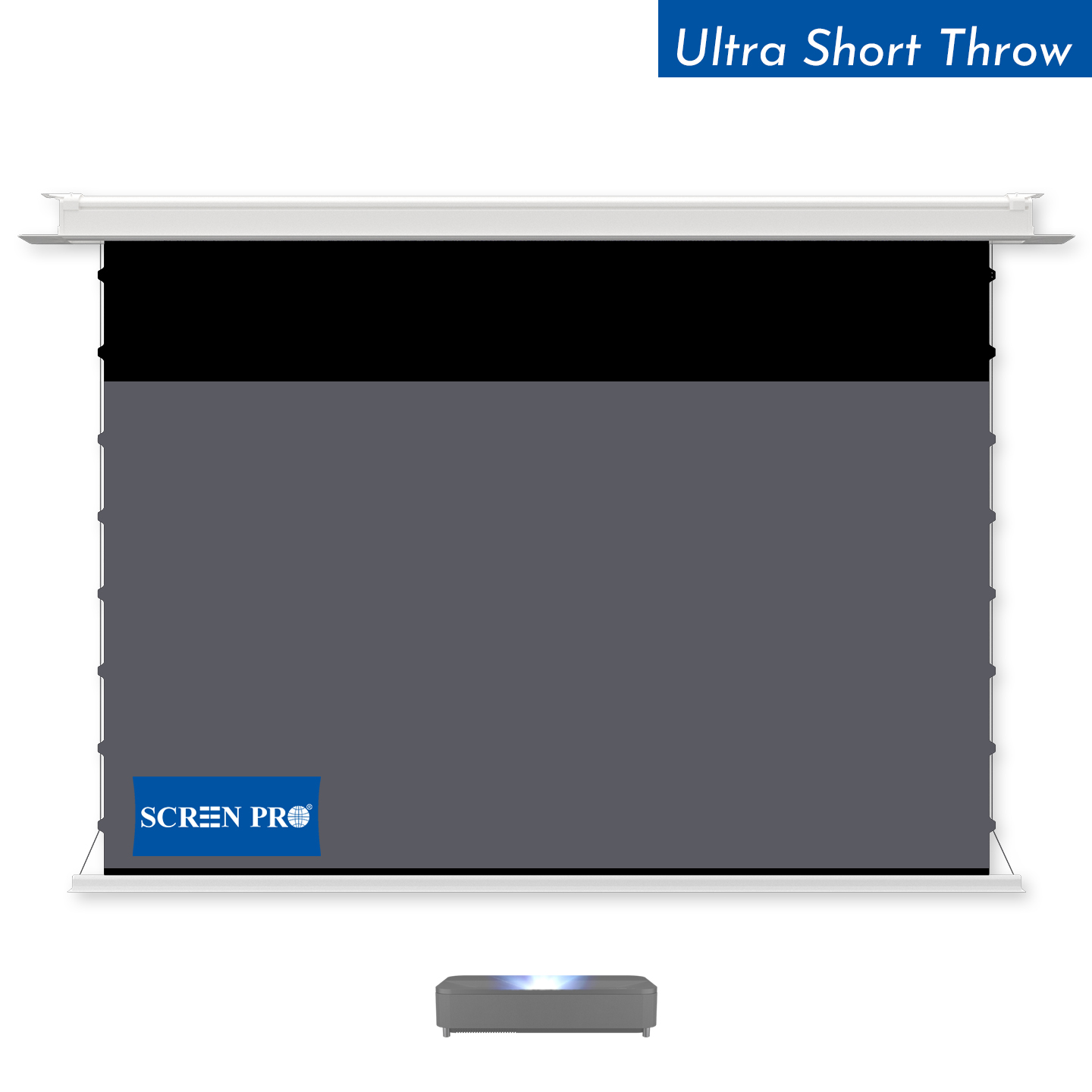
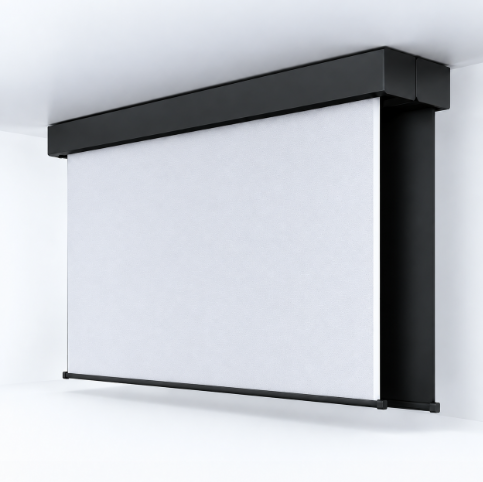
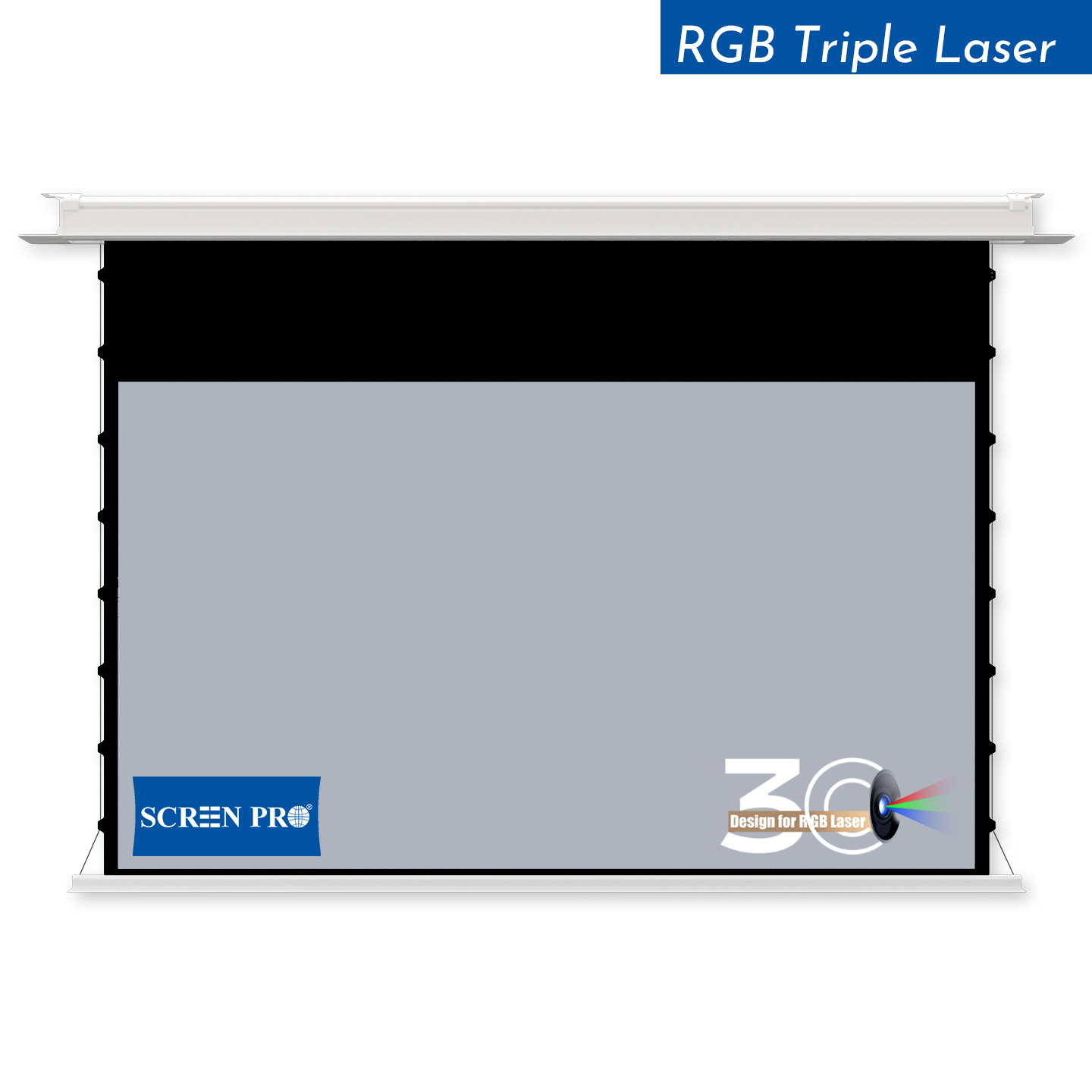
For in-ceiling screens, check the ceiling opening, installation depth, structural support, power and control wiring, and access above the ceiling before closing the ceiling.
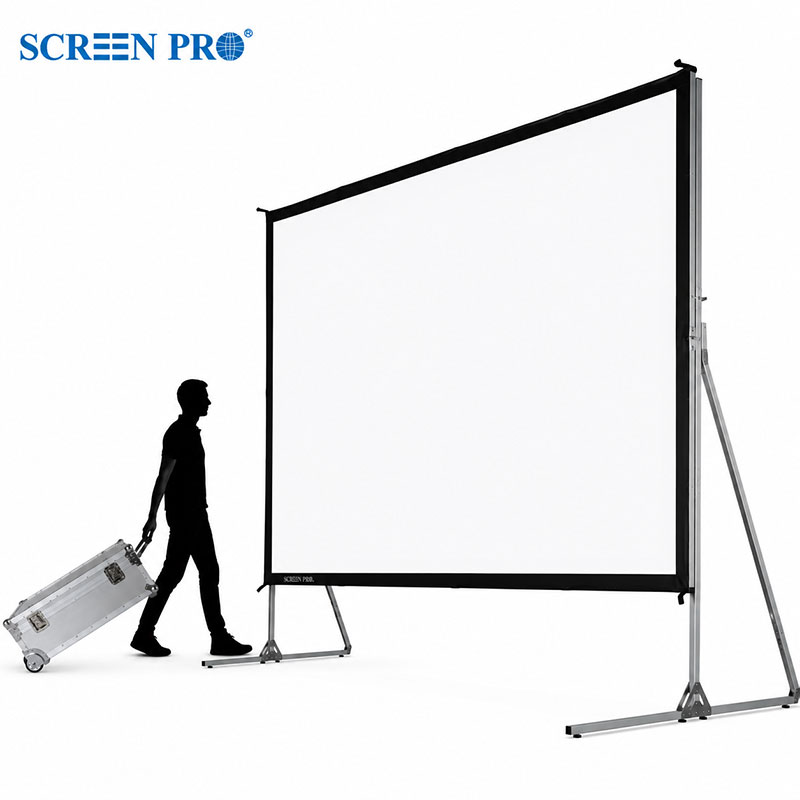
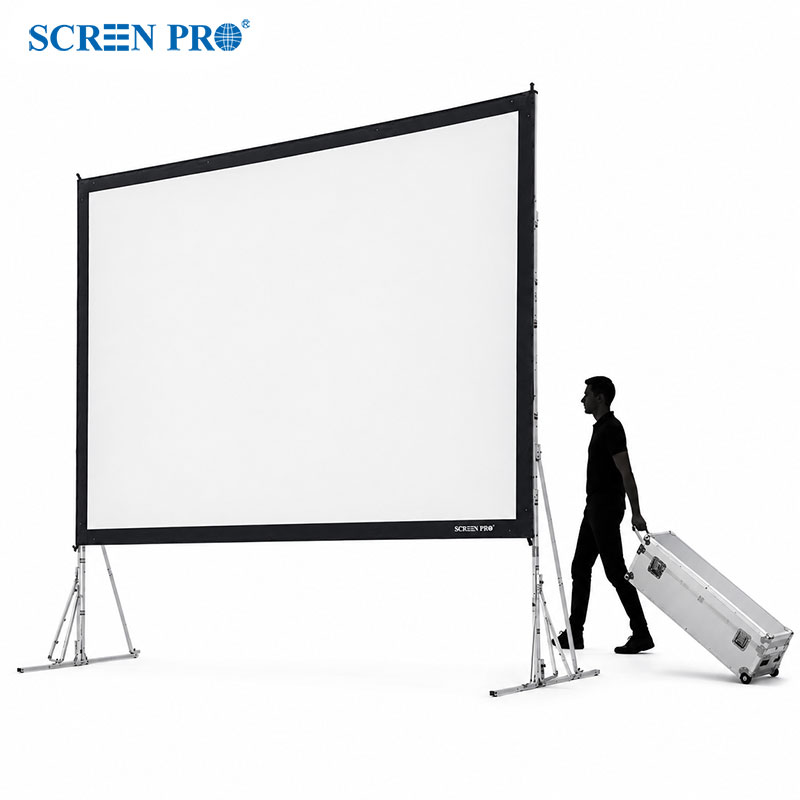
Large-format screens should also be checked against doorways, elevators, stairways, corridors, and other access restrictions before delivery and installation.
Always refer to the installation instructions for the specific SCREENPRO® model before beginning installation.





© 2026 SCREENPRO®. Specifications are subject to change without notice. | SamsAV All Rights ReservedSite Map Designed by iwonder.cn