

© 2026 SCREENPRO®. Specifications are subject to change without notice. | SamsAV All Rights ReservedSite Map Designed by iwonder.cn


Providing complete product and installation information can help SCREENPRO® identify the issue more efficiently.
When requesting technical support, please provide as much of the following information as possible:
Screen Model
Serial Number
Purchase Channel or Seller
Projector Model, if relevant
Power and Control Method
Description of the Issue
Photos or Video Showing the Problem
For installation or integration issues, drawings, wiring information, installation photos, and details of the connected control system may also be helpful.
Please do not disassemble motors, controllers, or other electrical components unless instructed by qualified technical support.
Email: market@samsav.cn
Projection screen viewing angle describes the range of positions from which viewers can see the projected image with acceptable brightness and image performance.
A wider viewing angle allows viewers seated farther to the sides of the screen to experience more consistent image brightness, while a narrower viewing angle concentrates more reflected light within a smaller viewing area.
Viewing angle is influenced by the optical structure, gain, and reflective characteristics of the projection material.
Standard, ALR, acoustically transparent, and other specialized screen materials can have different viewing characteristics, so the specified viewing angle should be considered together with room width and seating positions.
For rooms with wide seating arrangements, screen material selection should take the side seating positions into account rather than considering only the center viewing position.
Tell us about your projector, required screen size, installation environment, and project requirements, and our team can help identify a suitable SCREENPRO® solution.
For a more accurate recommendation, please provide as much of the following information as possible:
Projector Model / Throw Ratio
Required Screen Size or Available Space
Aspect Ratio
Installation Method
Room or Venue Type
Ambient Light Conditions
Country / Region
Quantity
For custom or commercial projects, drawings, floor plans, installation photos, or project specifications are also helpful.
Email: market@samsav.cn
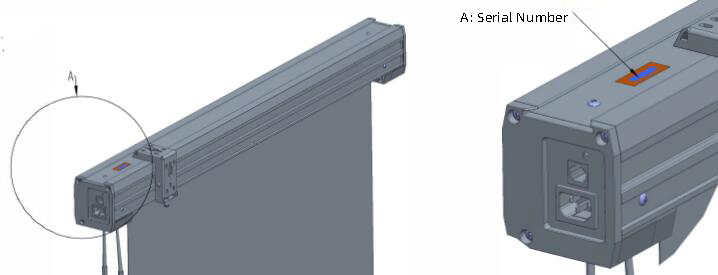
The serial number (S/N) helps identify your SCREENPRO® product and may be required when requesting technical support, replacement parts, or warranty service.
The serial number label is located on the product itself. Its location varies by screen type:
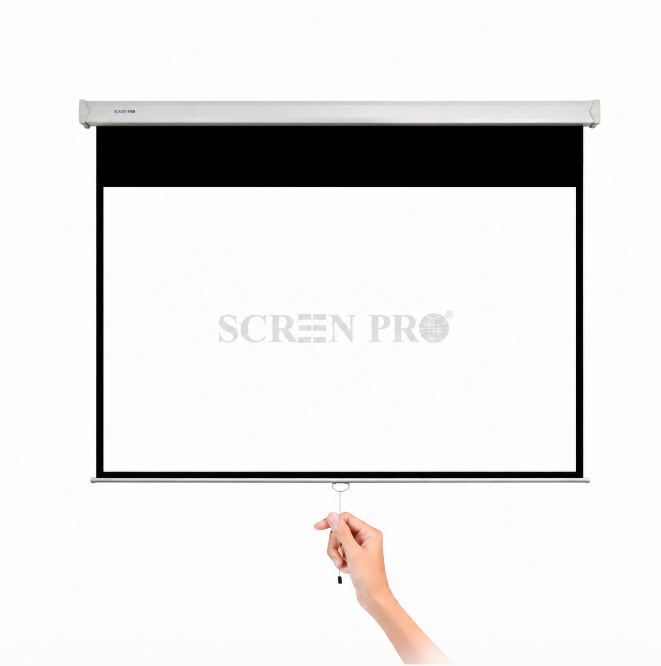
Manual Screens: End cap or weight bar
Motorized / Electric Screens: End cap or weight bar
Tripod Screens: Rear side of the housing
Fixed-Frame Screens: Rear or lower section of the frame
Quick-Fold Screens: Rear side of the frame
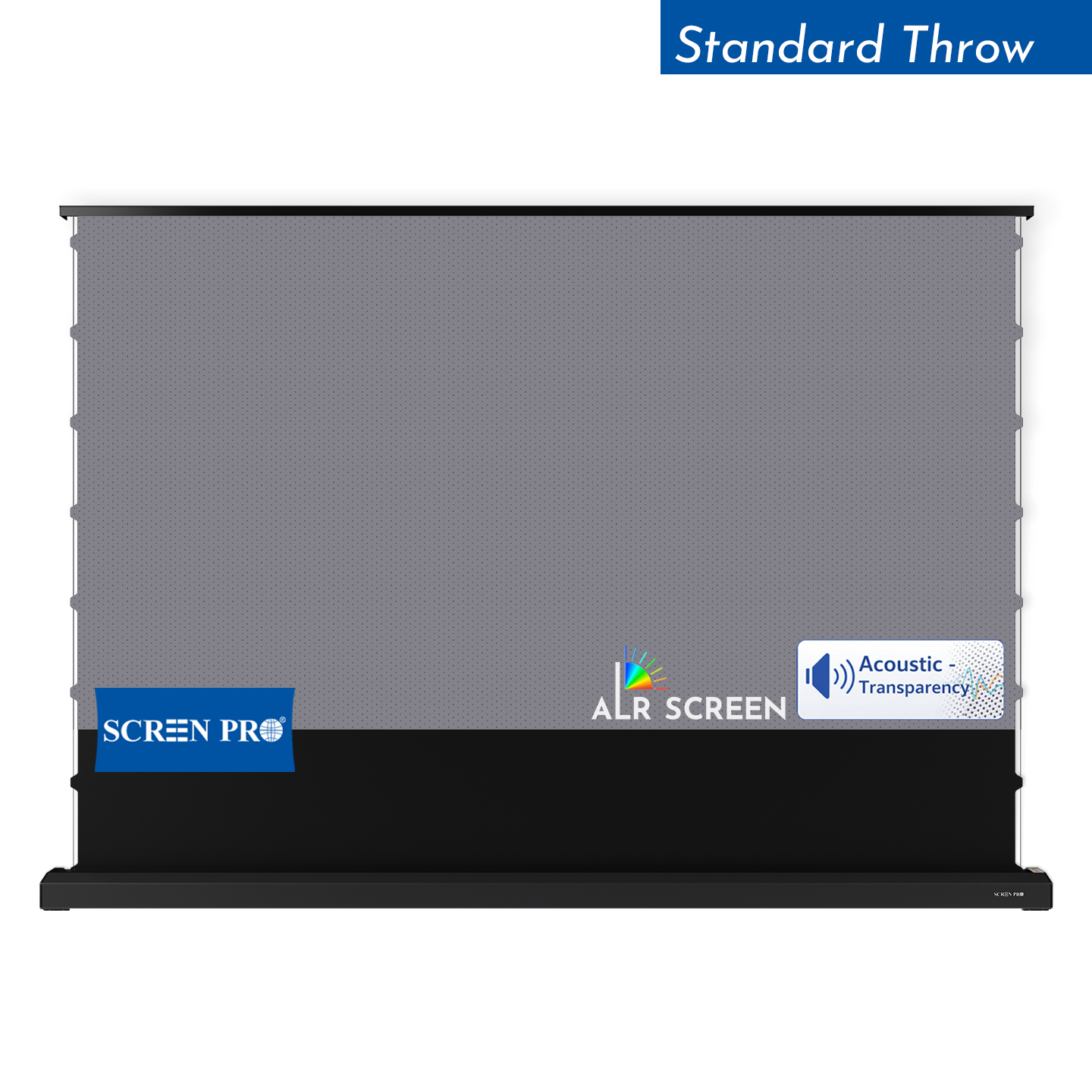
Floor-Rising Screens: Rear side of the housing
If you cannot locate the serial number, send us photos of the product, housing, end caps, frame, and any product labels so our support team can help identify the screen.
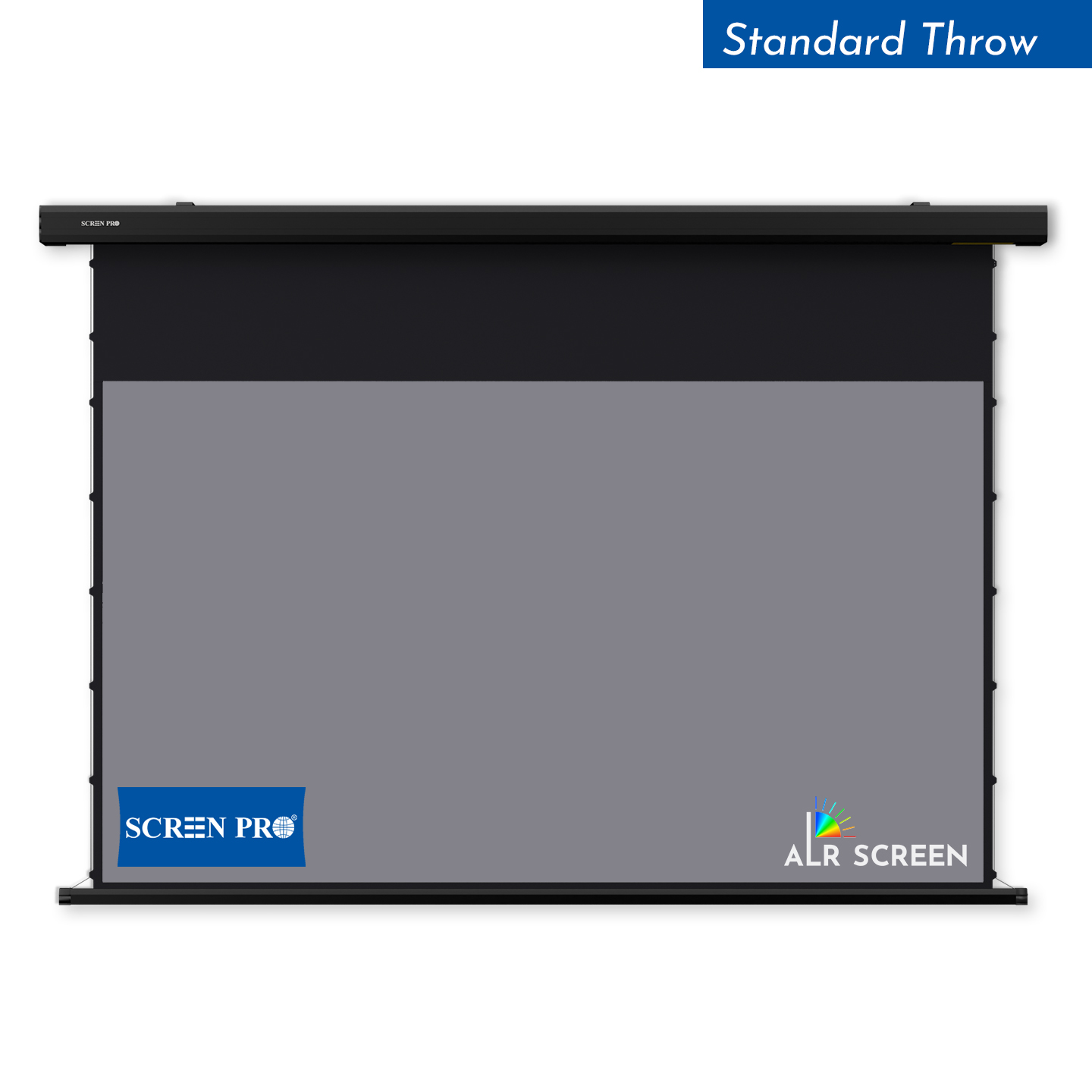
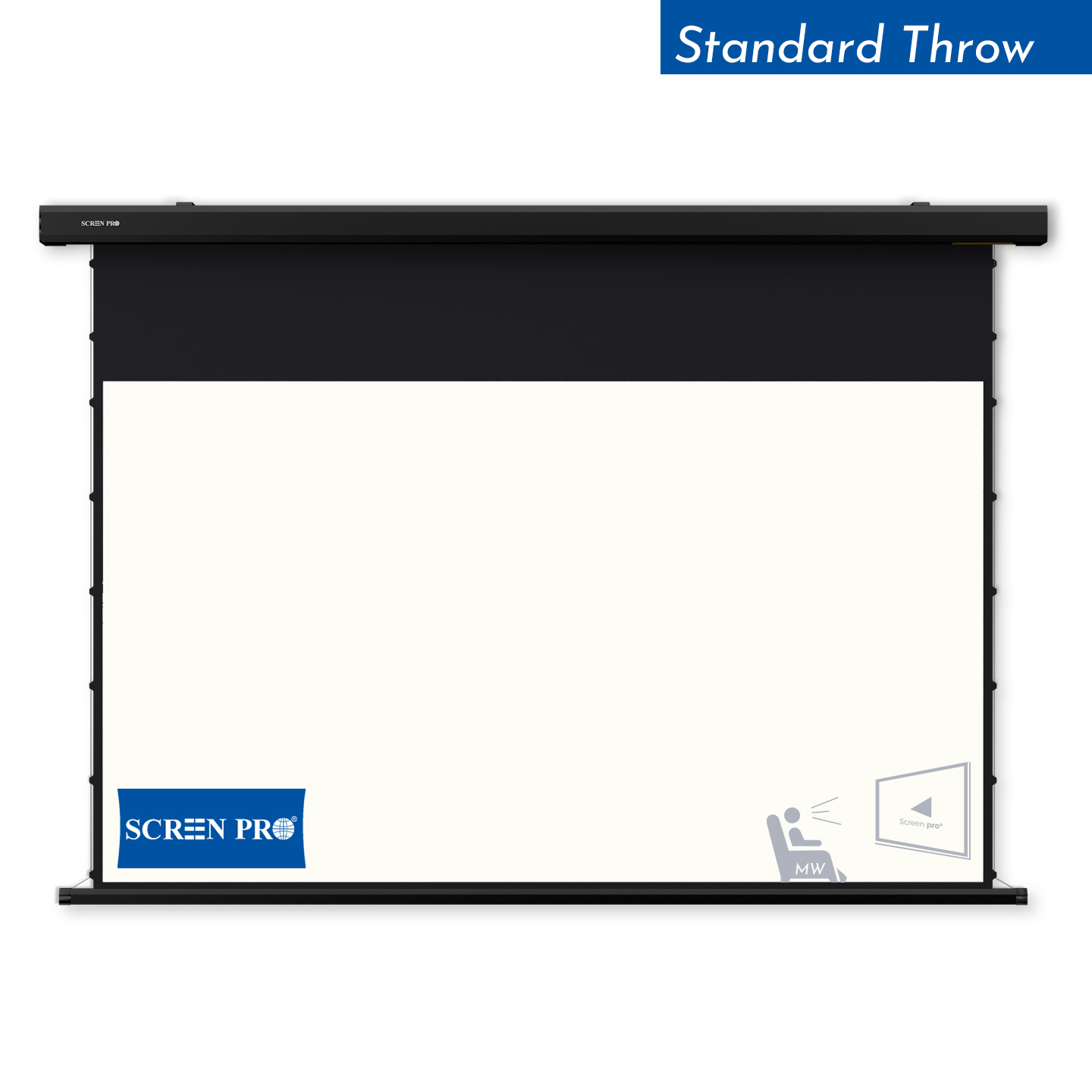
A tab-tensioned projection screen is a retractable screen that uses a tensioning system along the sides of the screen surface to help maintain a flatter viewing area when the screen is deployed.
Side tensioning works together with the lower weight bar to apply controlled tension across the projection surface, helping reduce edge curl and surface waviness compared with a basic non-tensioned retractable screen.
Tab-tensioned systems are commonly used for motorized, in-ceiling, and other retractable projection screens where a flat viewing surface is important.
They are especially useful with screen materials and projection applications that benefit from consistent surface geometry.
Tab tension helps maintain screen flatness, but it does not mean that every flexible projection surface will remain perfectly rigid or completely free of minor surface movement under all environmental conditions.
For large projection screens, the installation access route should be checked before ordering.
Measure doorways, elevators, stairways, corridors, corners, ceiling openings, and other restricted access points along the delivery and installation path.
If a fully assembled screen or housing cannot pass through the available access route, SCREENPRO® may be able to evaluate an alternative screen structure, sectional configuration, assembly method, or other project-specific solution depending on the product series.
For large-format projects, please provide the required screen size, installation location, access dimensions, and photos or drawings of restricted areas before production whenever possible.
Yes. Many ALR projection materials use directional optical structures, so correct screen orientation is important for proper image performance.
For directional ALR materials, the screen must be installed according to the intended projector position. A screen configured for a floor-mounted UST projector may require a different material orientation from one configured for a ceiling-mounted projector.
For motorized, floor-rising, or other preassembled ALR screens, please confirm the projector installation position before ordering.
If you are unsure about the required orientation, provide your projector model and installation position so SCREENPRO® can confirm the appropriate configuration.
SCREENPRO® projection solutions are designed for a wide range of residential, commercial, and professional AV applications.
Typical applications include home theaters, living rooms, conference rooms, classrooms and training spaces, corporate AV, hospitality, houses of worship, auditoriums, theaters, large venues, retail environments, and custom integration projects.
Different environments require different screen structures and materials. Projector type, throw ratio, ambient light, viewing distance, screen size, and installation conditions should all be considered when selecting a projection screen.
If you are unsure which solution is suitable for your project, our team can help evaluate your requirements.
Installation manuals, wiring diagrams, dimensional drawings, and other technical documents are available for selected SCREENPRO® products.
Because installation and wiring requirements vary by screen series and configuration, always use documentation that corresponds to the exact product model.
If you cannot find the required document, provide the screen model and serial number when contacting SCREENPRO® technical support.
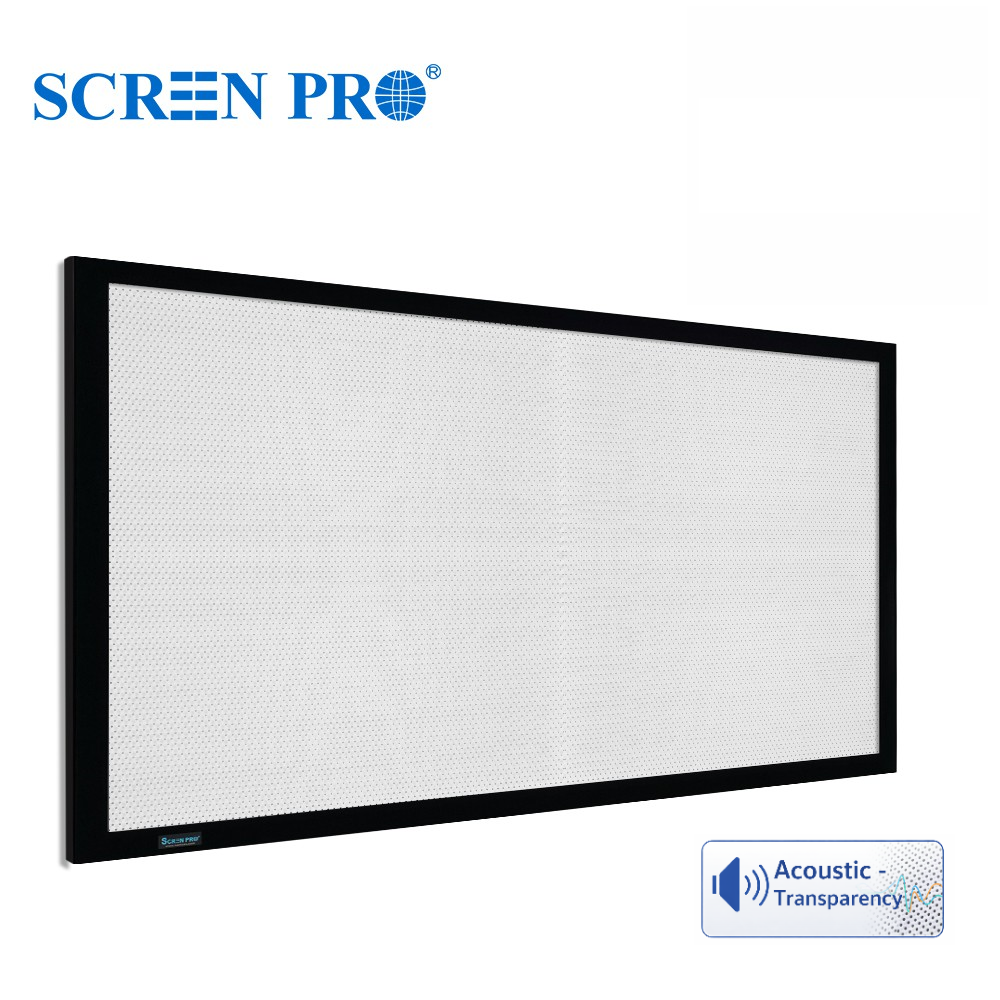
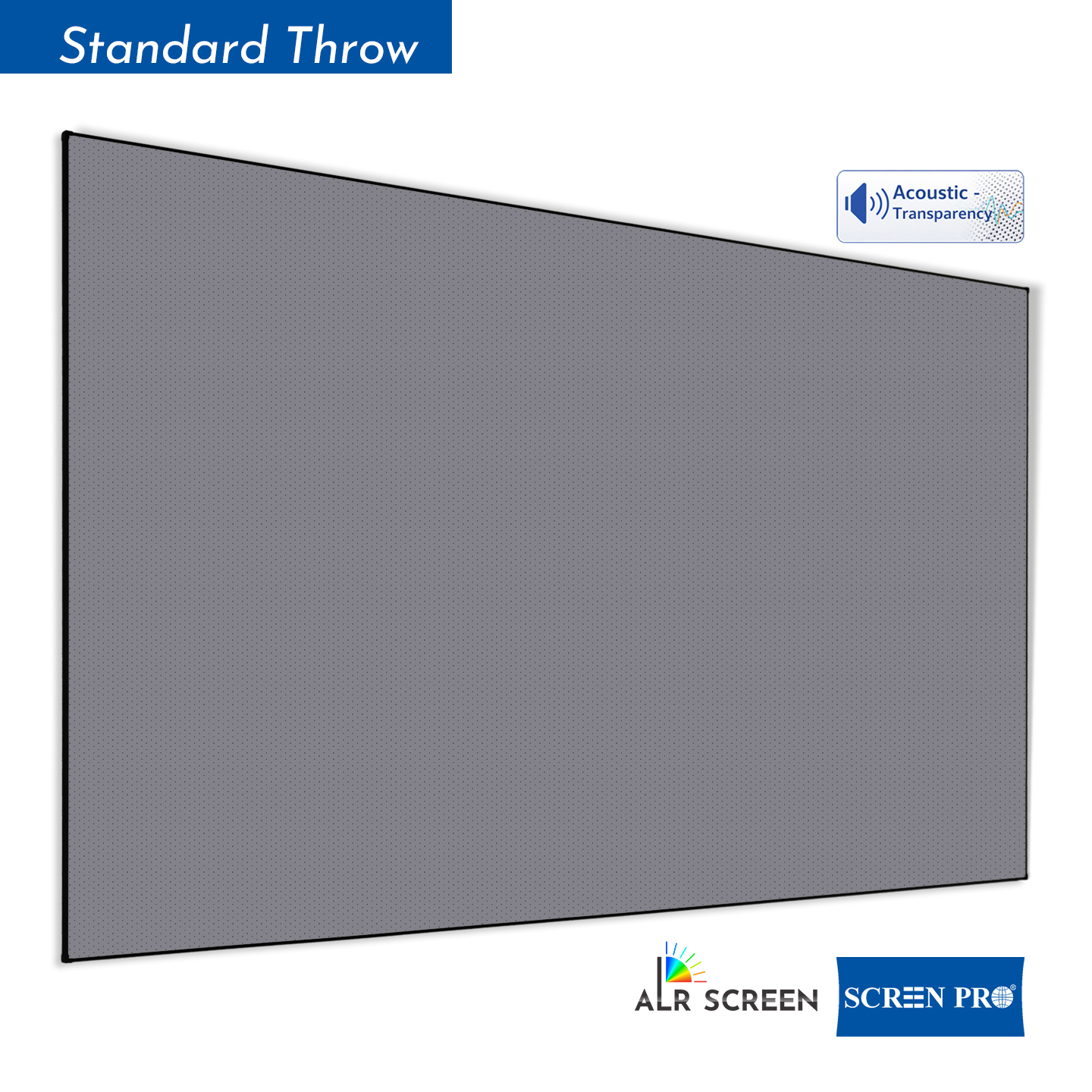
Woven and perforated projection screens are two common types of acoustically transparent screen materials, but they use different structures to allow sound to pass through the projection surface.
Woven screens are made from interwoven fibers that create naturally distributed openings for sound transmission. They are often preferred where acoustic transparency and reduced risk of moiré are important.
Perforated screens use very small holes distributed across the projection surface. They can provide a smoother visual surface, but viewing distance and projector alignment should be considered because the perforation pattern may become visible at close distances or interact with the projected pixel structure.
The better choice depends on viewing distance, projector resolution, speaker placement, screen size, image requirements, and acoustic requirements.
For SCREENPRO® acoustically transparent materials, confirm the specifications of the selected material when planning the installation.
If a motorized projection screen stops too high, too low, or at an unexpected position, the screen limit settings may need to be checked or adjusted.
Limit-setting procedures vary by motor, controller, and screen series. Do not adjust mechanical or electronic limits using instructions intended for a different SCREENPRO® model.
Before making any adjustment, identify the screen model, motor or control type, and current symptom. Photos or a short video showing the screen position can also help with diagnosis.
Contact SCREENPRO® or your original seller for the correct limit-setting procedure for your screen configuration.
The best outdoor projection screen depends on whether the installation is temporary or permanent, the required screen size, viewing conditions, and how frequently the screen needs to be transported or stored.
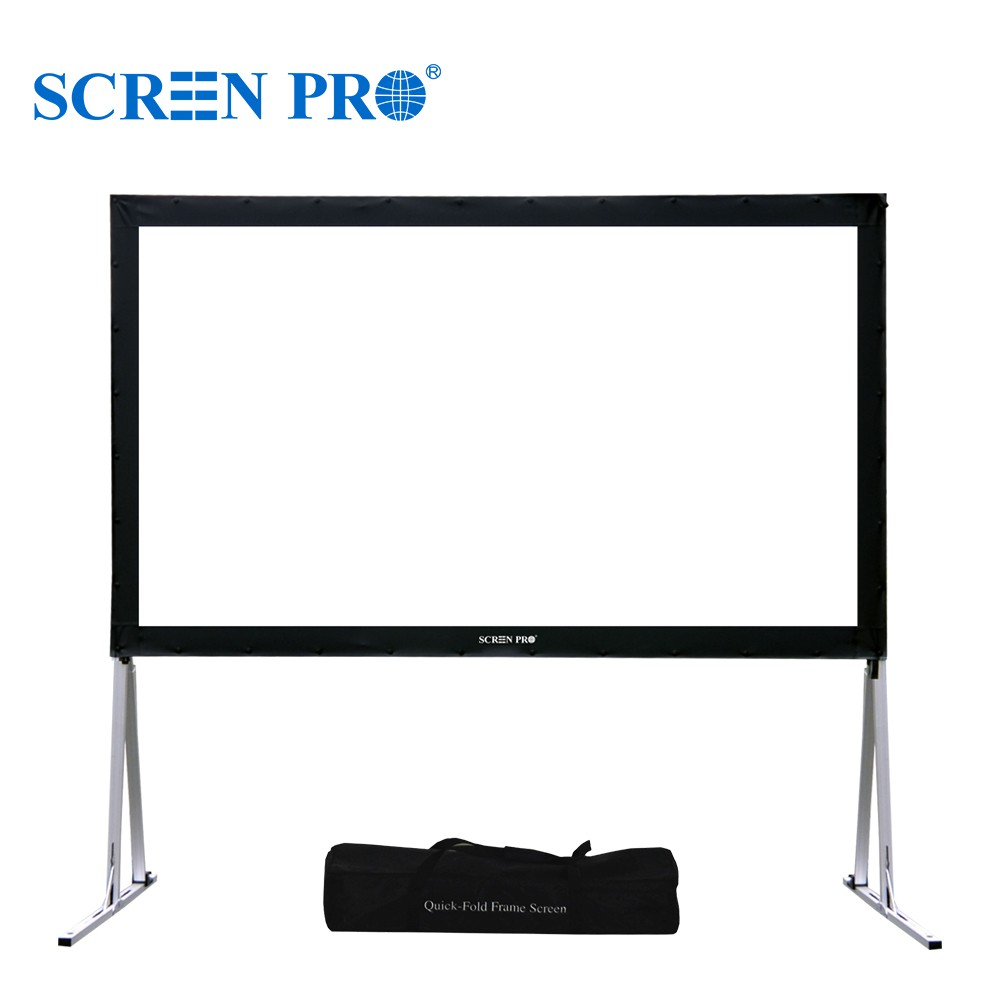
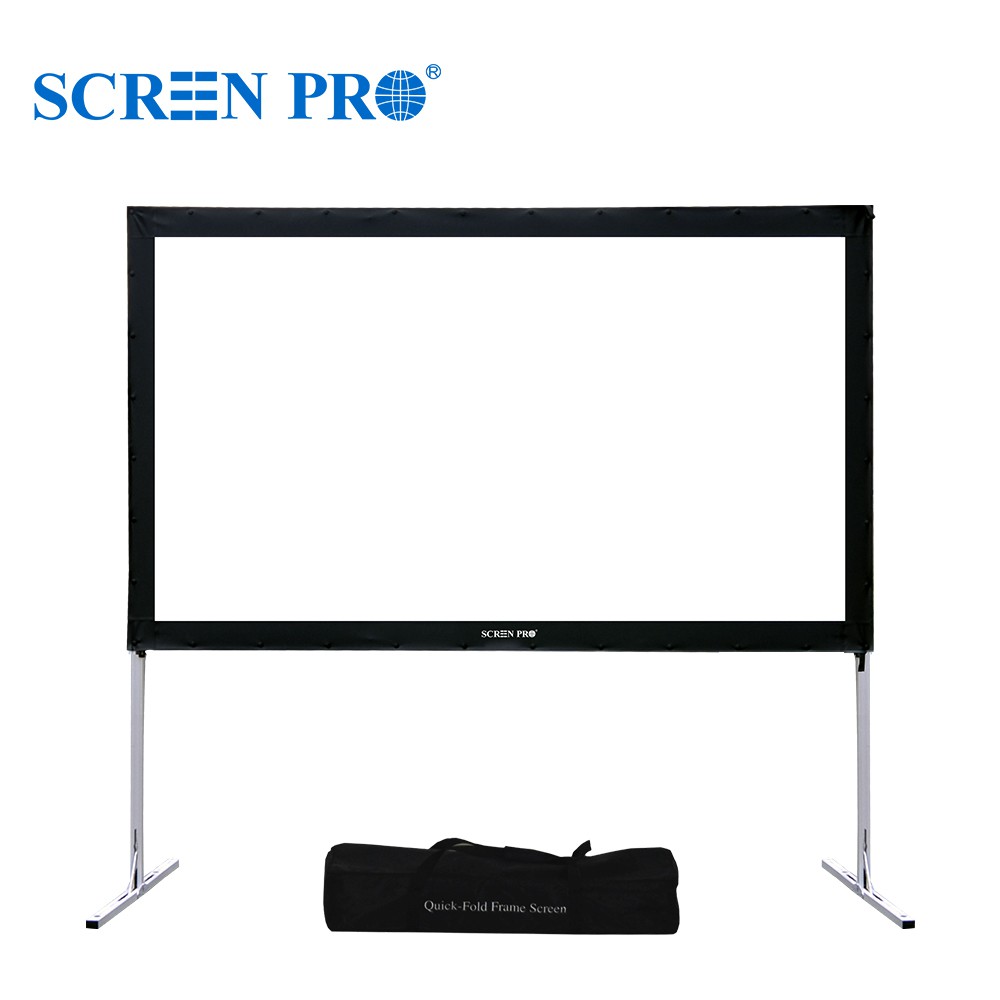
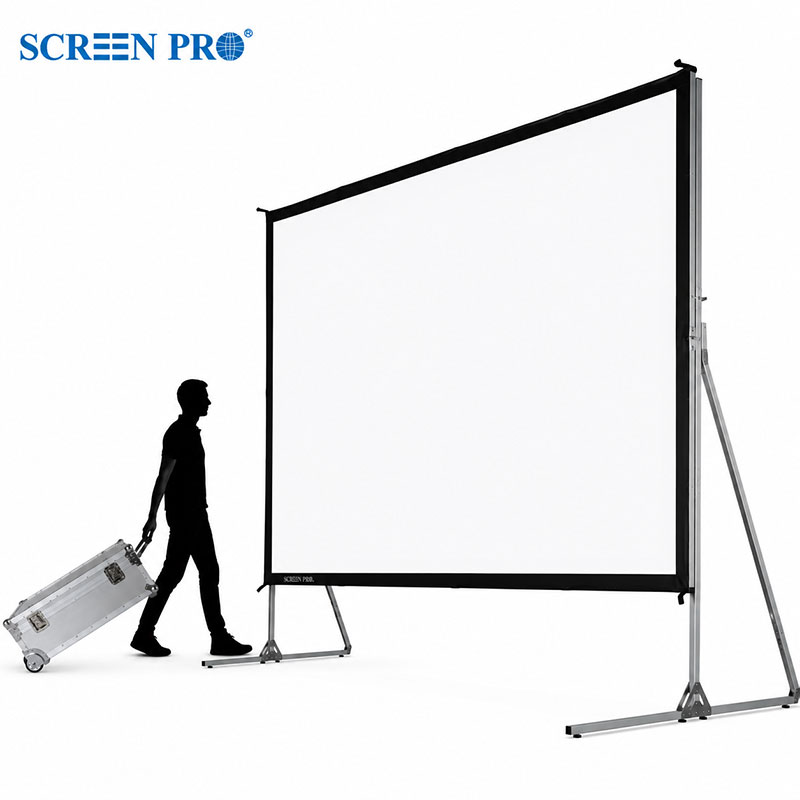
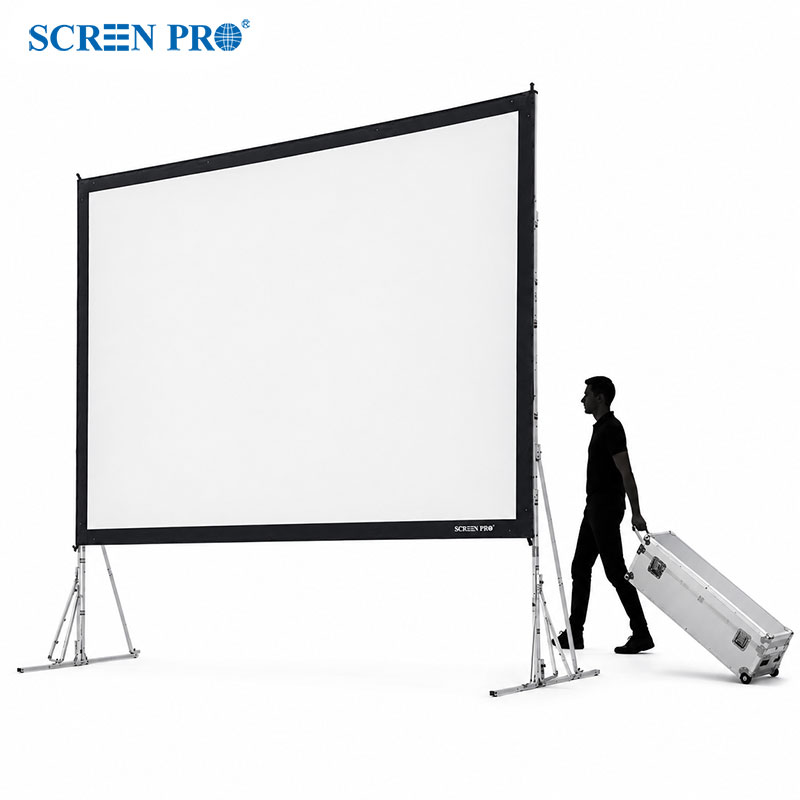
For temporary outdoor movie nights, events, and commercial presentations, a portable quick-fold screen is often a practical choice because it can be assembled, dismantled, transported, and stored between uses.
For larger outdoor or event applications, screen size, frame stability, projection direction, wind conditions, and installation environment should all be evaluated before selecting the screen.
Projection screens should not be treated as weatherproof installations unless specifically designed for that purpose. Avoid direct exposure to rain, strong wind, and other severe weather conditions.
Lenticular and Fresnel are two different optical structures used in ALR projection screens.
Lenticular ALR materials use directional microstructures to manage projector light and ambient light. They are commonly used with UST projectors and can be produced in flexible screen formats such as fixed-frame, motorized, floor-rising, and in-ceiling screens.
Fresnel ALR screens use a different optical structure designed to direct projector light toward the viewing area while reducing unwanted light from other directions.
The better choice depends on projector type, screen size, viewing angle, installation method, and room environment.
Yes. Branding and packaging customization is available for eligible OEM and ODM orders.
Depending on the product, order quantity, and project requirements, options may include customized branding, labels, packaging, manuals, and other presentation requirements.
Minimum order quantities and customization conditions vary by product and customization scope. Please contact our team with your requirements for evaluation.
To check shipping availability and receive a quotation, please provide the following information:
Product / Model
Screen Size
Quantity
Country / Region
City
Postal Code
For large commercial or project orders, you may also provide the destination port or preferred shipping terms if available.
Our team will check the available shipping options based on your order and destination.
Email: market@samsav.cn
Depending on the screen series, SCREENPRO® projection screens may support wall mounting, ceiling mounting, in-ceiling installation, floor installation, or other mounting configurations.
For wall- or ceiling-mounted screens, the mounting surface and supporting structure must be suitable for the weight and dimensions of the screen.
Before installation, confirm the screen model, mounting-point spacing, available installation space, structural support, and projector position.
For directional ALR materials, projector position and screen orientation should also be confirmed before installation.
Not every mounting method is available for every SCREENPRO® screen series. Always refer to the installation instructions for the specific model before preparing mounting points or ceiling openings.
An acoustically transparent (AT) projection screen is designed to allow sound from speakers positioned behind the screen to pass through the projection surface.
This allows the front speakers, including the center channel, to be installed behind the projected image so that sound can appear to come directly from the picture.
The two common types of acoustically transparent projection materials are woven and micro-perforated surfaces.
When choosing an acoustically transparent screen, consider image quality, acoustic transparency, viewing distance, speaker position, screen size, and the possibility of visible texture or moiré.
Acoustically transparent screens are commonly used in dedicated home theaters, screening rooms, cinemas, and other installations where speakers need to be concealed behind the screen.
If a SCREENPRO® motorized projection screen is not responding, first check the power supply and confirm that the screen is receiving the correct input voltage.
Then check the wall switch, remote control, trigger, or other control device being used. If a remote control is involved, check the battery and confirm that the correct control method is being used for the screen.
If the screen is connected to an external control system, temporarily isolate the external control where appropriate and verify whether the screen can operate from its original control method.
If the screen still does not respond, do not repeatedly operate or disassemble the screen. Record the screen model, serial number, symptoms, and control method, and contact SCREENPRO® or your original seller for technical support.
The projector model is one of the most useful pieces of information when selecting a projection screen.
If possible, provide the following:
Projector brand and model
Throw ratio
Projector installation position
Required image size and aspect ratio
Projector-to-screen distance, if applicable
This information helps determine whether the projector is UST, short-throw, or standard/long-throw and which screen materials and structures are compatible with the installation.
Room lighting, viewing distance, available installation dimensions, and speaker placement are also helpful when selecting the complete screen configuration.
Yes, but the ALR material must be designed for the projector's throw type.
UST ALR materials and long-throw ALR materials use different optical principles and should not be treated as interchangeable.
For standard or long-throw projectors, choose an ALR material specifically designed for the projector position, throw ratio, ambient light conditions, and required viewing angle.
Yes. SCREENPRO® offers selected projection screen materials separately for replacement, custom, OEM/ODM, and project applications.
Available materials include standard projection surfaces, acoustically transparent materials, ALR materials, and other specialized screen surfaces for different projector types and viewing environments.
Projection screen materials are not universally interchangeable between different screen structures or brands. Compatibility depends on the frame design, finished dimensions, tensioning method, edge finishing, and installation system.
Selected materials can also be supplied with custom cutting and finishing options. Available finishing methods depend on the material, dimensions, mounting structure, order quantity, and project requirements.
For custom material requirements, please provide the required dimensions, projector type, application, and installation method so our team can evaluate compatibility and manufacturing feasibility.
[Explore Screen Materials →] [Explore Fabric Finishing Options →]
International shipping costs depend on factors including package dimensions, weight, quantity, destination, and shipping method.
Because projection screens can vary significantly in package length and volume, shipping costs for oversized and custom products are normally quoted individually.
Import duties, VAT, customs clearance fees, and other local charges may also apply depending on the destination and shipping terms.
Unless otherwise stated in our quotation or invoice, import duties, taxes, customs clearance fees, and other destination charges are the responsibility of the buyer.
Depending on the screen series, SCREENPRO® projection screens may support wall mounting, ceiling mounting, in-ceiling installation, floor installation, or other mounting configurations.
Wall- and ceiling-mounted screens require a suitable supporting structure capable of safely carrying the screen and mounting hardware.
Before installation, confirm the screen dimensions, mounting-point spacing, installation surface, available clearance, and projector position.
Not every mounting method is available for every screen series. Refer to the installation instructions for the selected model before preparing mounting points.
Projection screen gain describes how much light a screen reflects toward the viewing area compared with a reference surface.
A screen with a gain of 1.0 is commonly used as a reference point. A gain below 1.0 reflects less light toward the reference viewing direction, while a gain above 1.0 reflects more light in that direction.
Higher gain does not automatically mean better image quality. Screen gain should be considered together with projector brightness, ambient light, viewing angle, screen size, and seating position.
For example, a lower-gain surface may be useful when wider viewing angles or controlled brightness are preferred, while a higher-gain surface may help direct more light toward the primary viewing area.
Always consider gain together with the optical characteristics and intended application of the screen material rather than using gain alone to select a projection screen.
Yes. Selected SCREENPRO® motorized projection screen systems support RS485 and/or dry contact control for professional AV and automation integration.
These interfaces can be used to integrate compatible screen systems with third-party control and building automation platforms.
Available interfaces and wiring methods vary by screen series and controller configuration. Please confirm the exact screen model before planning the control system or wiring.
For integration projects, provide the screen model, control system, and required control interface so our team can confirm the appropriate connection method.
The best screen structure depends on your room layout, installation conditions, and how you use the space.
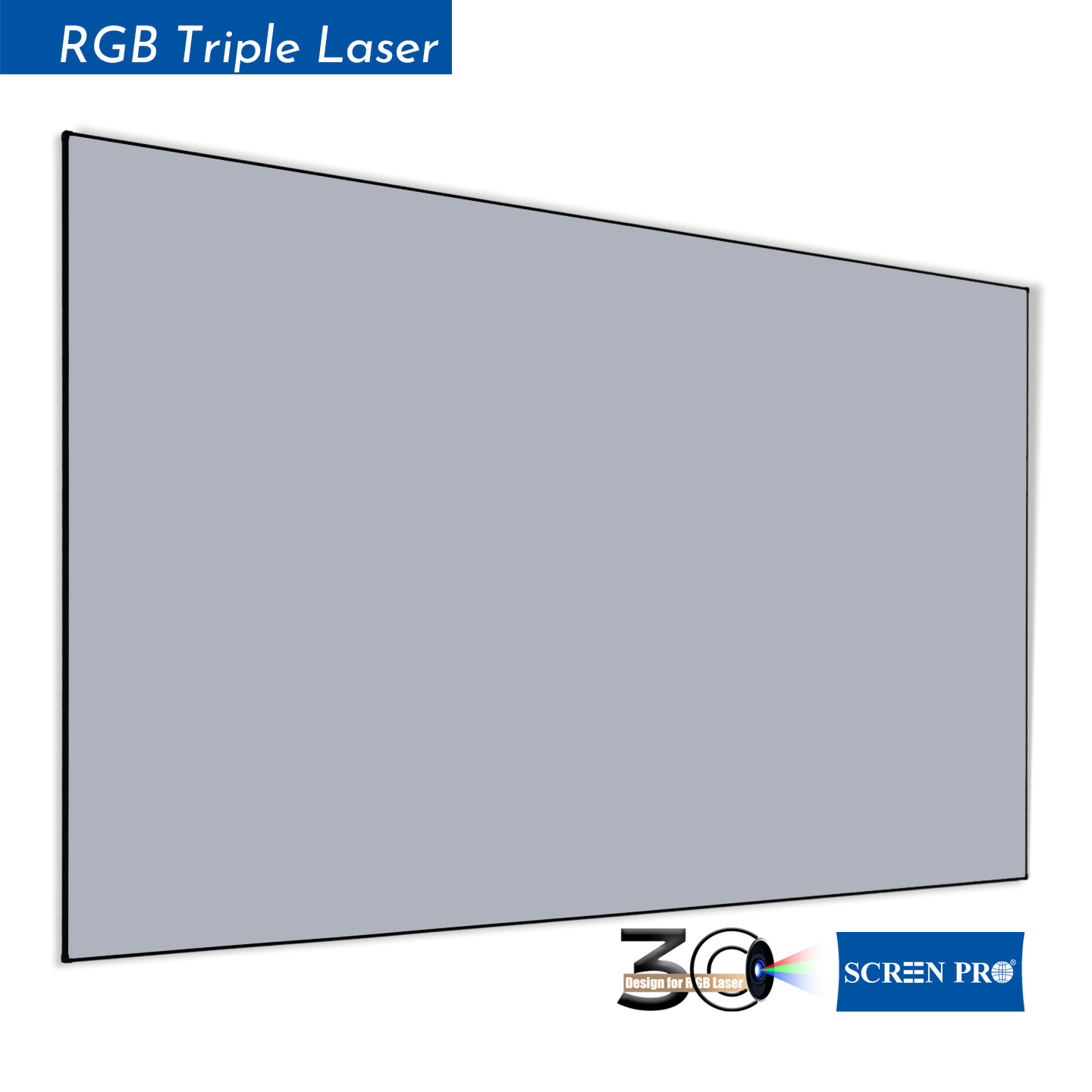
Fixed-frame screens are ideal for dedicated viewing spaces where the screen can remain permanently installed and consistently tensioned.
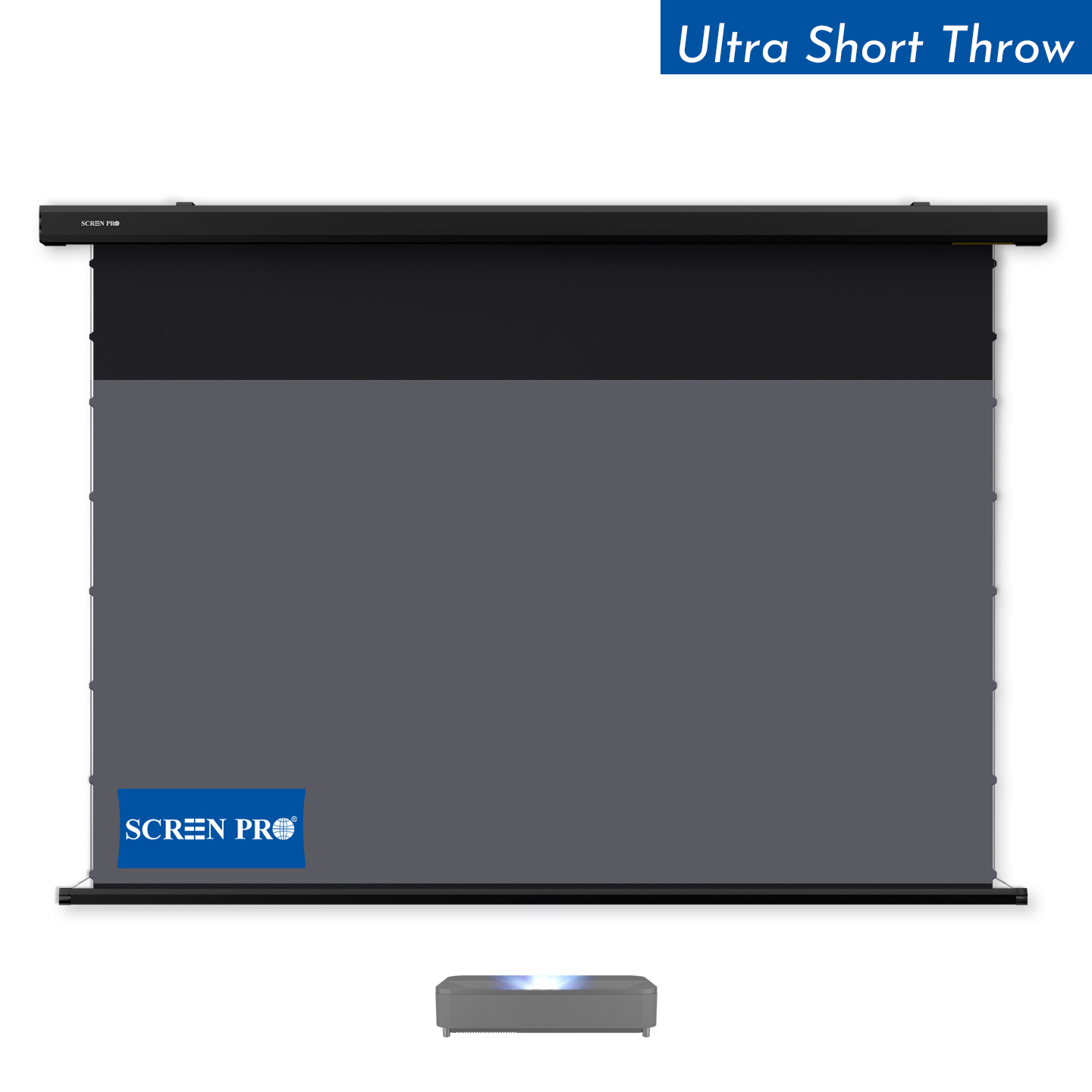
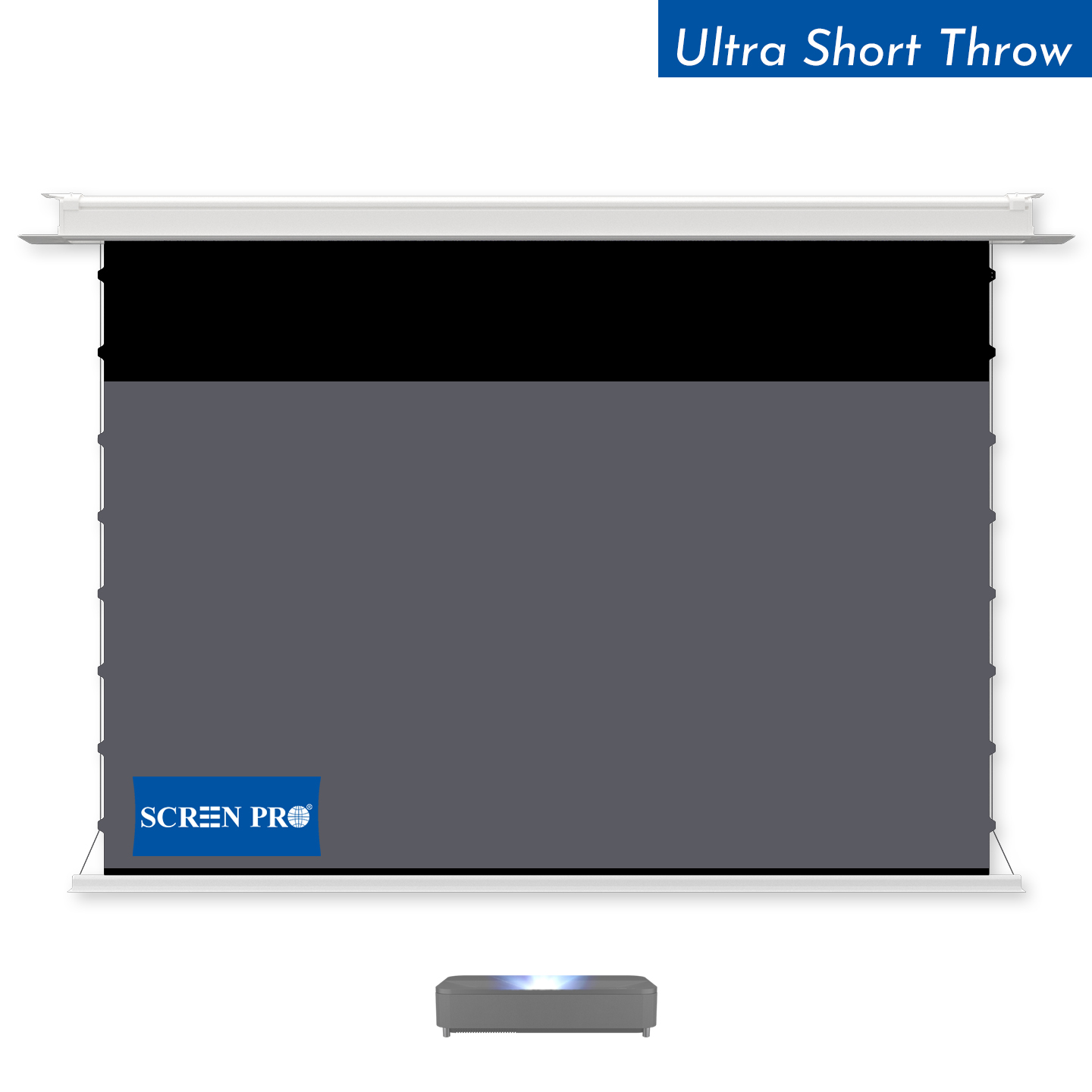
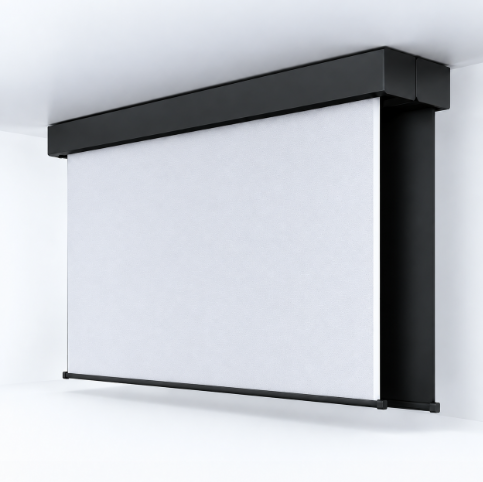
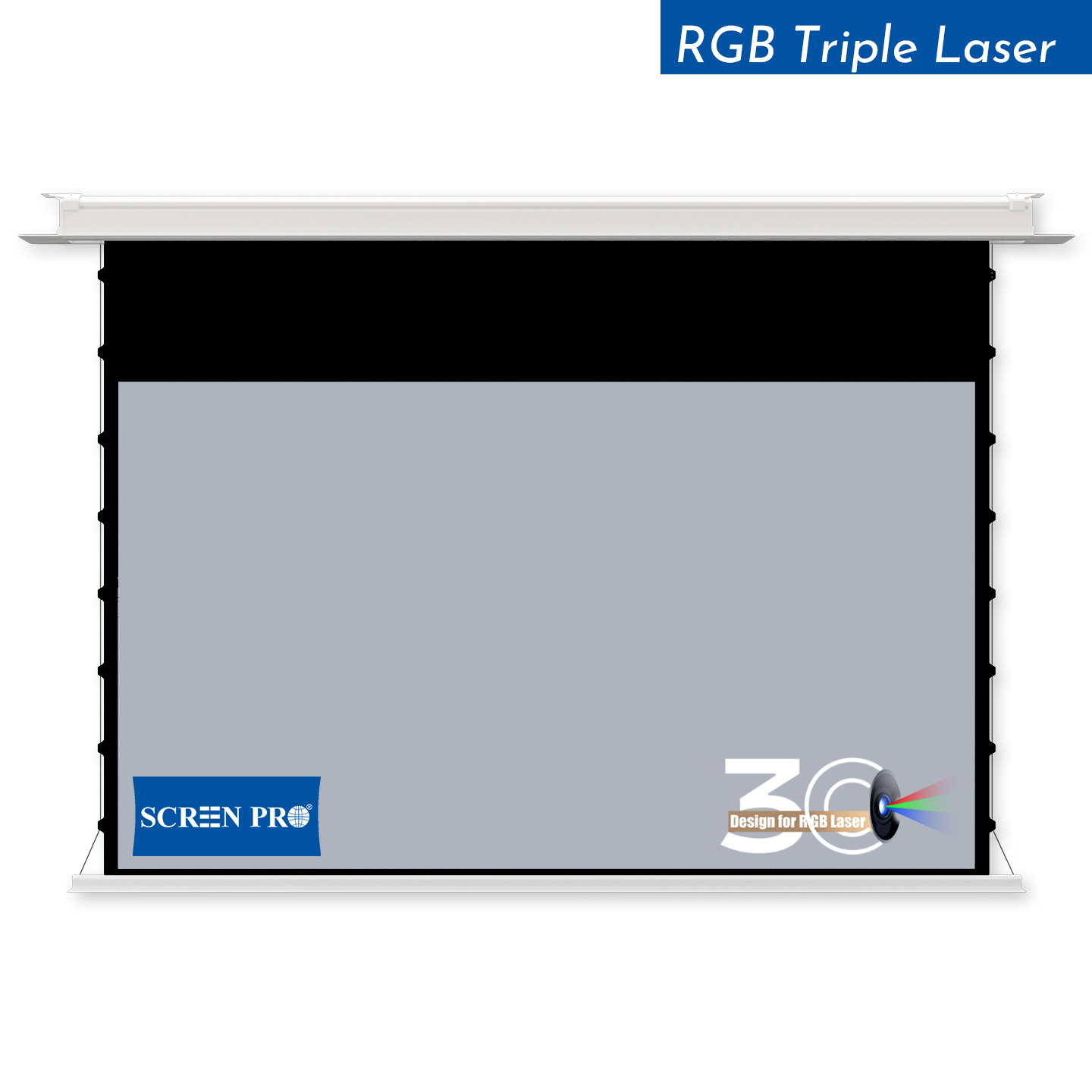
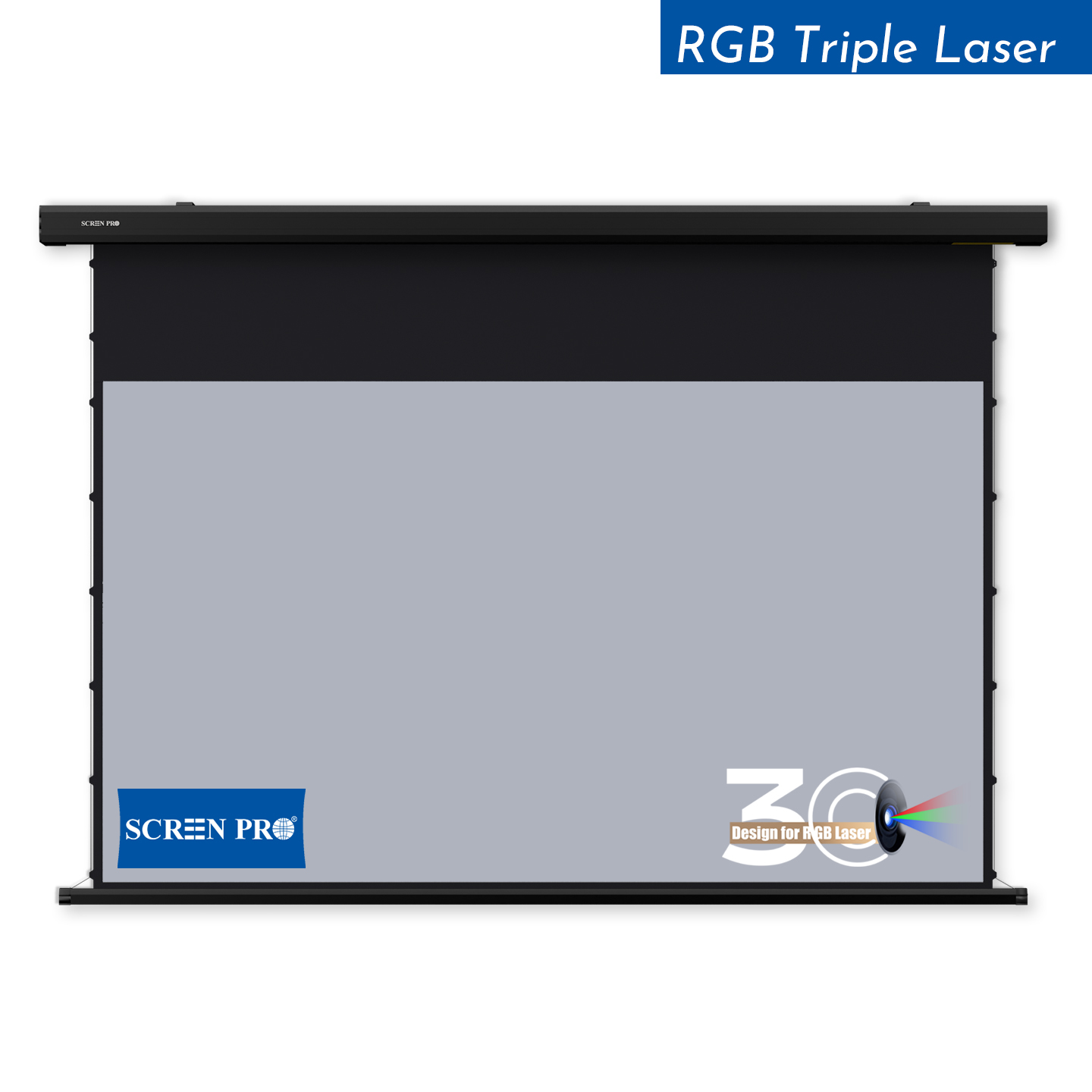
Motorized screens are suitable for multipurpose rooms where the projection surface should retract when not in use. In-ceiling models can provide an even more integrated installation when ceiling space is available.
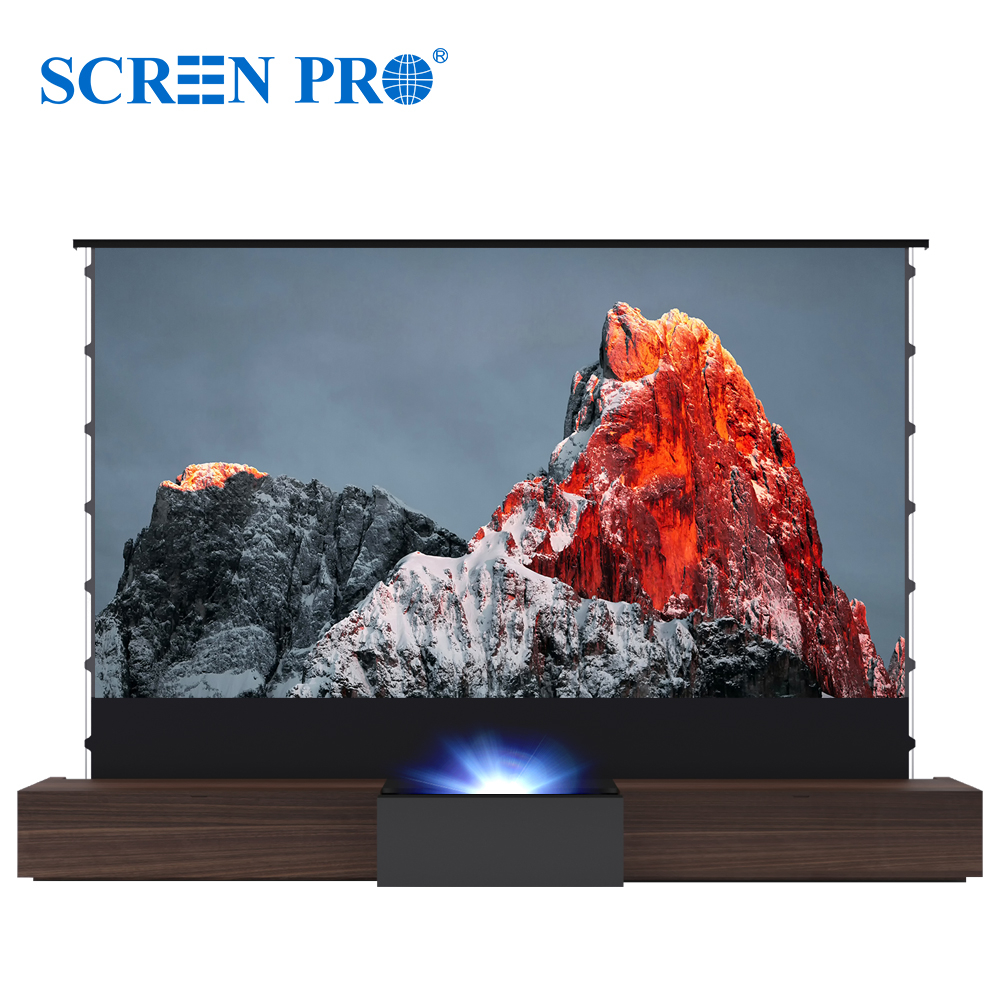
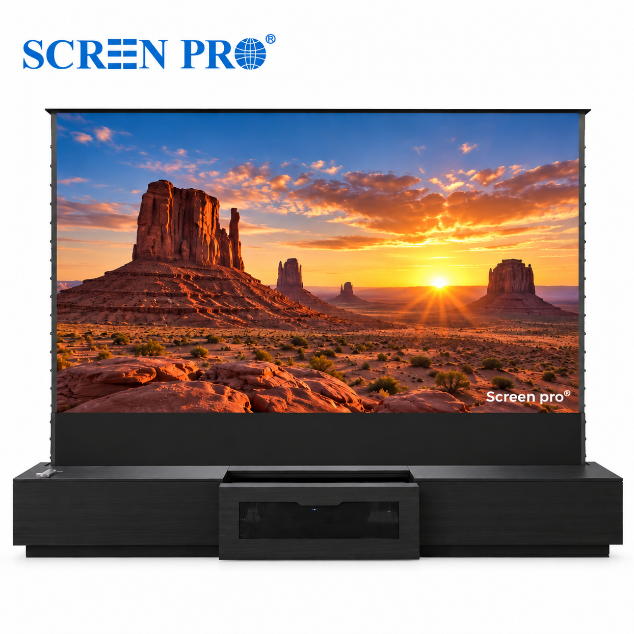
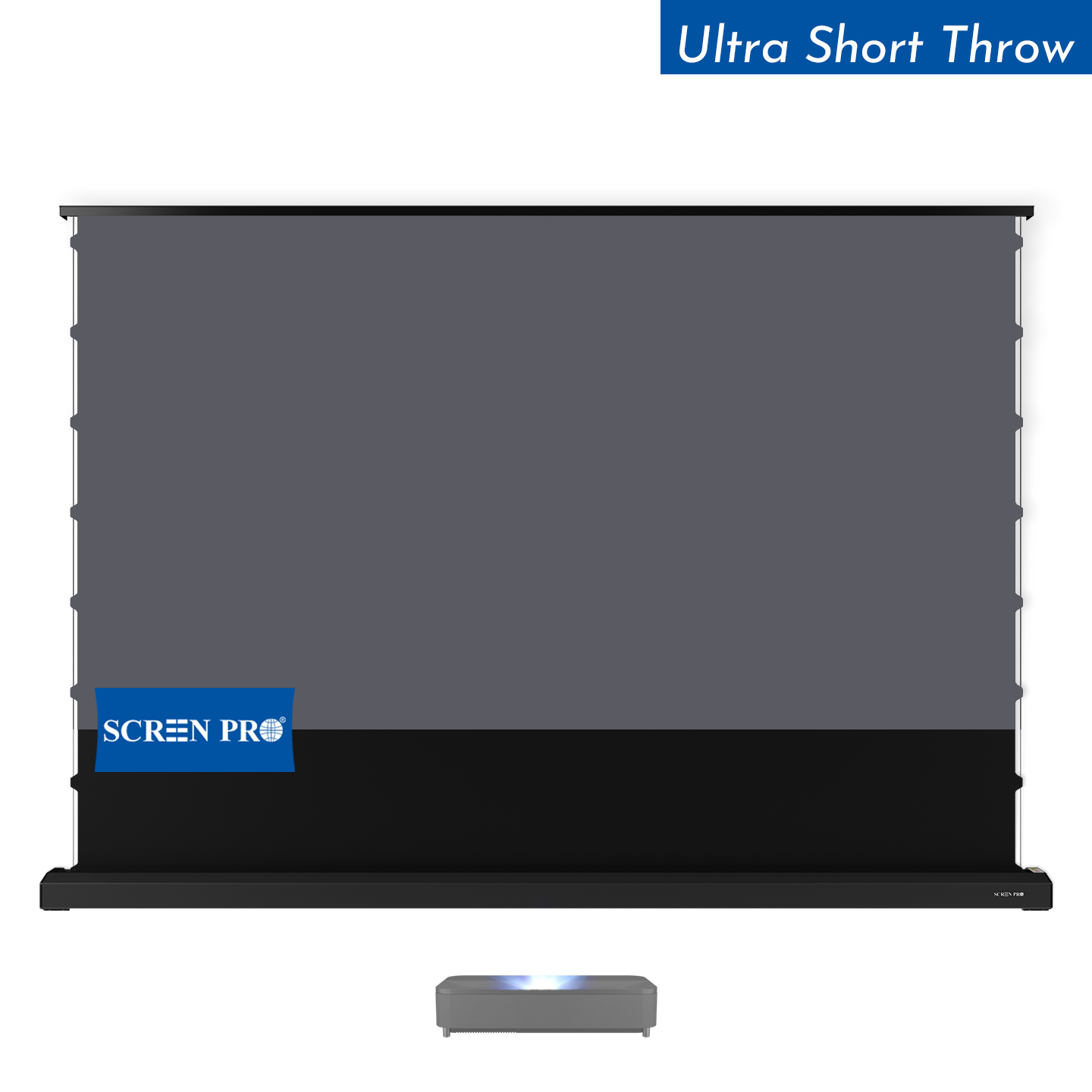
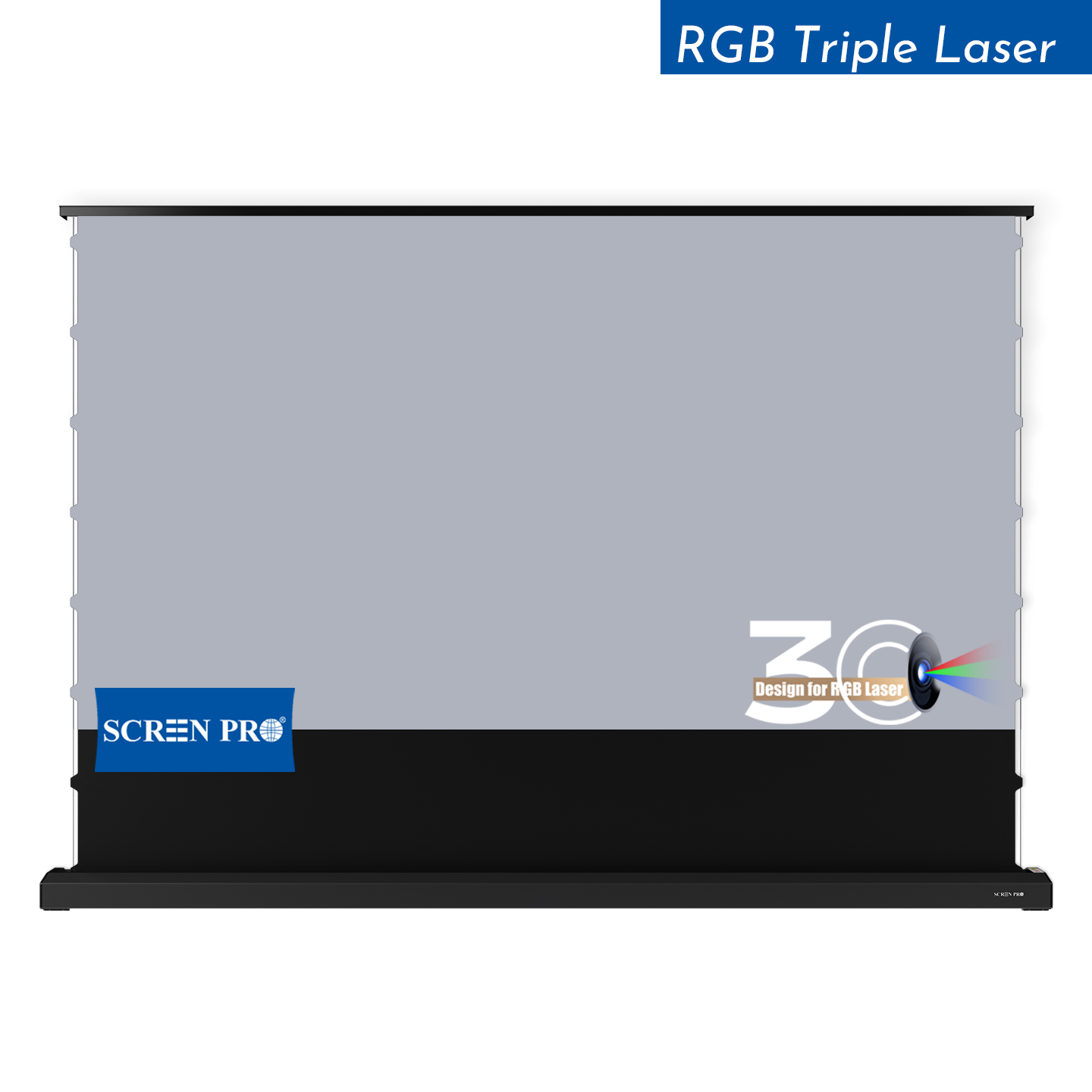
Floor-rising screens are a good option when wall or ceiling installation is not practical, or when the screen needs to disappear into a cabinet or furniture system after use.
Portable and quick-fold screens are better suited to temporary installations, events, rental applications, and locations where the screen needs to be transported or stored.
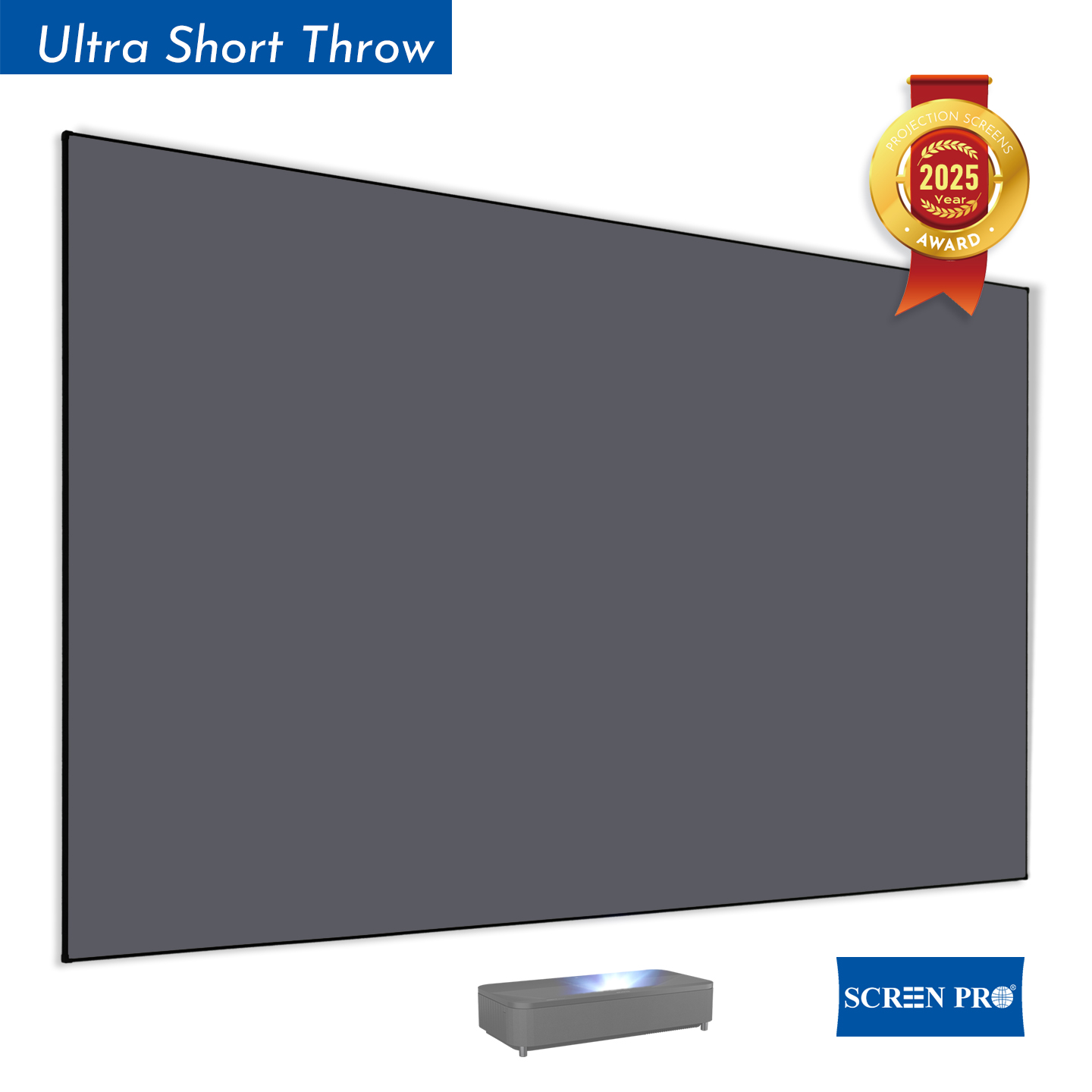
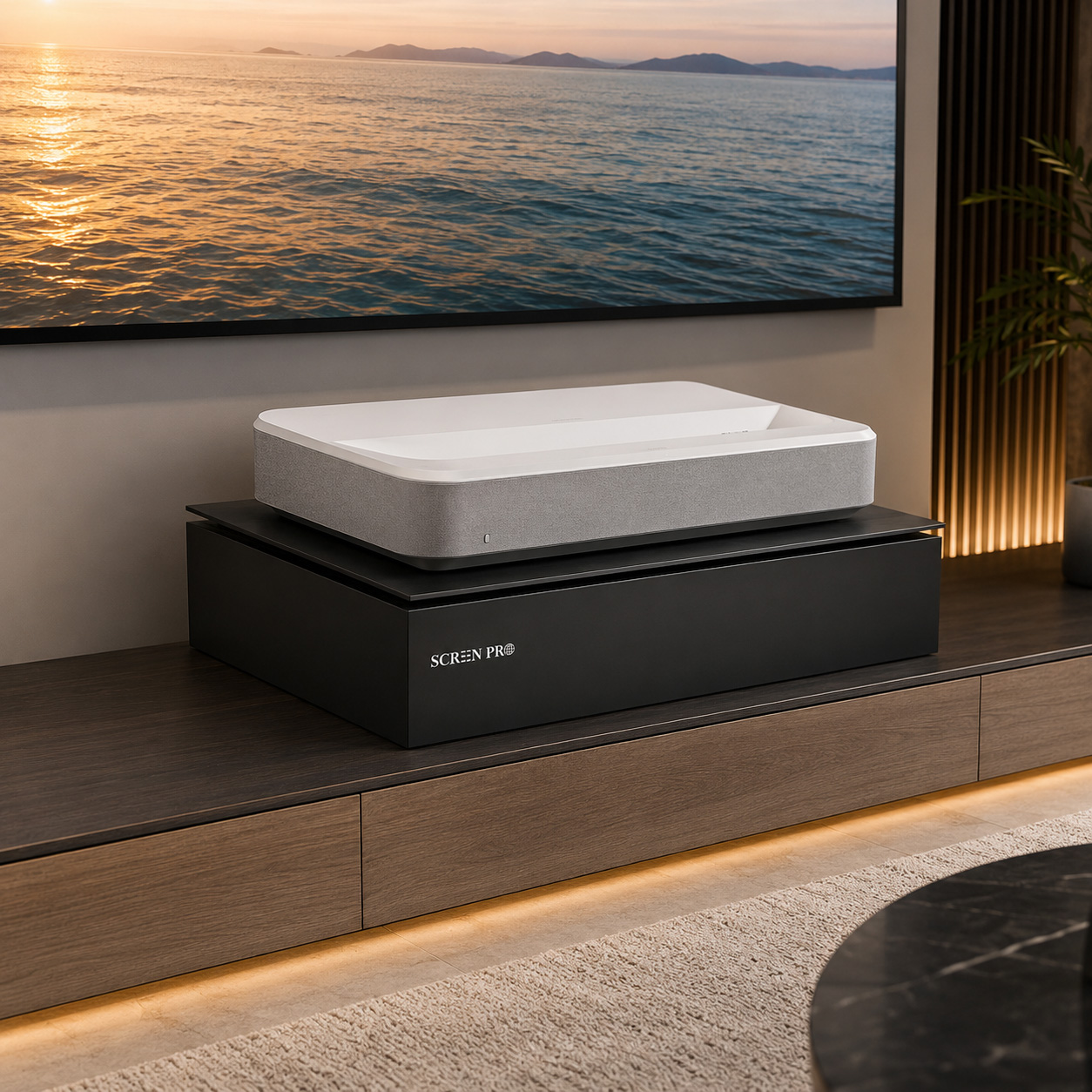
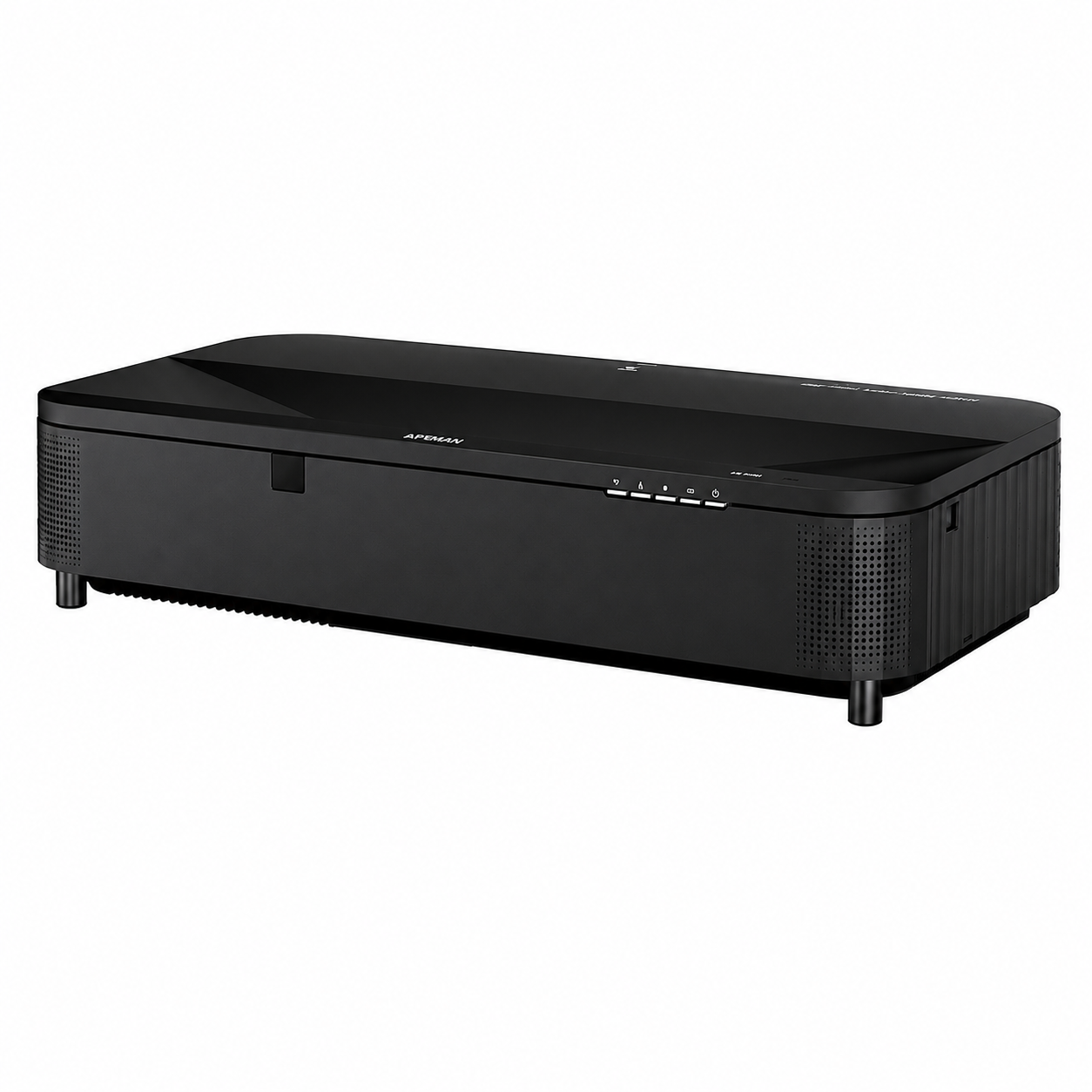
For a UST (ultra-short-throw) projector used in a room with ambient light, a properly matched UST ALR screen is generally recommended.
UST ALR materials are designed specifically for the steep projection angle of ultra-short-throw projectors. SCREENPRO® T-Prism material uses a directional lenticular structure designed for UST projection.
Projector position, throw ratio, screen size, and room lighting should all be considered when selecting the appropriate screen material.
Yes. SCREENPRO® supports custom projection screen solutions for residential, commercial, and professional AV projects.
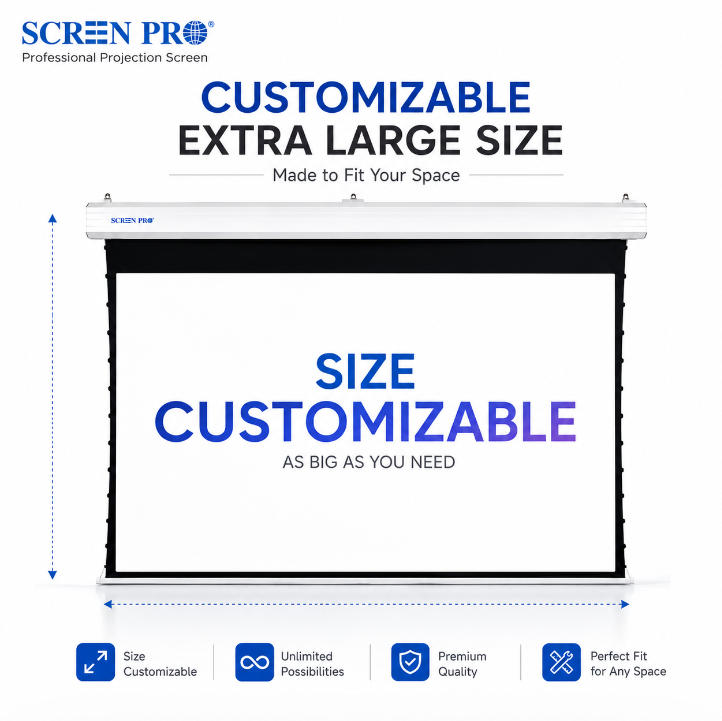
Depending on the screen series and application, customization may include screen size, aspect ratio, screen material, housing or frame configuration, color, installation method, control options, and other project-specific requirements.
For large-format or non-standard projects, please provide your projector model or throw ratio, required image size, installation environment, and available installation dimensions.
Our team will evaluate the requirements and recommend a suitable screen configuration.
Yes, subject to the product dimensions and destination.
Large motorized screens, fixed-frame screens, floor-rising screens, folding screens, and custom-size projection screens may require special packaging and freight arrangements for international transportation.
Depending on the screen size, package dimensions, quantity, and destination, air freight or sea freight may be recommended.
For oversized or custom projection screens, please contact us before ordering so we can check the available shipping options and provide a freight quotation.
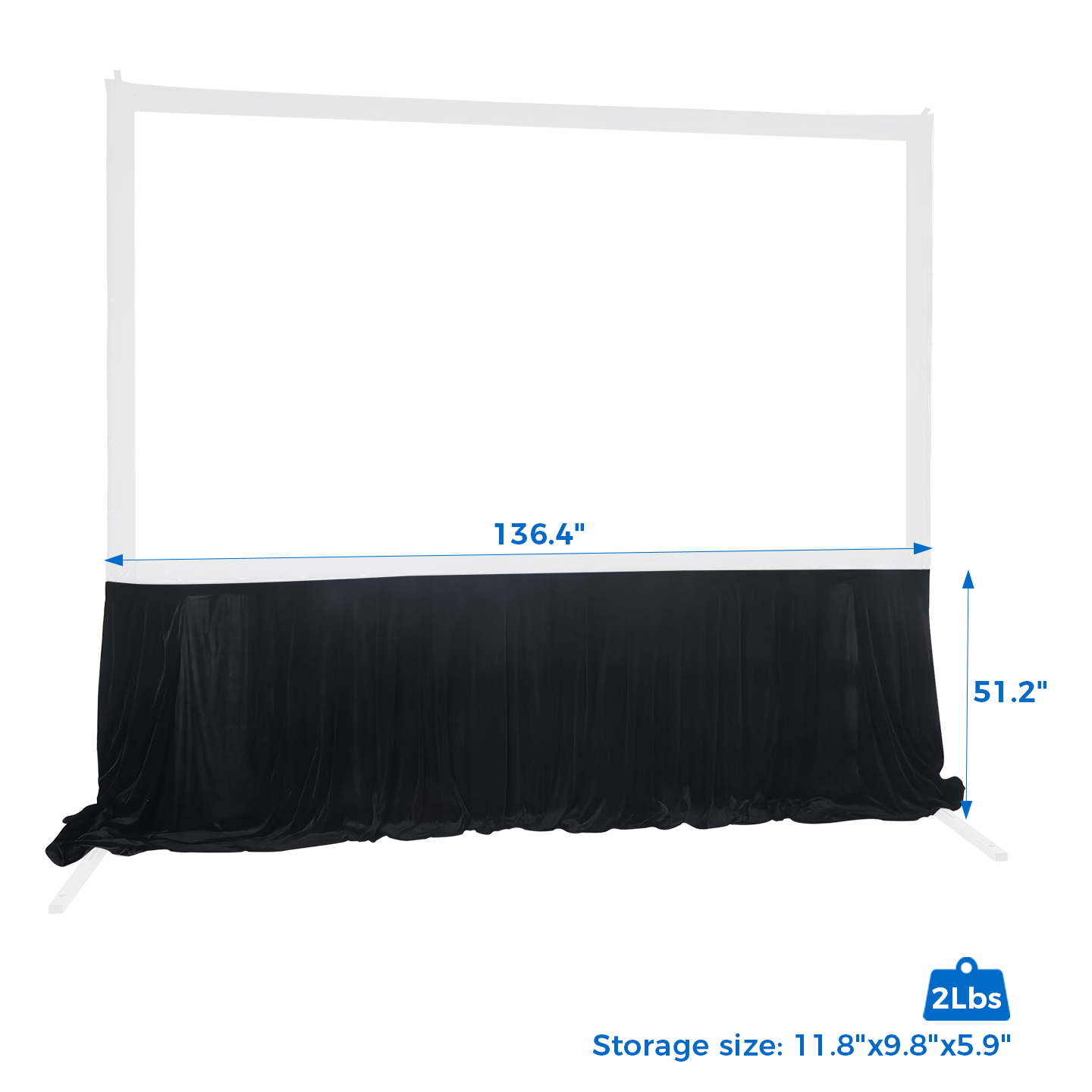
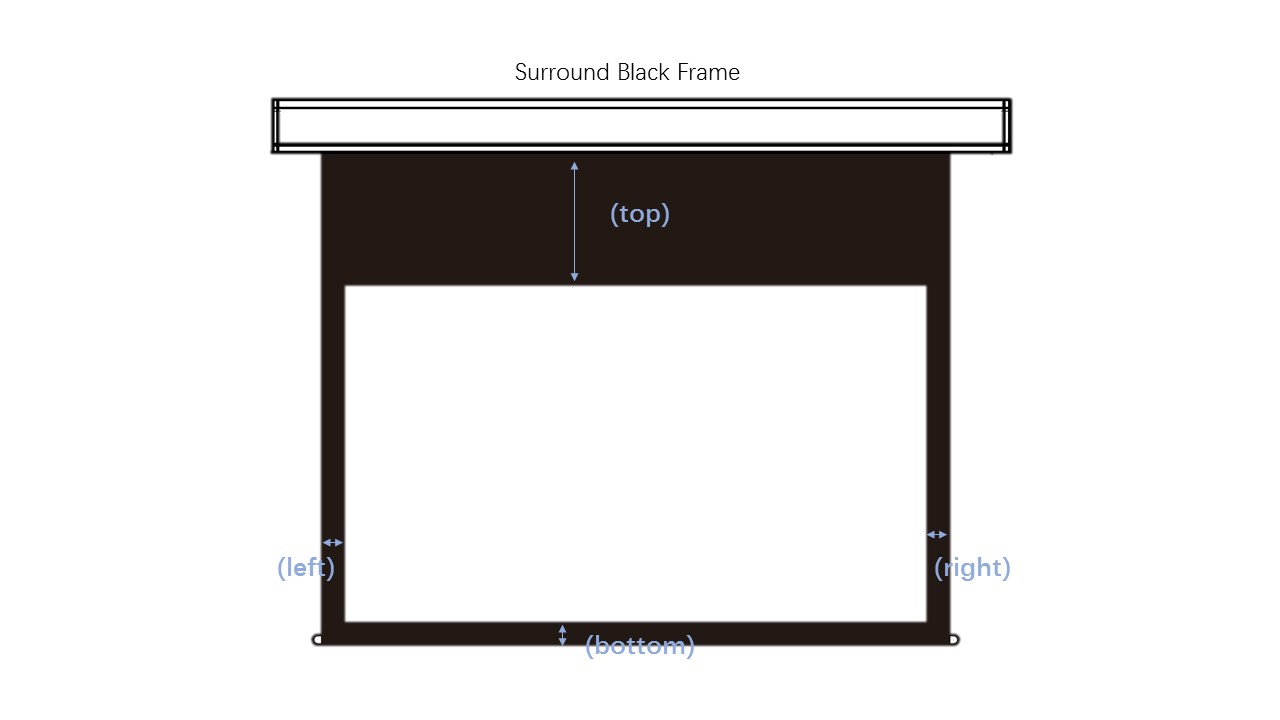
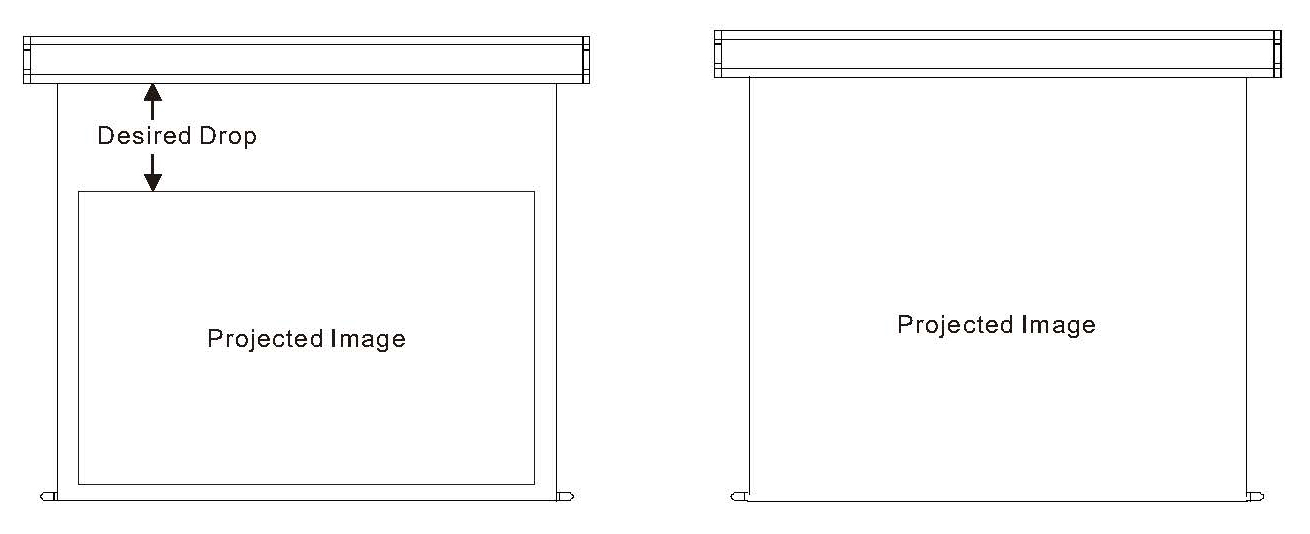 The black border around a projection screen is commonly called a masking border. It visually defines the viewing area and helps absorb minor image overspill around the edges of the projected image.
Common configurations include borders around the viewing area and an additional upper black drop used to position the image at a more comfortable viewing height.
Depending on the screen structure, black borders may also form part of the tensioning or edge construction of the screen.
For selected SCREENPRO® screens, border dimensions, upper black drop, or Full-Screen configurations may be customized according to project requirements.
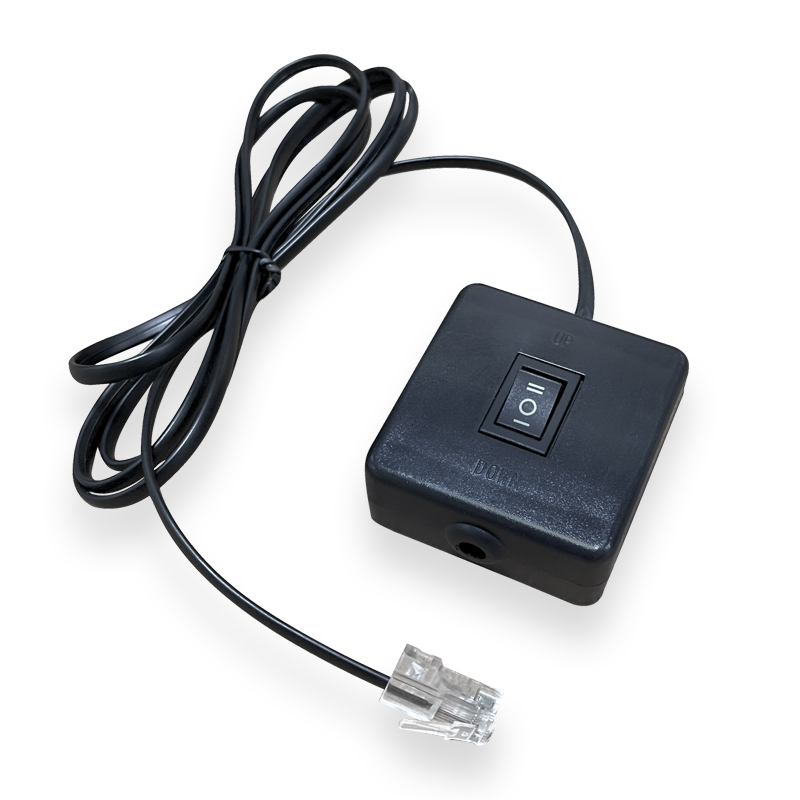
Yes, selected SCREENPRO® motorized projection screens can be integrated with a compatible projector trigger solution for automatic screen operation.
When properly configured, the screen can deploy when the projector is turned on and retract when the projector is turned off.
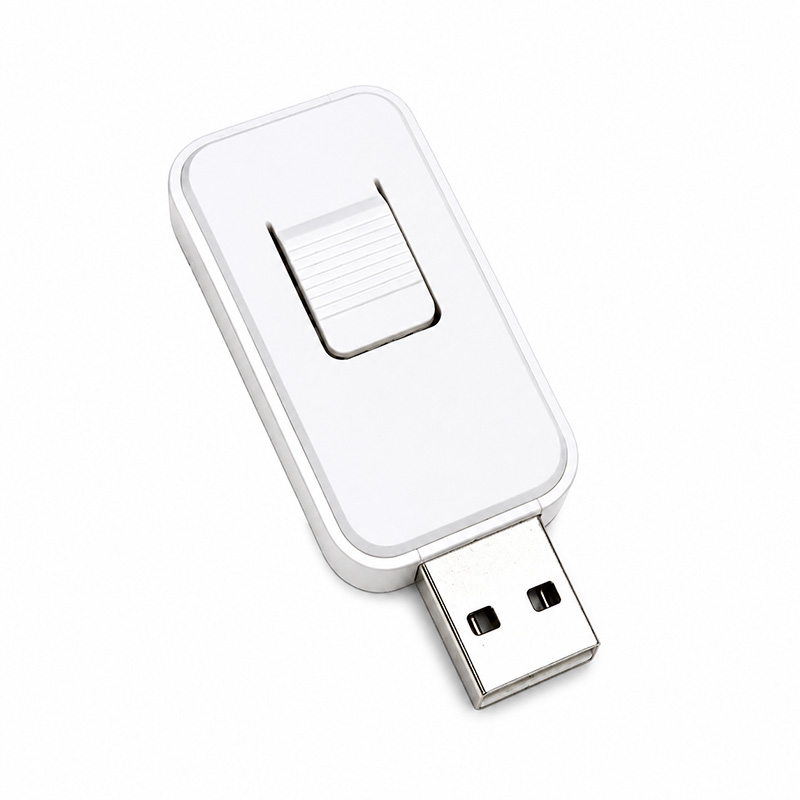
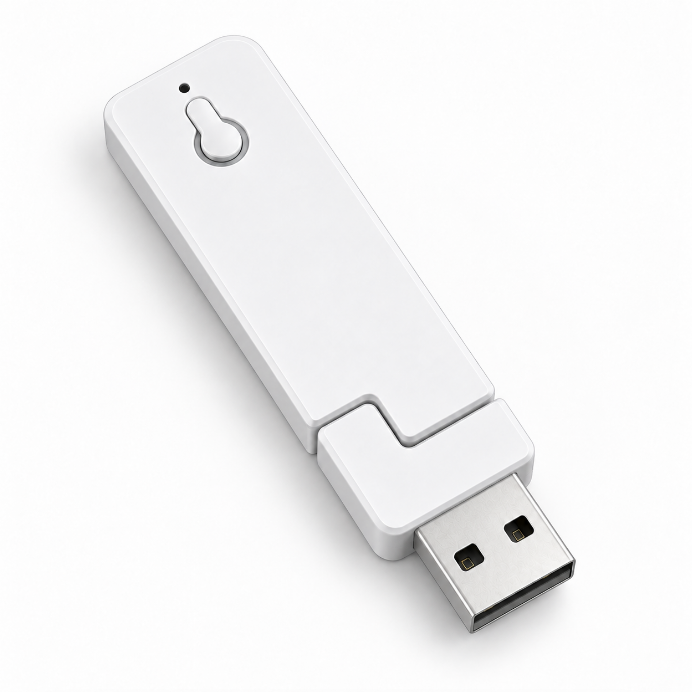
The required trigger method depends on the projector and screen configuration. SCREENPRO® offers trigger solutions for compatible applications, including USB-trigger options for selected screen systems.
Please provide your projector model and SCREENPRO screen model so we can help identify the appropriate trigger solution.
The ideal projection screen size depends on your viewing distance, projector capability, room dimensions, aspect ratio, and available installation space.
A larger screen is not always better. The screen should provide an immersive image while remaining comfortable to view and within the projector's recommended image size and brightness range.
Before selecting a size, confirm the projector's throw ratio or image-size range and measure the available width and height at the screen location. For UST projectors, also confirm the required projector-to-screen placement for the intended image size.
For custom installations, SCREENPRO® can evaluate the required image size together with the projector model and available installation dimensions.
Yes. SCREENPRO® supports OEM and ODM cooperation for distributors, AV brands, integrators, and project partners.
Depending on the project and order quantity, customization may include screen size, screen material, housing or frame configuration, color, control options, packaging, branding, and other product specifications.
OEM and ODM requirements are evaluated according to the product series, technical feasibility, customization requirements, and order quantity.
Shipping methods are selected according to the product, package dimensions, quantity, and destination.
For smaller or single-unit orders, international express or air freight may be available. Depending on the destination and shipment requirements, carriers such as DHL, FedEx, UPS, or other logistics providers may be used.
For oversized screens, custom products, and bulk orders, air freight or sea freight may be recommended.
Our team will help determine a suitable shipping method based on your order and delivery location.
Wiring requirements vary by SCREENPRO® screen series, motor type, controller, voltage, and control configuration.
Depending on the model, connections may include AC power, wall-switch control, dry contact, RS485, trigger control, or other supported interfaces.
Always use the wiring diagram supplied for the specific screen and controller. Do not use a wiring diagram from a different model unless compatibility has been confirmed.
For professional AV or building-control integration, confirm the screen model and required control interface before wiring.
Electrical installation should be performed in accordance with applicable local electrical requirements.
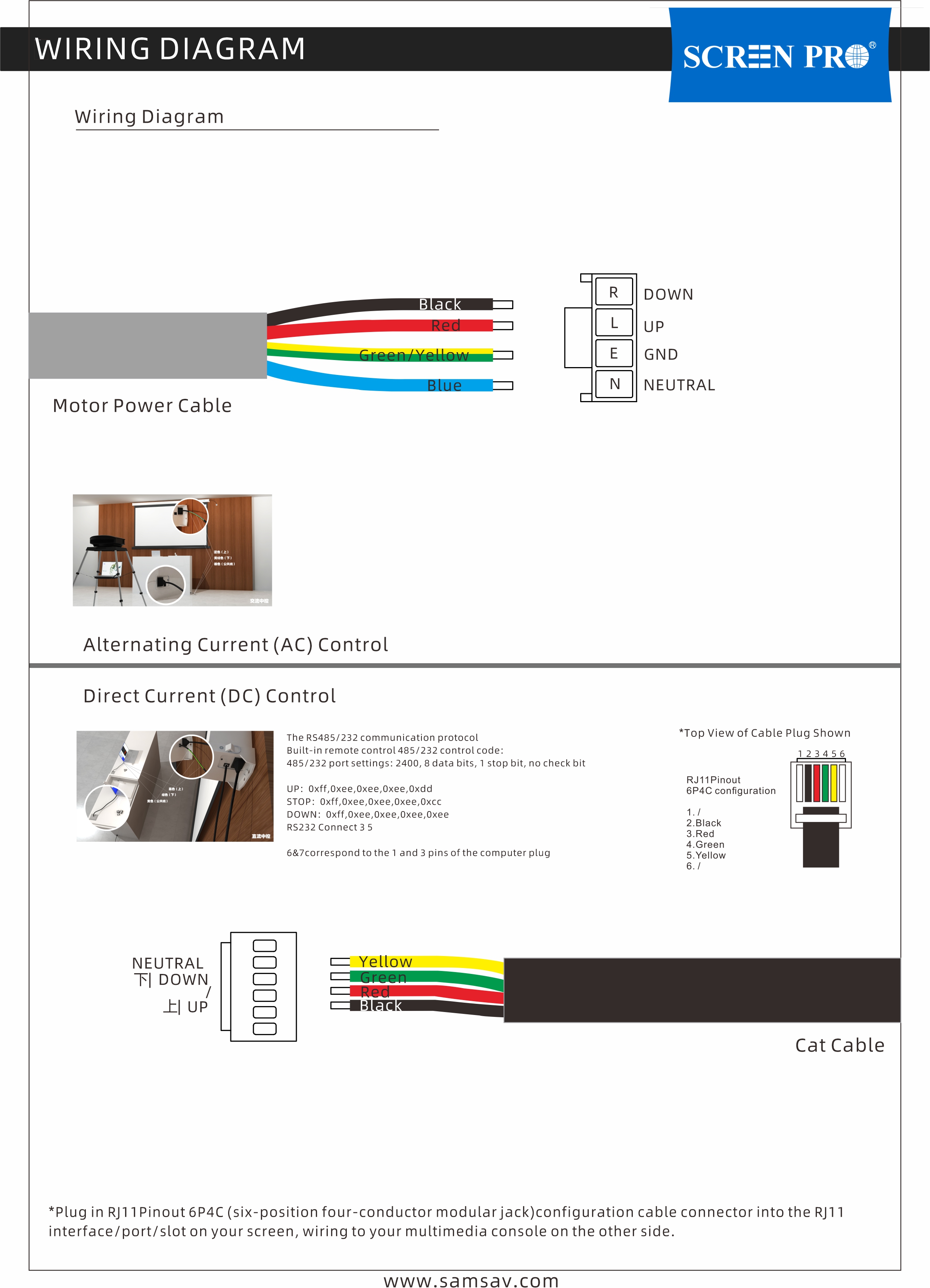
Example only — refer to the wiring diagram supplied with your specific model.
The correct installation height depends on the screen size, viewing position, seating height, room layout, and projector installation.
The viewing area should generally be positioned at a comfortable eye level for the intended audience rather than simply installing the screen as high as possible.
For motorized screens, the upper black drop may help position the viewing area lower while allowing the screen housing to remain close to the ceiling.
For custom installations, confirm the required viewing-area position before ordering so that screen dimensions, black drop, and installation height can be evaluated together.
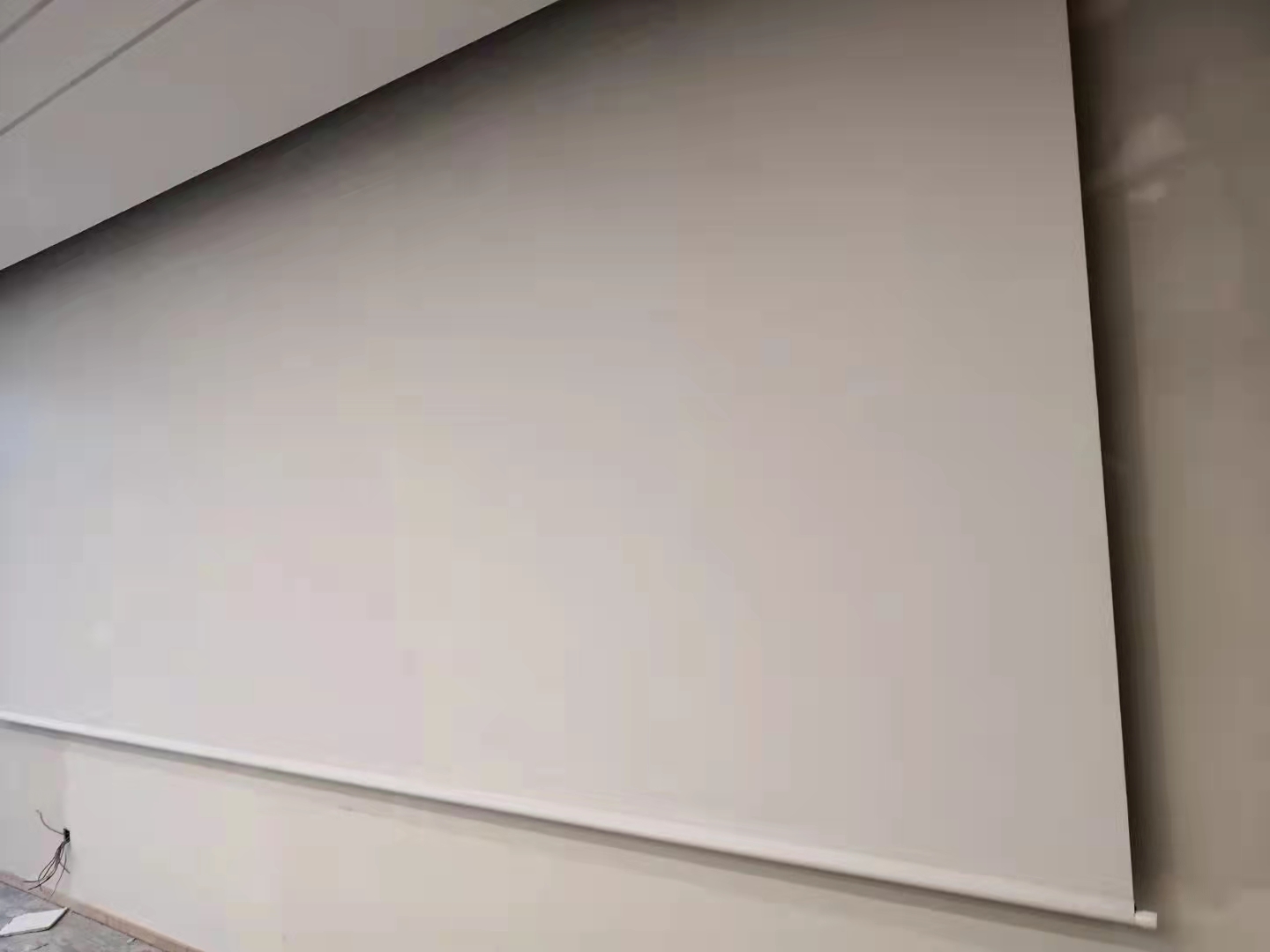
A SCREENPRO® Full-Screen projection surface is a custom screen configuration designed without visually contrasting black masking borders.
Full-Screen does not necessarily mean that the structural border fabric is removed. Depending on the screen design, the extended border areas may remain as part of the screen structure but use the same or similar color as the projection surface instead of conventional black masking.
Full-Screen customization can also be adapted to different installation requirements. For example, selected configurations may be produced without the left and right black borders while retaining other border areas.
The upper black drop may also be reduced or removed for selected screen configurations when required by ceiling height or installation conditions.
The specified screen size and aspect ratio still refer to the intended viewing area. Available border and black-drop customization depends on the screen series, material, dimensions, and screen structure.
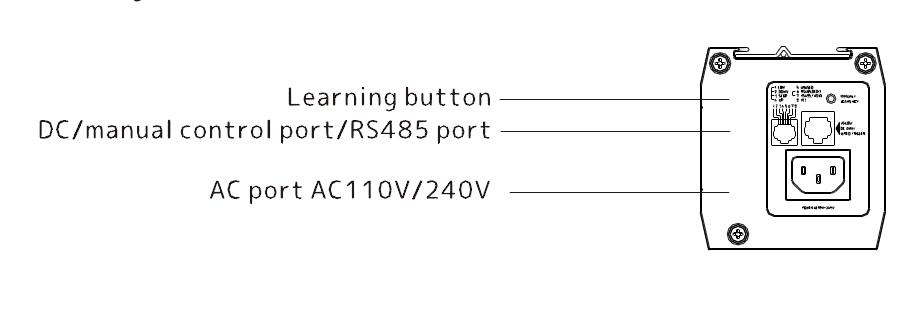
Control options vary by SCREENPRO® screen series and configuration.
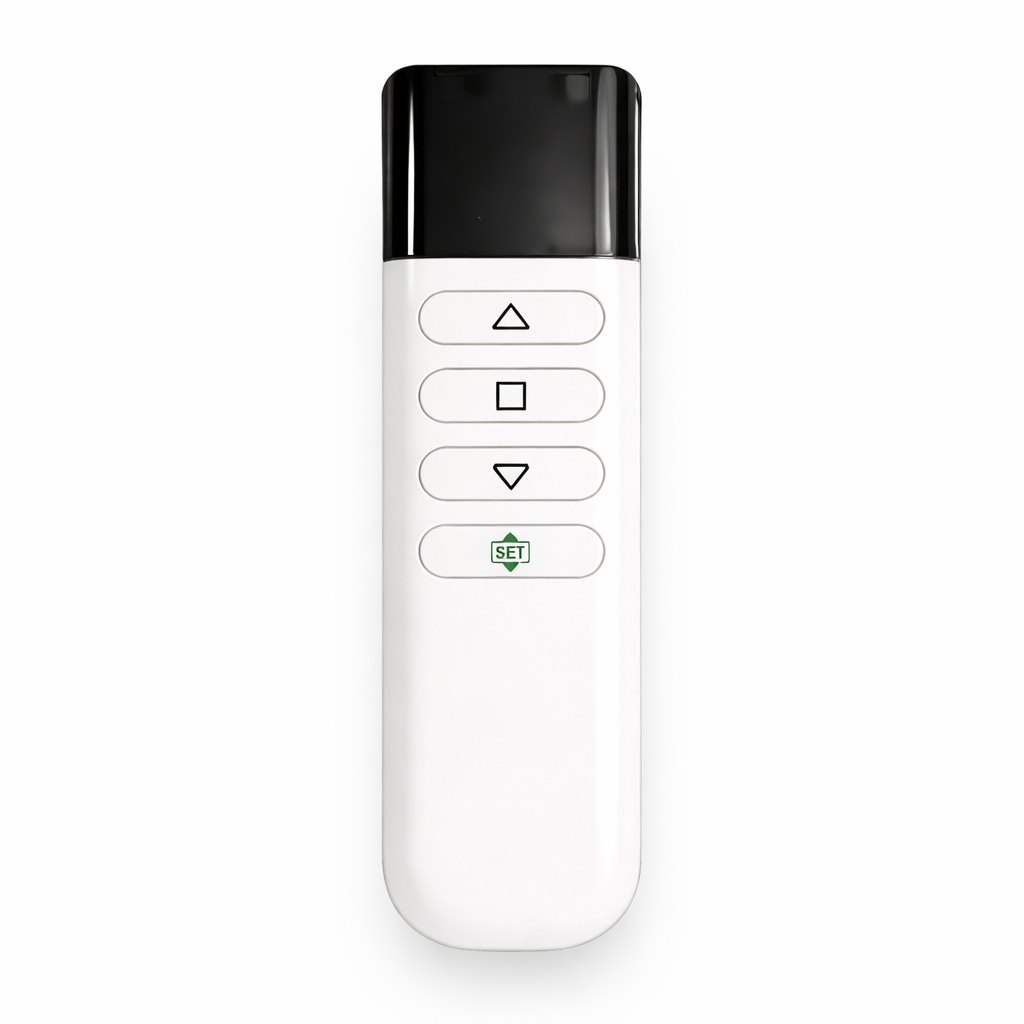
Depending on the model, available control methods may include RF remote control, IR control, projector trigger, wall switch, dry contact, RS485, or other compatible control interfaces.
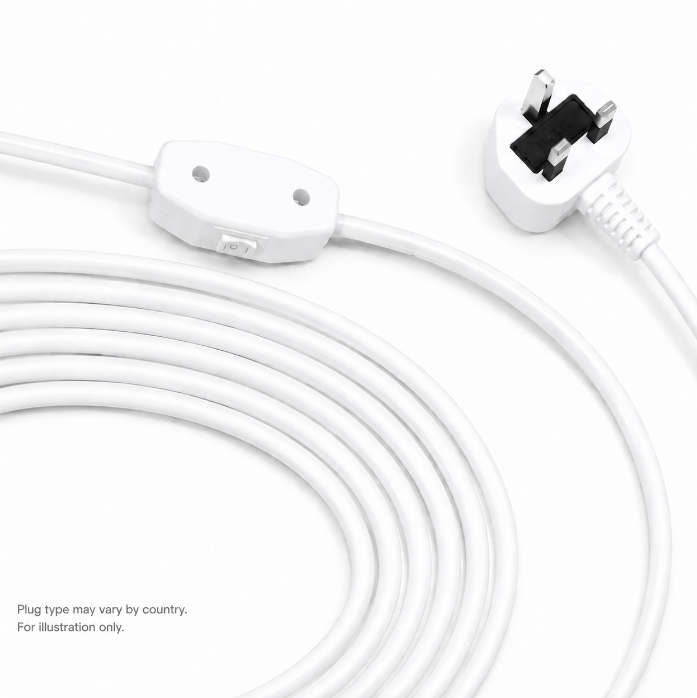
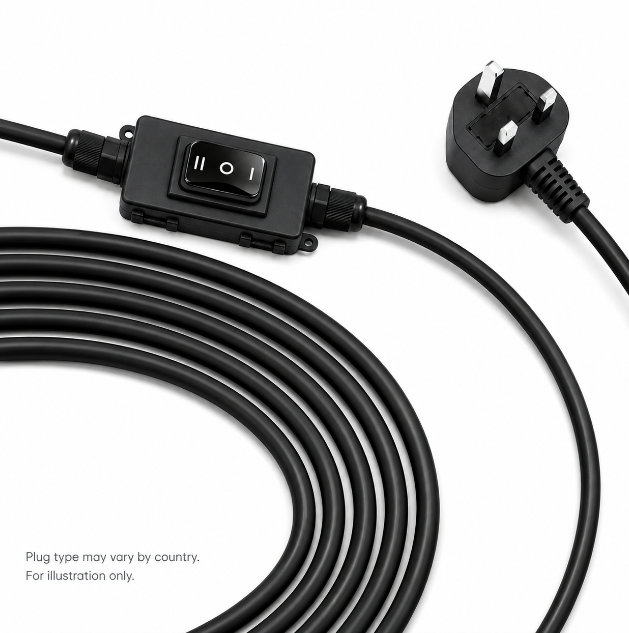
If the remote control is unavailable, selected SCREENPRO® motorized screens can still be operated using a wall switch, dry contact, RS485, or another supported wired control method.
Not every control method is available on every screen series. Please refer to the control interface on your screen or provide the screen model so SCREENPRO® can confirm the available control methods.
The right projection screen material depends primarily on your projector type, room lighting, viewing requirements, and speaker placement.
For UST projectors, choose a compatible UST screen material designed for the projector's steep projection angle. For standard or long-throw projectors, use a material designed for the corresponding projection geometry.
If ambient light is present, an appropriate ALR material can help maintain perceived contrast. For dedicated dark rooms, standard projection surfaces may be suitable. If speakers are installed behind the screen, an acoustically transparent woven or micro-perforated material may be required.
Other factors such as screen gain, viewing angle, laser speckle, screen size, and installation structure should also be considered.
ALR screens use directional optical structures to manage how light is reflected toward the viewer.
The screen is designed to reflect light arriving from the intended projector direction toward the viewing area while reducing the influence of ambient light arriving from other directions.
Different ALR technologies are designed for different projector positions and throw ratios, so the screen material must be matched correctly with the projector and installation.
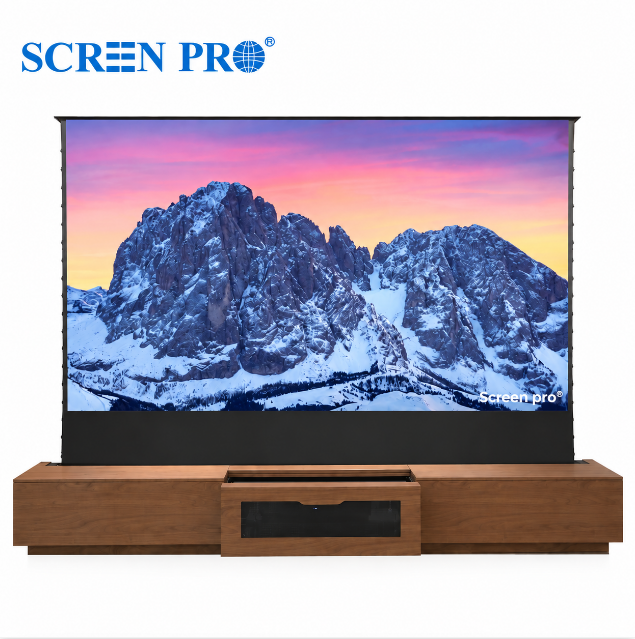
SCREENPRO® manufactures a wide range of projection screens for home theater, commercial AV, education, conference rooms, large venues, and custom installation projects.
Our main product categories include:
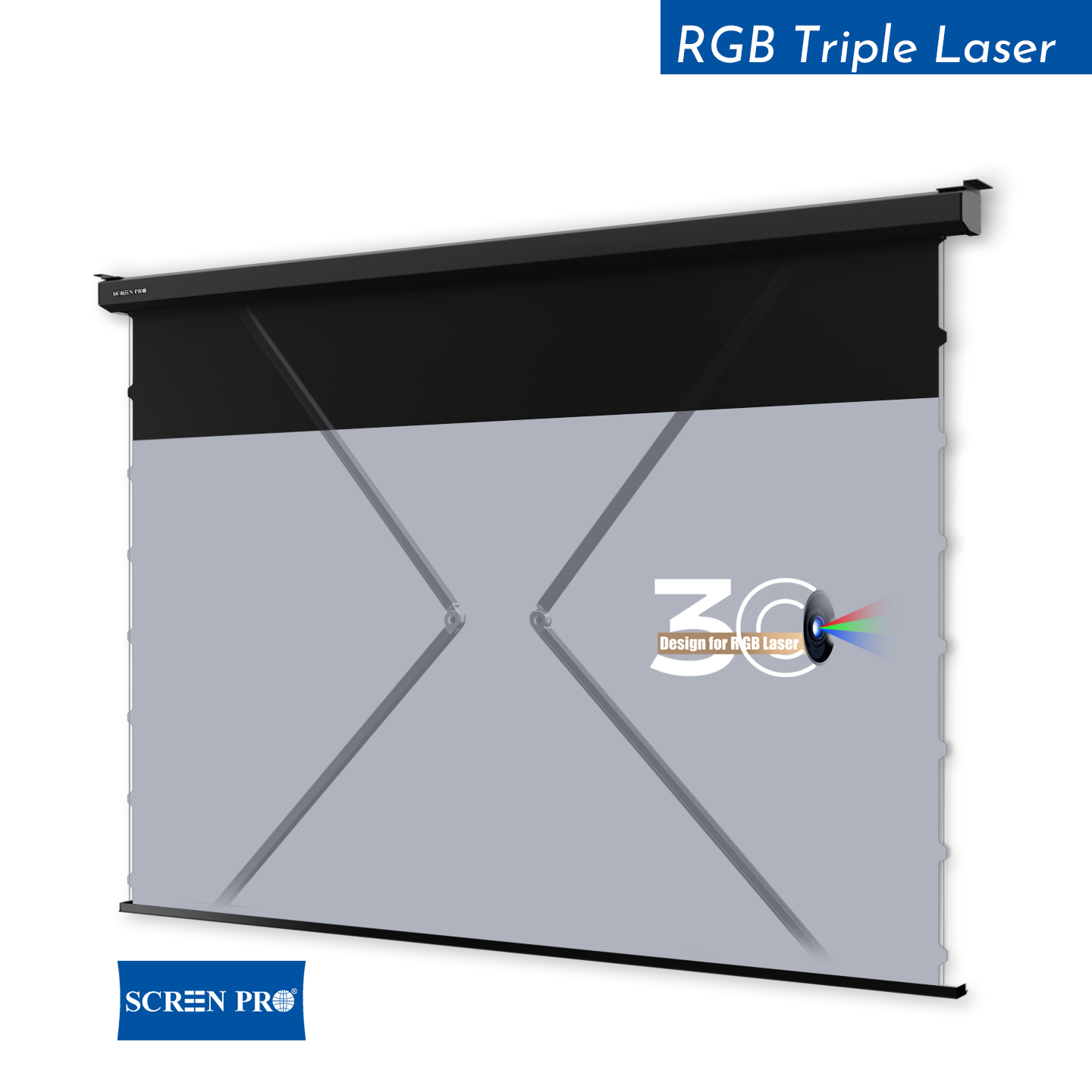
Motorized projection screens
Tab-tensioned screens
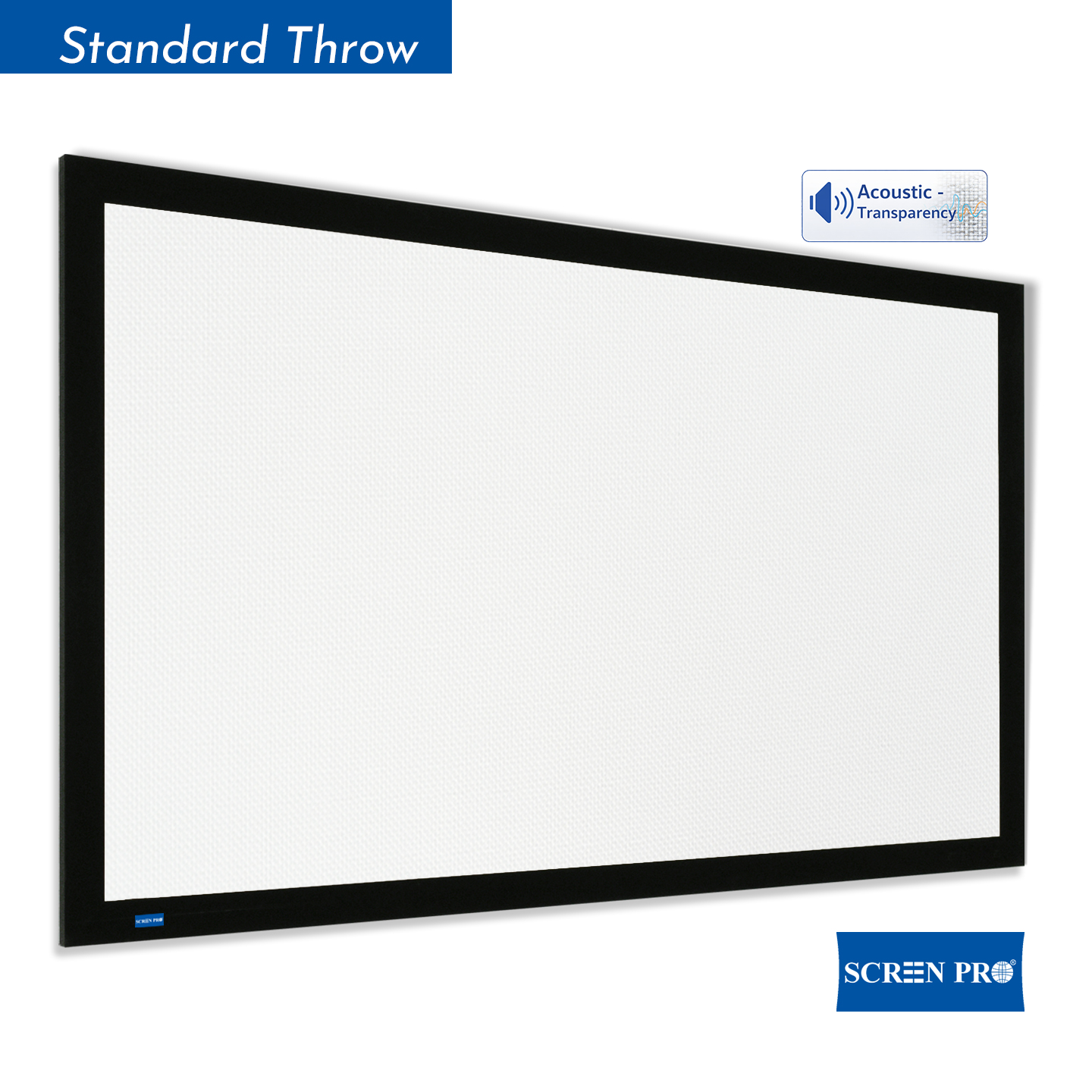
Fixed-frame screens
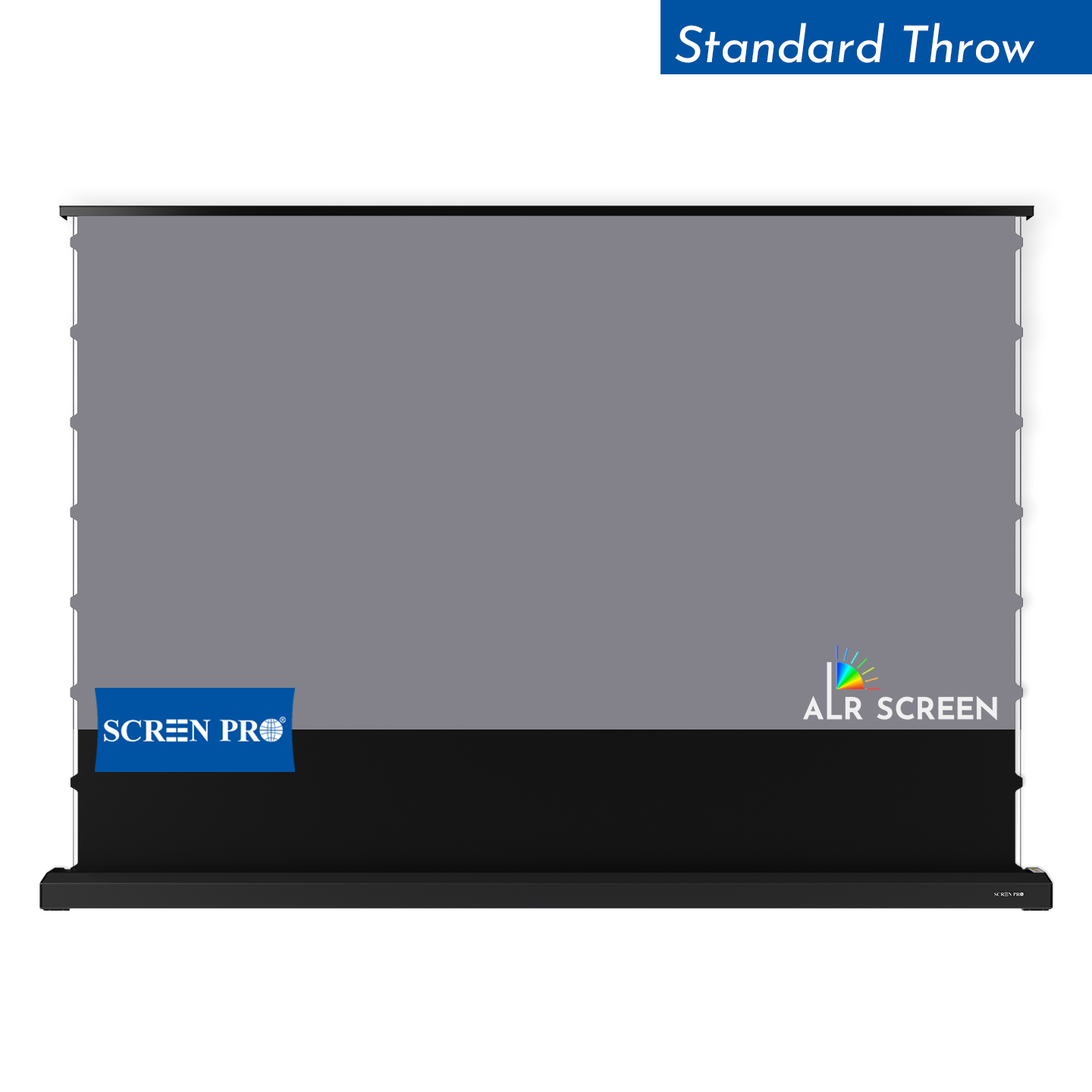
Floor-rising screens
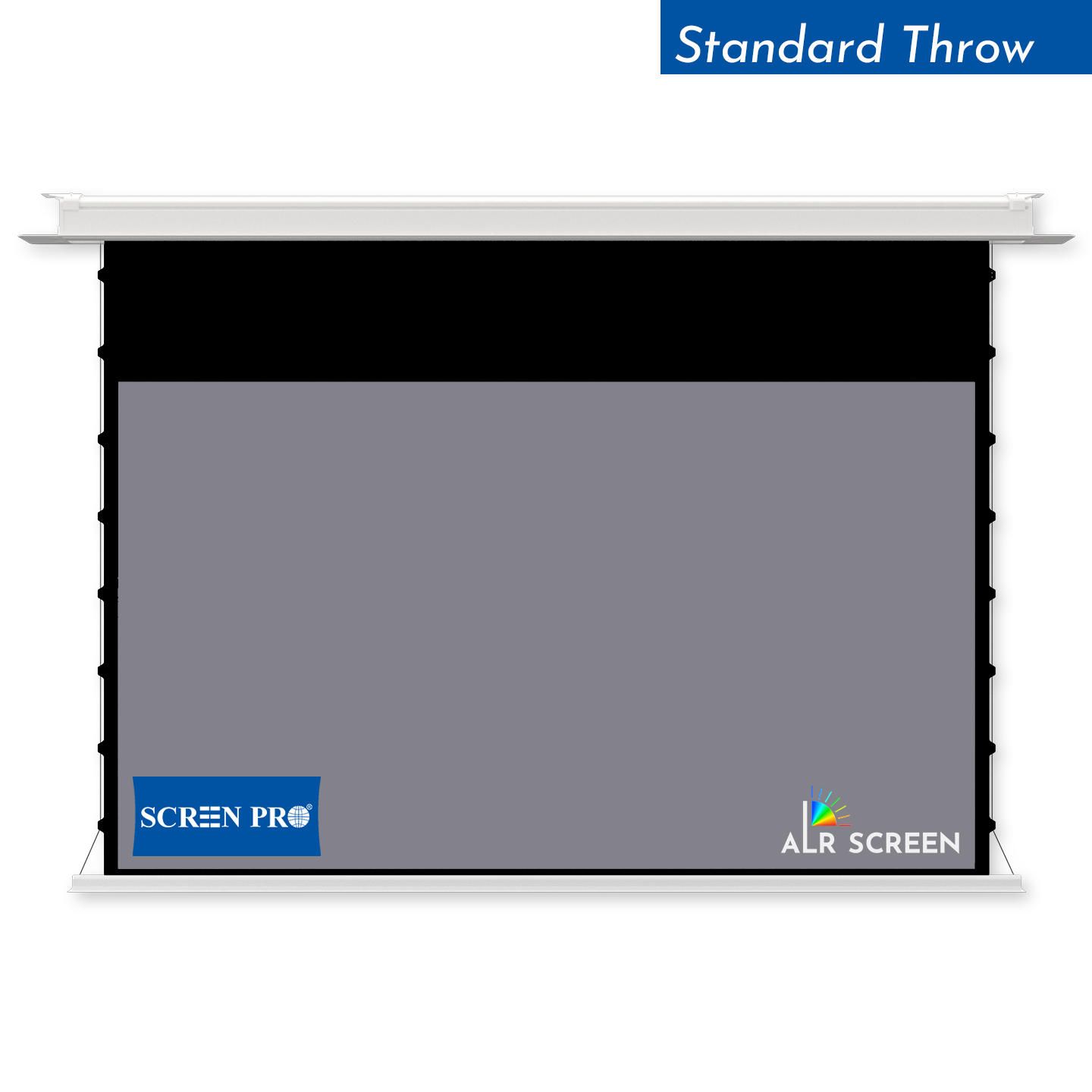
In-ceiling screens
Folding and portable screens
Acoustically transparent screens
Ambient light rejecting (ALR) screens
Large-format projection screens
Custom and project-specific screen solutions
Available screen types and materials vary according to screen size, projector type, throw ratio, installation method, and application.
International shipping is available to many destinations worldwide.
Because shipping conditions vary by product size and destination, availability should be confirmed for each order.
To check shipping availability to your country or region, please provide your product/model, screen size, quantity, country, city, and postal code.
Before installing a projection screen, confirm the screen model, screen size, installation location, projector position, and available mounting space.
For motorized screens, also confirm the required power supply, control method, cable routing, and access for future service or maintenance.
For ALR screens and other directional projection materials, verify the intended projector position and screen orientation before installation.
For in-ceiling screens, check the ceiling opening, installation depth, structural support, power and control wiring, and access above the ceiling before closing the ceiling.
Large-format screens should also be checked against doorways, elevators, stairways, corridors, and other access restrictions before delivery and installation.
Always refer to the installation instructions for the specific SCREENPRO® model before beginning installation.
The right projection screen depends on your projector, room environment, required screen size, and installation method.
Start with your projector type and throw ratio, then consider ambient light, viewing distance, available installation space, and how you want the screen to be installed.
For example, UST projectors require compatible screen materials designed for their steep projection angle, while standard and long-throw projectors require materials suited to their projection geometry. Rooms with ambient light may benefit from an appropriate ALR material, while dedicated dark rooms may use standard or acoustically transparent projection surfaces.
Installation also matters. Depending on the space, you may choose a fixed-frame, motorized, floor-rising, in-ceiling, or portable projection screen.
If you are unsure, provide your projector model, required screen size, viewing distance, room lighting, and installation method so SCREENPRO® can help identify a suitable configuration.
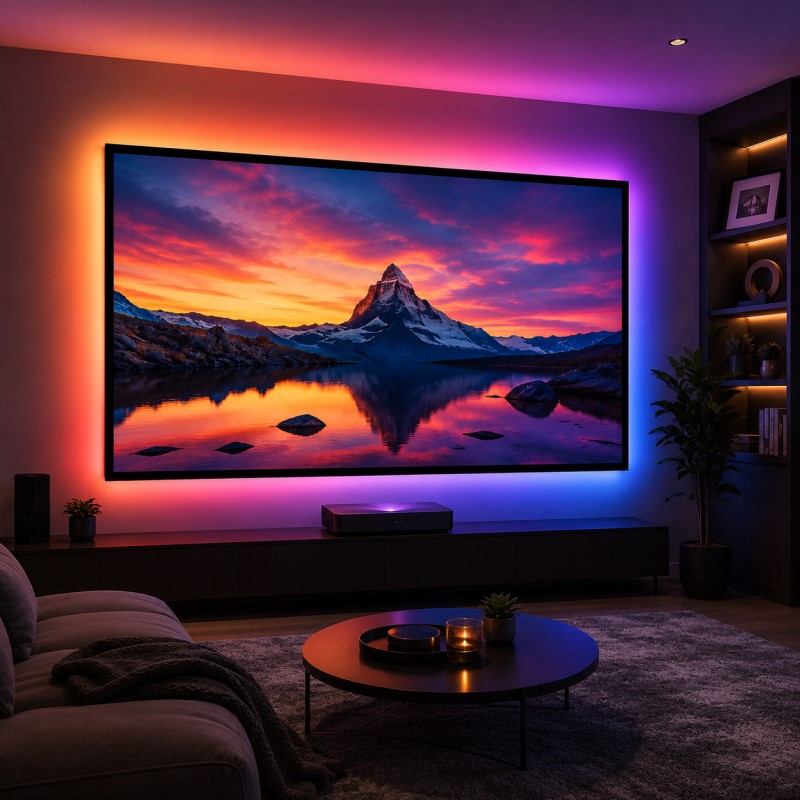
An ALR (Ambient Light Rejecting) projection screen is designed to reduce the effect of unwanted ambient light on the projected image.
Unlike standard projection surfaces that reflect light more broadly, ALR materials use specially designed optical structures to direct more projector light toward the viewing area while reducing light arriving from unwanted directions.
This can help maintain better perceived contrast, black levels, and image clarity in rooms where complete light control is not possible.
Yes. SCREENPRO® ships projection screens and AV products to customers worldwide.
International shipping availability, method, and cost depend on the product type, screen size, quantity, package dimensions, and destination.
For oversized screens, custom products, or destinations with special shipping requirements, please contact us before ordering so we can confirm a suitable shipping solution.
Projector throw ratio describes the relationship between the distance from the projector to the screen and the width of the projected image.
The basic formula is:
Throw Ratio = Projection Distance ÷ Image Width
For example, a projector with a throw ratio of 1.5:1 requires approximately 1.5 units of projection distance for every 1 unit of image width.
A lower throw ratio allows a projector to create a larger image from a shorter distance. Ultra-short-throw (UST) projectors use very low throw ratios and are installed much closer to the screen than standard or long-throw projectors.
Throw ratio is important when selecting a projection screen because projector type and projection geometry can affect screen material compatibility, screen size, and installation position.
If you are unsure which screen is suitable, provide your projector model or throw ratio together with the required image size.
SCREENPRO® motorized projection screens use an external AC power supply and are not normally battery-driven.
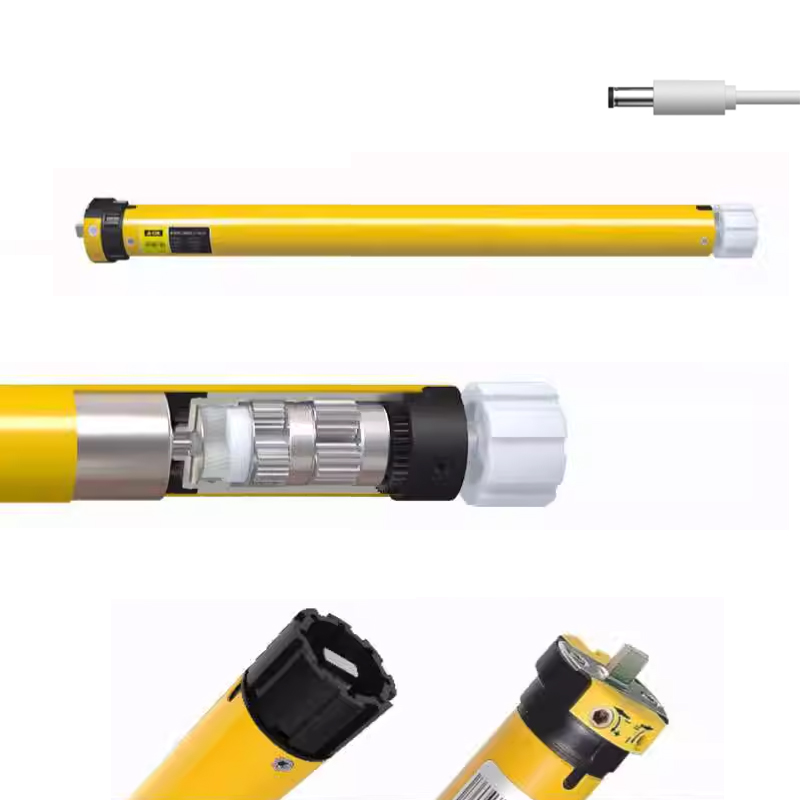
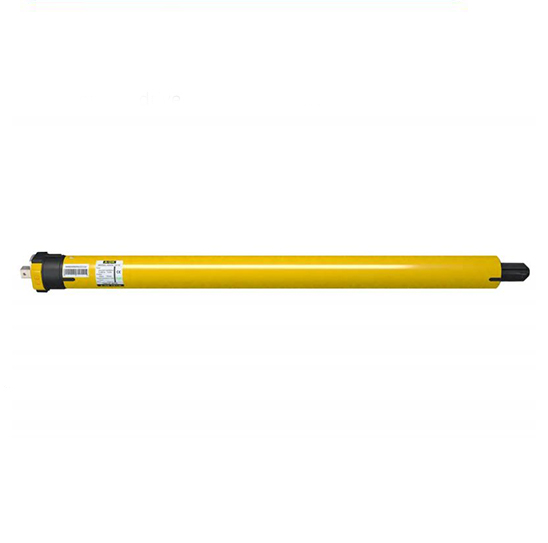
Typical motor power varies by motor type and screen configuration. Synchronous motors are typically 45–55 W; 6–10 N tubular motors are typically 103–145 W; and 30–50 N tubular motors are typically 200–350 W.
Actual motor type, power consumption, voltage, and wiring requirements vary by screen series, screen size, and configuration. Please refer to the specifications of the selected model for project-specific requirements.
Yes. SCREENPRO® is a projection screen manufacturer specializing in projection screens, screen materials, and related AV solutions for residential, commercial, educational, and professional applications.
Our product range includes motorized screens, tab-tensioned screens, fixed-frame screens, floor-rising screens, in-ceiling screens, folding screens, large-format screens, and custom projection solutions.
We work with distributors, AV integrators, dealers, OEM/ODM partners, and project customers worldwide.
SCREENPRO® performance specifications, such as screen gain, viewing angle, ambient light rejection, and acoustic performance, are measured internally under defined test conditions.
To improve consistency and comparability, measurements are performed using controlled test setups and consistent reference conditions appropriate to each performance parameter.
Unless otherwise specified, published specifications represent typical measured values from SCREENPRO® internal testing and should not be interpreted as results certified by an independent third-party laboratory.
Actual performance may vary depending on the projector, viewing angle, ambient lighting, installation environment, speaker configuration, measurement method, and other system conditions.
For projects requiring testing according to a specific standard or independent laboratory certification, please contact SCREENPRO® with your testing requirements.
What is Ambient Light?
Broadly, ambient light is some atmospheric lighting that originates from an indirect source of luminance that can be inside, outside, naturally, or artificially occurring. Basically, it’s any light source other than your projector that threatens to wash out your image or otherwise impair its visual aesthetics. This includes but is not limited to, light coming through windows and skylights from outside, track lighting, in-wall/ceiling lights, lamps, candles, fireplaces, etc.
Why Do You Need One?
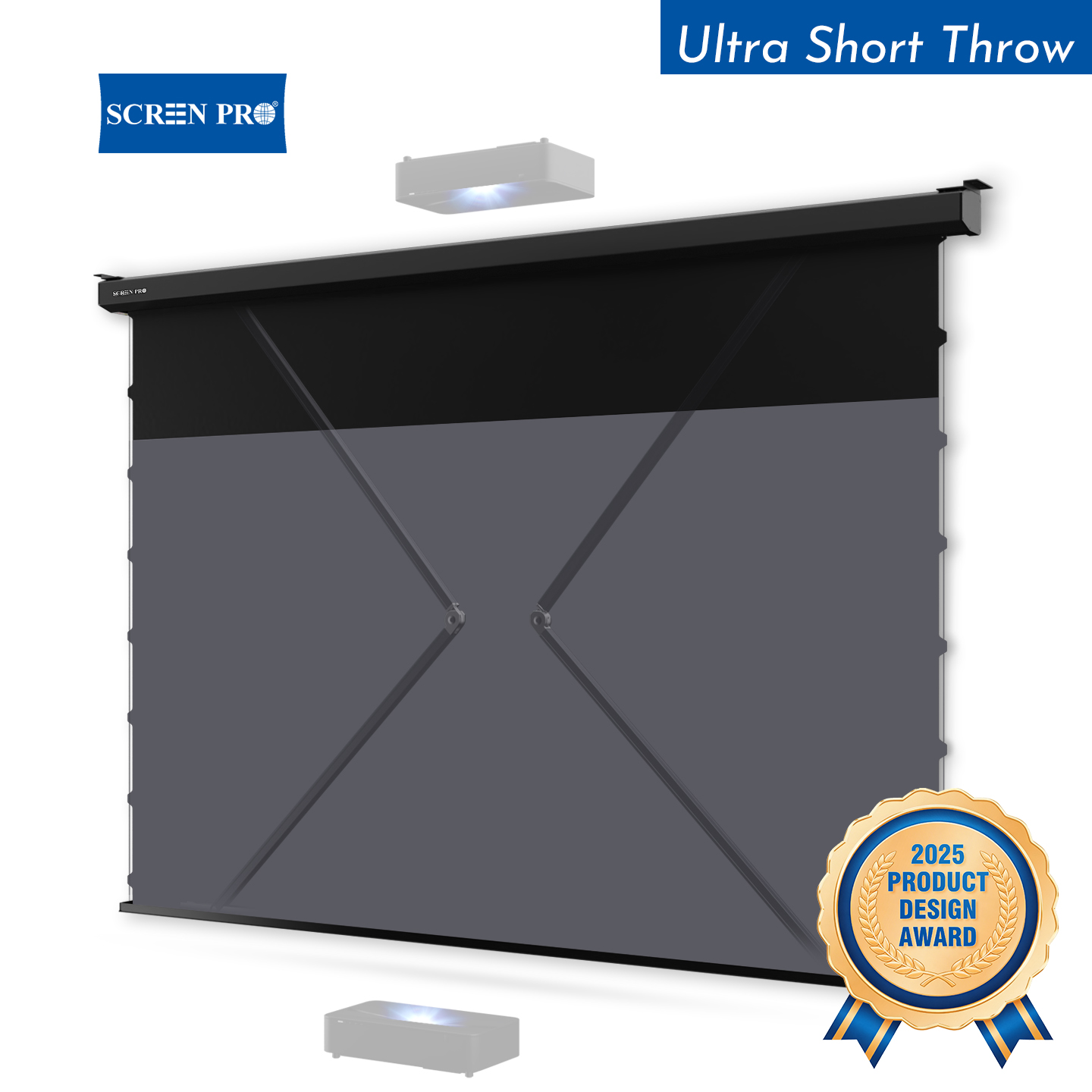
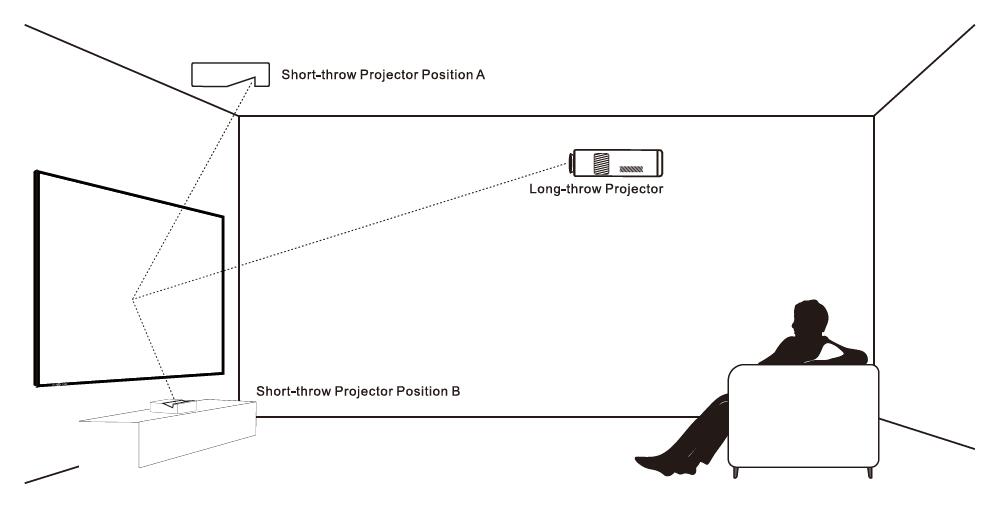
SCREENPRO T-Prism Click HERE projector screen materials are specially designed for the presence of overhead light sources commonly encountered in residential and commercial environments. This type is also specifically geared toward UST (ultra-short-throw) projectors.
In a Normal-throw projector version, fabric provides ambient light conditions for previously unprecedented contrast, black level, brightness, and vivid colors. Click HERE
ALR screens offer the opportunity for impactful images without a huge impact on projected image quality.
* (SUPPORT Ceiling Mounted UST projector under special request)
〉Short-Throw Projector ALR Screen Product Link HERE
〉Long-Throw Projector ALR Screen Product Link HERE
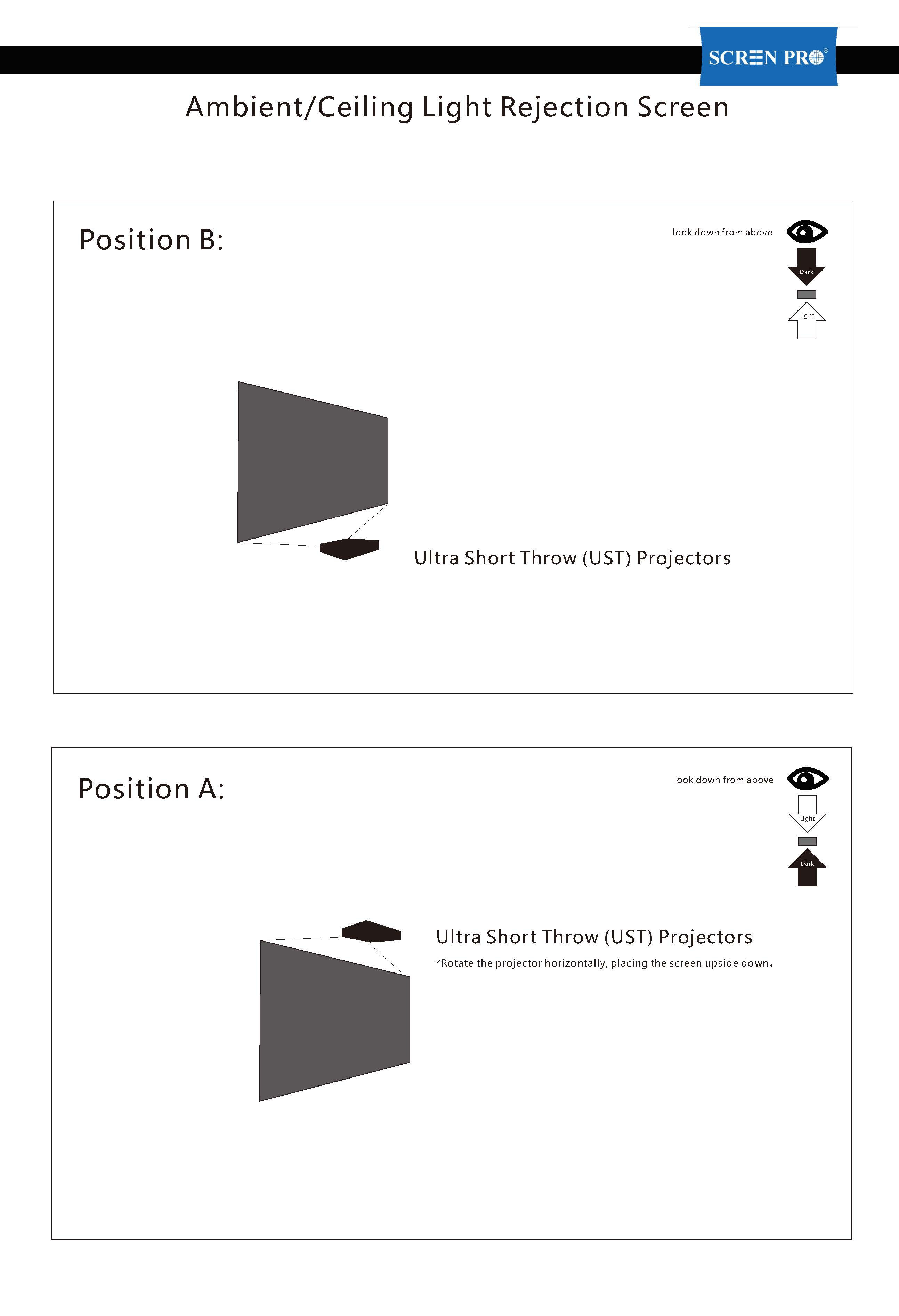
Verify the Screen Orientation: If buying a motorized drop-down version, confirm if it is built for floor-projection or ceiling-mounted inverted projection, as the micro-prisms are directionally locked. (Raw fabric or a fixed frame, it will be fine)





© 2026 SCREENPRO®. Specifications are subject to change without notice. | SamsAV All Rights ReservedSite Map Designed by iwonder.cn