

© Copyright 2004-2026 SCREEN PRO® All Rights Reserved | Specifications are subject to change without notice. All Rights ReservedSite Map Designed by iwonder.cn


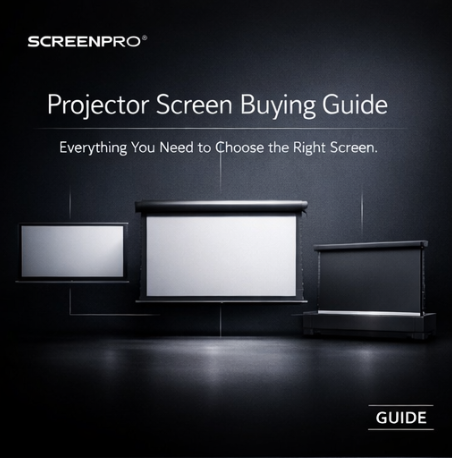
PROJECTOR SCREEN BUYING GUIDE
Choosing the right projector screen is crucial to achieving optimal image quality, but navigating different materials, screen structures, sizes, and aspect ratios can be challenging. This guide answers some of the most common questions buyers face and provides practical solutions for choosing the right screen.
01 · AMBIENT LIGHT
One of the most common frustrations for home theater users is a dull, faded image when using a projector in a living room or any space that isn't completely dark. Ambient light from windows, lamps, and even light-colored walls can reach the screen and reduce perceived contrast and color saturation.
“Which screen is best for my bright living room? I can't make the room completely dark.”
A standard matte-white screen reflects both projector light and unwanted ambient light toward the viewer. In brighter environments, this can make blacks appear gray and reduce overall image contrast.
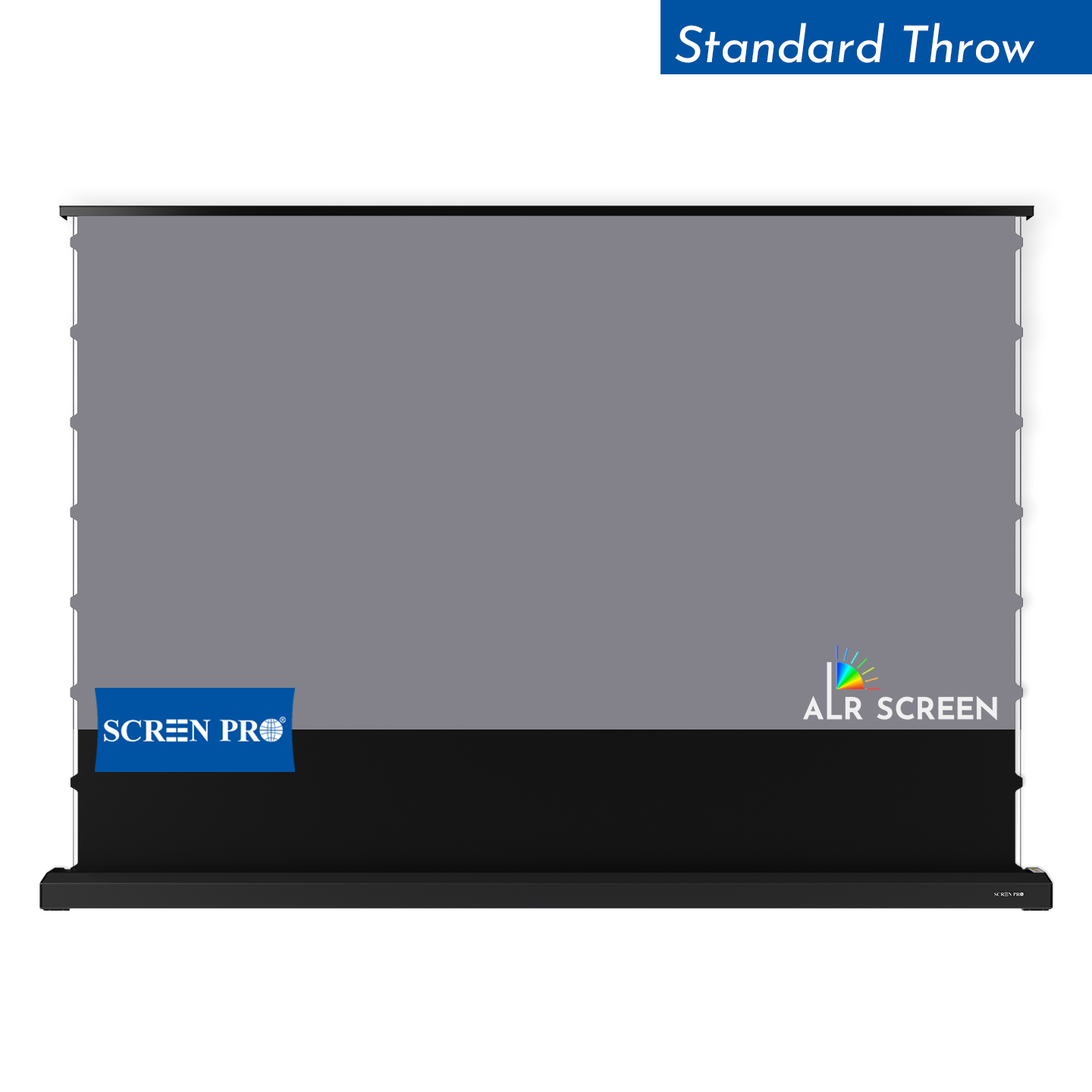
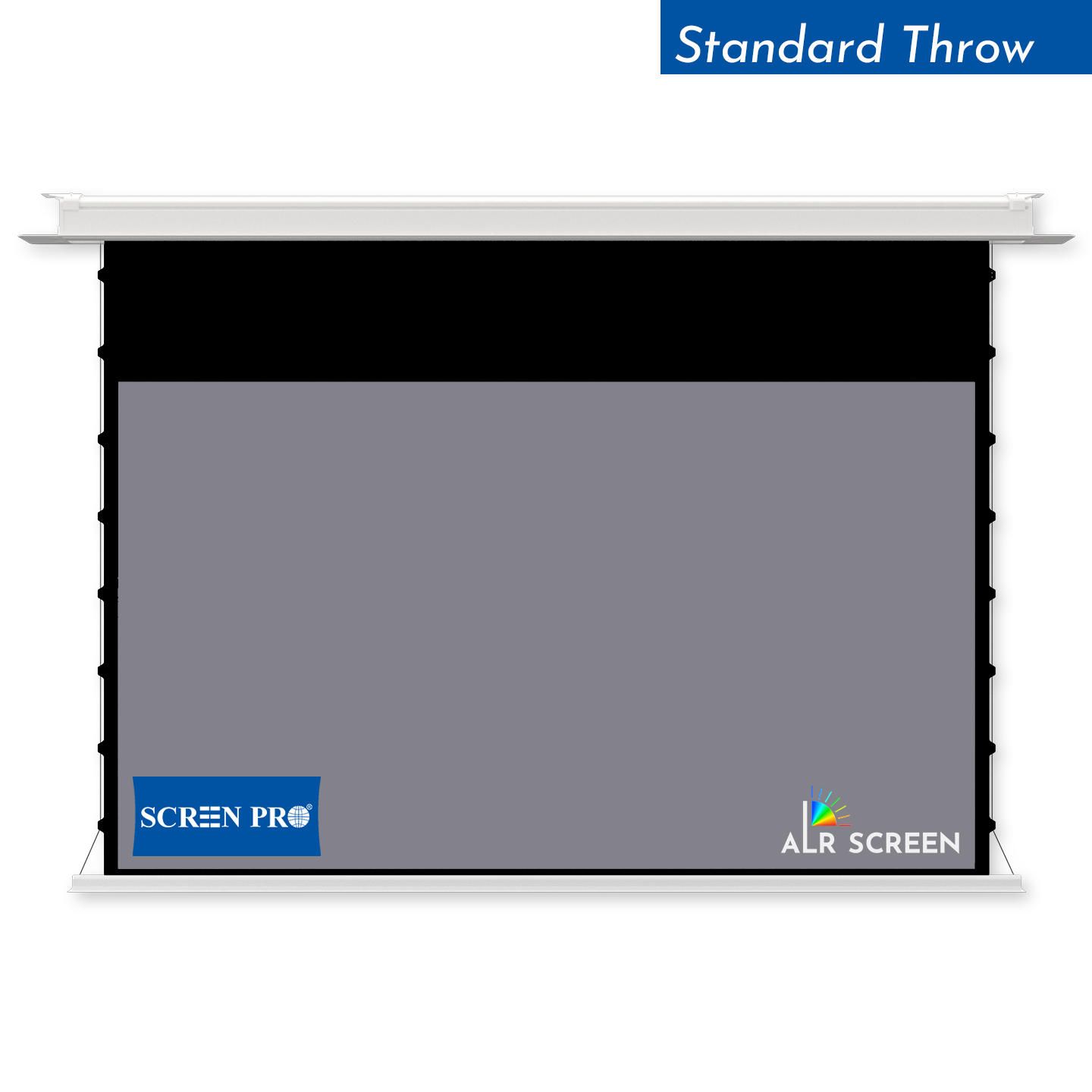
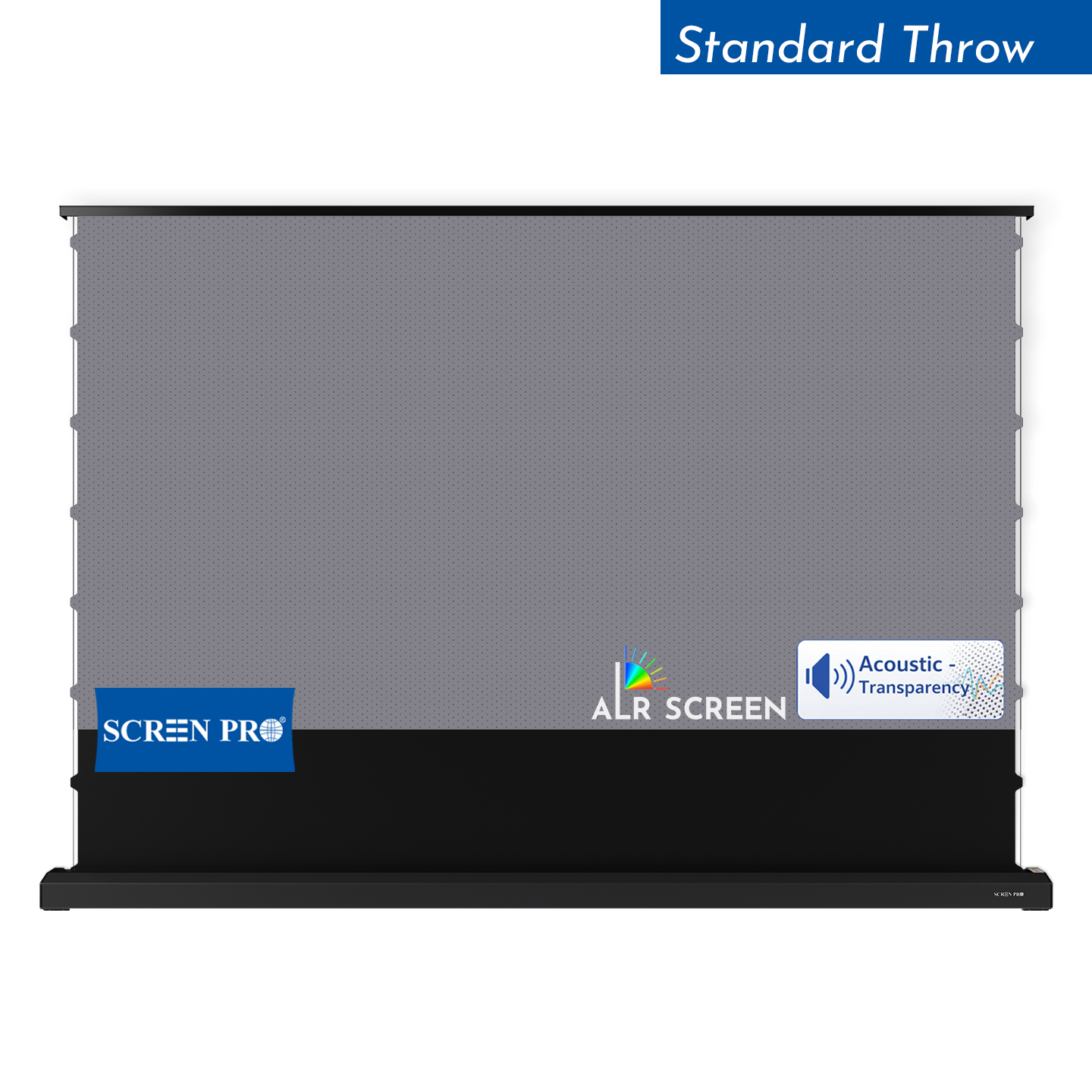
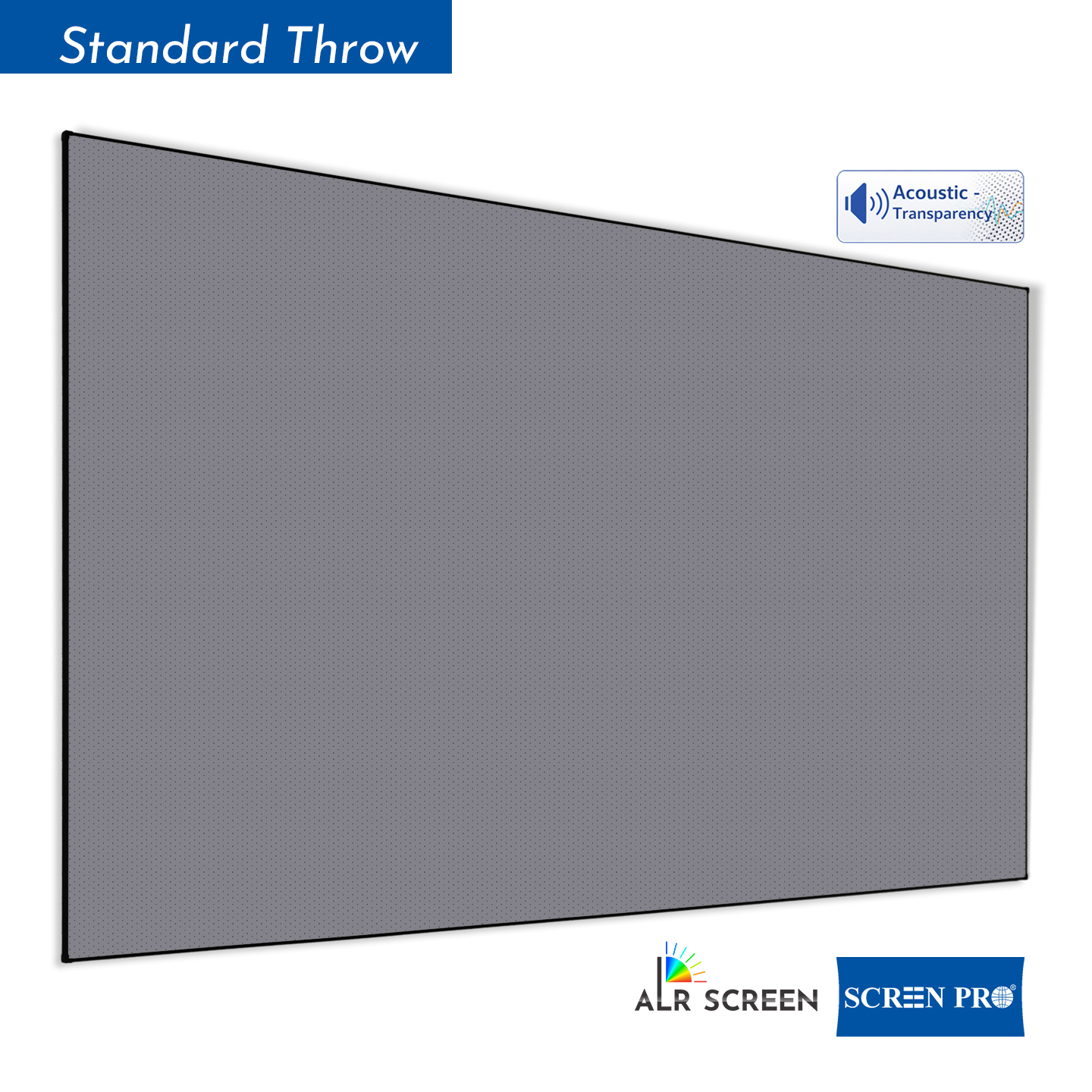
For rooms with ambient light, consider a high-contrast or Ambient Light Rejecting (ALR) screen. These specialized surfaces are designed to reduce the effect of off-axis ambient light while directing more projector light toward the viewing area.
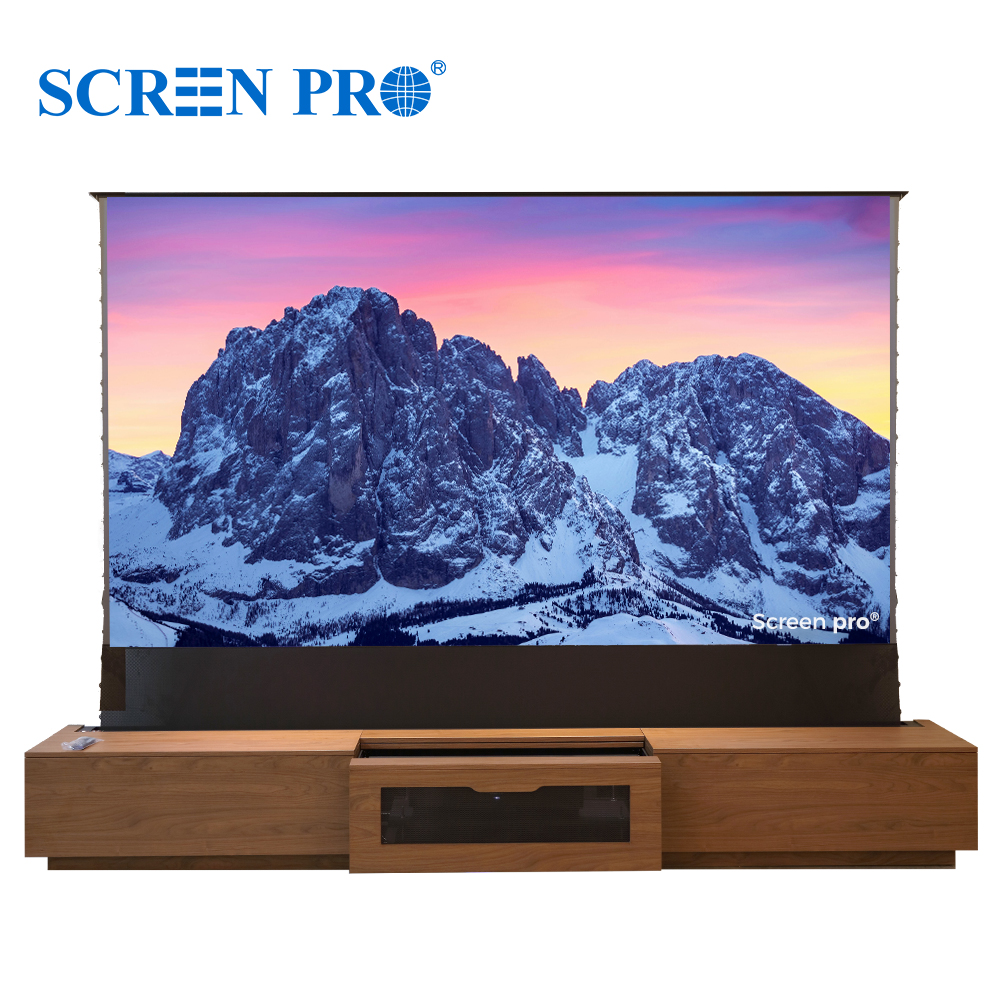
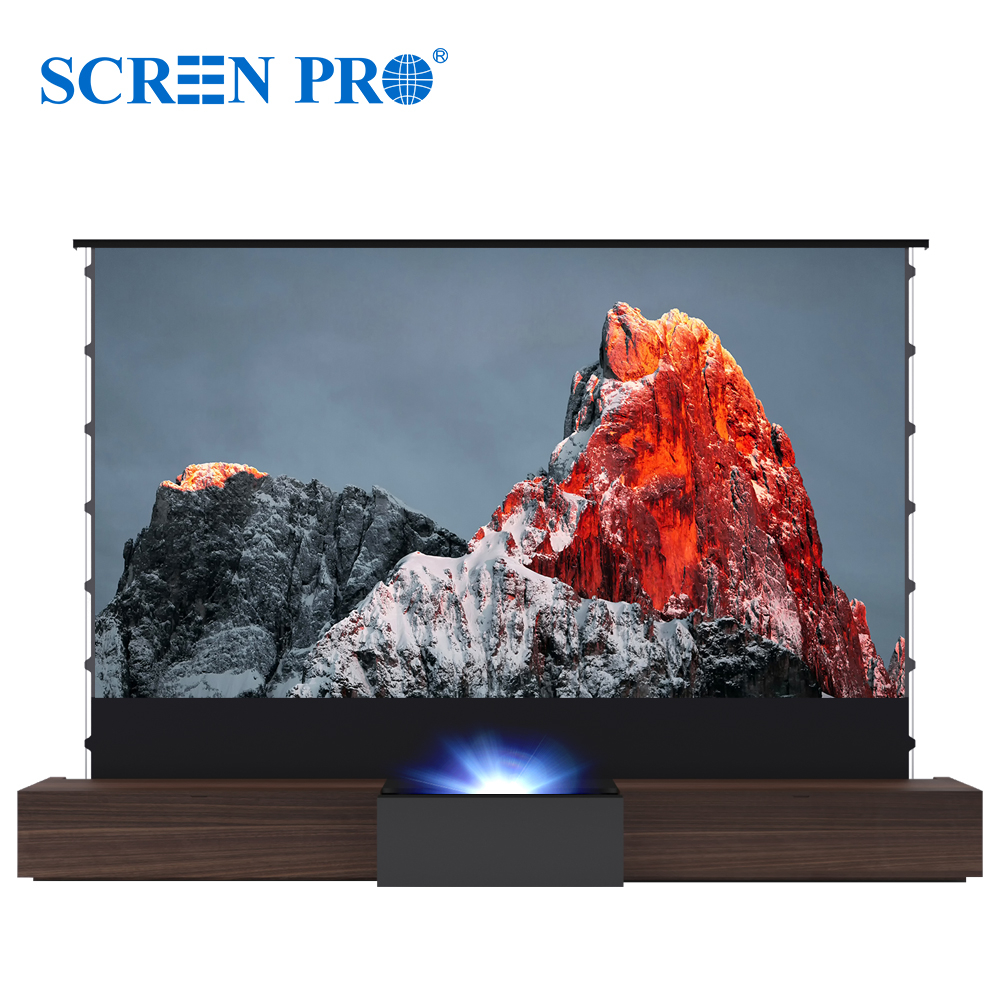
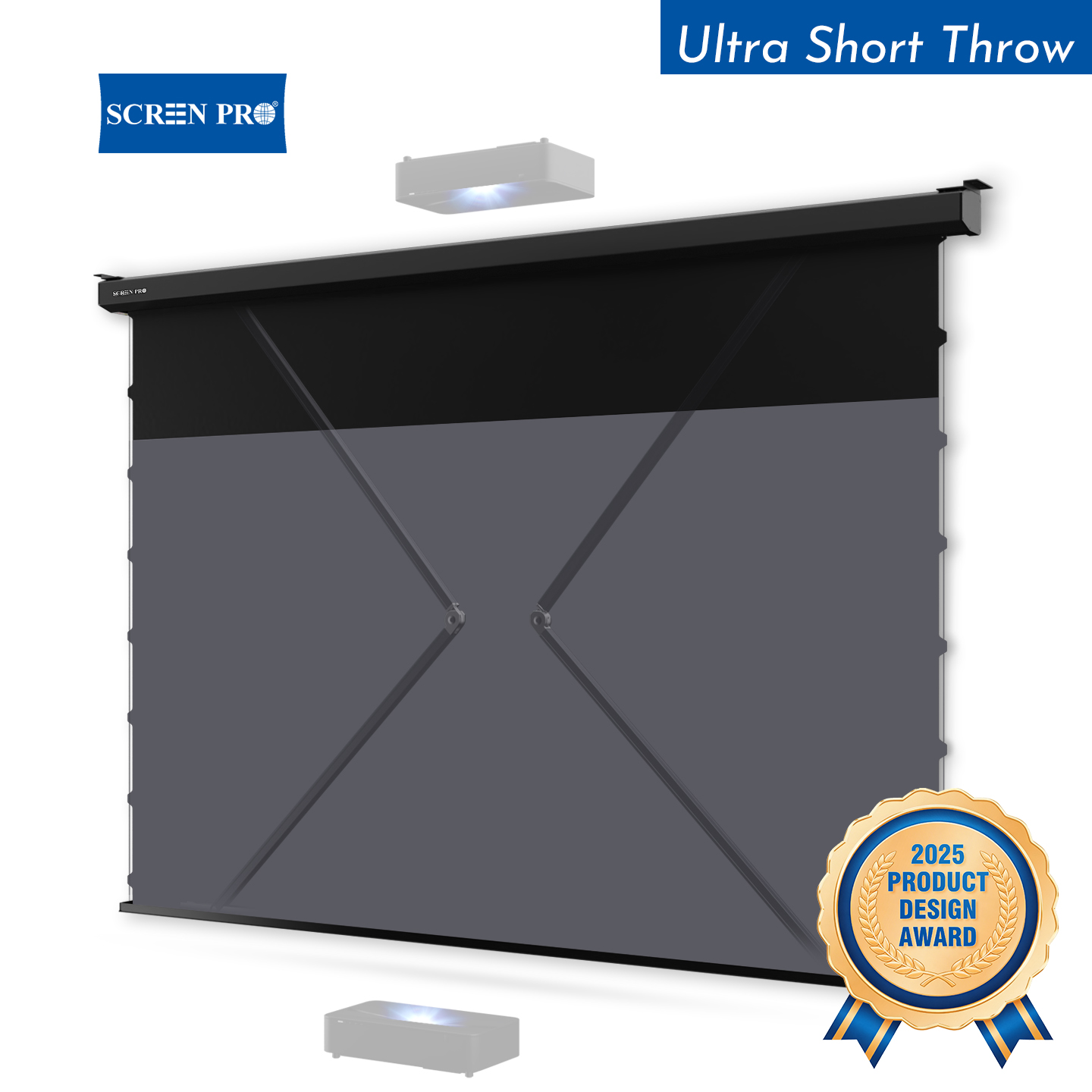
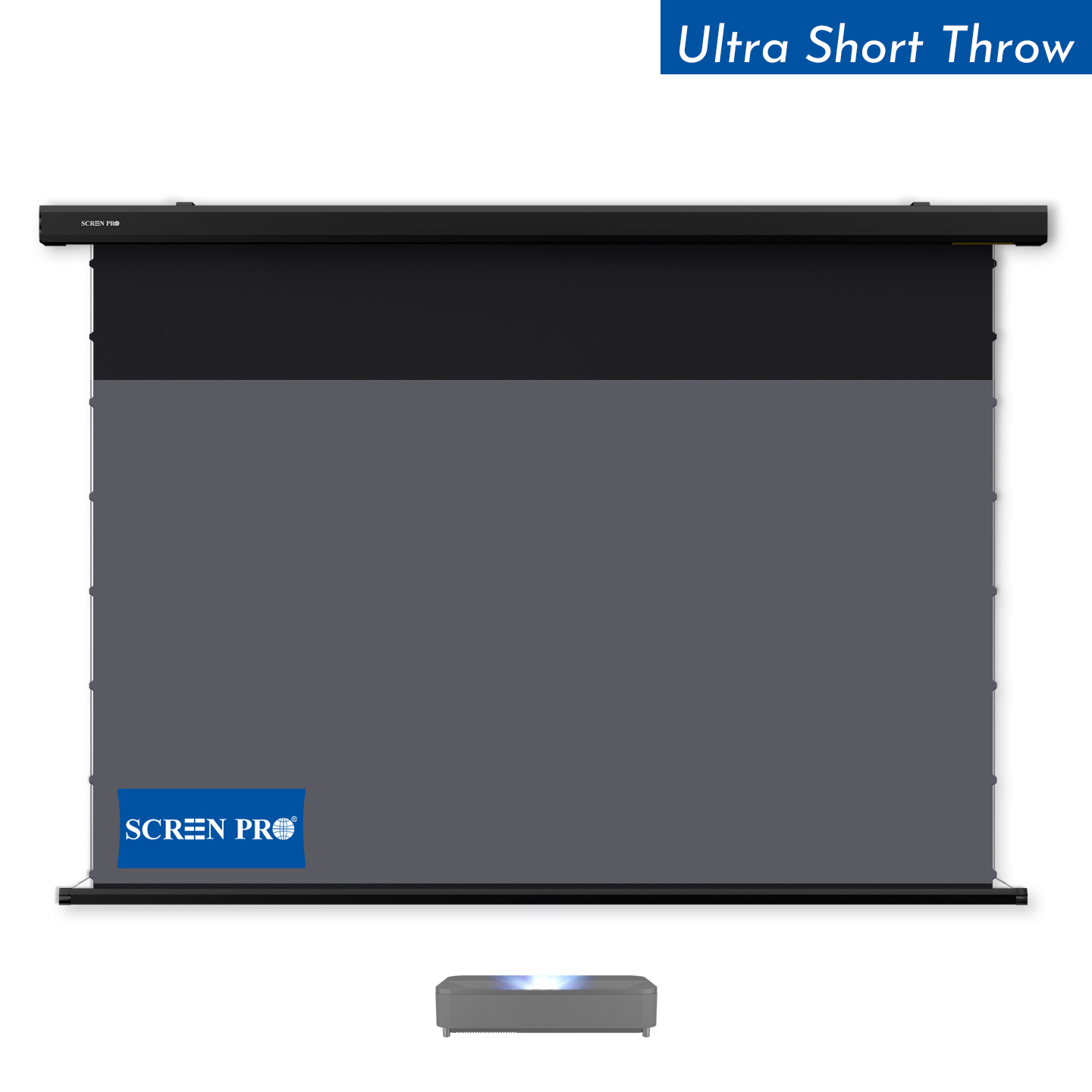
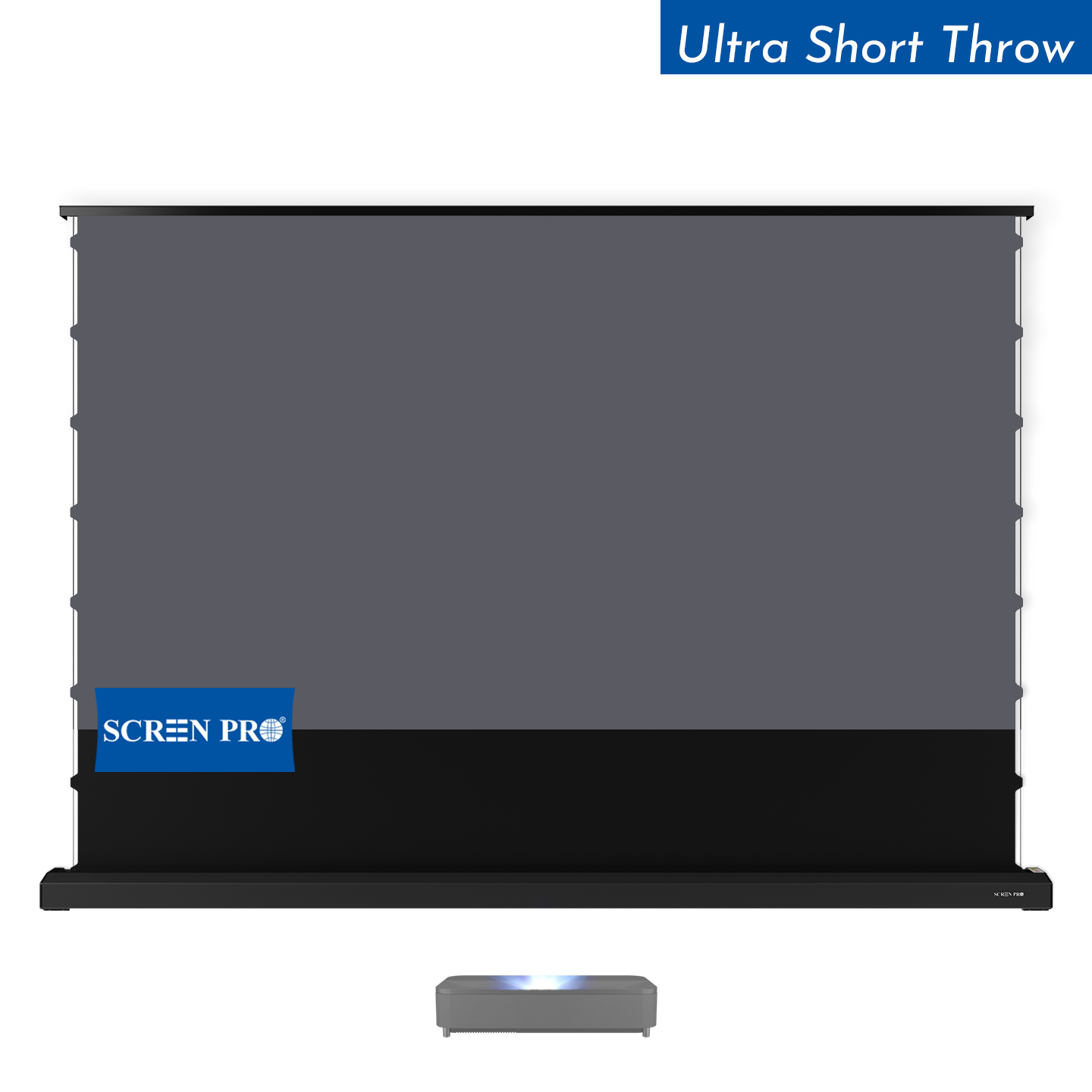
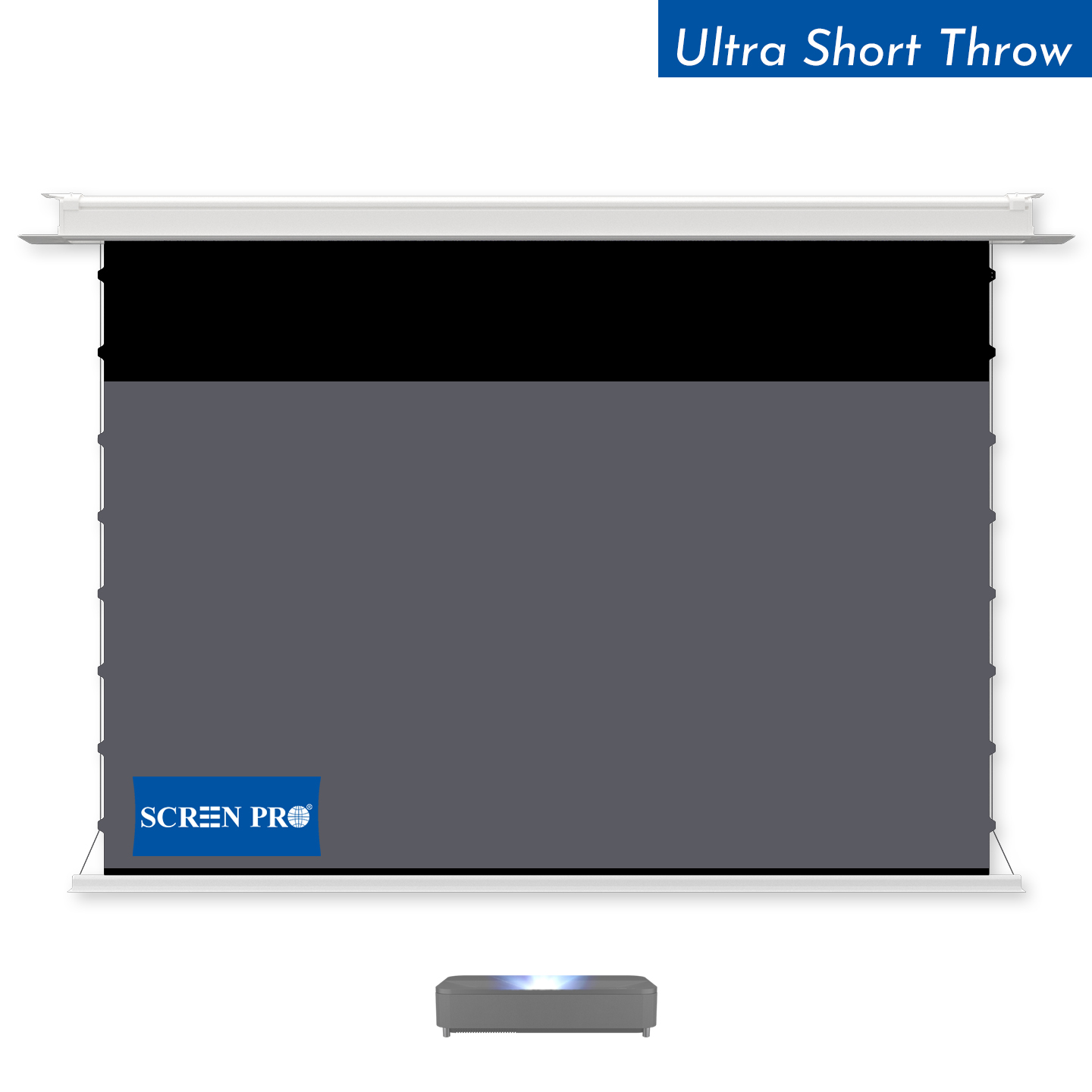
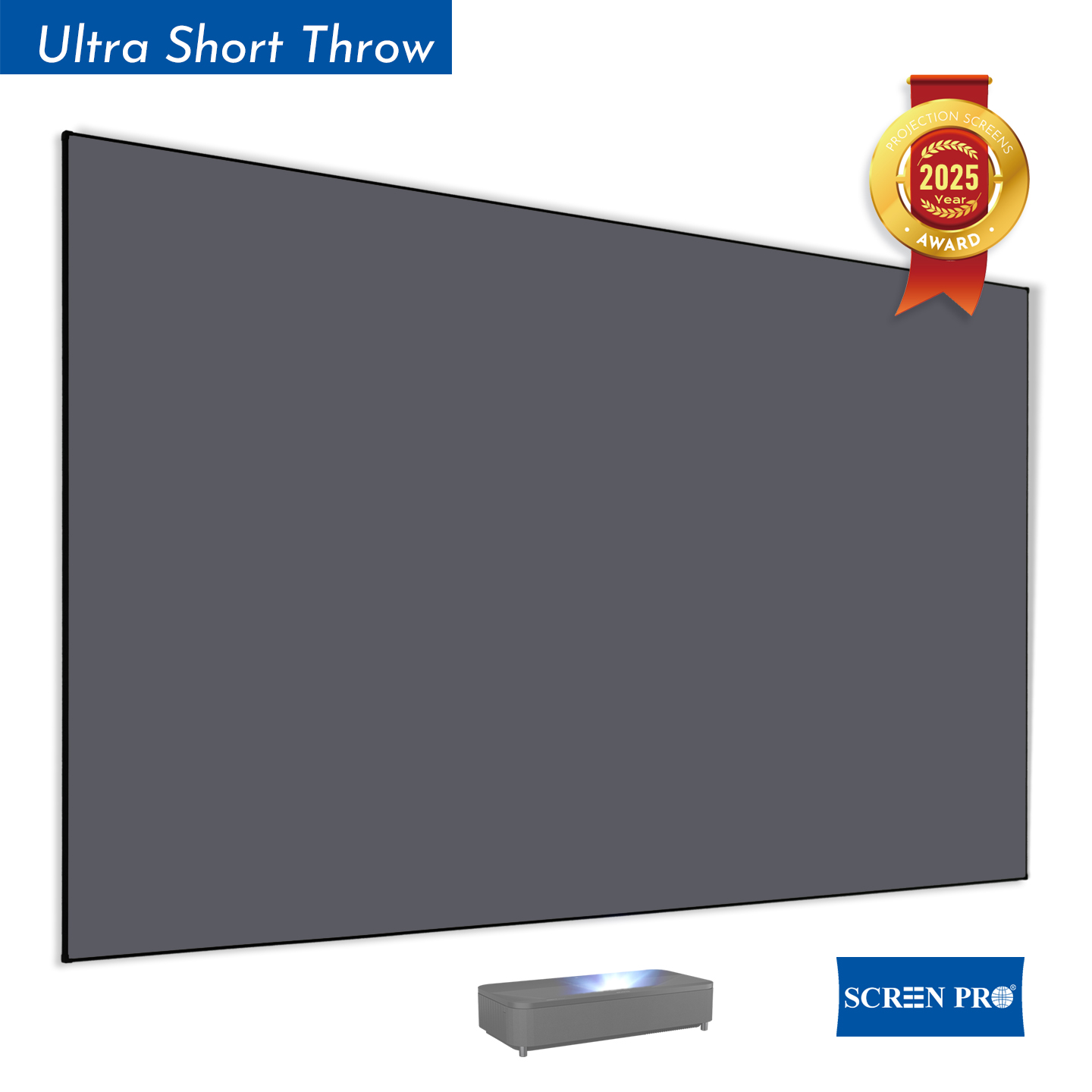
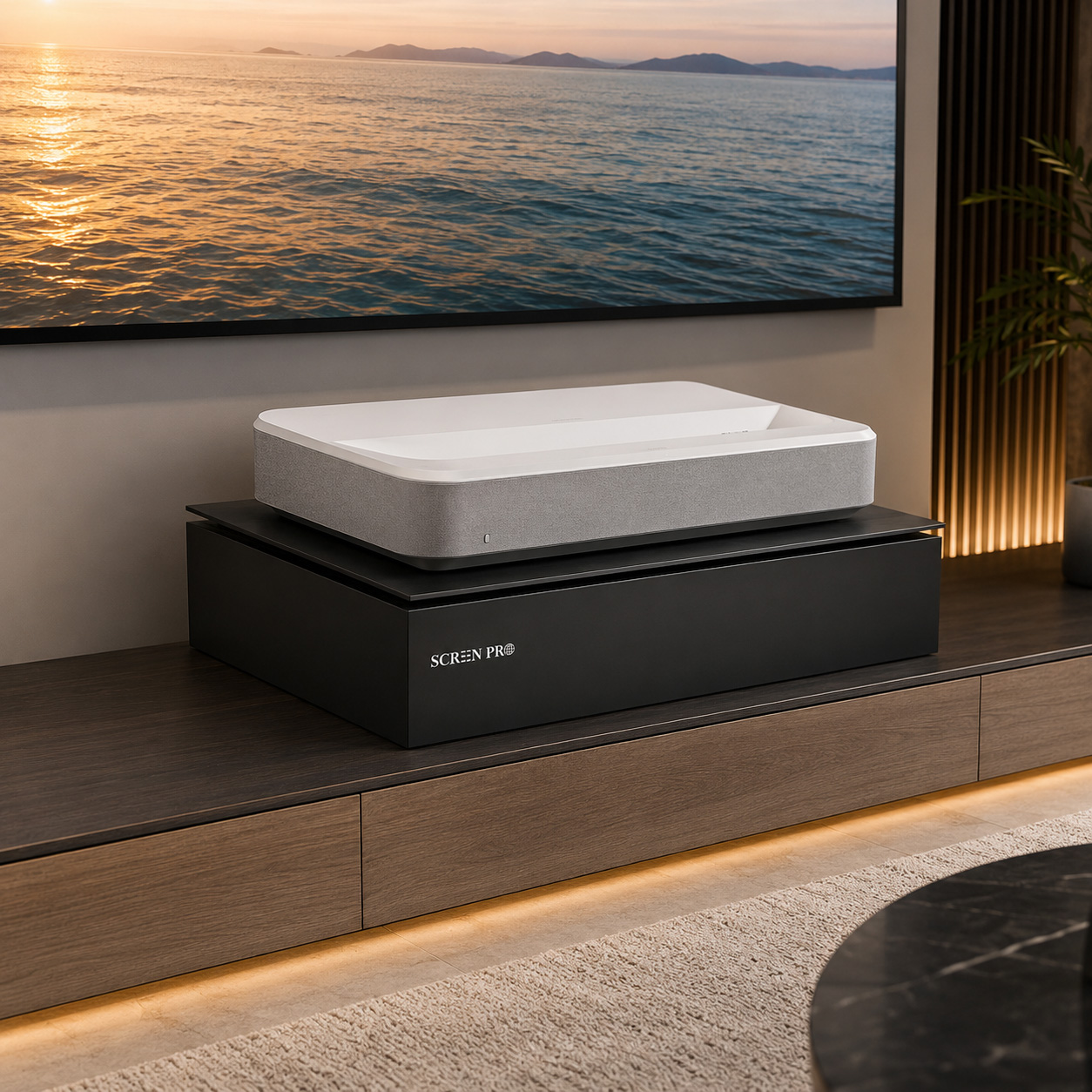
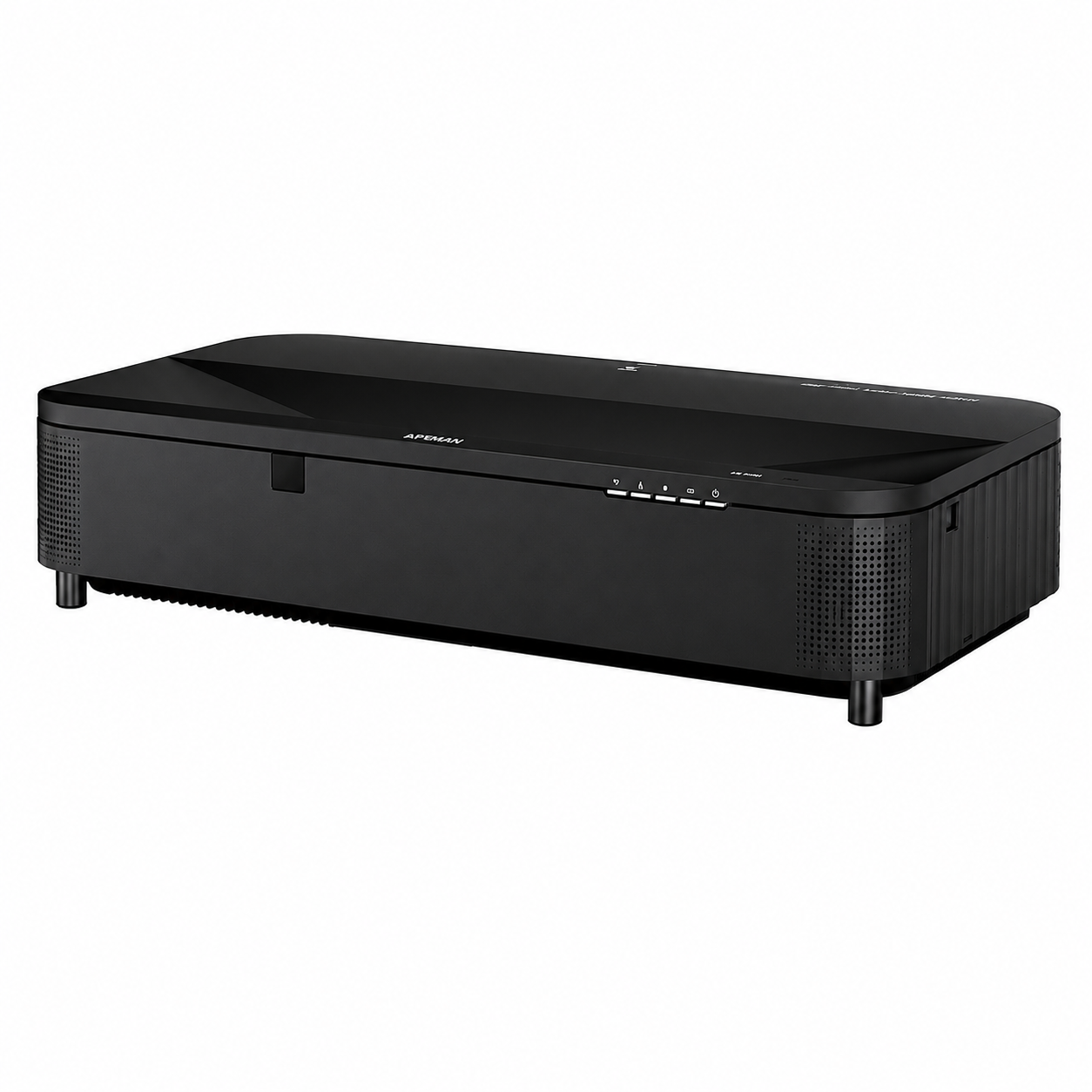
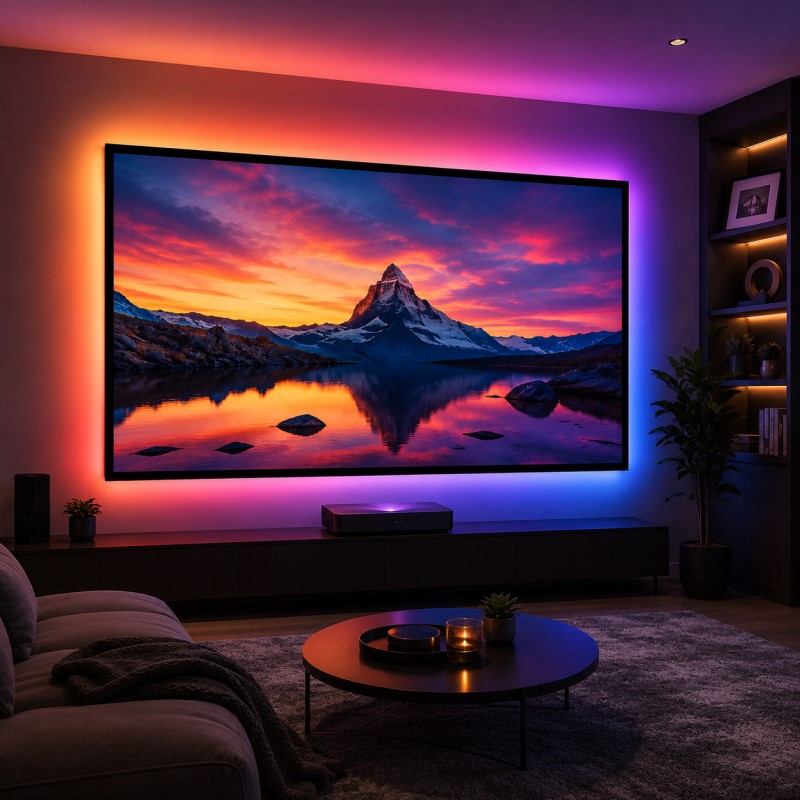
For Ultra-Short Throw (UST) projectors positioned directly below the screen, use an ALR surface specifically designed for UST projection and overhead-light rejection.
02 · SCREEN FLATNESS
Over time, some non-tensioned manual or motorized screens can develop waves or curling along the edges. An uneven projection surface can distort image geometry and is especially noticeable during camera movement or when displaying straight lines and architectural content.
“My roll-up screen has developed waves. How can I avoid this when choosing a new screen?”
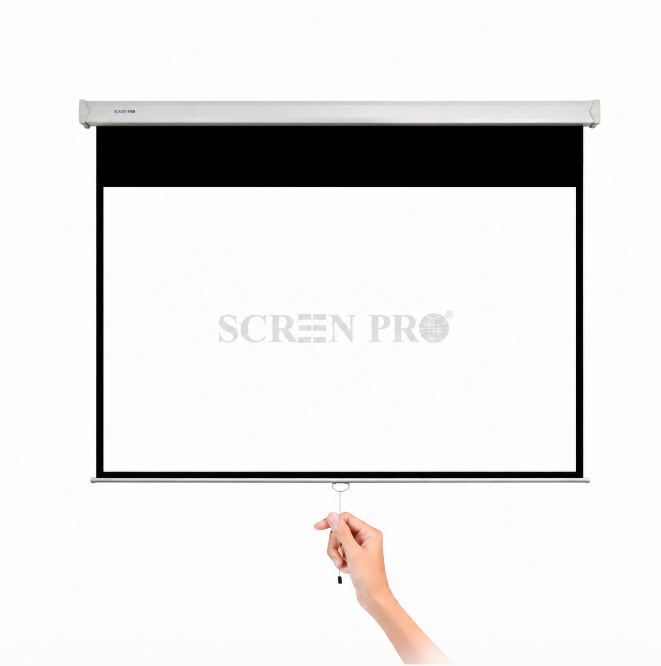
A consistently flat projection surface helps maintain accurate image geometry. Basic roll-up screens rely primarily on the bottom weight bar, while more advanced structures add tension around the screen material.
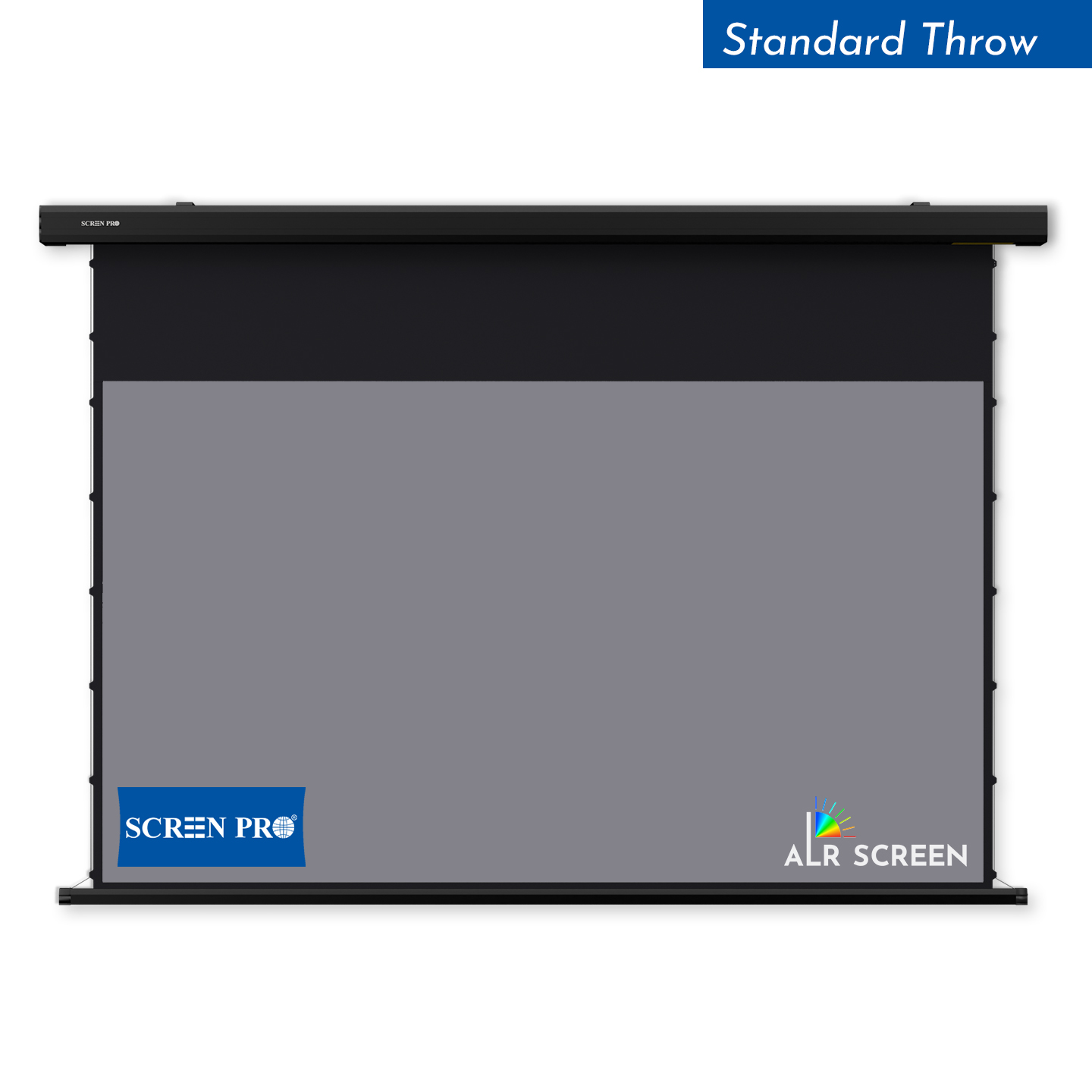
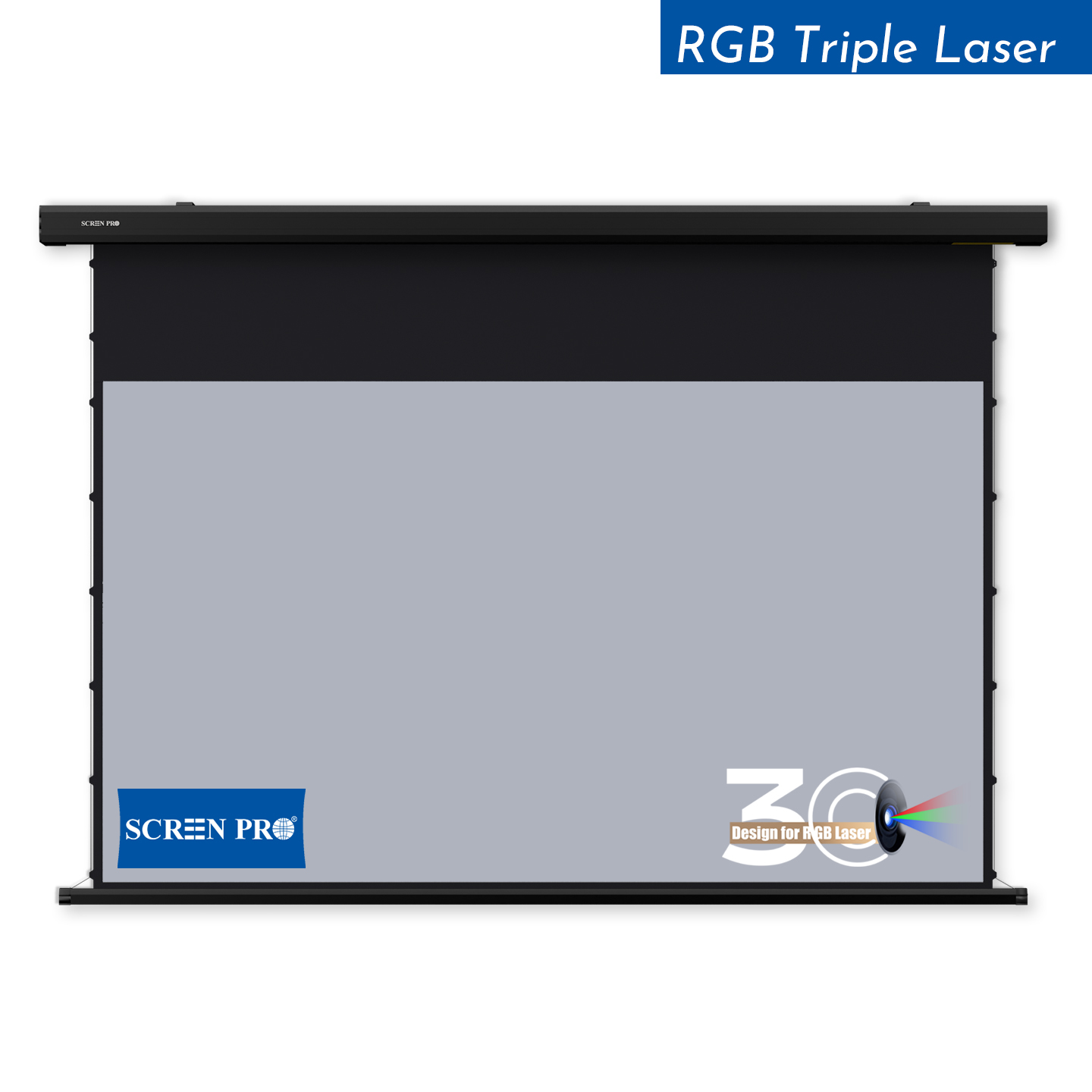
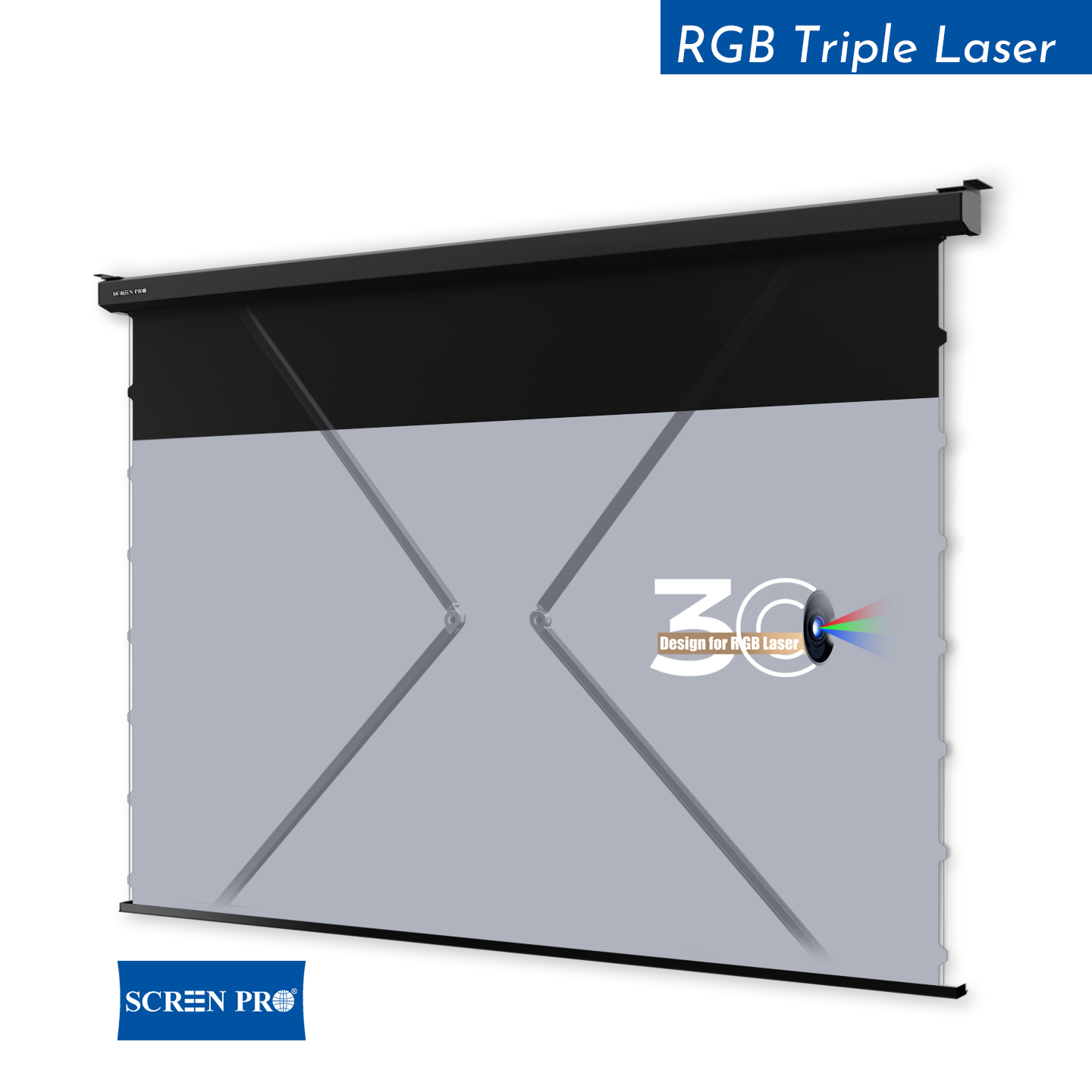
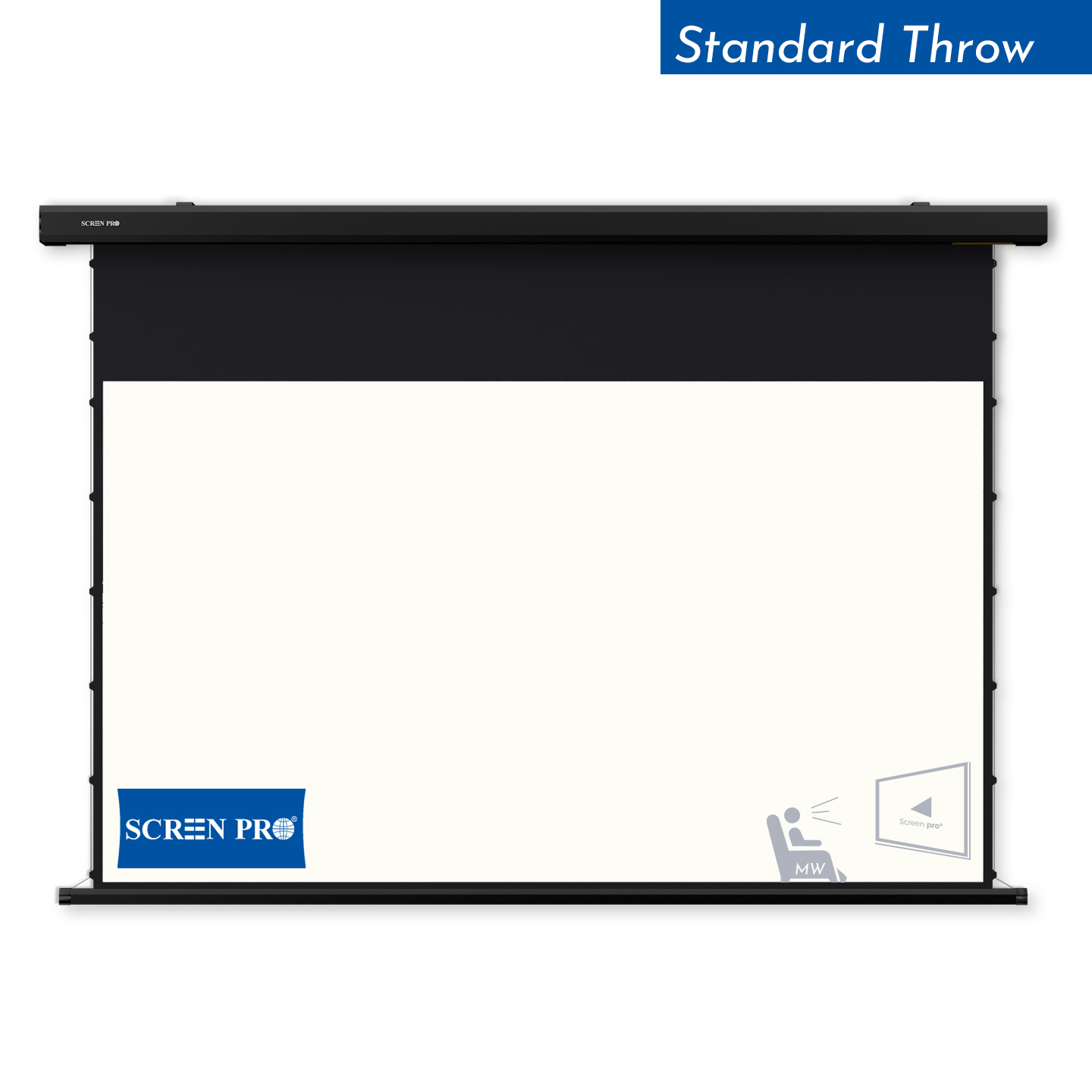
A side-tensioning system applies controlled tension to the screen material to improve flatness across the viewing surface. This is generally the preferred solution when a retractable screen is required.
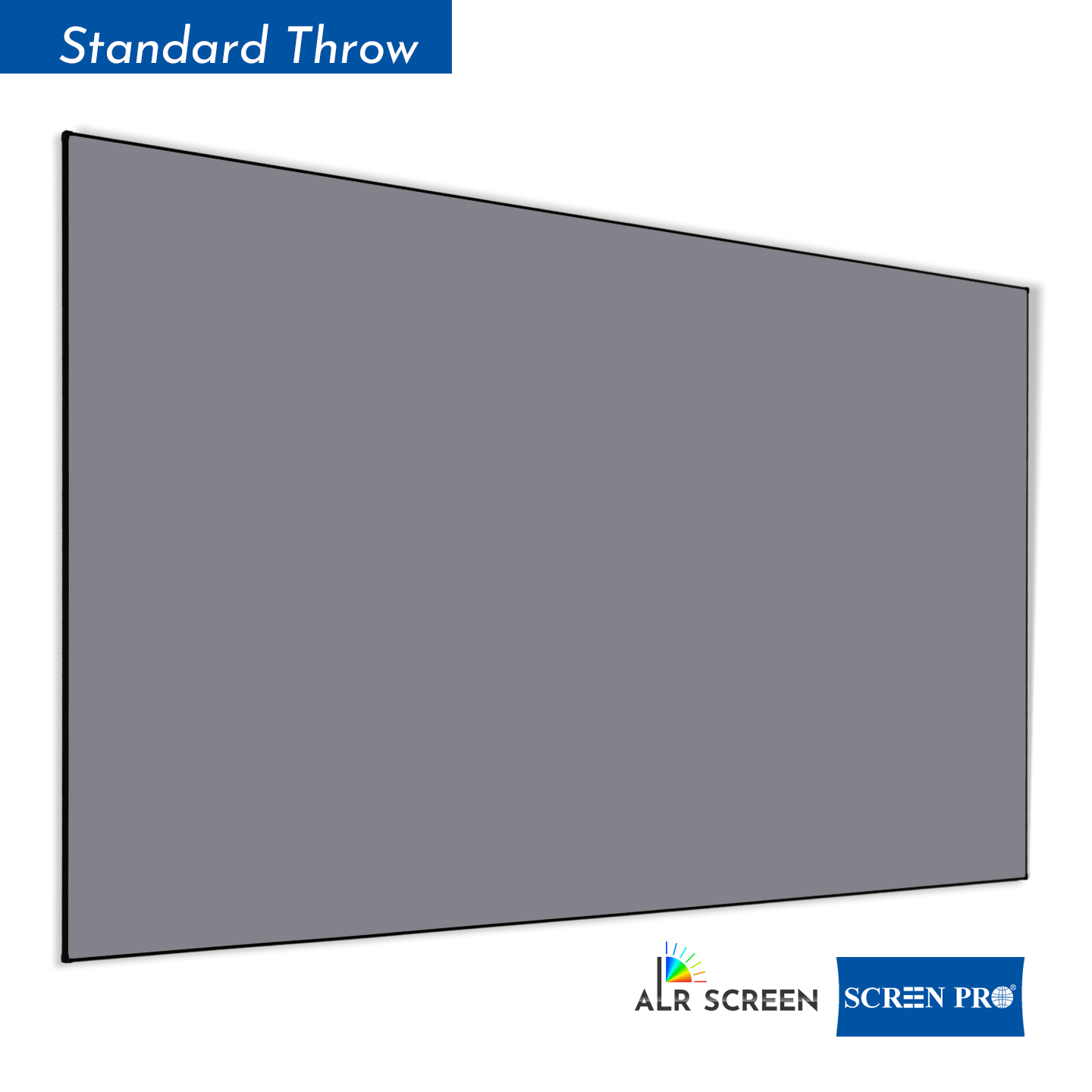
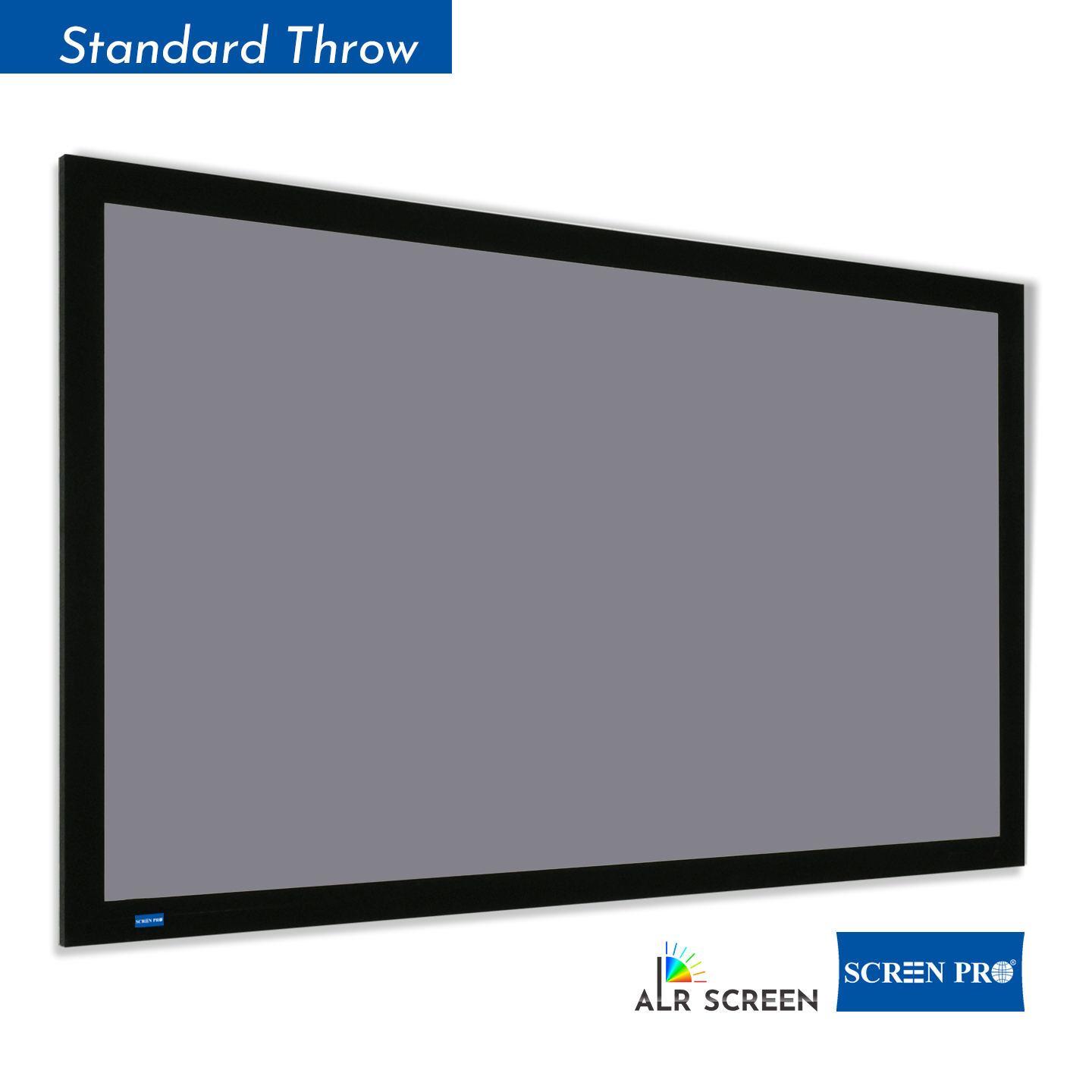
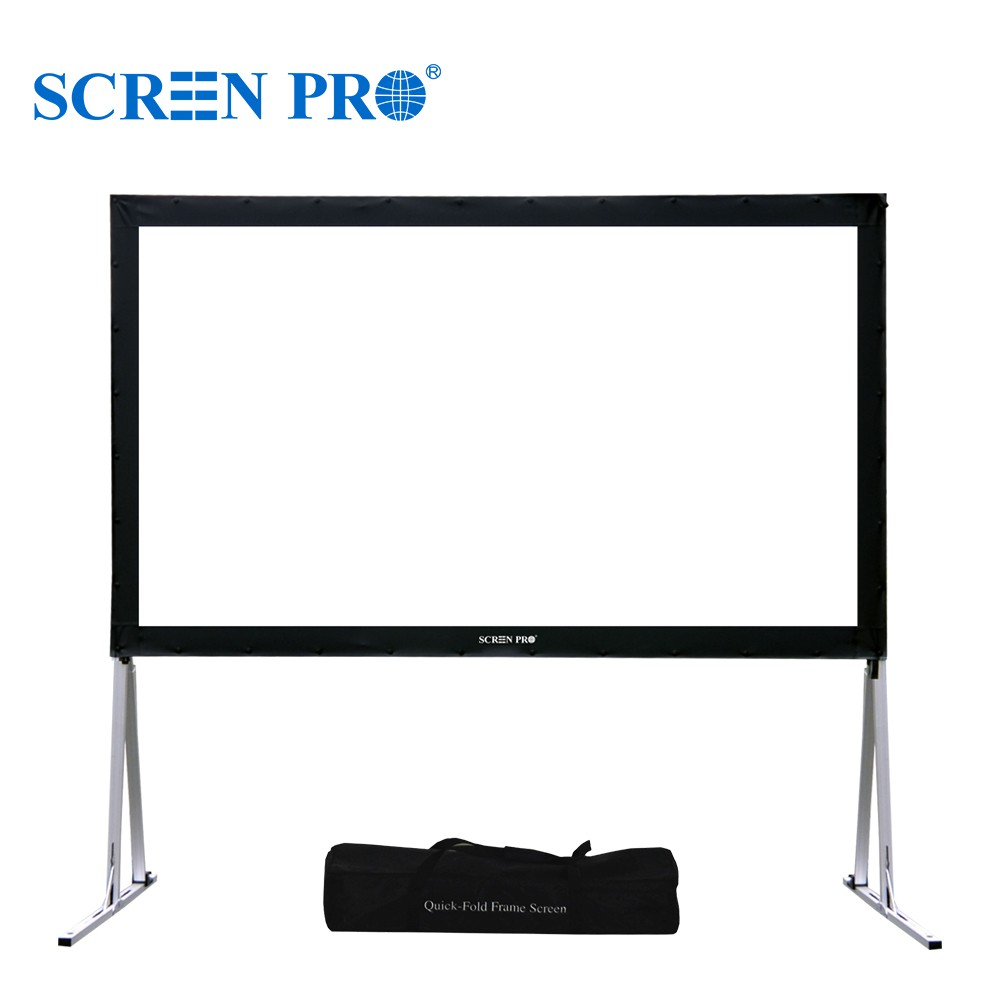
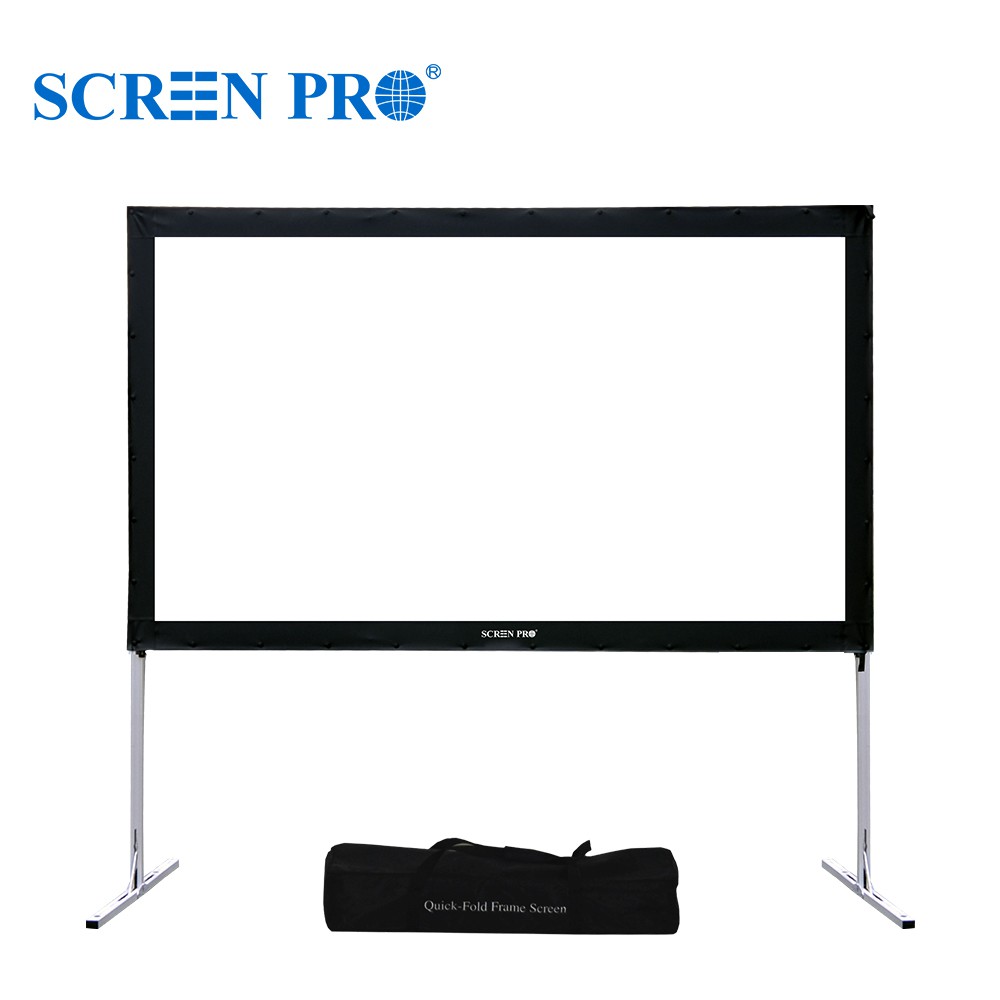
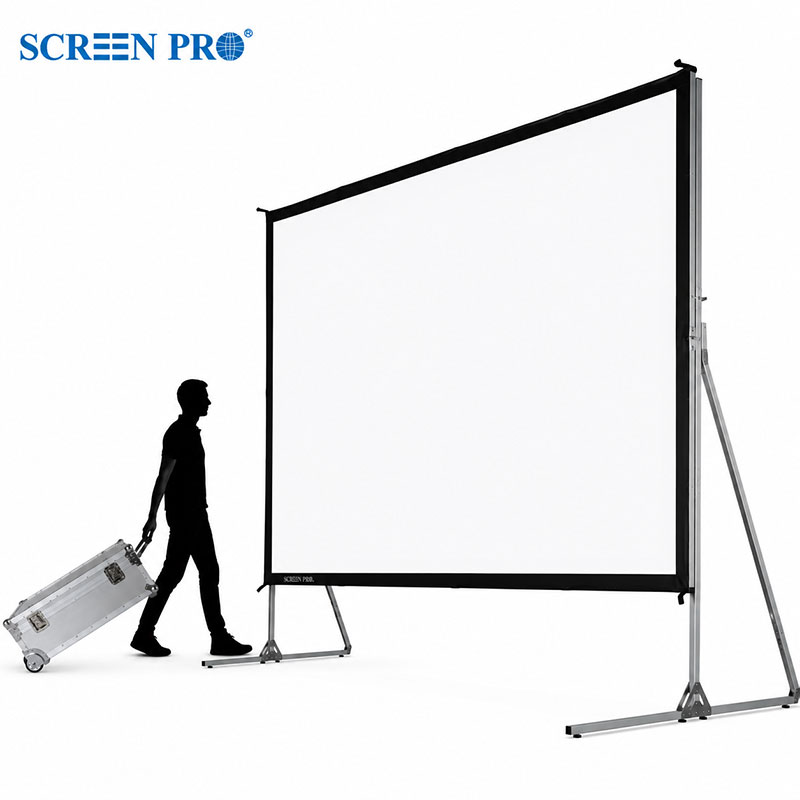
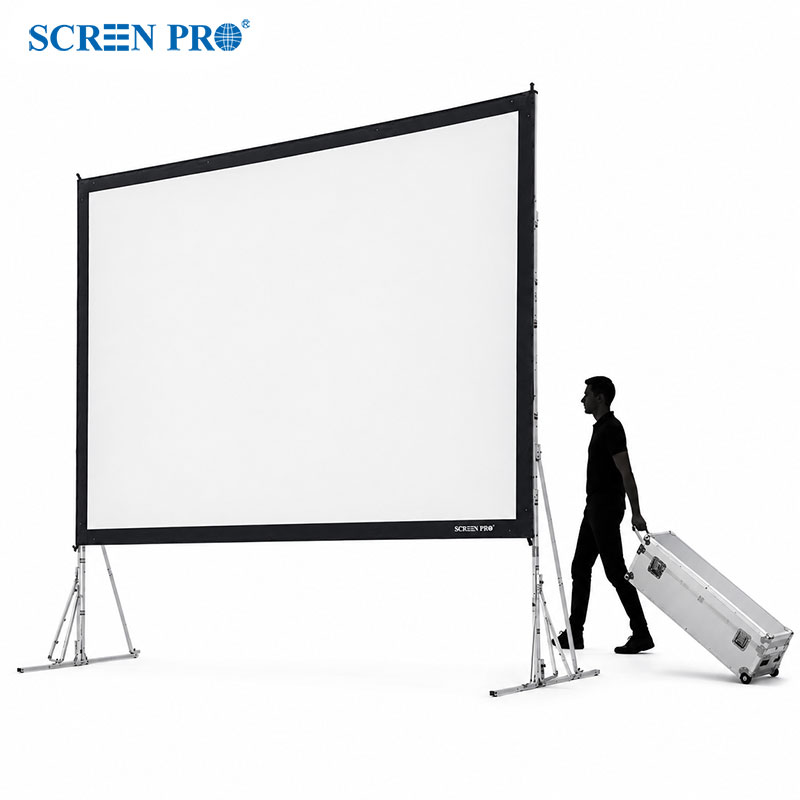
If the screen does not need to retract, a fixed-frame design keeps the projection material continuously tensioned across a rigid frame and offers excellent long-term flatness.
03 · IMAGE UNIFORMITY
Some projection surfaces can create distracting visual artifacts. “Hotspotting” occurs when one part of the image appears noticeably brighter than the surrounding area. Some materials may also exhibit visible glistening or sparkle in bright scenes, while narrower viewing angles can reduce brightness when viewed off-center.
“The center of my screen looks brighter and I can see sparkle in bright scenes. Why?”
Screen gain, surface structure, projector type, seating position, and viewing angle can all affect image uniformity. Higher-gain materials can provide more apparent brightness, but they may also require more careful projector and seating placement.
For controlled-light home theaters, a high-quality matte or diffuse projection surface generally offers broad viewing angles and consistent image uniformity. When choosing an ALR or other optical screen, select the material according to the projector type, throw direction, room lighting, and seating layout rather than judging by gain alone.
04 · SIZE & FORMAT
Screen size determines how immersive the image feels, while aspect ratio determines the shape of the viewing area. Both should be selected according to viewing distance, projector capability, room dimensions, and the type of content you watch most often.
“How big should my screen be for my viewing distance? And should I choose 16:9 or 21:9?”
A screen that is unnecessarily large for the viewing distance may feel uncomfortable or reveal image limitations. A screen that is too small may reduce the sense of immersion. The ideal size is therefore a balance between viewing distance, field of view, projector resolution, and personal preference.
16:9
The most versatile format for television, streaming, sports, gaming, presentations, and general home theater use.
21:9
An ultra-wide format suited to dedicated cinema rooms and users who primarily watch widescreen movies and want a more cinematic presentation.
SCREENPRO BUYING TIP
Before choosing a screen, confirm your projector type, throw distance, room lighting, viewing distance, installation method, and desired screen size. Screen material and screen structure should then be selected around those conditions.
GENERAL QUESTIONS
Quick answers to common questions about purchasing and customization.
Explore SCREENPRO projection screen solutions and available materials on our website. Find Online →
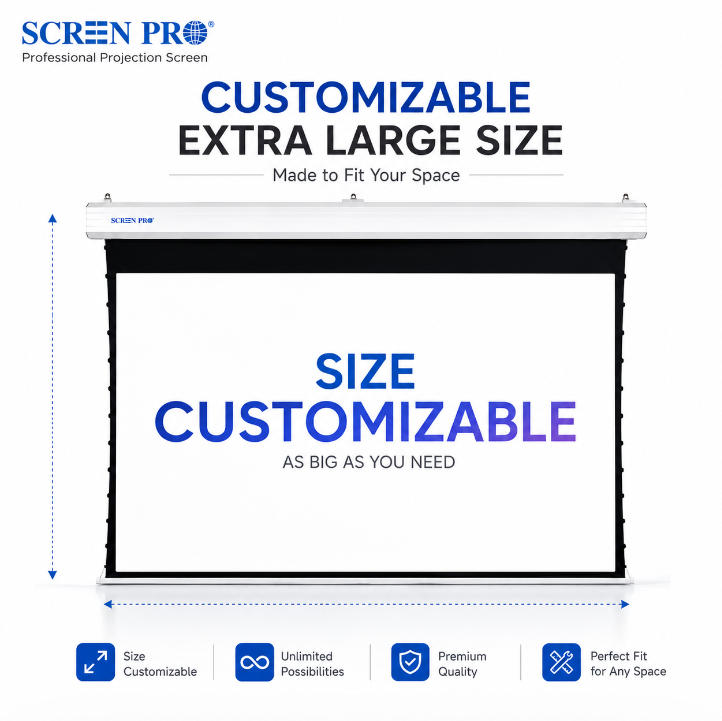
Yes. SCREENPRO supports a wide range of standard and customized screen sizes. Maximum available size depends on the screen structure, material, aspect ratio, and project requirements.
Visit the SCREENPRO YouTube Channel → for more installation videos, product demonstrations, and real-world application examples.
FIND YOUR SCREEN
Explore SCREENPRO projection screen solutions for home theater, commercial AV, education, events, and custom installations.
Explore Projector Screens





© Copyright 2004-2026 SCREEN PRO® All Rights Reserved | Specifications are subject to change without notice. All Rights ReservedSite Map Designed by iwonder.cn