
© 2026 SCREENPRO®. Specifications are subject to change without notice. | SamsAV All Rights ReservedSite Map Designed by iwonder.cn


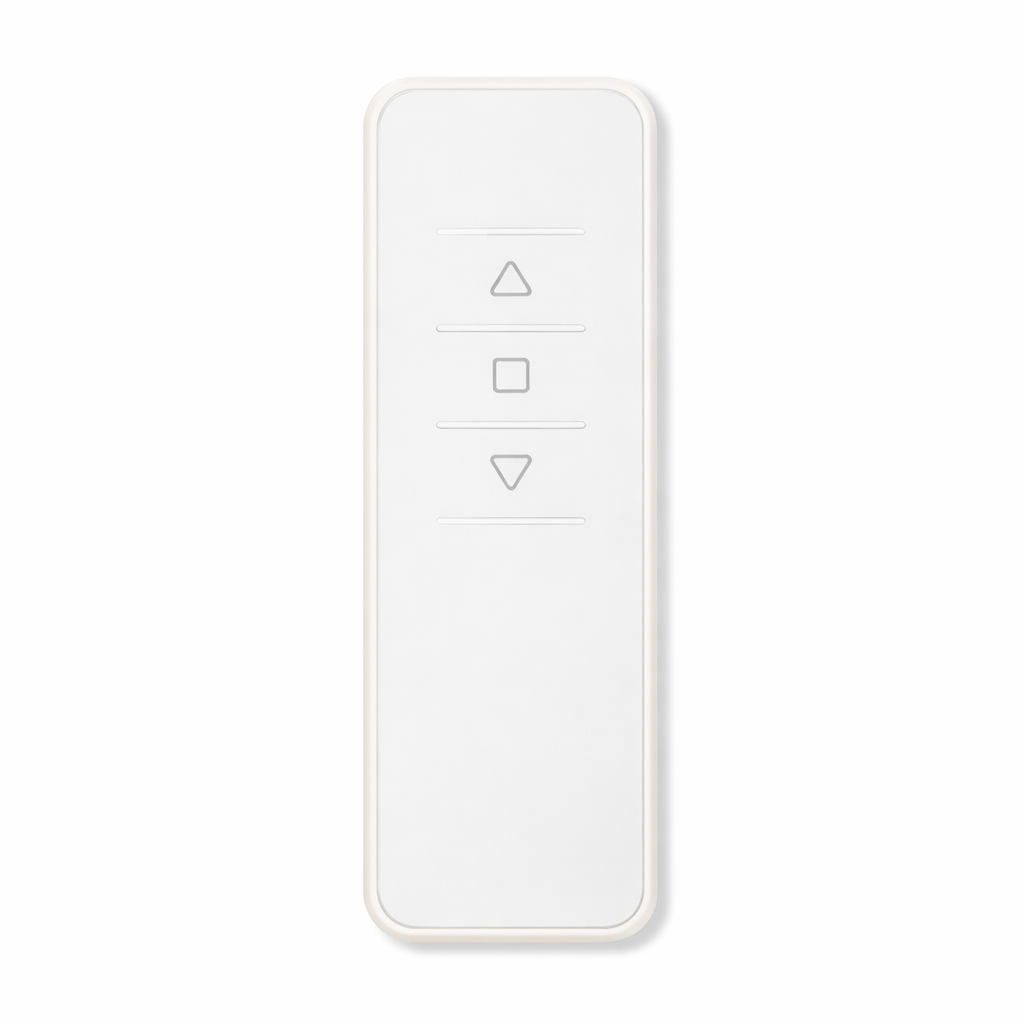
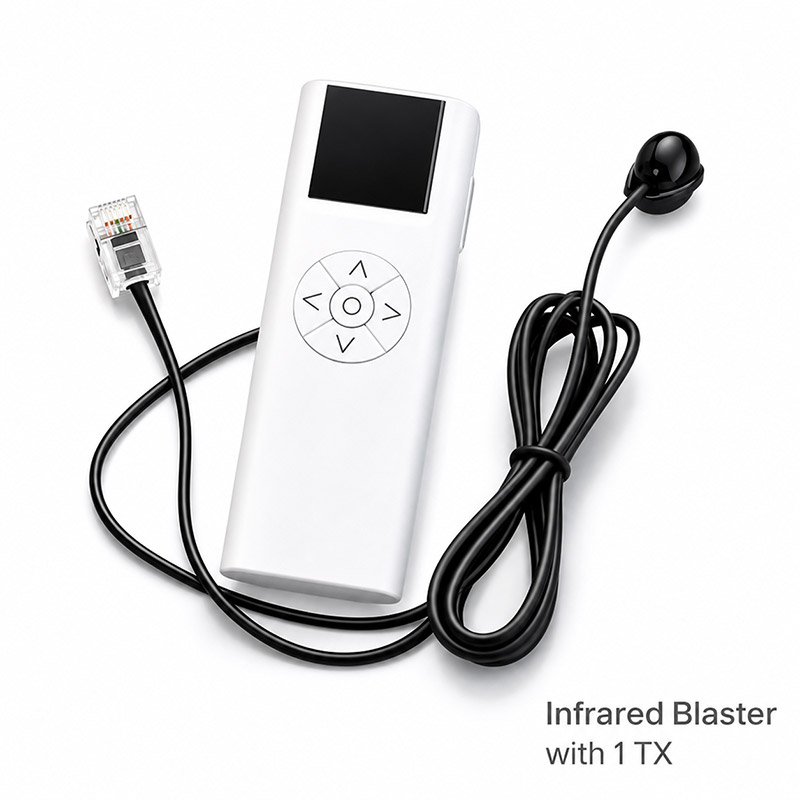
| Available Online Buy SCREENPRO Remote Control from Global Store | BUY NOW → |
For decades, SCREENPRO® screens have been built to keep performing.
Over time, your screen may move with you, change hands, need a new control system, or simply outlast its original remote.
Whatever changes, we’re here to help.
From replacement remotes and receivers to updated control solutions, we can help bring your SCREENPRO® screen back to life — so the screen you love can keep working for years to come.
Your screen was built to last. We help keep it that way.
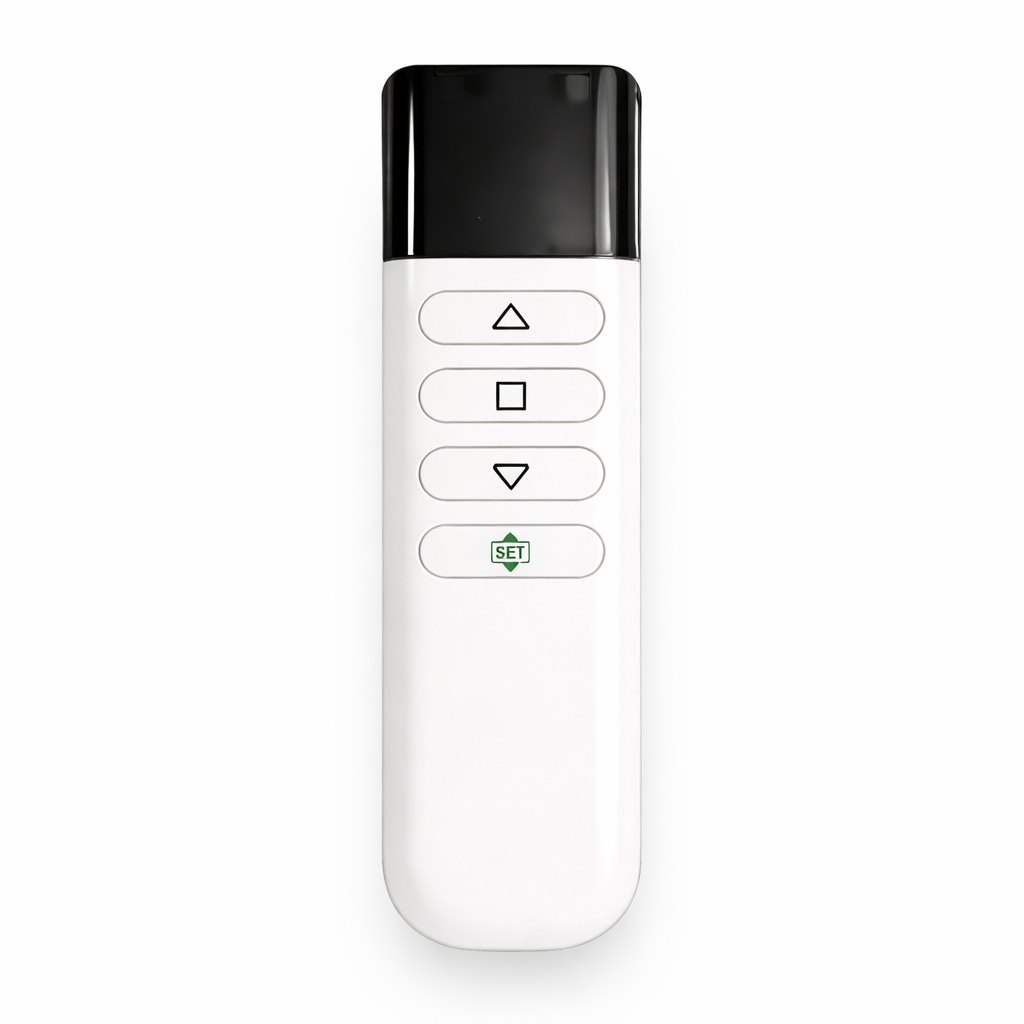
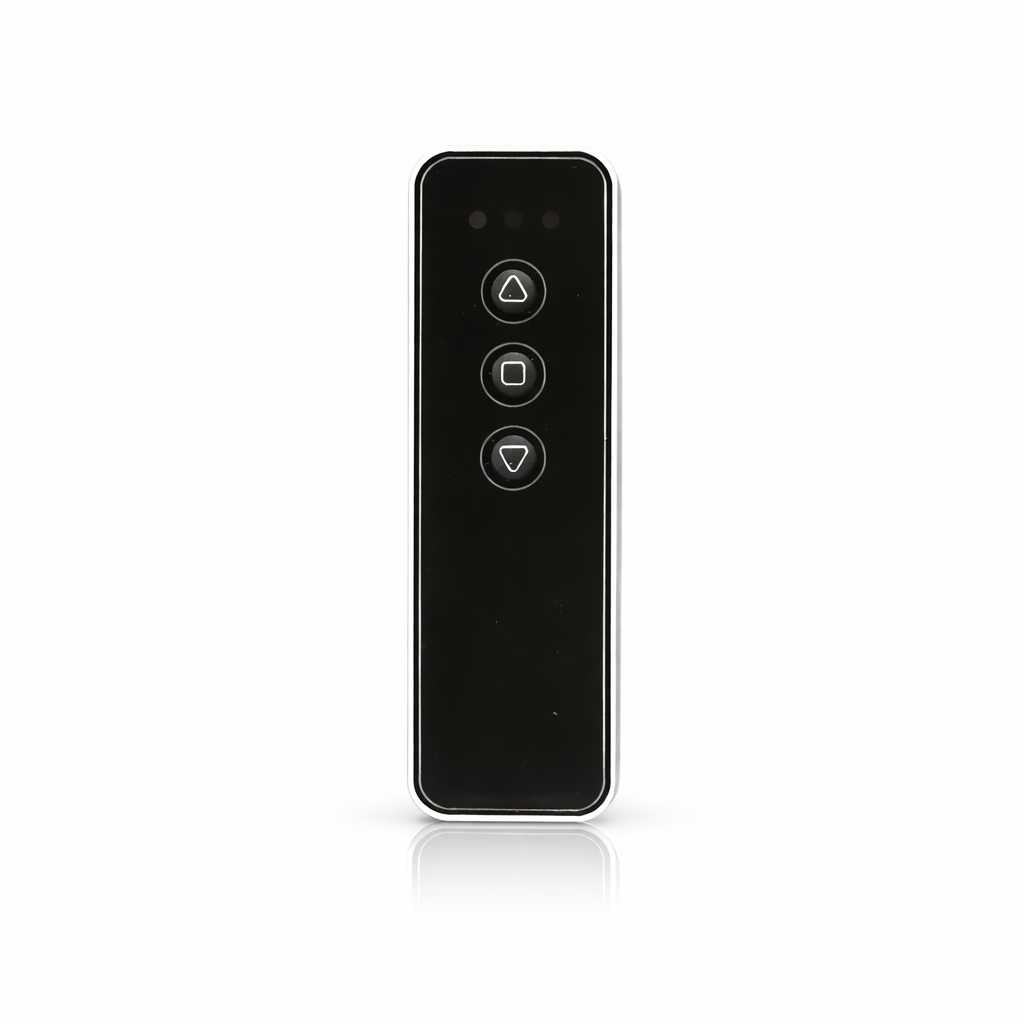
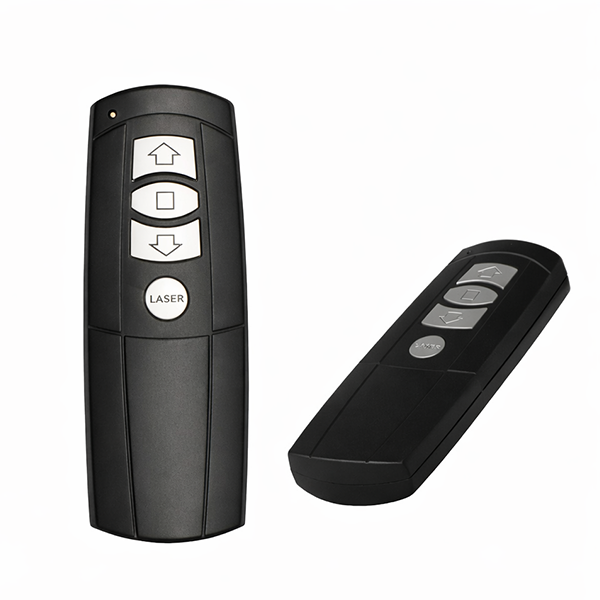
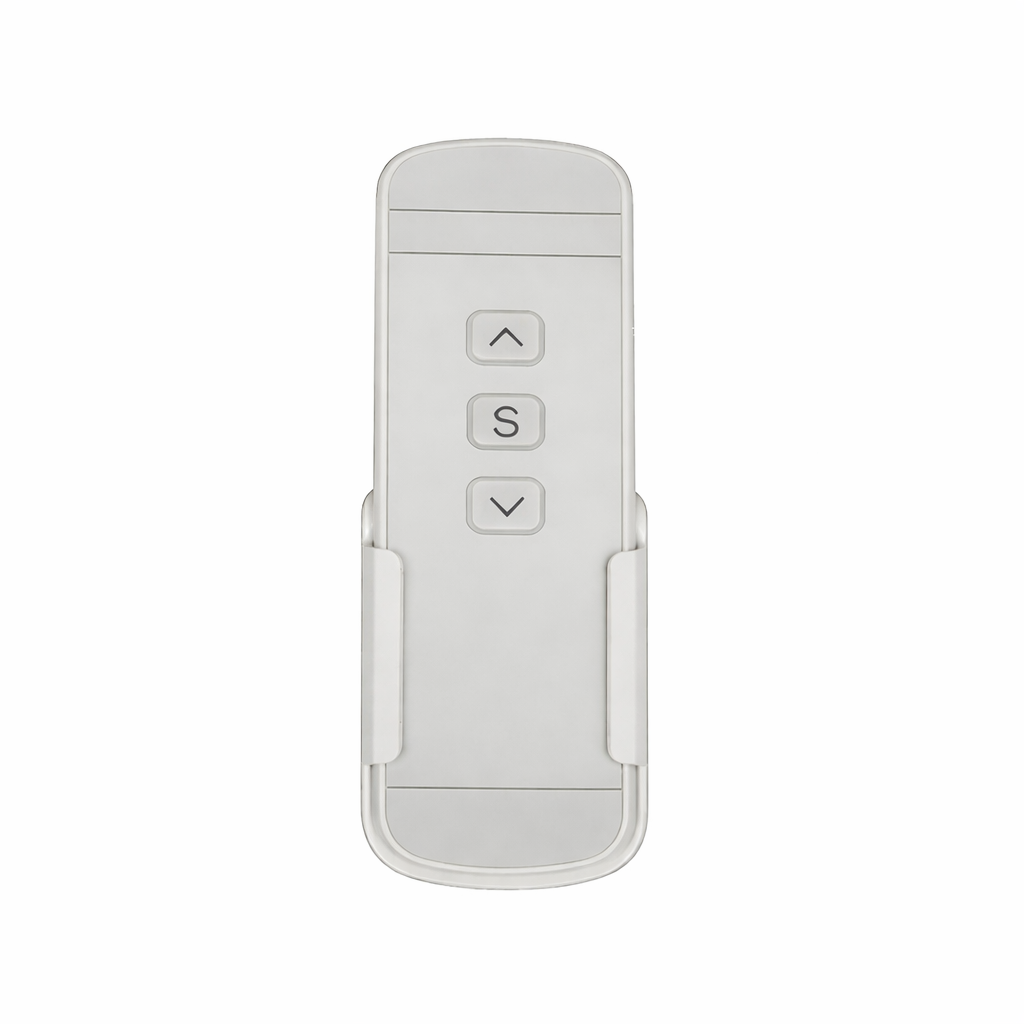
Need a replacement remote for an existing SCREENPRO® screen? We offer wireless and infrared remote controls for different generations of SCREENPRO control systems.
To ensure compatibility, please contact SCREENPRO before ordering and provide as much of the following information as possible:
Different SCREENPRO screens use different controllers and frequencies.
Please send:
Our team will recommend the correct replacement remote.
Yes. Most SCREENPRO remotes can be paired easily.
Pairing instructions are included, and technical support is available if needed.
No. Compatibility depends on:
Please contact SCREENPRO before ordering to ensure compatibility.
The controller model is usually printed on the control box label.
You may also send photos of the control box and original remote to SCREENPRO for identification.
Batteries are generally not included due to shipping regulations.
Please refer to the product description for battery requirements.
No. SCREENPRO remotes are designed for specific controller versions and frequencies.
Please contact SCREENPRO before ordering a replacement.
Please confirm your SCREENPRO screen model before purchasing. This remote is a replacement remote for compatible SCREENPRO projection screens only. If you are not sure which model you need, please contact customer support before placing your order.
1. Replacement Remote for SCREENPRO Screens
This remote control is designed as a replacement for the original remote used with compatible SCREENPRO projection screens.
2. Pairing Required Before Use
Programming/pairing is required before operation. Please refer to your screen’s user manual for pairing instructions. If the printed manual is unavailable, you can download it from our support page: Download User Manual
3. IR and RF Control Difference
IR Remote: Must be pointed directly toward the IR receiver.
RF Remote: No directional aiming is required.
4. Model Confirmation Recommended
To avoid ordering the wrong remote, please verify your screen model before purchase. If needed, our customer service team can help confirm compatibility.
5. Want to know if Screen Pro uses IR control or RF433MHz for remote control?
SCREENPRO standard 868 MHz.
| IR Remote | RF Remote |
|
• Must point toward the IR receiver • Best for direct line-of-sight use • Common traditional remote type |
• No directional aiming required • More flexible in daily use • Convenient for longer-range control |
• 1 × Remote Control
• 1 × Wall Holder
• 2 × Screws
Contact SCREENPRO support before ordering if you are unsure about compatibility or remote type.
Contact Support
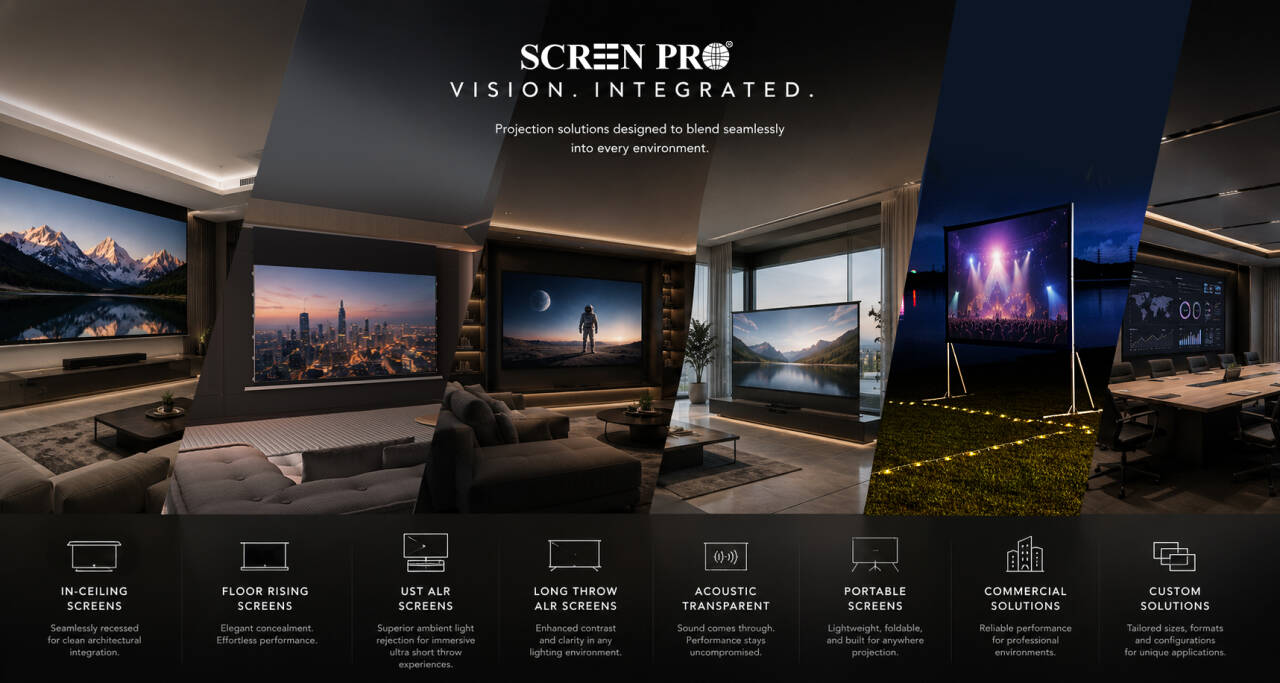
Everything you may want to know before choosing a SCREENPRO® projection screen.
The ideal screen material depends on your projector type, room lighting, and installation environment.
If you are unsure, SCREENPRO can recommend a suitable projection screen solution based on your projector model and room layout.
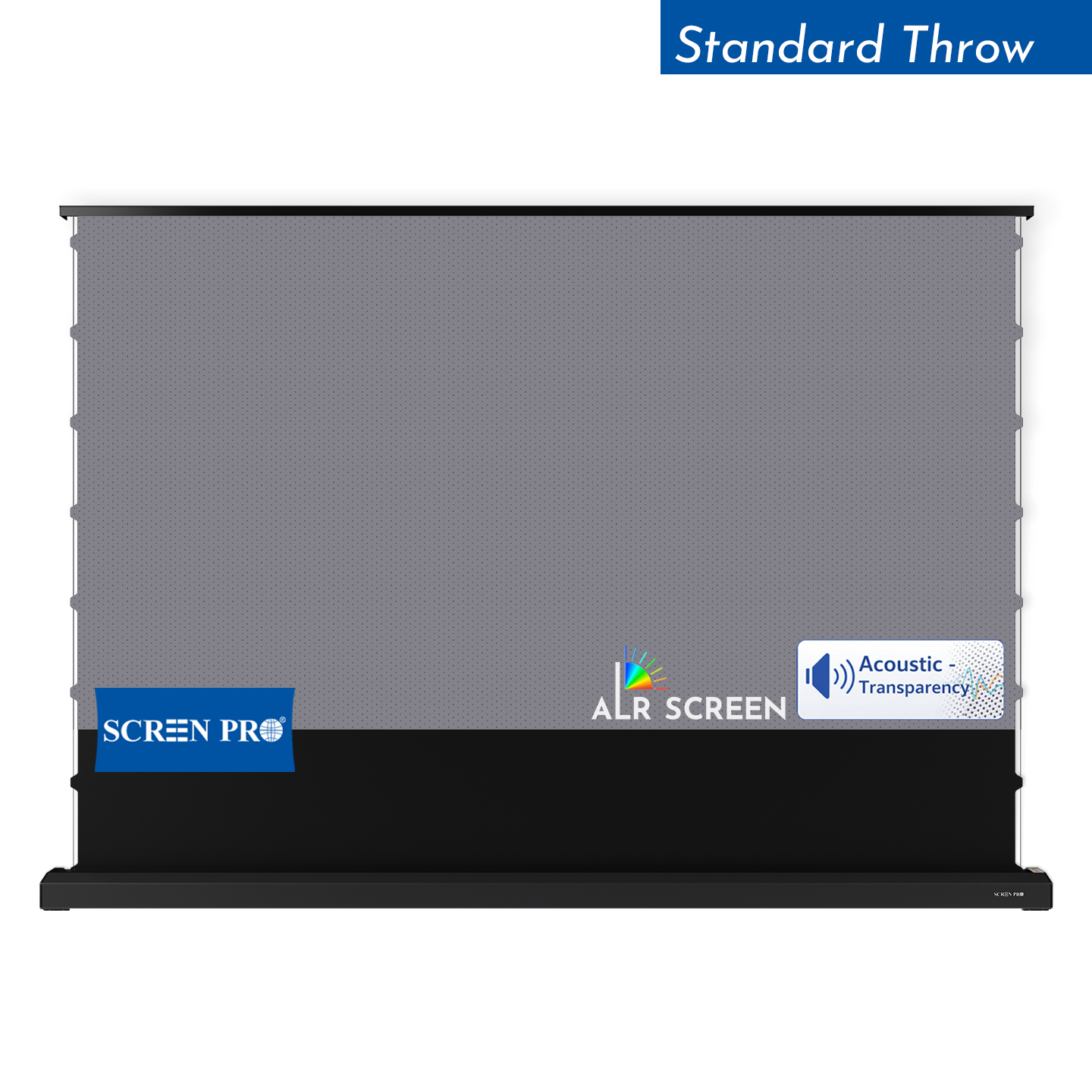
A standard white screen is best for dark or controlled lighting rooms. An ALR screen is designed to reduce the influence of ambient light and improve perceived contrast in brighter environments.
The best screen for contrast depends on your projector type and room lighting. In dark rooms, a high-quality white or acoustic transparent screen can deliver natural contrast. In rooms with ambient light, ALR screen materials help maintain deeper blacks and stronger perceived contrast.
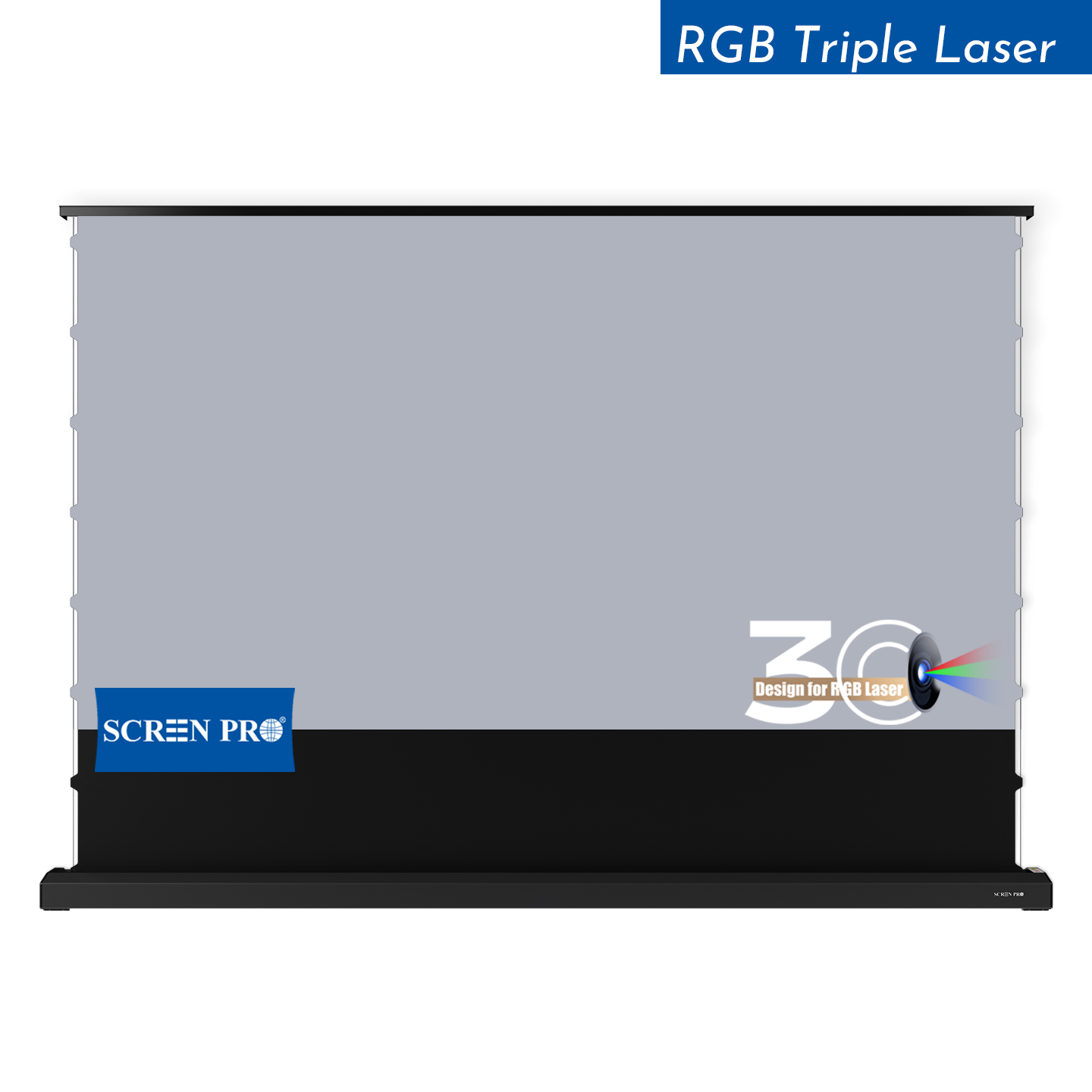
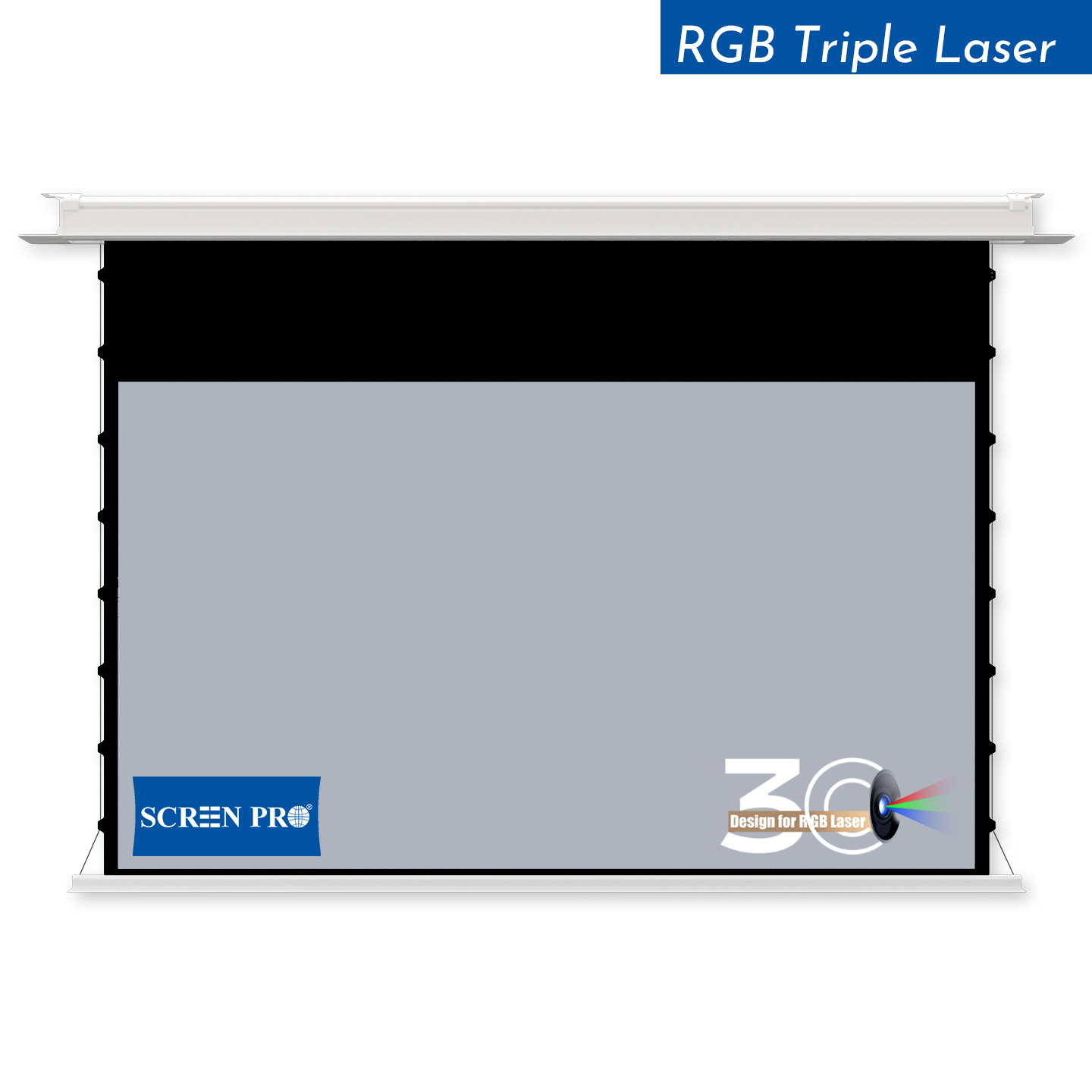
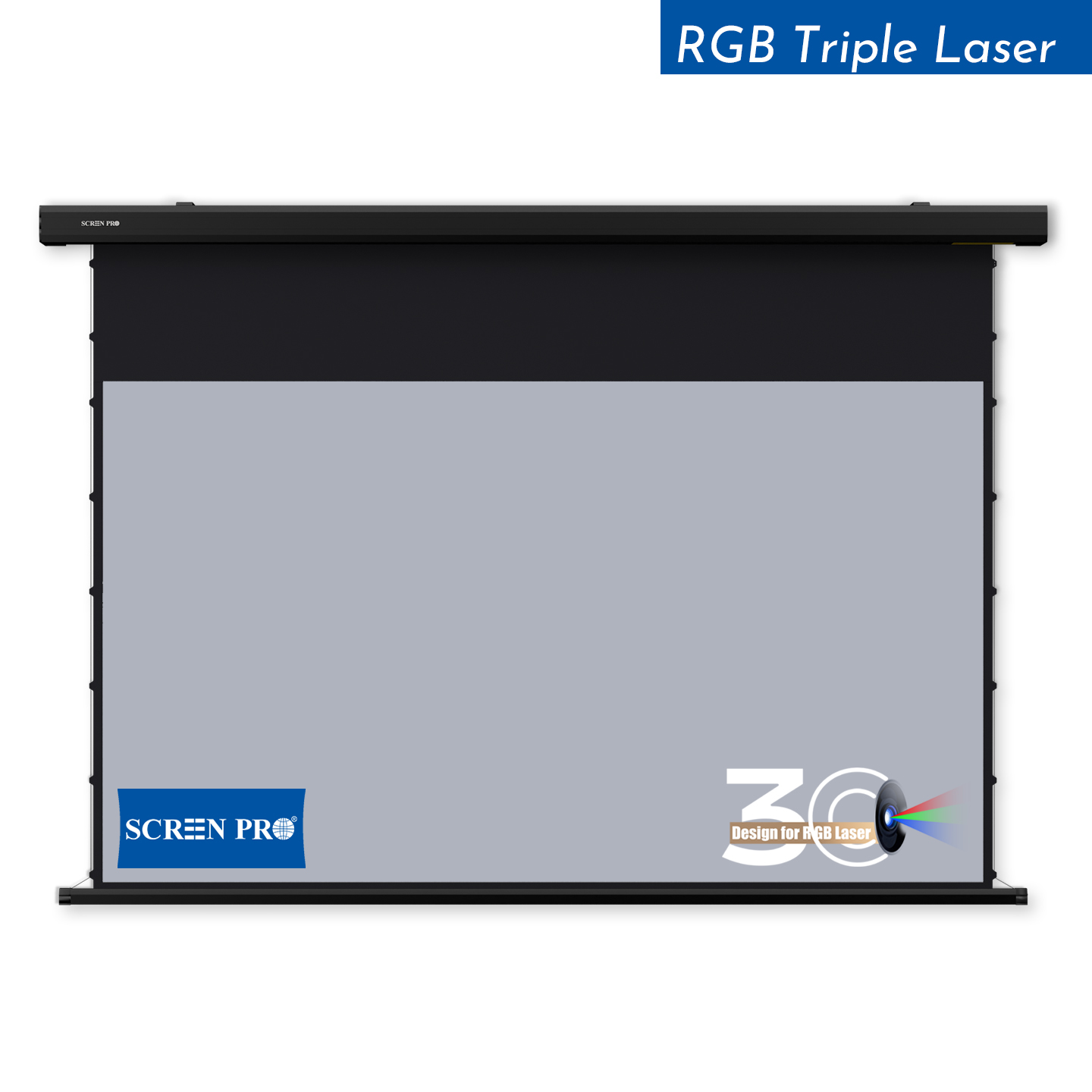
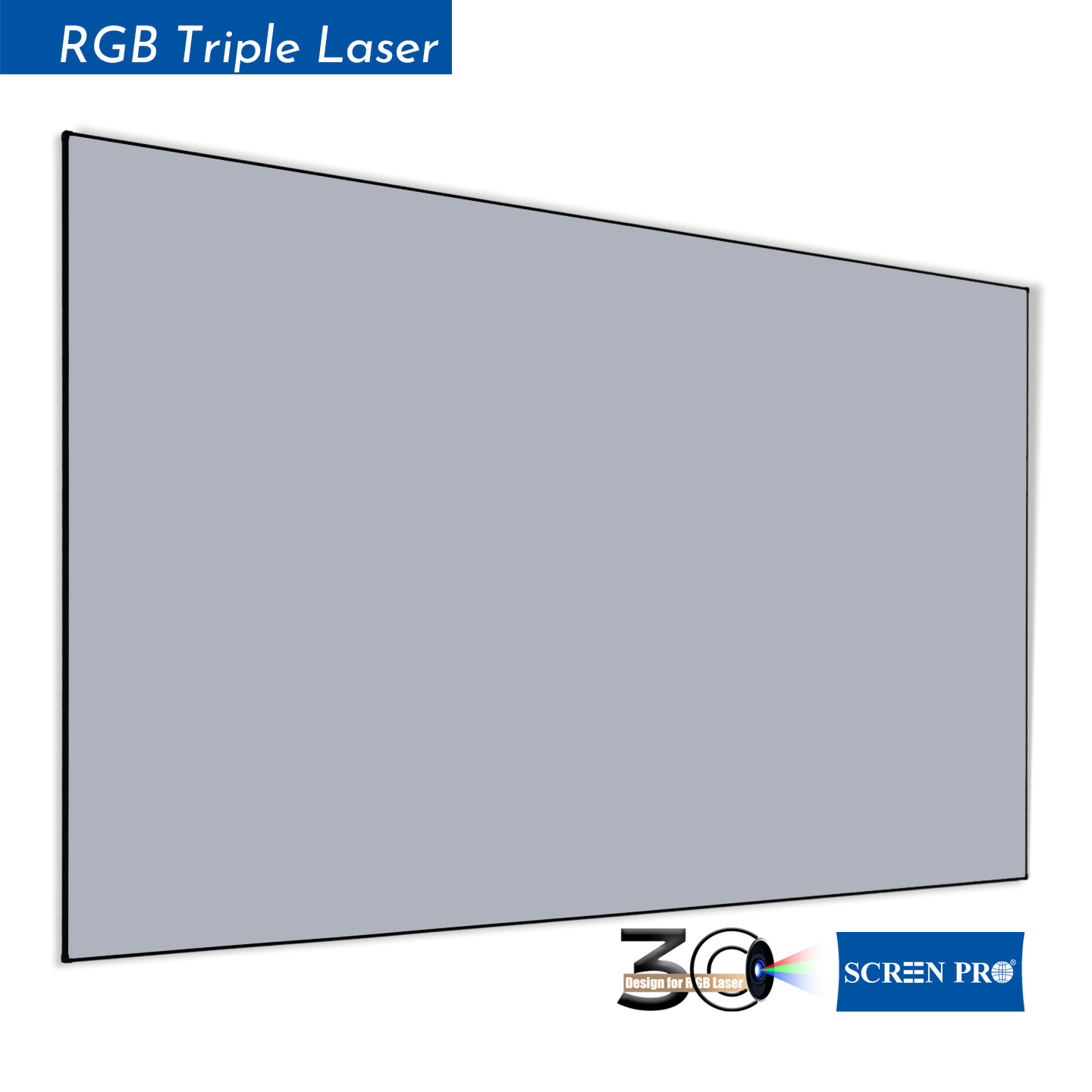
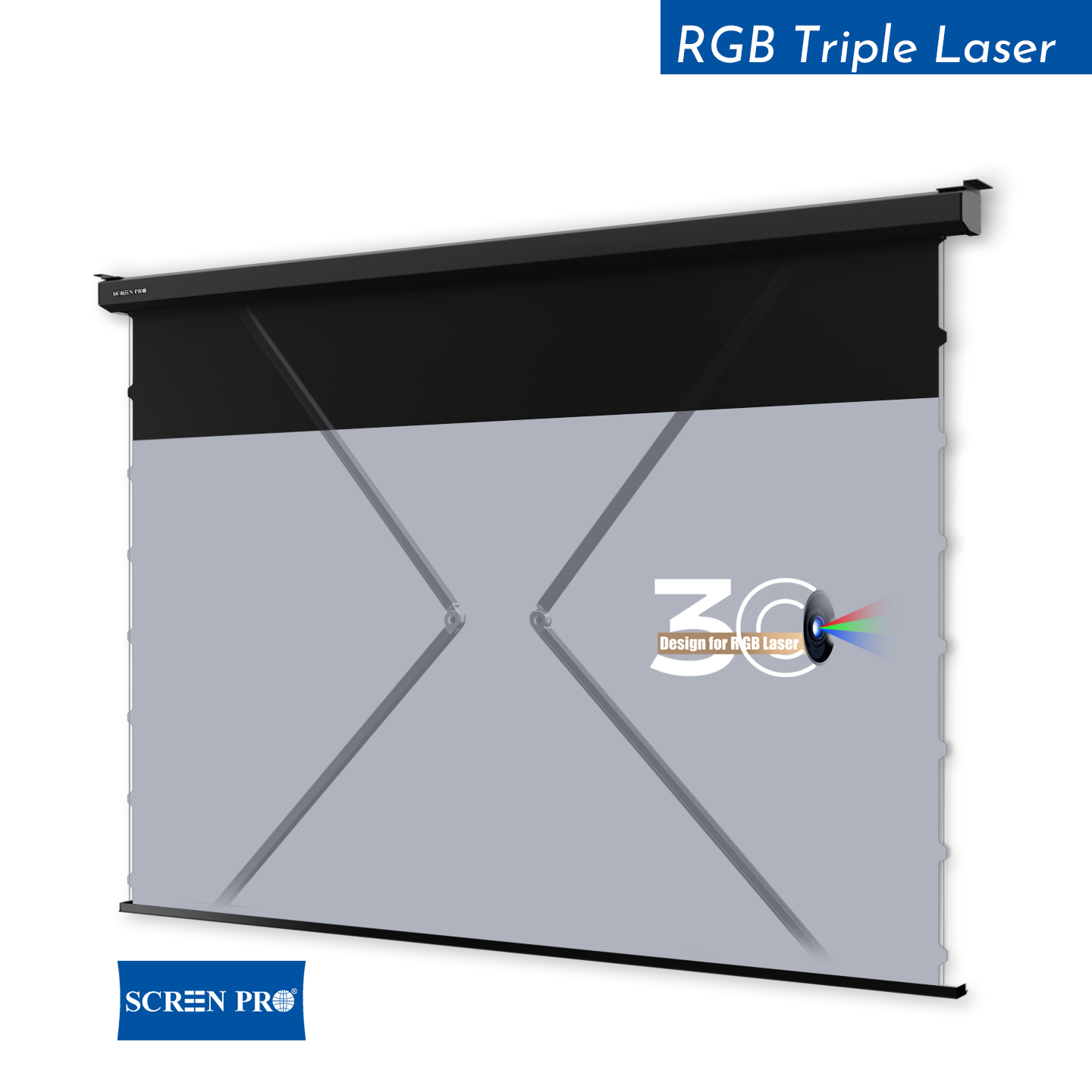
For RGB triple laser projectors, SCREENPRO recommends 3C Anti-Speckle or 3W Woven Anti-Speckle materials. These materials are designed to reduce laser speckle while preserving image contrast, color performance and viewing comfort.
Technically yes, but a dedicated UST ALR screen usually provides better image performance. UST projectors project light from a steep angle, so a normal screen may show lower contrast, uneven brightness or visible texture depending on the material.
Screen size should be selected according to viewing distance, room size, projector brightness and installation space.
For commercial, church, education or large venue applications, custom screen size recommendations may be required.
3C is suitable for many triple laser projection setups, while 3W is recommended when stronger speckle reduction and acoustic transparency are required.
Most SCREENPRO® floor-rising screens are designed as freestanding systems and do not require wall fixation for normal use. For special installations, wall brackets or additional securing methods may be recommended depending on the environment.
Temporary waves or wrinkles may be caused by transportation, temperature changes, humidity, storage conditions or installation tension. Tab-tensioned and fixed frame structures generally provide better long-term flatness than non-tensioned or folding screen systems.
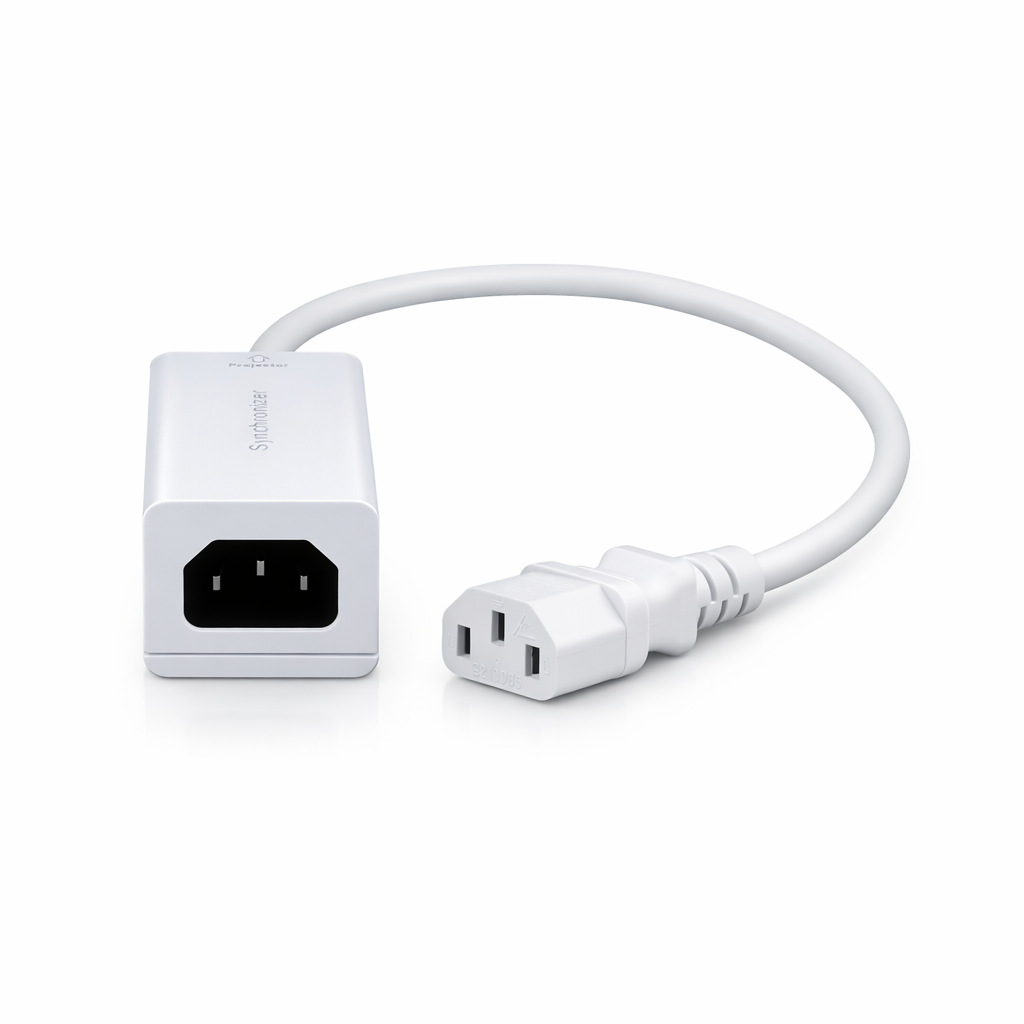
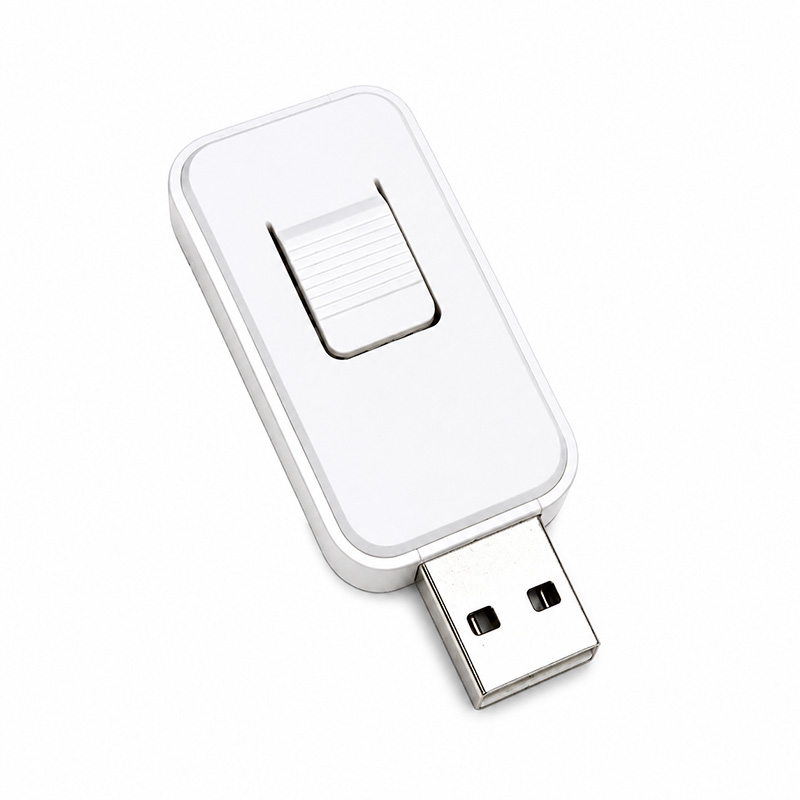
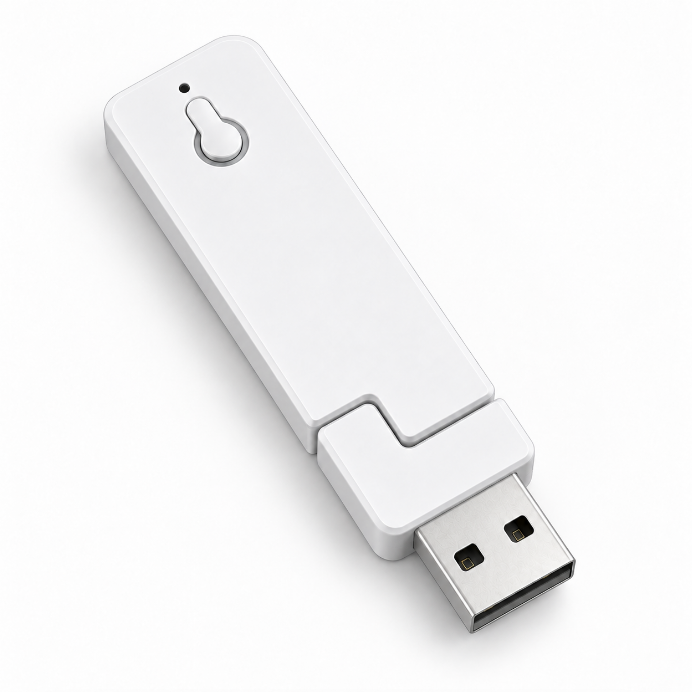
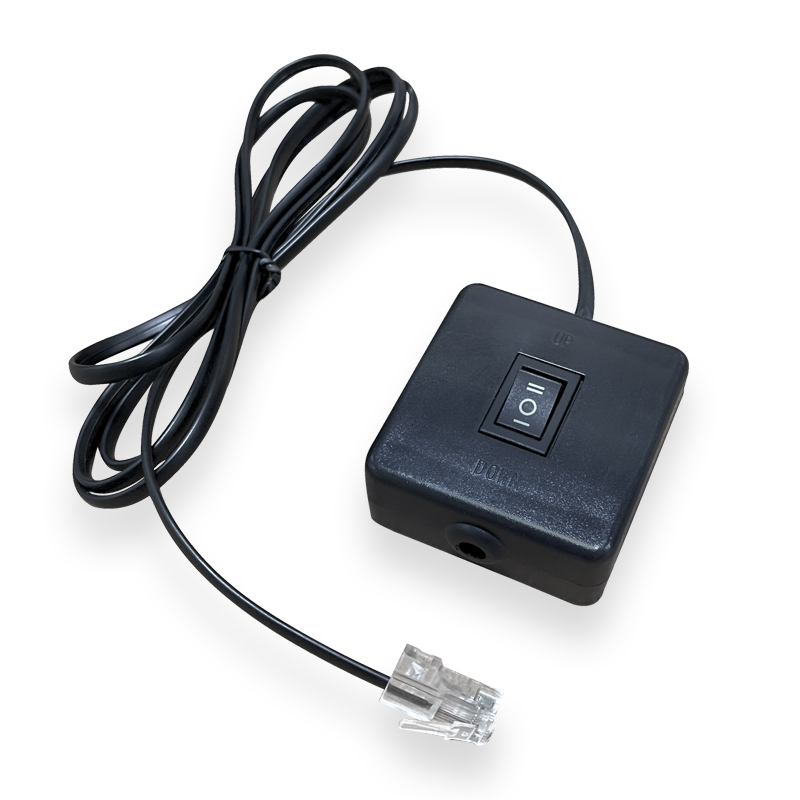
Many SCREENPRO motorized projection screens support RF remote control, 12V trigger, USB trigger, RS232, Tuya Smart, Alexa and Google Assistant integration. Compatibility may vary depending on the motor and control system selected.
Yes. Material samples are available for testing before purchasing a complete screen system. Samples can help you compare brightness, contrast, texture, acoustic transparency and anti-speckle performance in your own environment.
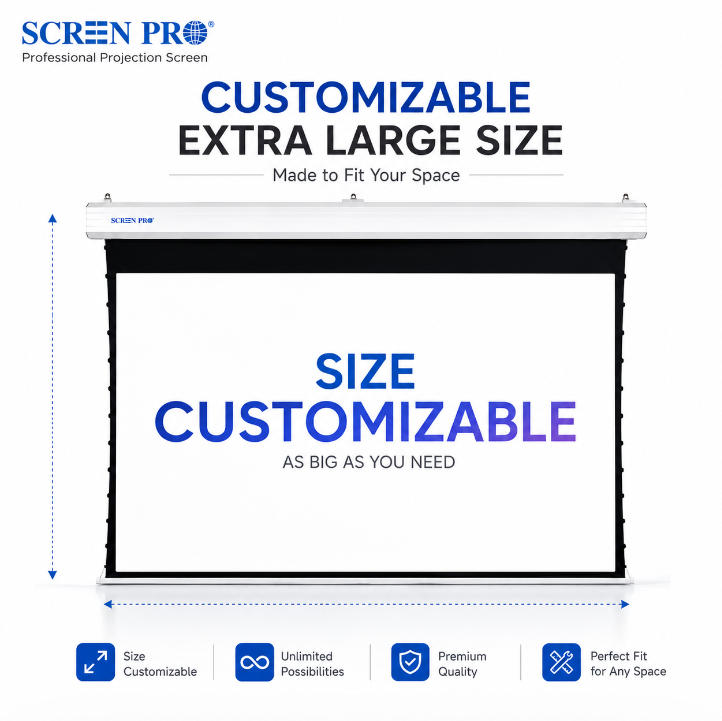
Yes. SCREENPRO supports customized screen sizes depending on the screen type, material, aspect ratio and application requirements. Custom options are commonly used for home cinema, commercial spaces, conference rooms, churches and OEM/ODM projects.
Warranty coverage varies by product category. Motorized systems, projection surfaces and accessories are covered under SCREENPRO warranty policies. Please contact SCREENPRO for specific warranty details based on your product model and installation type.
Explore compatible projection screen systems, materials and installation solutions for your project.
Talk to SCREENPRO





© 2026 SCREENPRO®. Specifications are subject to change without notice. | SamsAV All Rights ReservedSite Map Designed by iwonder.cn