
© 2026 SCREENPRO®. Specifications are subject to change without notice. | SamsAV All Rights ReservedSite Map Designed by iwonder.cn


| Available Online Buy MST600 from SCREENPRO Global Store | BUY NOW → |
Answers about compatibility, installation, positioning and operation of the MST600.
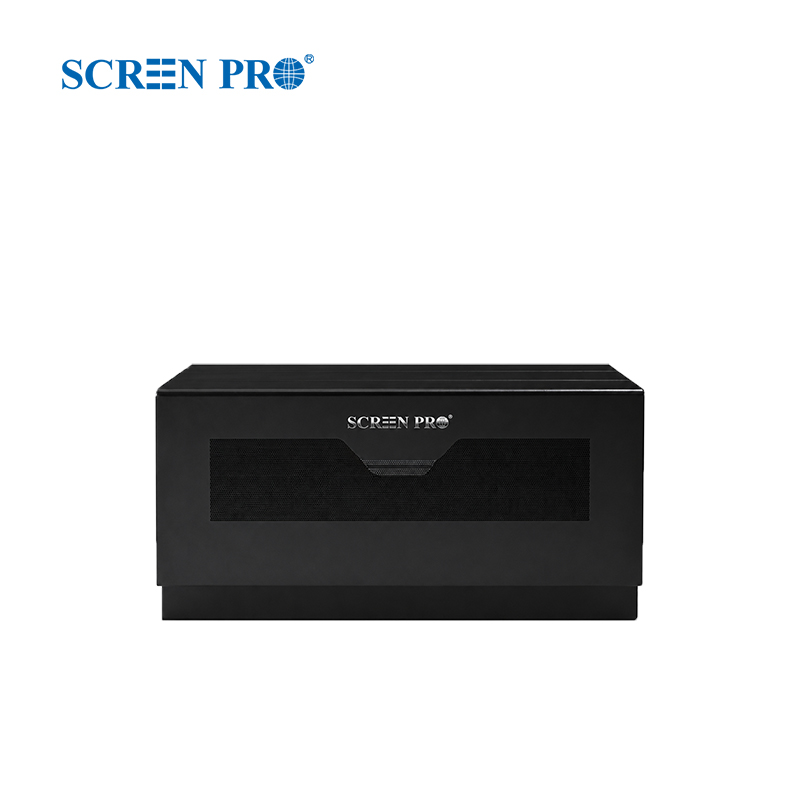
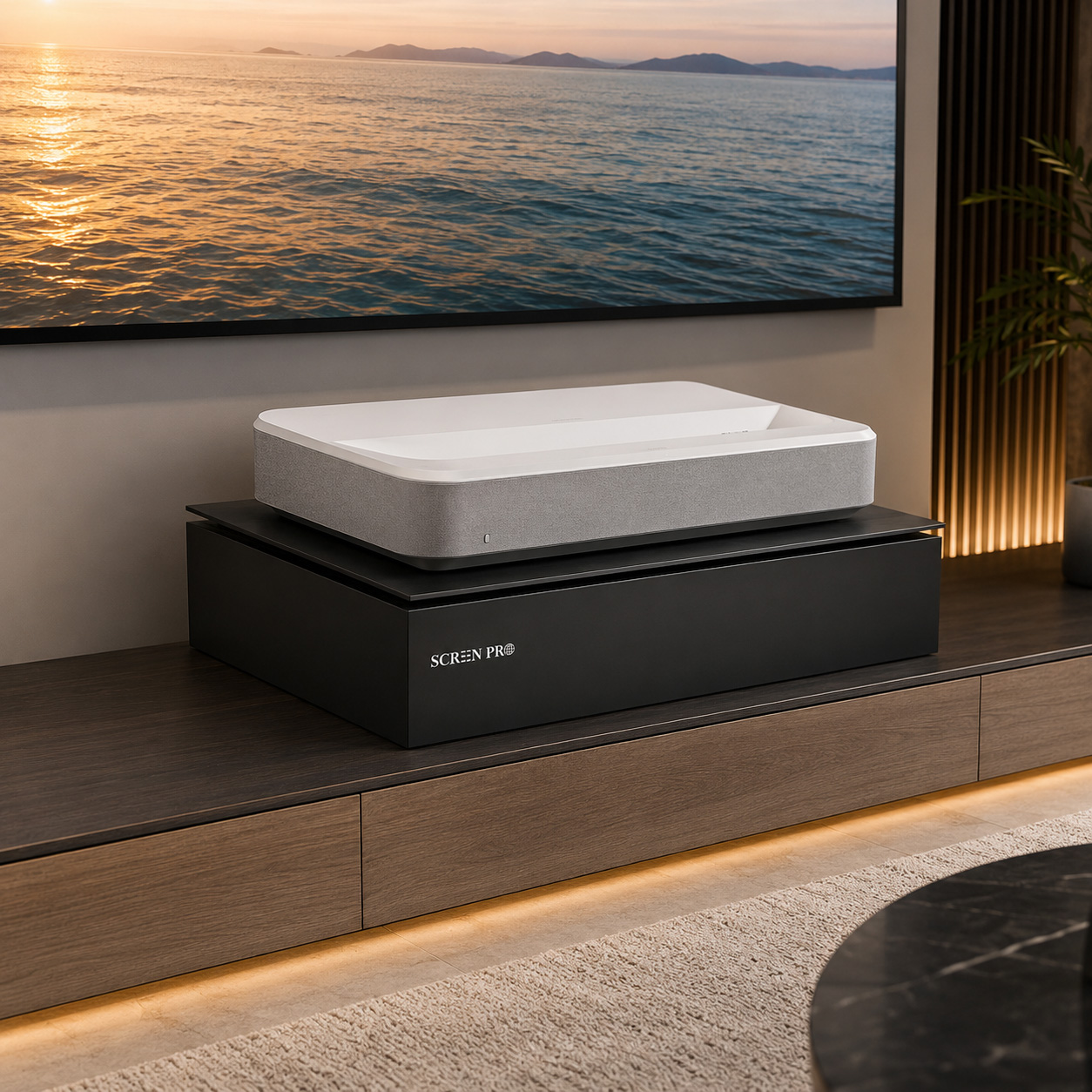
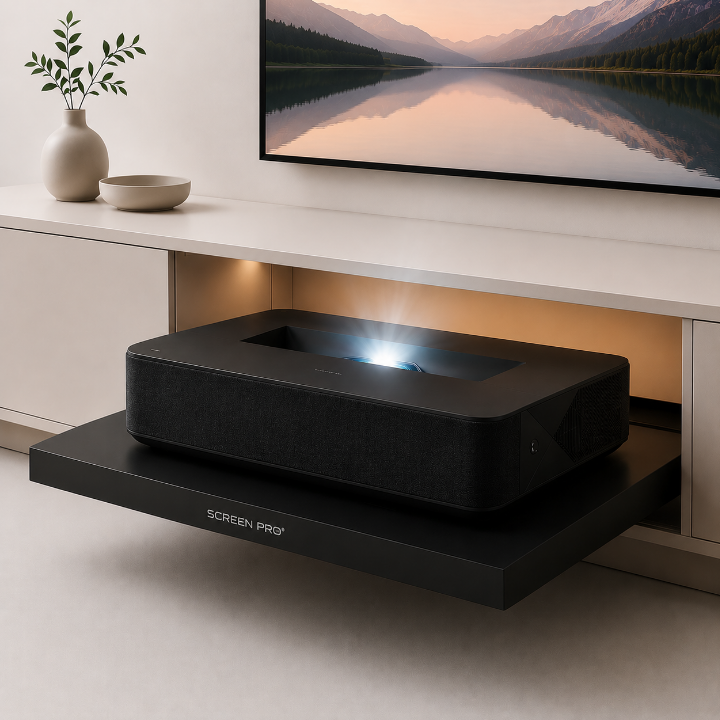
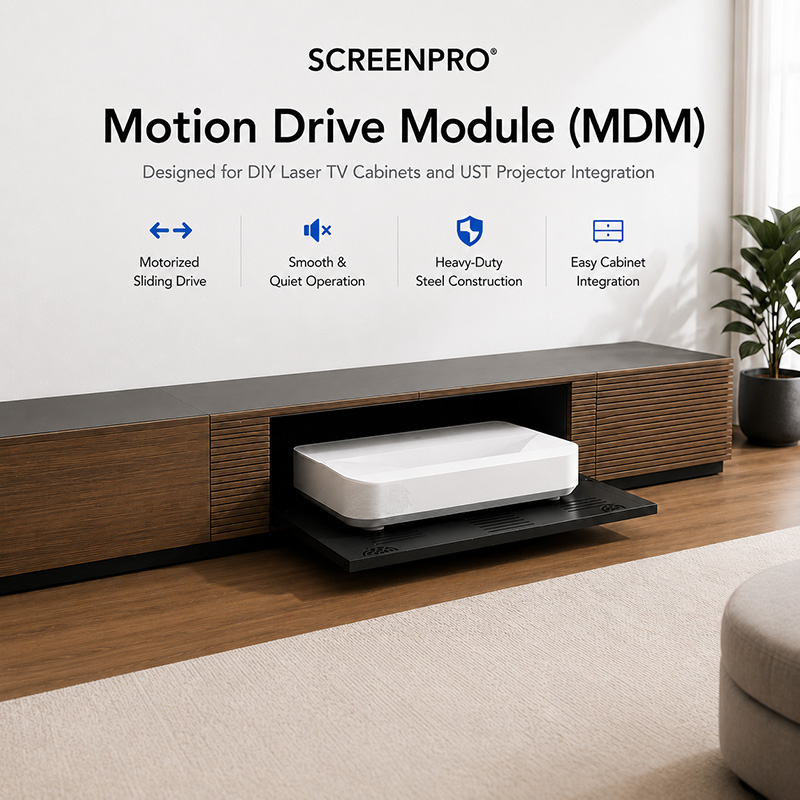
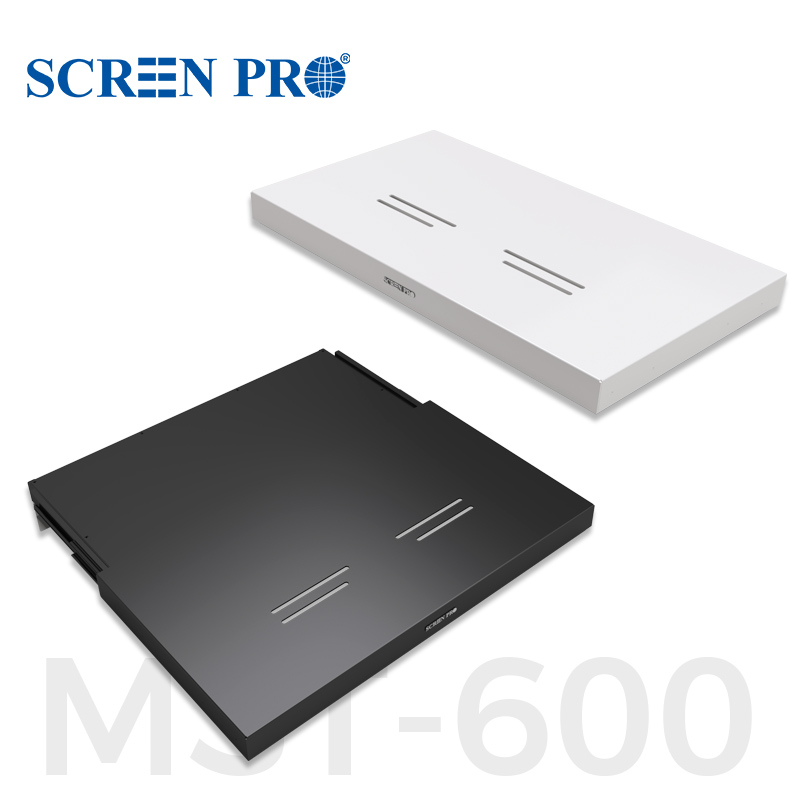
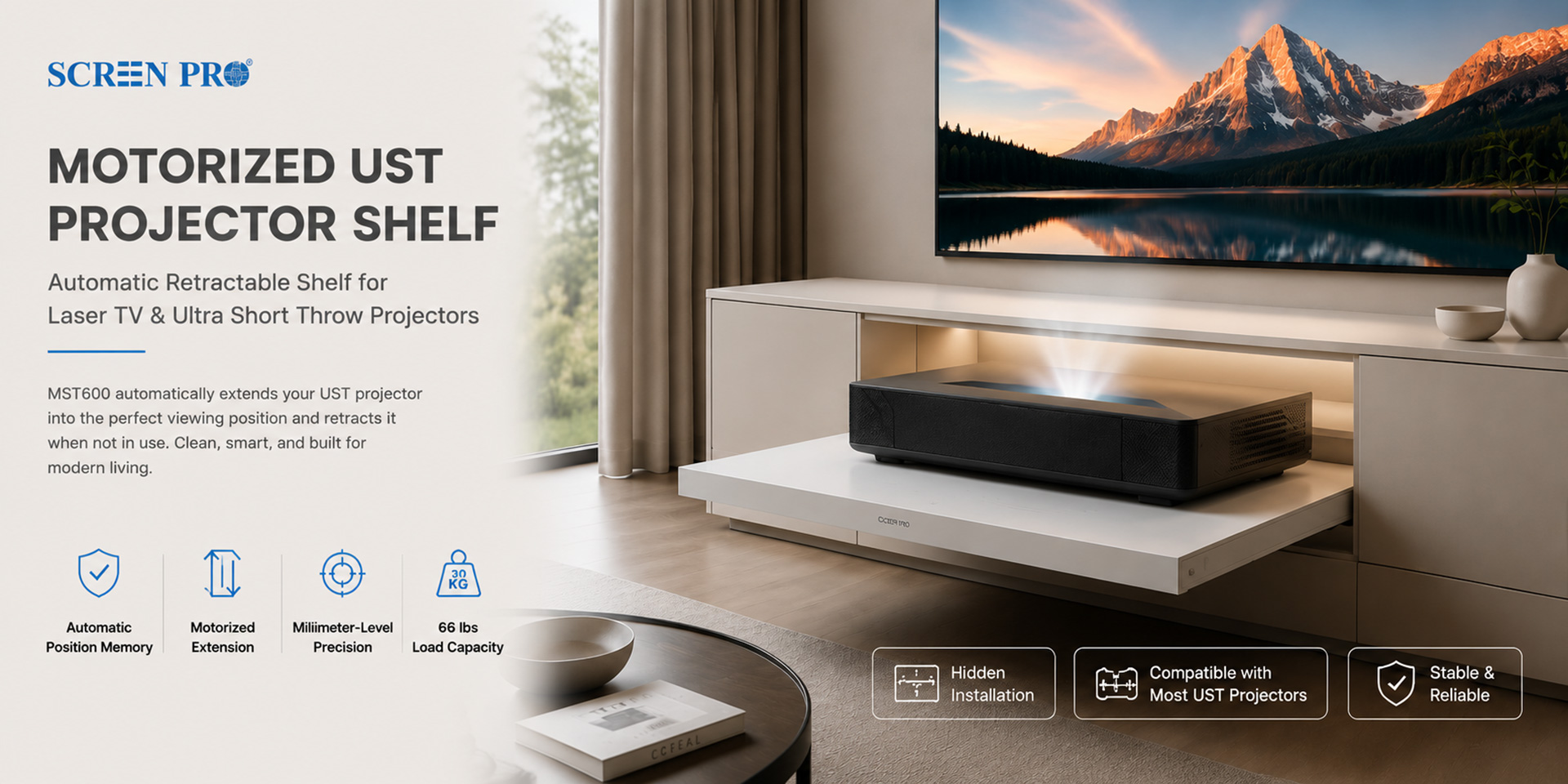
A motorized projector shelf is an automatic sliding platform that moves an Ultra Short Throw projector between a concealed storage position and its preset projection position.
The MST600 is designed for hidden Laser TV cabinets, custom projector furniture and home theater installations that require precise automatic projector positioning.
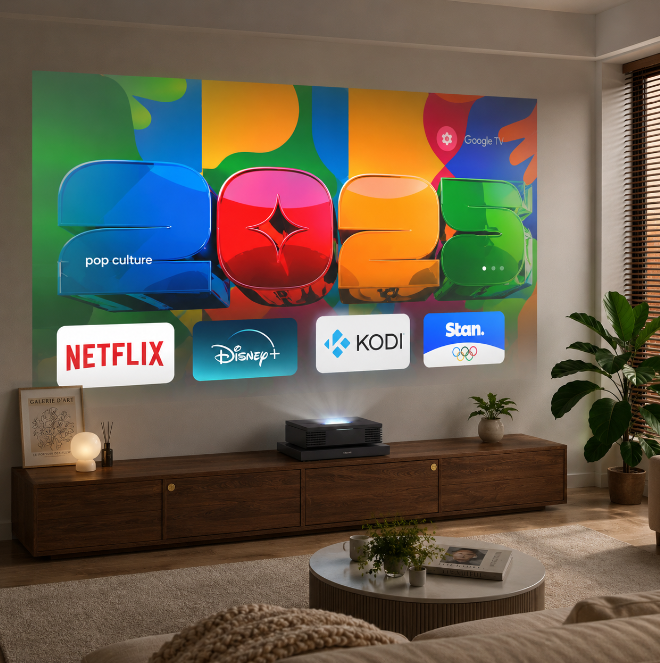
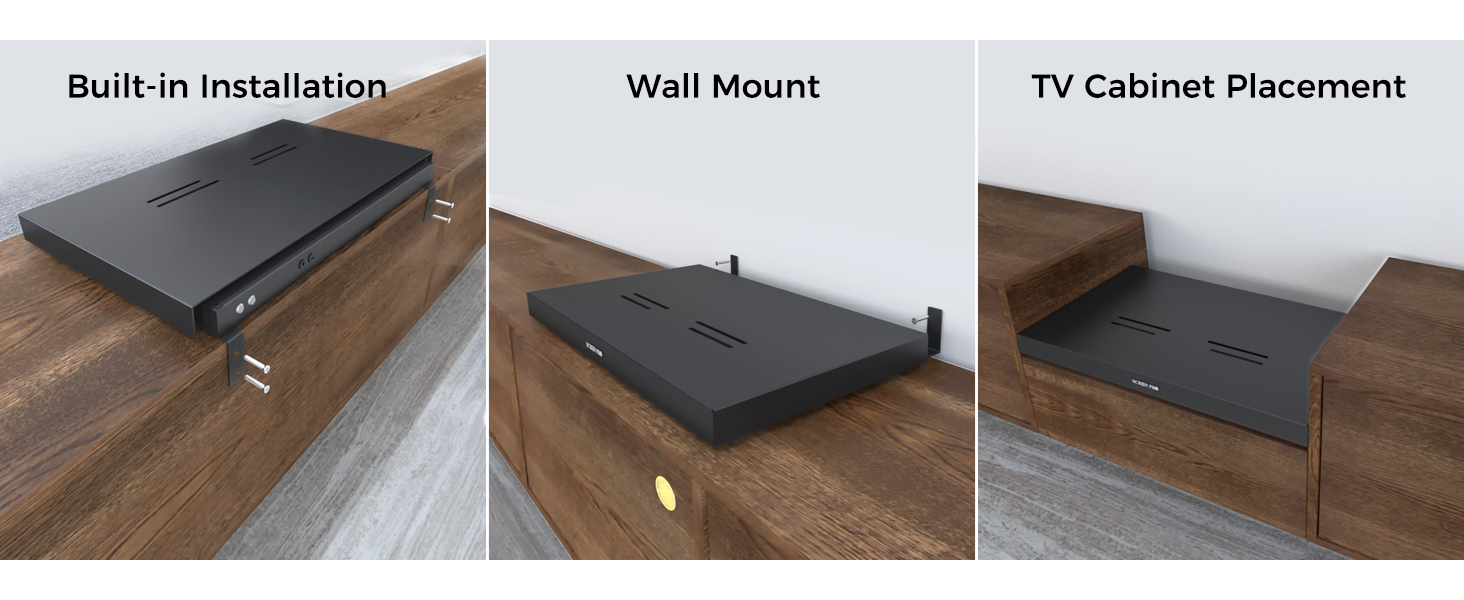
Yes. It can be integrated into a TV cabinet, built-in cabinet or custom media console, provided there is sufficient space, ventilation and structural support.
UST projectors are highly sensitive to placement. Small changes in distance or angle can affect image size, geometry, focus and alignment with the projection screen.
Yes. Its automatic position-memory function allows the tray to return to the preset projection position for consistent alignment during repeated use.
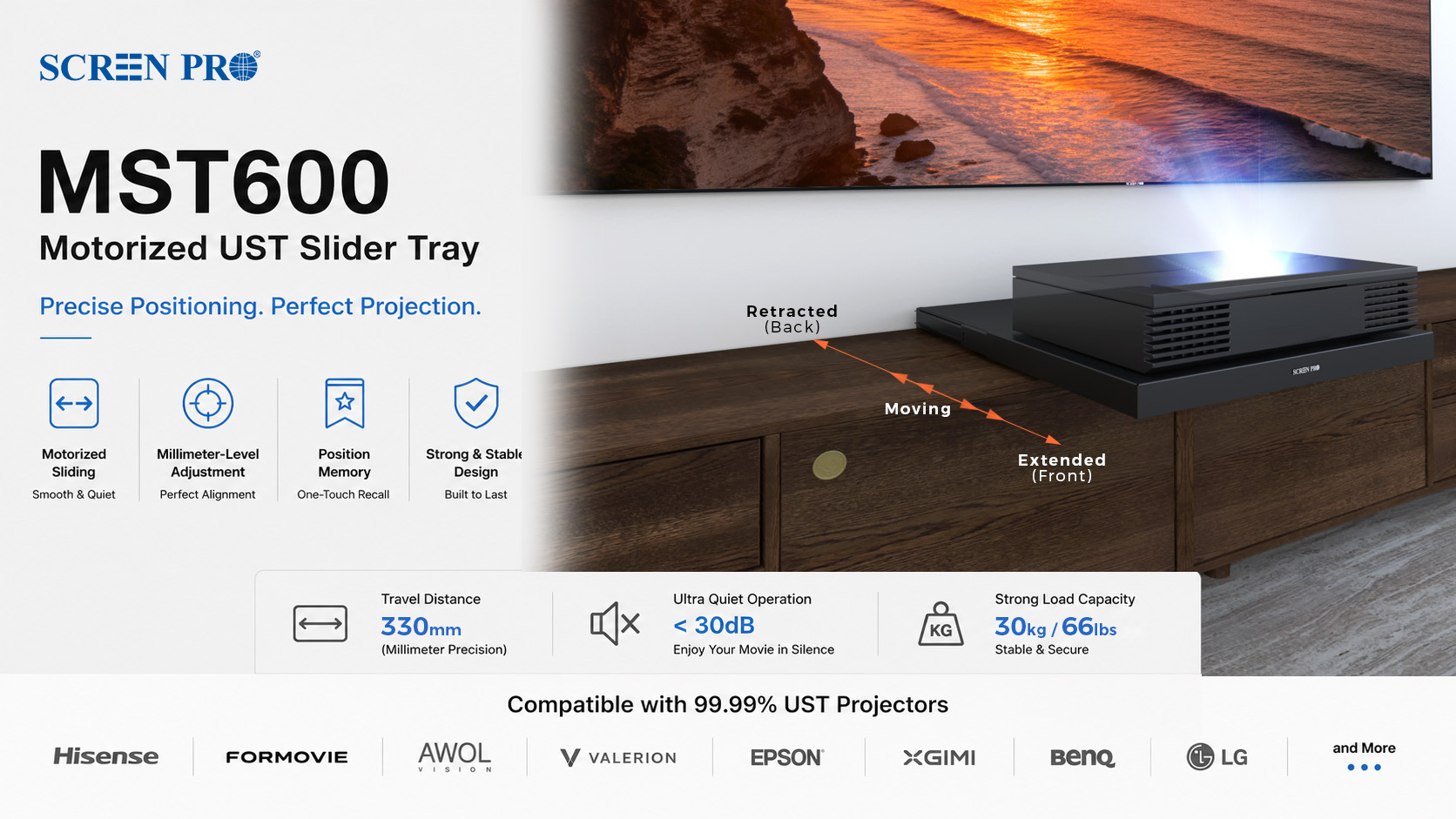
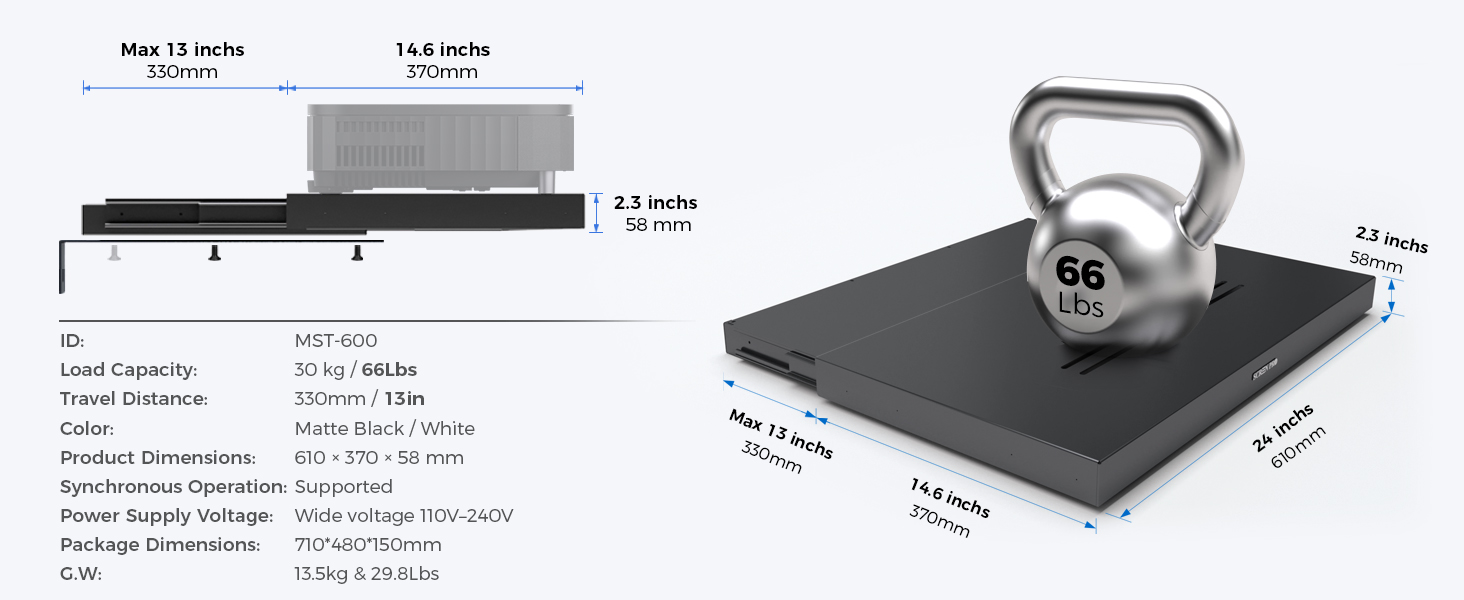
The MST600 provides up to approximately 330 mm, or 13 inches, of motorized travel between the retracted and extended positions.
The MST600 supports a maximum load of 30 kg, or 66 lbs. The projector and any additional mounting components must remain within this limit.
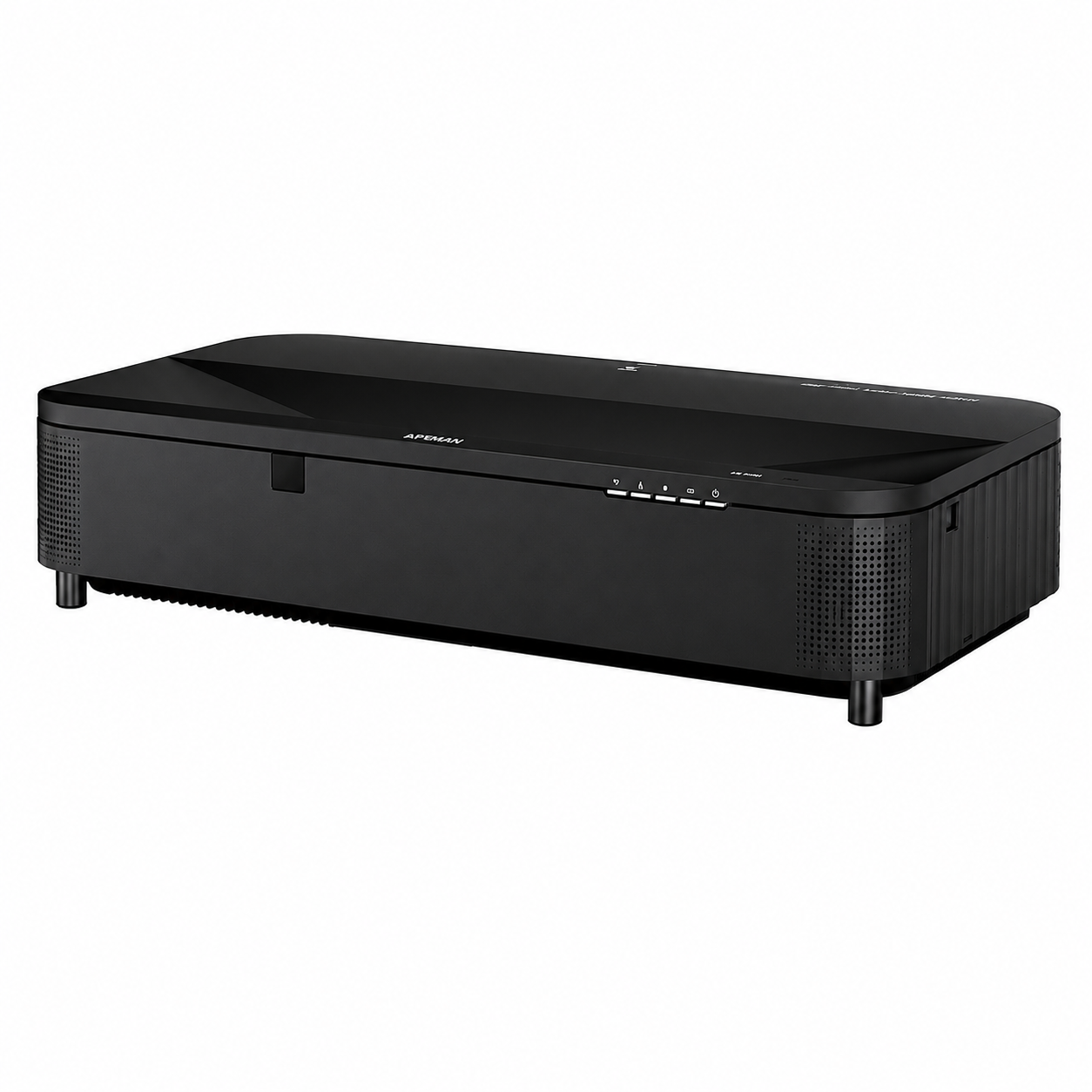
The MST600 is suitable for most UST projectors from brands such as Hisense, Formovie, AWOL, Epson, XGIMI, BenQ and LG. Confirm the projector dimensions and weight before installation.
Yes. It is suitable for custom Laser TV furniture, hidden projector cabinets and built-in home theater installations requiring a clean, integrated appearance.
The MST600 can be used in built-in cabinet installations, wall-mounted configurations and on suitable TV cabinets or media consoles.
Check the projector dimensions, total weight, ventilation clearance, cabinet depth, installation strength, cable routing and required projection distance.
Keep the tray and moving path free from dust, cables and obstructions. Periodically check the mounting points and make sure the projector can move without interference.
After the shelf position has been successfully set, the motorized UST projector shelf should extend to the saved position when the projector is powered on, and retract when the projector is powered off.
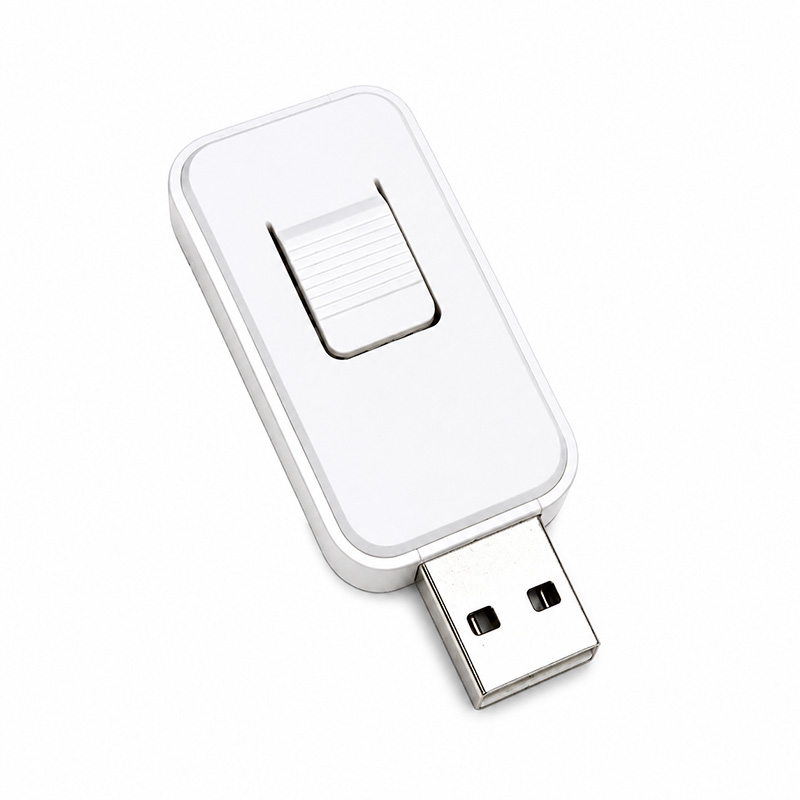
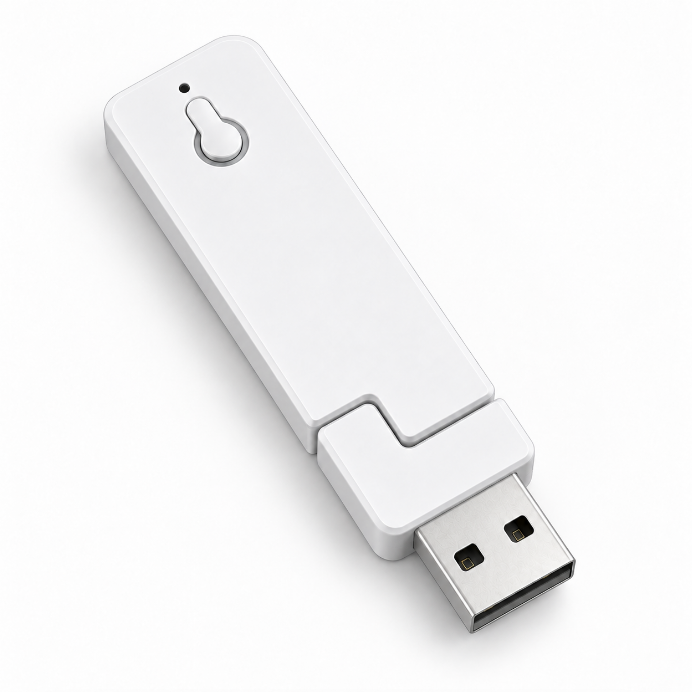
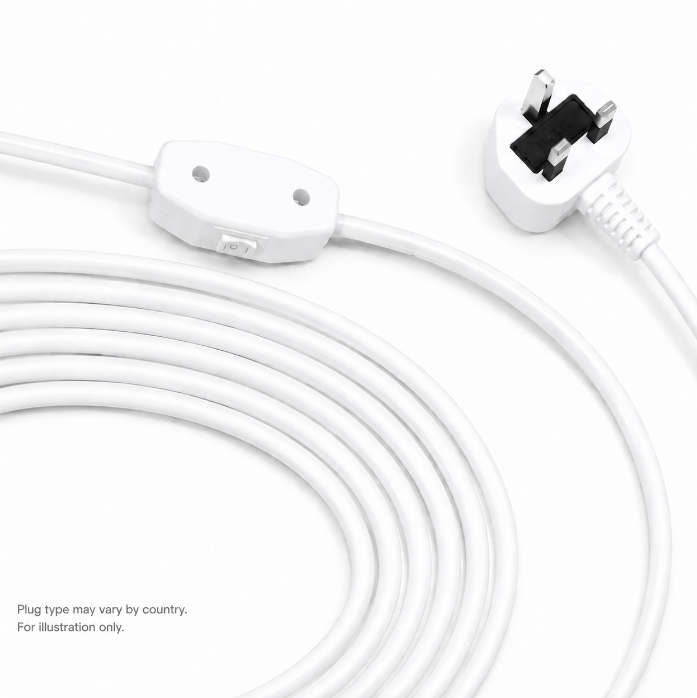
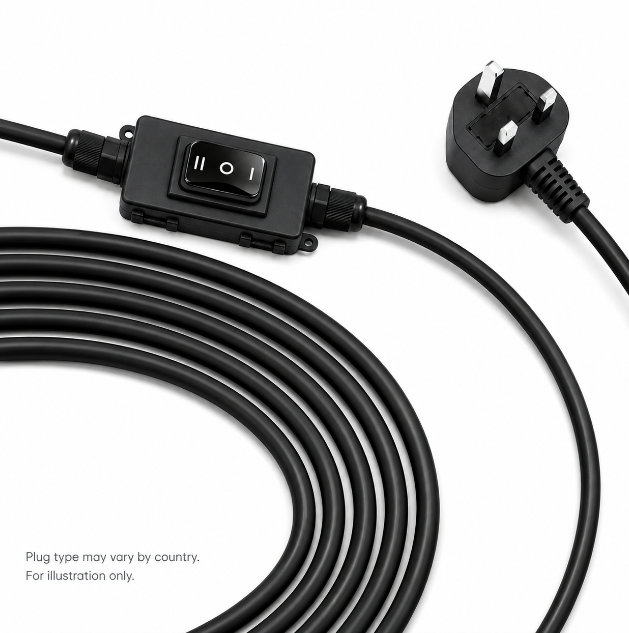
Connect the signal wire from the shelf to the projector's USB port. This allows the shelf to detect the projector's power status.
Move the shelf to the correct projection position, then save the position according to the product manual.
Turn the projector off completely, then power it on again. The shelf should extend automatically to the saved position.
Download the SCREENPRO user manual for installation guidance, setup instructions, signal connection, position memory operation, and troubleshooting information.
Download PDF ManualIdeal for ultra-short-throw projector cabinet integration, laser TV furniture, hidden projector shelf systems, and custom home theater installations.
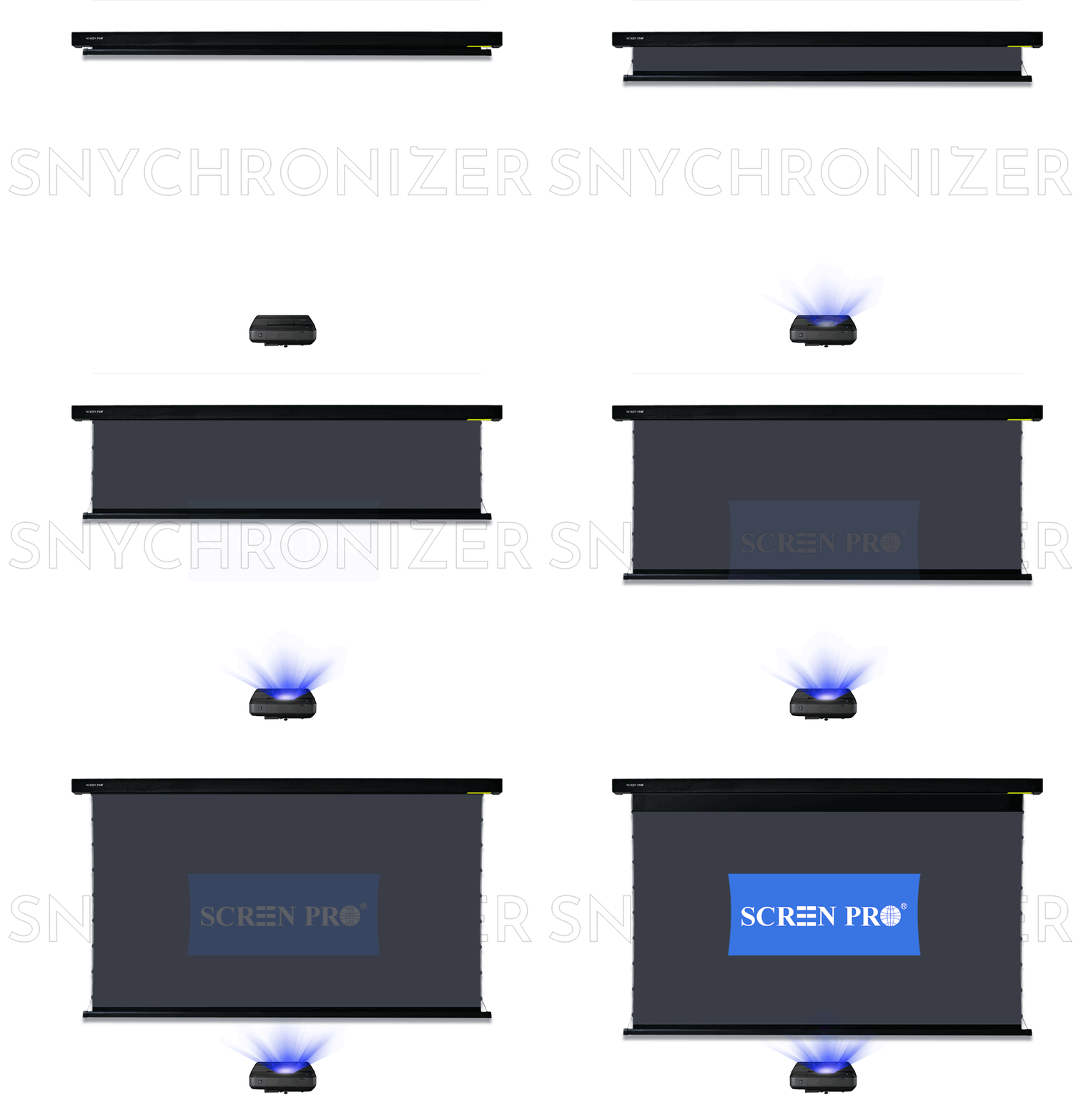
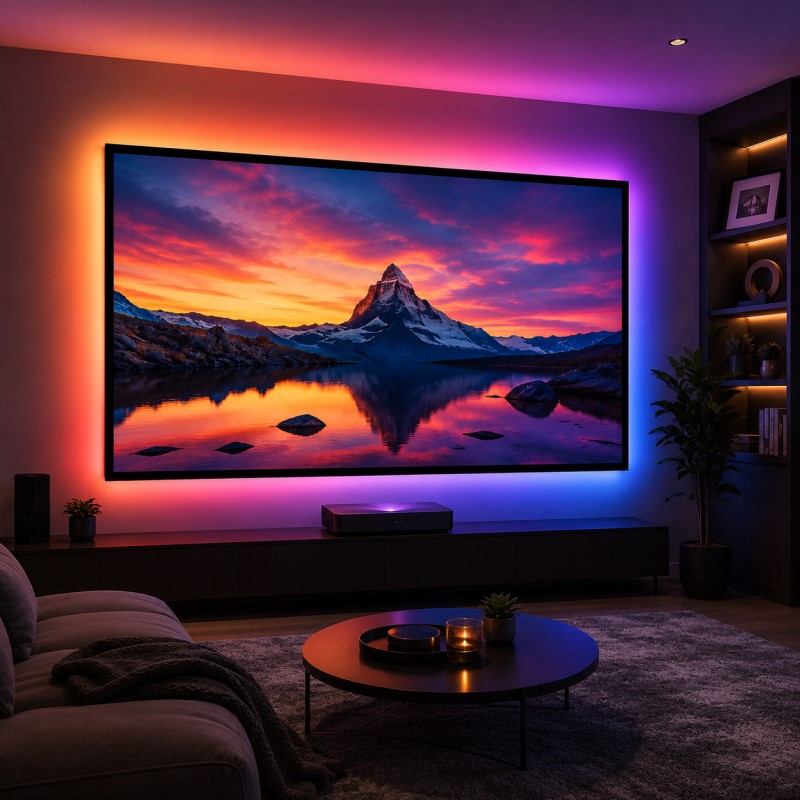
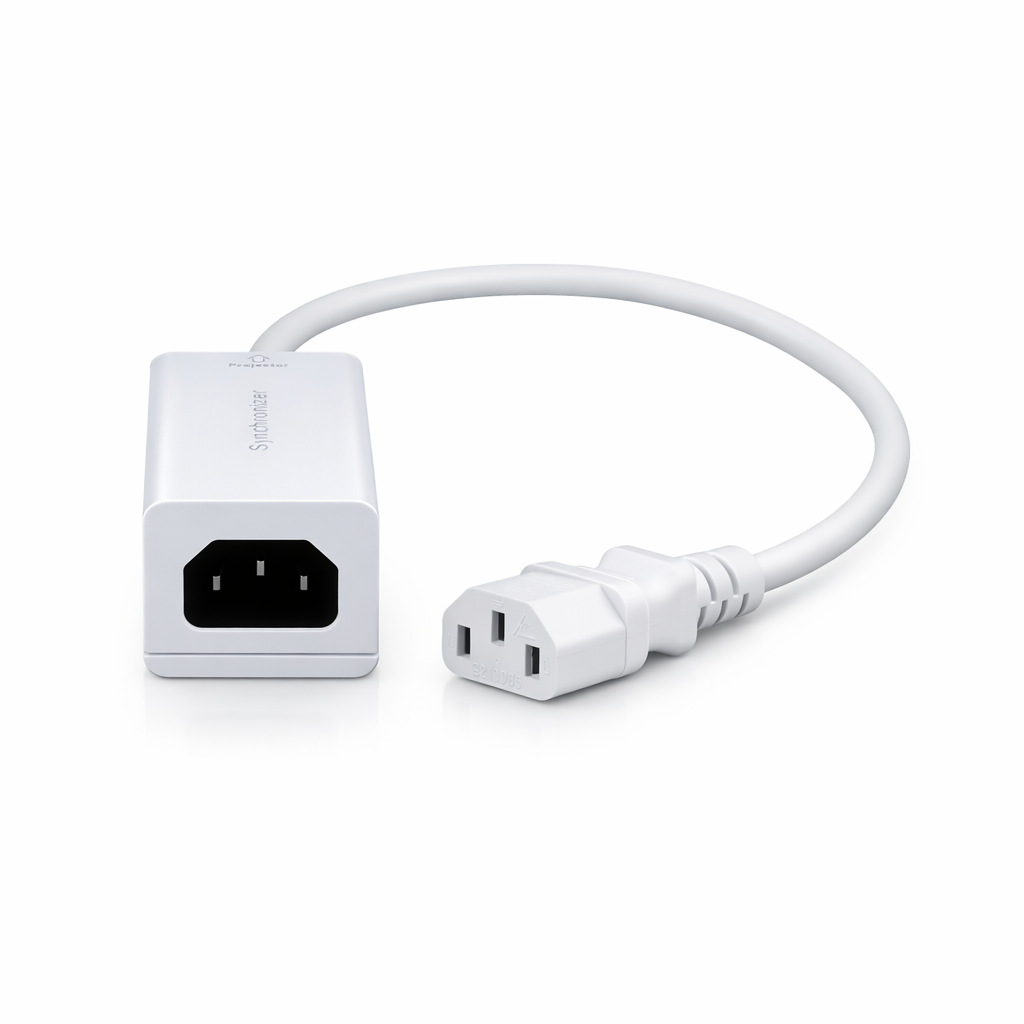
The Sync-Trigger System, also known as a projector screen synchronizer, allows compatible SCREENPRO projection screens to respond automatically to the projector's power status. When the projector powers on, the screen extends; when the projector powers off, the screen retracts.
This creates a cleaner, smarter, and more integrated home theater experience.
PROJECTOR SHELF BUYING GUIDE
Learn what to consider when choosing a projector shelf for UST and Laser TV installations, including projector size, weight, positioning, cabinet integration, and motorized shelf options.
READ PROJECTOR SHELF GUIDEAlready comparing motorized projector platforms? Compare MST600 vs MSL-600 →
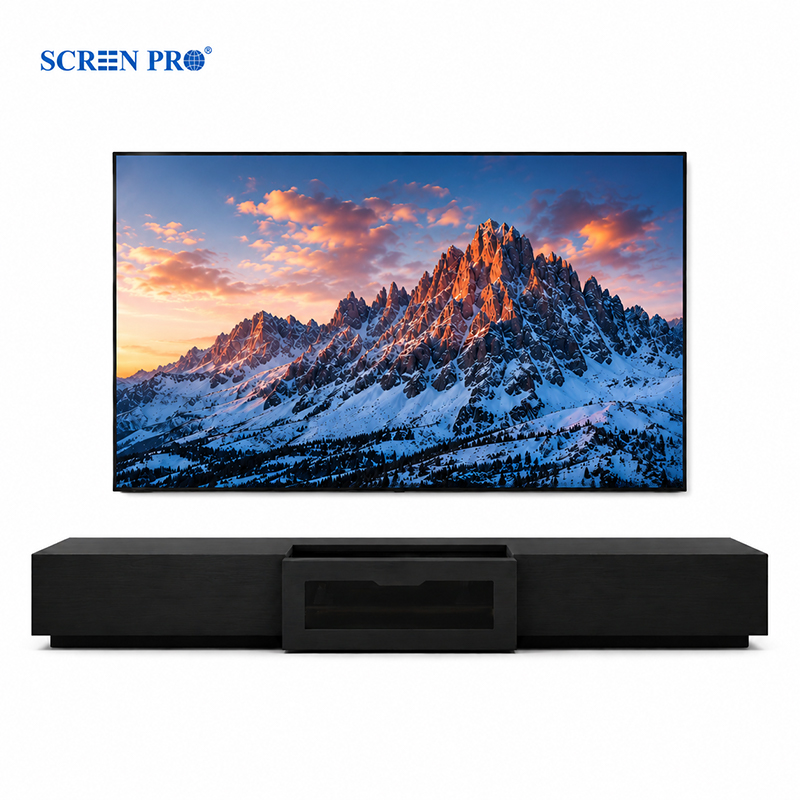
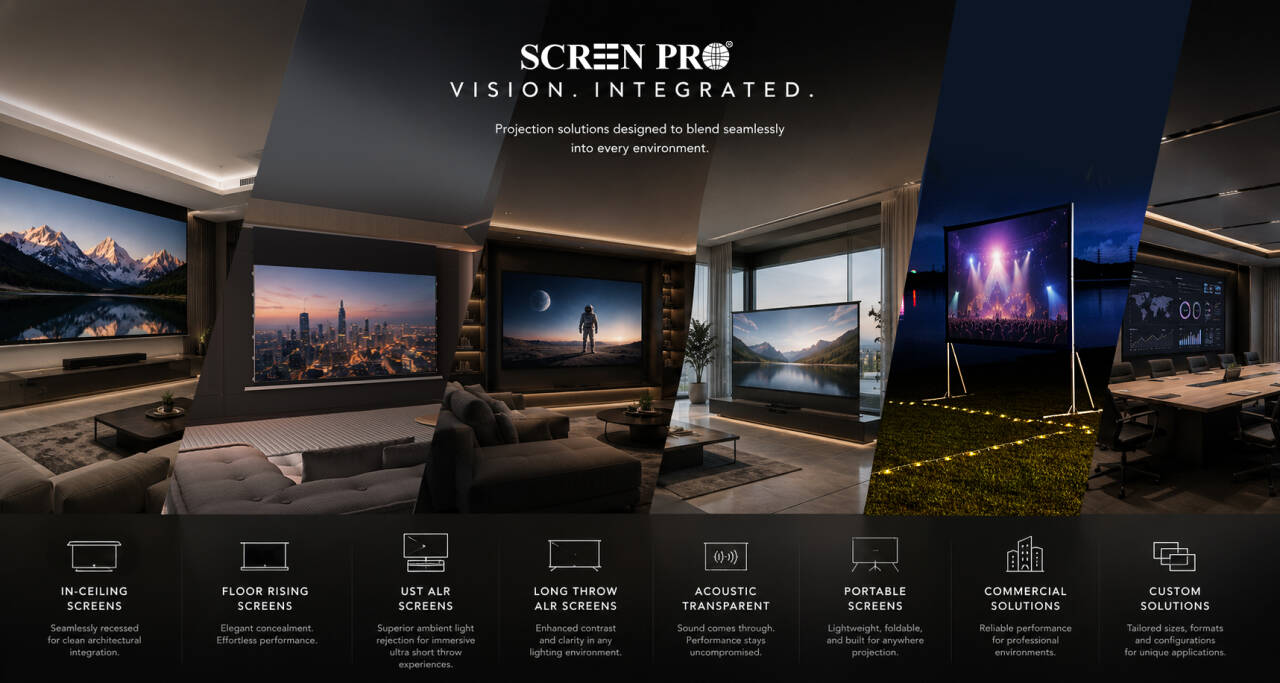
Everything you may want to know before choosing a SCREENPRO® projection screen.
The ideal screen material depends on your projector type, room lighting, and installation environment.
If you are unsure, SCREENPRO can recommend a suitable projection screen solution based on your projector model and room layout.
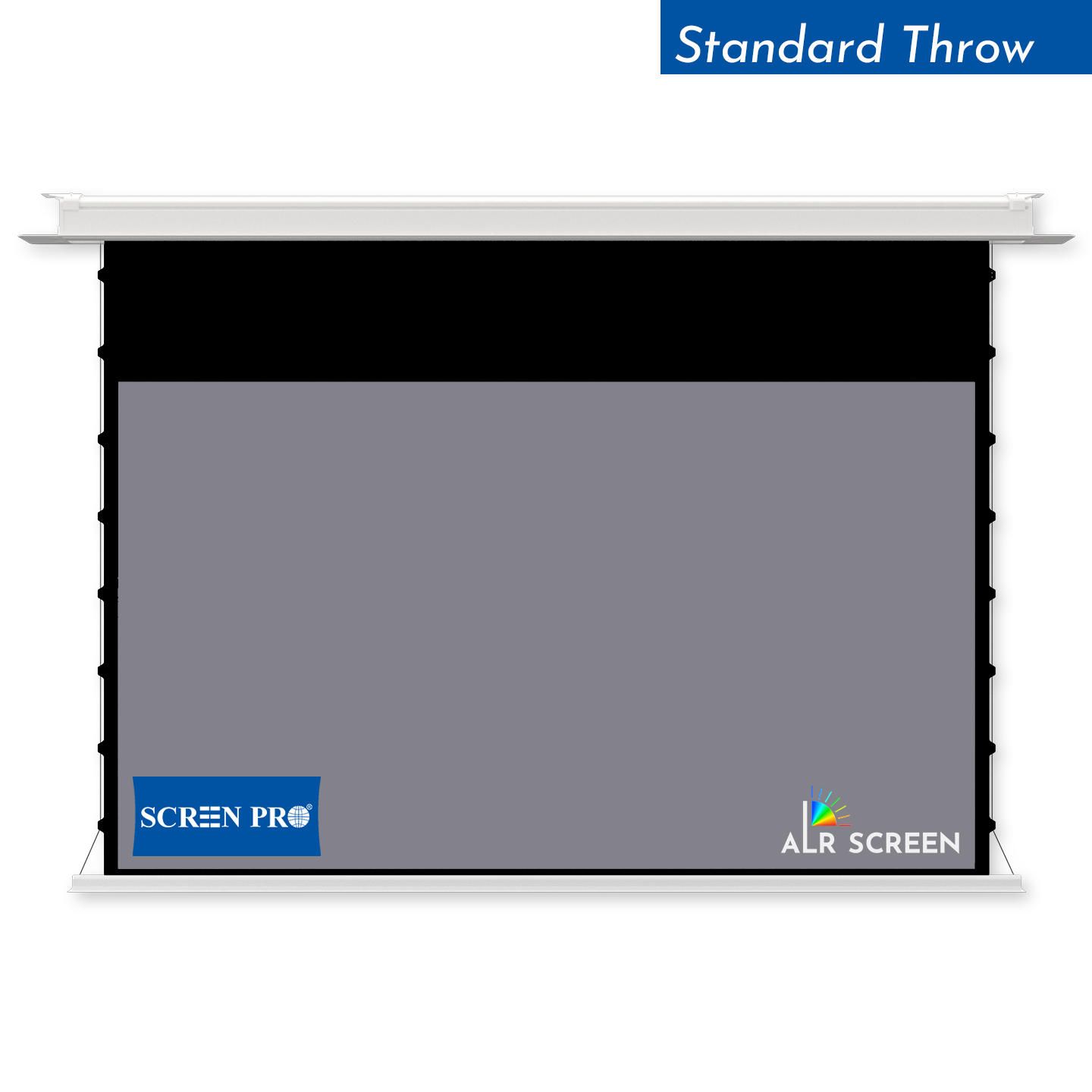
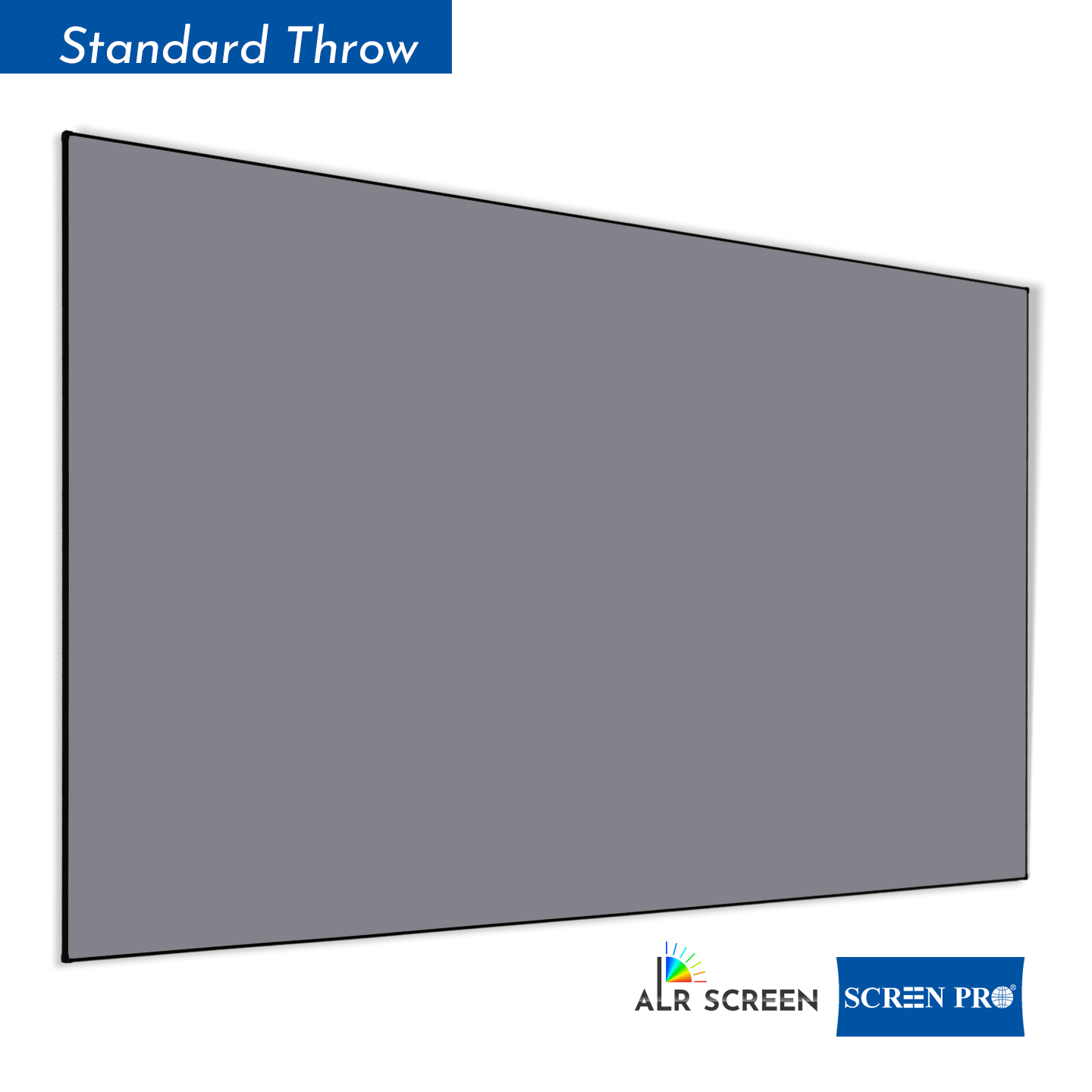
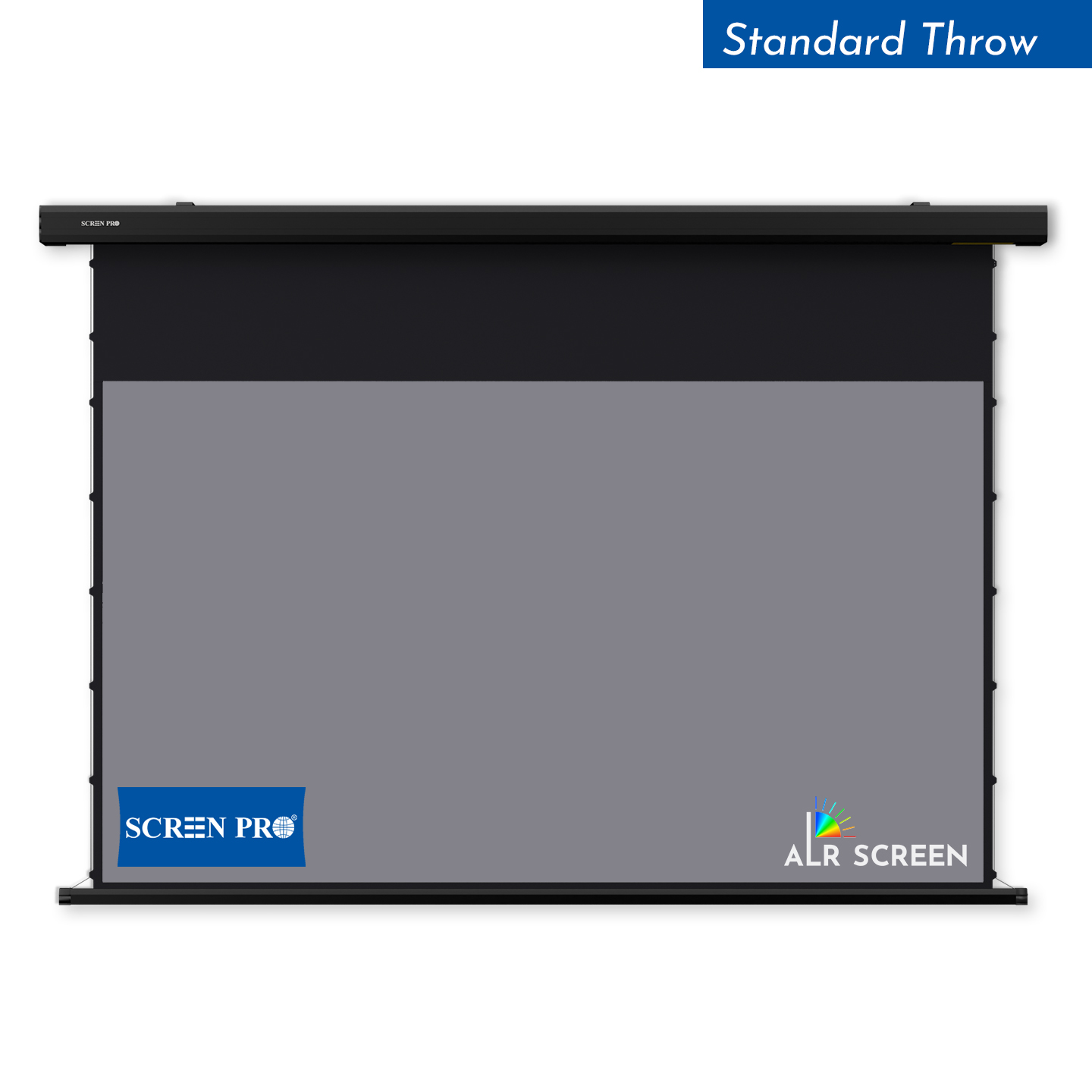
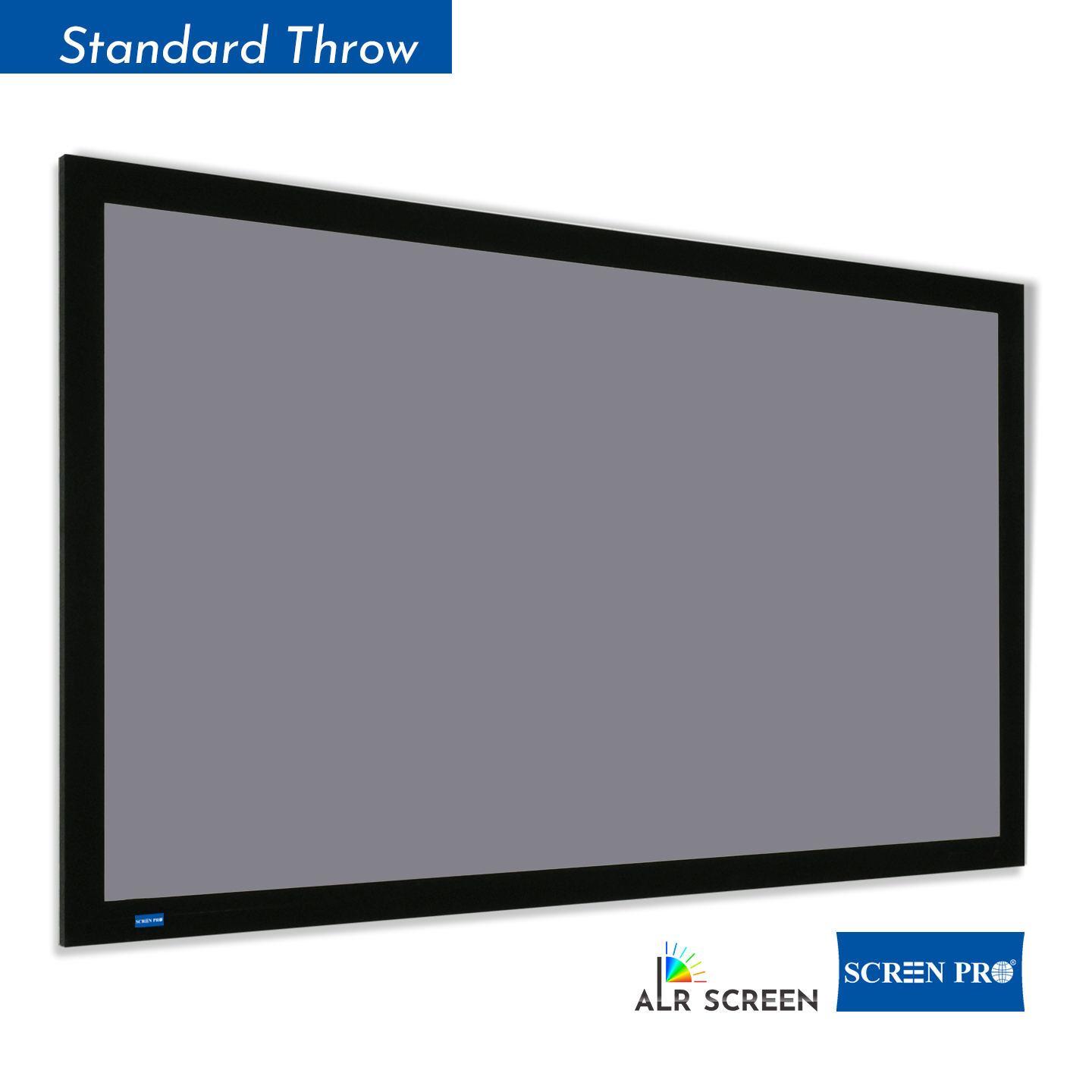
A standard white screen is best for dark or controlled lighting rooms. An ALR screen is designed to reduce the influence of ambient light and improve perceived contrast in brighter environments.
The best screen for contrast depends on your projector type and room lighting. In dark rooms, a high-quality white or acoustic transparent screen can deliver natural contrast. In rooms with ambient light, ALR screen materials help maintain deeper blacks and stronger perceived contrast.
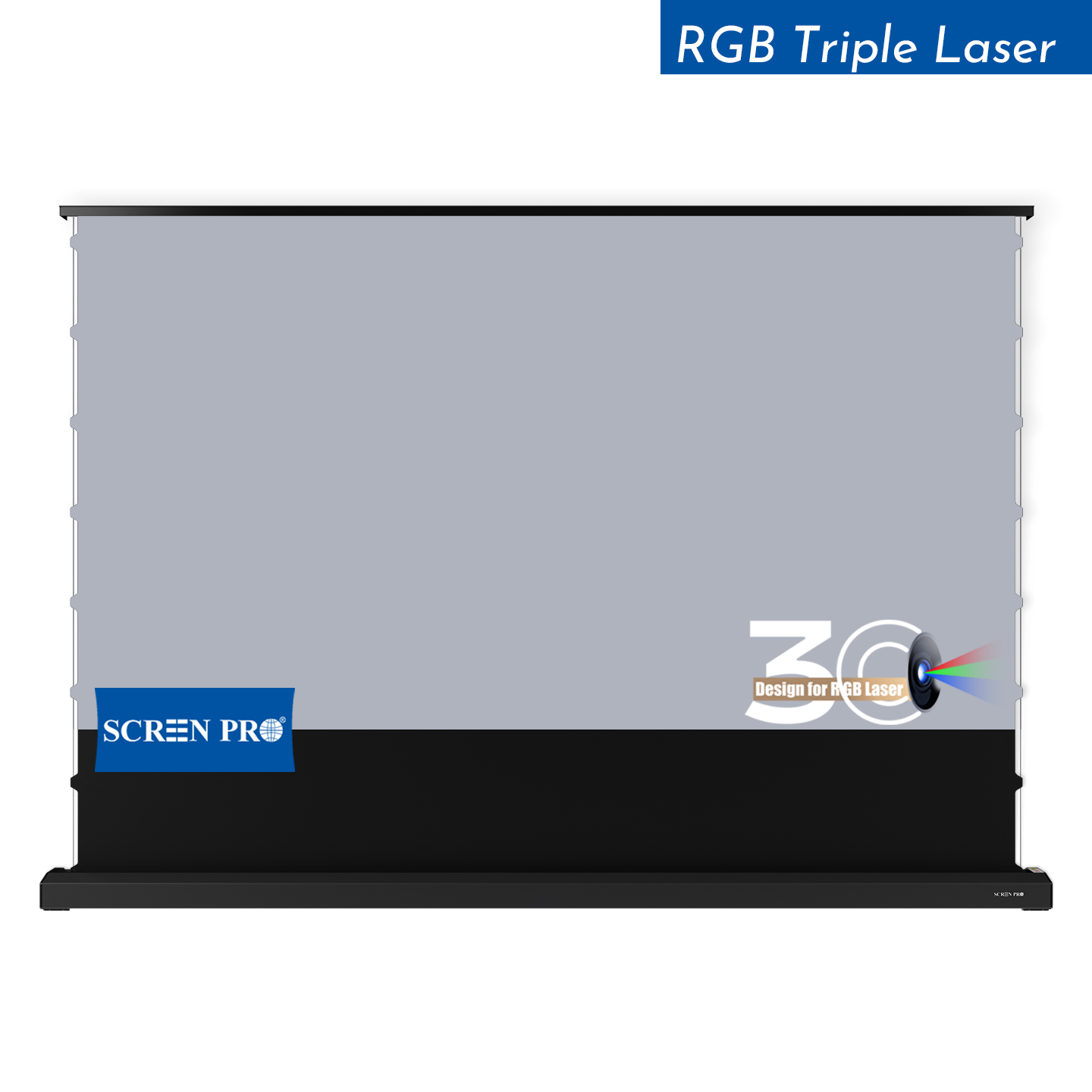
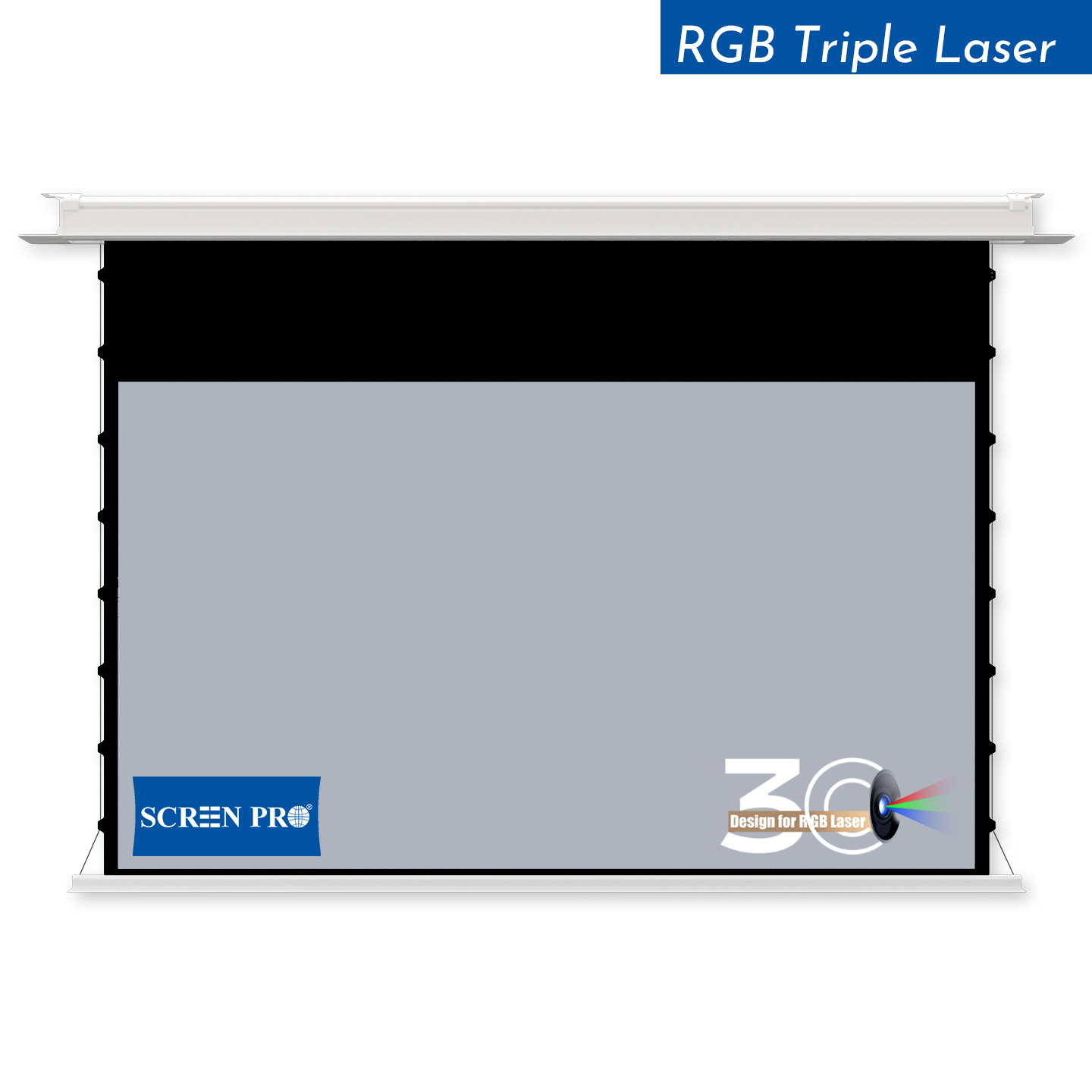
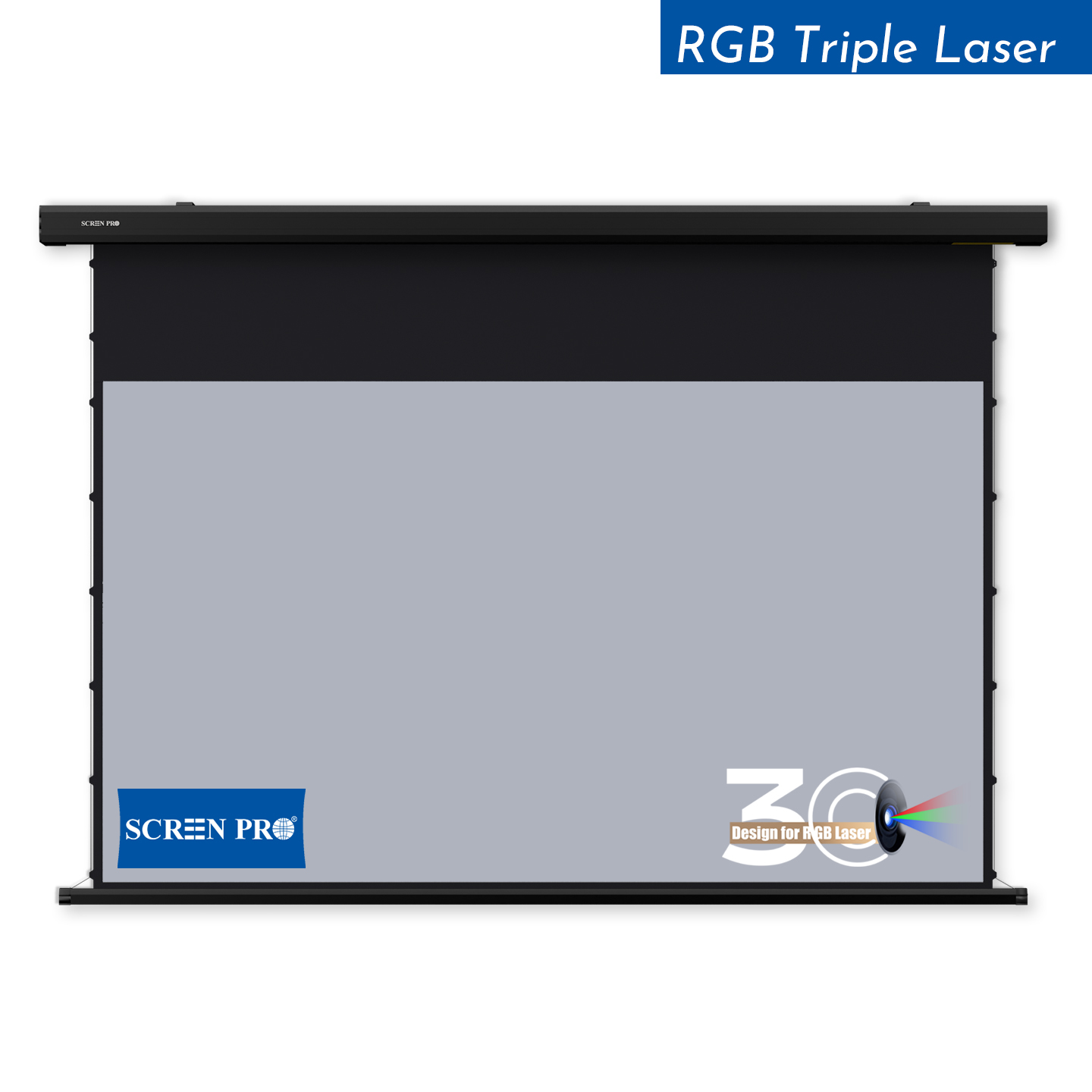
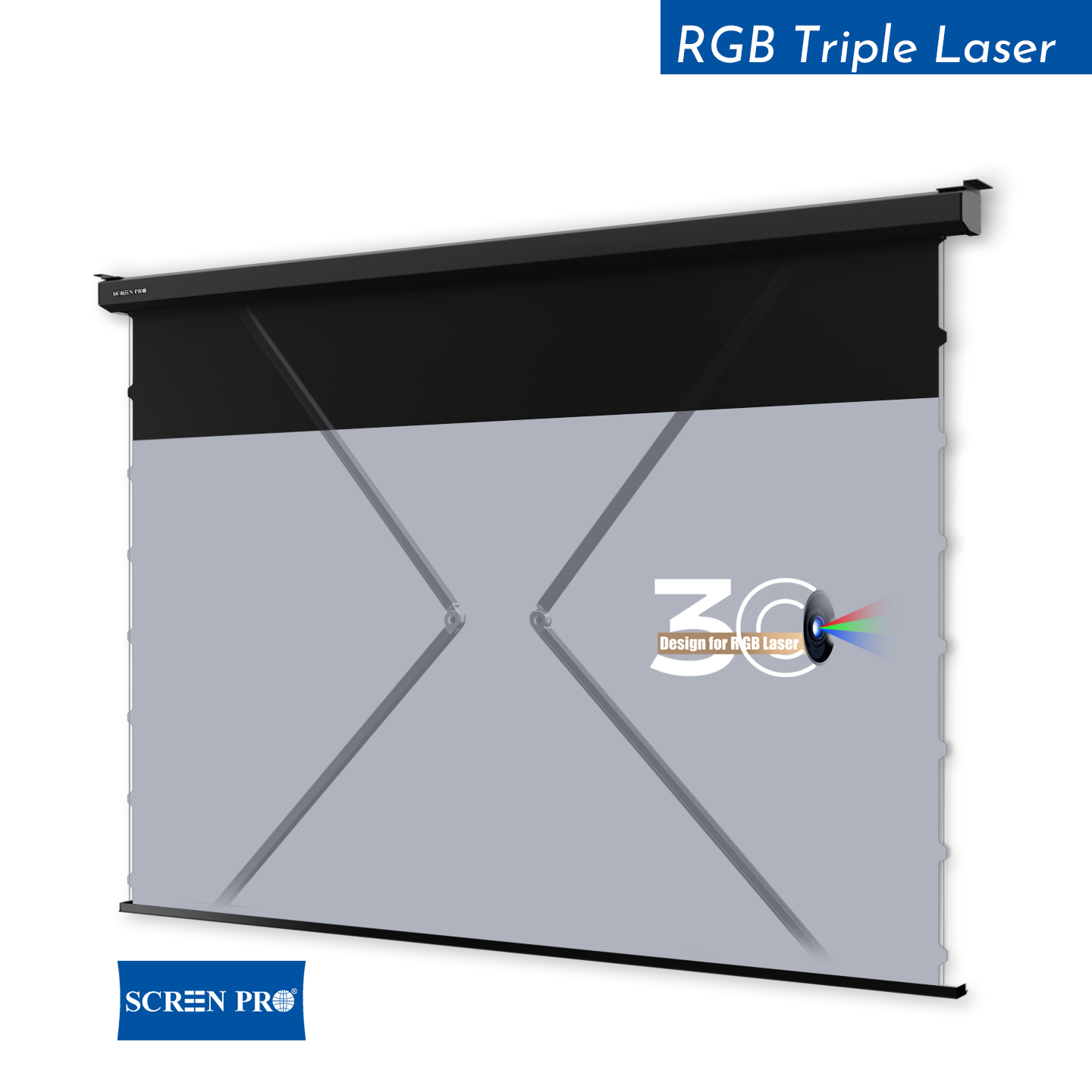
For RGB triple laser projectors, SCREENPRO recommends 3C Anti-Speckle or 3W Woven Anti-Speckle materials. These materials are designed to reduce laser speckle while preserving image contrast, color performance and viewing comfort.
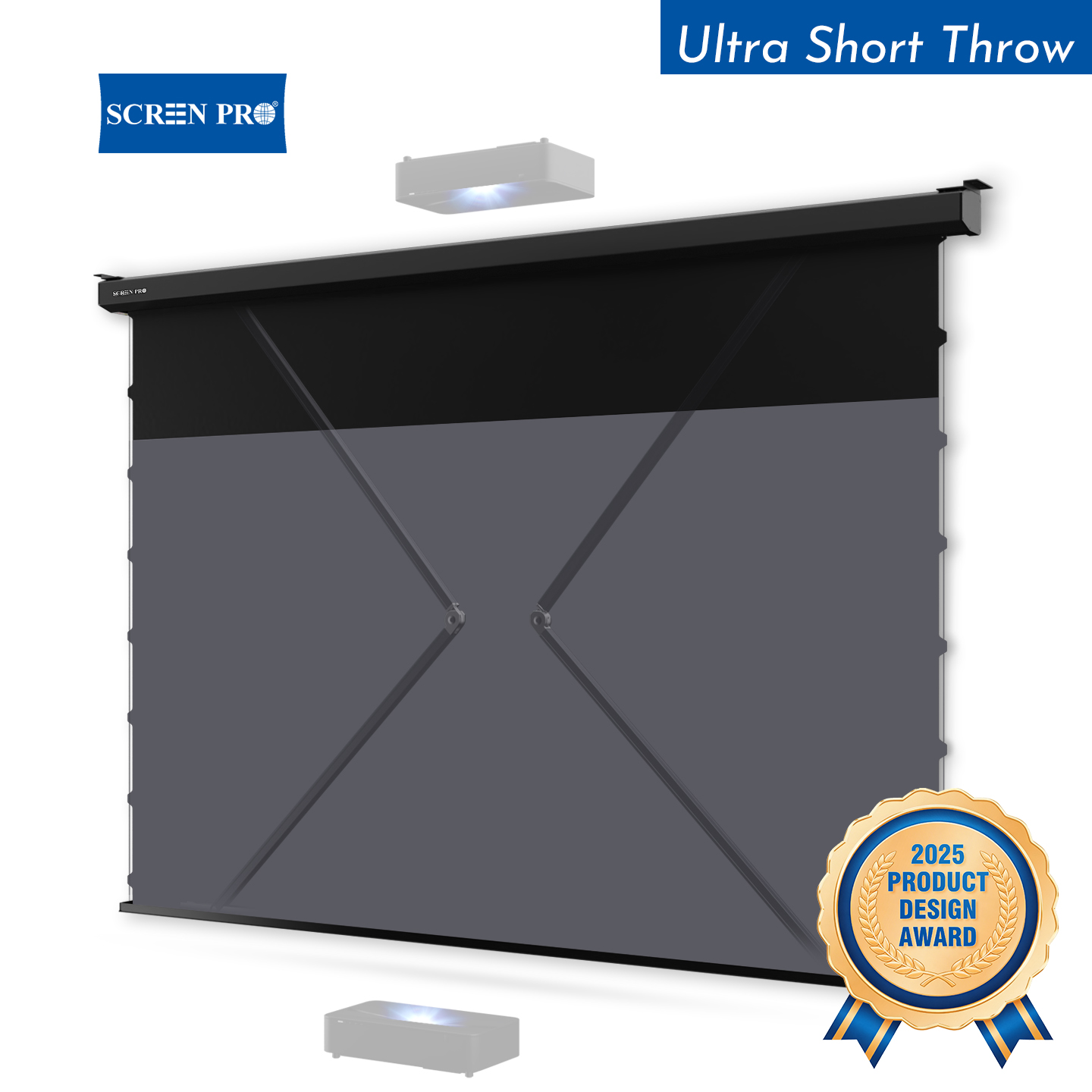
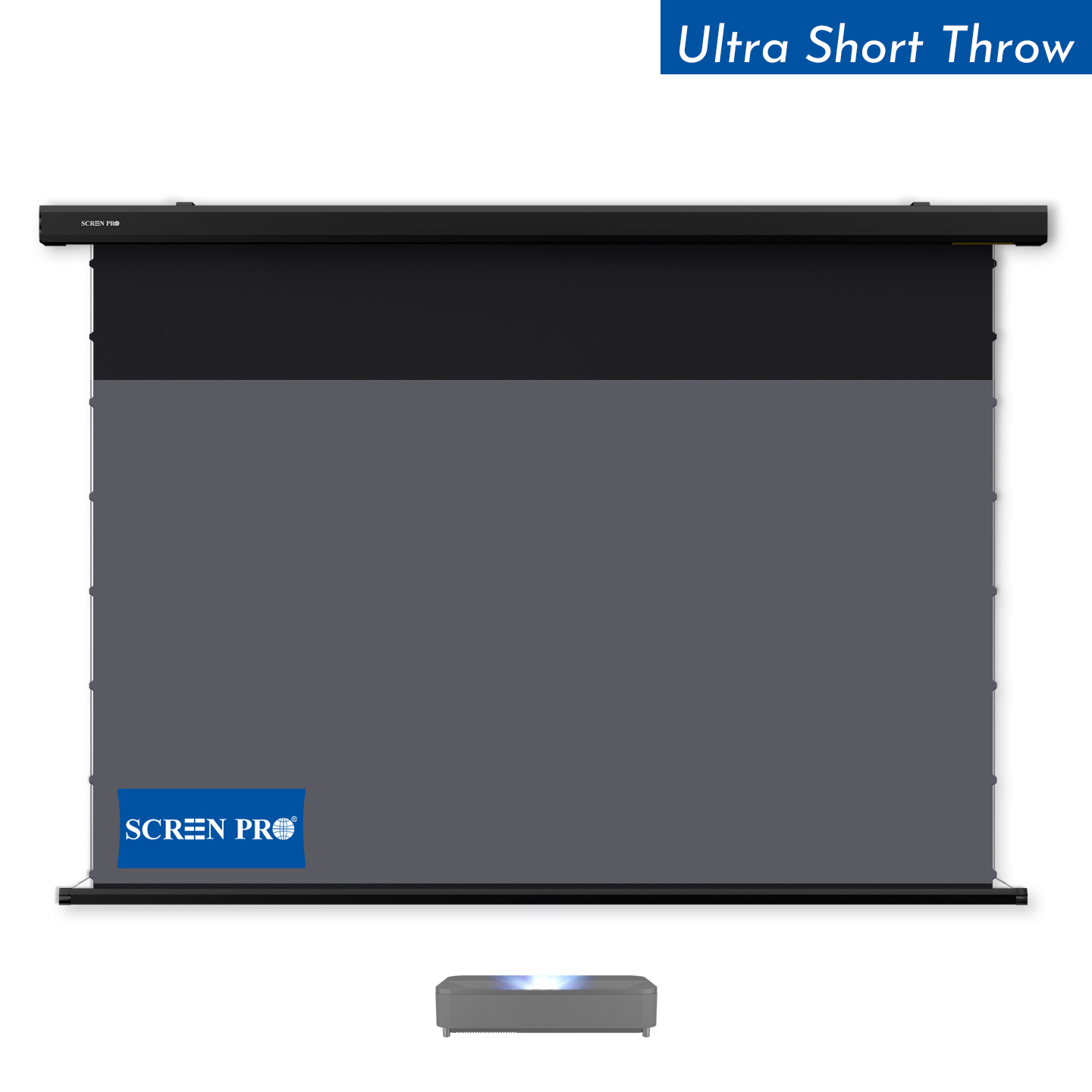
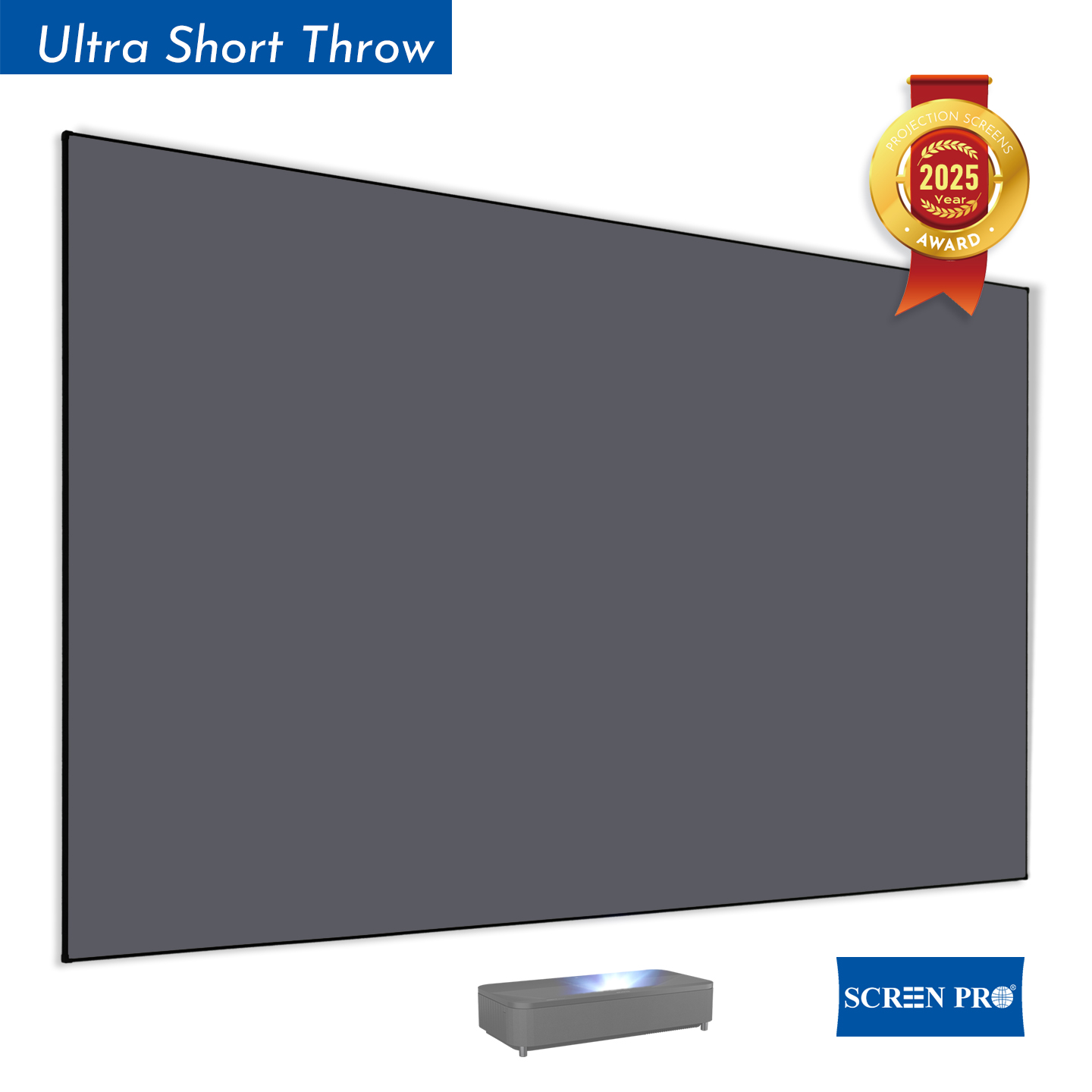
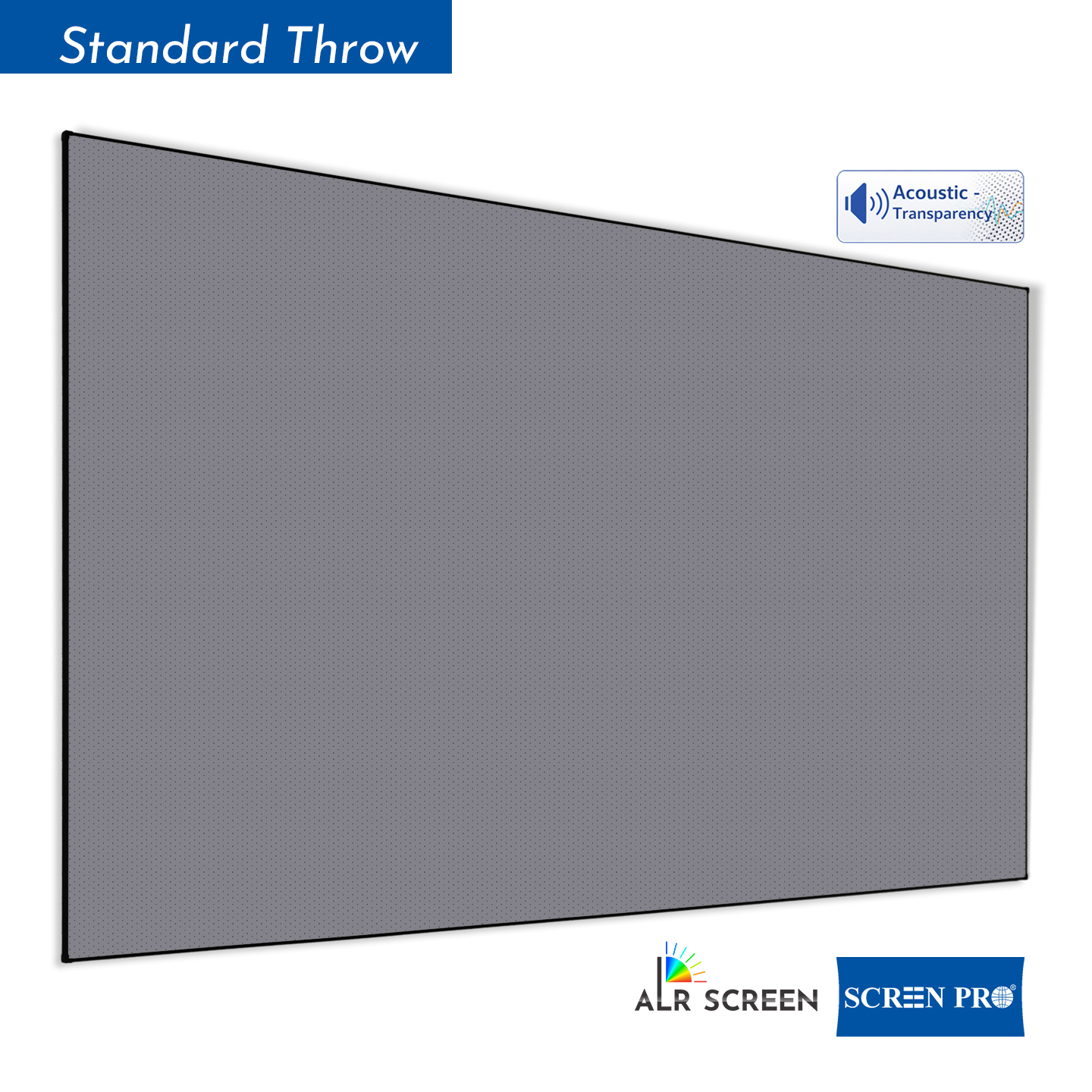
Technically yes, but a dedicated UST ALR screen usually provides better image performance. UST projectors project light from a steep angle, so a normal screen may show lower contrast, uneven brightness or visible texture depending on the material.
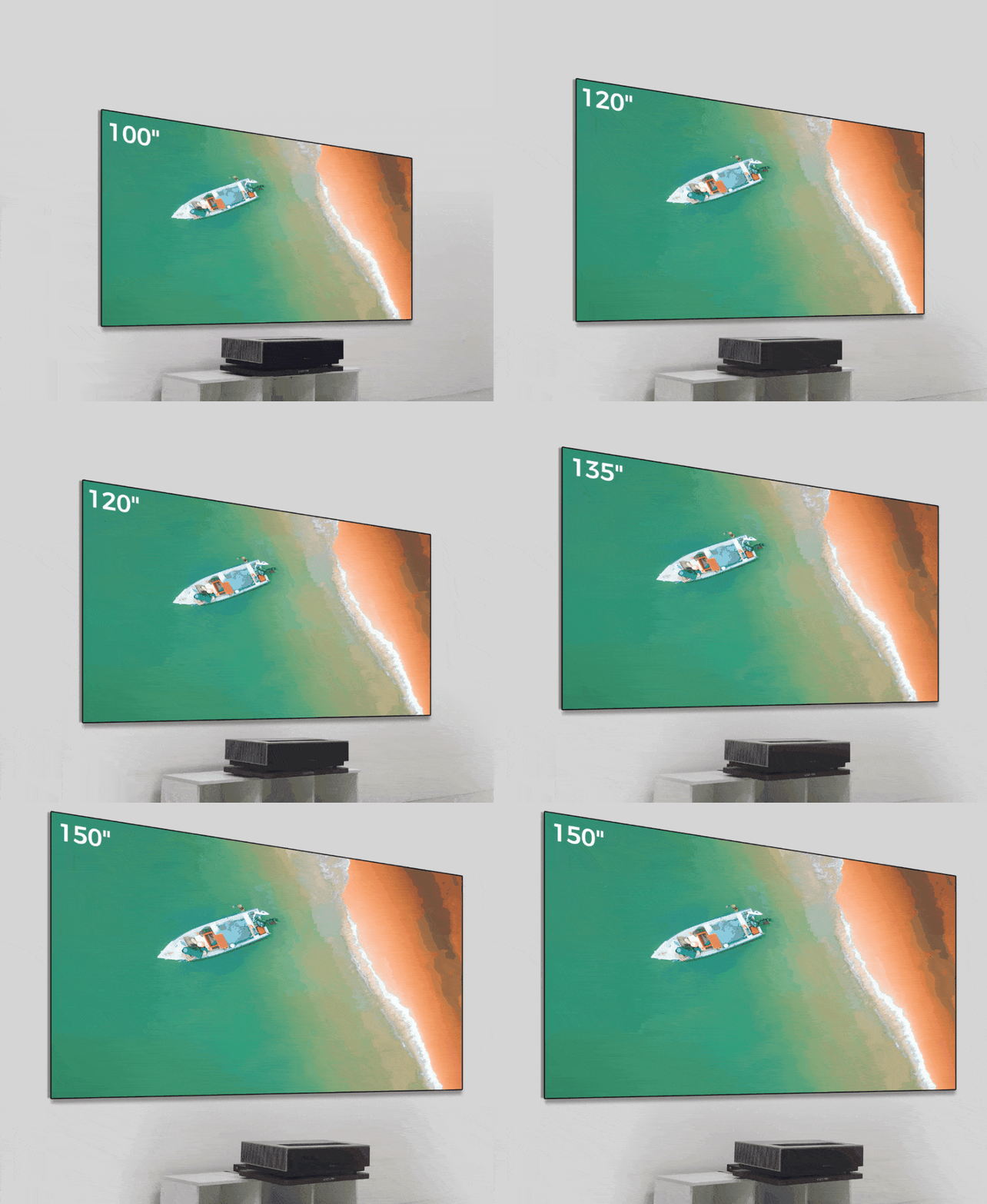
Screen size should be selected according to viewing distance, room size, projector brightness and installation space.
For commercial, church, education or large venue applications, custom screen size recommendations may be required.
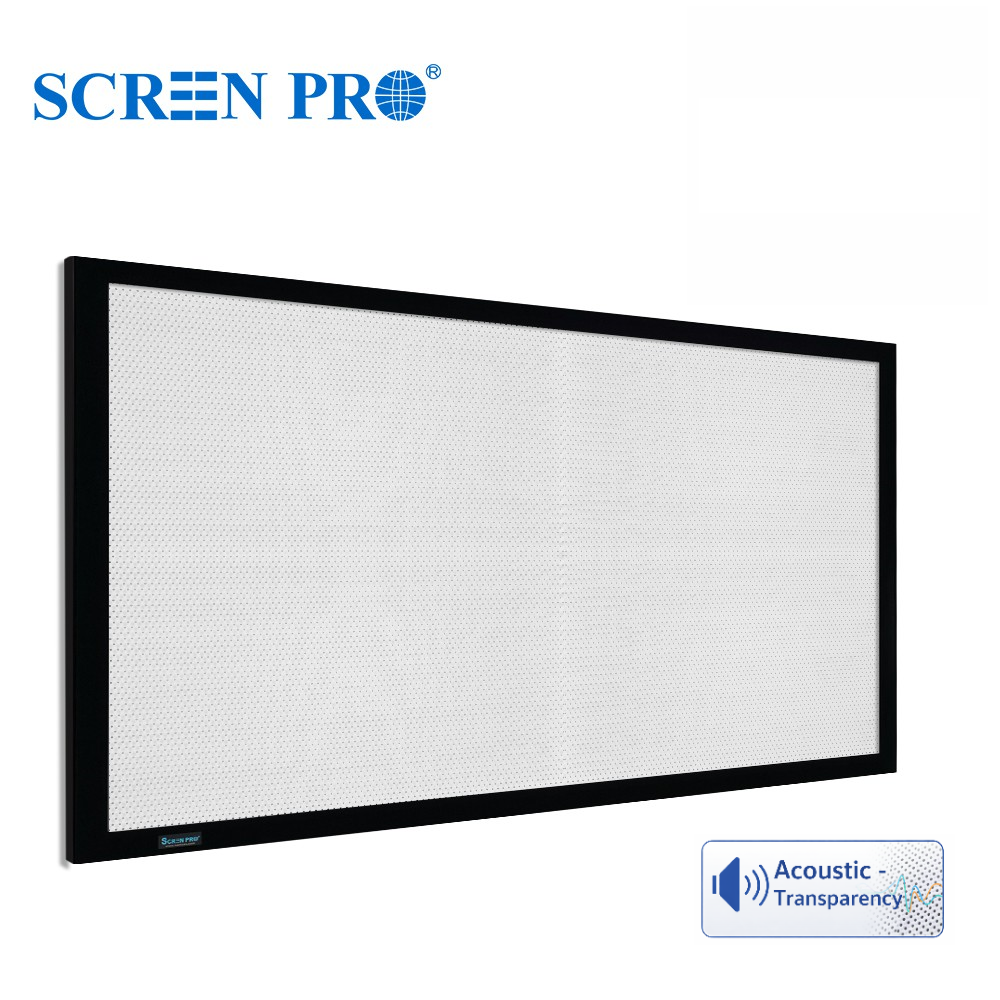
3C is suitable for many triple laser projection setups, while 3W is recommended when stronger speckle reduction and acoustic transparency are required.
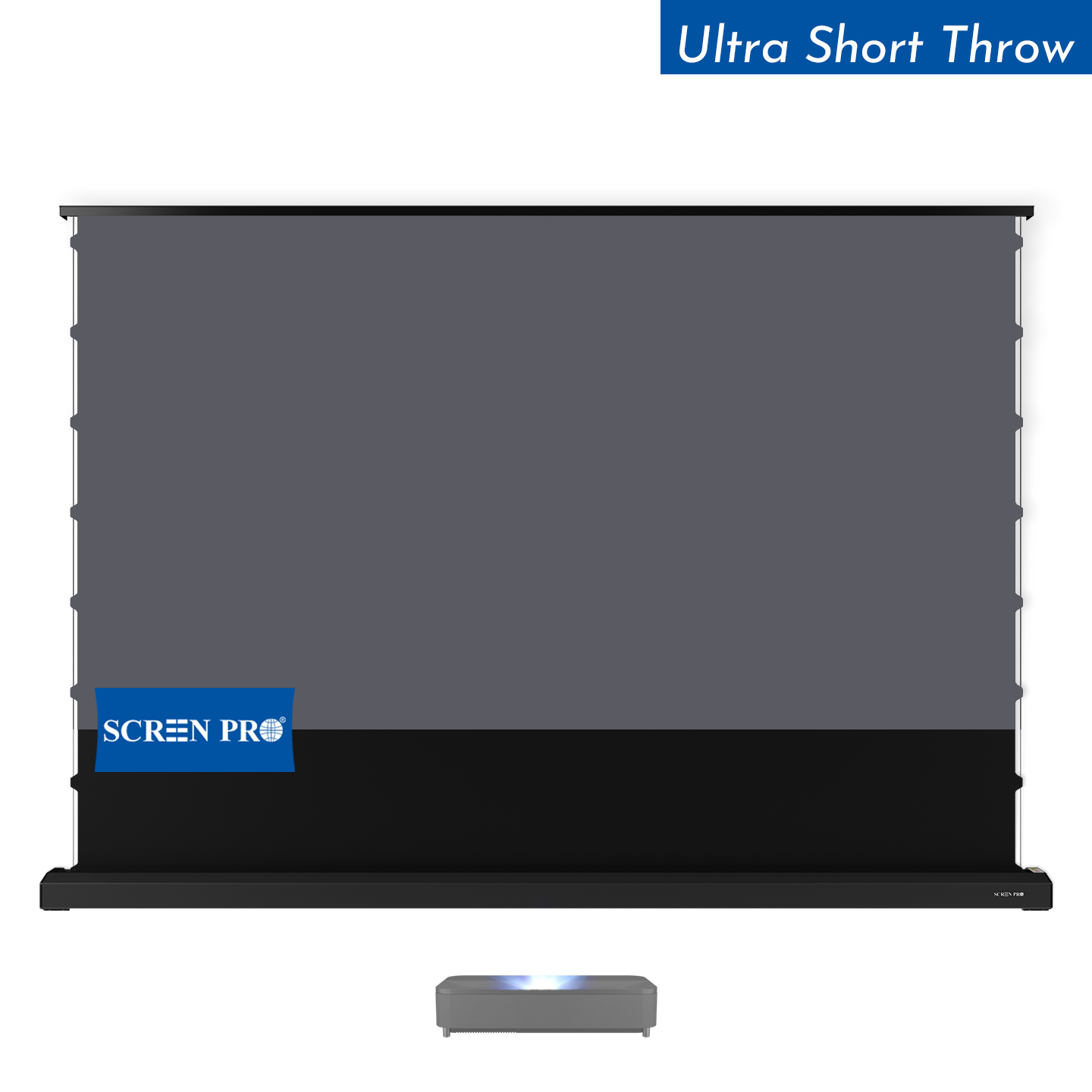
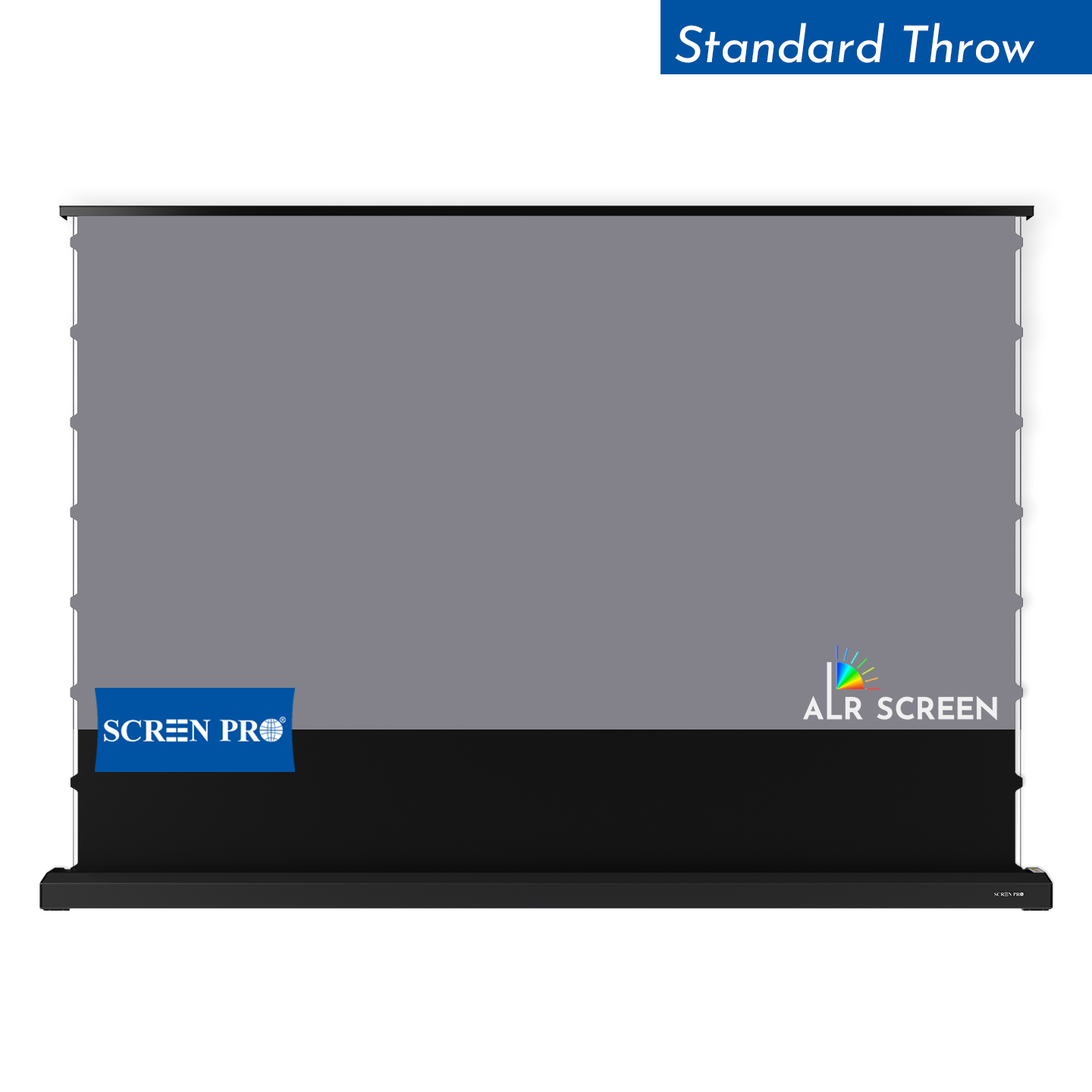
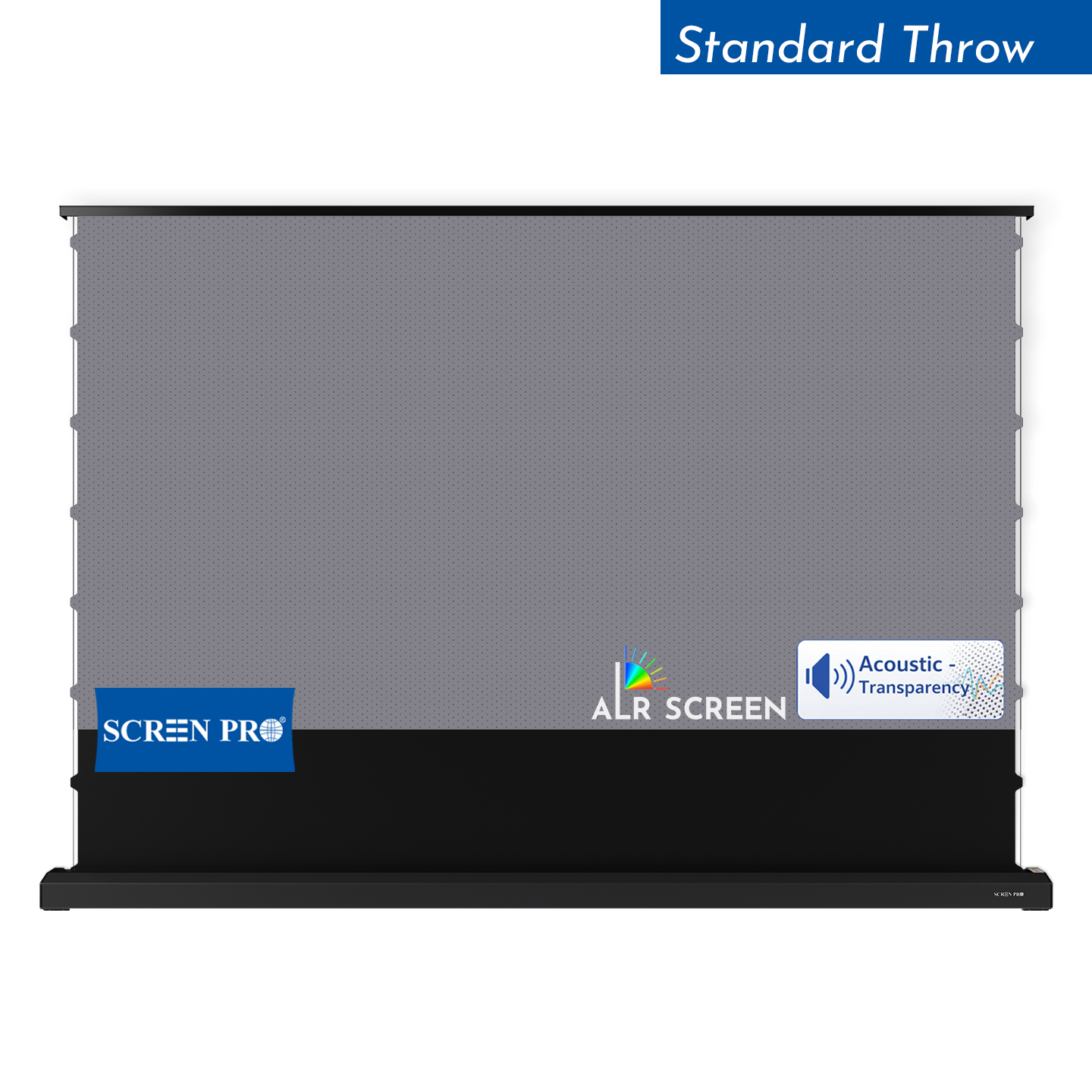
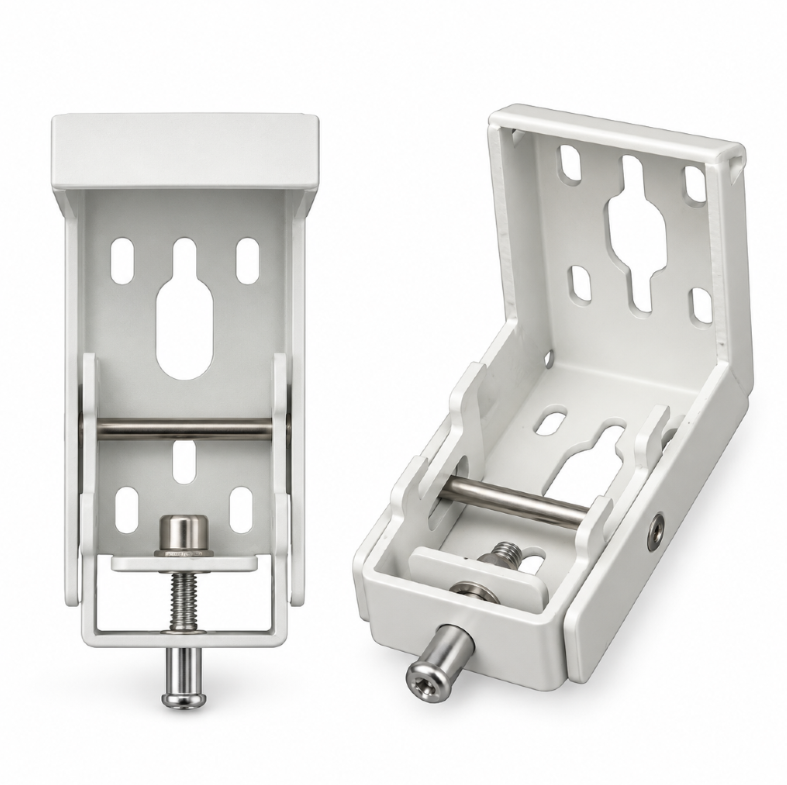
Most SCREENPRO® floor-rising screens are designed as freestanding systems and do not require wall fixation for normal use. For special installations, wall brackets or additional securing methods may be recommended depending on the environment.
Temporary waves or wrinkles may be caused by transportation, temperature changes, humidity, storage conditions or installation tension. Tab-tensioned and fixed frame structures generally provide better long-term flatness than non-tensioned or folding screen systems.
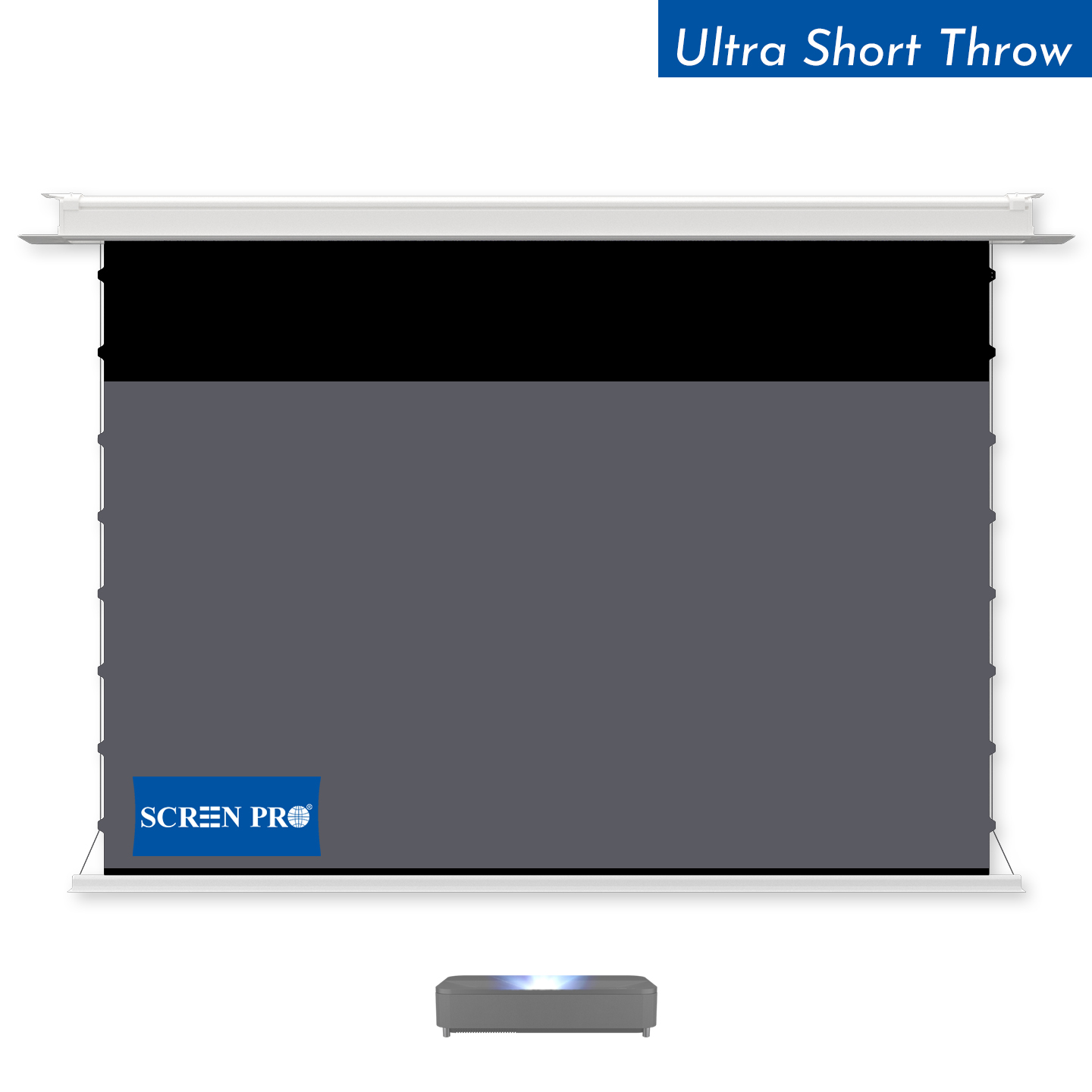
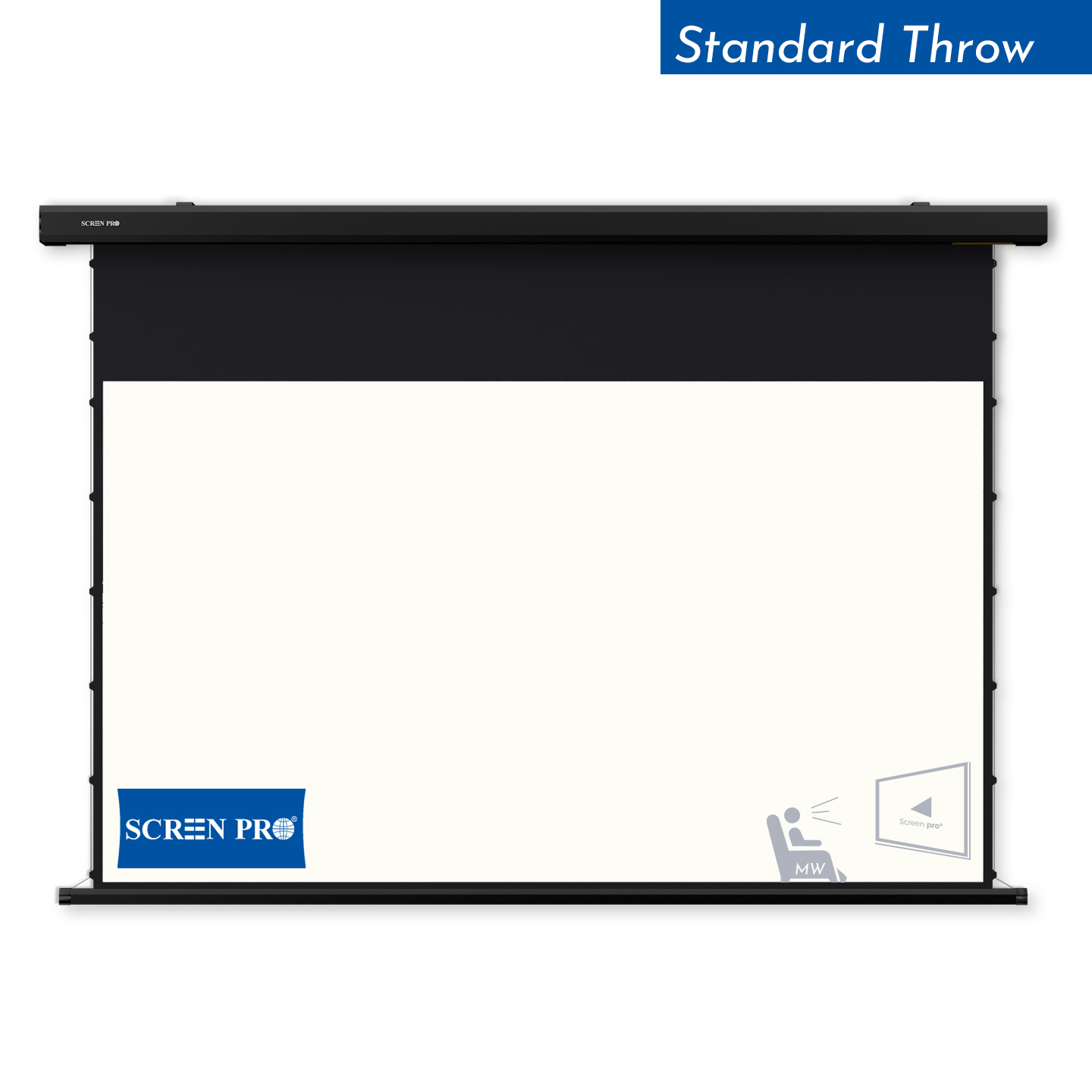
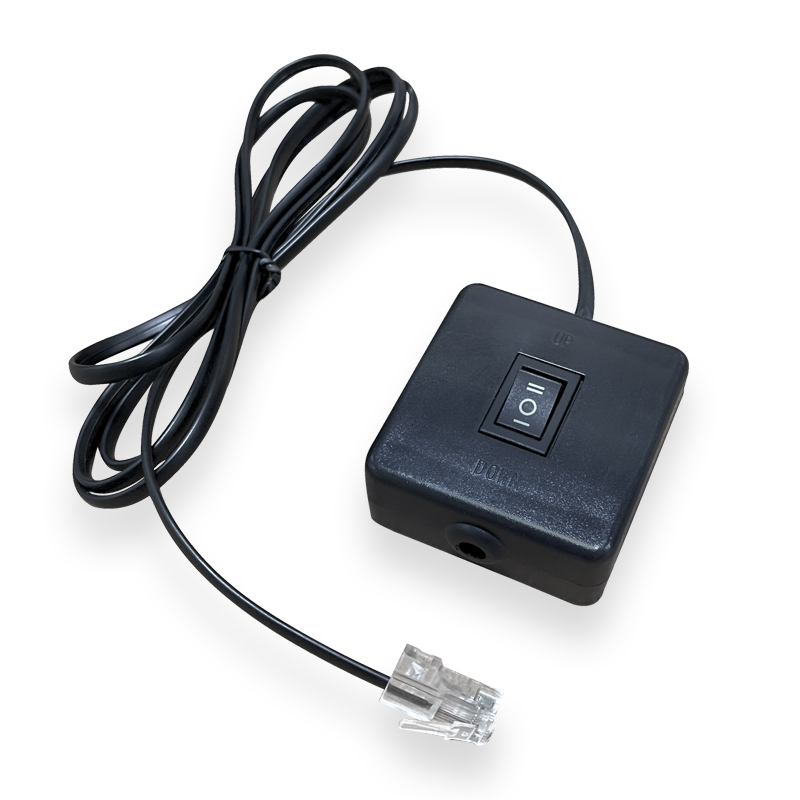
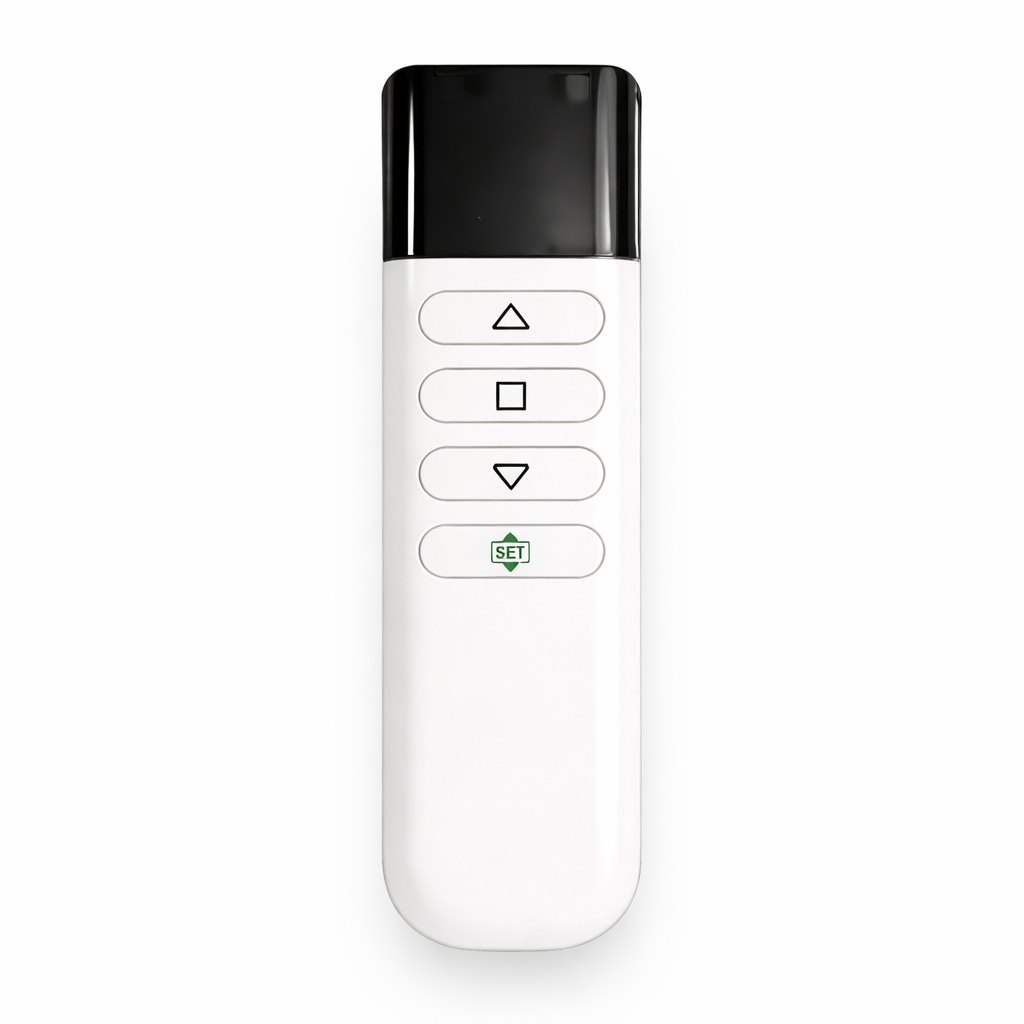
Many SCREENPRO motorized projection screens support RF remote control, 12V trigger, USB trigger, RS232, Tuya Smart, Alexa and Google Assistant integration. Compatibility may vary depending on the motor and control system selected.
Yes. Material samples are available for testing before purchasing a complete screen system. Samples can help you compare brightness, contrast, texture, acoustic transparency and anti-speckle performance in your own environment.
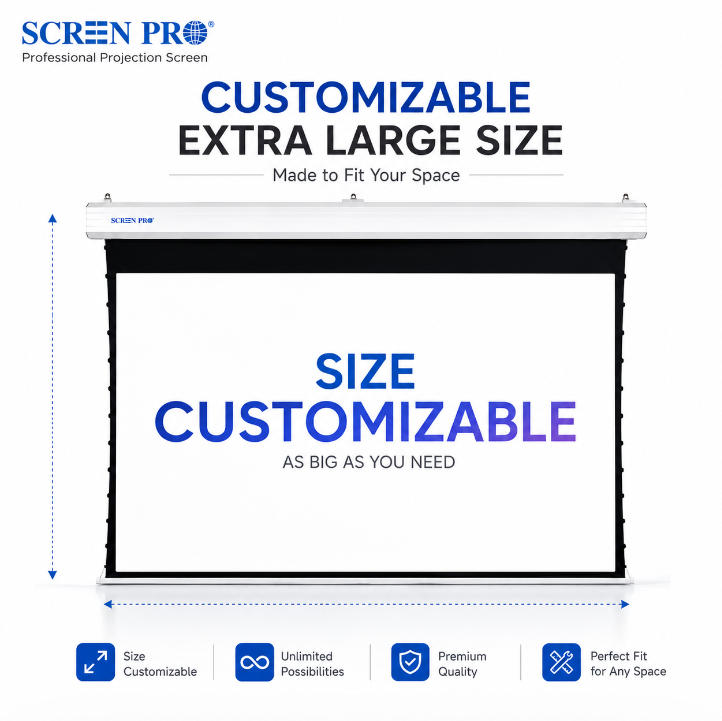
Yes. SCREENPRO supports customized screen sizes depending on the screen type, material, aspect ratio and application requirements. Custom options are commonly used for home cinema, commercial spaces, conference rooms, churches and OEM/ODM projects.
Warranty coverage varies by product category. Motorized systems, projection surfaces and accessories are covered under SCREENPRO warranty policies. Please contact SCREENPRO for specific warranty details based on your product model and installation type.
Explore compatible projection screen systems, materials and installation solutions for your project.
Talk to SCREENPRO





© 2026 SCREENPRO®. Specifications are subject to change without notice. | SamsAV All Rights ReservedSite Map Designed by iwonder.cn