

© 2026 SCREENPRO®. Specifications are subject to change without notice. | SamsAV All Rights ReservedSite Map Designed by iwonder.cn


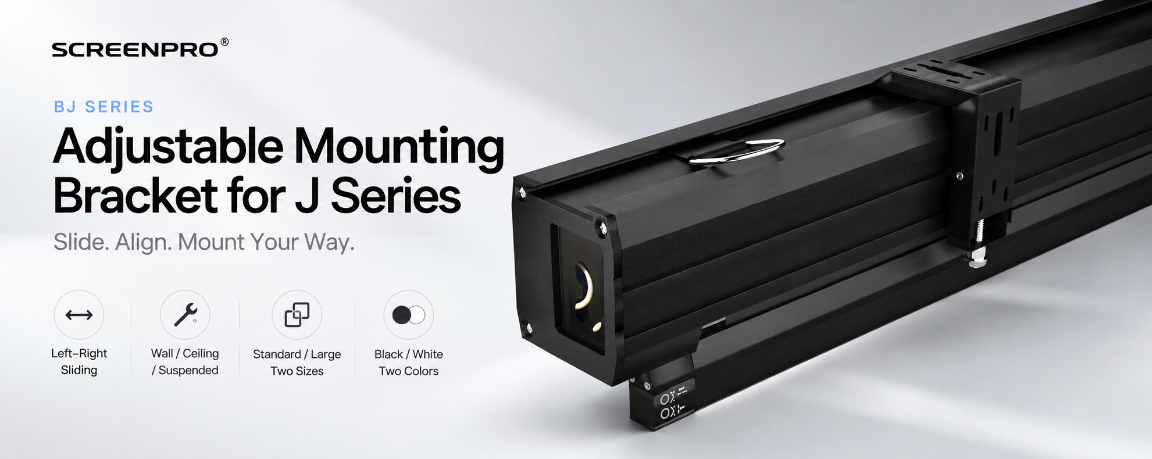
J Series Motorized Screen Accessories
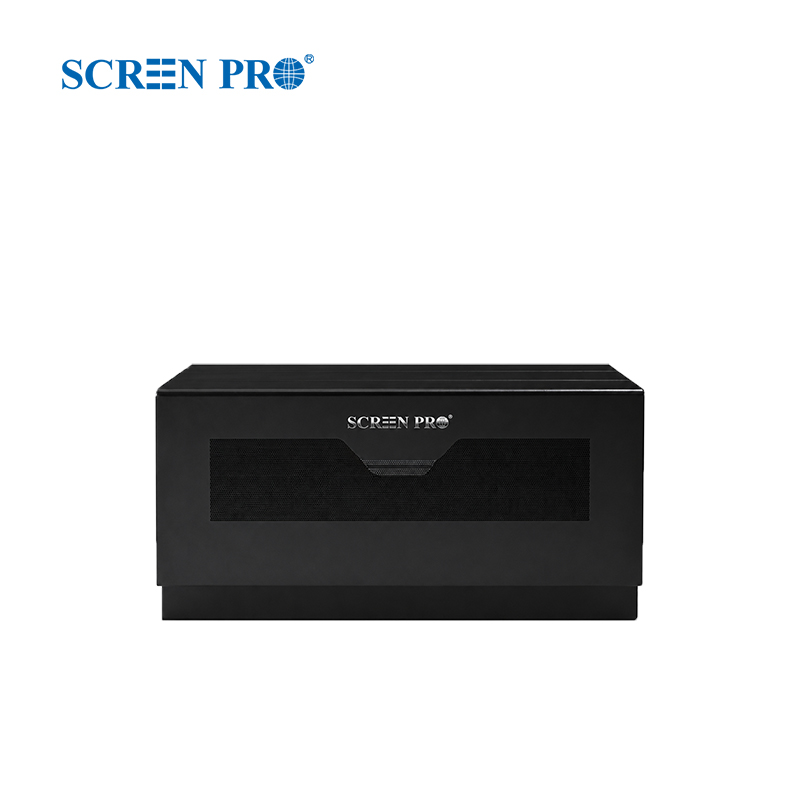
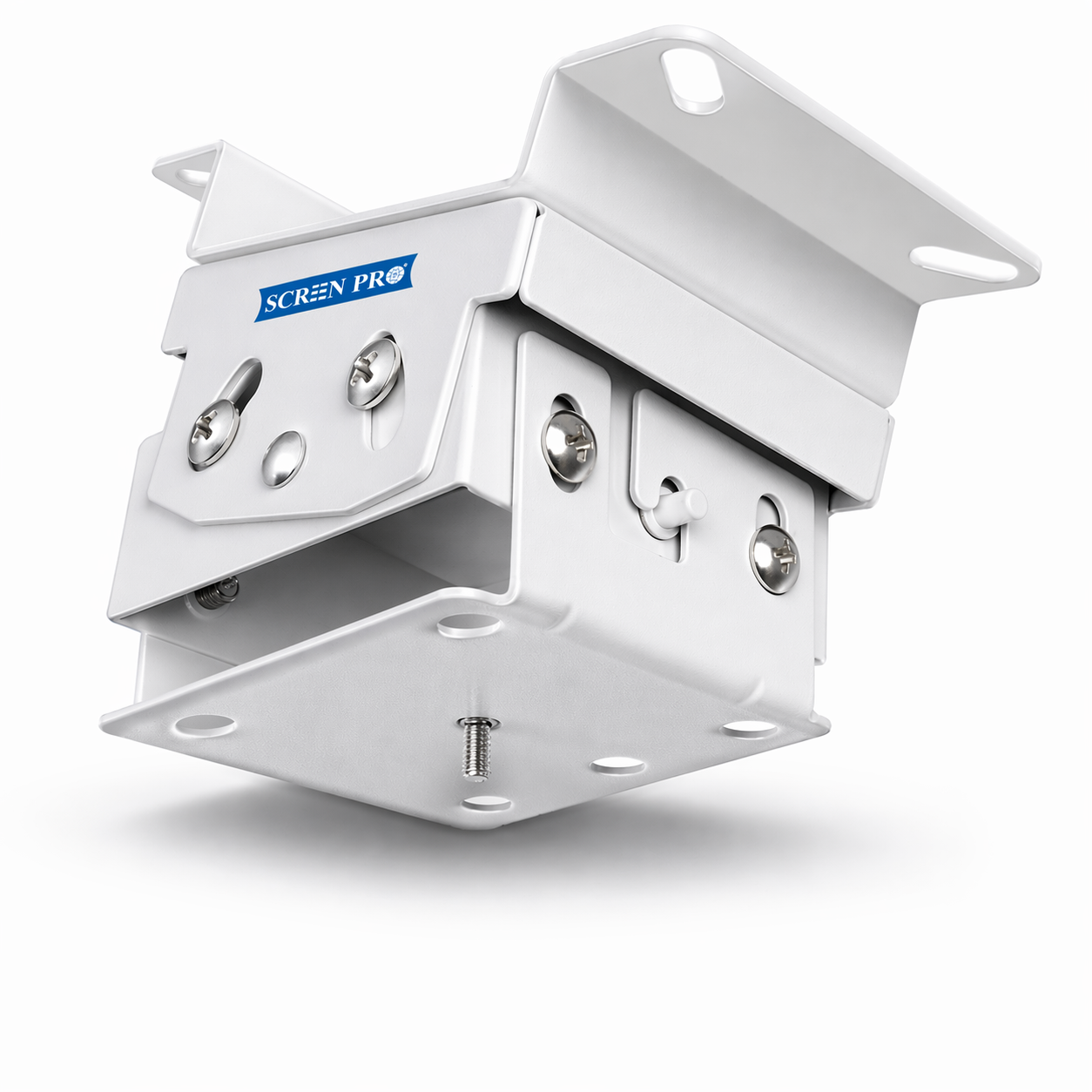
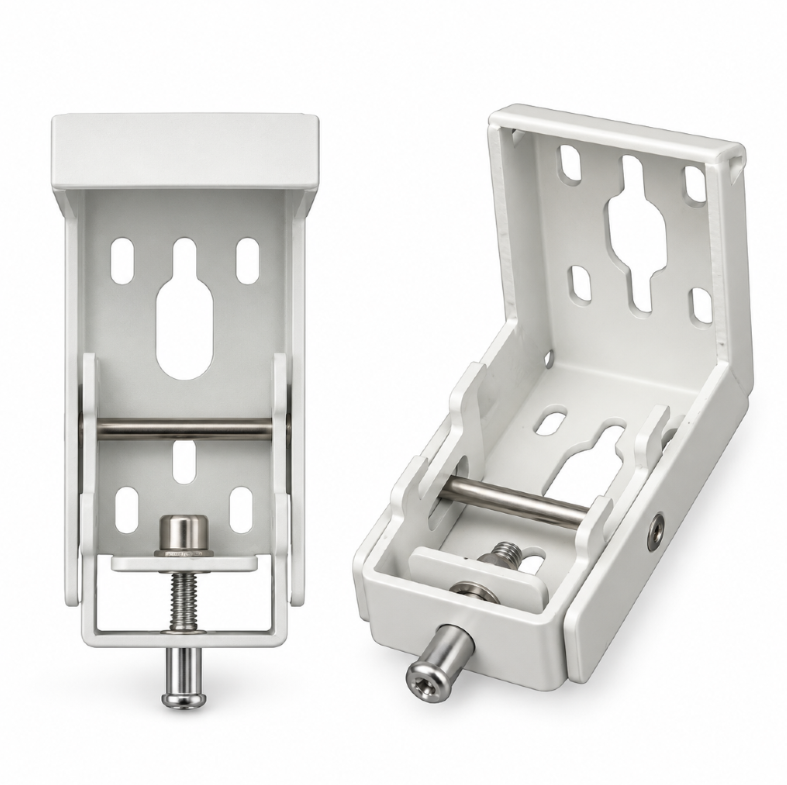
A dedicated mounting solution for compatible SCREENPRO® J Series motorized projector screens. Slide the screen left or right after installation for easier final alignment, with support for wall, ceiling, and suspended mounting.
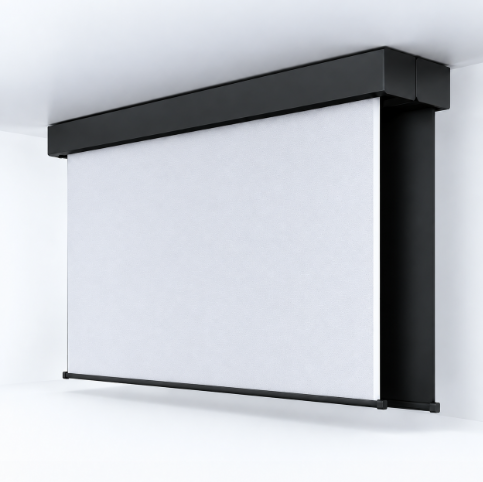
The BJ Series bracket is designed around the J Series mounting rail, allowing the screen housing to slide horizontally after it has been mounted. This makes final left-right positioning easier without requiring the entire mounting system to be removed and reinstalled.
Slide the installed screen horizontally for easier final alignment with the projector, wall, or viewing area.
Supports wall mounting, ceiling mounting, and suspended mounting configurations for different installation environments.
Purpose-built for compatible SCREENPRO J Series motorized projector screens and their dedicated mounting structure.
Instead of locking the screen into one fixed horizontal position, the BJ Series mounting system gives installers additional flexibility during final setup. Fine-tune the screen position after mounting and choose the installation method that best fits the project.
Use the same dedicated J Series bracket system across common architectural mounting conditions.
Mount the motorized screen housing directly to a suitable wall structure for a clean, straightforward installation.
Secure the screen directly beneath a suitable ceiling structure when wall mounting is not preferred.
Use with a compatible suspension system when the screen needs to be lowered from a high or open ceiling.
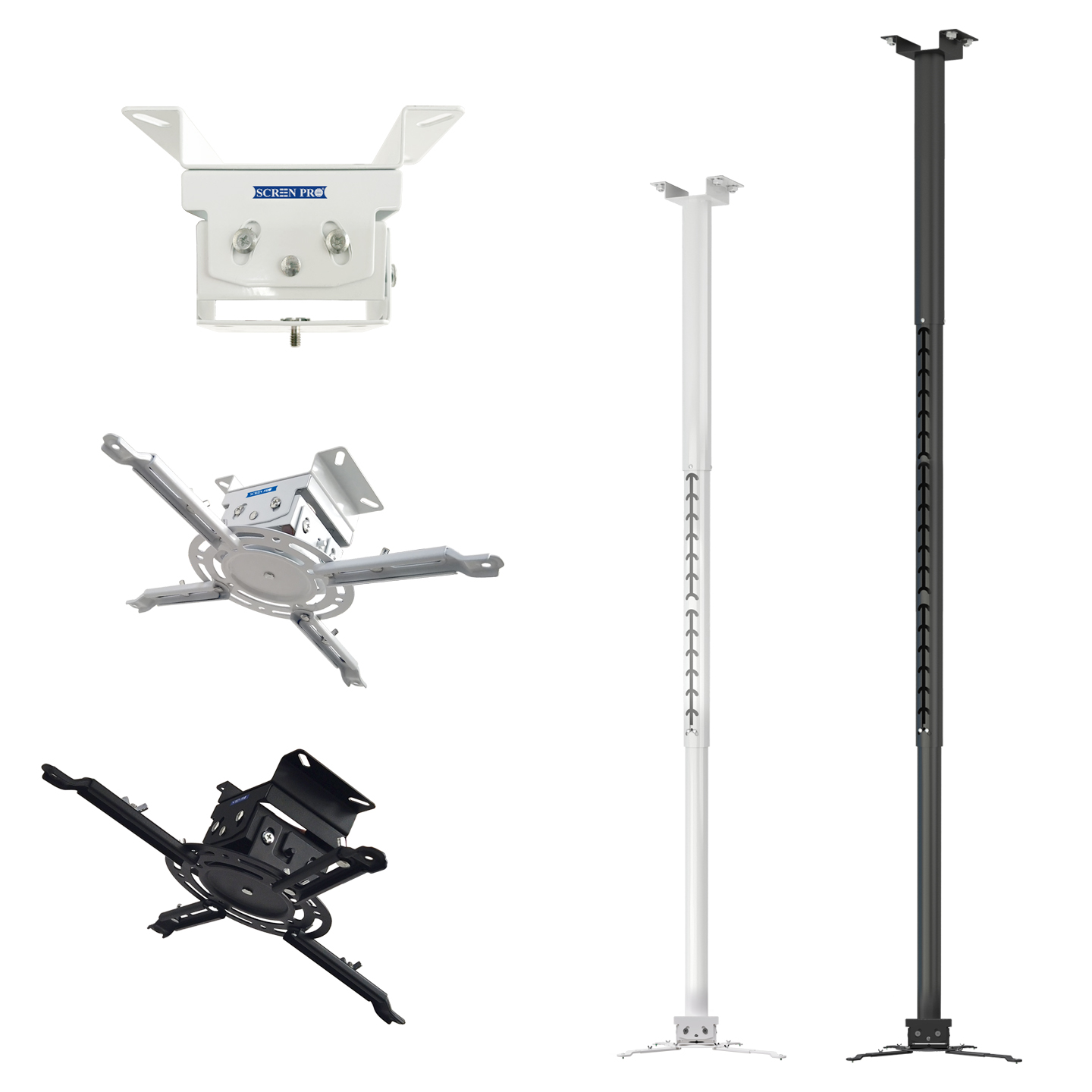
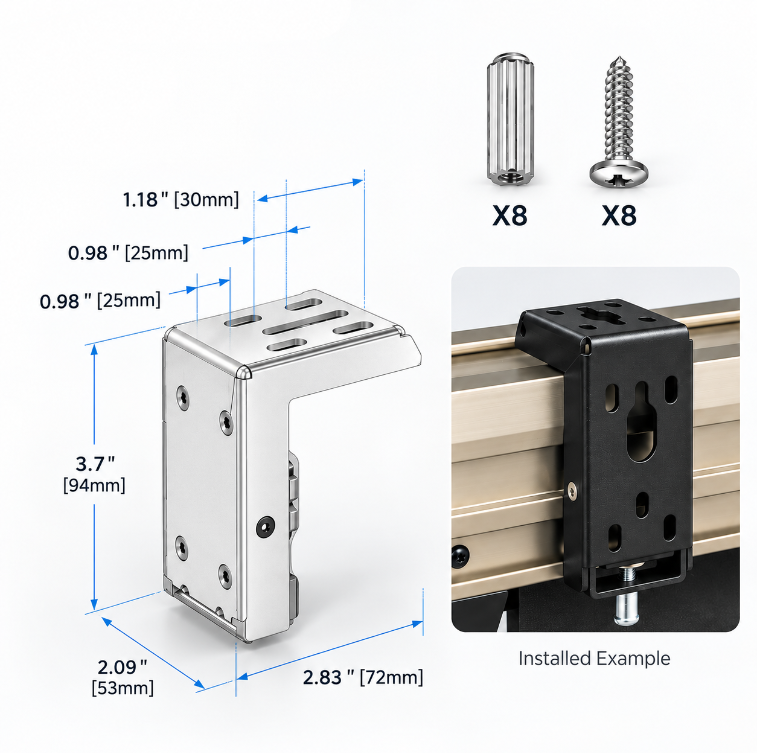
The BJ Series is available in two bracket sizes to match different J Series screen configurations. Select the bracket size according to the compatible screen model.
Dedicated standard-size bracket for compatible J Series motorized projector screens.
Larger bracket version using the same mounting concept for compatible larger J Series screen configurations.
Choose a finish that better matches the screen housing, wall, ceiling, or surrounding interior.
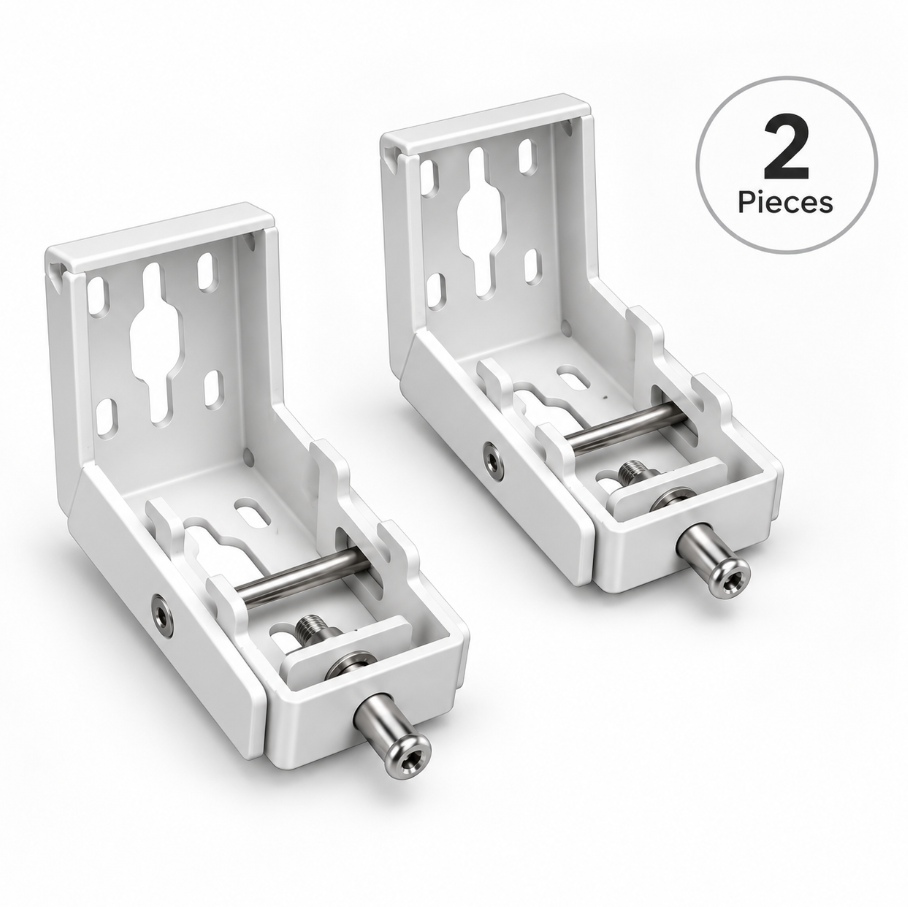
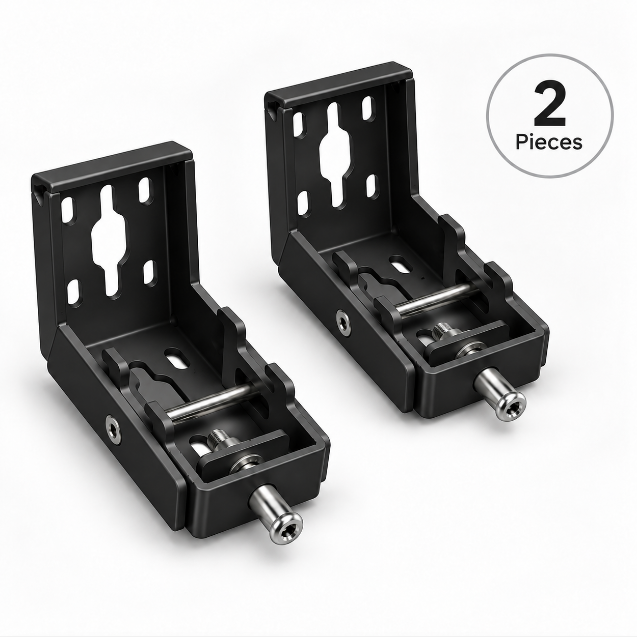
A discreet option for dark screen housings, theater spaces, and darker architectural finishes.
A clean option for white screen housings, light-colored ceilings, and minimalist interiors.
The BJ Series mounting bracket is designed specifically for compatible SCREENPRO® J Series motorized projector screens. Other SCREENPRO screen series use different mounting systems.
A dedicated J Series mounting system designed to make installation, positioning, and future adjustment easier.
Watch the installation and setup process.
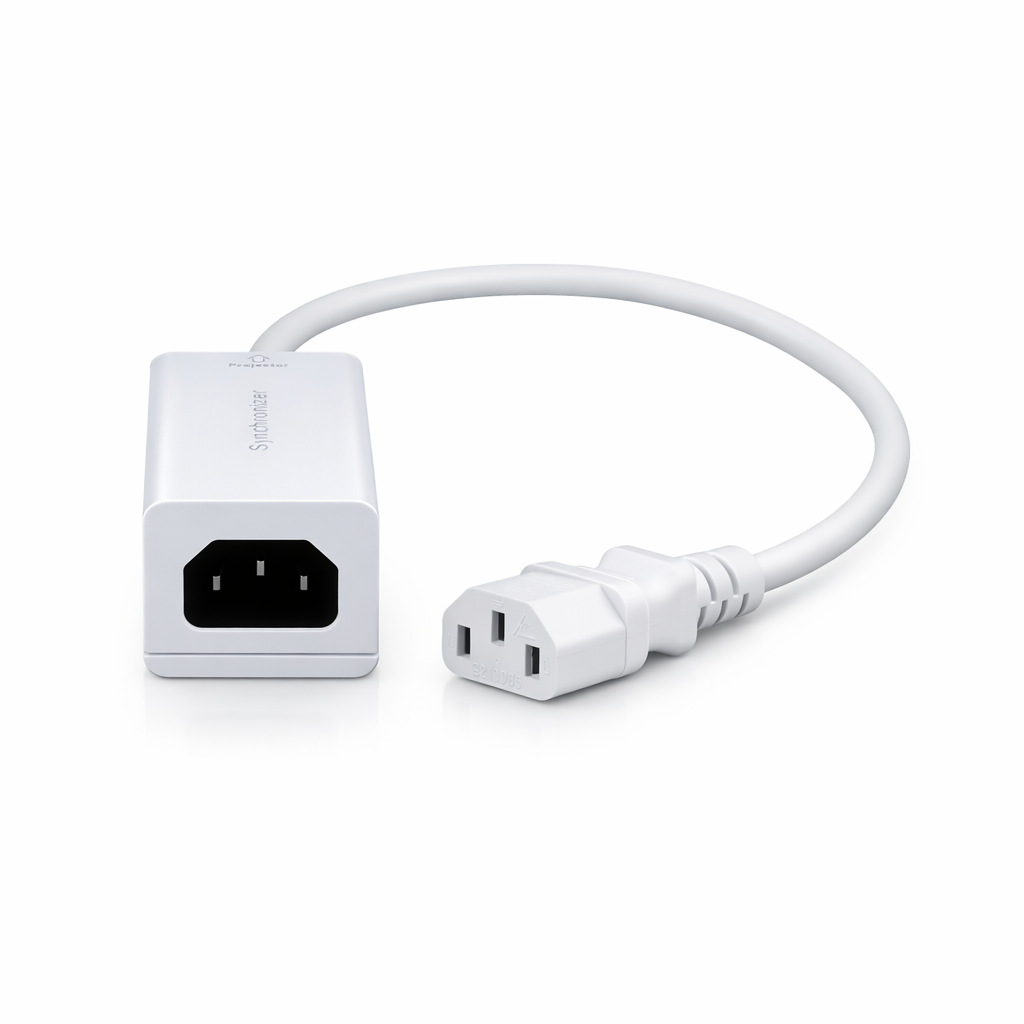
Download the SCREENPRO user manual for installation guidance, setup instructions, signal connection, synchronizer operation, and troubleshooting information.
Download PDF ManualThe SCREENPRO BJ Series mounting bracket is designed for compatible J Series motorized projector screens, providing flexible installation with horizontal sliding adjustment after mounting.
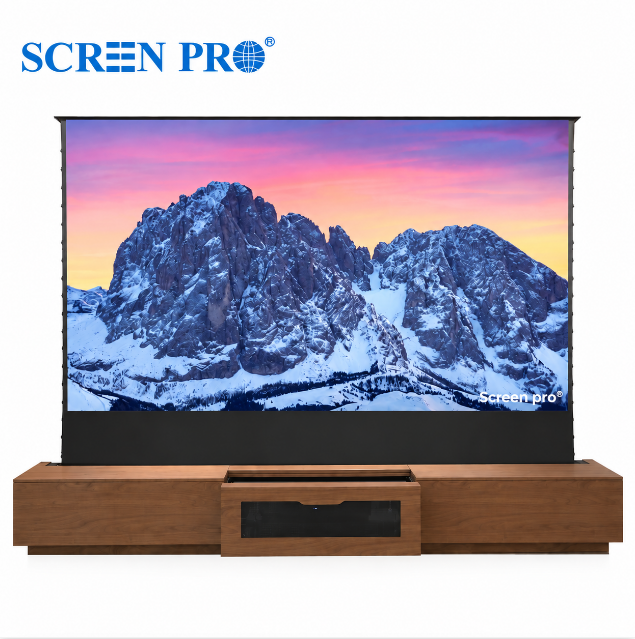
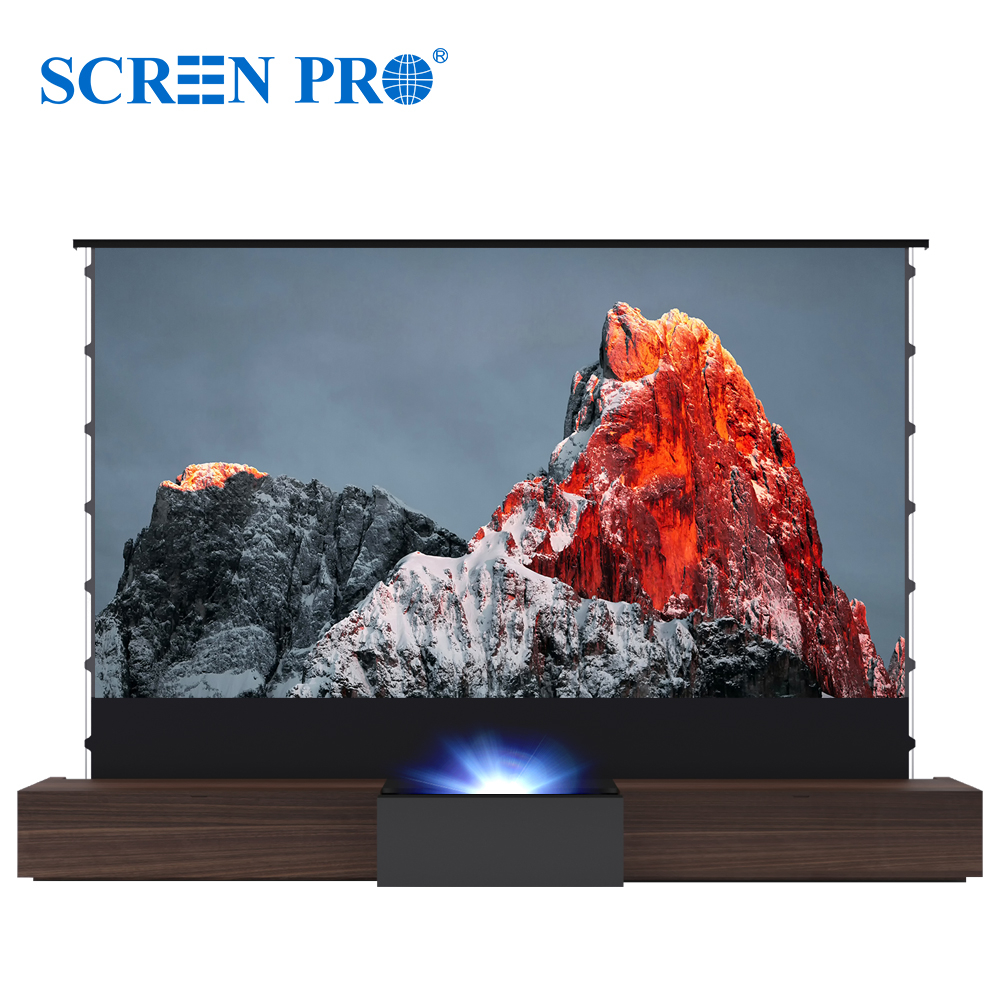
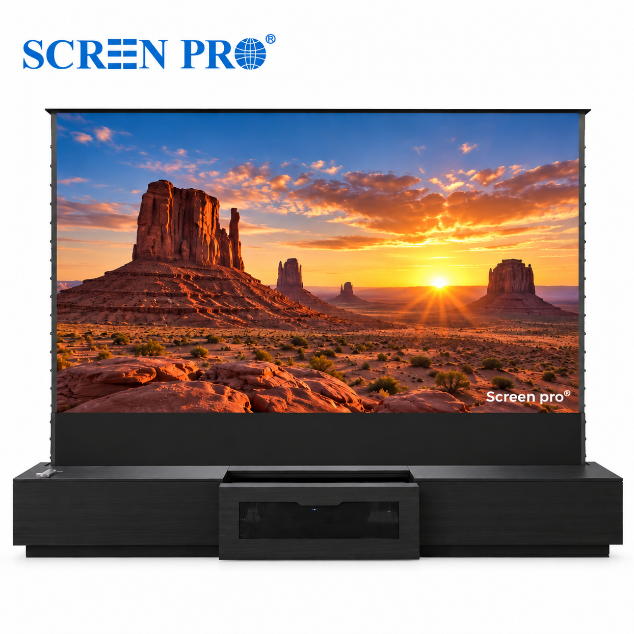
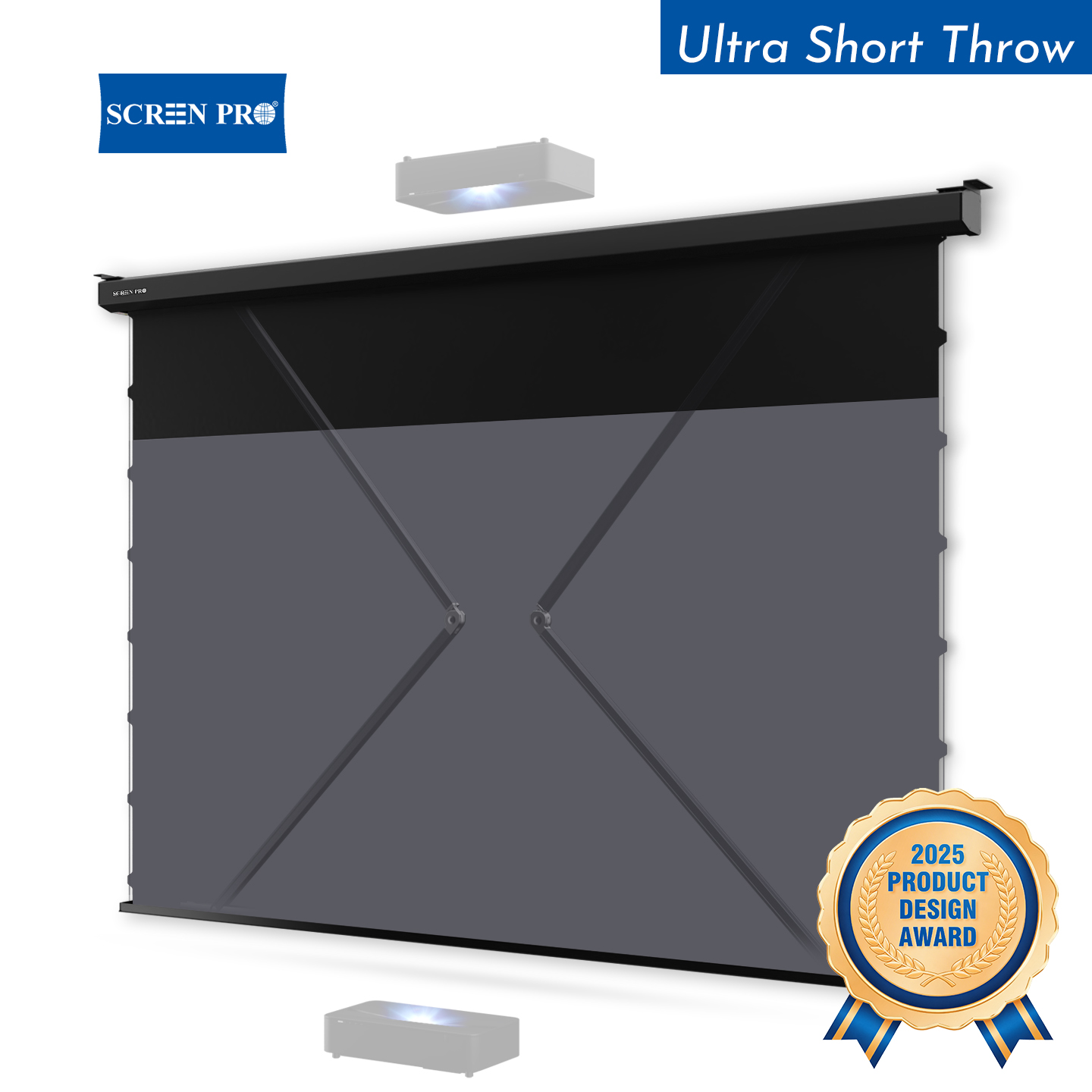
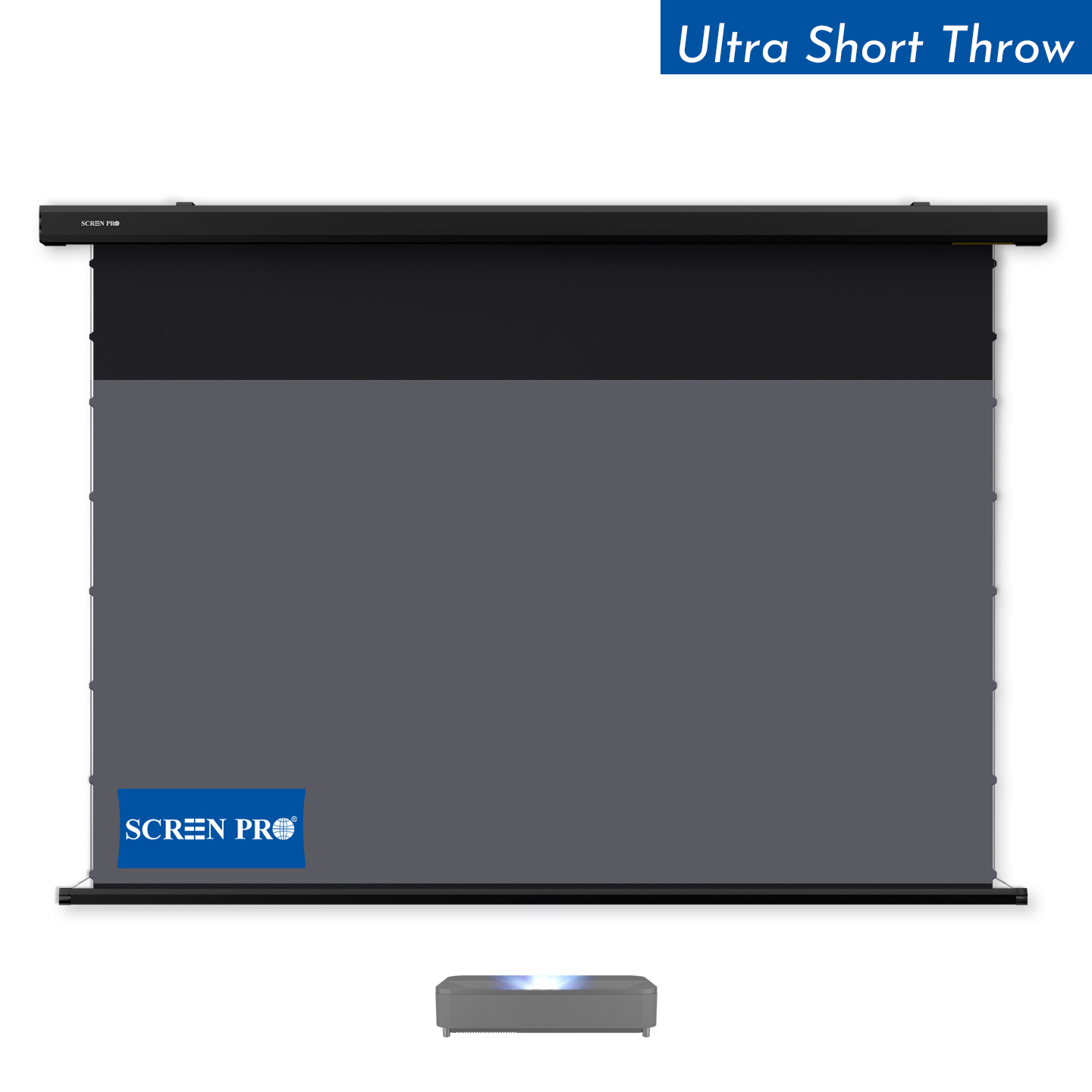
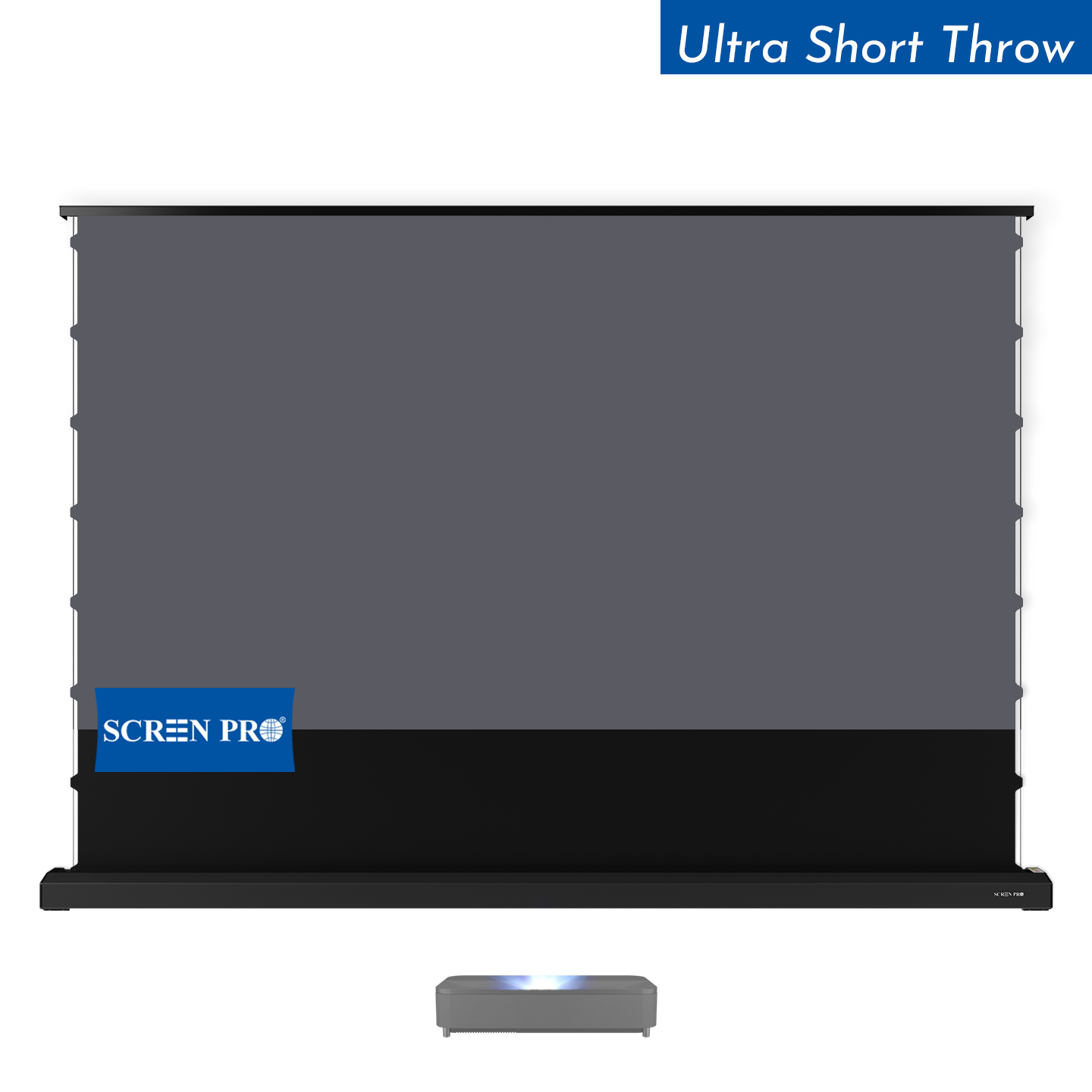
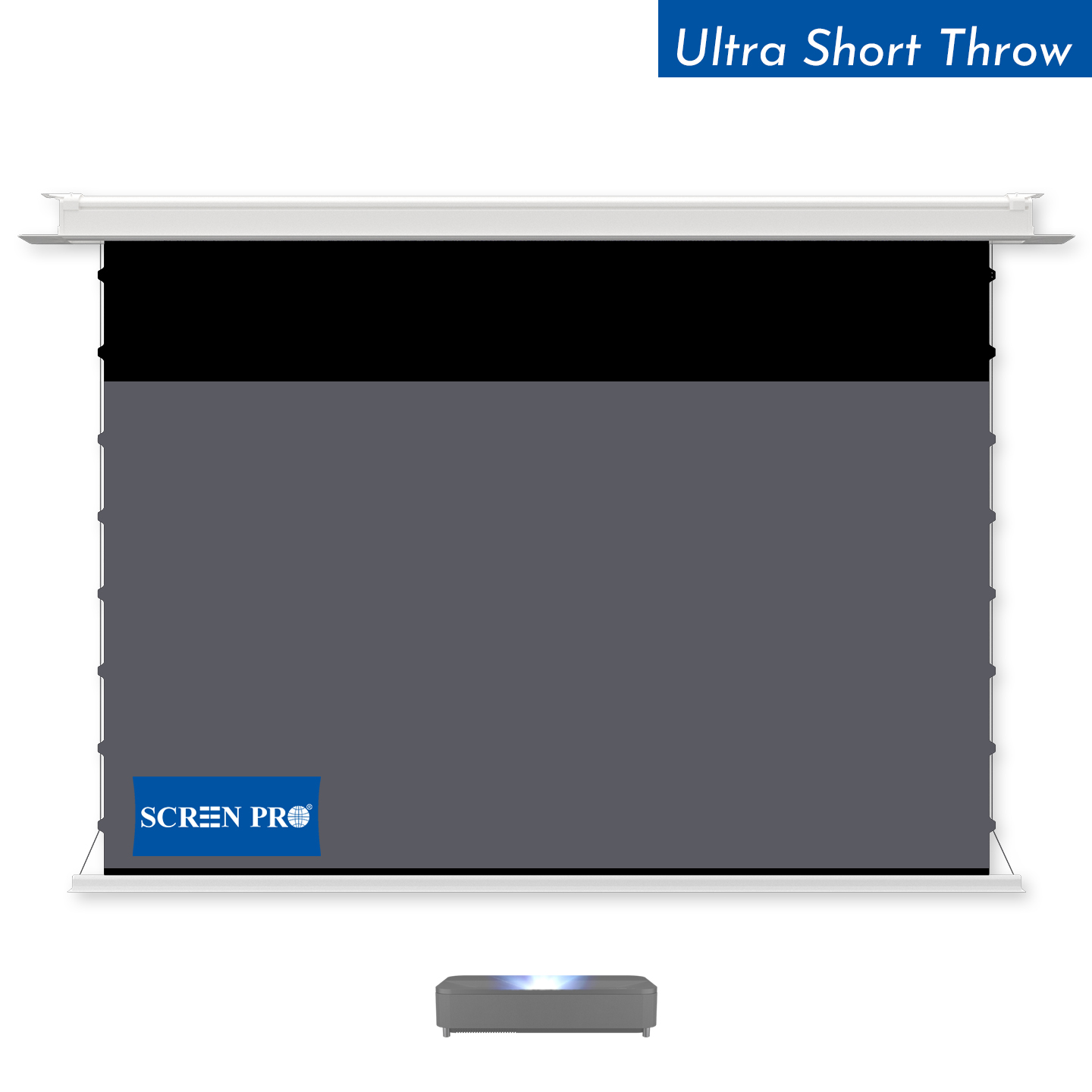
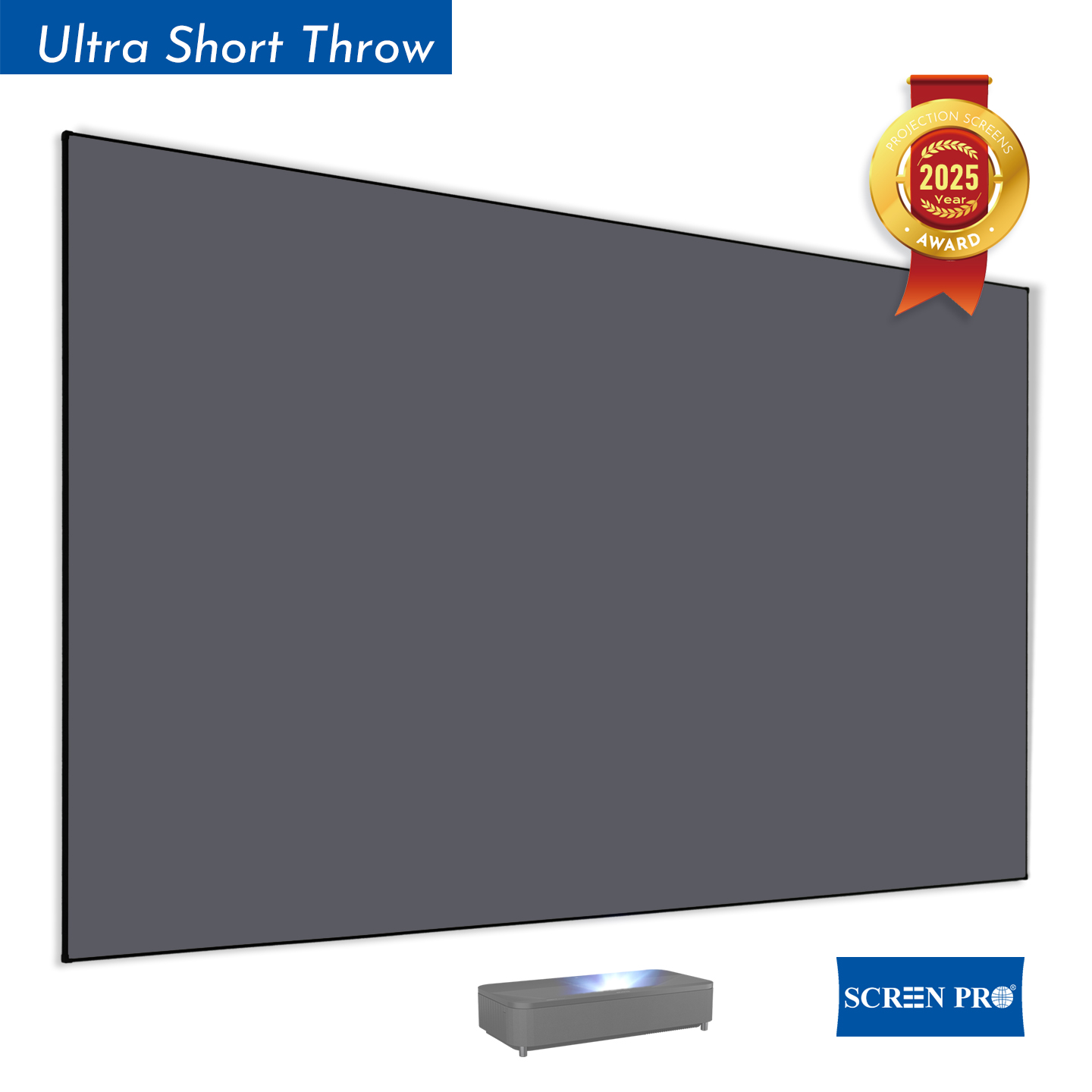
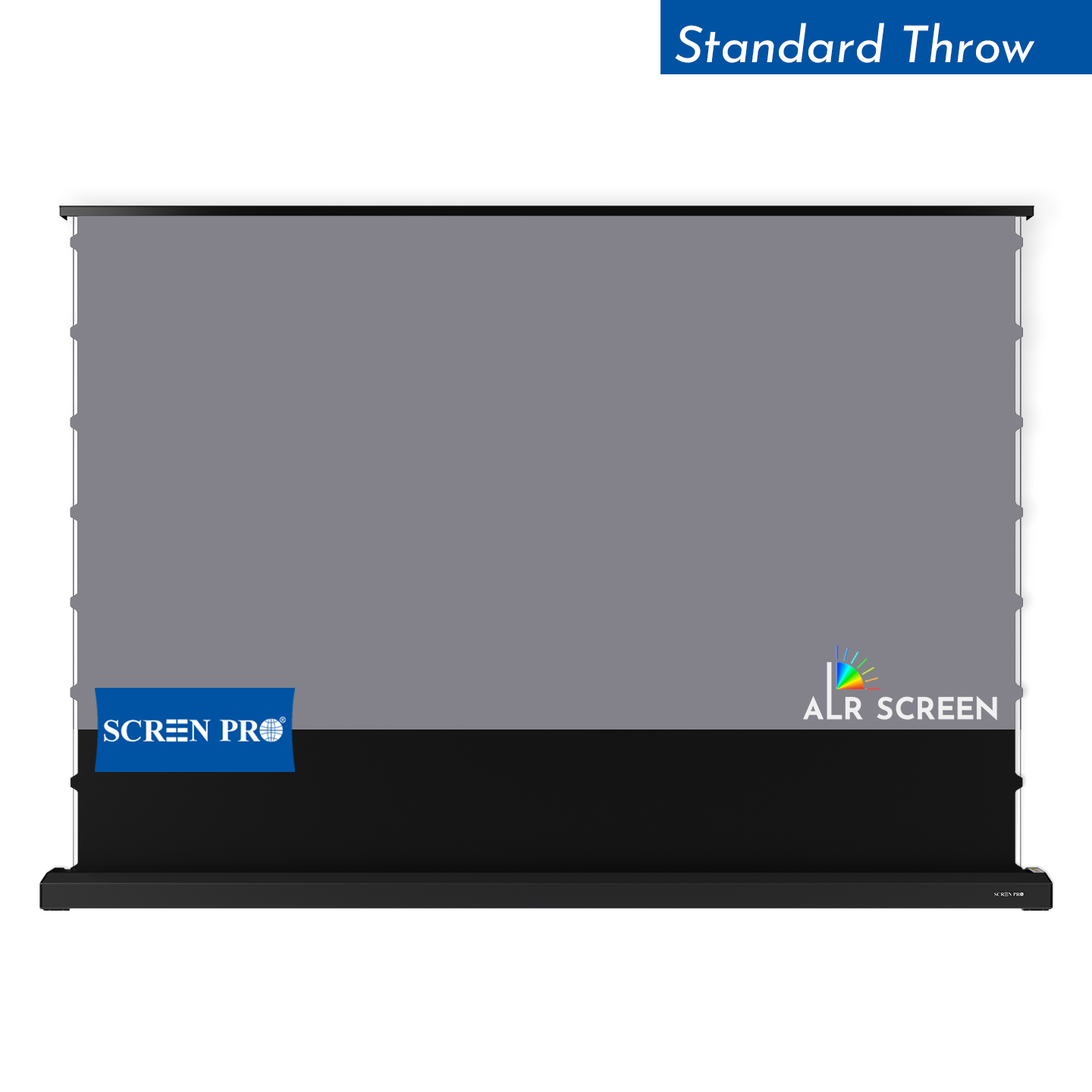
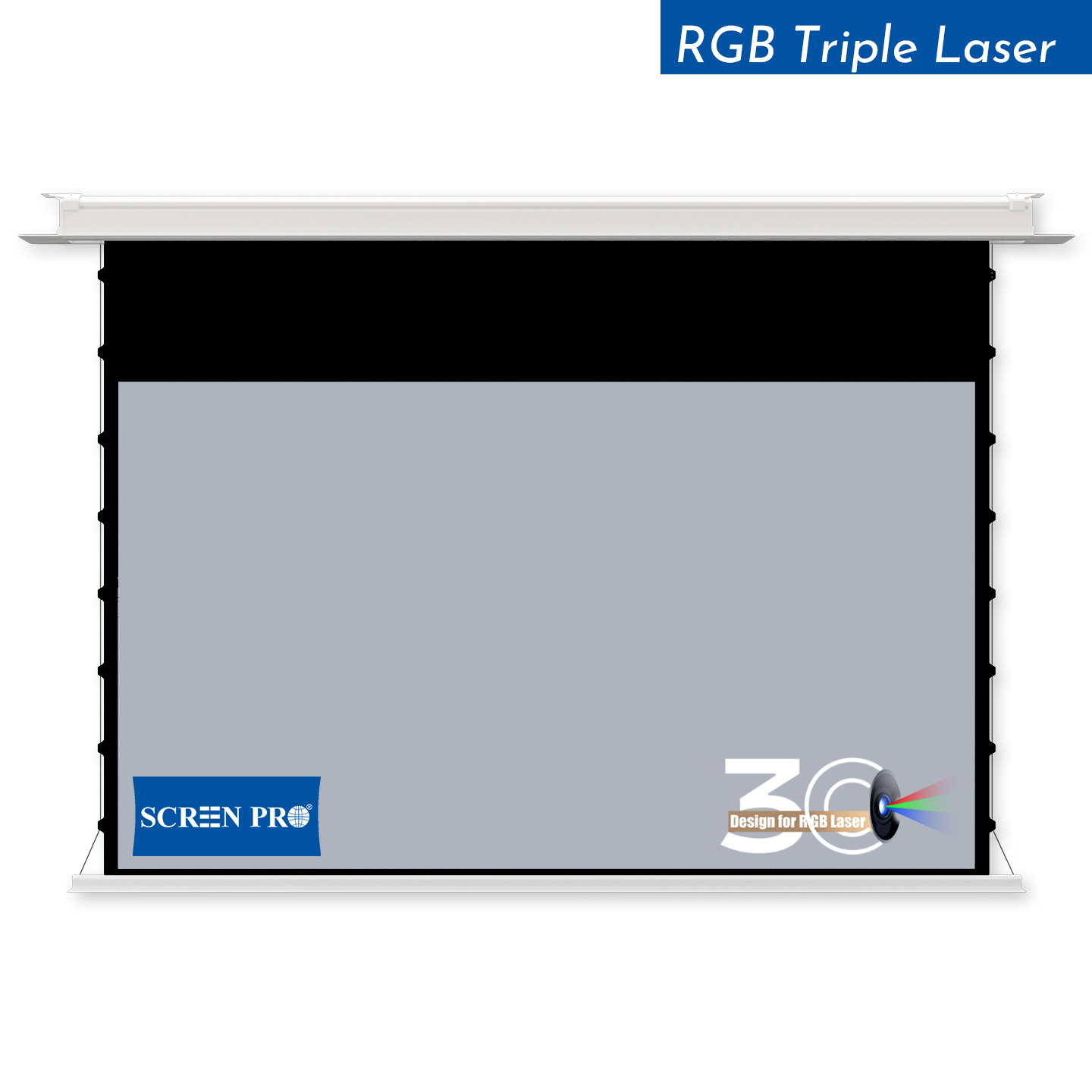
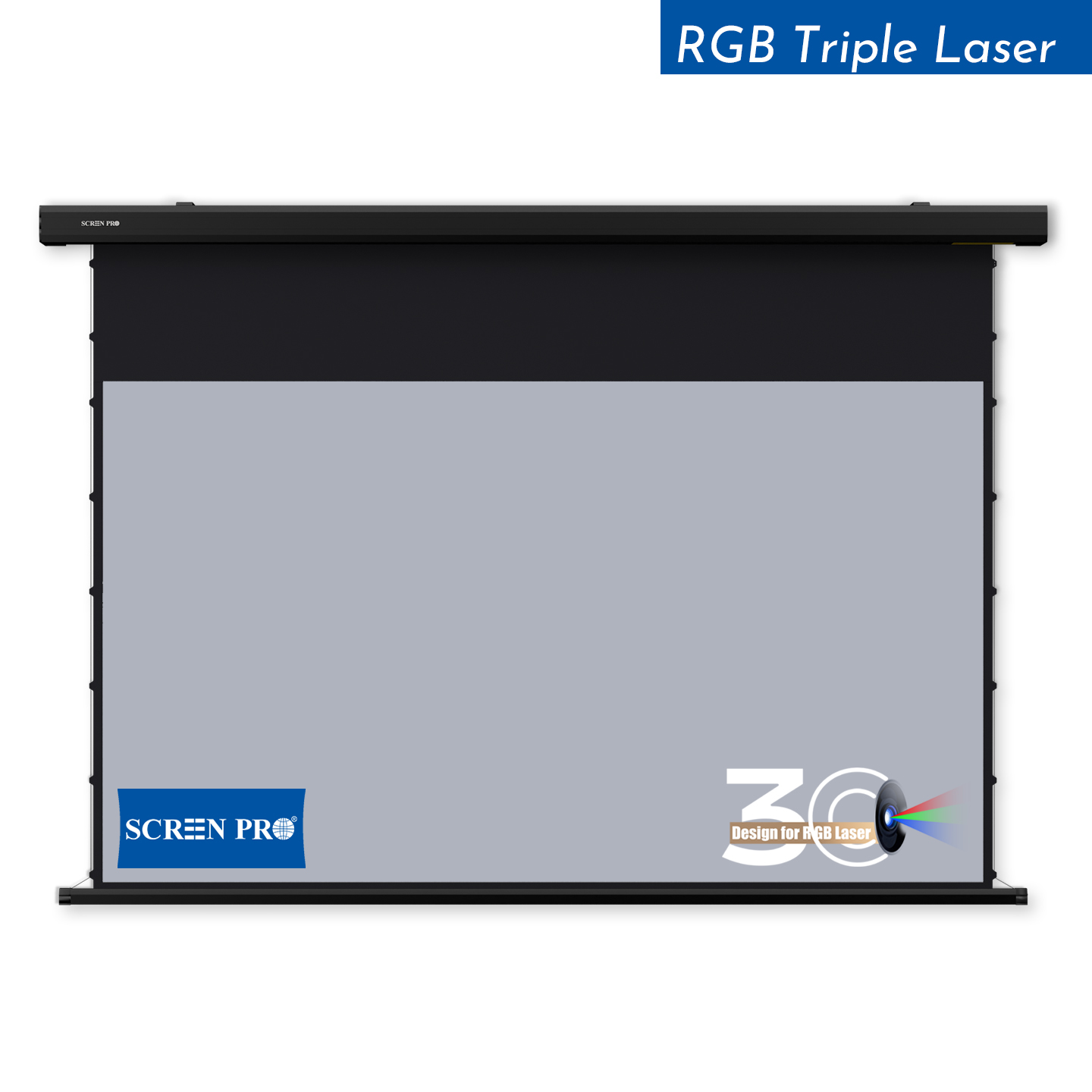
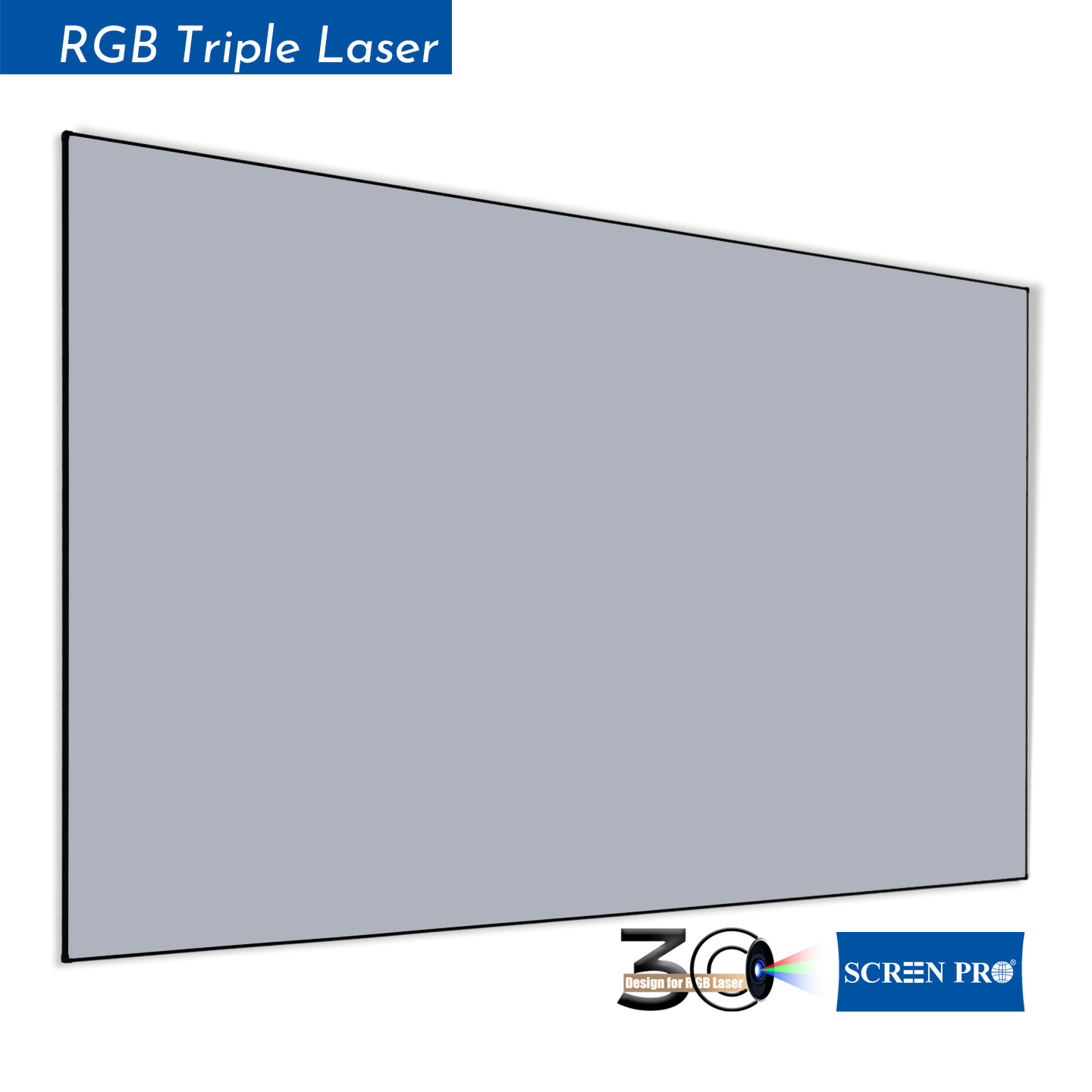
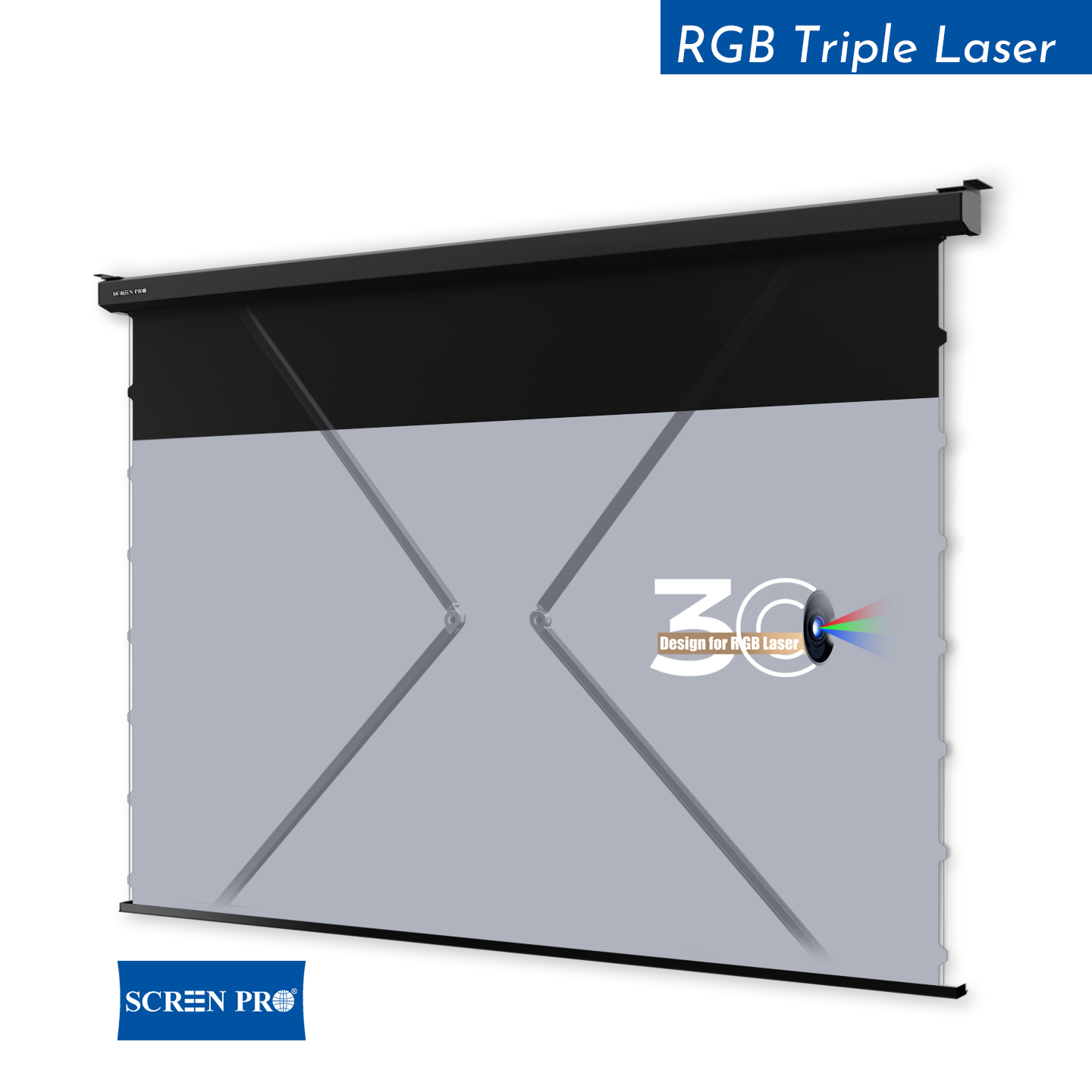
Tab-tension motorized UST ALR screen designed for ultra-short-throw projectors and Laser TV installations, with a flat and tensioned projection surface.
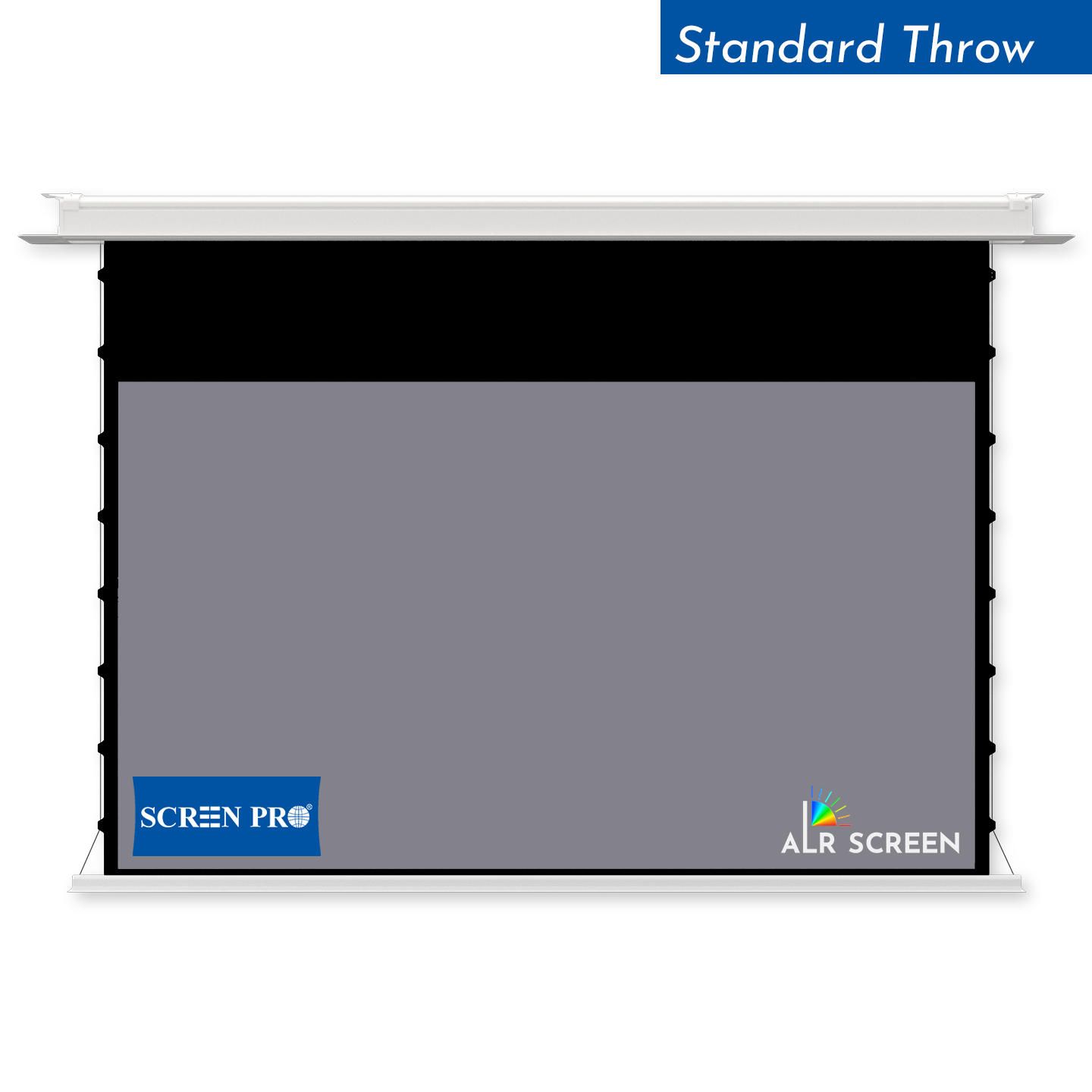
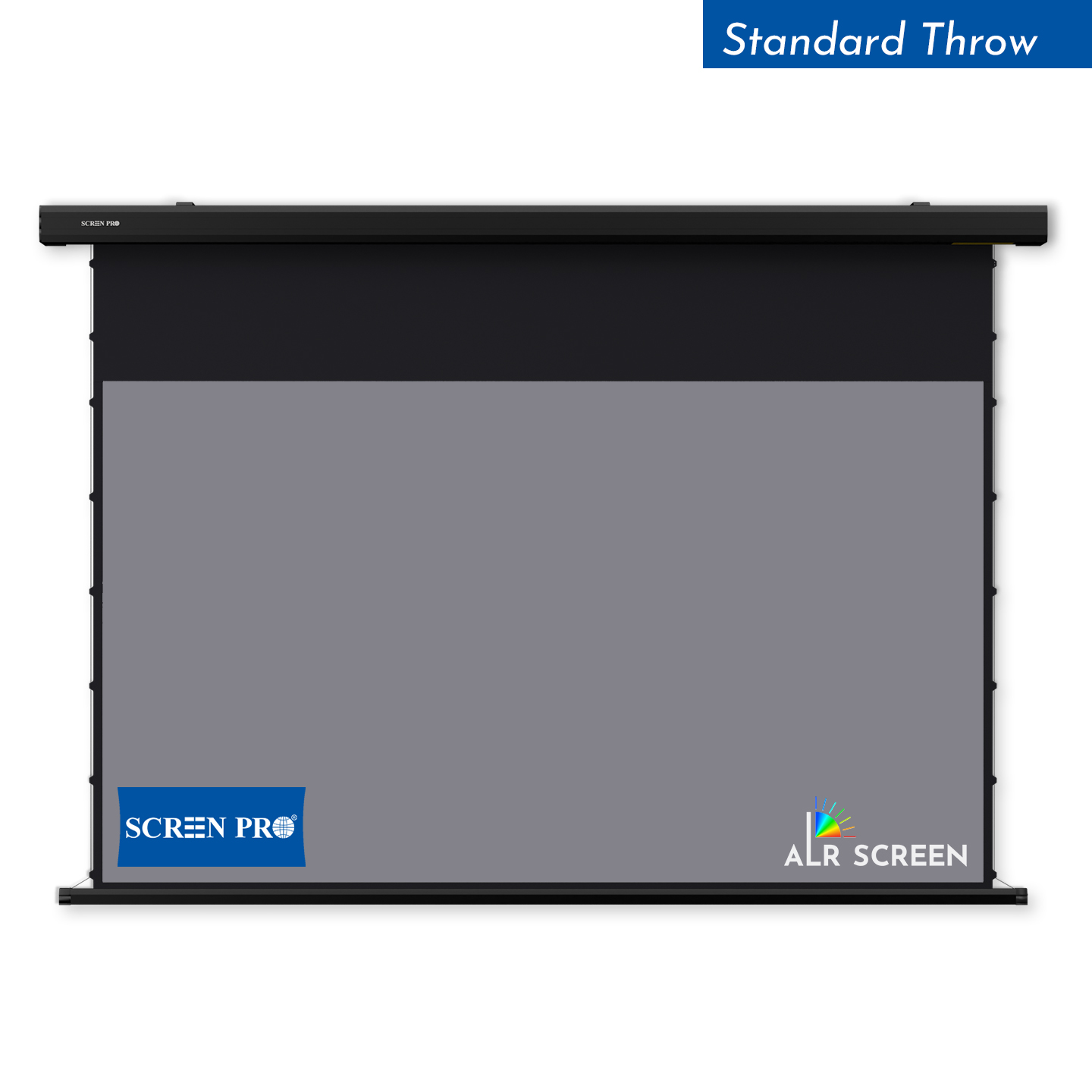
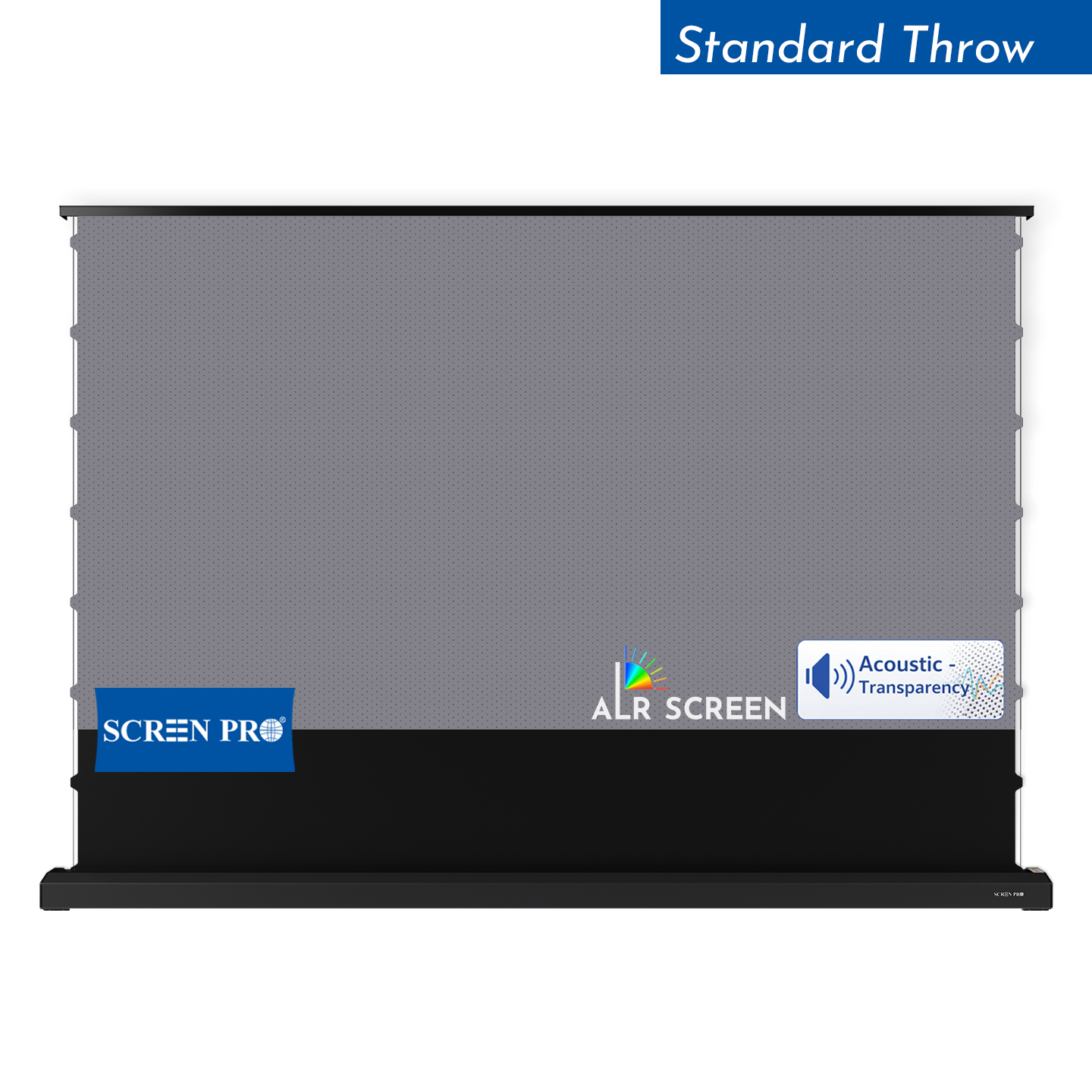
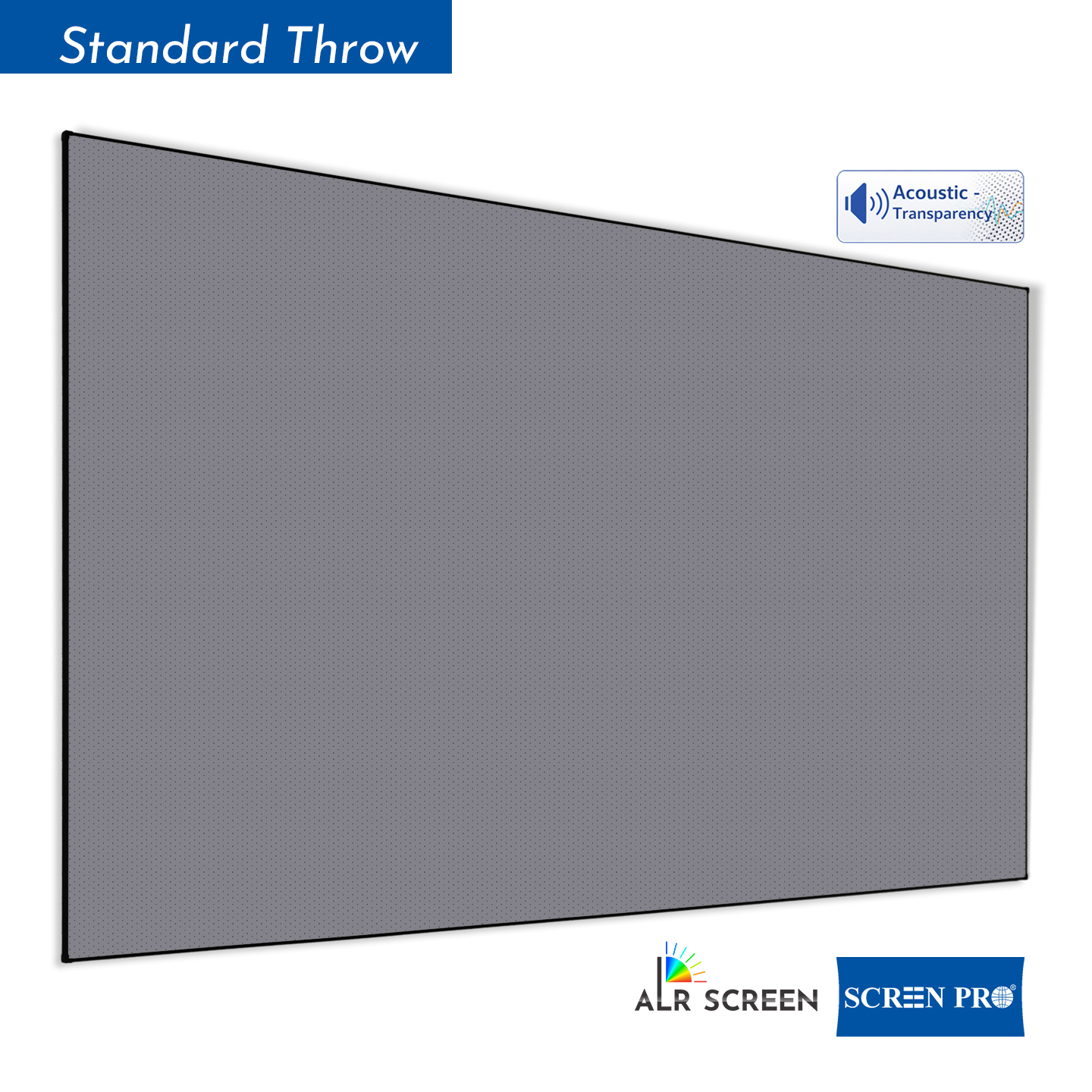
Tab-tension motorized ALR screen designed for standard and long-throw projection systems where improved ambient-light performance and screen flatness are required.
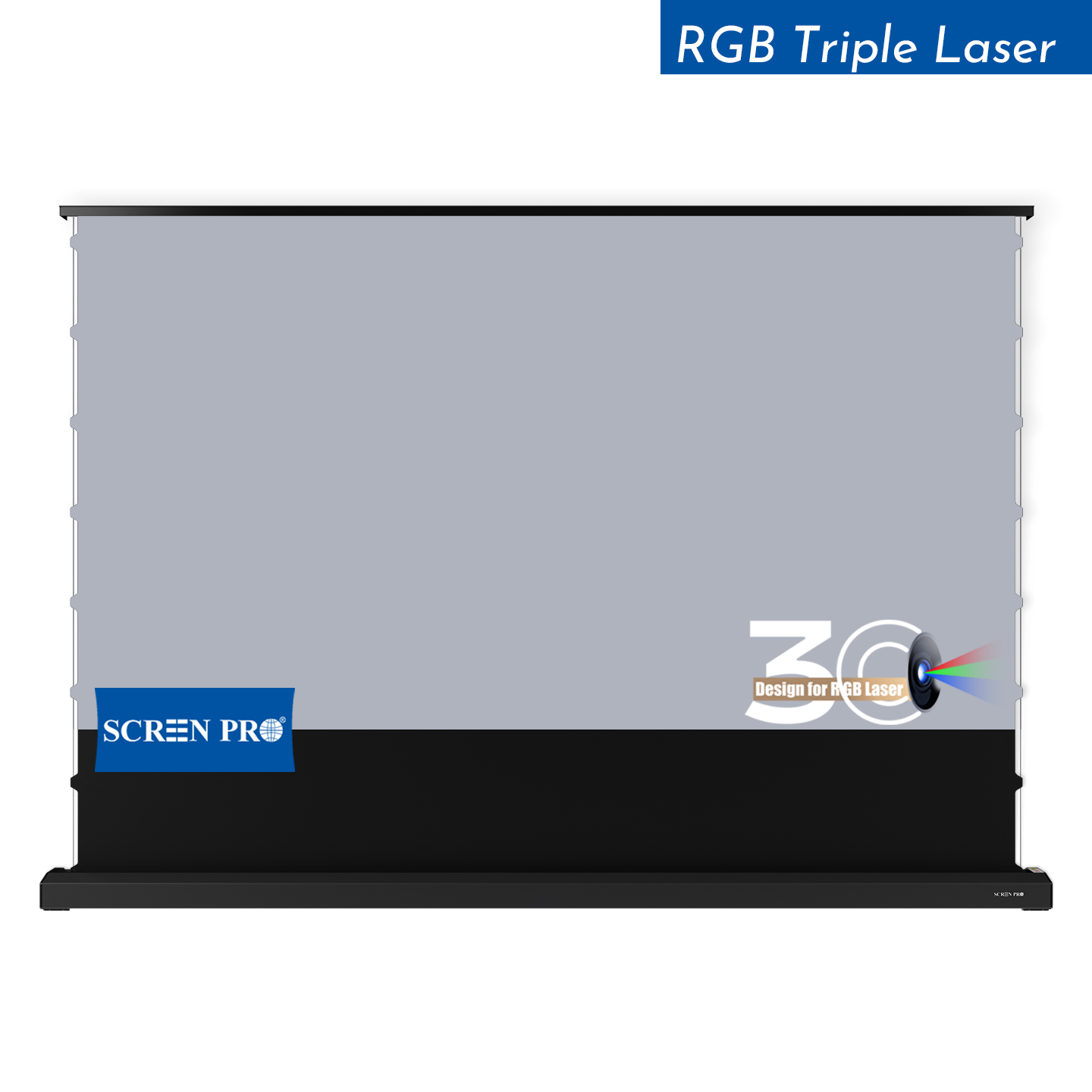
Motorized tab-tension screen featuring SCREENPRO 3C anti-speckle material, developed for RGB triple-laser projector systems and high-performance cinema applications.
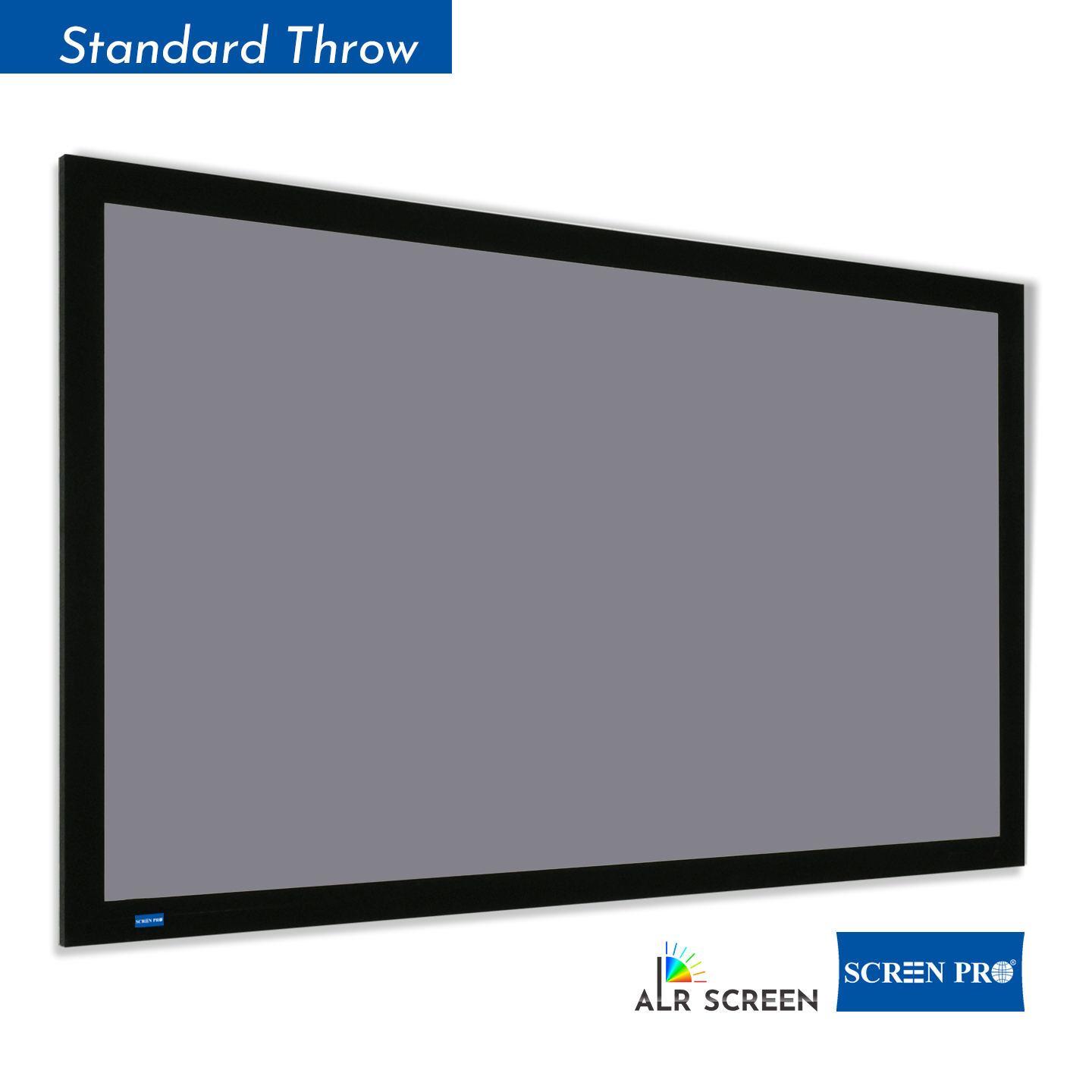
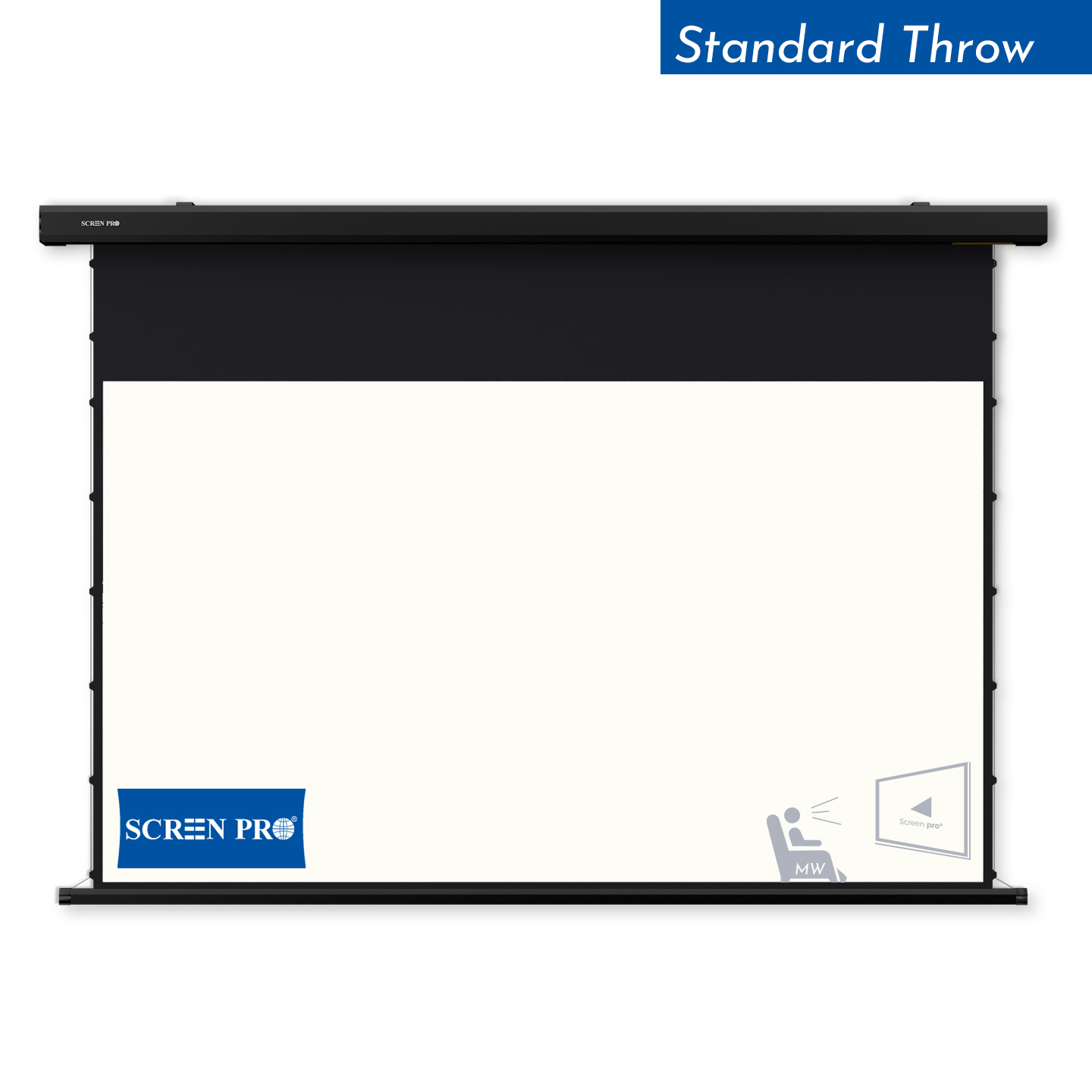
Versatile tab-tension motorized screen platform designed for residential and professional projection installations, with multiple projection surface options available.
The BJ Series mounting bracket is designed for compatible SCREENPRO J Series motorized projector screens. Other SCREENPRO screen series use different mounting systems. Please confirm the screen model and required bracket size before ordering.
Check Compatibility →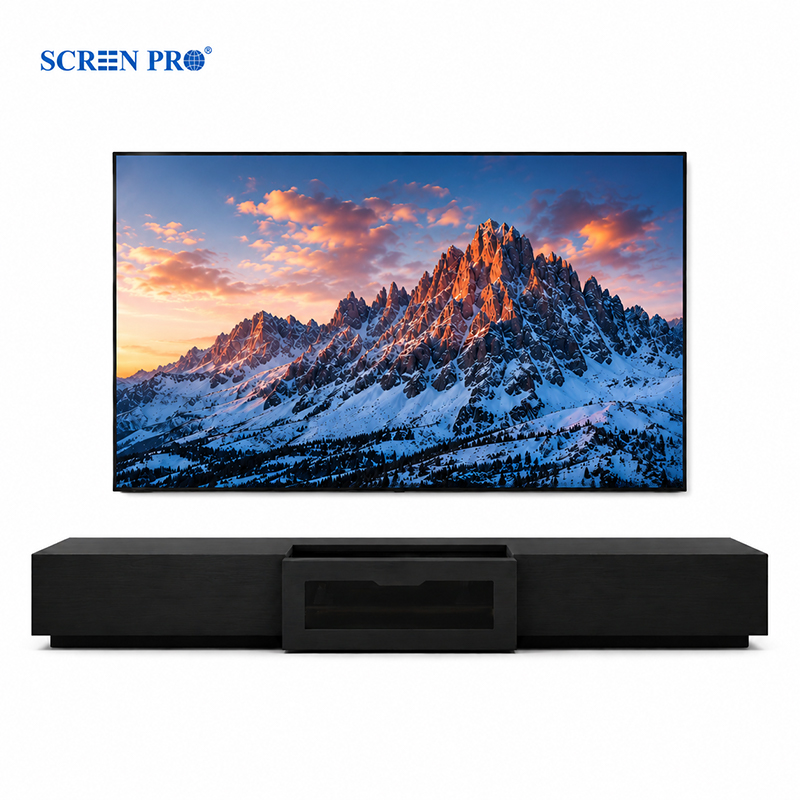
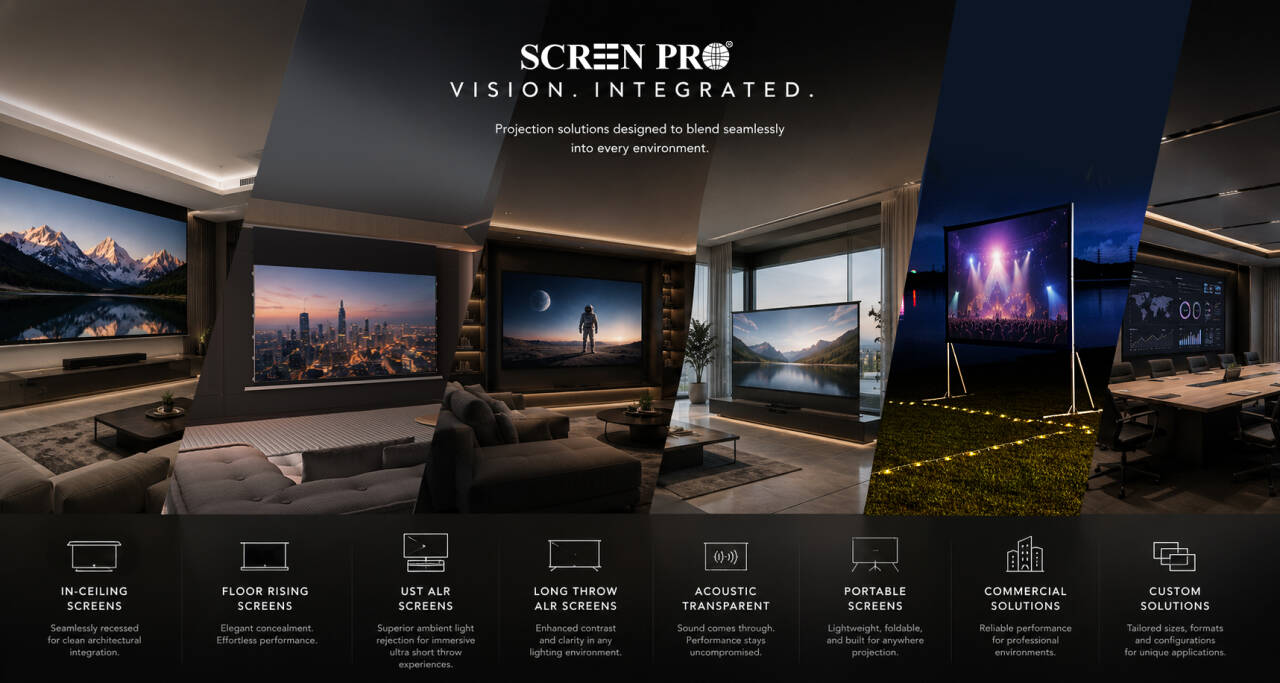
Everything you may want to know before choosing a SCREENPRO® projection screen.
The ideal screen material depends on your projector type, room lighting, and installation environment.
If you are unsure, SCREENPRO can recommend a suitable projection screen solution based on your projector model and room layout.
A standard white screen is best for dark or controlled lighting rooms. An ALR screen is designed to reduce the influence of ambient light and improve perceived contrast in brighter environments.
The best screen for contrast depends on your projector type and room lighting. In dark rooms, a high-quality white or acoustic transparent screen can deliver natural contrast. In rooms with ambient light, ALR screen materials help maintain deeper blacks and stronger perceived contrast.
For RGB triple laser projectors, SCREENPRO recommends 3C Anti-Speckle or 3W Woven Anti-Speckle materials. These materials are designed to reduce laser speckle while preserving image contrast, color performance and viewing comfort.
Technically yes, but a dedicated UST ALR screen usually provides better image performance. UST projectors project light from a steep angle, so a normal screen may show lower contrast, uneven brightness or visible texture depending on the material.
Screen size should be selected according to viewing distance, room size, projector brightness and installation space.
For commercial, church, education or large venue applications, custom screen size recommendations may be required.
3C is suitable for many triple laser projection setups, while 3W is recommended when stronger speckle reduction and acoustic transparency are required.
Most SCREENPRO® floor-rising screens are designed as freestanding systems and do not require wall fixation for normal use. For special installations, wall brackets or additional securing methods may be recommended depending on the environment.
Temporary waves or wrinkles may be caused by transportation, temperature changes, humidity, storage conditions or installation tension. Tab-tensioned and fixed frame structures generally provide better long-term flatness than non-tensioned or folding screen systems.
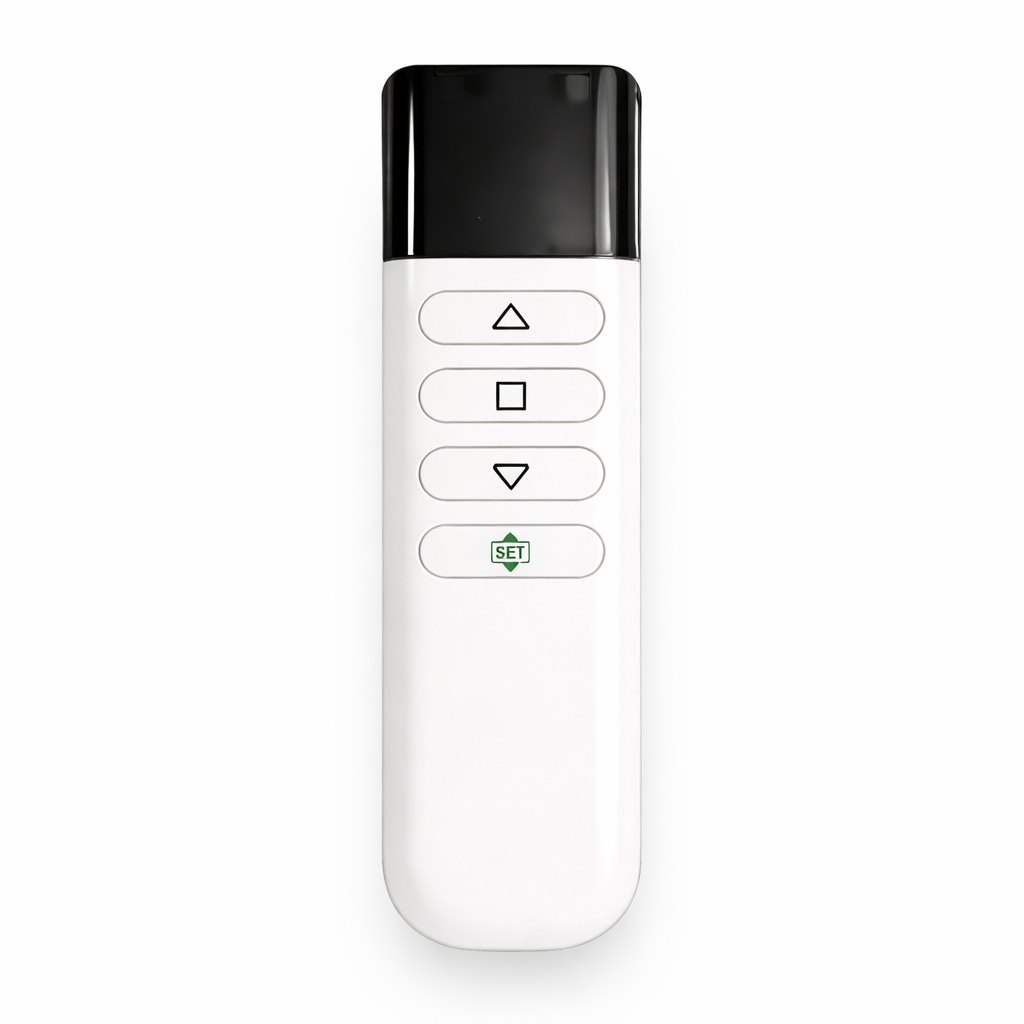
Many SCREENPRO motorized projection screens support RF remote control, 12V trigger, USB trigger, RS232, Tuya Smart, Alexa and Google Assistant integration. Compatibility may vary depending on the motor and control system selected.
Yes. Material samples are available for testing before purchasing a complete screen system. Samples can help you compare brightness, contrast, texture, acoustic transparency and anti-speckle performance in your own environment.
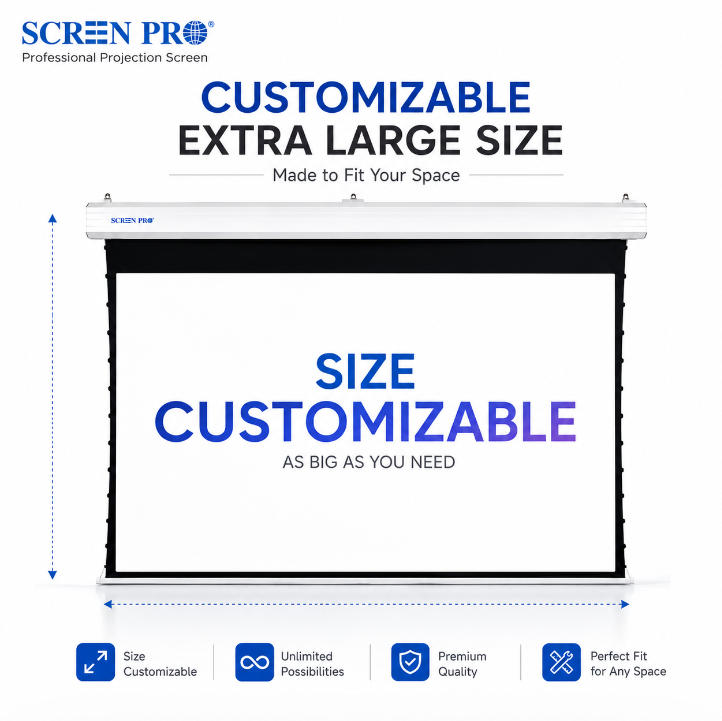
Yes. SCREENPRO supports customized screen sizes depending on the screen type, material, aspect ratio and application requirements. Custom options are commonly used for home cinema, commercial spaces, conference rooms, churches and OEM/ODM projects.
Warranty coverage varies by product category. Motorized systems, projection surfaces and accessories are covered under SCREENPRO warranty policies. Please contact SCREENPRO for specific warranty details based on your product model and installation type.
Explore compatible projection screen systems, materials and installation solutions for your project.
Talk to SCREENPRO





© 2026 SCREENPRO®. Specifications are subject to change without notice. | SamsAV All Rights ReservedSite Map Designed by iwonder.cn