




Why ALR Screens Are Not Recommended for Side Projection
Side projection can be useful for casual projector setups, but it is not ideal for ALR projection screens. Because ALR screens rely on directional light control, projector placement has a major impact on brightness, contrast, and image uniformity.
What Does Side Projection Mean?
Side projection means that the projector is not positioned directly in front of the screen. Instead, the projector light reaches the screen from the left or right side at an angle, rather than from a centered and properly aligned position.
Centered Projection
The projector is aligned with the screen center, allowing the image to land evenly on the screen surface.
Side Projection
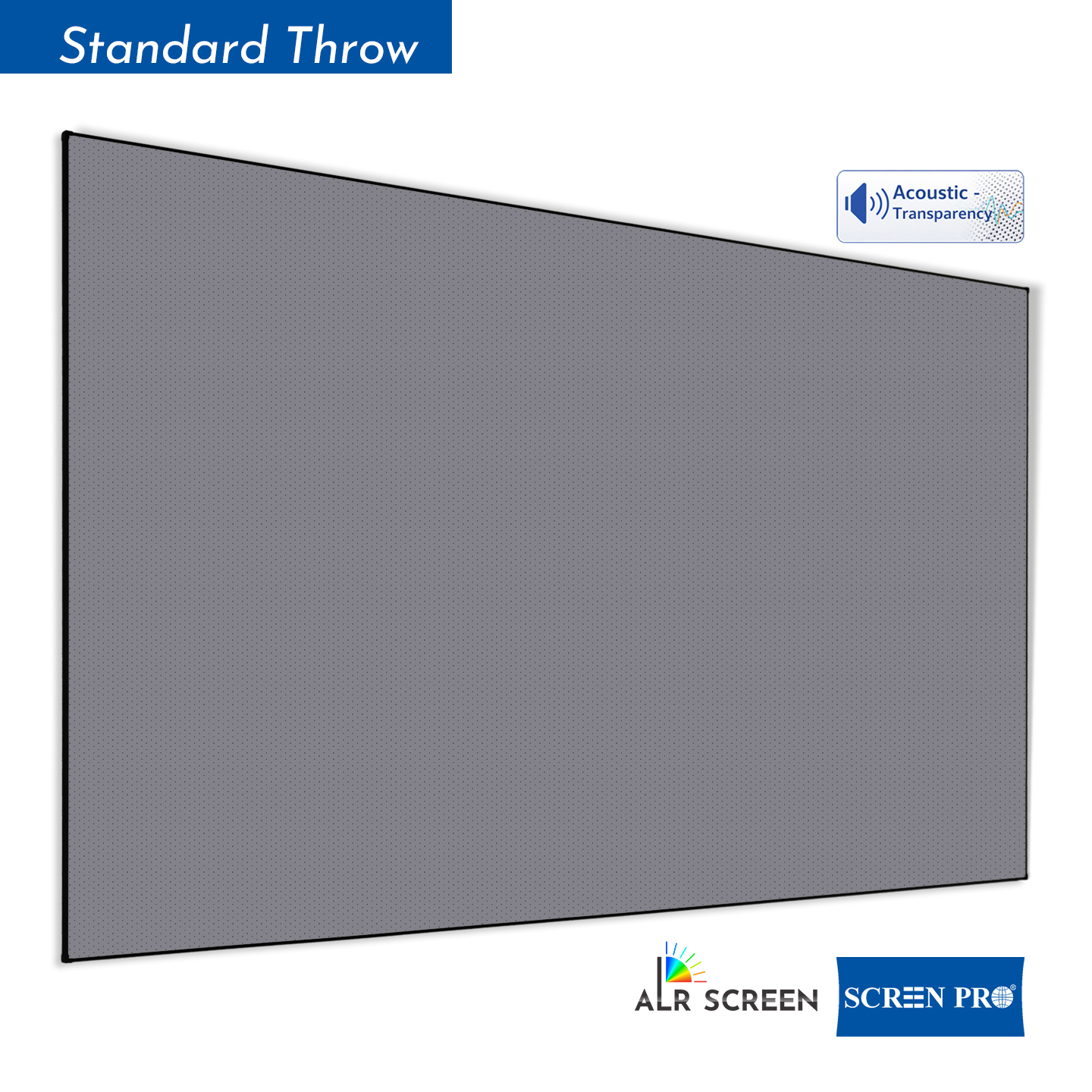
The projector is placed off to one side, causing the projected image to appear trapezoidal before correction.
Keystone Correction
Digital correction reshapes the image into a rectangle, but it does not change the physical angle of light.
What Is Required for Side Projection?
To achieve side projection, the projector usually needs both vertical and horizontal keystone correction. Vertical keystone correction adjusts image distortion caused by the projector being too high or too low. Horizontal keystone correction adjusts distortion caused by the projector being placed to the left or right.
| Correction Type | What It Corrects | Side Projection Support |
|---|---|---|
| Vertical Keystone | Corrects image distortion when the projector is placed above or below the screen center. | Not enough for side projection by itself. |
| Horizontal Keystone | Corrects image distortion when the projector is placed to the left or right side. | Required for side projection. |
| Four-Point Correction | Allows manual adjustment of each image corner. | Useful for casual setups, but still not ideal for ALR screens. |
How ALR Screens Work
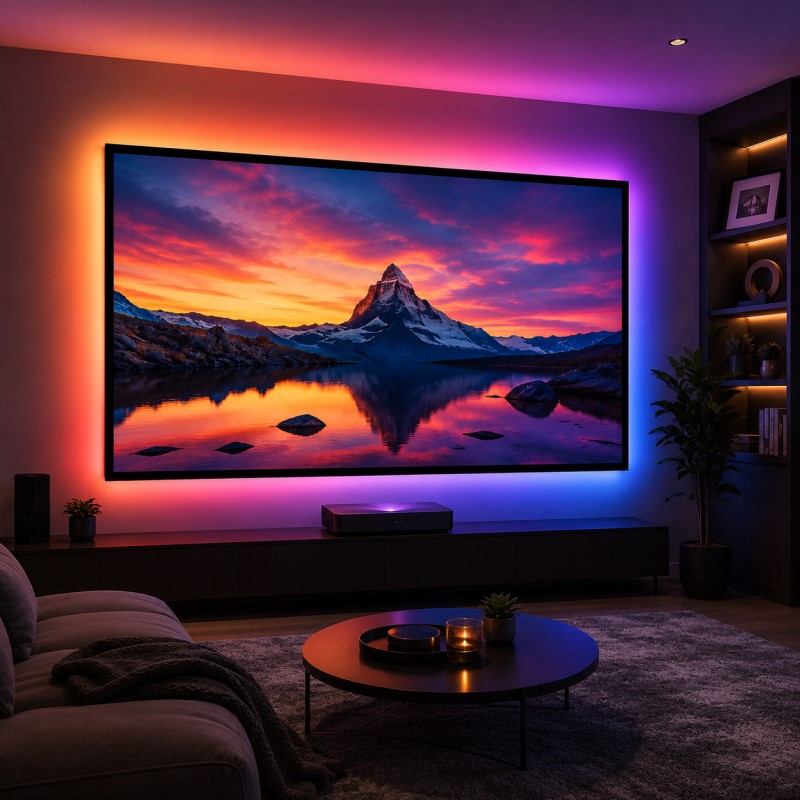
ALR stands for Ambient Light Rejecting. An ALR screen is designed to reduce the impact of unwanted room light while reflecting projector light toward the viewer. Compared with a standard matte white screen, an ALR screen can help the projected image appear brighter, deeper, and more contrast-rich in rooms with controlled ambient light.
Projector Light
The screen is engineered to reflect projector light toward the viewing area when the projector is positioned correctly.
Ambient Light
Light from unwanted directions is reflected away from the viewer to reduce washout and improve perceived contrast.
Why ALR Screens Do Not Support Side Projection Well
ALR screens are not simple reflective surfaces. They use optical coatings, microstructures, or directional reflection layers to control where light goes. This design works best when projector light arrives from the intended direction.
Incorrect Light Angle
Side projection sends projector light into the screen from an unintended angle, reducing the screen’s ability to reflect light evenly toward the viewer.
Reduced Brightness
Because the light no longer follows the designed reflection path, parts of the image may appear dimmer.
Uneven Image
Side projection can increase hotspotting, brightness falloff, and left-right image imbalance.
Weaker ALR Effect
The screen may no longer separate projector light from ambient light as effectively.
Lower Image Quality
Digital keystone correction may reduce image sharpness because it scales and reshapes the projected image.
Key Point
Keystone correction changes image geometry, but it cannot change the physical direction of projected light.
Why Keystone Correction Does Not Solve the ALR Problem
Keystone correction can make a trapezoid image look rectangular, but it does not make the projector optically centered. The light is still arriving from the side, which means the ALR screen is receiving light from an angle it was not designed to optimize.
| Issue | What Keystone Correction Can Do | What It Cannot Do |
|---|---|---|
| Image Shape | Correct a trapezoid into a rectangle. | Restore correct projector-screen optical alignment. |
| Light Direction | No physical change to light path. | Make side light behave like centered projector light. |
| Brightness Uniformity | May improve image appearance slightly. | Prevent brightness falloff caused by incorrect projection angle. |
| Image Sharpness | Digitally reshape the image. | Maintain full native pixel clarity after heavy correction. |
Recommended Setup for ALR Screens
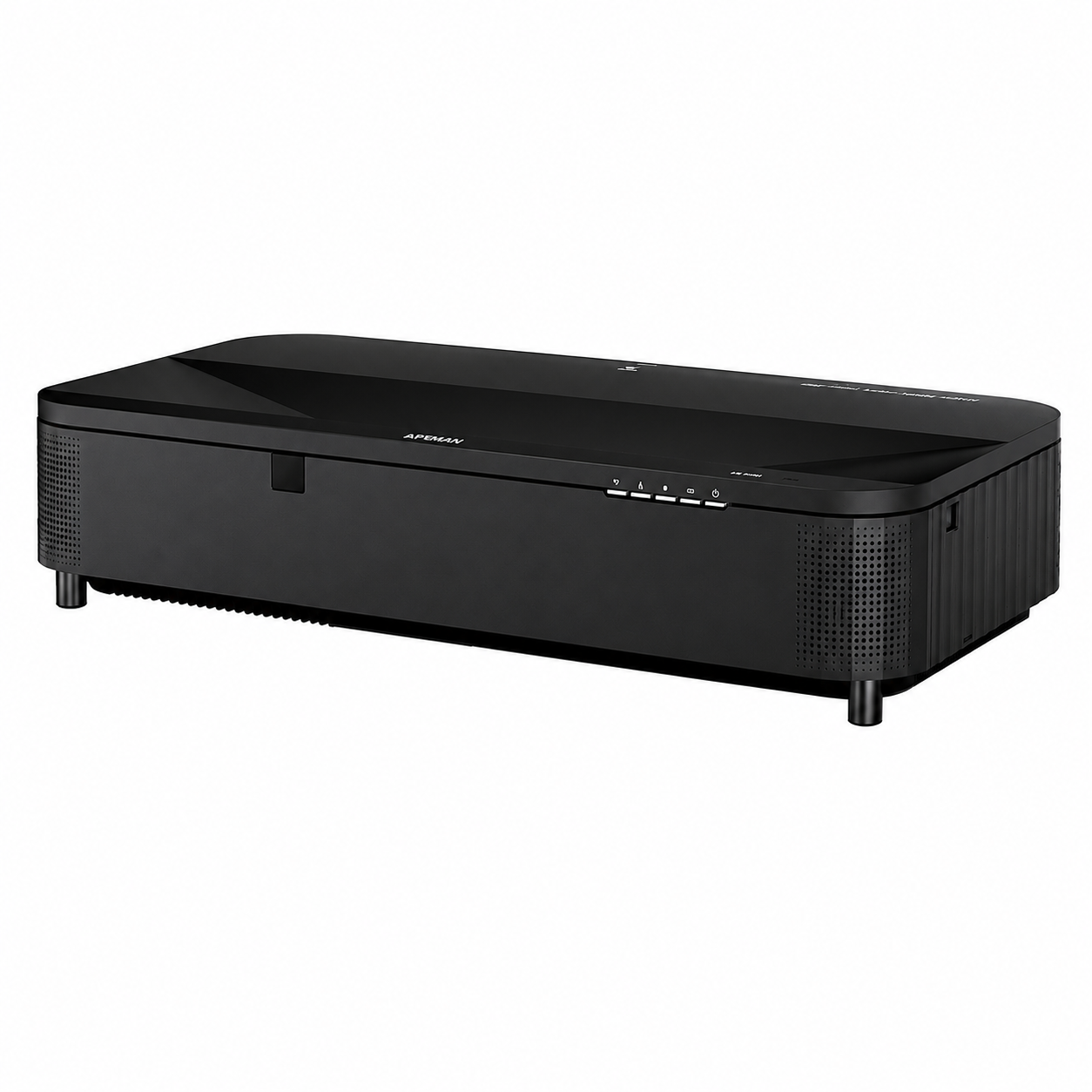
For best performance, the projector should be placed according to the screen type and optical design. This is especially important for UST ALR screens, Fresnel screens, T-Prism screens, and other directional ALR materials.
- Place the projector in the intended center position
- Avoid strong side projection angles
- Use keystone correction only for small adjustments
- Follow the projector throw ratio and installation guide
- Keep the screen surface flat and properly tensioned
- Avoid direct light hitting the screen surface
- Control ceiling lights, windows, and side-wall reflections
- Confirm projector compatibility before installation
The Bottom Line
ALR screens are designed to manage light direction. Their advantage comes from reflecting projector light toward the viewer while rejecting unwanted ambient light from other directions. When the projector is placed at a strong side angle, this optical relationship is disrupted.
Side projection may still create a usable image for casual viewing, especially with a standard white screen. However, for ALR screens, side projection can reduce brightness, weaken contrast, increase unevenness, and limit the screen’s ambient-light-rejecting performance.
SCREENPRO®
Engineering projection screens for real-world rooms — from UST ALR screens to custom home theater, commercial, and large-format projection solutions.
Talk to SCREENPRO