










© 2026 SCREENPRO®. Specifications are subject to change without notice. | SamsAV All Rights ReservedSite Map Designed by iwonder.cn
Calculated Result
Use the live result panel to compare dimensions, viewing recommendations, and projector positioning in the unit you prefer.
Screen Width
104.58 in
Visible image width based on selected aspect ratio.
Screen Height
58.82 in
Visible image height for final projected image area.
Diagonal Size
120.00 in
Diagonal screen size in the currently selected display unit.
Detected Format
16:9
Selected or derived screen format for projection planning.
Viewing Distance
12.00 ft
Recommended seating distance based on the selected viewing style.
Throw Distance
13.08 ft
Estimated projector installation distance from the screen surface.
Throw Ratio
1.25 : 1
Calculated as projector distance divided by image width.
120 in · 16:9 104.58 × 58.82 in
Throw: 13.08 ft
Viewing: 12.00 ft
Aspect Ratio / Format
16:9
The visible image shape used to calculate screen width and height.
Room Recommendation
Home Theater
Balanced cinematic setup with comfortable seating and immersive image scale.
Viewing Angle Guide
39.2°
A comfortable cinematic field of view based on screen width and viewing distance.
Cinema Standards
Balanced
A mid-range viewing angle suitable for mixed-use projection environments.
Recommended Standard Format
16:9 · 120"
Current input is closest to the 16:9 standard format.
Commercial Naming
120" 16:9
A customer-friendly naming format for quotations, product pages, and sales communication.
Installation Note
Use actual projector lens range, zoom tolerance, border size, and mounting offset before final production or installation.
Dimension Conversion Table
All key measurements are shown side by side for quick engineering reference, sales quoting, customer comparison, and reverse planning based on required width, height, or both.
| Measurement | inch | feet | mm | cm |
|---|---|---|---|---|
| Screen Width | ||||
| Screen Height | ||||
| Screen Diagonal | ||||
| Viewing Distance | ||||
| Throw Distance | ||||
| Format / Aspect Ratio | 16:9 | |||
| Throw Ratio | 1.25 : 1 | |||
Format Comparison Guide
When you know the required projected width, height, or both first, this guide shows the matching diagonal sizes under common screen formats and helps choose the most suitable aspect ratio.
| Aspect Ratio | Width | Height | Diagonal | Recommendation / Closest Standard |
|---|
For Home Theater
Choose immersive seating for cinematic impact. Wider viewing angles increase presence, while moderate throw ratios help keep projector placement flexible.
For Meeting & Education
Use more conservative seating distance and larger text legibility. A slightly longer viewing distance often improves comfort for presentation-heavy content.
For Sales & Specification
This SCREENPRO® calculator is ideal as a customer-facing website tool and also works well for internal quoting, product planning, and screen-projector matching discussions.
How to Choose the Right SCREENPRO® Projection Screen Size
This SCREENPRO® calculator is designed to help customers, dealers, and project consultants move from rough ideas to a practical screen specification. Whether you begin with diagonal size, required image width, required image height, or both width and height, the tool converts your input into a usable SCREENPRO® projection screen recommendation with viewing distance and throw distance guidance.
1. Start from your real constraint
Some projects begin with a target diagonal, while others begin with wall width, ceiling limitations, or seating layout. Use the calculation mode that matches your project condition first. This makes the result more accurate than choosing a random standard size too early.
2. Choose the right aspect ratio
For modern video and most mainstream projector content, 16:9 is the most common format. For office and data display, 16:10 may be more practical. For older education systems or legacy installations, 4:3 can still be relevant. For cinema-focused rooms, 2.35:1 creates a premium ultra-wide experience.
3. Verify viewing and installation distance
Even when the screen size looks right on paper, projector placement and audience comfort still matter. Use the viewing distance and throw distance outputs together before finalizing the order, especially for large venues, motorized screens, and custom installations.
Why Use the SCREENPRO® Screen Size Calculator Before Buying
Choosing a SCREENPRO® projection screen is not only about diagonal size. The wrong format or wrong width can reduce viewer comfort, waste room depth, or create projector mismatch. The SCREENPRO® planning calculator helps avoid specification mistakes before production, quotation, and installation.
Improve quotation accuracy
SCREENPRO® sales teams can move faster when the customer already knows the likely commercial naming, standard format, and approximate viewing distance. This reduces back-and-forth communication and helps guide customers toward standard, easier-to-quote models.
Reduce installation risk
Projectors have throw-ratio limits, zoom ranges, and mounting constraints. Matching the screen image width with projector throw distance early helps avoid situations where the selected screen cannot fit the room or the image overshoots the viewing area.
Support standard and custom projects
For standard sizes, the SCREENPRO® calculator helps users quickly identify the nearest commercial naming such as 100 inch 16:9 or 133 inch 16:10. For custom projects, it helps define a practical reference point before moving to engineering drawings or production confirmation.
SCREENPRO® Projection Screen Size Calculator FAQ
These frequently asked questions make the page more useful for customers and also help this SCREENPRO® calculator work as a complete landing page on a professional projection screen website.
What is the best aspect ratio for a projection screen?
For most modern projectors, movies, streaming content, and general home theater use, 16:9 is the most popular choice. In office and conference applications, 16:10 is also common because it supports presentation and document content more comfortably.
How do I choose the right screen size for my room?
Start with the room limitation that matters most. That may be viewing distance, wall width, ceiling height, or projector throw distance. Then use the calculator to compare the resulting screen width, height, format, and commercial naming before selecting a final model.
Is screen diagonal the only number that matters?
No. Two screens can share a similar diagonal but have very different widths and heights depending on the aspect ratio. For projector compatibility and room planning, image width is often the more useful starting point.
Can I use this tool for motorized and fixed frame screens?
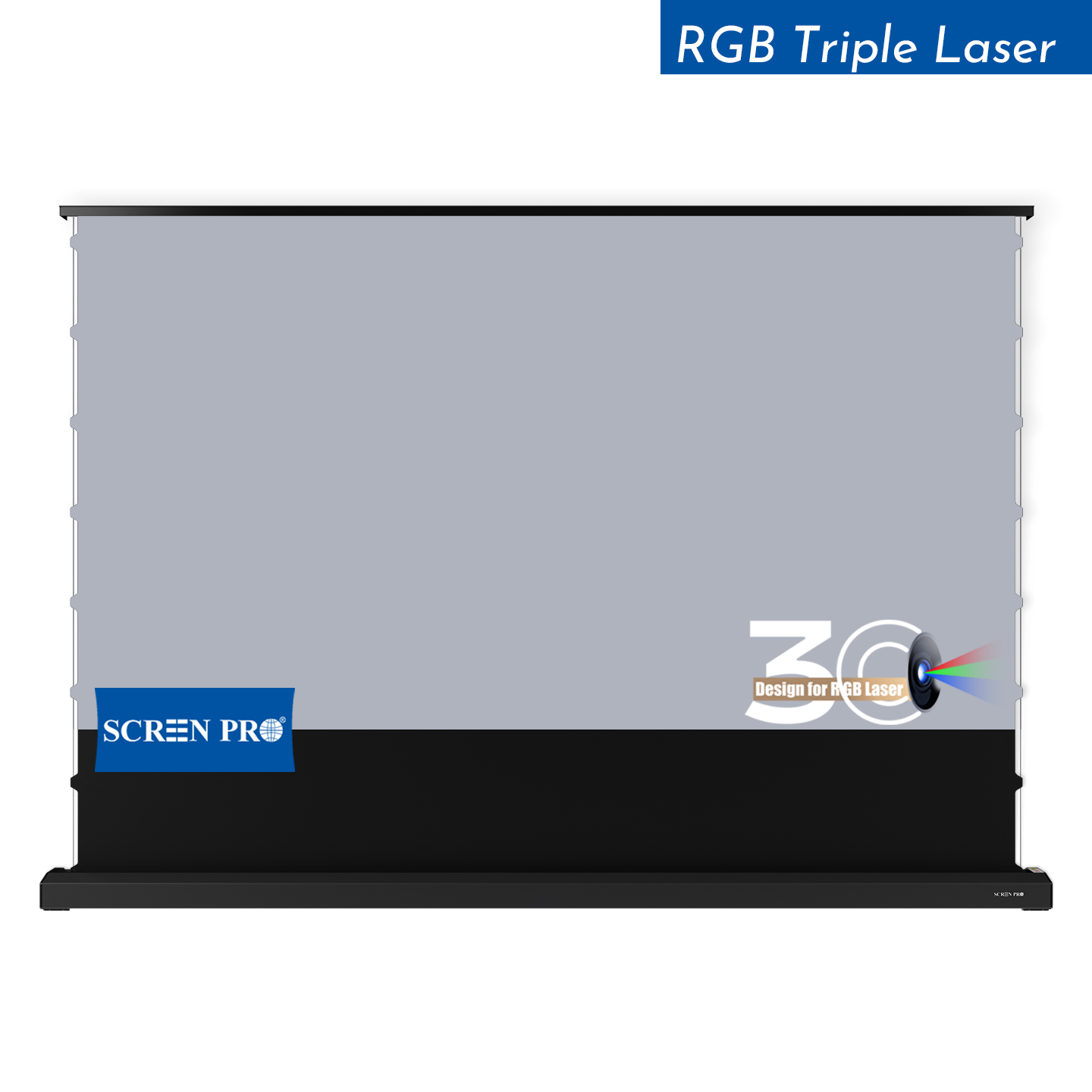
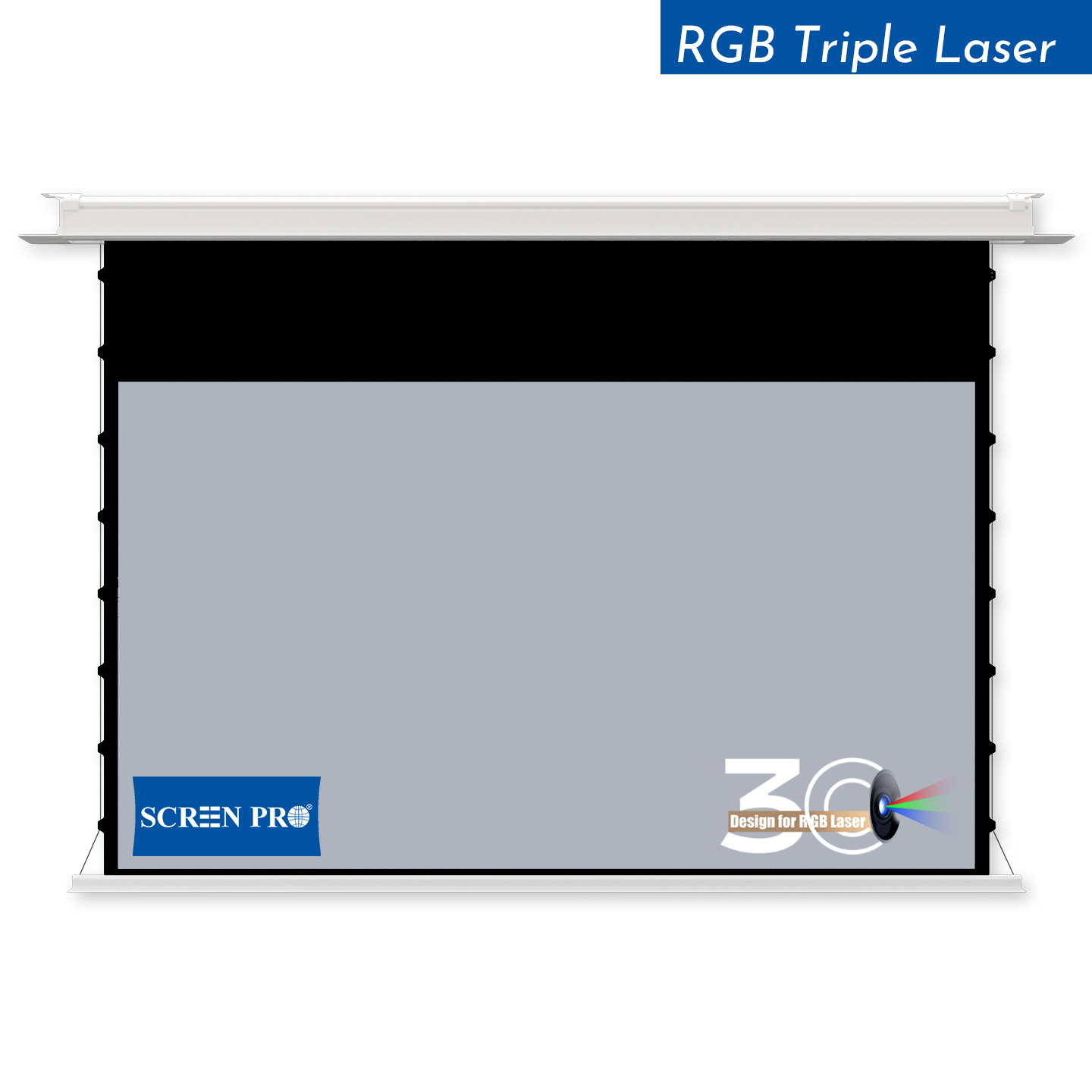
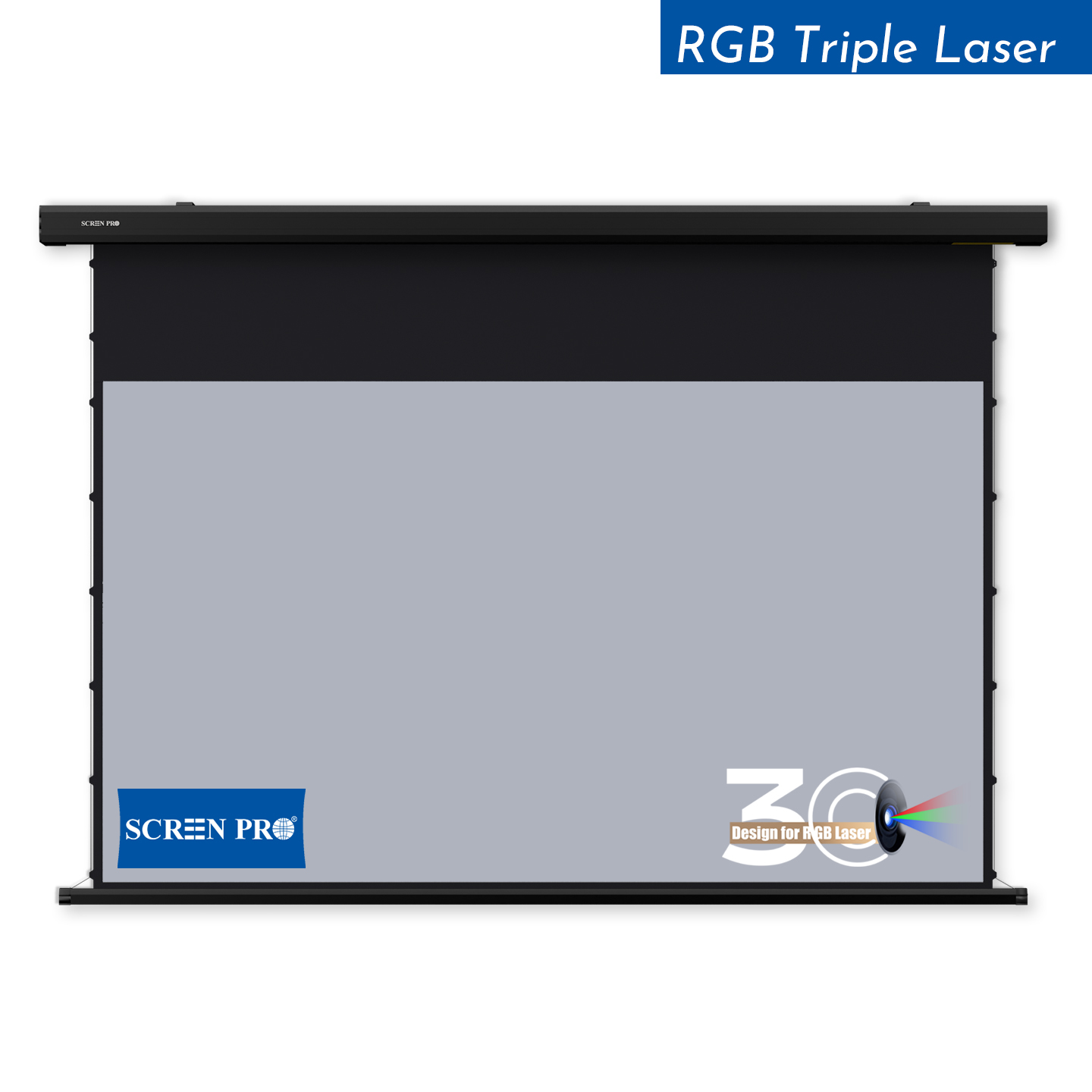
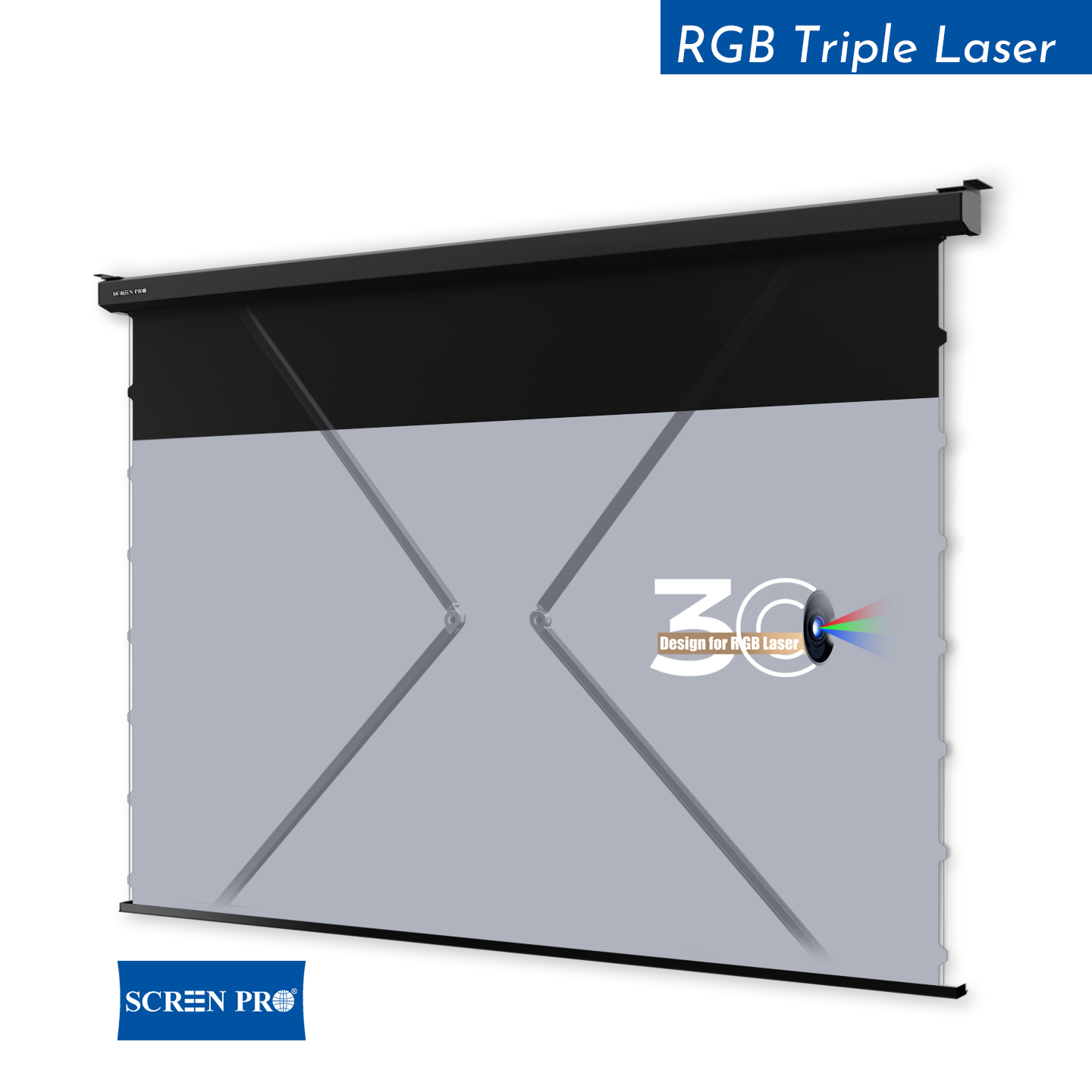
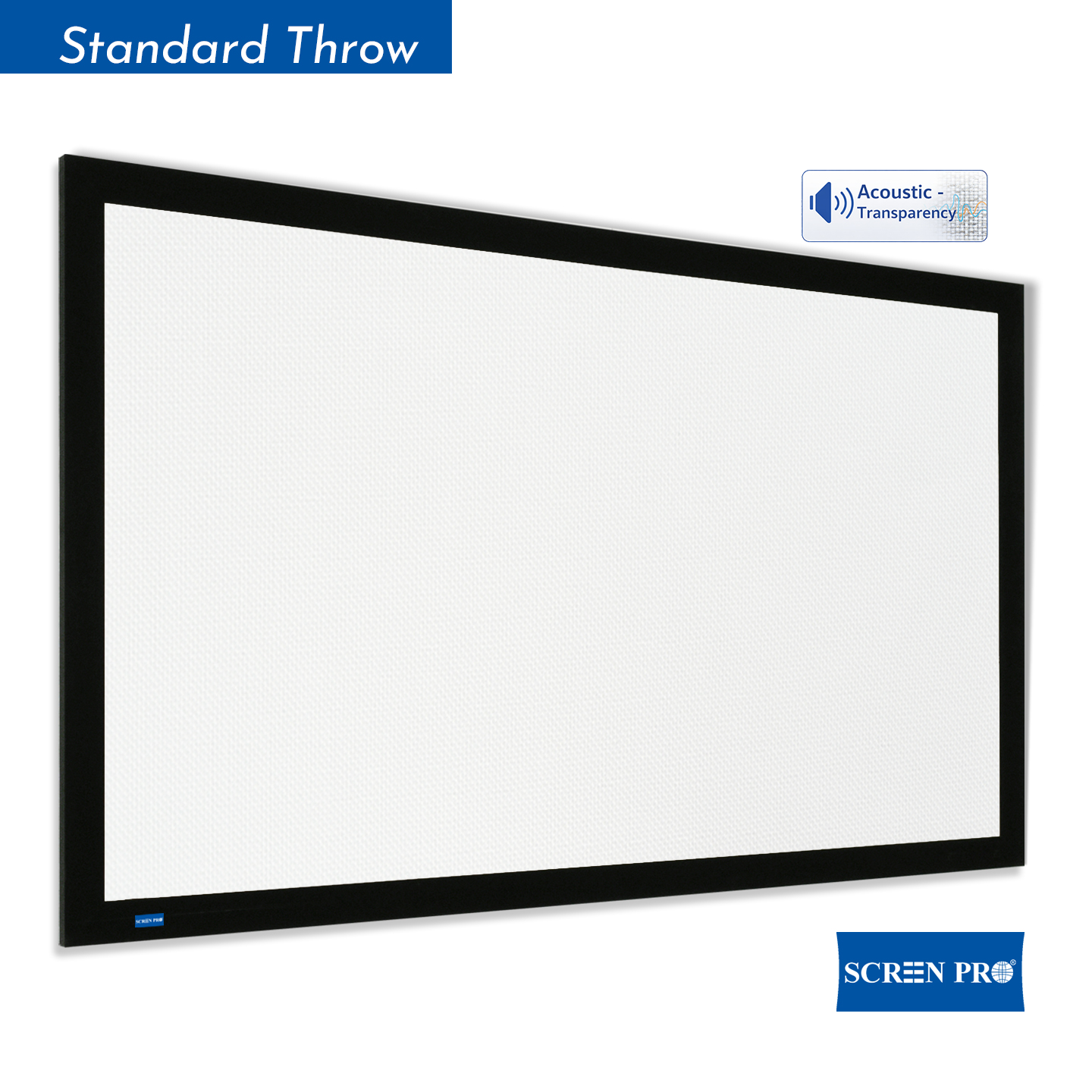
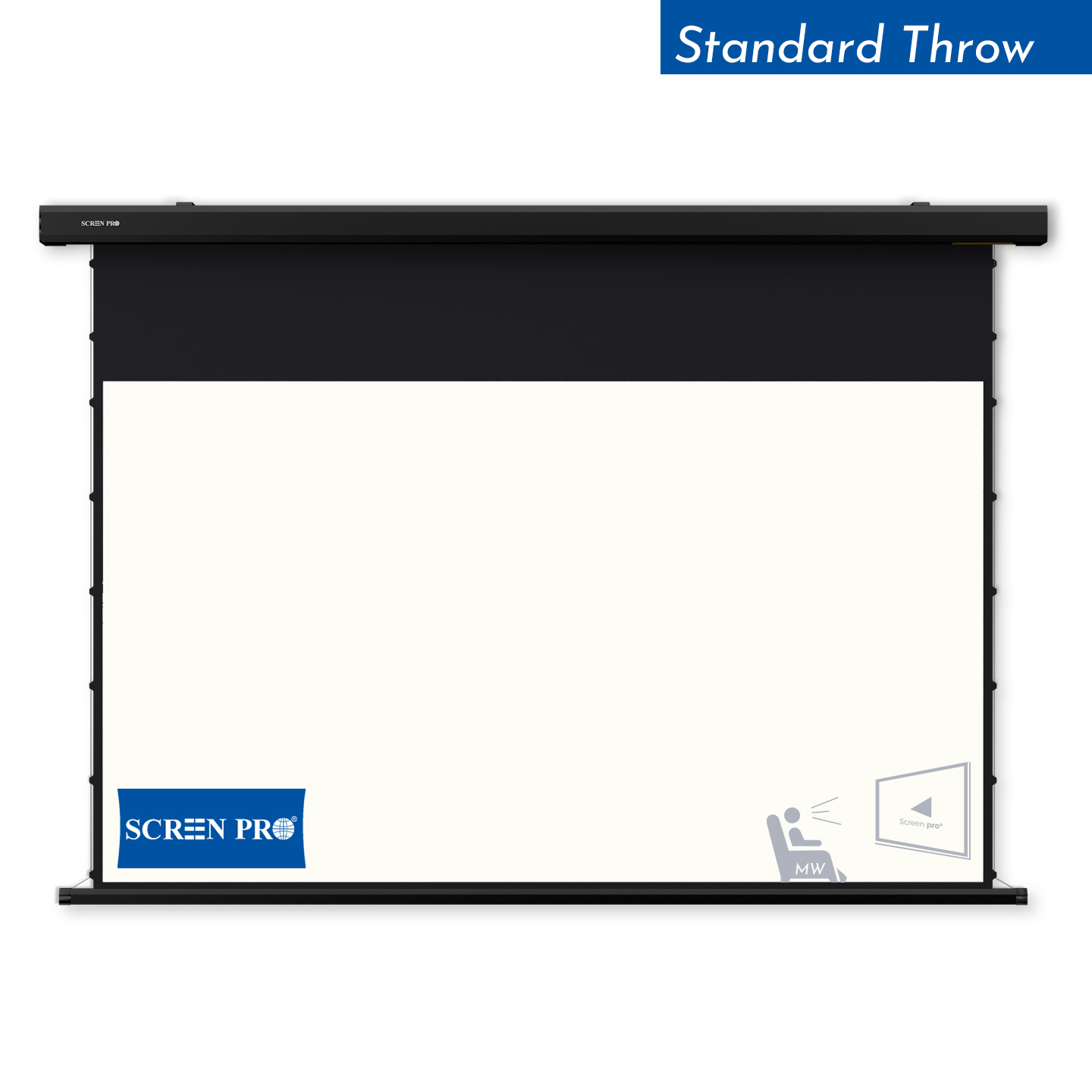
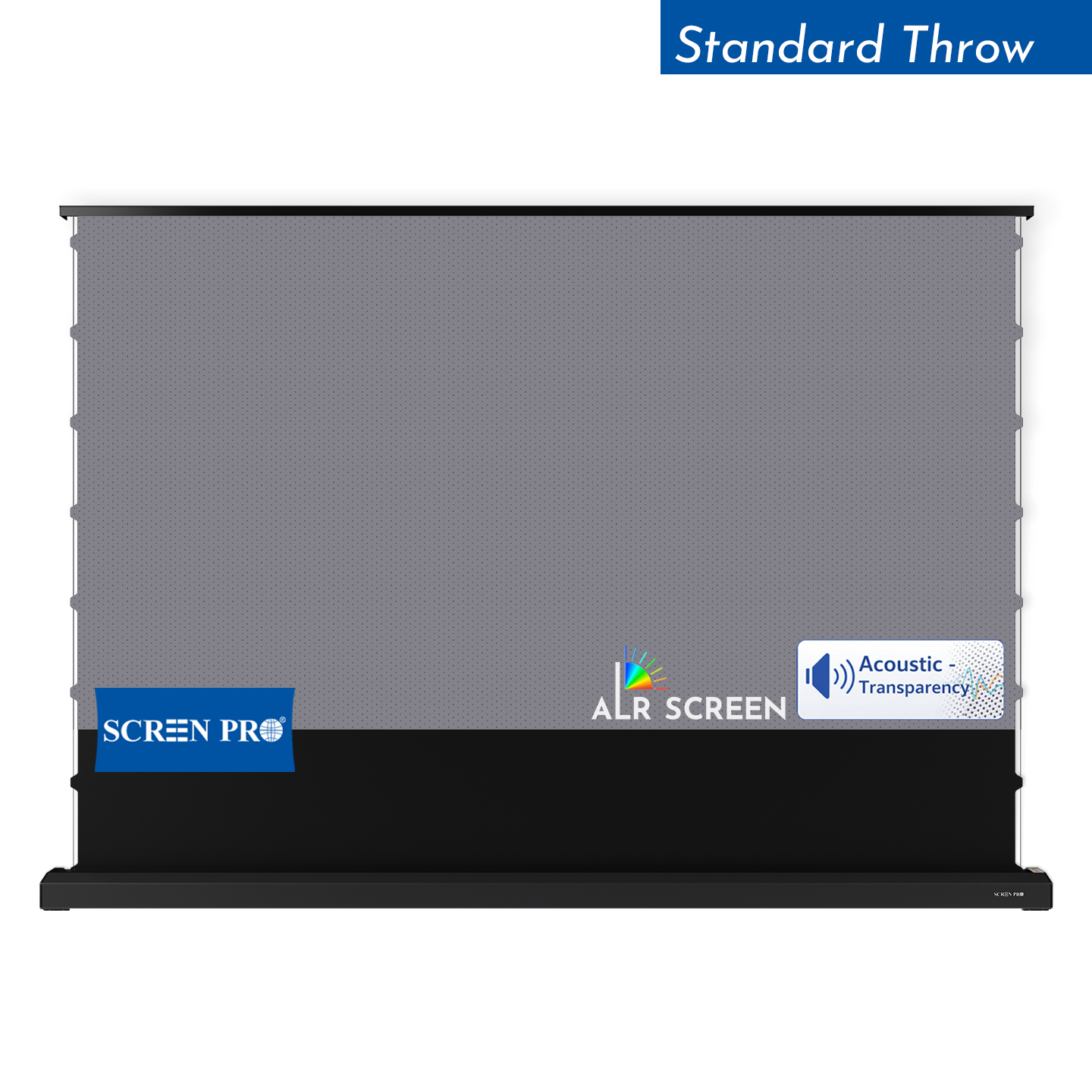
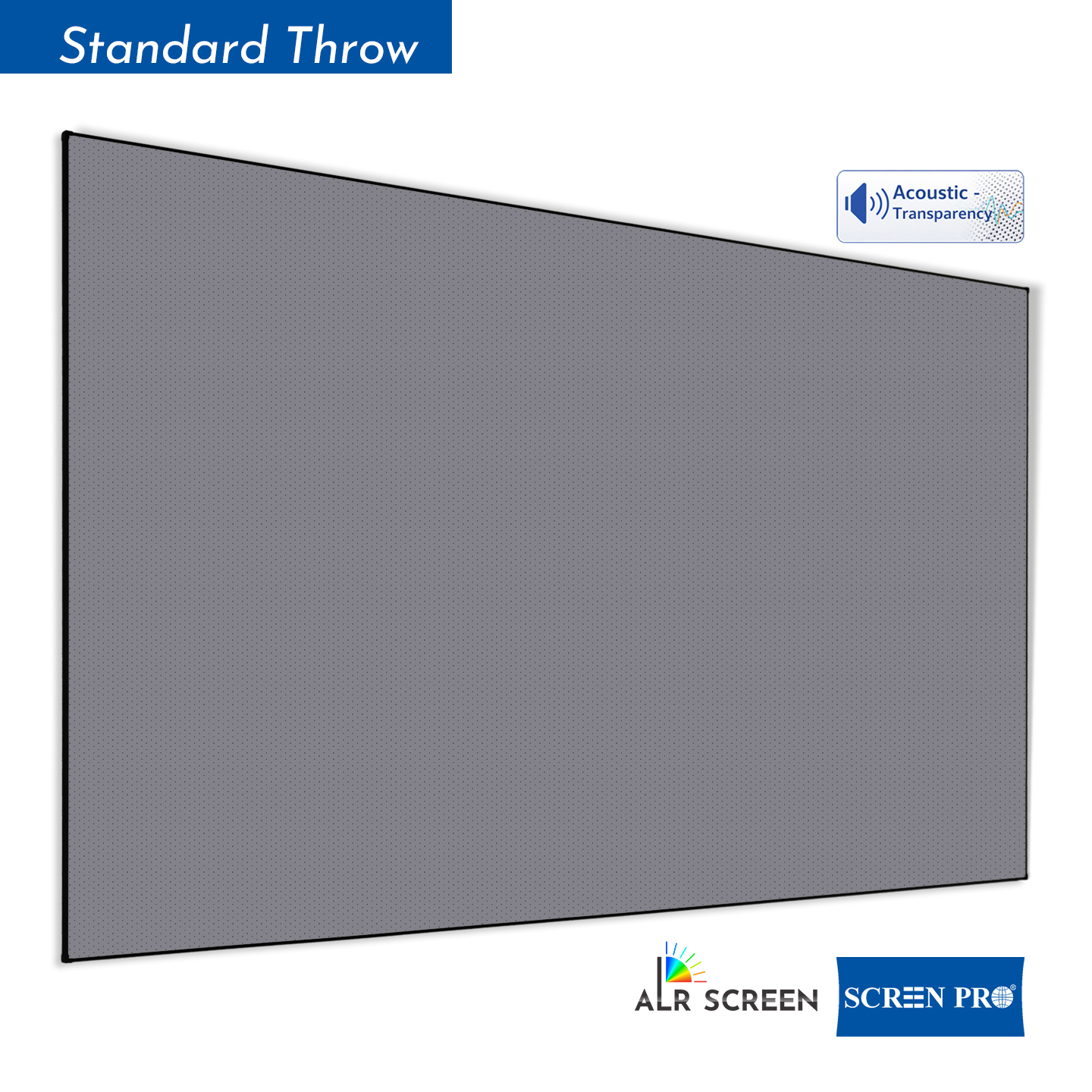
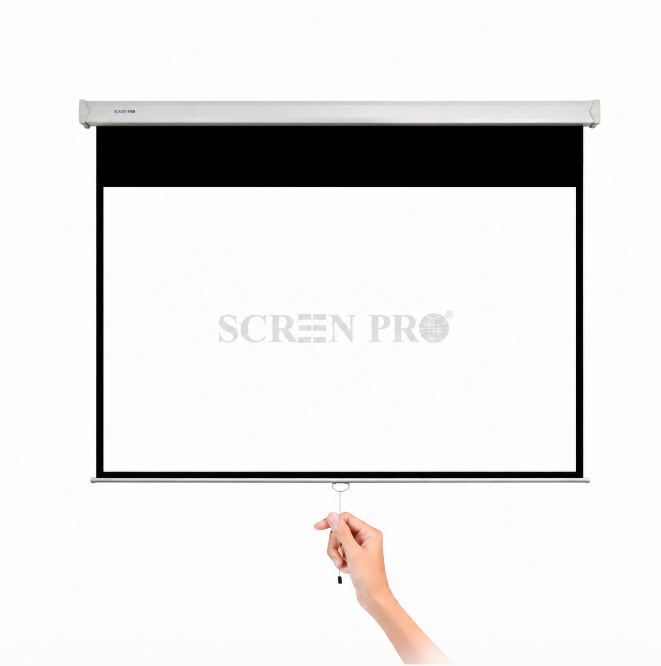
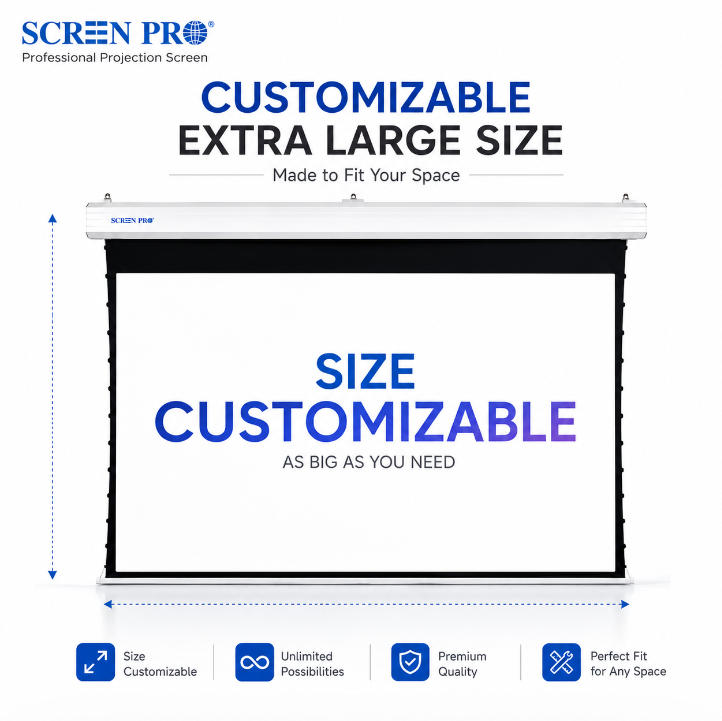
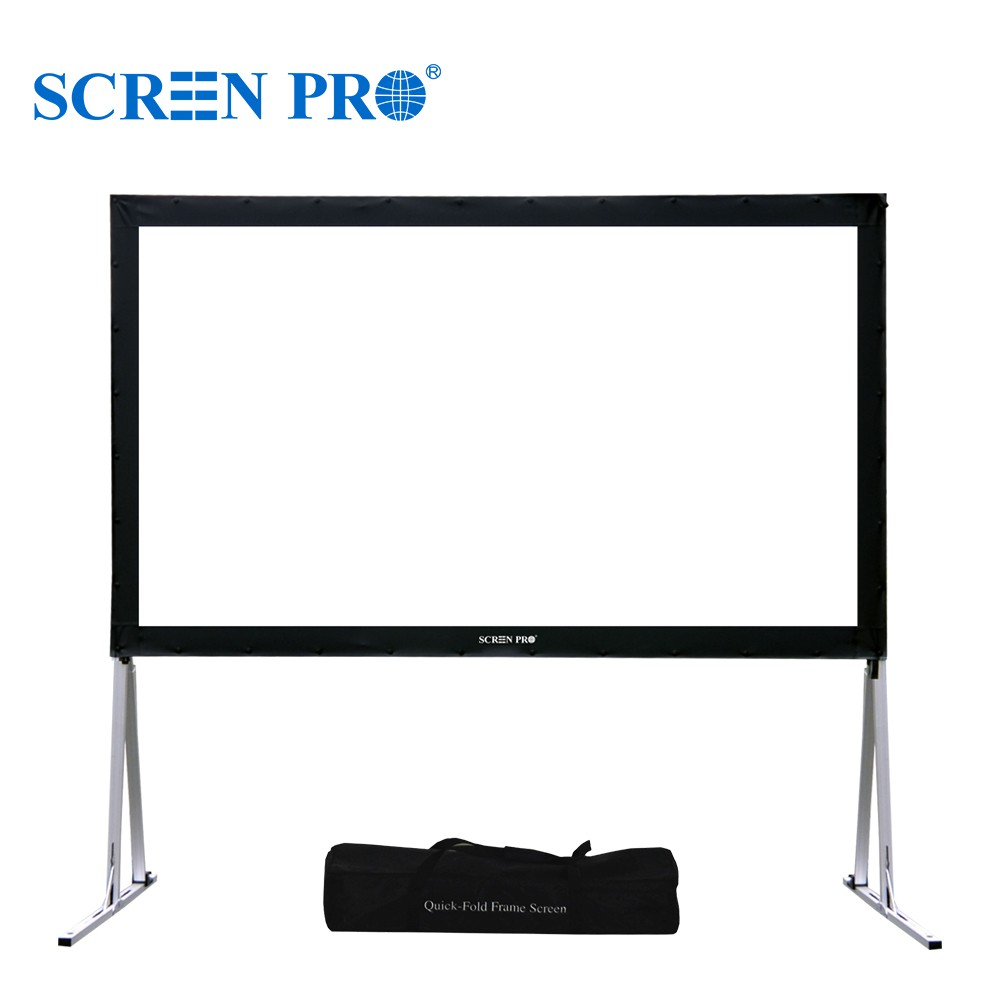
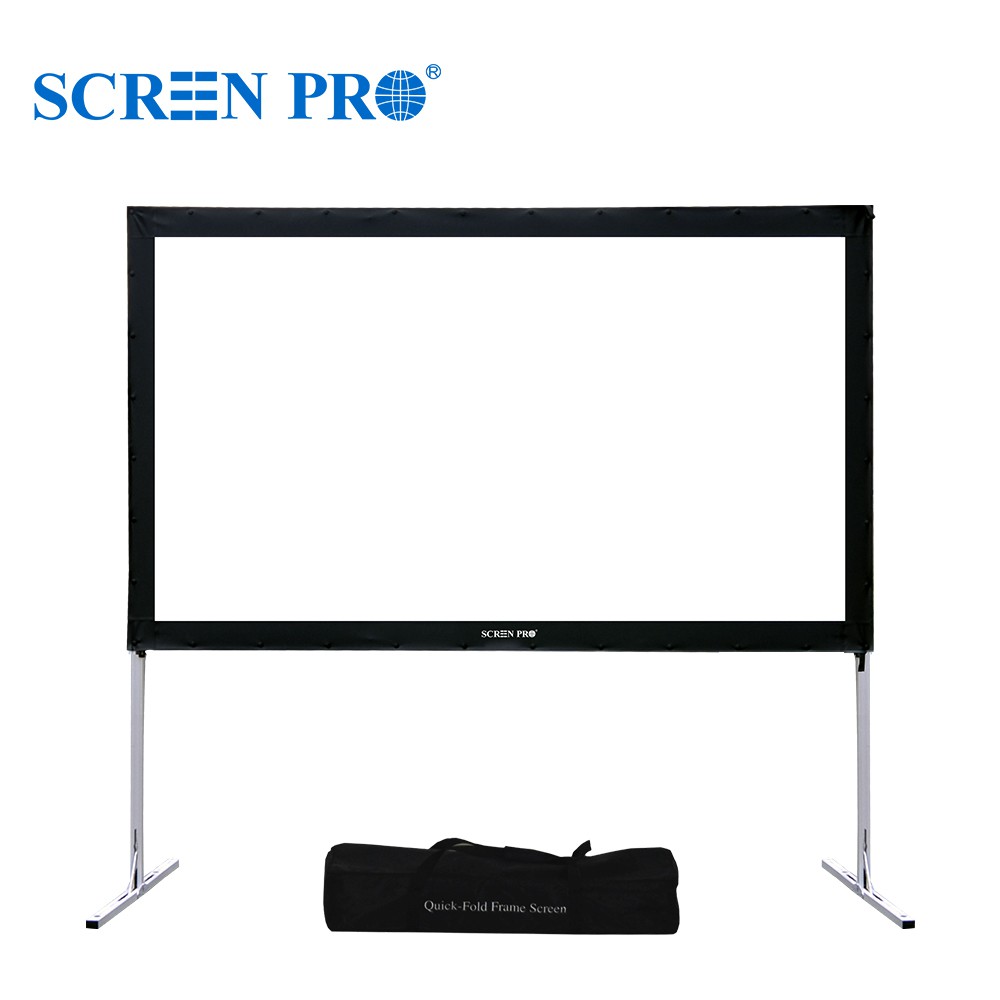
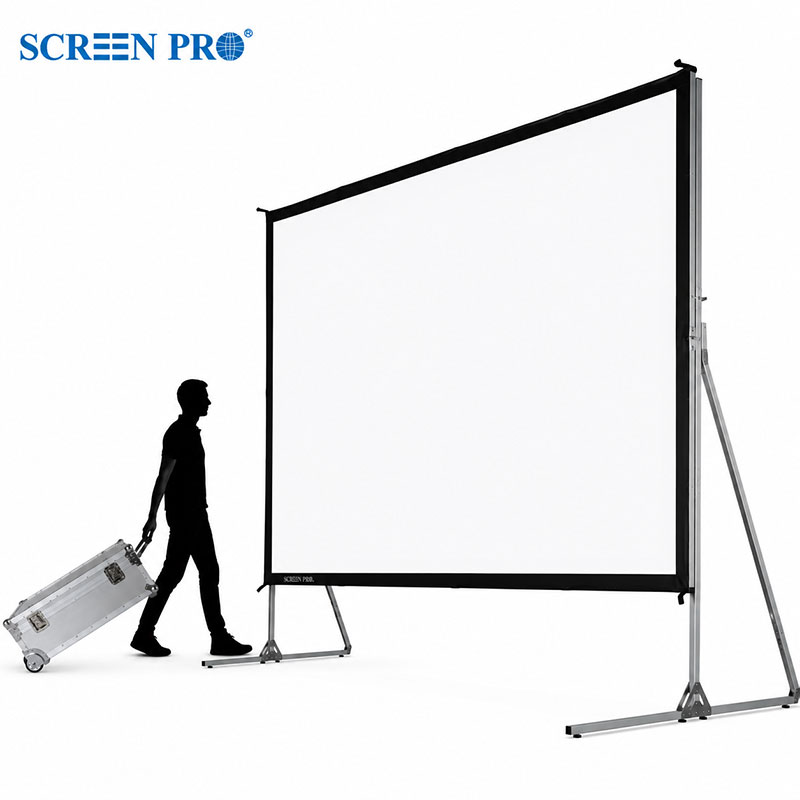
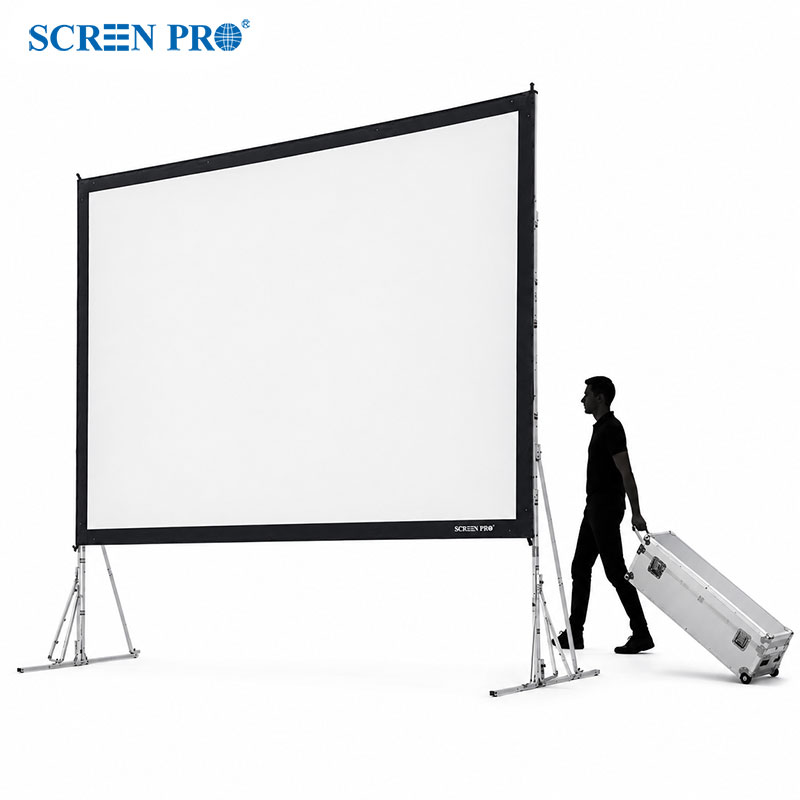
Yes. The visible image calculations apply to fixed frame, motorized, manual pull-down, floor rising, and other projection screen types. Final outer case size, border size, and drop length should still be confirmed separately for the exact product model.
What does throw ratio mean?
Throw ratio describes the relationship between projector distance and image width. A lower throw ratio means the projector can create a large image from a shorter distance. A higher throw ratio usually means the projector must be installed farther away.
Can I share my result with a customer or colleague?
Yes. This page includes a share-link function, so you can copy a configured result and send it directly to a customer, dealer, installer, or internal sales team for discussion.
SCREENPRO® Planning Support
Need help choosing the right SCREENPRO® screen for your project?
Use this SCREENPRO® calculator to define your target size, then connect the result with your final screen type, fabric, frame structure, and installation condition. For OEM, custom size, or large venue projects, this tool can be used as the first step before quotation and engineering confirmation.