

© 2026 SCREENPRO®. Specifications are subject to change without notice. | SamsAV All Rights ReservedSite Map Designed by iwonder.cn


A larger image is not always a better image. When a projector is pushed beyond its recommended screen size, brightness, sharpness, color, and overall viewing comfort can suffer.
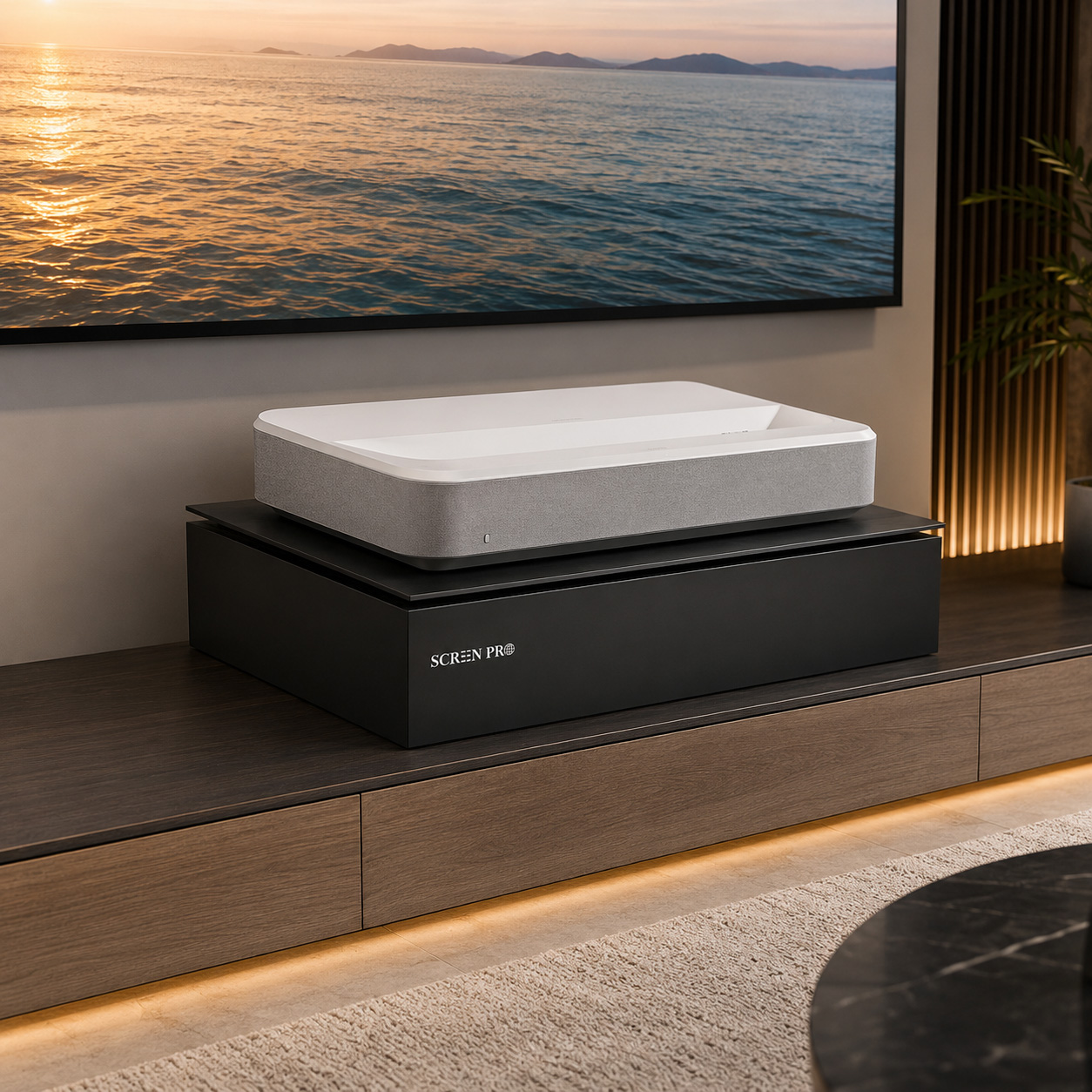
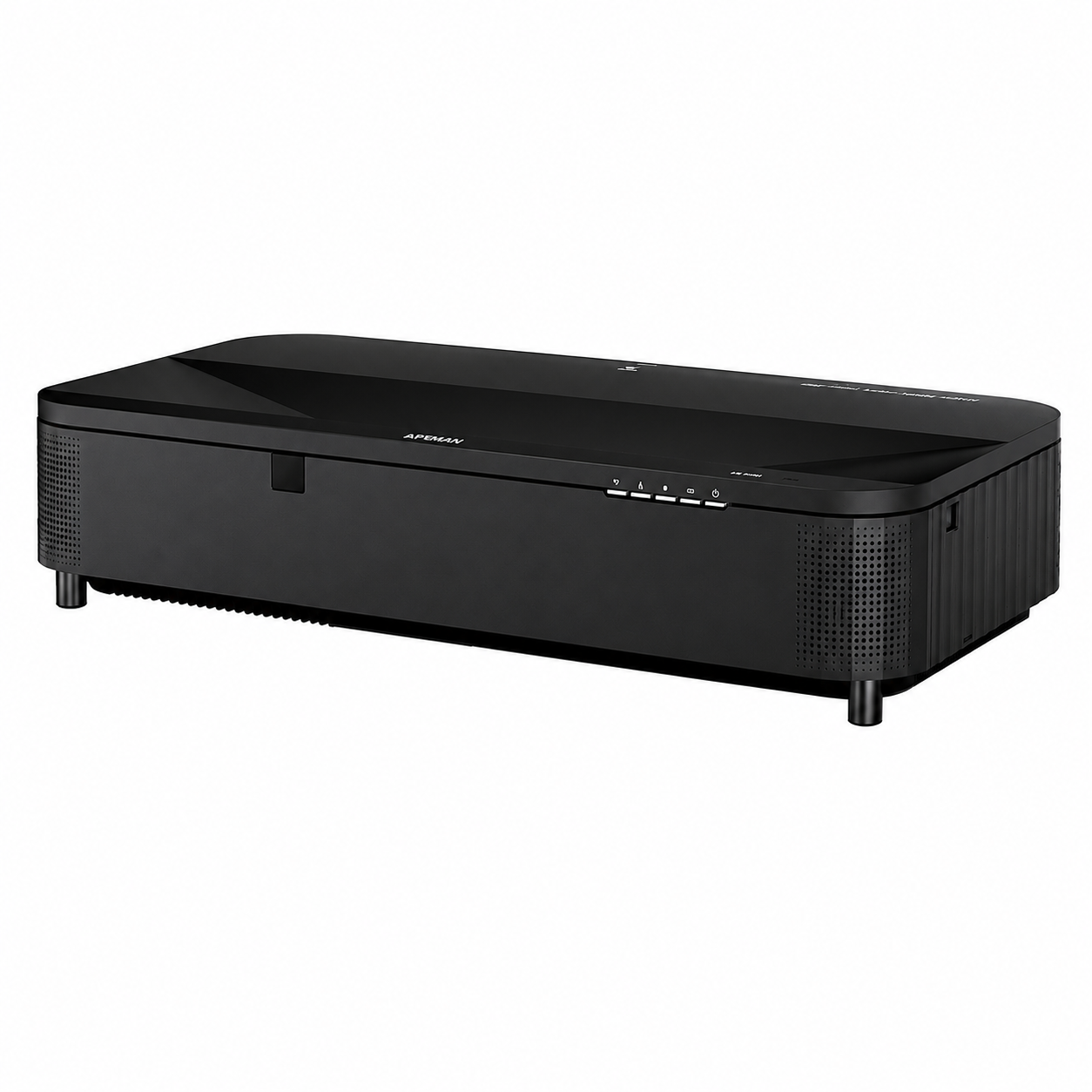
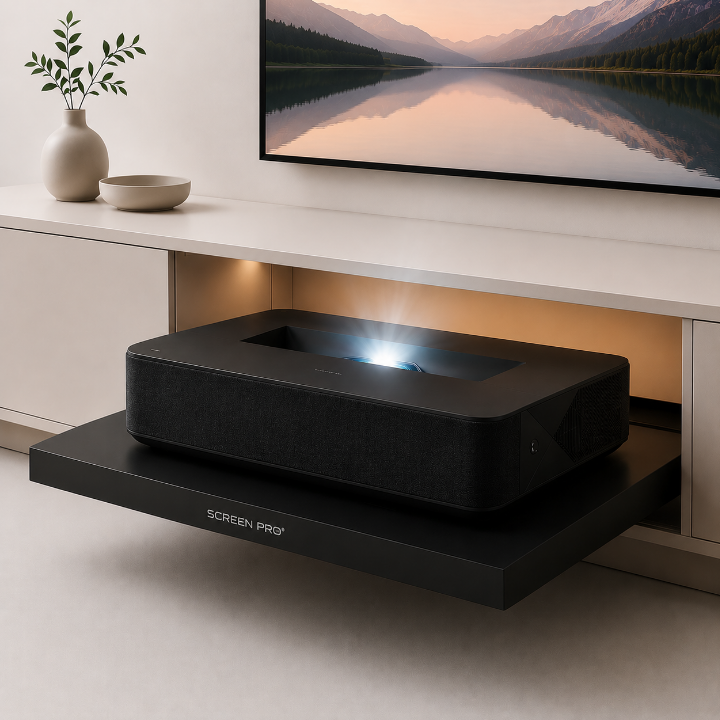
Short-throw projectors have changed home theaters and meeting rooms by allowing large images from a short distance. Their convenience is undeniable. However, like all optical systems, they are designed with specific limits.
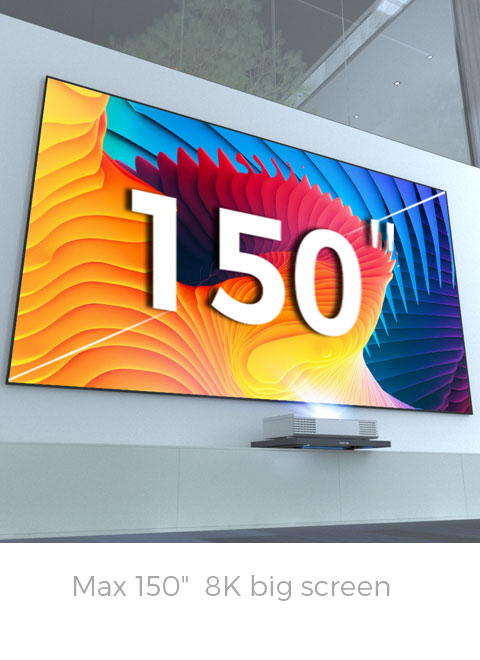
Pushing a short-throw projector rated for a maximum of 120 inches to create a 150-inch image might seem like a clever shortcut, but it often comes with major compromises: insufficient brightness, grayish colors, soft focus, and more visible pixelation.
A short-throw projector is engineered around a specific optical range. Its lens, light engine, focus system, and image processing are optimized for a recommended screen size.
When the image is expanded far beyond that range, the projector must spread the same amount of light and detail across a much larger surface. The result is not a true upgrade, but a compromise.
The same projector output is spread over a larger area, making the image look dimmer and less dynamic.
Reduced brightness can make colors look flatter, less saturated, and less cinematic.
The lens may no longer operate in its optimal performance zone, causing visible softness.
Stretching the image makes the pixel structure easier to see, especially at closer seating distances.
This is the most immediate and noticeable problem. Projector brightness is measured in lumens, and the projector light engine is designed to illuminate a specific screen area.
When a projector designed for 120 inches is pushed to 150 inches, the image area increases significantly. The same fixed amount of light must now be spread across a larger canvas.
The result is a dimmer, more washed-out image. Colors lose vibrancy, black levels appear gray, and the image may only look acceptable in a fully dark room.
Projector lenses are engineered to resolve detail within their intended optical range. When the image is pushed beyond the recommended size, the lens may operate outside its best performance zone.
This can create visible softness across the image. Fine details in text, facial features, subtitles, and graphics become harder to distinguish.
Even manual focusing may not fully restore the crisp picture quality available at the projector’s intended screen size.
Modern projectors use image processing and optical calibration to maintain brightness and color consistency from the center of the image to the edges.
When the projector is forced beyond its intended screen size, this balance can be disrupted. Corners and edges may look dimmer than the center, and colors may shift across the image.
The result is a less consistent viewing experience, especially on large bright scenes, sports content, presentations, and animated films.
Every projector has a native resolution made up of tiny pixels. When the image is stretched larger, those pixels are spread across a wider area.
This can make the pixel grid or “screen door effect” easier to notice, especially with lower-resolution projectors or close seating distances.
Image flaws can also become more obvious. Streaming compression, digital noise, lens dust, and processing artifacts may all appear more distracting when magnified onto a larger screen.
While it may be technically possible to project a 150-inch image with a short-throw projector rated below that size, the result is often a shadow of the projector’s true capability.
You may gain image size, but you lose the brightness, sharpness, color consistency, and impact that made the projector attractive in the first place.
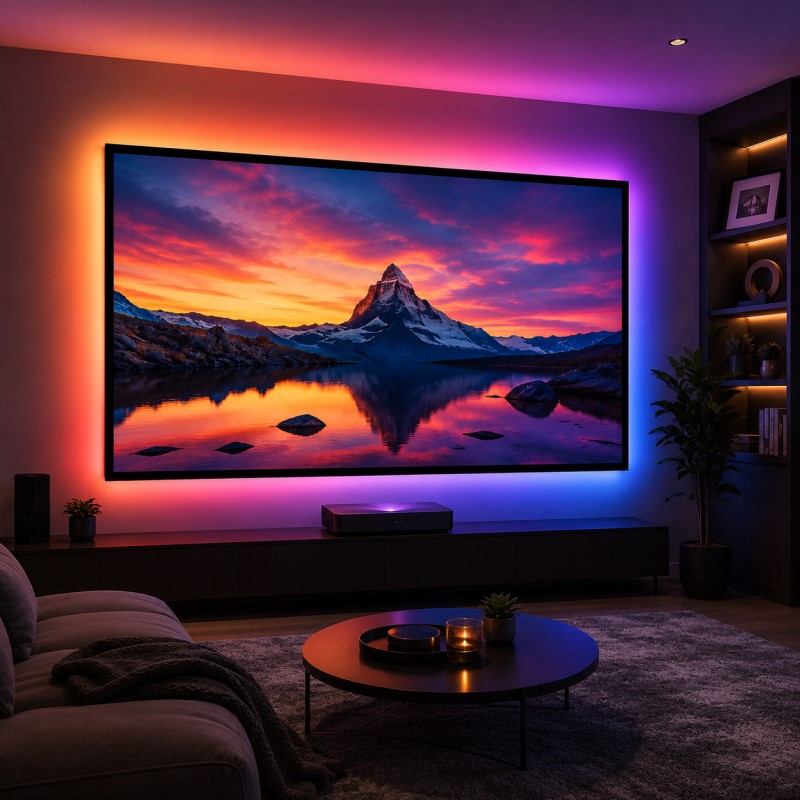
For a satisfying 150-inch cinematic experience, the correct solution is to match the projector, screen size, gain, viewing distance, and room lighting as a complete system.
A projector designed for 150-inch viewing will deliver better brightness, cleaner detail, and more stable color performance than a smaller projector pushed beyond its intended limit.
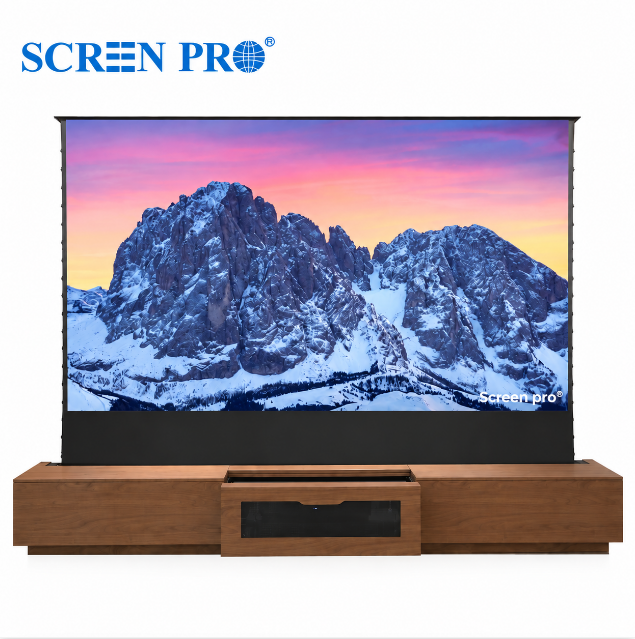
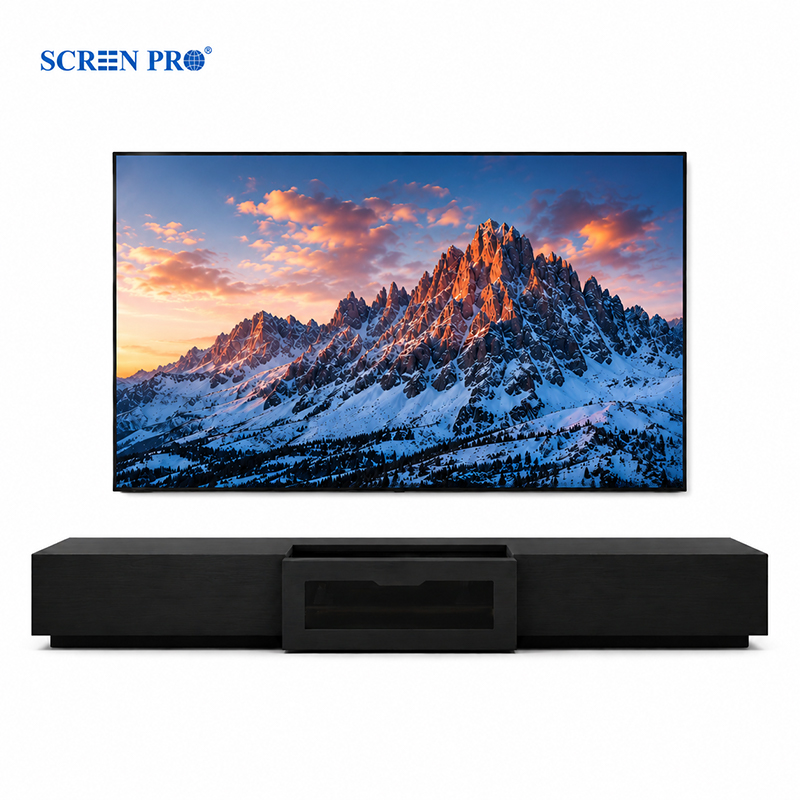
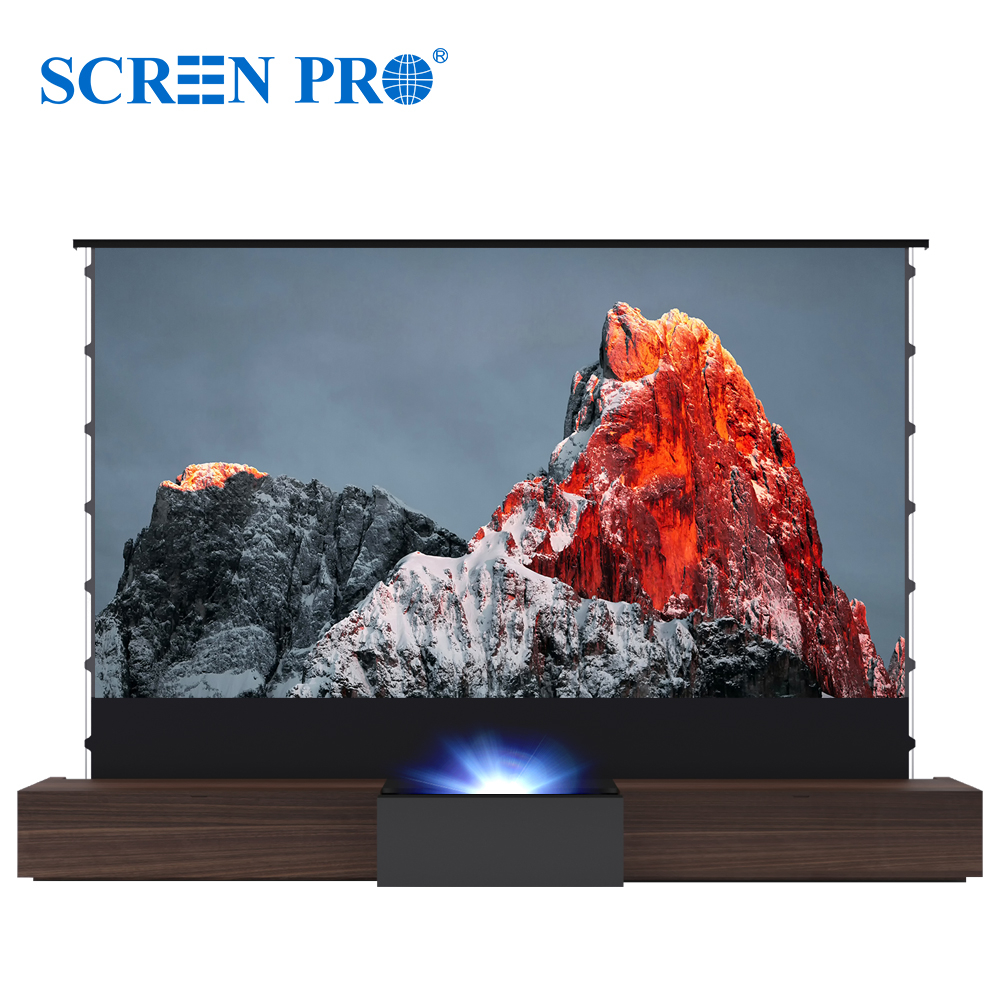
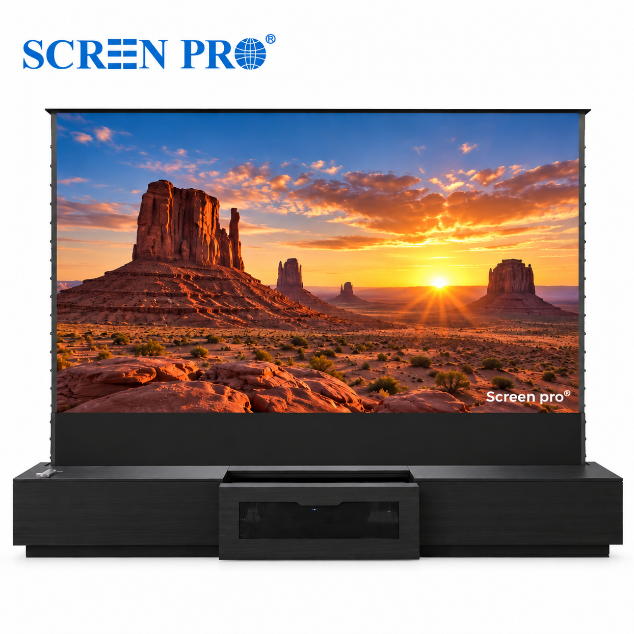
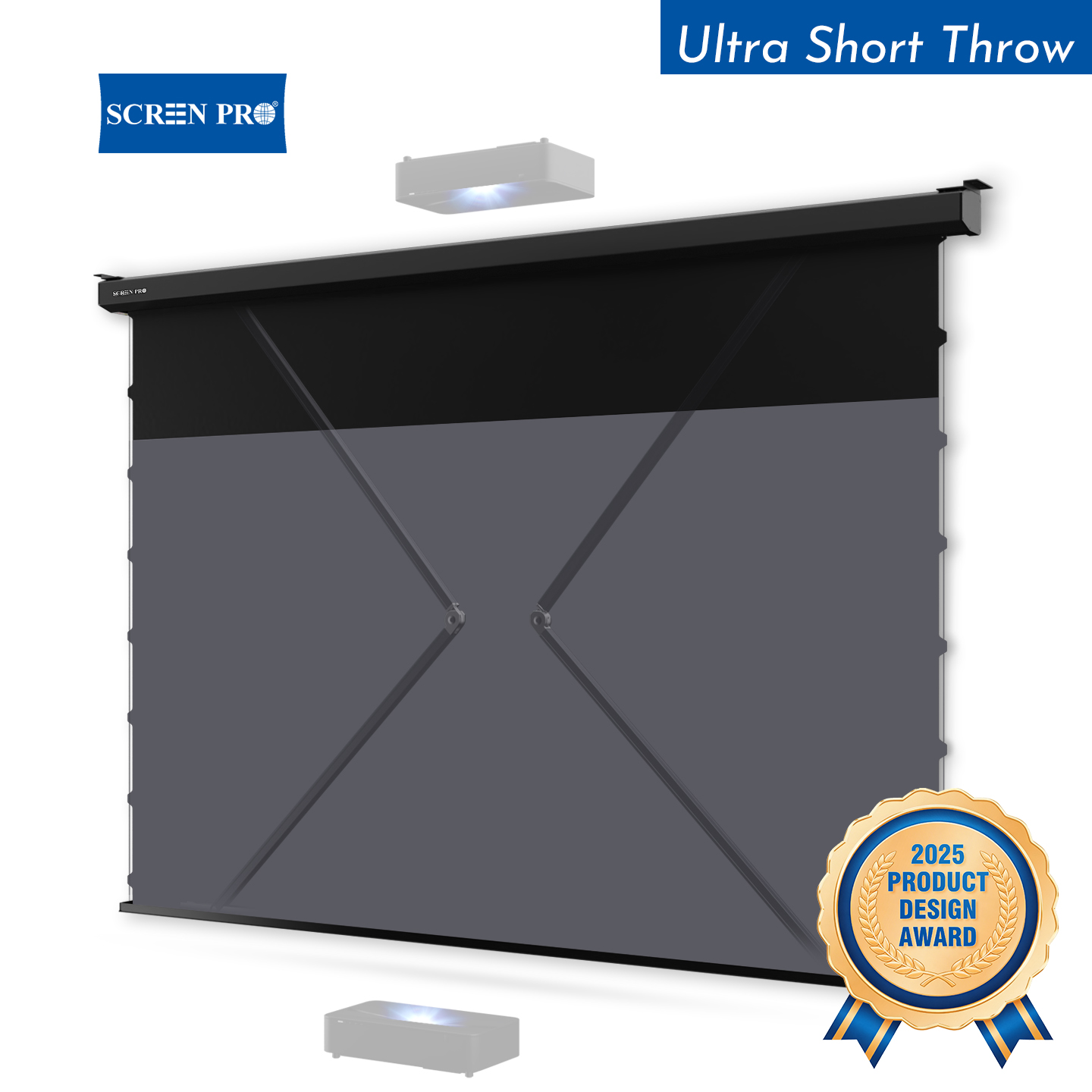
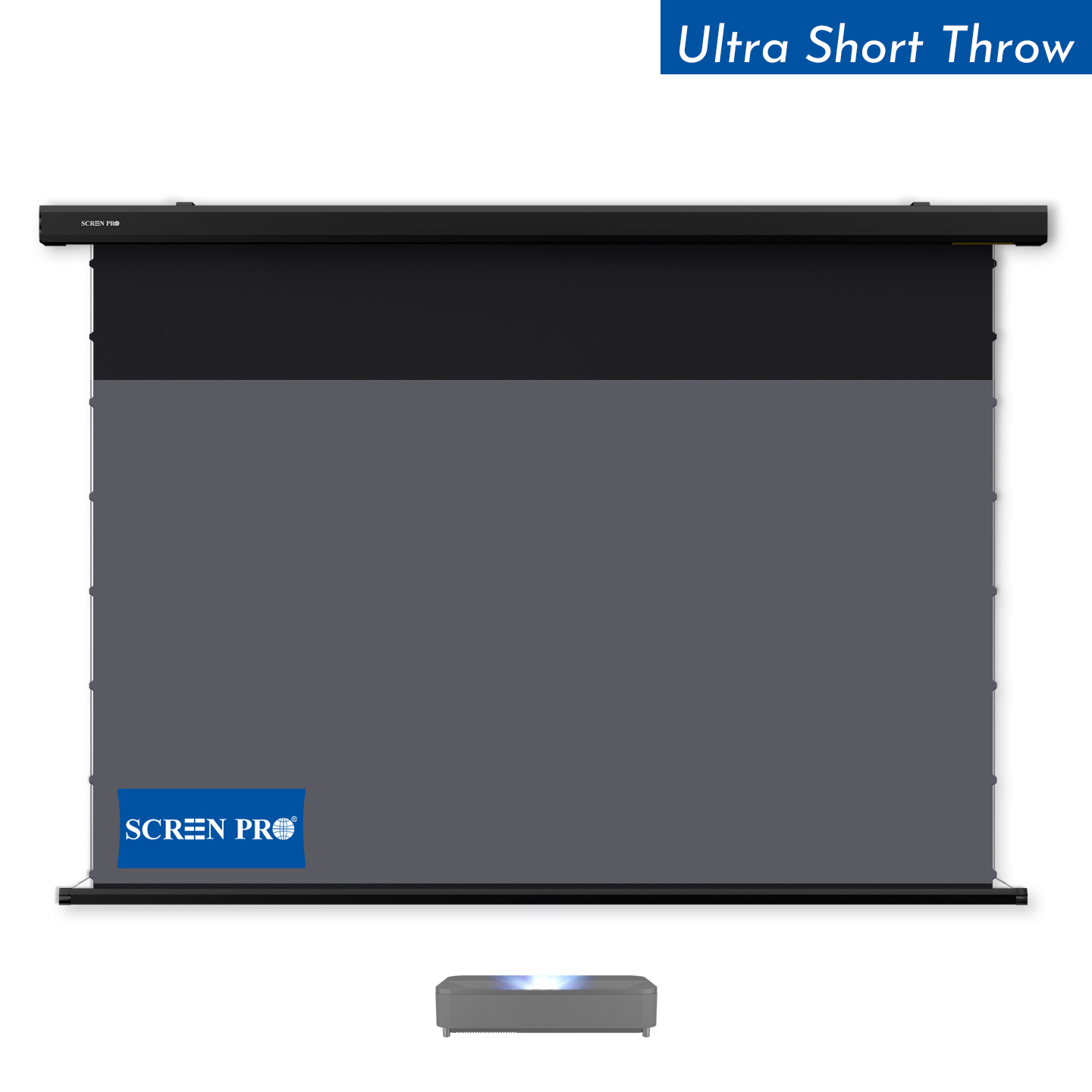
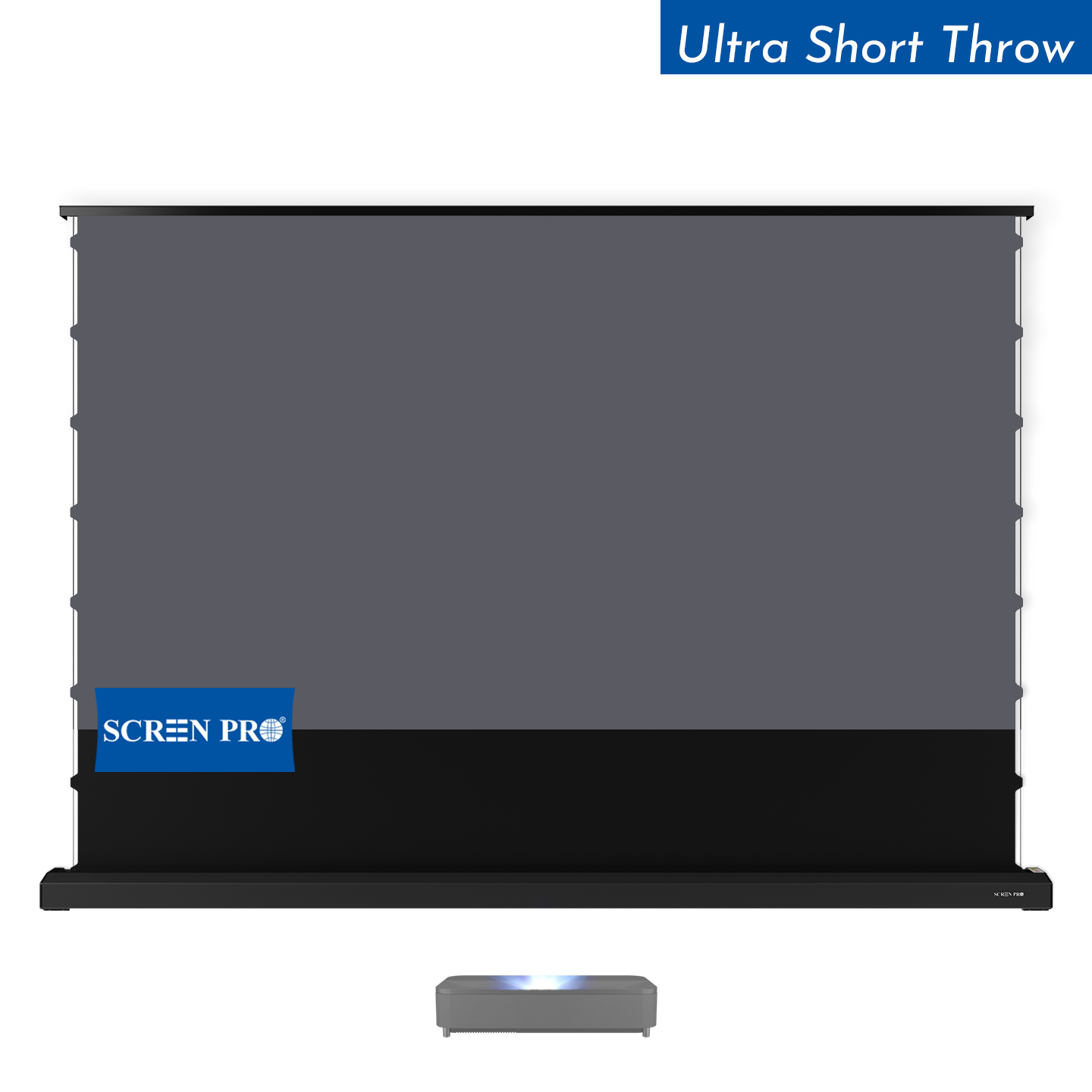
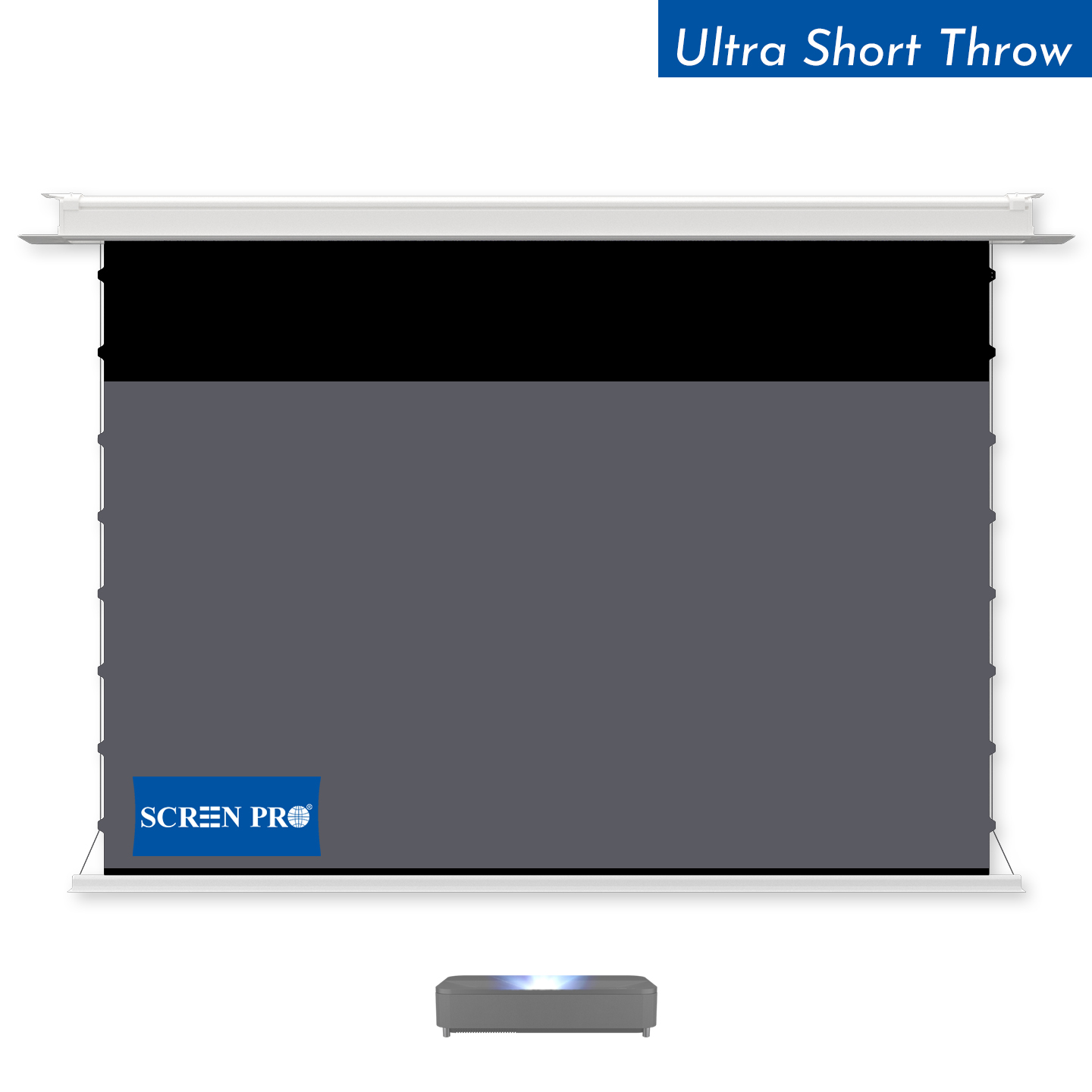
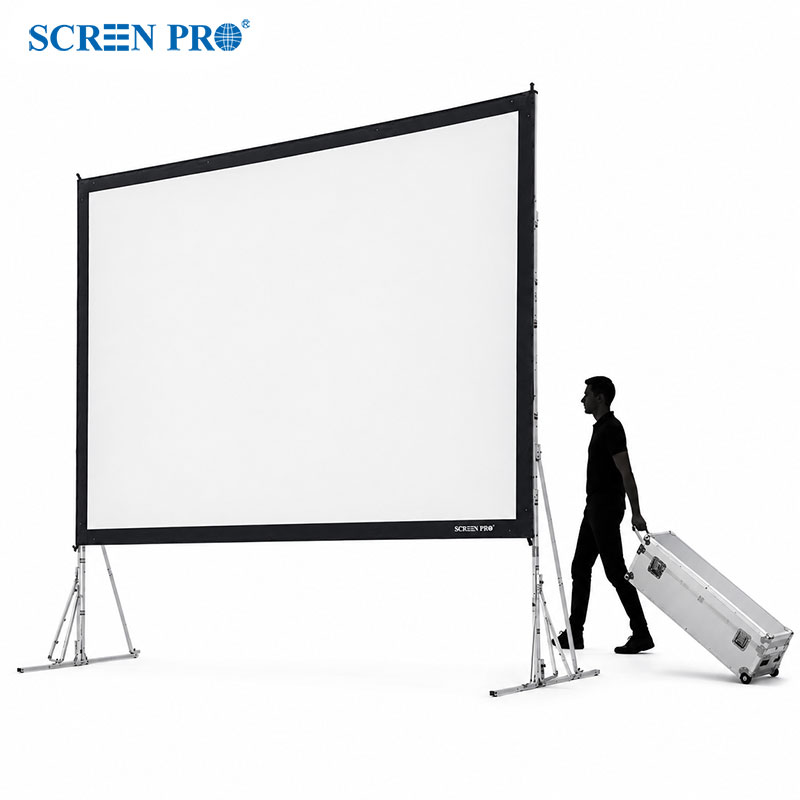
SCREENPRO offers professional large-screen options for 150-inch and larger projection environments, helping users build a system where every lumen and every pixel can be used more effectively.
| Setup Choice | Result | Best Recommendation |
|---|---|---|
| 120" projector pushed to 150" | Dimmer image, softer focus, weaker color, more visible pixelation | Not recommended for premium viewing |
| Projector designed for 150" | Better brightness, sharper detail, more stable image performance | Recommended for true large-screen cinema |
| SCREENPRO professional 150" screen solution | Better match between screen size, room, and projector performance | Recommended for home theater and commercial projects |
It may be technically possible, but it is usually not recommended. The image may become dimmer, softer, and less color-accurate because the projector is working beyond its intended screen size.
The projector produces a fixed amount of light. When the image is enlarged, that same light is spread across a larger area, reducing perceived brightness.
A higher gain screen can help increase perceived brightness, but it may also affect viewing angle, hotspotting, or image uniformity. The best solution is to match the projector and screen size correctly.
Choose a projector rated for the intended screen size, select a screen material suited to the room lighting and projector type, and confirm throw distance, viewing distance, brightness, and installation requirements before purchasing.
Looking for a professional 150-inch or larger projection screen solution? SCREENPRO can help match screen size, material, structure, and installation requirements for your project.
Talk To SCREENPRO```





© 2026 SCREENPRO®. Specifications are subject to change without notice. | SamsAV All Rights ReservedSite Map Designed by iwonder.cn