
© Copyright 2004-2026 SCREEN PRO® All Rights Reserved | Specifications are subject to change without notice. All Rights ReservedSite Map Designed by iwonder.cn


A great cinematic experience depends not only on screen quality, but also on viewing distance, screen placement, viewing angle, and sightline planning. Use this guide to create a more balanced, comfortable, and immersive home theater or media room setup.
The ideal seating distance depends on screen size, resolution, and how immersive you want the image to feel. Higher-resolution content allows viewers to sit closer without easily noticing pixel structure.
Correct seating alignment helps preserve contrast, color consistency, and image geometry. For projection screens, projector placement and screen material direction are especially important.
| Viewing Factor | Recommended Guideline | Why It Matters |
|---|---|---|
| Horizontal Angle | Stay within ±30° from center | Maintains balanced brightness, color, and contrast. |
| Extreme Side Seating | Avoid angles beyond 45° where possible | Image contrast and color may become less consistent. |
| Vertical Angle | Avoid looking up or down more than 15° | Reduces neck strain and image distortion. |
| Screen Center Height | At or slightly below seated eye level | Creates a more natural theater-like viewing position. |
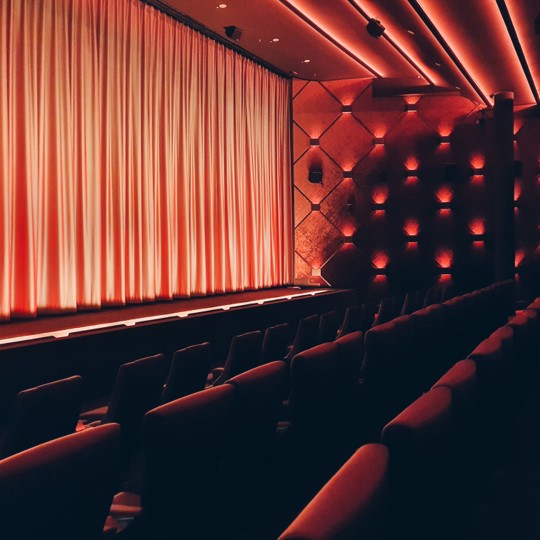
In dedicated theater rooms, every row should have a clear view of the full image area. Staggered seating and proper riser height help prevent blocked views.
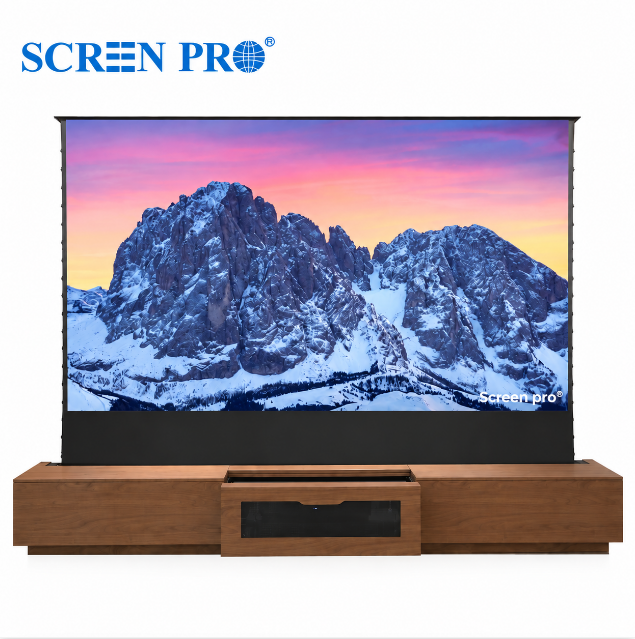
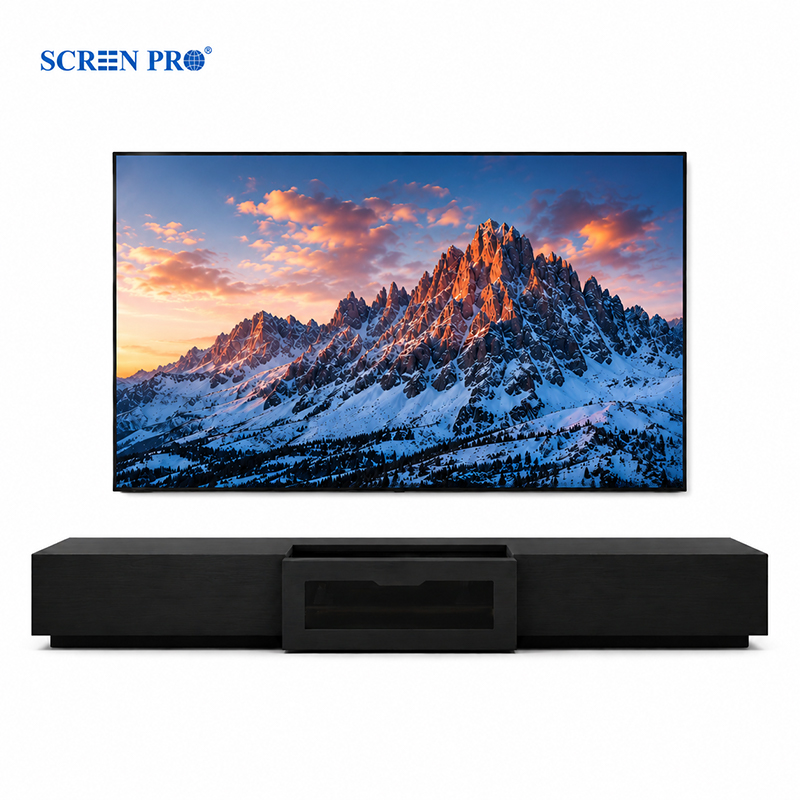
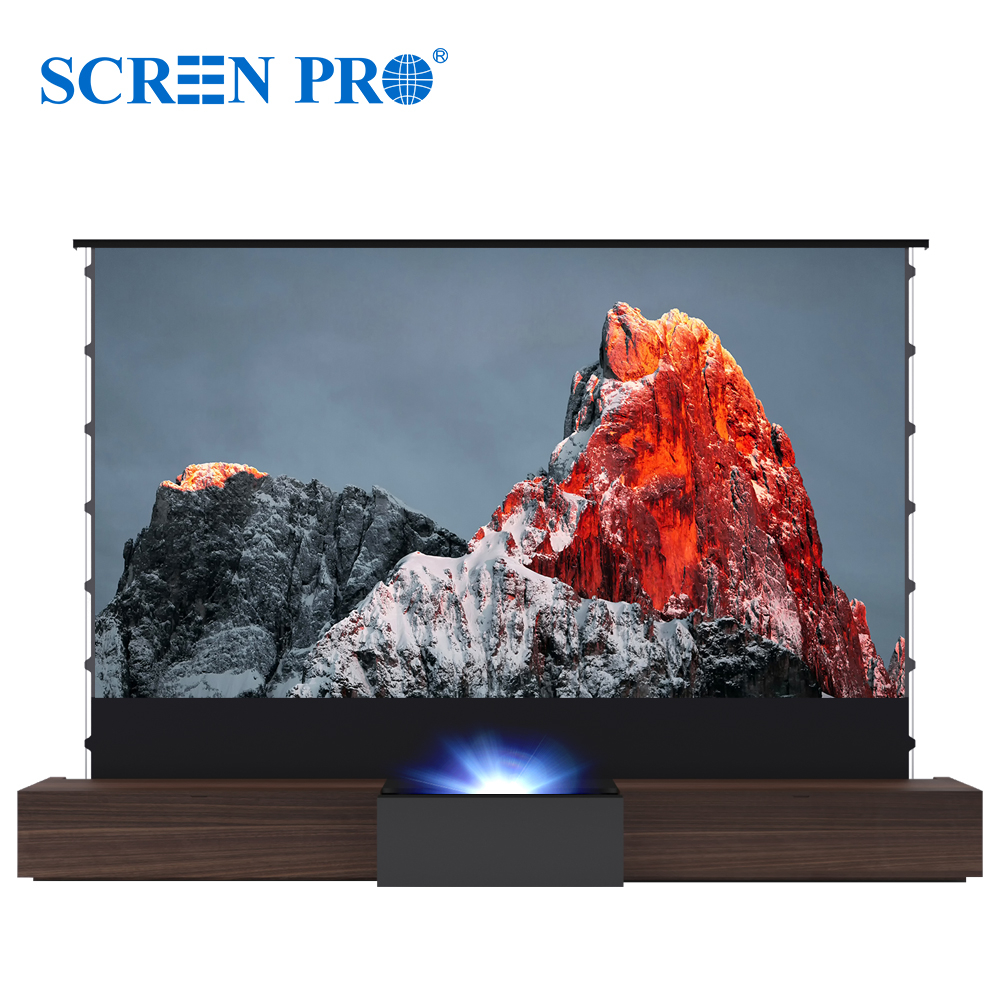
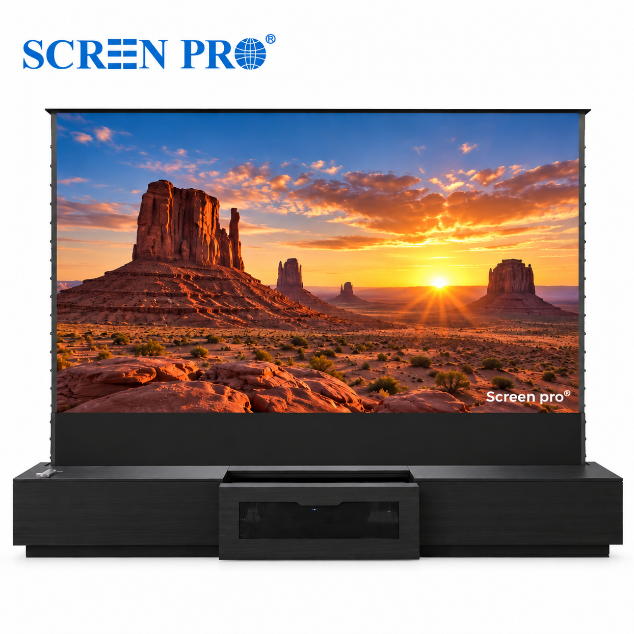
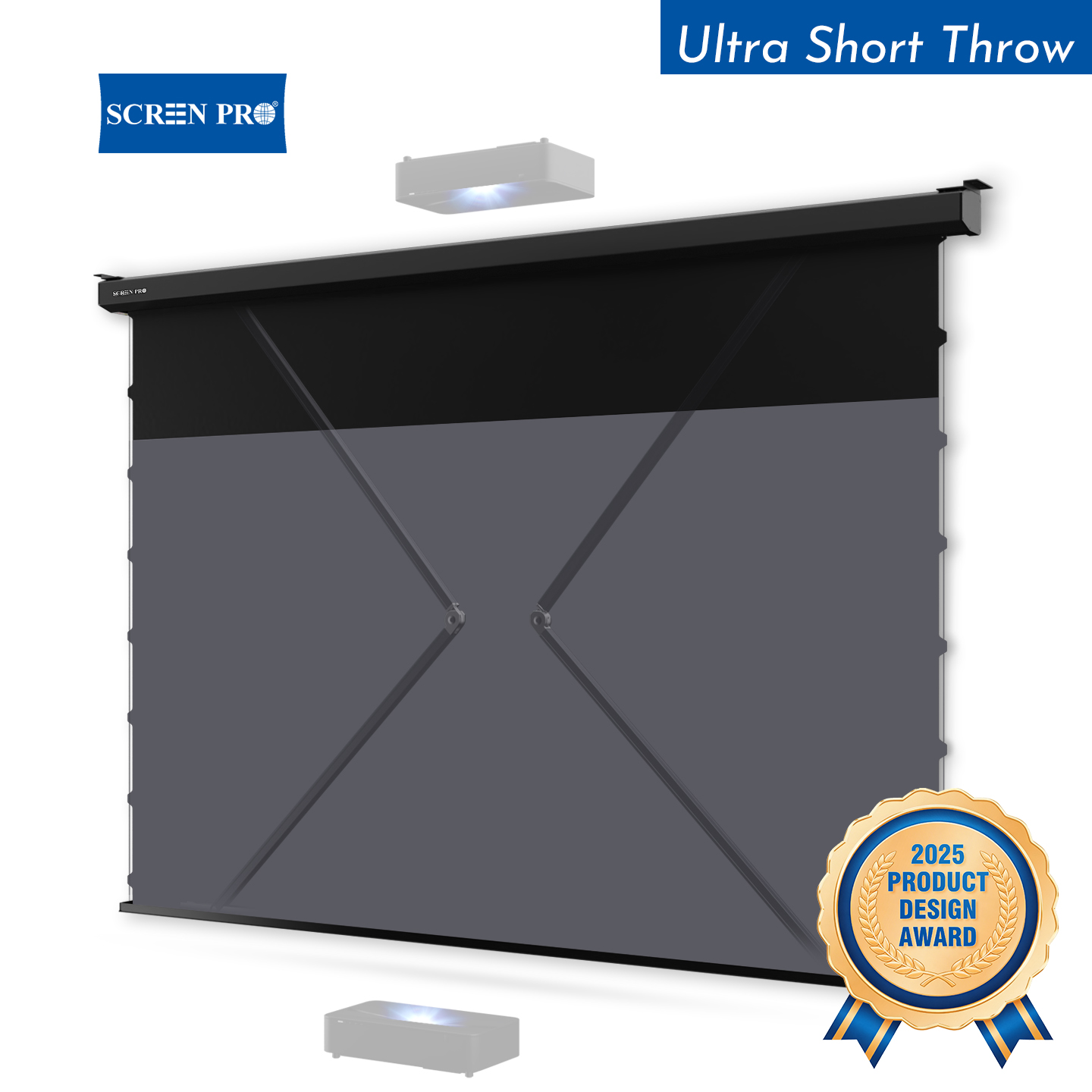
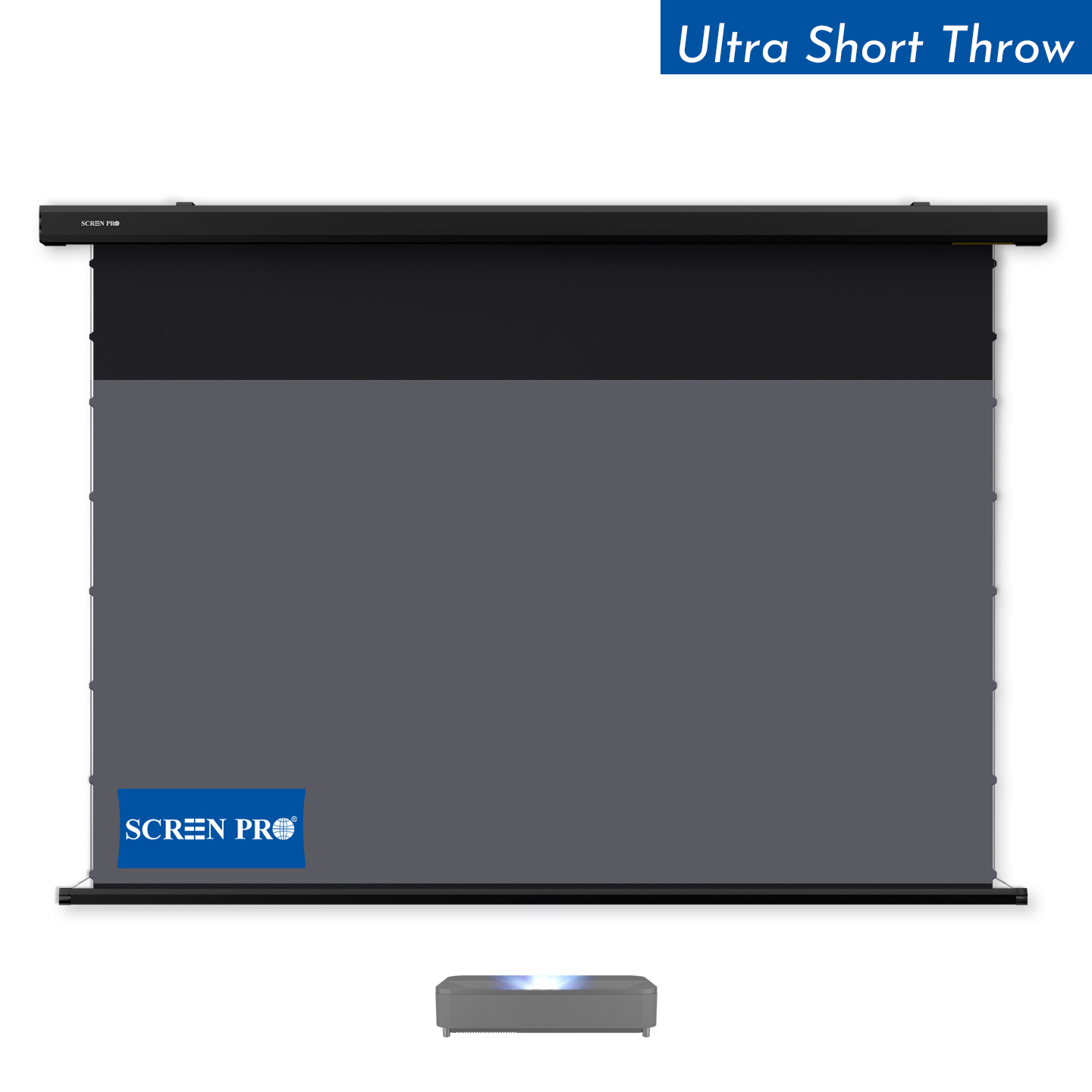
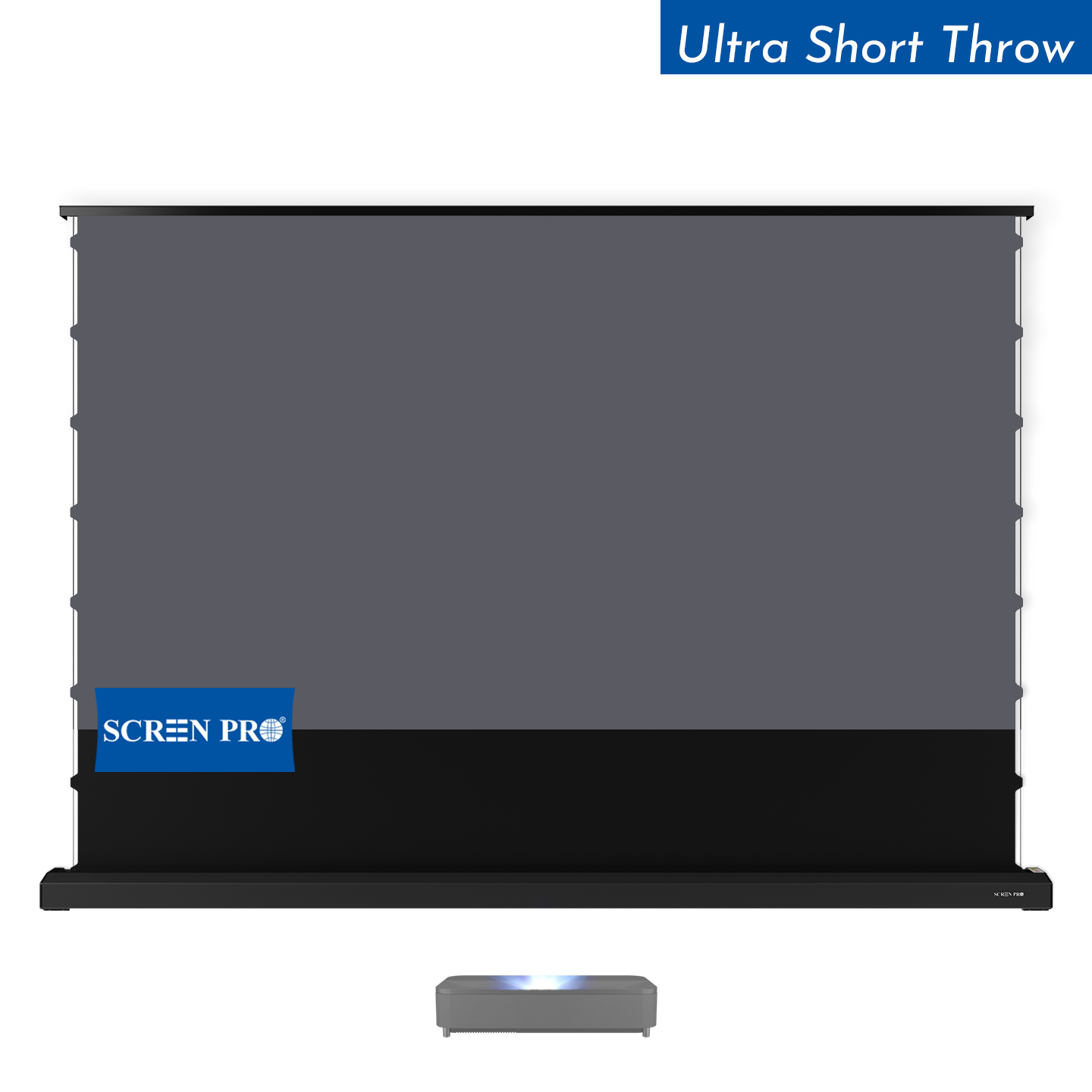
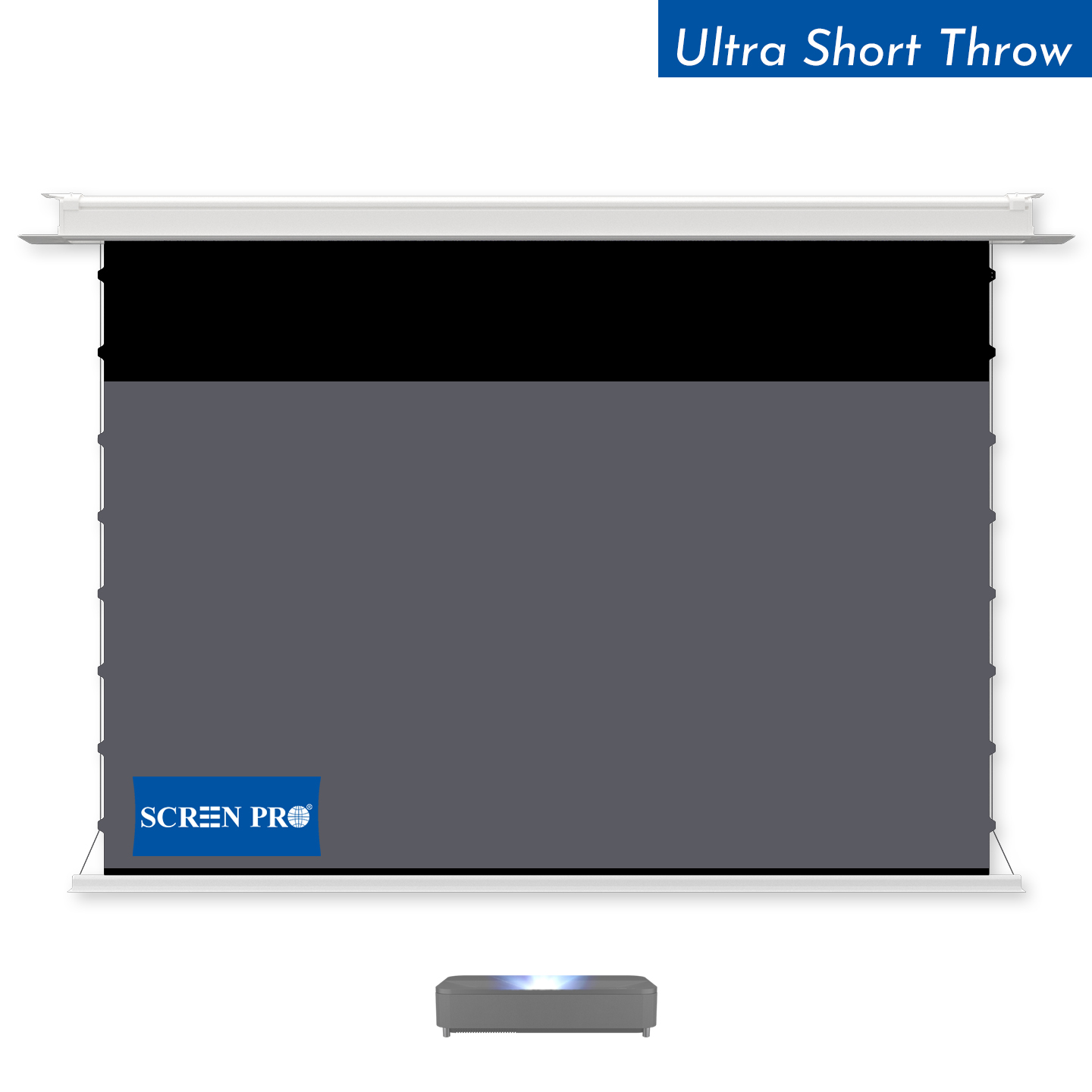
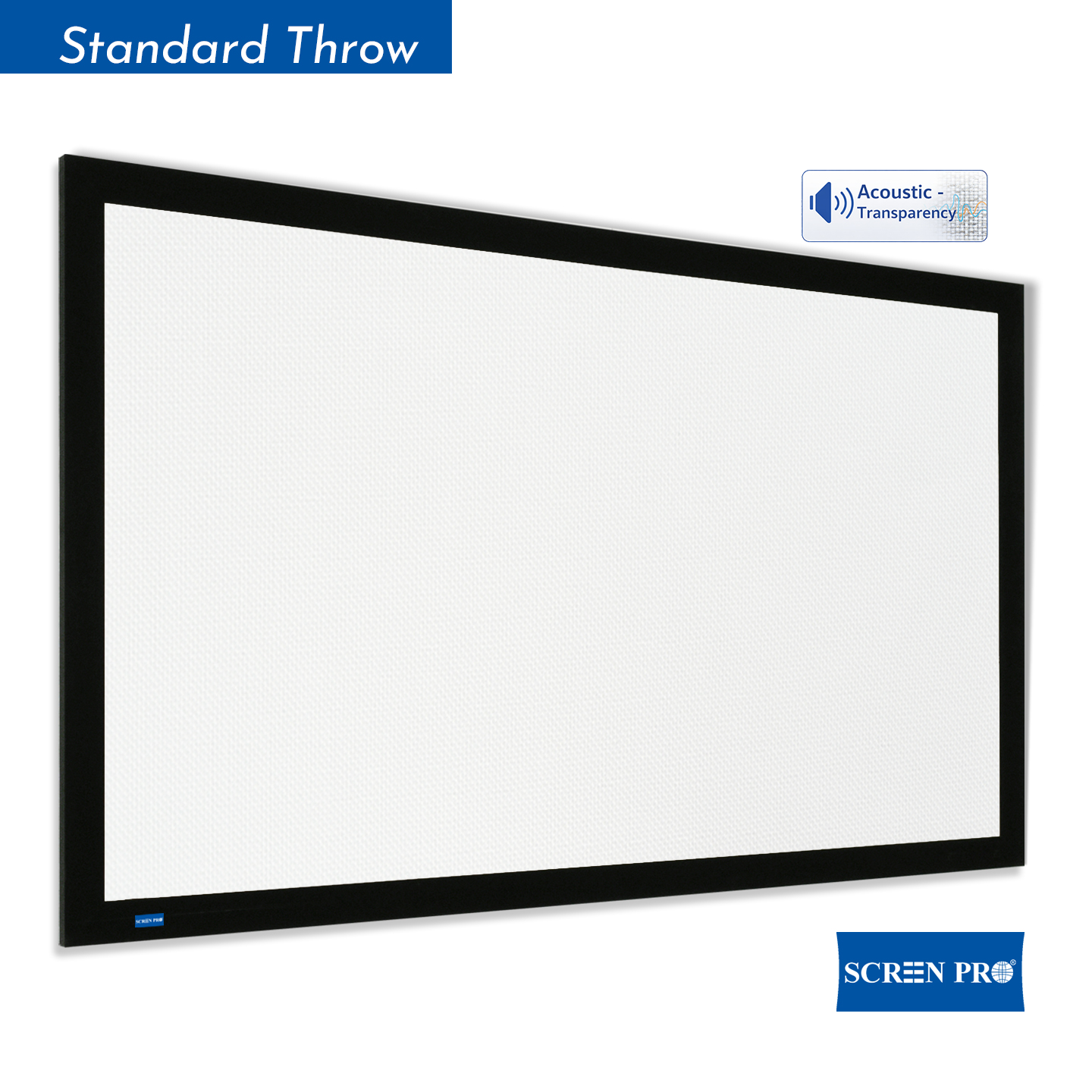
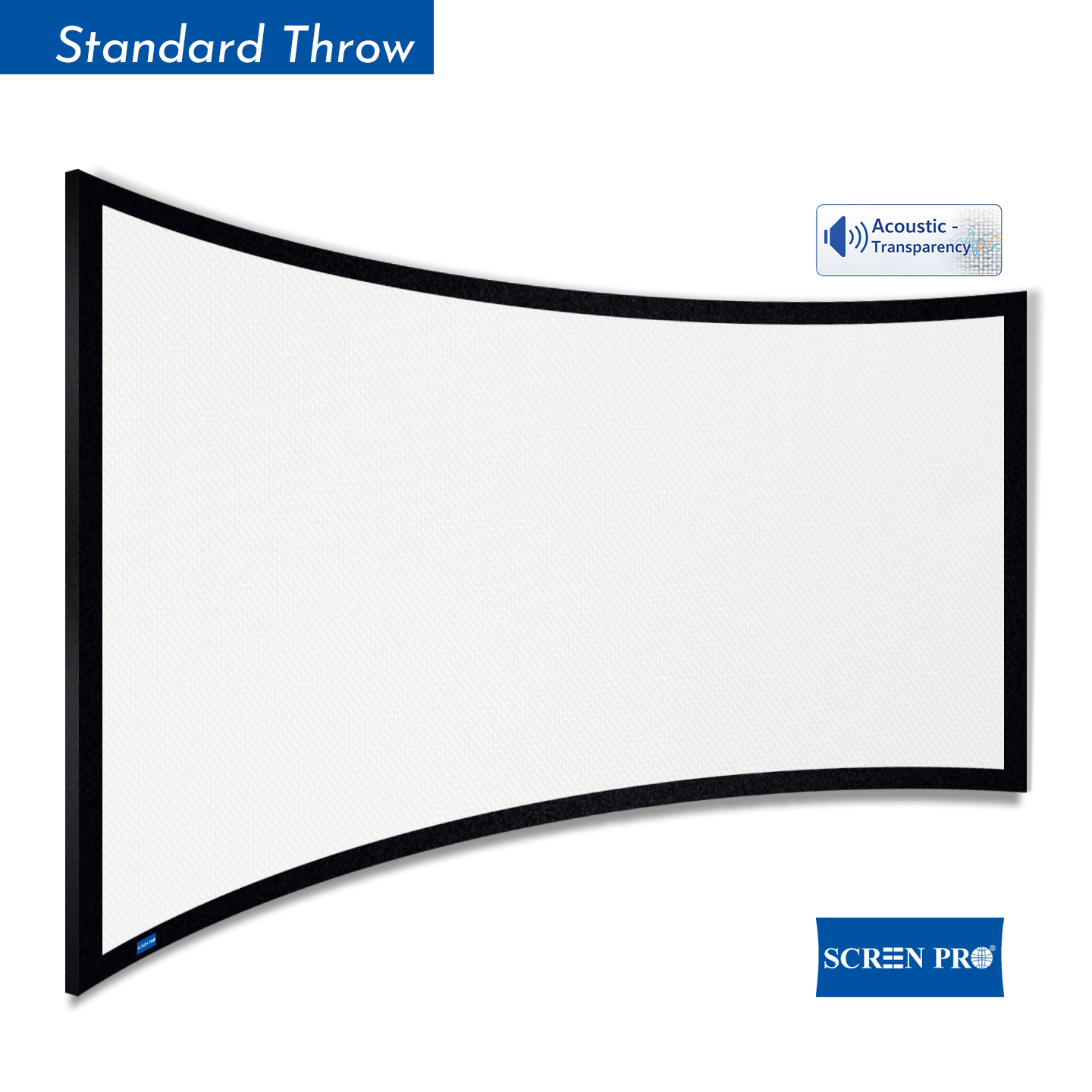
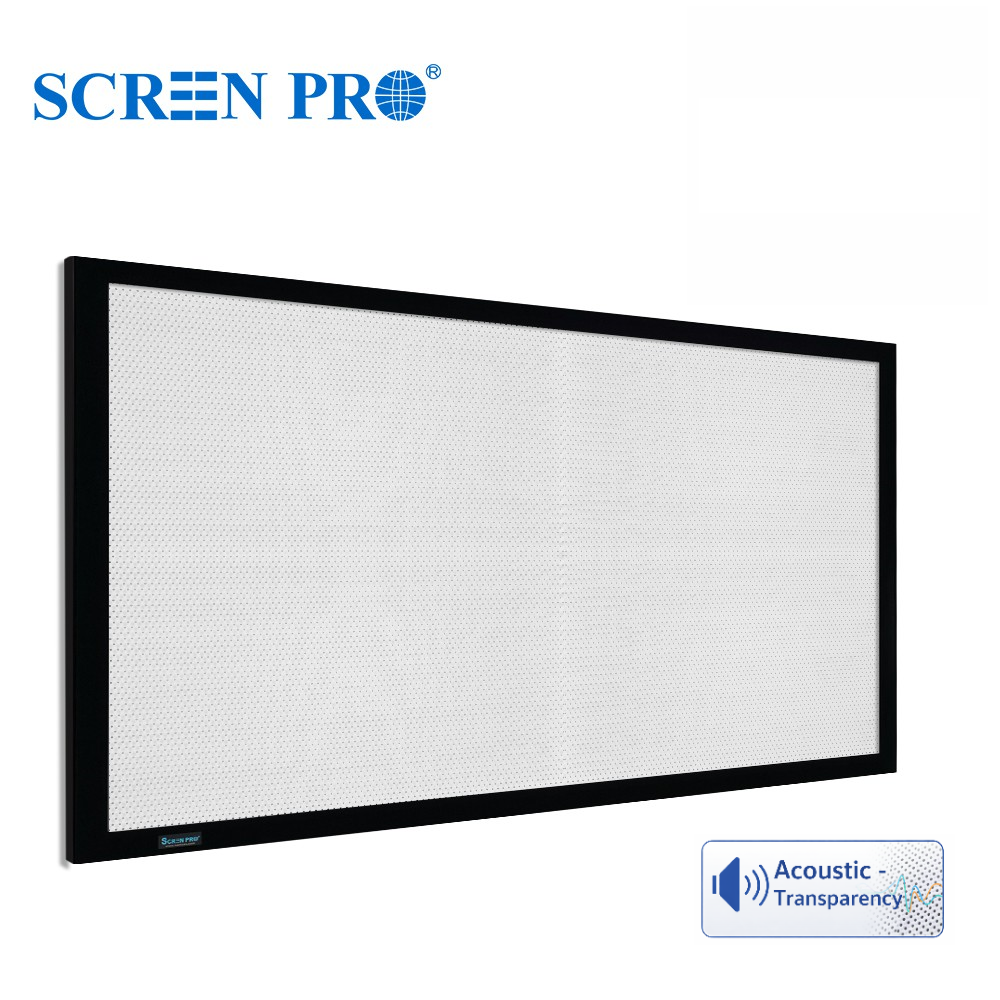
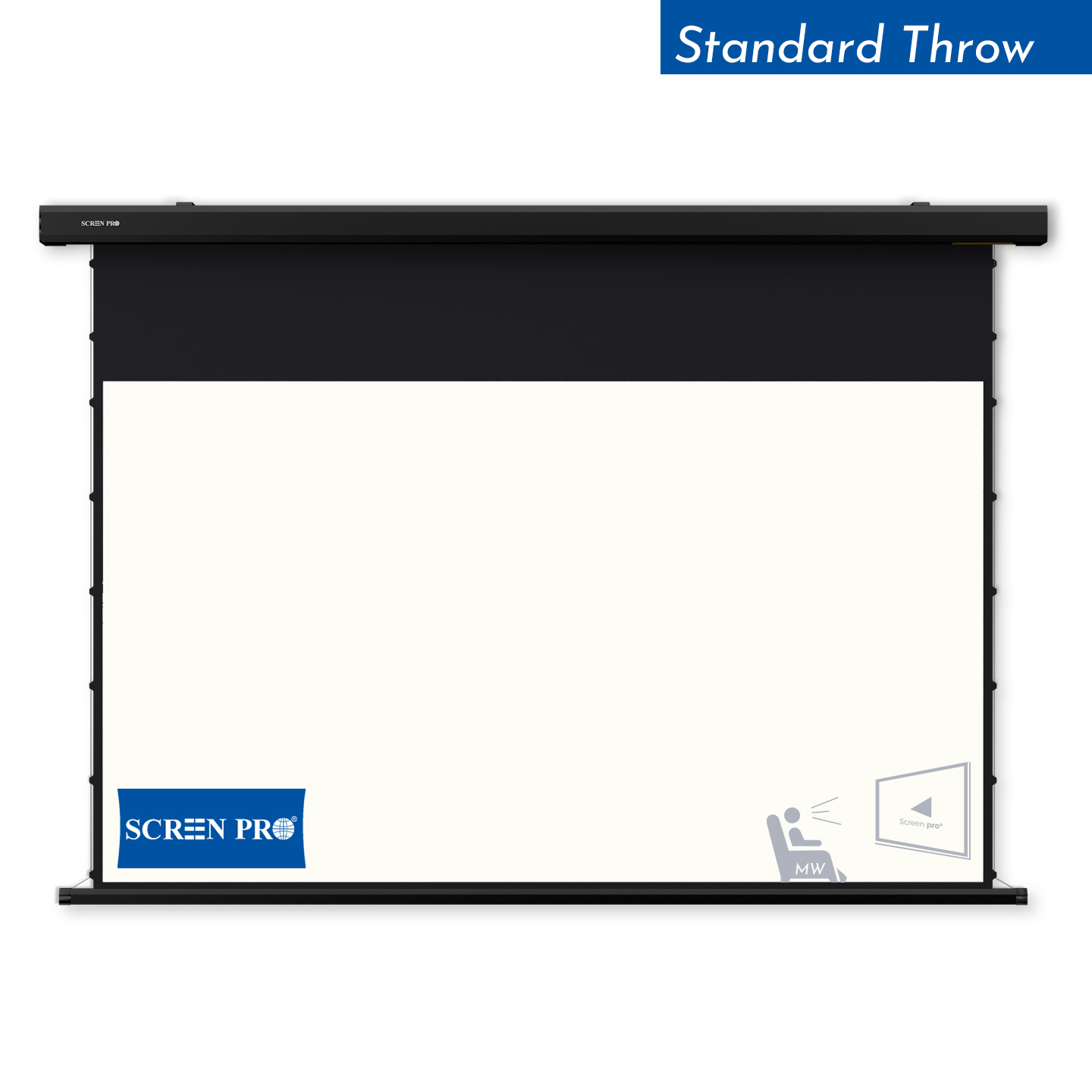
Different screen materials and structures require different setup priorities. Matching your room, projector type, and seating plan helps the screen perform as intended.
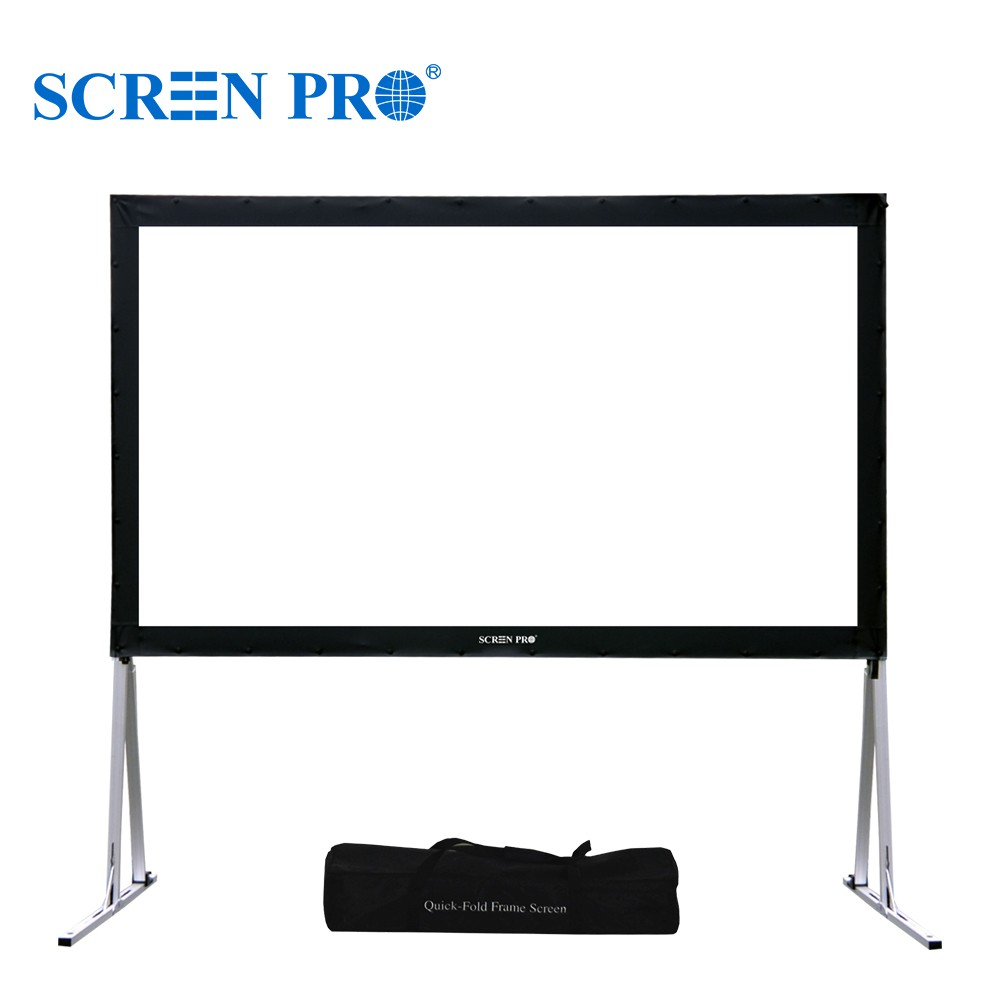
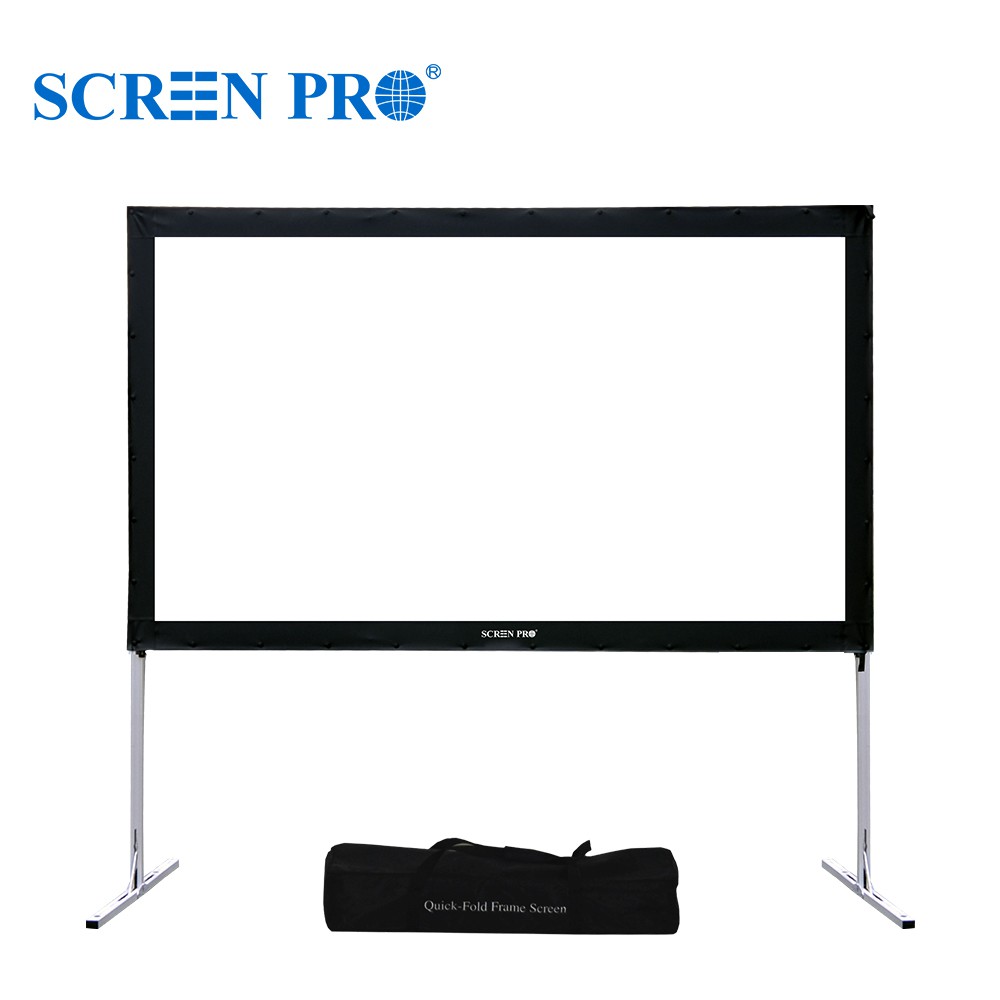
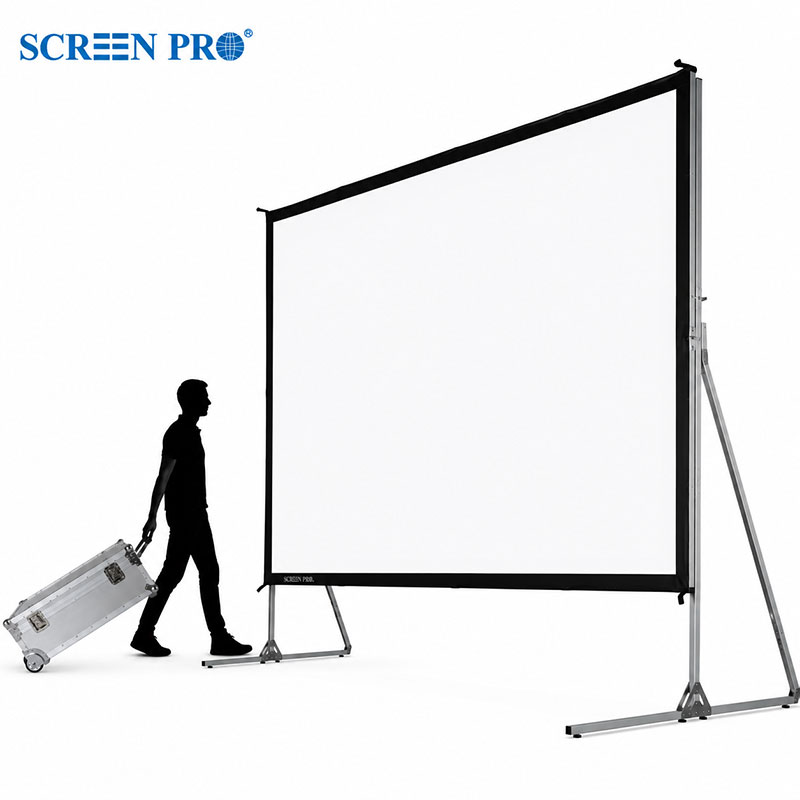
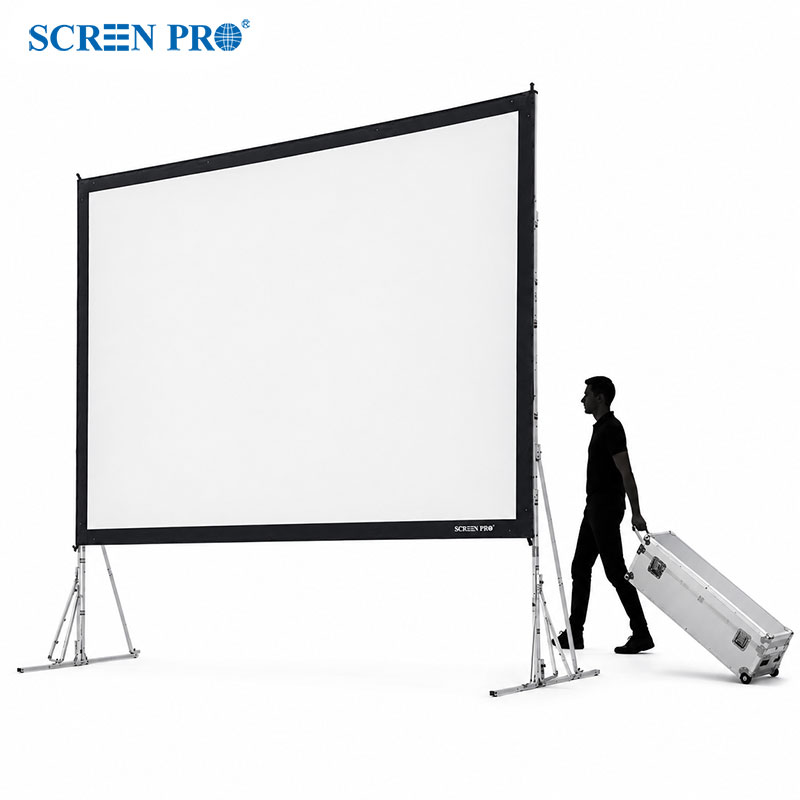
SCREENPRO designs projection screens for home theaters, living rooms, commercial spaces, and custom AV environments. The right viewing distance, angle, and screen type can transform a good setup into a truly cinematic experience.
SHOP NOW





© Copyright 2004-2026 SCREEN PRO® All Rights Reserved | Specifications are subject to change without notice. All Rights ReservedSite Map Designed by iwonder.cn