



© Copyright 2004-2026 SCREEN PRO® All Rights Reserved | Specifications are subject to change without notice. All Rights ReservedSite Map Designed by iwonder.cn


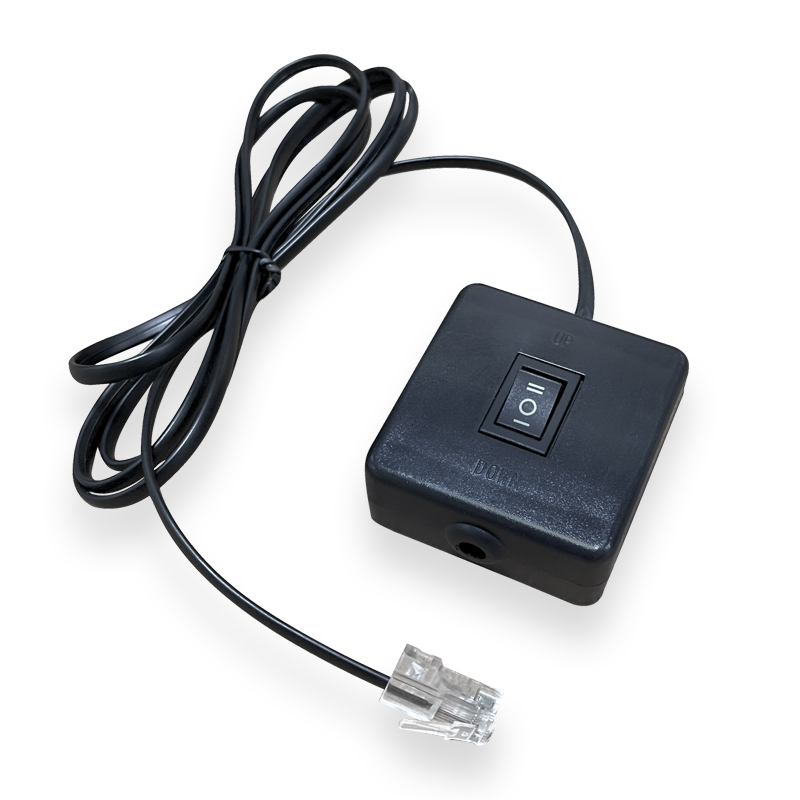
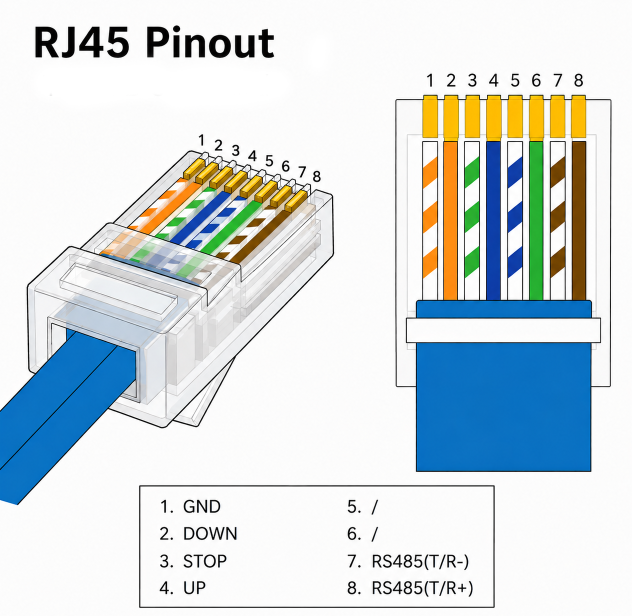
RJ12 automation uses RJ12 connectors and cables to transmit low-voltage control signals or data between motorized devices, controllers, sensors, and automation systems. In projection screen applications, RJ12 is commonly used for simple, reliable screen control such as UP, DOWN, and STOP commands.
RJ12, also known as Registered Jack 12, is a modular connector with 6 positions and 6 contacts, commonly described as 6P6C.
RJ12 provides a compact and reliable connector format for short-distance control wiring. It is especially useful when devices need a simple plug-in connection for control signals.
| Application | How RJ12 Is Used |
|---|---|
| Home Automation | Used to connect devices such as smart lighting, motorized curtains, security systems, and home automation hubs. |
| Industrial Automation | Can connect sensors, actuators, and controllers for monitoring and control within automation systems. |
| Dry Contact Closure | Used to trigger simple actions through low-voltage contact closure, such as opening, closing, or stopping a device. |
| PLC Interface | May appear on PLCs or automation devices for communication, signal input, or control output. |
| Smart Control Integration | Can be used with automation platforms such as Control4, Crestron, Savant, AMX, RTI, or compatible relay modules. |
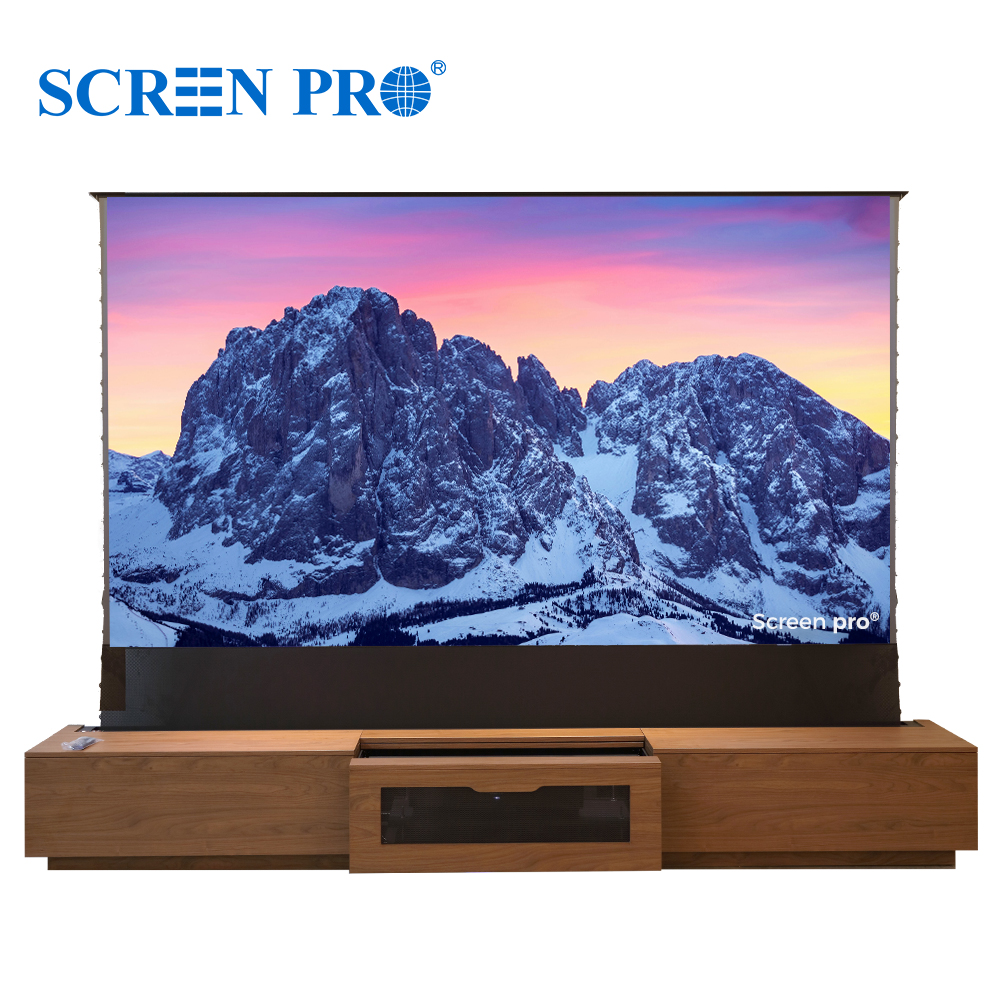
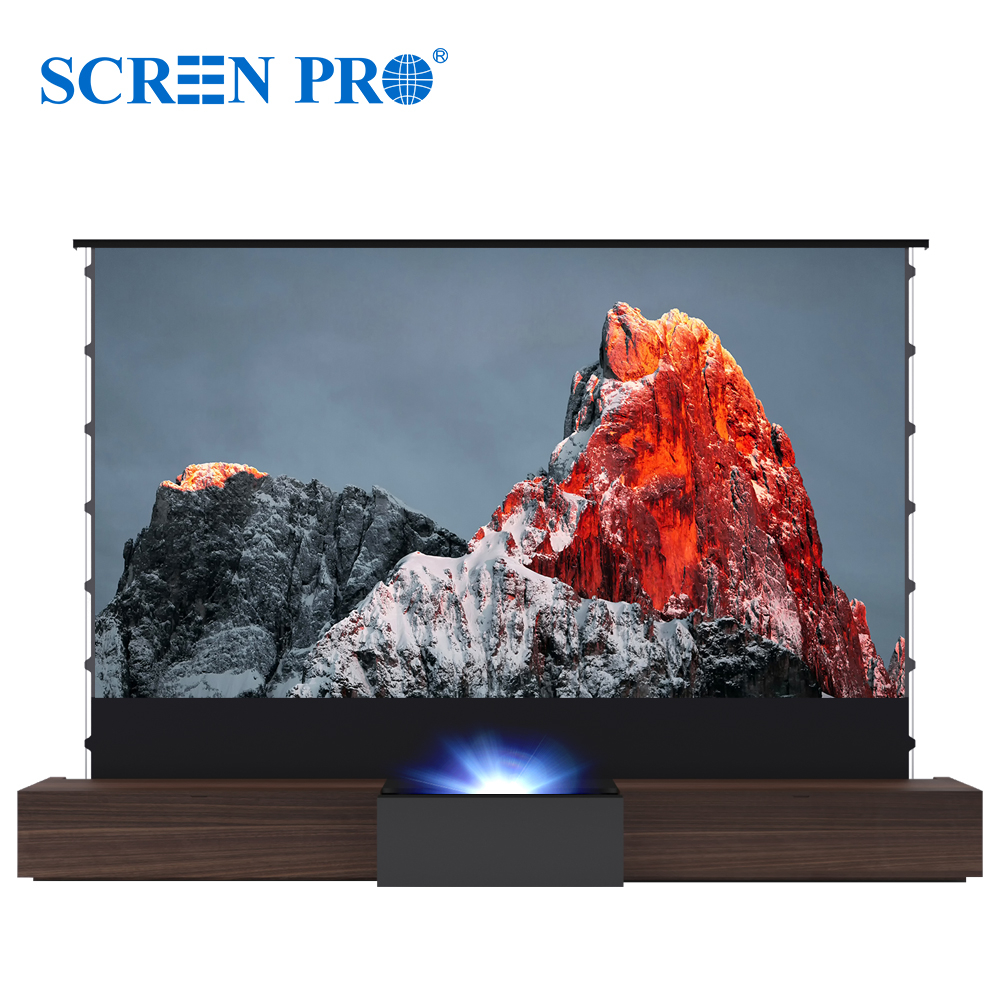
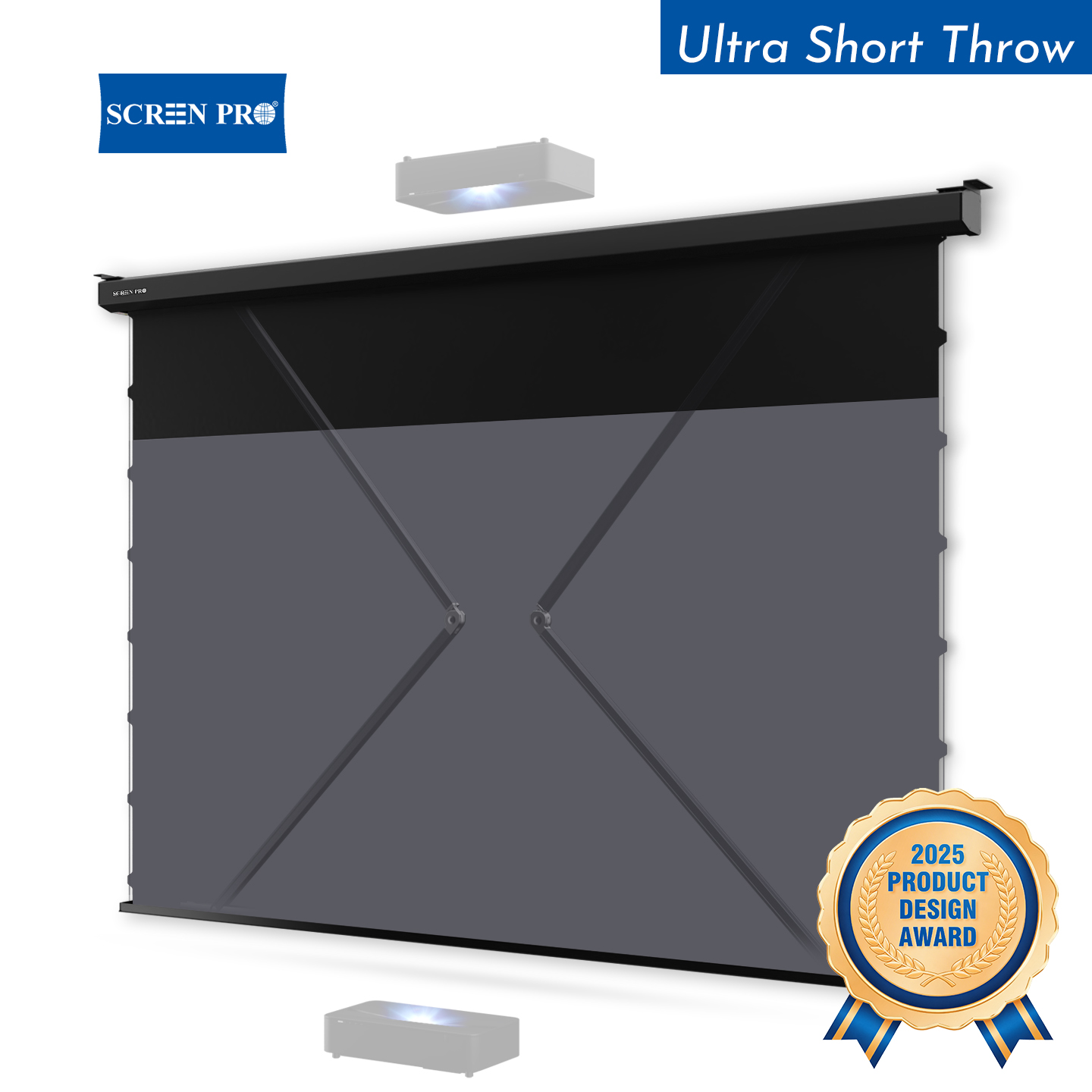
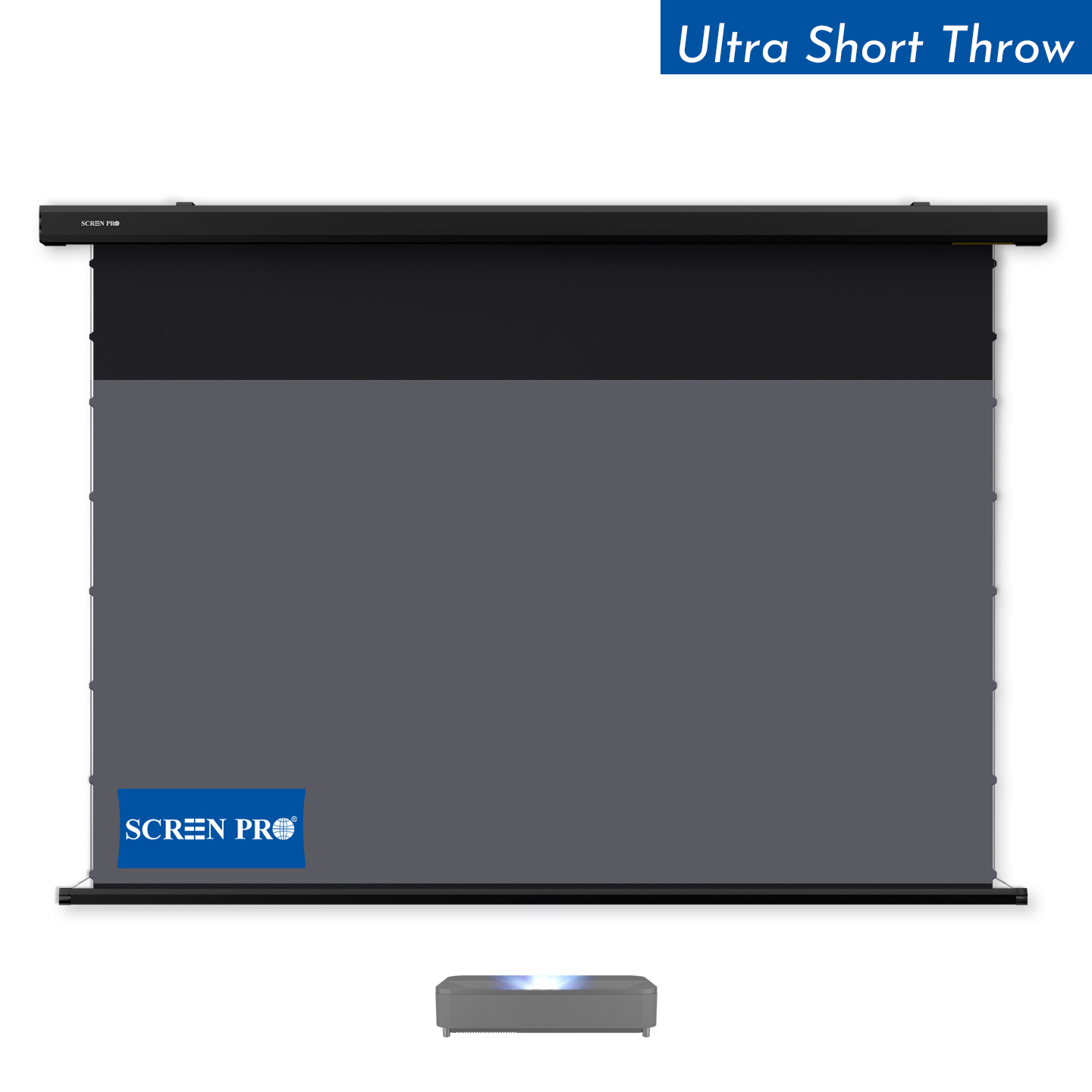
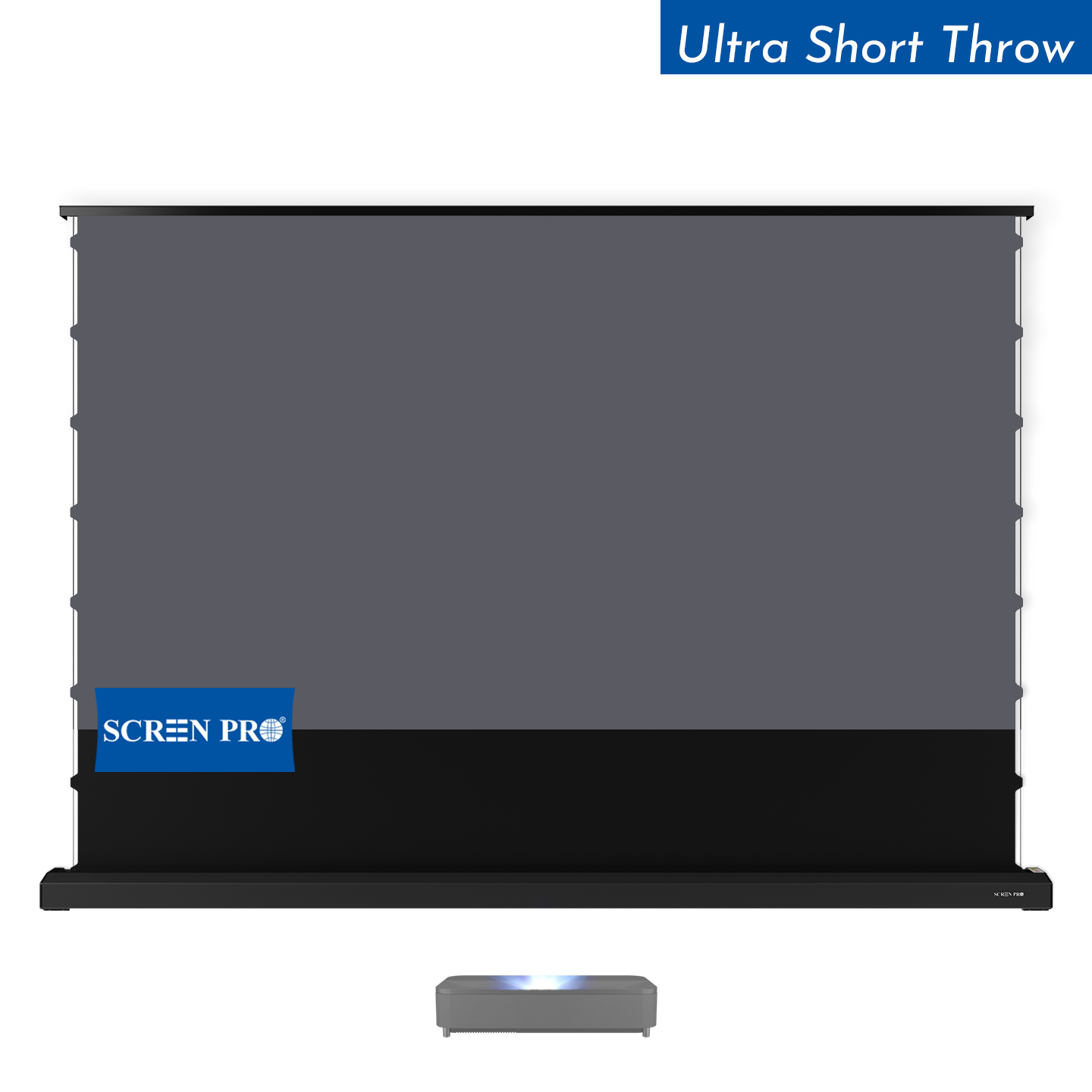
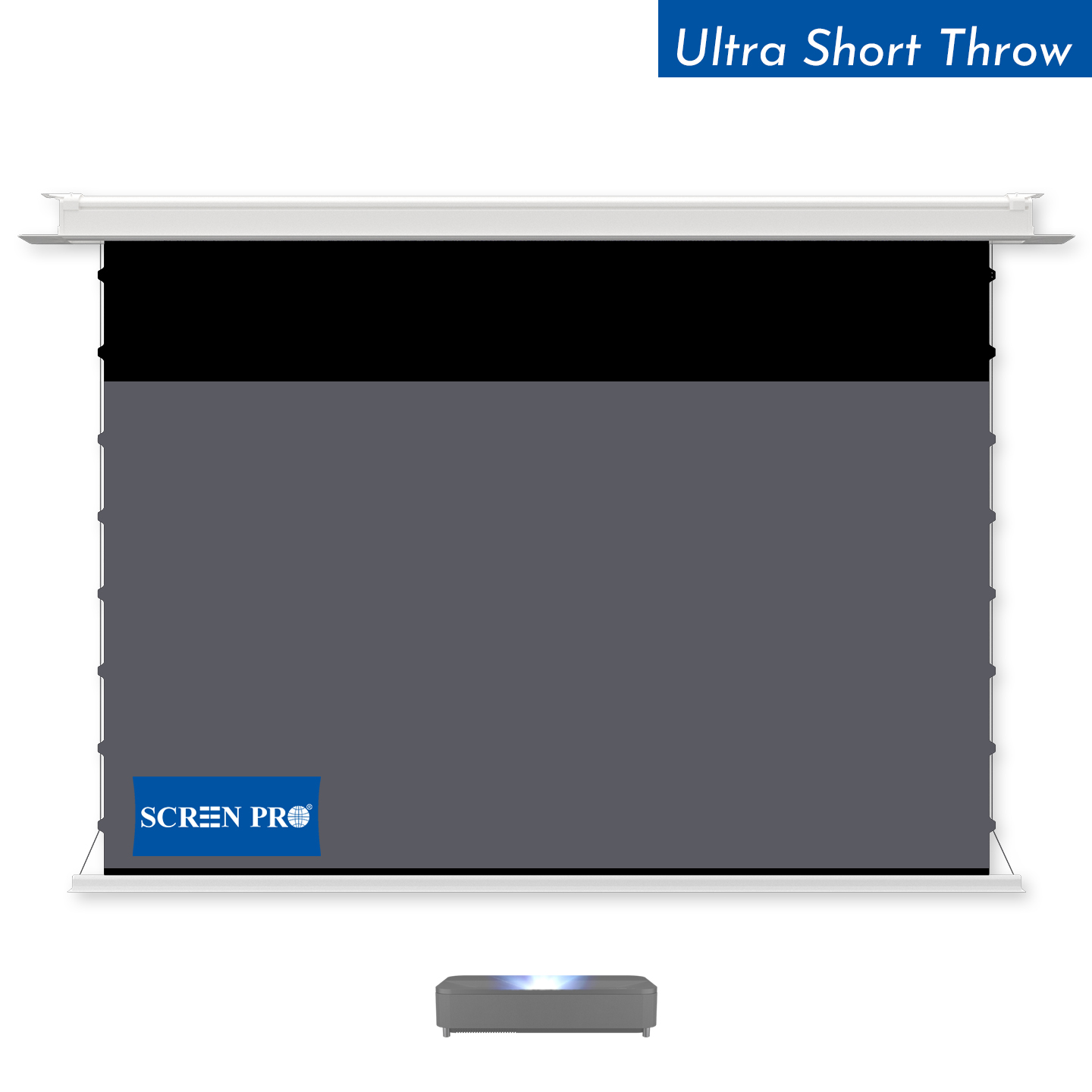
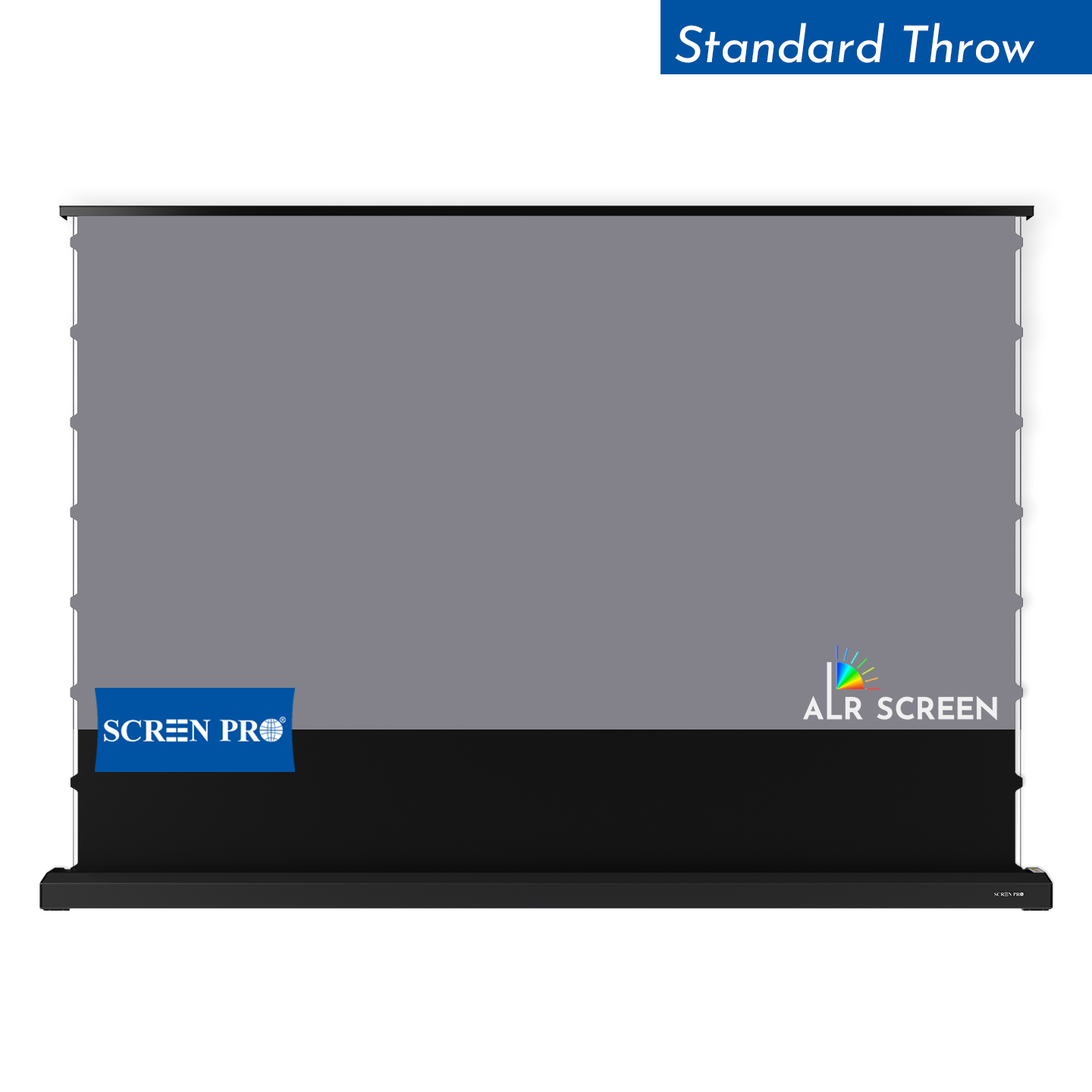
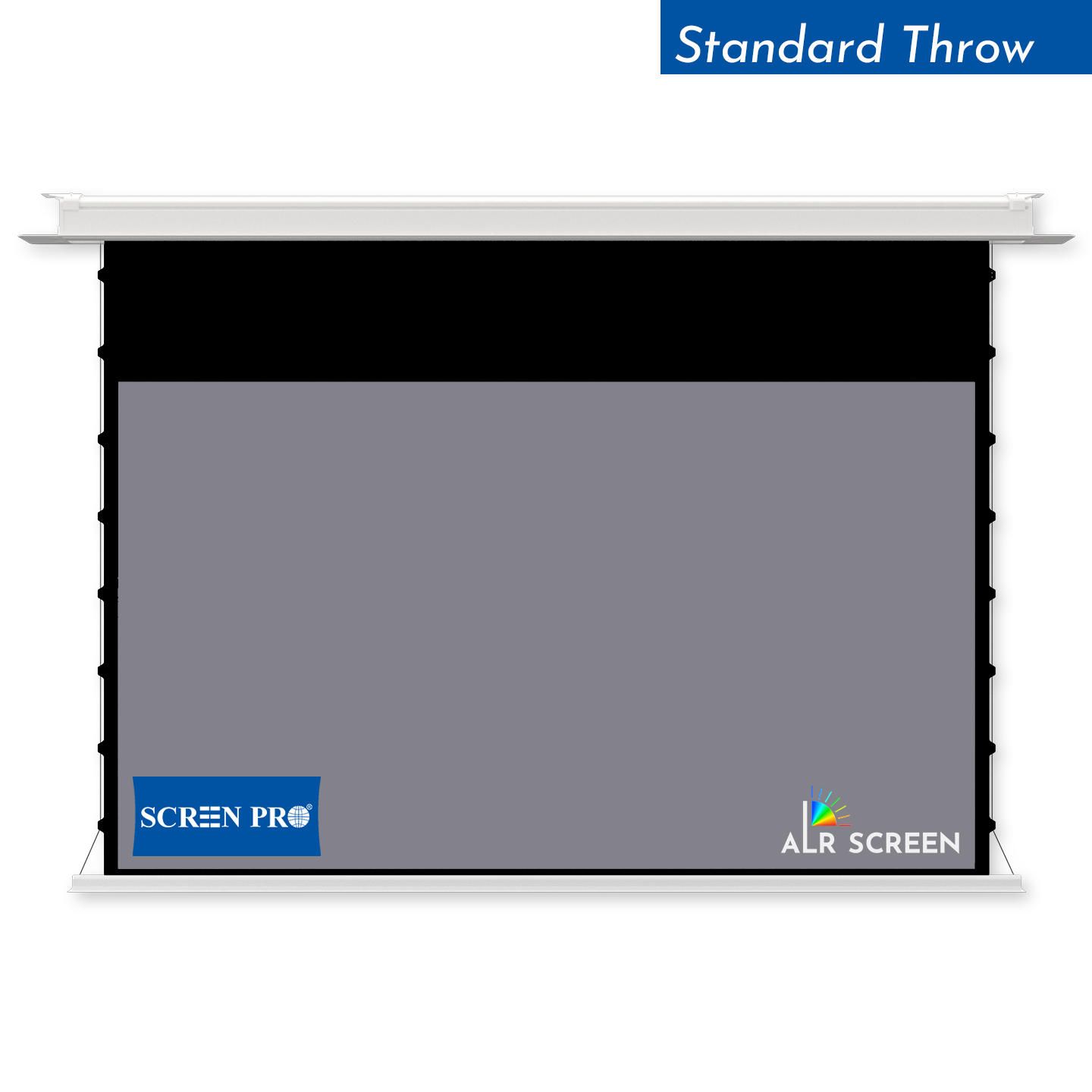
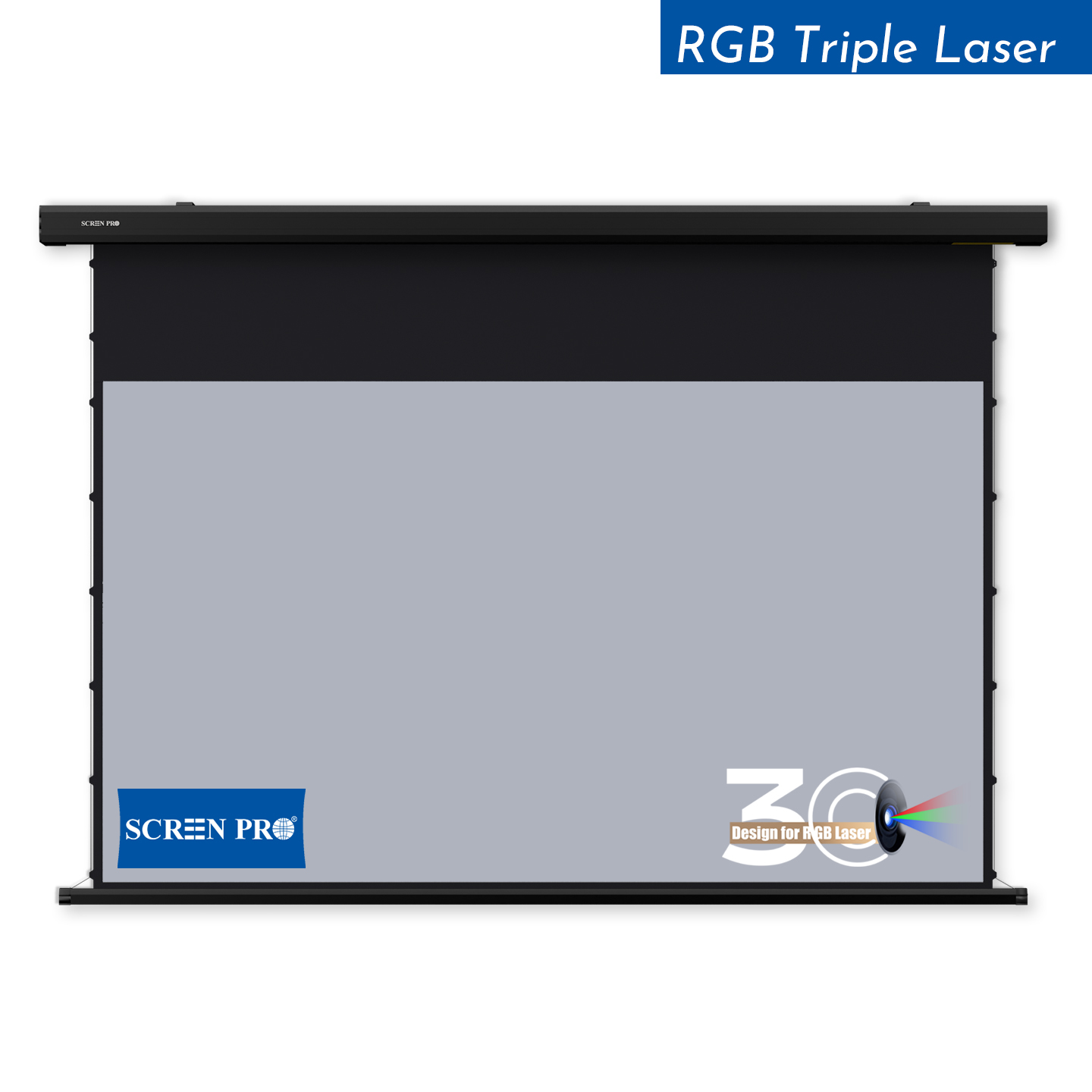
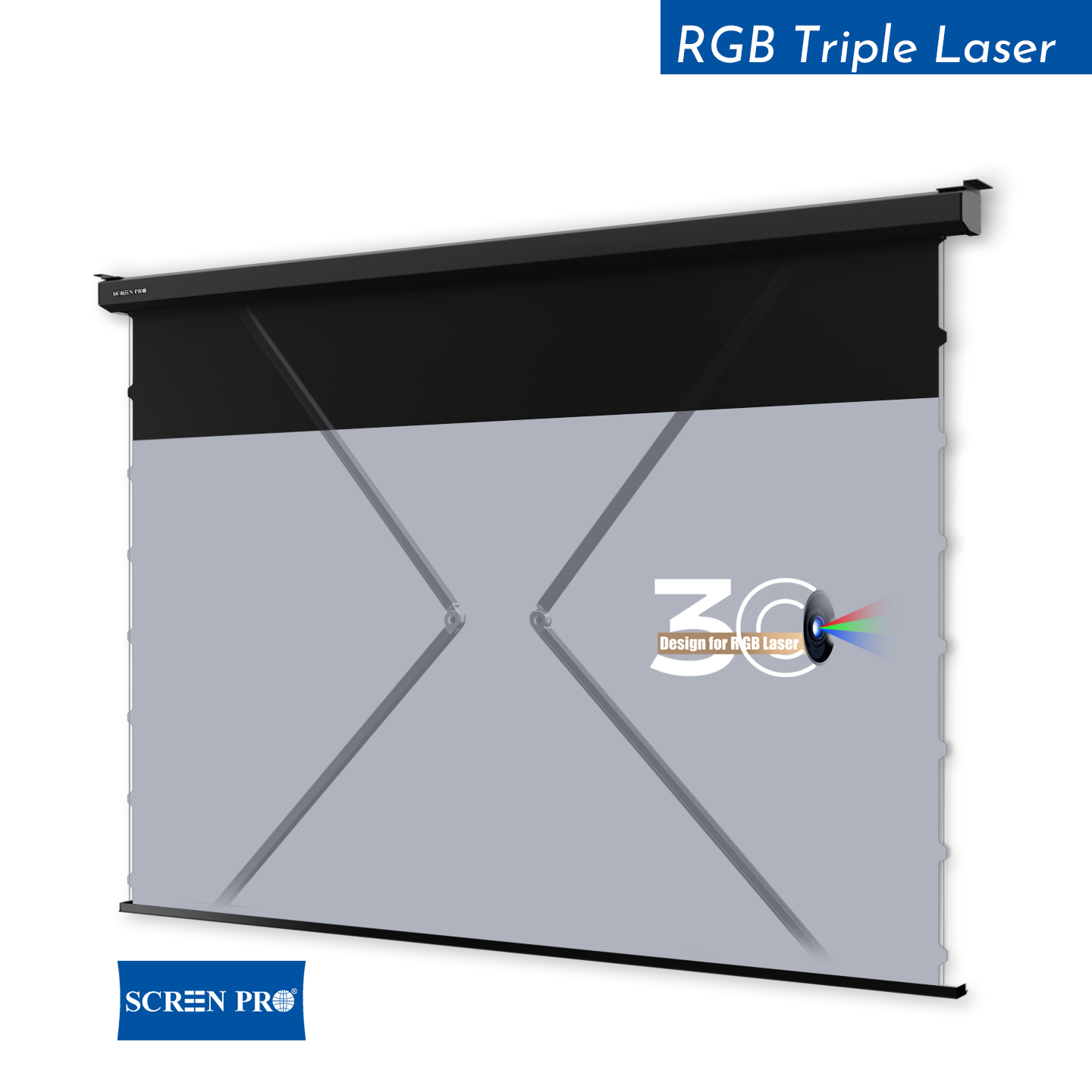
In motorized projection screen systems, RJ12 connectors are often used to create a low-voltage control link between the screen motor, wall switch, external receiver, or AV automation controller.
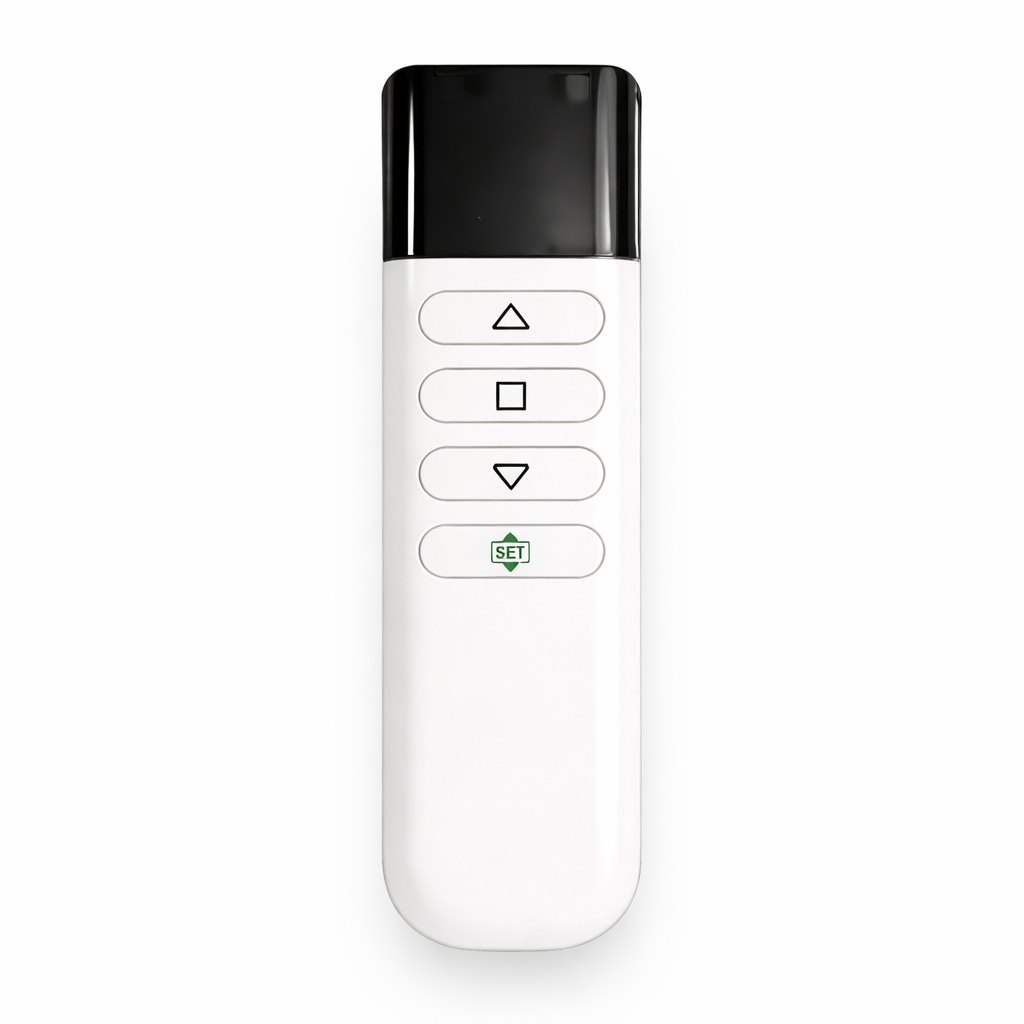
The RJ12 cable carries low-voltage control signals from a wall switch, remote receiver, relay module, or AV controller to the screen control system.
RJ12 ports can be connected to professional AV or smart home systems through relay modules, control processors, or adapters.
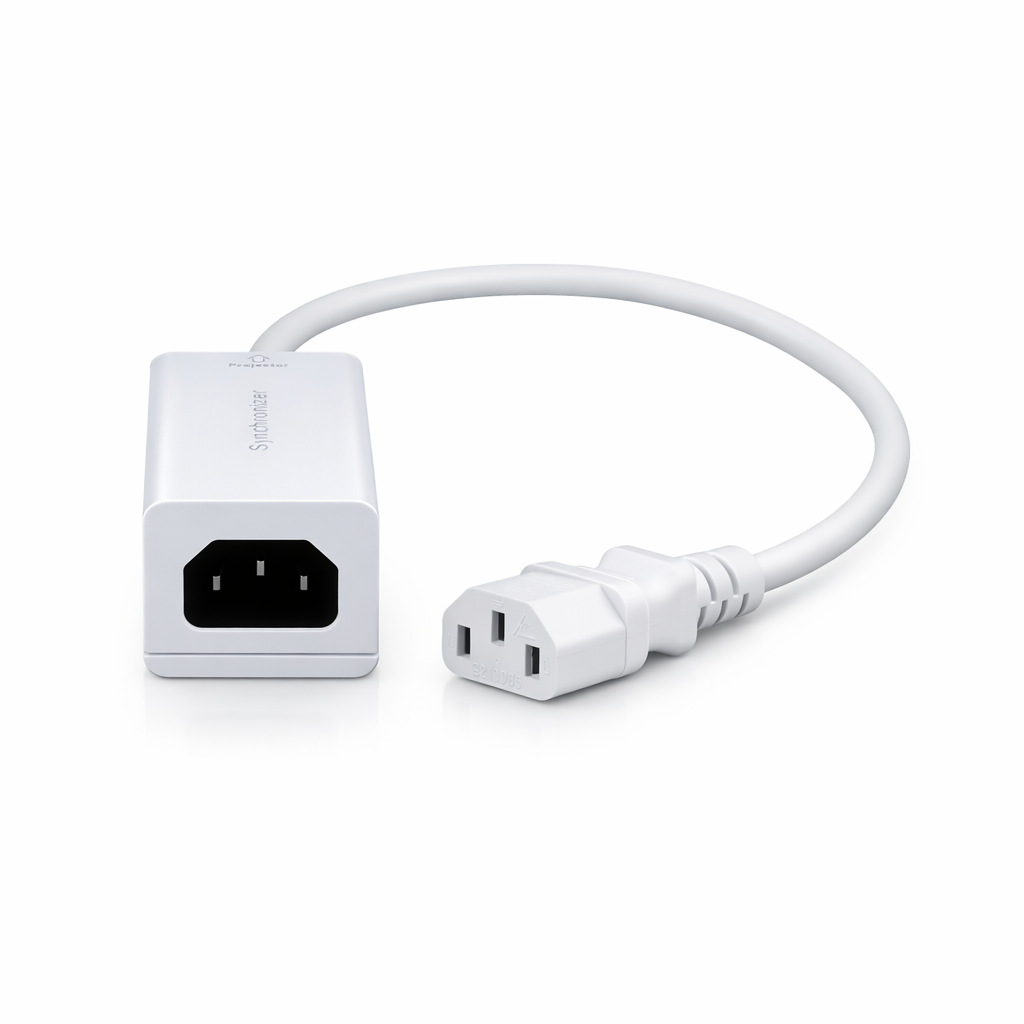
The screen can automatically lower when the projector or AV system is turned on.
Projection screens can be integrated with room control panels for one-touch presentations.
Screens can be controlled by centralized automation systems for scheduled or synchronized operation.
No. RJ12 and RJ11 may look similar, but RJ12 usually uses a 6P6C configuration, while RJ11 often uses fewer active contacts. Always check the pin layout before connecting automation devices.
Yes. In compatible systems, RJ12 can be used to transmit low-voltage control signals such as UP, DOWN, and STOP between the screen and control devices.
Yes, but it usually requires compatible relay modules, control processors, or adapters. Integration depends on the screen controller and the smart home system being used.
RJ12 is generally better for short-distance low-voltage control wiring. For longer distances, professional AV control wiring or signal extension methods may be required.




© Copyright 2004-2026 SCREEN PRO® All Rights Reserved | Specifications are subject to change without notice. All Rights ReservedSite Map Designed by iwonder.cn