

© Copyright 2004-2026 SCREEN PRO® All Rights Reserved | Specifications are subject to change without notice. All Rights ReservedSite Map Designed by iwonder.cn


A practical guide to choosing the right screen height for home theaters, living rooms, and UST laser TV systems.
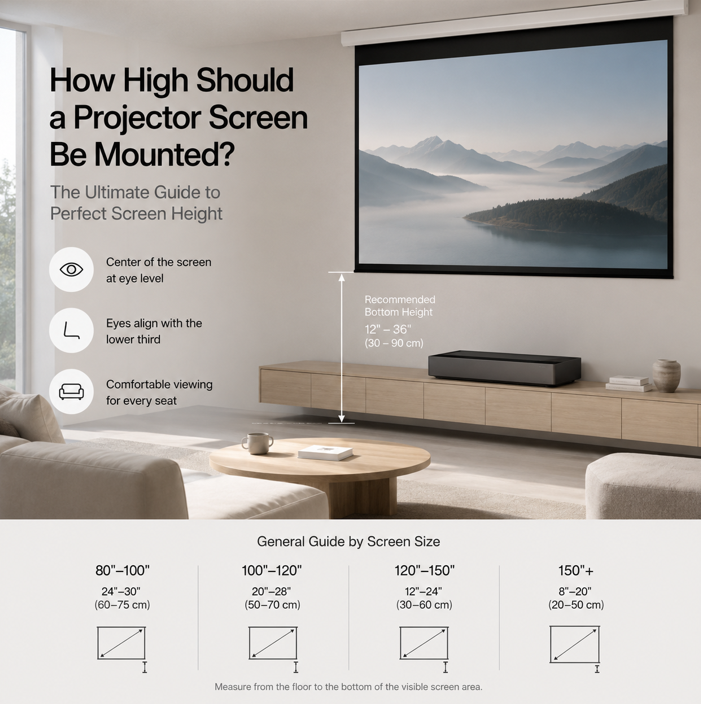
Installing a projector screen at the correct height is one of the most important factors in creating a comfortable viewing experience. Even the best projector and screen combination can feel awkward if the screen is mounted too high or too low.
The ideal height depends on your screen size, seating position, projector type, and room layout.
A common mistake is installing the screen based only on wall space availability. Instead, the screen should be positioned according to the viewer's seated eye level.
For most residential installations, the following guidelines work well:
| Screen Size | Recommended Bottom Height |
|---|---|
| 80"–100" | 24–30 in (60–75 cm) |
| 100"–120" | 20–28 in (50–70 cm) |
| 120"–150" | 12–24 in (30–60 cm) |
| 150"+ | 8–20 in (20–50 cm) |
Larger screens generally benefit from a lower installation position to maintain a comfortable viewing angle.
A 120-inch 16:9 screen has an image height of approximately 59 inches (149 cm). If the bottom of the image is mounted 24 inches (61 cm) above the floor:
This creates a natural viewing angle suitable for long movie sessions.
Lower screen placement is usually preferred because seating is often closer and the room is designed around the viewing experience.
12–24 in (30–60 cm)Furniture, media cabinets, and interior design often influence screen placement. The goal is to balance aesthetics and comfort.
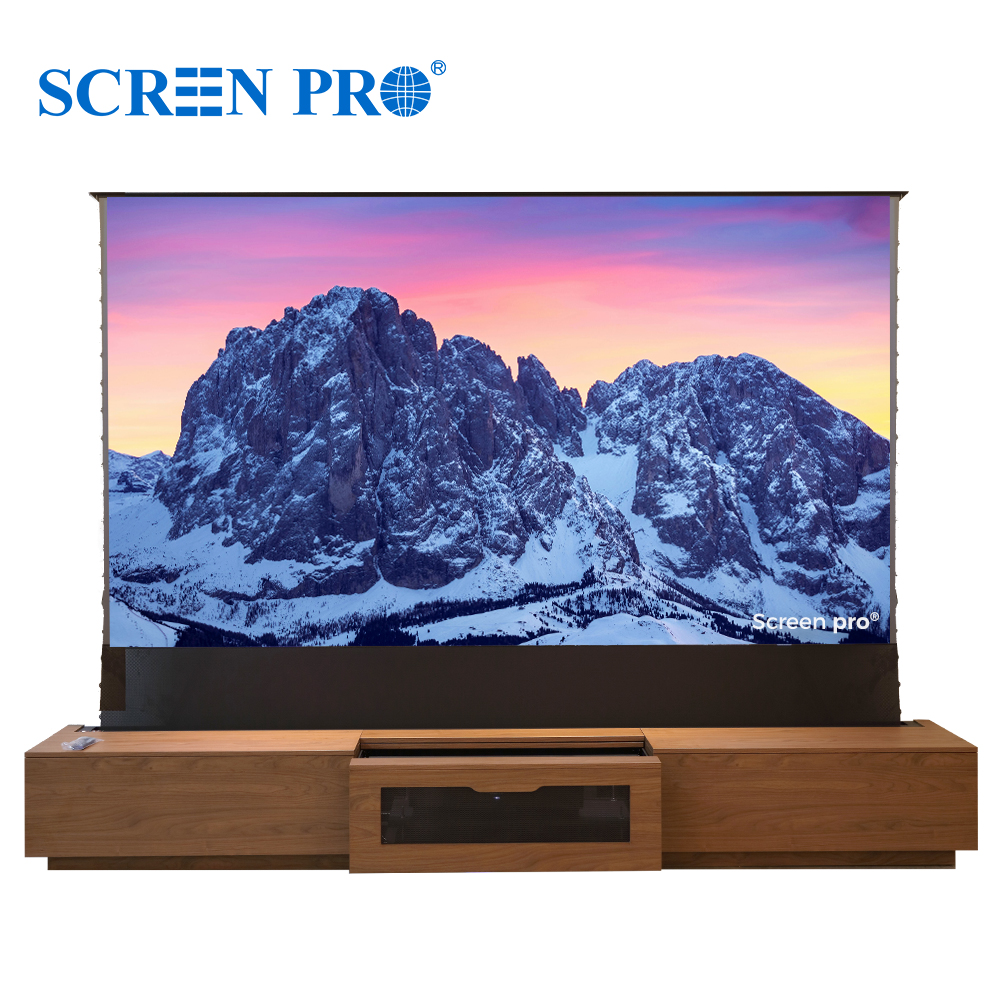
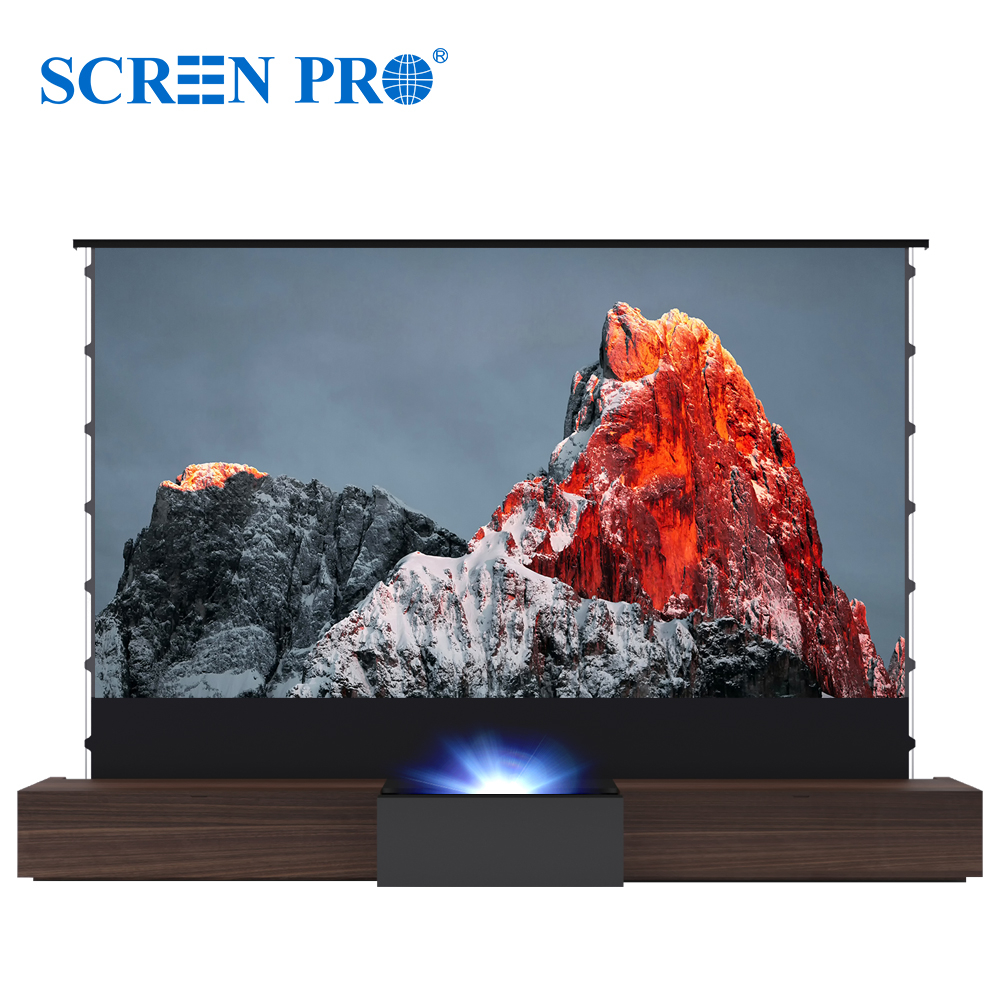
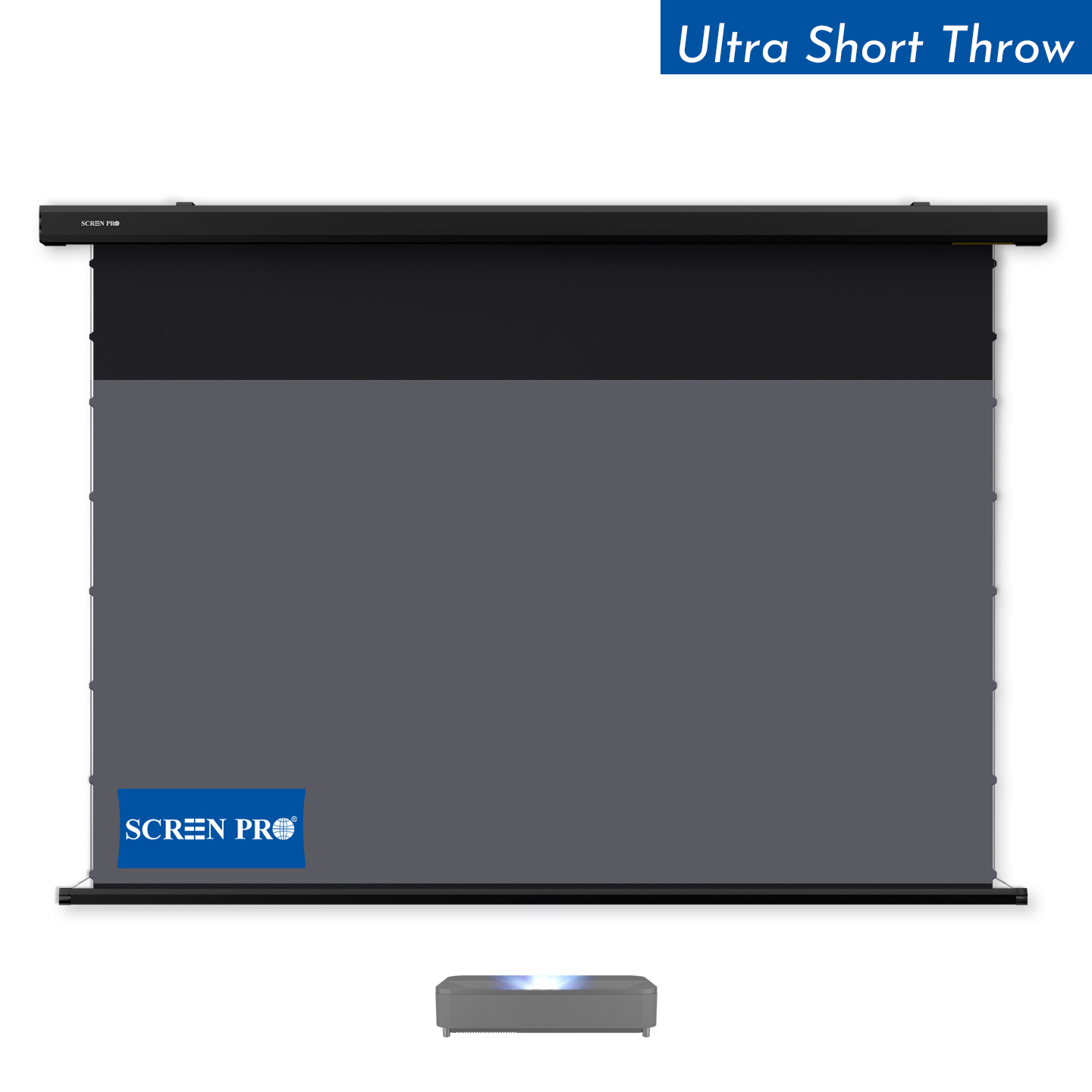
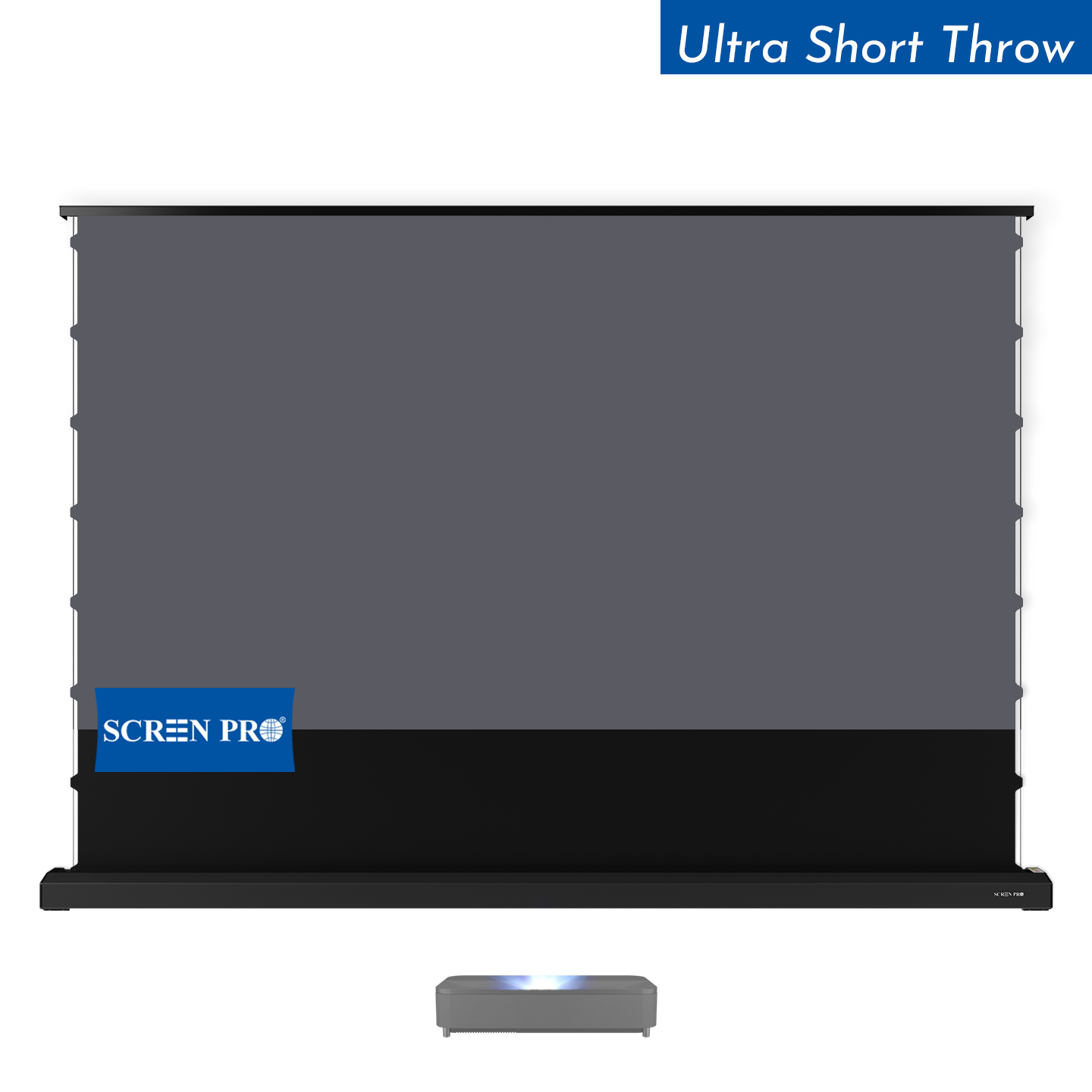
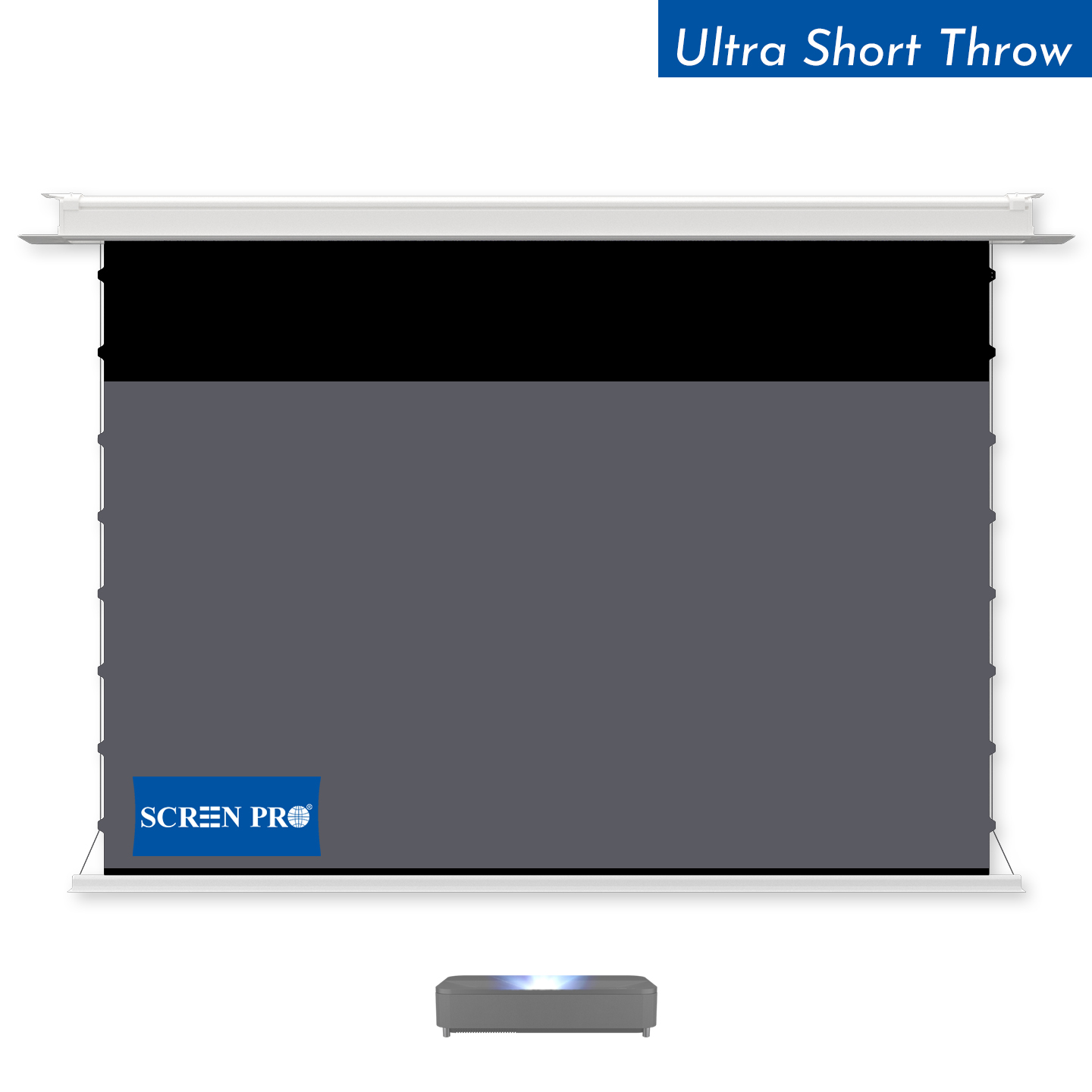
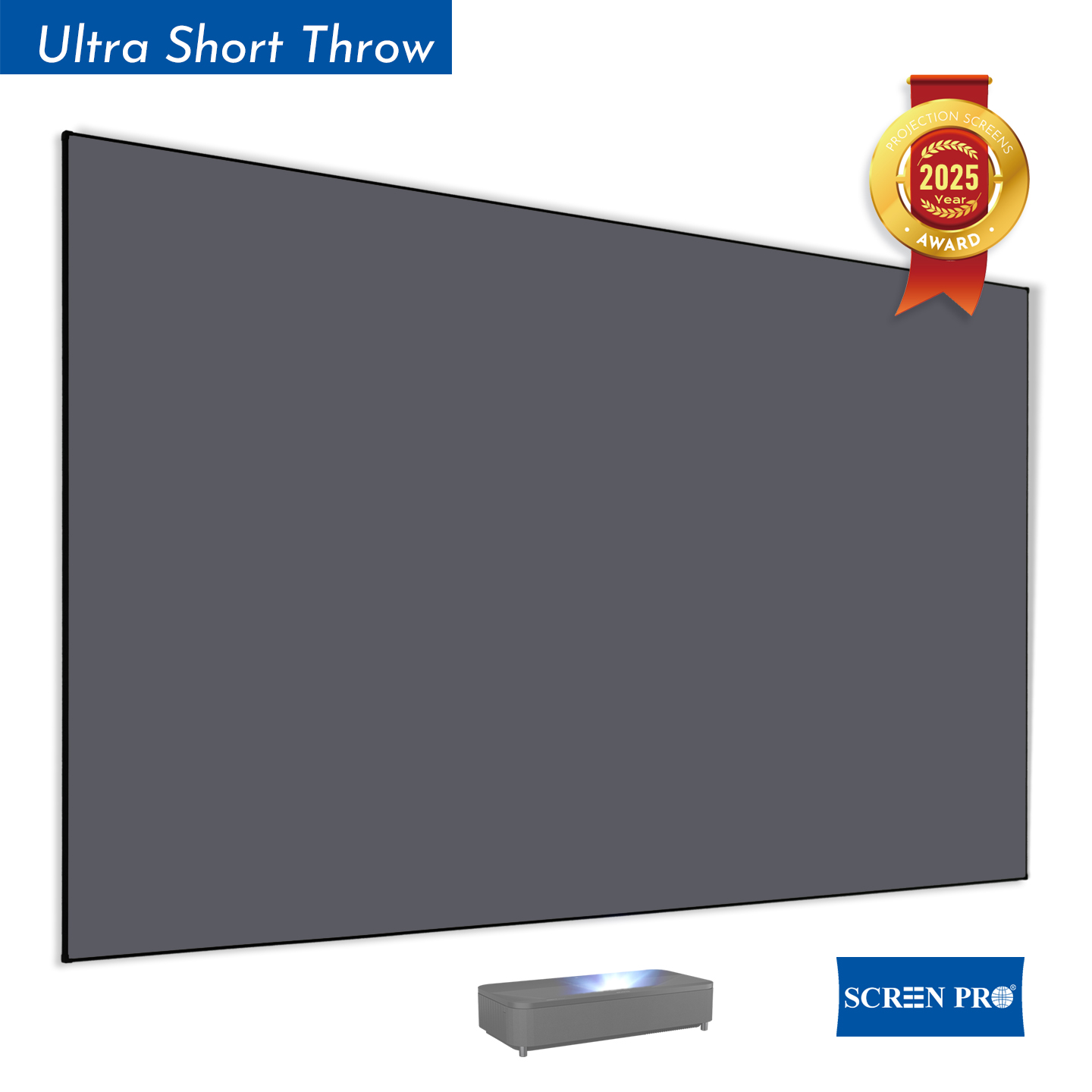
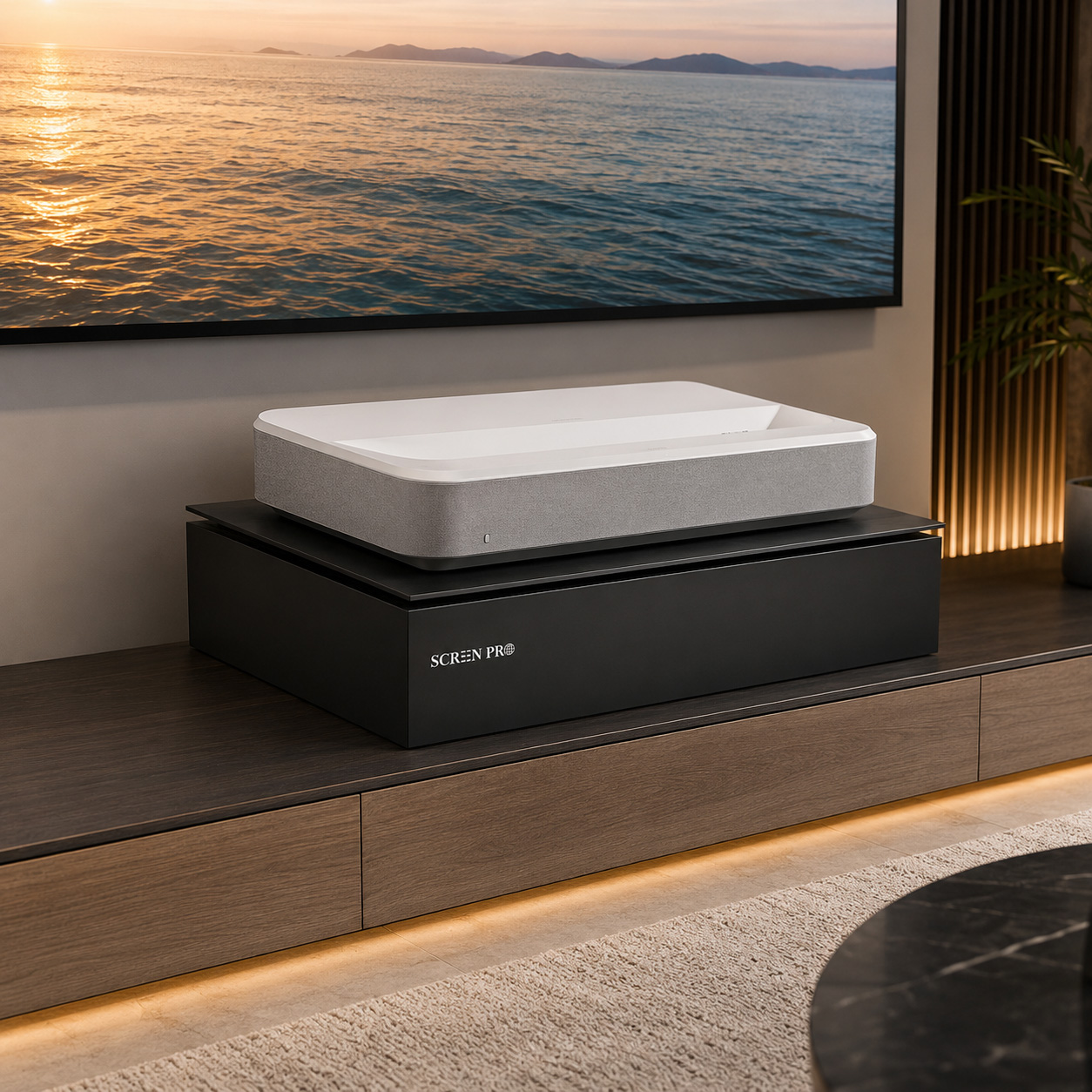
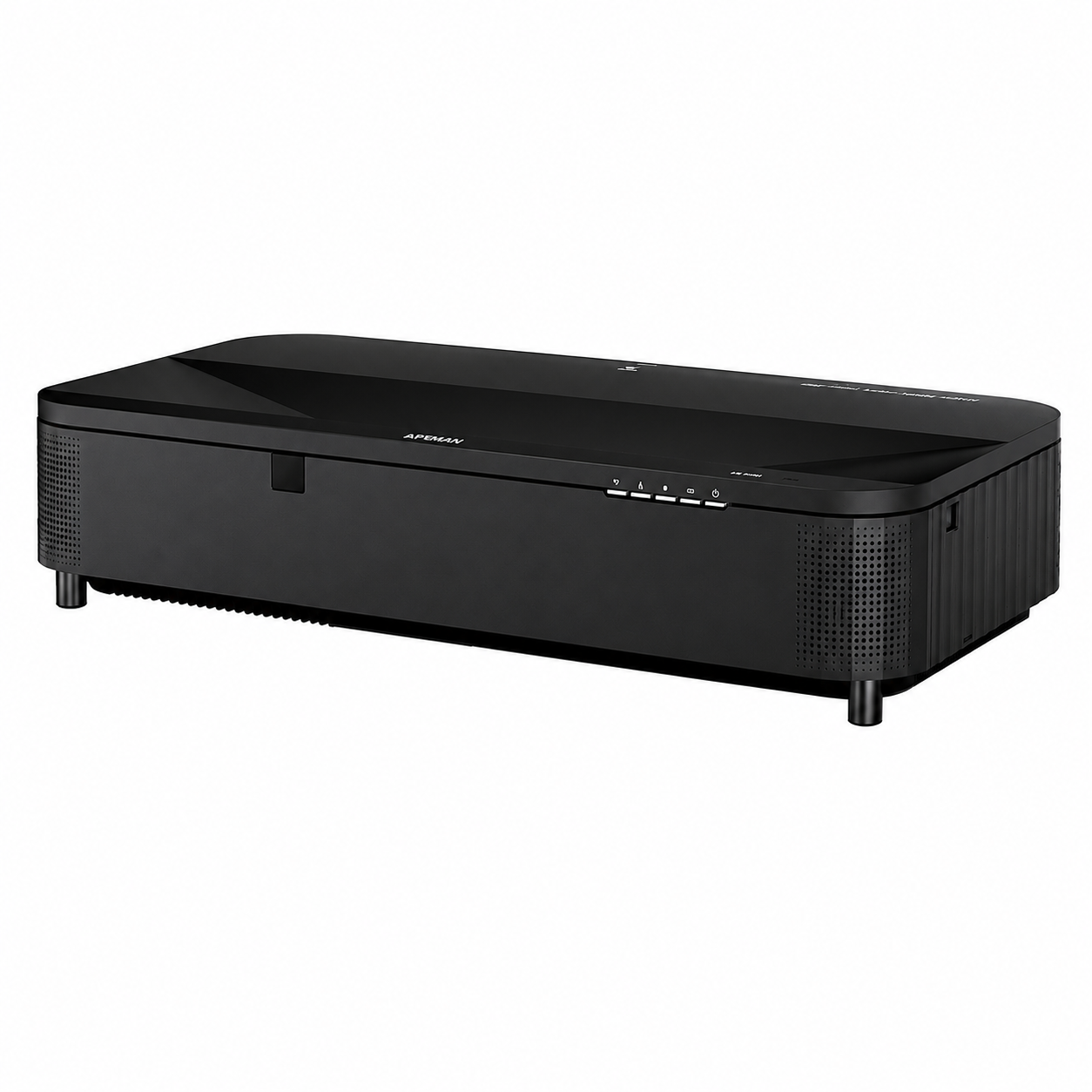
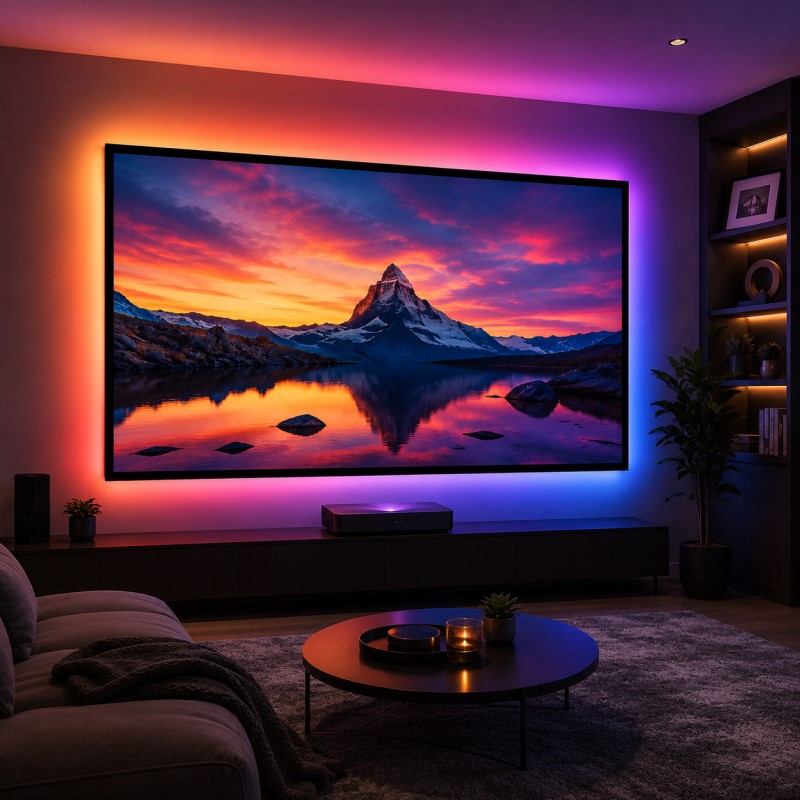
20–36 in (50–90 cm)Ultra-short-throw projectors require additional consideration because the projector sits directly beneath the screen.
This range works well for laser TV systems and large-format UST ALR screens.
An excessively high screen position can cause:
Many installations place the screen too high simply because it "looks centered" on the wall. However, cinema design principles prioritize viewer comfort over wall symmetry.
To determine the ideal installation height, gather the following information:
As a simple guideline, position the screen so that your eyes are aligned near the lower third of the projected image when seated. This approach works for most home theater and media room installations.
At SCREENPRO®, we generally recommend mounting the visible image area so the bottom of the screen sits:
Every room is different, and the optimal installation height depends on your seating position and viewing habits.
No. The ideal screen height depends on screen size, seating position, and room design.
For most home theaters, the bottom of the screen should be between 12 and 36 inches (30–90 cm) above the floor.
Ideally, yes. The screen center should be near seated eye level, or the viewer's eyes should align with the lower third of the image.
For larger screens, lower placement usually creates a more comfortable and immersive viewing experience.
Most UST ALR screens perform best when the bottom of the visible screen area is positioned 12–24 inches (30–60 cm) above the floor.
Share your screen size, seating distance, and room layout with SCREENPRO. Our team can help recommend a practical installation height for your setup.
Talk to SCREENPRO```





© Copyright 2004-2026 SCREEN PRO® All Rights Reserved | Specifications are subject to change without notice. All Rights ReservedSite Map Designed by iwonder.cn