

© 2026 SCREENPRO®. Specifications are subject to change without notice. | SamsAV All Rights ReservedSite Map Designed by iwonder.cn


A practical guide to choosing between standard RF control, IR integration, and Tuya Smart Home control for SCREENPRO Jampo AJ and TJ motorized projection screens.
When specifying a motorized projection screen, the screen material and size are only part of the system. The motor and control configuration also determines how the screen is operated, how it communicates with the projector, and whether it can be integrated into an existing AV or smart-home system.
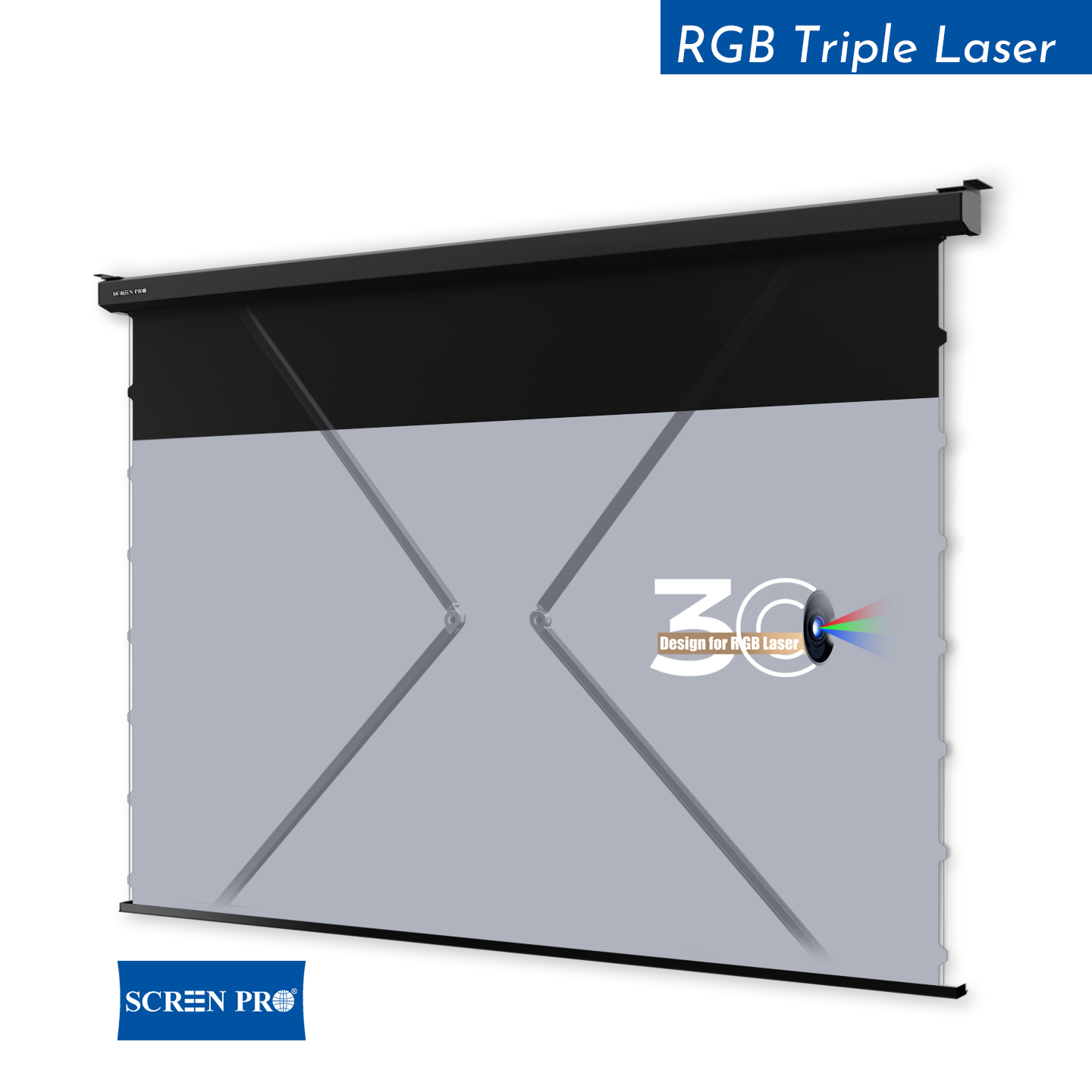
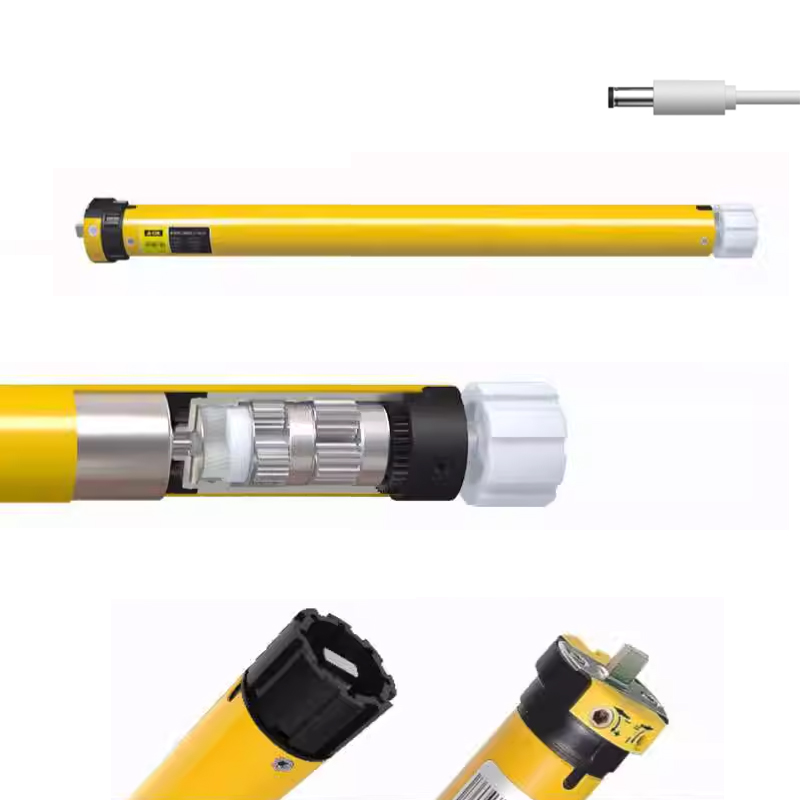
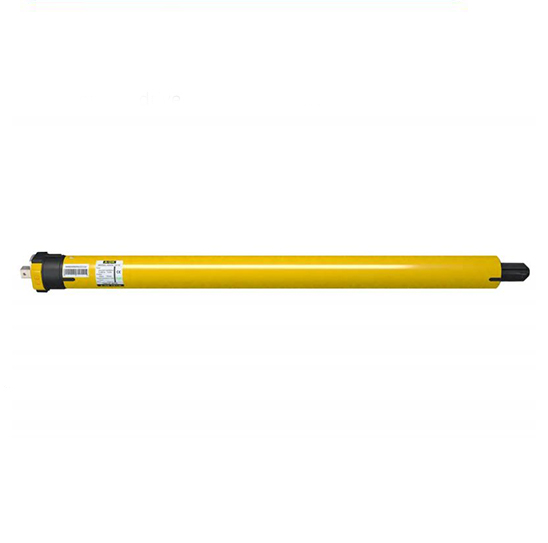
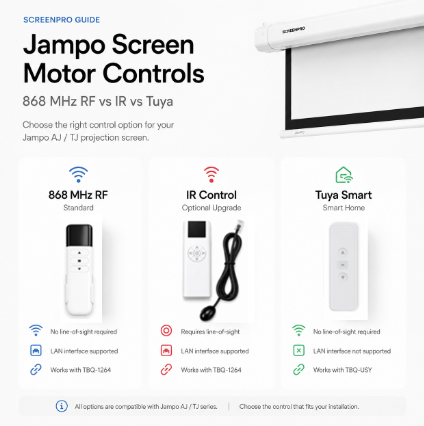
For SCREENPRO Jampo Series AJ and TJ screens, there are three main control configurations: standard 868 MHz RF control, optional IR control and the M-TY Tuya smart-control configuration.
| Feature | 868 MHz RF | IR Control | Tuya Smart Control |
|---|---|---|---|
| Motor Configuration | M-AM35 | M-AM35 | M-TY |
| Configuration Positioning | Standard / Default | Optional Upgrade | Smart Control Configuration |
| Compatible Series | AJ / TJ | AJ / TJ | AJ / TJ |
| Control Type | 868 MHz RF | Infrared | Tuya Smart Control |
| Remote Code | R-RF-J2512 | R-IR-J2601 | R-RF-J2604 |
| Remote Power | AAA × 2 | AAA × 2 | CR2032 × 1 |
| Requires Pointing at Receiver | No | Yes | No |
| LAN Interface | Supported | Supported | Not Supported |
| Compatible Trigger | TBQ-1264 | TBQ-1264 | TBQ-USY |
| Typical Application | Standard AV installation | Existing IR control system | Tuya / Smart Home project |
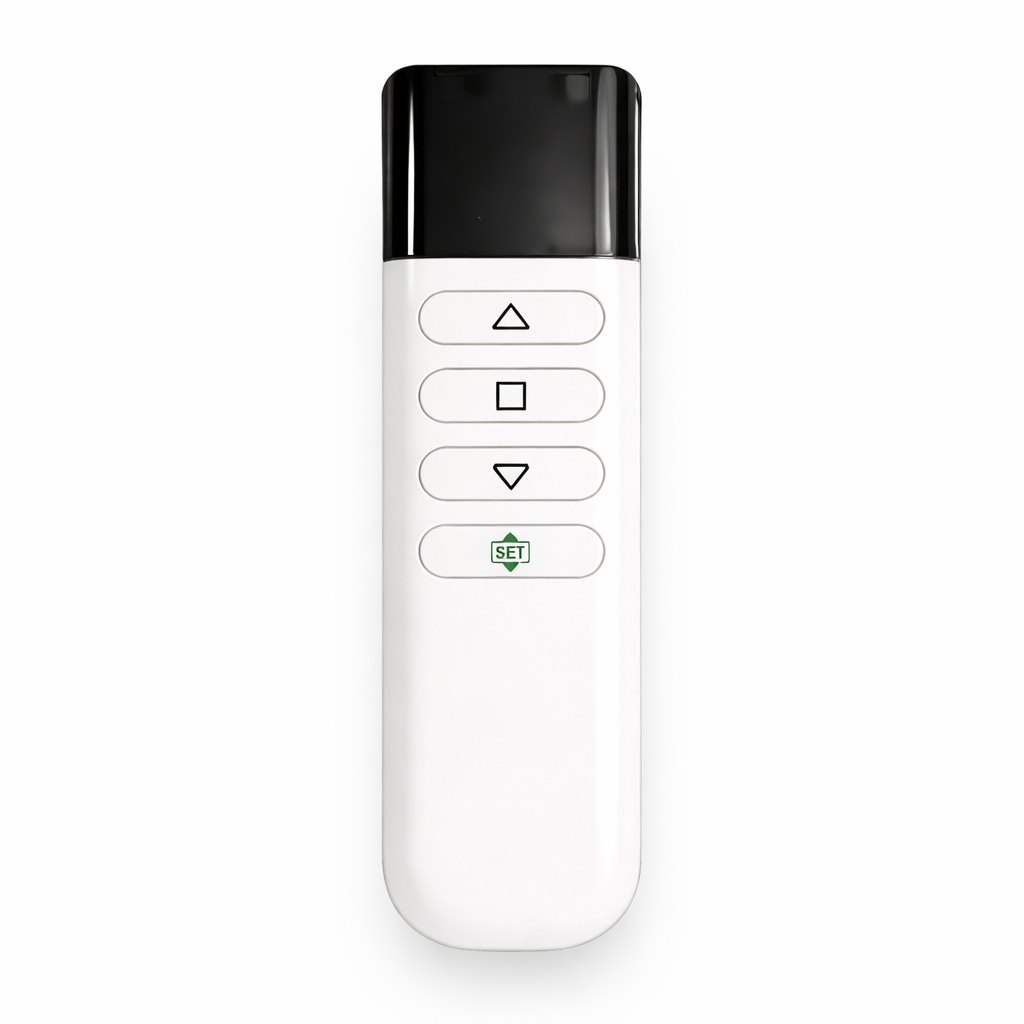
The standard Jampo configuration uses the M-AM35 motor with 868 MHz RF wireless control.
RF control does not require the remote to be aimed directly at a receiver, making it convenient for normal home theater, meeting-room and AV installations.
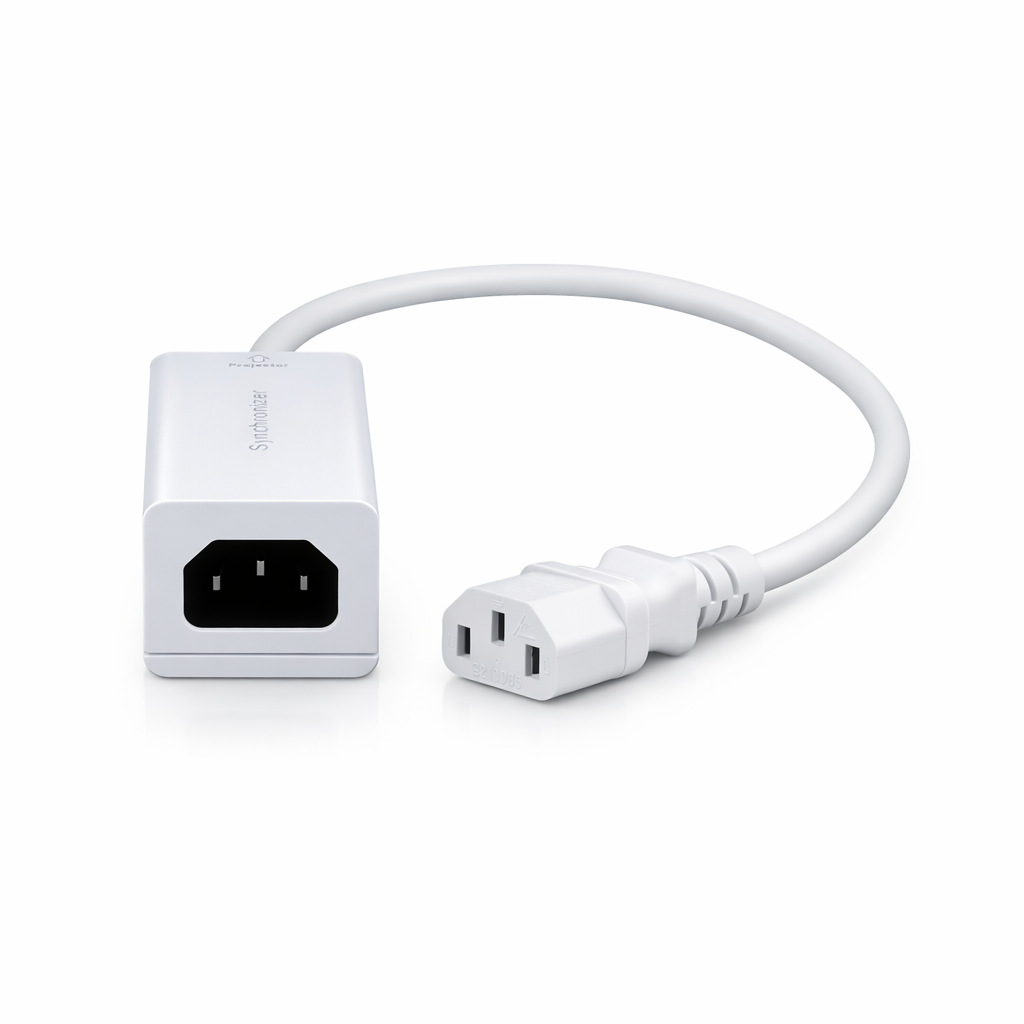
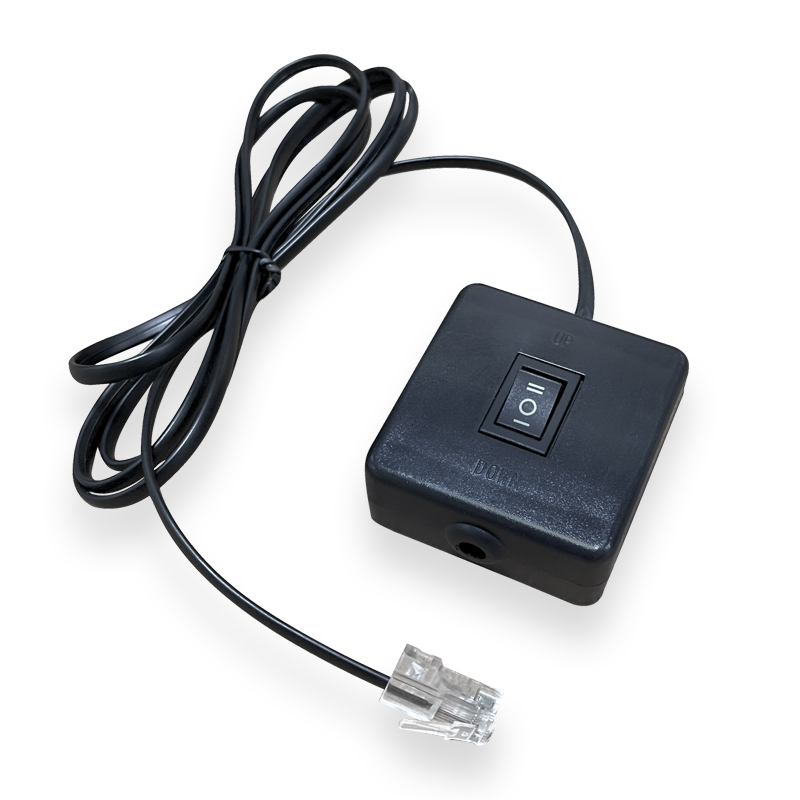
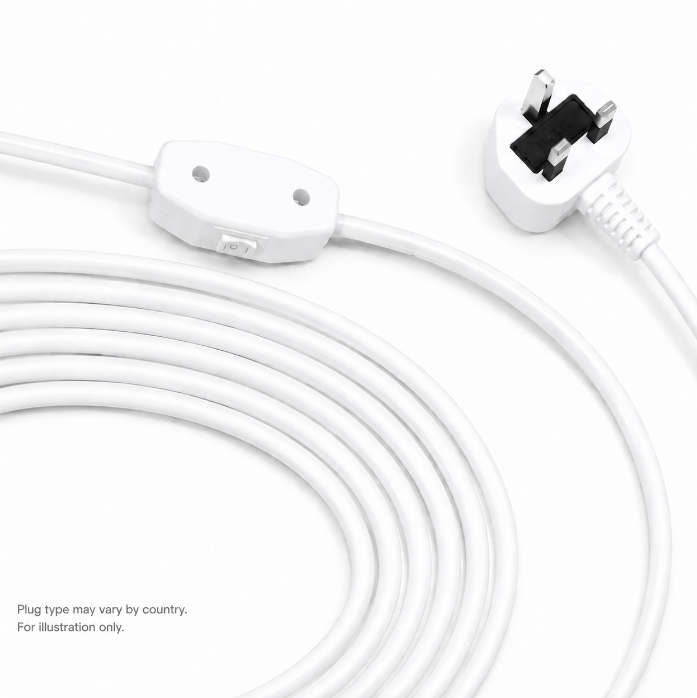
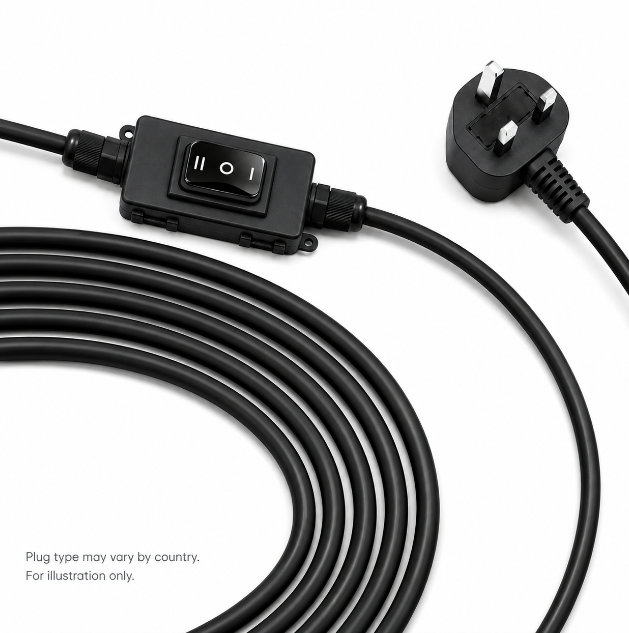
For projector synchronization, this configuration works with the TBQ-1264 synchronizer.
For installations that already rely on infrared control, IR functionality can be added to the M-AM35 configuration.
The IR receiver normally requires the remote signal to be directed toward the receiving area, so receiver placement should be considered during installation.
The IR option adds infrared functionality while retaining the standard RF control capability.
For smart-home projects, SCREENPRO offers the M-TY motor configuration designed for Tuya / Smart Home applications.
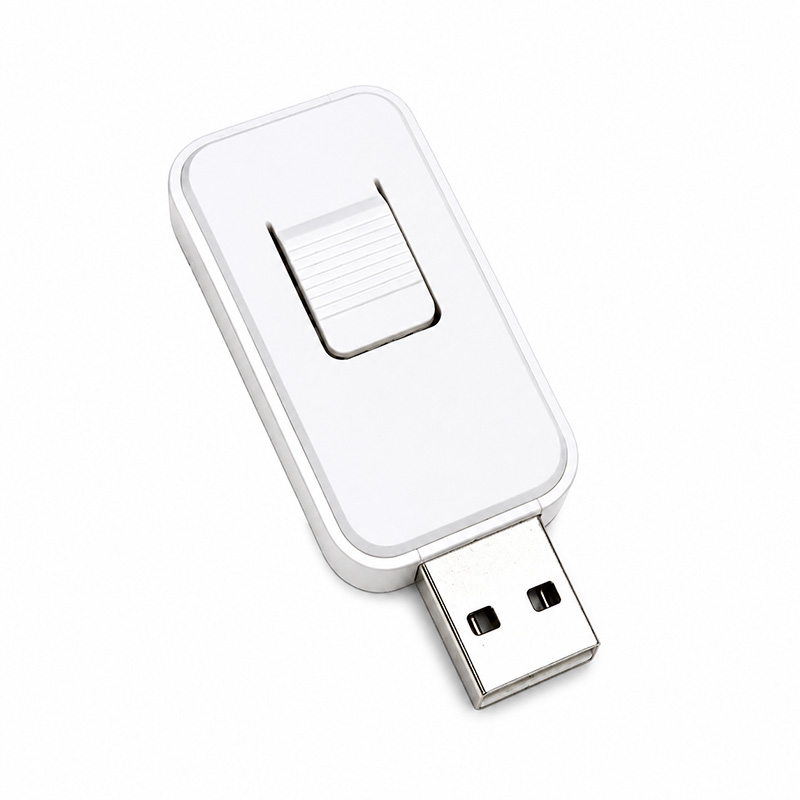
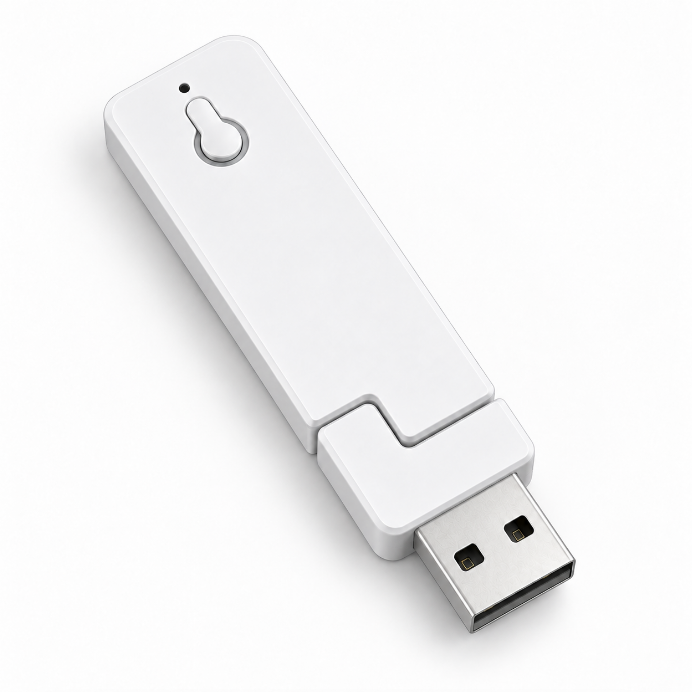
This configuration is separate from the standard M-AM35 control platform and uses the TBQ-USY USB trigger for projector synchronization.
For most Jampo AJ and TJ installations, the standard configuration is the most straightforward choice.
The M-AM35 system uses 868 MHz RF wireless control and does not normally require line-of-sight between the remote and receiver. This makes operation convenient in both residential and commercial AV environments.
Some AV control systems use infrared commands to operate screens, projectors and other equipment.
For these applications, IR control can be added to the standard M-AM35 configuration. The IR option provides an additional control method while retaining the standard RF functionality.
Because infrared signals normally require the transmitter to face the receiving area, the IR receiver should remain accessible and appropriately positioned within the installation.
The M-TY configuration is intended for projects where smart-home control is part of the system design.
It is designed for Tuya / Smart Home applications and uses a different trigger solution from the standard M-AM35 platform.
Projector synchronization allows the motorized screen to work together with the projector, but the required trigger depends on the selected motor configuration.
For synchronizers supplied together with the screen, SCREENPRO completes the initial pairing procedure at the factory. After connecting the projector, the customer completes the remaining projector-side learning steps.
For a TBQ synchronizer purchased separately, the complete pairing procedure must be carried out during installation.
The motor control system should be selected according to the installation environment rather than treated as an afterthought.
A conventional home theater may only need reliable RF operation, while an integrated AV room may require IR commands. A smart-home project may instead require a dedicated Tuya configuration.
Confirming the control method before production helps ensure that the screen, remote control, projector trigger and automation system are specified as one compatible solution.
Yes. For Jampo AJ and TJ screens using the M-AM35 configuration, 868 MHz RF is the standard/default control option.
Yes. The IR option adds infrared control while retaining the standard RF control functionality.
Normally yes. The IR signal should be directed toward the IR receiving area.
The M-AM35 868 MHz RF configuration uses the TBQ-1264 synchronizer for projector linkage.
The IR-enhanced M-AM35 configuration also uses the TBQ-1264.
The M-TY Tuya configuration uses the TBQ-USY USB trigger for projector synchronization.
If the project does not specifically require IR or Tuya / Smart Home integration, choose the standard M-AM35 + 868 MHz RF configuration.
Tell us your projection screen model, projector model, and control-system requirements. SCREENPRO can help determine whether standard RF, IR integration, or Tuya control is the more suitable configuration for your project.
Contact SCREENPRO





© 2026 SCREENPRO®. Specifications are subject to change without notice. | SamsAV All Rights ReservedSite Map Designed by iwonder.cn