









© 2026 SCREENPRO®. Specifications are subject to change without notice. | SamsAV All Rights ReservedSite Map Designed by iwonder.cn
1. Input
Choose size, aspect ratio, room type, and projector lens type.
Tip: Final installation should also confirm projector zoom range, border size, mounting offset, and actual room clearance.
2. Result
Core screen and installation values for quick project planning.
Screen Width 104.58 in Visible image width.
Screen Height 58.82 in Visible image height.
Viewing Distance 13.07 ft Recommended seating distance.
Throw Distance 10.89 ft Estimated projector distance.
3. Visual Guide
A simple room view showing screen shape, projector placement, seating/display position, and distance labels.
120" · 16:9 104.58 × 58.82 inch
Throw 10.89 ft
Viewing 13.07 ft
Image area
4. FAQ
Common questions are folded by default to keep the mobile page short.
What is the best aspect ratio for most projection screens?
16:9 is the most common choice for home theater, streaming, gaming, and most modern projector content. 16:10 is useful for business presentation, 4:3 is usually for legacy systems, and 2.35:1 is for cinema-focused rooms.
Is diagonal size enough for choosing a screen?
No. Width and height are often more important for installation. Projector throw distance is based mainly on image width, while the available wall or ceiling space may limit both width and height.
What does projector throw ratio mean?
Throw ratio means projector distance divided by image width. For example, a 1.25:1 throw ratio means the projector should be about 1.25 times the screen width away from the screen surface.
Can this calculator be used for motorized and fixed frame screens?
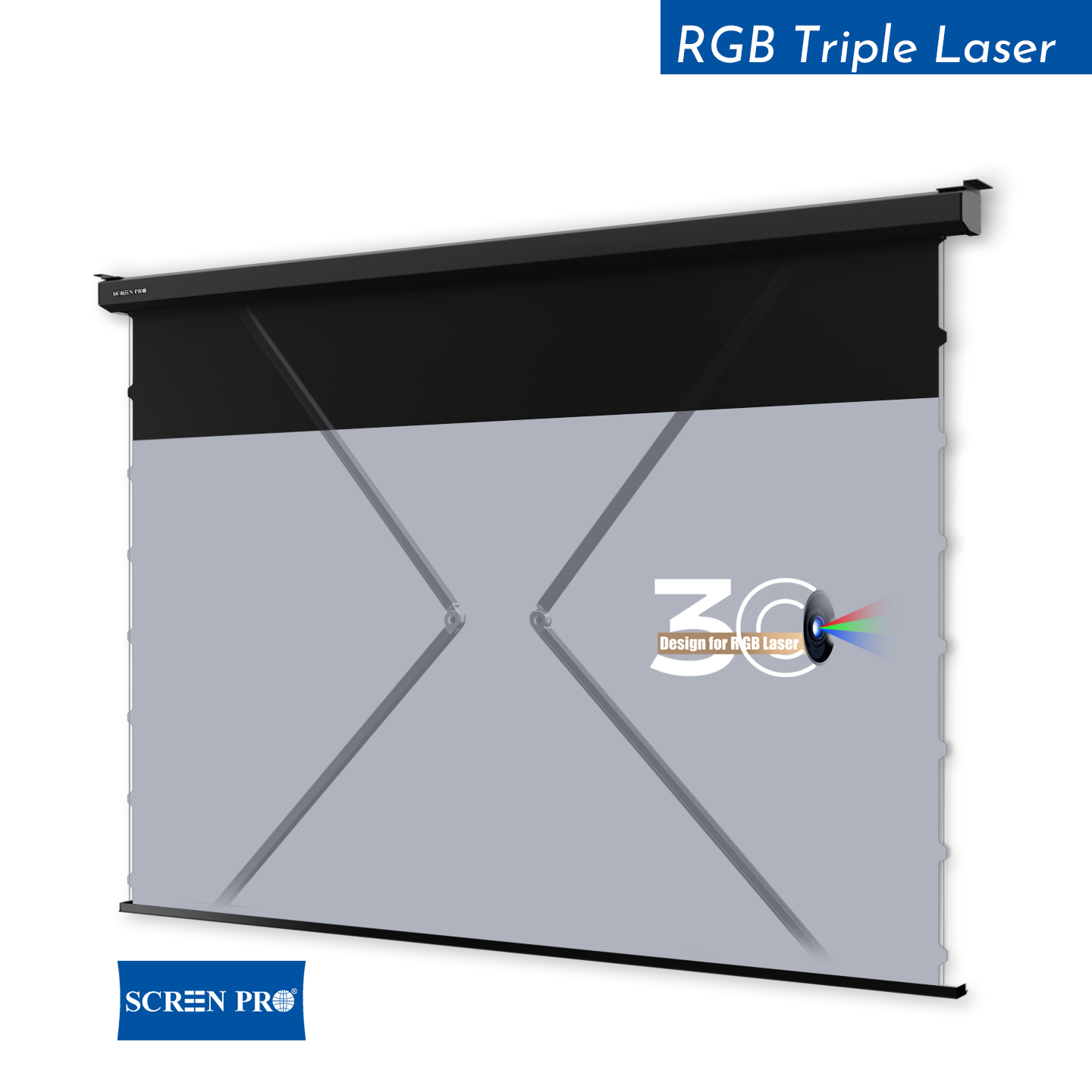
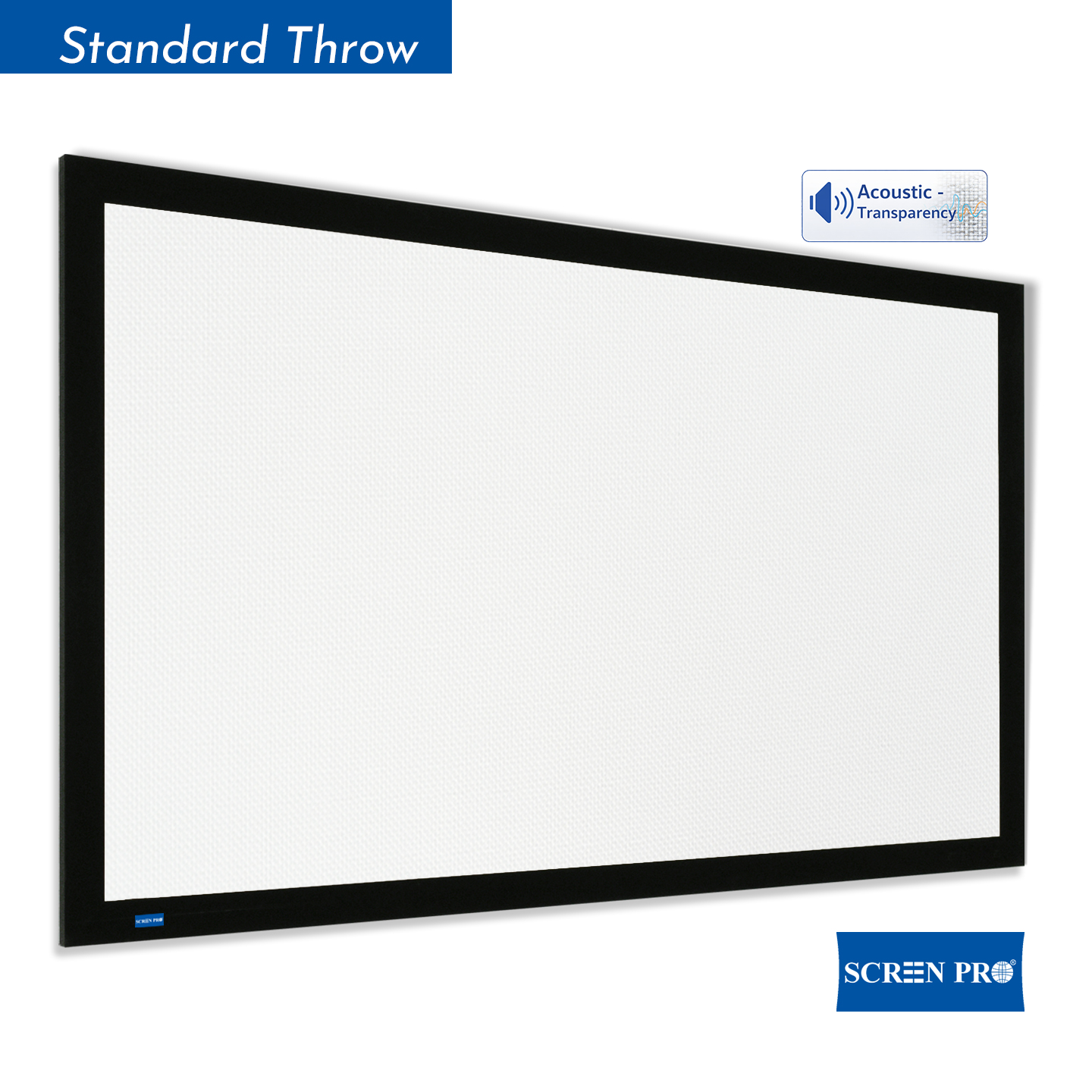
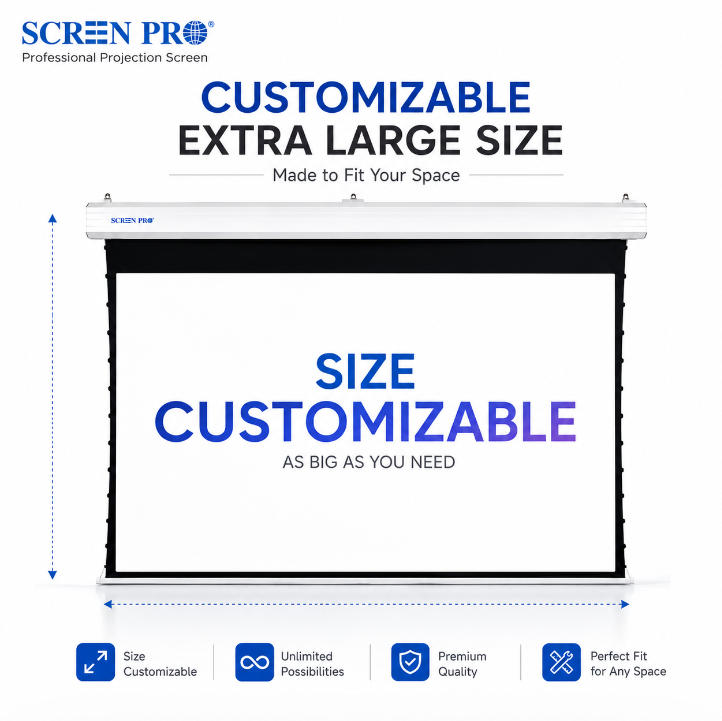
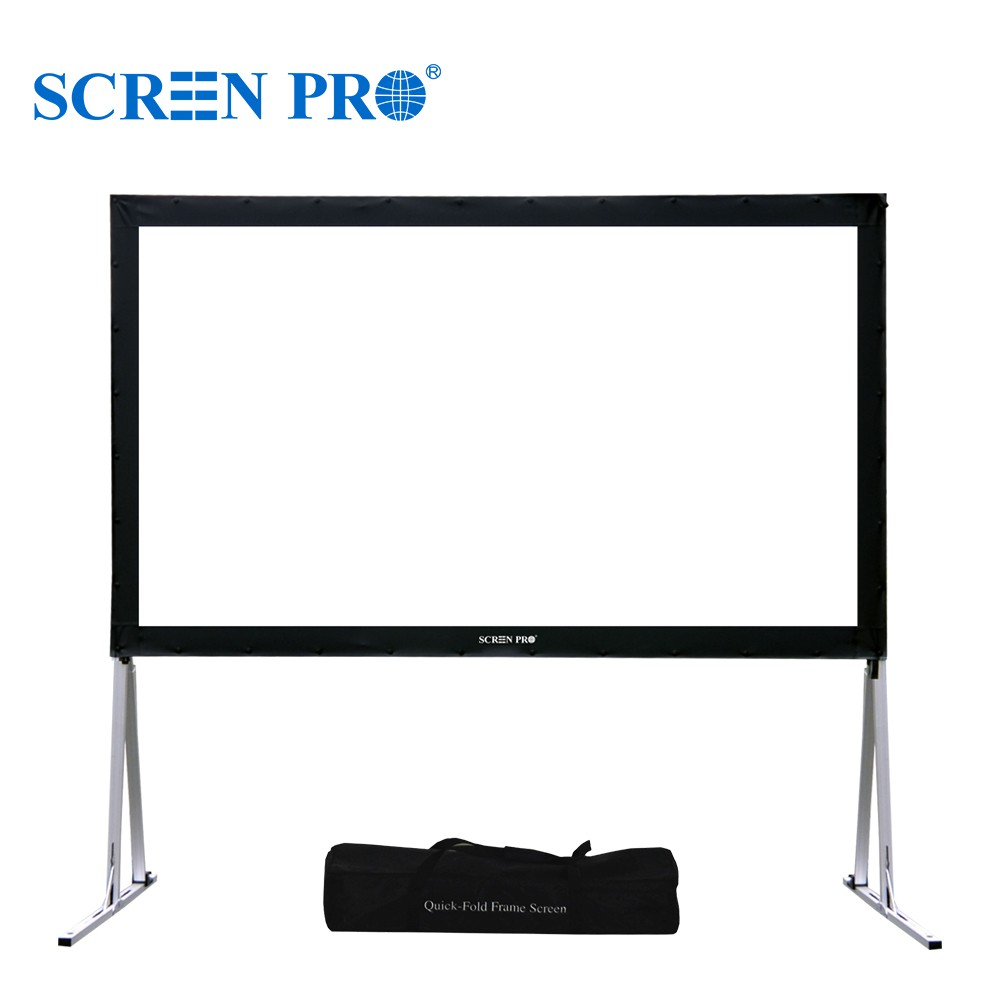
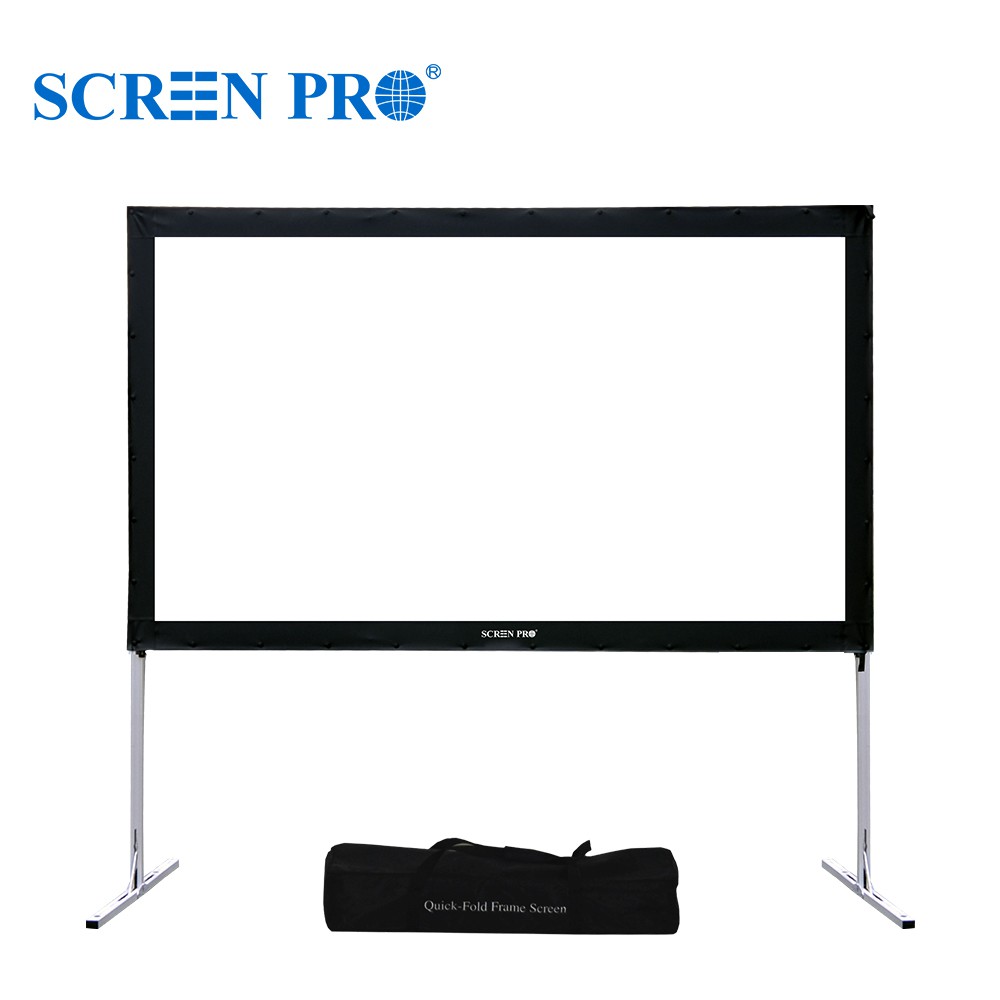
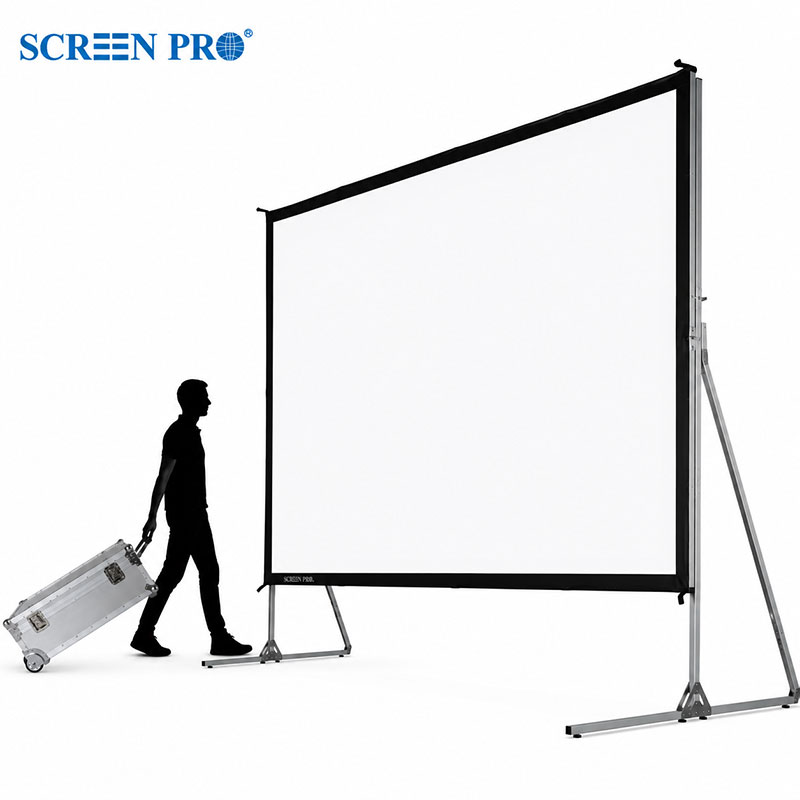
Yes. The visible image calculation applies to fixed frame, motorized, manual, floor rising, and in-ceiling screens. Final case size, border, drop length, and installation accessories should still be checked separately.
Why should I confirm the projector model before ordering?
Different projectors have different throw ratios, zoom ranges, lens offsets, and installation limits. Always verify the actual projector specifications before final production or installation.
Need help choosing a SCREENPRO® screen?
Use the calculated result as a starting point, then confirm fabric type, frame structure, installation method, and projector compatibility with SCREENPRO® sales support.
Contact SCREENPRO®