


© 2026 SCREENPRO®. Specifications are subject to change without notice. | SamsAV All Rights ReservedSite Map Designed by iwonder.cn


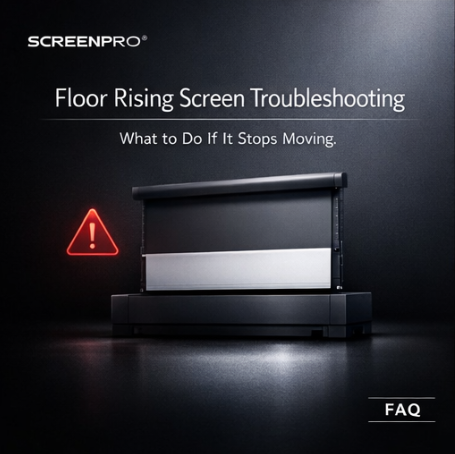
Please follow these steps to troubleshoot:
1. Check the power and remote battery
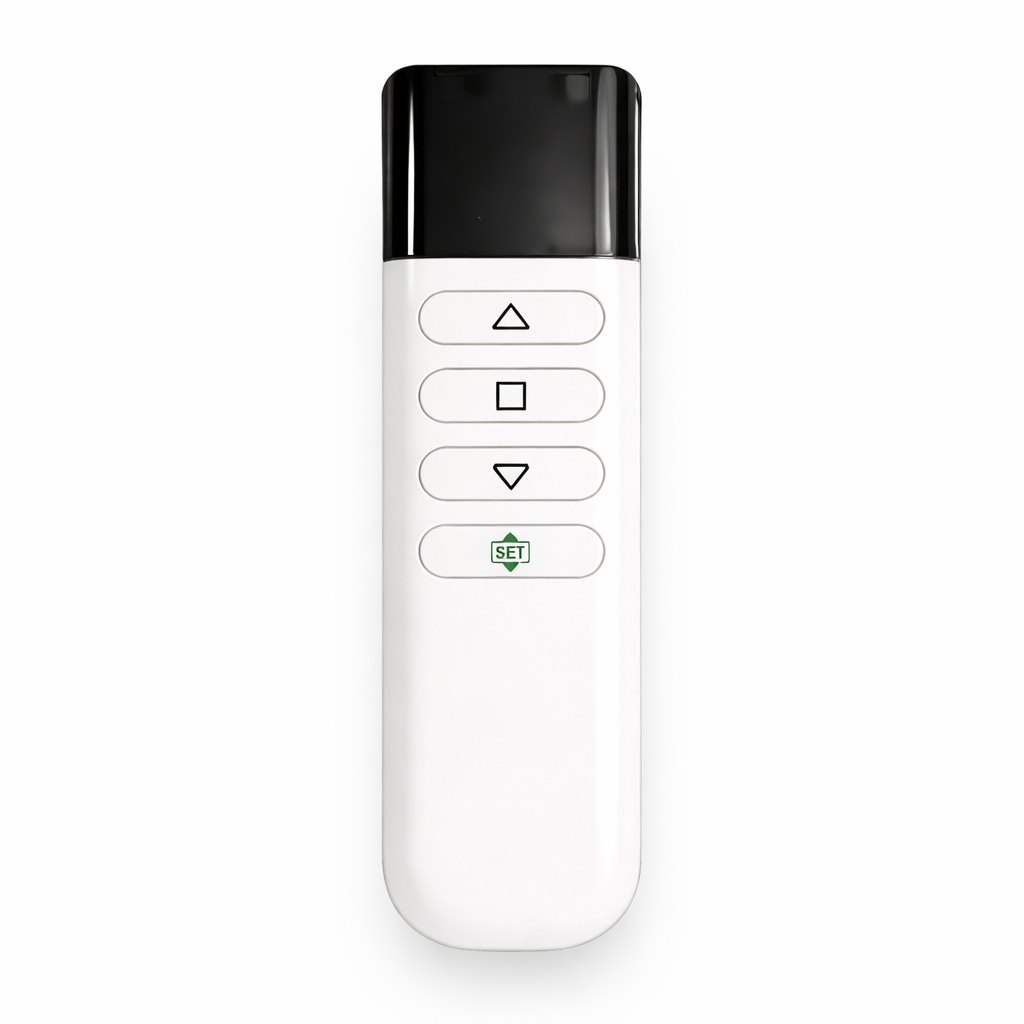
Ensure the screen is powered on and the remote battery is installed correctly.
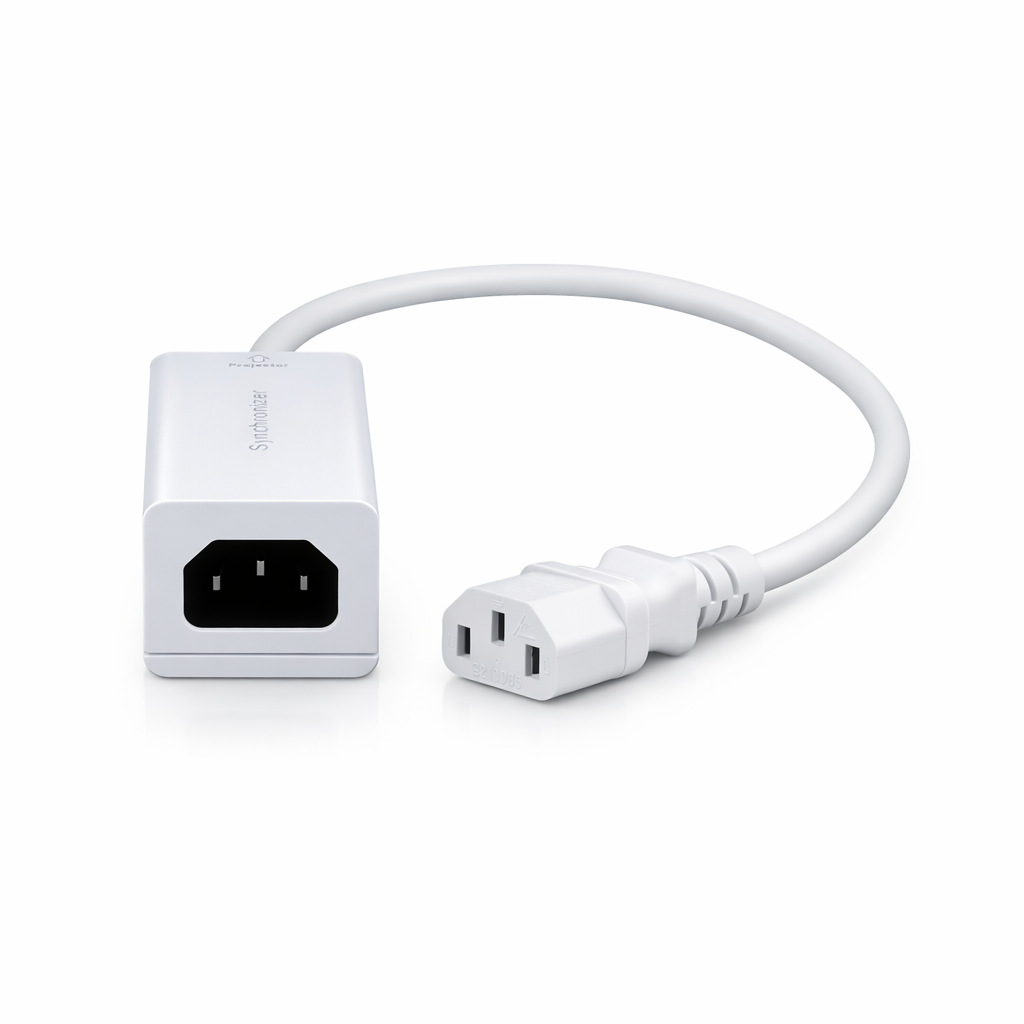
2. Verify the synchronizer connection
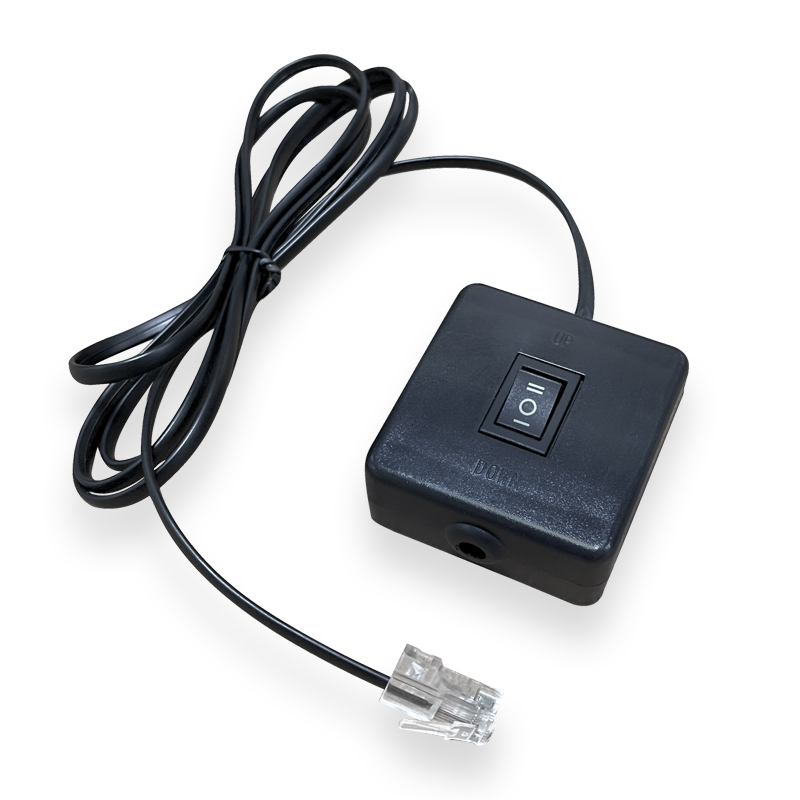
If using a synchronizer, make sure it is connected to the projector's power supply rather than the screen's, as described in the manual.
3. Inspect internal wiring
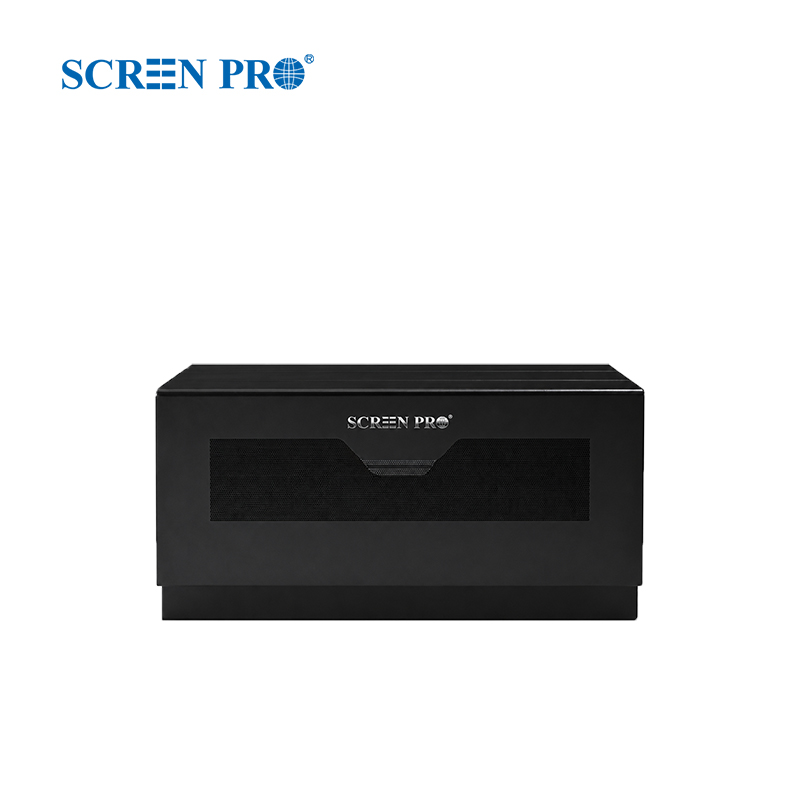
Long-distance transportation may occasionally loosen internal connectors. Disconnect the power and check whether any wires inside the control box have become loose.
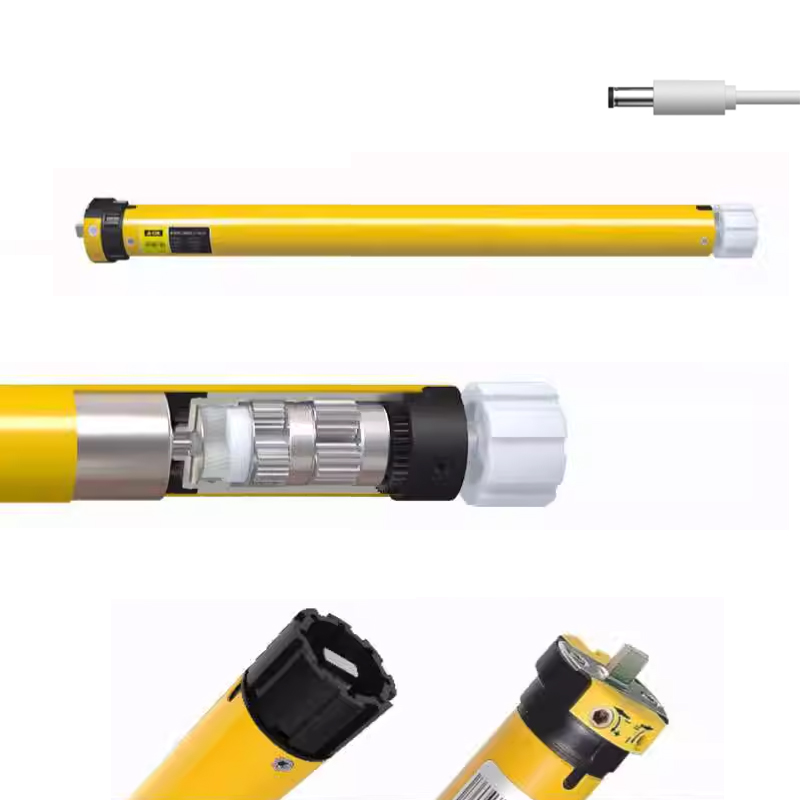
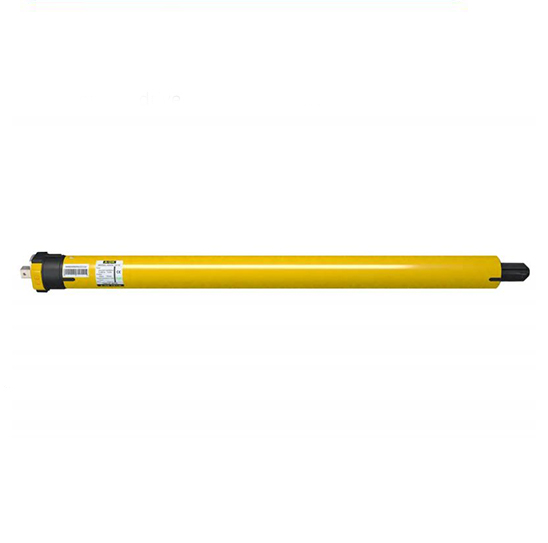
4. Allow the motor to cool
If the screen has been operated repeatedly or the limits were adjusted frequently, allow the motor to cool for approximately 30 minutes before trying again.
If these steps do not resolve the issue, please provide your product serial number and contact SCREENPRO Support. Our customer service team will be happy to assist you.
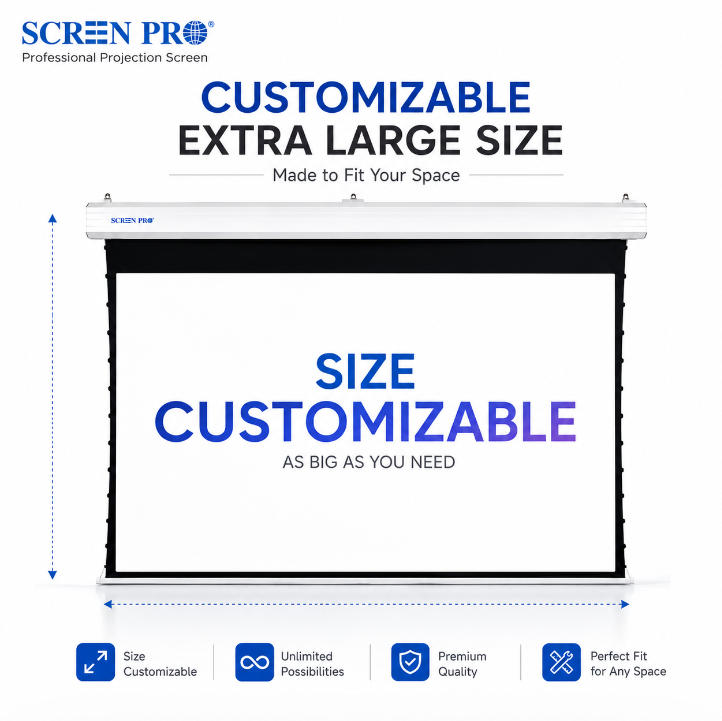
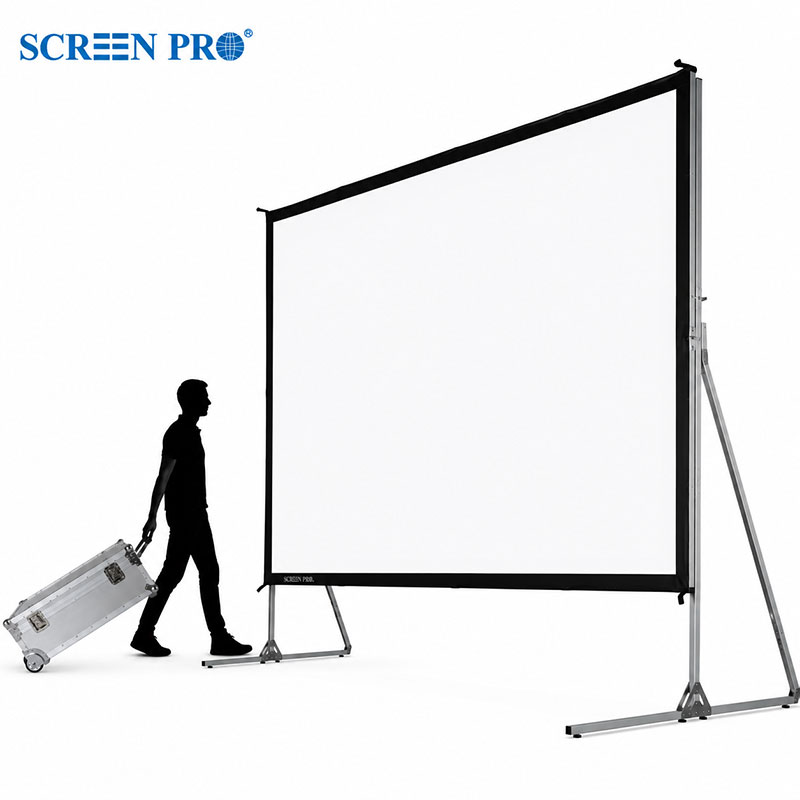
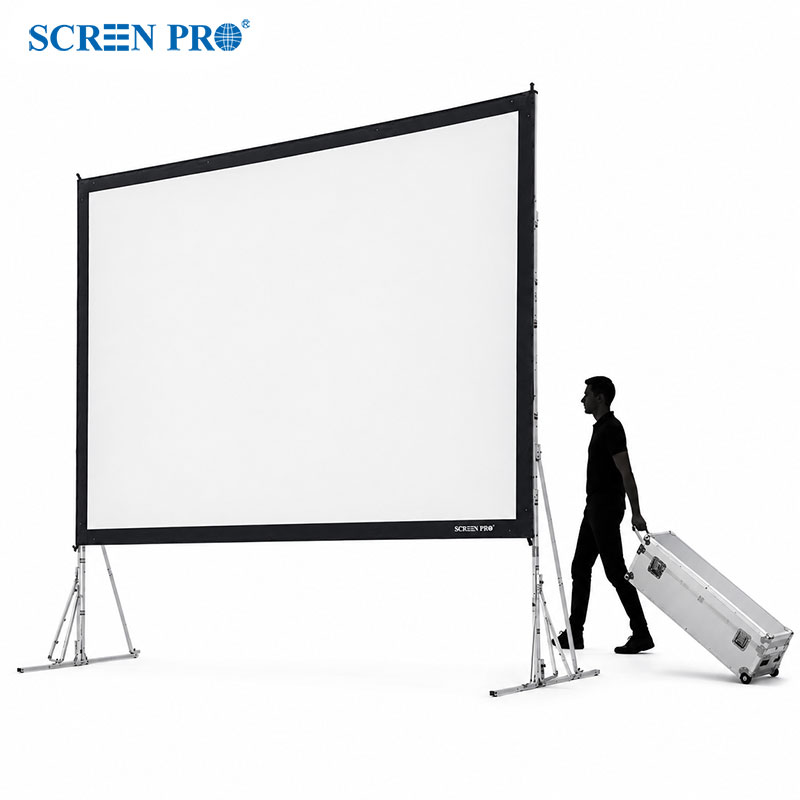
Yes. SCREENPRO screens can be customized from 60" to over 500".





© 2026 SCREENPRO®. Specifications are subject to change without notice. | SamsAV All Rights ReservedSite Map Designed by iwonder.cn