



© 2026 SCREENPRO®. Specifications are subject to change without notice. | SamsAV All Rights ReservedSite Map Designed by iwonder.cn


Choosing a projector is not only about resolution and brightness. Your screen size, throw ratio and available installation distance must work together. This guide explains how to check them before you buy.
Throw ratio describes the relationship between the distance from the projector lens to the screen and the width of the projected image.
It is one of the most important specifications to check when matching a projector to a particular screen size and room.
For example, if the projector lens is 4.5 m from the screen and the projected image is 3.0 m wide:
In simple terms: for the same screen size, a higher throw ratio generally requires the projector to be positioned farther away. A lower throw ratio allows the projector to produce the same image from a shorter distance.

Same 150-inch screen, different projector positions. A higher throw ratio requires a longer lens-to-screen distance.
Projector screen size is normally specified by its diagonal measurement, but throw ratio calculations use the actual image width.
For a 16:9 screen, increasing the diagonal size also increases the image width. If the projector's throw ratio stays the same, the projector must therefore be positioned farther away to create the larger image.
Start with the desired diagonal screen size and aspect ratio.
Throw calculations are based on the projected image width, not the diagonal.
Use the projector's throw ratio range to determine where the lens can be installed.
A 150-inch 16:9 screen has an image width of approximately 3.32 m (130.7 inches).
Using the formula:
The approximate lens-to-screen distances are:
| Throw Ratio | Approx. Throw Distance for 150" |
|---|---|
| 1.20:1 | 3.98 m / 13.1 ft |
| 1.30:1 | 4.32 m / 14.2 ft |
| 1.35:1 | 4.48 m / 14.7 ft |
| 1.40:1 | 4.65 m / 15.3 ft |
| 1.50:1 | 4.98 m / 16.3 ft |
| 1.60:1 | 5.31 m / 17.4 ft |
| 1.80:1 | 5.98 m / 19.6 ft |
| 2.00:1 | 6.64 m / 21.8 ft |
Important: these figures are for understanding throw-ratio relationships. Always use the projector manufacturer's official throw-distance specifications or calculator before finalizing the installation.
Many standard and long-throw projectors include an optical zoom lens, so the specification may show a range instead of a single number.
Throw Ratio: 1.35–2.20:1
For a 150-inch 16:9 image approximately 3.32 m wide, this would correspond to a theoretical lens-to-screen range of approximately 4.48–7.30 m.
This does not mean that 1.35:1 is the required throw ratio for every 150-inch installation. It simply represents the shortest end of this particular lens range.
If you have more room available, a projector with a higher throw ratio can also work perfectly well.
A common installation mistake is to use the total room depth as the available projector throw distance.
Throw distance is measured from the projector lens to the screen surface. The projector body itself occupies space and may also require clearance for mounting, ventilation, cabling and service access.
If a room is 5.5 m deep, the available lens-to-screen distance will normally be less than 5.5 m.
The projector body itself, rear clearance, mounting position, ventilation and cabling all reduce the usable throw distance. Always calculate throw distance from the projector lens to the screen surface.
Installation tip: when space is limited, check both the projector's minimum throw ratio and its physical body dimensions before selecting the projector.
Once the throw distance is confirmed, brightness and projector type should be selected according to the viewing environment.
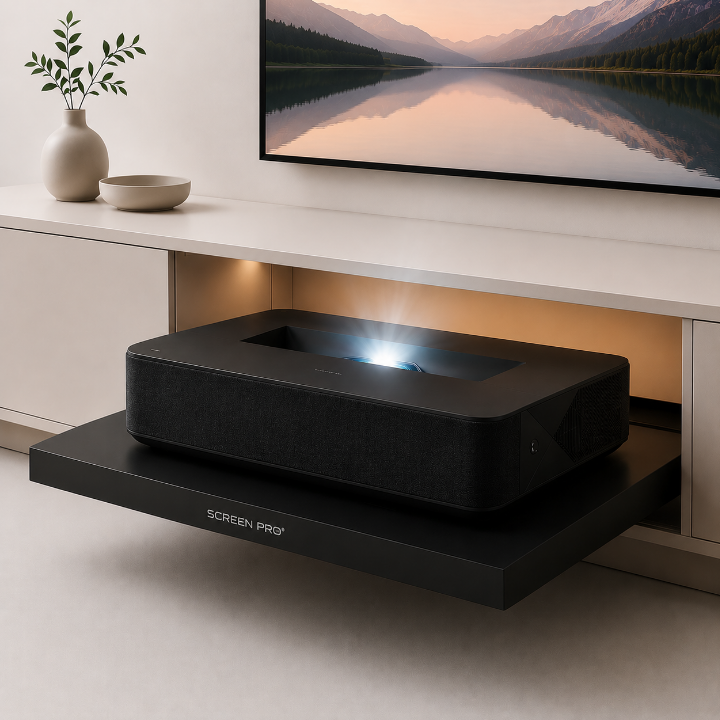
For a dedicated room with good light control, home cinema laser projectors can prioritize contrast, black level, color reproduction and HDR performance.
For large screens such as 150", brightness should still be considered carefully, particularly when using an acoustically transparent screen.
Examples may include projector families such as:
For multipurpose rooms, conference spaces or environments with some ambient light, additional brightness may be more important.
Depending on the room and screen size, a 5,000–8,000+ lumen installation-class laser projector may provide more useful brightness headroom.
Examples may include:
Projector models and families above are examples for general selection reference. Compatibility must still be confirmed according to the actual screen size, throw distance, lens specification and installation conditions.
An acoustically transparent projection screen allows the front speakers to be positioned behind the image, helping create a cleaner installation and allowing dialogue and sound to originate naturally from the picture area.
However, projector selection becomes particularly important as screen size increases.
Acoustically transparent materials can reduce some transmitted or reflected light compared with certain solid screen surfaces. Allow suitable projector brightness headroom.
The projector still needs to meet the required image size at the available lens-to-screen distance.
For best contrast, especially with large acoustically transparent screens, avoid uncontrolled light falling directly onto the screen surface.
Throw ratio tells you whether the projector can create the required image size from the available distance, but it does not tell you whether the image can be positioned correctly on the screen.
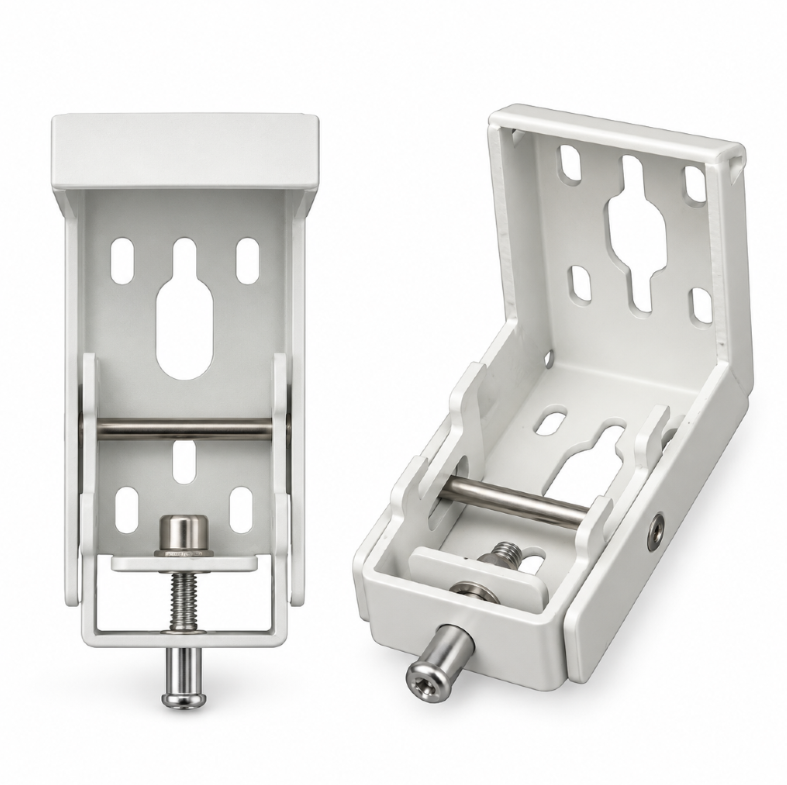
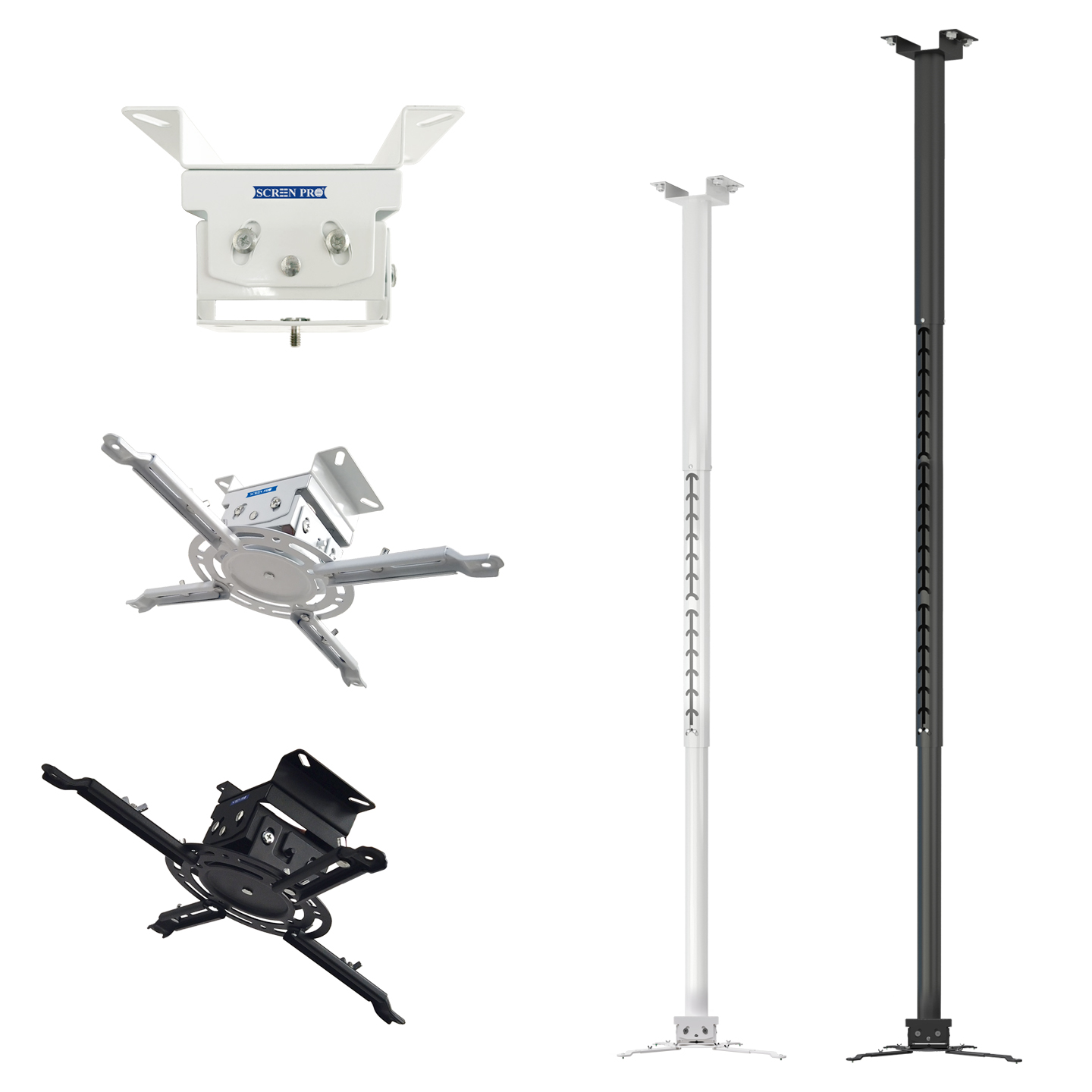
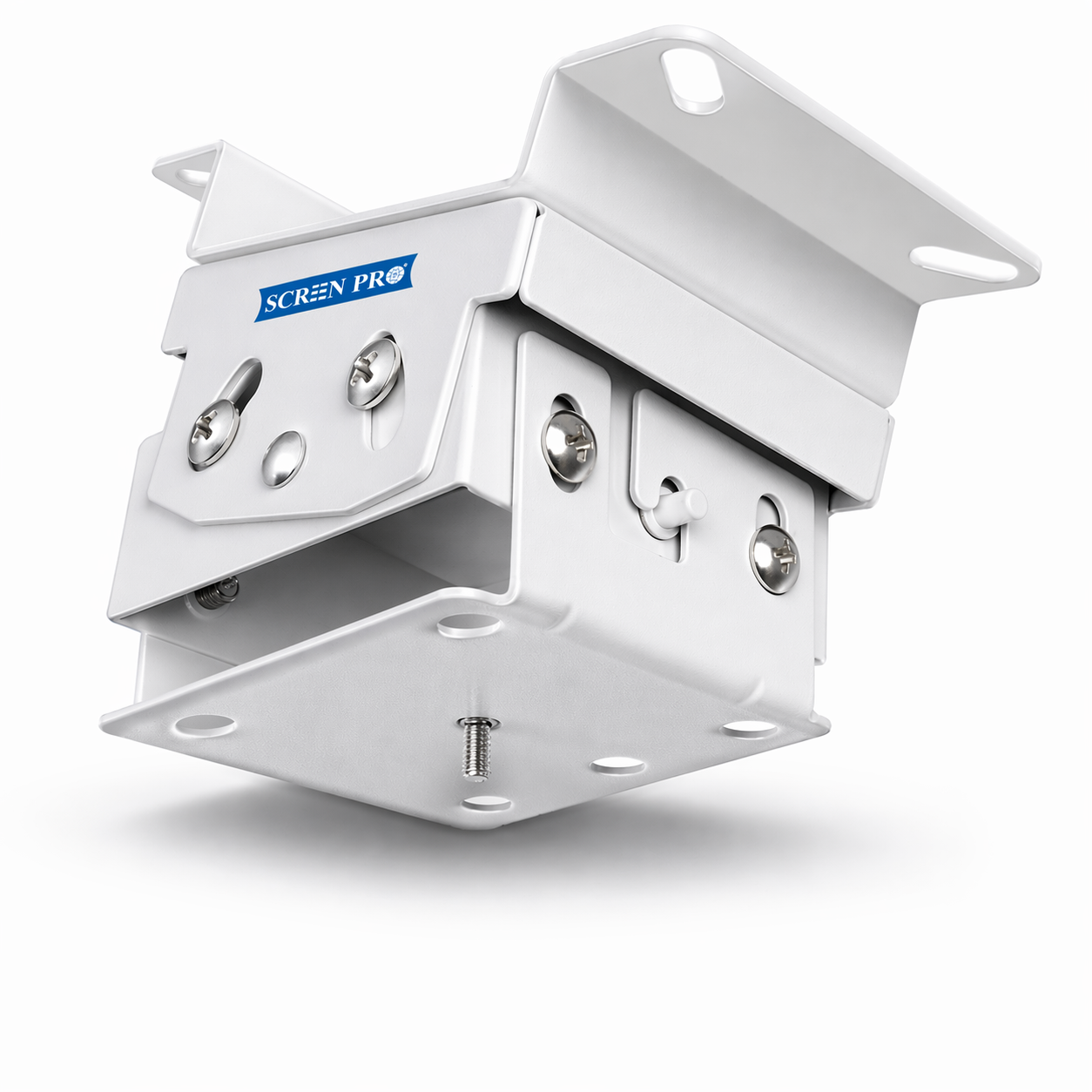
For ceiling-mounted standard and long-throw projectors, we generally recommend considering models with:
These features can make physical installation and image alignment significantly easier without relying heavily on digital keystone correction.
Before ordering a projector for your SCREENPRO projection screen, check the following information:
There is no single throw ratio that is correct for every projector screen of the same size.
The correct projector depends on the combination of screen width + available lens-to-screen distance + projector throw ratio range.
For large screens such as 150", also consider projector brightness, room lighting, screen material and installation flexibility before making the final selection.
Send SCREENPRO your projector brand and model, desired screen size, and available lens-to-screen distance. Our team can help you check the basic screen and throw-distance compatibility before ordering.
Contact SCREENPRO





© 2026 SCREENPRO®. Specifications are subject to change without notice. | SamsAV All Rights ReservedSite Map Designed by iwonder.cn