





Why Does My Projector Screen Have Wrinkles or Waves?
Causes, prevention, and safe solutions for projector screen flatness issues, including motorized screen top black border and lower limit adjustments.

A smooth, flat projection surface is essential for sharp and consistent image quality. However, wrinkles, ripples, or waves may occasionally appear when unpacking, installing, or adjusting a projection screen.
Does this mean the screen is defective? Not necessarily. Some surface irregularities are temporary, while others require installation adjustments or technical support.
This guide explains common causes, material differences, safe troubleshooting methods, and recommended adjustment procedures for applicable motorized screens.
1. Why Do Projector Screens Develop Wrinkles or Waves?
Shipping and Storage Conditions
Flexible screen materials may experience temporary deformation during transportation or storage. Pressure, prolonged packaging, and environmental changes can contribute to minor creases or waves.
Temperature Changes
Some flexible vinyl-based materials expand and contract slightly as temperatures change. These changes may temporarily affect material flexibility and tension.
Minor irregularities may improve after installation in a stable indoor environment, although not all deformation is reversible.
Uneven Screen Tension
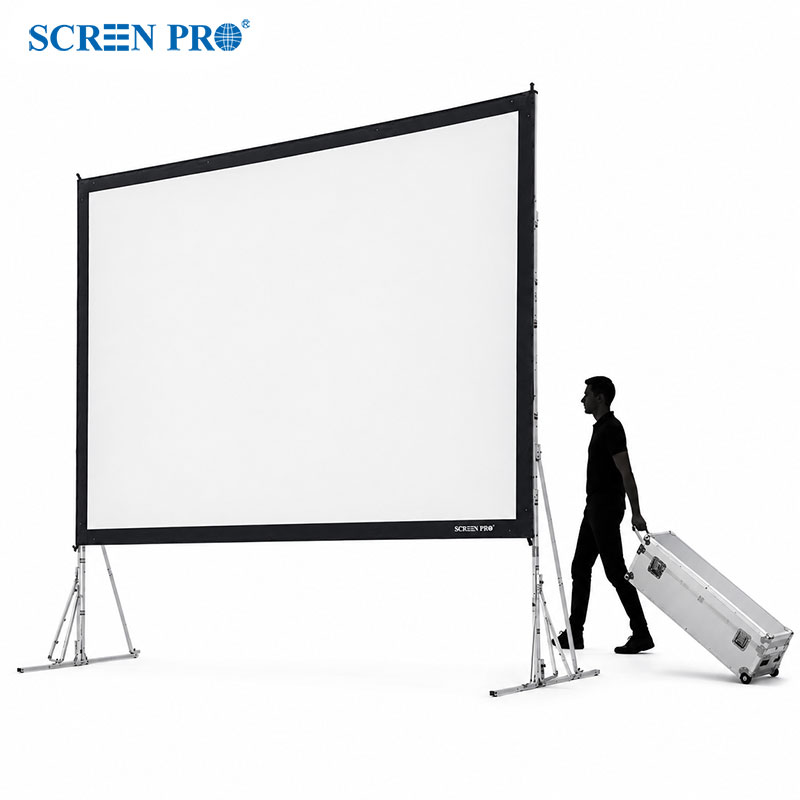
Uneven tension is a common installation-related cause of wrinkles in fixed frame screens. Potential causes include:
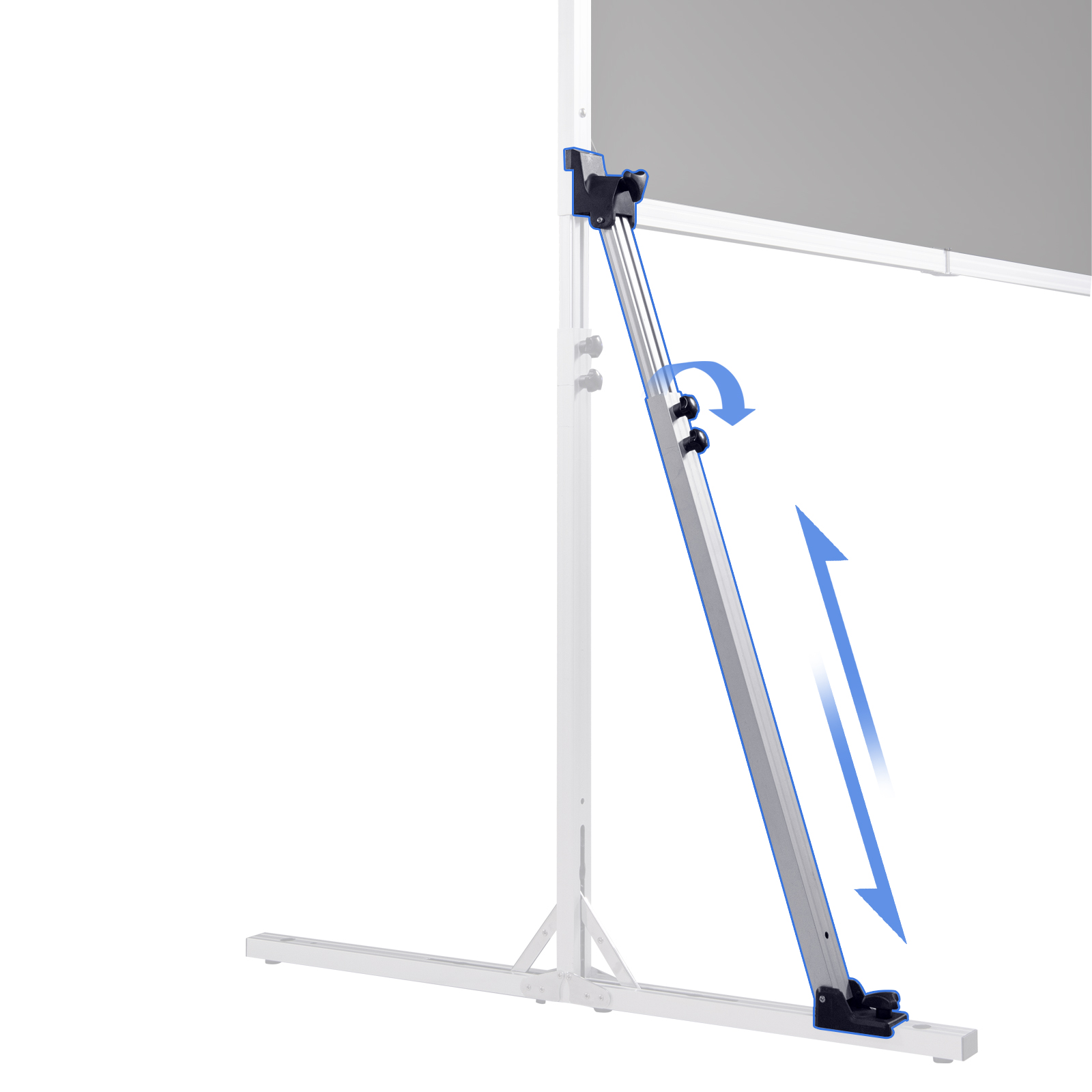
- Incorrectly positioned tensioning components
- Uneven attachment of the screen material
- Improper frame assembly
- Misaligned corners or frame sections
- Unequal tension along the screen edges
Correcting the installation is generally more effective than applying heat.
Insufficient Tension in Retractable Screens
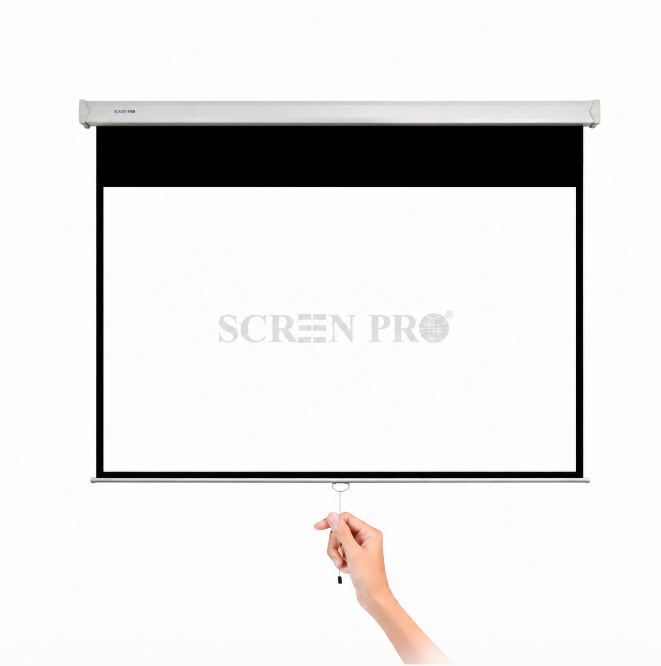
Depending on the material and construction, some non-tab-tensioned retractable screens may exhibit minor edge curling or surface waves.
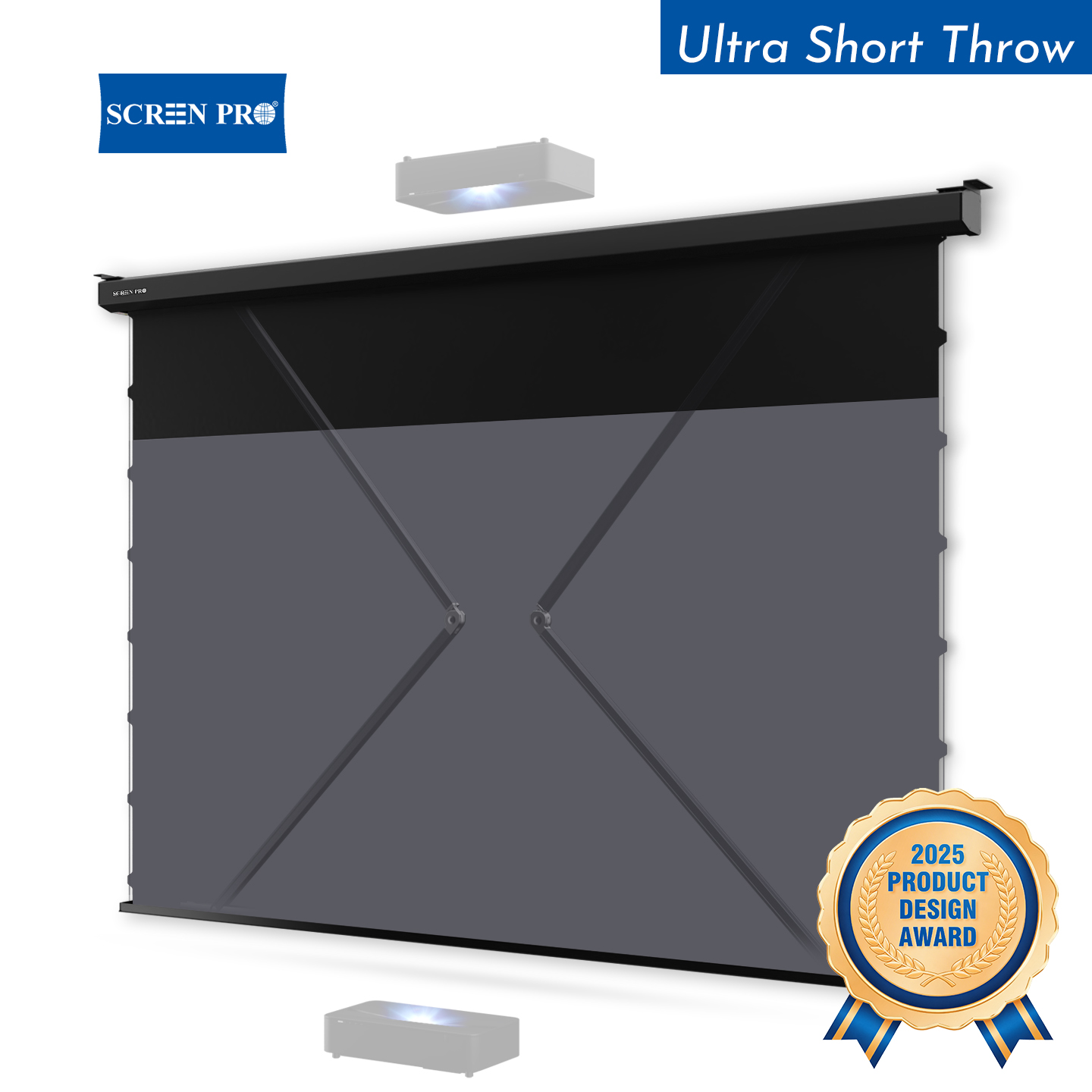
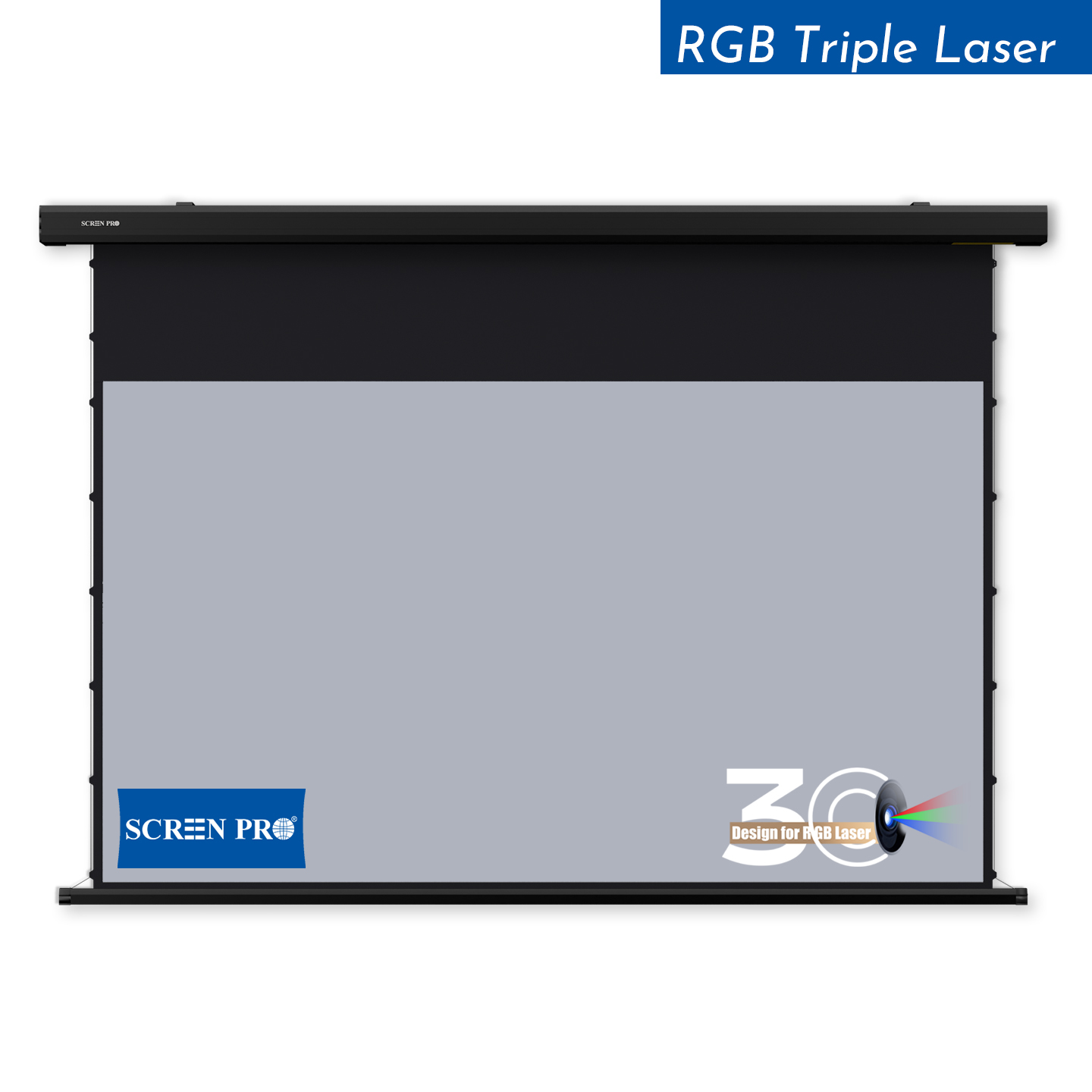
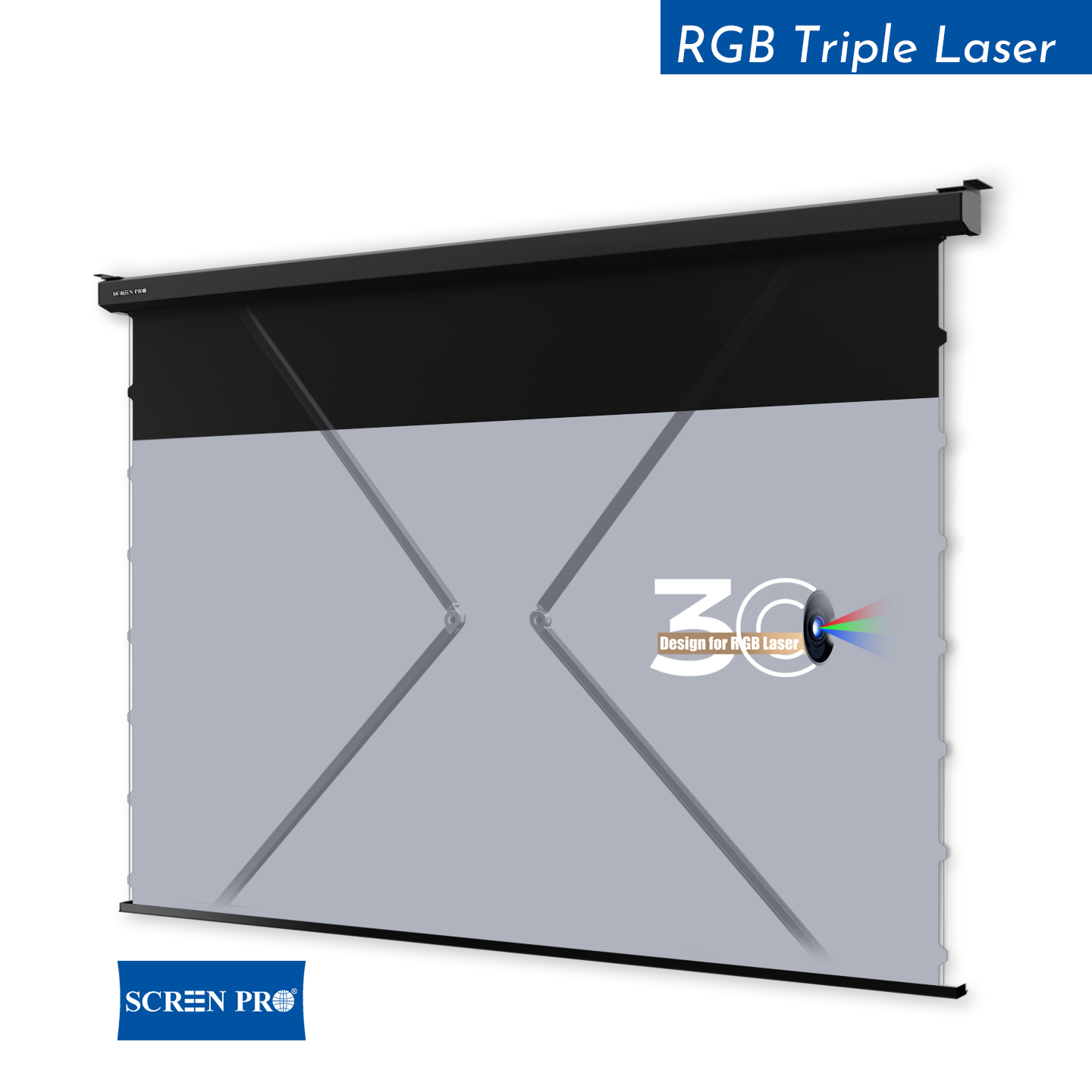
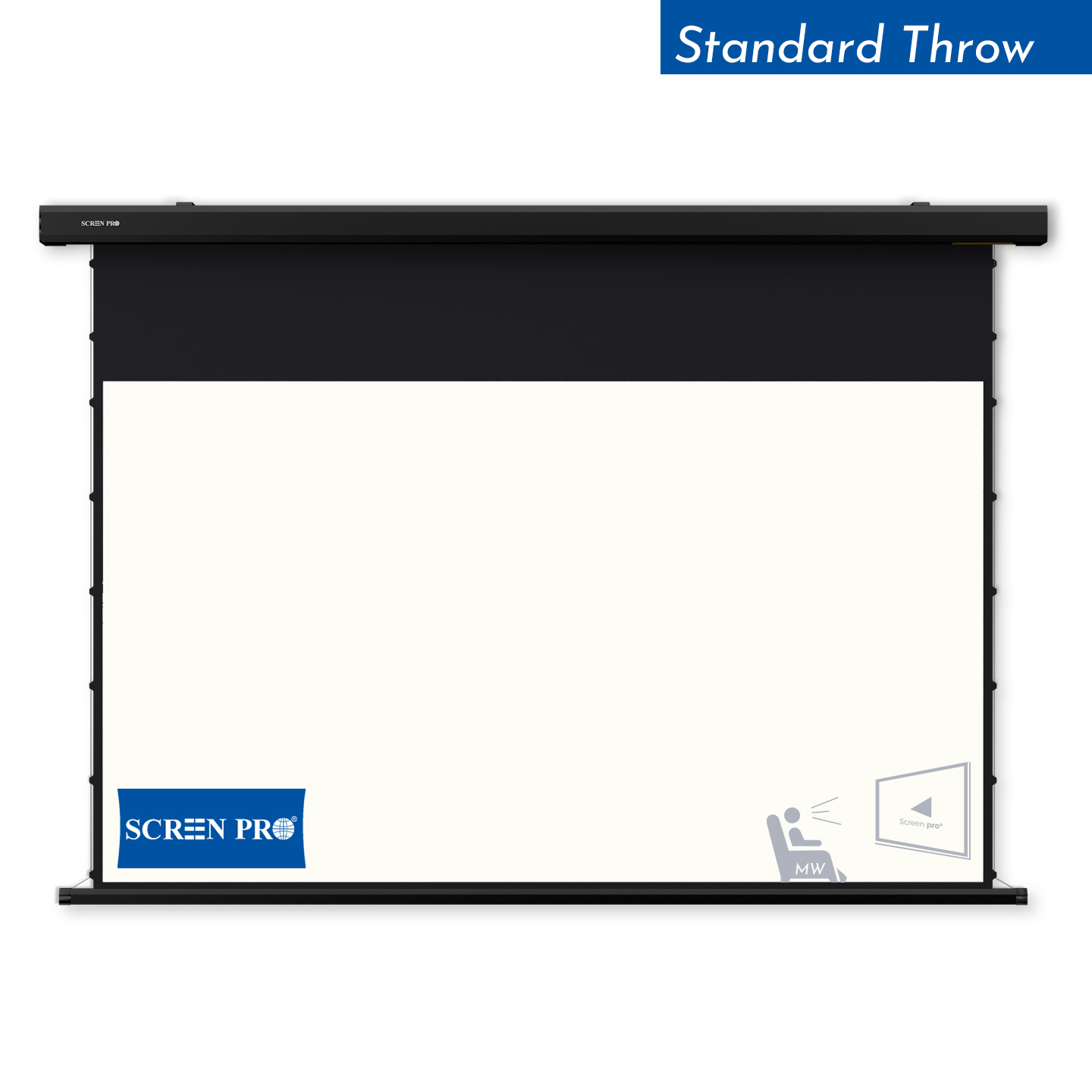
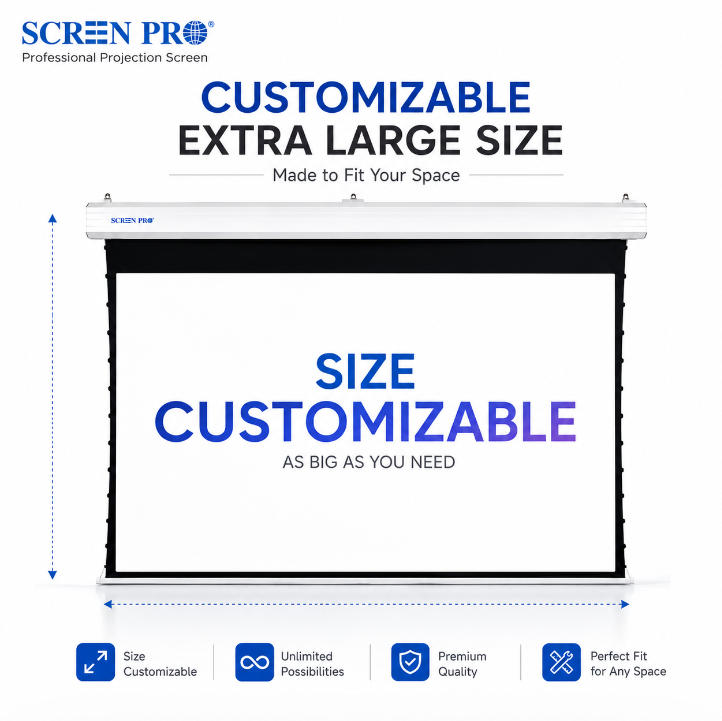
SCREENPRO tab-tensioned models are designed to improve surface flatness by applying additional tension along the sides. However, correct installation and operating conditions remain important.
2. Are All Projector Screen Wrinkles the Same?
Different surface irregularities may indicate different underlying causes.

Minor Surface Wrinkles
Small, shallow creases may result from packaging or temporary deformation. Some improve under uniform tension.
Diagonal Tension Lines
Lines extending from corners or attachment points may indicate uneven tension or incorrect installation.
Vertical or Horizontal Waves
Possible causes include tension distribution, material characteristics, roller alignment, or environmental conditions.
Edge Curling
More commonly associated with certain non-tensioned retractable screen designs.
Permanent Creases
Sharp folds, pressure marks, or permanent deformation may not disappear through normal tensioning.
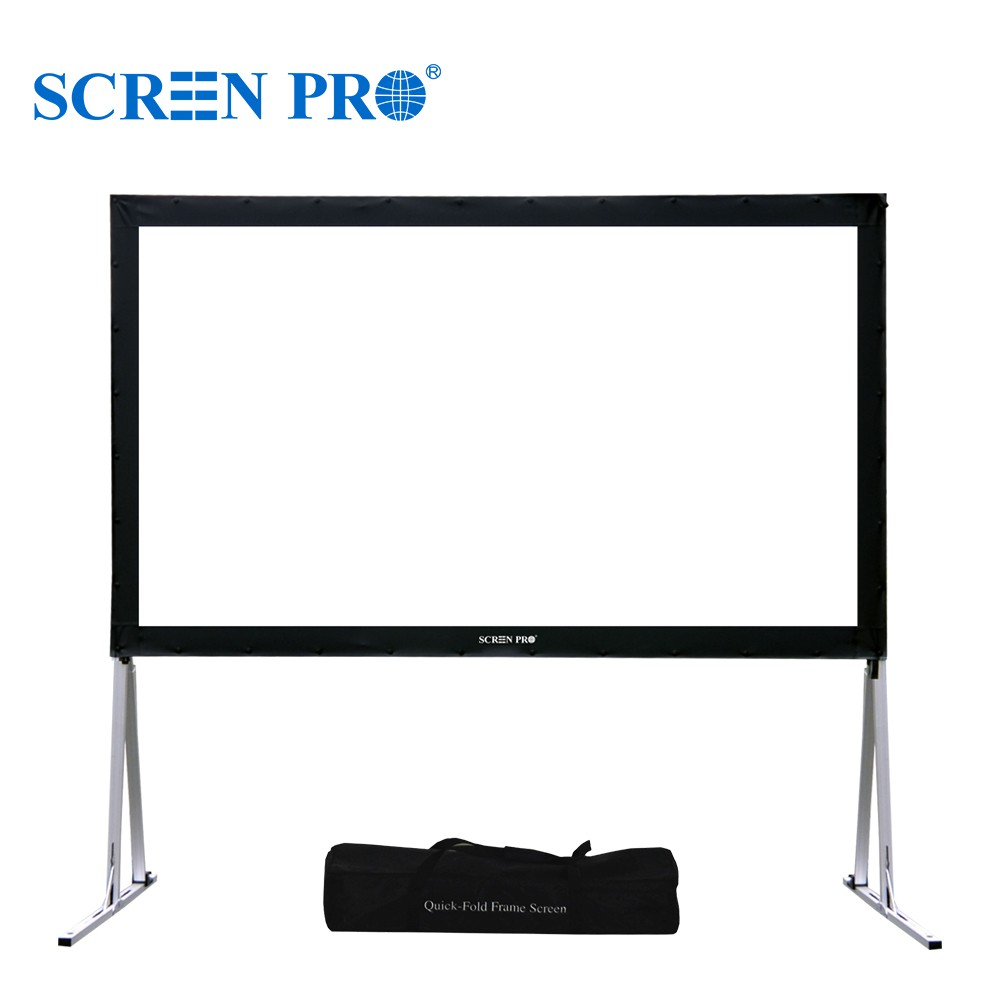
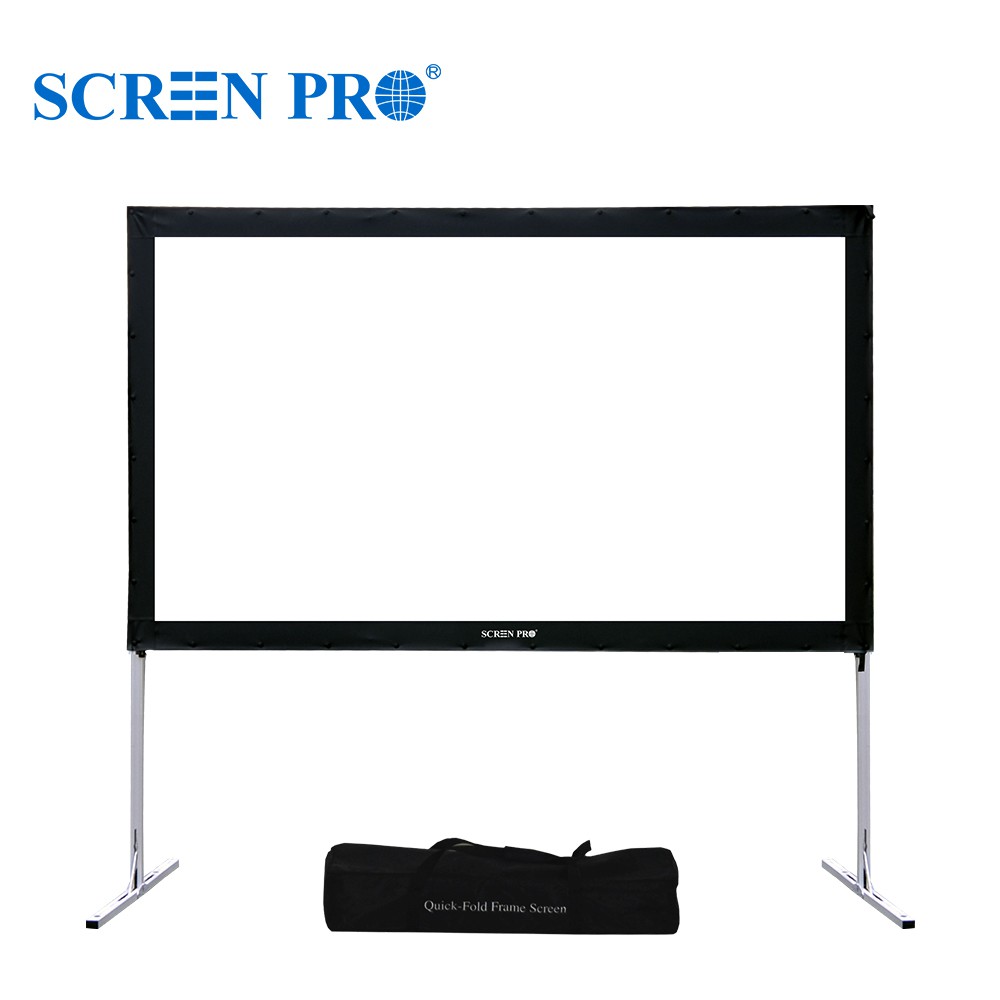
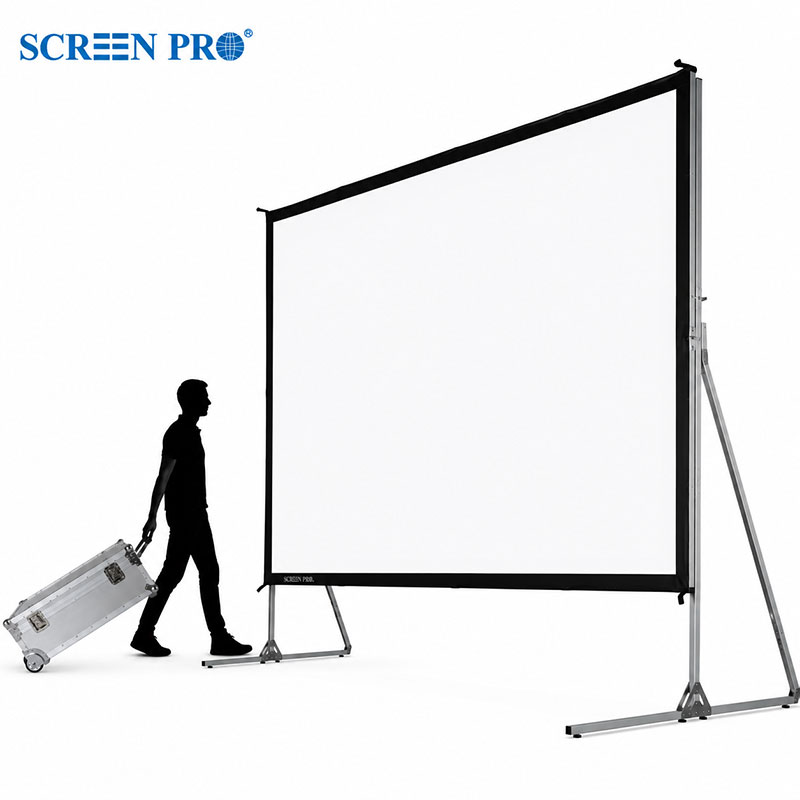
3. How to Fix Wrinkles on a Fixed Frame Projector Screen
For compatible flexible screen materials, the following steps may help.

Check the Frame Assembly
Ensure all corners and connecting sections are properly aligned. A misaligned frame can prevent uniform tension.
Inspect the Tensioning Components
Check that all screen attachment and tensioning components are installed according to the instructions supplied with your specific SCREENPRO model.
Allow the Material to Settle Naturally
Some flexible PVC materials may gradually relax under uniform tension. Keep the screen in a stable indoor environment. Not all wrinkles disappear naturally.
Recheck the Installation
Persistent diagonal lines or localized waves may indicate uneven tension. Do not overstretch the material.
Contact Technical Support
If wrinkles remain after correct installation, contact SCREENPRO before attempting additional adjustments.
4. Can I Use a Hair Dryer or Heat Gun to Remove Wrinkles?
Some online tutorials suggest using hair dryers, heat guns, steam, or direct sunlight to soften projection screen materials. These methods are not universally safe.
Modern screen materials may contain specialized optical structures, coatings, perforations, or bonded layers.
Do not use hair dryers, heat guns, irons, steamers, or direct sunlight to remove wrinkles unless the procedure is specifically approved for your exact screen material and model.
Excessive or uneven heating may cause:
- Permanent surface deformation
- Changes in optical performance
- Damage to specialized coatings
- Uneven stretching or shrinkage
- Delamination or adhesive damage
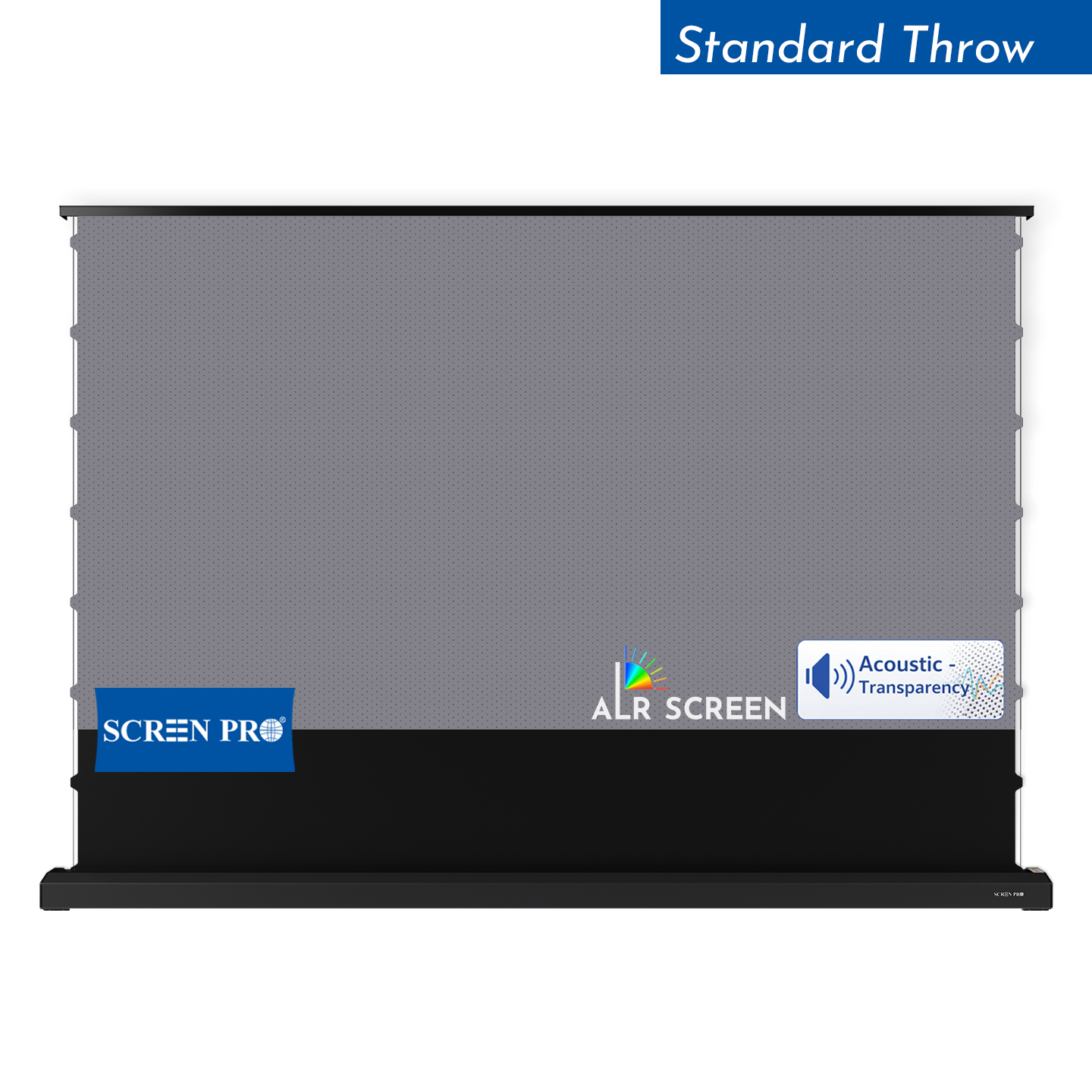
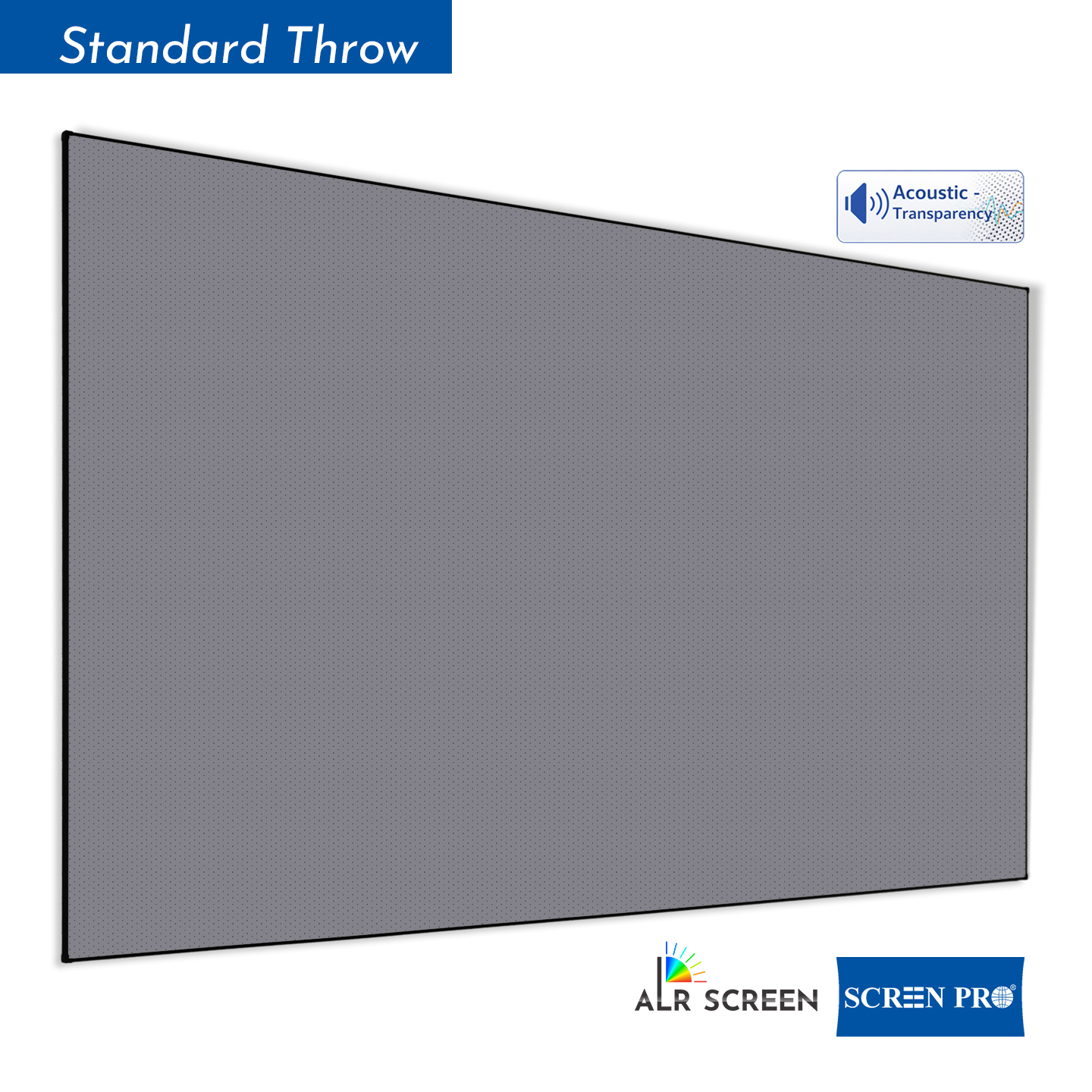
A method suitable for conventional vinyl may not be suitable for ALR, Fresnel, or acoustically transparent materials.
5. Do Different Projection Screen Materials Behave Differently?
Yes. Material construction affects flatness, tensioning, handling, and maintenance.
| Screen Material | Characteristics | Recommended Approach |
|---|---|---|
| Flexible PVC | Some minor temporary wrinkles may improve under uniform tension. | Check installation and allow natural settling. |
| ALR Materials | Specialized optical surfaces may be sensitive to improper heating, bending, or stretching. | Follow material-specific handling instructions. |
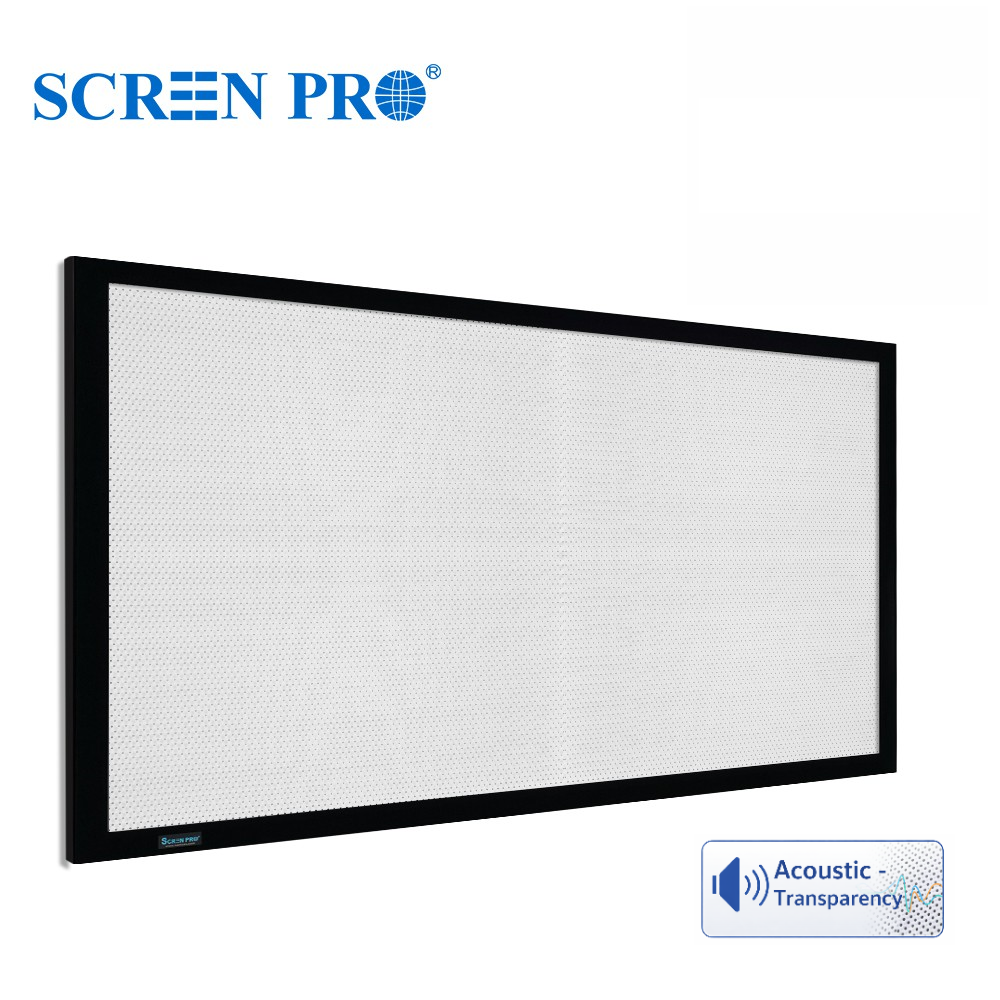
| Woven / Micro-Perforated AT | Construction and tensioning requirements differ from conventional PVC. | Verify frame assembly and uniform tension. |
| Fresnel / Rigid Optical | Rigid optical structures require specialized handling. | Do not use conventional vinyl stretching or heating methods. |
Learn more about SCREENPRO Projection Screen Materials.
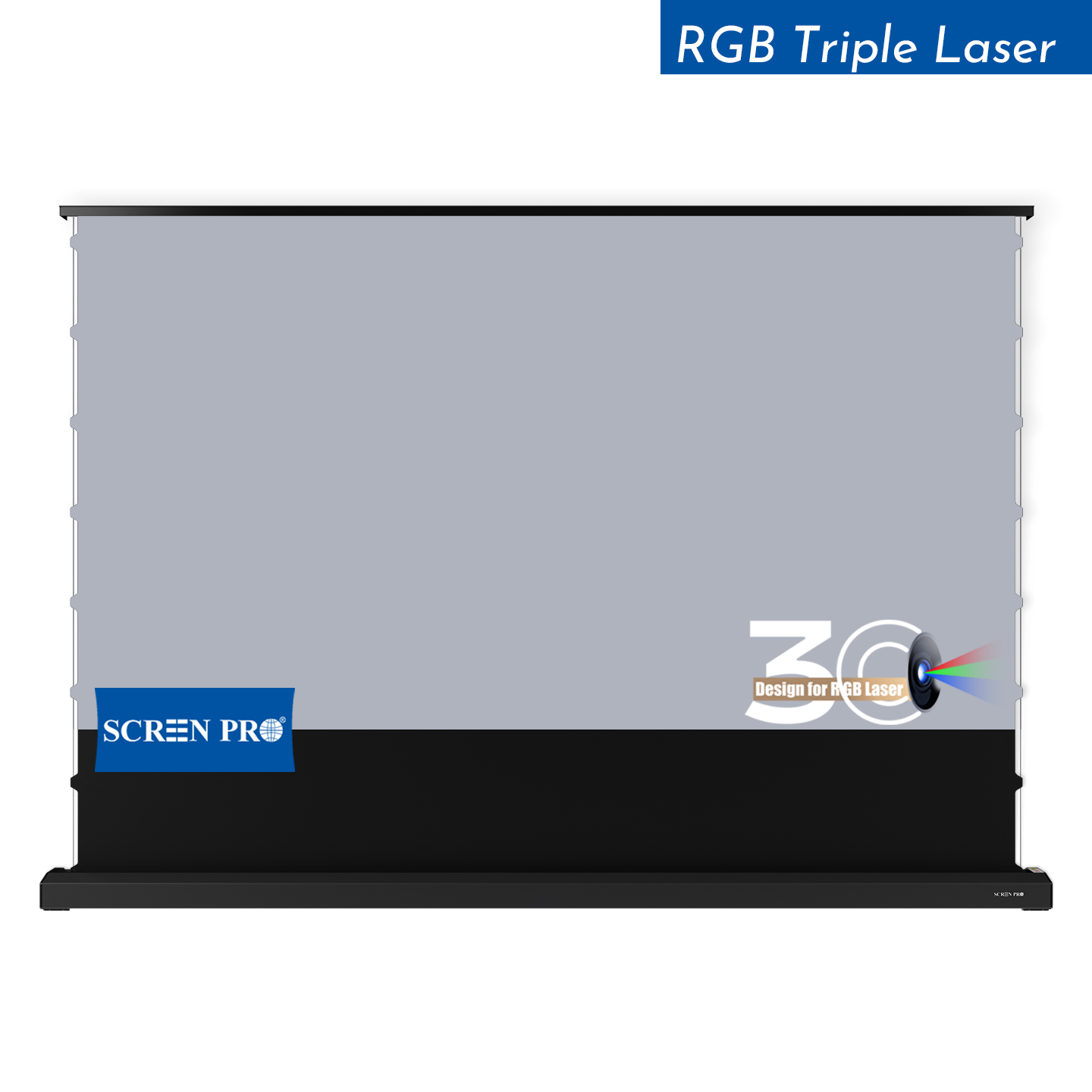
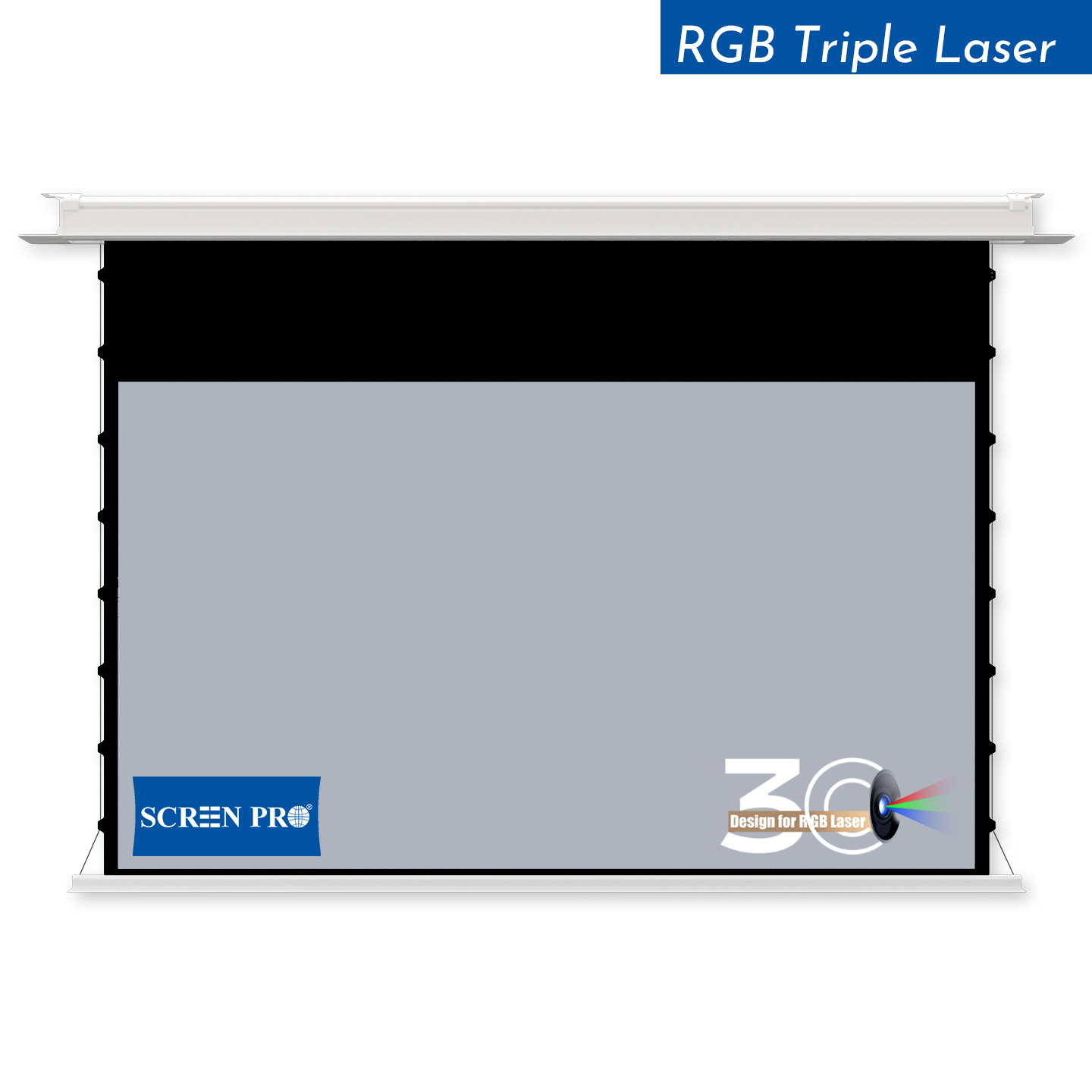
6. Motorized Projector Screens: Waves, Top Black Border & Lower Limit Adjustment
Motorized screens have additional mechanical factors that can affect flatness:
- Roller alignment
- Screen material tension
- Side-tension adjustment, where applicable
- Installation level and mounting alignment
- Temperature and environmental conditions
- Top black border positioning and winding behavior
For tab-tensioned screens, inspect the tensioning system according to the product instructions. Do not manually pull, stretch, or heat the material.
Why Does the Top Black Border Matter?
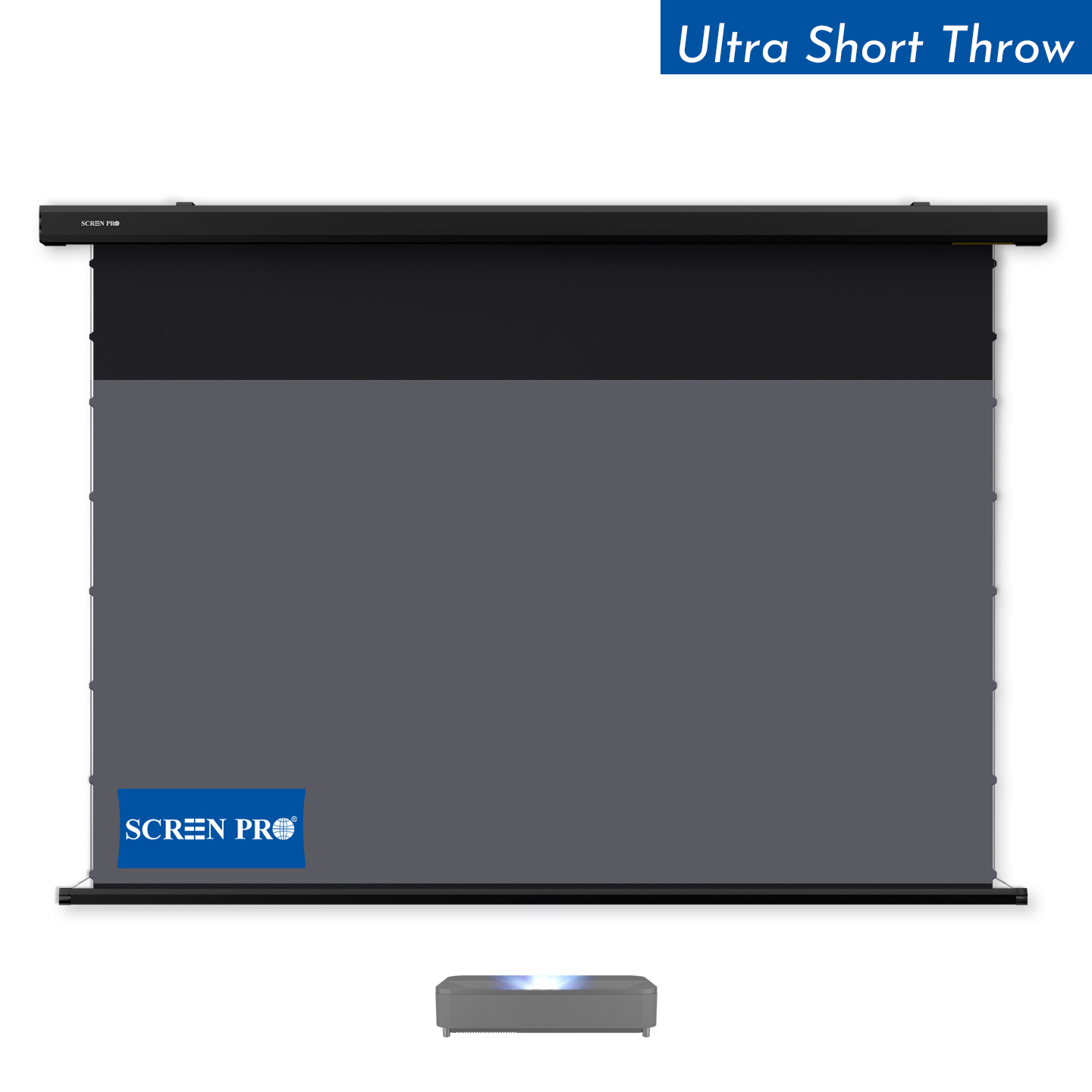
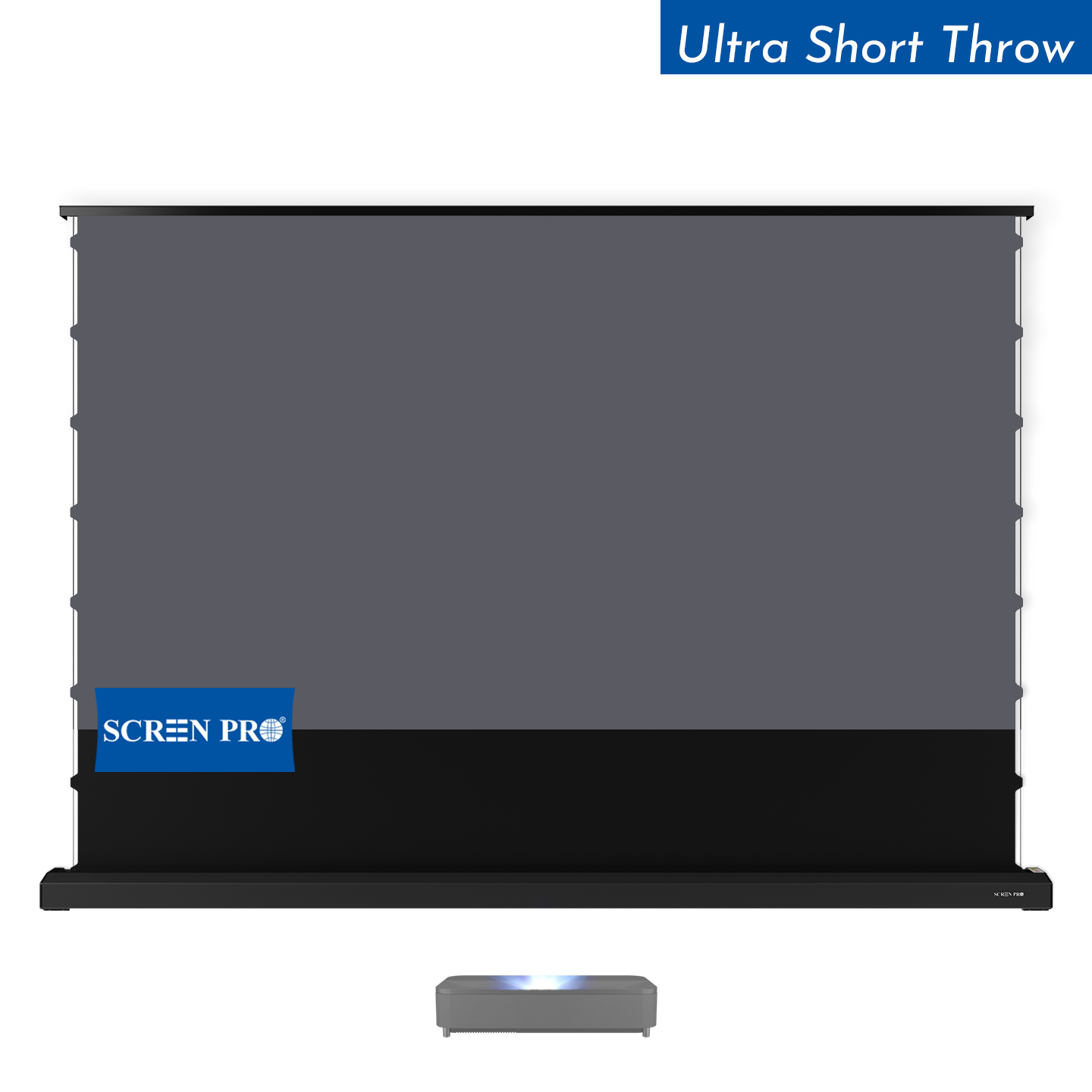
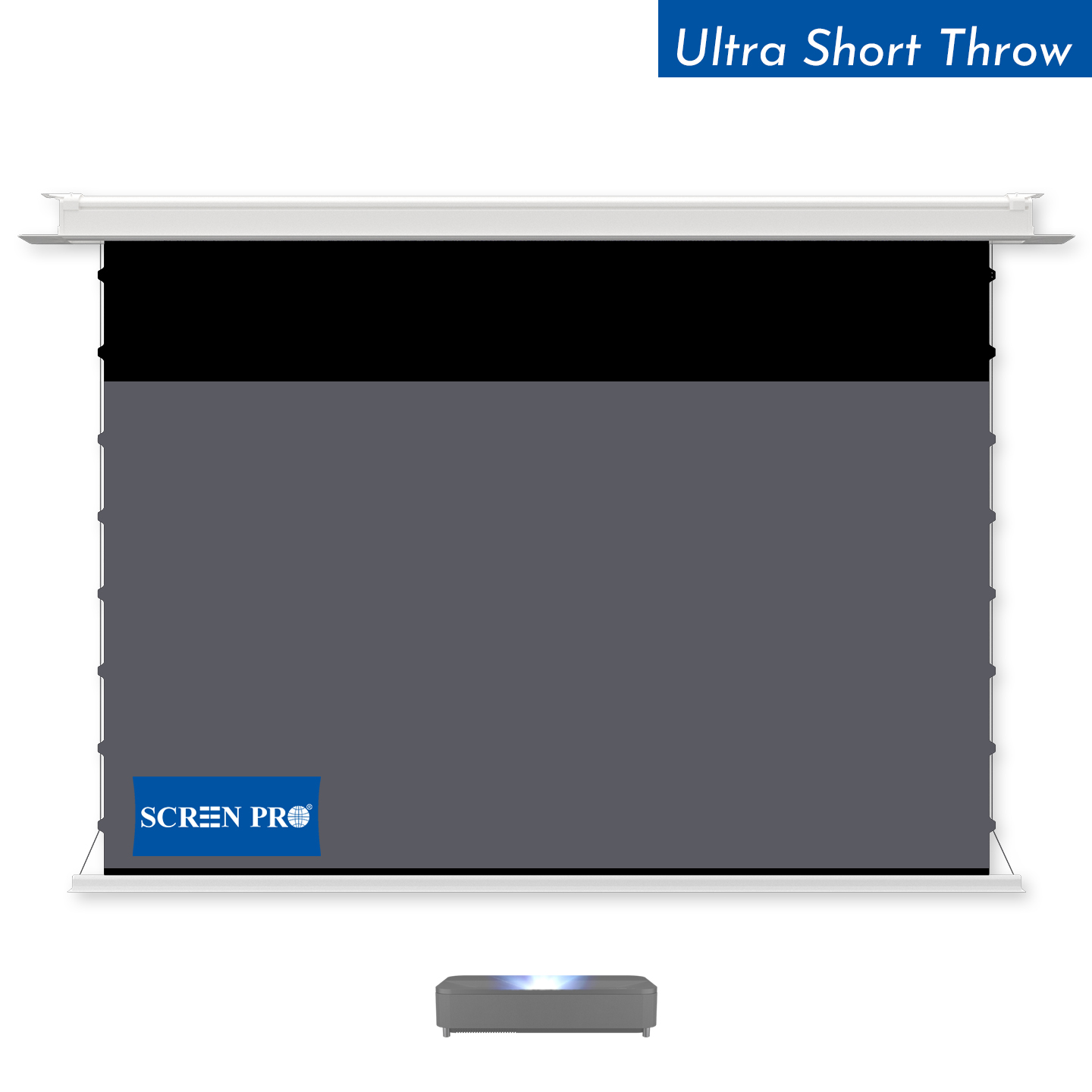
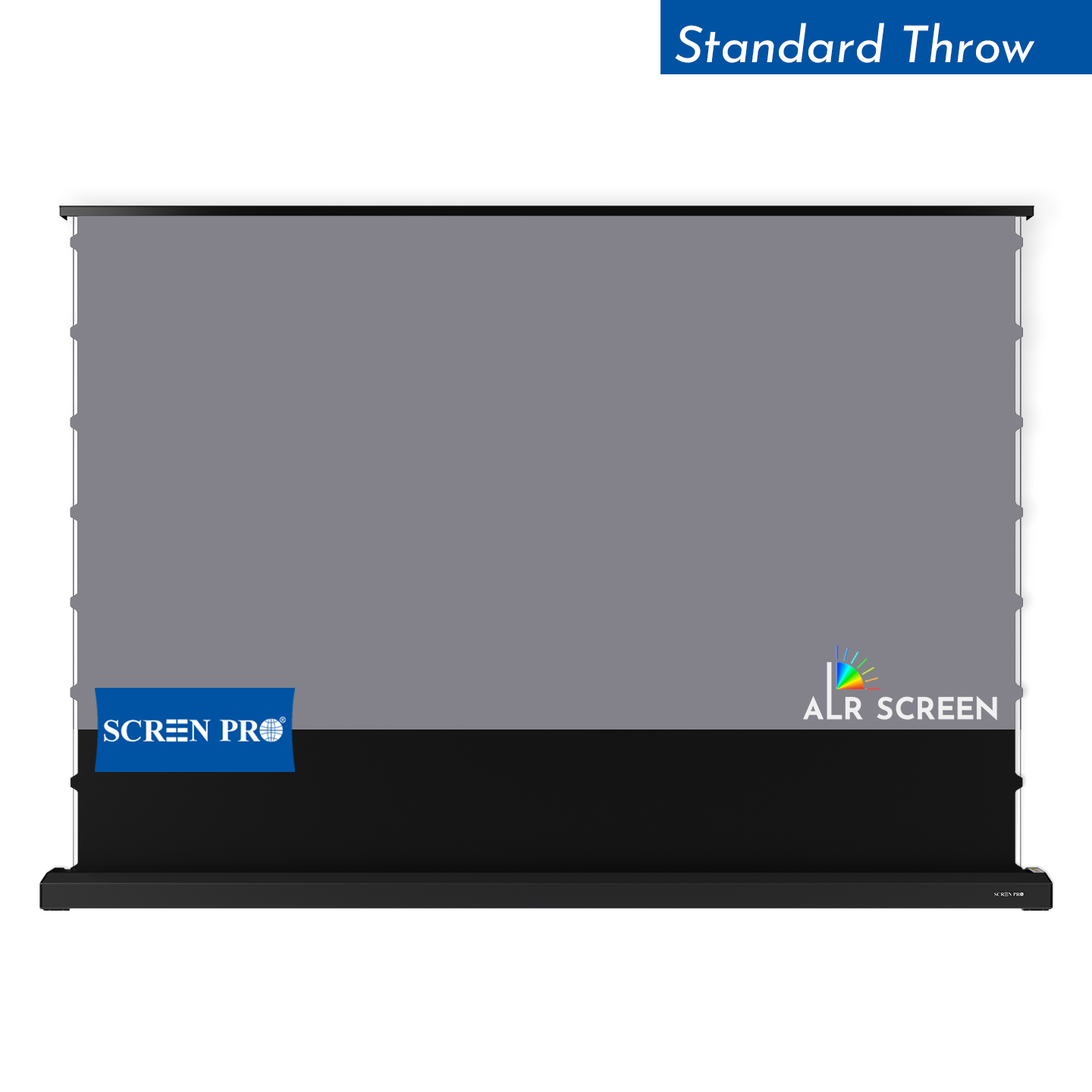
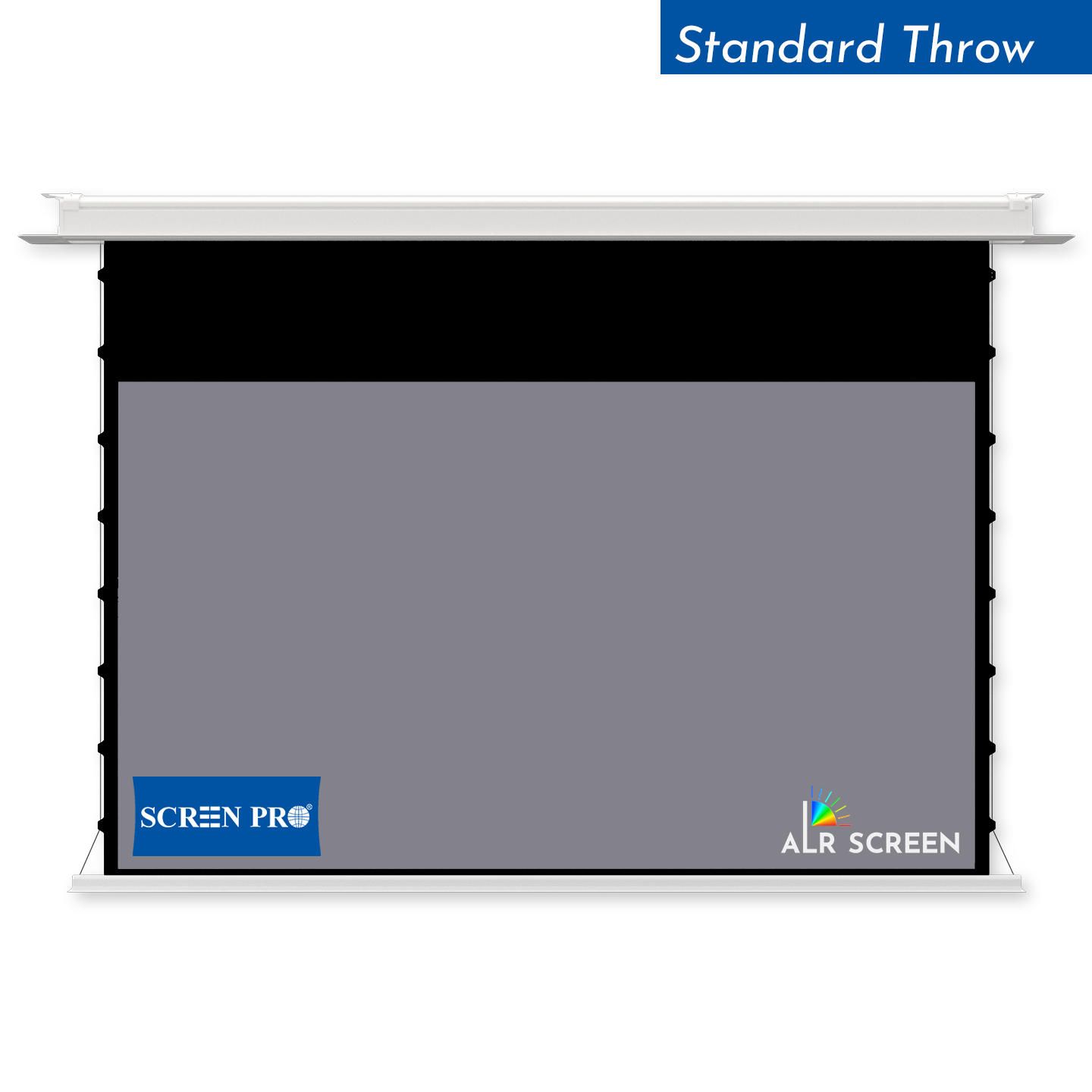
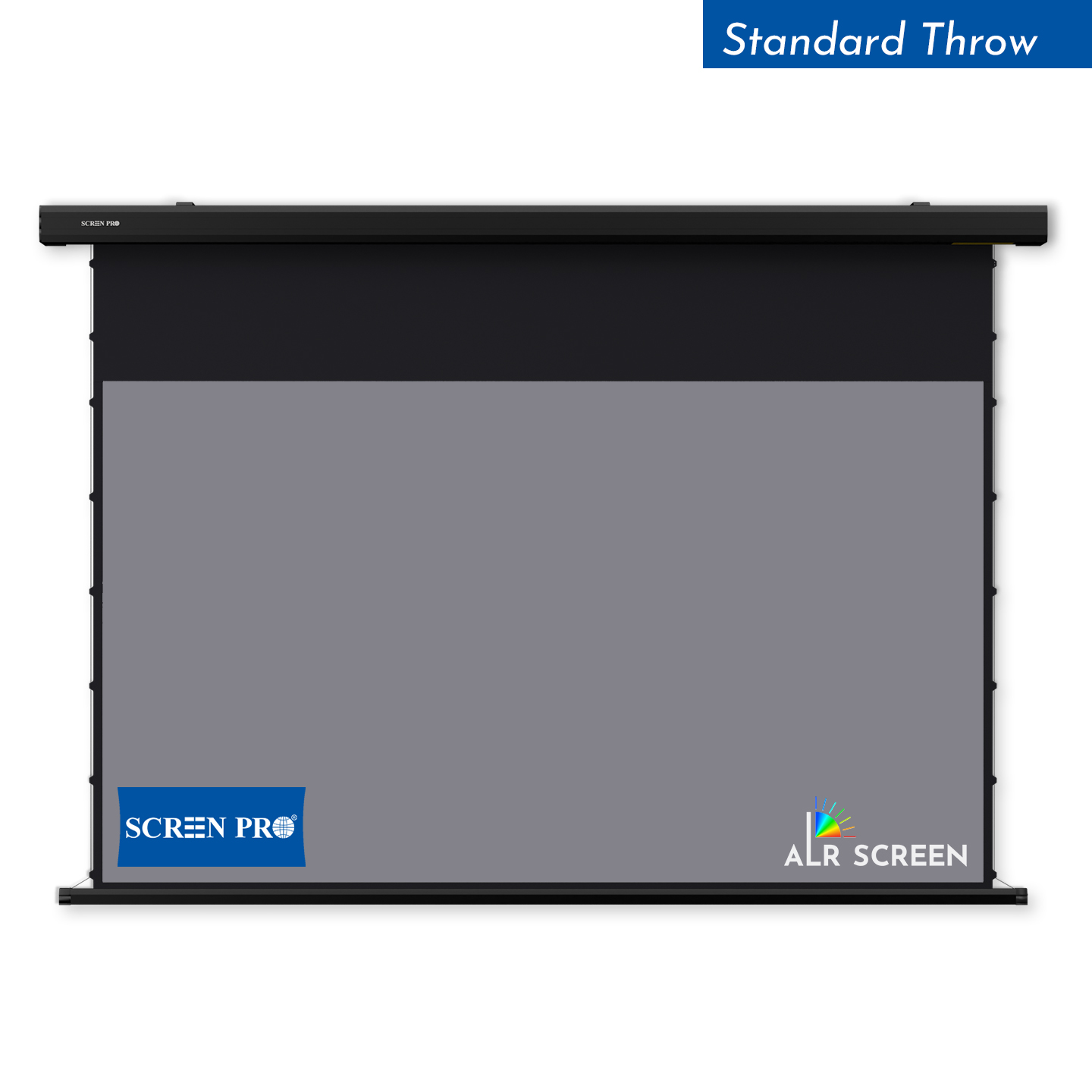
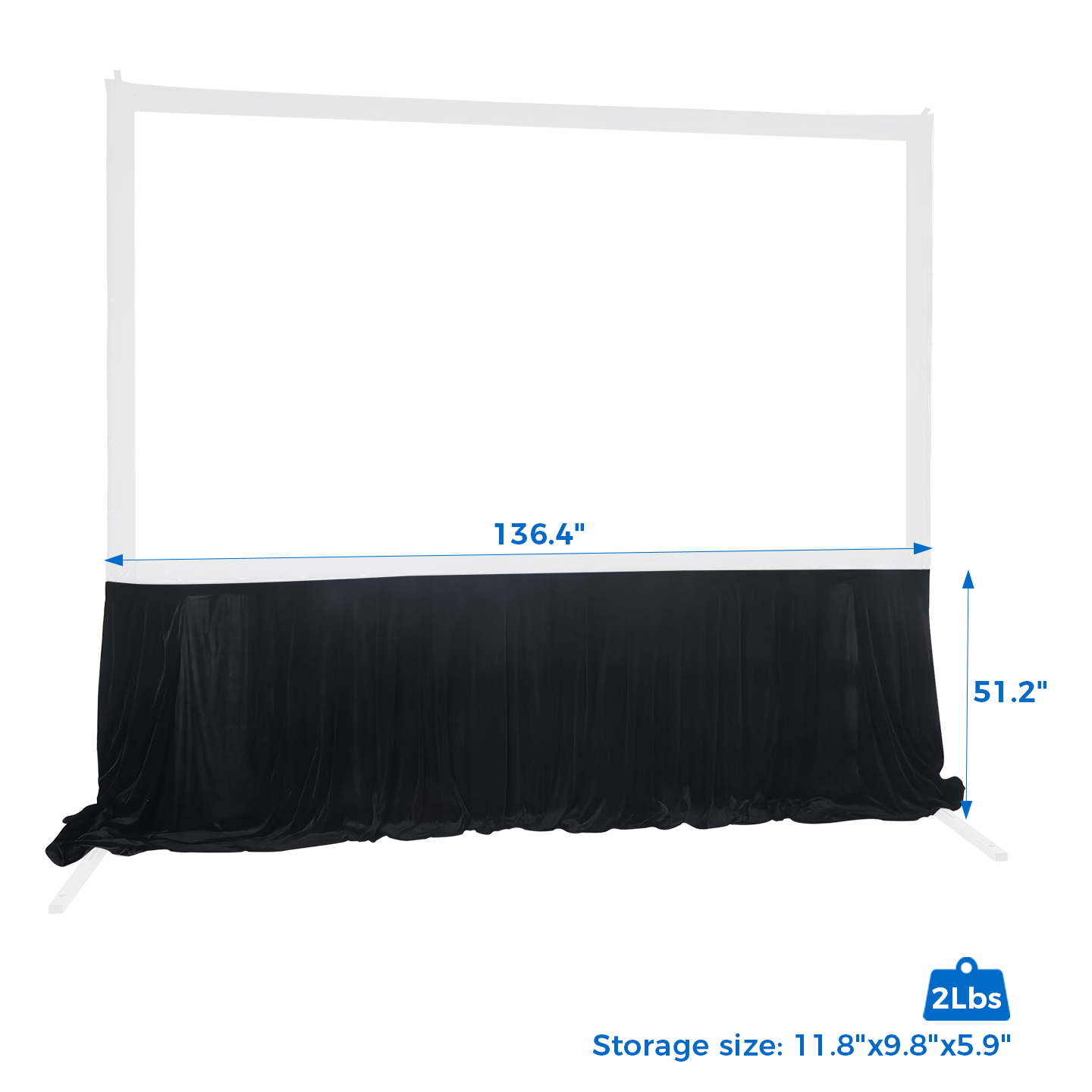
The top black border, also known as the top drop, is the section of black material between the screen housing and the visible projection area.
It allows the projection surface to be positioned at a comfortable viewing height without requiring the image area to extend directly from the housing.
On some motorized screens, reducing the exposed top black border too much may affect how the material hangs or winds around the roller.
This may contribute to vertical lines or wrinkles, although other factors may also be involved.
Common Adjustment Mistake: Completely Hiding the Top Black Border
Some users prefer a clean appearance with no visible top black border.
To achieve this, they may first lower the screen to its standard position and then adjust the lower limit upward until the top black border disappears.
However, this adjustment method is not recommended when trying to maintain optimal screen flatness on applicable SCREENPRO motorized screens.

Recommended Method for Adjusting the Top Black Border
If your screen model supports lower limit adjustment, follow the model-specific operating instructions and the positioning sequence described below.
Restore the Original Position
If vertical lines appear after adjusting the top black border, first return the screen to its previous position, where the projection surface was flat and the top black border was visible.
Start With a Small Visible Top Border
When setting the lower limit, begin with the screen lowered just enough to expose a small portion of the top black border.
Adjust Downward Gradually
From this position, gradually increase the exposed top black border by lowering the screen until jco ouxek the desired drop height.
Avoid Adjusting Upward to Hide the Border
Do not first lower the screen to its standard position and then adjust the lower limit upward to reduce or completely hide the top black border.
Motor limit-setting procedures vary by model. Do not repeatedly change the motor limits without following the instructions for your specific screen.
What If Vertical Wrinkles Have Already Appeared?
If you notice vertical lines after changing the screen's lower limit:
- Restore the previously recommended drop position.
- Make sure an appropriate amount of top black border remains visible.
- Leave the screen extended in a stable indoor environment for a while and observe whether the lines improve.
- If the issue persists, contact SCREENPRO support with photos of the screen and its installation.

Restoring the previous position may help improve the surface condition, but recovery is not guaranteed. Persistent wrinkles may require further inspection.
Can I Order a Screen With Little or No Top Black Border?
For motorized drop-down screens, configurations with very little or no top black border (less than 10 mm) may be more prone to wrinkling, depending on the screen material and construction.
If your installation requires this configuration, please specify it before production so our team can evaluate the requirements and available customization options.
7. How Can You Prevent Projector Screen Wrinkles?
Before Installation
- Inspect the packaging for visible shipping damage.
- Follow the recommended unpacking instructions.
- Avoid placing heavy objects on the screen material.
- Keep the material away from sharp objects and excessive heat.
During Installation
- Follow the manufacturer's assembly sequence.
- Distribute tension evenly across the screen.
- Avoid excessive pulling or stretching.
- Verify that the frame or housing is installed correctly.
During Everyday Use
- Maintain a reasonably stable indoor environment.
- Avoid prolonged exposure to direct sunlight or excessive heat.
- Keep retractable screens free from obstructions.
- Follow the cleaning and maintenance instructions for the material.
- Use the recommended lower limit settings for motorized screens.
8. Frequently Asked Questions
Will projector screen wrinkles disappear on their own?
Some minor wrinkles in compatible flexible materials may improve after correct installation and a period under uniform tension. Permanent creases or installation-related wrinkles may require further attention.
How long does it take for a projector screen to become flat?
There is no universal timeframe. It depends on the material, tensioning system, environment, and severity of deformation.
Can I iron my projector screen?
No. Direct contact with an iron may damage the projection surface.
Can I leave my projector screen in the sun to remove wrinkles?
Direct sunlight may cause uncontrolled heating and damage some screen materials or optical coatings. It is not recommended as a general treatment.
Are tab-tensioned motorized screens completely wrinkle-free?
Tab-tensioning improves flatness but does not guarantee the complete absence of surface irregularities under every condition.
Does a wrinkled projector screen need to be replaced?
Not always. Some issues can be corrected through installation or tension adjustments. Permanent creases, coating damage, or material defects may require further evaluation.
Can I completely hide the top black border?
Some screen configurations may allow it, but it is not recommended as a universal adjustment method. Please confirm the requirements for your specific screen model.
Will vertical wrinkles disappear after restoring the original position?
They may improve after the screen is returned to its previous flat position, but recovery is not guaranteed. Persistent wrinkles may require further inspection.
Should I adjust the lower limit upward or downward?
For the adjustment procedure described here, start with a small portion of the top black border visible and gradually adjust downward to the desired position.
Does this apply to every SCREENPRO motorized screen?
No. Adjustment procedures and fabric behavior may differ between screen models. Always follow the model-specific operating instructions.
9. Need Help With Your SCREENPRO Projection Screen?
If your screen has persistent wrinkles, waves, or flatness concerns, our support team can help review the issue.
Please provide:
- Product model or product ID
- Screen size and material type
- Serial number, if available
- Photos showing the affected areas
- Photos of the installation and tensioning components
- Current top black border height, if applicable
- Order details, if available
Disclaimer: This article provides general educational information. Screen materials and tensioning systems vary by product. Always follow the installation and maintenance instructions supplied with your specific SCREENPRO model.