





Projector Screen Gain Explained
What does 0.8, 1.0 or 1.2 gain actually mean? Learn how screen gain affects brightness, viewing angle, hotspotting and overall projection performance.
What Is Projector Screen Gain?
Projector screen gain describes how much light a projection surface reflects toward the viewer compared with a standardized reference surface.
A 1.0-gain screen is generally treated as the neutral reference. Values below or above 1.0 describe how the surface redistributes projected light.
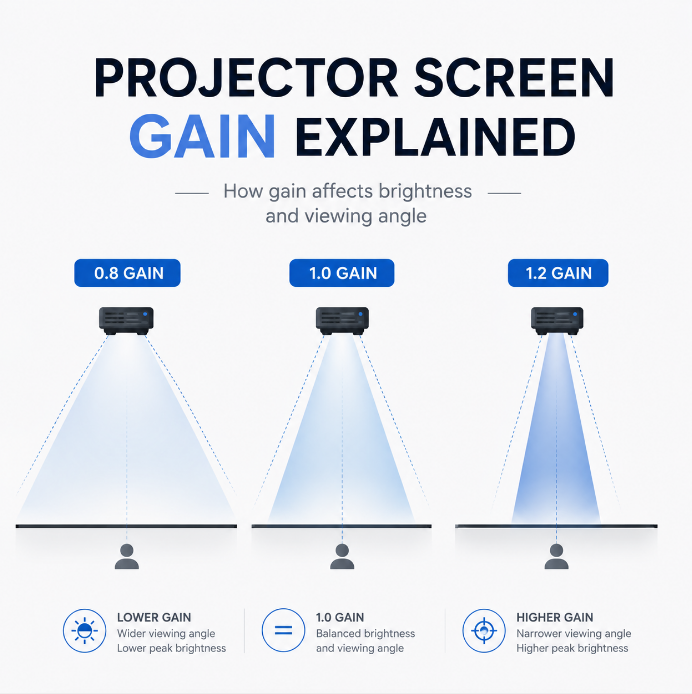
Reflects less light toward the viewer and can help control black levels, hotspotting and unwanted reflected light.
A common reference point for matte white projection surfaces, usually combining wide viewing angles with uniform brightness.
Can increase perceived brightness toward the main viewing position while becoming somewhat more directional.
Concentrates more light toward a selected viewing area, potentially at the cost of viewing angle and uniformity.
Important: Gain is not simply a brightness multiplier. How the screen distributes reflected light is just as important as the gain number itself.
Does Higher Gain Mean a Brighter Image?
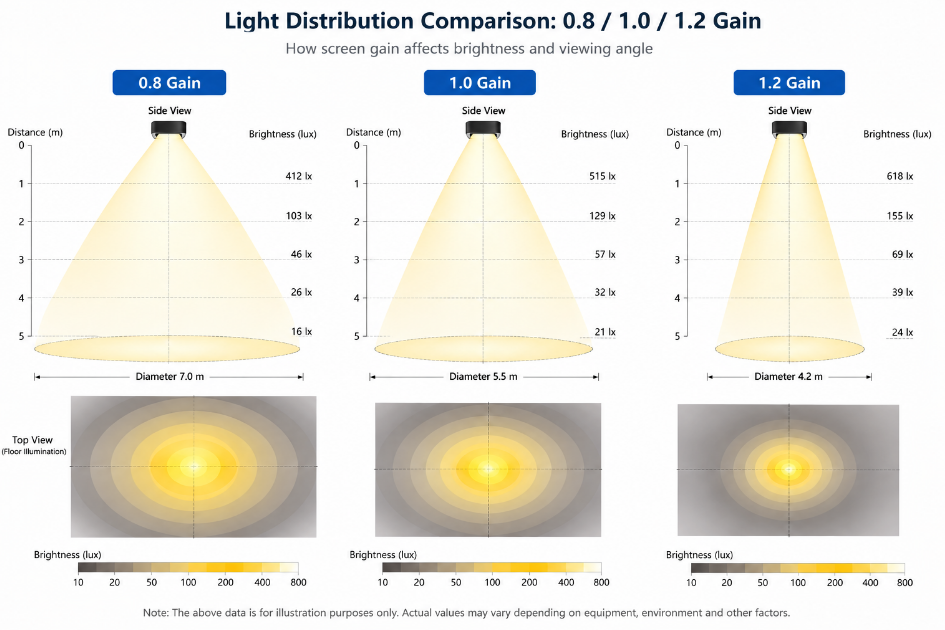
Generally, yes — from the intended viewing direction. A higher-gain surface concentrates more reflected light toward a particular viewing area instead of distributing it equally in all directions.
The exact relationship depends on the screen material and optical structure.
1.0 Gain, Low Gain and High Gain
Often used for traditional matte white screens. A practical balance of brightness, image uniformity and wide viewing angle.
- Wide viewing angles
- Uniform brightness
- Natural color reproduction
- Low hotspot risk
Frequently found in gray and some ALR materials where black level, light control and image uniformity matter more than maximum reflection.
- Deeper perceived blacks
- Reduced hotspot risk
- Useful with bright projectors
- Controlled reflected light
Can be useful for very large screens or installations requiring additional perceived brightness toward the audience.
- Higher peak brightness
- Useful for large screens
- More directional reflection
- May narrow viewing angle
What Is Hotspotting?
Hotspotting occurs when one area of the projection screen appears noticeably brighter than the surrounding image.
Instead of uniform brightness across the entire screen, a bright region may become visible and can change as the viewer moves.
Screen gain, surface structure, projector position, throw distance, screen size and viewing position can all affect hotspotting.
Higher gain is useful only when the additional brightness does not compromise image uniformity for the intended seating area.
Screen Gain and Viewing Angle
A diffuse surface spreads reflected projector light across a wider area. A more directional surface concentrates more of that light toward selected viewing directions.
| Screen Type | Typical Gain Behavior | Viewing Characteristics |
|---|---|---|
| Matte White | Around neutral | Very wide viewing angle |
| Gray Screen | Often below 1.0 | Usually wide and uniform |
| Moderate High-Gain Screen | Above 1.0 | More directional |
| Optical ALR Screen | Depends on optical structure | Direction-dependent |
| UST ALR Screen | Often below or around 1.0 | Controlled directional reflection |
Screen Gain and Ambient Light Rejection Are Not the Same Thing
Gain and ALR are two different specifications. Gain describes how projector light is reflected relative to a reference, while ambient light rejection describes how the screen controls unwanted light arriving from other directions.
Describes the distribution and intensity of reflected projector light toward the viewer.
Describes the screen's ability to control or reject unwanted environmental light from other directions.
High Gain ≠ High ALR
Low Gain ≠ Poor Screen Performance
An optical ALR material can intentionally direct projector light toward the audience while redirecting or absorbing light from ceilings, windows or room lighting. The optical structure matters more than the gain number alone.
Why Do Many UST ALR Screens Have Lower Gain?
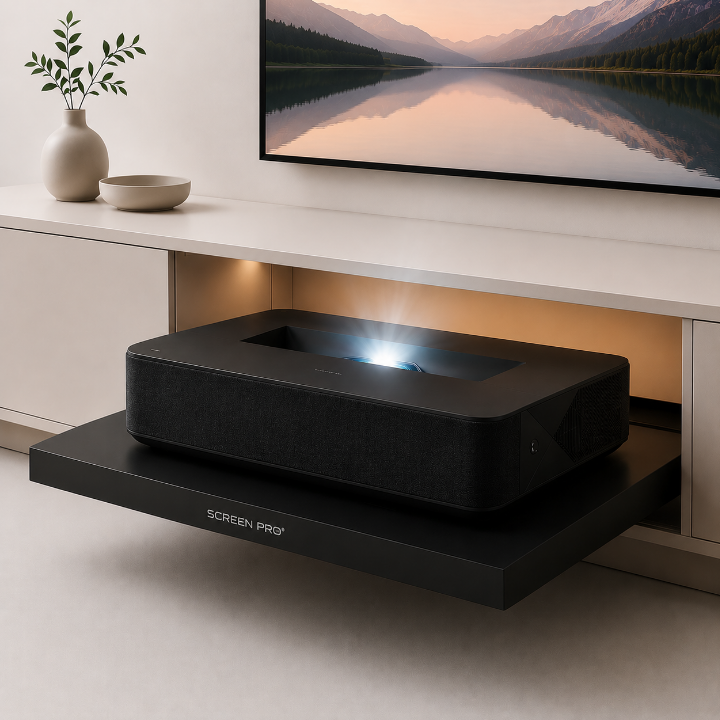
A UST projector sends light toward the screen at a steep angle from a position very close to the projection surface. A UST ALR screen is designed specifically around this geometry.
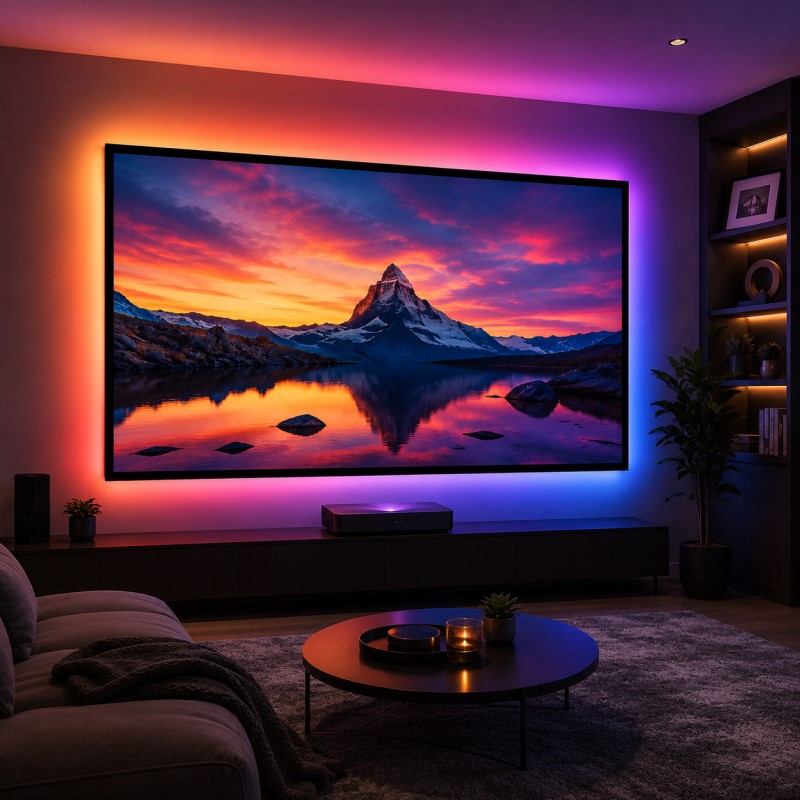
Because the goal is controlled light distribution rather than maximum raw reflection, many UST ALR screens have gain values below 1.0. This does not automatically mean the projected image will appear too dim.
How Screen Gain Affects Image Brightness
Gain can be included when making a rough comparison of screen luminance, but screen area and projector output must also be considered.
The same projector will generally produce a brighter image on a 100-inch screen than on a 150-inch screen because its available light is distributed across a much larger area.
At the same aspect ratio, a 150-inch screen has approximately 2.25× the image area of a 100-inch screen.
Is 1.0 or 1.2 Gain Better?
Neither is universally better. The correct choice depends on projector brightness, screen size, seating position, room lighting and screen technology.
Choose Around 1.0 When
- You want a wide viewing angle
- Seating extends across the room
- The projector is already bright enough
- Uniformity is a priority
- The room has good light control
Consider Higher Gain When
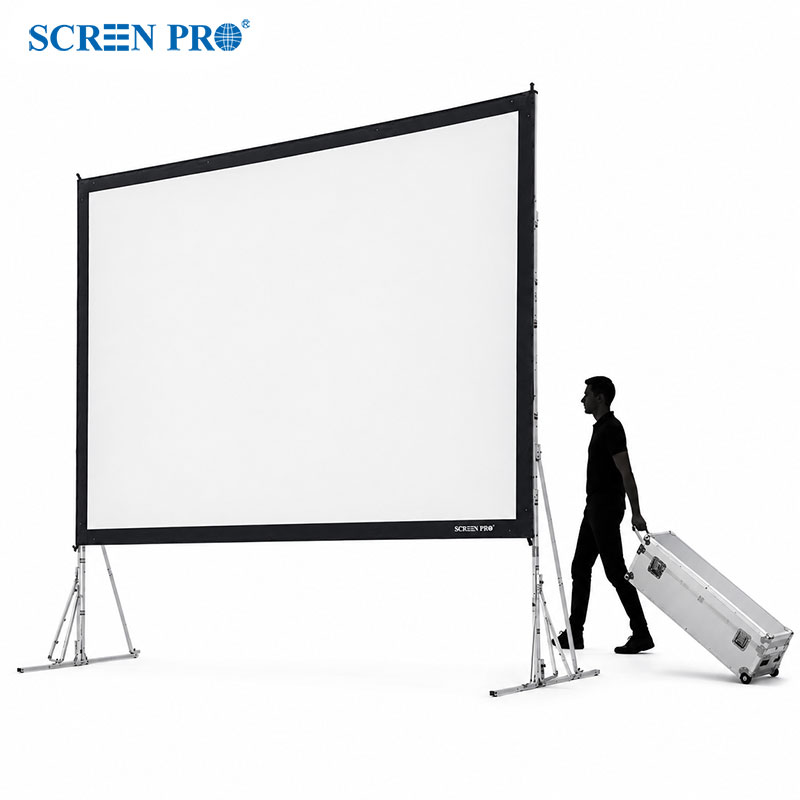
- The screen is unusually large
- Additional brightness is needed
- Projector output is limited
- Seating is relatively centered
- The geometry supports the material
Consider Lower Gain When
- The projector is very bright
- Deeper blacks are desirable
- You are using a gray surface
- The screen uses optical ALR technology
- Uniformity is a priority
What Screen Gain Is Best for Your Application?
In a dark, controlled room, approximately 1.0 gain is often a practical starting point. Bright projectors may also work well with lower-gain gray surfaces.
Do not select a UST screen based on gain alone. UST compatibility, optical structure and projection direction should be considered first.
Large screens require more light. Projector output, screen area, gain, throw distance and ambient-light conditions should be evaluated together.
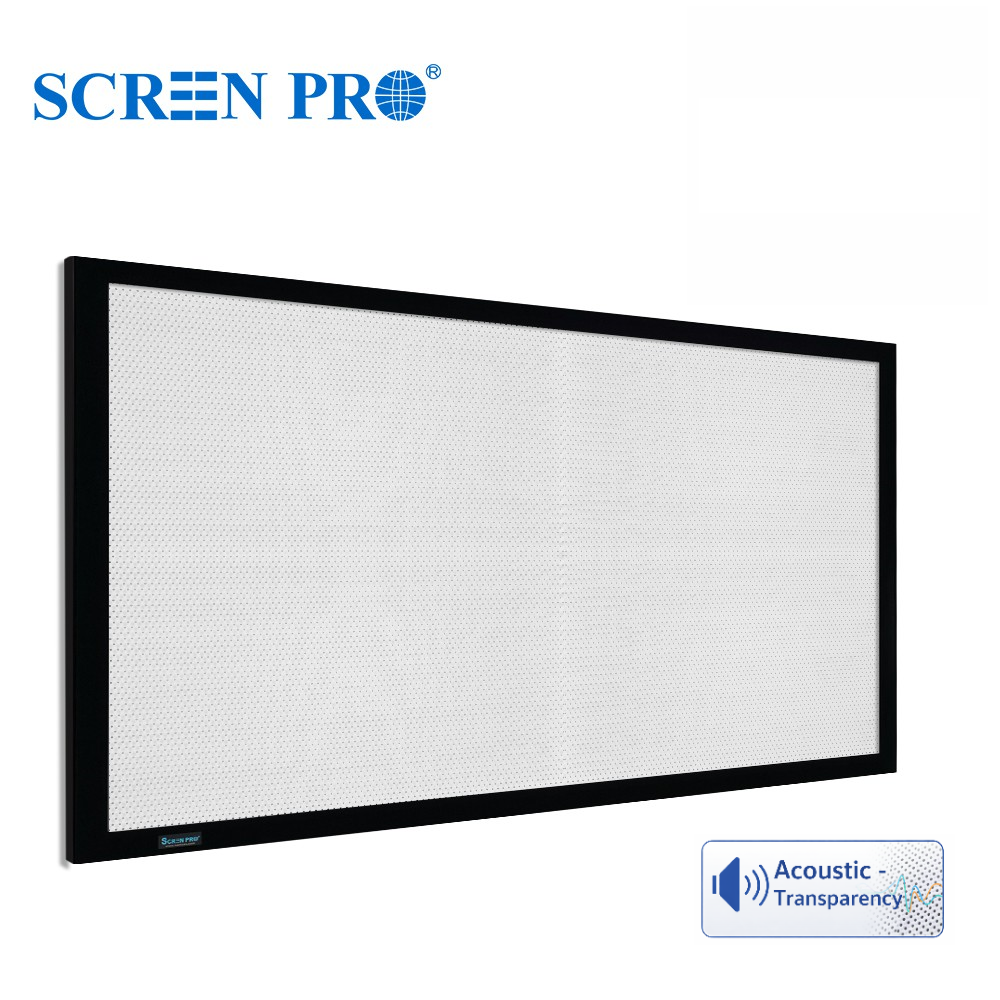
Woven and perforated screens must balance gain with acoustic transparency, image resolution, moiré control, color neutrality and viewing angle.
Common Mistakes When Choosing Screen Gain
Higher gain can improve brightness toward the main viewing position, but may reduce viewing angle or image uniformity.
The same projector behaves very differently on a 100-inch screen and a 180-inch screen.
UST, short-throw and standard-throw projectors use different projection geometries.
A 1.5-gain white surface is not automatically better under ambient light than a properly designed 0.8-gain ALR surface.
Two surfaces with the same stated gain can perform very differently because of their optical structure and light distribution.
How to Choose the Right Projector Screen Gain
Instead of asking “What is the best screen gain?”, ask:
“What screen material and gain are best for my complete projection system?”
| Factor | Why It Matters |
|---|---|
| Projector Type | Determines projection geometry and compatible screen technologies |
| Projector Brightness | Determines how much light is available for the image |
| Screen Size | Larger image areas require more projector light |
| Throw Distance | Can affect compatibility and hotspot performance |
| Ambient Light | Influences perceived contrast and may require ALR technology |
| Viewing Positions | Determines the required viewing cone |
| Screen Material | Controls how projector and ambient light are distributed |
| Application | Home theater, commercial AV, education, simulation or large venue |
Projector Screen Gain: The Key Takeaway
Screen gain matters, but it is only one part of projection screen performance. A higher number does not automatically produce a better image.
Not Sure Which Screen Material to Choose?
Tell us your projector model, screen size, throw distance, room lighting and installation type. We can help match the projection surface to the complete system rather than choosing by gain alone.
Ask SCREENPRO®