





The Ultimate Projector Screen Buying Guide
(2026 Edition)
Choosing a projector screen is about much more than screen size. Projector type, throw distance, room lighting, screen material, gain, viewing position and installation method all affect the final image. This guide explains how to choose the right projection screen as a complete system.
Find Your Screen in 30 Seconds
Answer four quick questions to get a practical starting-point recommendation.
Your Recommended Screen
Based on the four choices above.
Match the Screen to Your Projector Type
Projection geometry should be considered before gain, color or screen construction.
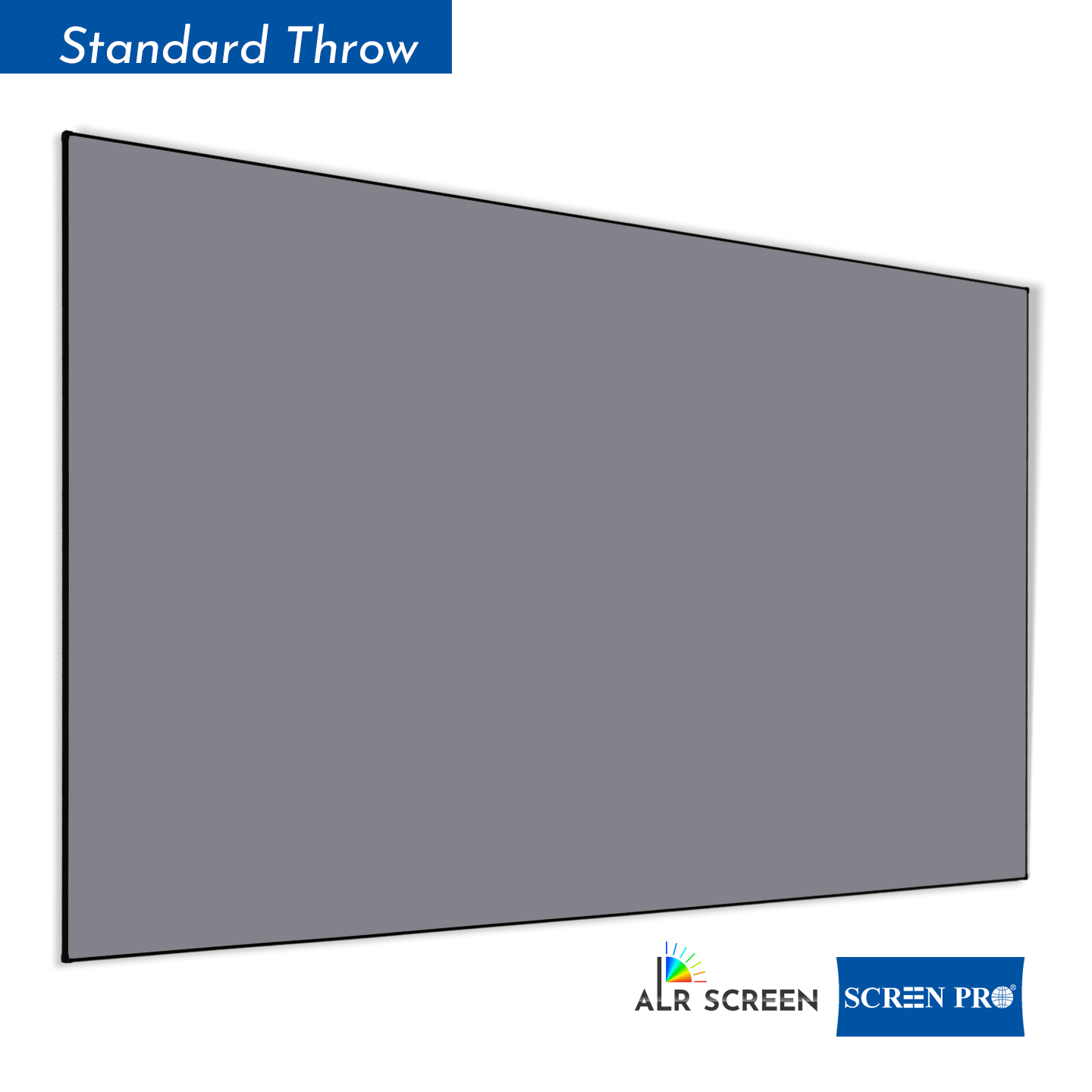
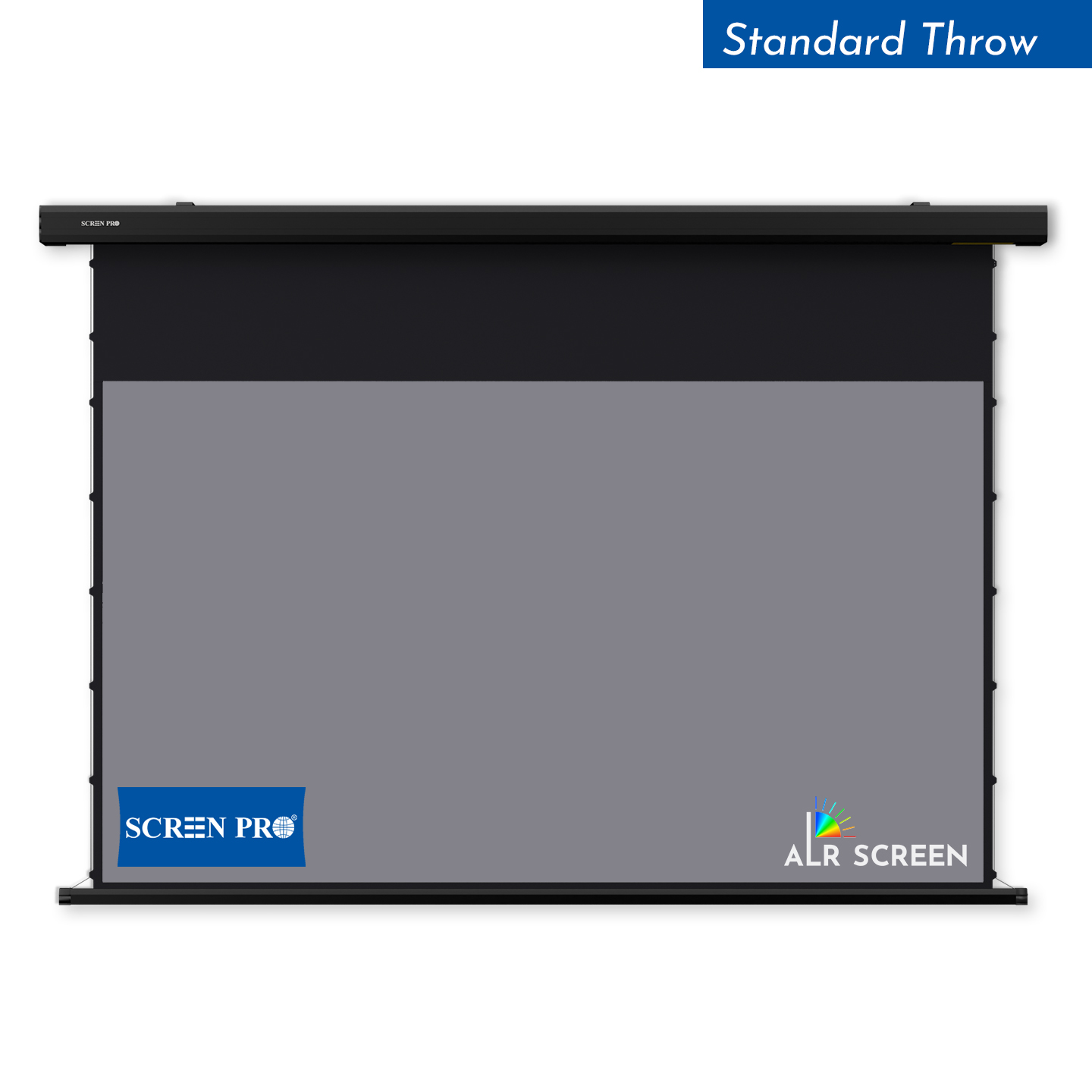
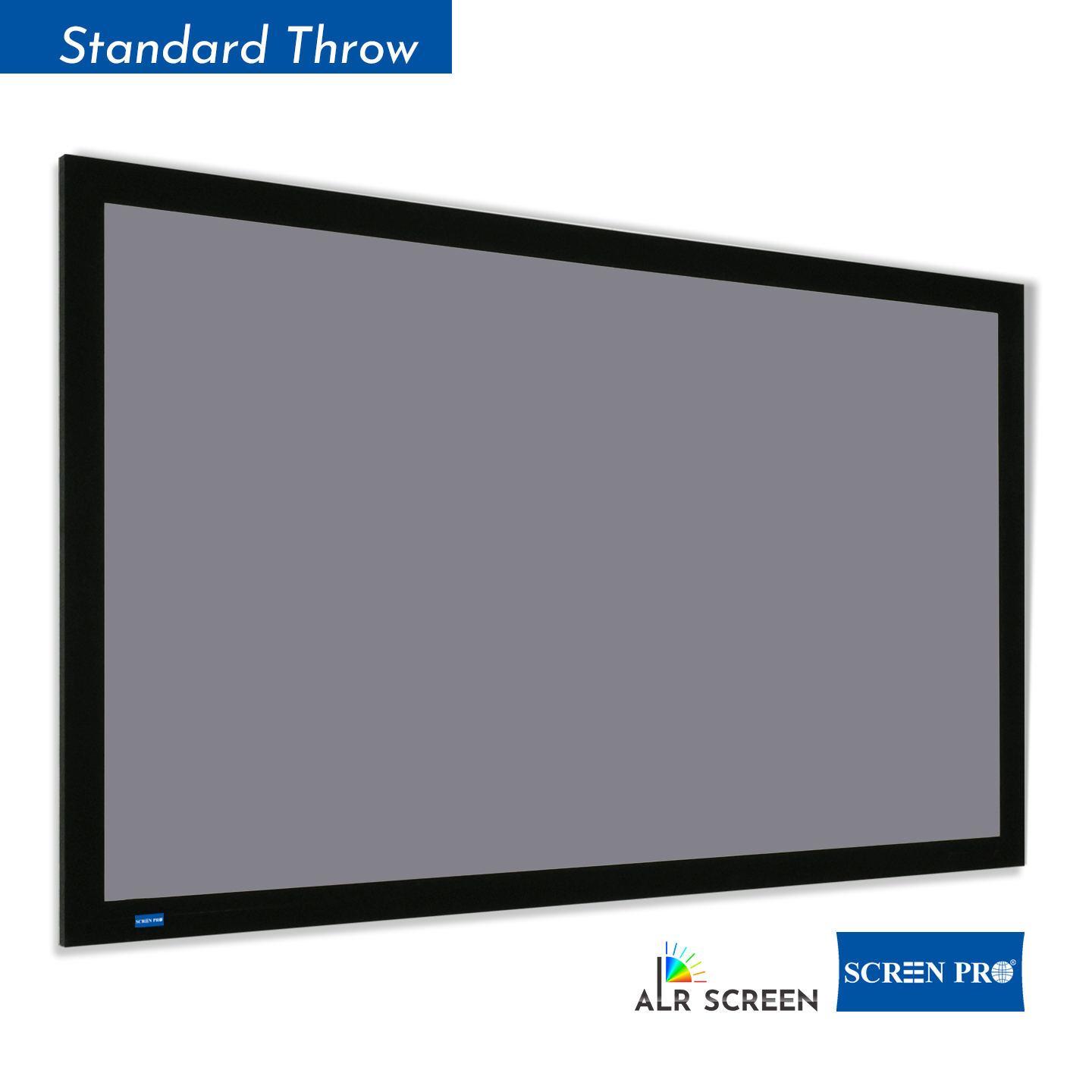
Standard-Throw Projector
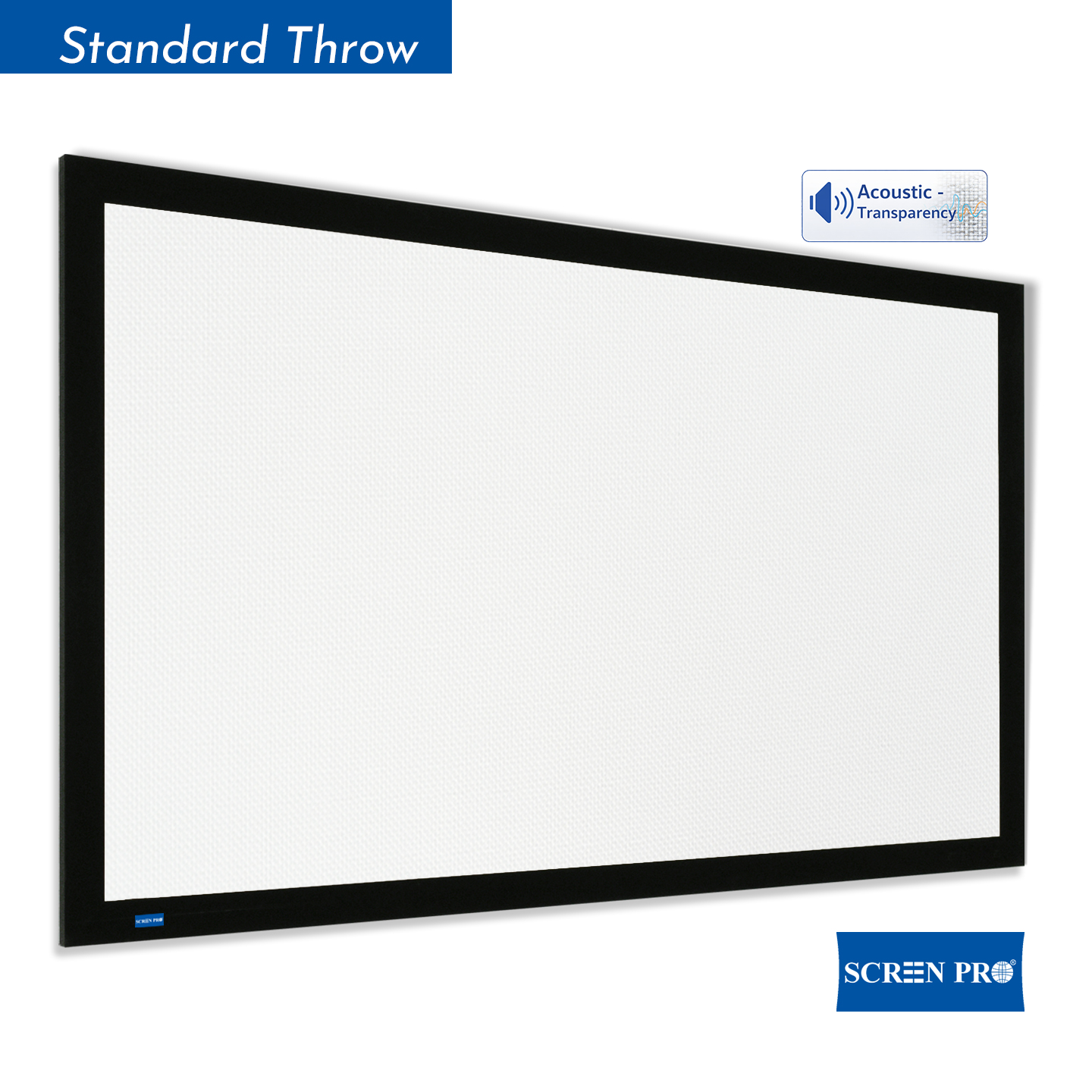
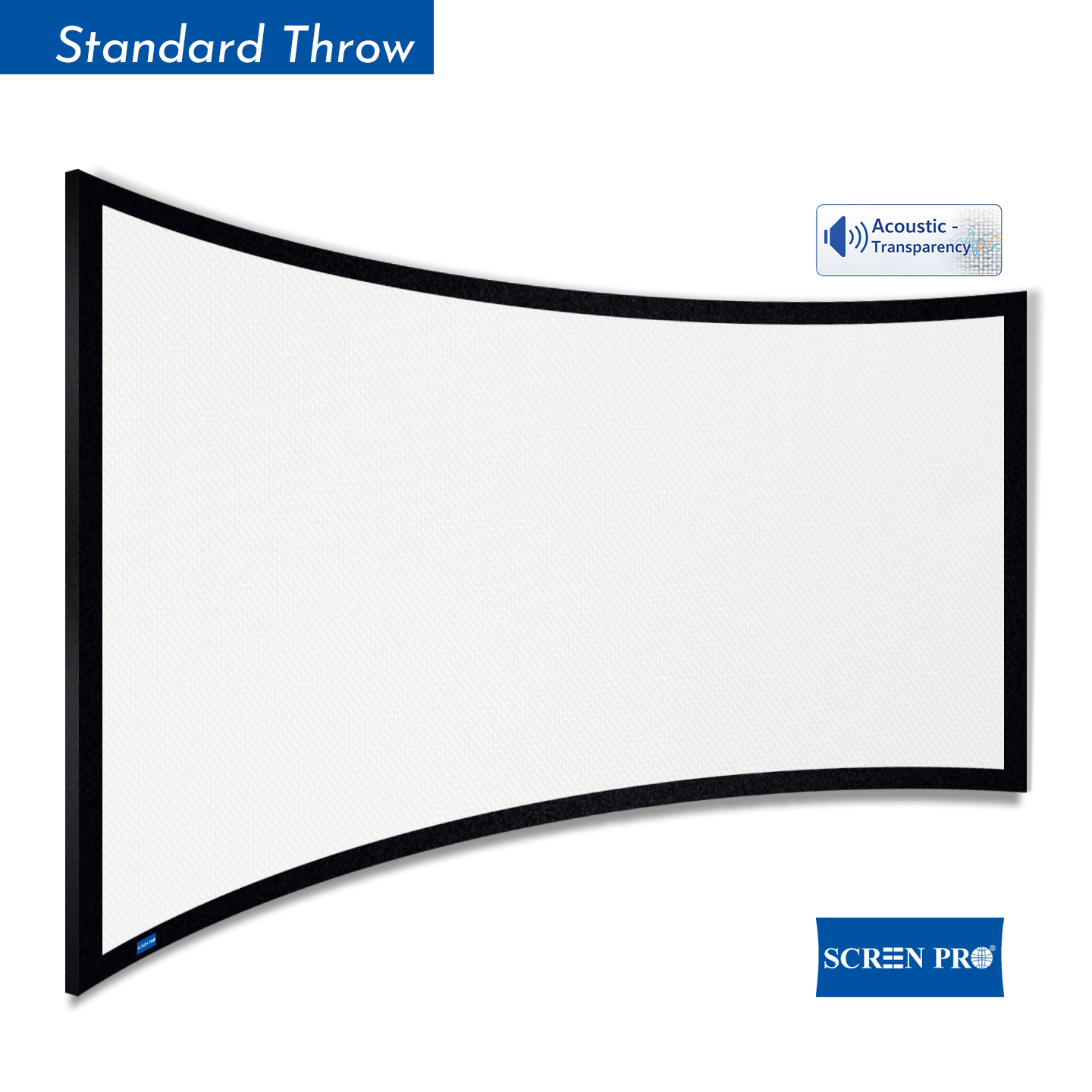
Usually installed several feet or meters from the screen. Compatible with matte white, gray, long-throw ALR, acoustically transparent and many specialty materials.
Short-Throw Projector
Uses a wider projection angle than standard throw. Check compatibility carefully when using directional or optical screen materials.
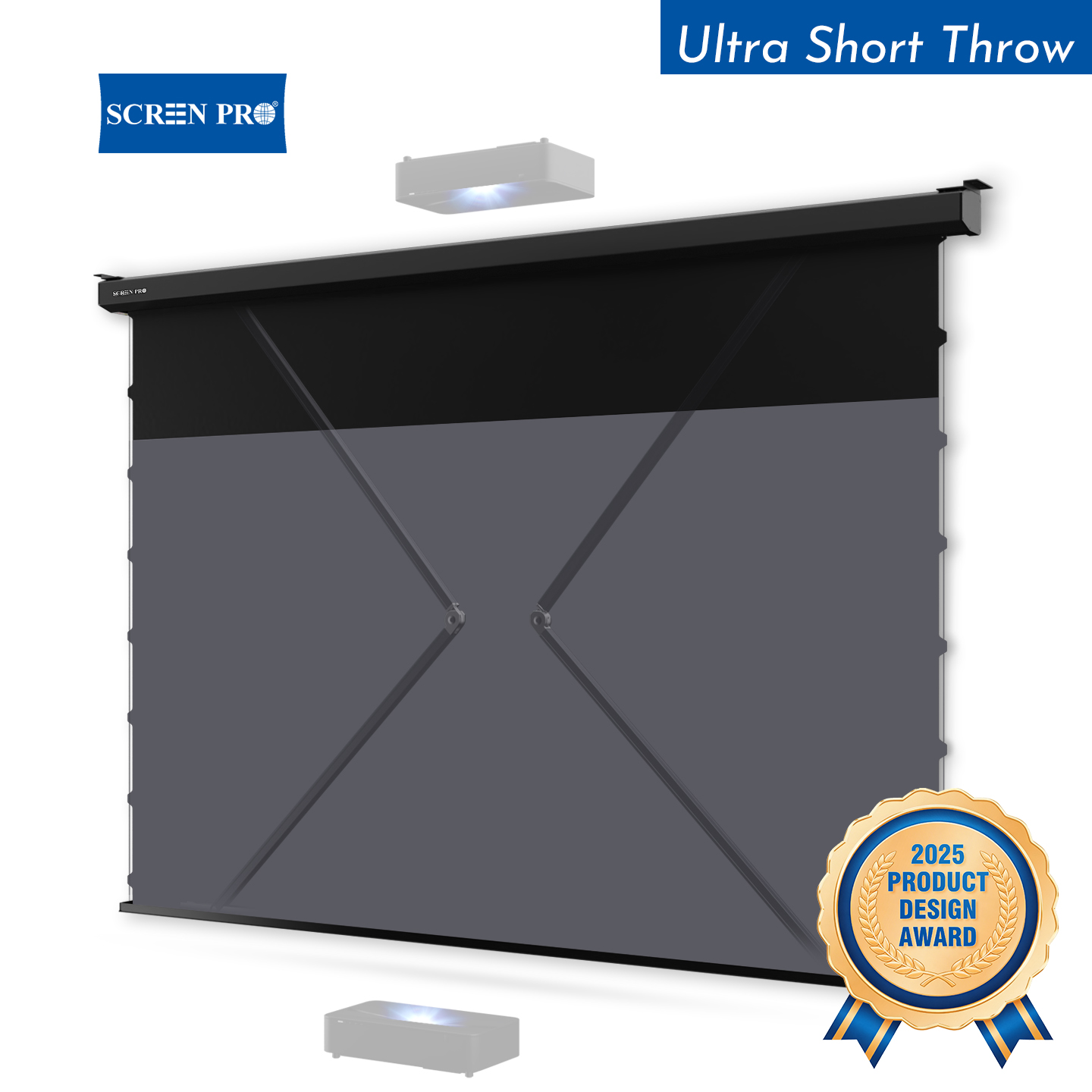
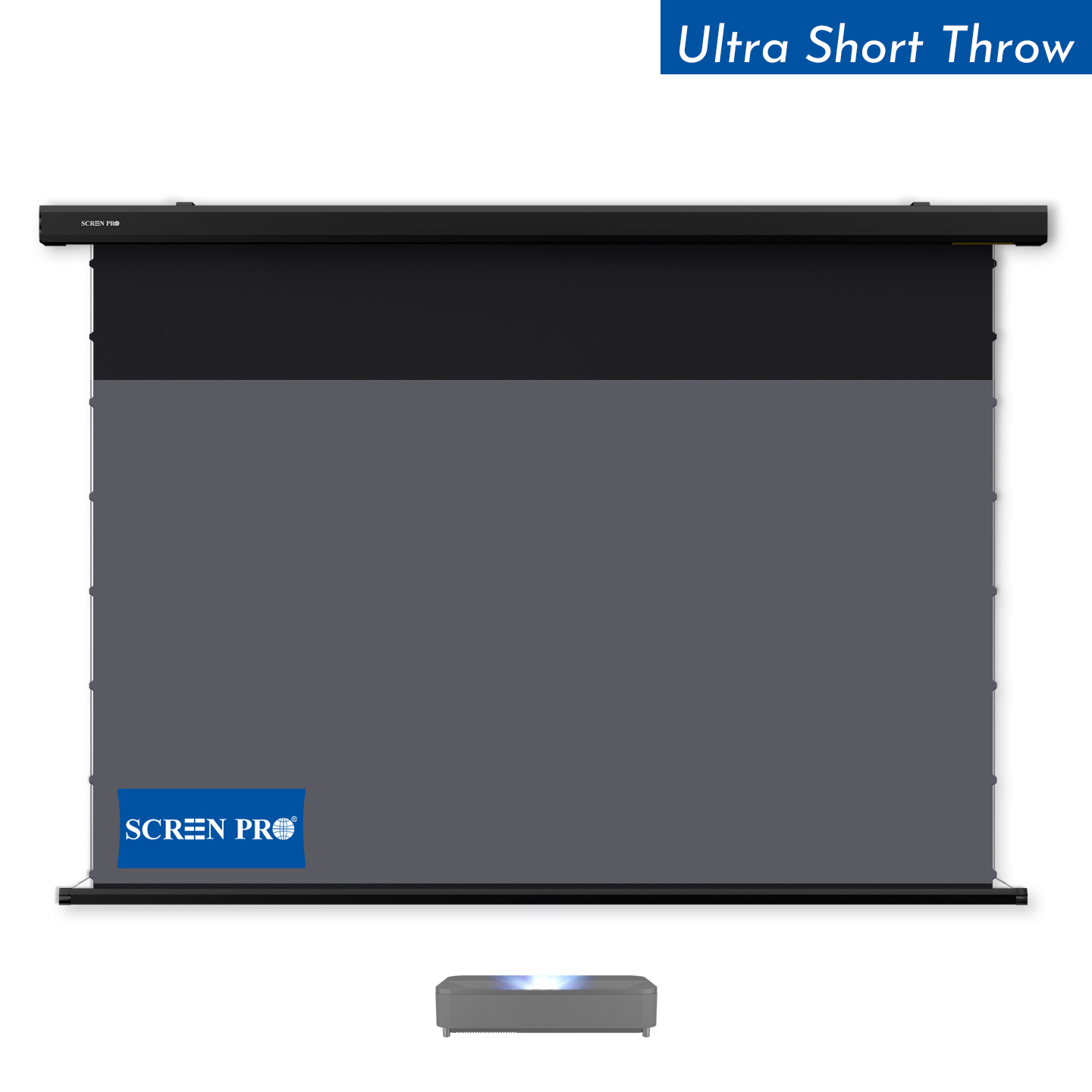
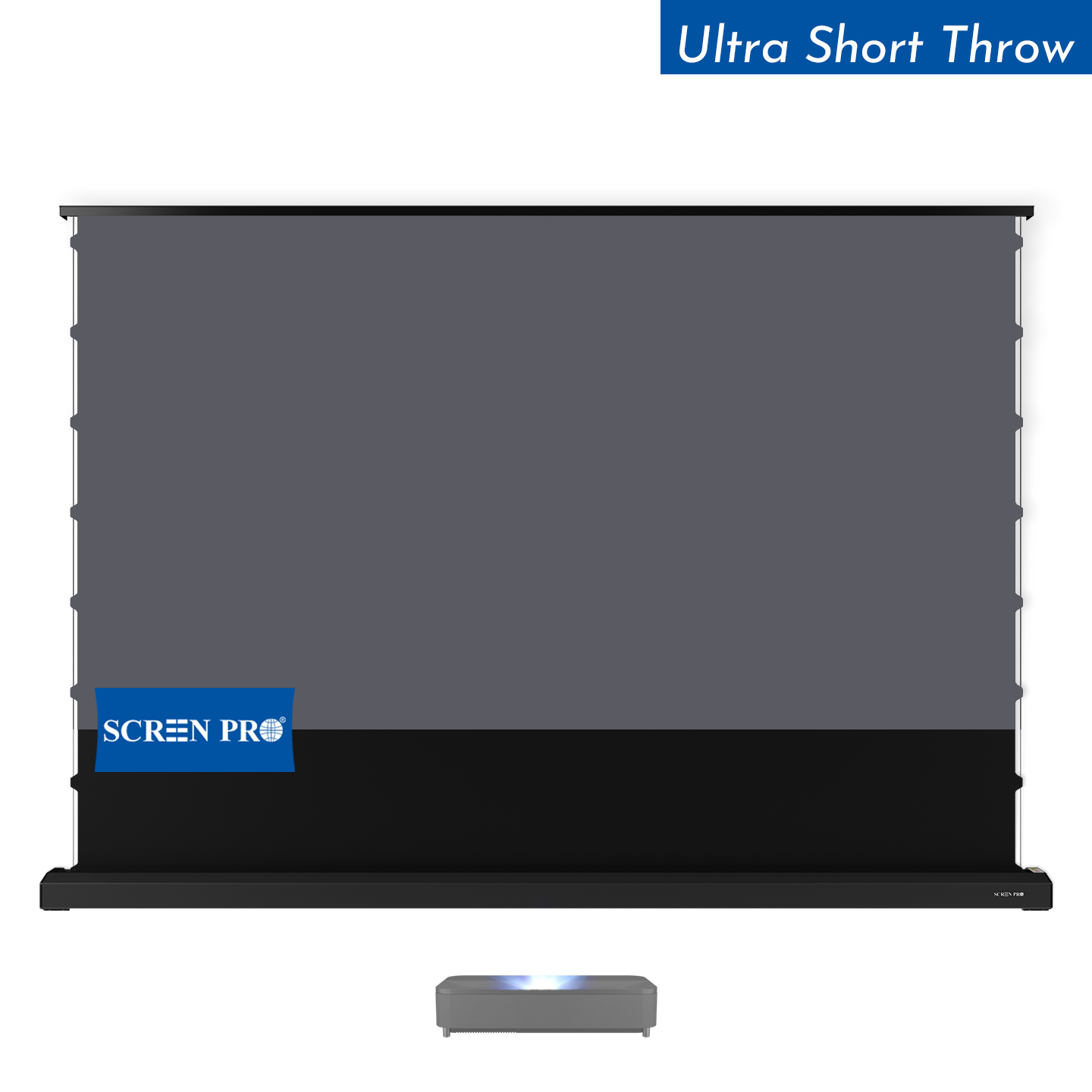
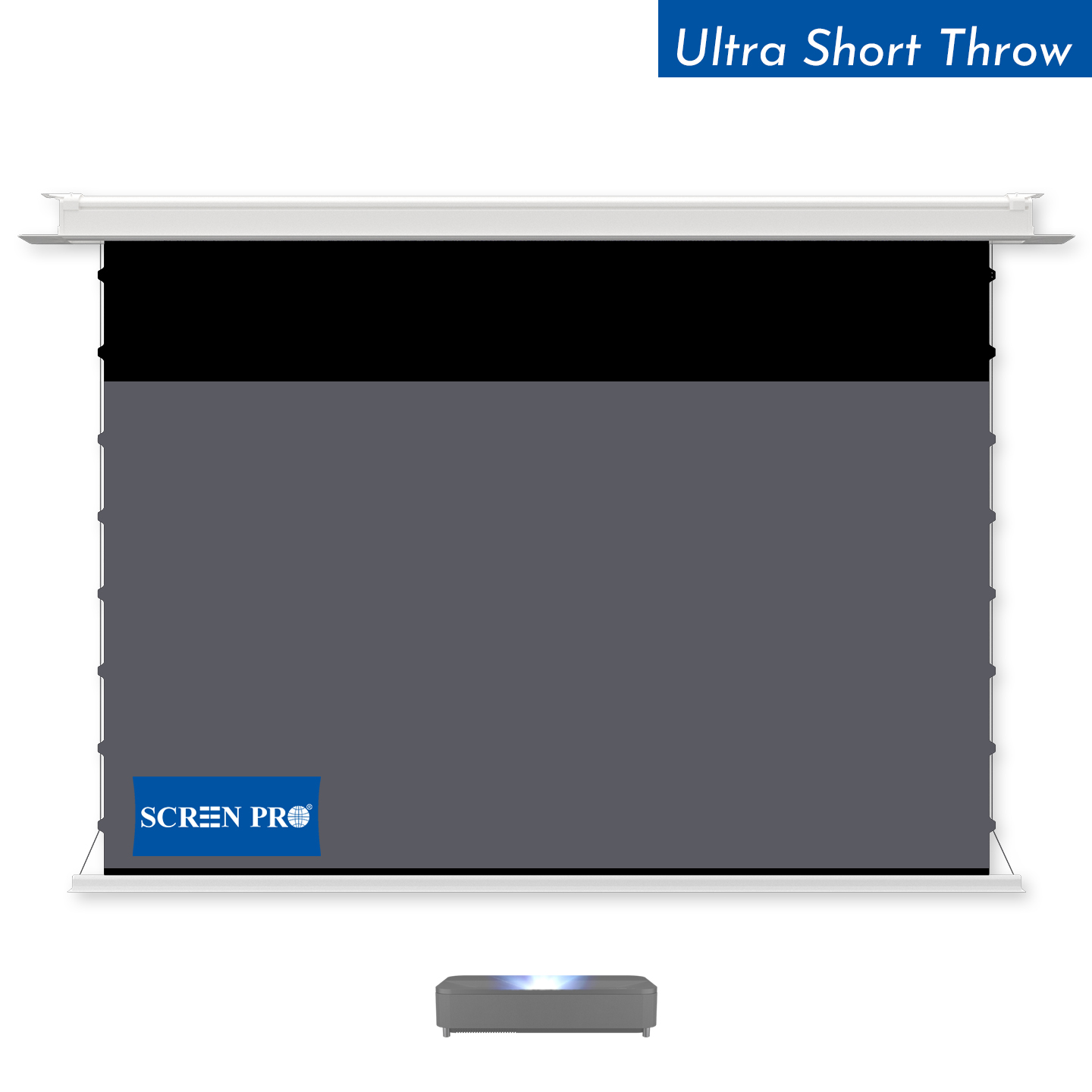
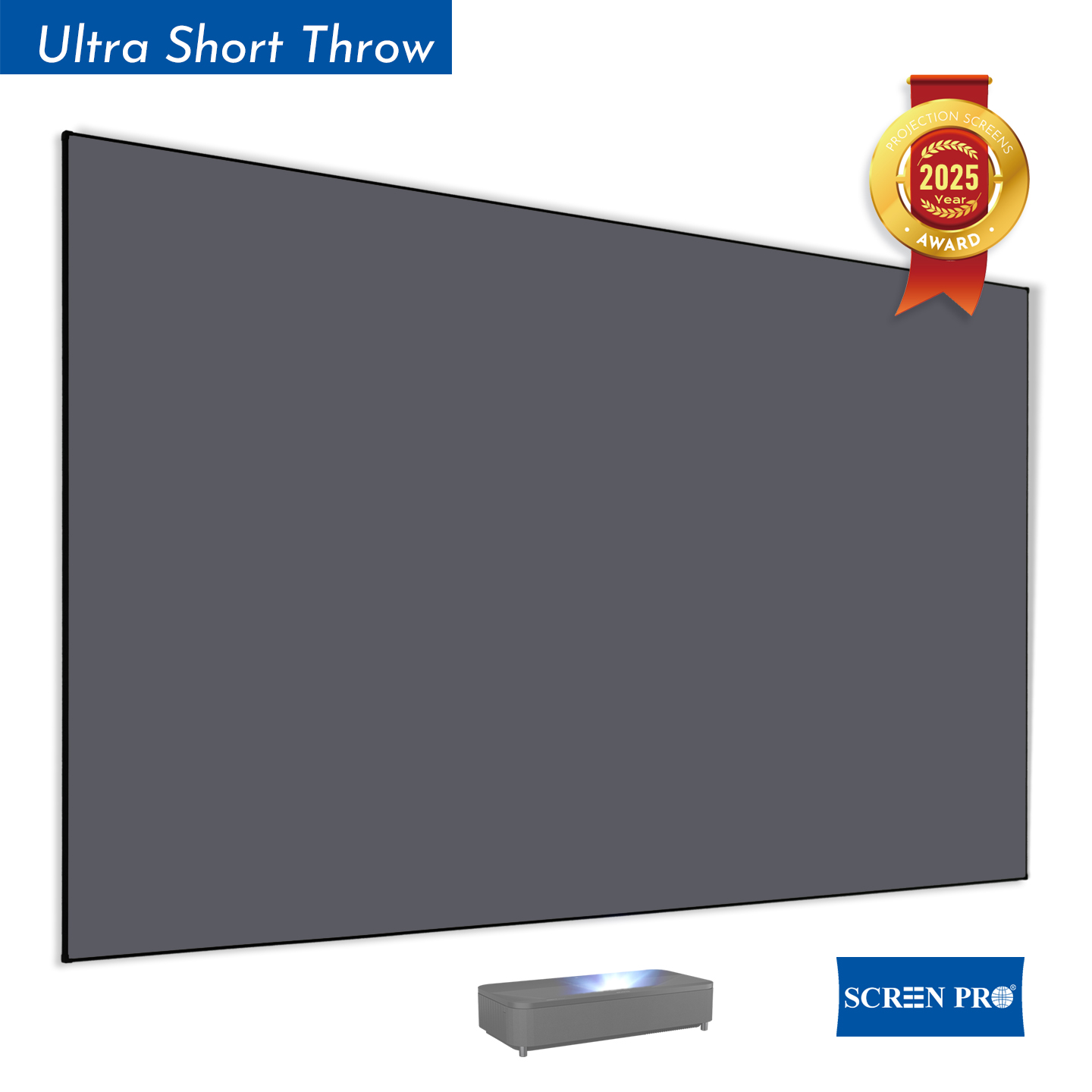
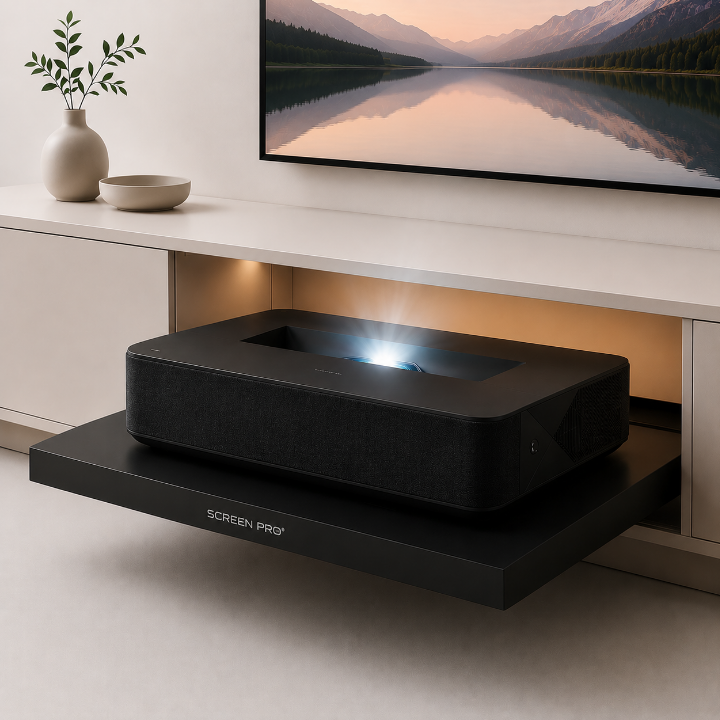
UST Projector
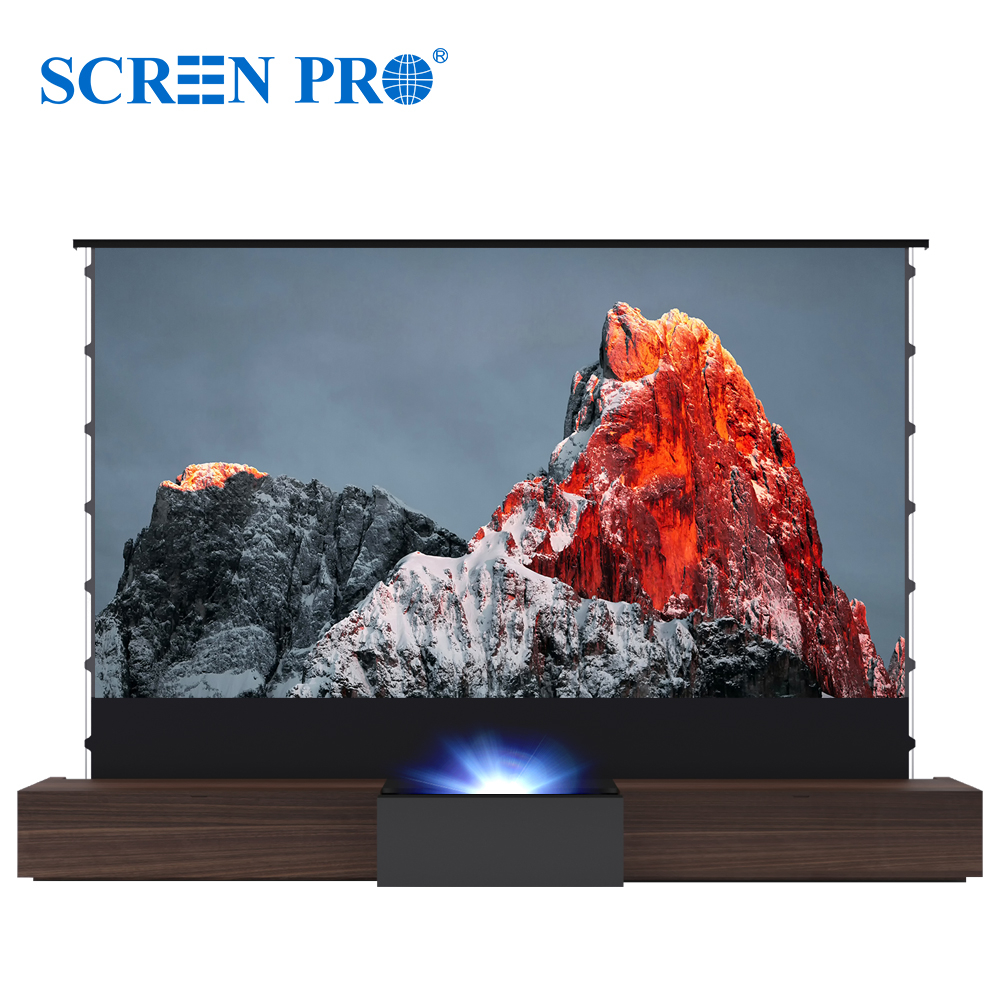
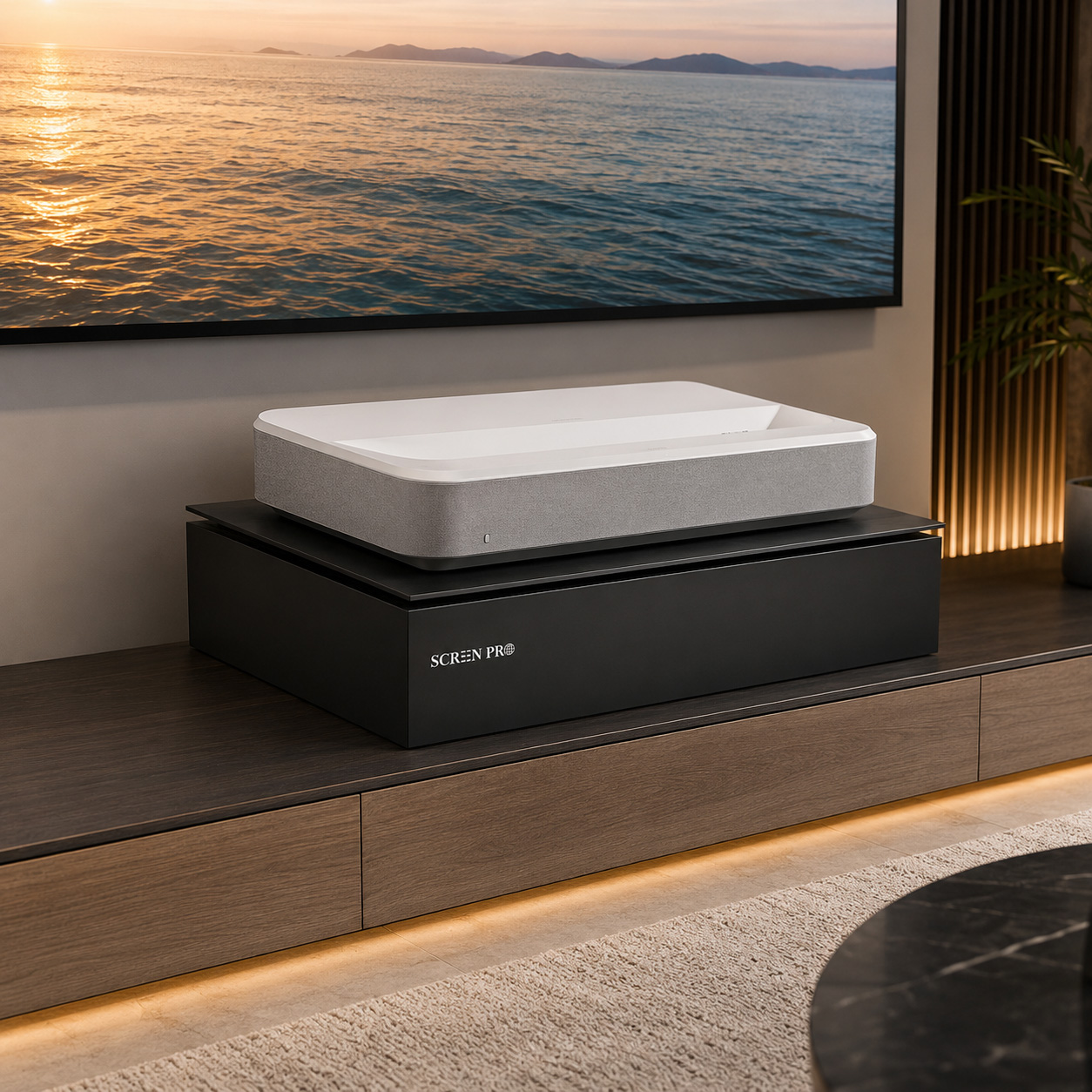
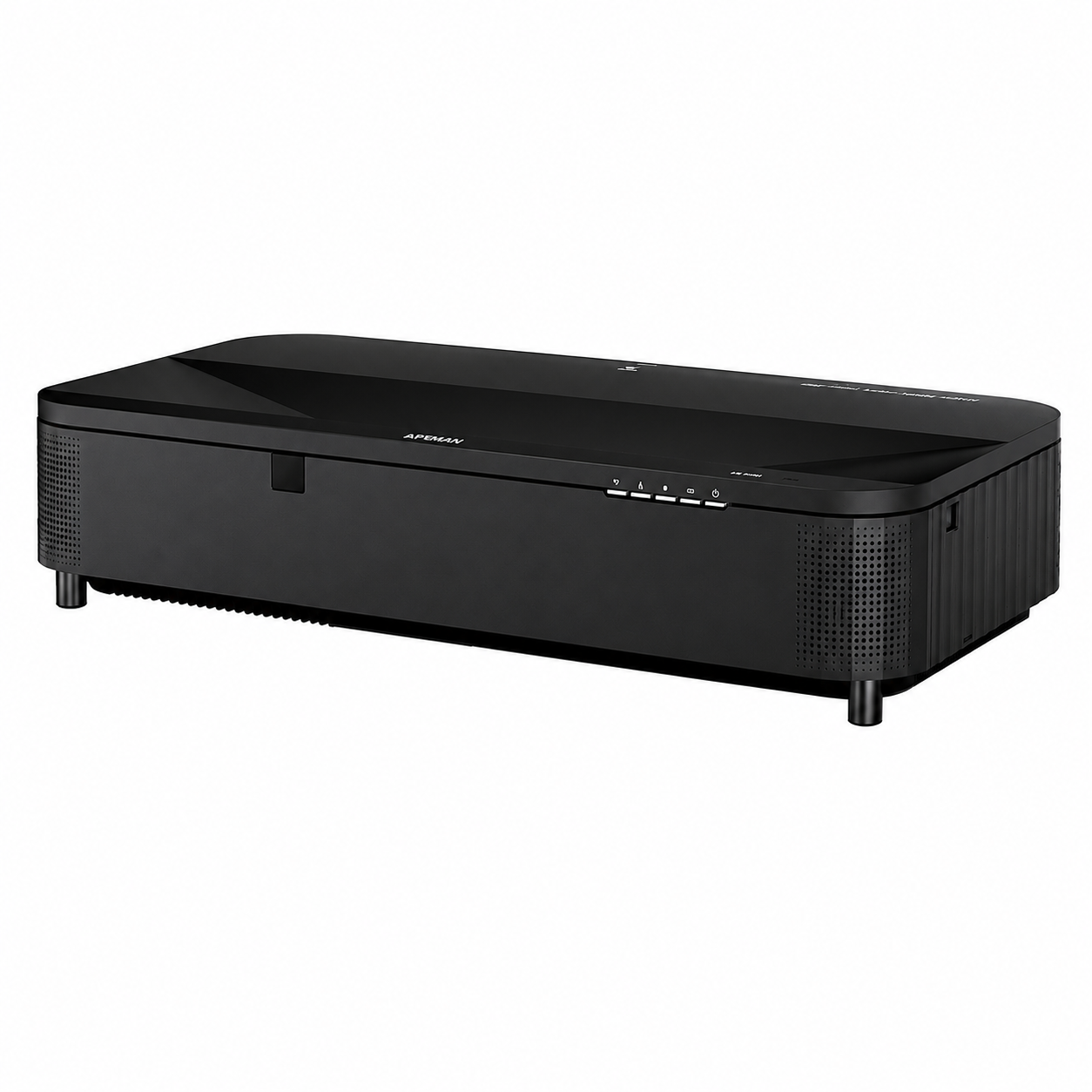
UST projectors send light toward the screen at a very steep angle. Optical UST ALR surfaces must be specifically designed for this geometry.
Important: A screen designed for a standard-throw projector is not automatically suitable for an ultra-short-throw projector, even when both screens have similar gain specifications.
Choose the Right Projector Screen Size
Bigger is not always better. Screen size affects brightness, viewing comfort, and projector requirements.
Screen size should be selected together with seating distance, room dimensions, projector resolution, projector light output and throw ratio.
Viewing Distance
A screen should be large enough to create an immersive image without forcing viewers to constantly move their eyes or head. Higher-resolution 4K and 8K projection can support closer viewing than lower-resolution systems.
Projector Brightness
As screen size increases, projector light is distributed across a larger surface. A projector that appears bright on a 100-inch screen may look significantly dimmer on a 150-inch or 200-inch screen.
For the same aspect ratio, a 150-inch screen has approximately 2.25 times the image area of a 100-inch screen. Screen size and projector brightness should therefore always be evaluated together.
Choose the Correct Aspect Ratio
Match the screen format to the content, projector, and application.
16:9 remains the most common format for home entertainment, while 16:10 is widely used in presentation and education applications. Cinema installations may use 2.35:1 or 2.40:1, while commercial projects can require 4:3, 1:1 or completely custom formats.
Understand Projector Screen Gain
Gain describes how the projection surface distributes reflected projector light.
Lower Gain
Can provide better black levels, wider or more controlled light distribution, and reduced hotspot risk depending on the screen technology.
1.0 Gain
A common neutral reference offering a useful balance between brightness, viewing angle, and image uniformity.
Higher Gain
Can increase perceived brightness toward the main viewing position, but may reduce viewing angle or increase hotspot risk.
Higher gain does not automatically mean a better screen. Gain must be considered together with viewing angle, projector placement, screen size and material technology.
White, Gray or ALR Screen?
Room lighting is one of the most important factors when choosing a projection surface.
Matte White
A versatile option for dark or light-controlled rooms. Matte white surfaces typically provide wide viewing angles, natural color reproduction, and excellent image uniformity.
Gray Screen
Gray projection surfaces reduce overall reflected light and can improve perceived black levels when paired with a sufficiently bright projector.
ALR Screen
Ambient Light Rejecting screens use directional or optical structures to control projector light while reducing the impact of unwanted ambient light.
ALR and screen gain are not the same specification. A lower-gain optical ALR screen can perform much better under ambient light than a conventional high-gain white screen.
Choose the Right Screen Material
Different projection surfaces are engineered for different optical, acoustic, and installation requirements.
| Material | Best For | Ambient Light | Viewing | Key Benefit |
|---|---|---|---|---|
| Matte White | General projection / dark rooms | Low | Very Wide | Natural & versatile |
| Gray | Bright projectors / deeper blacks | Low–Medium | Wide | Improved perceived black level |
| UST ALR | Ultra-short-throw projectors | Medium–High | Directional | UST ambient-light control |
| Long-Throw ALR | Standard-throw projectors | Medium–High | Directional | Higher perceived contrast |
| Woven Acoustic | Speakers behind screen | Low | Wide | Acoustic transparency |
| Perforated Acoustic | Large theater / commercial AV | Low | Wide | Large-format acoustic solution |
| Anti-Speckle | RGB / laser projection | Depends on type | Depends on type | Reduced visible laser speckle |
Choose the Right Screen Construction
Screen material affects the image. Screen construction determines how the product fits into the room.
Do You Need an Acoustically Transparent Screen?
If loudspeakers need to sit behind the projected image, an acoustically transparent projection surface may be required.
Woven Acoustic Screen
Woven surfaces use an open textile structure that allows sound to pass through while maintaining a continuous projected image. Fine woven structures can help reduce visible moiré and texture.
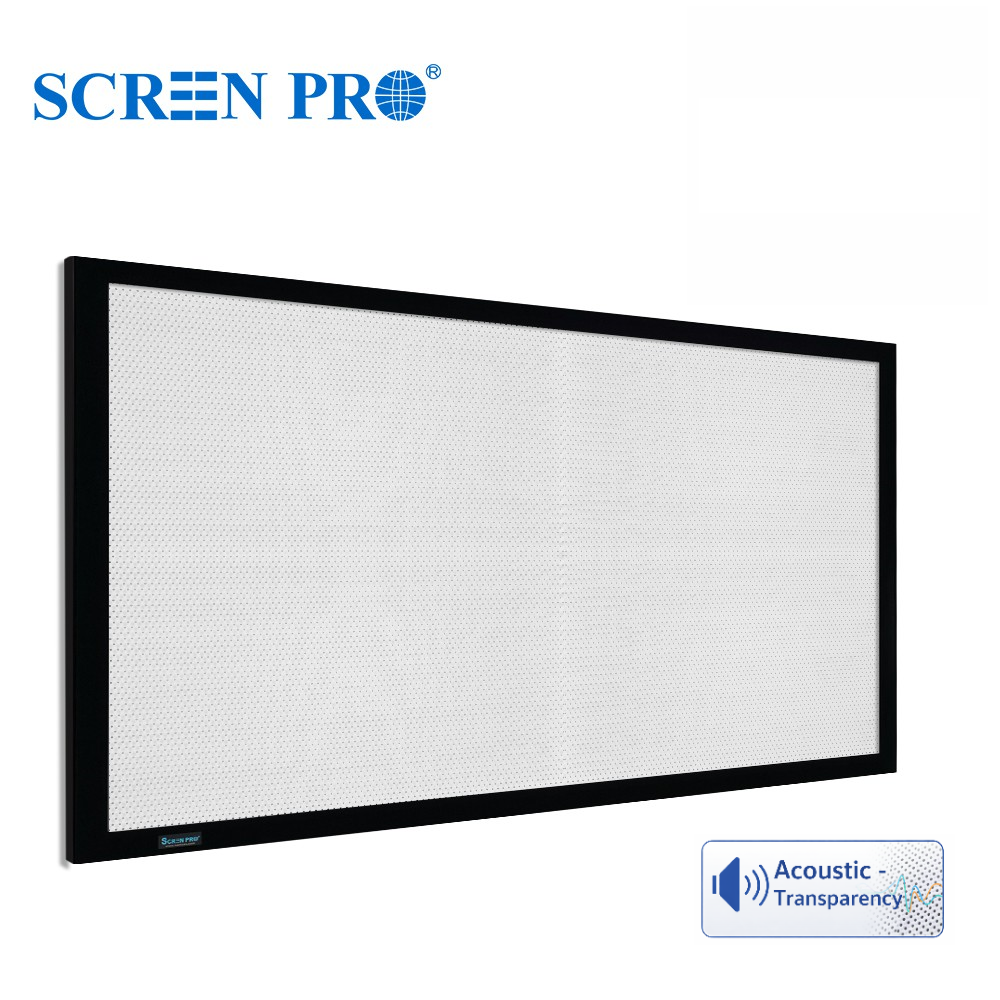
Perforated Acoustic Screen
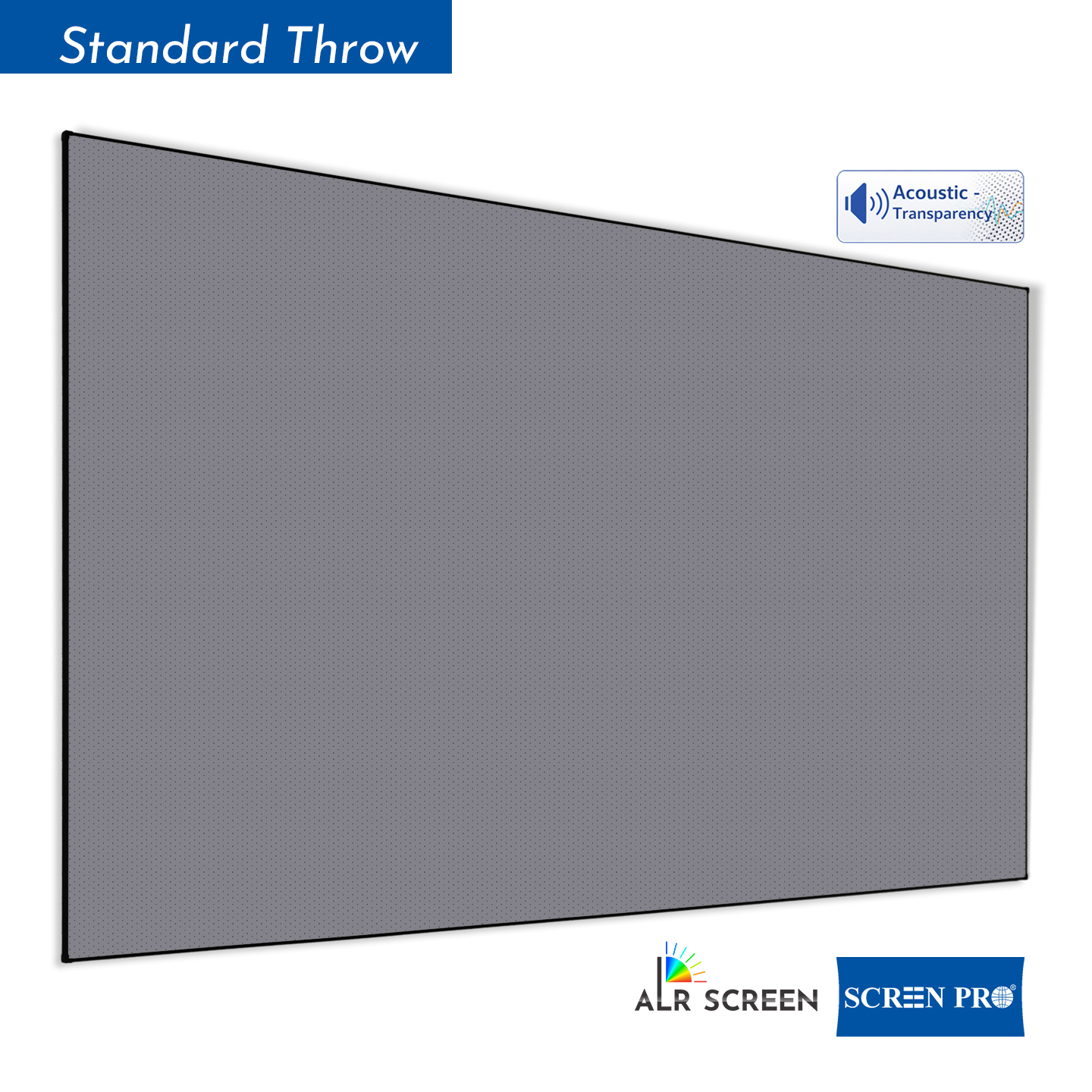
Perforated screens use very small holes across the projection surface. They are commonly used in cinemas and larger commercial AV installations.
Acoustic screen selection should consider more than gain: sound transmission, viewing distance, perforation or weave visibility, moiré control, black backing and image resolution can all matter.
Special Considerations for Laser Projectors
Laser projectors can offer high brightness and wide color performance, but some systems introduce additional screen-selection considerations.
Laser Speckle
Some laser projection systems — especially RGB laser systems — can produce visible granular interference patterns known as speckle. Screen surface structure can influence how noticeable this effect appears.
Anti-Speckle Screen Material
Anti-speckle materials are designed to reduce visible laser speckle while maintaining image brightness, contrast, and color performance.
Anti-speckle and ALR are different properties. A screen may provide ambient-light rejection, speckle reduction, both characteristics, or neither. Select according to the complete projector system.
Check Installation and Control Requirements
Installation details should be confirmed before screen production, especially for motorized, recessed, and directional screens.
Installation
- Wall or ceiling mounting
- Ceiling recess dimensions
- Screen drop position
- Projector installation direction
- Throw distance
- Screen orientation
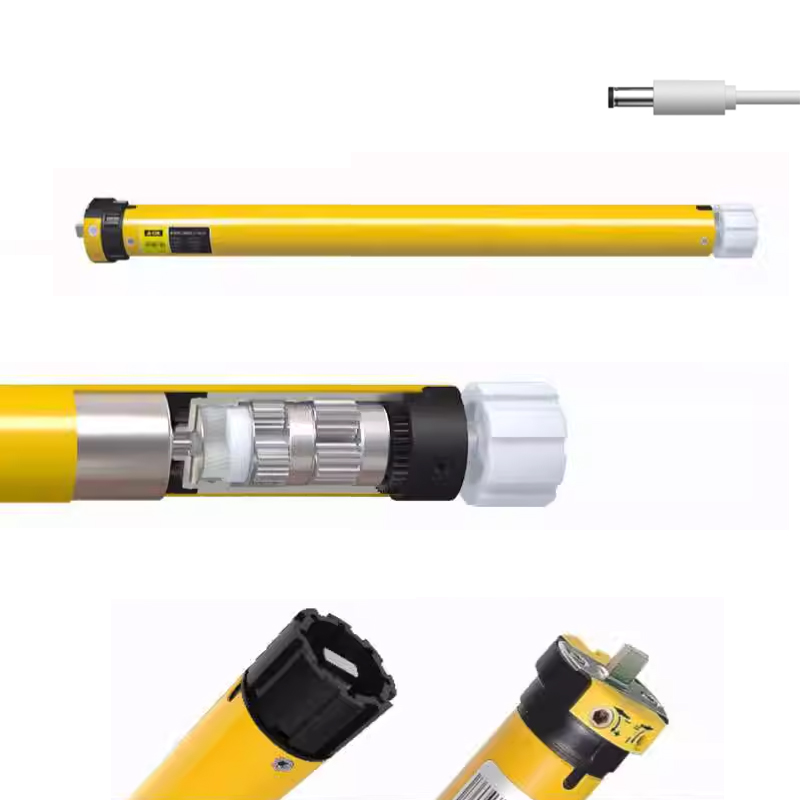
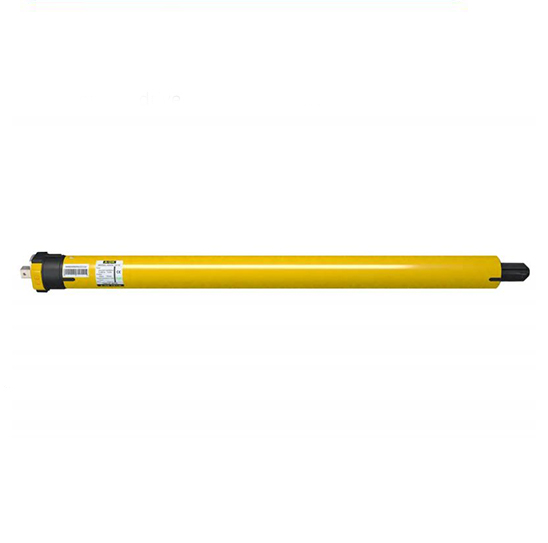
Motor & Control
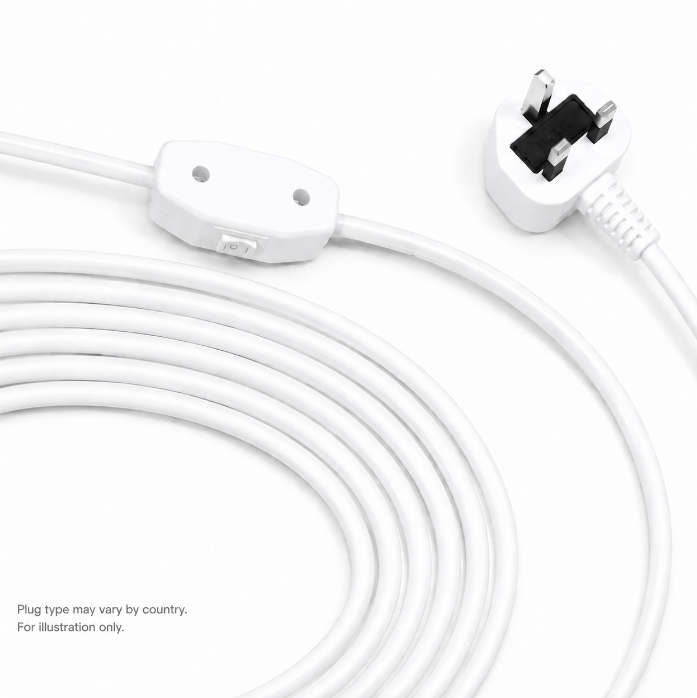
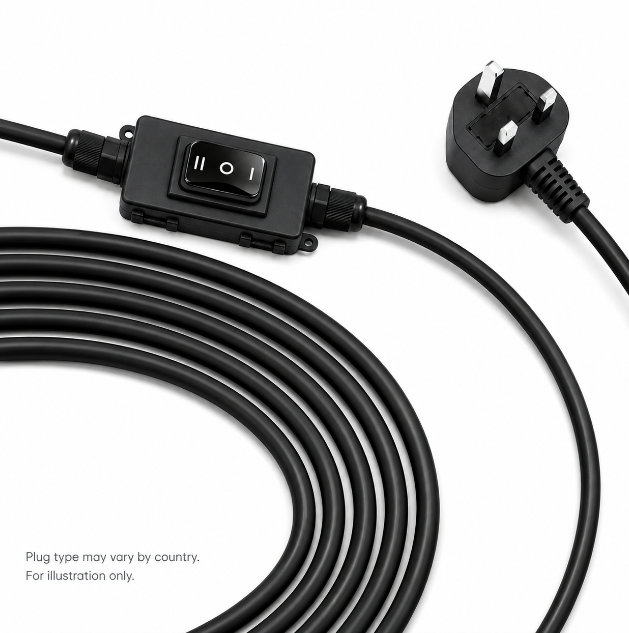
- 110–120V or 220–240V
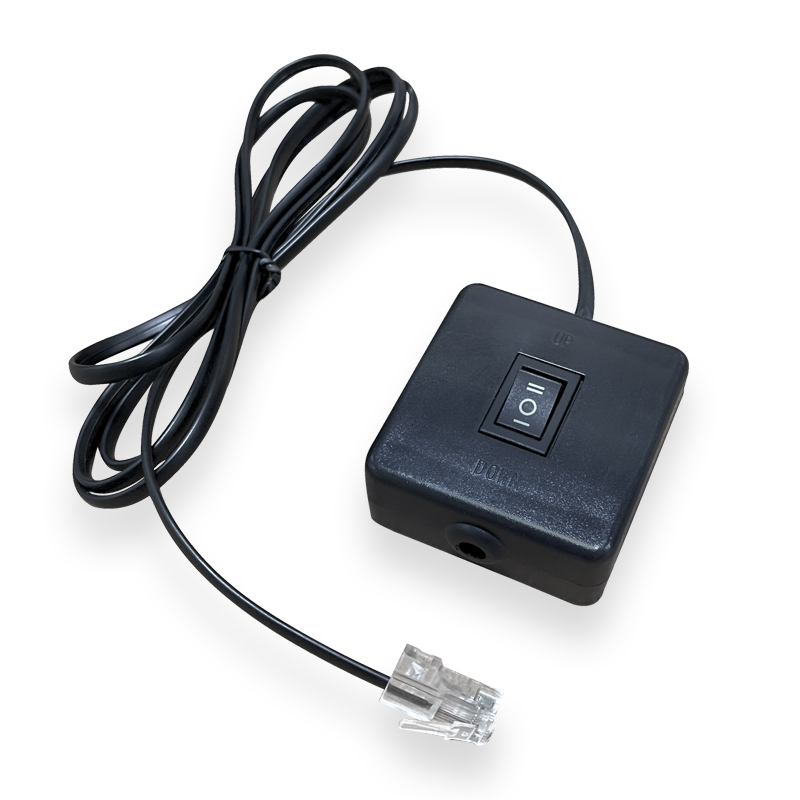
- Wired wall control
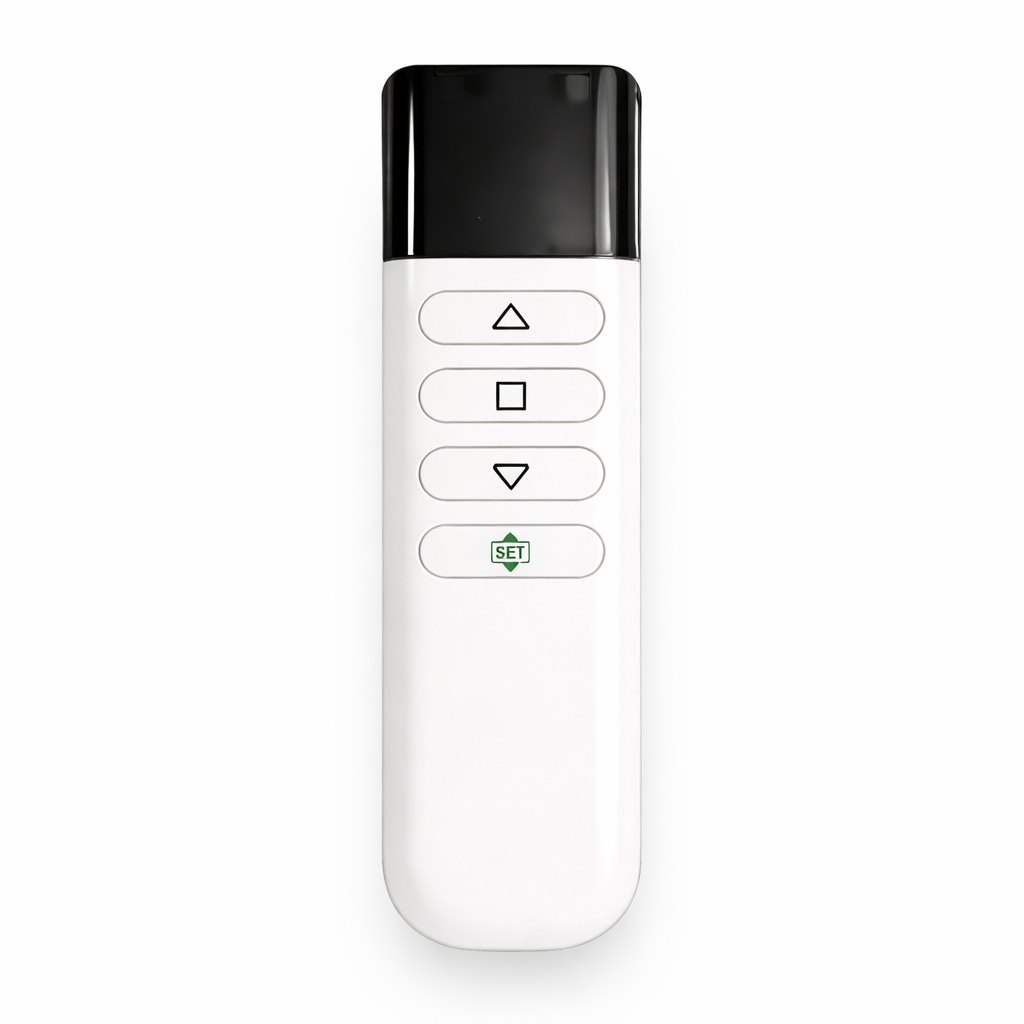
- RF / IR remote control
- USB or projector trigger
- RS485 integration
- Automation system compatibility
Directional UST ALR materials require special attention. Projector position and screen orientation should be confirmed before production because the optical surface is designed to work with light arriving from a specific direction.
Which Projector Screen Should You Choose?
The following chart provides a practical starting point. The exact recommendation can vary depending on projector output, room geometry, and material specifications.
| Your Setup | Recommended Screen Type | Why |
|---|---|---|
| Dark home theater + standard projector | Matte White / Gray | Wide viewing and natural image reproduction |
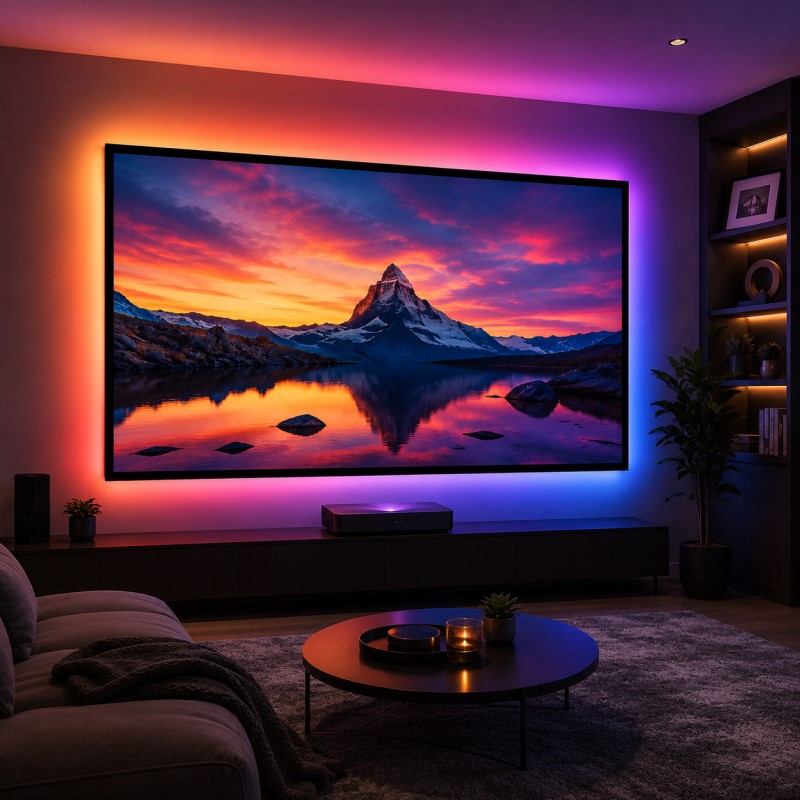
| Living room + UST projector | UST ALR | Controls overhead and room ambient light |
| Living room + standard-throw projector | Long-Throw ALR | Improves perceived contrast under ambient light |
| RGB laser + visible speckle | Anti-Speckle Material | Designed to reduce visible laser speckle |
| Speakers behind the screen | Woven / Perforated Acoustic | Allows sound to pass through the image surface |
| Dedicated home theater | Fixed Frame | Excellent surface flatness |
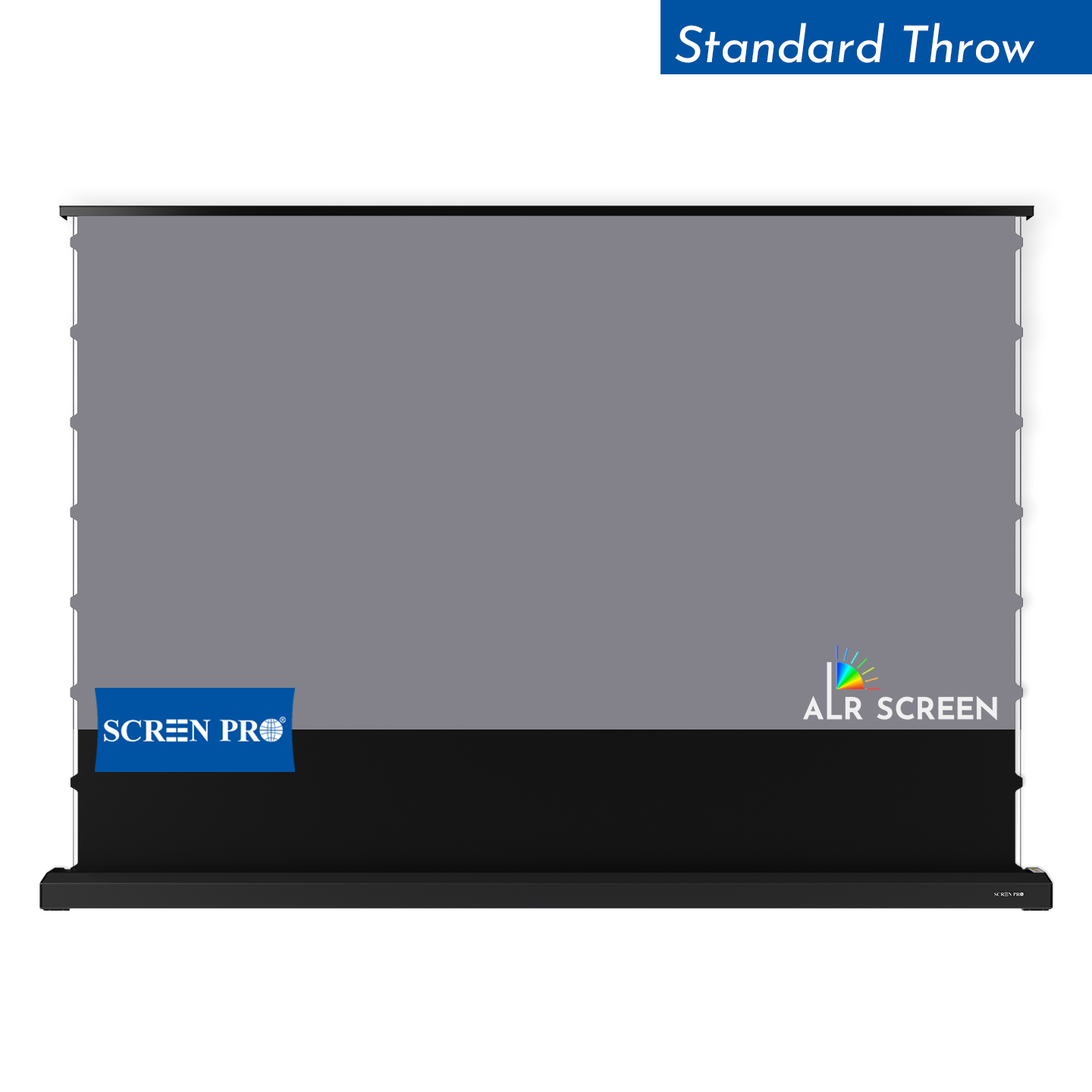
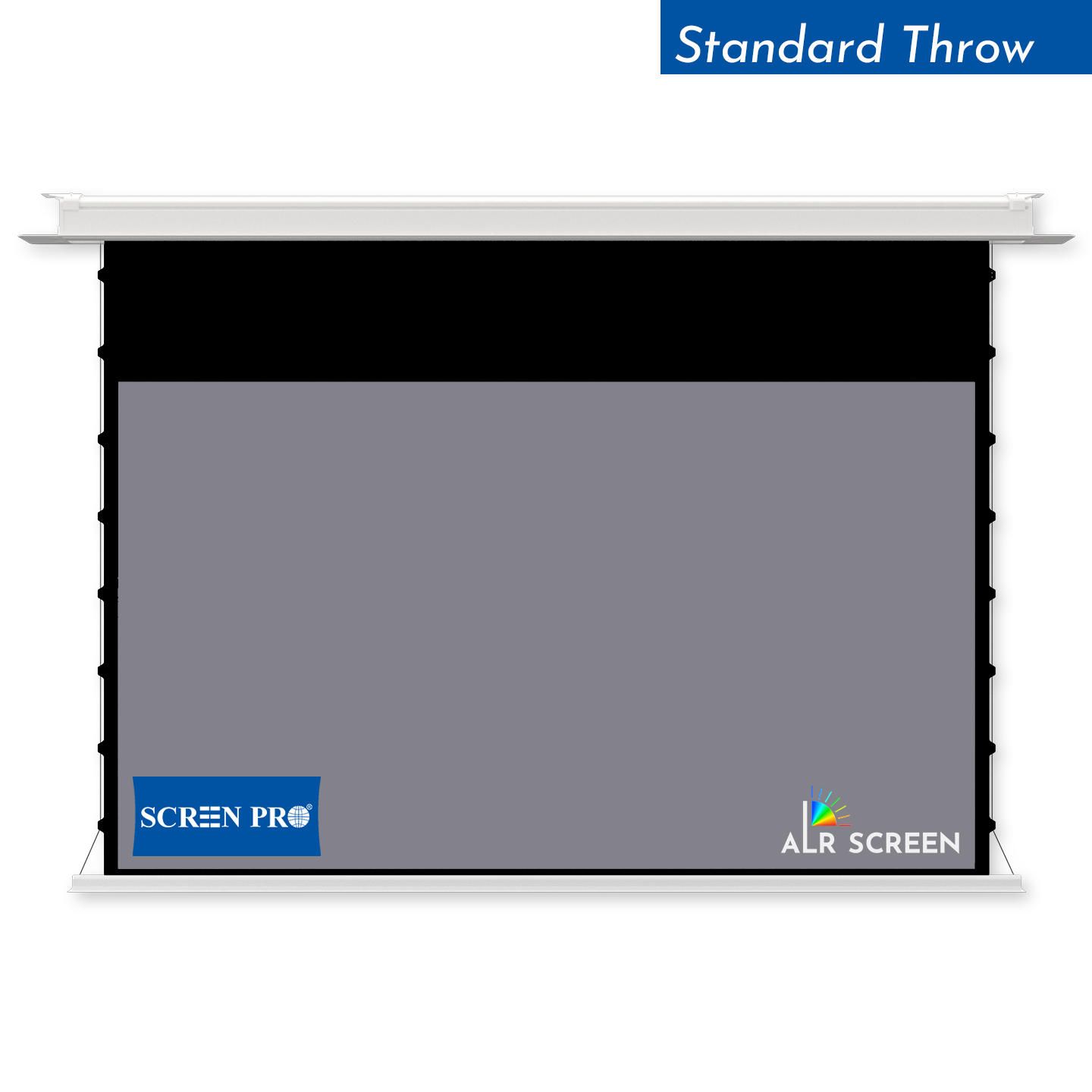
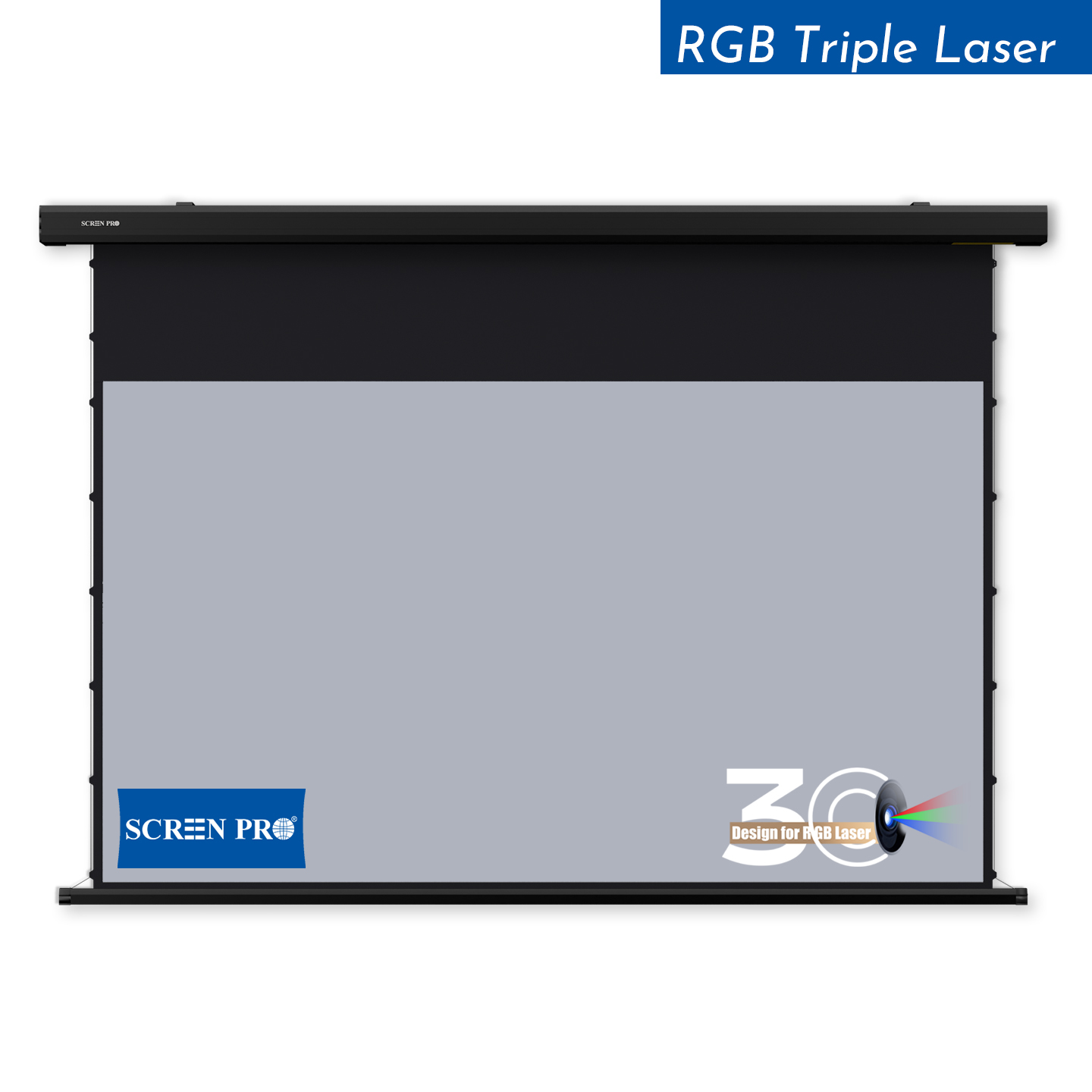
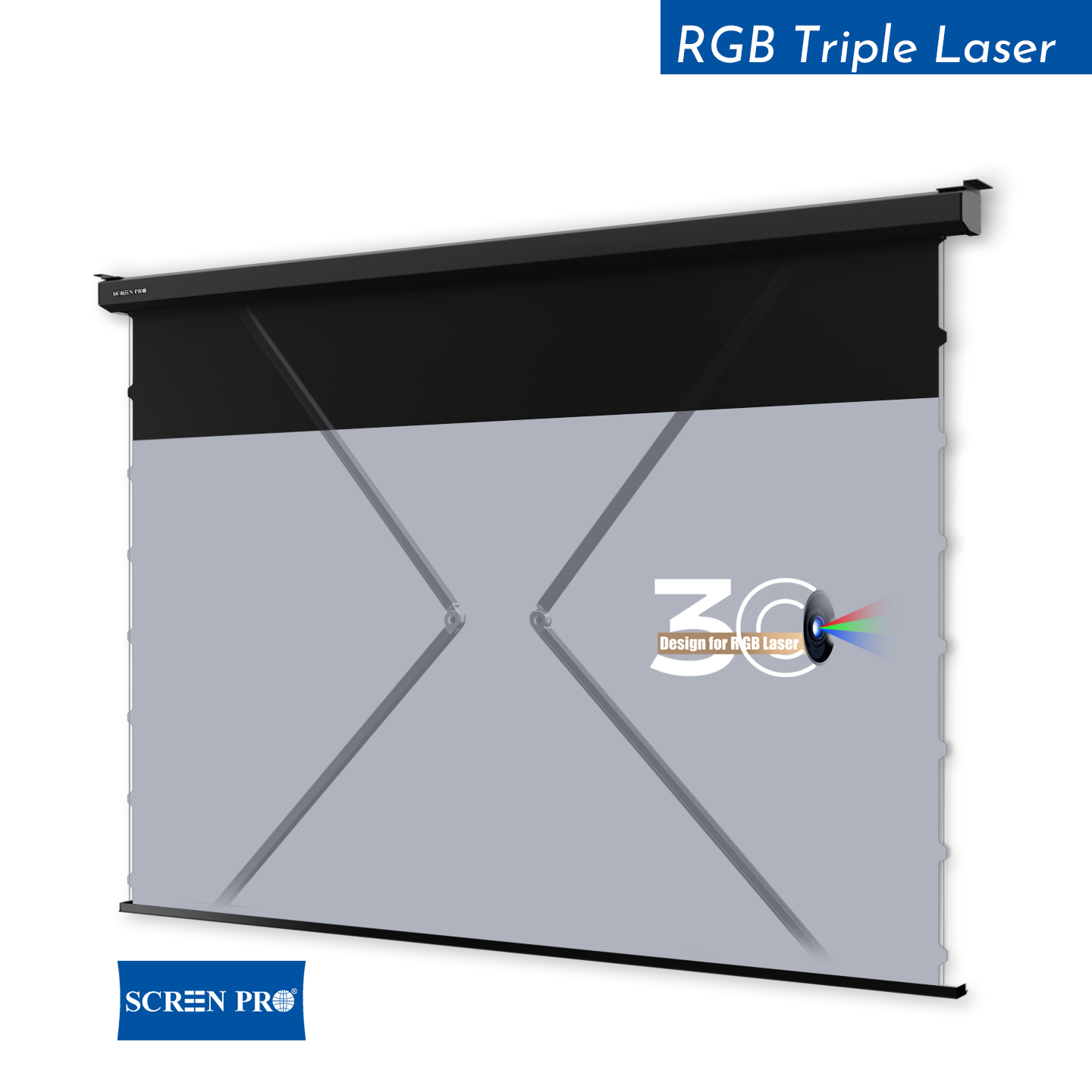
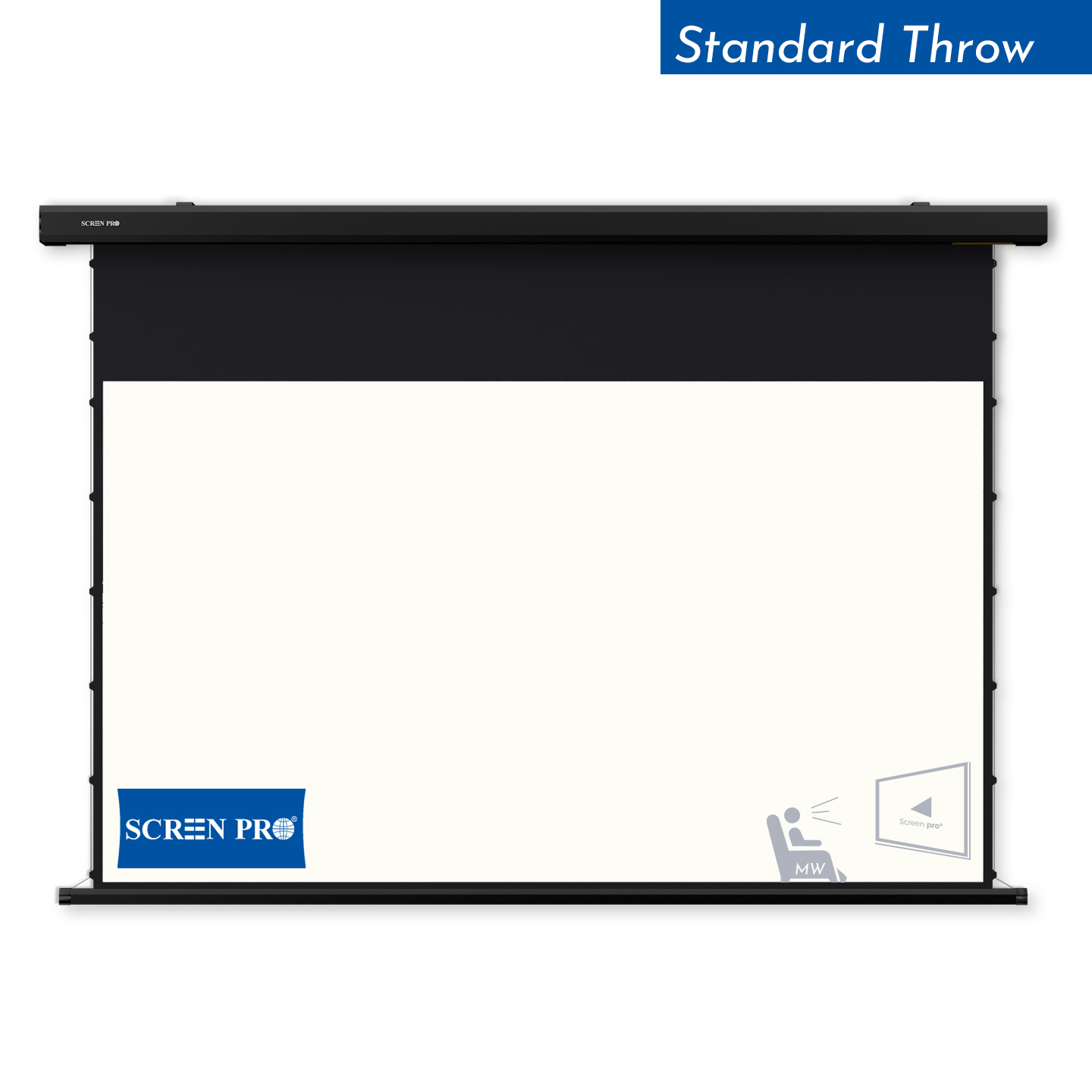
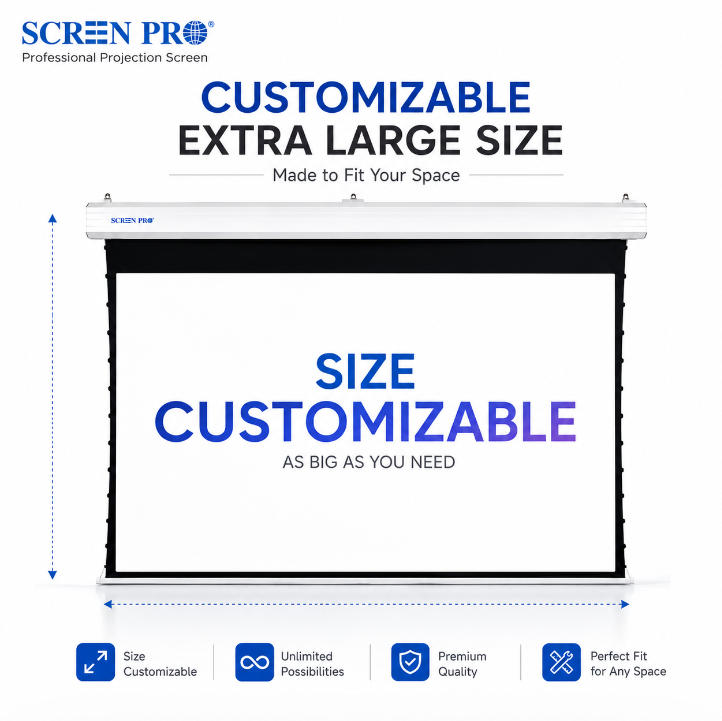
| Multipurpose room | Motorized / Tab-Tensioned | Retracts when projection is not required |
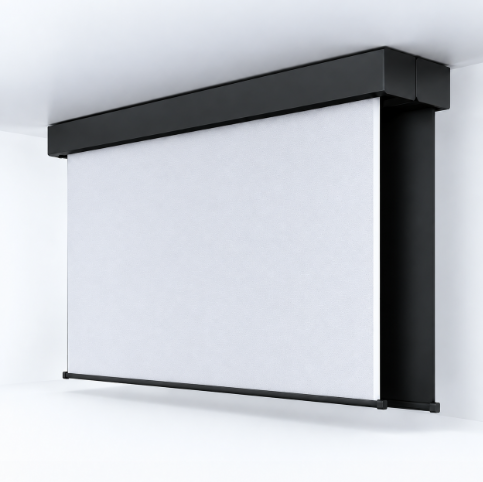
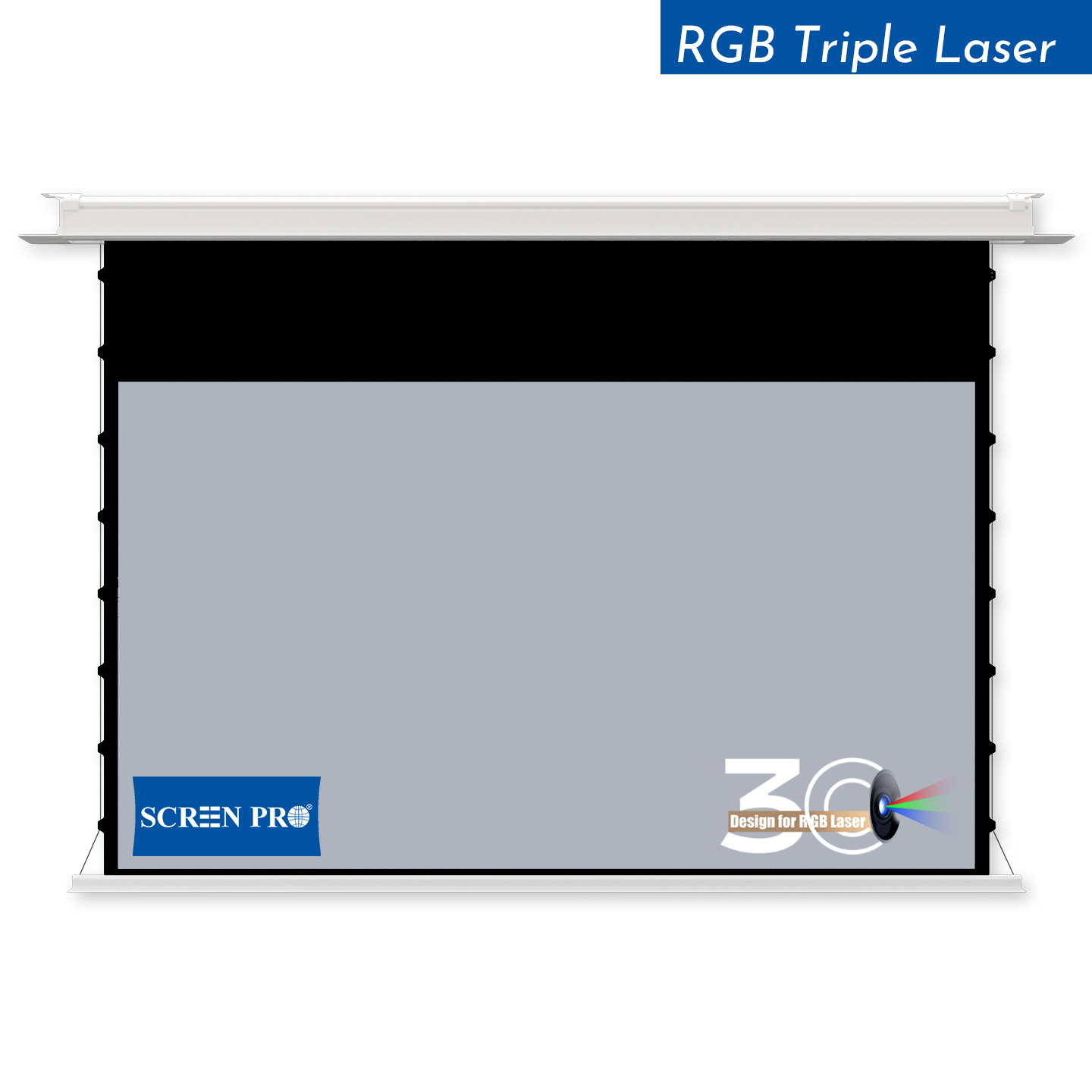
| Minimalist hidden installation | Ceiling-Recessed | Integrates into the ceiling architecture |
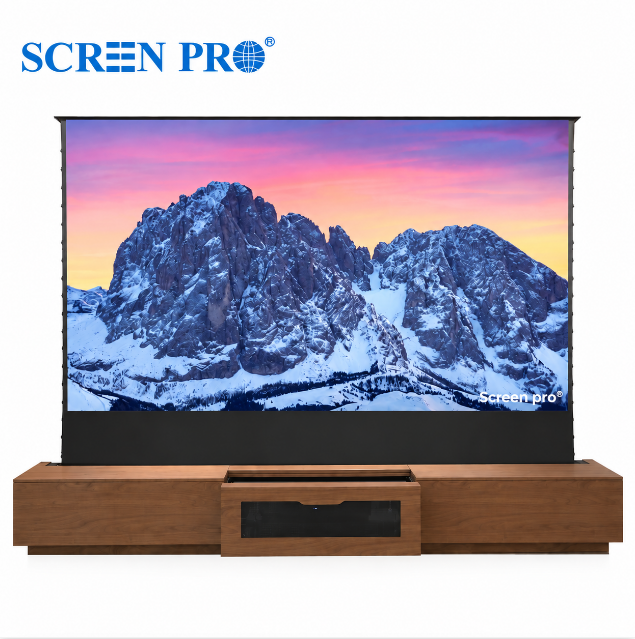
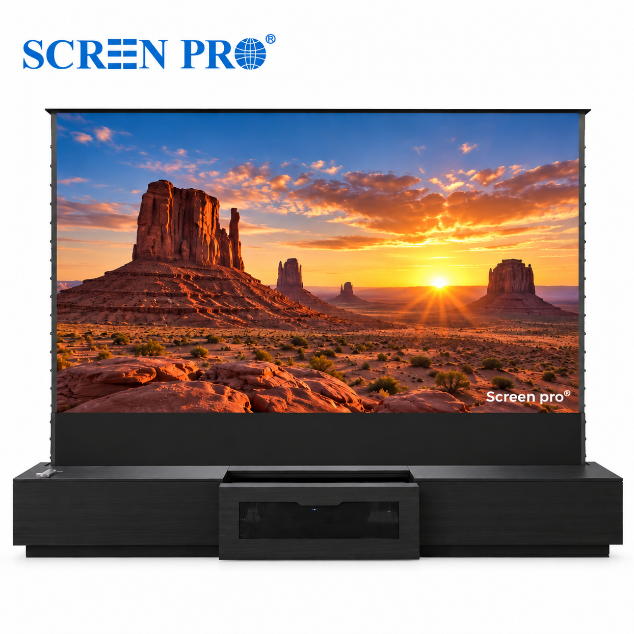
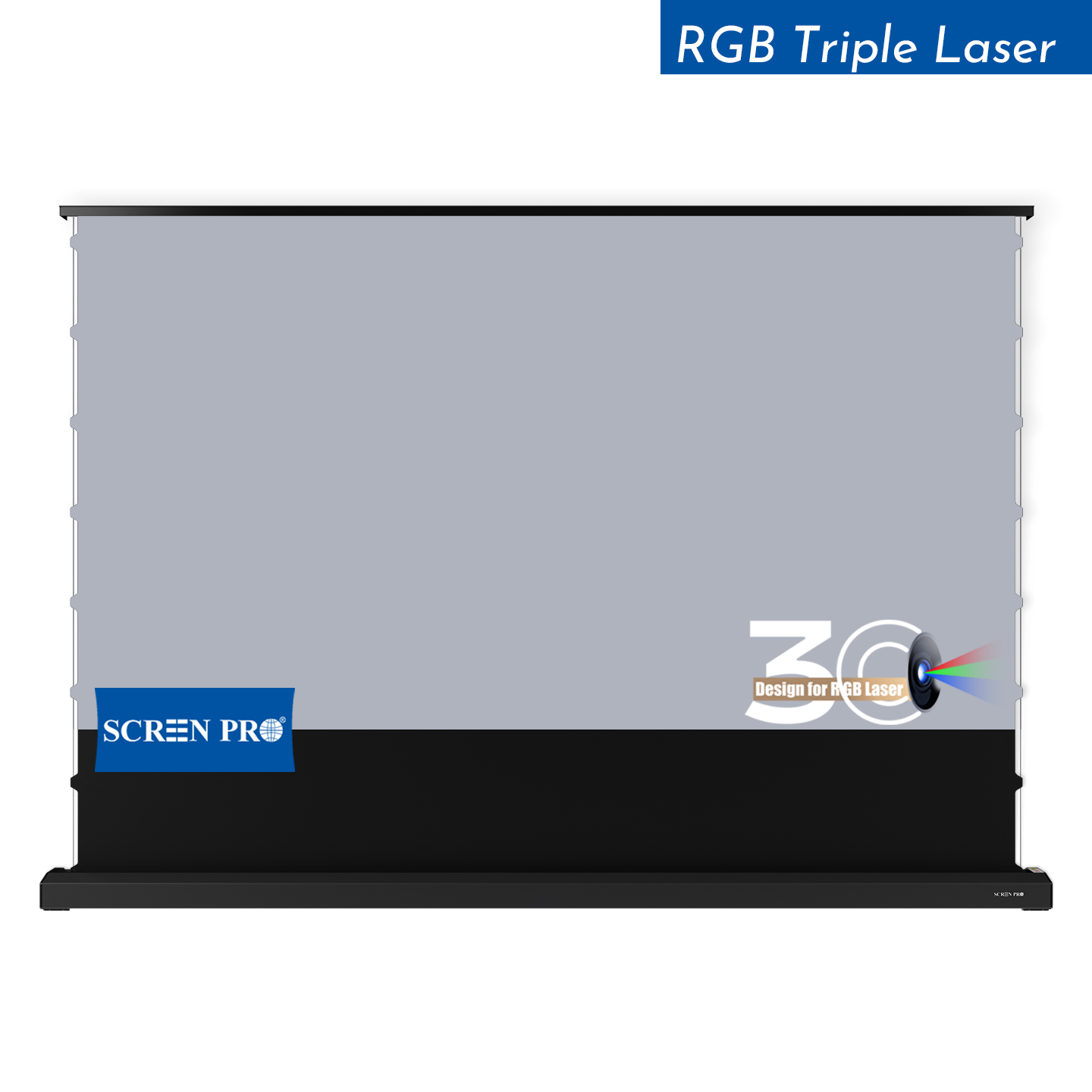
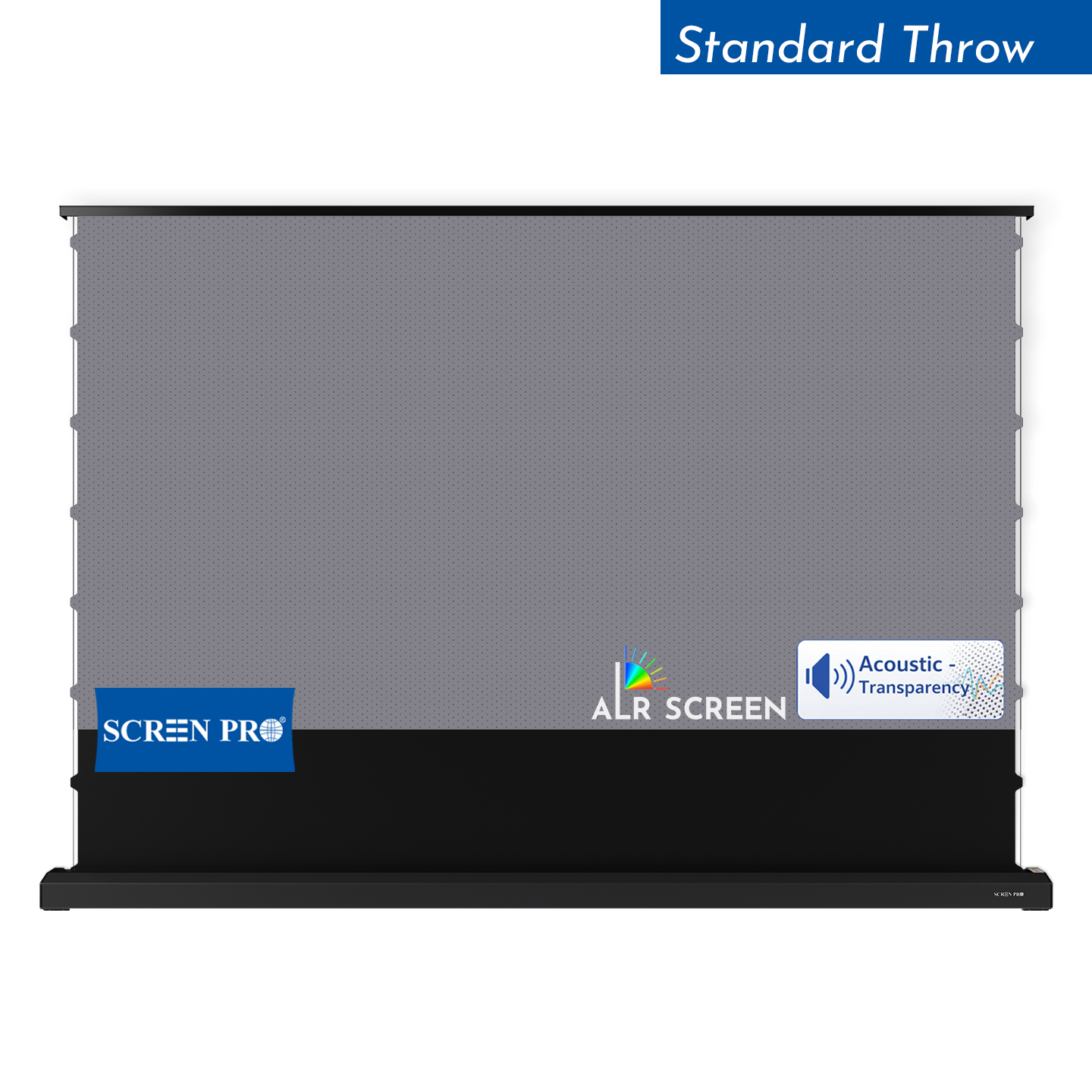
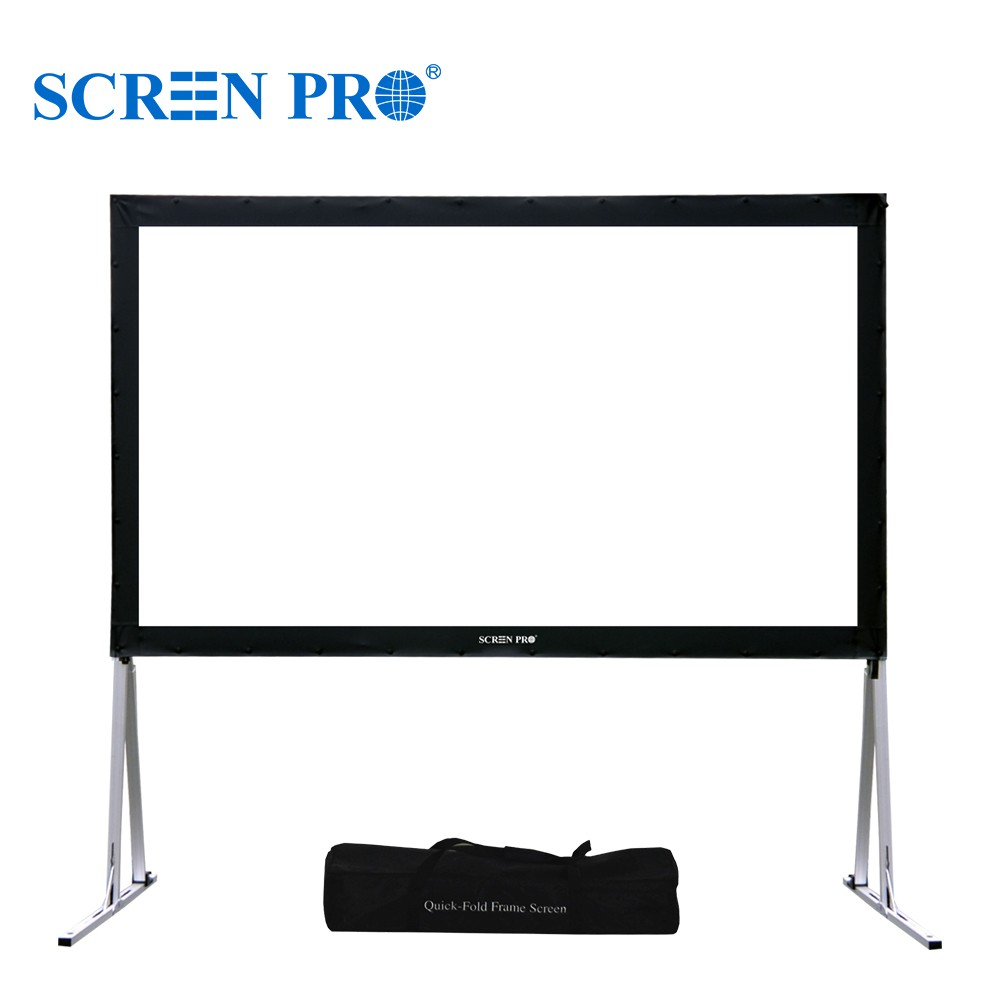
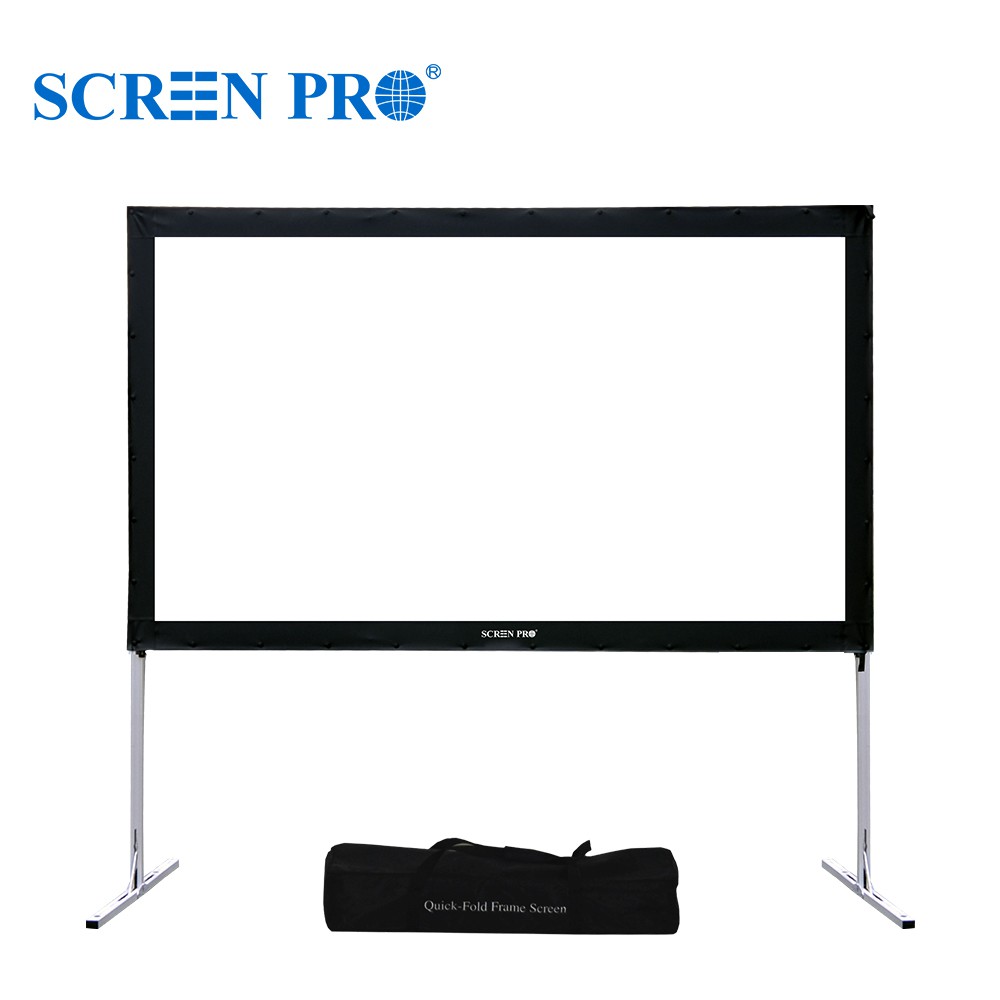
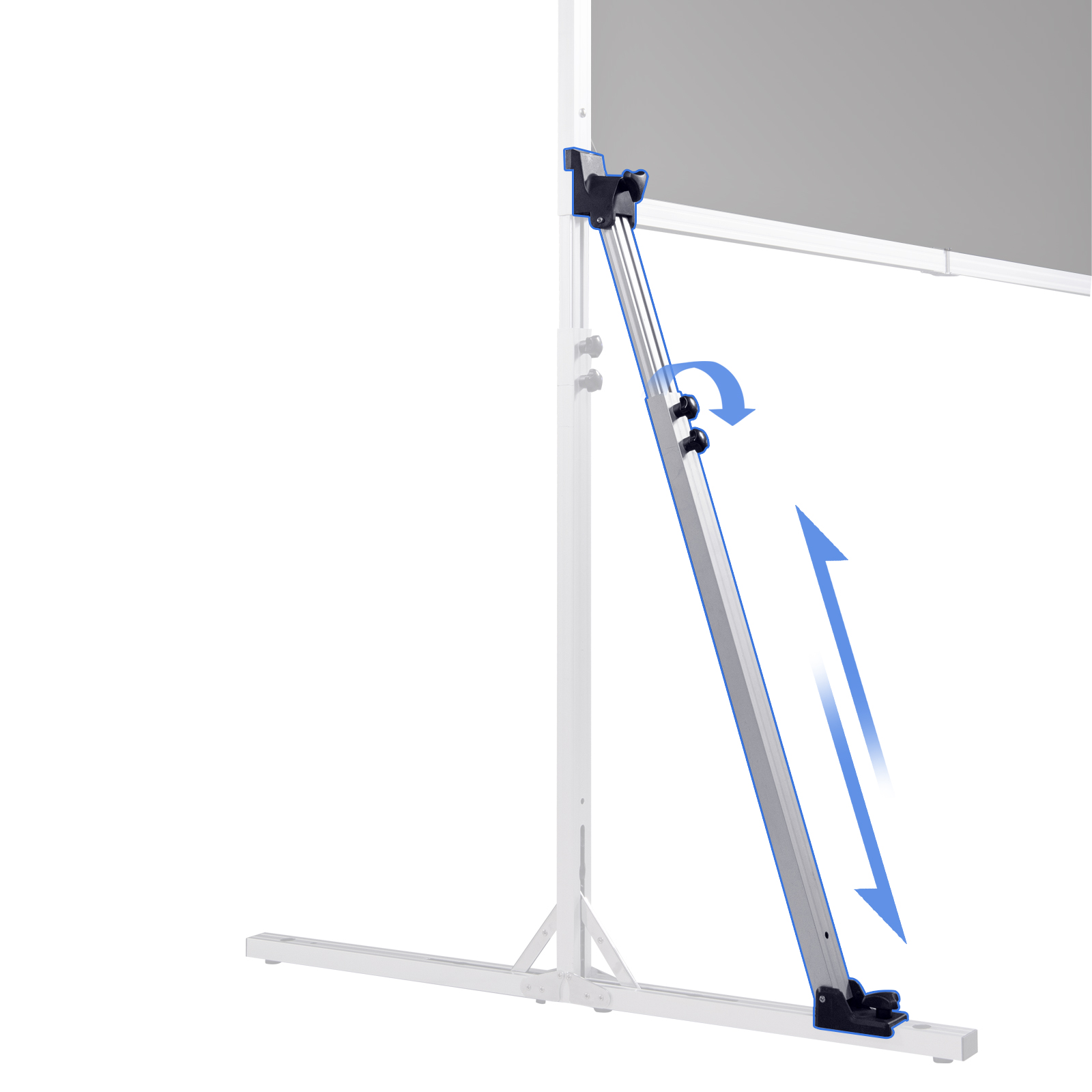
| No permanent wall installation | Floor-Rising | Self-contained portable installation |
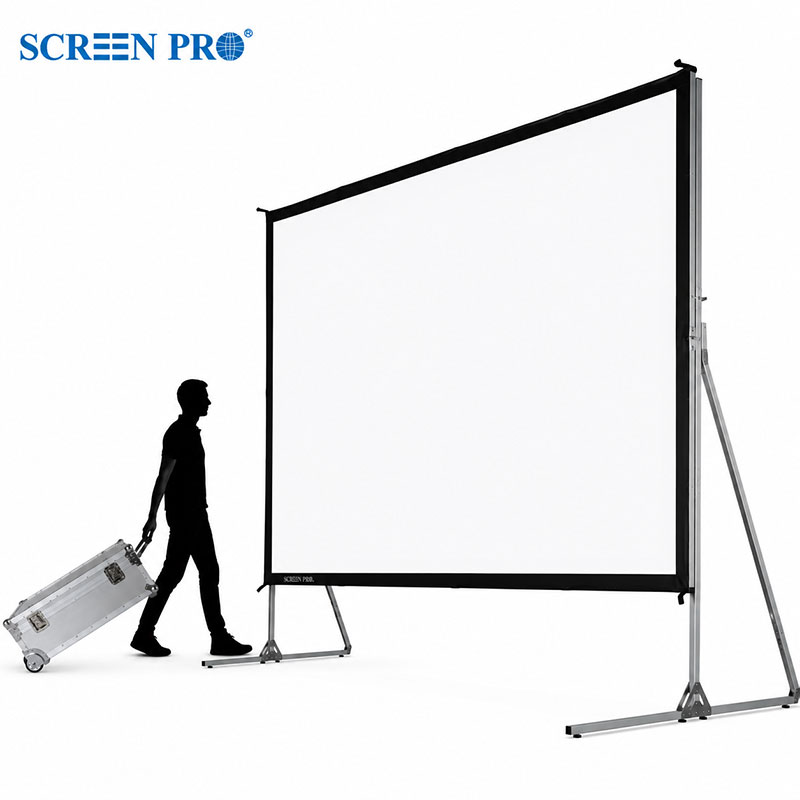
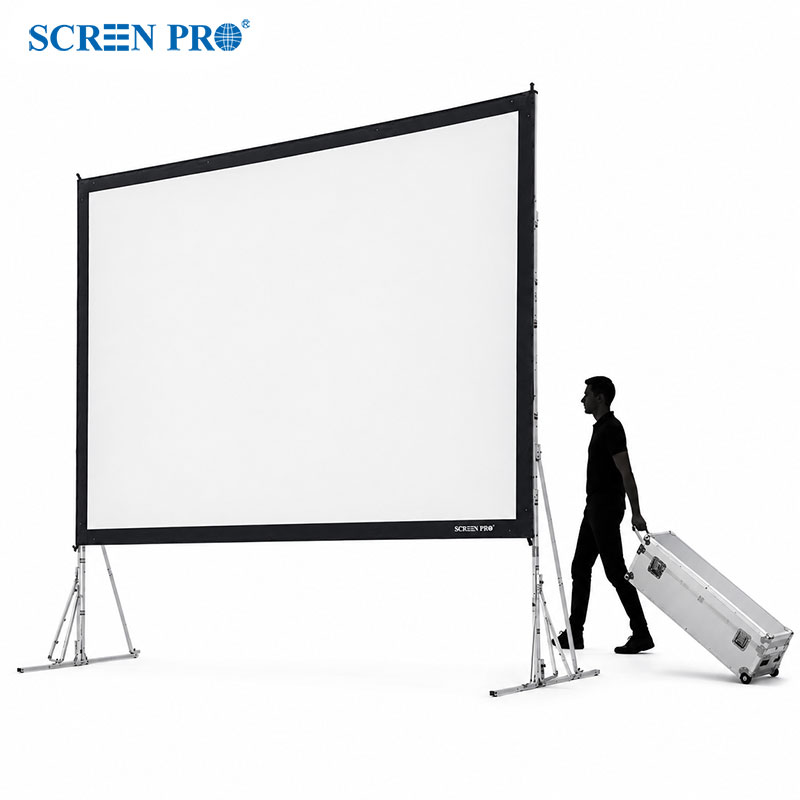
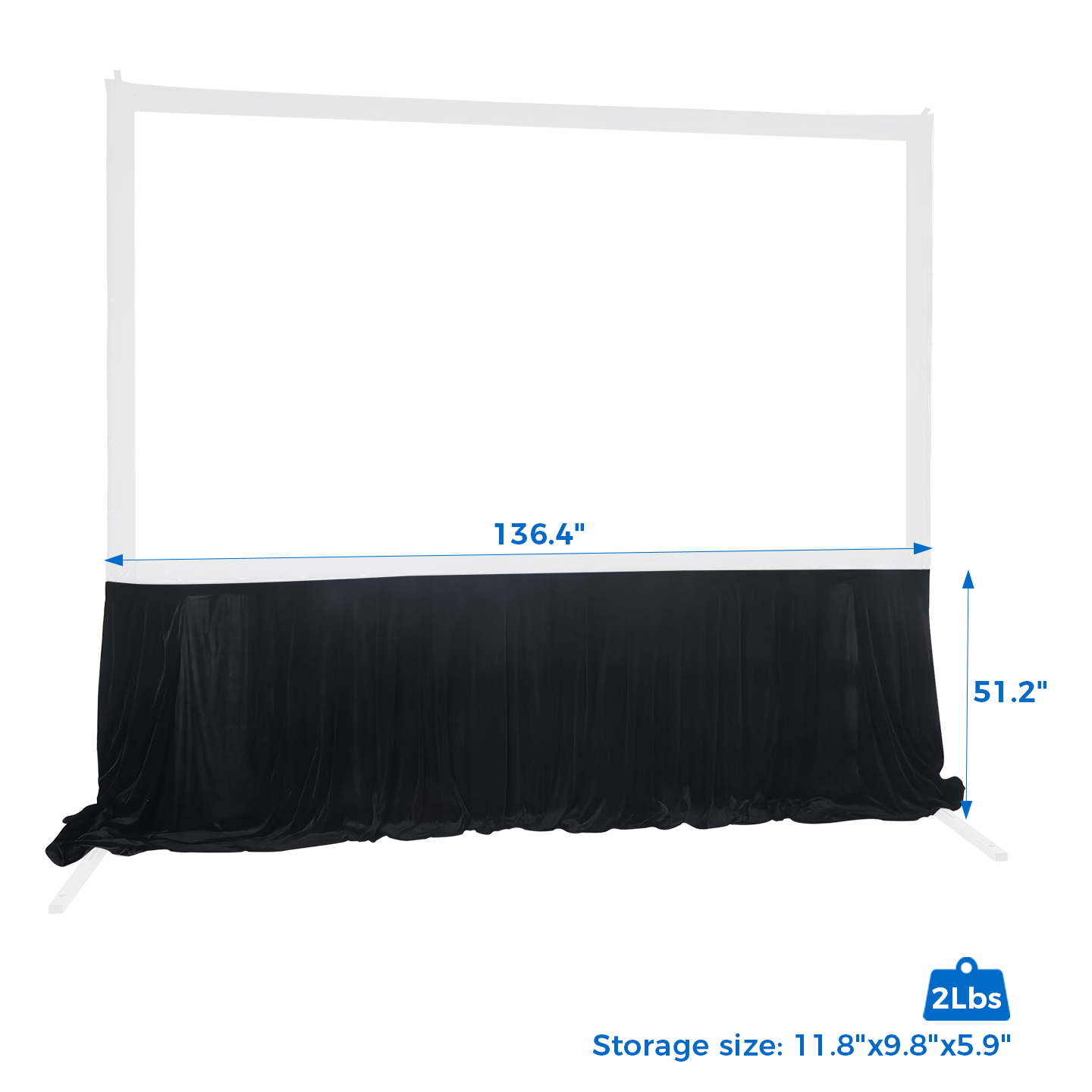
| Events / rental / staging | Fast-Fold | Large, portable and fast to assemble |
Common Projector Screen Buying Mistakes
Screen size must also match projector brightness, throw distance, room dimensions and viewing distance.
Higher gain can increase peak brightness but may reduce viewing angle or introduce image uniformity issues.
UST ALR and long-throw ALR screens use different optical structures and are not interchangeable.
Projection geometry can affect screen compatibility, image size and installation position.
Optical UST screen materials are directional and must be installed in the correct orientation.
In a properly darkened theater, a high-quality matte white or gray surface may provide wider and more uniform viewing.
RGB laser systems may benefit from projection materials specifically designed for speckle reduction.
Projector Screen Buying FAQ
What projector screen should I buy?
Is a projector screen better than projecting onto a wall?
Is 1.0 or 1.2 gain better?
Do I need an ALR projector screen?
What screen is best for a UST projector?
What screen is best for a laser projector?
Is a gray or white projector screen better?
What size projector screen should I buy?
Can I use a normal screen with a UST projector?
Are expensive projector screens always better?
There is no single “best” projector screen.
The right screen is the one that correctly matches your projector, screen size, room lighting, projection geometry, viewing position and installation requirements.
Instead of comparing only gain, price or screen size, evaluate the projection system as a whole.
Need Help Choosing the Right Projector Screen?
Send us your projector model, required screen size, throw distance, room lighting conditions and installation type. SCREENPRO® can help recommend a suitable projection surface and screen construction for the complete system.
Ask SCREENPRO®