


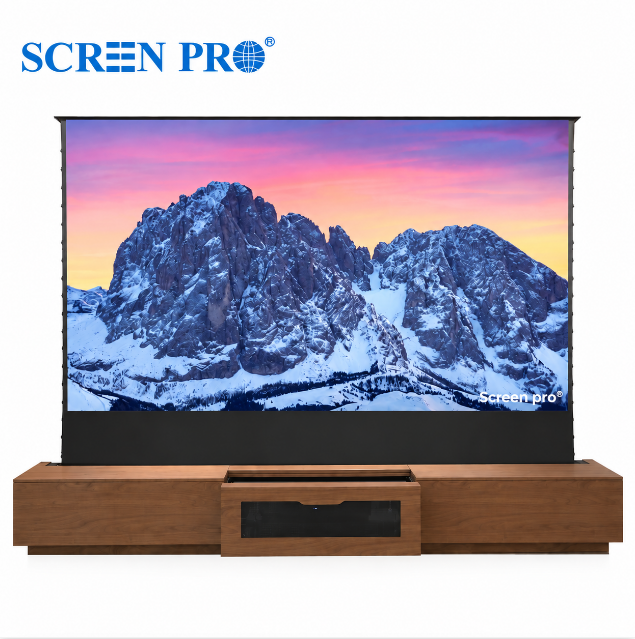
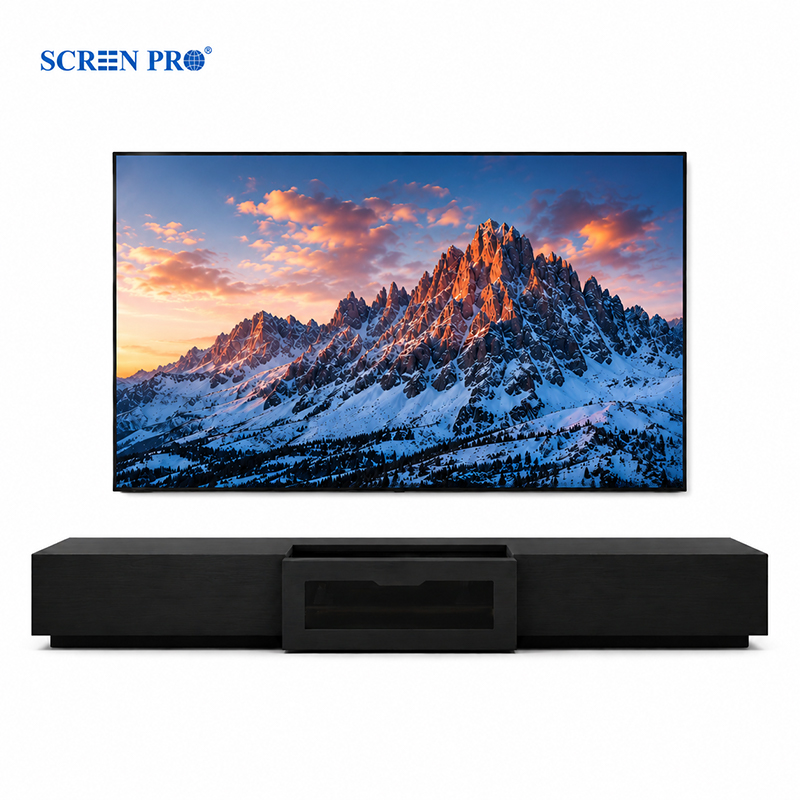
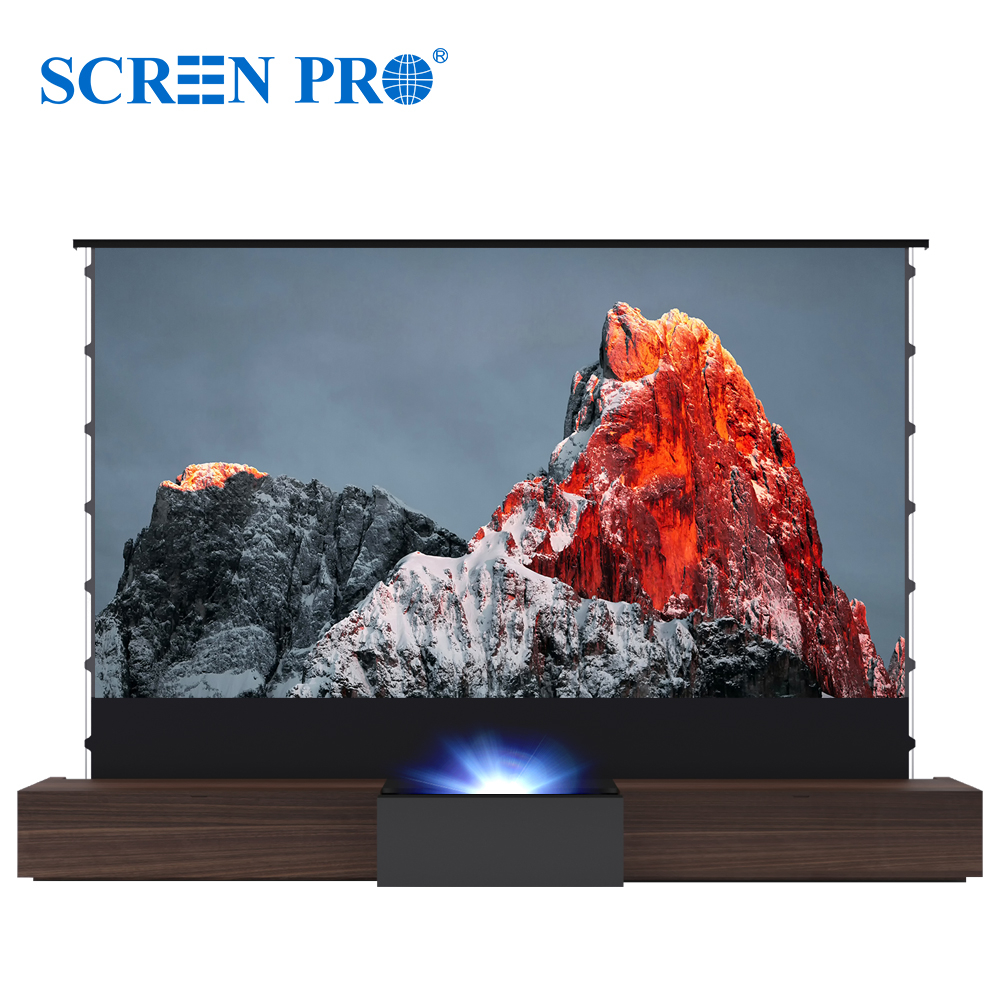
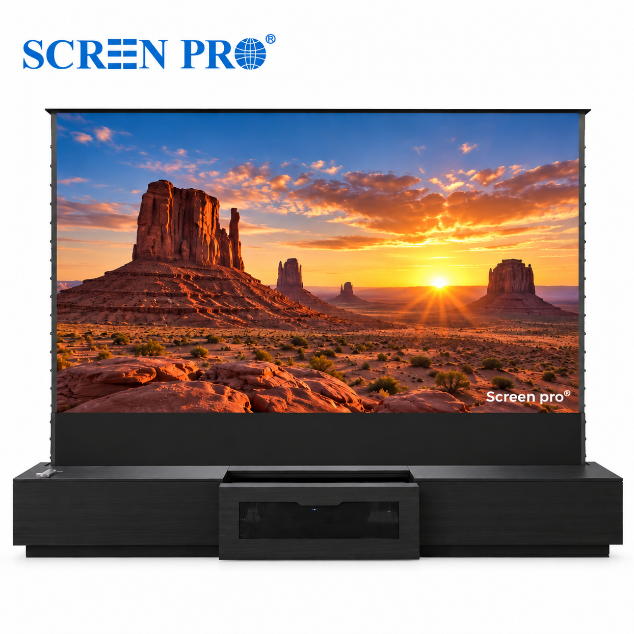
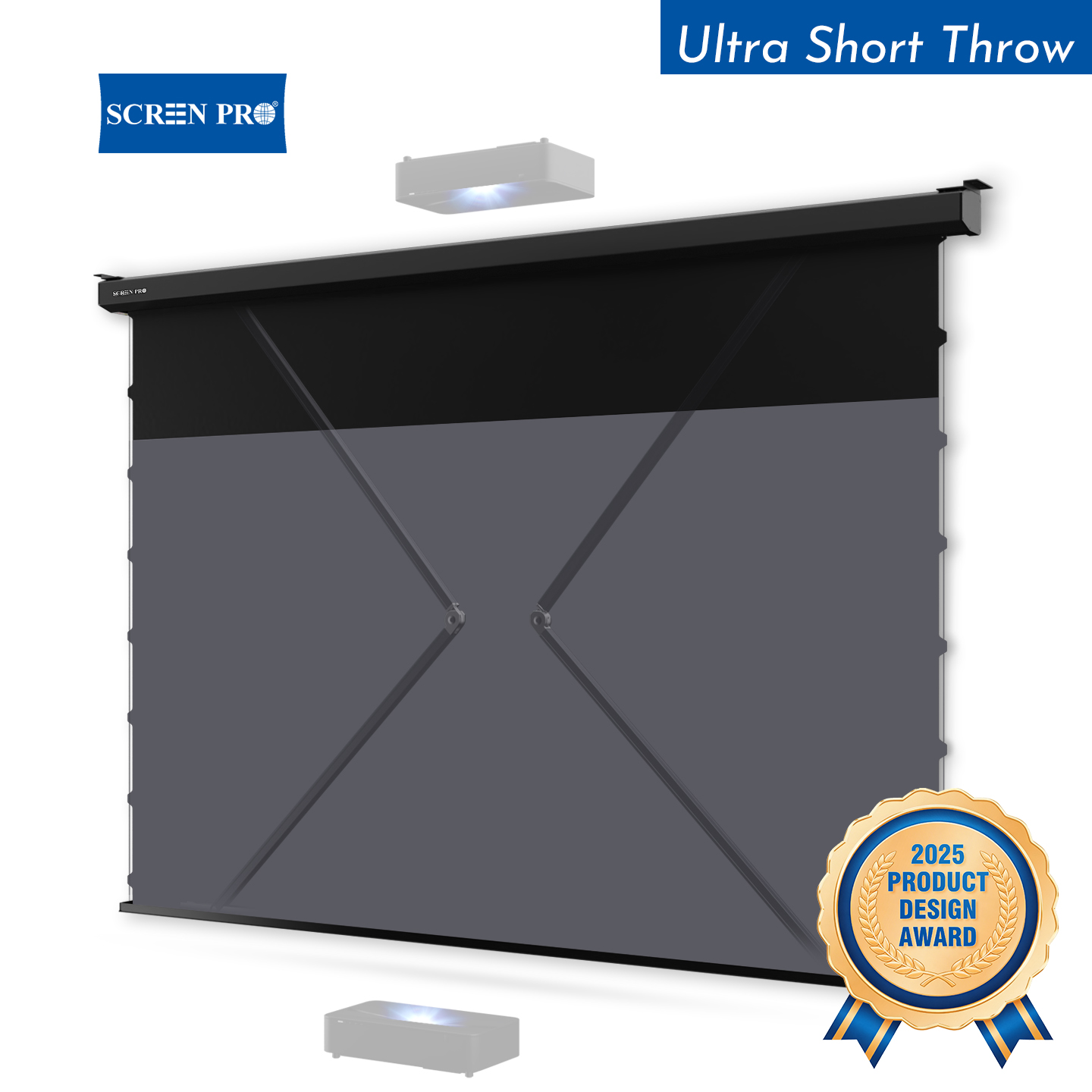
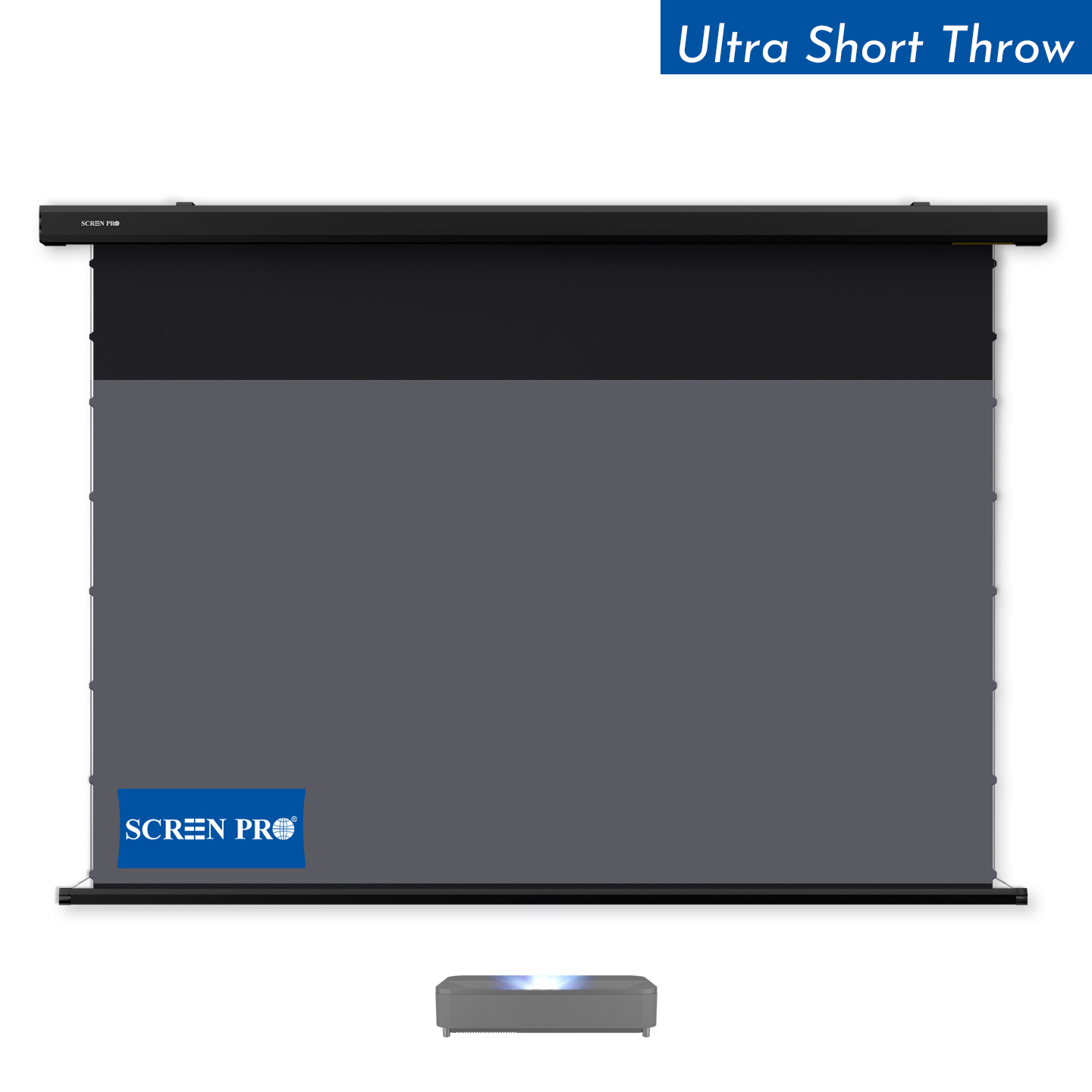
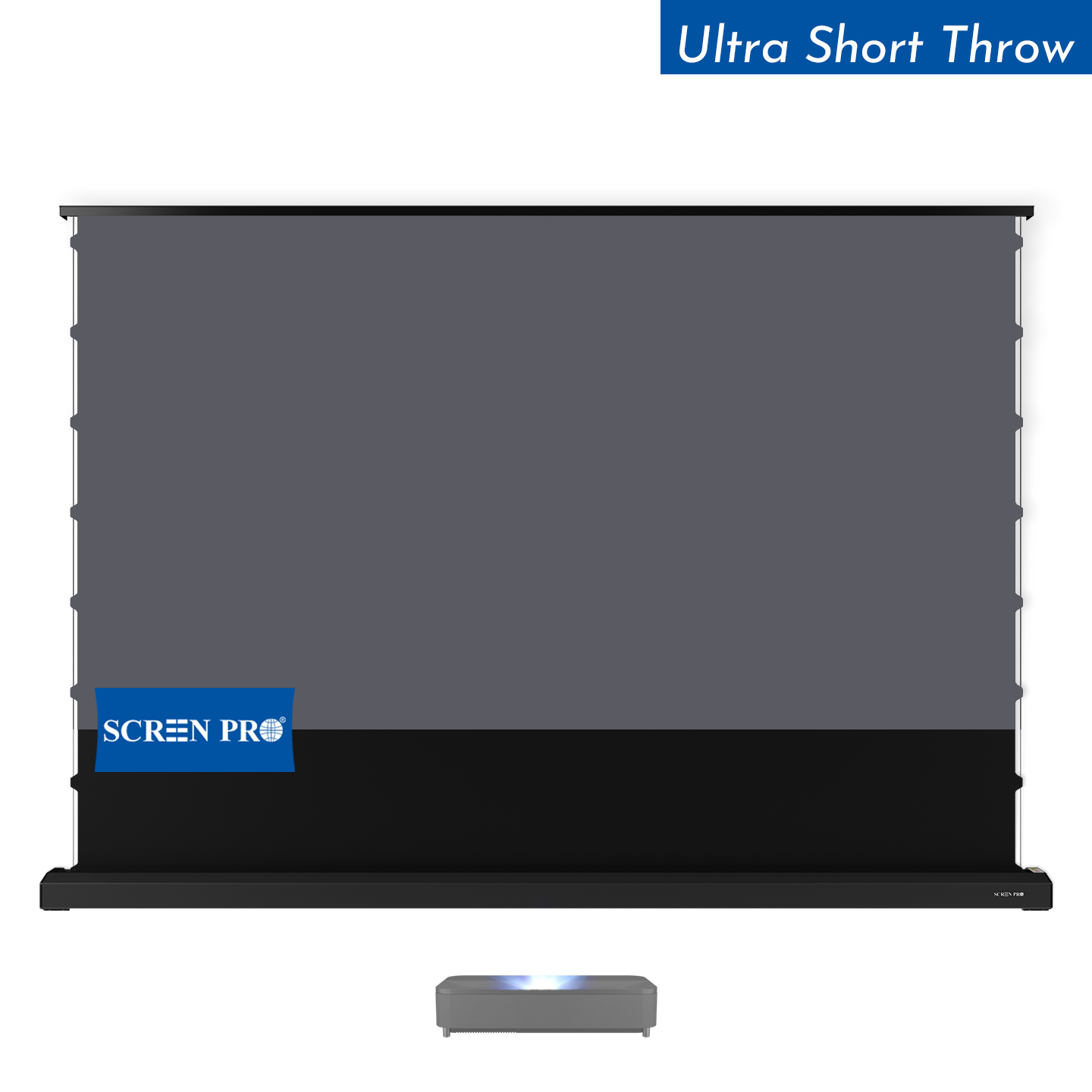
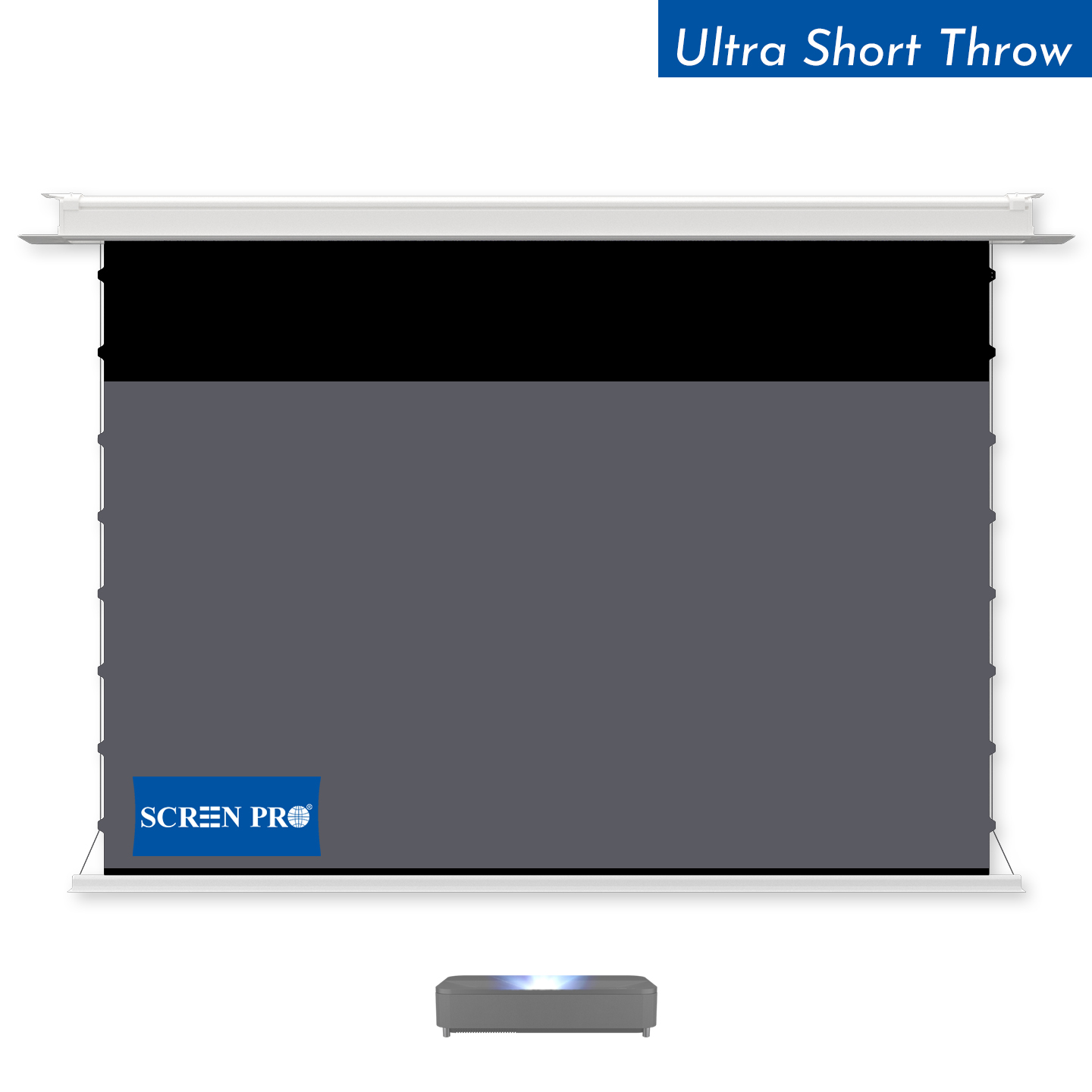
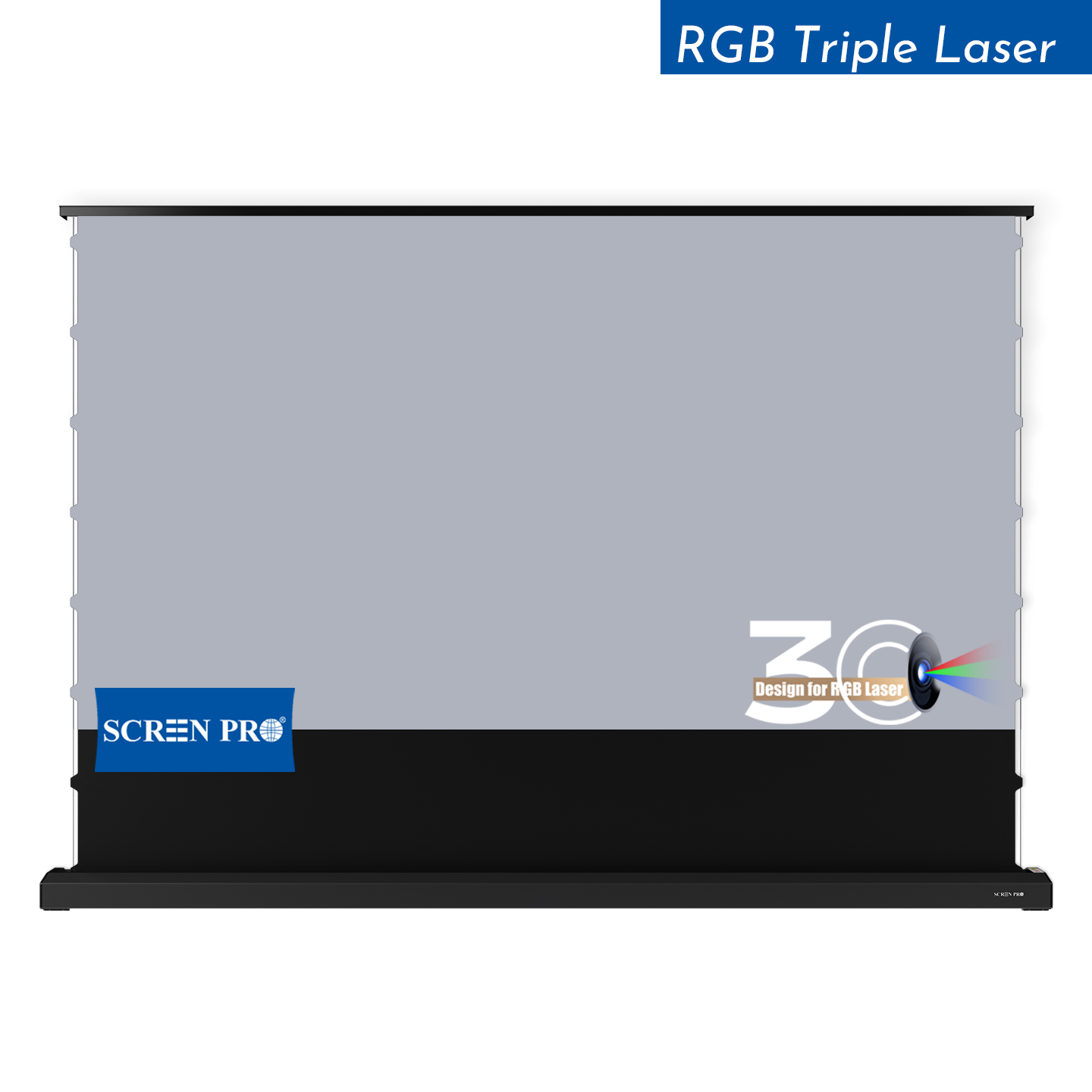
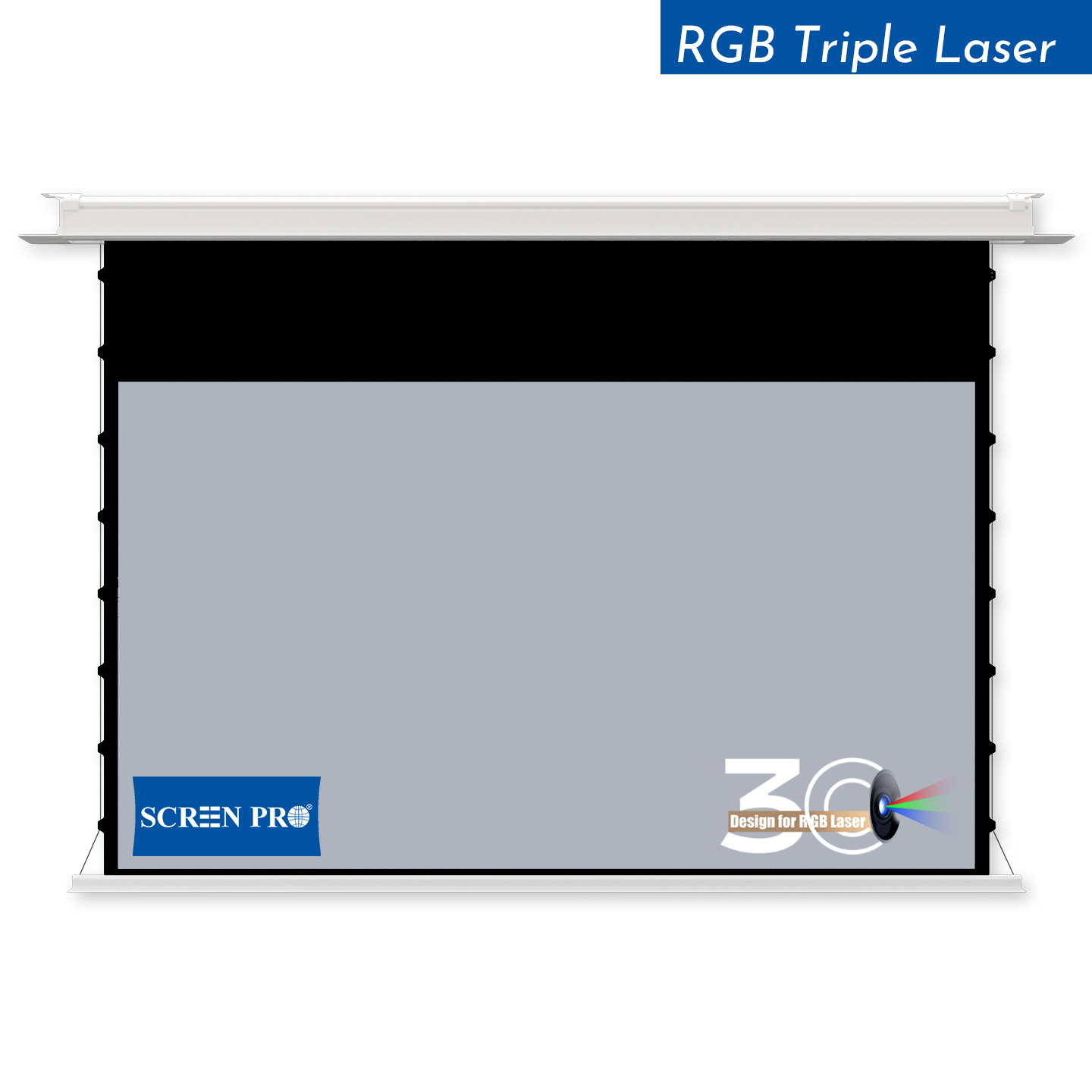
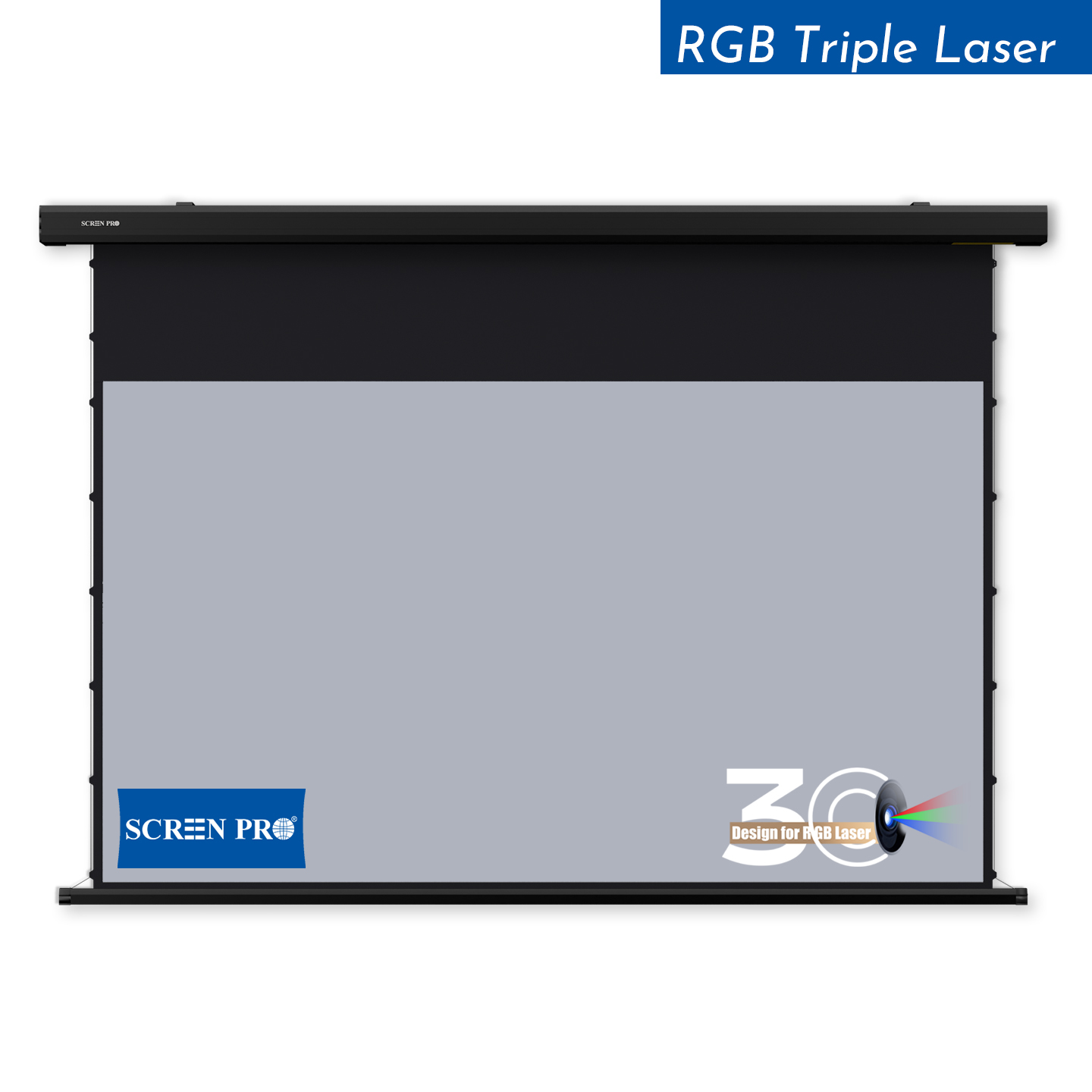


Designed to Work with Your Control System.
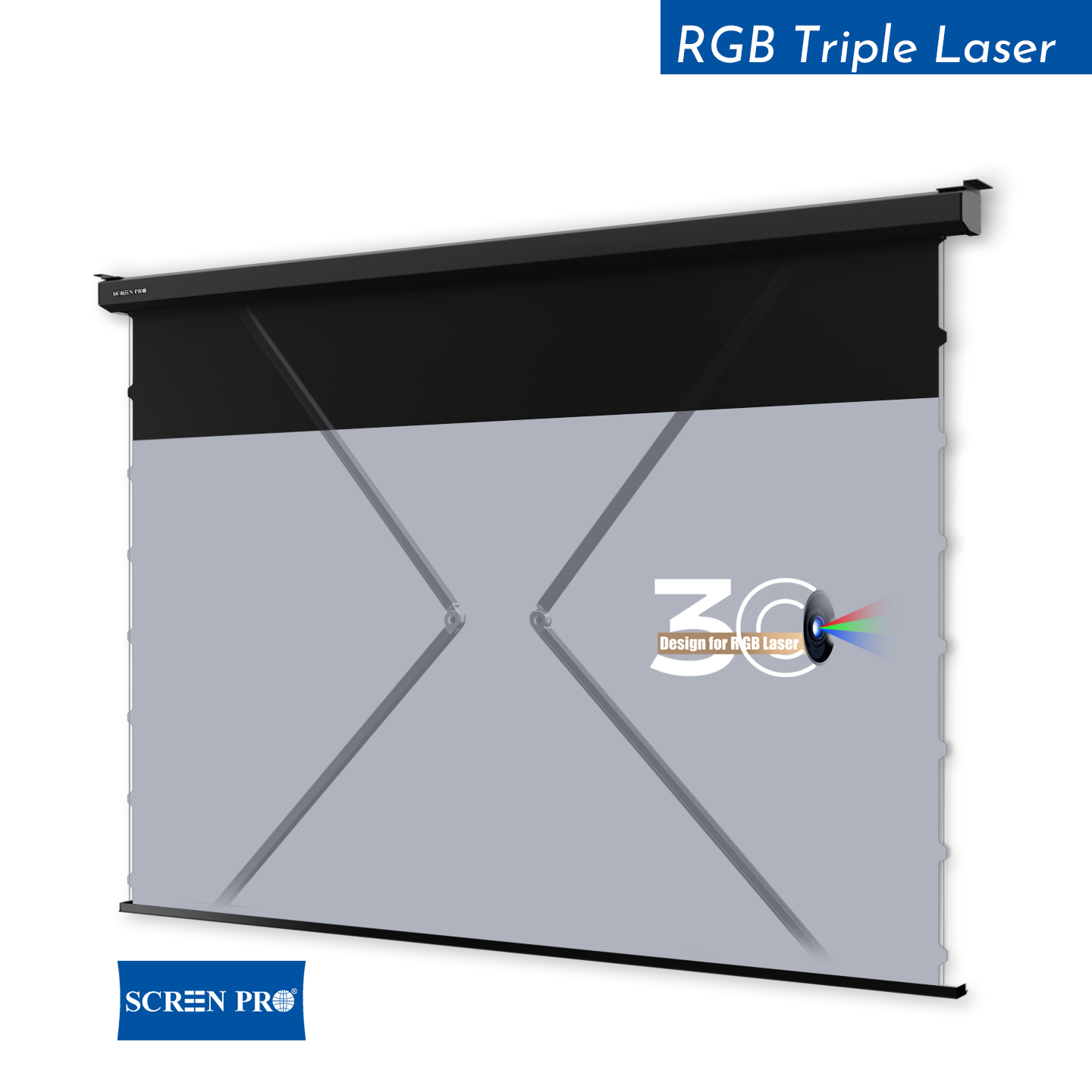
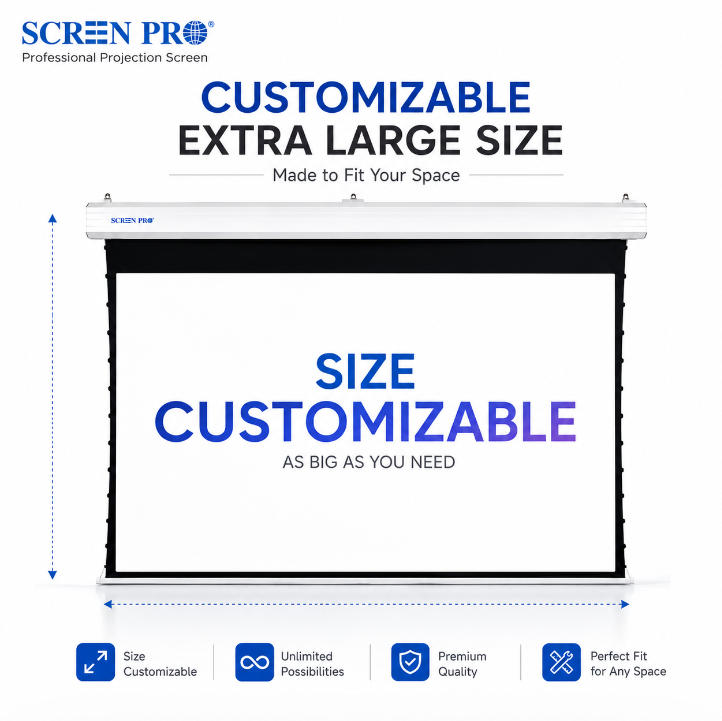
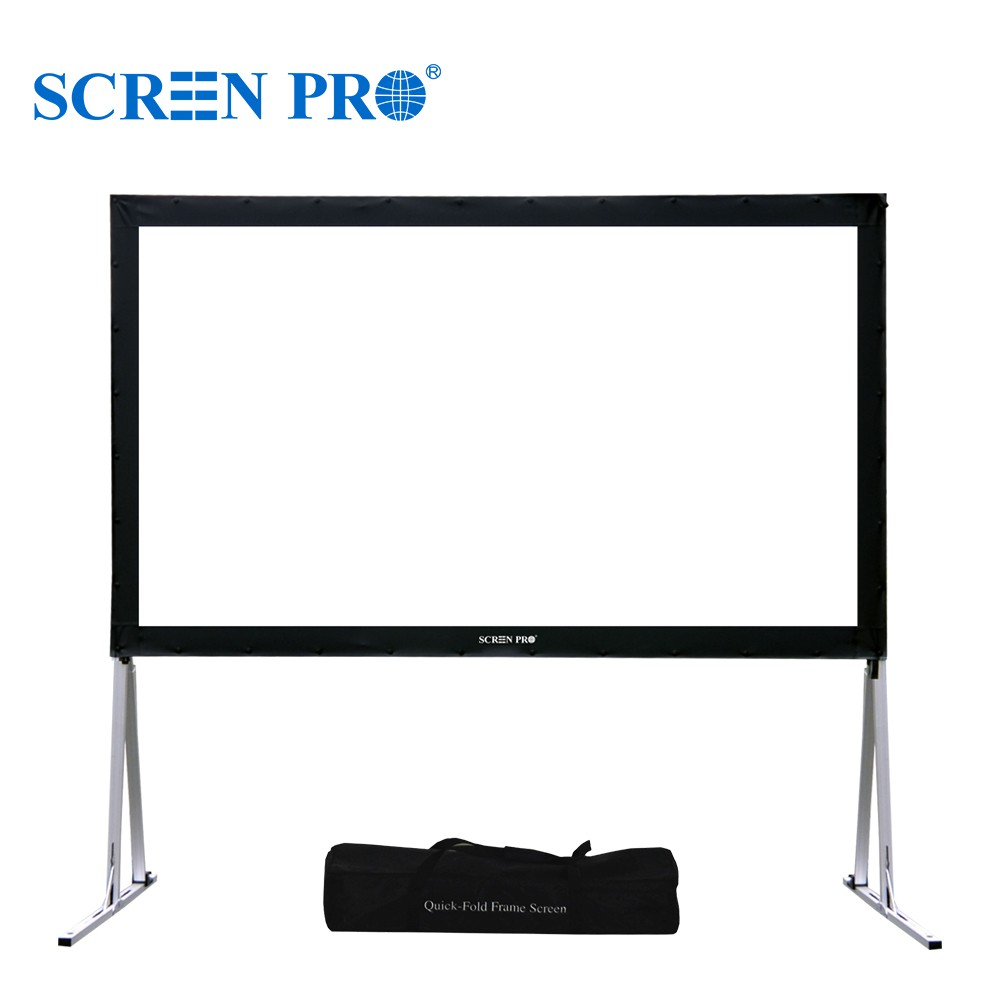
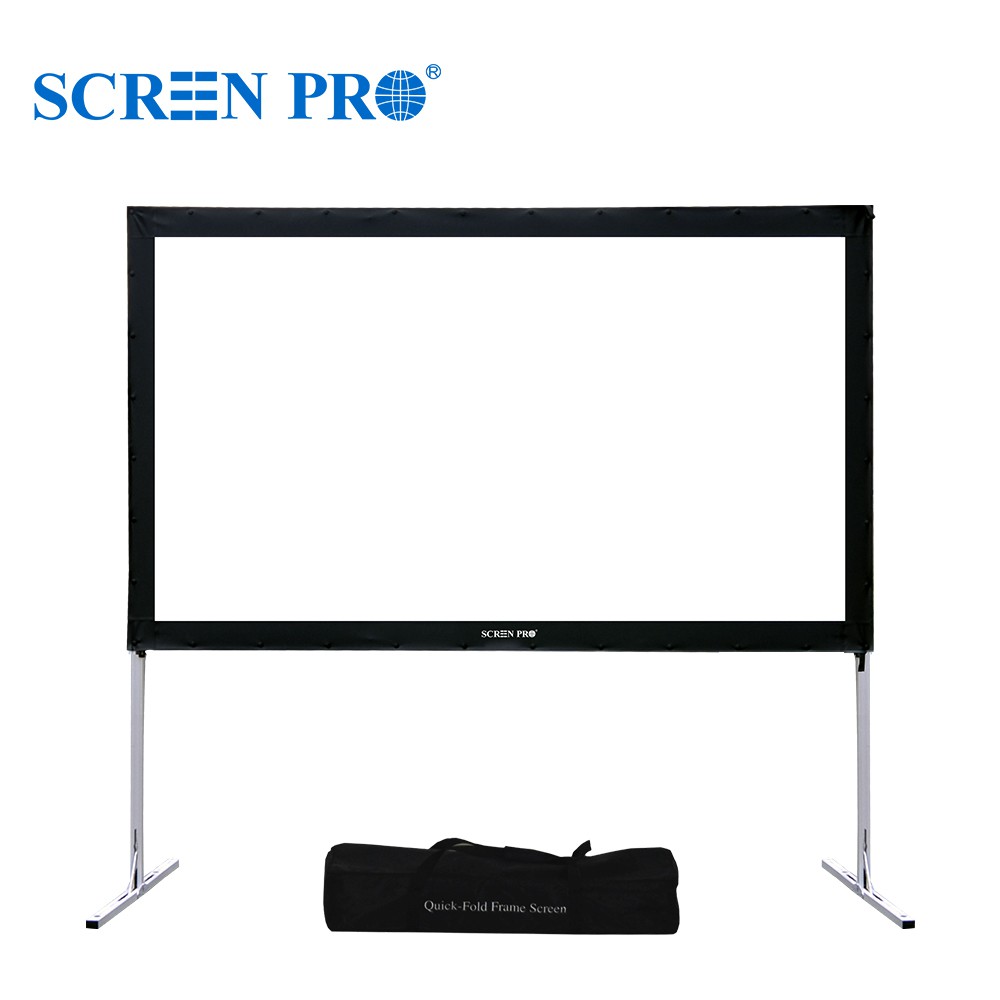
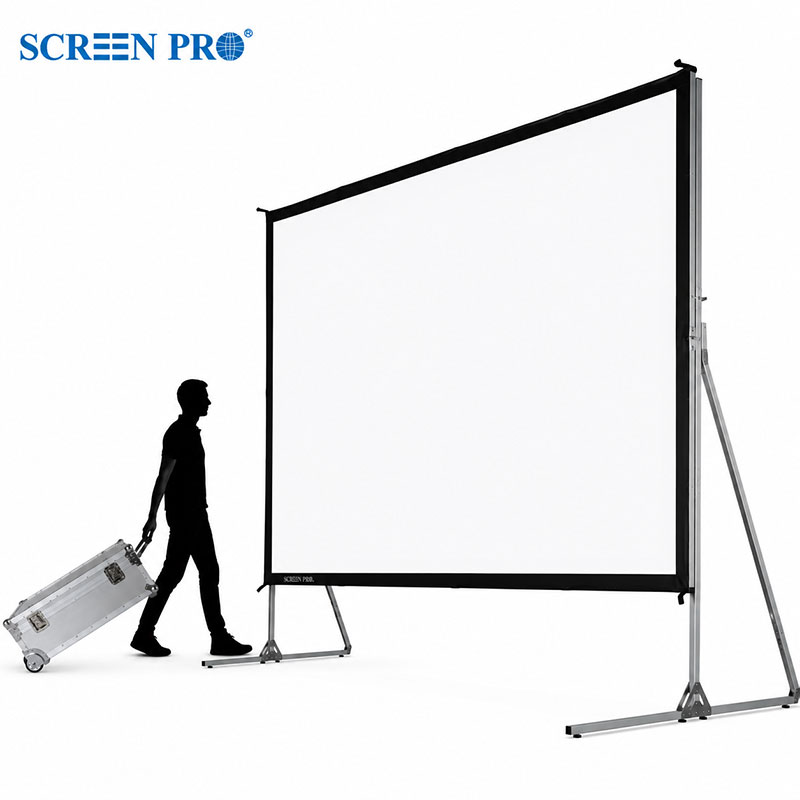
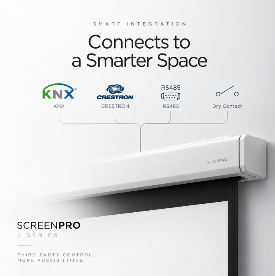
A projection screen should not be an isolated device in a modern smart home or professional AV system. SCREENPRO motorized projection screens can be configured with multiple control interfaces for integration with third-party automation platforms, AV processors and building control systems.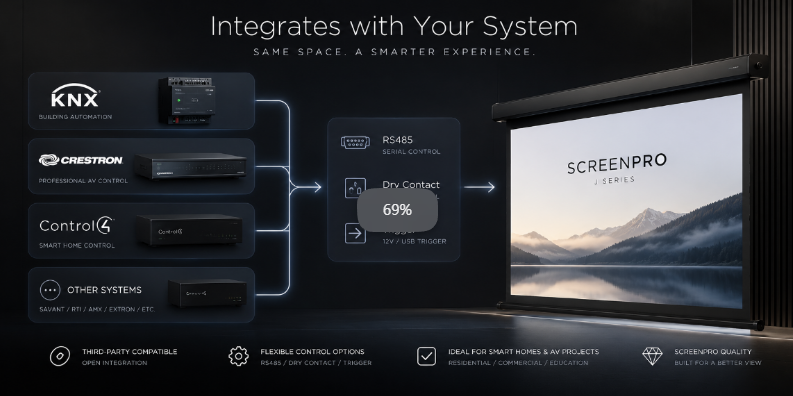
One Screen. Multiple Ways to Control It.
Modern AV installations often bring lighting, projection, audio, shading and environmental controls together under a single automation platform.
Instead of requiring a proprietary smart-home ecosystem, selected SCREENPRO motorized screen configurations provide standard control interfaces that allow integrators to connect the projection screen to the wider system.
Third-Party Integration Ready
Depending on the screen series, motor and control configuration, integration options may include:
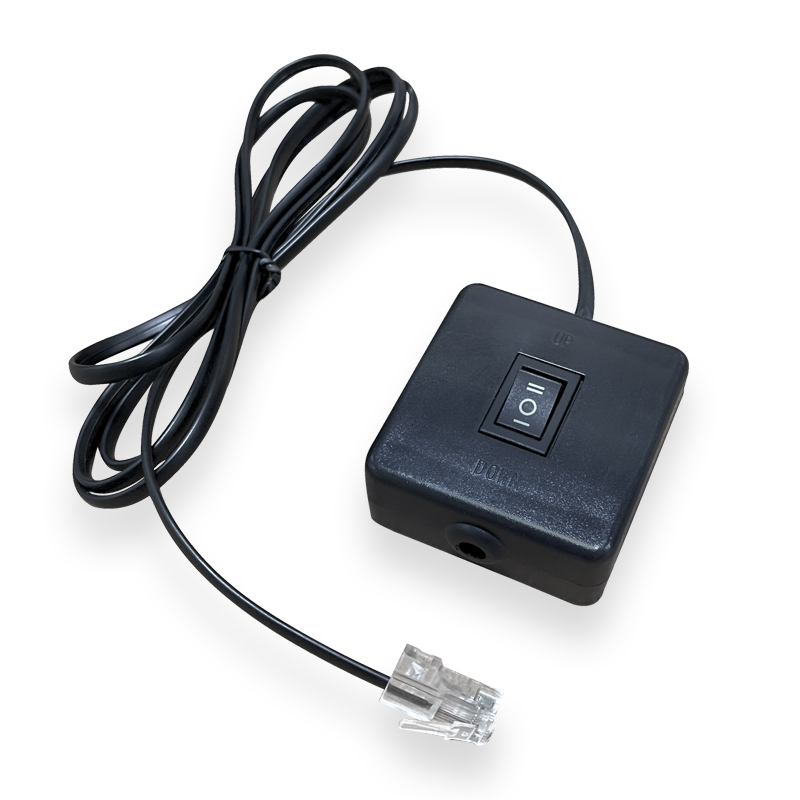
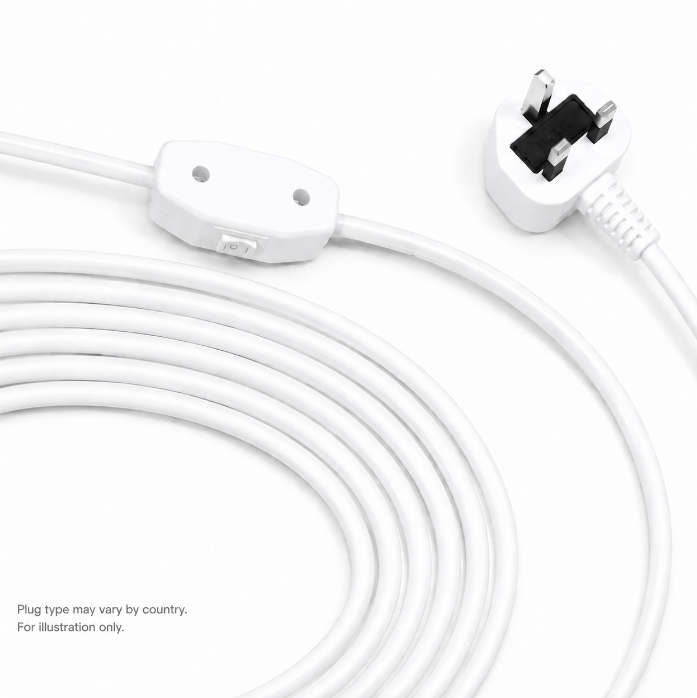
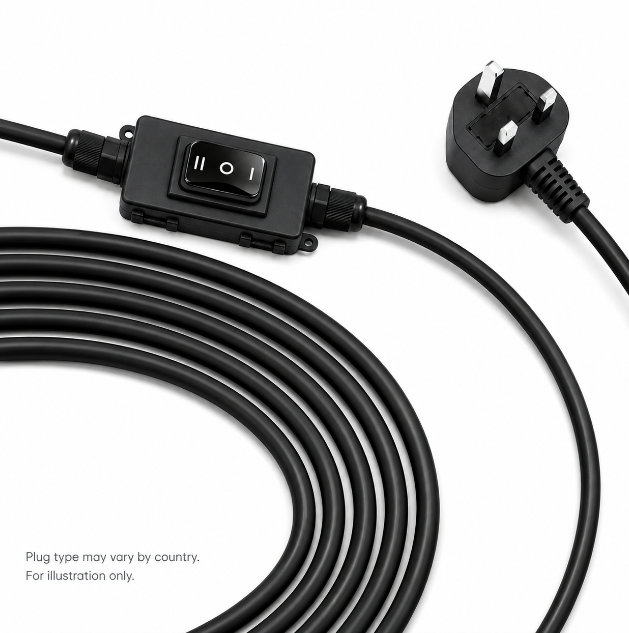
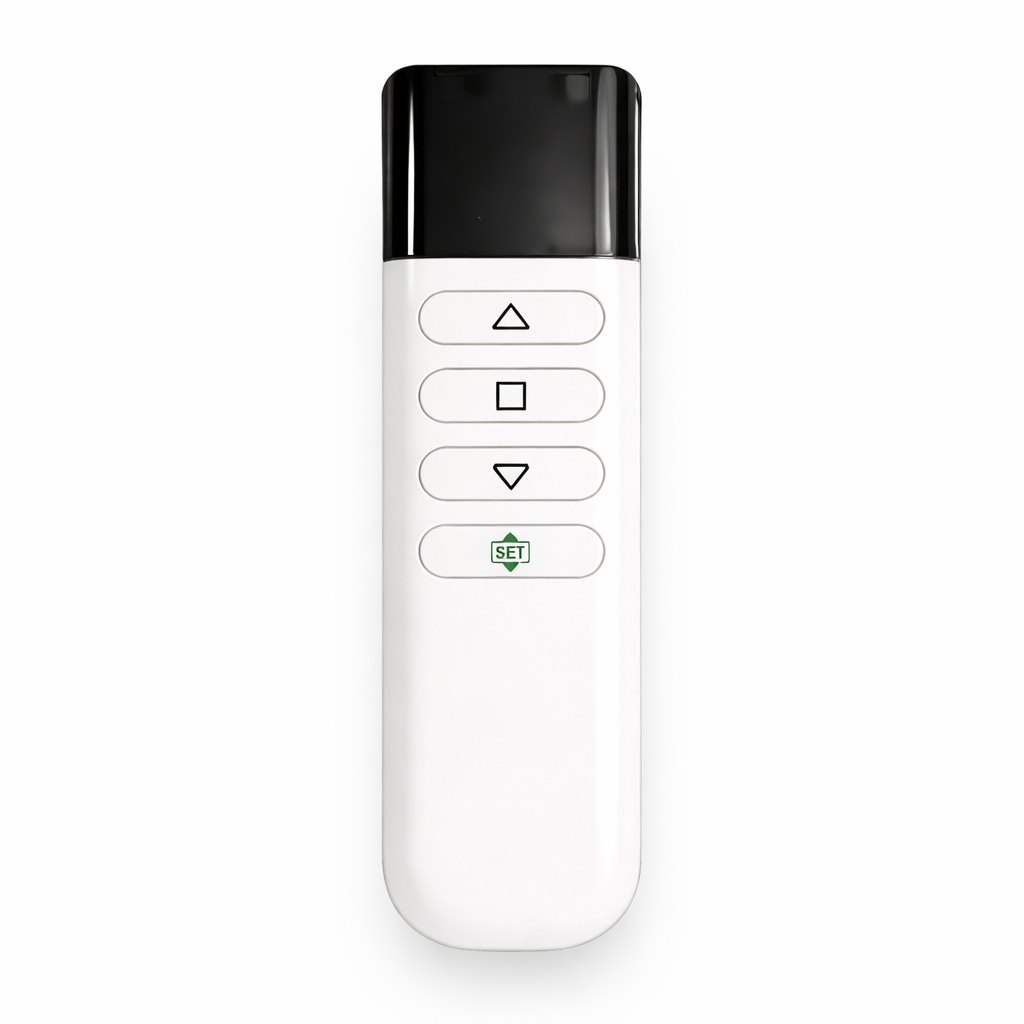
RS485 Dry Contact USB Trigger 12V Trigger* RF Control IR Control* Wired Wall Control*Availability depends on the selected screen series and control configuration.
Integrate SCREENPRO into Leading Automation Platforms
SCREENPRO screens do not need to communicate directly with every smart-home brand. Instead, the automation processor communicates with the screen through an appropriate control interface.
This architecture allows SCREENPRO projection screens to be incorporated into systems based on platforms such as:
Crestron
A Crestron processor can control a compatible SCREENPRO configuration through serial communication or relay-based control, allowing screen movement to become part of room automation and AV scenes.
Control4
Where suitable relay or serial interfaces are available, SCREENPRO screens can be incorporated into Control4-based residential and commercial AV projects.
KNX
SCREENPRO does not need to connect directly to the KNX bus. A KNX actuator, relay module or suitable gateway can translate KNX commands into the control interface required by the projection screen.
Savant / RTI / AMX / Extron
Professional control processors can operate compatible SCREENPRO screens through supported serial, relay or trigger interfaces, depending on the project configuration.
How the Integration Works
AV Controller
Trigger Interface
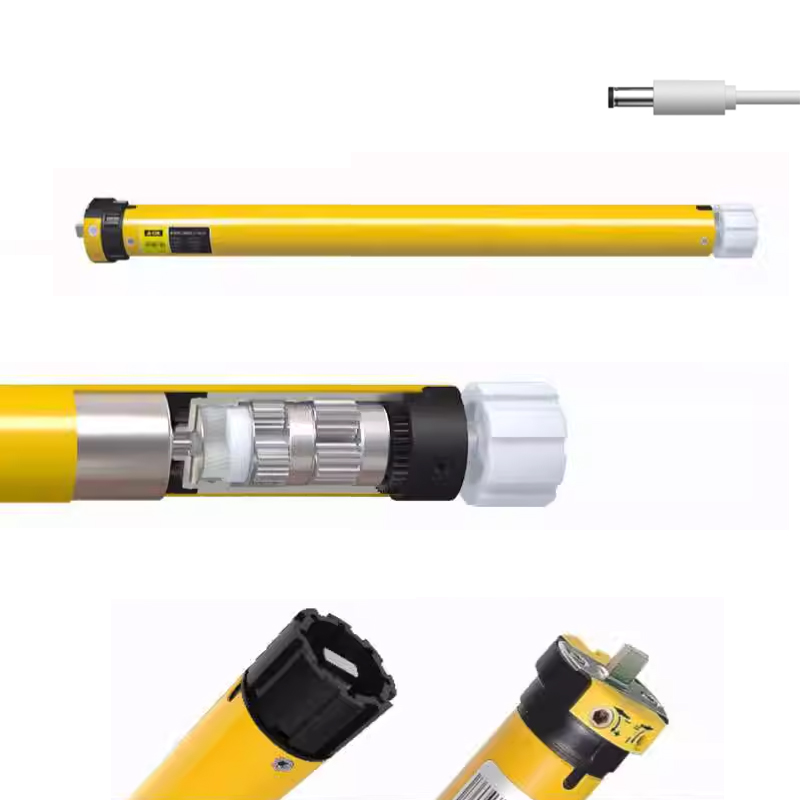
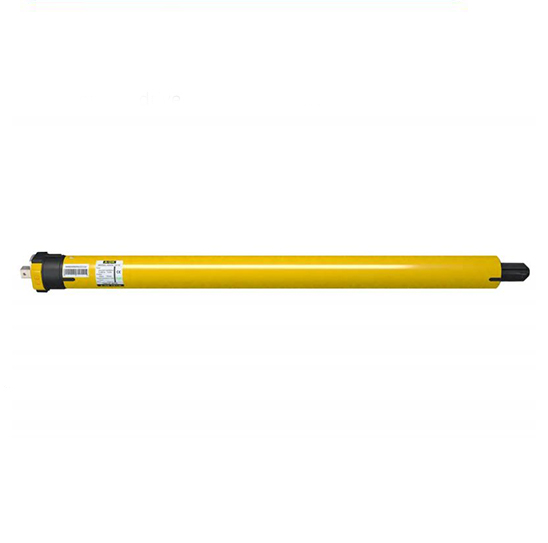
Motor Controller
Projection Screen
The automation system remains the central controller. SCREENPRO simply receives the appropriate movement command from the system.
This makes the screen easier to integrate into projects where multiple devices from different manufacturers must operate together.
Choose the Right Control Interface
| Control Method | Typical Application | Integration Level |
|---|---|---|
| RS485 | Crestron, Control4, professional AV processors, automation gateways | Advanced |
| Dry Contact | KNX relay modules, automation processors, simple centralized control | Universal / Simple |
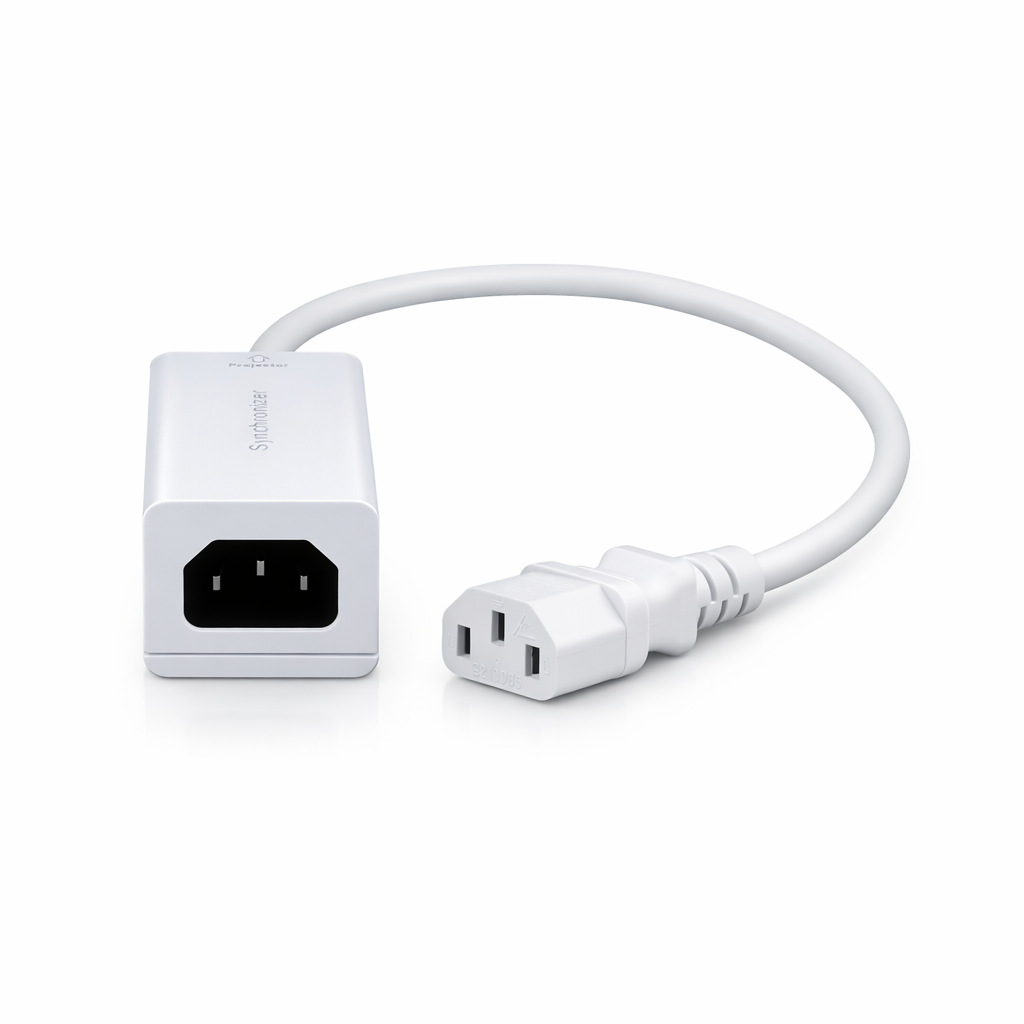
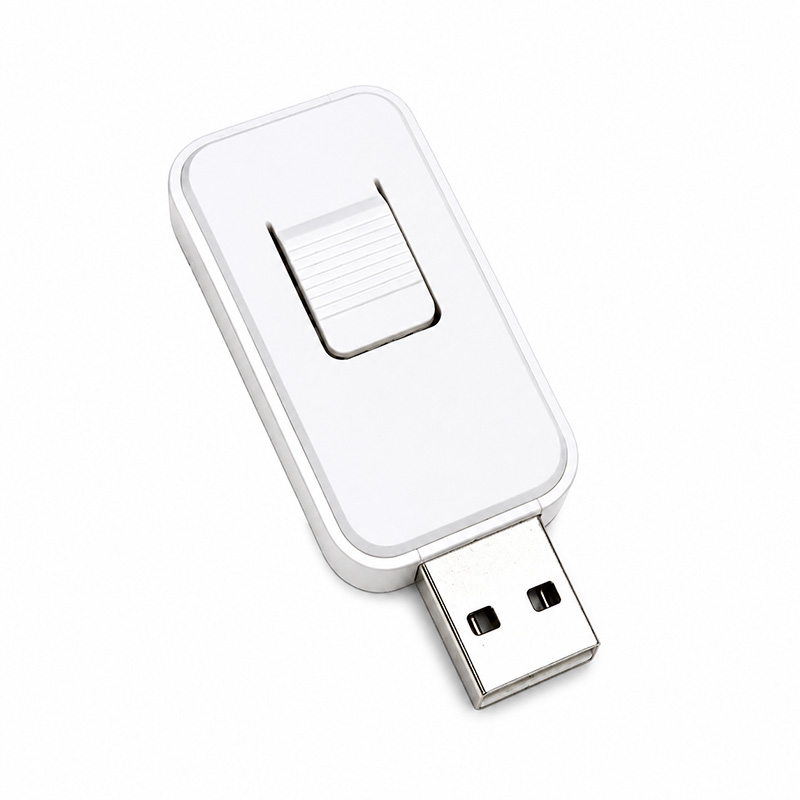
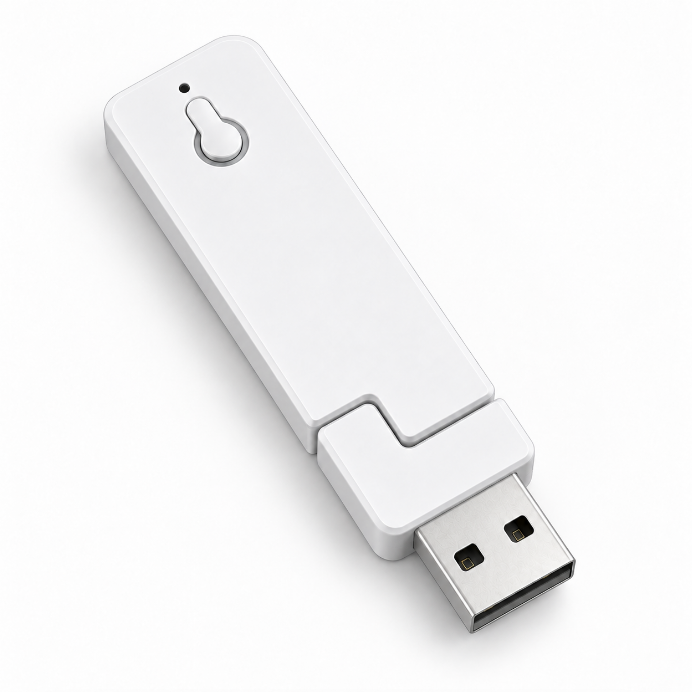
| USB Trigger | Projector-to-screen automatic synchronization | Automatic |
| 12V Trigger | Projectors and AV processors with trigger output | Automatic |
| RF / IR | Standalone operation or selected third-party control interfaces | Basic |
| Wired Control | Wall switches and direct local operation | Local |
RS485 for Professional AV Integration
For advanced automation projects, RS485 provides a wired serial communication path between the projection screen controller and a compatible control processor or gateway.
This approach is particularly useful in dedicated home cinemas, boardrooms, auditoriums, training facilities and integrated AV environments where the screen is controlled as part of a larger system.
The automation programmer can use the applicable SCREENPRO communication protocol to issue screen commands from the central control system.
Dry Contact. Simple and Universal.
Not every installation requires serial communication. For many projects, dry-contact control provides one of the simplest ways to connect a projection screen to a third-party automation system.
A compatible relay module can translate automation commands into basic screen functions such as:
UP / STOP / DOWN
This makes relay-based control particularly useful for KNX systems and other automation platforms that provide programmable relay outputs.
Projector On. Screen Down.
For installations that do not require a complete smart-home processor, trigger control provides a simple form of automation.
When the projector turns on, the screen can automatically deploy. When the projector is turned off, the screen can retract.
Depending on the SCREENPRO model and selected control configuration, this can be achieved through a compatible USB trigger or 12V trigger solution.
Build Complete AV Scenes
Once the projection screen is connected to the automation system, it can become part of a complete room scene.
One command can transform the room.
Lights dim → curtains close → projector powers on → projection screen lowers → AV system selects the correct source.
The exact sequence is programmed by the automation integrator, allowing the SCREENPRO projection screen to operate alongside lighting, audio, video, shading and other room systems.
Built for Integrators.
Smart-home compatibility is not only about adding more wireless features. For professional installations, reliable wired interfaces and clear control documentation are often more important.
SCREENPRO supports AV integrators, smart-home installers and project engineers with integration information for compatible screen configurations, including wiring guidance and control documentation where applicable.
Residential
Dedicated cinemas, media rooms and automated living spaces.
Commercial AV
Boardrooms, conference rooms, training spaces and corporate installations.
Education
Lecture halls and classrooms with centralized AV control.
Custom Projects
Auditoriums, hospitality, showrooms and integrated architectural AV systems.
Planning an Integration Project?
Tell us which control platform you are using before ordering. Our team can help determine the appropriate SCREENPRO screen and control configuration for the project.
| Control Platform | Crestron / Control4 / KNX / Savant / RTI / AMX / Extron / Other |
| Preferred Interface | RS485 / Dry Contact / Trigger / Wired Control |
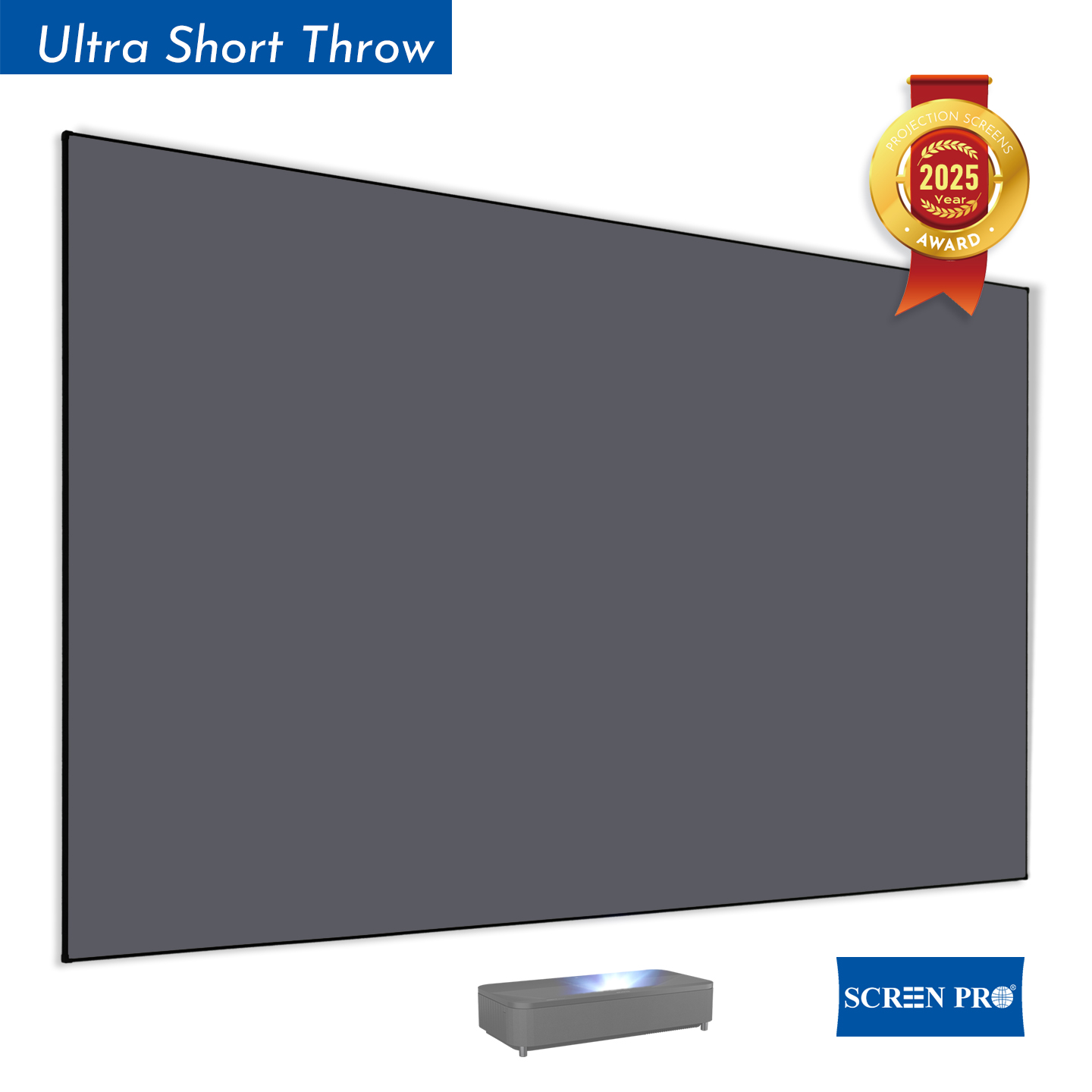
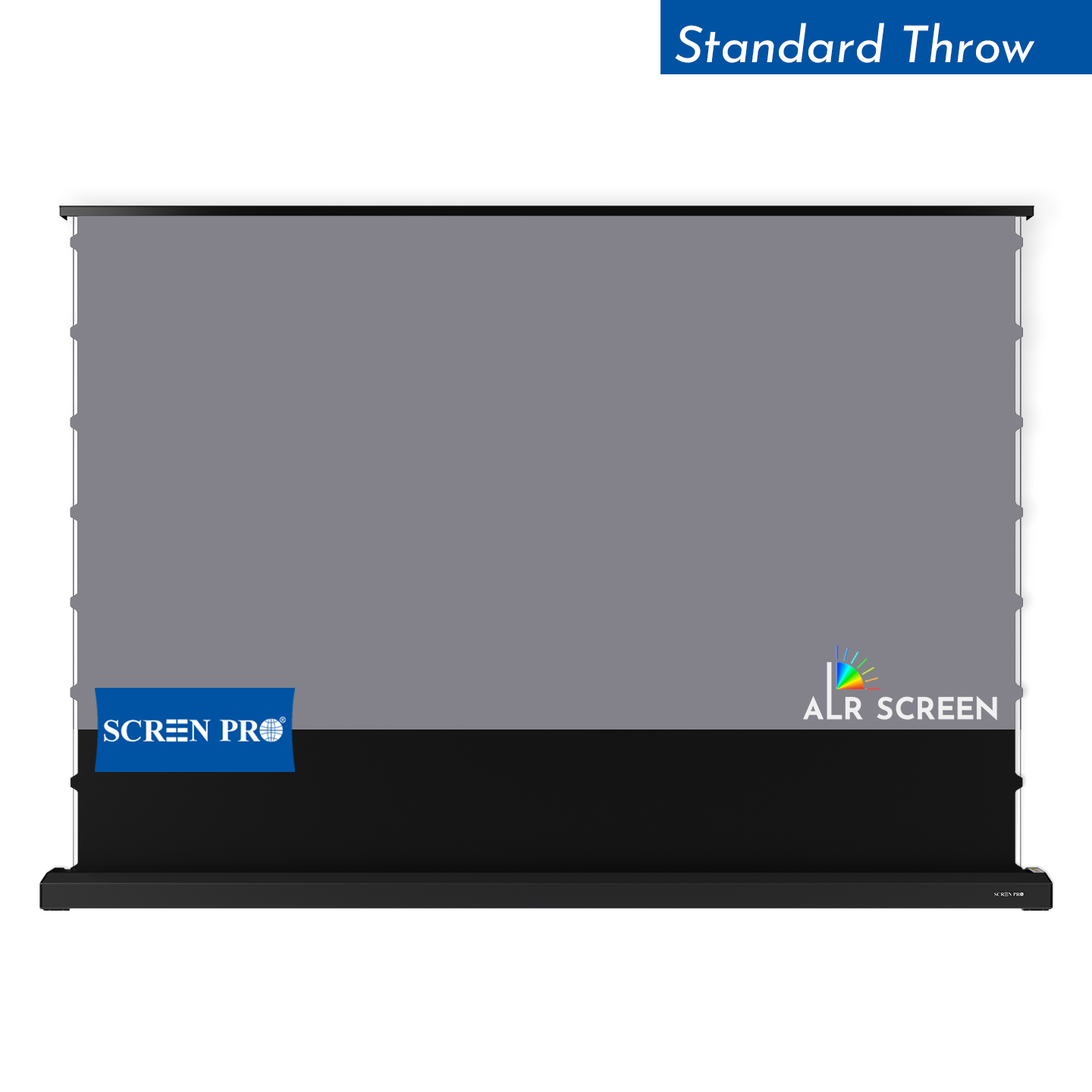
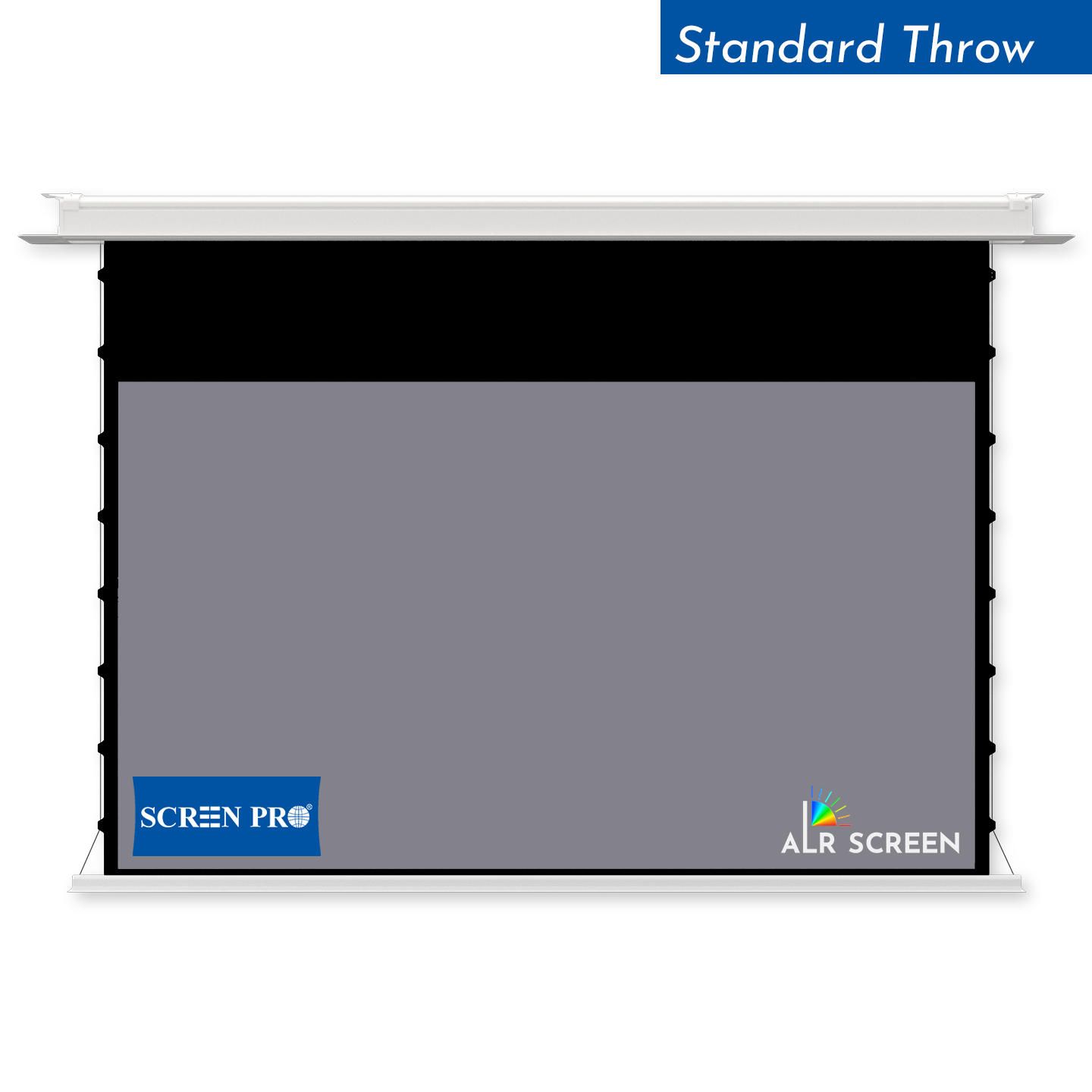
| Screen Type | Motorized / Tab-Tensioned / Recessed / UST ALR / Floor Rising |
| Project Voltage | 110–120V / 220–240V |
Your System. Your Screen. One Experience.
From simple projector synchronization to fully integrated smart homes and professional AV systems, SCREENPRO gives integrators the control flexibility they need.
Discuss Your Integration ProjectCrestron, Control4, KNX, Savant, RTI, AMX and Extron are trademarks or registered trademarks of their respective owners. References are for integration compatibility purposes only and do not imply endorsement, certification or partnership. Actual control interfaces depend on the SCREENPRO product series, motor and controller configuration.