







PROJECTOR SCREEN CONTROL GUIDE
What Is a Hold-to-Run Momentary Switch?
A simple guide to spring-return UP–OFF–DOWN control for motorized projector screens — and when a momentary switch is the right choice.
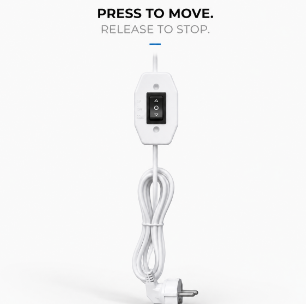
Press to Move. Release to Stop.
The basic principle of hold-to-run screen control.
What Is a Momentary Switch?
Motorized projector screens can be controlled in several ways, from RF remote controls and wall switches to RS485 systems and external AV controllers. For some commercial installations, however, the preferred solution is much simpler: a 3-position spring-return momentary switch.
Unlike a conventional latching Up/Down switch, a momentary switch requires the user to keep the control pressed while the screen is moving. When released, the switch automatically returns to its center OFF position.
This operating method is commonly described as a momentary switch, spring-return switch, or hold-to-run switch.
Momentary vs. Latching Switch
The main difference is what happens when the operator releases the switch.
| Control Type | Press UP | Release | Screen Operation |
|---|---|---|---|
| Latching / Maintained | UP stays selected | Switch remains in position | Screen may continue moving |
| Momentary / Spring Return | Active only while held | Returns to OFF | Movement command stops |
Neither method is universally better. The correct control type depends on the motor, control architecture, application and applicable safety requirements.
What Does “Hold-to-Run” Mean?
Hold-to-run means that the operator must continuously actuate the control device to maintain movement.
Hold → Move / Release → Stop
For projector screens, this provides direct manual control over screen movement and can be useful in meeting rooms, classrooms, auditoriums and professional AV installations.
Why Use a Momentary Switch?
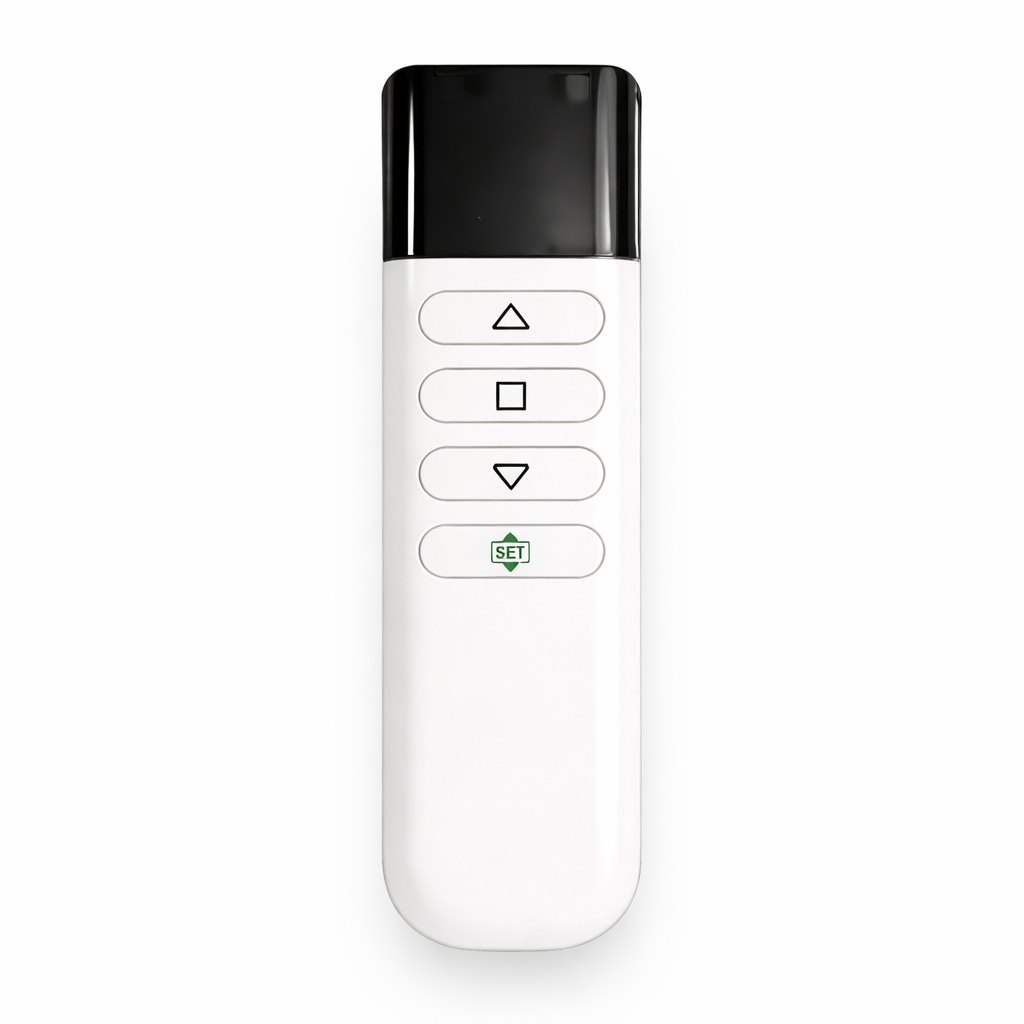
Many motorized screens include electronic control modules for RF remote control, IR control, triggers or smart automation. But not every installation requires these functions.
Professional AV integrators may already have their own room-control system, while other projects may simply require a physical wired control without additional electronics.
Power → Momentary Switch → Tubular Motor
A straightforward wired-control architecture for compatible configurations.
MOMENTARY WIRED CONTROL
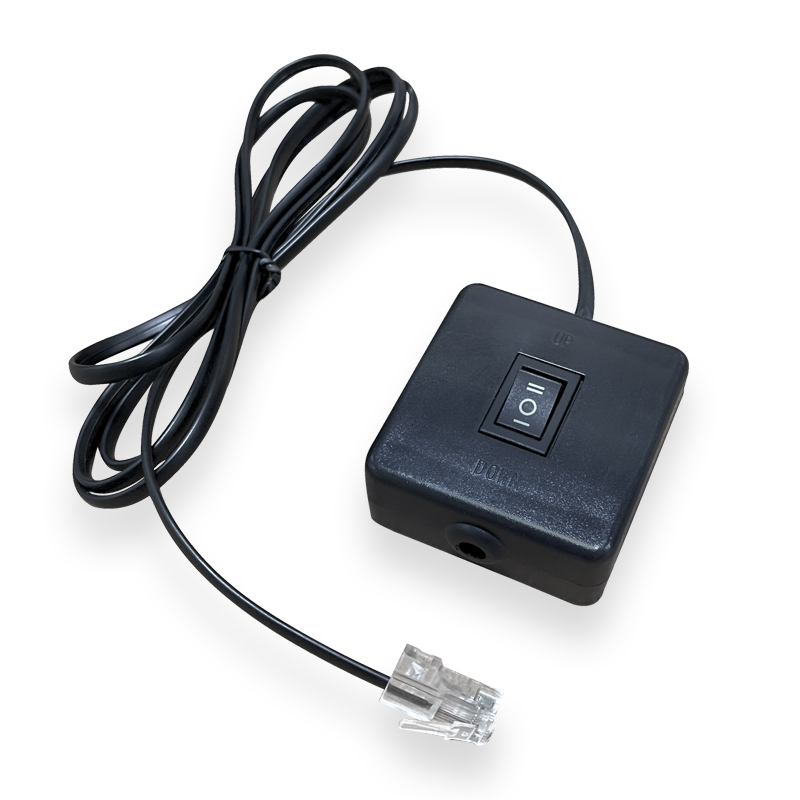
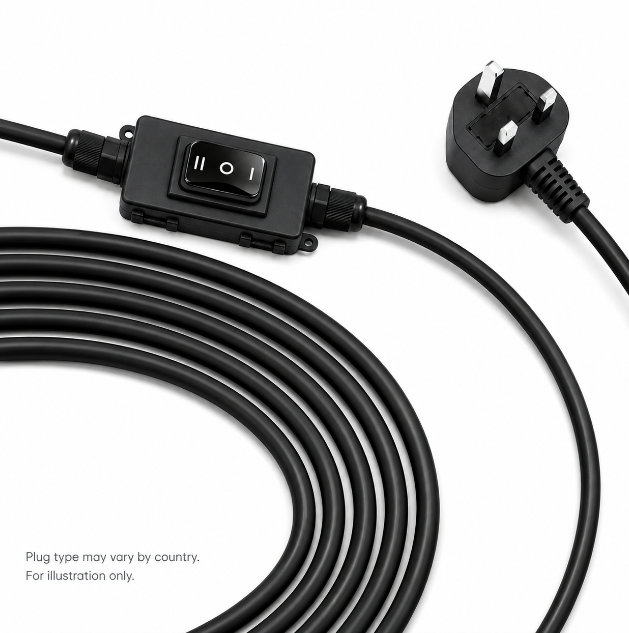
SCREENPRO R-MW
3-Position Spring-Return Momentary Rocker Switch
Designed for motorized projector screen installations requiring simple manual hold-to-run operation. Press and hold UP or DOWN to move the screen; release the switch and it automatically returns to the center OFF position.
* Depends on compatible motor and wiring configuration.
Designed for Professional AV Integration
The R-MW is particularly suitable for installations where simple wired control is preferred over additional wireless electronics.
For OEM and project applications, SCREENPRO can configure compatible motorized projector screens according to the required motor type, voltage, control method and wiring arrangement.
How to Specify the Correct Switch
When ordering a wired-control motorized projector screen, confirm whether the project requires momentary or maintained operation, an UP–OFF–DOWN configuration, spring return to center, and the required motor voltage and wiring configuration.
If this describes the required operation, a spring-return momentary / hold-to-run switch is the appropriate control concept.
SCREENPRO WIRED CONTROL
A Simpler Way to Control the Screen.
SCREENPRO can configure compatible motorized projection screens with the appropriate tubular motor, voltage and wired-control solution for project and OEM requirements.
View Screen Accessories