




PROJECTOR SCREEN DESIGN GUIDE
Does a Projector Screen “Top Black Border” Have to Be Black?
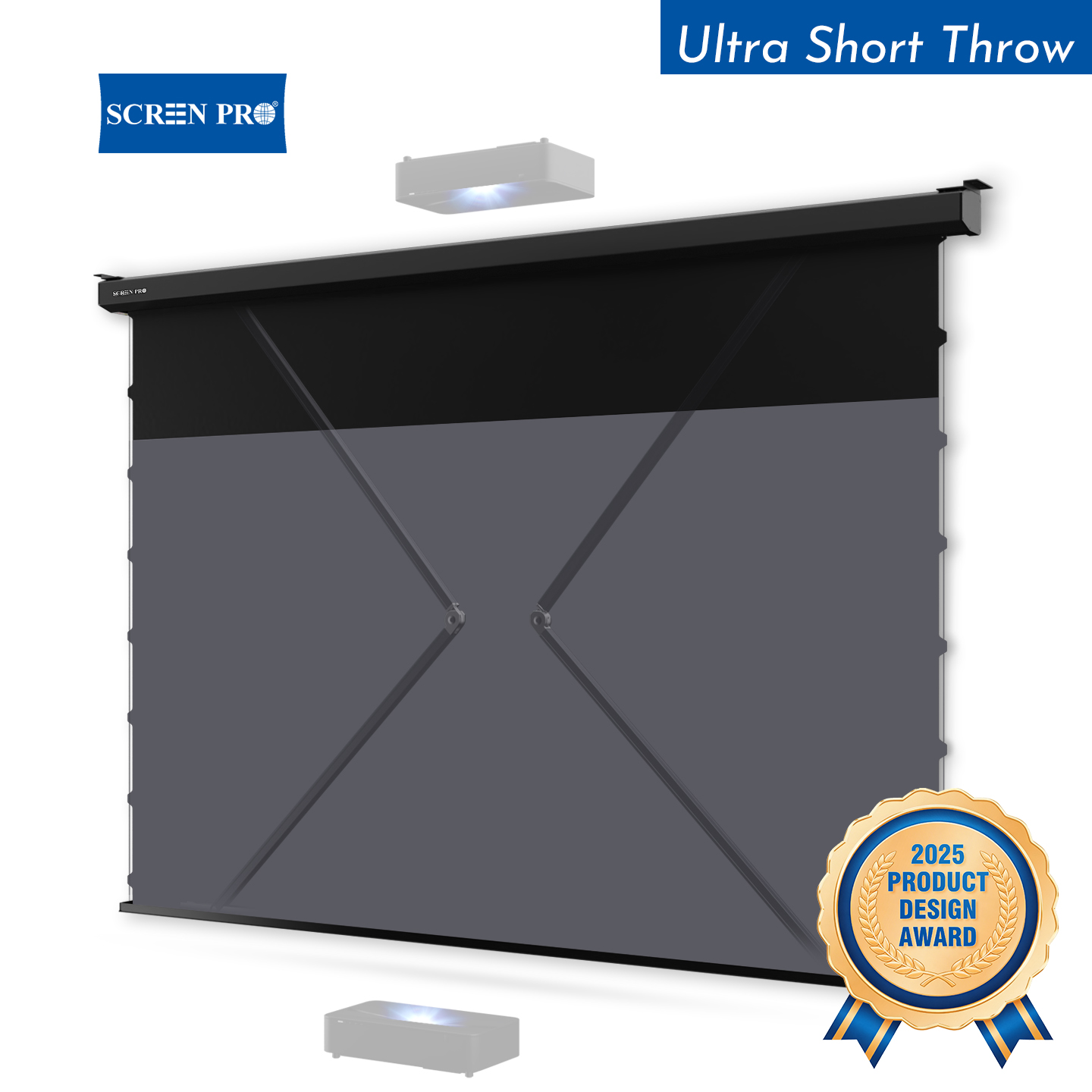
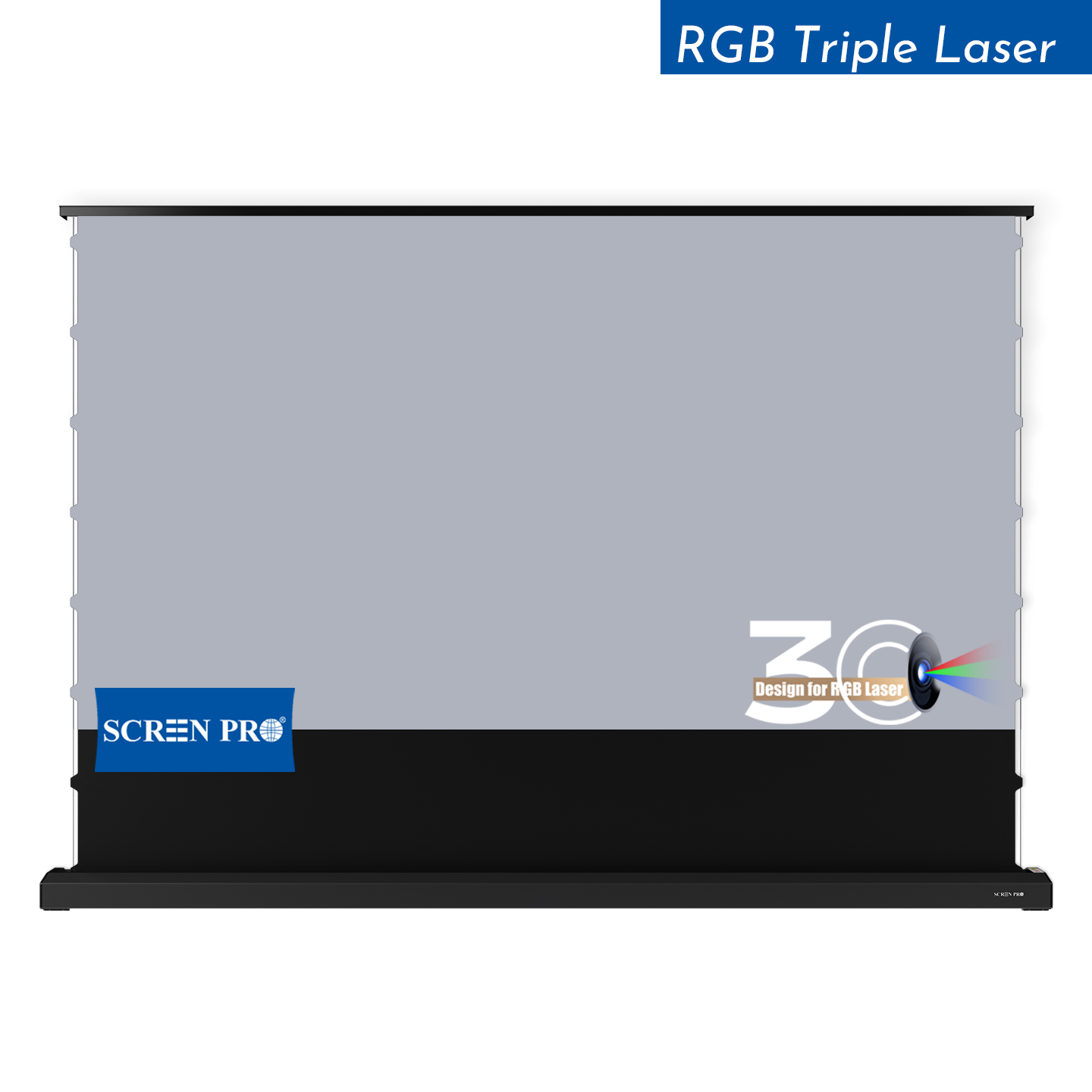
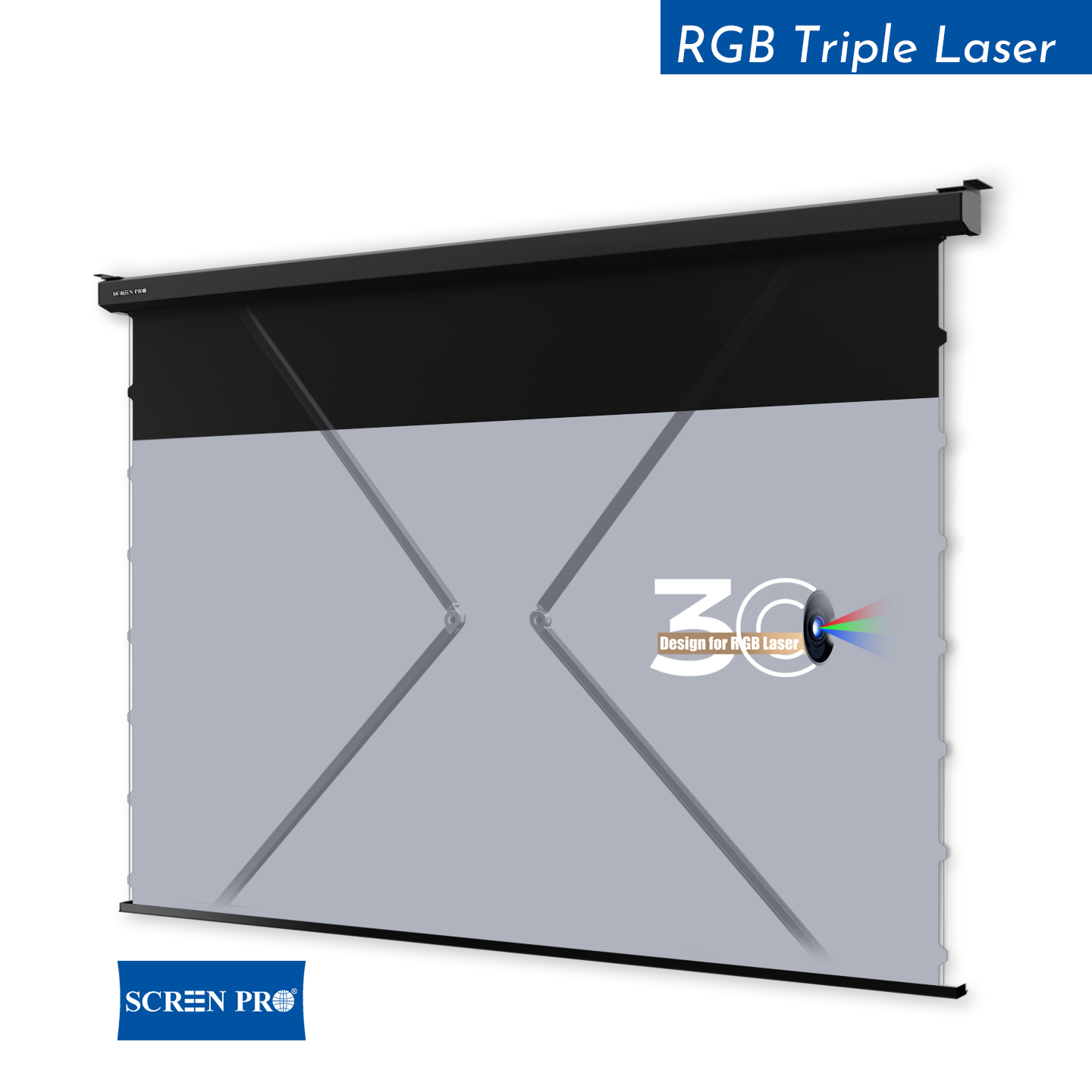
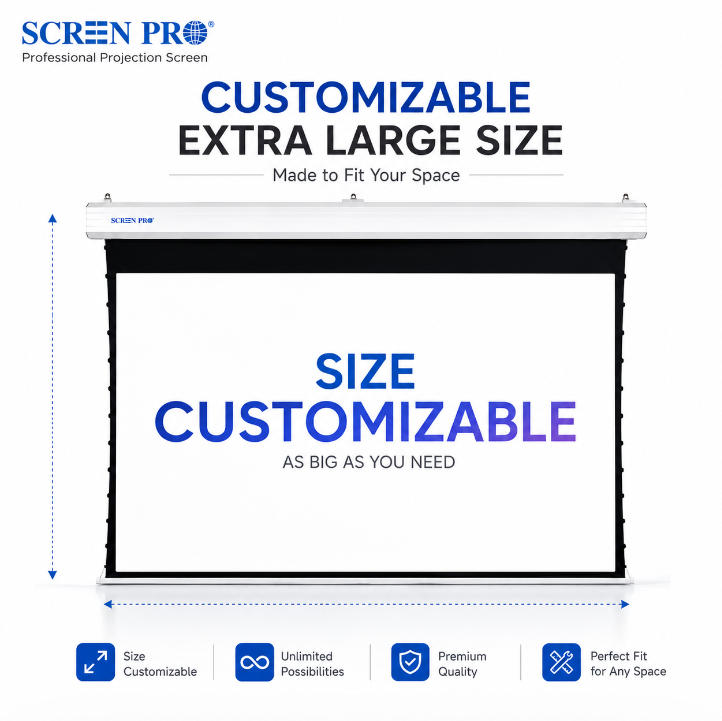
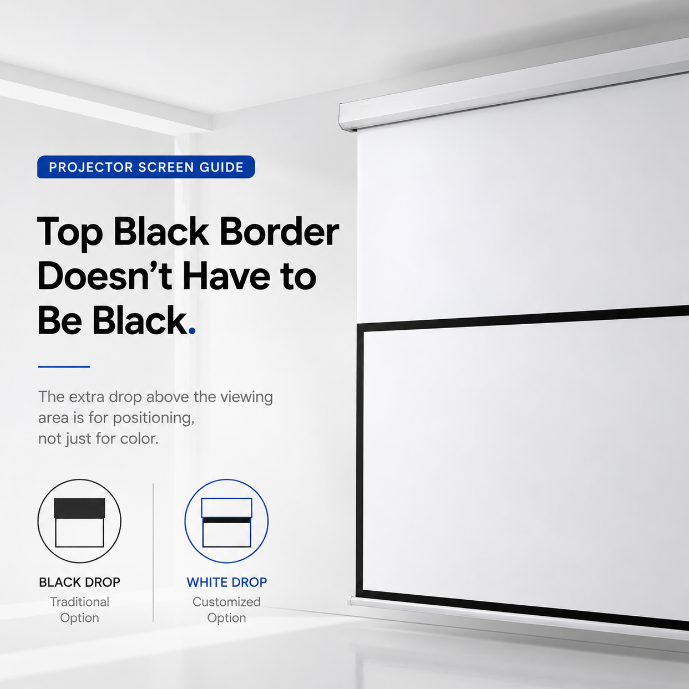
Not always. In a customized motorized projection screen, the area commonly called the “top black border” or “black drop” is primarily a functional drop area used to position the viewing surface at the correct height.
Black is the traditional finish, but white or projection-surface-color drop areas may also be possible depending on the material, screen construction and project requirements.
What Is the Top Black Border?
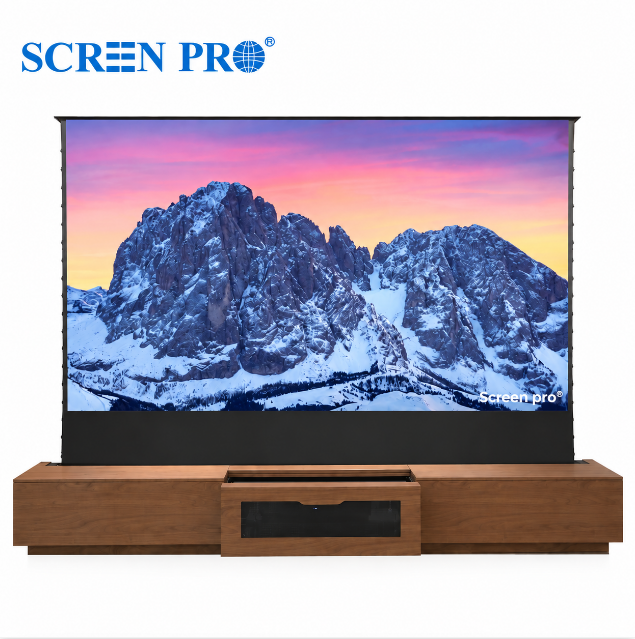
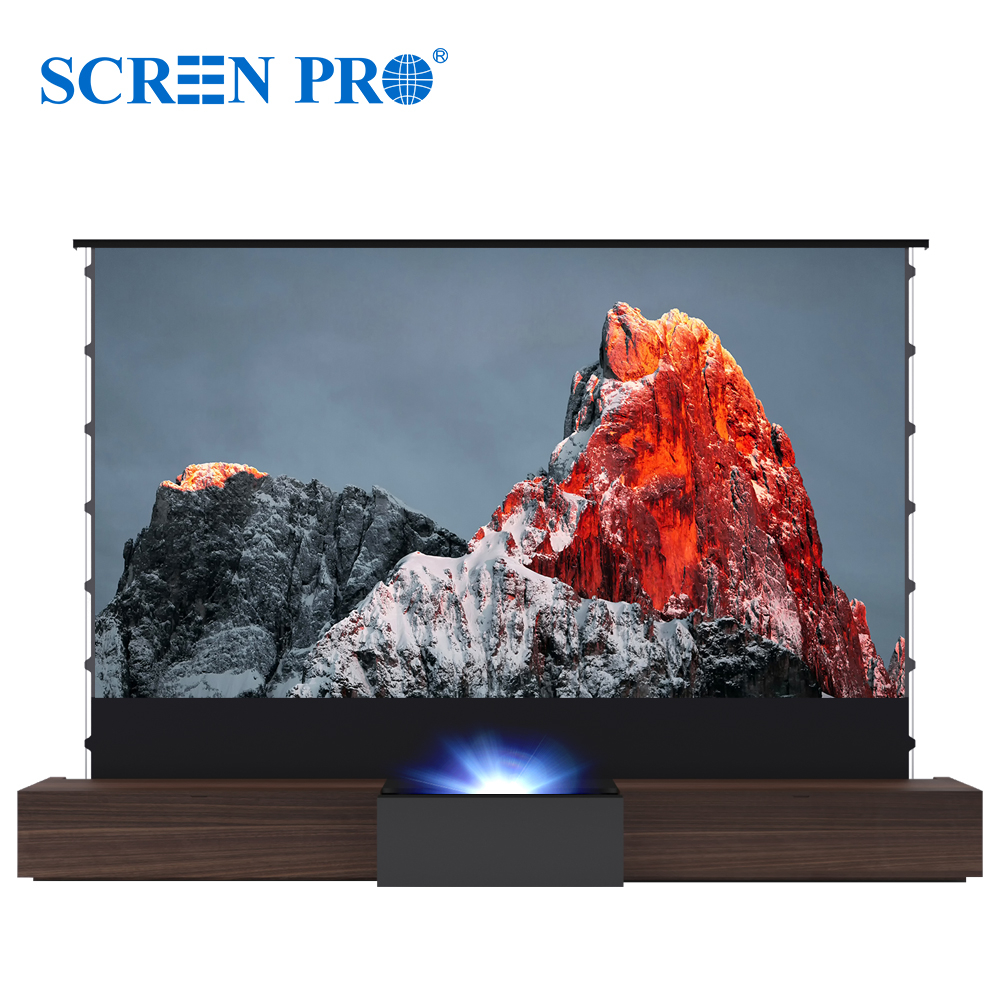
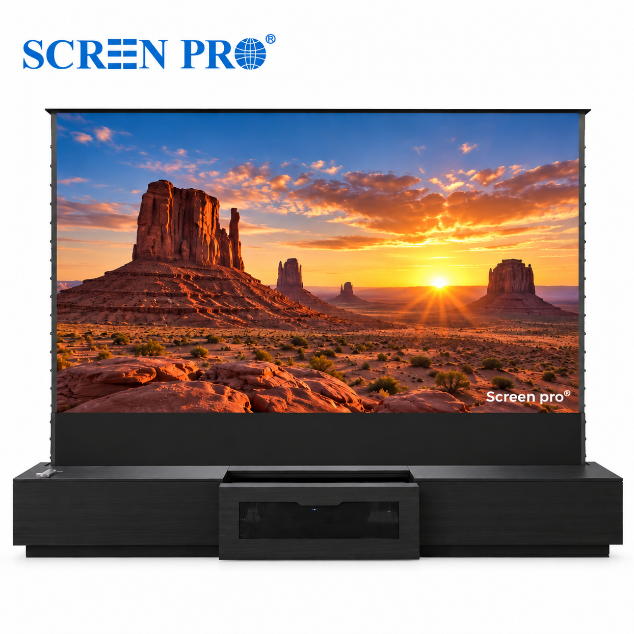
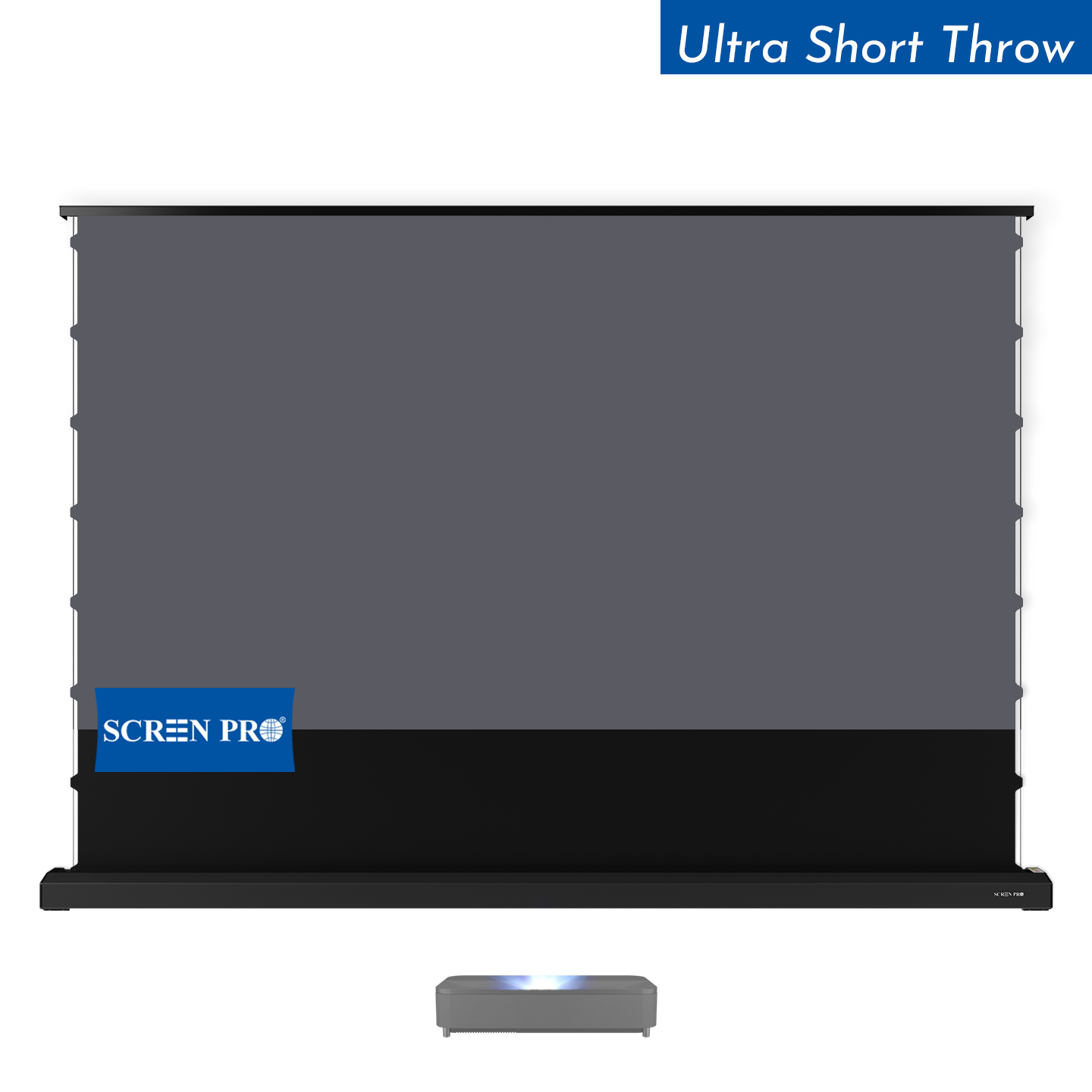
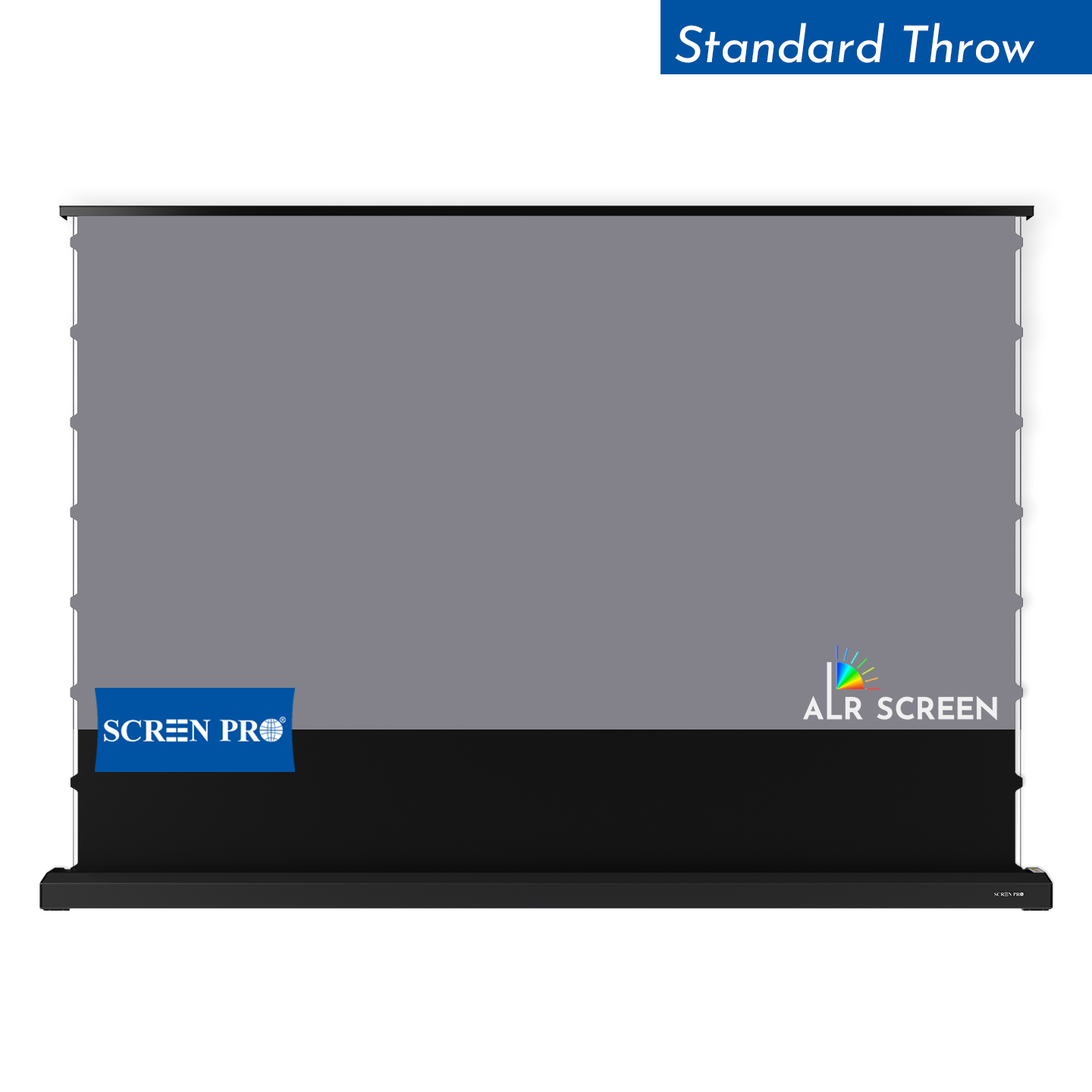
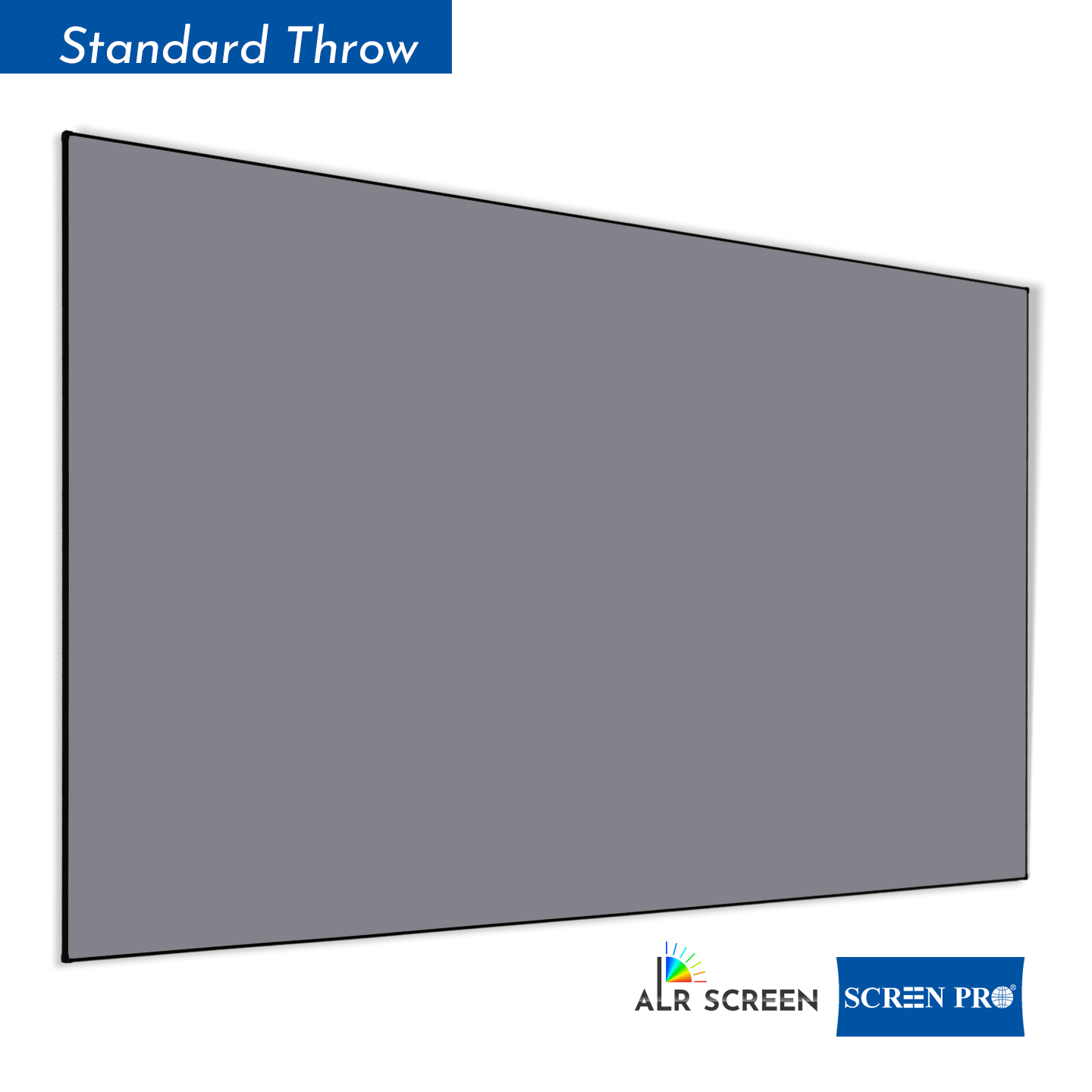
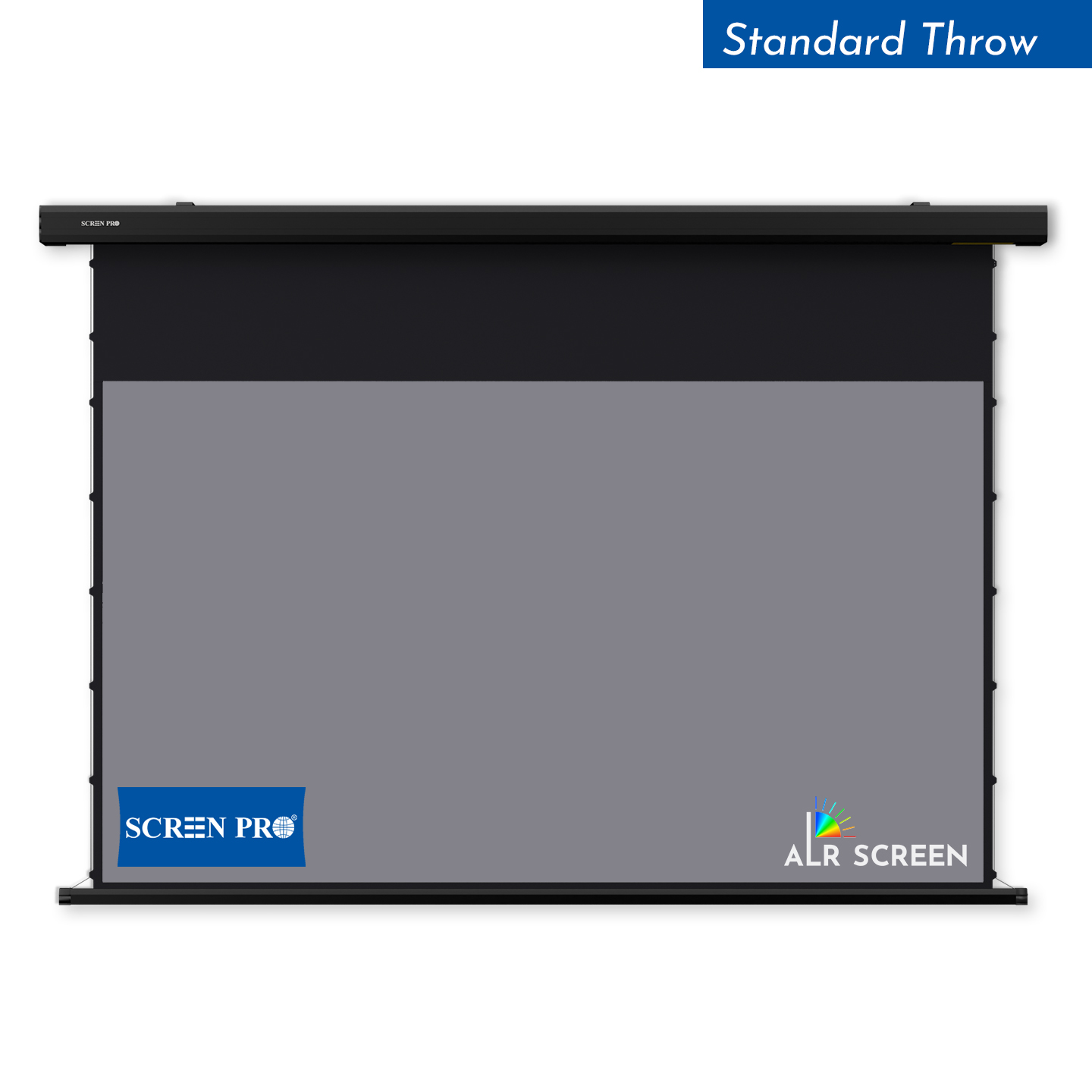
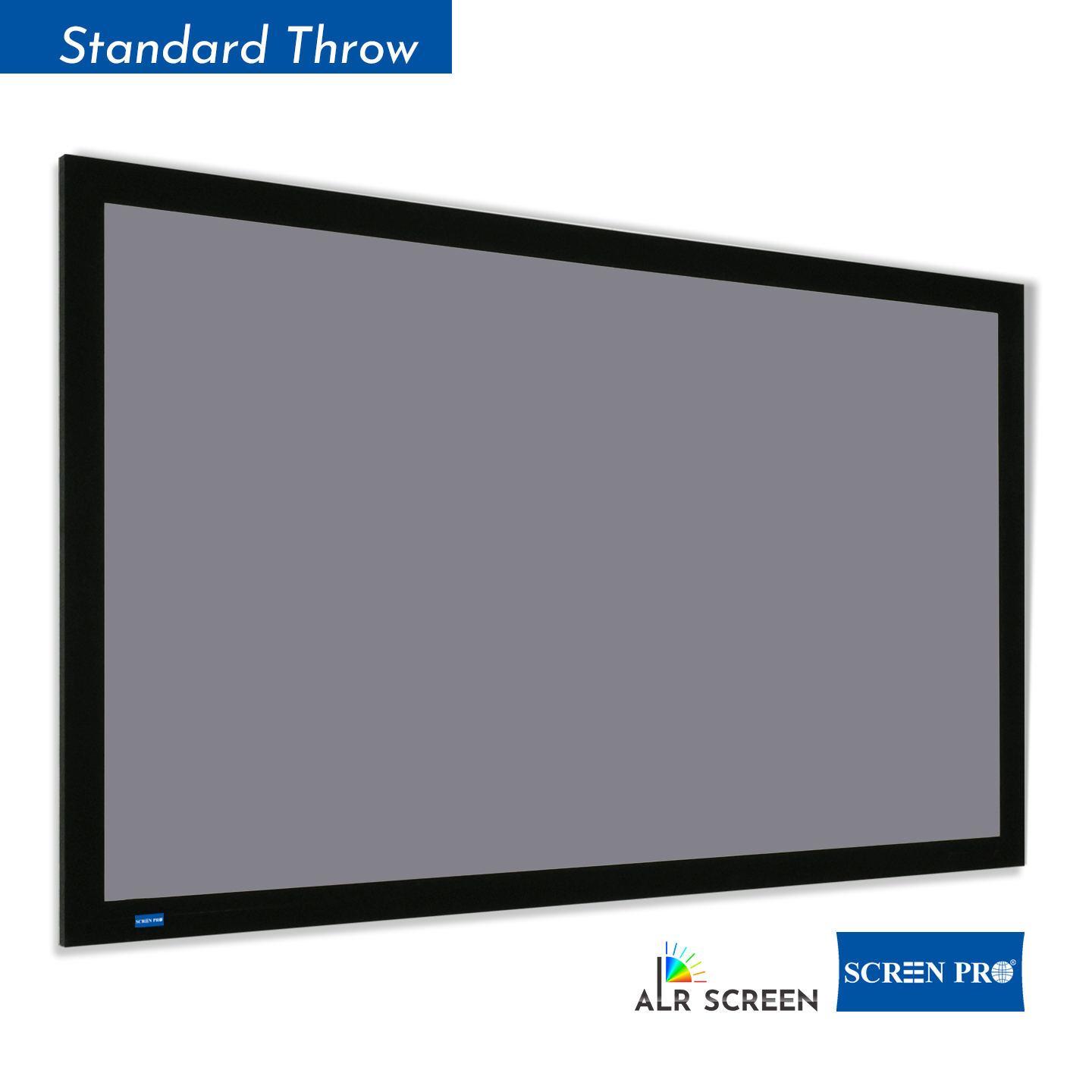
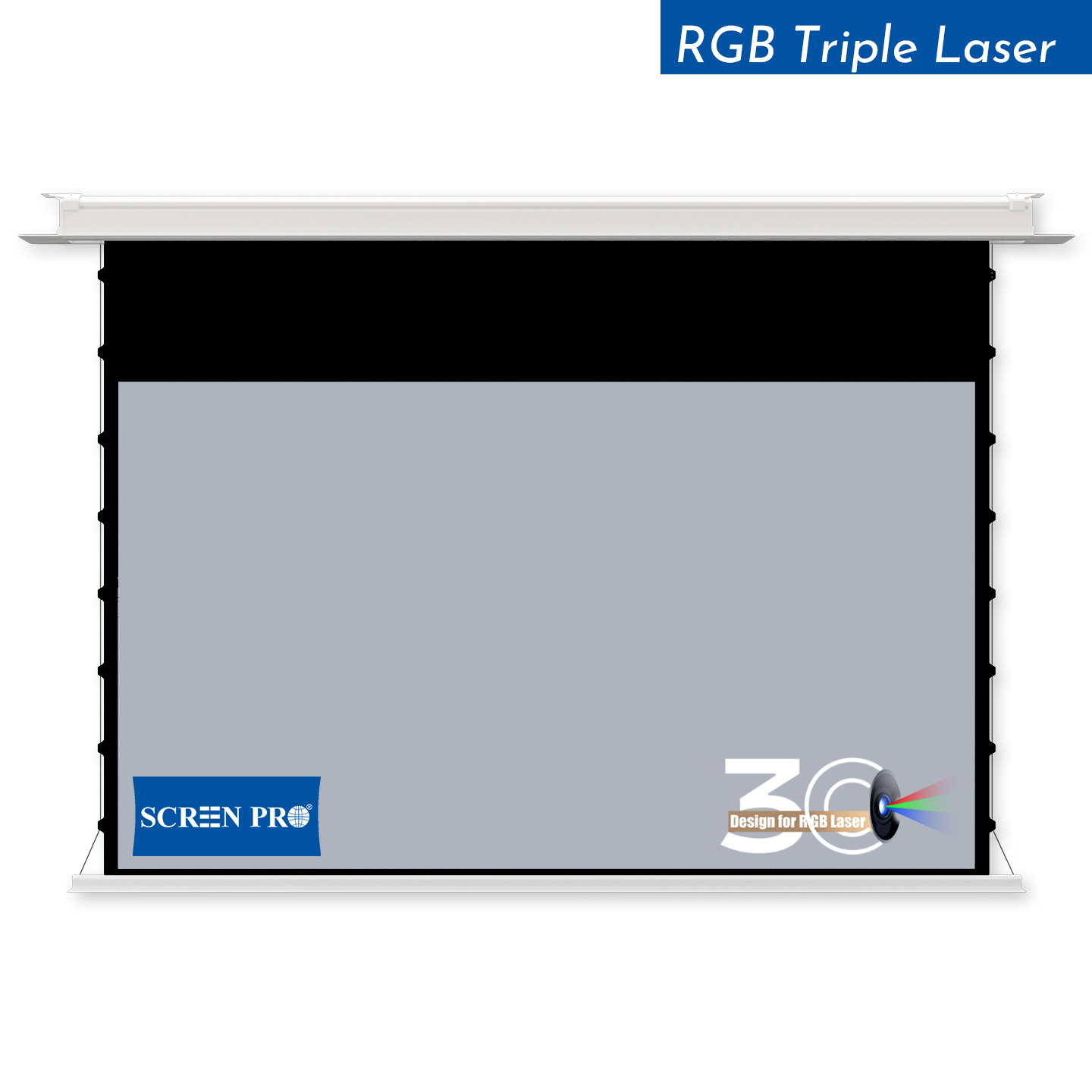
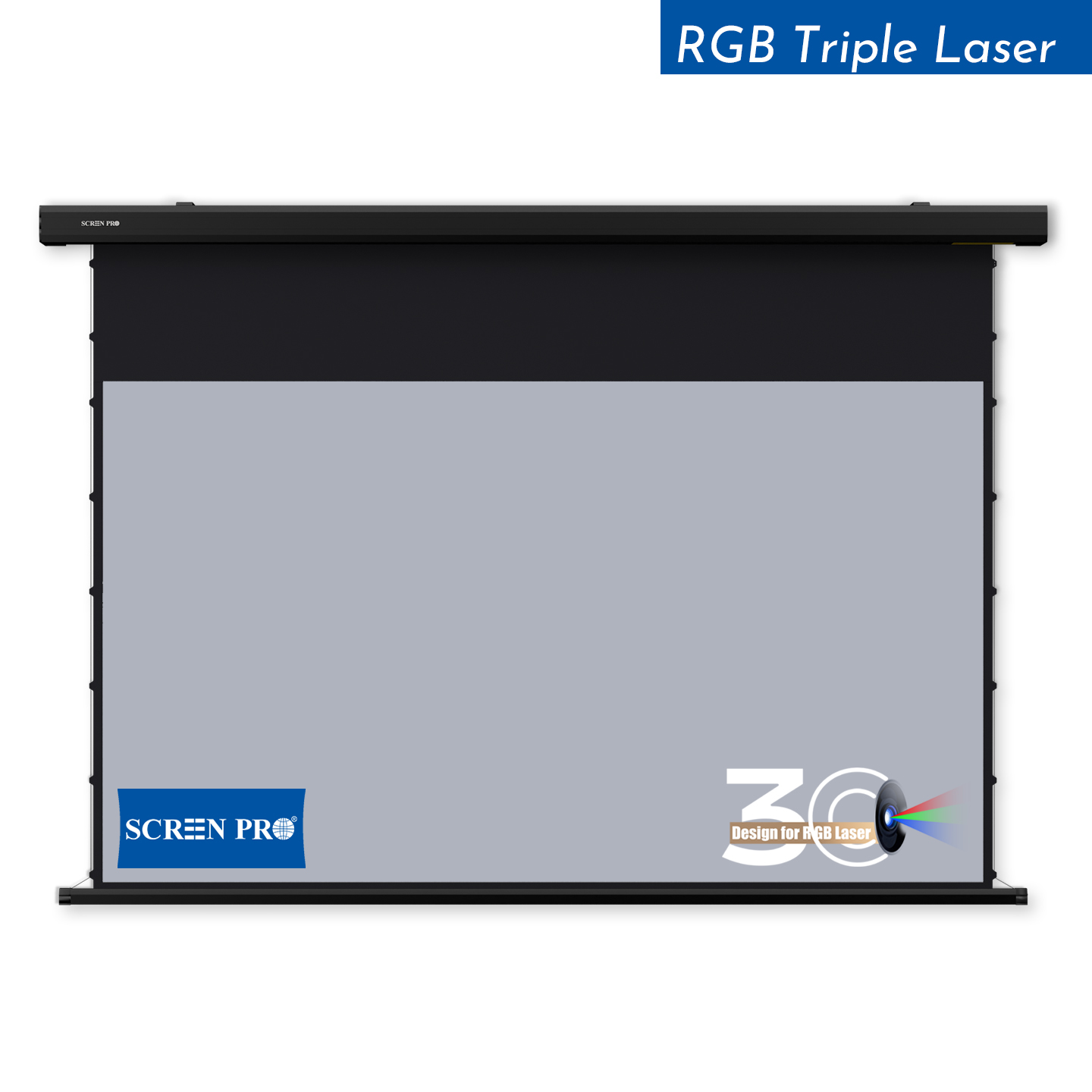
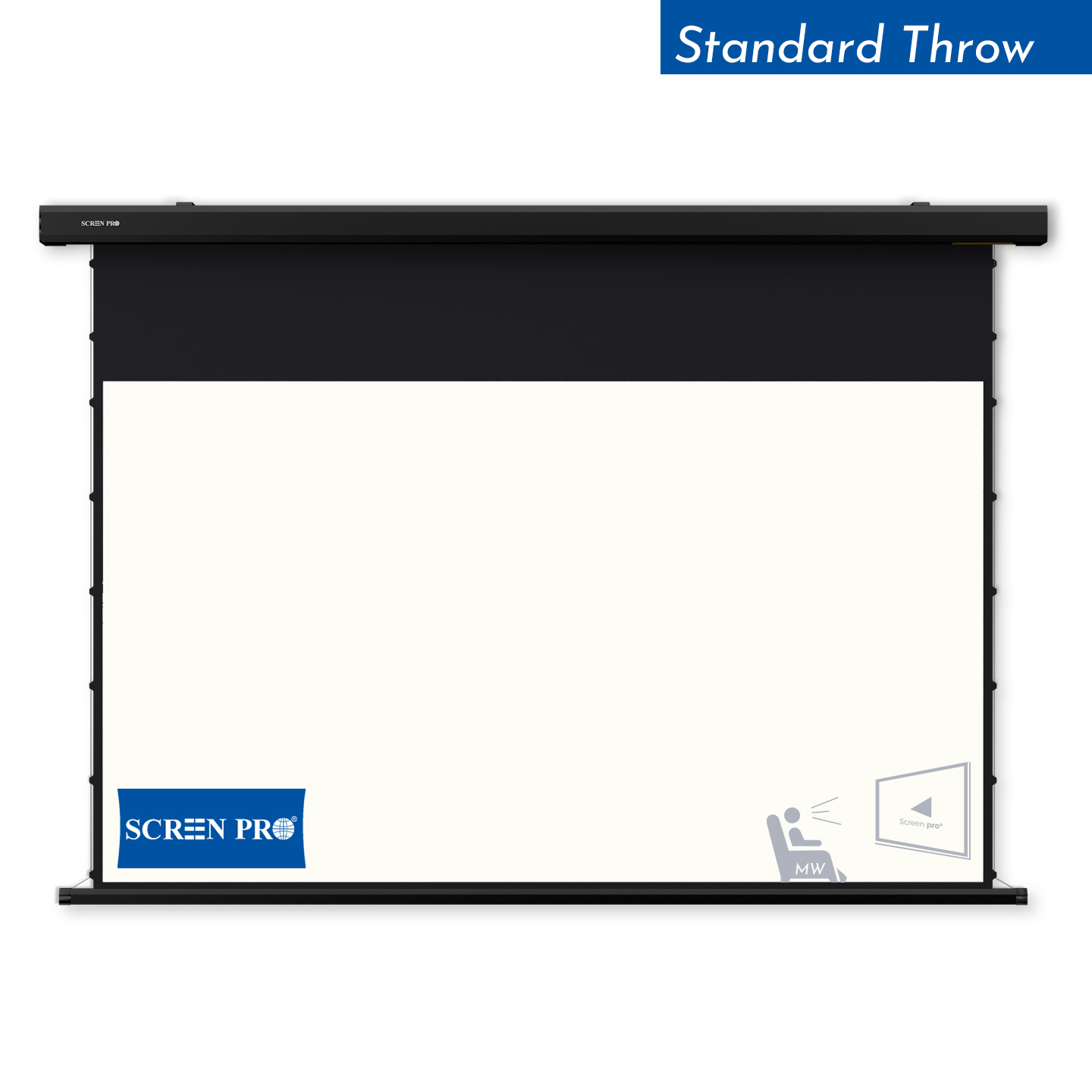
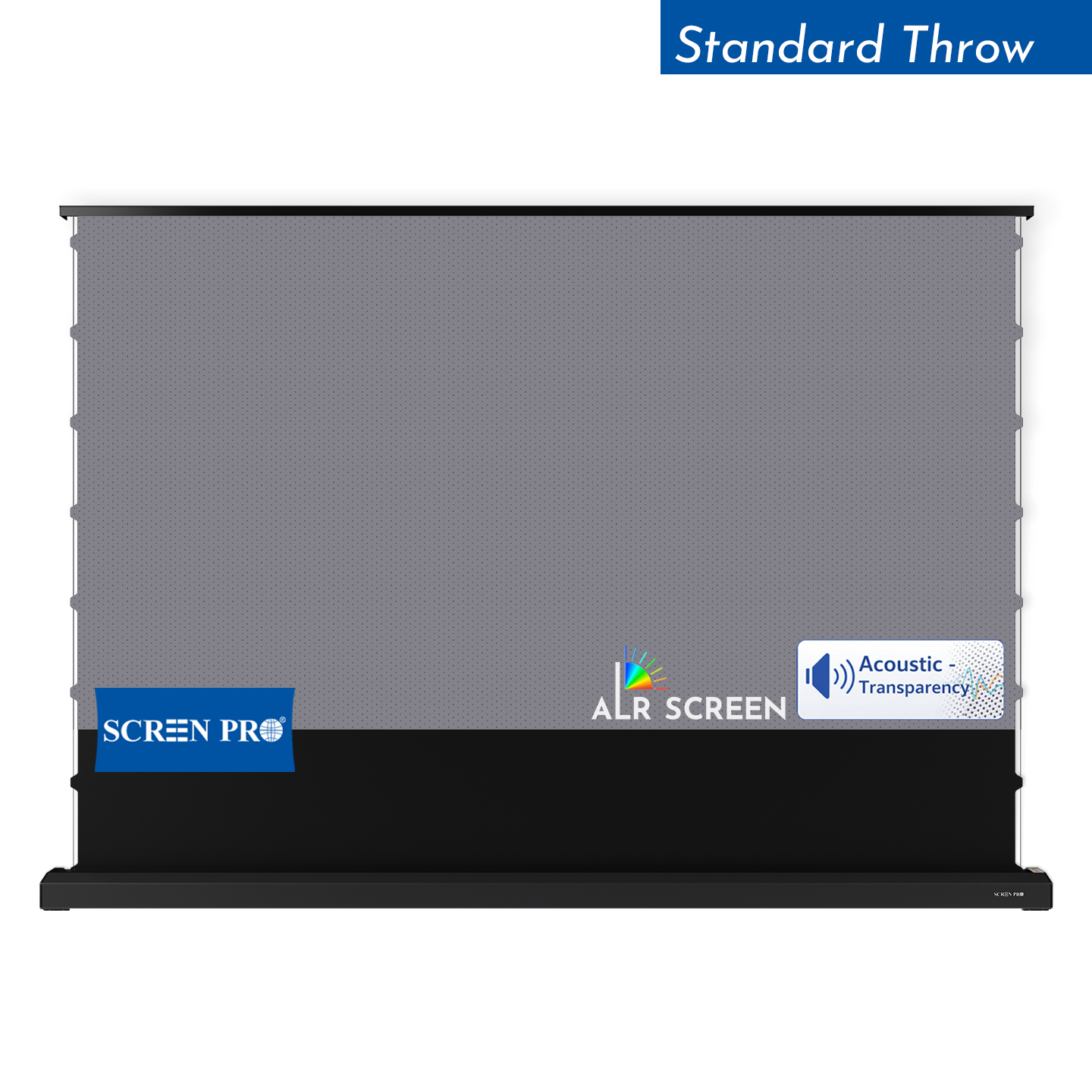
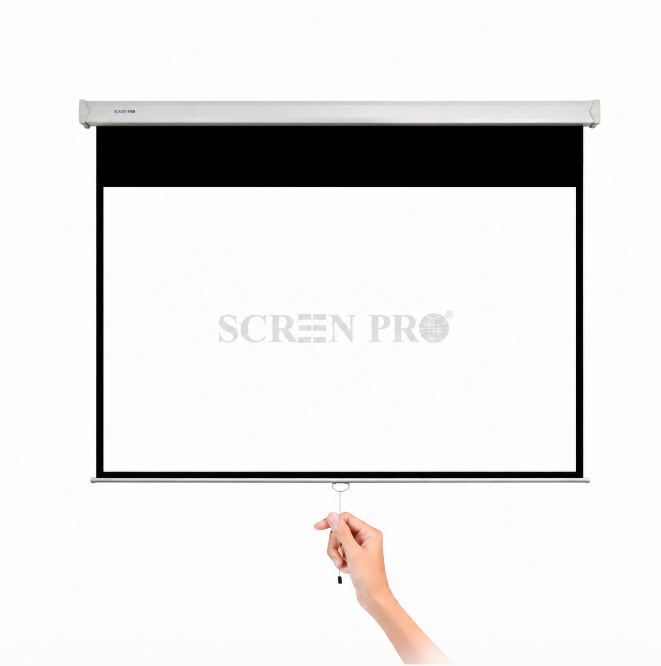
On a conventional motorized projection screen, the actual viewing area is often surrounded by black masking. Above that viewing area, an additional section may be added to lower the image to a more comfortable viewing position.
This section is commonly called the top black border, extra black drop, or simply black drop.
Casing Position ≠ Viewing Area Position
The extra drop bridges the vertical distance between where the screen casing must be installed and where the projected image should actually appear.
This is particularly useful in rooms with high ceilings, where installing the screen casing near the ceiling could otherwise leave the projected image too high for comfortable viewing.
“Black Drop” Is a Traditional Name — Not a Color Requirement
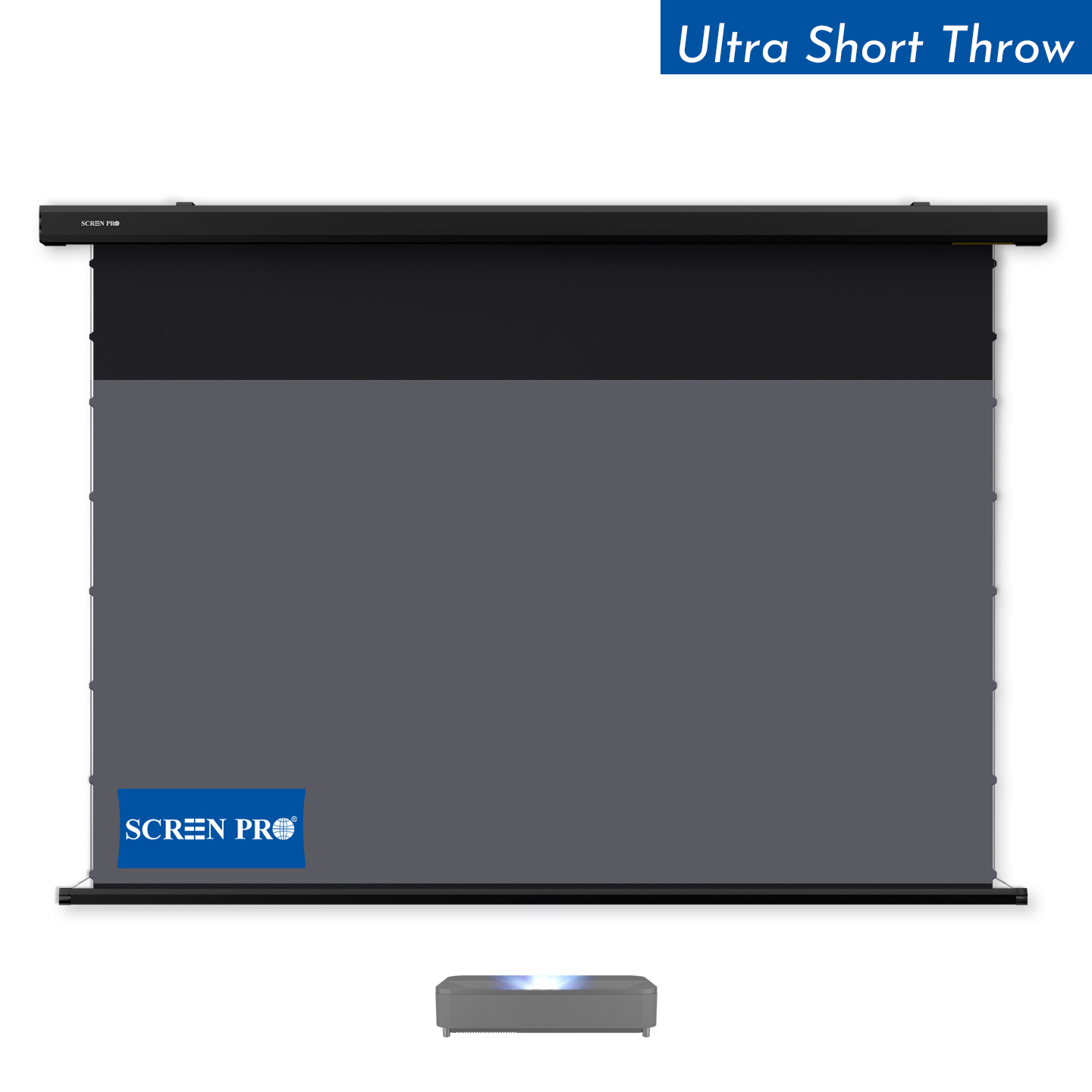
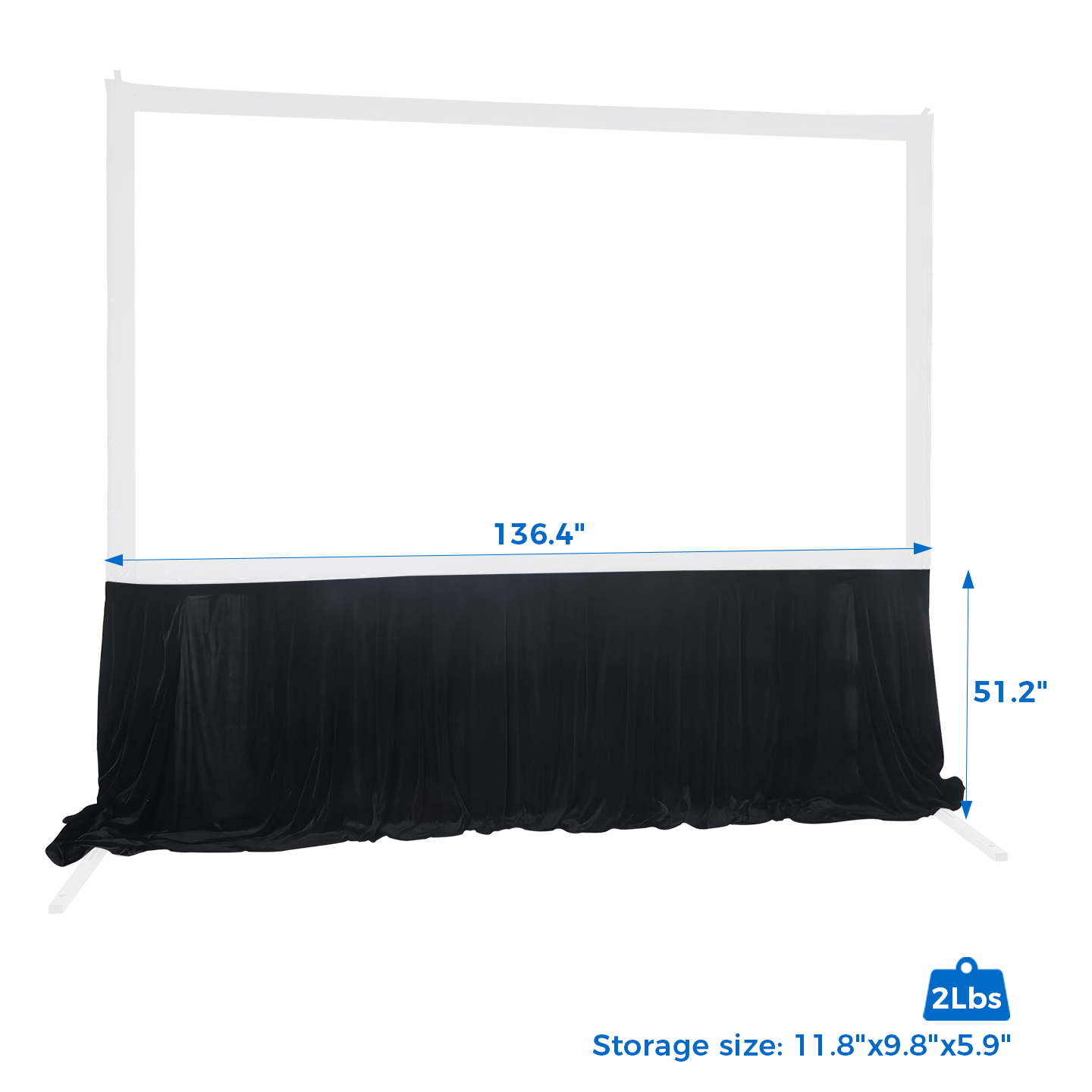
Traditionally, the additional drop area is finished in black, which is why the term black drop became common in the projection-screen industry.
However, from a customization and manufacturing perspective, drop height and drop color can be treated as separate specifications.
Black Extra Drop
The familiar cinema-style configuration. The entire additional area above the viewing surface is finished in black.
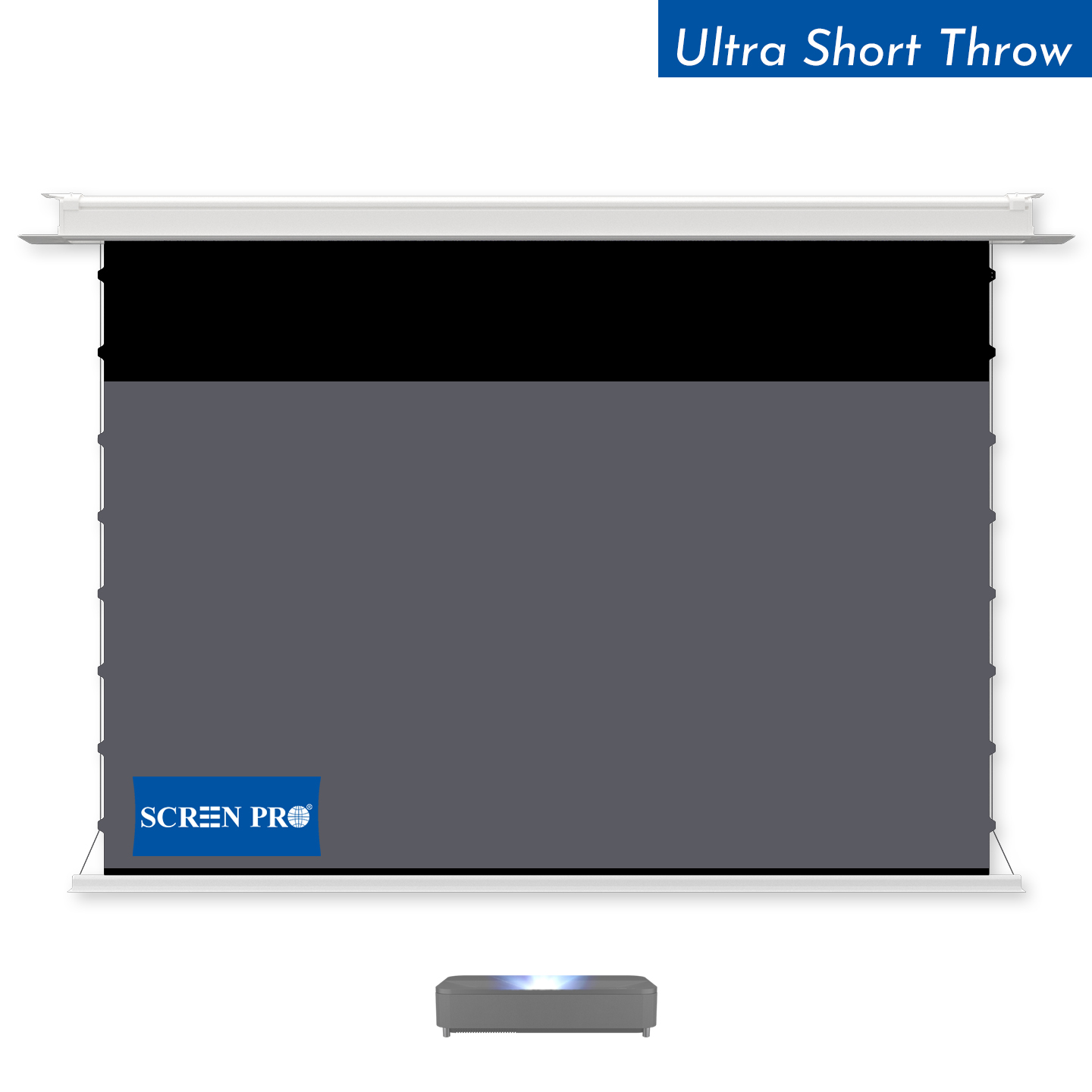
White Extra Drop
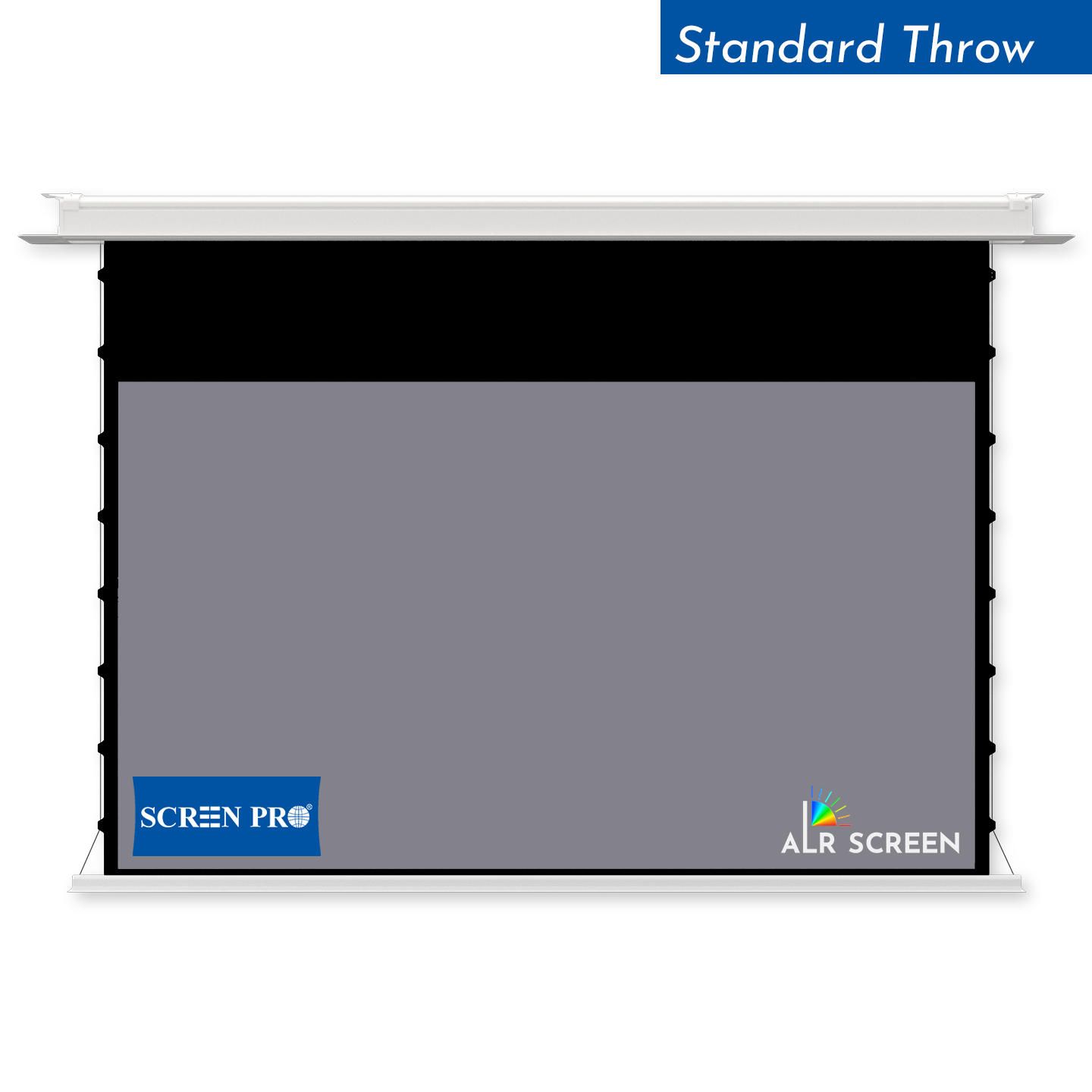
The additional drop area can visually blend with a white ceiling, wall or projection surface while performing the same positioning function.
In both cases, the main function remains the same: lowering the viewing area to the required height.
A Real Example: White Extra Drop + Black Viewing Border
The SCREENPRO custom motorized screen shown here is a good example of how the two functions can be separated.
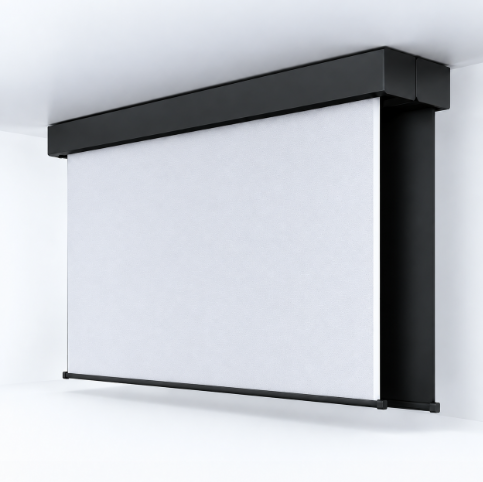
Instead of using a large black area above the image, the screen uses a white upper drop section. The actual projection area below is still defined by black masking around the viewing surface.
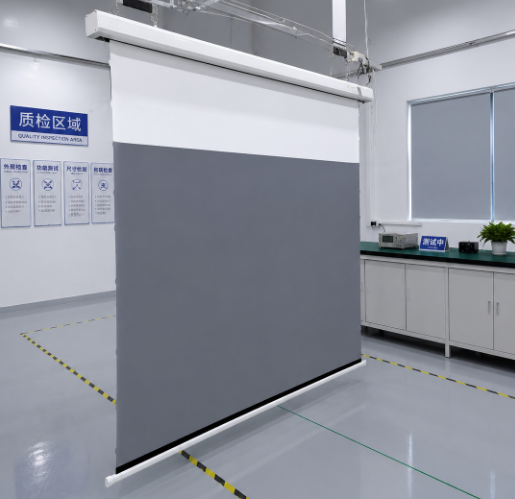
Side view — white extra drop lowers the actual viewing surface while black masking remains around the image area.
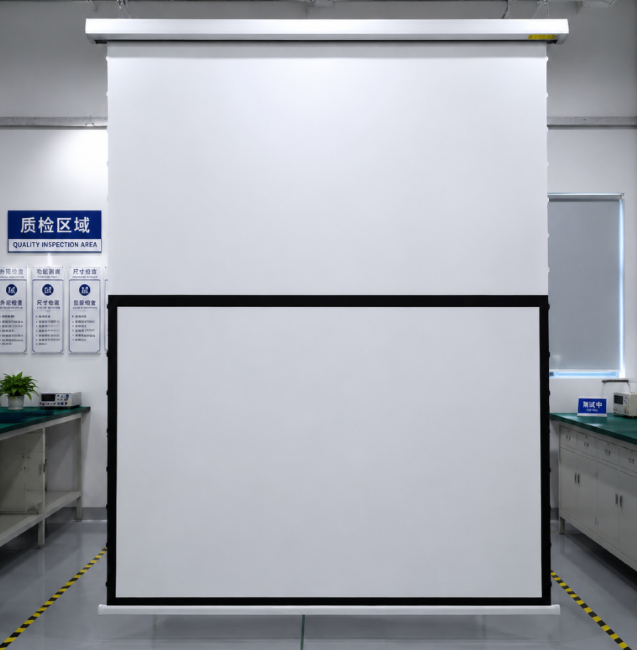
Front view — the upper drop area and the black viewing-area border are treated as separate design zones.
Think of the Screen as Separate Functional Zones
Instead of treating the entire deployed surface as one fixed design, it is more useful to divide a custom motorized projector screen into several zones.
The size, color and configuration of each zone can be considered separately according to the installation.
Two Different Designs. The Same Positioning Function.
Both configurations can achieve the same fundamental goal: positioning the viewing area lower than the screen casing.
Why Choose a White Extra Drop?
A very large black area above the projected image can become visually dominant, especially in bright architectural environments.
When the surrounding ceiling, walls or interior finishes are predominantly white, a white upper extension can provide a lighter and more integrated appearance.
The choice is therefore not only about projection performance. It can also be an architectural and aesthetic decision.
Extra Drop Is Not the Same as Viewing Area
This distinction becomes especially important when specifying a large customized screen.
The additional 1200 mm section does not necessarily form part of the intended projected image. Its purpose may simply be to lower the 4000 × 2250 mm viewing area to the required position.
| Specification | What It Defines |
|---|---|
| Viewing Area | Actual intended projection area |
| Top Drop | Additional material above the viewing area |
| Top Drop Color | Black, white or another available configuration |
| Side Borders | Masking around the viewing area |
| Bottom Border | Lower masking configuration |
| Total Drop | Overall deployed screen height |
White Extra Drop Does Not Mean Removing the Black Borders
The upper drop area and the masking around the viewing surface can be specified independently.
White Drop + Black Borders
A cleaner architectural appearance above the image while retaining a clearly defined viewing area.
Black Drop + Black Borders
The traditional configuration commonly used for cinema-style and conventional AV installations.
It Can Also Be Completely Borderless
Customization can go further. Depending on the projection material and screen construction, a motorized screen may also be produced with:
White Top Drop + No Black Borders
or even an all-white projection surface where the application allows.
This configuration can be useful when the customer wants a particularly clean appearance or when conventional black masking is not required.
What Should You Specify When Ordering?
For a standard projector screen, diagonal size and aspect ratio may be sufficient. For a customized large-format screen, more information should be confirmed before production.
The actual projected image size.
The required distance between casing and viewing area.
Black, white or another available configuration.
Black border, reduced border or no border.
Approximate casing height from the finished floor.
Where the viewing area should finish when deployed.
With these dimensions, the screen can be designed around the actual room rather than forcing the room to accommodate a standard screen configuration.
Think “Extra Drop,” Not Just “Black Drop”
The simplest way to understand this is to separate the function from the traditional terminology.
Black remains the traditional and most common finish, but it does not have to define every customized installation.
For architectural and large-format projects, SCREENPRO can evaluate different combinations of viewing area, extra drop height, drop color and border configuration according to the screen material and construction.
CUSTOM PROJECTION SCREEN SOLUTIONS
Design the Screen Around the Room.
Need a custom viewing area, extra-long top drop, white drop, special border configuration or oversized motorized screen? SCREENPRO can evaluate the screen structure according to your installation dimensions and project requirements.
Discuss Your Project