


© 2026 SCREENPRO®. Specifications are subject to change without notice. | SamsAV All Rights ReservedSite Map Designed by iwonder.cn


HIGH-RESOLUTION PROJECTION GUIDE
A 4K or 8K projector can reproduce extremely fine image detail, but the screen still determines how that detail reaches your eyes. Surface texture, flatness, gain, projector type and room conditions all matter.
THE CORE IDEA
Your projector creates the pixels. The job of the projection screen is to reflect those pixels without introducing unnecessary texture, distortion, hot spotting or visible surface structure.
As resolution increases, projected details become smaller. That means the quality of the projection surface becomes increasingly important, especially at shorter viewing distances and on very large screens.
For high-resolution projection, focus on surface texture, flatness and optical compatibility before focusing on the “4K” or “8K” label.
MYTH VS FACT
Resolution labels alone do not tell you whether a screen is suitable for your projector, viewing distance or room environment.
A smooth and uniform screen with proper optical characteristics can preserve fine image detail, while an unsuitable surface can make a high-resolution image appear less refined.
WHAT MATTERS MOST
The projection surface should be sufficiently fine and uniform so visible texture does not interfere with small image details.
Waves or surface deformation can distort image geometry and become especially noticeable with UST and high-resolution systems.
White, ALR, UST ALR, acoustic transparent and speckle-reduction surfaces solve different projection problems.
BEST SCREEN TYPES
There is no single best material for every high-resolution projector. The best choice depends on projector type, ambient light and room design.
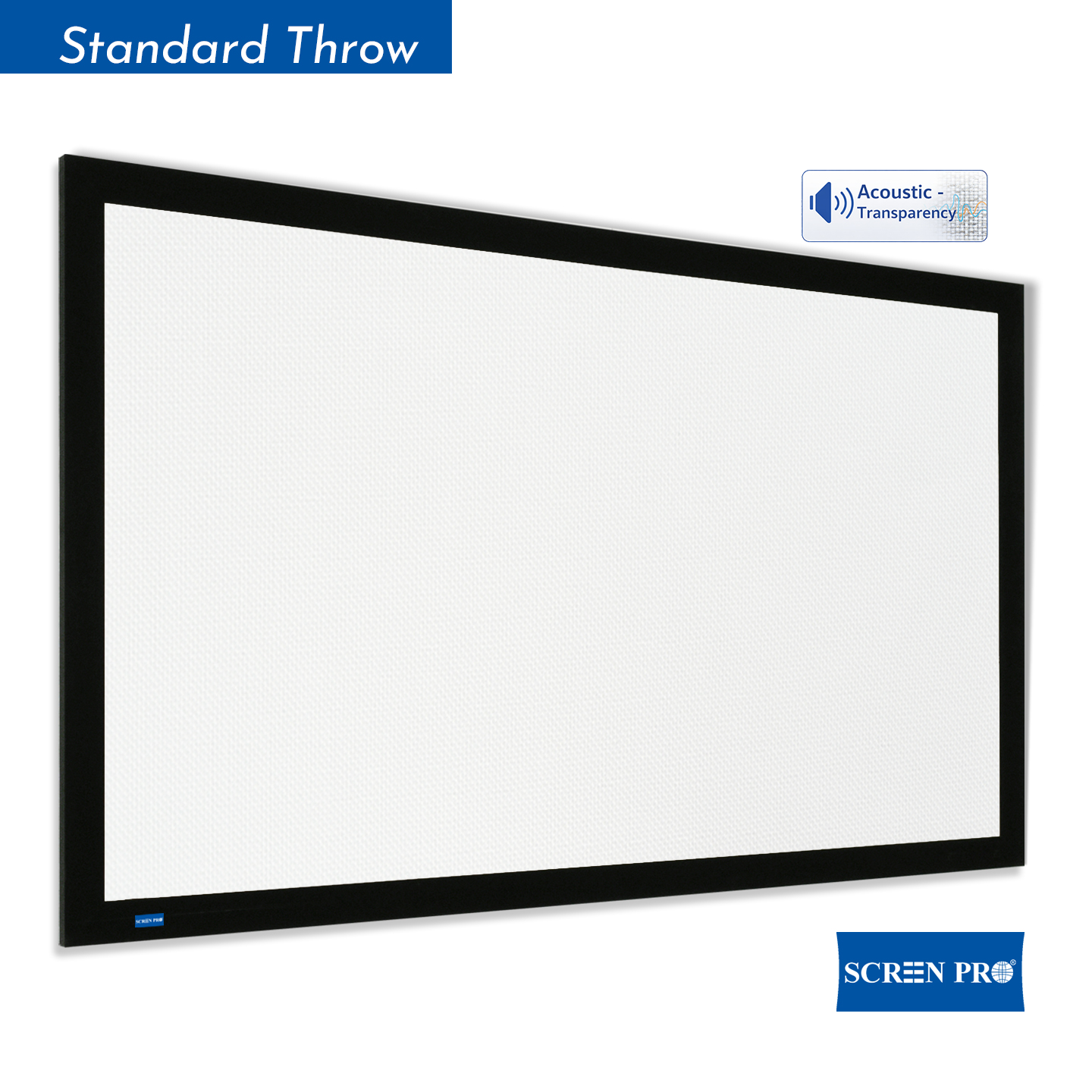
A high-quality white projection surface remains one of the best choices for 4K and 8K systems in rooms with good light control.
A fine, neutral surface can provide natural color reproduction, broad viewing angles and excellent image uniformity without adding unnecessary optical structure.
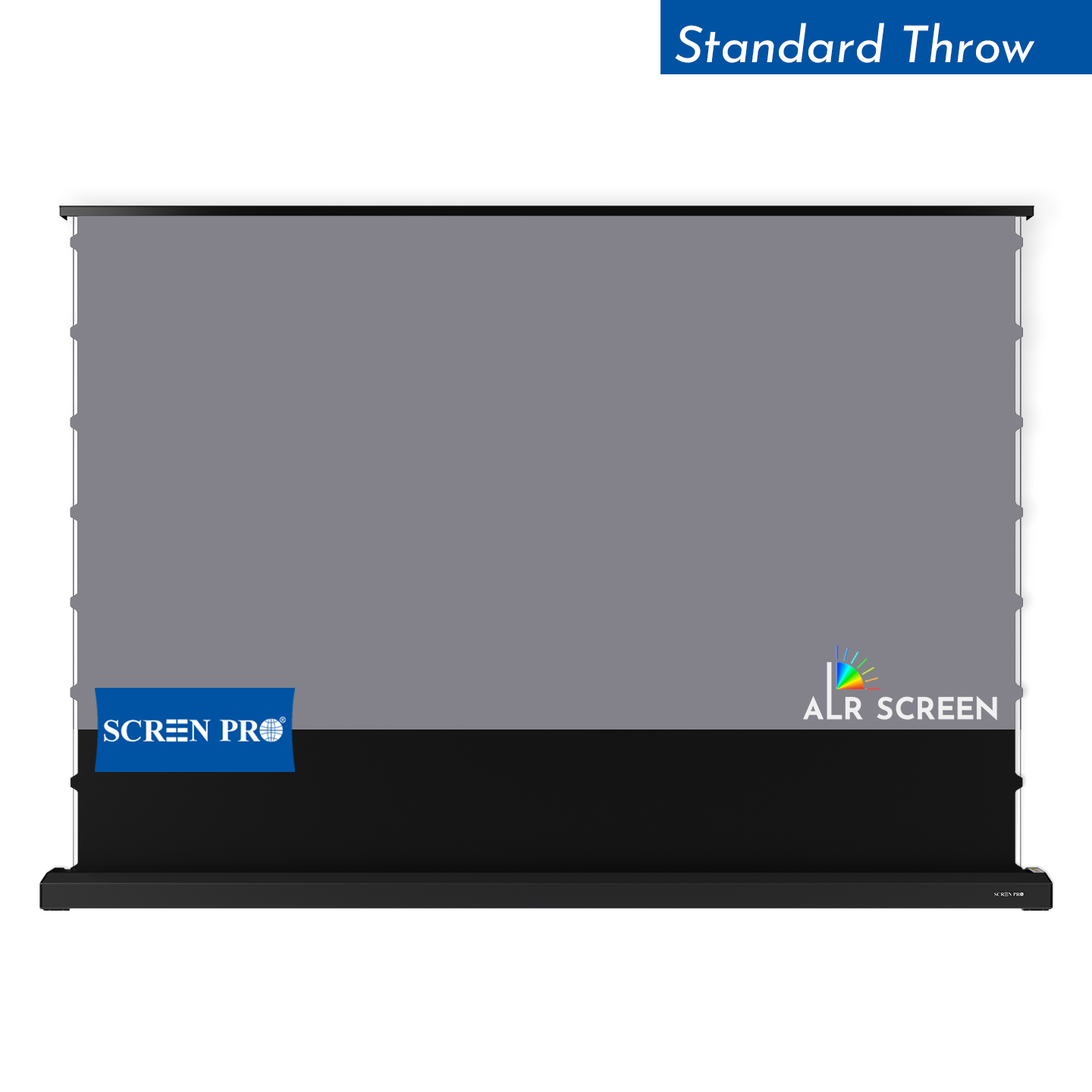
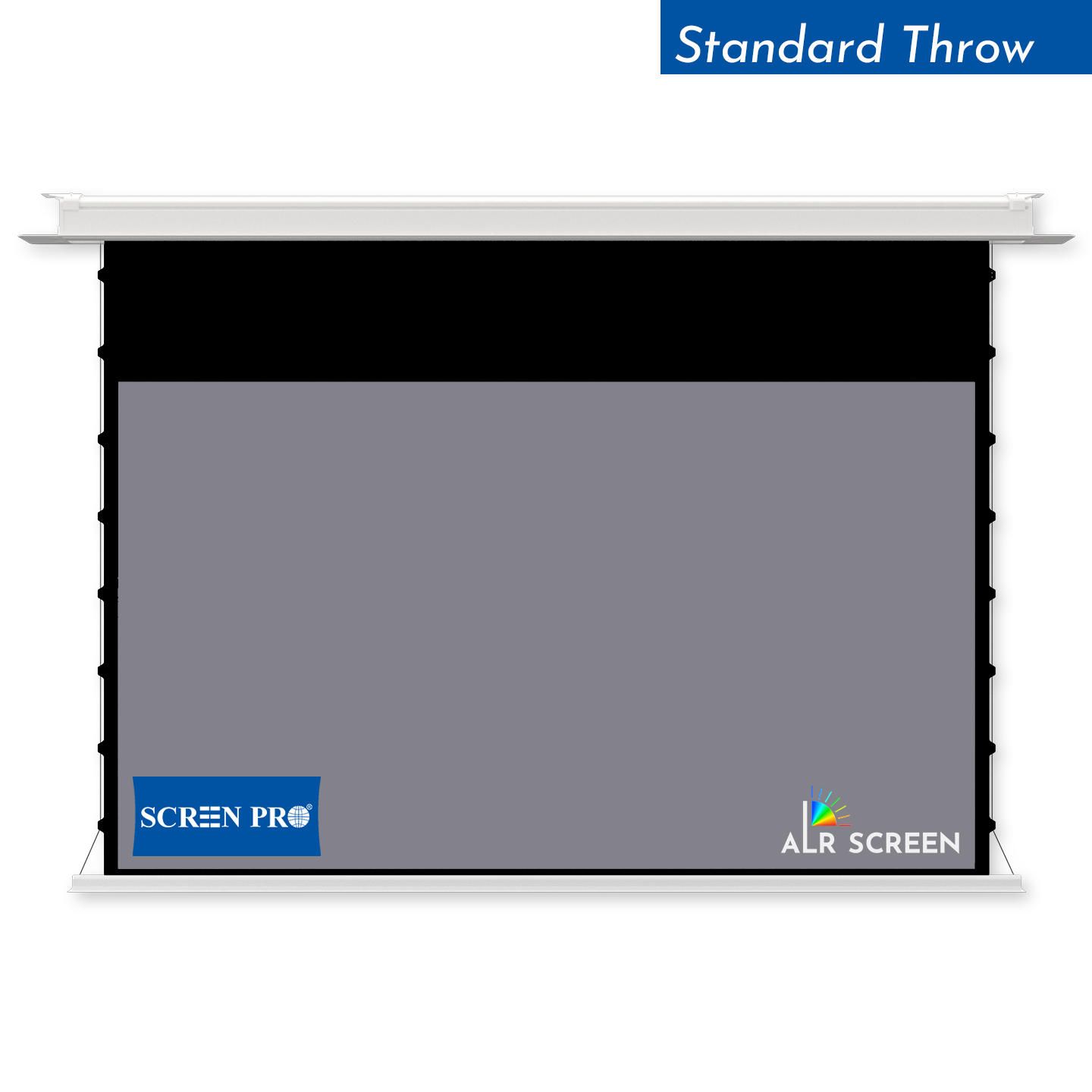
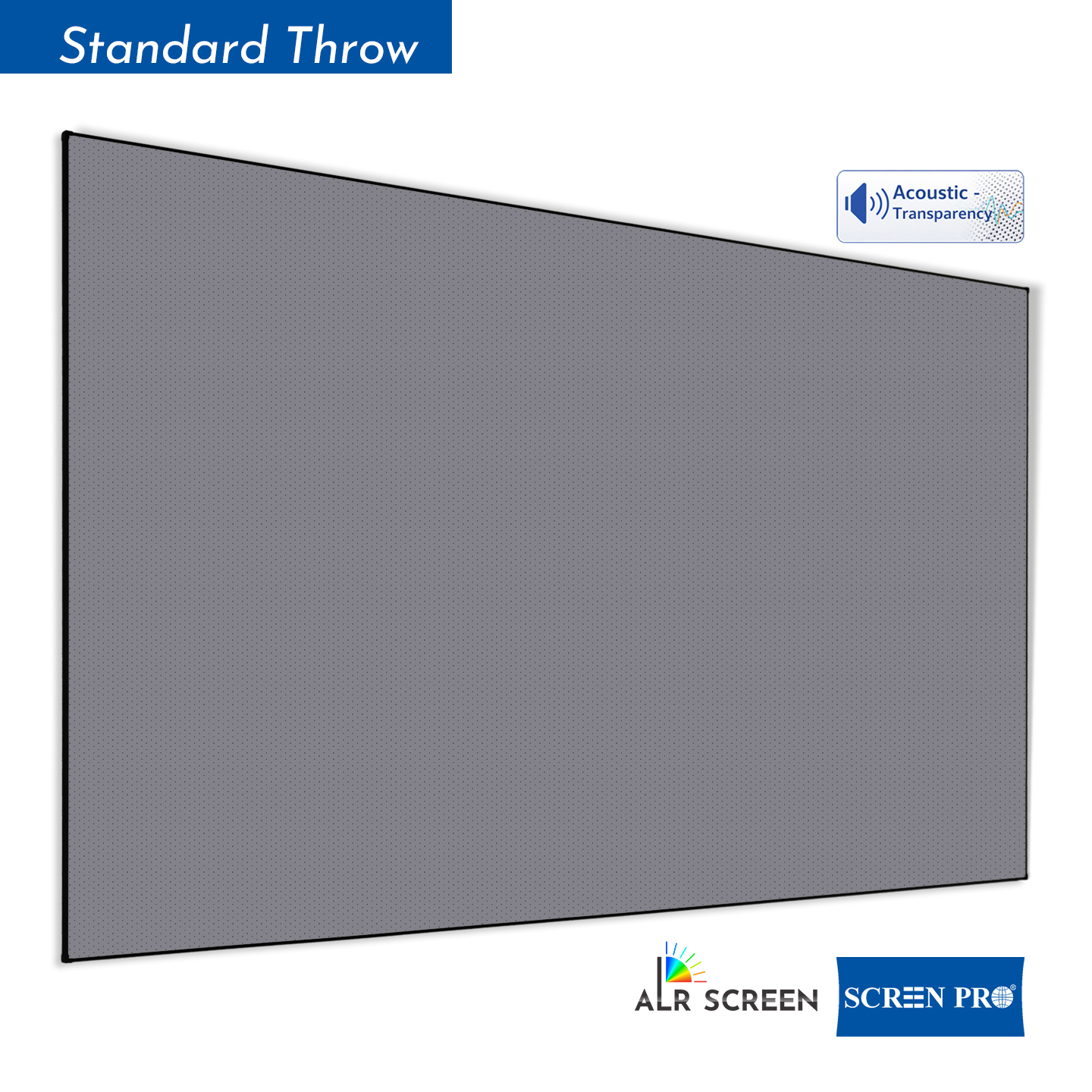
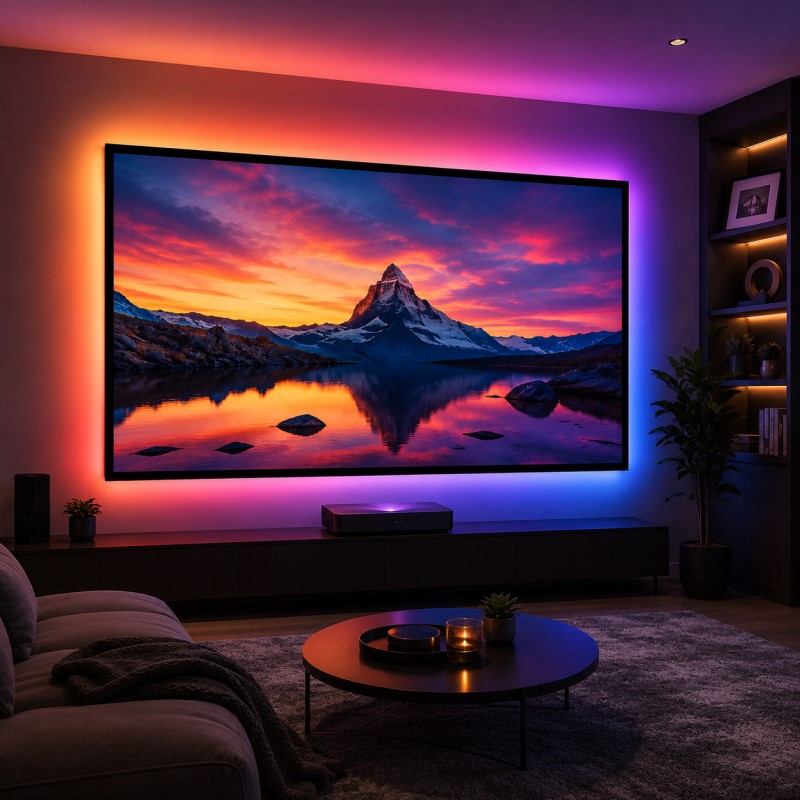
If the room cannot be fully darkened, an ambient-light-rejecting screen can help preserve perceived contrast by directing more useful projector light toward viewers while reducing the effect of unwanted light from other directions.
However, ALR performance depends on optical structure and projector placement, so the material must be matched to the projection geometry.
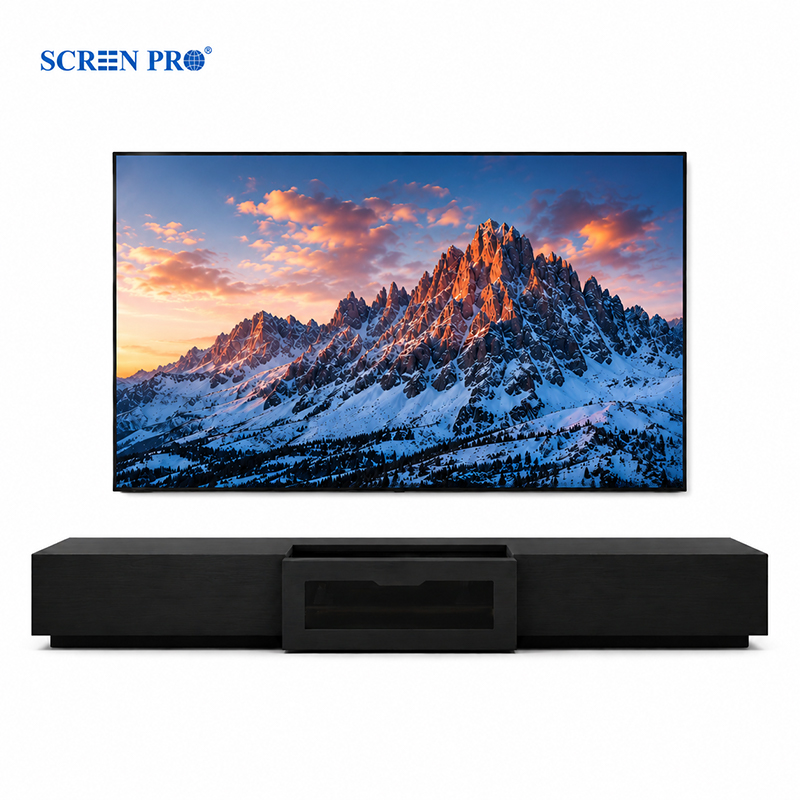
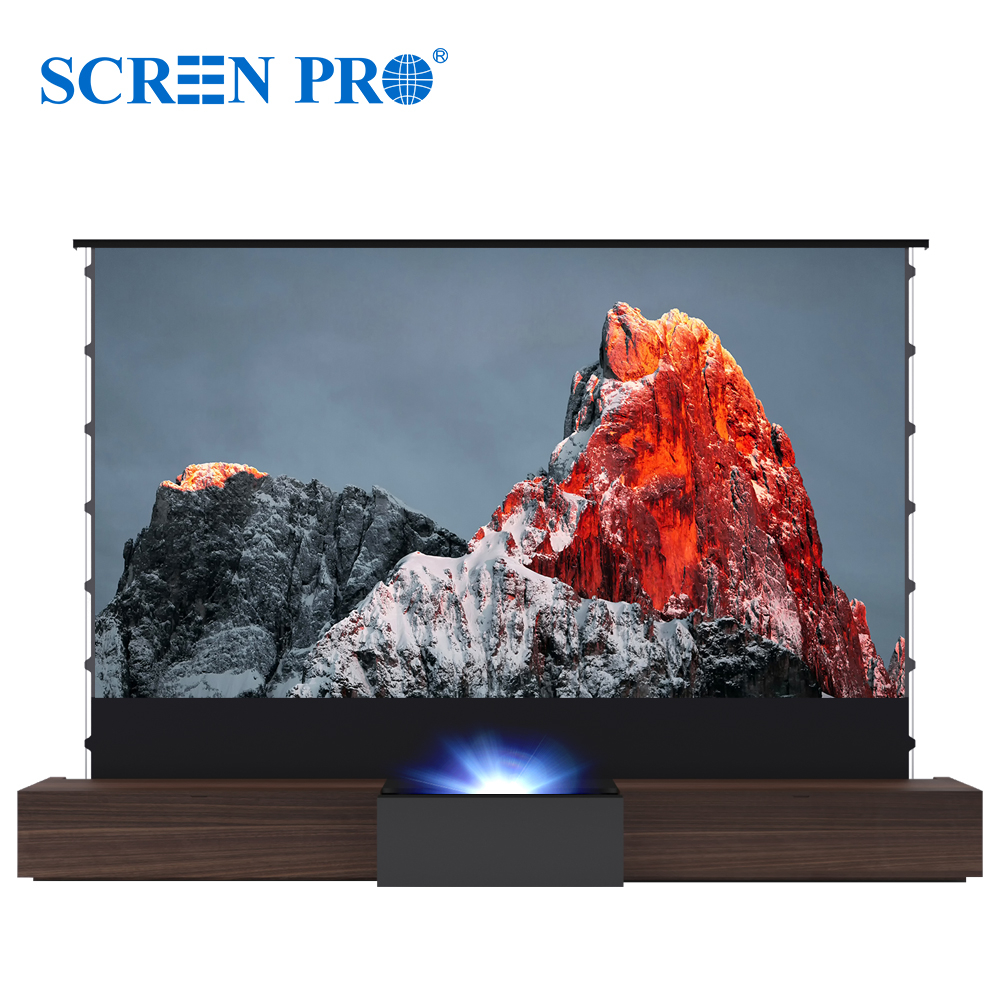
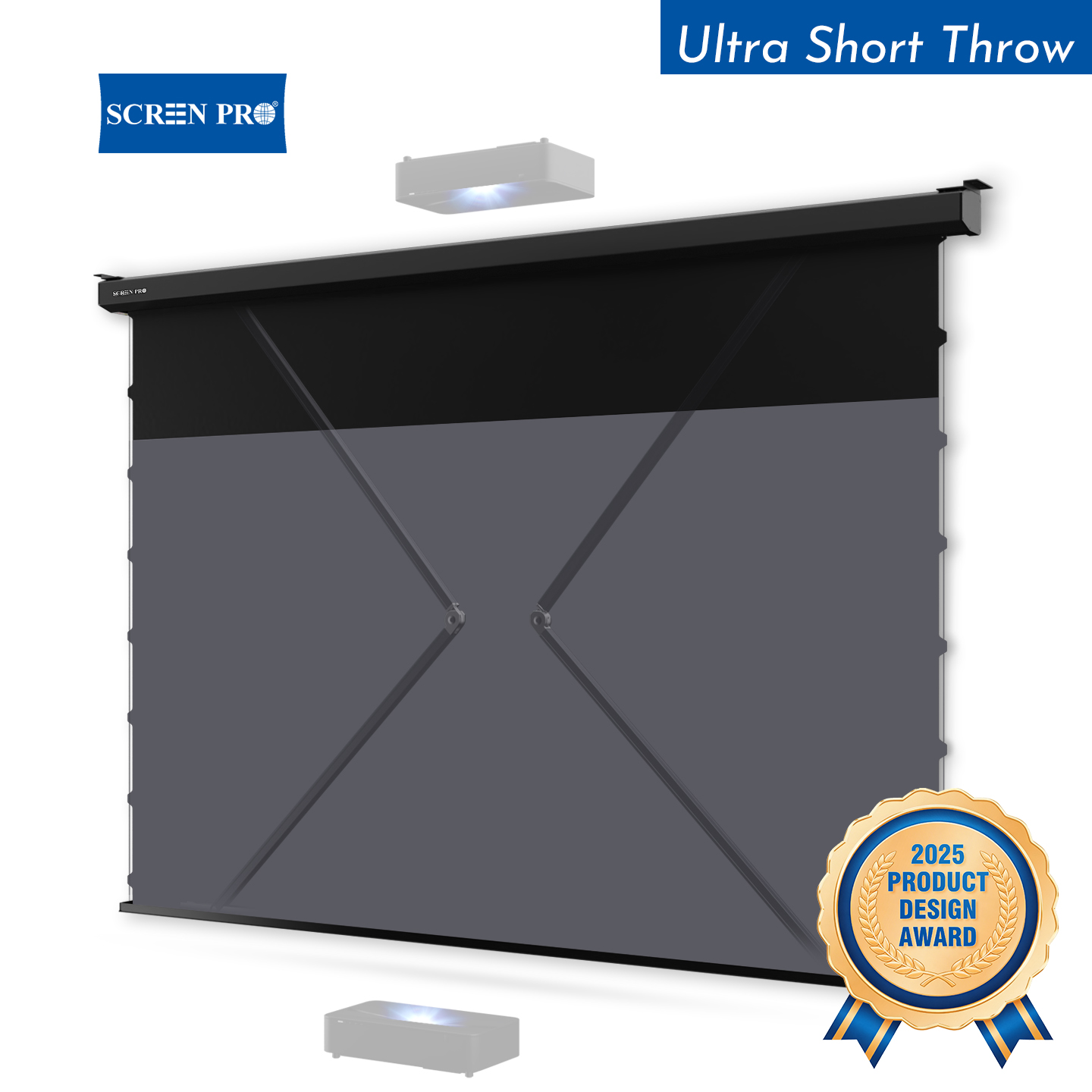
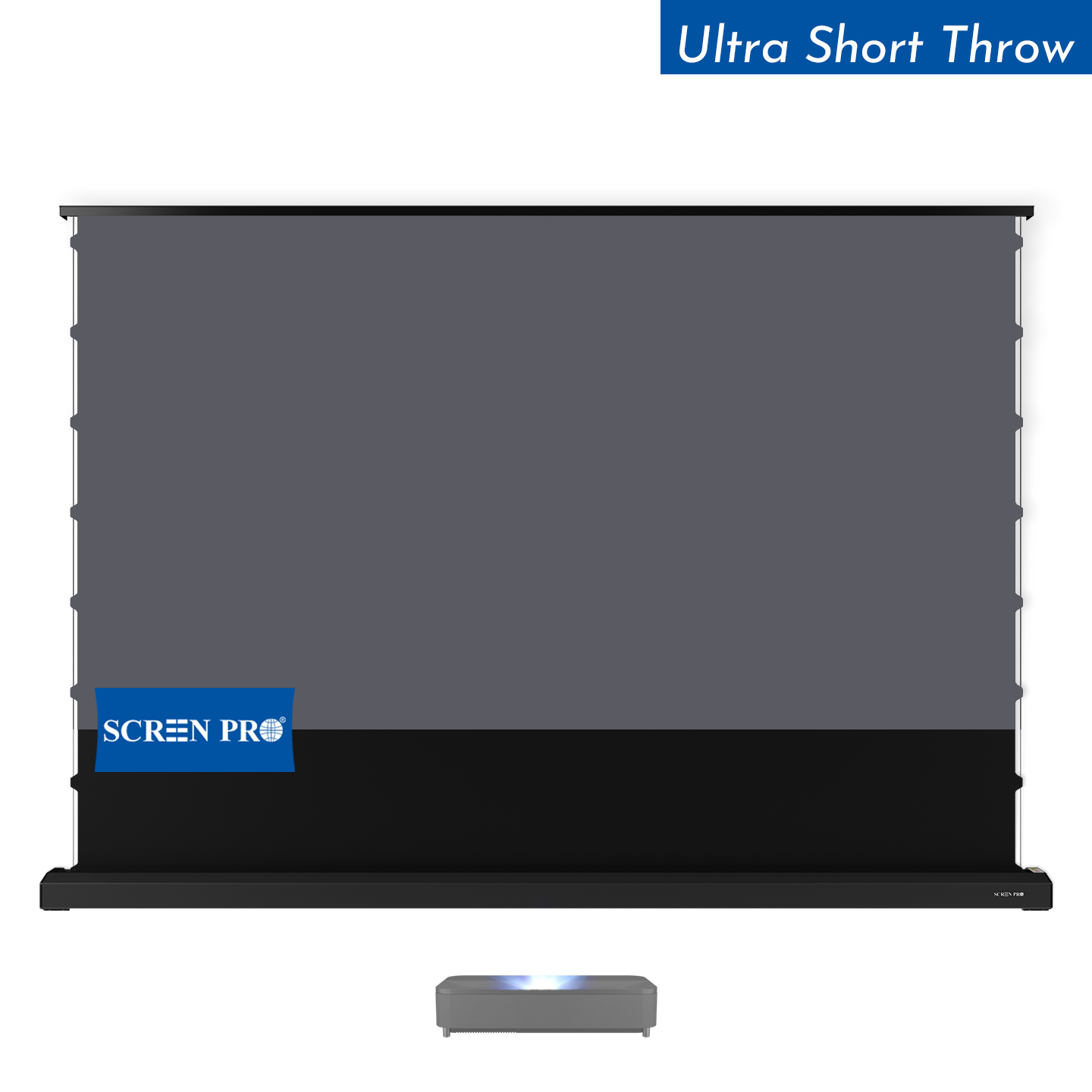
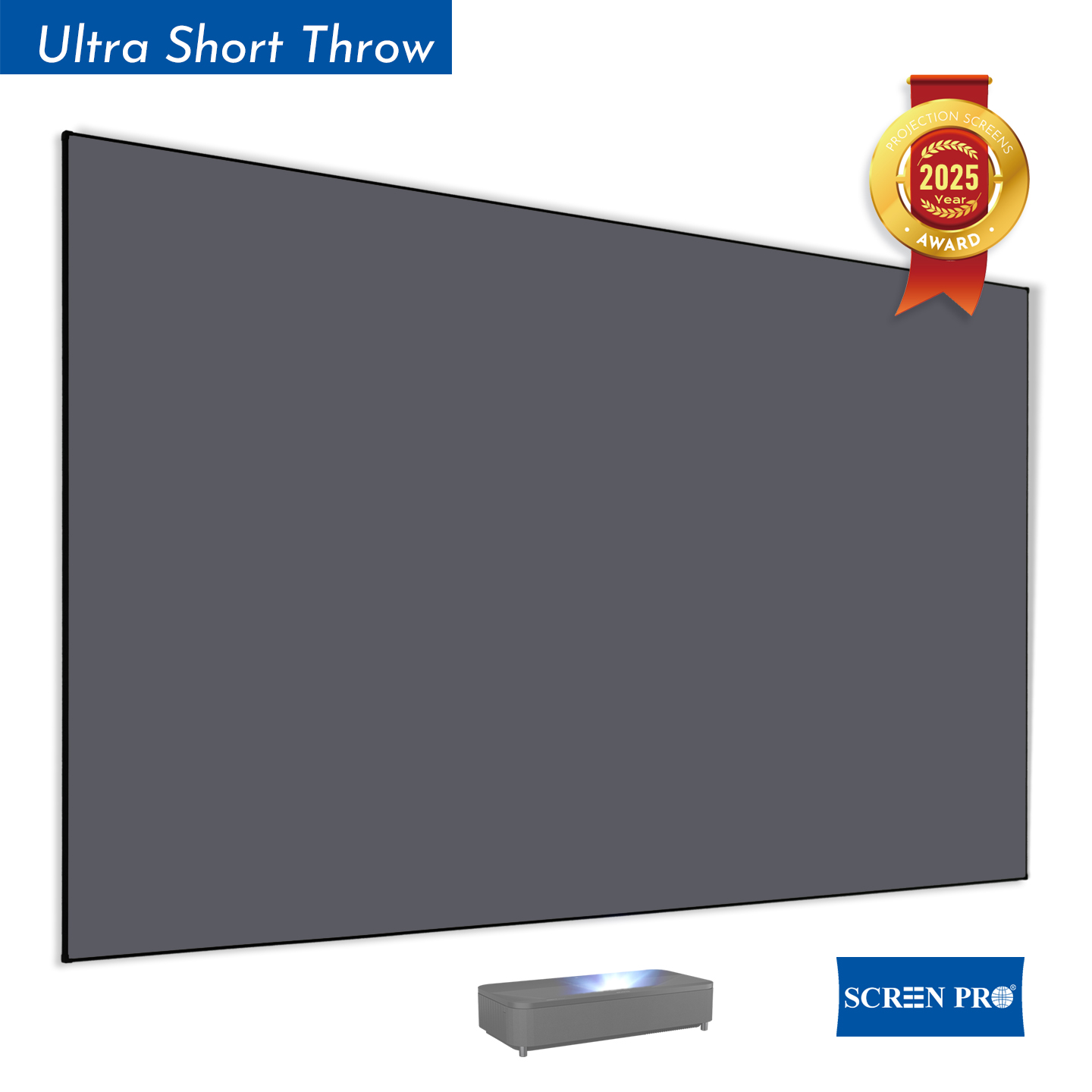
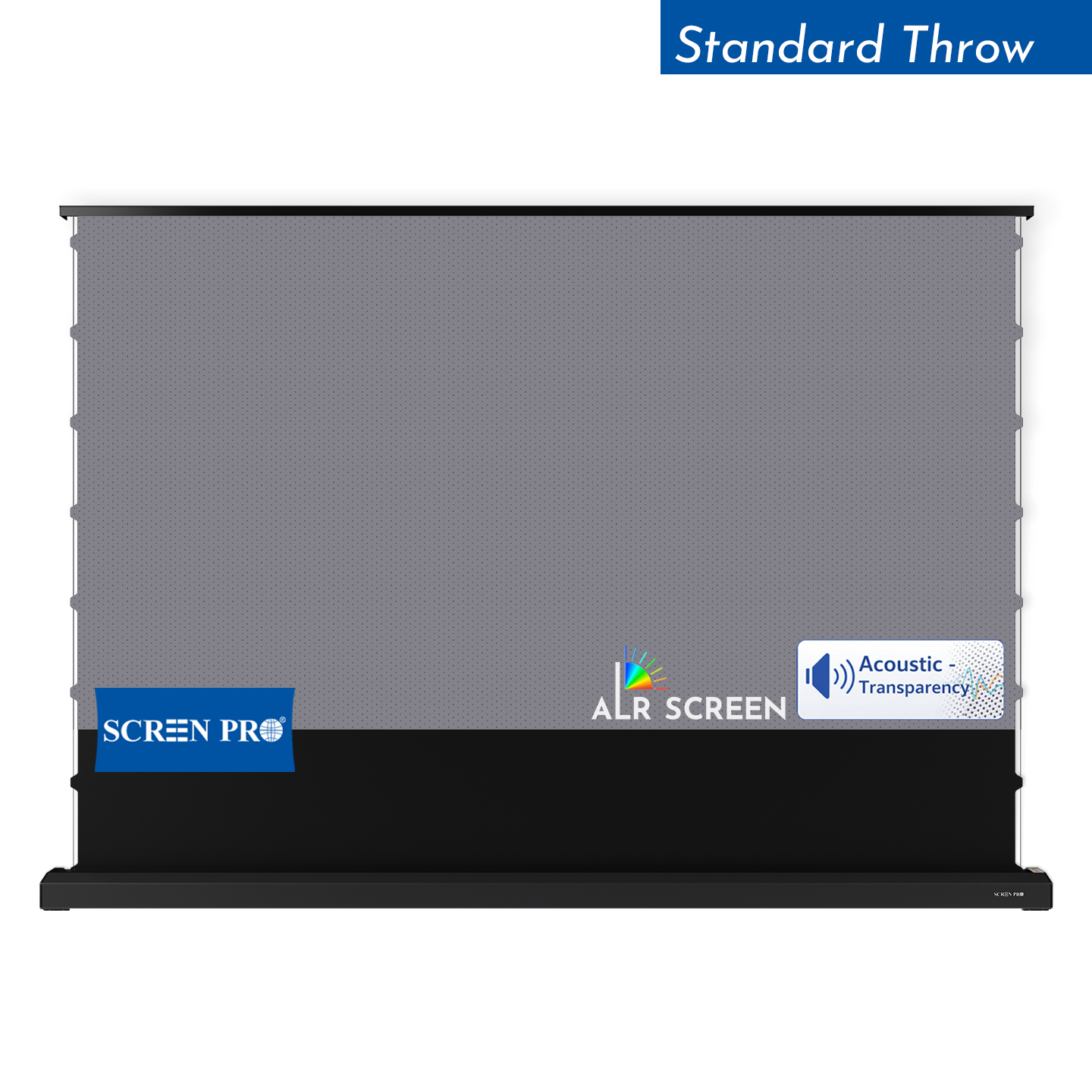
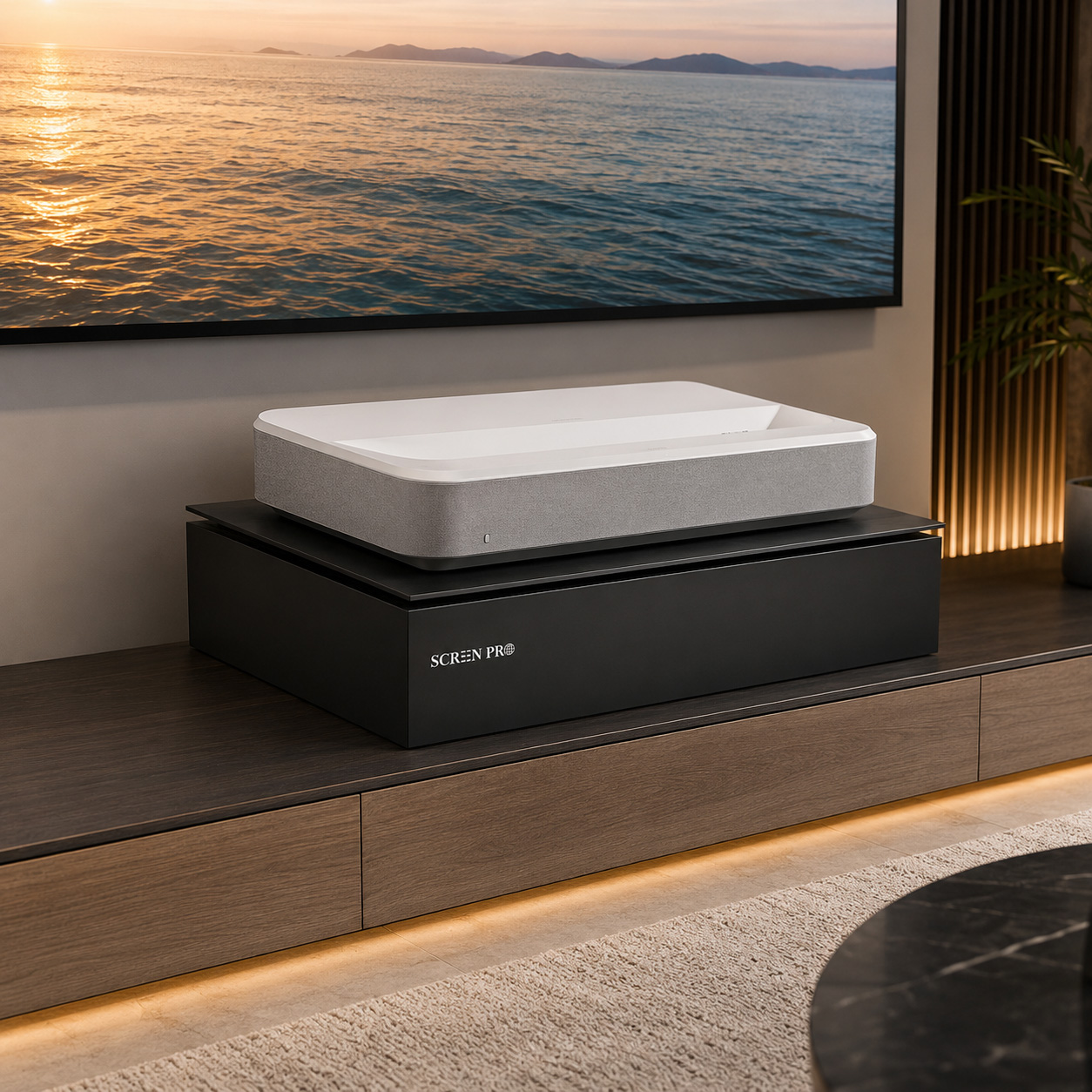
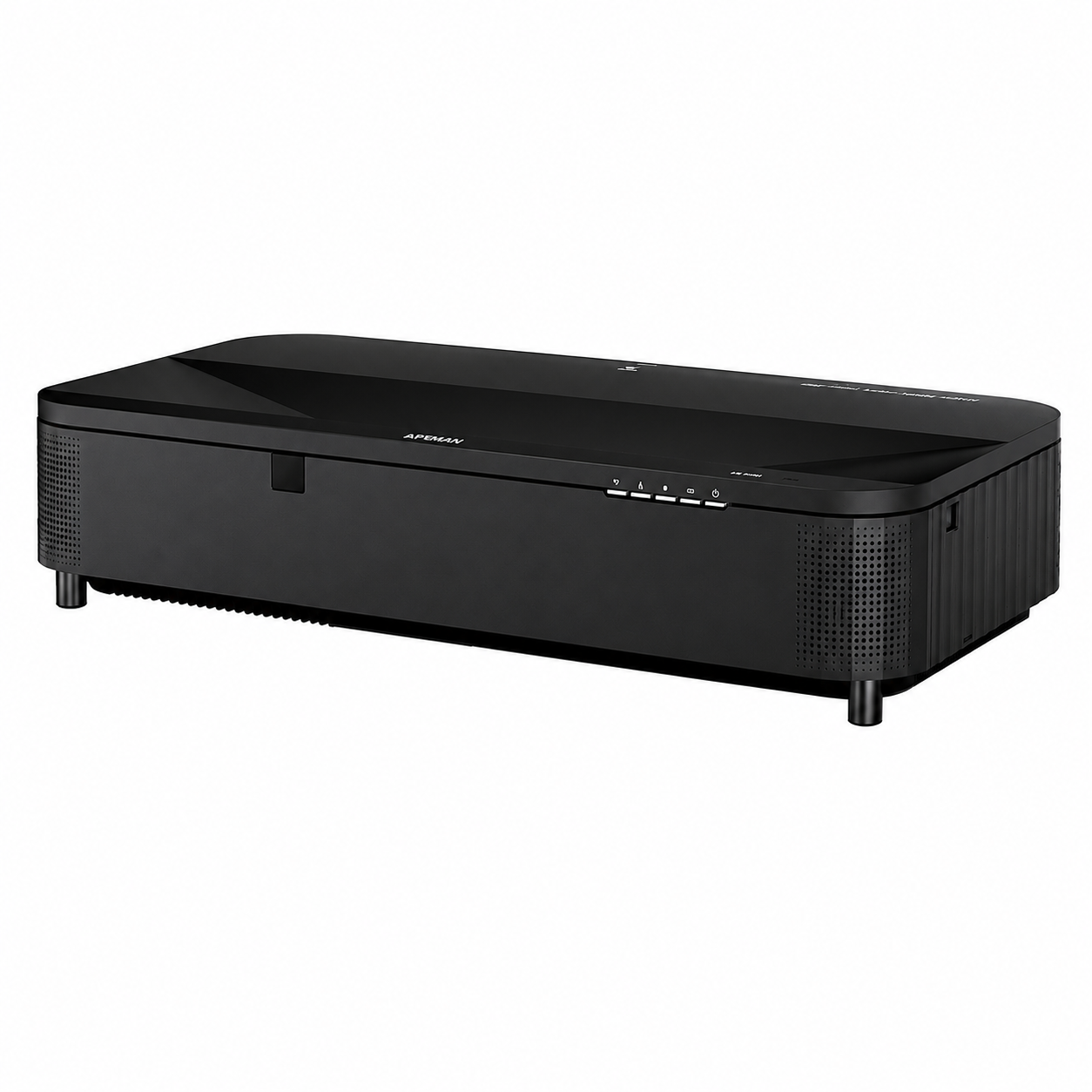
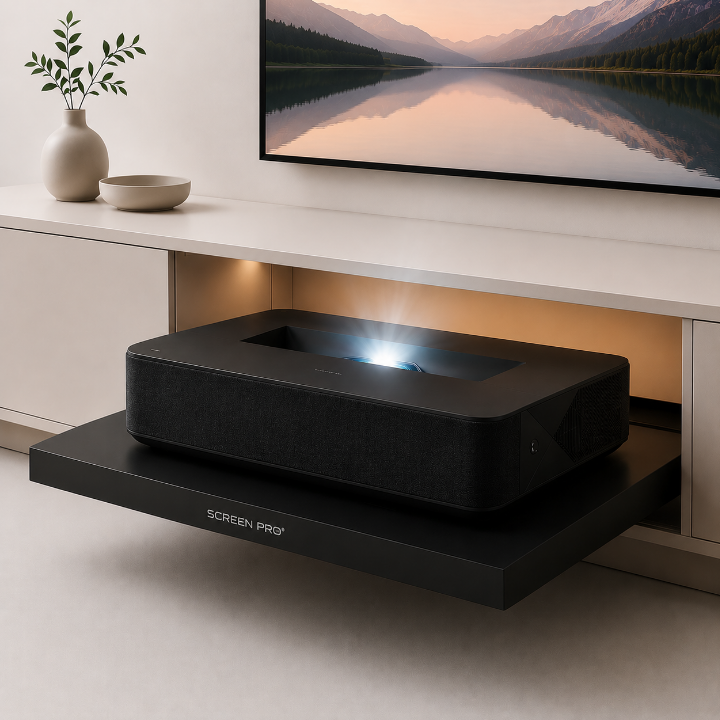
Ultra-short-throw projectors project light upward from a very steep angle. A purpose-designed UST ALR screen uses directional optical structures to accept projector light while reducing ambient light from unwanted directions.
For 4K UST systems, screen flatness is especially important because even small waves can visibly affect image geometry.
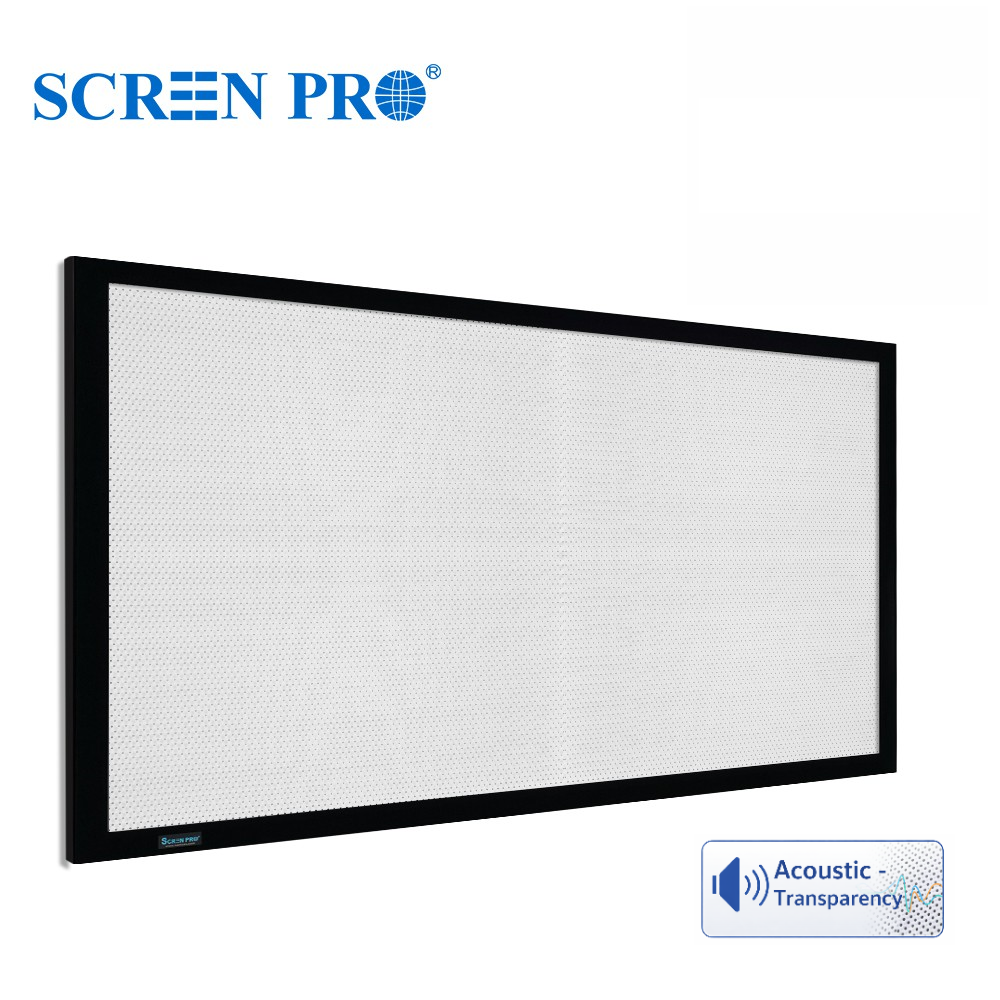
An acoustically transparent screen allows front speakers to be positioned behind the projected image, producing a more cinema-like relationship between sound and picture.
For high-resolution projection, the weave should be sufficiently fine and uniform for the intended viewing distance. Fabric structure, projector distance and seating distance all affect whether the weave becomes visible.
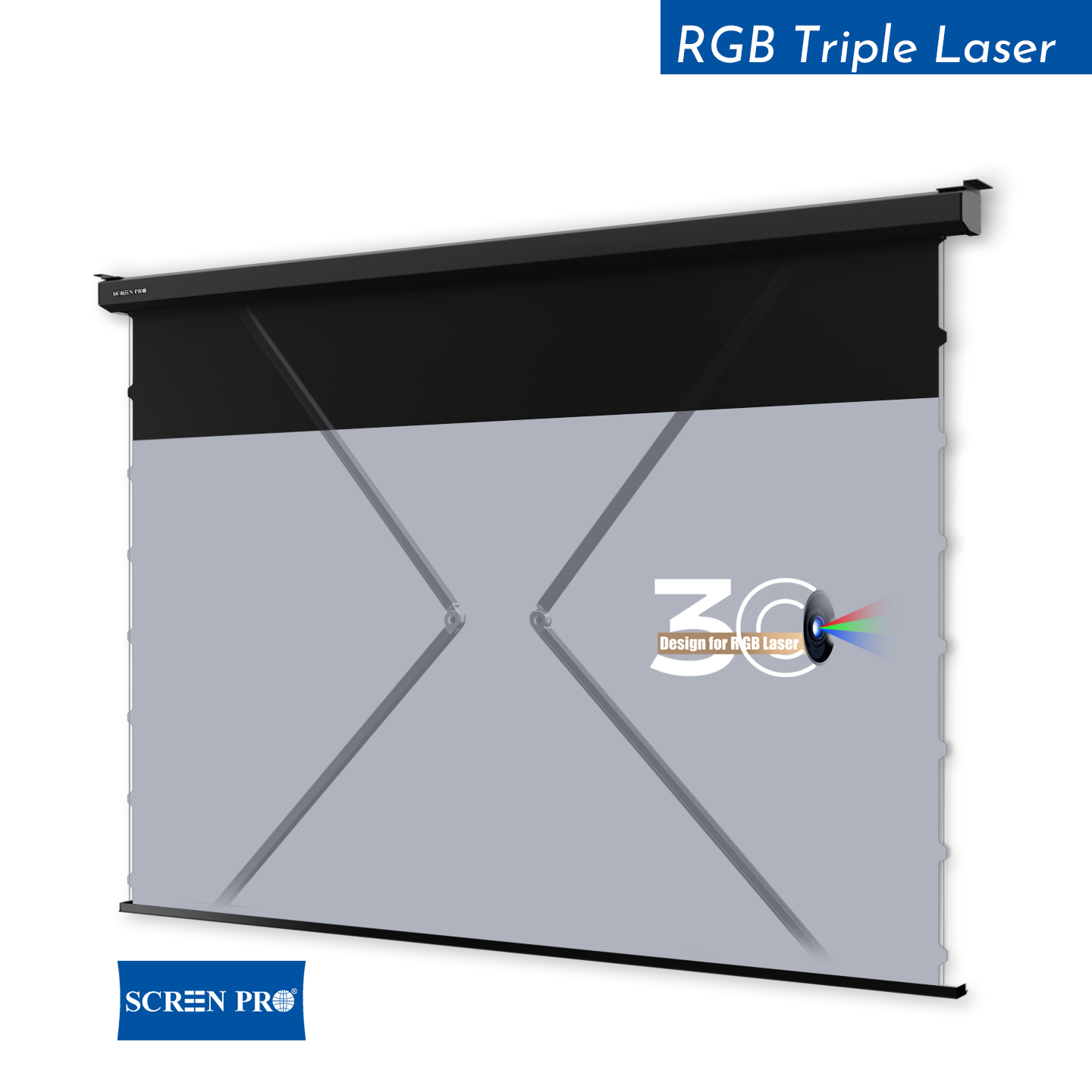
RGB laser projectors can produce exceptional color performance, but coherent laser light may create visible speckle on some projection surfaces.
A screen designed to reduce speckle can help improve perceived image uniformity while maintaining the fine detail expected from modern 4K laser projection.
SURFACE TEXTURE
As pixel size becomes smaller, a coarse or highly visible screen texture can begin to compete visually with the projected image.
The viewer may perceive the surface itself instead of only seeing the picture. This is why a fine and uniform projection surface is desirable for large 4K and 8K installations.
The goal is simple: see the image, not the screen material.
SCREEN FLATNESS
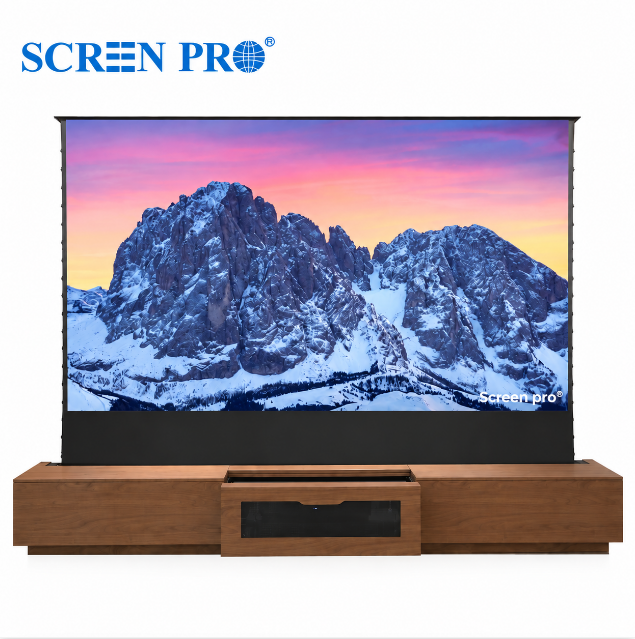
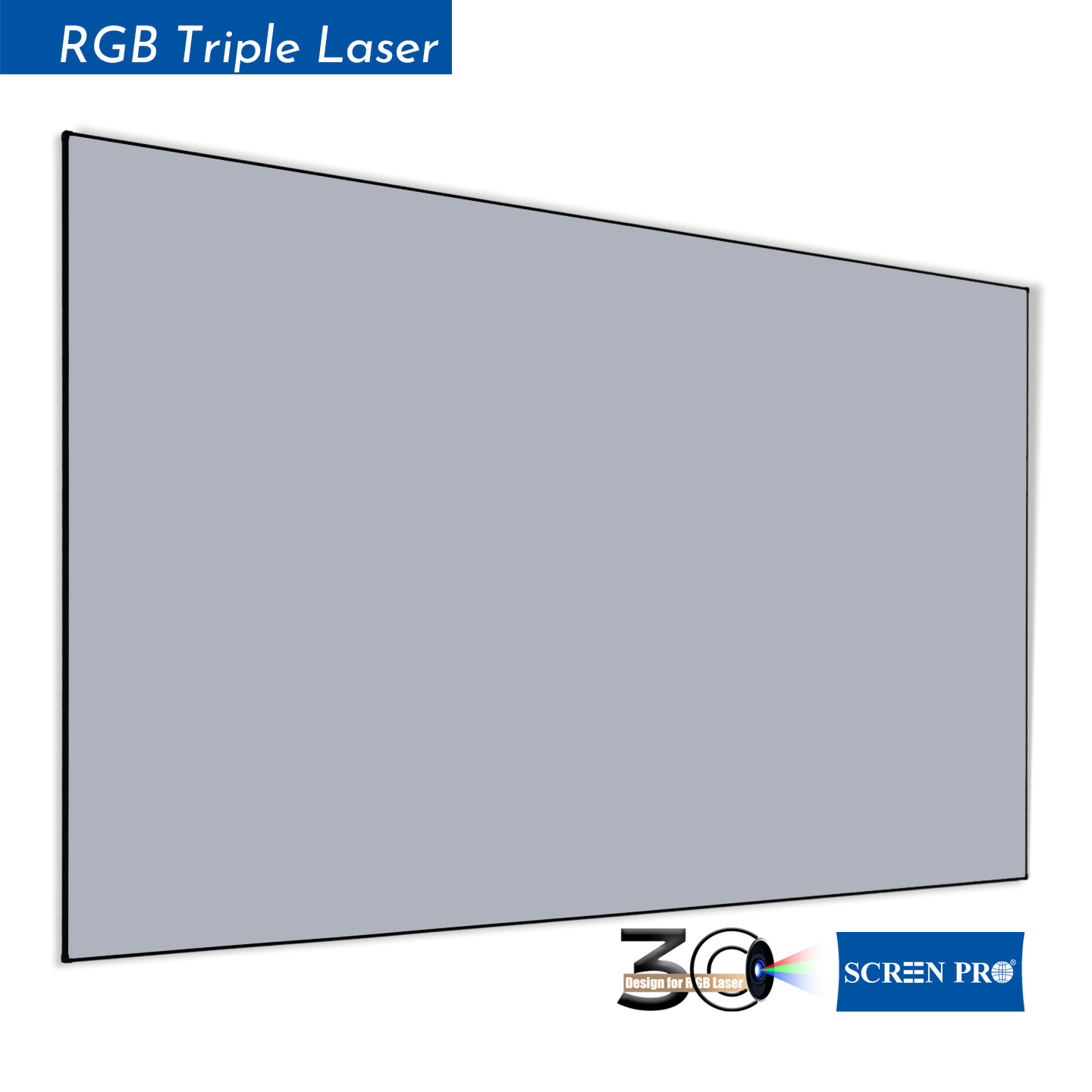
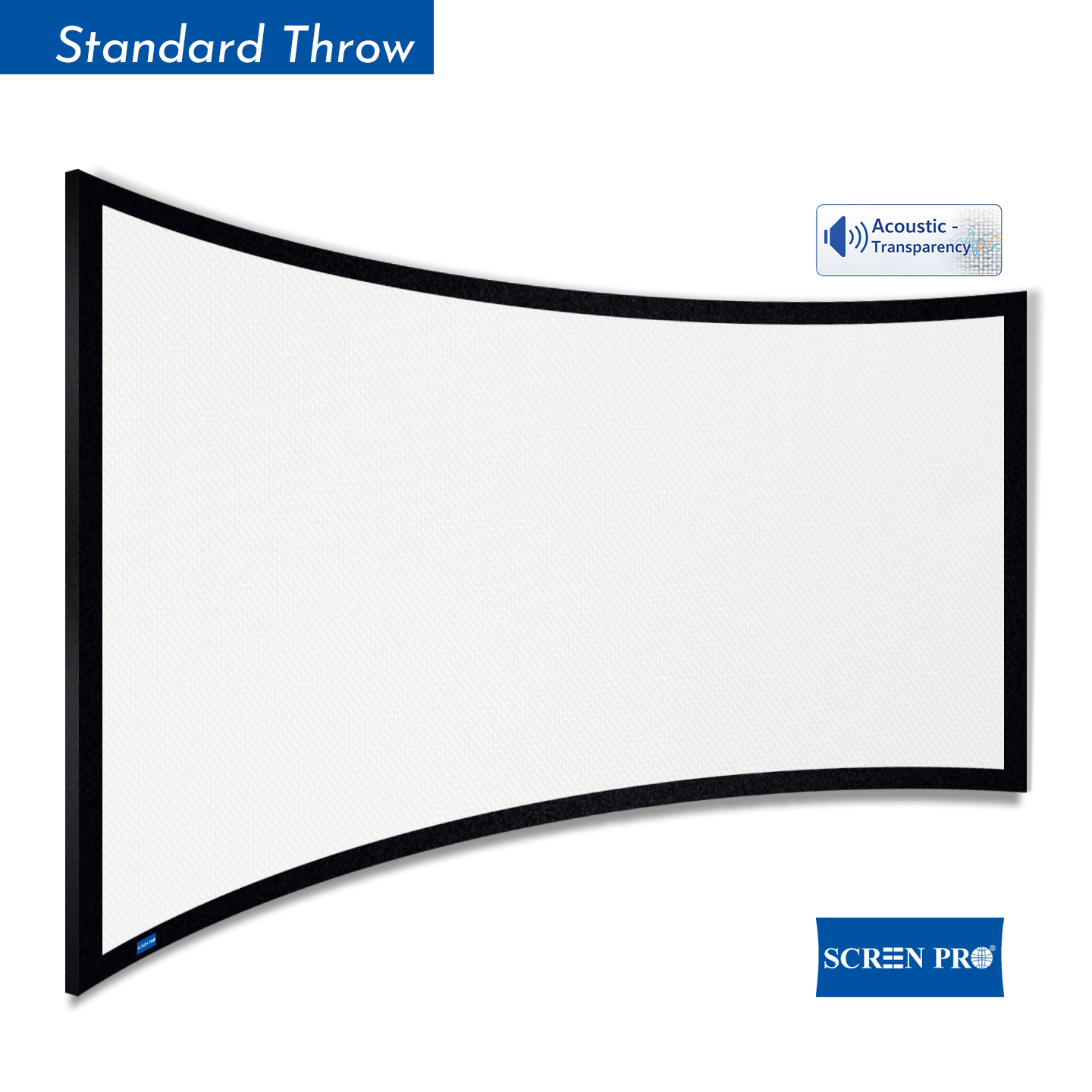
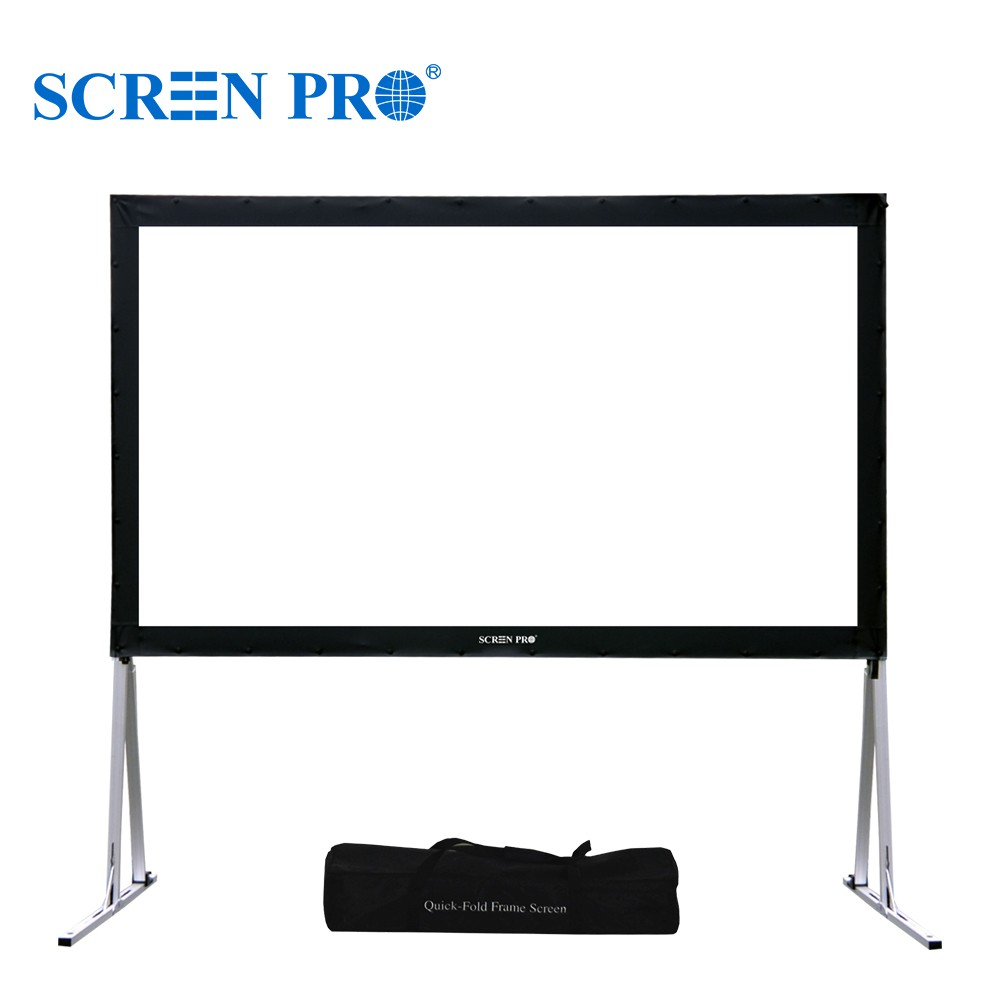
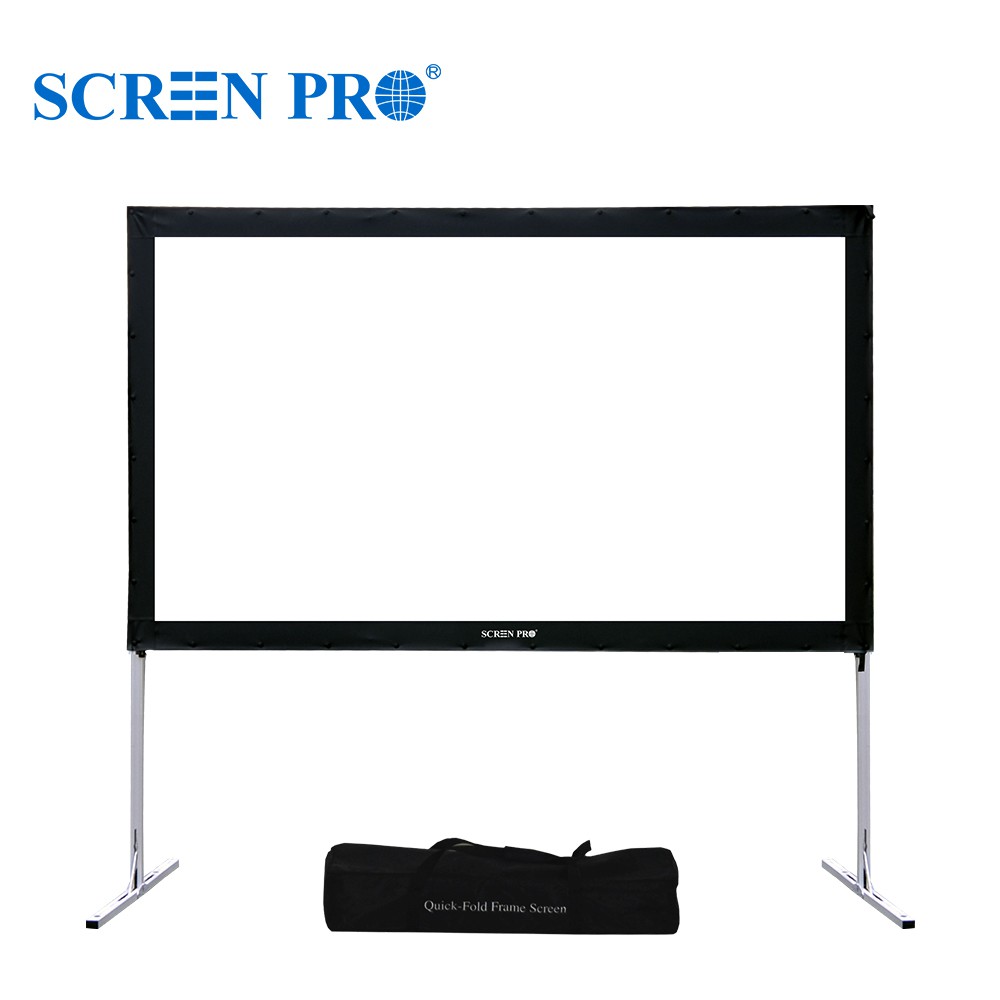
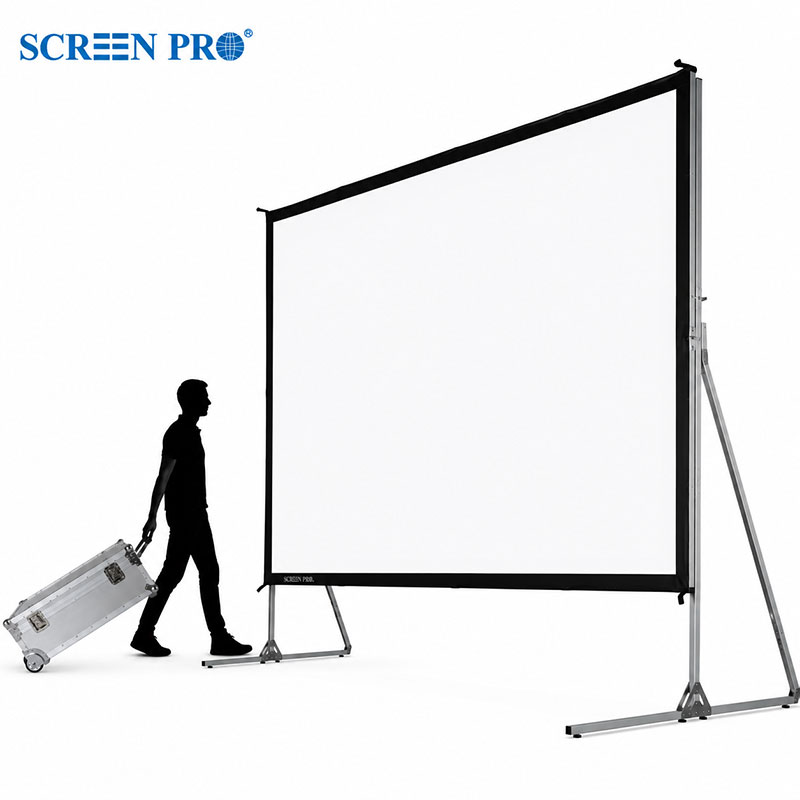
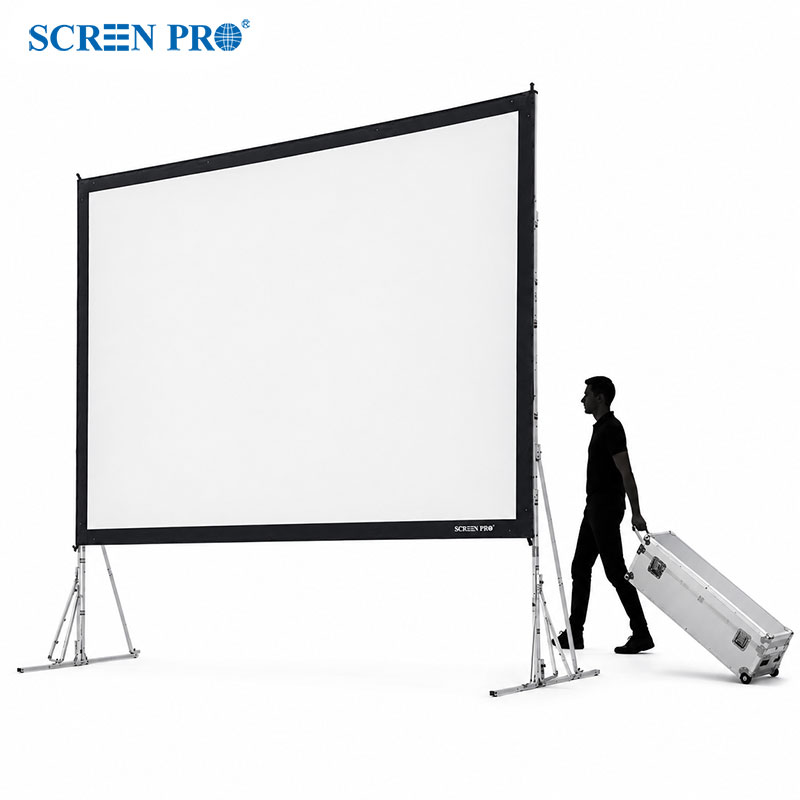
A flat projection surface helps maintain consistent focus and geometry across the image. Fixed frame screens are particularly effective because the material remains continuously tensioned around the frame.
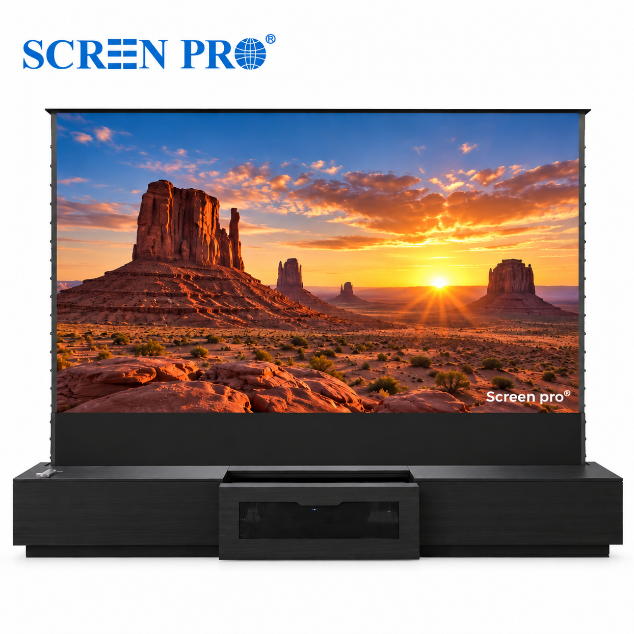
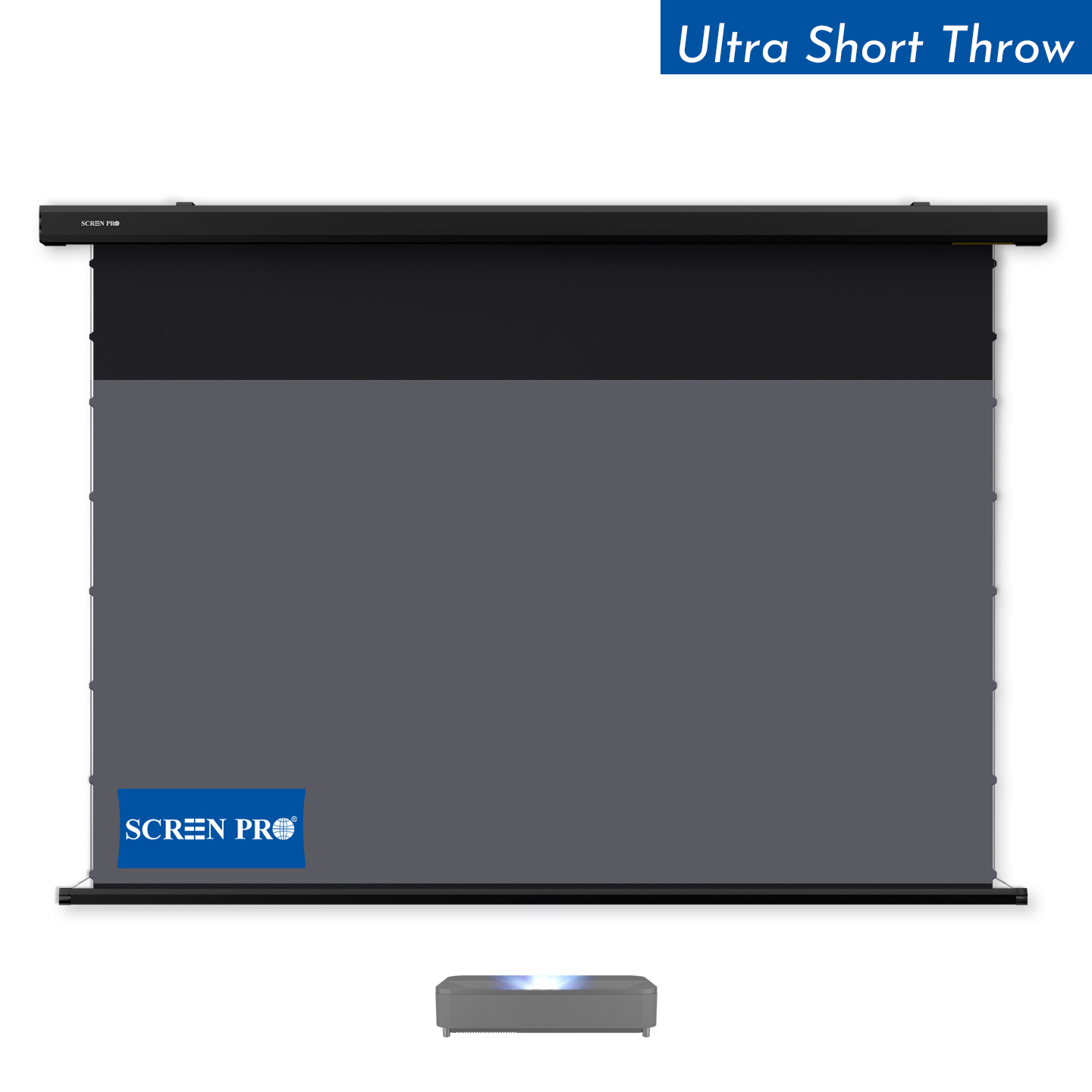
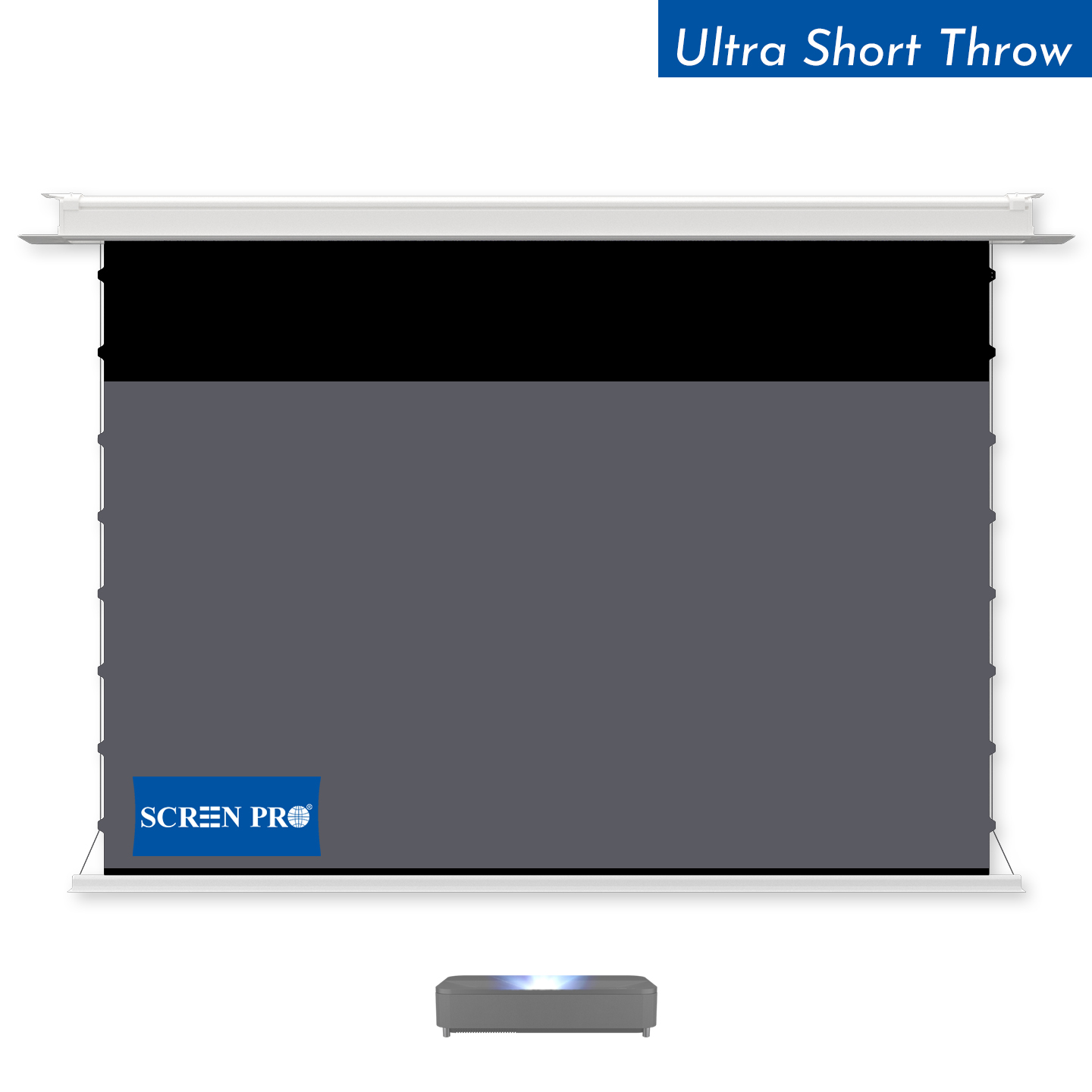
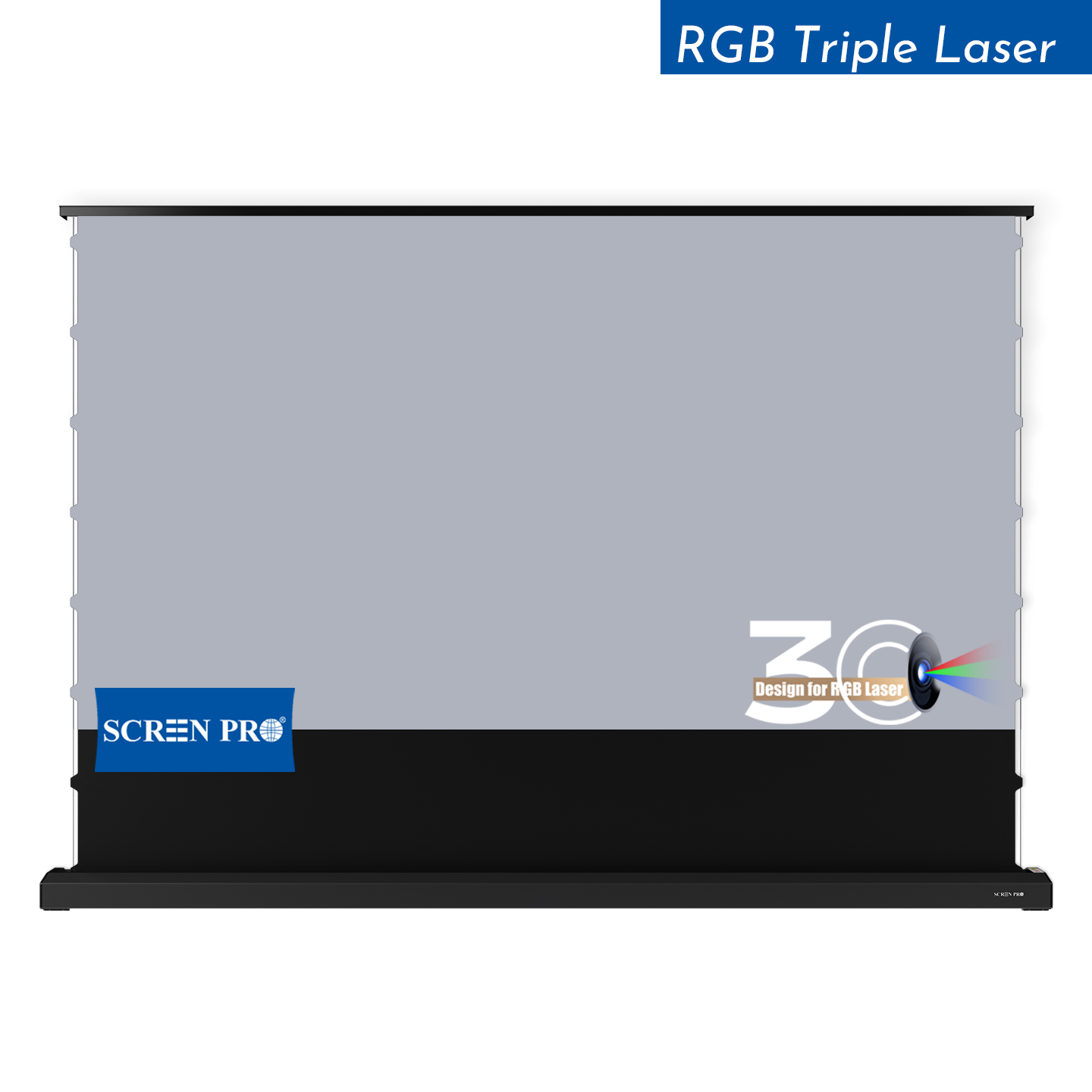
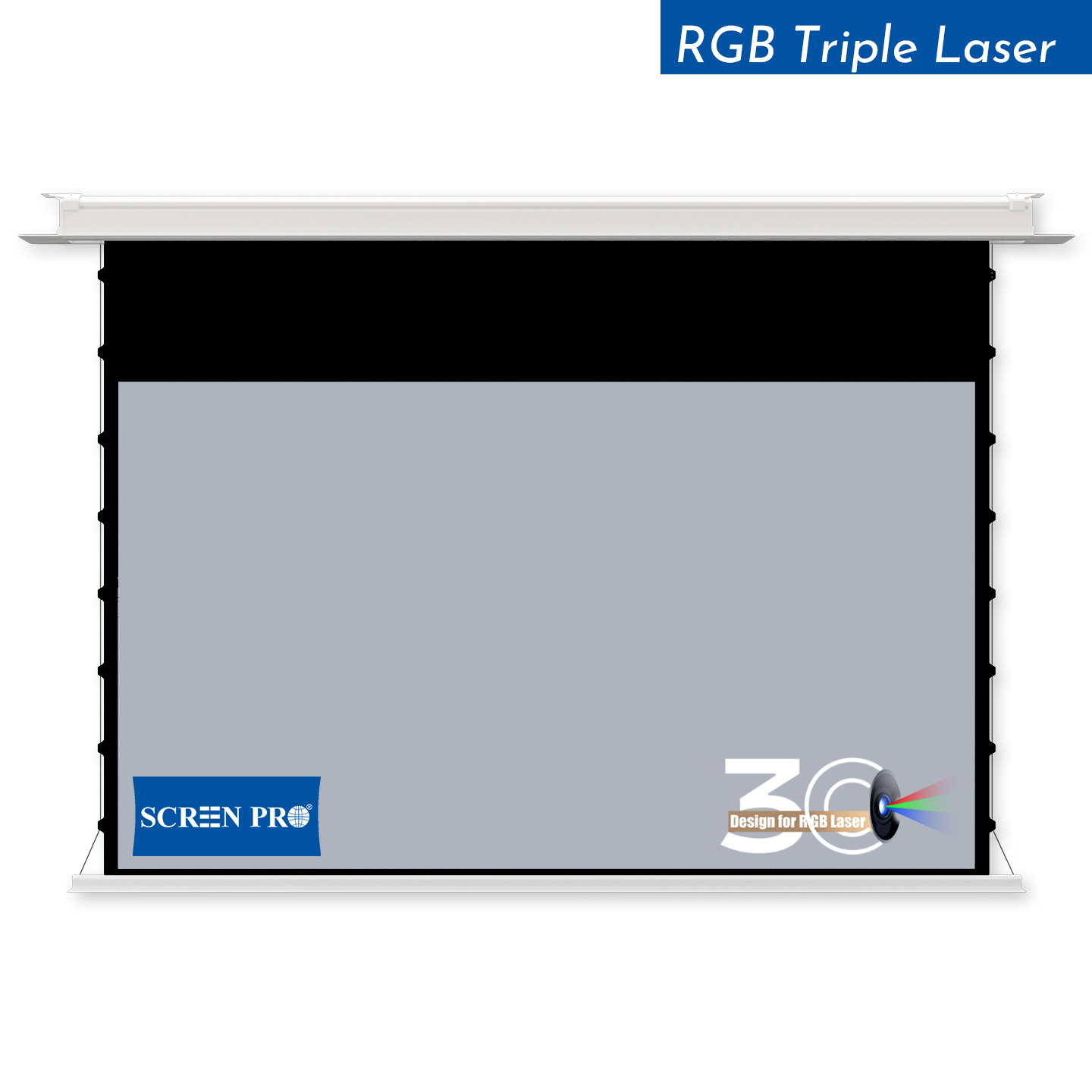
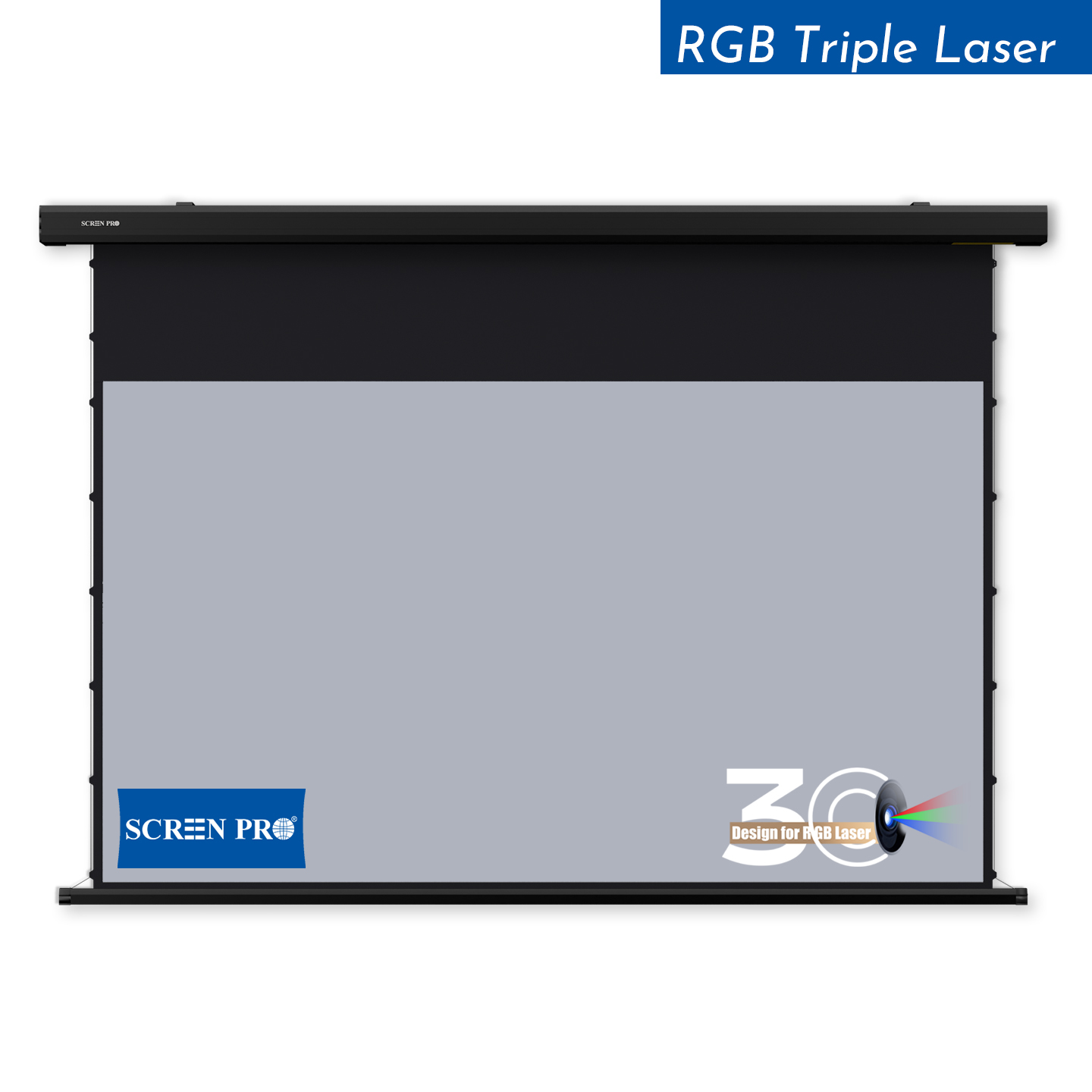
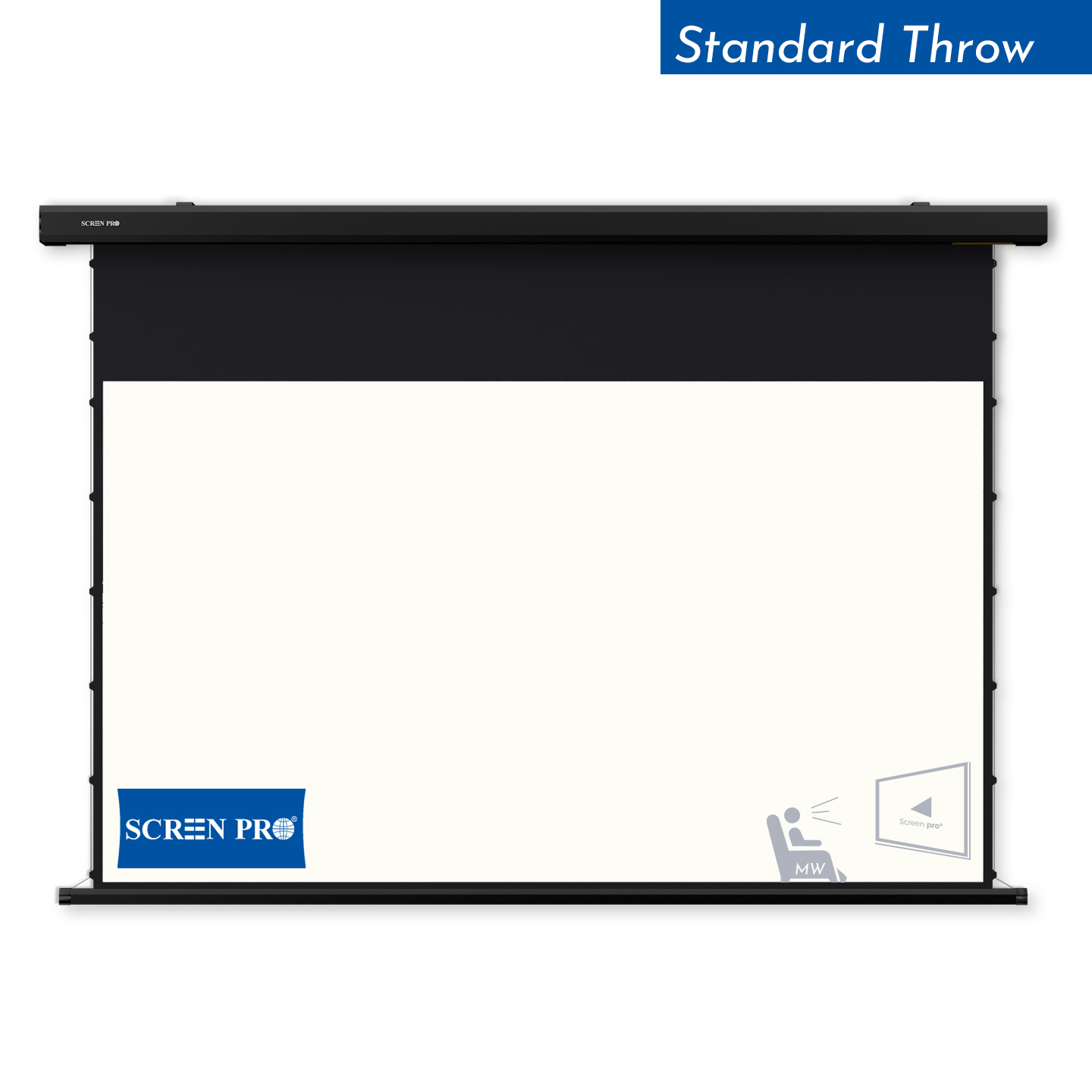
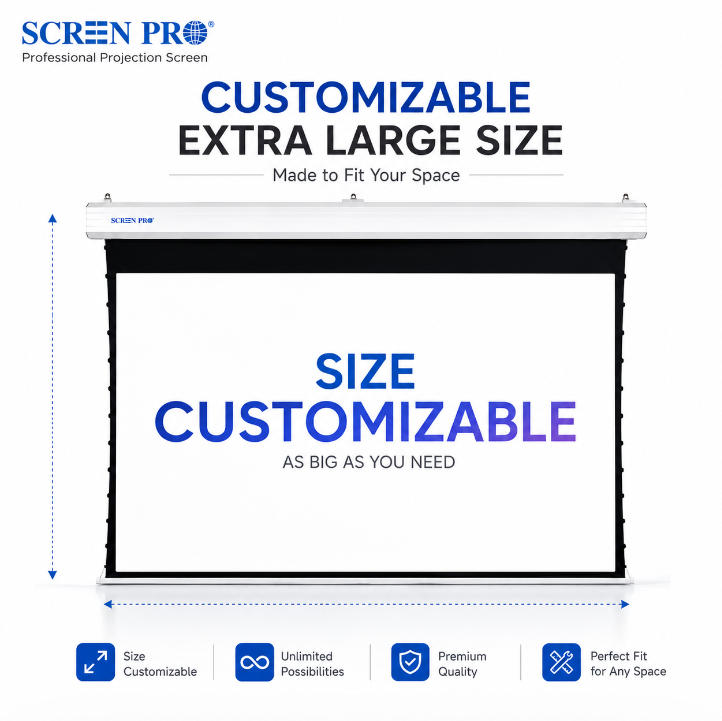
Retractable screens can also work well for high-resolution projectors, especially when a tab-tensioned system is used to help control edge curl and surface waves.
Flatness becomes especially important with UST projectors because the steep projection angle can make relatively small surface irregularities more visible.
SCREEN GAIN
Screen gain describes how light is reflected toward the viewing area. It does not increase the number of pixels or create additional image detail.
A higher-gain screen may increase perceived brightness from certain viewing positions, but it can also reduce viewing angle or increase the risk of visible hot spotting depending on the material.
Choose gain for brightness and viewing geometry — not because the projector is 4K or 8K.
QUICK COMPARISON
| Application | Recommended Screen Type | Main Priority |
|---|---|---|
| Dark Home Theater | Smooth White Screen | Fine texture and color neutrality |
| Living Room with Ambient Light | ALR Screen | Contrast preservation |
| UST Laser Projector | UST ALR Screen | Directional optical structure and flatness |
| Speakers Behind Screen | Fine Woven Acoustic Transparent | Fine weave and acoustic transparency |
| RGB Laser Projector | Speckle-Reduction Screen | Speckle control and image uniformity |
WHAT ABOUT 8K?
An 8K projector does not require a completely different category of screen. The same fundamentals still apply: surface texture should be fine enough, the screen should remain flat, and the material should match the projector and room.
The importance of those fundamentals increases as image detail becomes finer. A large 8K installation viewed from relatively close seating distances places greater demands on the screen surface than a smaller image viewed from farther away.
30-SECOND SELECTOR
Then choose the material that solves the real problem.
THE VERDICT
For a dark home theater, a smooth and neutral projection surface is often the simplest high-performance choice.
If ambient light, UST projection, hidden speakers or RGB laser speckle are part of the system, choose a specialized material designed to solve that specific problem.
The best 4K or 8K screen is the screen that preserves detail while matching the projector, room and viewing environment.
FAQ
Not necessarily. The most important factors are a fine and uniform surface, good flatness, suitable gain and compatibility with the projector type and room.
In a dark room, a smooth white projection surface is often an excellent choice. In brighter rooms, an appropriate ALR screen may provide better perceived contrast.
Yes, provided the optical surface is sufficiently fine and appropriate for the projector and viewing distance. The ALR structure should also match the projector's throw geometry.
Yes, if the weave is sufficiently fine for the viewing distance and projection setup. Coarser structures may become visible or introduce moiré in some installations.
An 8K projector does not require a fundamentally different type of screen. Surface fineness, flatness and optical compatibility remain the most important factors.
If visible laser speckle is a concern, a speckle-reduction projection surface can help improve perceived image uniformity while maintaining high-resolution detail.
SCREENPRO®
Send us your projector model, screen size, room lighting and installation method. SCREENPRO can help identify the appropriate projection surface and screen structure.
Explore Projector Screens Ask SCREENPRO





© 2026 SCREENPRO®. Specifications are subject to change without notice. | SamsAV All Rights ReservedSite Map Designed by iwonder.cn