





Best Screens for Conference Room Presentations
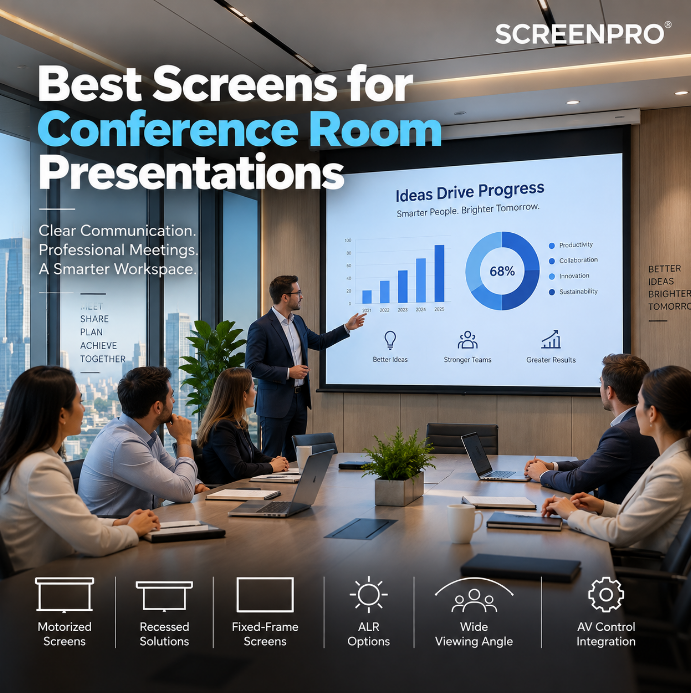
A conference room projection screen needs to do more than display a large image. Presentations, spreadsheets, dashboards, engineering drawings and video conferences must remain clear and readable for everyone in the room — even with the lights on.
The best screen for a conference room depends on room size, seating layout, ambient light, projector type, installation method and the content being displayed. For many professional meeting spaces, a motorized 16:9 or 16:10 screen is an excellent starting point, while fixed-frame, recessed and ALR screens can solve more specialized requirements.
For a permanent conference room, start by evaluating a motorized screen with a wide-viewing-angle surface. Choose 16:9 for video conferencing and general widescreen content, or consider 16:10 when computer presentations and additional vertical workspace are important.
What Matters Most in a Conference Room Screen?
Conference rooms have different priorities from home theaters. A cinema is usually optimized for dark-room video performance. A meeting room must often display small text, spreadsheets and shared screens while ceiling lights remain on.
The screen therefore needs to be selected around several practical factors:
- readability from the farthest seat;
- wide viewing angles for people seated around a conference table;
- ambient-light conditions;
- projector brightness and throw distance;
- 16:9 or 16:10 presentation formats;
- screen mounting height and sightlines;
- motorized or fixed installation;
- AV control and automation requirements.
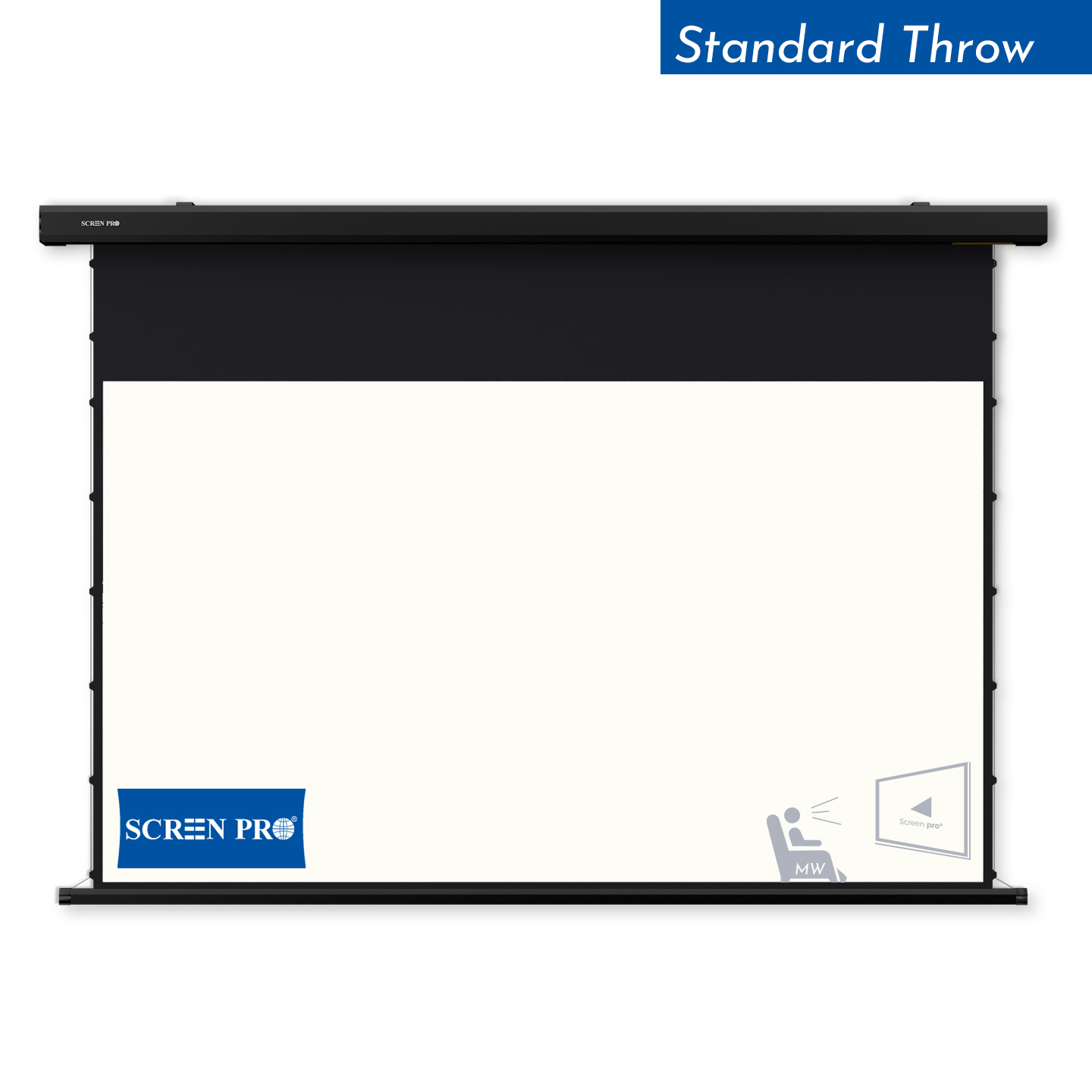
1. Best Overall: Motorized Projection Screens
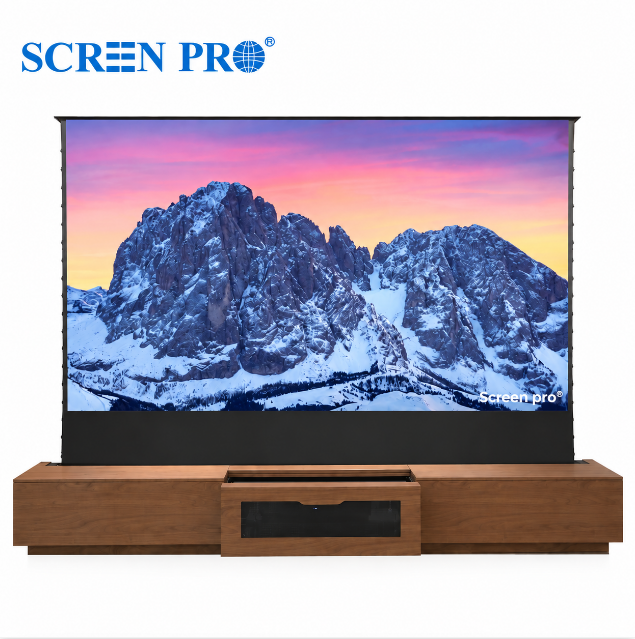
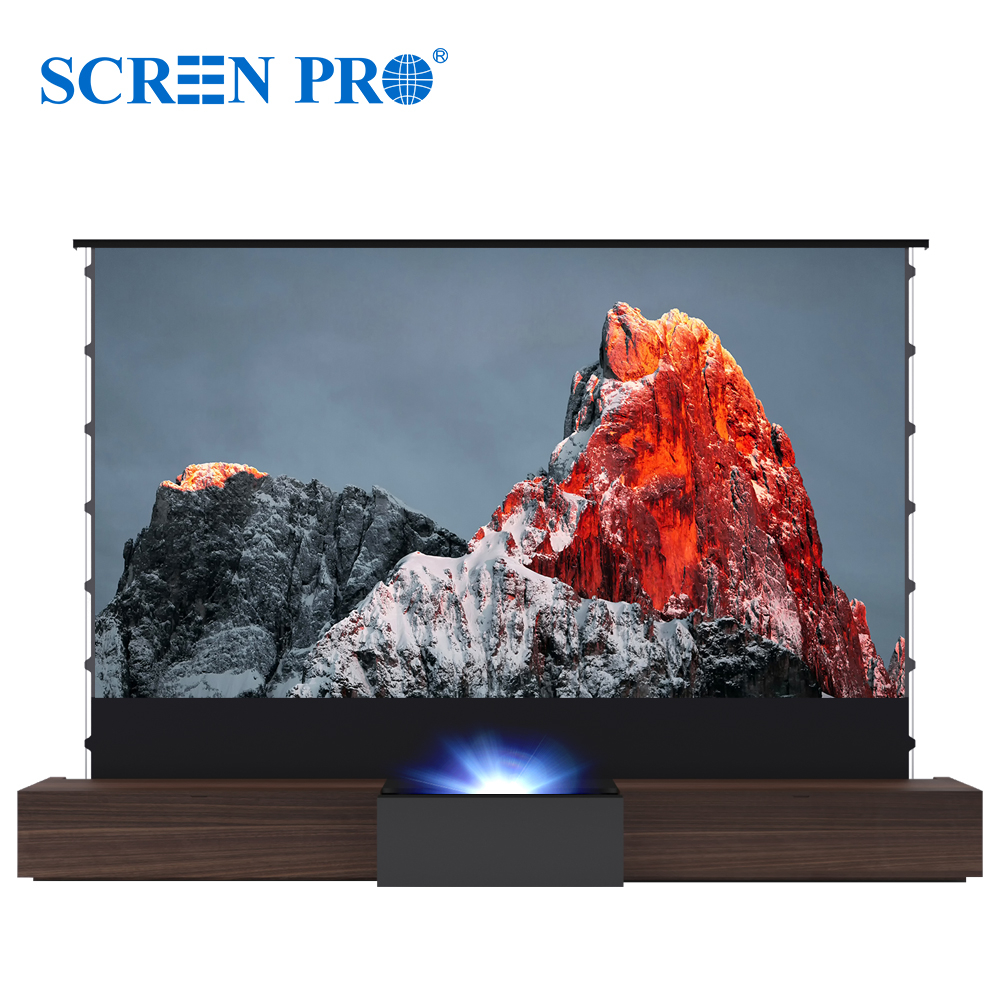
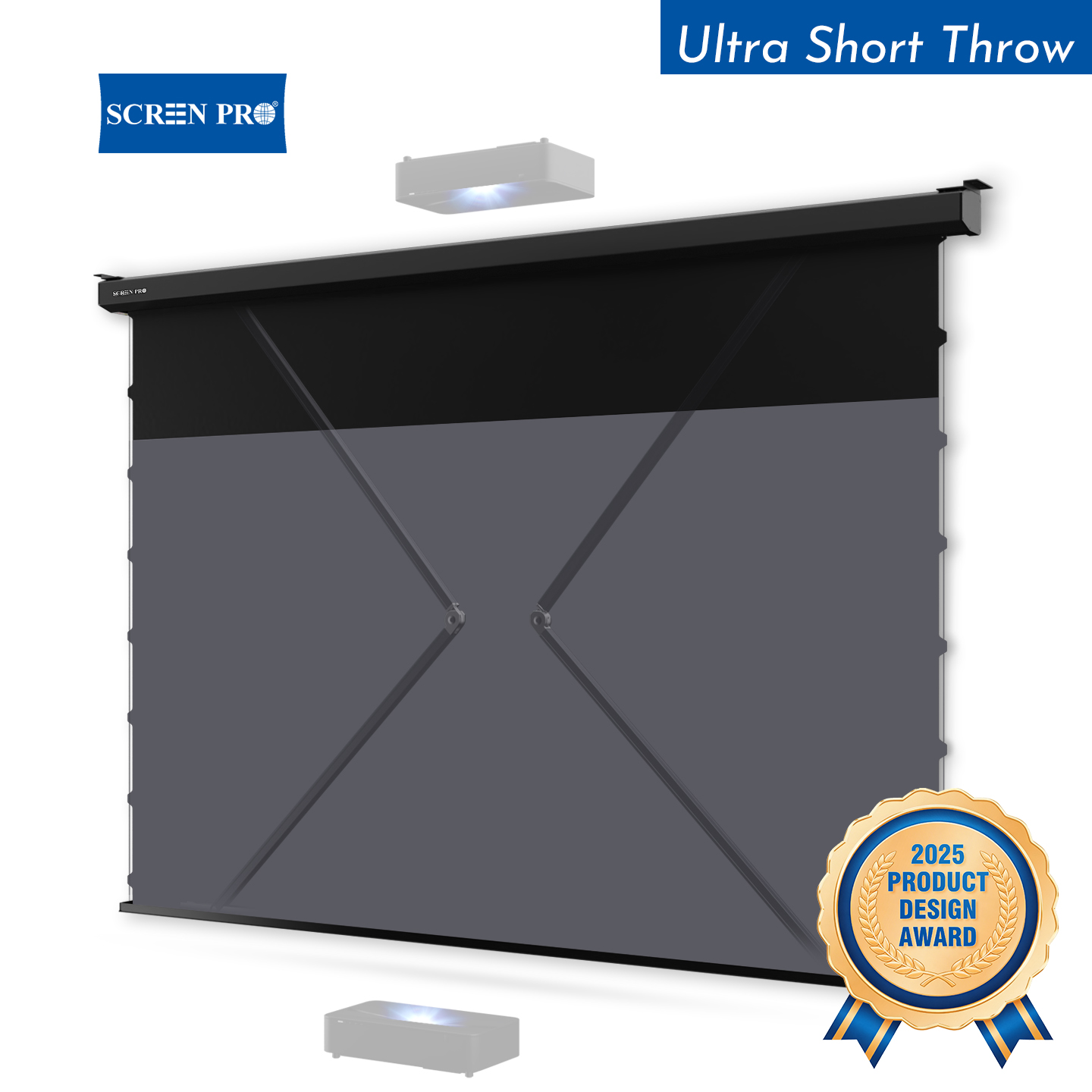
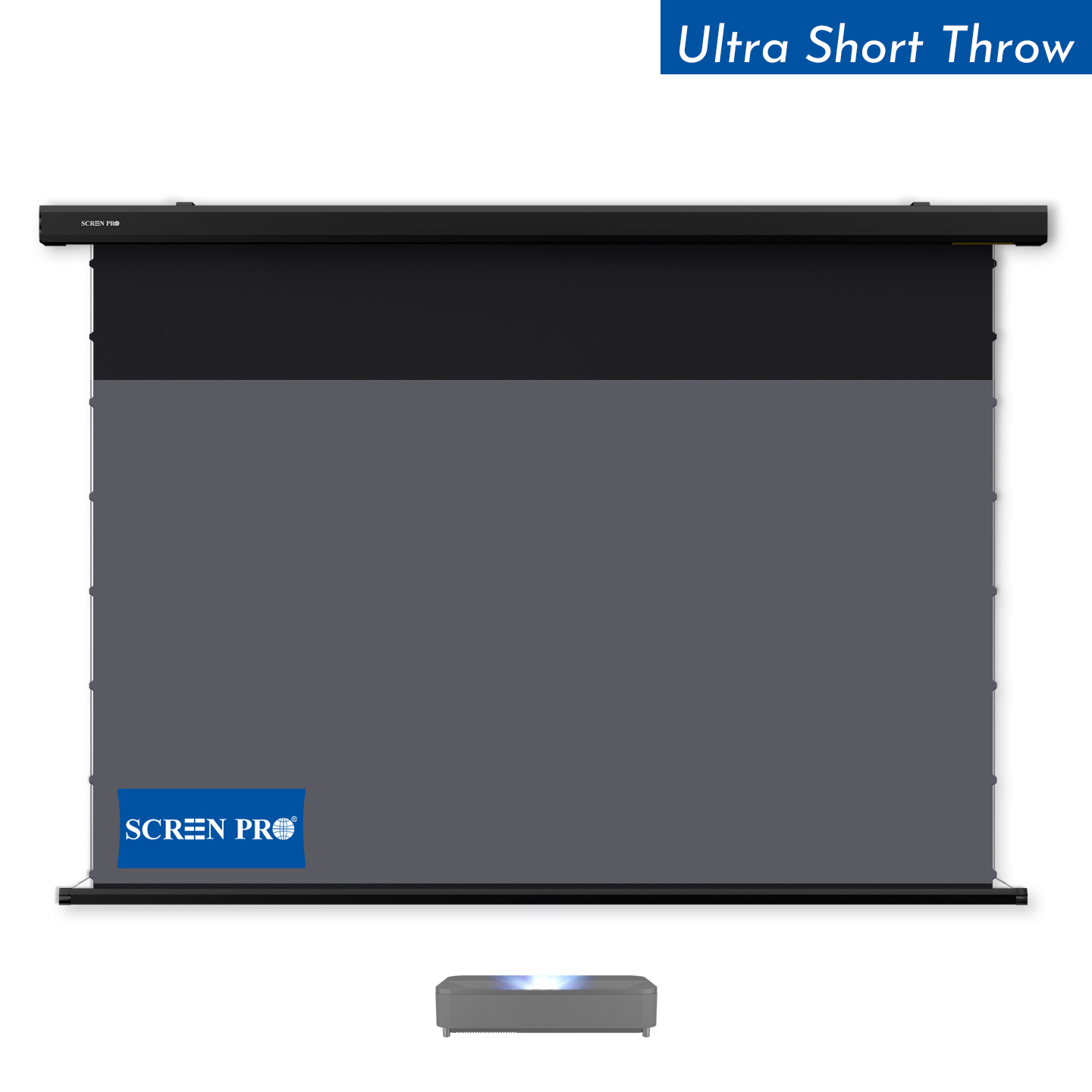
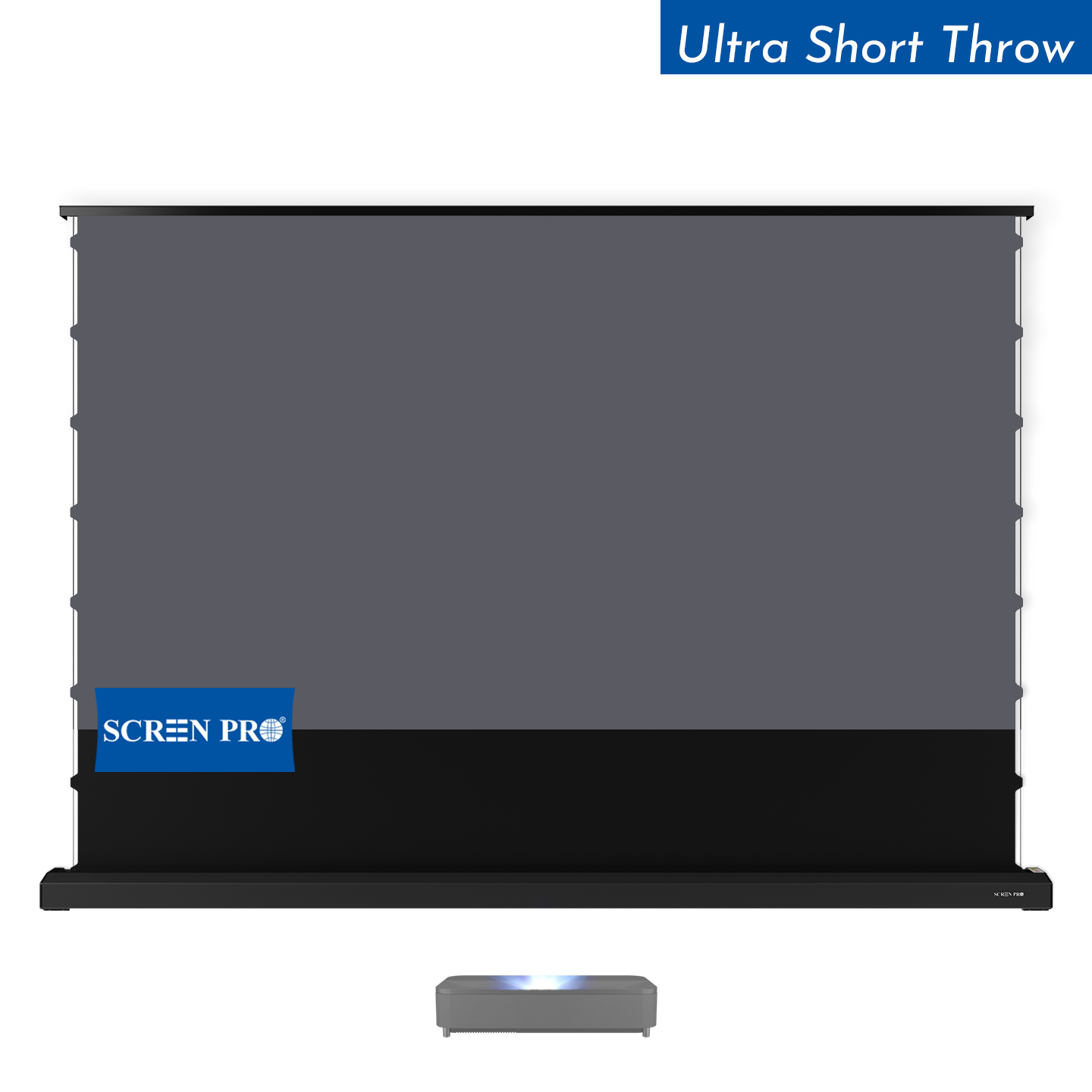
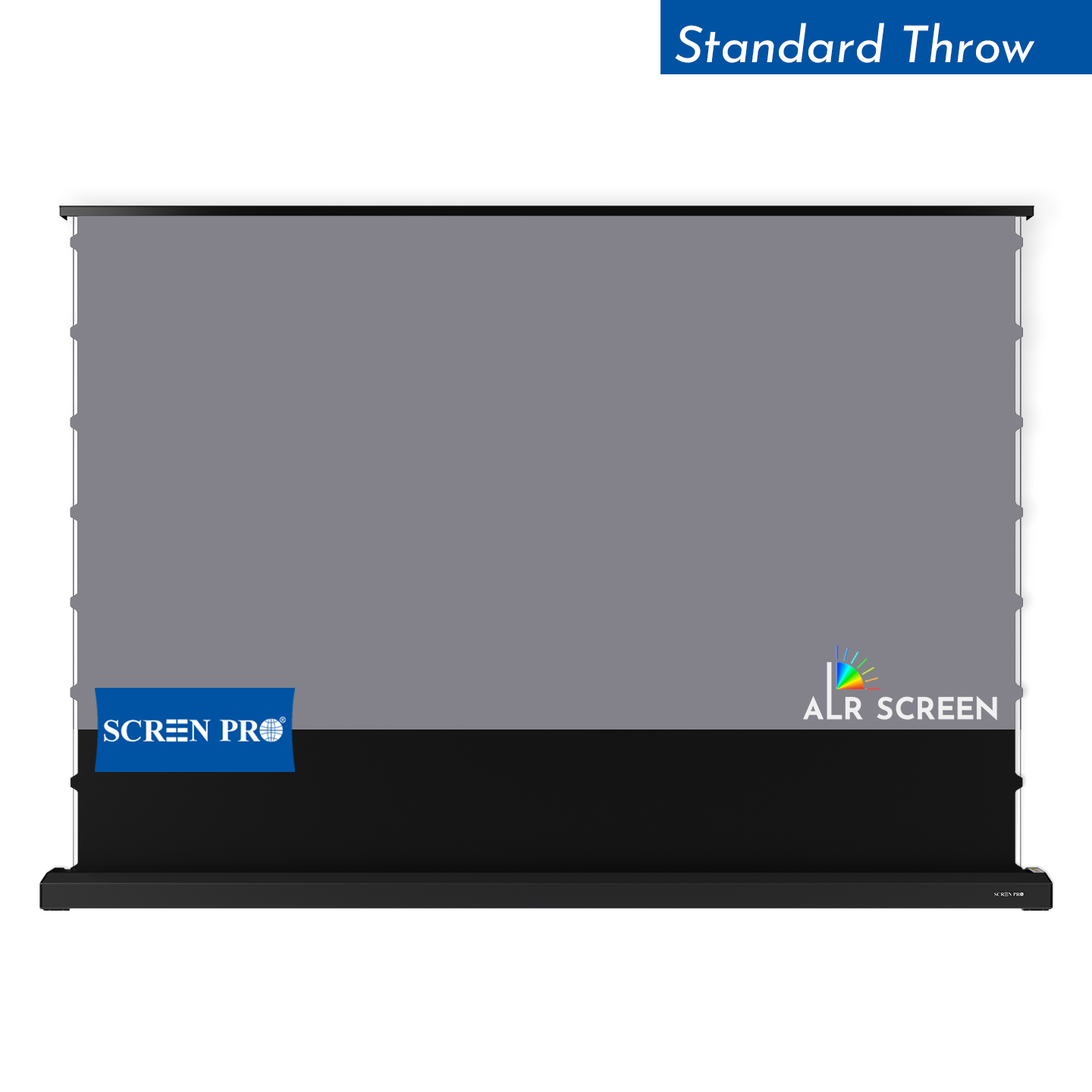
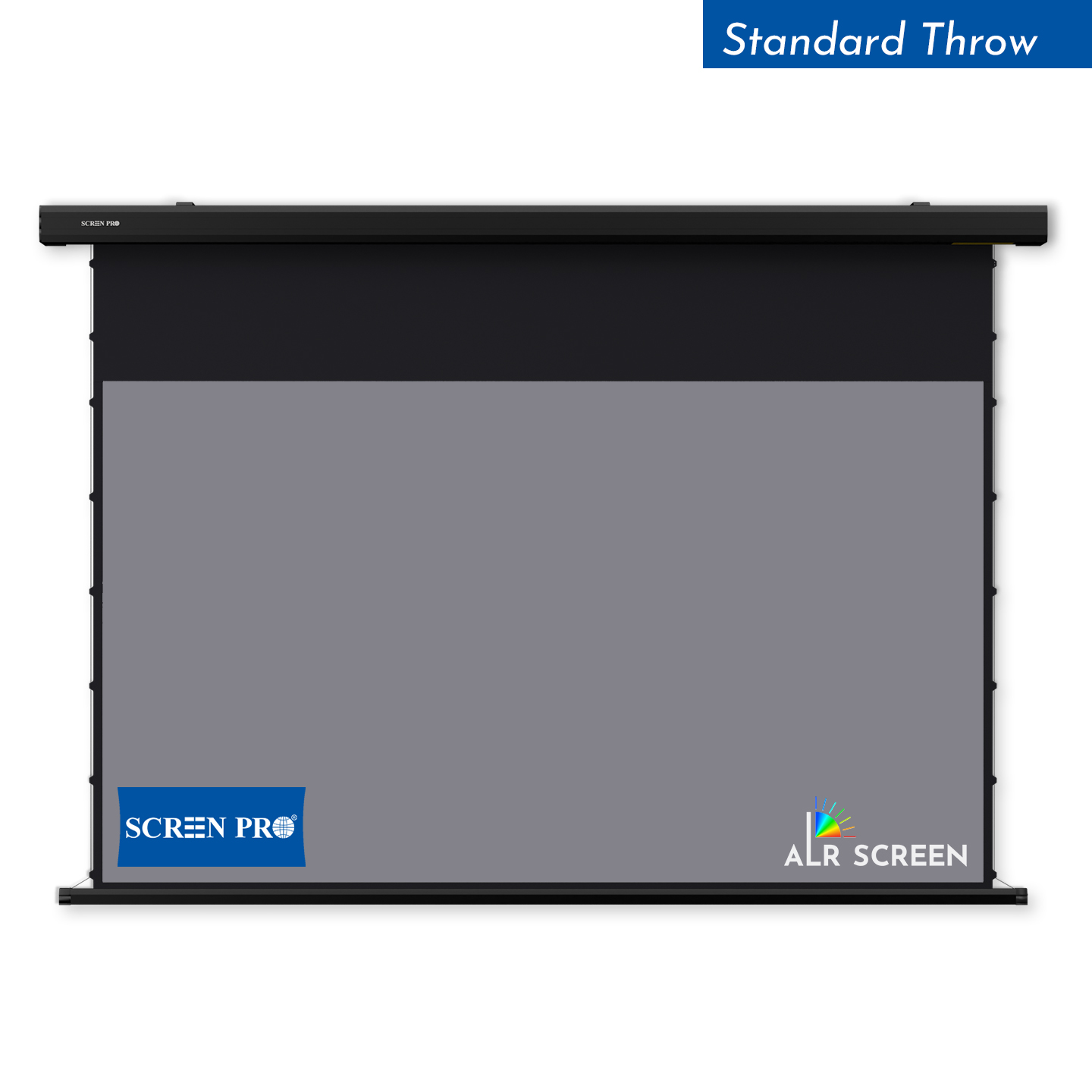
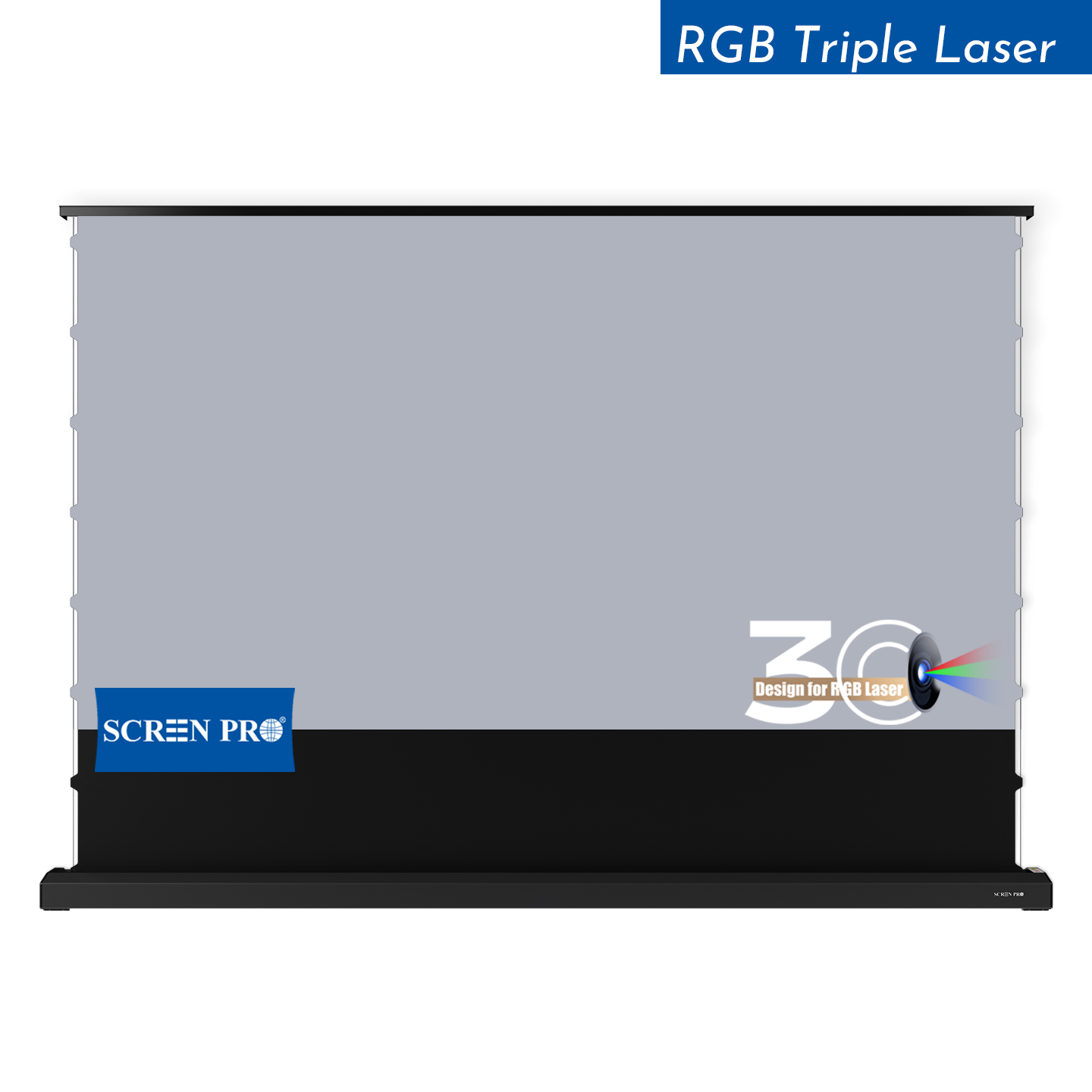
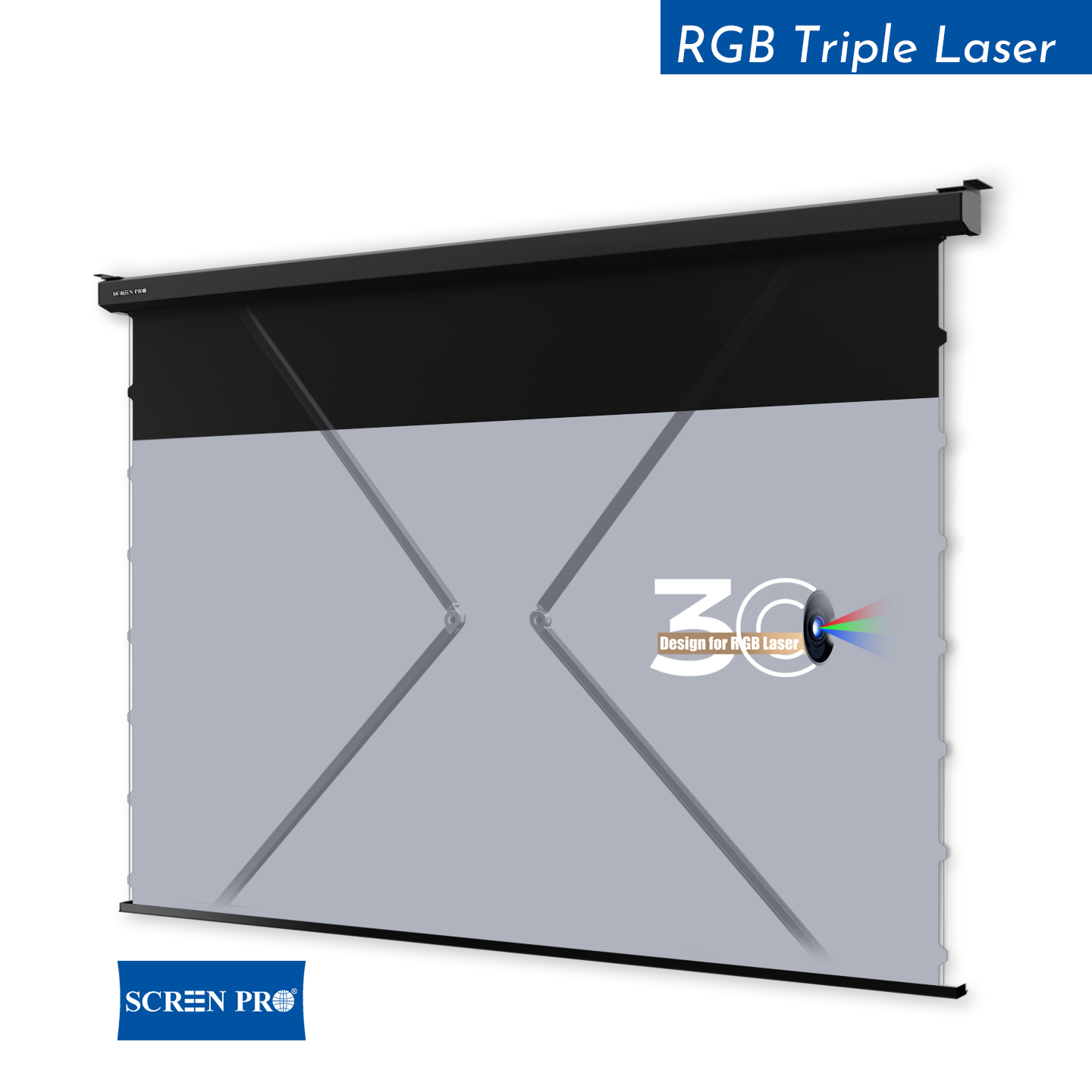
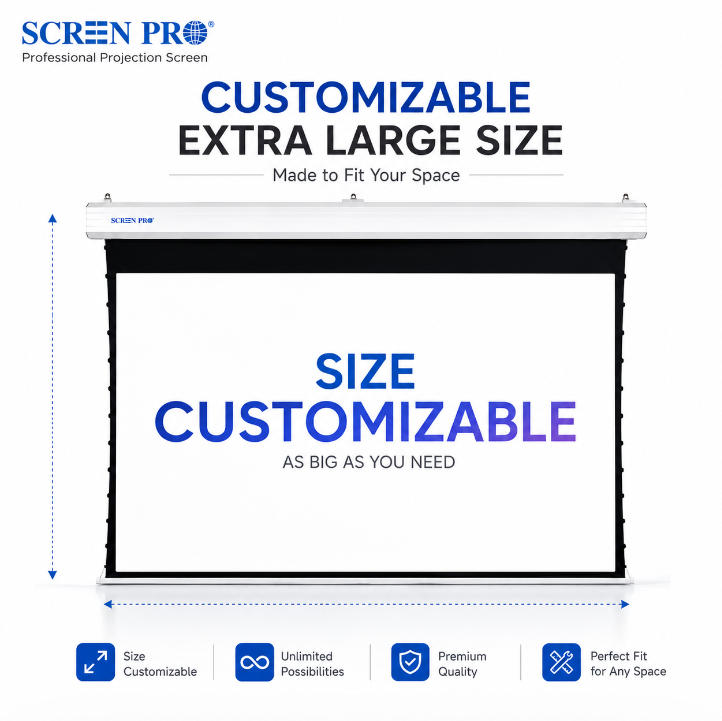
For many permanent conference rooms and boardrooms, a motorized projection screen offers the best balance between professional appearance and everyday usability.
The screen can remain hidden when the room is being used for meetings without projection, then lower into a repeatable viewing position when needed.
This is particularly useful when the same wall is also used for branding, architectural finishes, whiteboards or other presentation equipment.
Wall / Ceiling Mounted
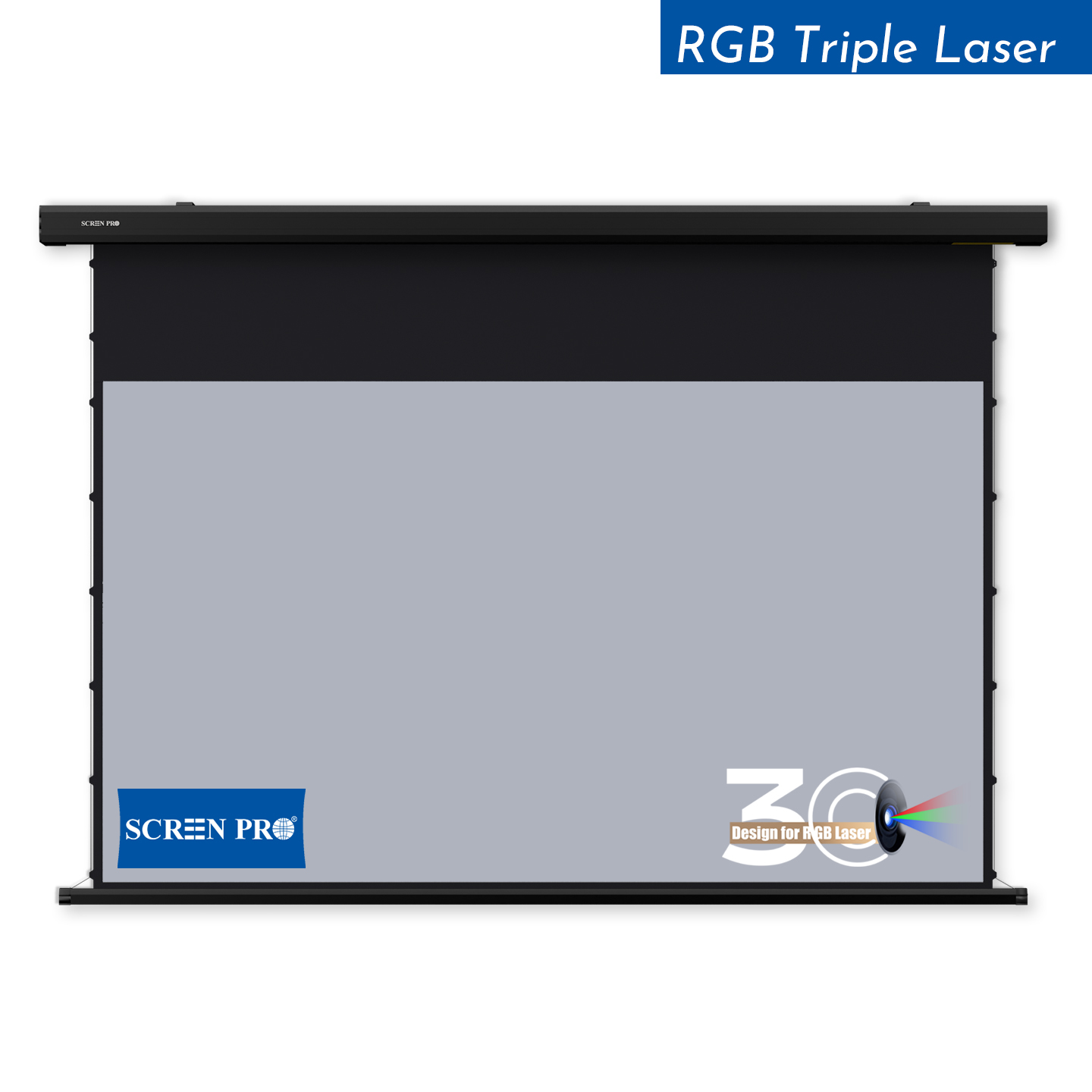
A practical solution for existing conference rooms where the screen casing can remain visible.
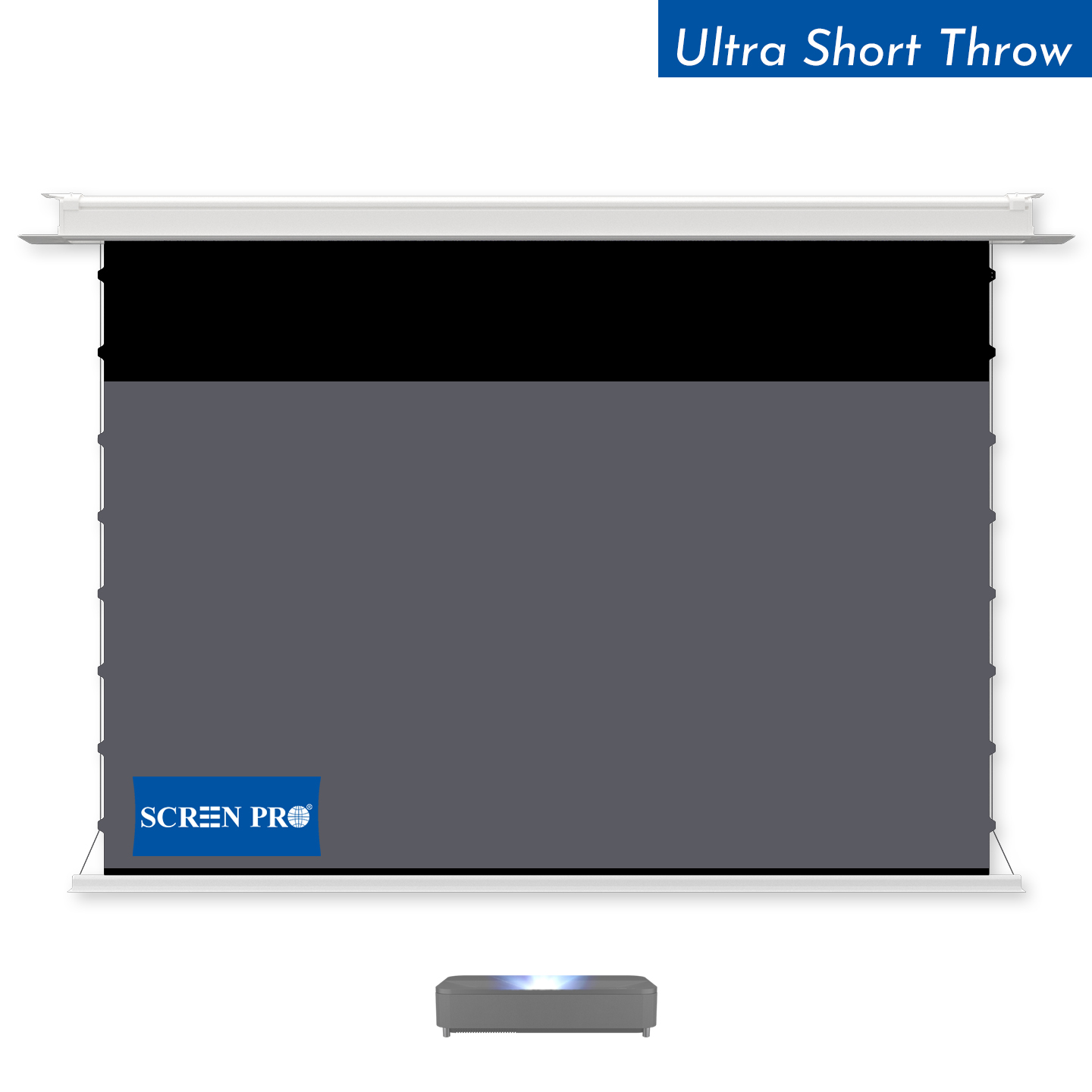
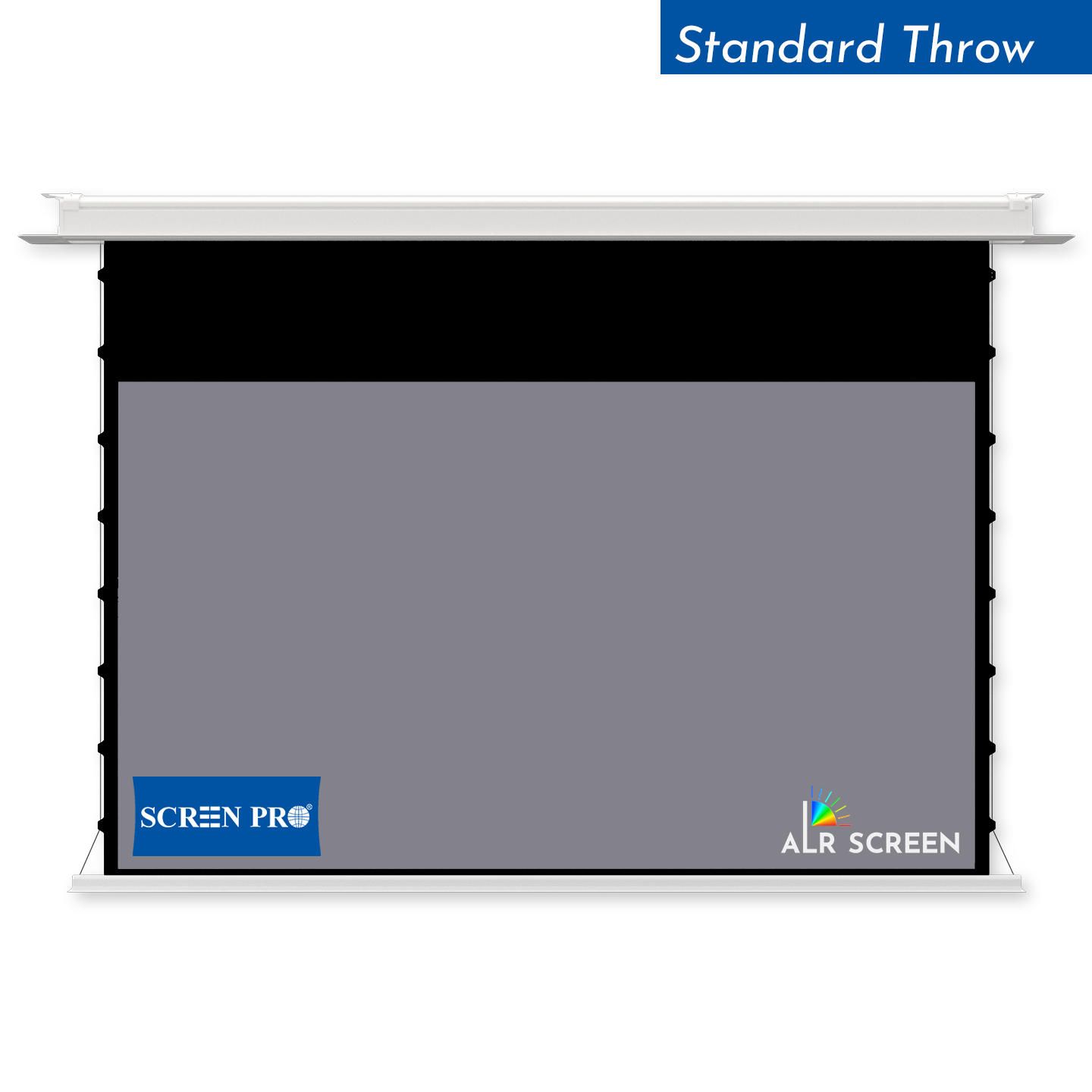
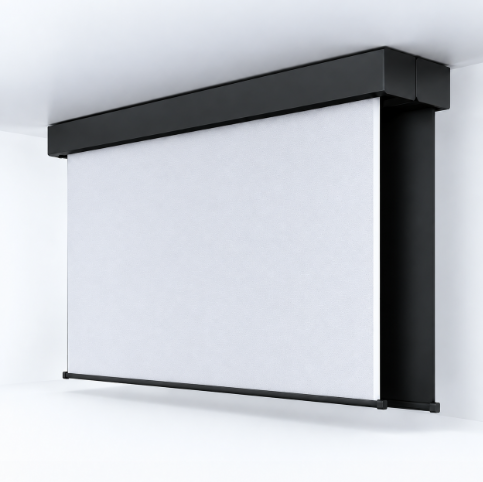
Recessed In-Ceiling
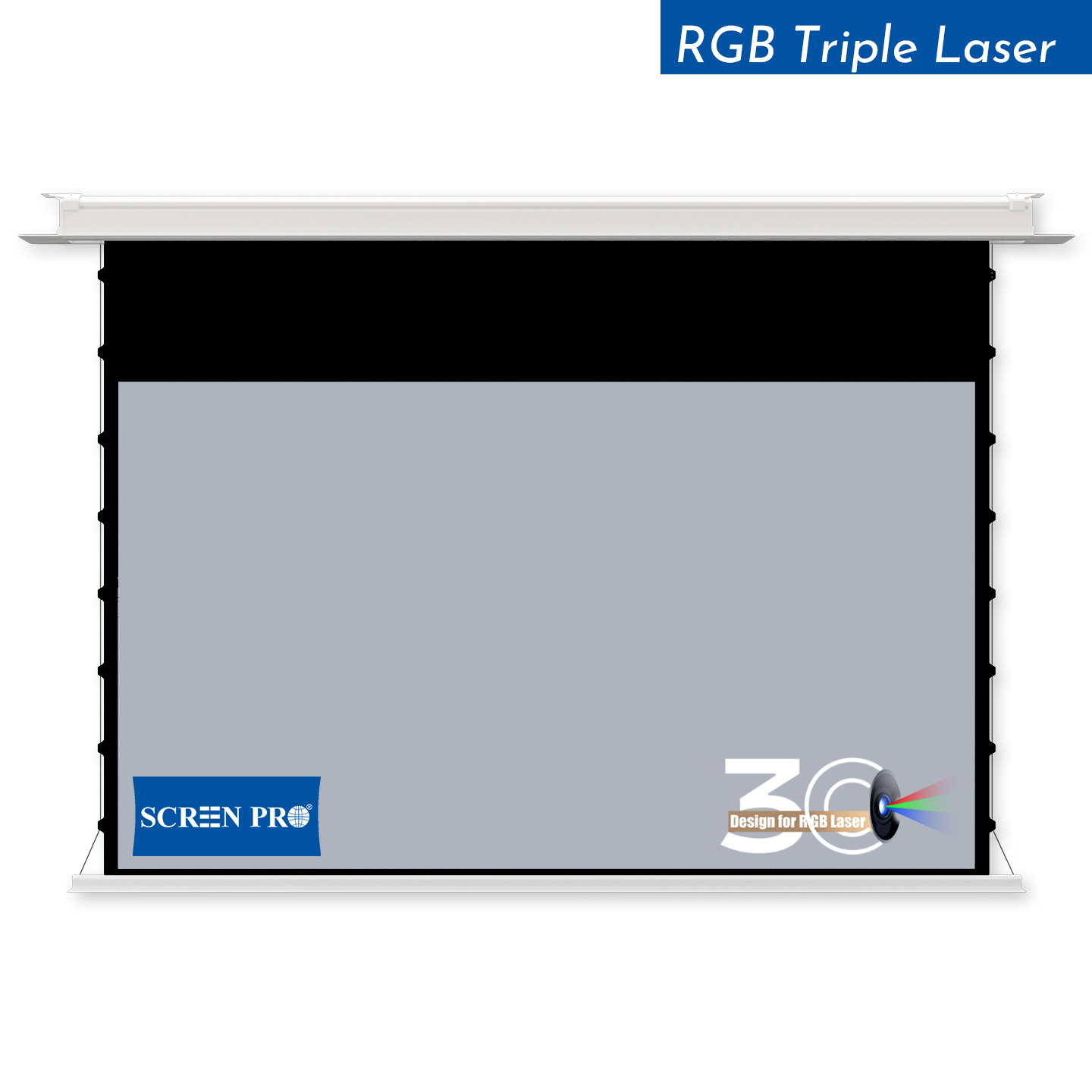
Ideal for premium boardrooms and new construction where the screen housing can be integrated into the finished ceiling.
2. Best for Executive Boardrooms: Recessed Motorized Screens
In executive boardrooms, architecture often matters almost as much as AV performance. A recessed motorized screen allows most of the screen housing to be concealed above the finished ceiling.
When retracted, the room retains a cleaner appearance. When a presentation begins, the screen lowers into position.
Recessed screens are particularly suitable for:
- executive boardrooms;
- corporate headquarters;
- high-end meeting rooms;
- training centers;
- new construction projects;
- integrated AV installations.
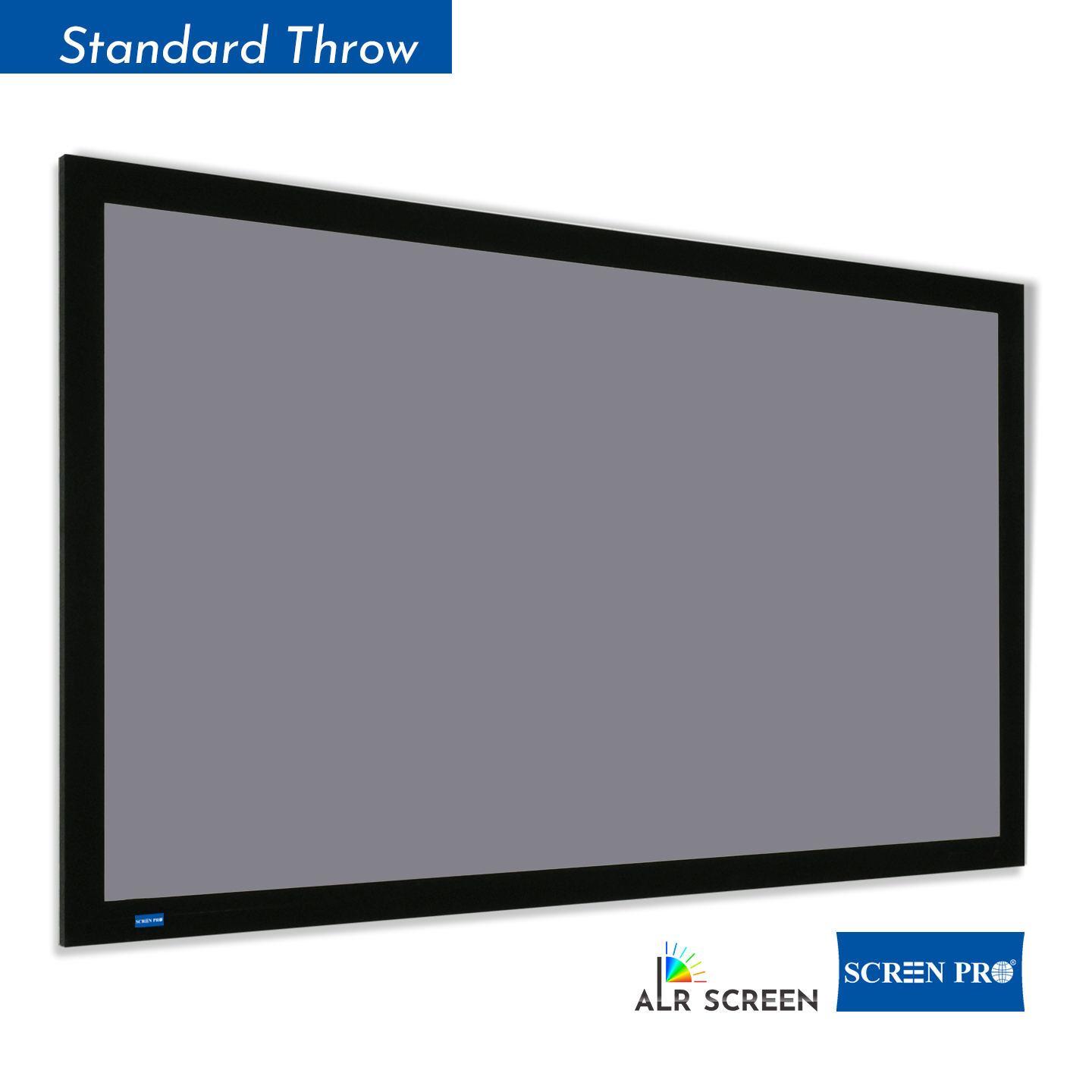
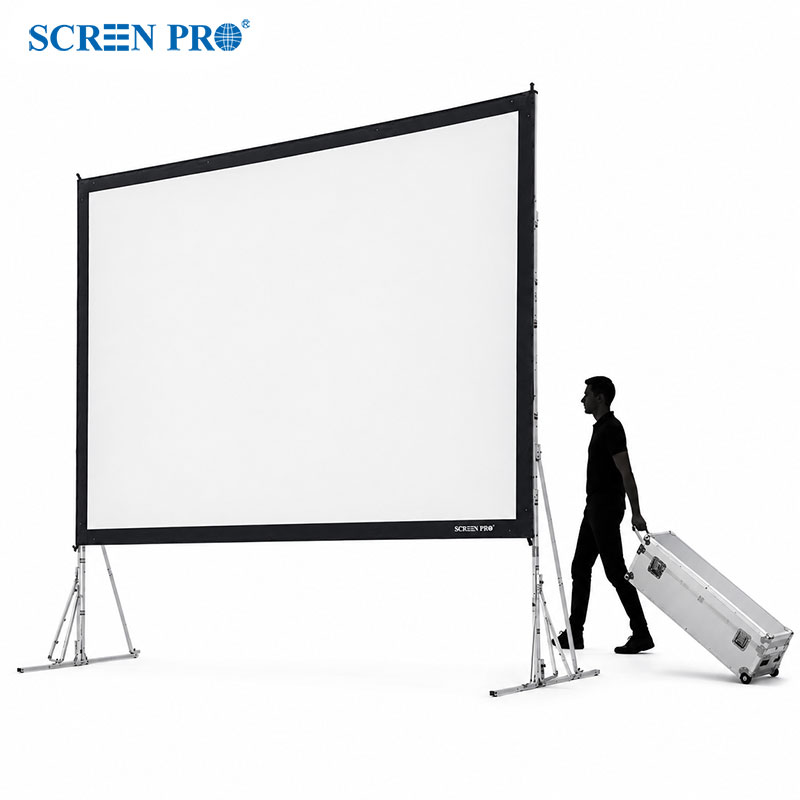
3. Best for Dedicated Presentation Rooms: Fixed-Frame Screens
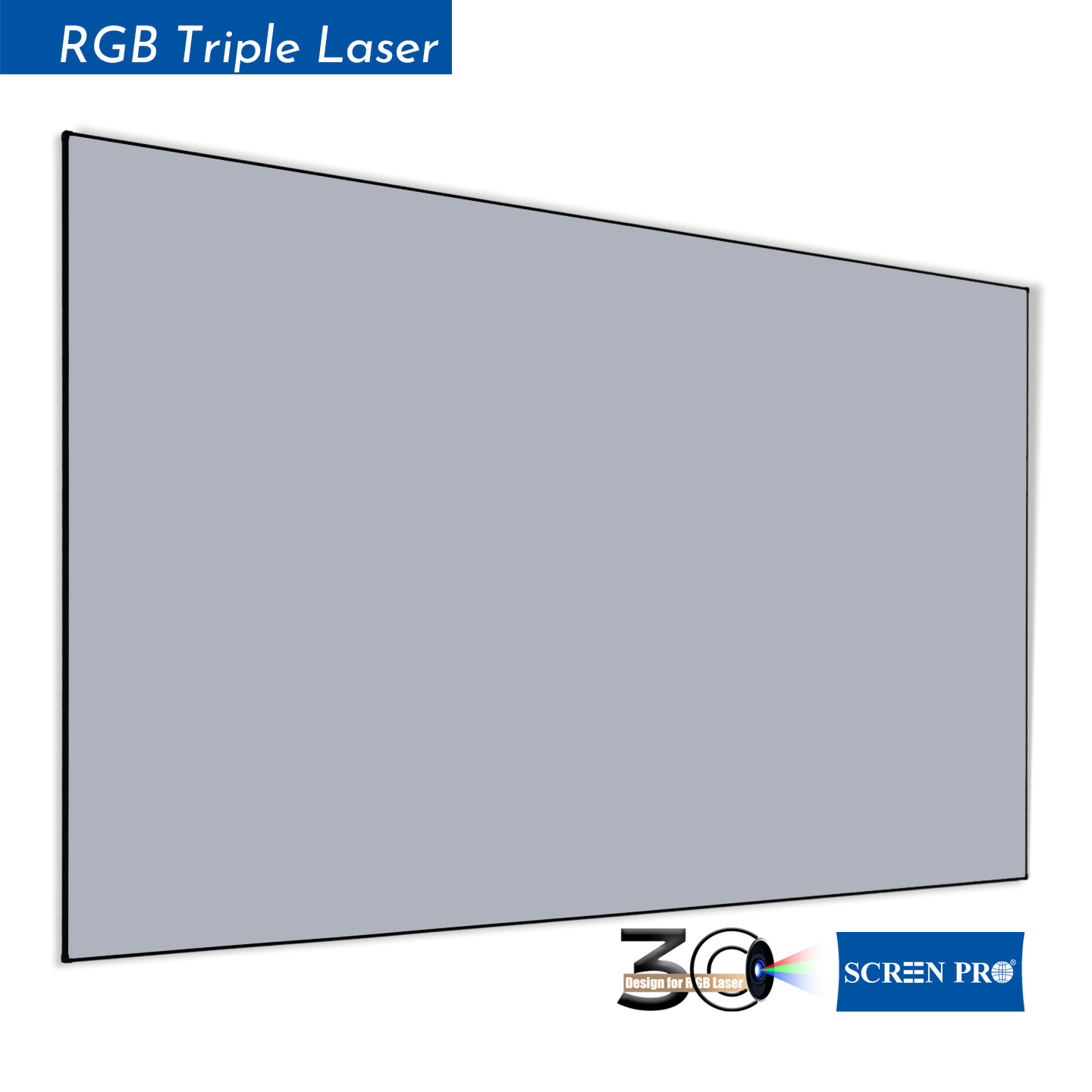
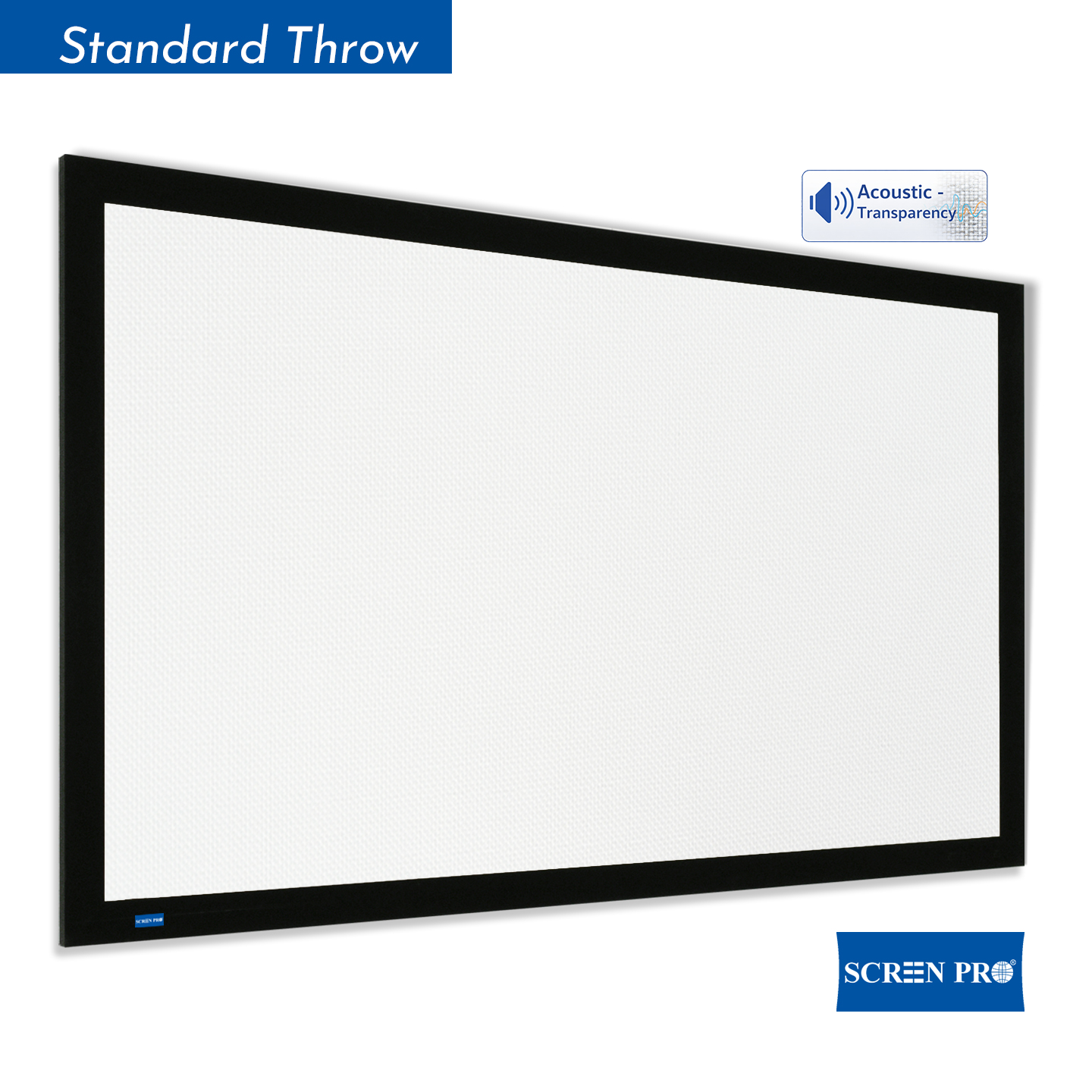
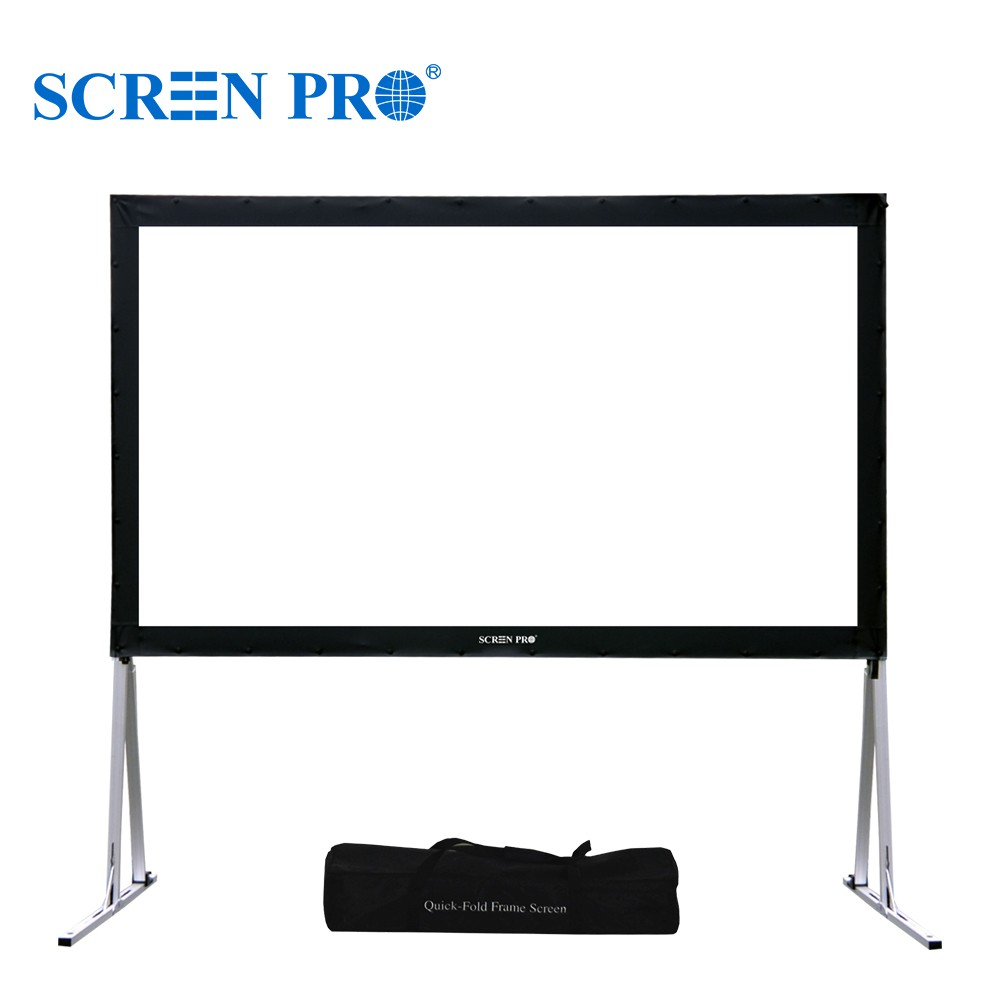
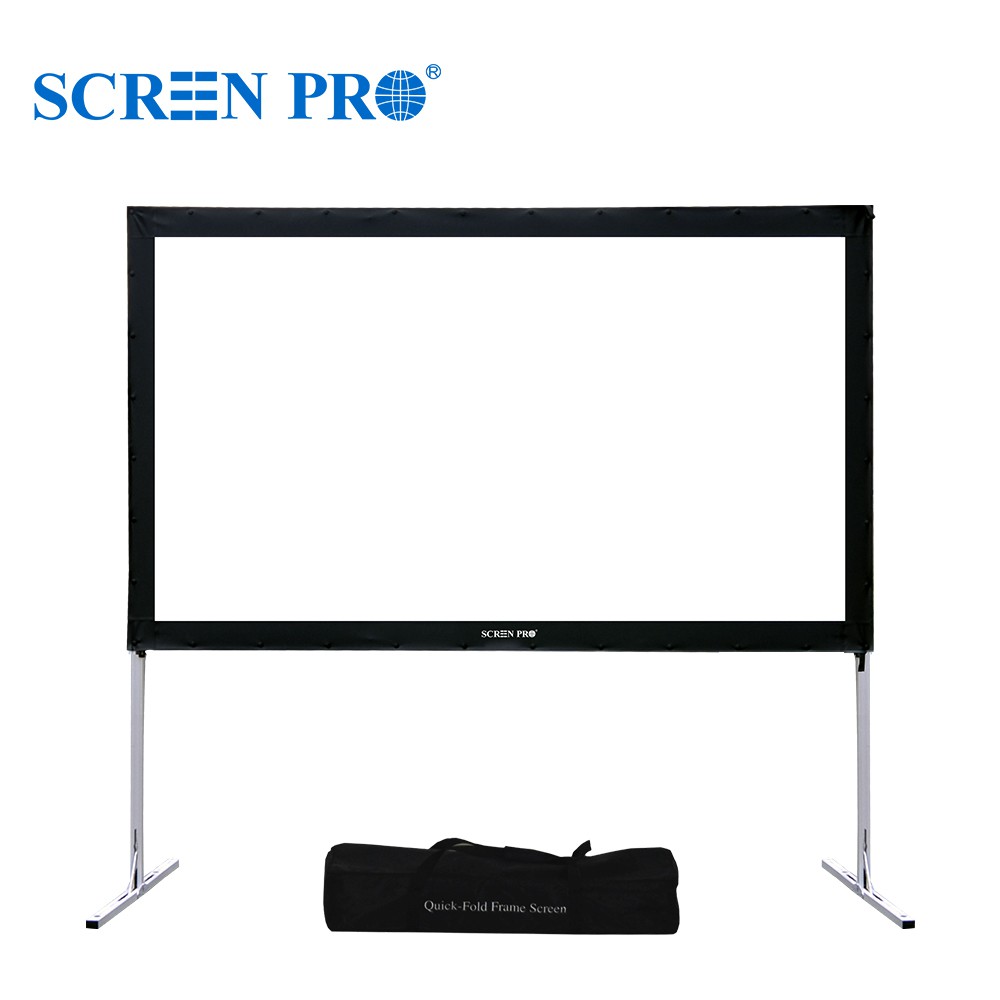
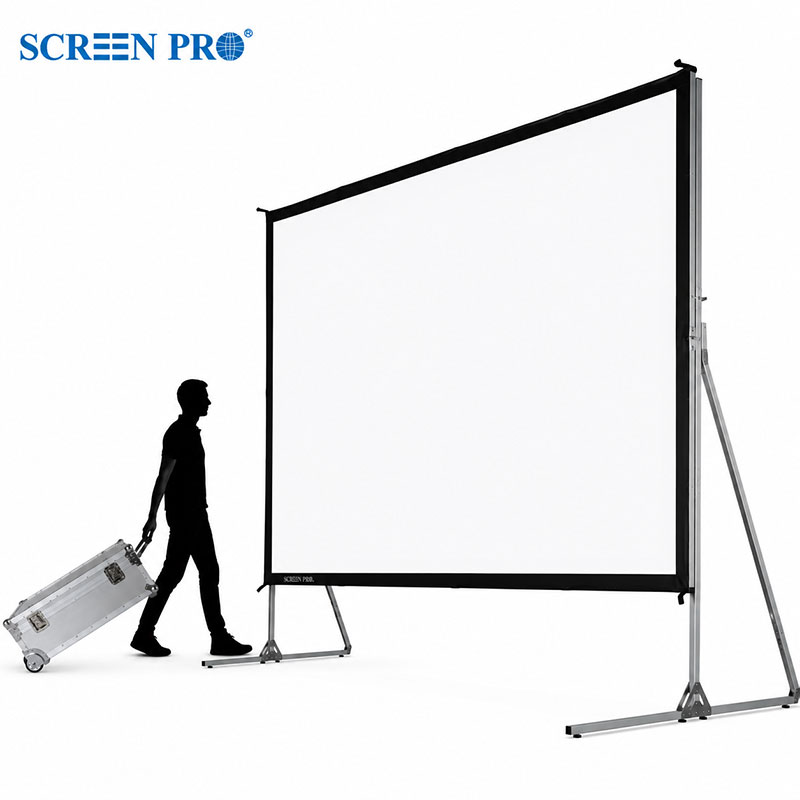
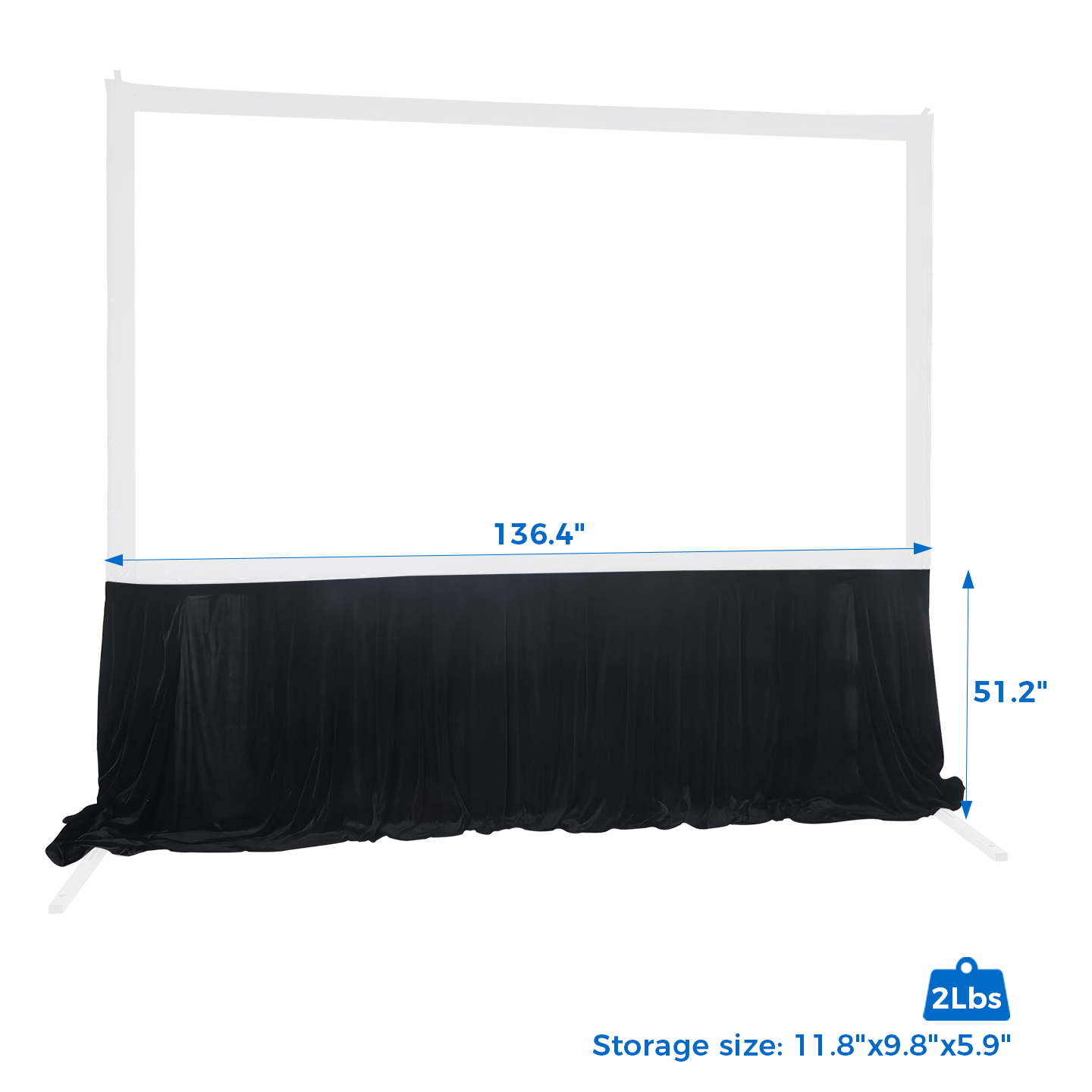
If the screen does not need to disappear, a fixed-frame screen offers a simple and consistently tensioned projection surface.
This can work particularly well in dedicated presentation rooms, command rooms, training rooms and corporate demonstration spaces where projection is the primary function of the front wall.
A fixed-frame structure also removes the deployment cycle of a retractable screen and keeps the viewing surface ready for use at all times.
Explore SCREENPRO Fixed Frame Projection Screens →
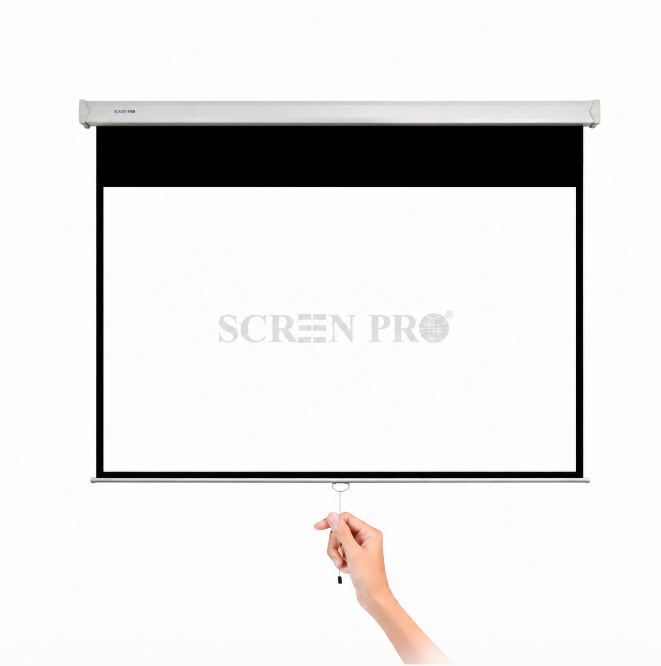
4. Best for Smaller Meeting Rooms: Manual Screens
Not every conference room needs an electric screen. For smaller meeting rooms with occasional presentation requirements, a manual pull-down screen can provide a simple and economical solution.
Manual screens require no motorized control system and can be useful where presentation frequency is relatively low.
For frequently used corporate rooms, however, motorized operation usually provides a more consistent user experience and is easier to integrate into a standardized AV workflow.
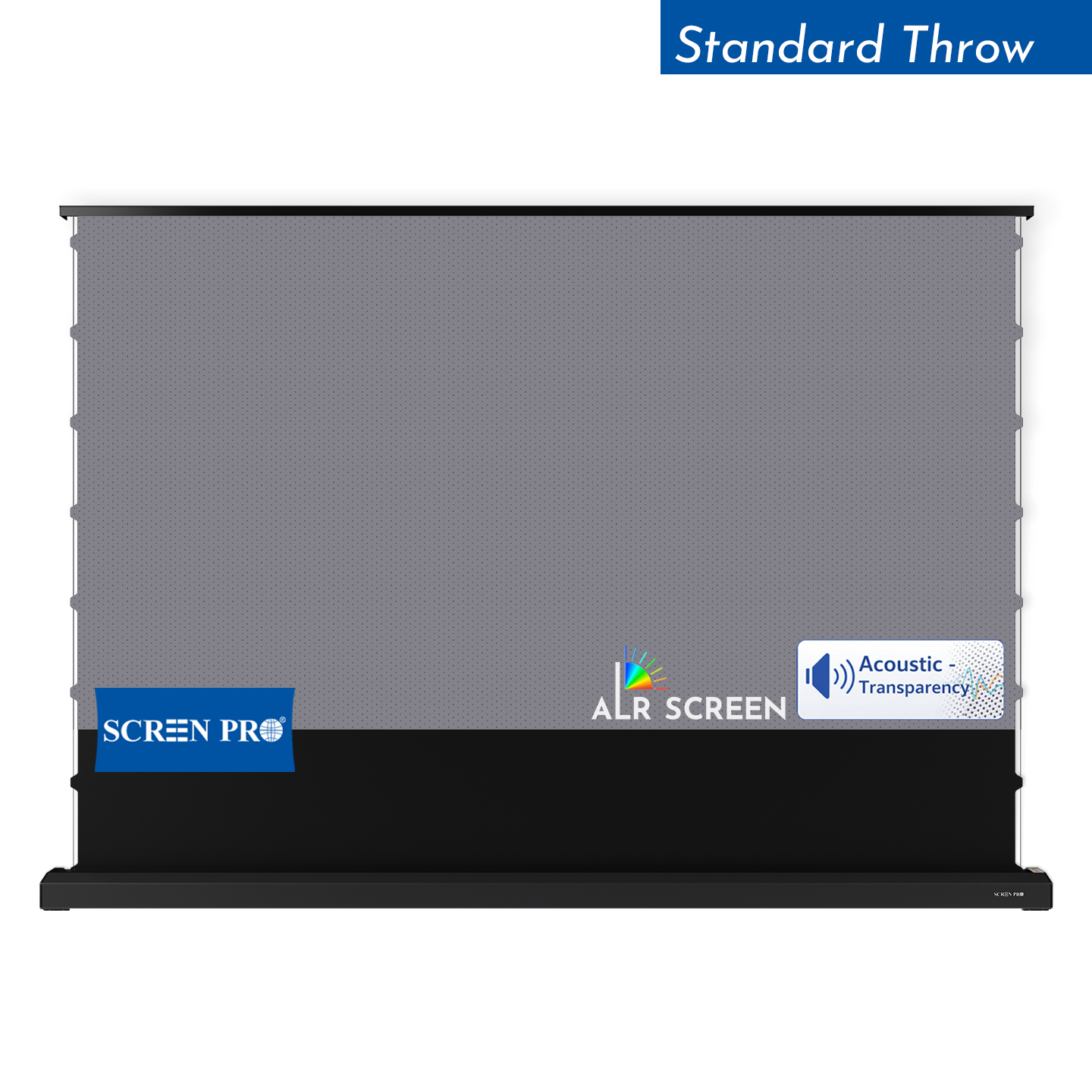
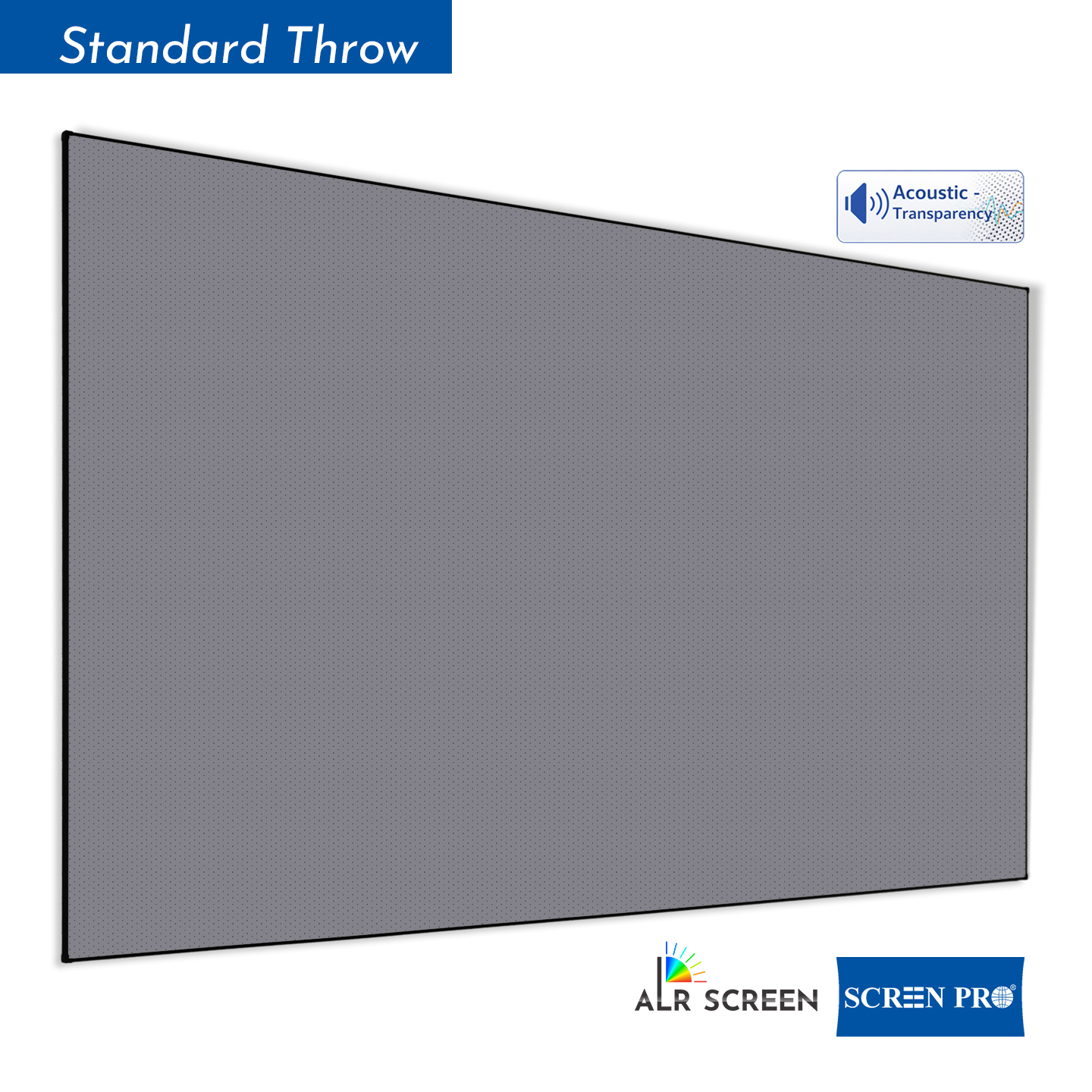
5. Best for Bright Conference Rooms: ALR Screens
Conference rooms often need to remain partially illuminated so participants can take notes, see each other and appear clearly on video calls. Ambient light falling onto a conventional screen can reduce perceived contrast.
An Ambient Light Rejecting (ALR) screen may be useful when room lighting cannot be adequately controlled. ALR surfaces are designed to reduce selected off-axis ambient light while directing more useful projector light toward the viewing area.
Learn more: What Is an ALR Projector Screen and How Does It Work? →
6. Best for Wide Seating: Matte White Screens
In a conference room with controllable lighting, a matte white projection surface remains one of the most versatile choices.
Its major advantage is broad and relatively uniform light distribution. This is particularly important in wide boardrooms where participants may sit far from the center axis of the screen.
A neutral matte white surface is especially suitable for:
- PowerPoint and Keynote presentations;
- Excel spreadsheets;
- dashboards and business analytics;
- documents and web pages;
- training content;
- video conferencing;
- mixed business content.
For a deeper explanation of gain and viewing angle, see Projector Screen Gain Explained .
16:9 or 16:10 for a Conference Room?
Both formats are useful in modern business environments, but they serve slightly different priorities.
| Format | Best For | Advantages |
|---|---|---|
| 16:9 | Video conferencing, video, general presentations | Matches common widescreen video and modern conferencing workflows |
| 16:10 | Computer presentations, spreadsheets, technical content | Provides additional vertical workspace when used with compatible sources |
| 4:3 | Legacy systems | Mainly useful when older projectors or existing presentation systems must be retained |
For most newly designed meeting rooms, 16:9 or 16:10 should be evaluated before legacy 4:3 formats.
How Large Should a Conference Room Screen Be?
Do not choose screen size only by measuring the empty wall. The most important question is whether the smallest critical content remains readable from the farthest seat.
A presentation containing large photographs can remain usable on a smaller image, while a spreadsheet, engineering drawing or dashboard with small labels may require a substantially larger visible image.
| Room Type | Typical Screen Range | Planning Priority |
|---|---|---|
| Small Meeting Room | 80–100" | Compact installation and clear text |
| Medium Conference Room | 100–120" | Balance between readability and room dimensions |
| Large Boardroom | 120–150" | Visibility from rear and side seating |
| Training / Multipurpose Room | 150"+ | Audience size, image height and sightlines |
Screen Position and Sightlines Matter
A screen can be large enough and still perform poorly if it is mounted too low. Conference tables, laptops and people seated in front rows can obstruct the lower portion of the image.
When planning installation height, check:
- the bottom edge of the visible image;
- conference table height;
- front-row head height;
- the farthest viewing position;
- ceiling height;
- projector lens position;
- presenter movement in front of the screen.
What Screen Gain Is Best for Conference Rooms?
Higher gain does not automatically mean a better conference room screen. A surface that concentrates more reflected light toward the center may also reduce brightness for participants sitting farther off-axis.
For rooms with wide seating, broad viewing consistency can be more important than maximum on-axis brightness.
This is why screen gain should always be evaluated together with projector brightness, seating width and ambient-light conditions.
Read: Projector Screen Gain Explained →
Match the Screen to the Projector
The screen and projector should be selected as one system. Before specifying a conference room screen, confirm:
- projector model;
- native resolution;
- projector brightness;
- throw ratio;
- lens position;
- target image width and height;
- standard, short-throw or ultra-short-throw geometry.
For additional guidance, see How to Choose the Right Projection Screen for Your Projector .
Do Conference Rooms Need a 4K-Ready Screen?
High-resolution projection can be valuable when presentations contain small text, detailed diagrams, CAD drawings, maps, dashboards or other information-dense content.
The projection surface should be sufficiently smooth and uniform to preserve fine image detail without introducing distracting texture.
Learn more: Best Projection Screens for 4K and 8K Projectors →
Conference Room Screen Control & Automation
In professional meeting spaces, the screen should be easy to operate. Users should not need to understand the underlying AV system just to start a presentation.
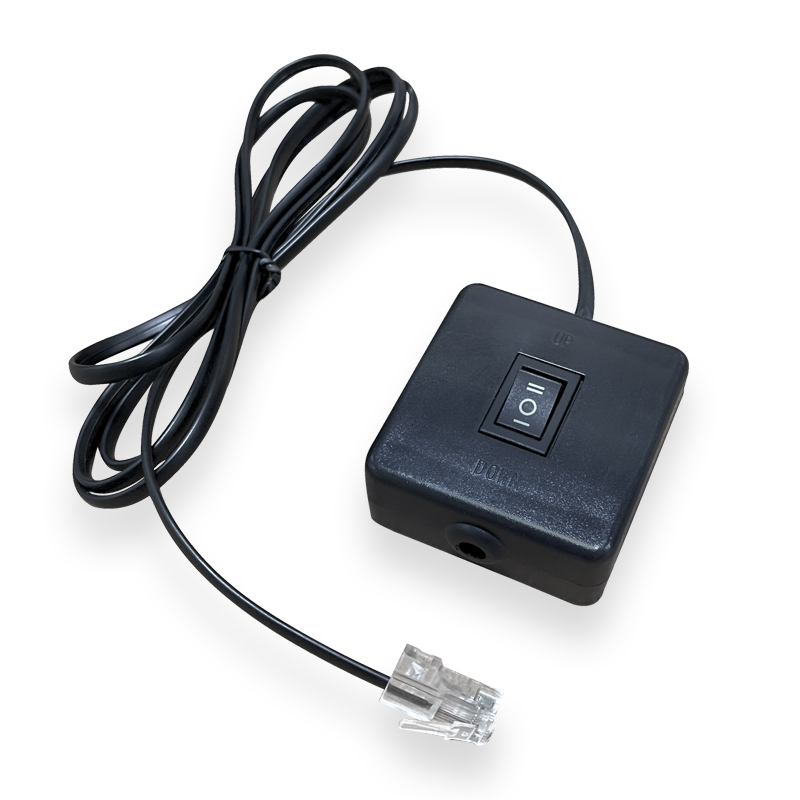
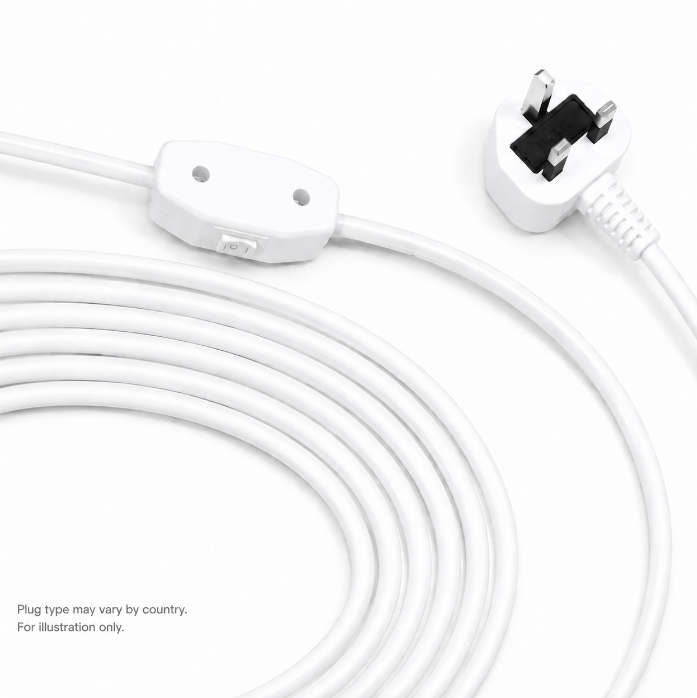
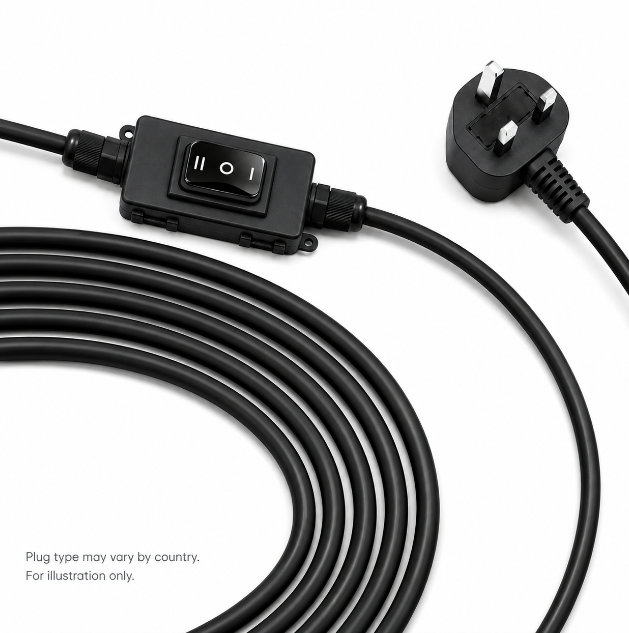
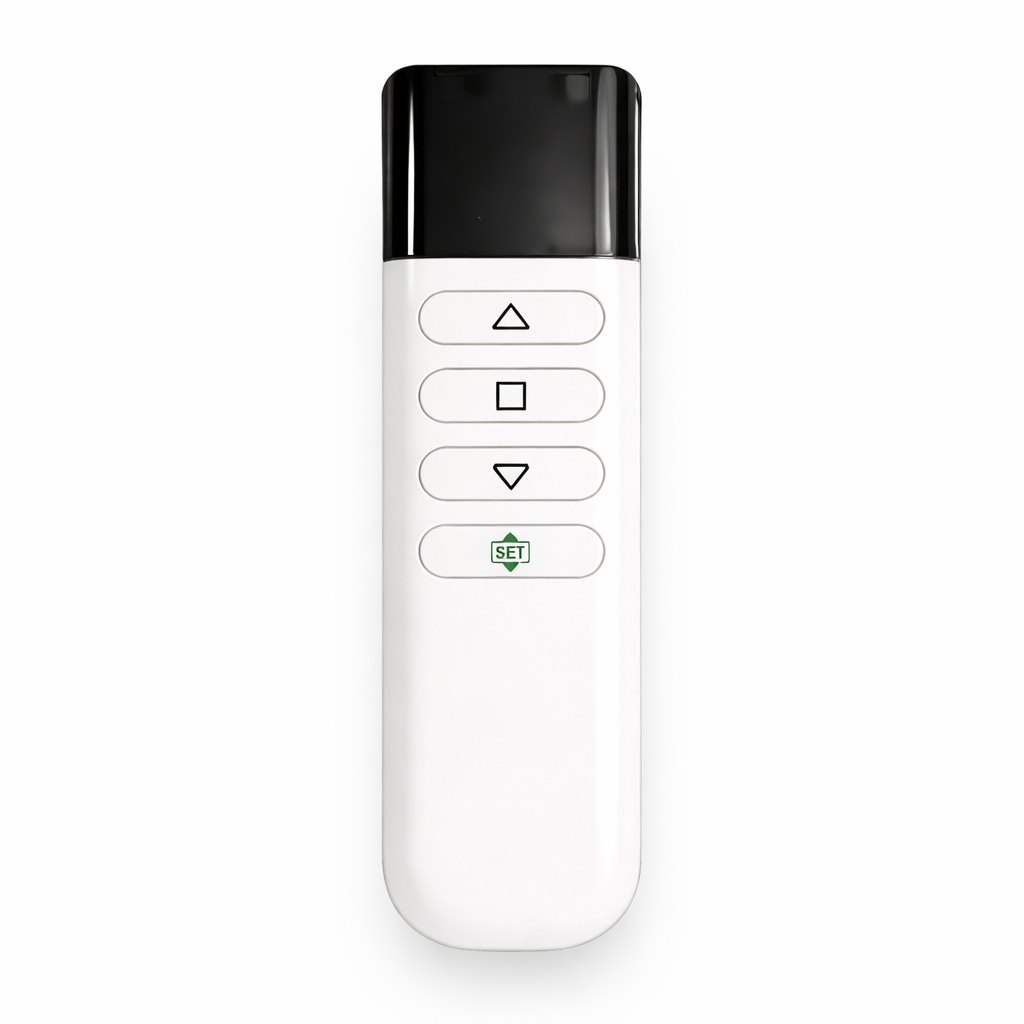
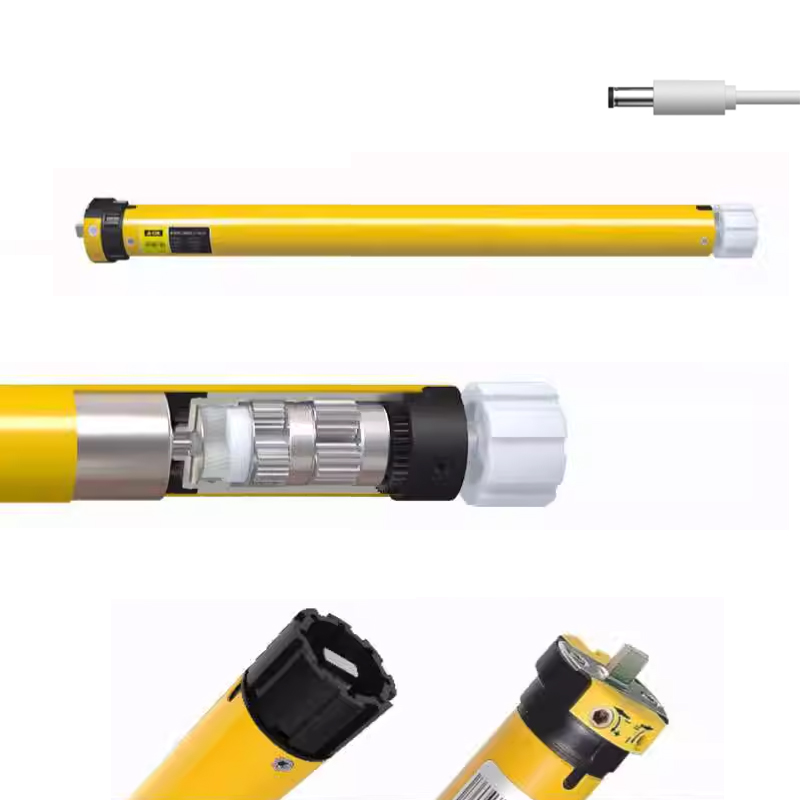
Depending on the SCREENPRO series and project configuration, screen control may include options such as:
- wall switch control;
- RF remote control;
- RS485;
- dry contact;
- trigger control;
- integration with professional AV control systems.
For integrated rooms, the screen can form part of a presentation scene where one command lowers the screen, powers the projector, selects the presentation source and adjusts the room lighting.
Best Screen by Conference Room Type
Small Meeting Room
Manual or compact motorized screen with a wide-viewing-angle matte white surface.
Standard Conference Room
Motorized 16:9 or 16:10 screen with broad viewing characteristics and simple wall or AV-system control.
Executive Boardroom
Recessed motorized screen integrated into the ceiling and connected to the room's AV control system.
Bright Meeting Room
Evaluate ALR material together with projector brightness, light direction and the width of the seating area.
Dedicated Presentation Room
Fixed-frame screen for a permanently deployed, consistently tensioned projection surface.
Training Room
Large motorized or fixed screen selected around the farthest viewer, content readability and audience sightlines.
Common Conference Room Screen Mistakes
- Choosing the screen by diagonal size alone. Text readability and image height matter more than a catalog number.
- Ignoring side seating. Boardroom participants often sit well away from the screen's center axis.
- Assuming higher gain is always better. Additional on-axis brightness can come with narrower viewing characteristics.
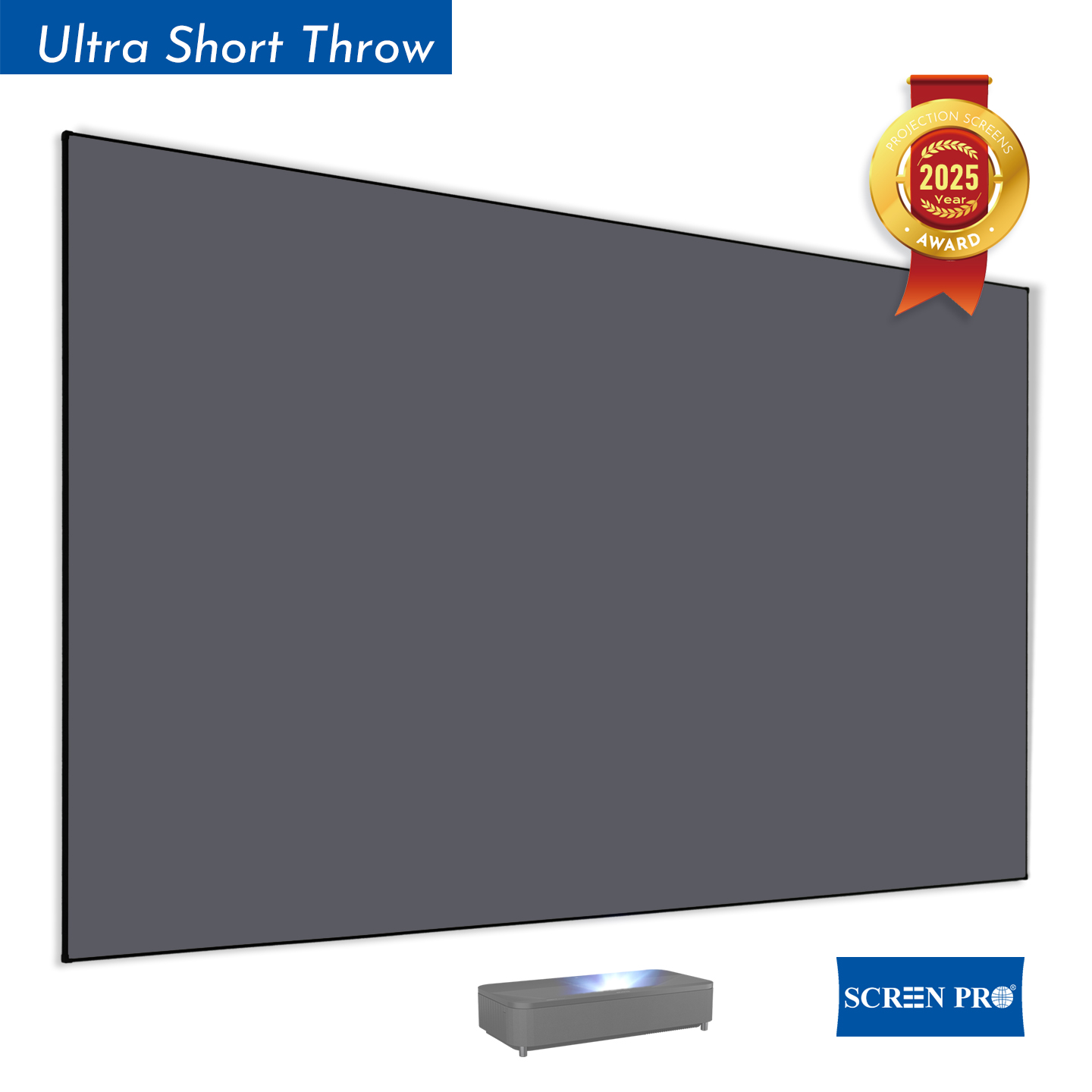
- Using ALR without checking projector geometry. ALR materials are directional and must match the projector and room.
- Mounting the screen too low. Tables, laptops and people can block presentation content.
- Forgetting control wiring. Power, RS485, dry contact or other integration requirements should be planned before walls and ceilings are finished.
So, What Is the Best Screen for Conference Room Presentations?
For most permanent conference rooms, a motorized 16:9 or 16:10 projection screen with broad viewing characteristics is a practical starting point.
For premium boardrooms, consider a recessed motorized installation. For dedicated presentation rooms, a fixed-frame screen can provide a permanently tensioned surface. Where ambient light is difficult to control, evaluate an ALR material — but always check viewing angle and projector compatibility before specifying it.
Most importantly, select the screen around the content, farthest viewer, room lighting and projector, not simply the largest diagonal that fits the wall.
Find the Right Screen for Your Meeting Room
SCREENPRO provides manual, motorized, recessed, fixed-frame and specialized projection screen solutions for conference rooms, boardrooms, training rooms and professional AV installations.
Find the Right Projection Screen Discuss Your Conference Room ProjectFrequently Asked Questions
What type of projector screen is best for a conference room?
For many permanent conference rooms, a motorized 16:9 or 16:10 screen is a practical choice. The final screen material and size should be selected according to projector type, ambient light, content and seating layout.
Is 16:9 or 16:10 better for presentations?
16:9 works well for video conferencing, widescreen video and general business content. 16:10 provides additional vertical image area and can be useful for computer presentations, documents and spreadsheets when the projector and sources support that format.
Do conference rooms need ALR screens?
Not always. In rooms where lighting can be controlled, a matte white screen can provide wide viewing characteristics and neutral image reproduction. ALR becomes more useful when ambient light cannot be sufficiently controlled.
What screen size is best for a conference room?
There is no universal size. Screen dimensions should be based on the smallest important content, farthest viewing position, room dimensions, projector brightness and sightlines.
Are motorized screens good for boardrooms?
Yes. Motorized screens can retract when not in use and can be integrated with professional AV control systems, making them particularly suitable for multipurpose conference rooms and executive boardrooms.
Can a conference room screen connect to Crestron or KNX?
Depending on the screen series and control configuration, interfaces such as RS485 or dry contact can be incorporated into professional AV and building control systems through the appropriate integration architecture.