




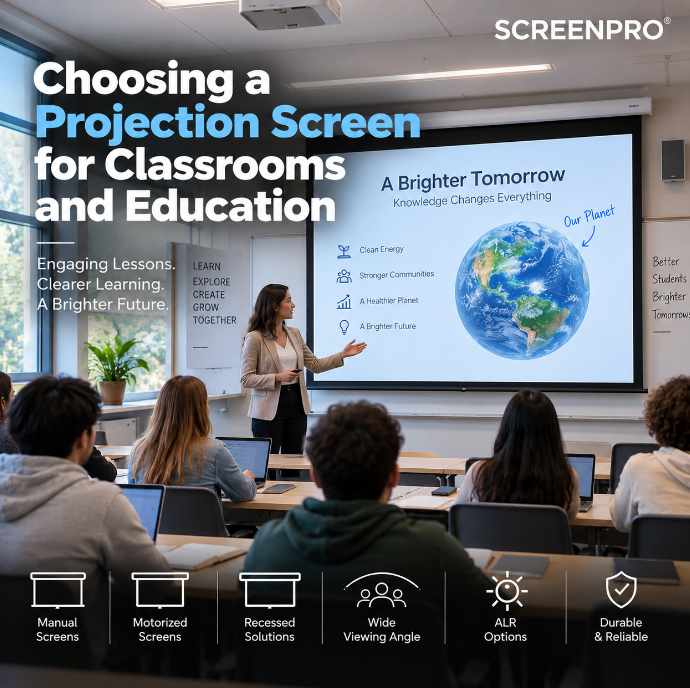
Choosing a Projection Screen for Classrooms and Education
A classroom projection screen must do more than display a large image. Text, diagrams, videos, slides and interactive learning content need to remain clear and readable for students sitting across a wide range of positions.
The right screen depends on classroom size, student seating, projector type, ambient light, mounting height and how frequently the system will be used. For most educational spaces, the priority should be simple: make content easy to see from every seat.
For most classrooms, start with a wide-viewing-angle matte white screen in a manual or motorized format. For bright classrooms, consider ambient-light control first, then evaluate whether an ALR screen is appropriate for the projector and seating layout.
What Makes a Classroom Screen Different?
Classrooms are different from home theaters and conference rooms. Students may sit much farther from the screen, often across a wide seating area, while teachers may move in front of the image during lessons.
Typical classroom content may include:
- PowerPoint and Keynote slides;
- documents and web pages;
- math formulas;
- science diagrams;
- maps and charts;
- educational videos;
- spreadsheets;
- interactive whiteboard content;
- remote learning and video conferencing.
Because much of this content contains small text and fine detail, readability is often more important than cinematic contrast.
1. Start with Screen Size and Viewing Distance
The screen should be large enough for students in the back row to read the smallest important content without difficulty.
Do not select screen size only by measuring the front wall. A screen that fits the wall may still be too small for the classroom depth.
| Learning Space | Typical Screen Range | Main Priority |
|---|---|---|
| Small Classroom | 80–100" | Clear text and easy installation |
| Standard Classroom | 100–120" | Balanced visibility for front and rear seats |
| Large Classroom | 120–150" | Readability across longer viewing distances |
| Lecture Hall | 150"+ | Large image height and unobstructed sightlines |
2. Prioritize a Wide Viewing Angle
Students rarely sit directly in front of the screen. In many classrooms, seating extends far to the left and right of the projection axis.
For this reason, a broad and uniform viewing angle is extremely important. A matte white screen can be a strong choice because it generally distributes light more evenly across a wide seating area.
High-gain materials may increase brightness for viewers near the center, but can appear less uniform for students sitting farther off-axis.
To understand how screen gain affects brightness and viewing angle, read Projector Screen Gain Explained .
3. Best General Choice: Matte White Screens
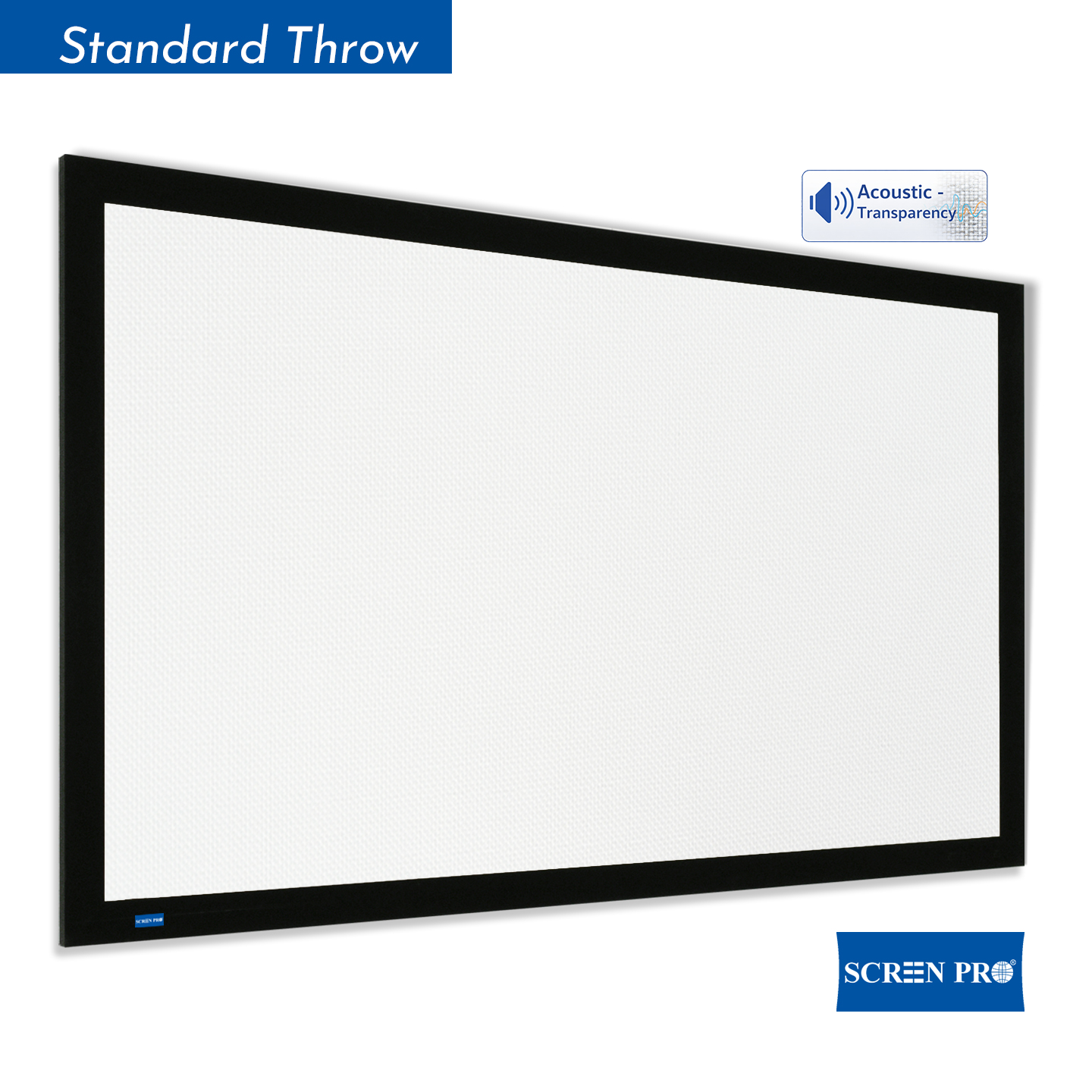
For classrooms with reasonably controlled lighting, a matte white projection surface is often one of the most practical choices.
Its advantages include:
- wide viewing characteristics;
- neutral color reproduction;
- good performance for text and graphics;
- compatibility with many projector types;
- simple specification for standardized classroom deployments.
Matte white is particularly suitable for schools and universities that want a consistent screen specification across multiple classrooms.
4. Manual Screens for Standard Classrooms
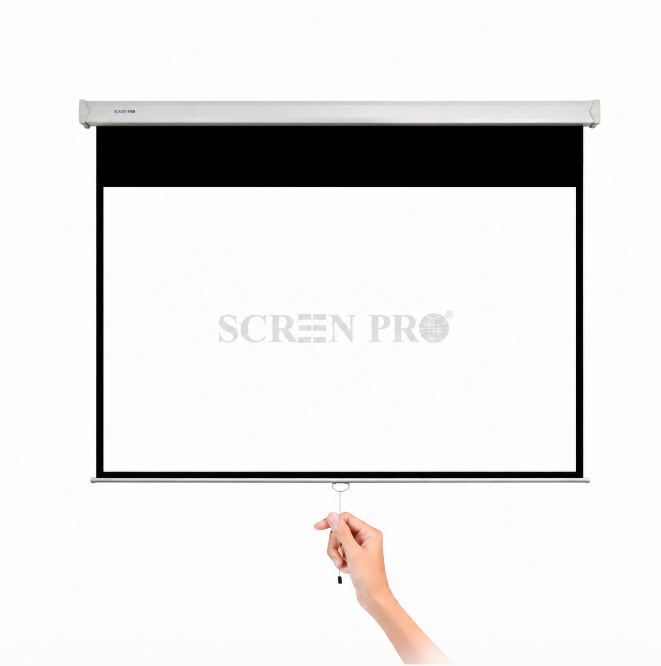
Manual pull-down screens can be a practical choice for classrooms where the screen is used regularly but full AV automation is not required.
They require no motor power and are relatively simple to operate, making them suitable for:
- primary and secondary school classrooms;
- smaller training rooms;
- temporary teaching spaces;
- budget-conscious education projects.
For education projects with many rooms, simplicity can reduce installation complexity and ongoing maintenance requirements.
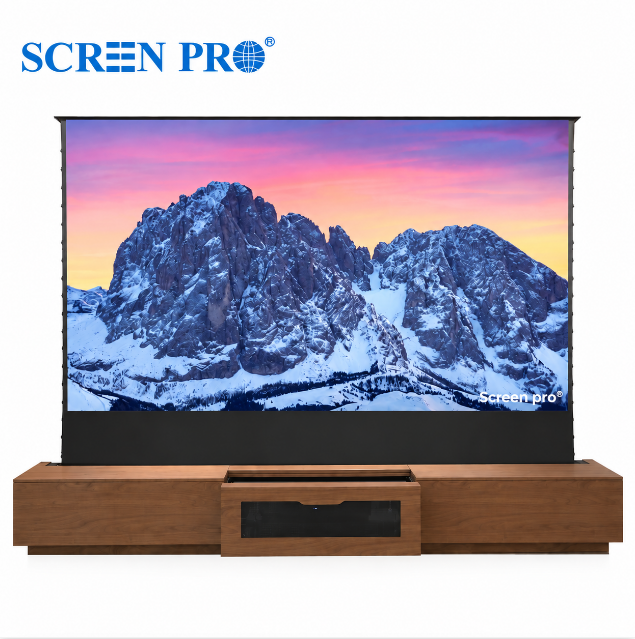
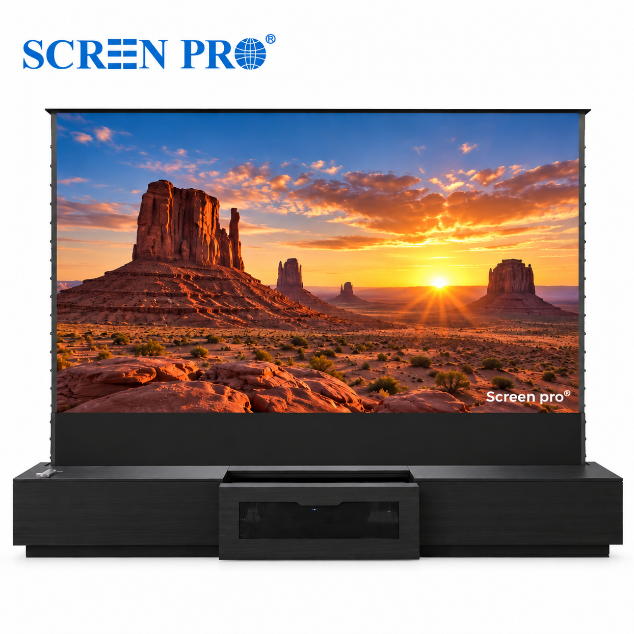
5. Motorized Screens for Modern Learning Spaces
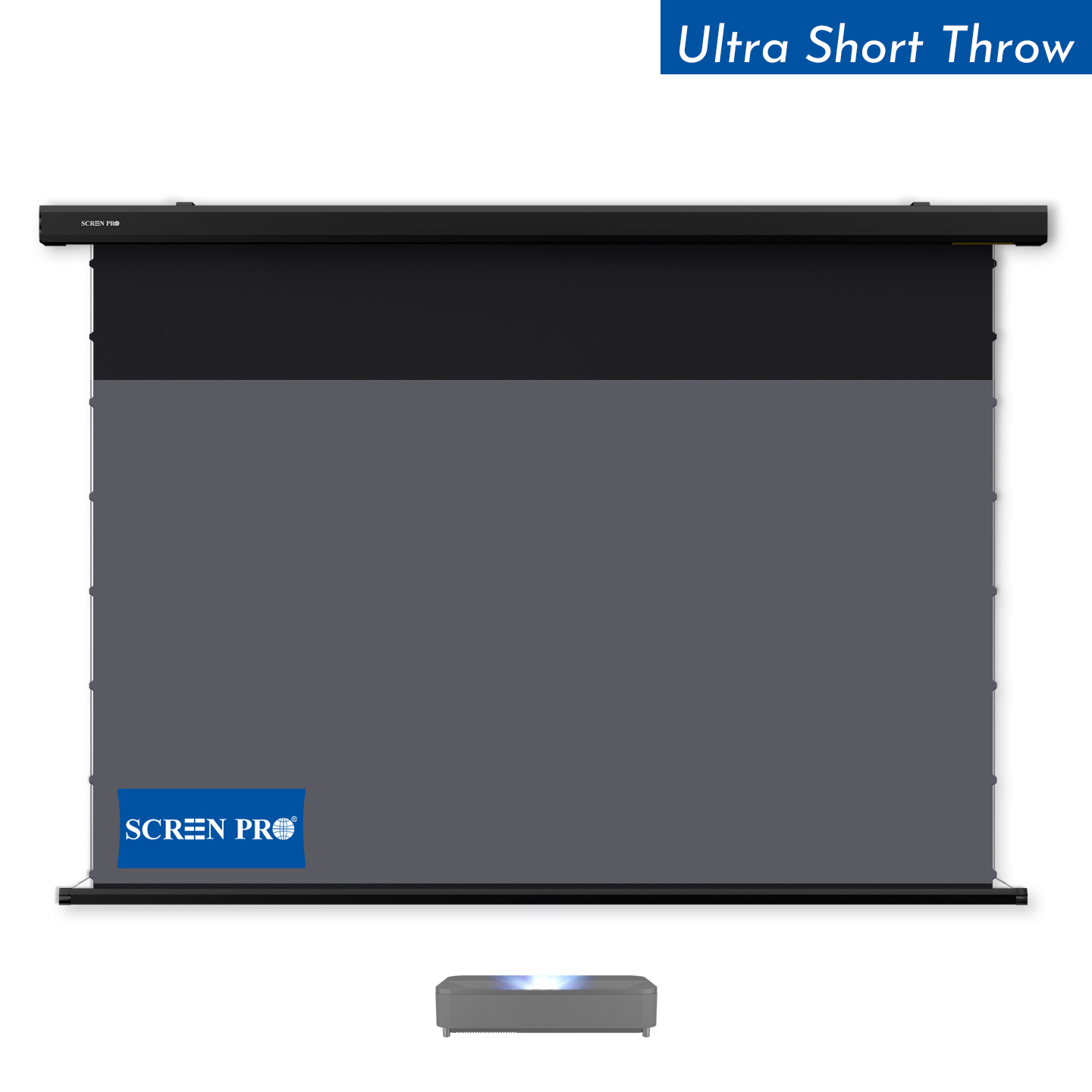
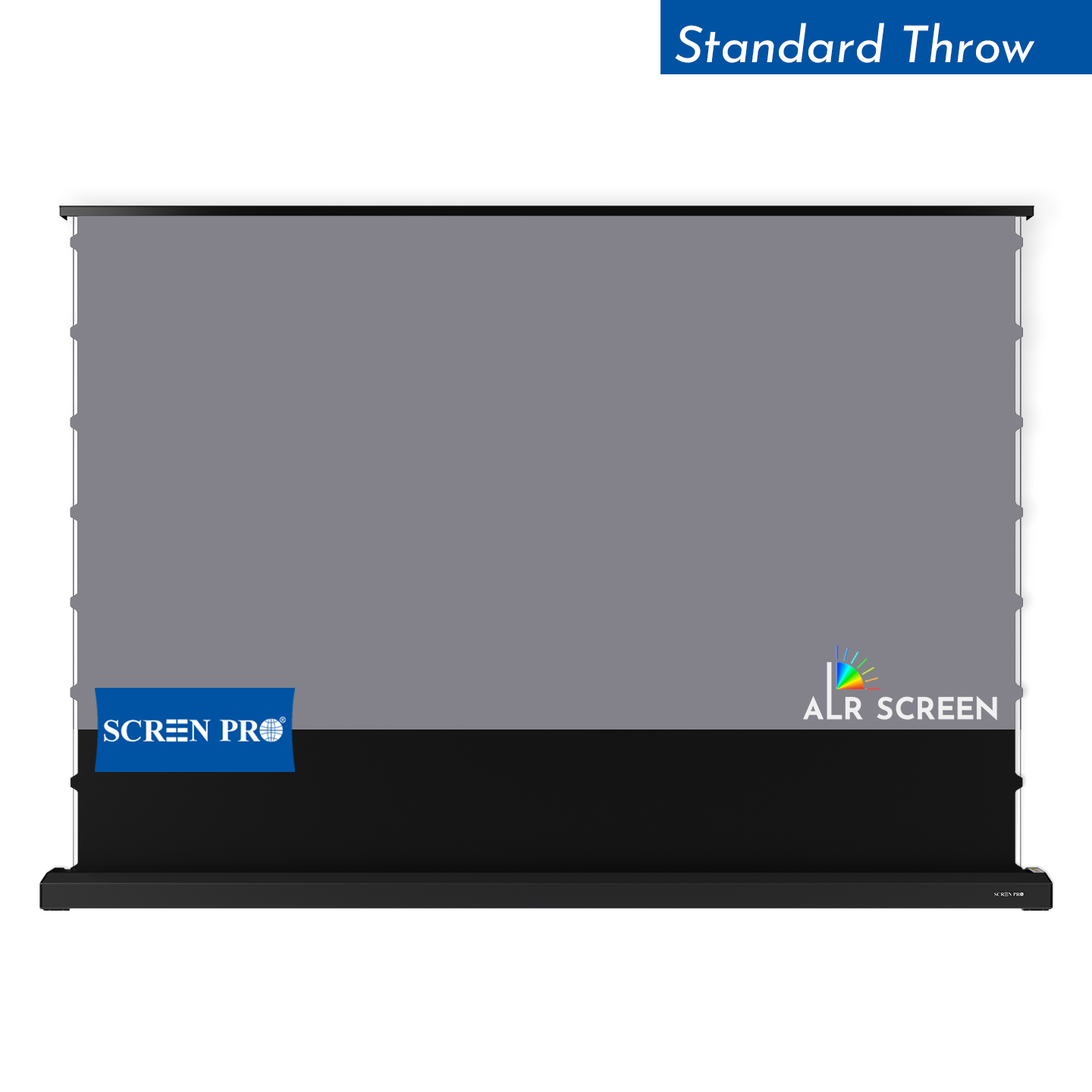
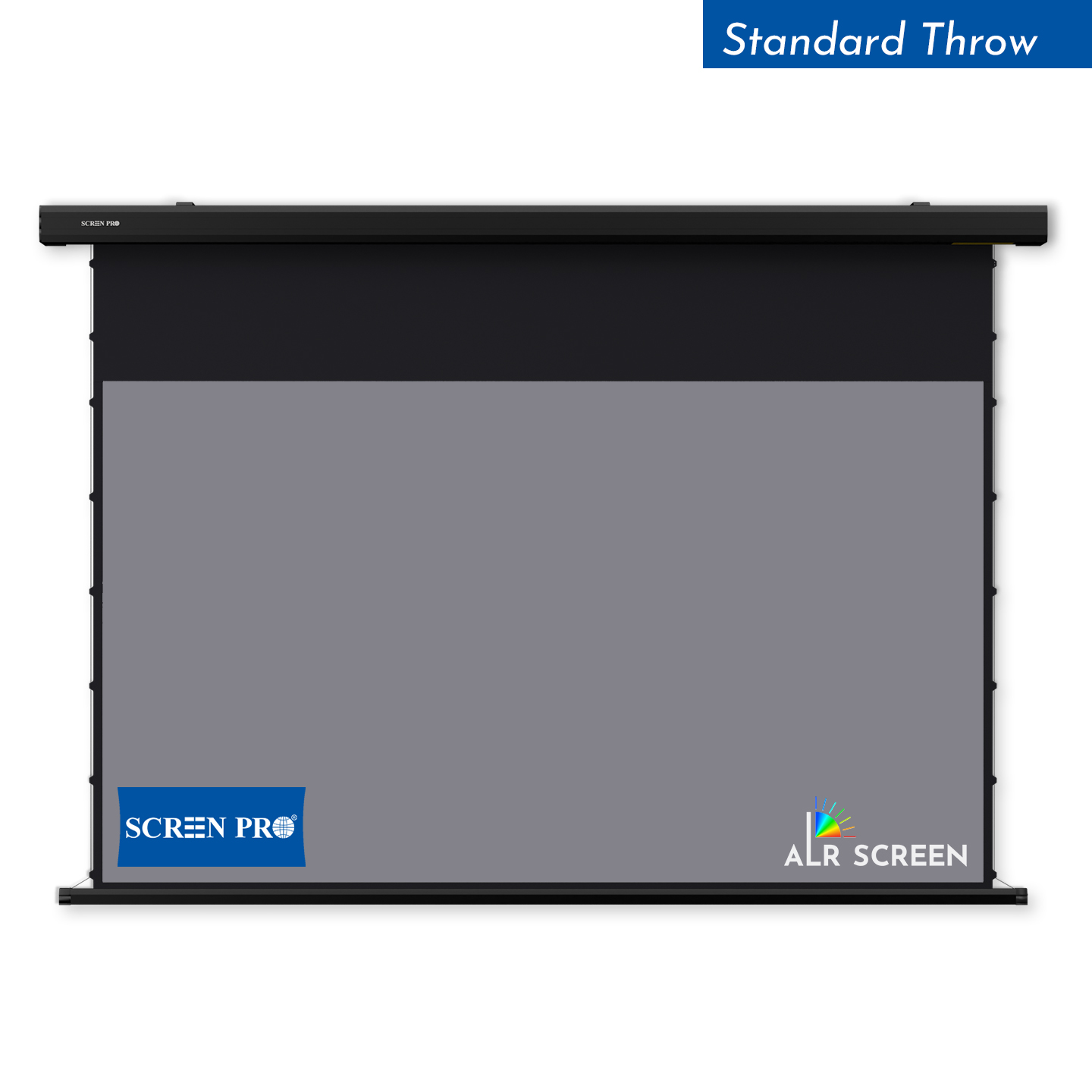
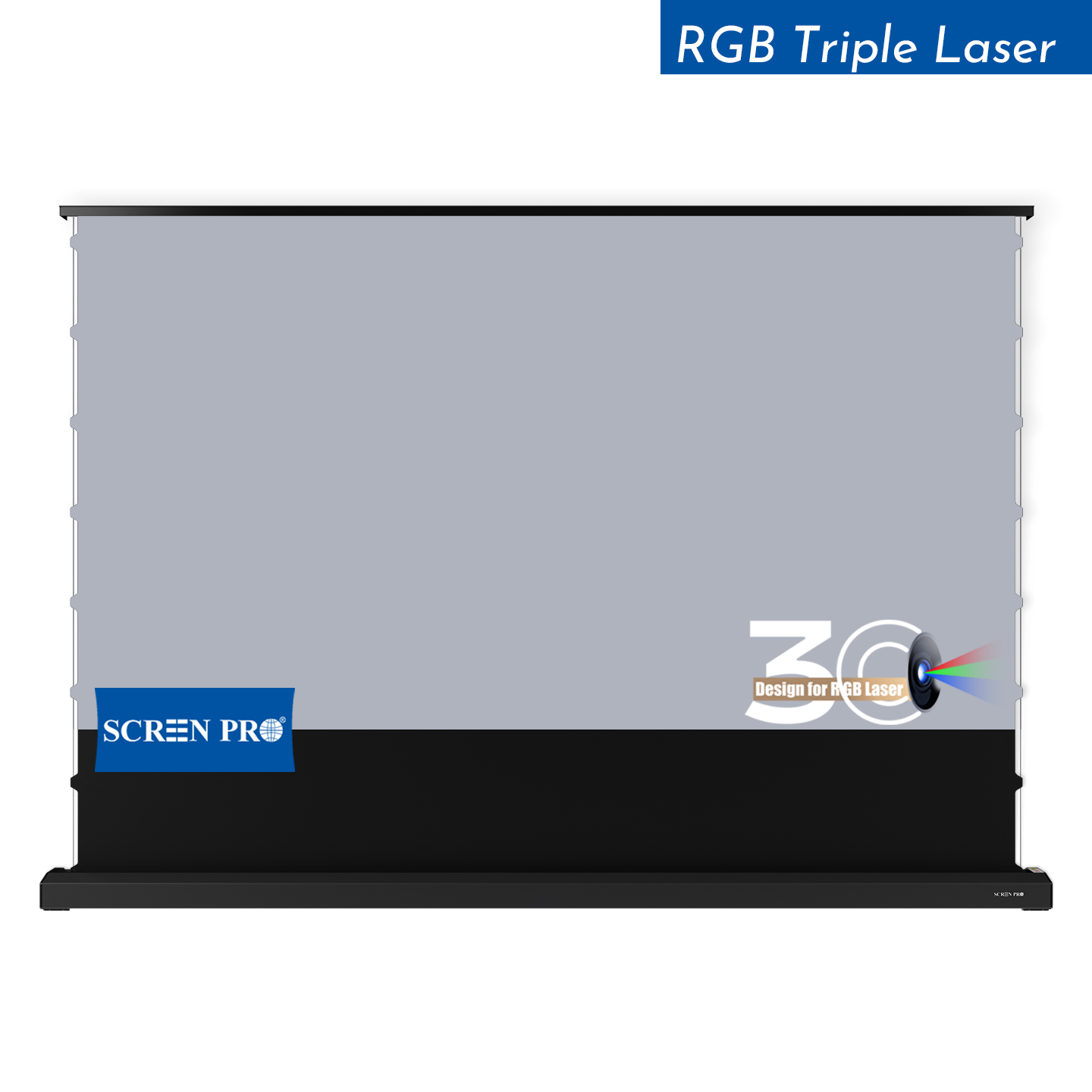
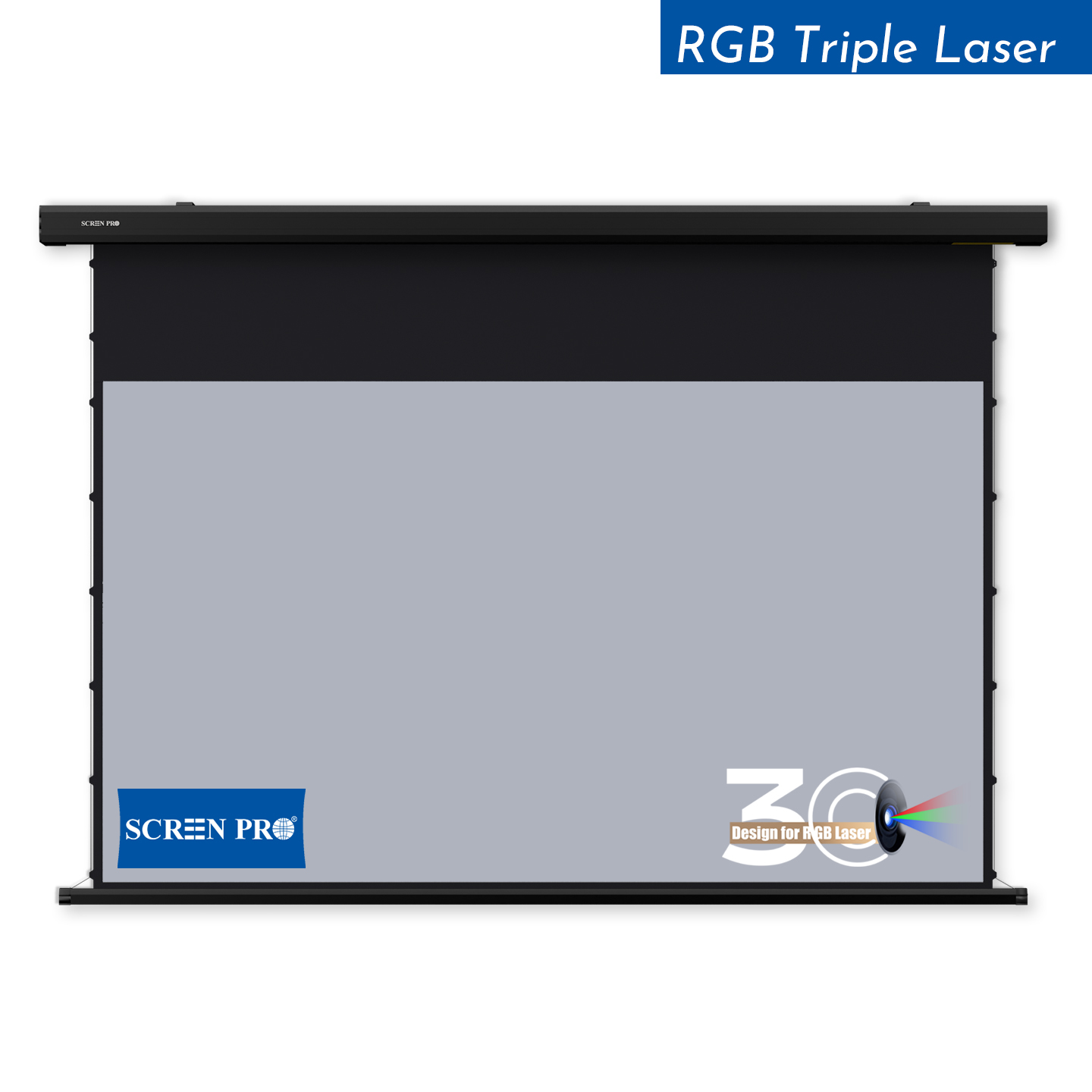
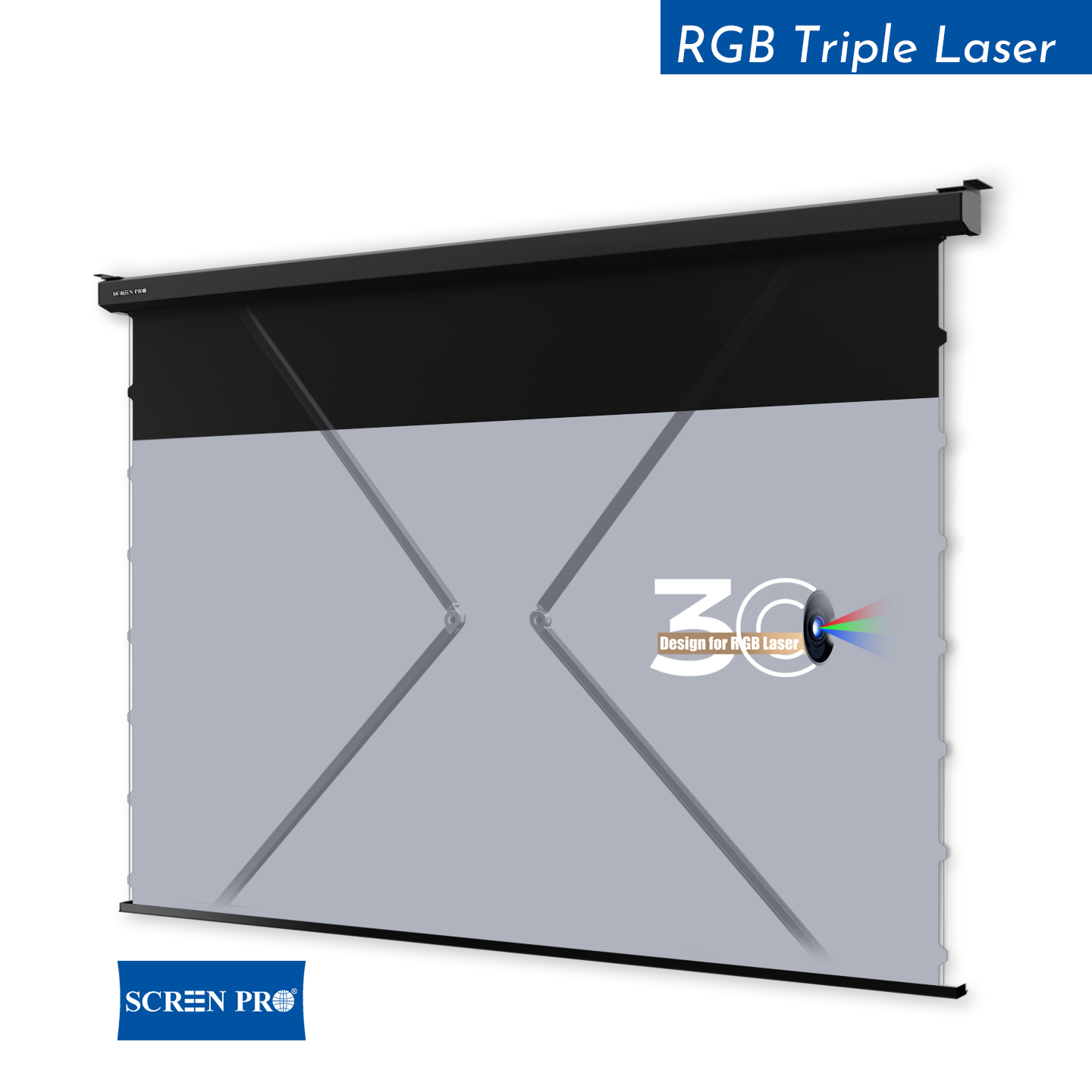
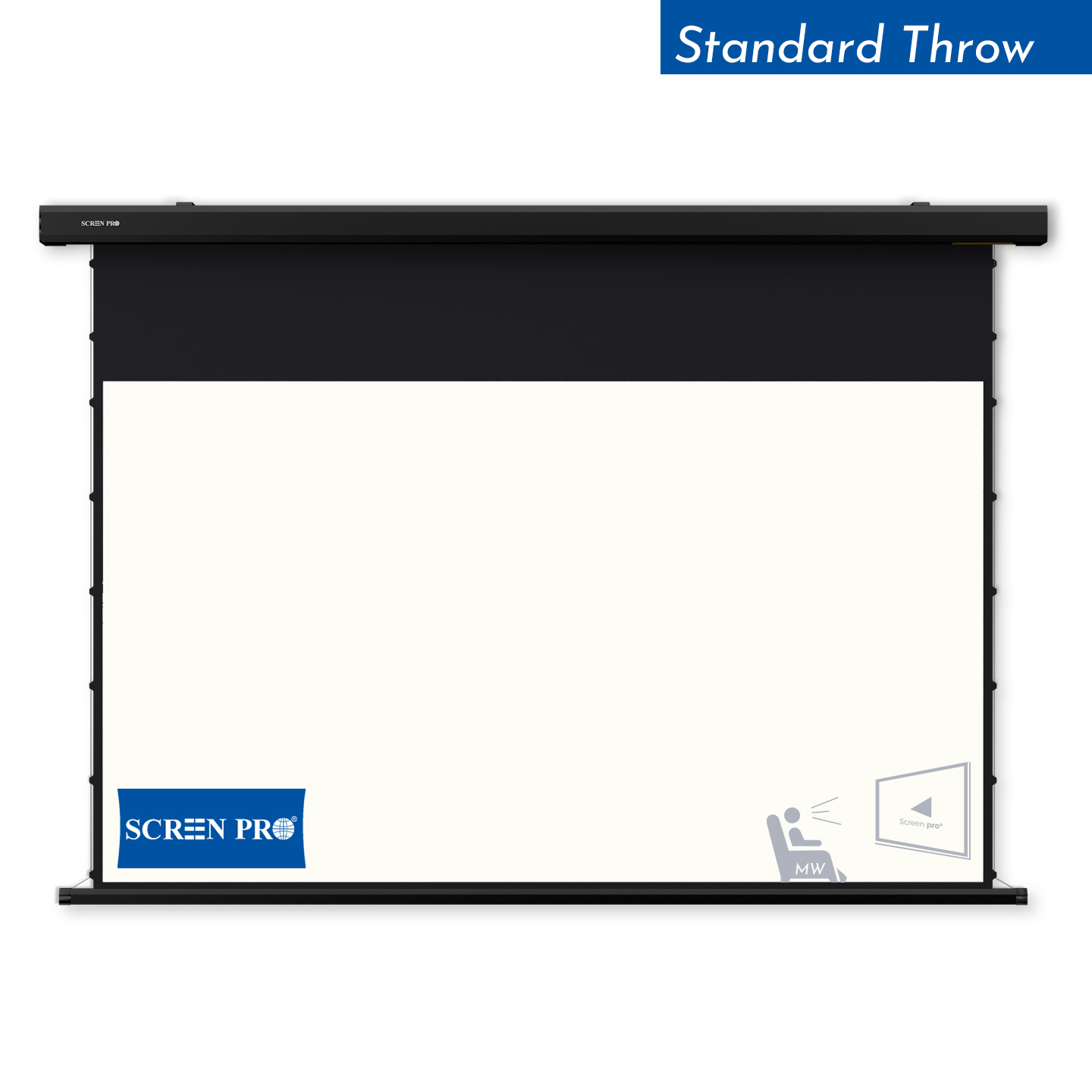
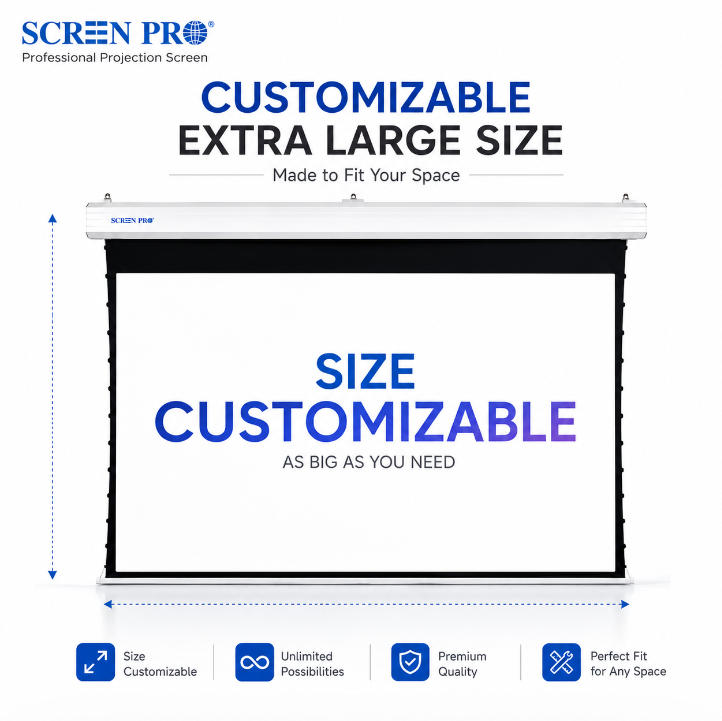
Motorized projection screens are well suited to classrooms where the screen is used frequently or where the room includes a centralized AV control system.
The screen can retract when not required, keeping the front teaching wall available for whiteboards, displays or other instructional tools.
Motorized screens can be especially useful in:
- universities;
- training centers;
- STEM classrooms;
- hybrid learning spaces;
- multipurpose lecture rooms.
6. Recessed Screens for New School Construction
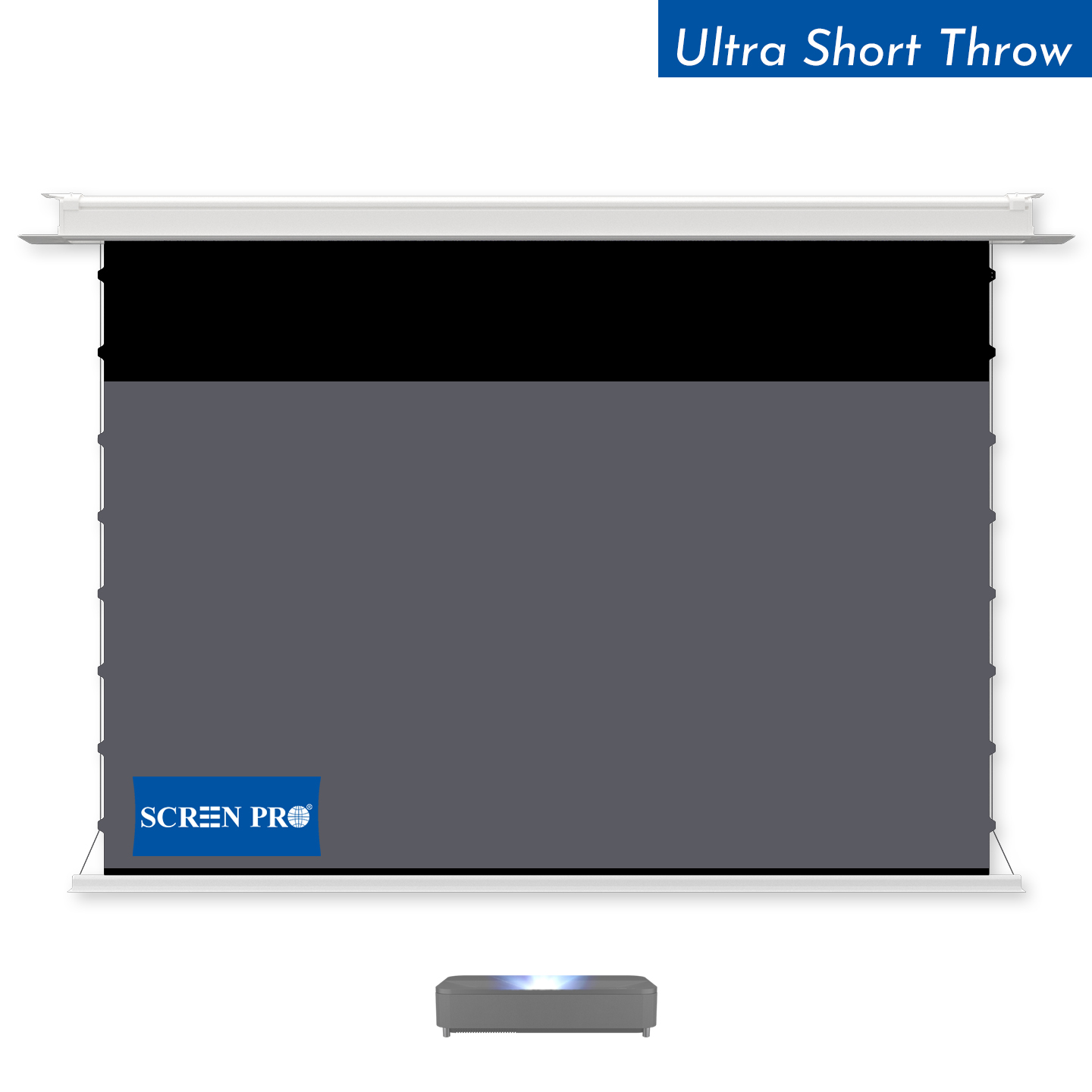
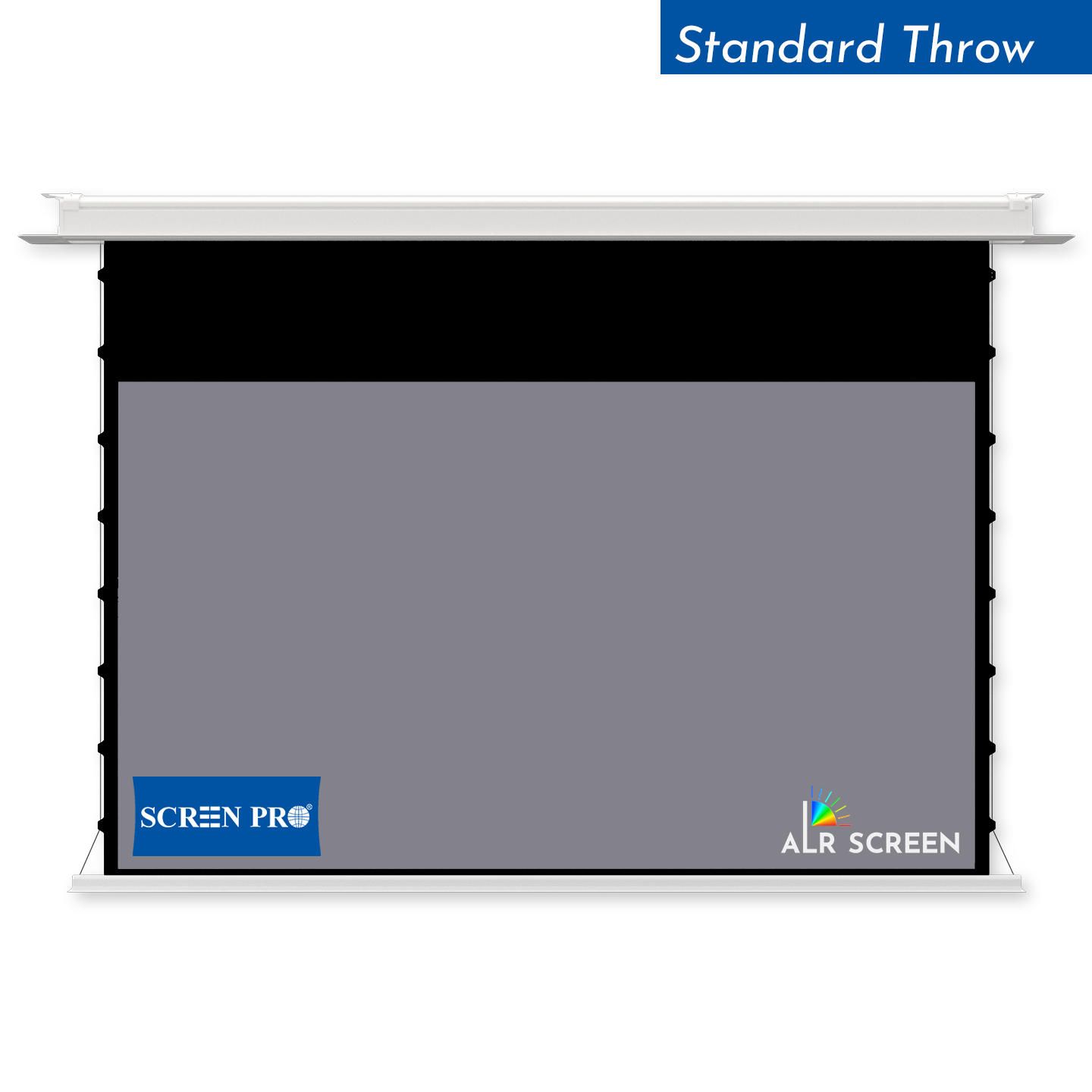
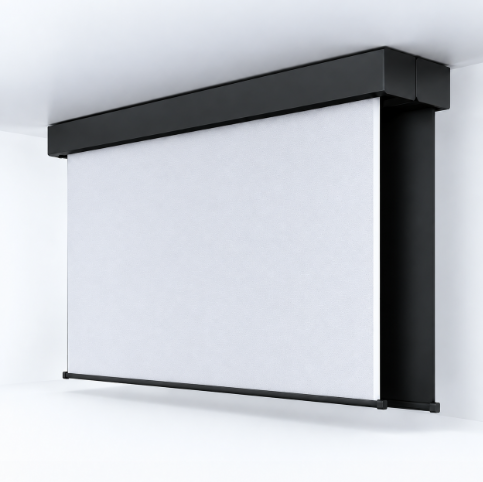
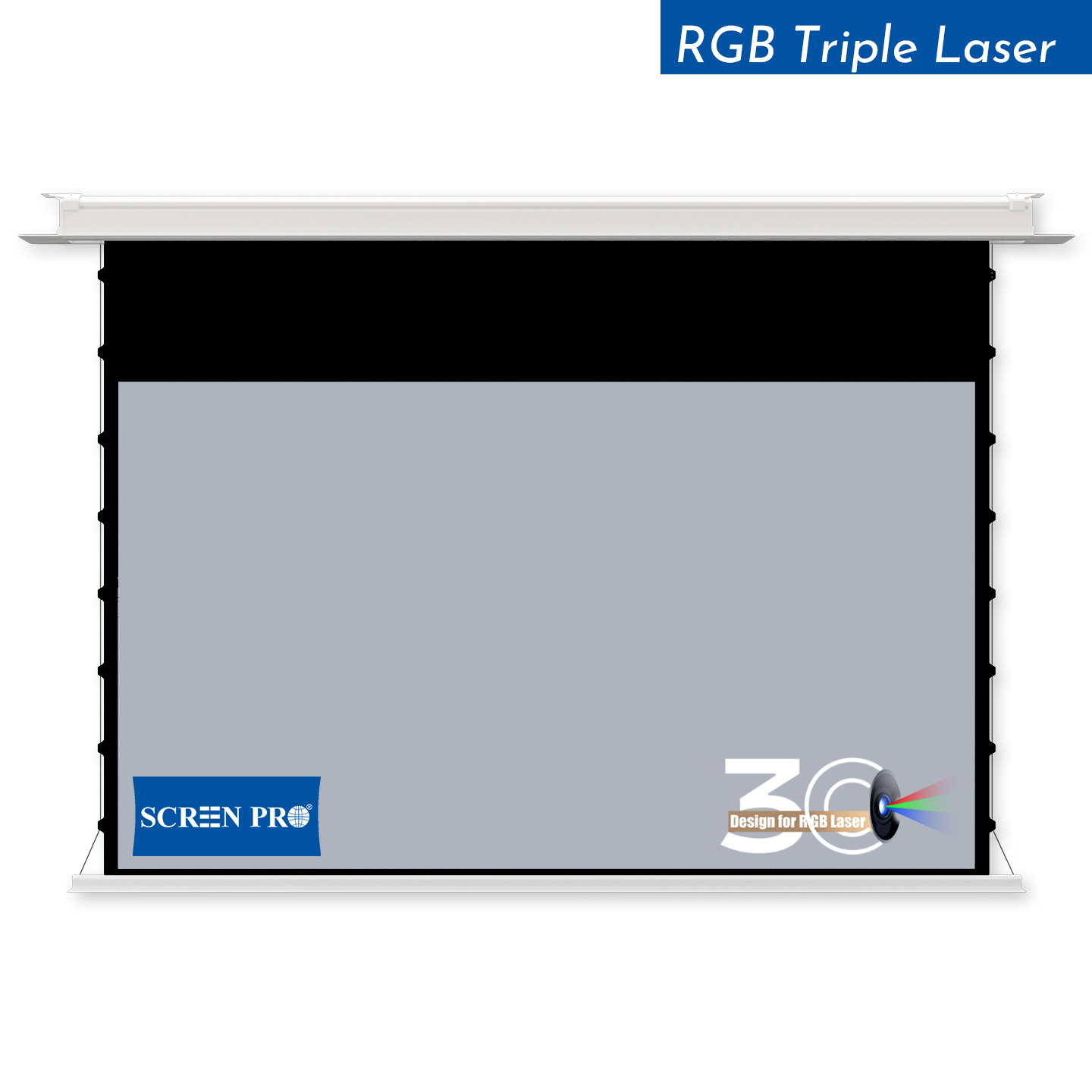
In newly designed educational buildings, a recessed motorized screen can be integrated into the ceiling for a cleaner appearance.
This approach works particularly well in universities, premium lecture rooms and multipurpose learning spaces where architecture and AV systems are planned together.
7. Do Bright Classrooms Need ALR Screens?
Classrooms often have windows, ceiling lights and daylight that cannot be fully eliminated. This can reduce image contrast on a conventional projection surface.
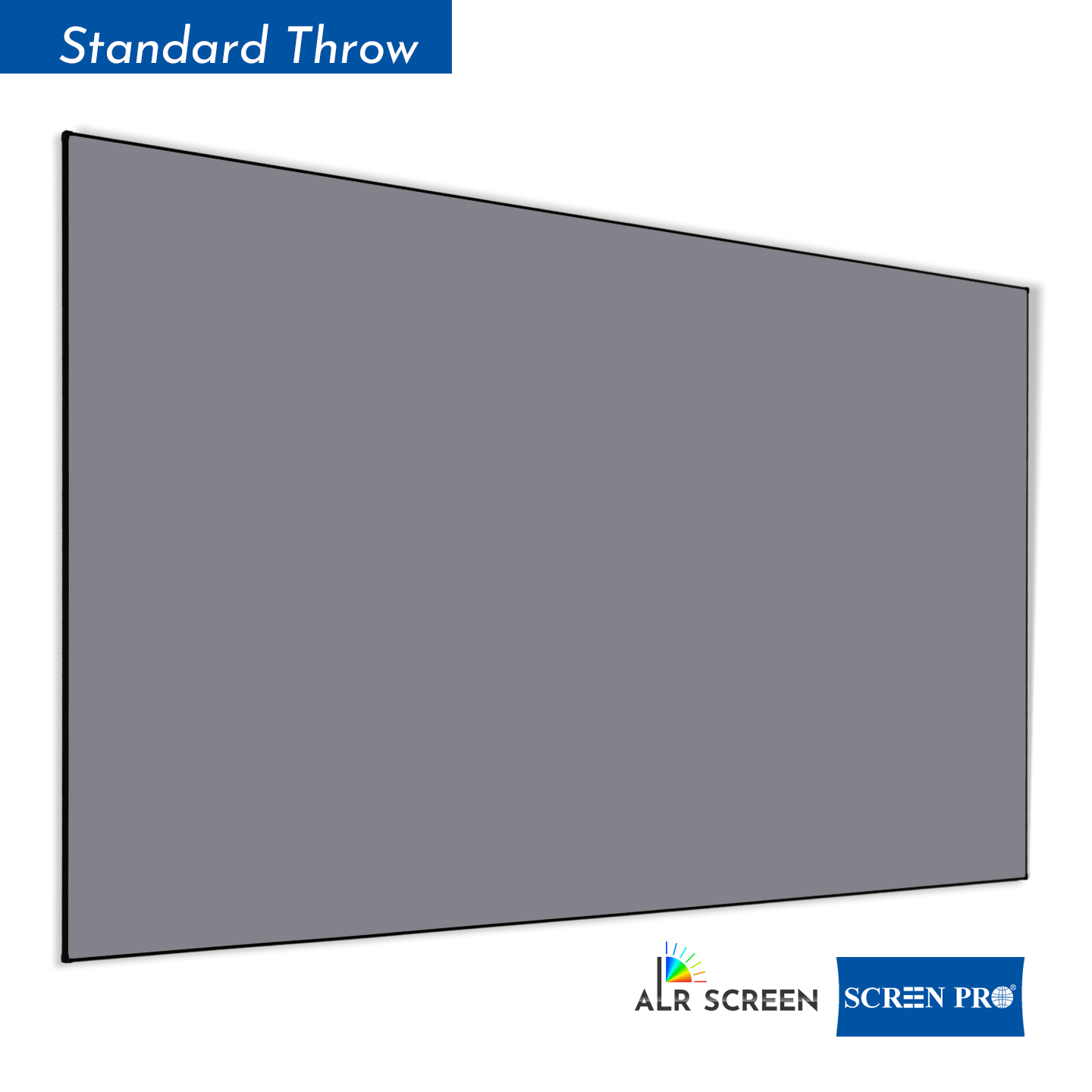
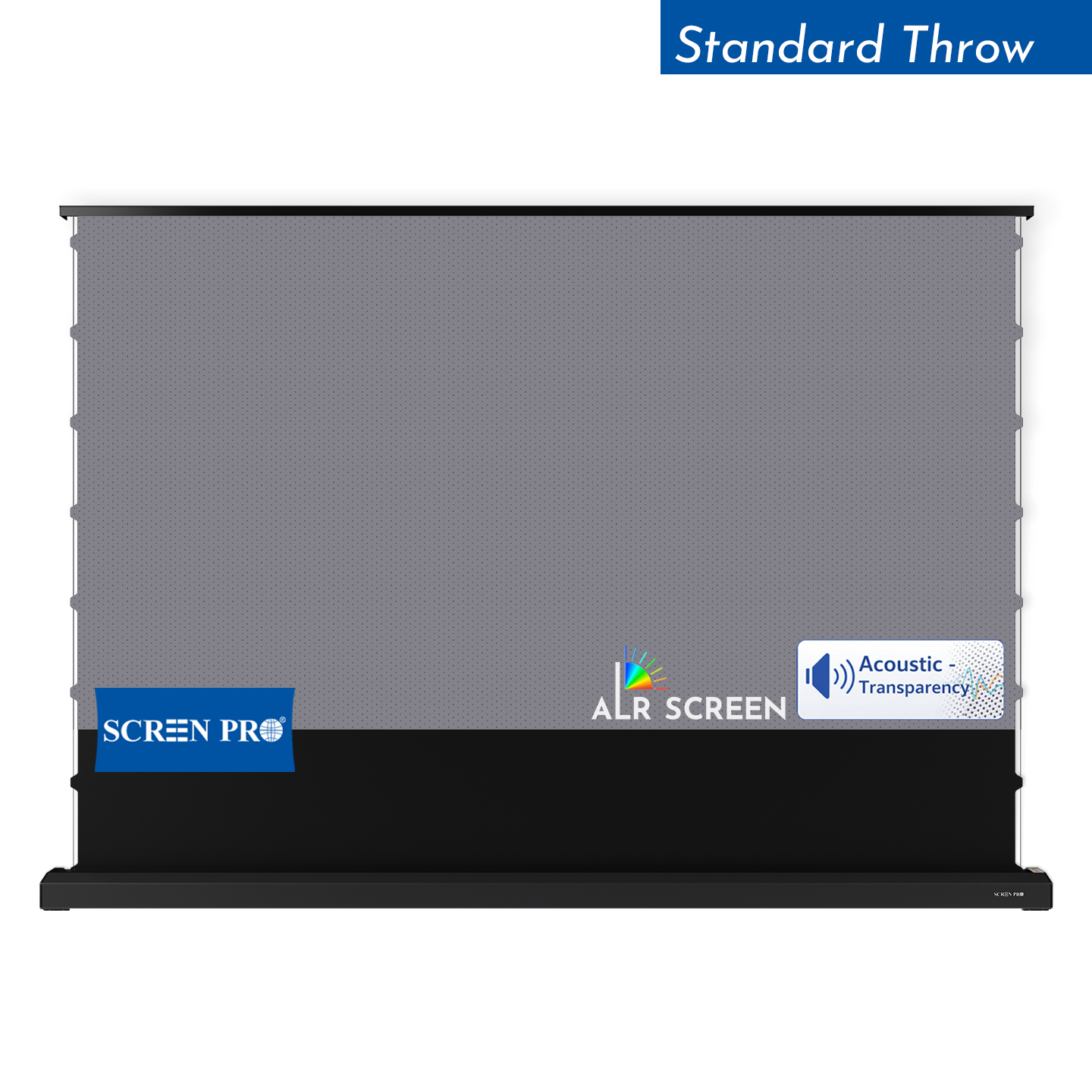
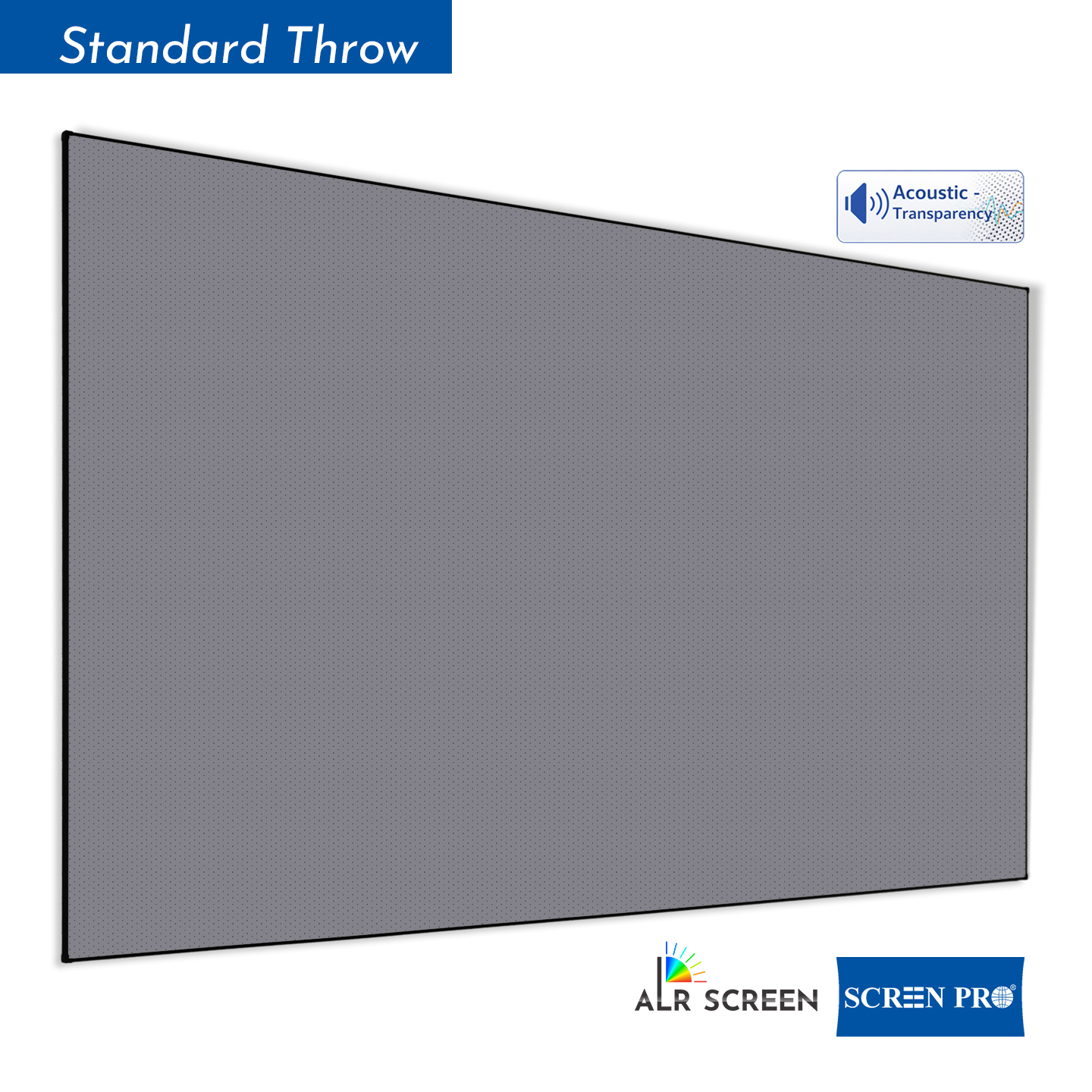
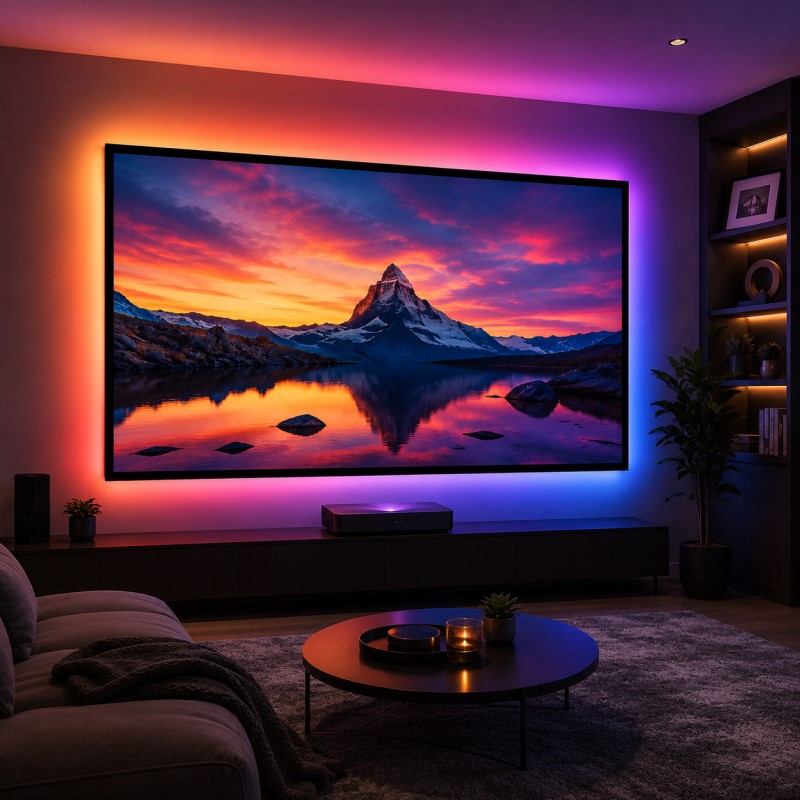
An Ambient Light Rejecting (ALR) screen may help in some bright-room applications by reducing selected ambient light reaching the viewer.
However, ALR should not automatically be treated as the default education solution. Some ALR surfaces are directional, which can affect brightness for students sitting far from the center of the room.
Learn more: What Is an ALR Projector Screen and How Does It Work? →
8. What Aspect Ratio Is Best for Education?
Most modern classrooms should consider 16:9 or 16:10 before older 4:3 formats. The best choice depends on the computers, projectors and content used in the room.
| Aspect Ratio | Best For | Typical Use |
|---|---|---|
| 16:9 | Video and general digital content | Online learning, video, widescreen presentations and conferencing |
| 16:10 | Computer-based teaching | Documents, browser content, spreadsheets and presentation software |
| 4:3 | Legacy AV systems | Existing older projectors and presentation systems |
For new installations, the projector's native aspect ratio should be checked before the screen is ordered.
9. Screen Height and Classroom Sightlines
A classroom screen should be positioned high enough that students in the rear can see the lower portion of the image.
Desks, monitors, laptops and students sitting in front rows can obstruct the bottom of the screen if it is installed too low.
When planning screen height, check:
- front-row desk height;
- student head height;
- rear-row sightlines;
- teacher position;
- ceiling height;
- projector geometry;
- whiteboard or teaching-wall layout.
10. Match the Screen to the Classroom Projector
The screen and projector should always be selected together.
Before ordering the screen, confirm:
- projector model;
- projector brightness;
- native aspect ratio;
- throw ratio;
- lens position;
- screen size;
- standard, short-throw or ultra-short-throw geometry.
If you are still selecting the screen around an existing projector, see How to Choose the Right Projection Screen for Your Projector .
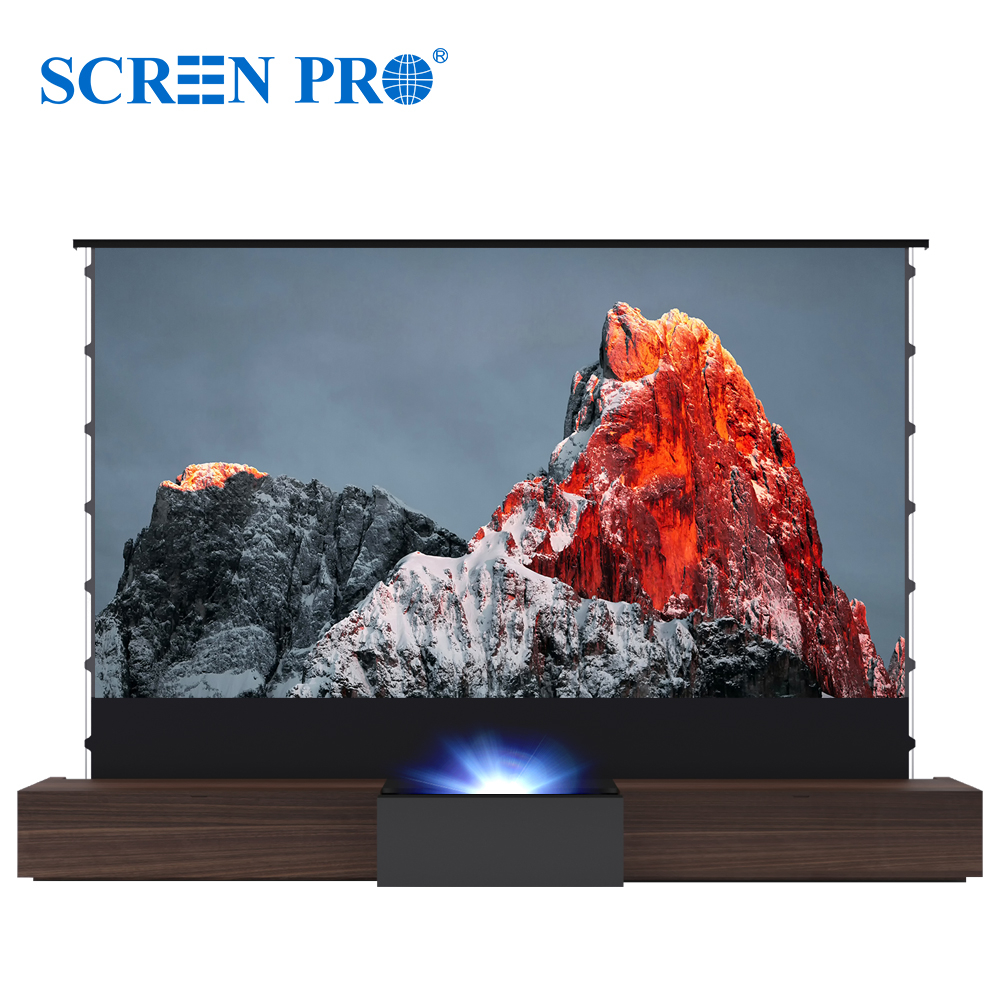
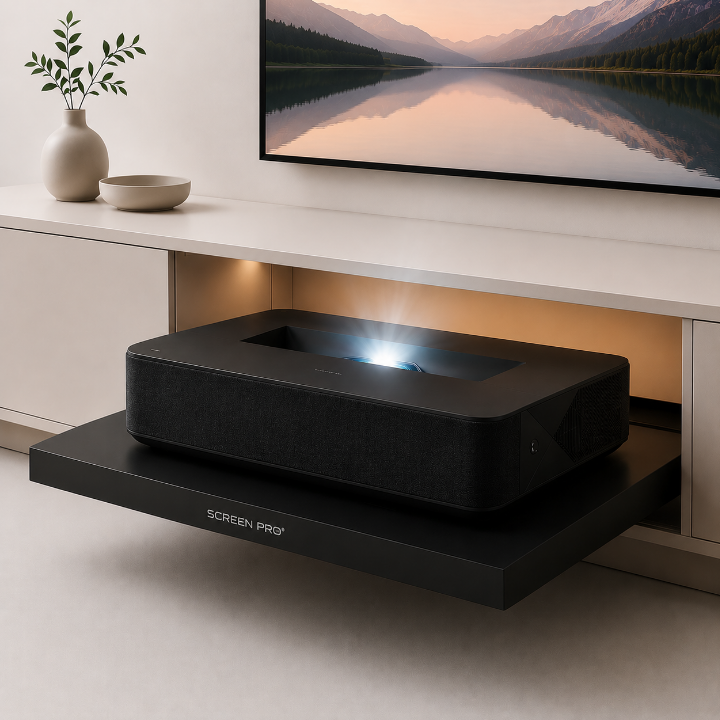
11. Short-Throw and Ultra-Short-Throw Classrooms
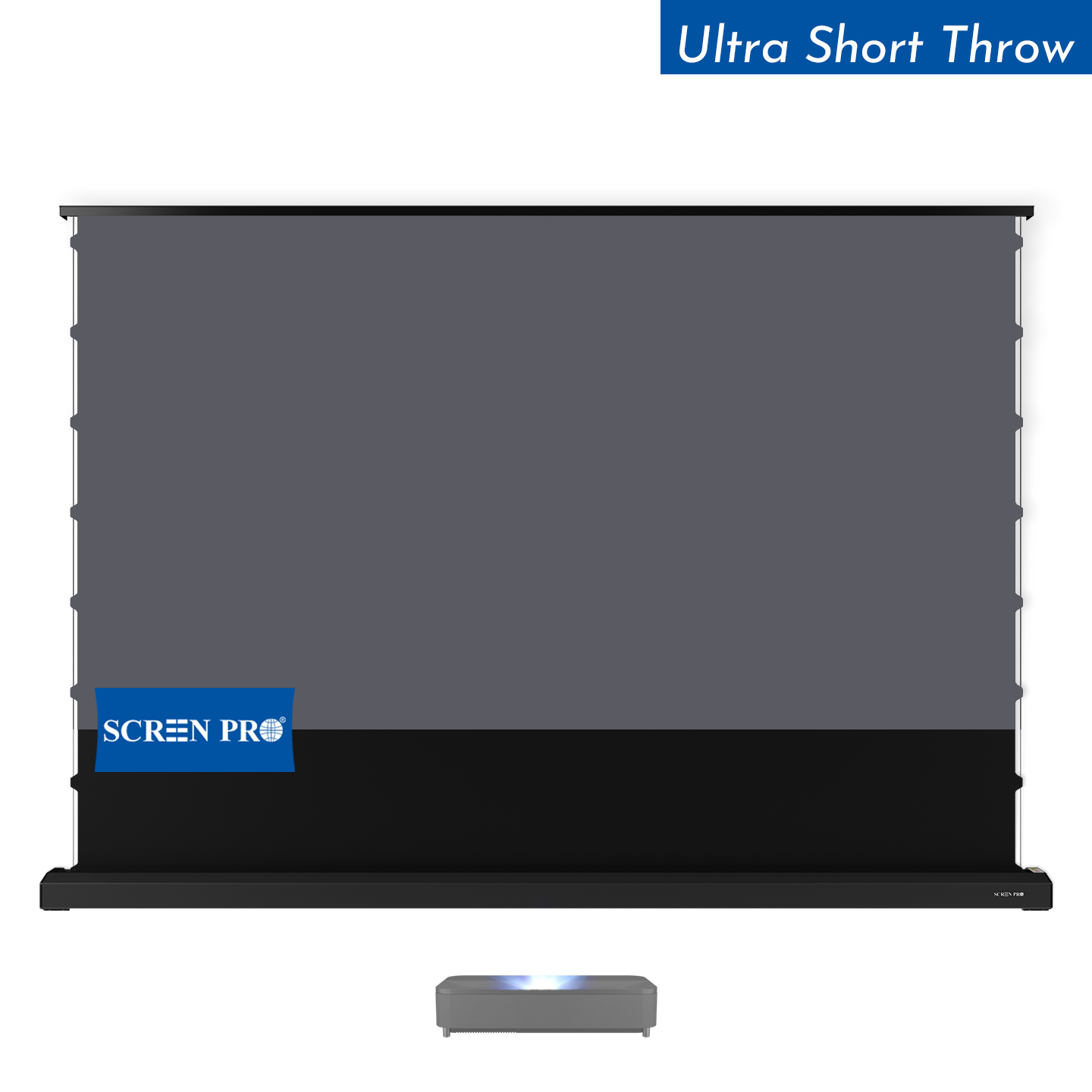
Short-throw and ultra-short-throw projectors can be useful in classrooms because they reduce the distance between projector and screen.
This may help reduce presenter shadows and can simplify installations where ceiling-mounted long-throw projection is difficult.
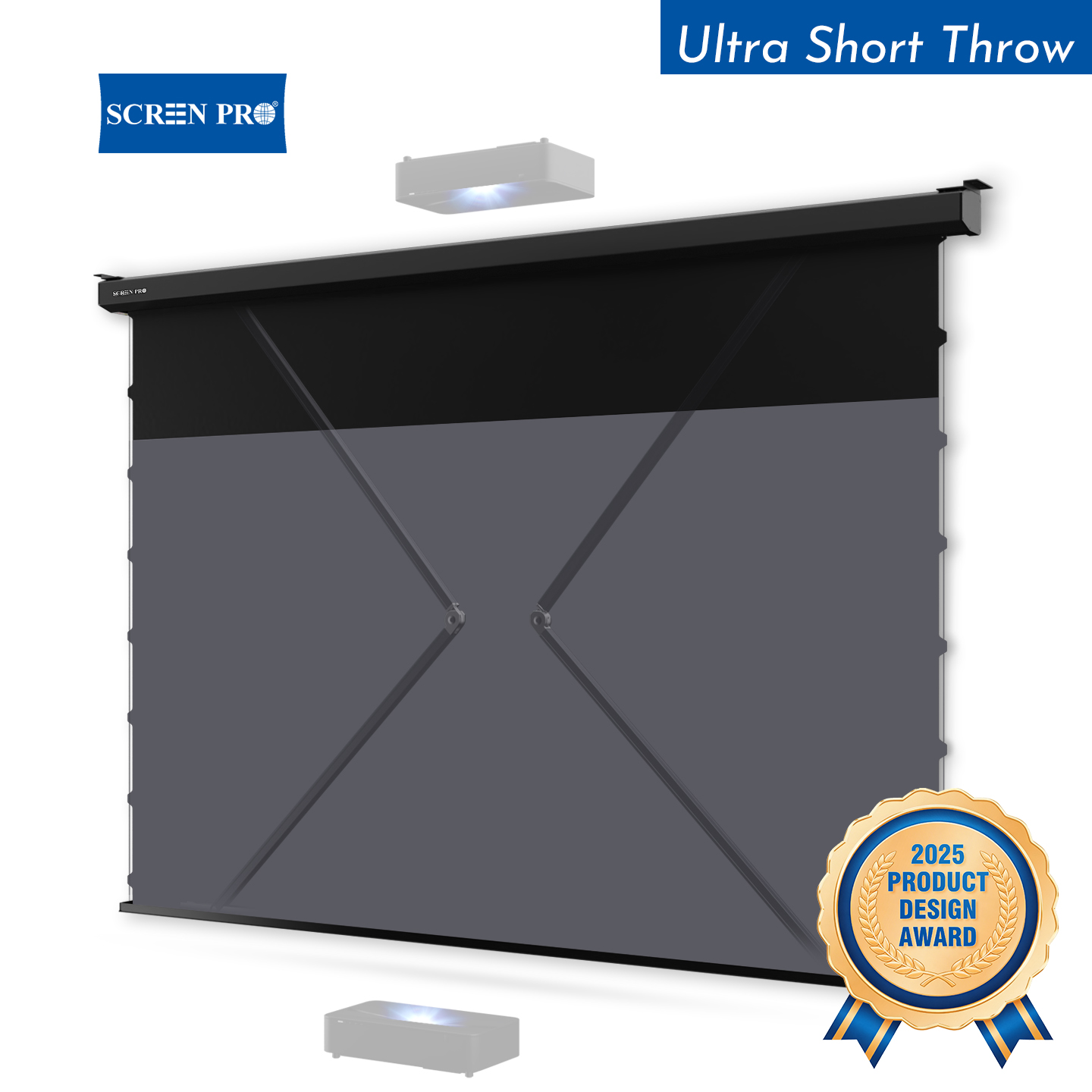
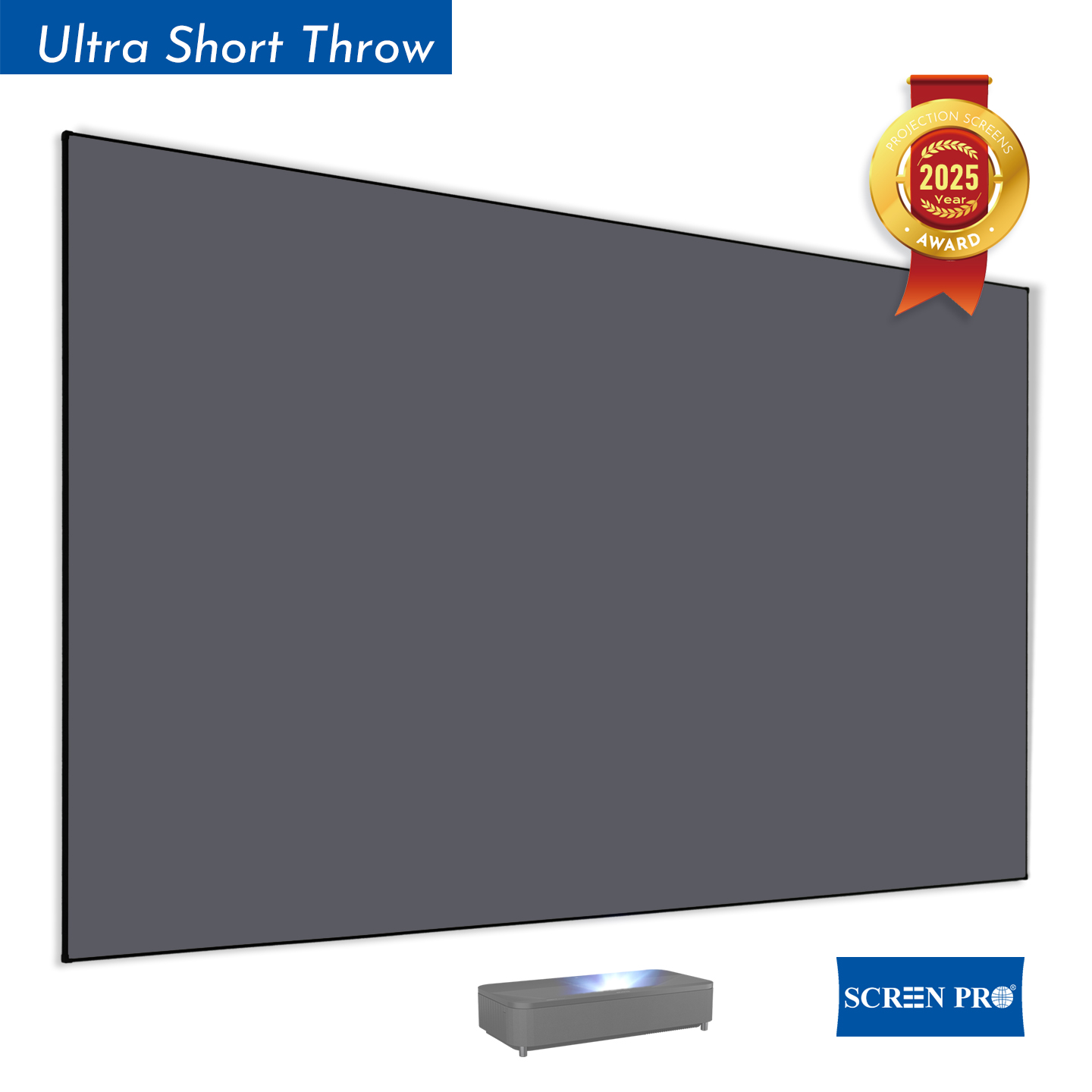
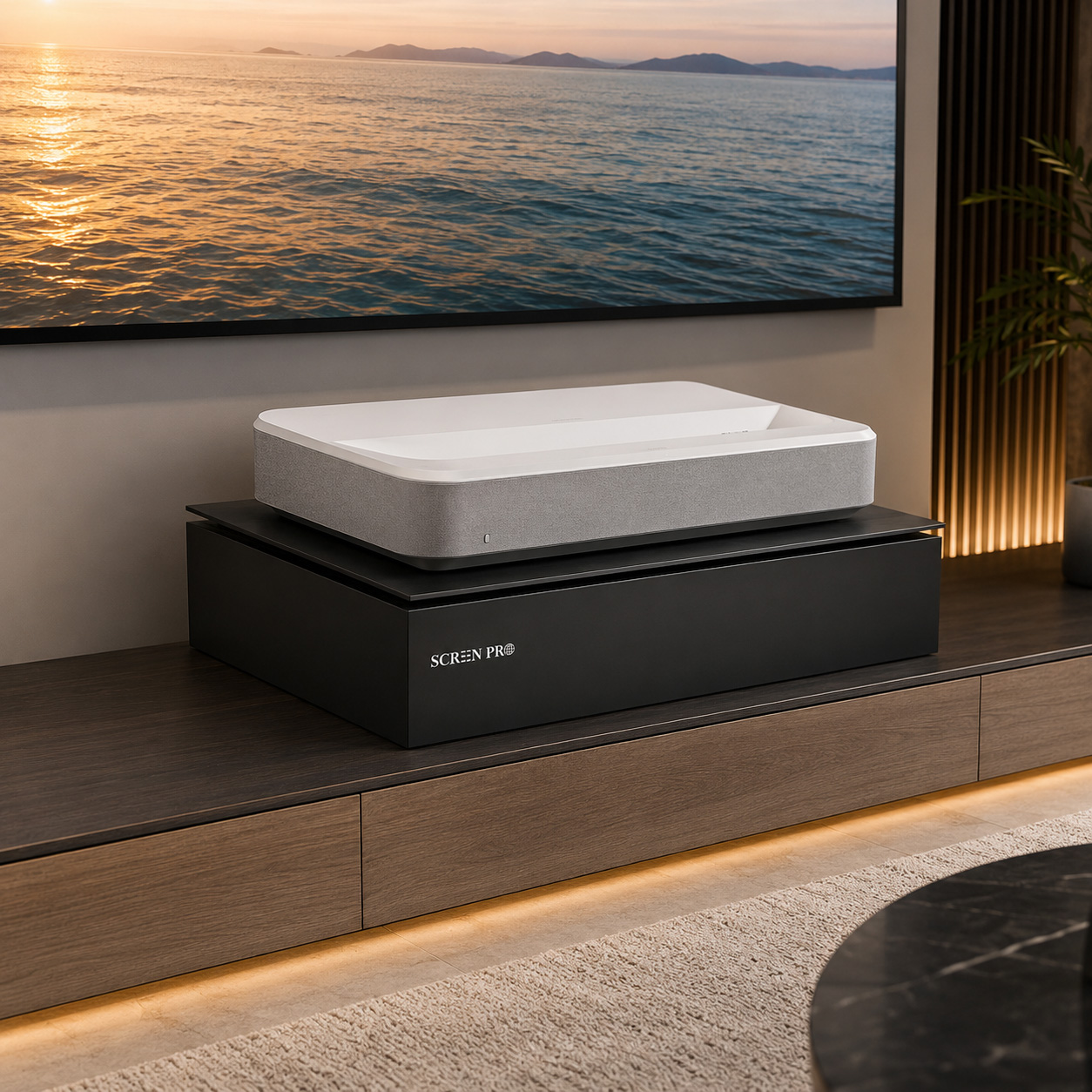
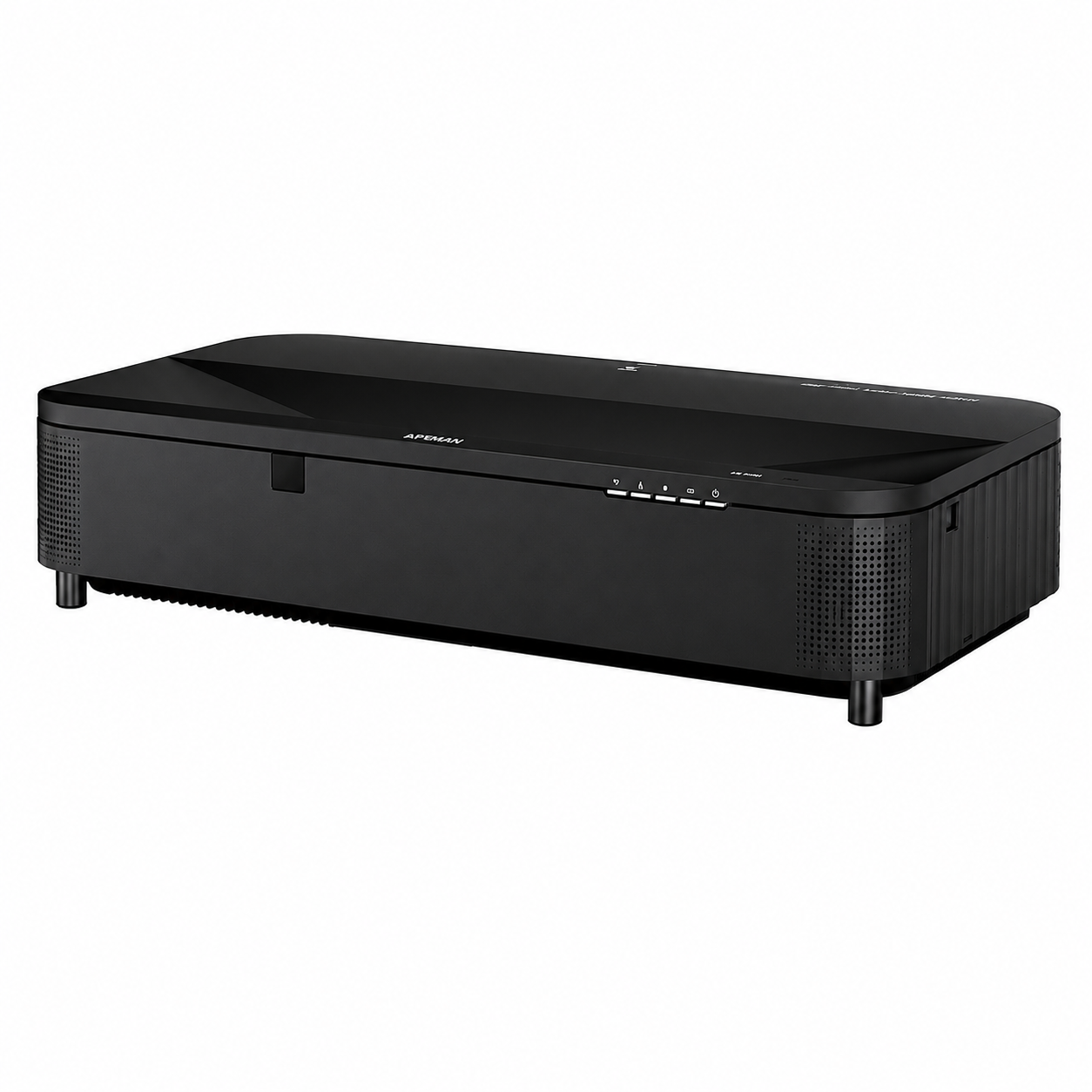
However, ultra-short-throw projectors require careful screen compatibility. Directional UST ALR screens are designed specifically around the steep light angle of a UST projector and should not be treated as interchangeable with standard long-throw ALR materials.
12. Do Schools Need 4K-Ready Projection Screens?
The need for 4K depends on classroom size and content. For many general teaching applications, image readability is more important than resolution alone.
However, high-resolution projection becomes more valuable for:
- engineering drawings;
- medical imaging;
- fine design work;
- maps and scientific visualization;
- large lecture halls;
- universities and specialist training facilities.
For high-resolution systems, the screen surface should be sufficiently uniform to preserve fine image detail.
Read: Best Projection Screens for 4K and 8K Projectors →
13. Durability Matters in Education
Education installations are frequently used by different teachers, students and support staff. Equipment therefore needs to be simple, repeatable and durable.
When specifying a classroom screen, consider:
- frequency of daily use;
- screen retraction mechanism;
- housing construction;
- surface cleanability;
- motor reliability;
- service access;
- availability of replacement parts;
- standardization across multiple rooms.
14. Keep Screen Control Simple
Teachers should not need to understand a complex AV system to lower a projection screen.
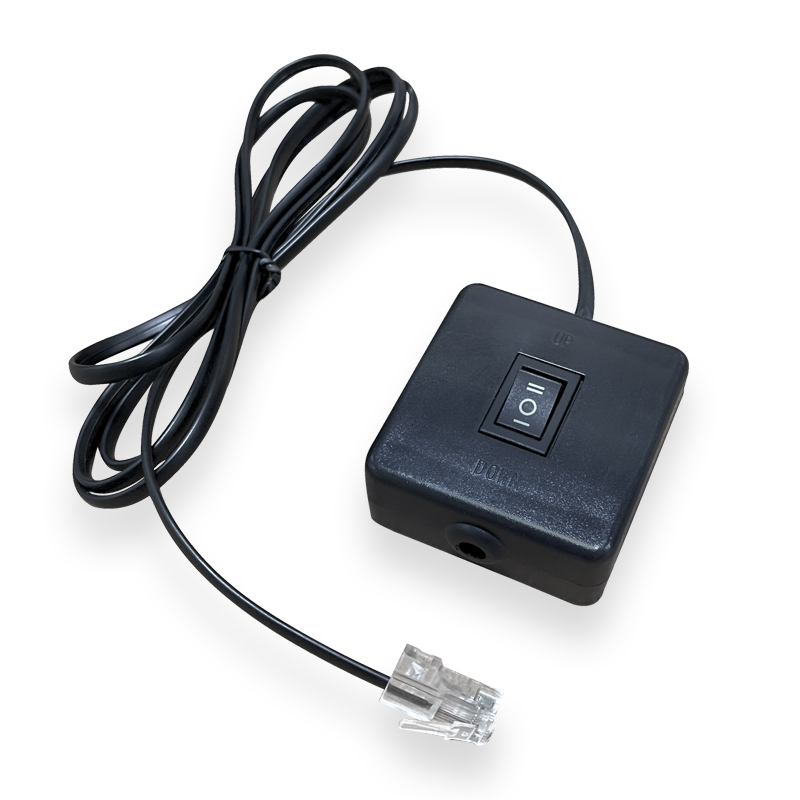
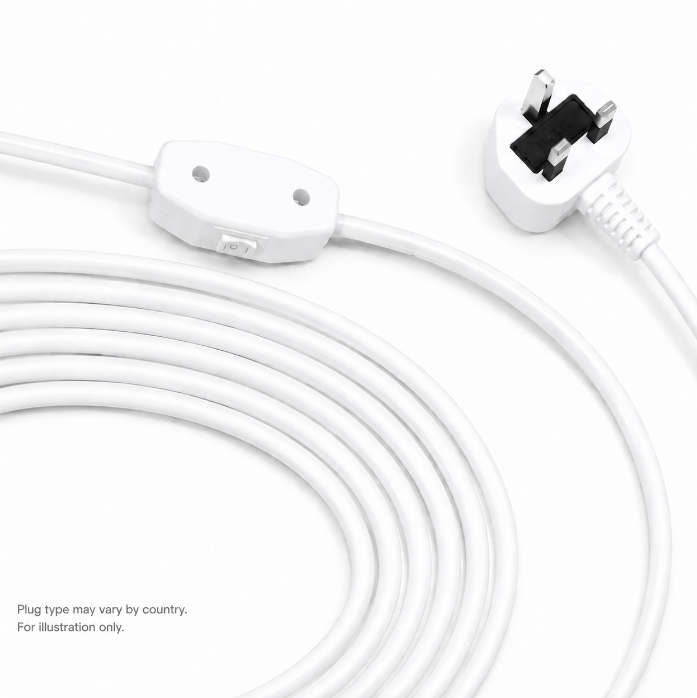
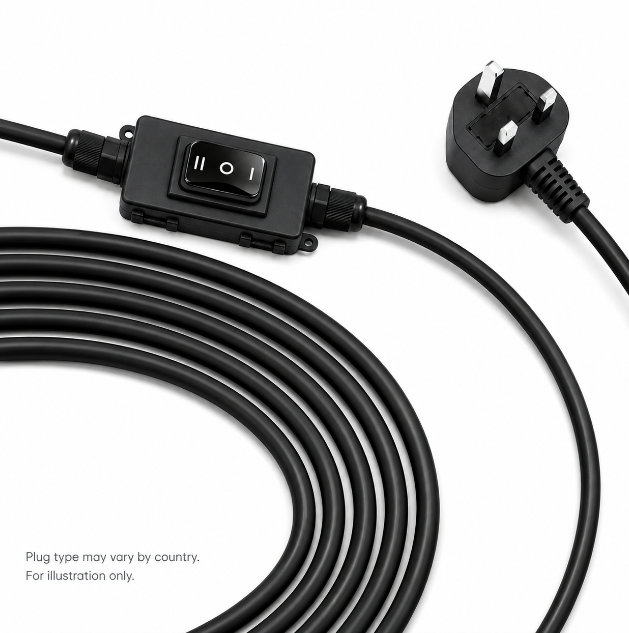
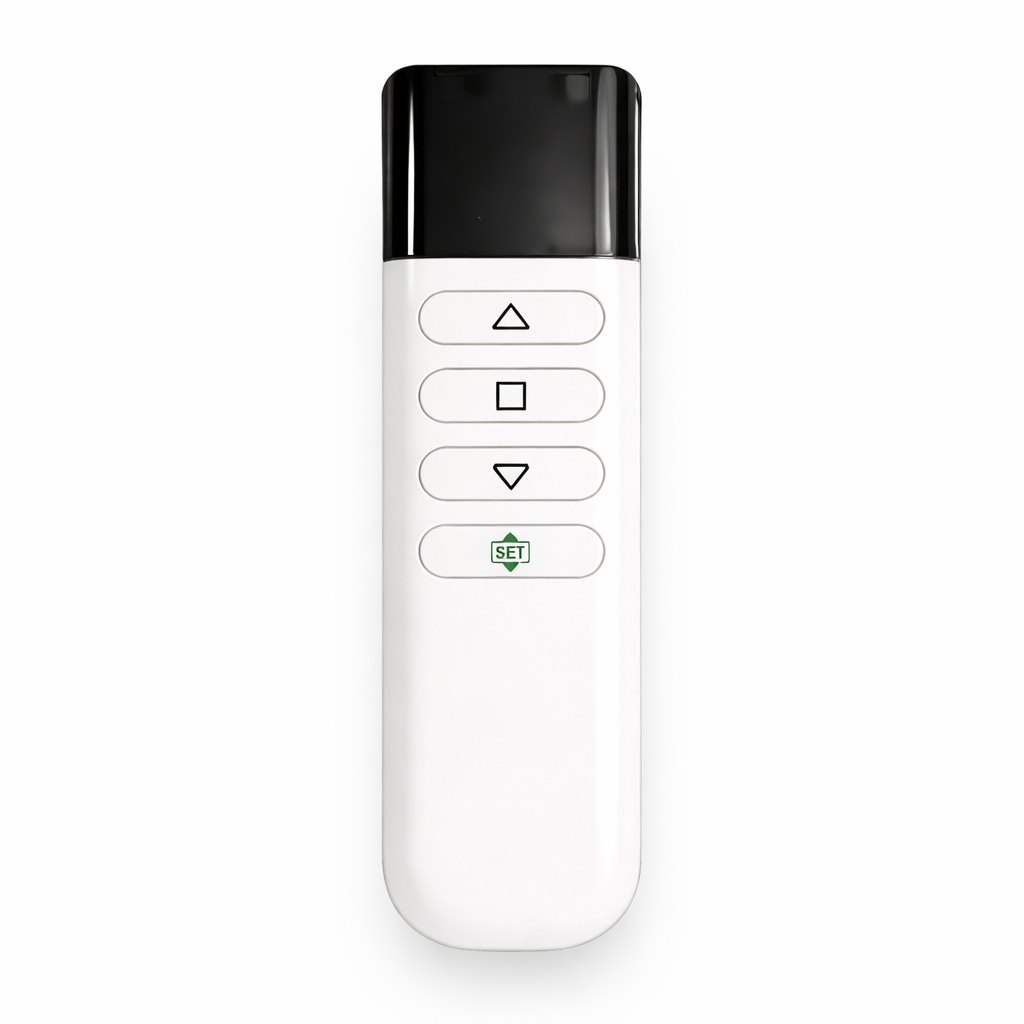
Depending on the installation, screen control may include:
- manual pull-down operation;
- wall switch control;
- RF remote control;
- trigger operation;
- RS485;
- dry-contact control;
- centralized AV control systems.
In larger education projects, the screen may be integrated into a classroom preset so that one command lowers the screen, powers the projector and selects the teaching source.
Recommended Screen Type by Education Space
Primary / Secondary Classroom
Manual or motorized matte white screen with a wide viewing angle and simple operation.
University Classroom
Motorized 16:9 or 16:10 screen with reliable controls and good text readability.
Lecture Hall
Large motorized or fixed screen selected around image height, rear-row visibility and projector brightness.
Bright Classroom
Improve room-light control first, then evaluate ALR material together with projector geometry and seating width.
STEM / Technical Classroom
High-resolution projection surface optimized for fine text, diagrams and technical content.
Multipurpose Learning Space
Retractable motorized screen with centralized AV control and flexible room layout.
Common Classroom Screen Mistakes
- Choosing a screen that is too small. The rear row may struggle to read small text even when the image looks large from the teacher's desk.
- Ignoring side seating. Students sitting near the sides need a clear and consistent image too.
- Installing the screen too low. Desks and students can block the lower part of the image.
- Using ALR without checking projector geometry. ALR surfaces are directional and must match the projector type.
- Choosing gain without considering viewing angle. Higher brightness at the center does not necessarily mean better visibility for the entire classroom.
- Making the control system too complicated. Teachers should be able to start a lesson quickly without AV support.
What Is the Best Projection Screen for a Classroom?
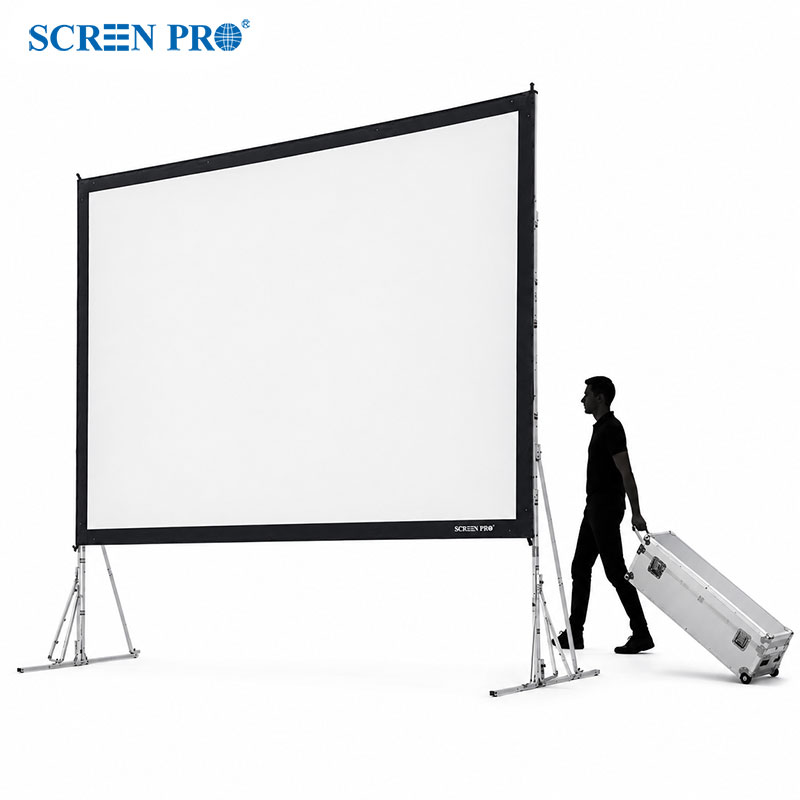
For many classrooms, a wide-viewing-angle matte white screen in a manual or motorized format is the most practical starting point.
For universities and modern learning spaces, motorized or recessed screens can provide cleaner integration and centralized control. In bright classrooms, ALR technology may help, but only when projector compatibility and student viewing angles are carefully considered.
Most importantly, choose the screen around the farthest student, smallest important content and actual room layout rather than simply selecting the largest diagonal that fits the front wall.
Choose the Right Screen for Your Education Project
SCREENPRO provides manual, motorized, recessed, fixed-frame and specialized projection screens for classrooms, universities, lecture halls, training centers and education AV projects.
Find the Right Projection Screen Discuss Your Education ProjectFrequently Asked Questions
What type of projector screen is best for a classroom?
For many classrooms, a matte white manual or motorized screen with wide viewing characteristics is a practical choice. Final selection should depend on room size, projector type, ambient light and student seating.
What size projector screen is best for a classroom?
There is no single ideal size. The screen should be large enough for students in the farthest seats to read the smallest important text and diagrams comfortably.
Is 16:9 or 16:10 better for classrooms?
16:9 is suitable for video, online learning and widescreen content, while 16:10 offers additional vertical image area that can be useful for documents, web pages and computer-based teaching.
Do classrooms need ALR screens?
Not always. In classrooms where lighting can be controlled, matte white screens can provide wide and consistent viewing. ALR may be useful in brighter rooms, but projector geometry and side-seat viewing should be checked carefully.
Are motorized screens suitable for schools?
Yes. Motorized screens are useful in frequently used classrooms, universities and multipurpose learning spaces, especially when the front wall is also used for whiteboards or other teaching equipment.
Can classroom projection screens be integrated with AV control systems?
Yes. Depending on the screen series, control options may include wall switches, triggers, RF, RS485, dry contact or integration with centralized classroom AV systems.