






What Size Projector Screen Do I Need?
Bigger isn't always better. The right projector screen size depends on your viewing distance, room dimensions, aspect ratio and — most importantly — what your projector can actually produce.
Start with viewing distance — then check the projector.
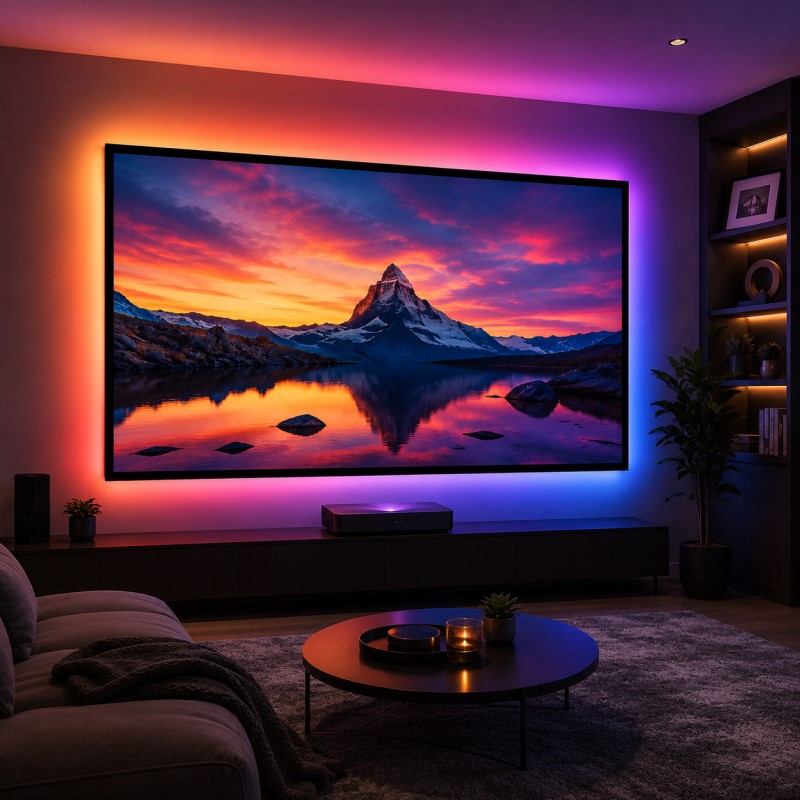
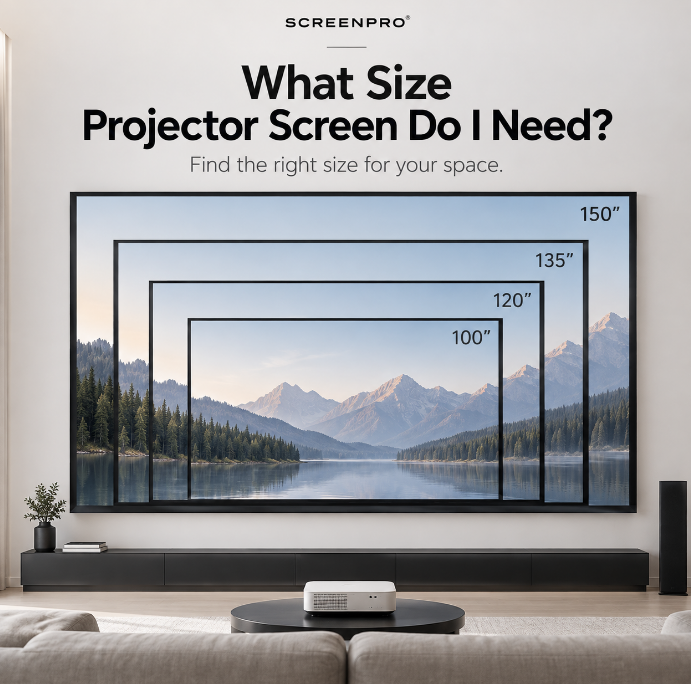
For many home theaters, 100 to 150 inches is a practical range. But don't choose a screen based on diagonal size alone. First check your seating distance and available wall space, then confirm that your projector's throw ratio and brightness can support the intended image size.
1. What Does Projector Screen Size Actually Mean?
Projector screens are normally specified by their diagonal image size, not by width.
For example, a 120-inch 16:9 screen does not measure 120 inches wide. Its visible image is approximately 104.6 inches (2657 mm) wide and 58.8 inches (1494 mm) high.
This distinction is important when measuring a wall, ceiling recess or installation opening. The screen's overall product dimensions may also be larger than the visible image area.
2. 16:9 Projector Screen Size Chart
16:9 is the most common aspect ratio for modern home entertainment, streaming, gaming and general home theater use.
| Diagonal | Image Width | Image Height | Approx. Image Area |
|---|---|---|---|
| 80" | 69.7" / 1771 mm | 39.2" / 996 mm | 1.77 × 1.00 m |
| 92" | 80.2" / 2038 mm | 45.1" / 1146 mm | 2.04 × 1.15 m |
| 100" | 87.2" / 2214 mm | 49.0" / 1245 mm | 2.21 × 1.25 m |
| 110" | 95.9" / 2436 mm | 53.9" / 1370 mm | 2.44 × 1.37 m |
| 120" | 104.6" / 2657 mm | 58.8" / 1494 mm | 2.66 × 1.49 m |
| 135" | 117.7" / 2990 mm | 66.2" / 1681 mm | 2.99 × 1.68 m |
| 150" | 130.7" / 3321 mm | 73.5" / 1868 mm | 3.32 × 1.87 m |
| 180" | 156.9" / 3986 mm | 88.3" / 2242 mm | 3.99 × 2.24 m |
| 200" | 174.3" / 4428 mm | 98.1" / 2491 mm | 4.43 × 2.49 m |
3. How Far Should You Sit From the Screen?
Viewing distance is one of the best starting points for screen size. The goal is to create an immersive image without forcing viewers to constantly move their eyes or head to follow the picture.
There is no single perfect distance because personal preference, resolution and content all matter. A useful starting range for a 16:9 home theater is shown below.
| Screen Size | Suggested Starting Viewing Range | Typical Application |
|---|---|---|
| 100" | Approx. 8–11 ft / 2.4–3.4 m | Small to medium rooms |
| 120" | Approx. 10–13 ft / 3.0–4.0 m | Medium home theaters |
| 135" | Approx. 11–15 ft / 3.4–4.6 m | Immersive dedicated theaters |
| 150" | Approx. 12–17 ft / 3.7–5.2 m | Large home theaters |
| 180–200" | Room-dependent | Large residential or commercial spaces |
Some viewers prefer a highly immersive cinema experience and sit closer. Others prefer a more relaxed viewing angle and sit farther away.
4. Measure the Wall — But Don't Stop There
A common mistake is measuring the wall and assuming that the same measurement represents the maximum screen size.
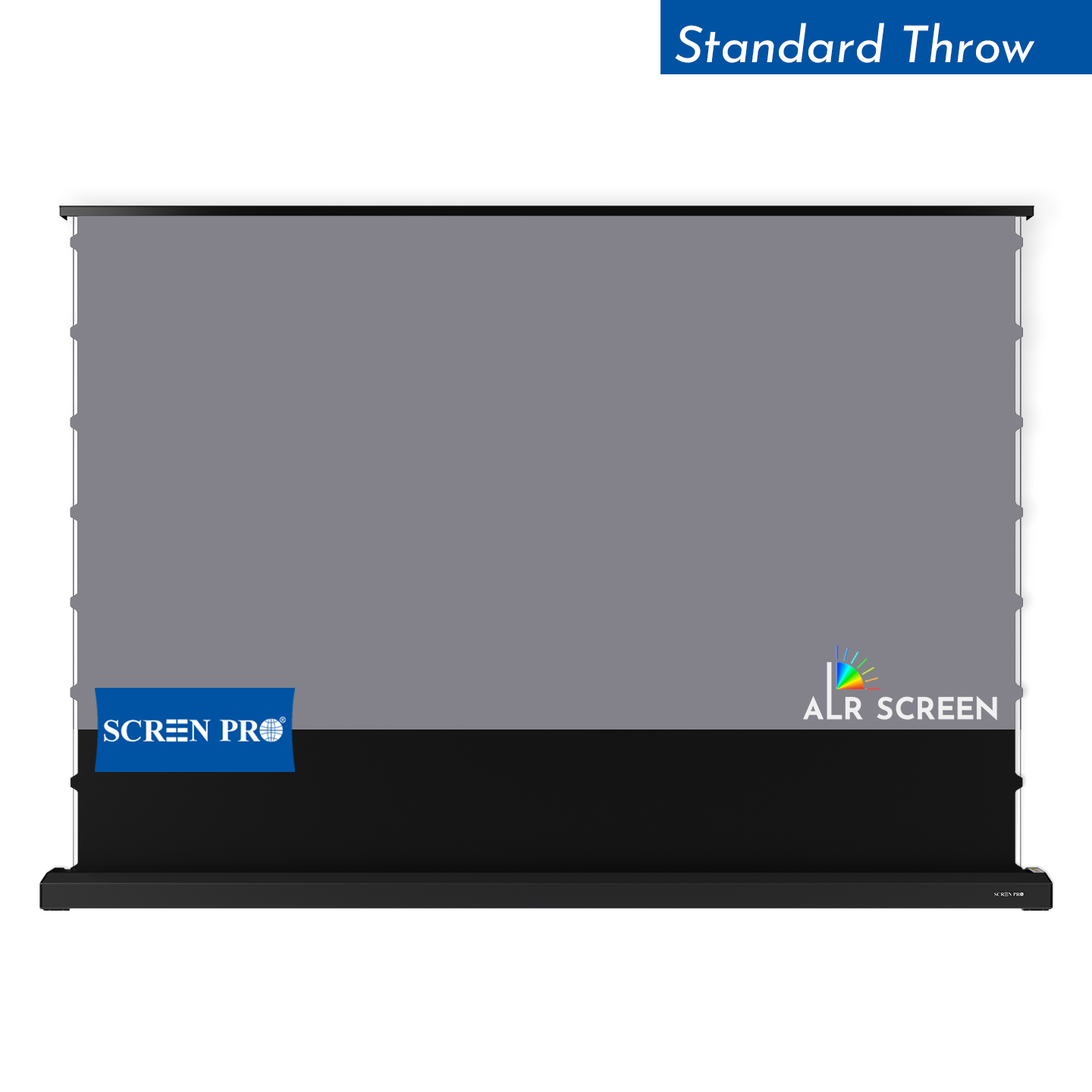
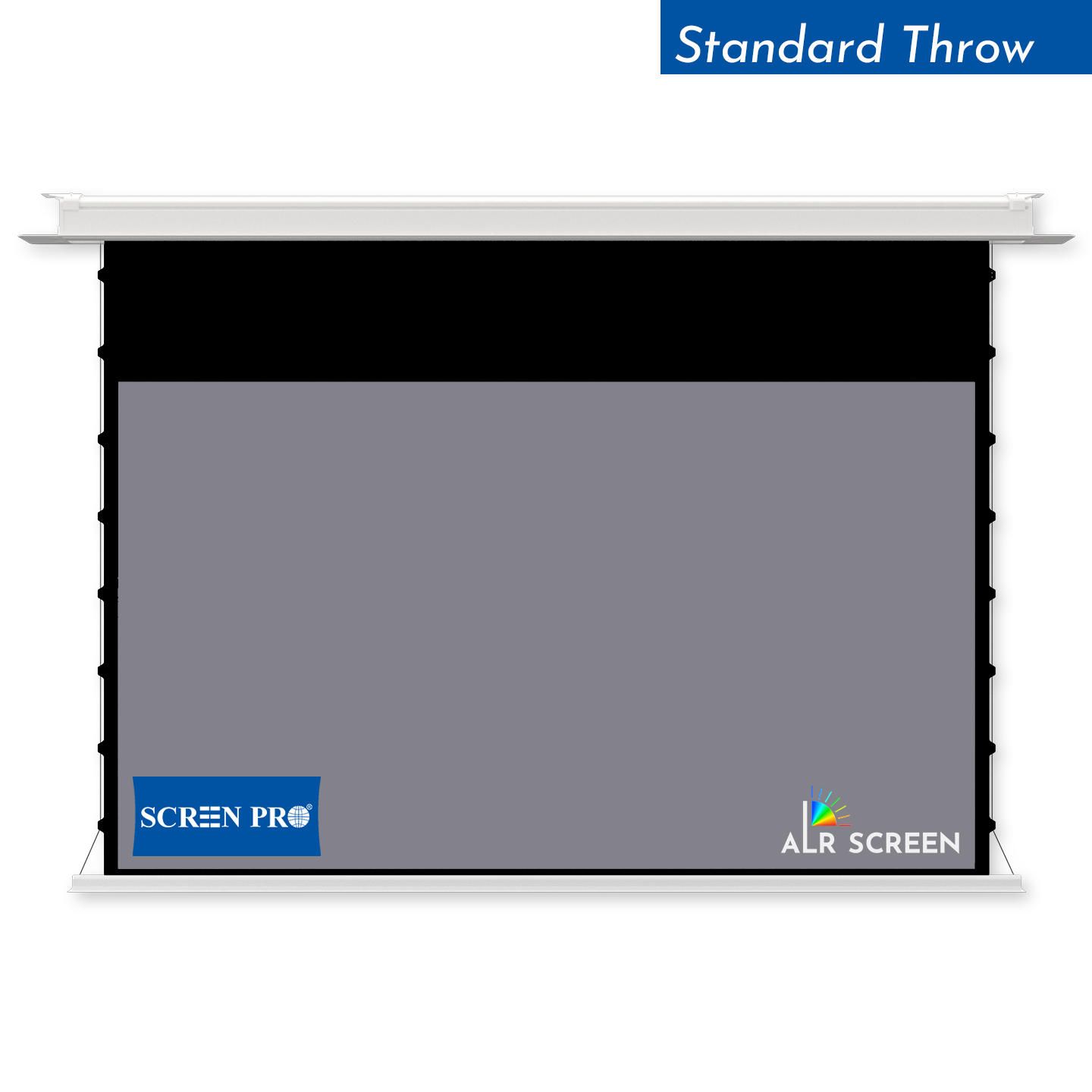
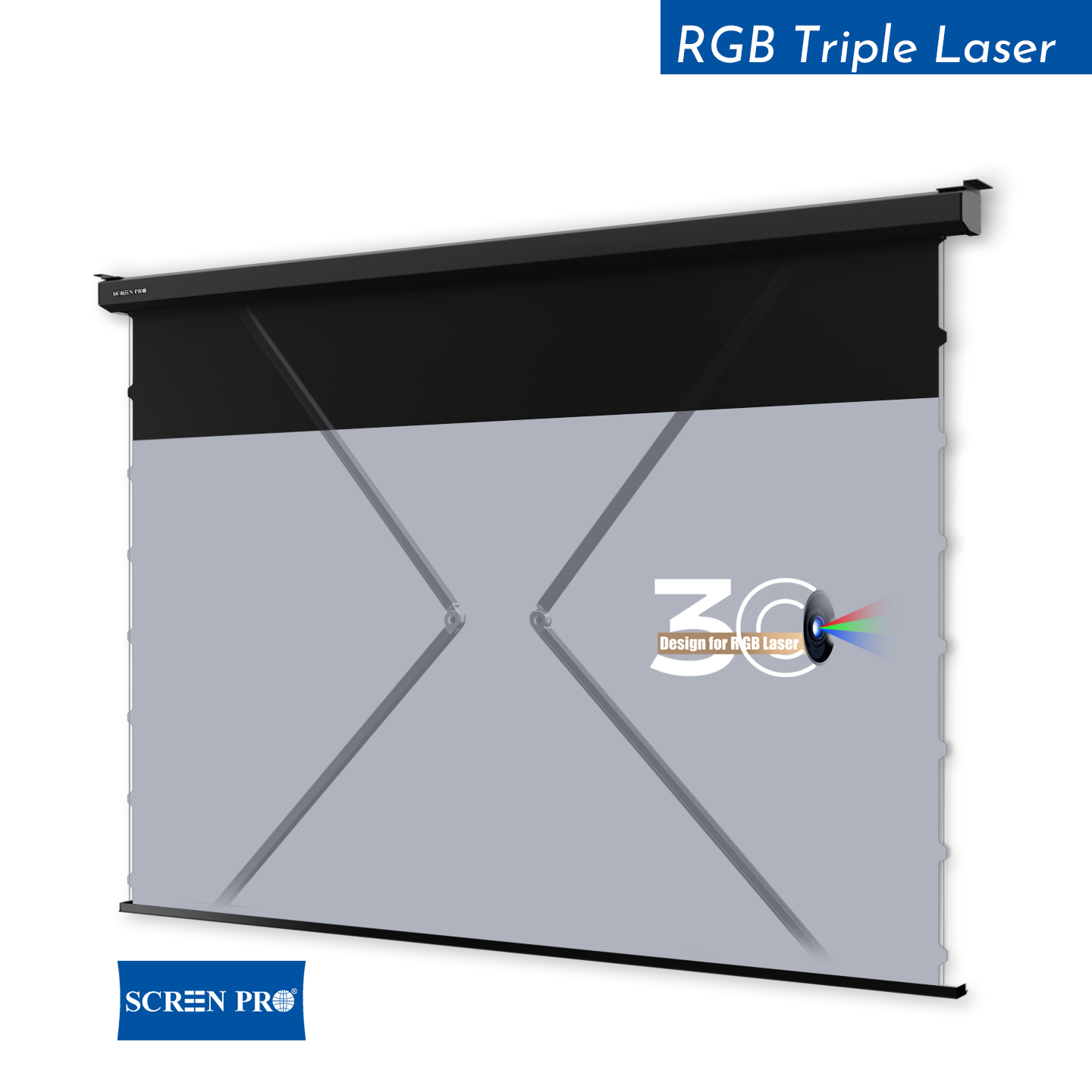
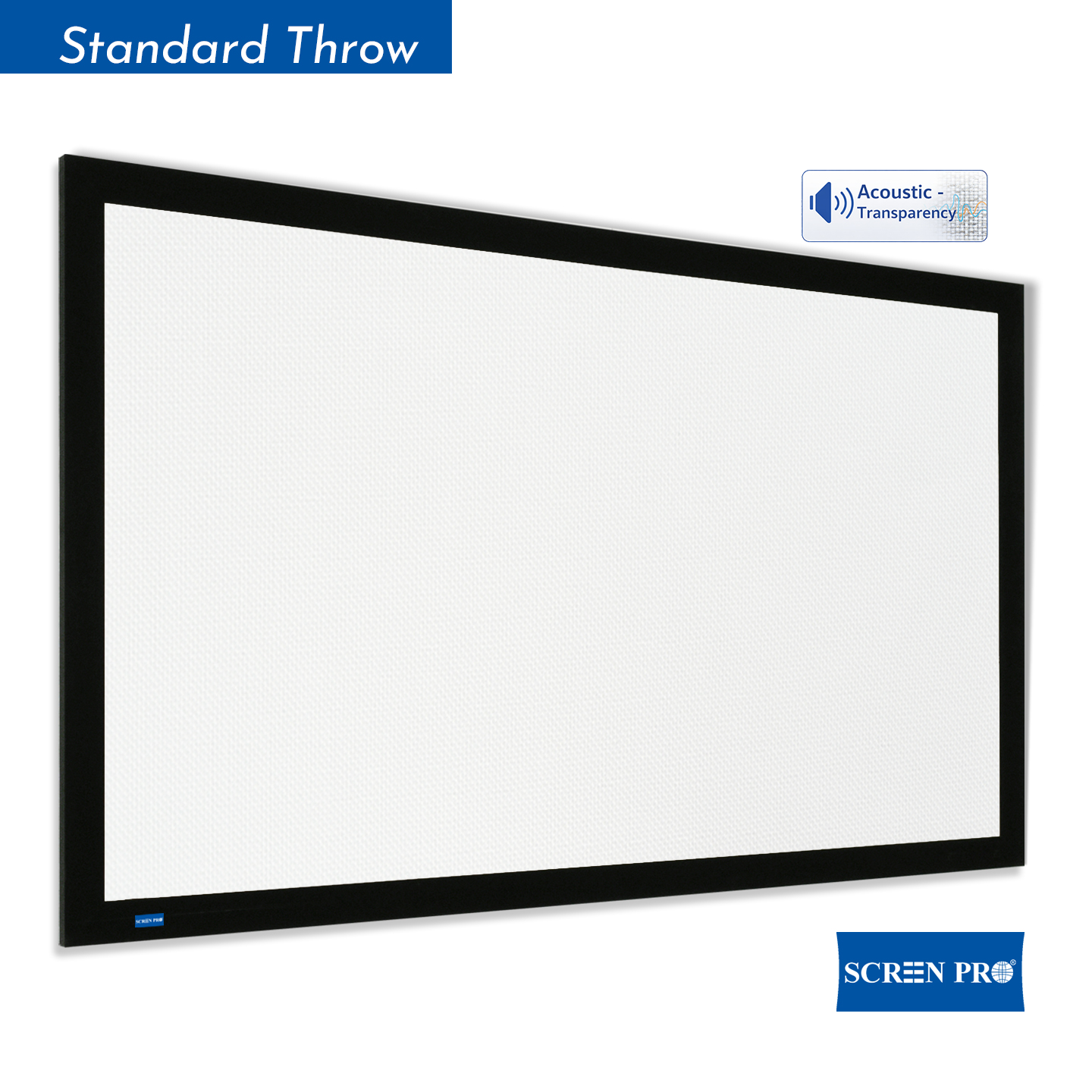
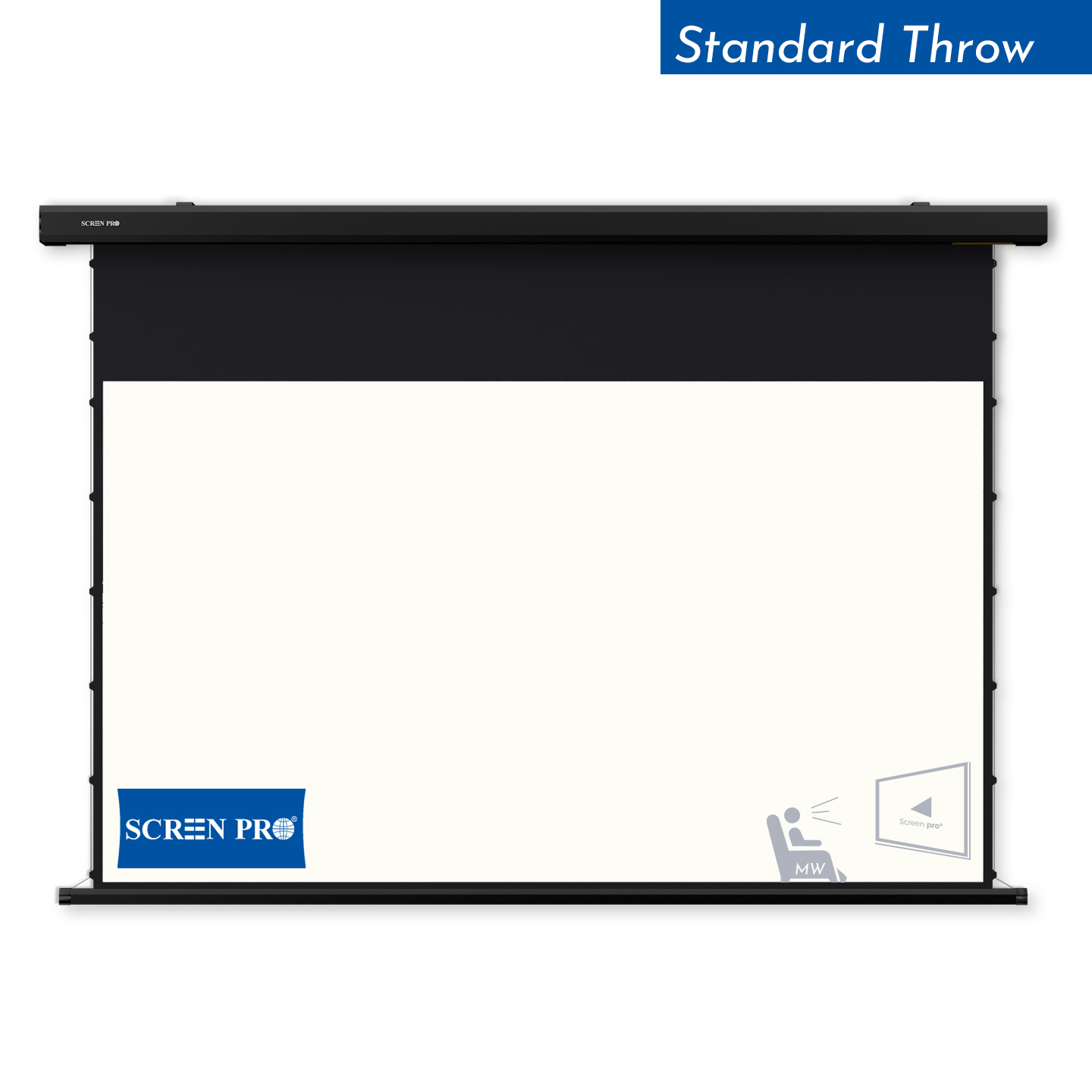
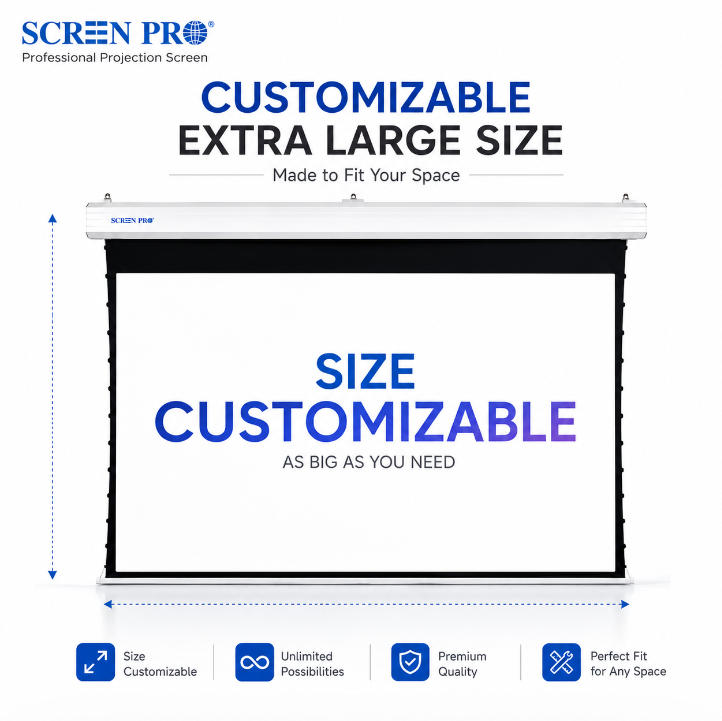
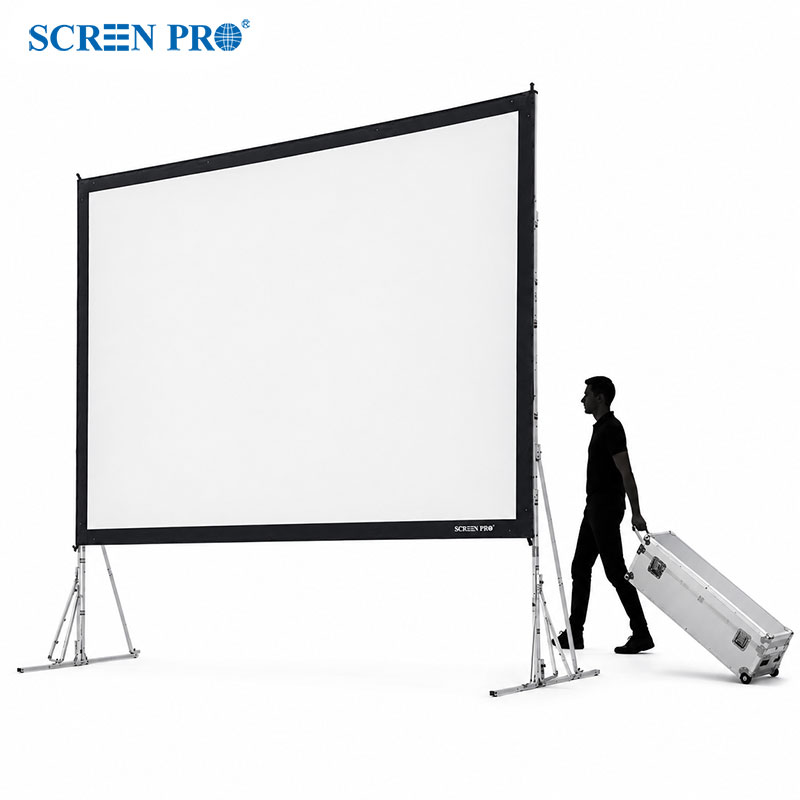
The visible image is only part of the complete screen assembly. A fixed frame adds frame width around the image, while a motorized screen requires a housing that is wider than the projection surface.
Fixed Frame Screen
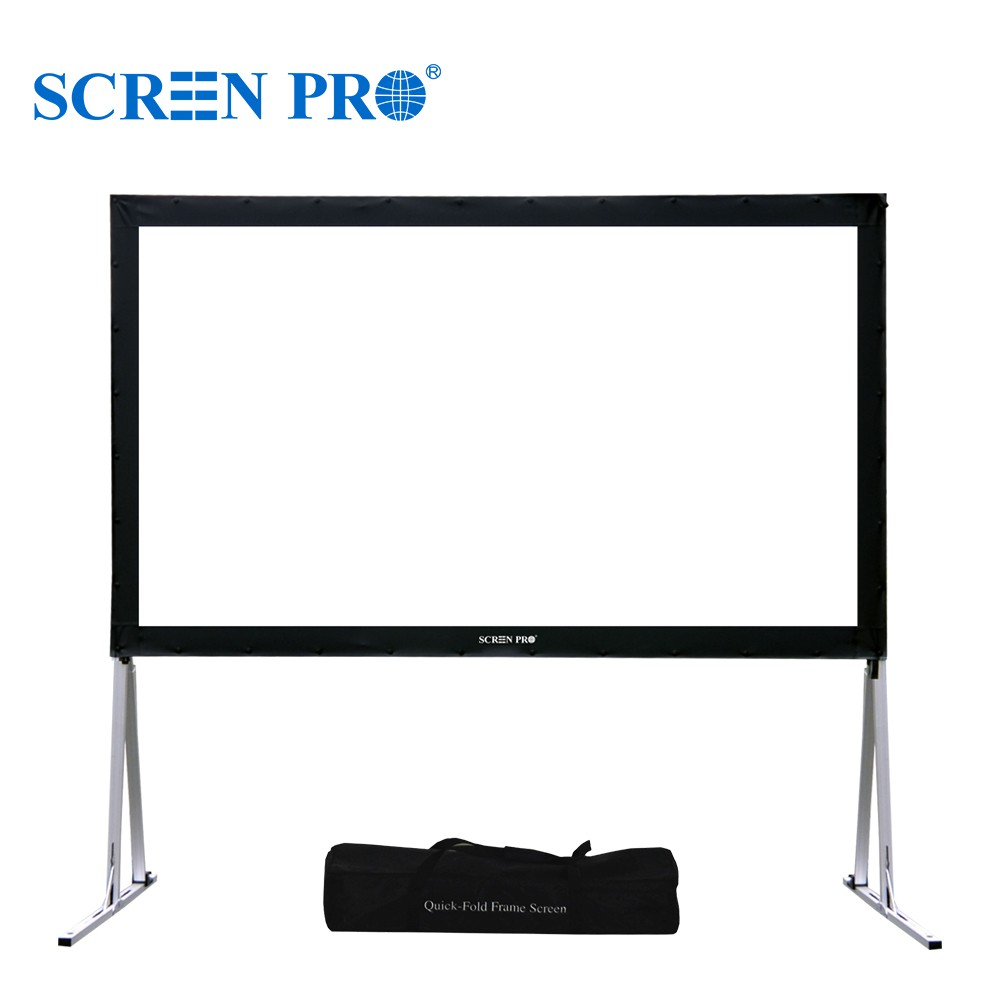
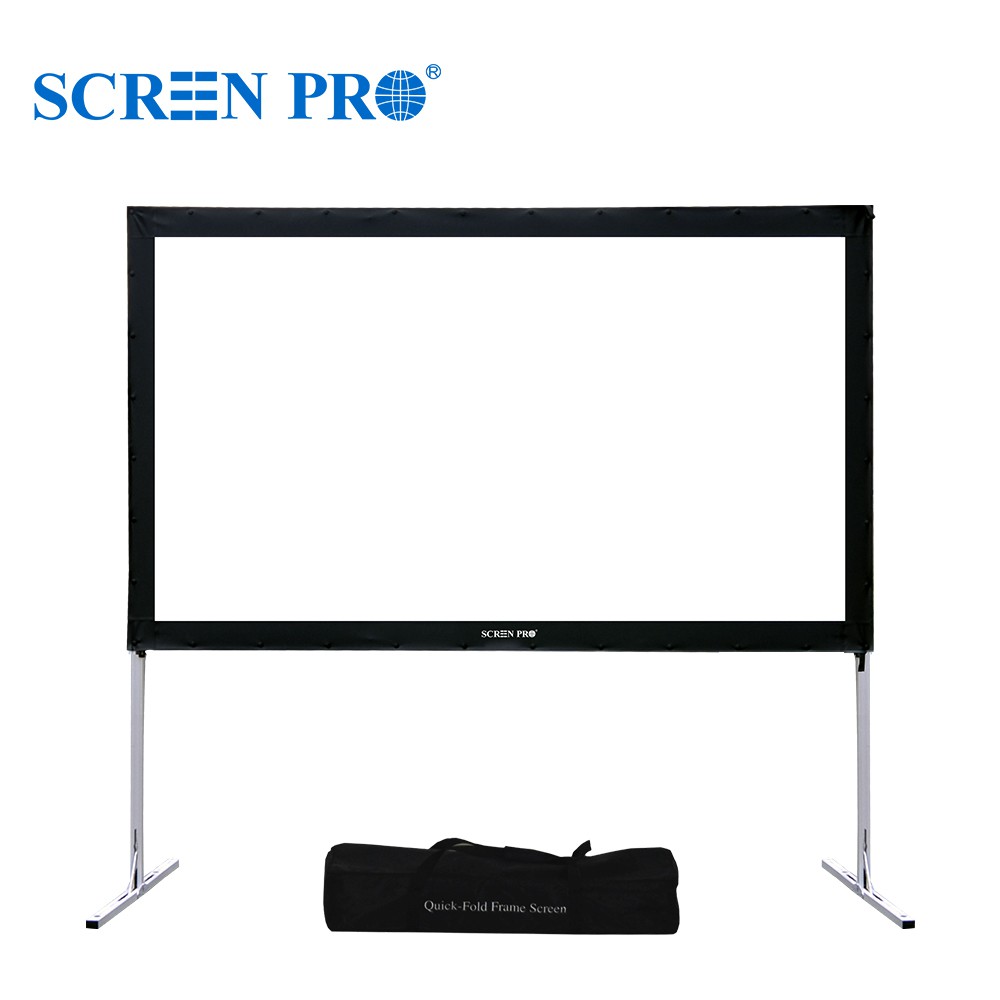
Allow additional width and height for the surrounding frame. Also consider speakers, switches, wall panels and other objects around the installation area.
Motorized Screen
The screen housing is normally wider than the image itself. Ceiling brackets, power location and installation clearance must also be included in your measurements.
5. Check Your Projector's Throw Ratio
This is the step that is most often overlooked.
Even if your room can physically fit a 150-inch screen, your projector may not be able to create a 150-inch image from the available mounting position.
For conventional projectors, throw ratio describes the relationship between projector throw distance and image width.
Always confirm the manufacturer's specifications for your exact projector model.
Example
A 120-inch 16:9 screen has an image width of approximately 2.66 meters.
If a projector operates at a throw ratio of 1.5:1, the approximate throw distance required for that image width would be:
2.66 m × 1.5 = approximately 3.99 m
Real projectors often have a throw-ratio range rather than one fixed value, so use the projector manufacturer's calculator or specifications for final placement.
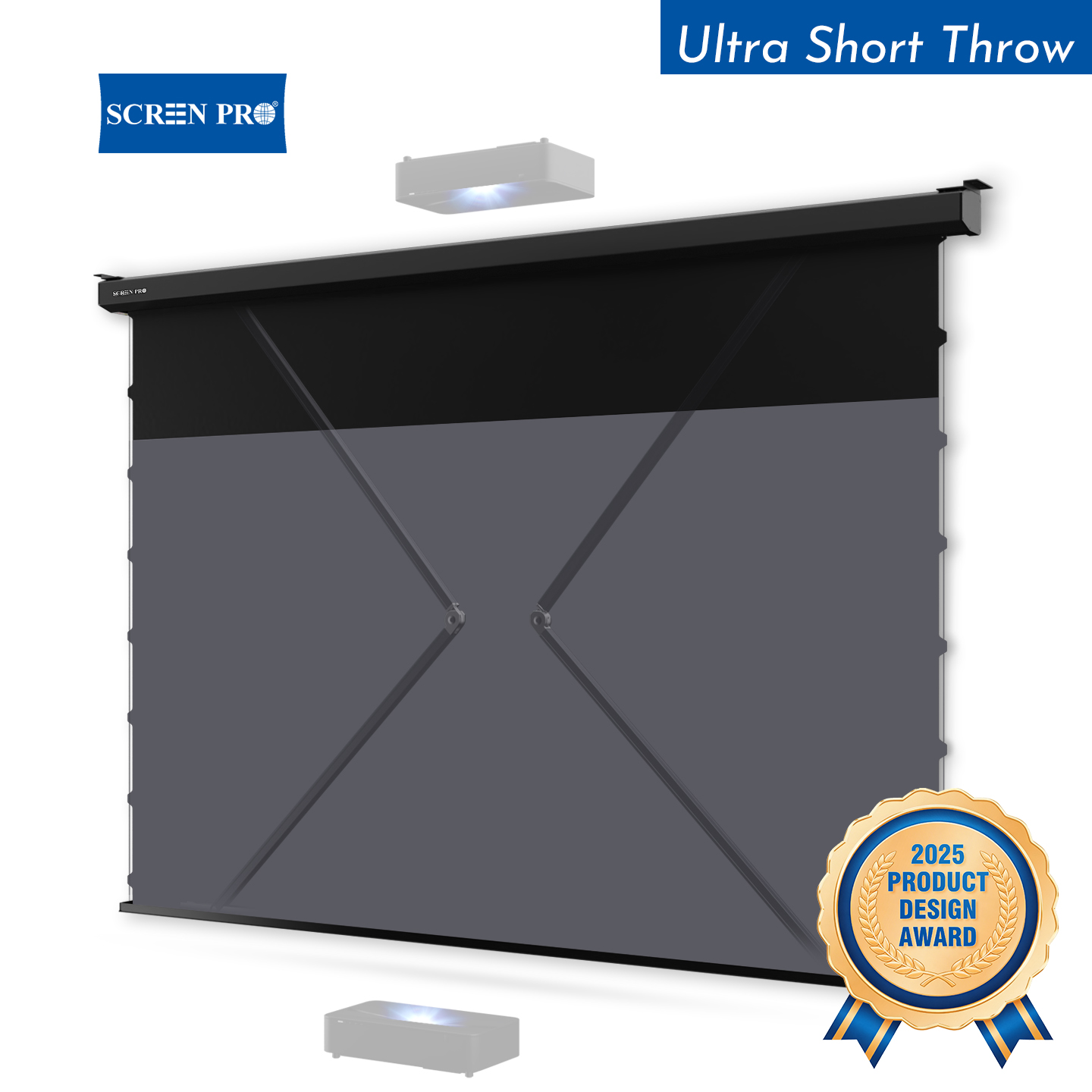
6. Ultra Short Throw Projectors Need Different Planning
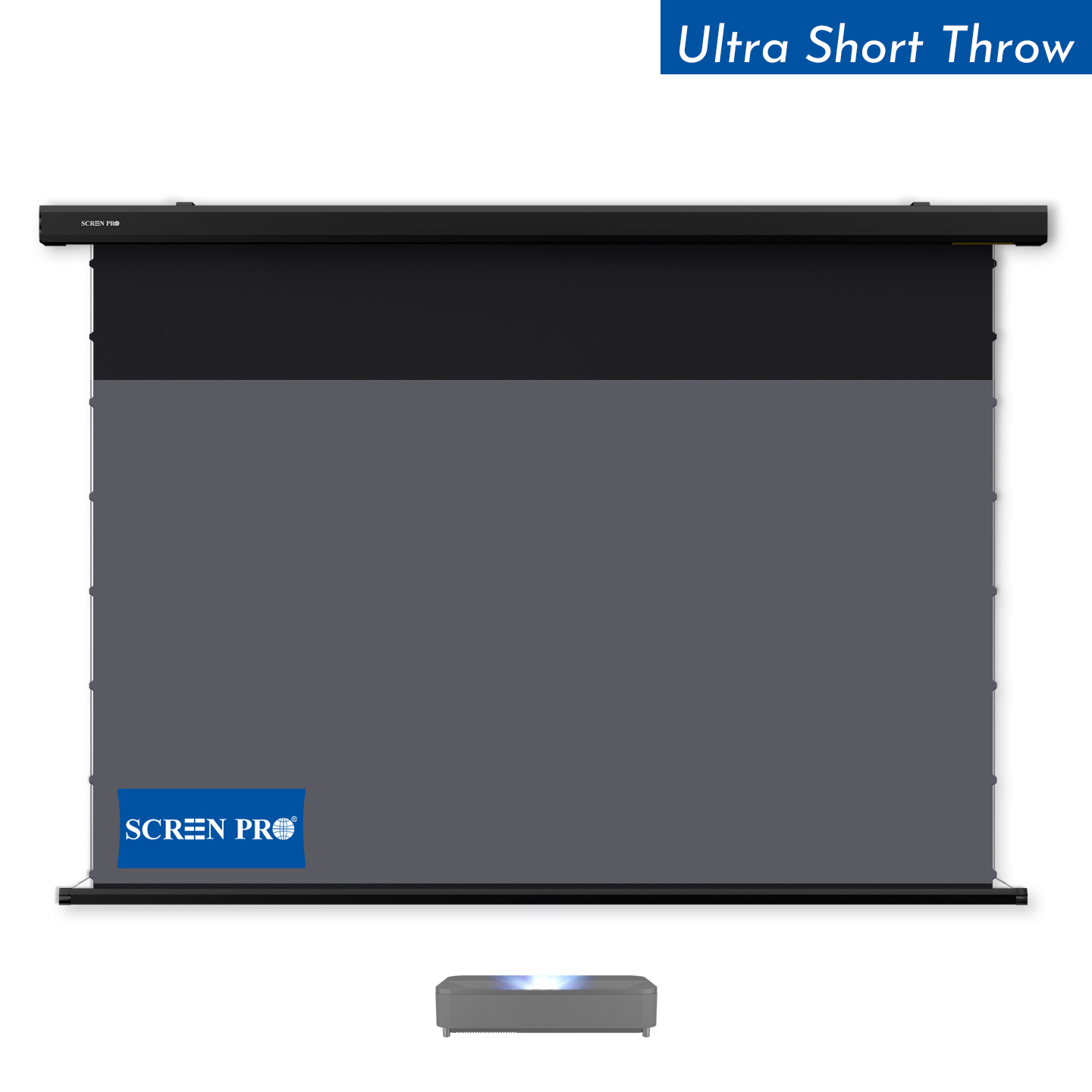
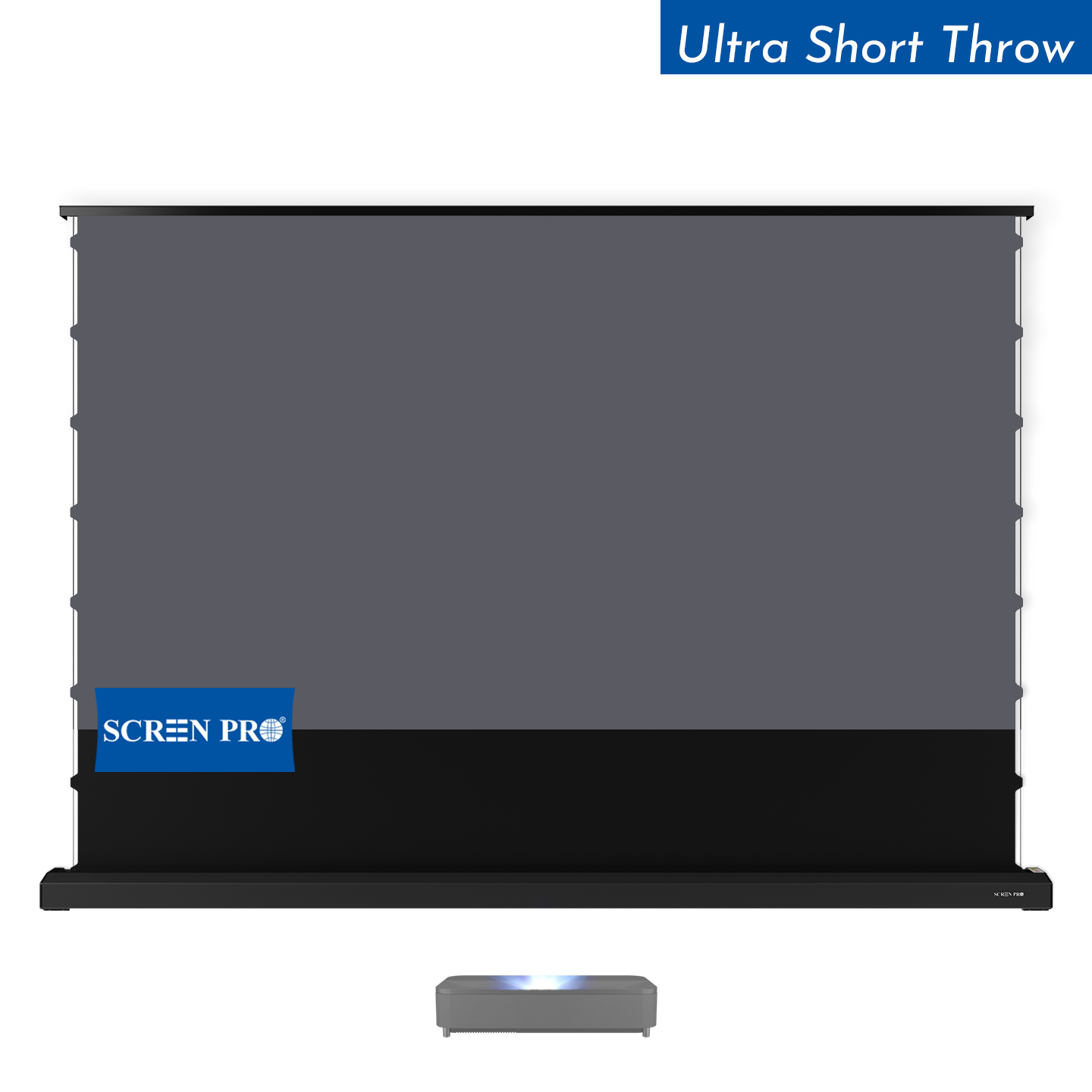
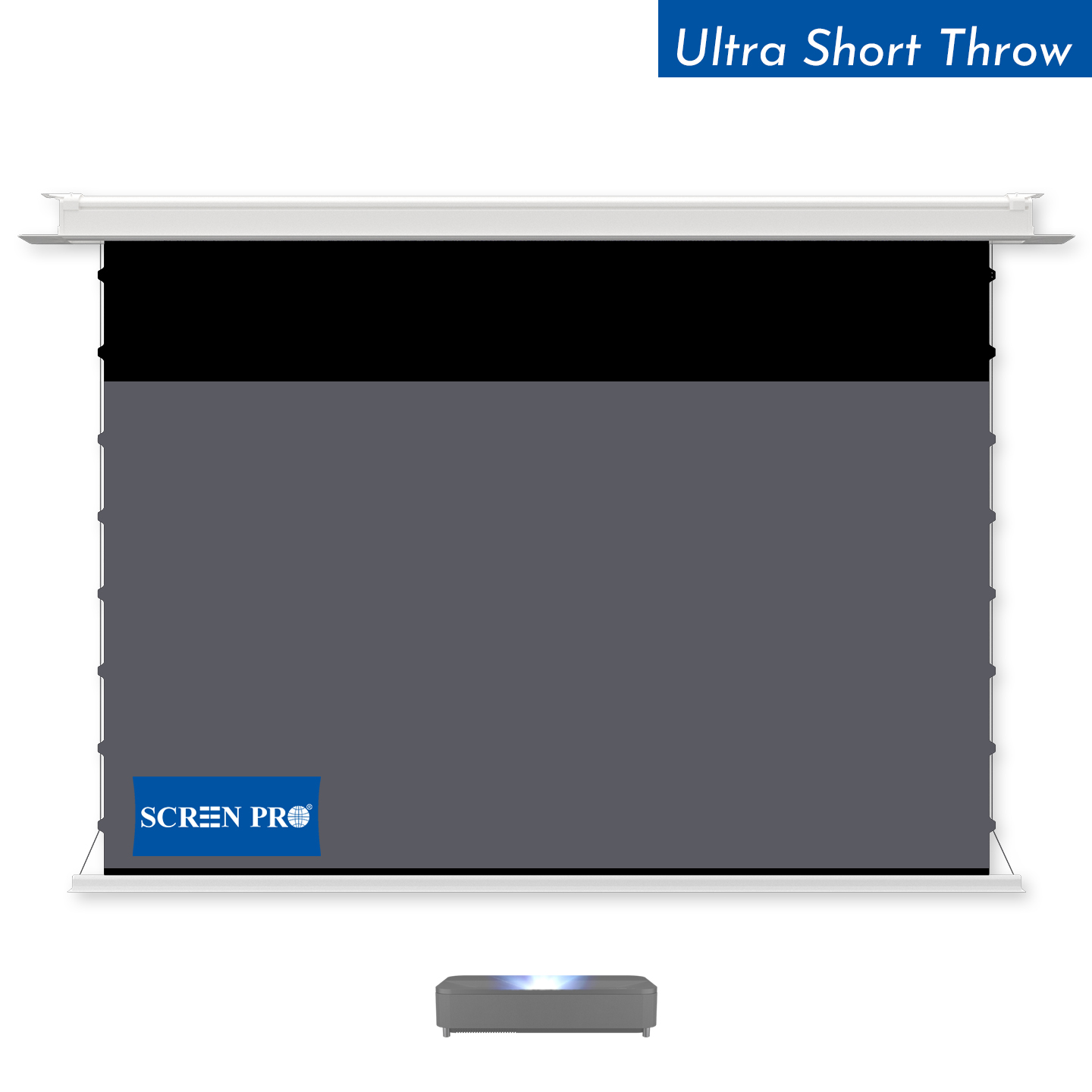
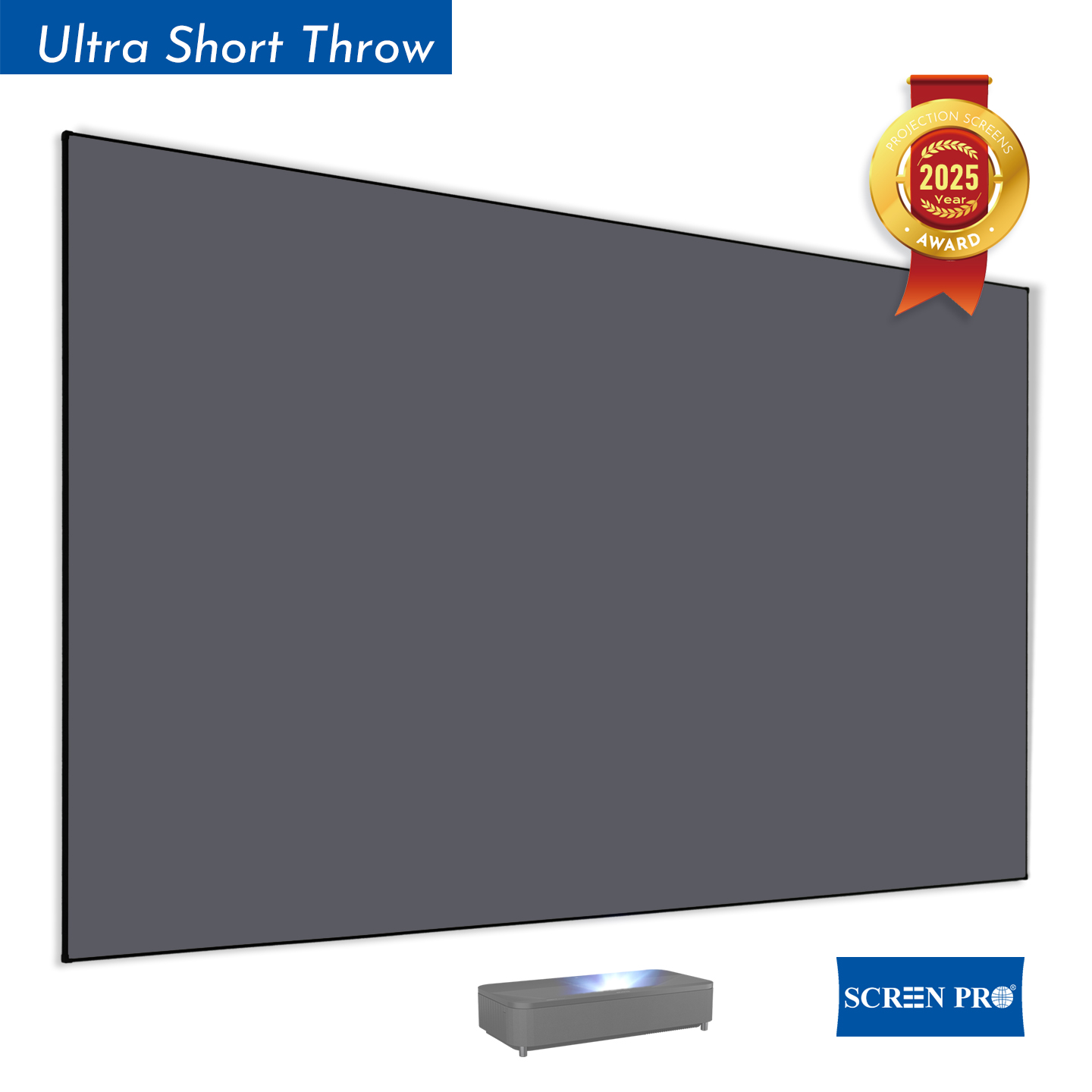
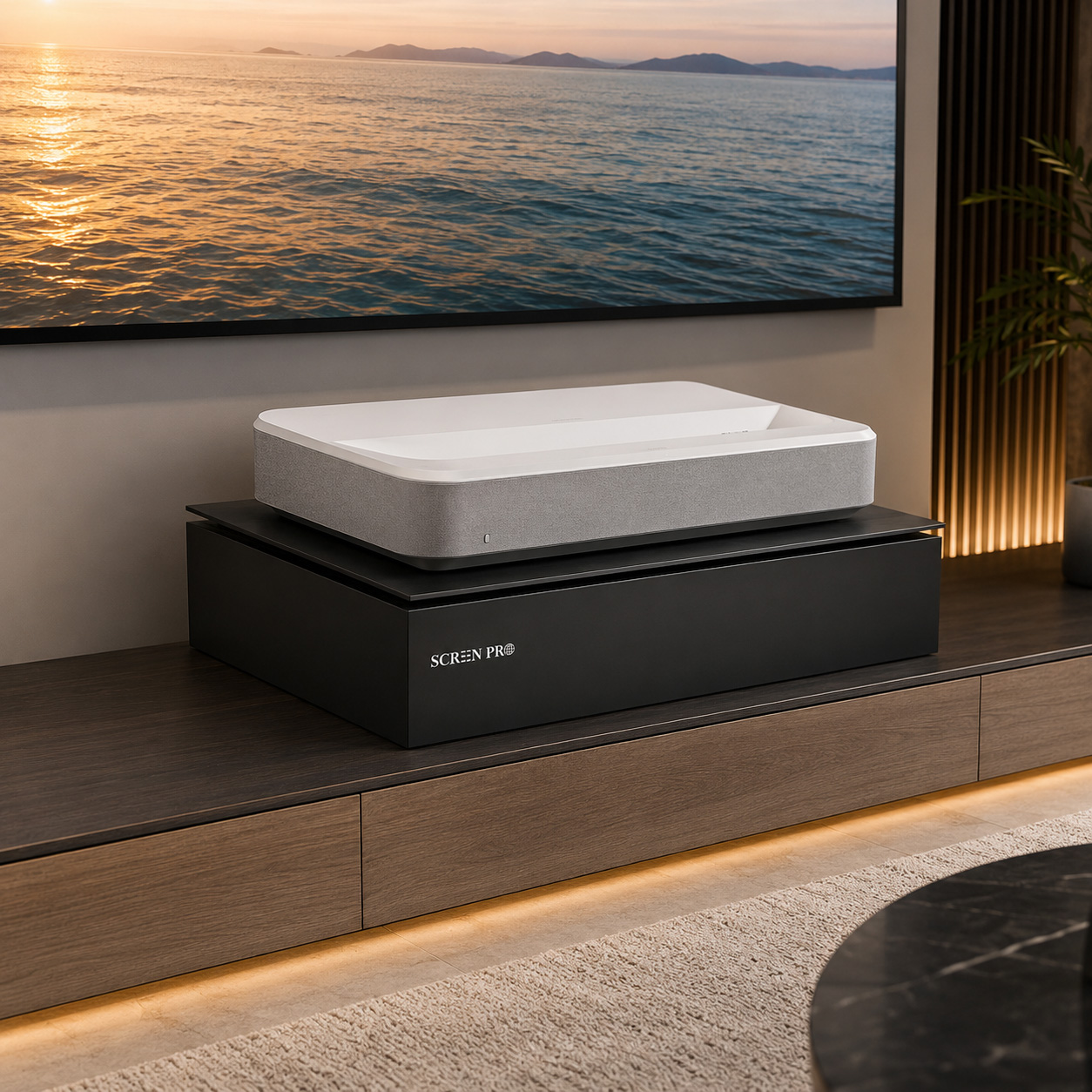
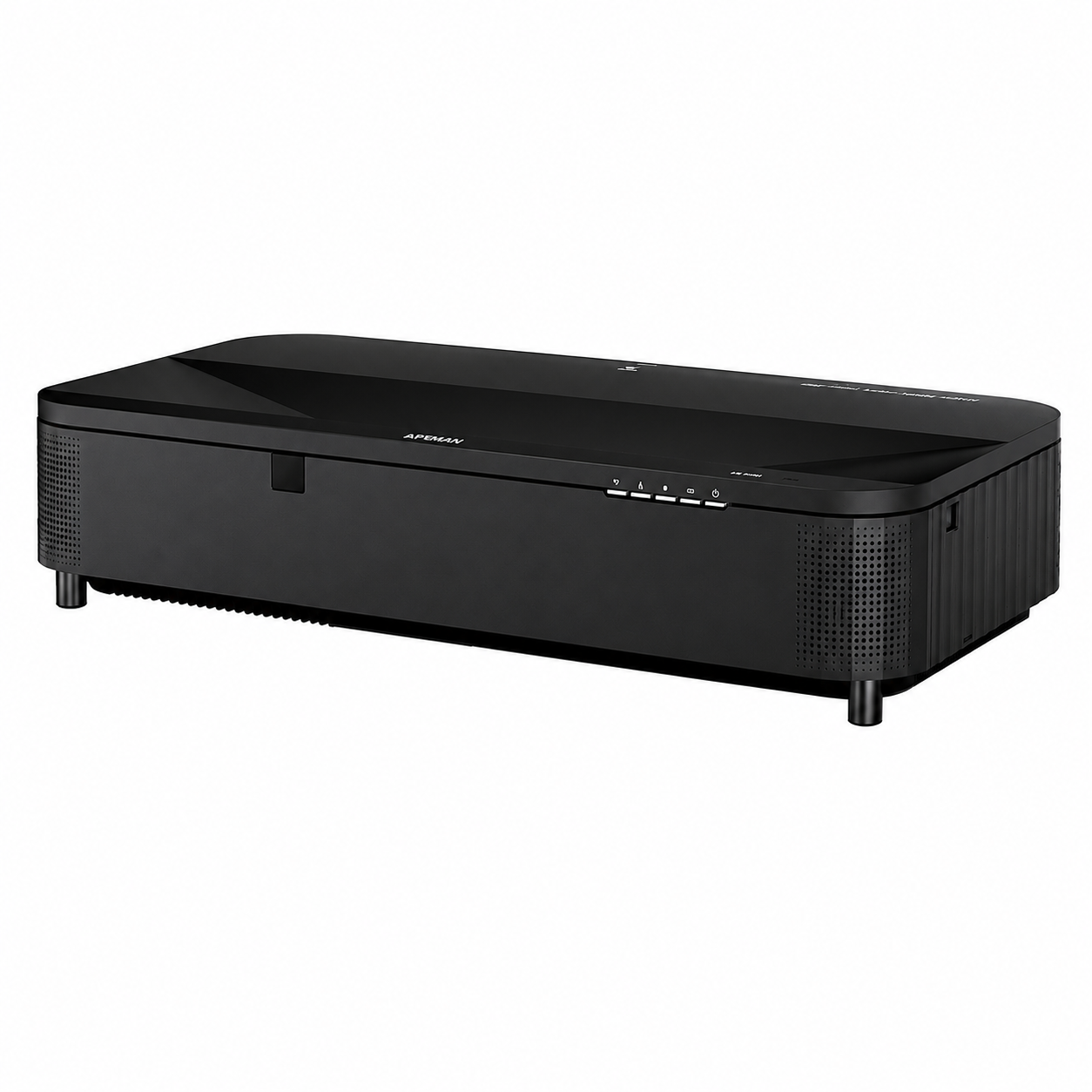
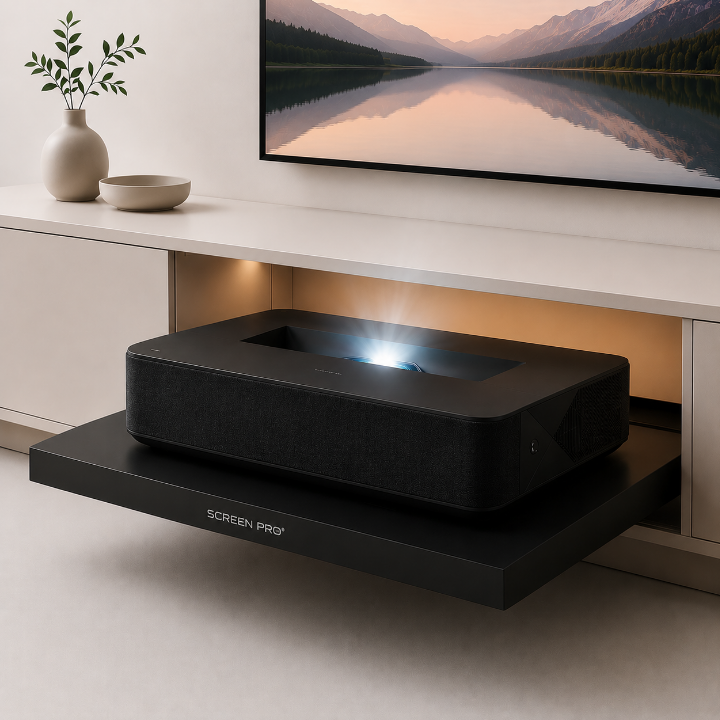
Ultra short throw (UST) projectors change the calculation because the projector sits very close to the screen rather than several meters away.
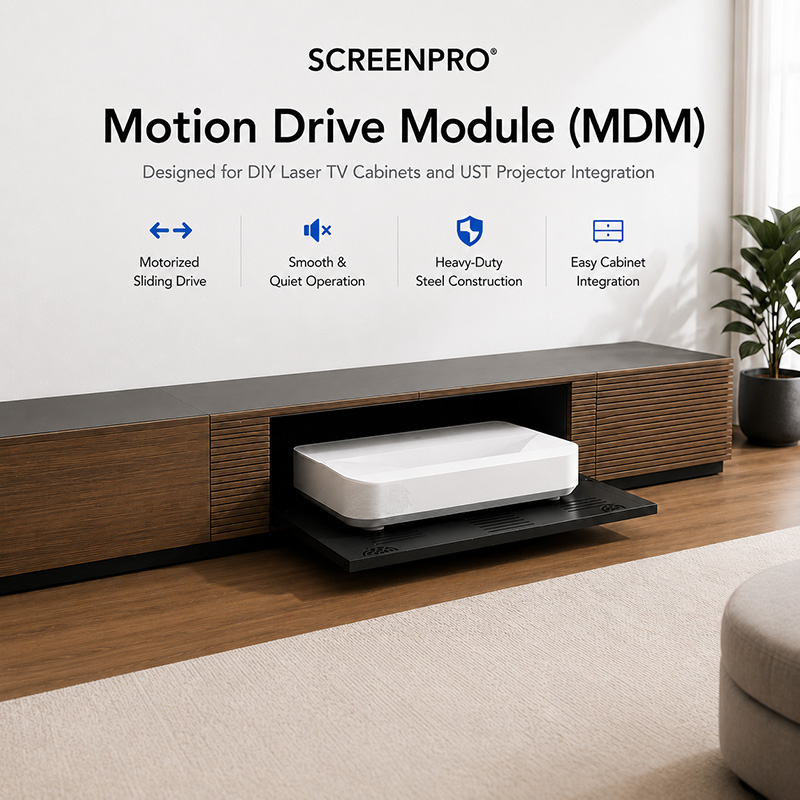
With a UST system, screen size directly affects the projector's required distance from the wall and its vertical position. Moving from 100 inches to 120 or 150 inches can therefore change the required furniture depth, screen mounting height and projector placement.
Check the projector manufacturer's installation diagram for the exact screen size you plan to use before drilling holes or installing cabinetry.
7. Don't Forget Projector Brightness
A projector must illuminate the entire screen. As screen size increases, the same amount of projector light is spread across a larger surface.
This means a projector that looks bright on a 100-inch screen may appear noticeably less bright when expanded to 150 or 180 inches.
Room lighting, screen gain, projector light output and intended HDR performance should therefore be considered before simply choosing the largest possible screen.
8. Which Aspect Ratio Should You Choose?
16:9
The most versatile choice for home theaters, streaming, gaming, television and general entertainment.
2.35:1 / 2.40:1
Designed primarily for cinematic widescreen viewing. Best suited to dedicated theater systems where movie presentation is the priority.
Commercial, educational and professional AV installations may also use 16:10, 4:3, 1:1 or other formats depending on the projector and content.
9. A Quick Way to Narrow Down Your Screen Size
Before You Buy, Check These Five Things
10. So, What Size Projector Screen Do You Need?
Start with the size that gives you the viewing experience you want, then verify that it works with the room and projector.
For many residential installations, 100 to 150 inches covers a useful range, but there is no universal "best" screen size. A 120-inch screen can feel enormous in one room and surprisingly small in another.
The best screen size is the one where viewing distance, image width, projector capability, brightness and installation space all work together.
Still Not Sure Which Screen Size to Choose?
Start with your projector type, room environment and installation style. SCREENPRO can help narrow down the right screen size and screen type for your setup.
Find the Right Projection Screen