


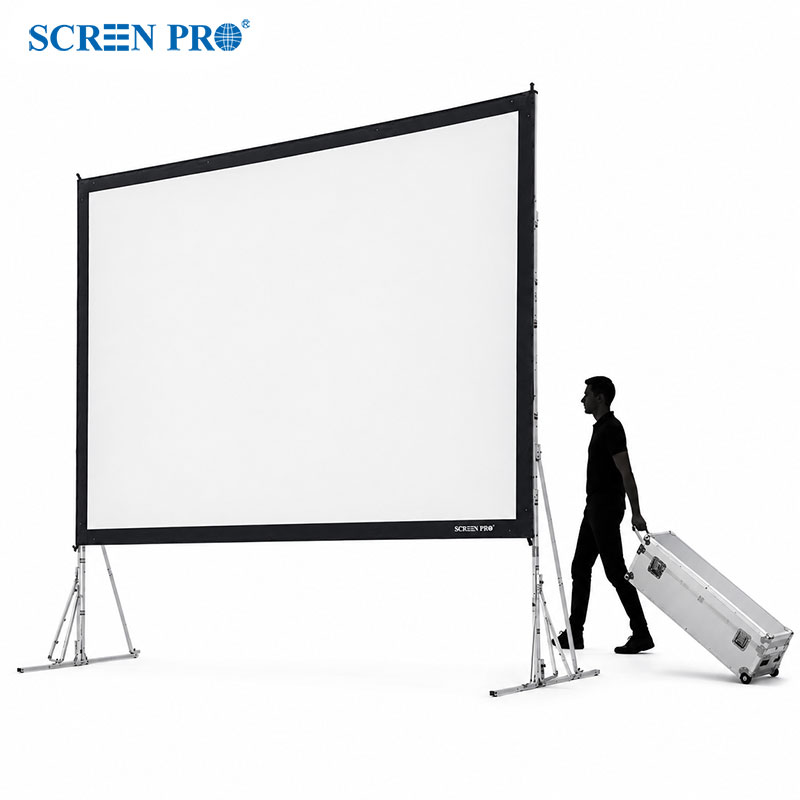


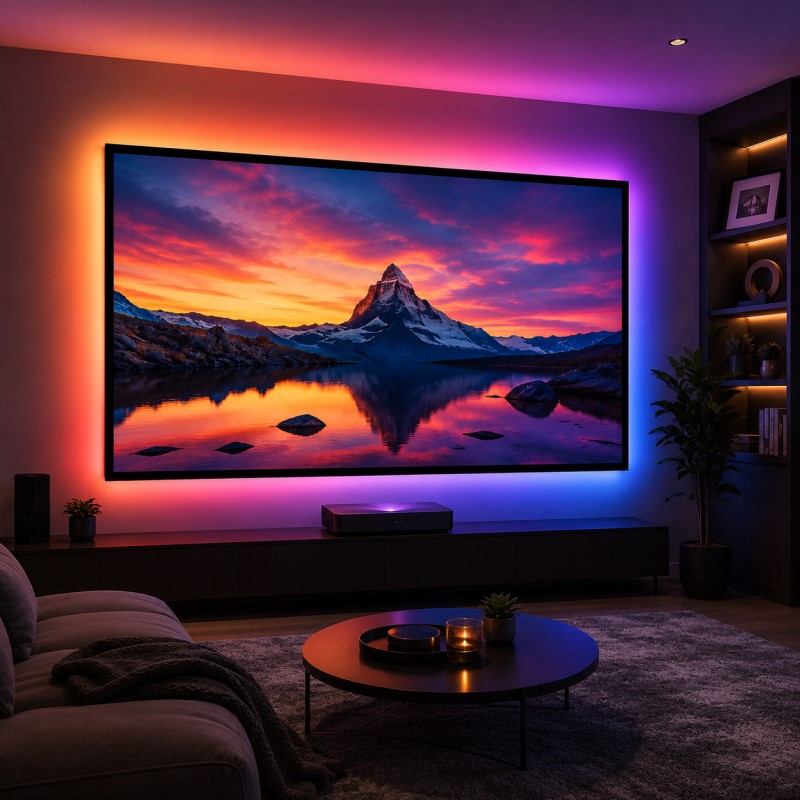

SCREENPRO CONTROL GUIDE
Which Projector Screen Trigger Do I Need?
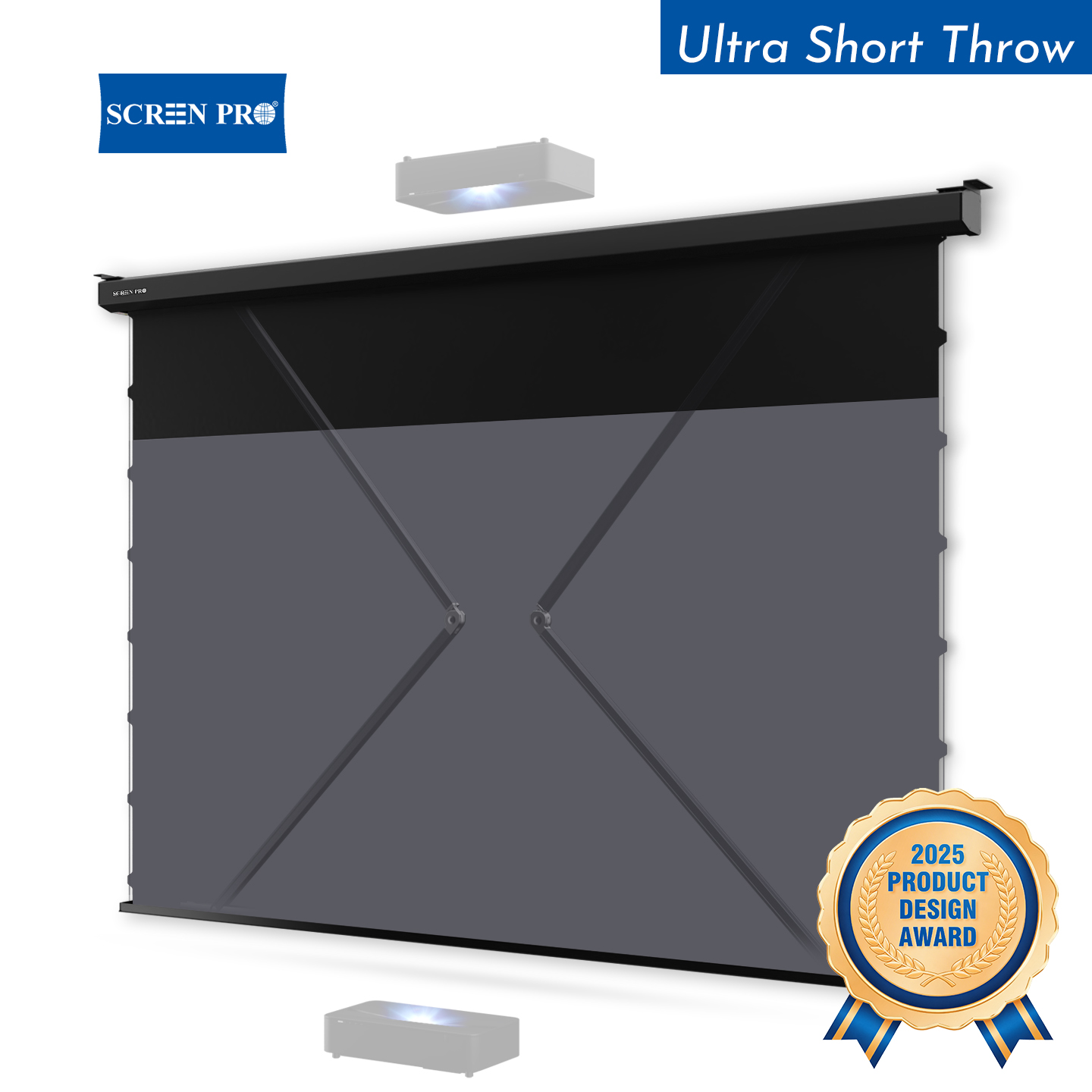
A projector trigger can make your motorized projection screen feel like part of one integrated system: turn the projector on, and the screen deploys; turn it off, and the screen retracts. But the correct trigger depends on your SCREENPRO® screen series, motor configuration, and installation type.
The Quick Answer
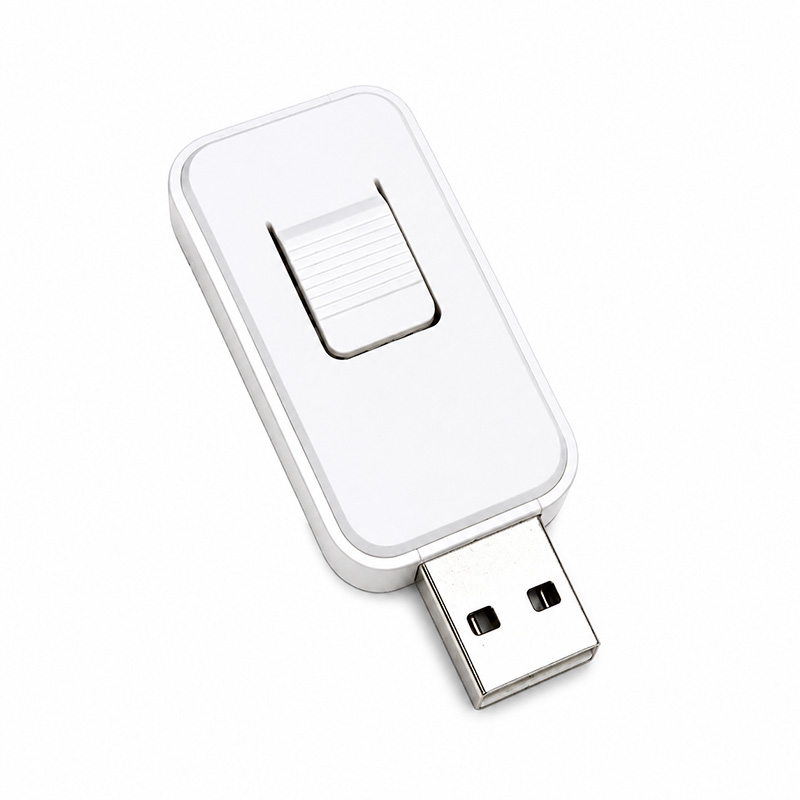
USB trigger for compatible J Series screens configured with the optional TUYA smart motor.
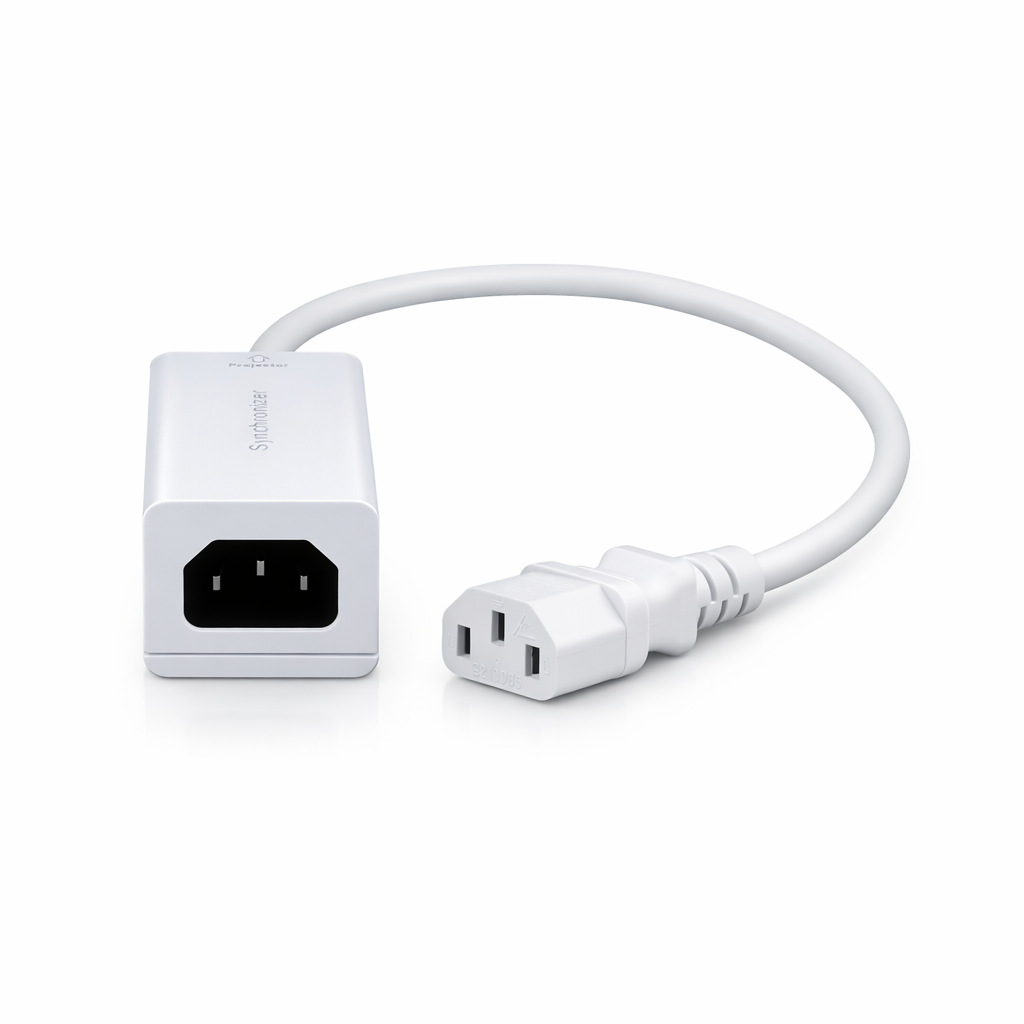
Trigger synchronizers for specified compatible SCREENPRO motorized screen series.
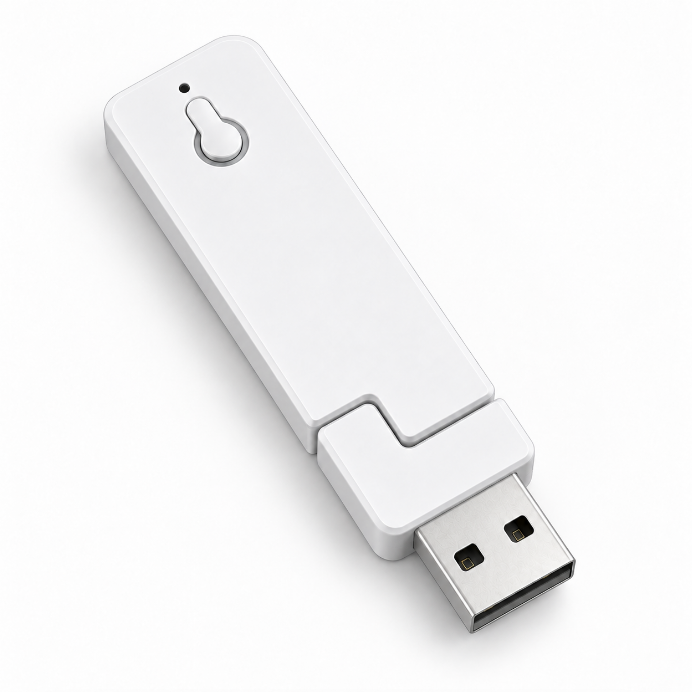
USB power trigger solution for compatible SCREENPRO in-ceiling motorized screen systems.
Why Are There Different Projector Screen Triggers?
A projector screen trigger is not necessarily a universal accessory. The correct solution depends on how the screen is controlled, which motor configuration is installed, and which SCREENPRO® screen series you are using.
Two motorized screens can look very similar from the outside while using different control architectures internally. For that reason, identifying the screen series and motor configuration should always come before choosing the trigger.
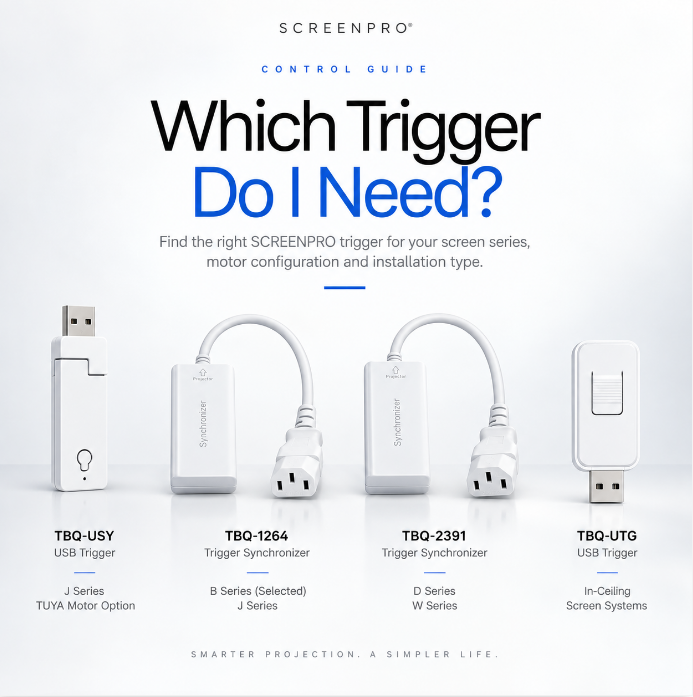
SCREENPRO Trigger Comparison
| Model | Type | Compatible Screen | What to Check |
|---|---|---|---|
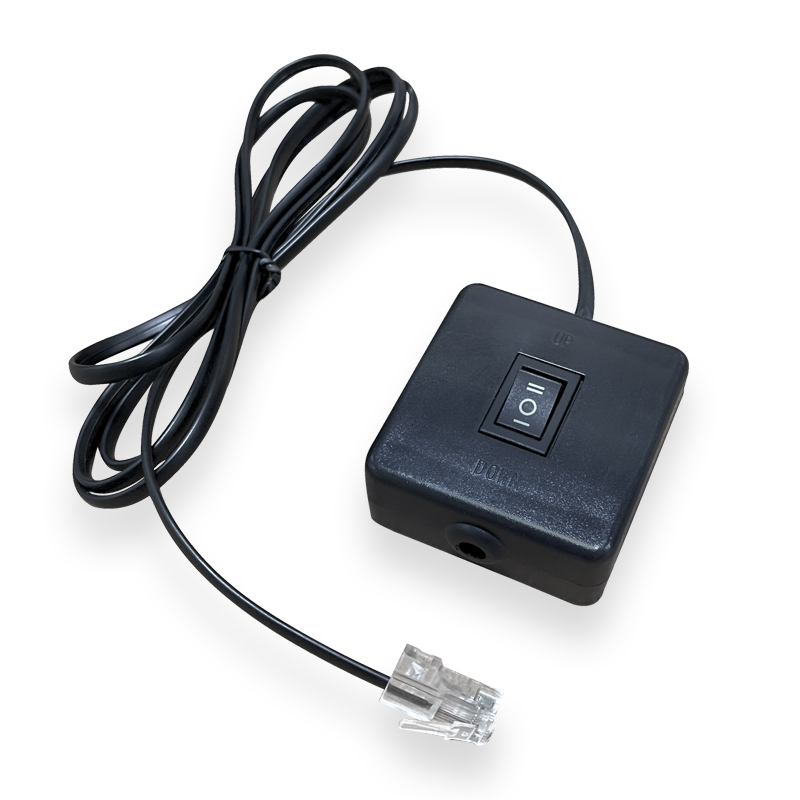
| TBQ-USY | USB Trigger | J Series | Optional TUYA smart motor |
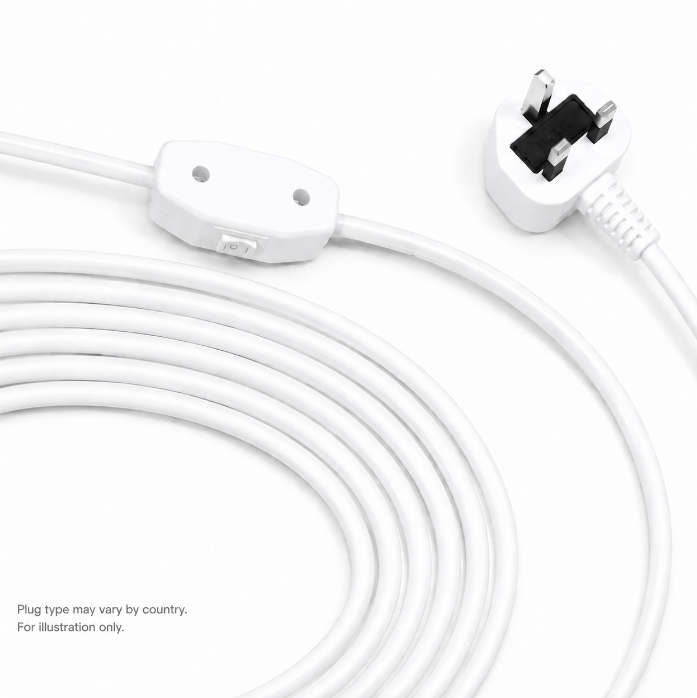
| TBQ-1264 | Trigger Synchronizer |
B Series (selected) J Series |
Screen configuration and projector power connection |
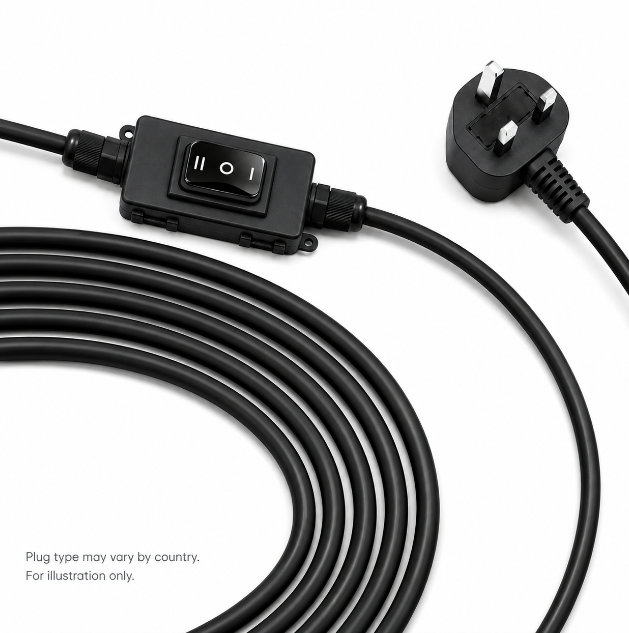
| TBQ-2391 | Trigger Synchronizer |
D Series W Series |
Screen series and projector power connection |
| TBQ-UTG | USB Trigger | Compatible In-Ceiling Systems | Confirm screen compatibility |
TBQ-USY: J Series with the Optional TUYA Smart Motor
Choose by motor configuration.
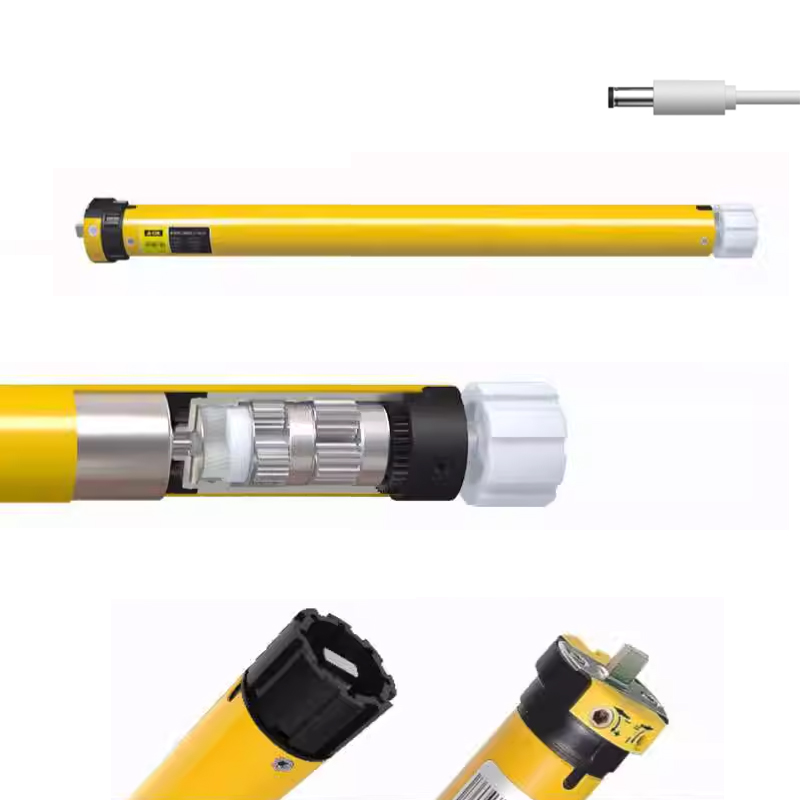
TBQ-USY is designed for compatible SCREENPRO® J Series motorized projection screens configured with the optional TUYA smart motor.
It uses the projector’s USB power status as the trigger signal, allowing the screen to deploy when the projector powers on and retract when the projector powers off.
Explore TBQ-USY →
TBQ-1264: For Compatible B and J Series Screens
Projector-linked synchronization without a control wire.
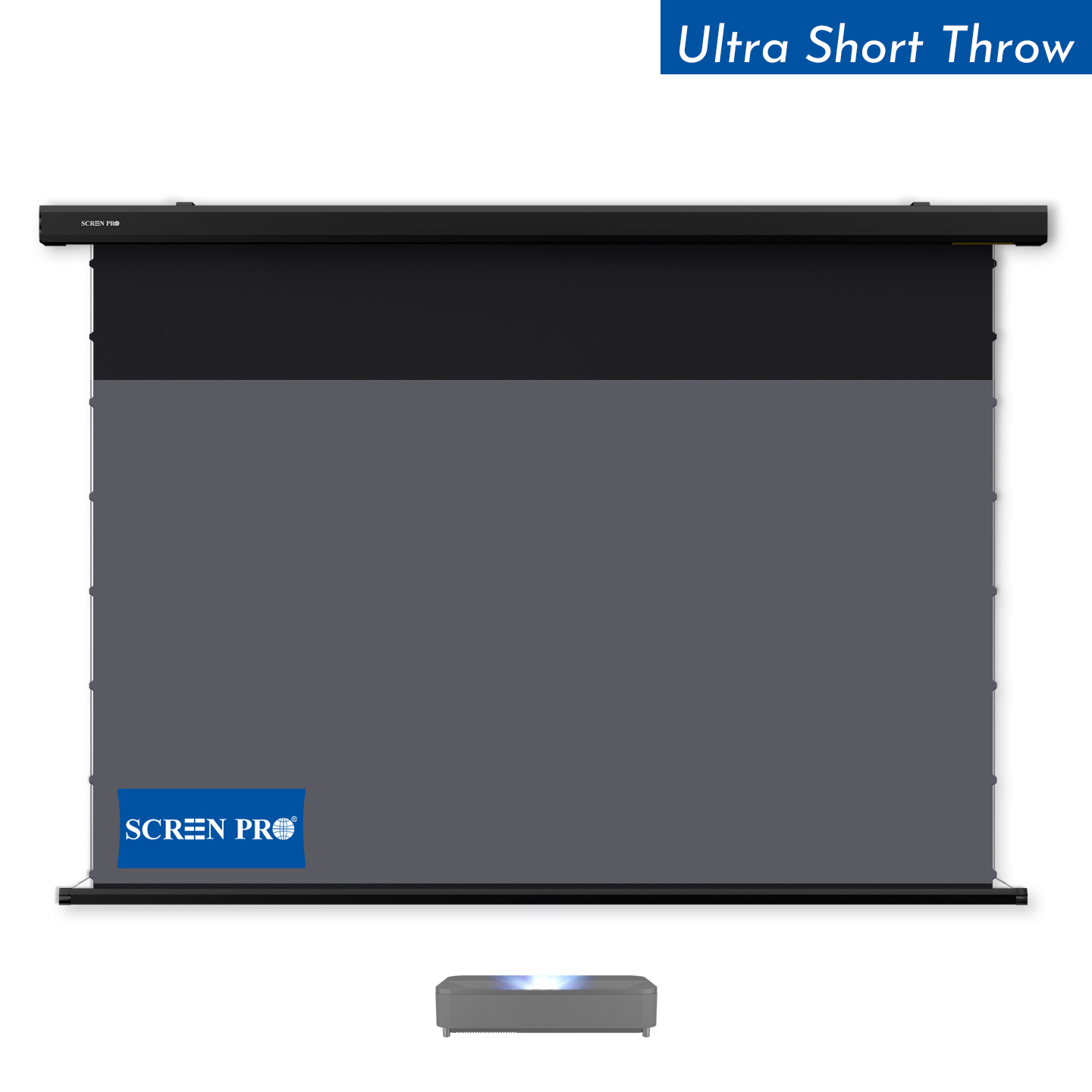
TBQ-1264 is compatible with selected SCREENPRO® B Series motorized screens and SCREENPRO J Series motorized screens.
The synchronizer allows a compatible screen to follow projector operation automatically without requiring a direct control cable between the projector and screen.
Explore TBQ-1264 →
TBQ-2391: For D Series and W Series
For compatible floor-rising and ZeroWave screens.
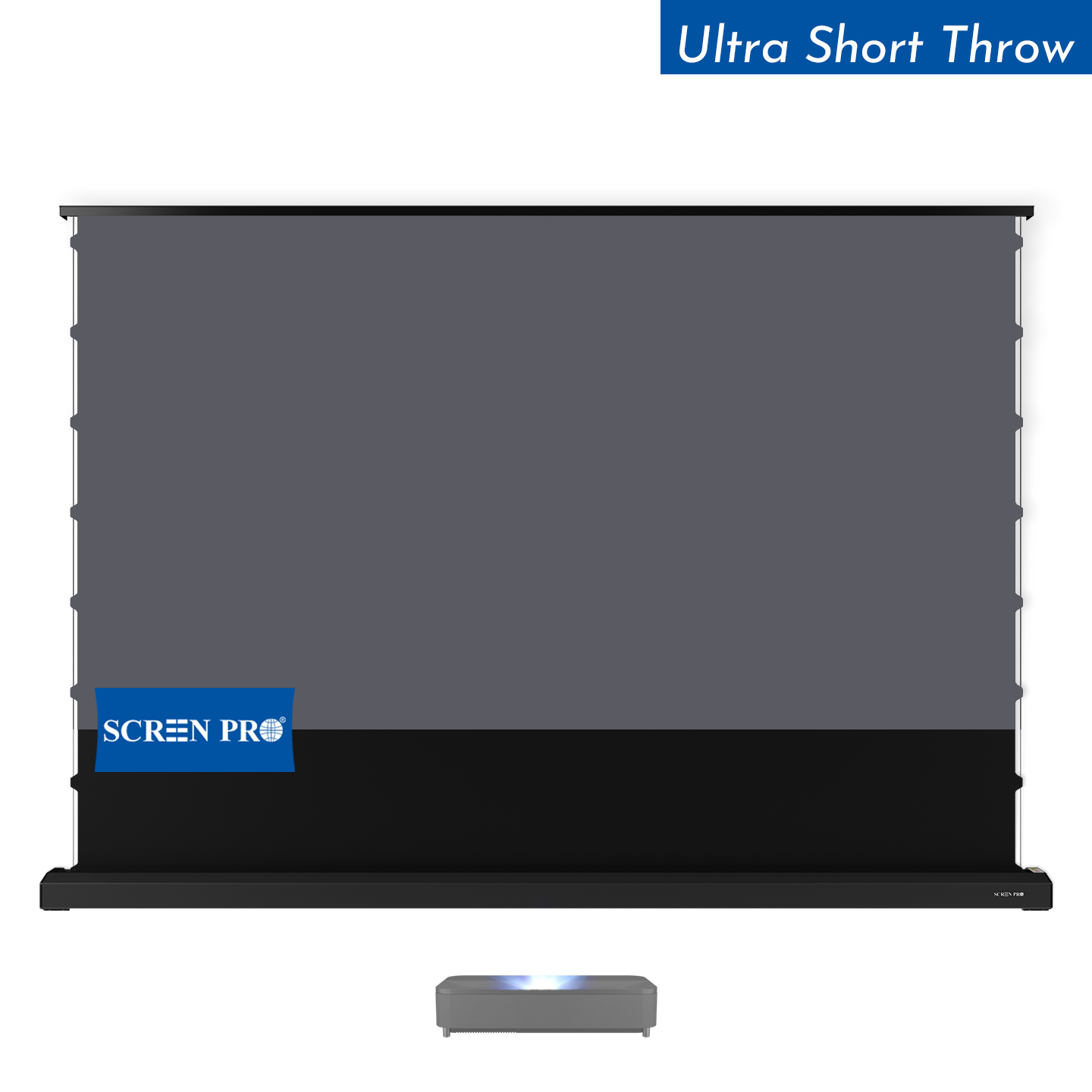
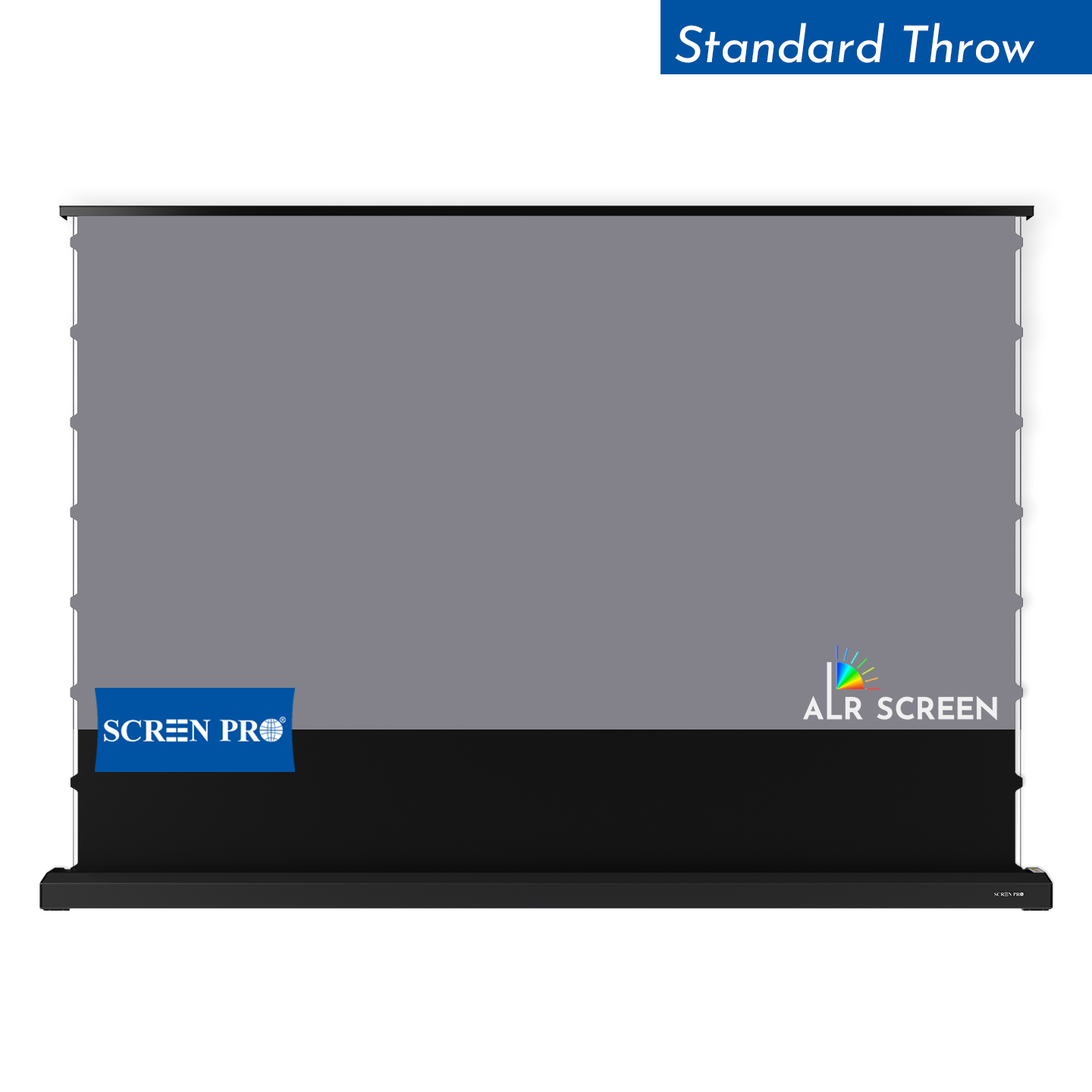
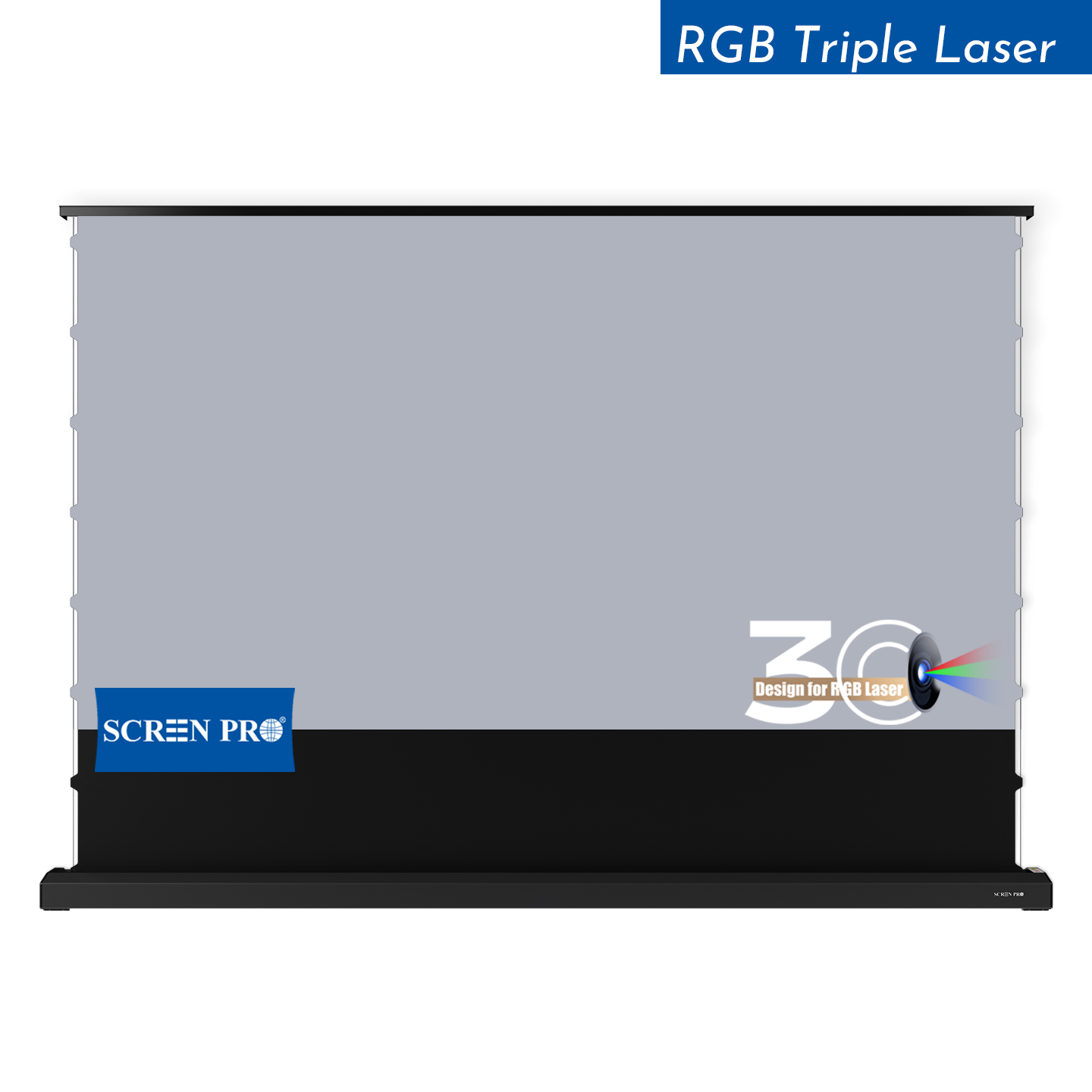
TBQ-2391 is designed for SCREENPRO® D Series motorized floor-rising screens and W Series motorized ZeroWave screens.
It provides projector-linked automatic operation for these compatible SCREENPRO screen architectures.
Explore TBQ-2391 →
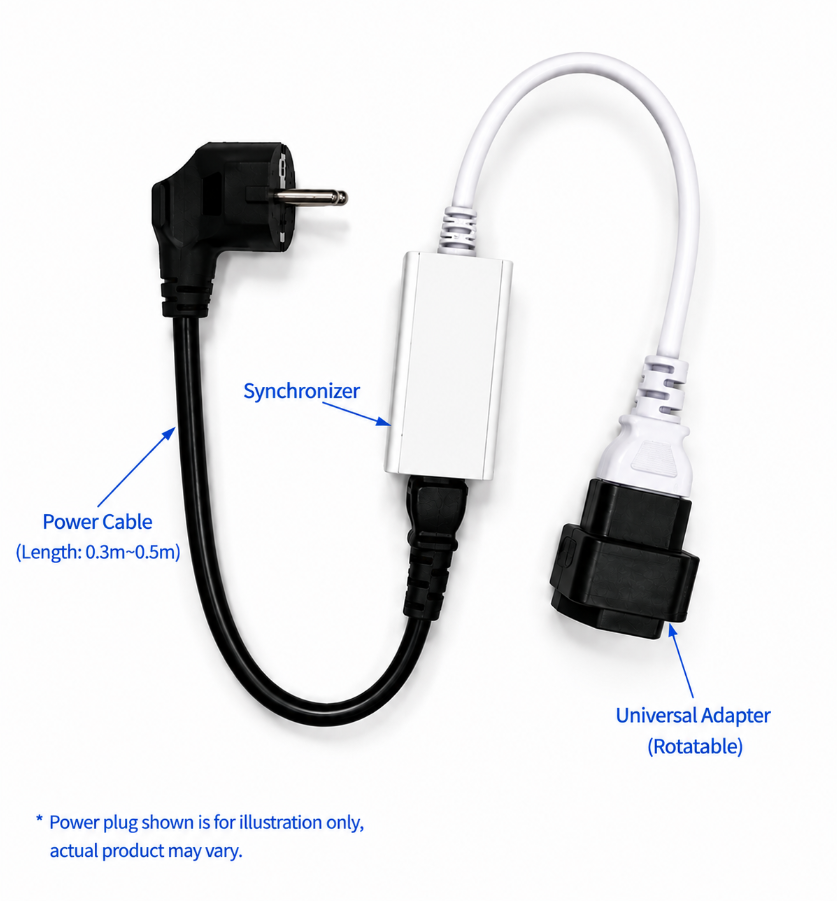
Different Power Connection? Use the Universal Adapter Option.
Some projectors use a different power connection and cannot connect directly to the standard TBQ synchronizer configuration.
For these installations, SCREENPRO® offers an optional Universal Adapter solution, providing greater installation flexibility while retaining projector-linked automatic screen synchronization.
Because projector power connections can vary by model and market, confirm your projector’s power connection before ordering.
TBQ-UTG: For Compatible In-Ceiling Screen Systems
USB-triggered automation for concealed ceiling installations.
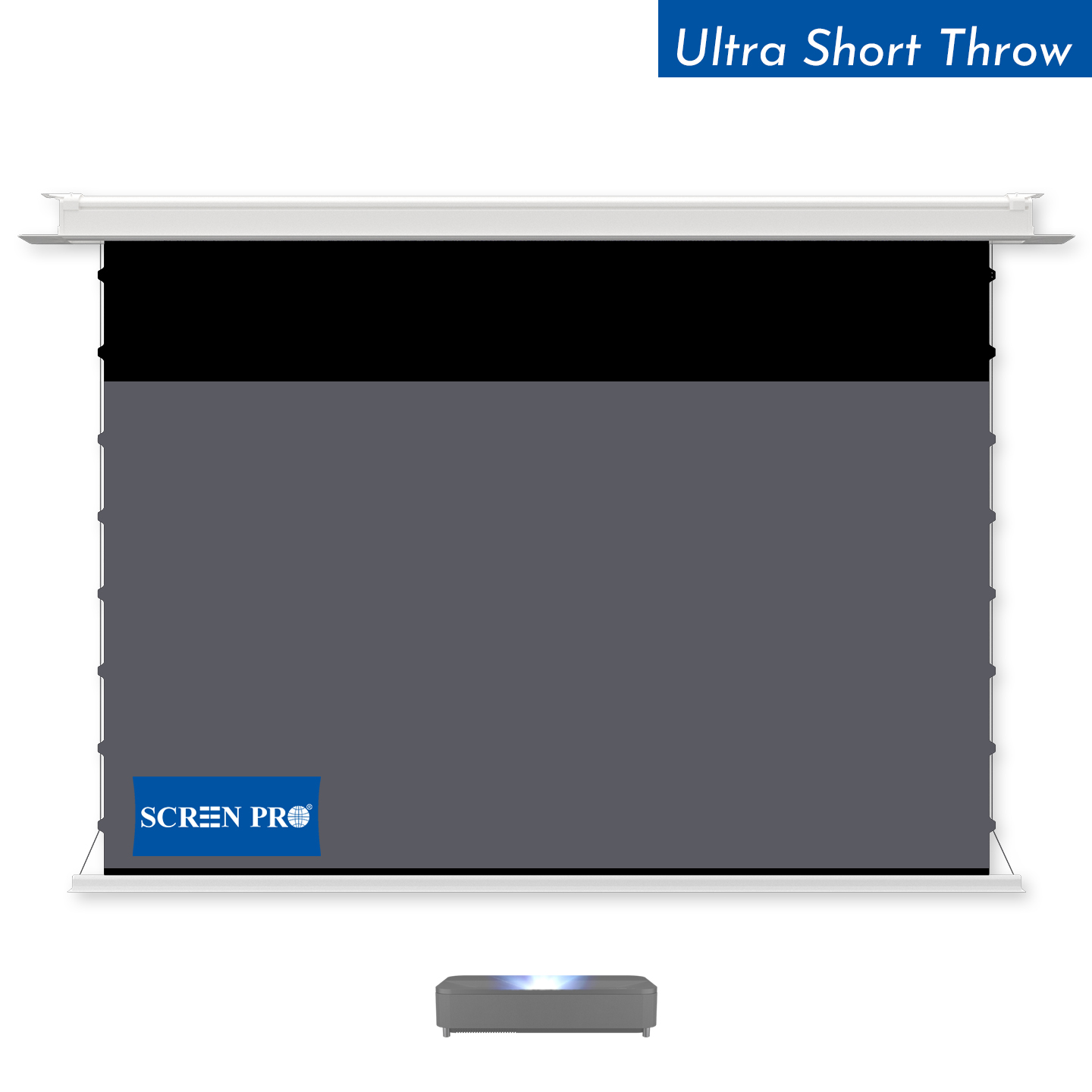
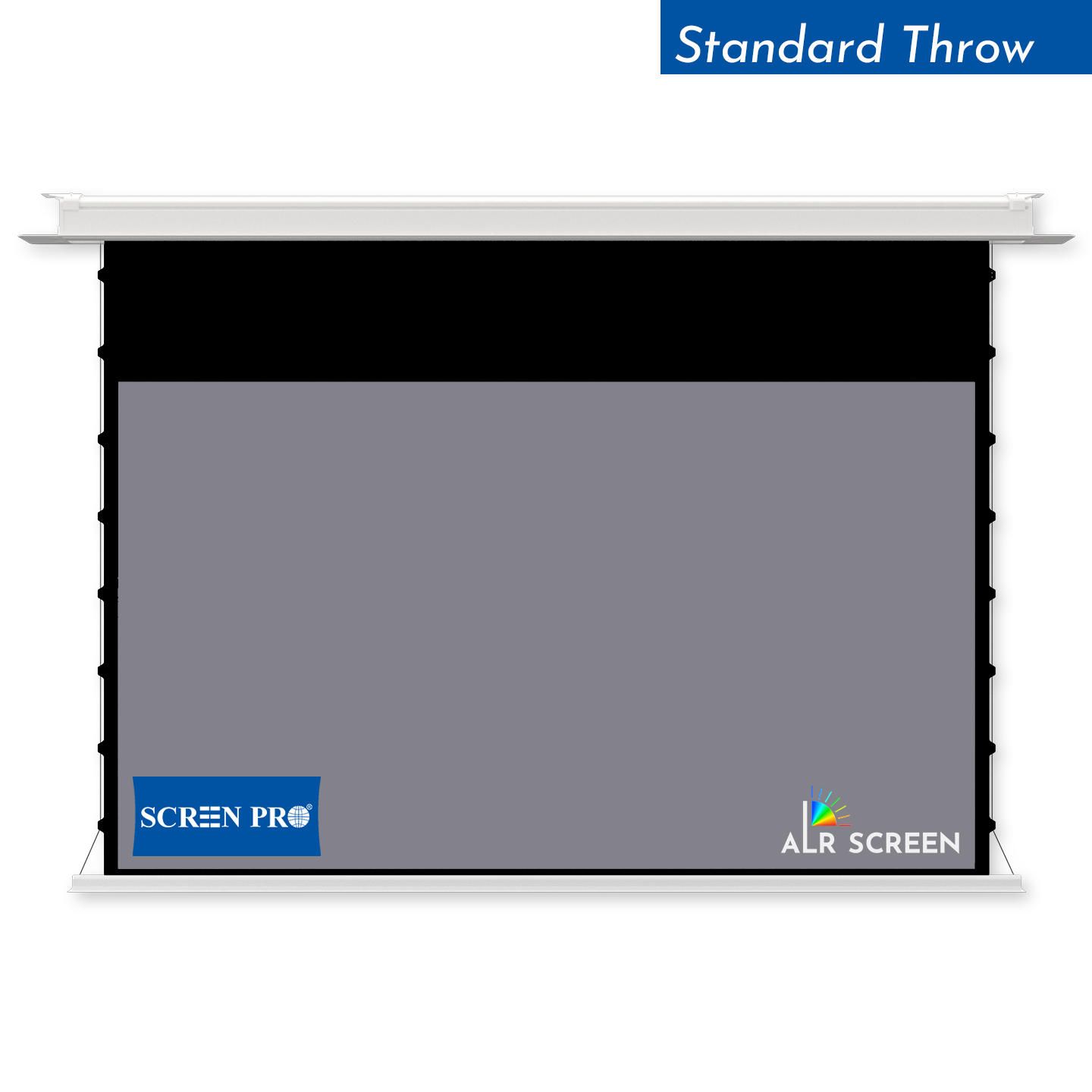
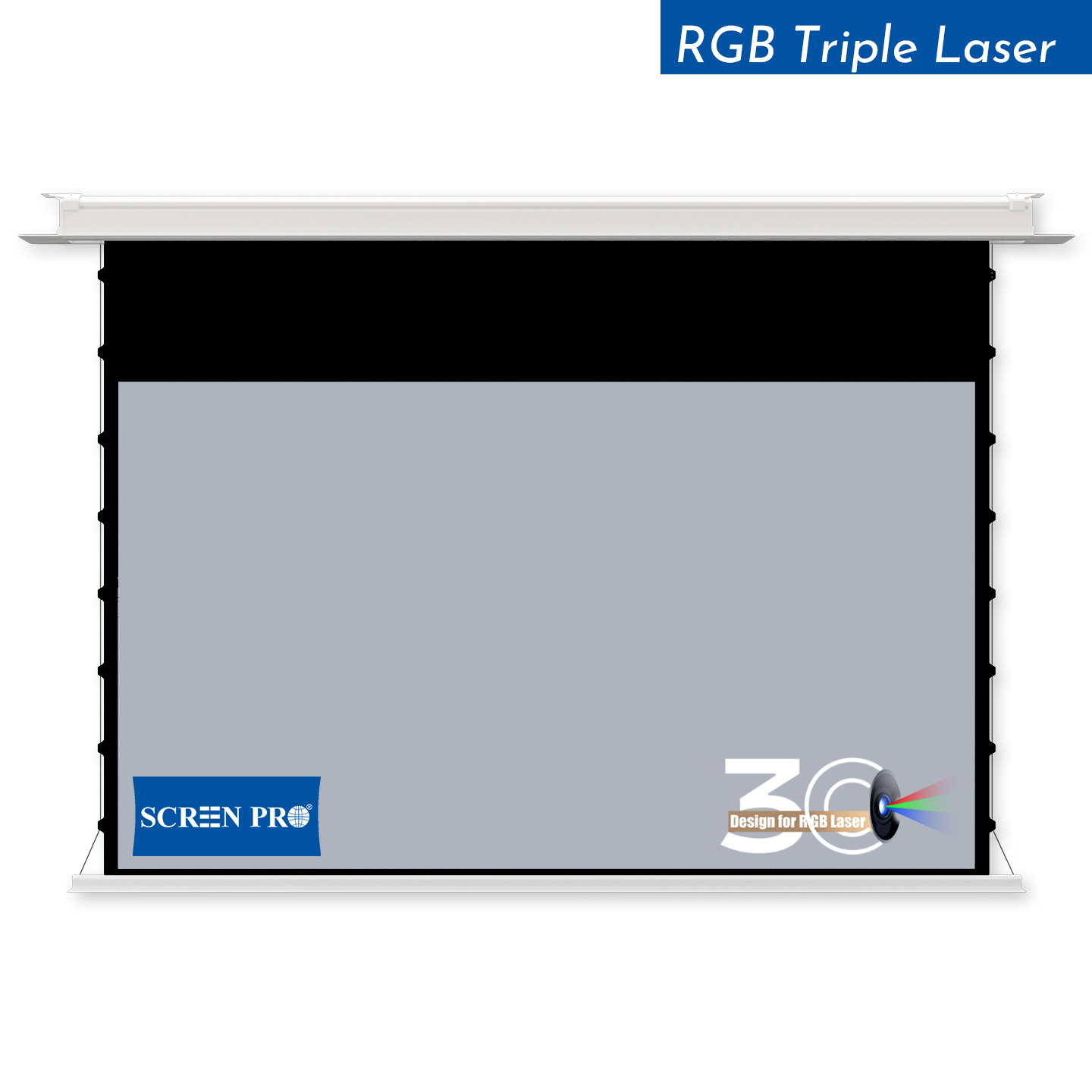
TBQ-UTG is designed for compatible SCREENPRO® in-ceiling motorized projection screen systems.
It uses projector USB power status to initiate automatic screen operation, making it particularly suitable for installations where the screen is intended to disappear into the ceiling when projection is not in use.
Explore TBQ-UTG →
How to Choose in 3 Steps
Identify your SCREENPRO screen series.
Start with the screen model or series: B, J, D, W, or a compatible in-ceiling screen system.
Check the motor and control configuration.
This is especially important for J Series. If the compatible J Series screen uses the optional TUYA smart motor, TBQ-USY is the corresponding USB trigger solution.
Check the projector connection.
For TBQ-1264 / TBQ-2391 installations, confirm the projector power connection. If the standard connection is not suitable, ask about the optional Universal Adapter solution.
What If I Have a J Series Screen?
J Series requires a little more attention because it appears in more than one SCREENPRO trigger configuration.
TBQ-USY is specifically designed for compatible J Series screens configured with the optional TUYA smart motor. J Series is also listed as compatible with TBQ-1264.
Therefore, do not choose a trigger based only on the letter “J” in the screen model. Confirm the motor and control configuration before ordering.
USB Trigger vs. Trigger Synchronizer
TBQ-USY and TBQ-UTG are USB-trigger solutions that use projector USB power status as the signal for automatic screen operation.
TBQ-1264 and TBQ-2391 are SCREENPRO trigger synchronizers designed for their specified compatible screen series. For projector power connections that do not suit the standard synchronizer setup, an optional Universal Adapter solution is available.
From the user’s perspective, the objective is similar: projector on, screen deploys; projector off, screen retracts. The important difference is how the trigger communicates with the particular screen and installation.
Start with the Screen, Not the Trigger
The simplest way to choose the correct projector screen trigger is to start with your projection screen rather than the accessory.
Identify the SCREENPRO series, confirm the motor or control configuration, and then check the projector connection where applicable. Once those three details are known, selecting the appropriate trigger becomes much easier.
Still Not Sure Which Trigger You Need?
Send us your SCREENPRO® screen model or series, motor configuration, and projector model. We can help confirm the appropriate trigger solution before ordering.
Check Compatibility