





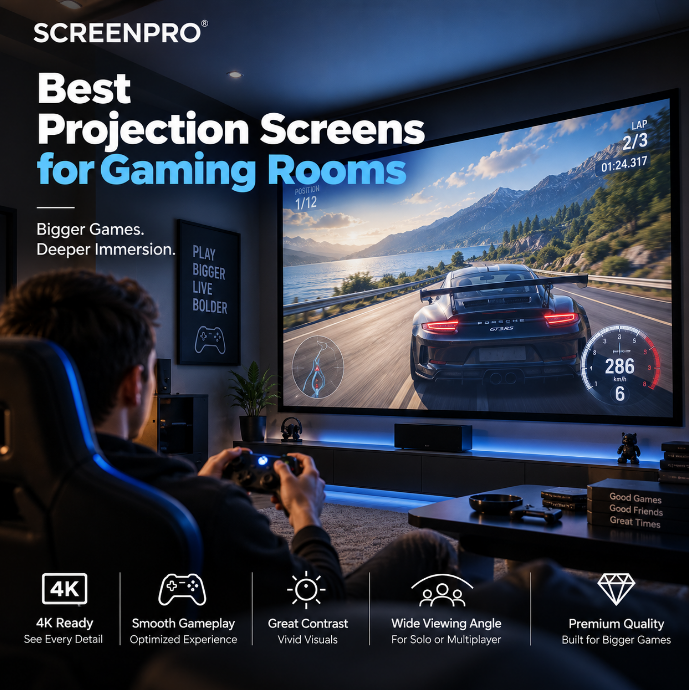
Best Projection Screens for Gaming Rooms
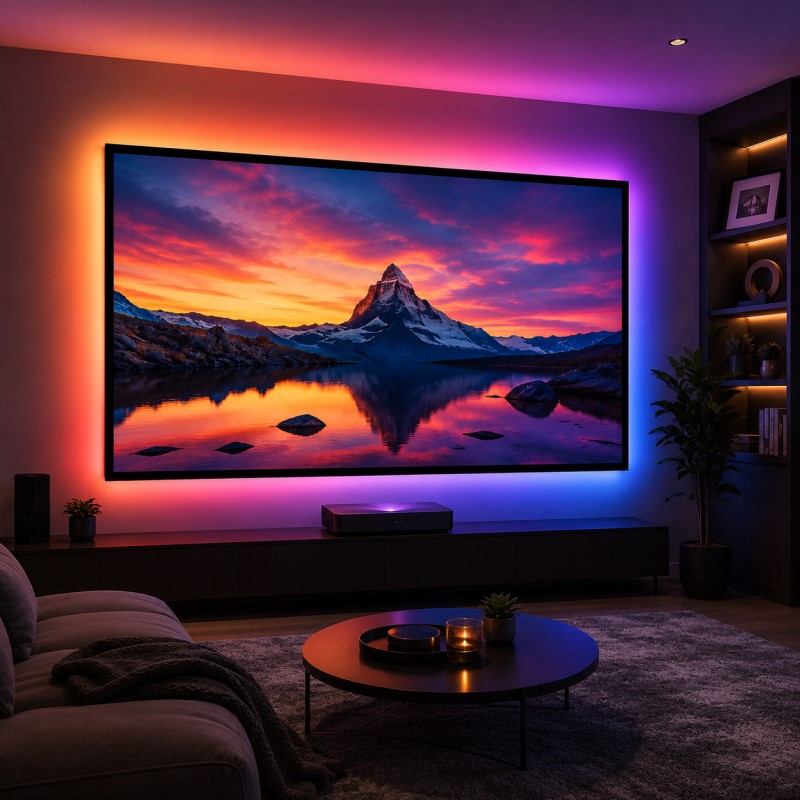
A projector can transform a gaming room into a wall-sized experience — from racing simulators and open-world adventures to sports games and local multiplayer. But choosing the right projector is only half of the system.
The projection screen affects perceived contrast, image uniformity, viewing angle, laser speckle and how clearly fine details are reproduced across a large image. The best gaming screen depends on your projector, room lighting, screen size, seating position and whether the room is dedicated to gaming or shared with movies and everyday entertainment.
If you are starting with an existing projector, first read How to Choose the Right Projection Screen for Your Projector .
For a dark dedicated gaming room, start with a flat, tensioned matte white or appropriate low-gain surface. For a gaming room with ambient light, consider a compatible ALR solution. If you use an RGB triple-laser projector, also evaluate an anti-speckle projection material rather than choosing the screen only by gain or brightness.
What Matters Most in a Gaming Projection Screen?
Gaming creates different demands from conventional movie viewing. Fast movement, small interface elements, detailed environments and competitive gameplay make image consistency particularly important.
When choosing a gaming screen, evaluate:
- screen flatness;
- projector resolution;
- refresh rate and gaming mode;
- room lighting;
- screen gain;
- viewing angle;
- contrast and black level;
- projector type;
- laser speckle;
- screen size and seating distance.
1. Does a Projector Screen Affect Gaming Input Lag?
A passive projection screen does not normally introduce meaningful electronic input latency because it does not process the video signal.
Gaming input lag is primarily determined by the projector and the signal chain, including:
- projector image processing;
- Game Mode settings;
- resolution;
- refresh rate;
- frame interpolation;
- HDMI signal processing;
- connected AV equipment.
The screen still matters — but mainly because it determines how the final image is reflected toward the viewer.
2. Screen Flatness Is Especially Important for Gaming
Games frequently contain straight lines, menus, maps, HUD elements and moving camera pans. Surface waves or wrinkles can therefore become more noticeable than they might during casual video viewing.
A well-tensioned projection surface helps maintain consistent image geometry across the entire screen.
For a permanent gaming room, two screen structures are particularly useful:
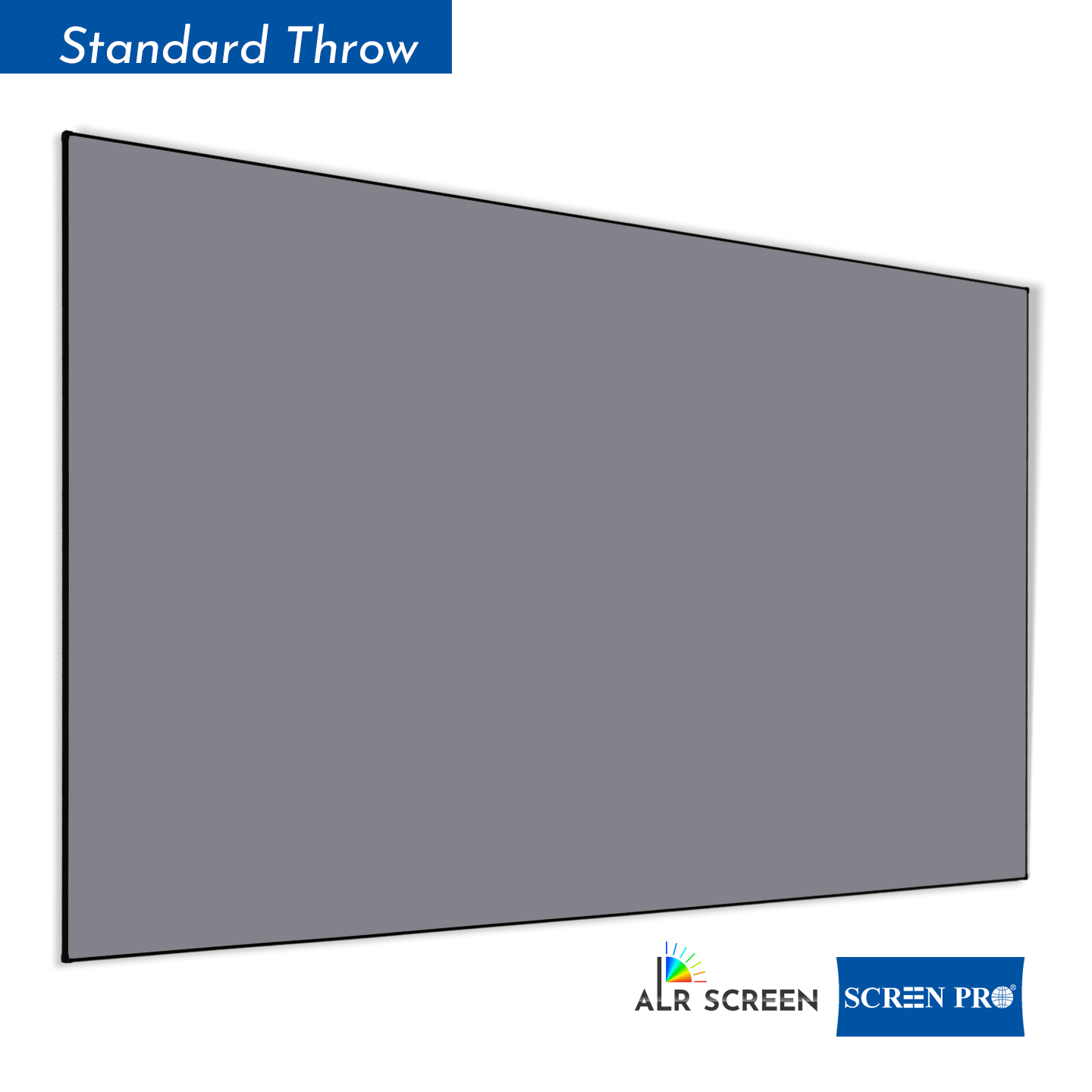
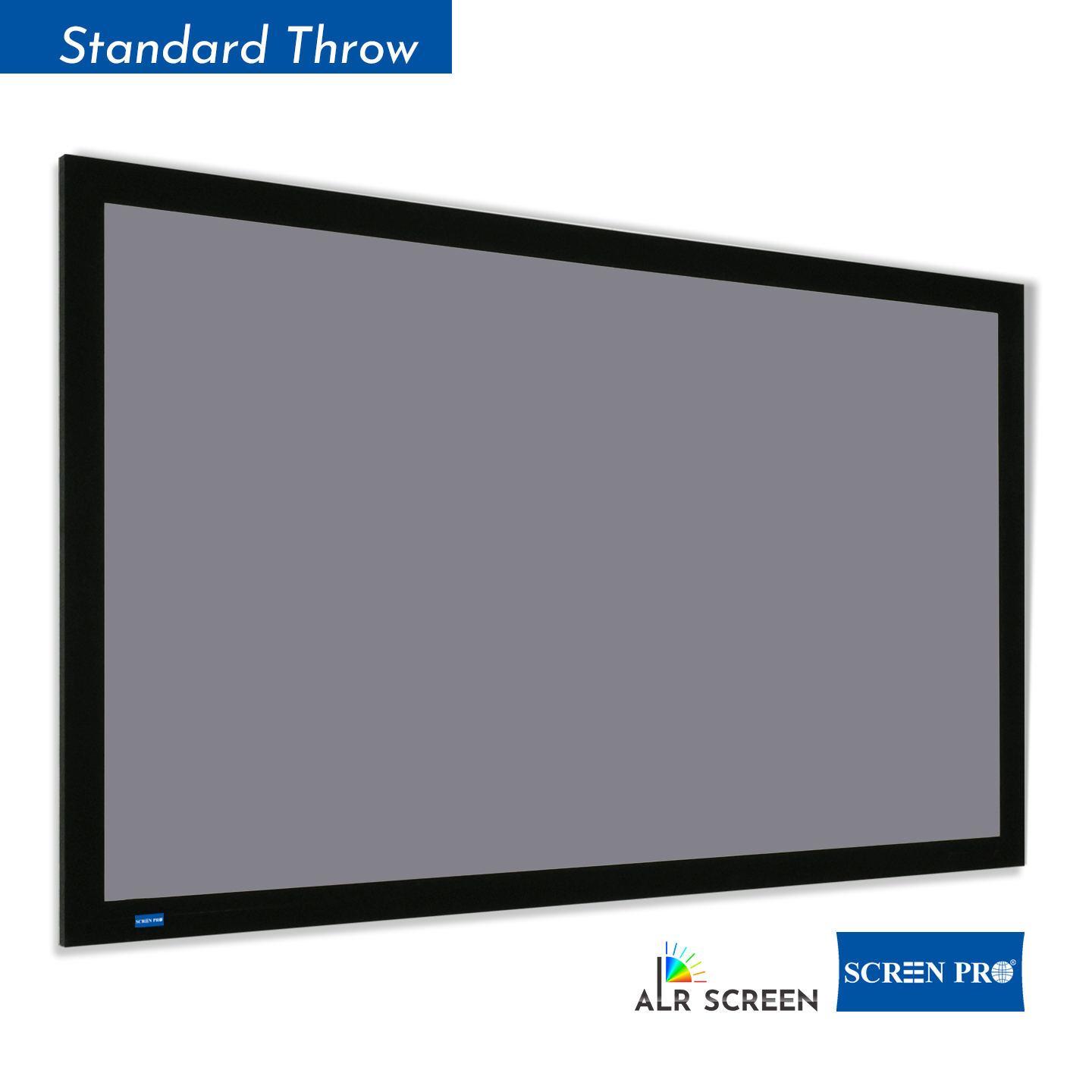
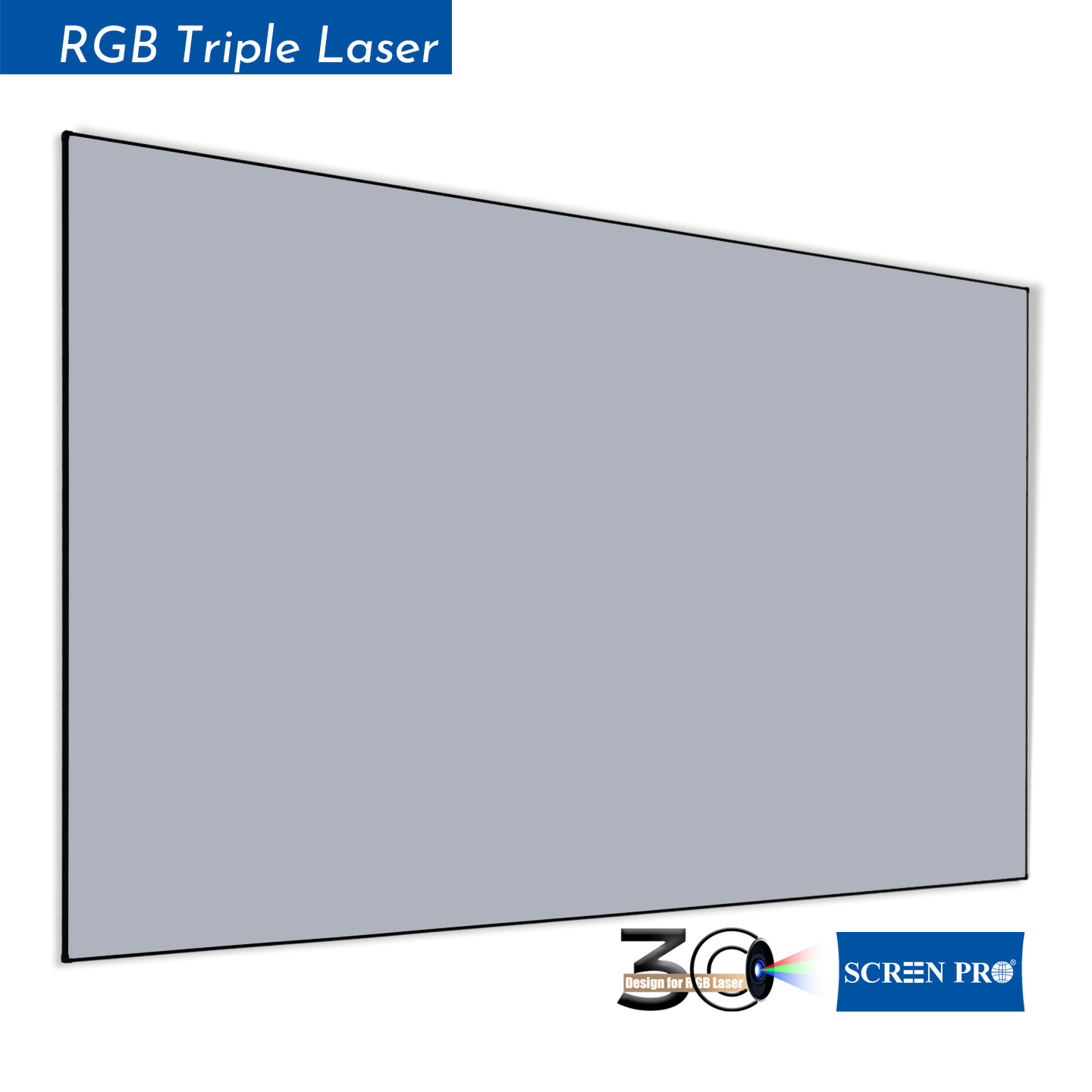
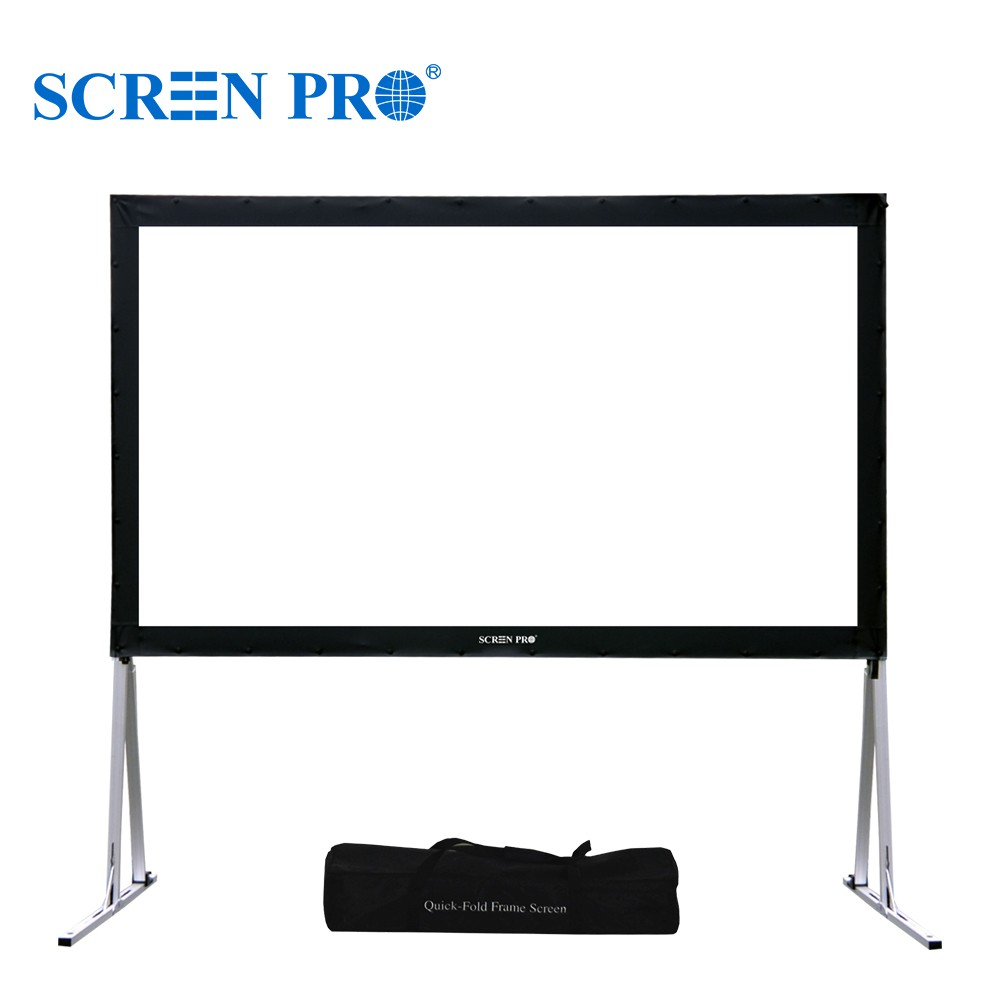
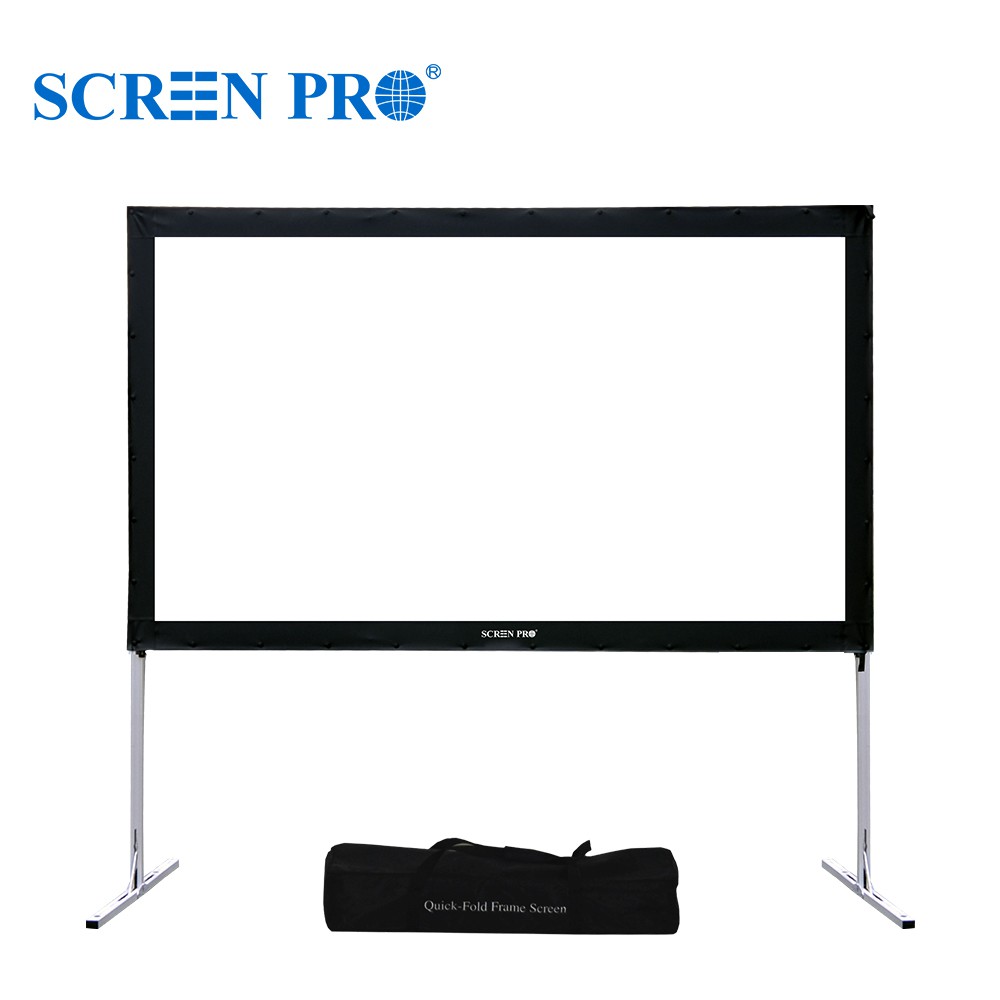
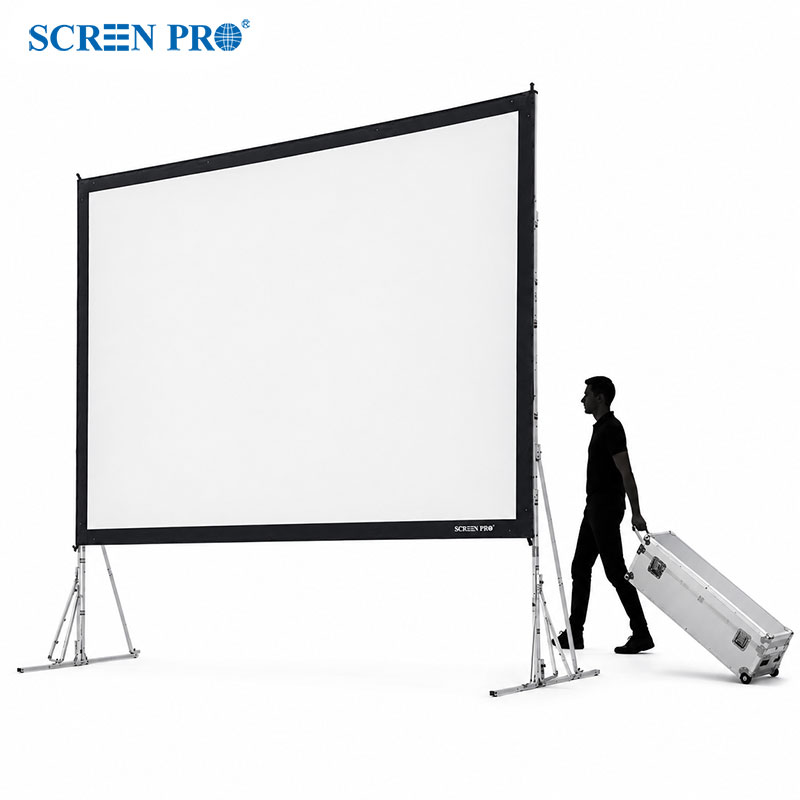
Fixed-Frame Screen
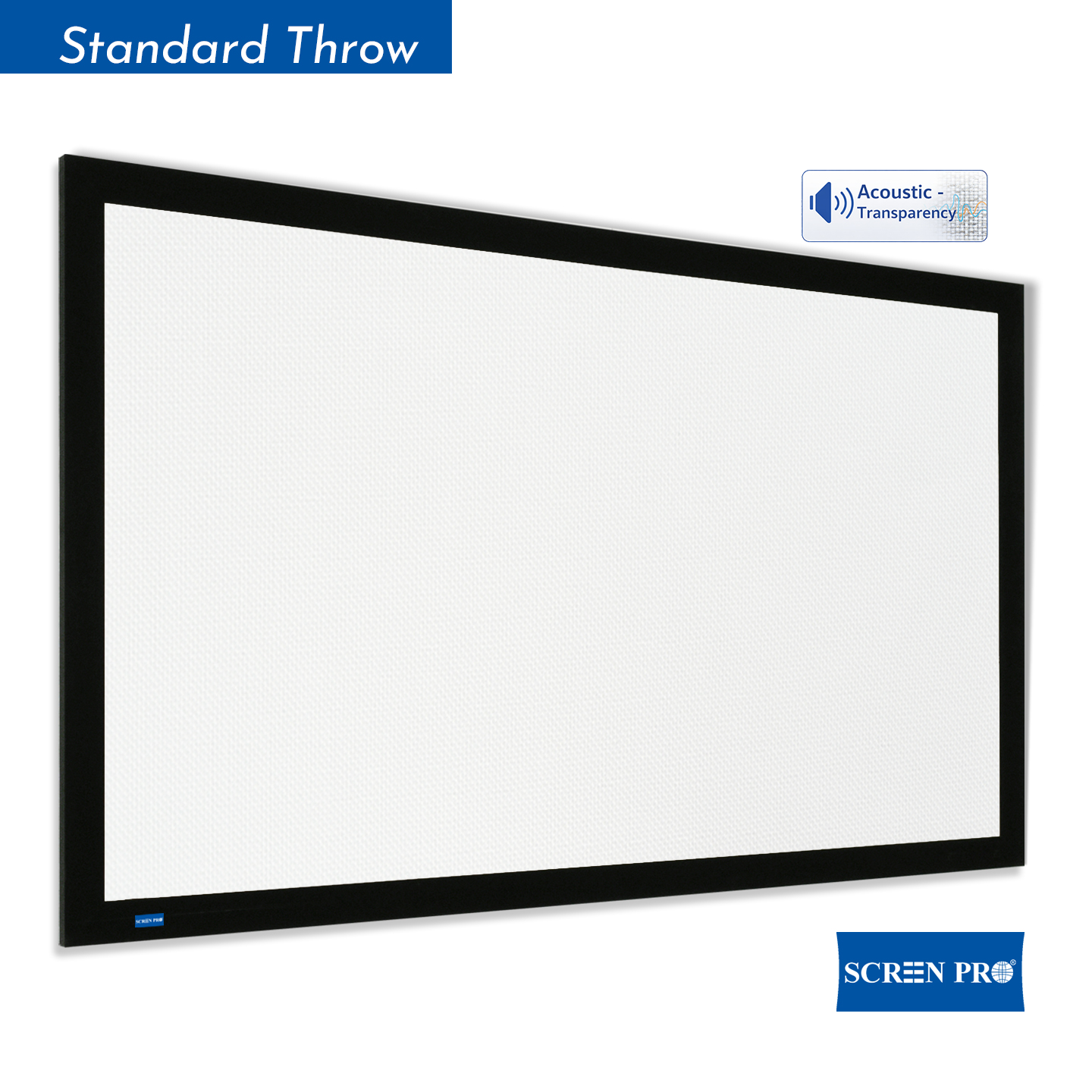
Provides a permanently tensioned surface and is an excellent choice when the screen can remain visible at all times.
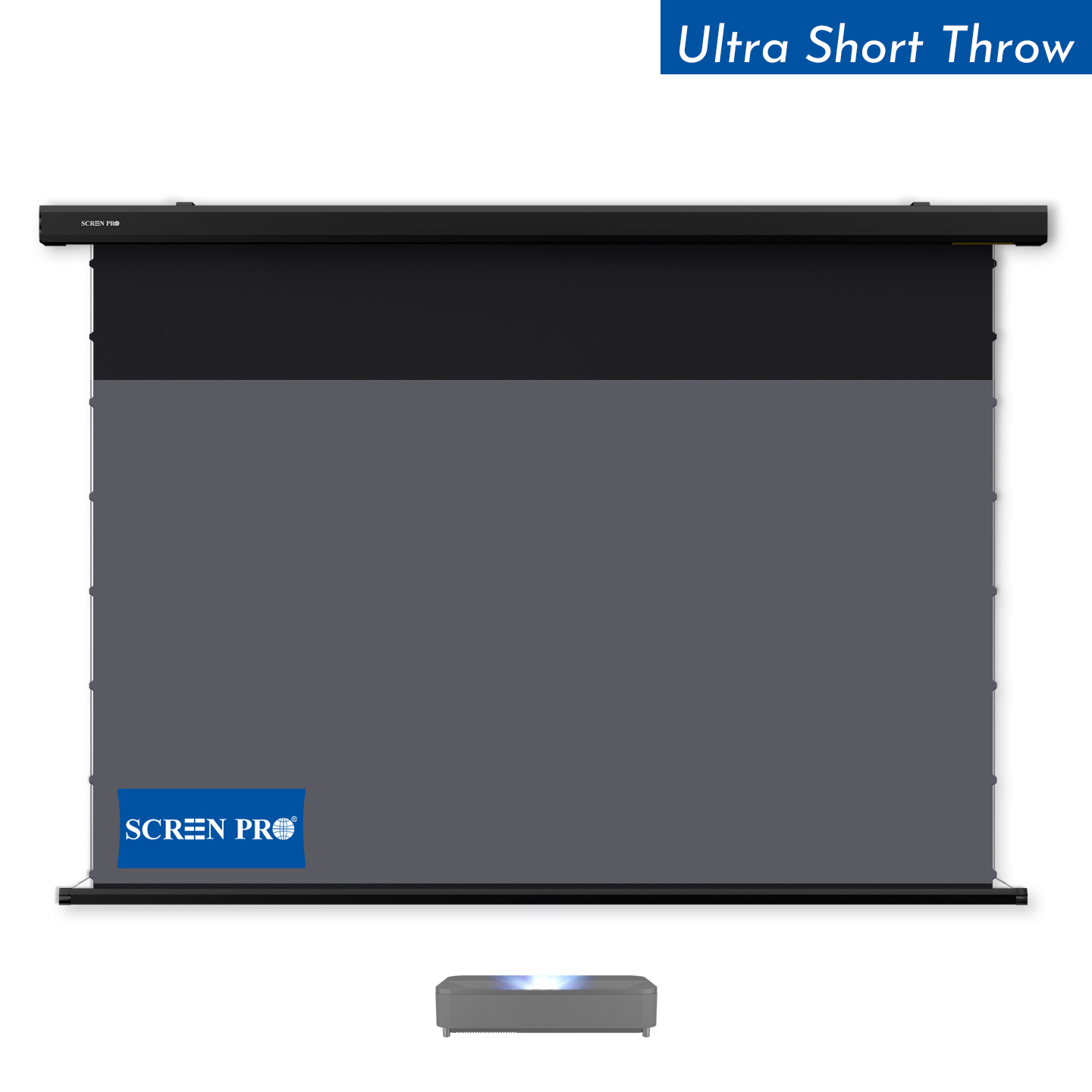
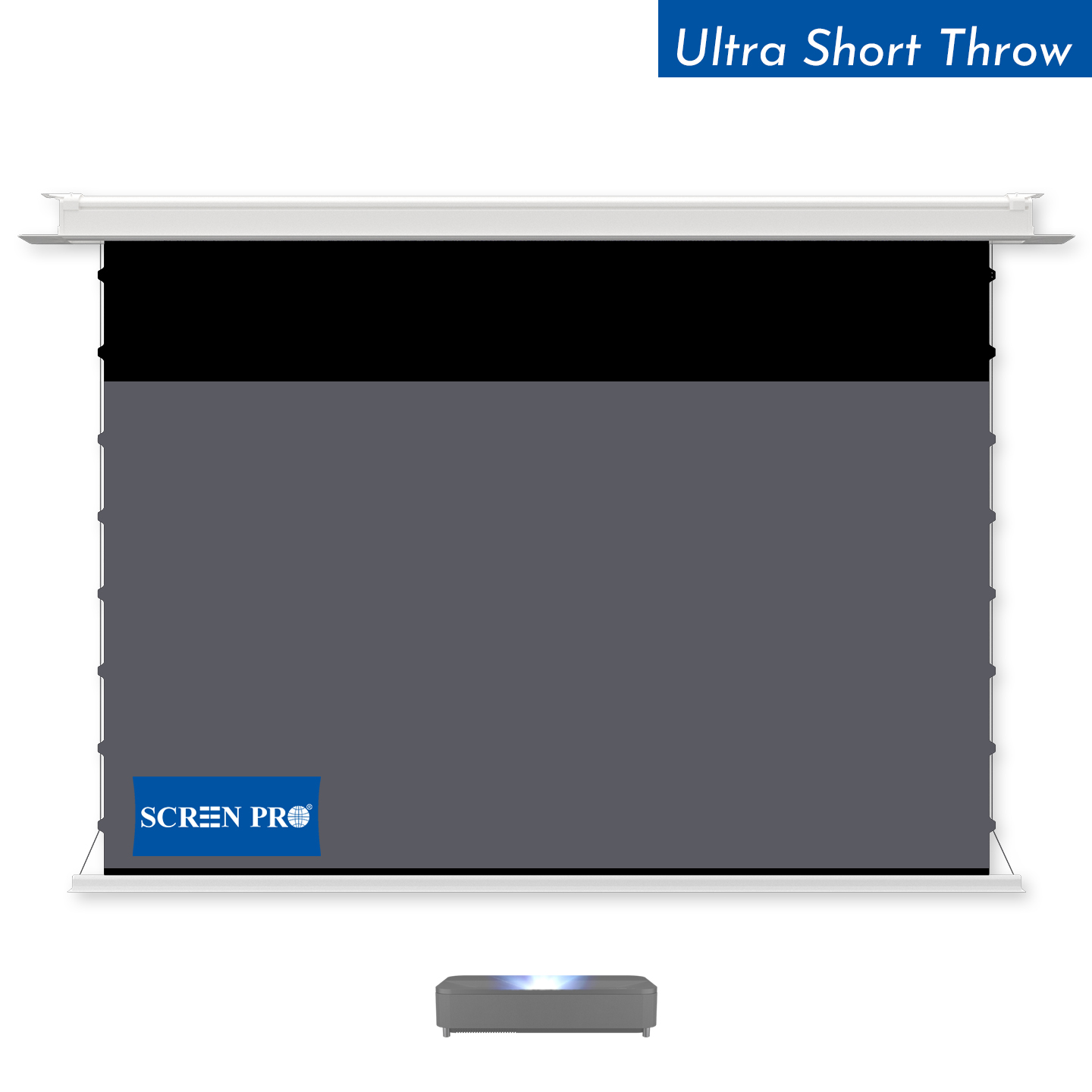
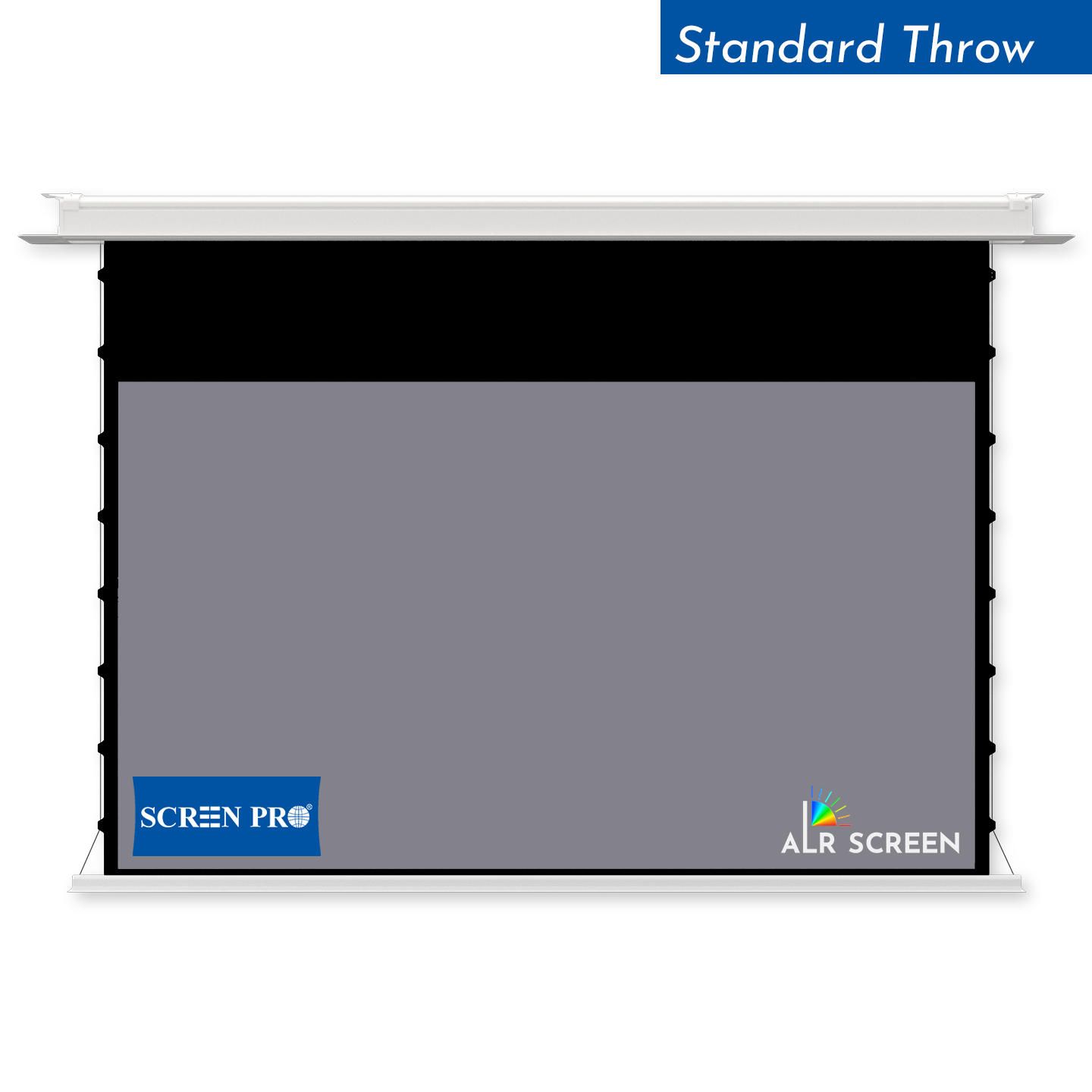
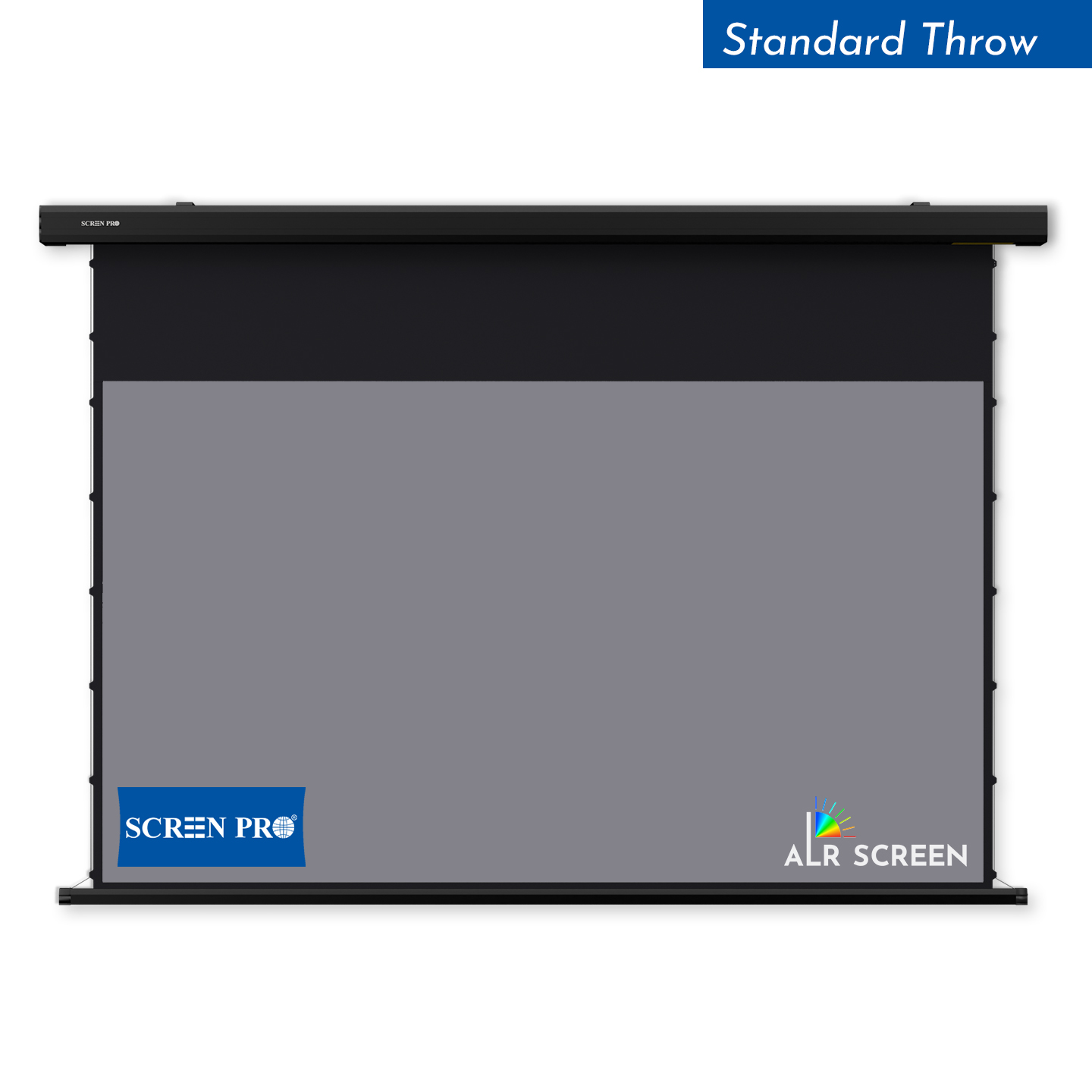
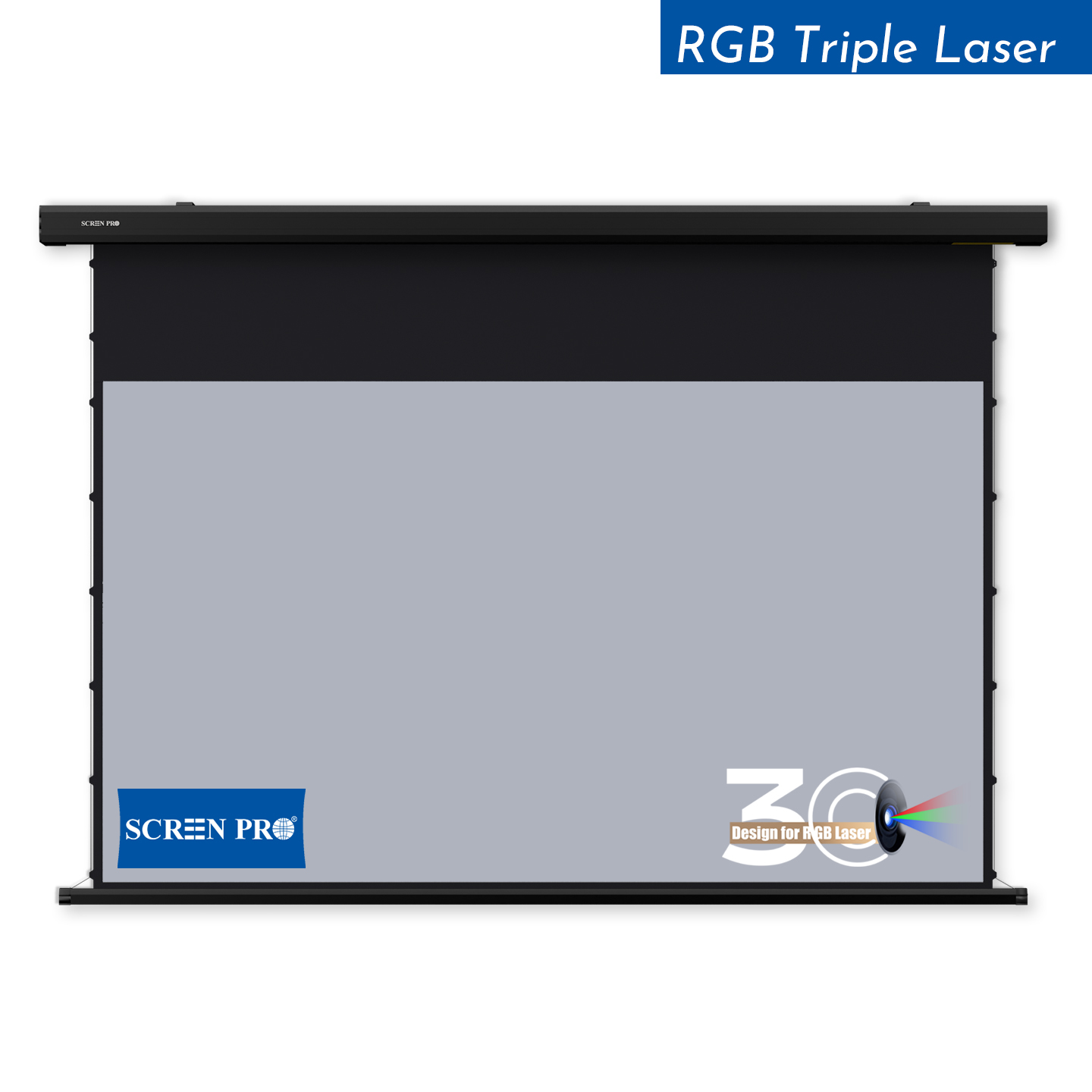
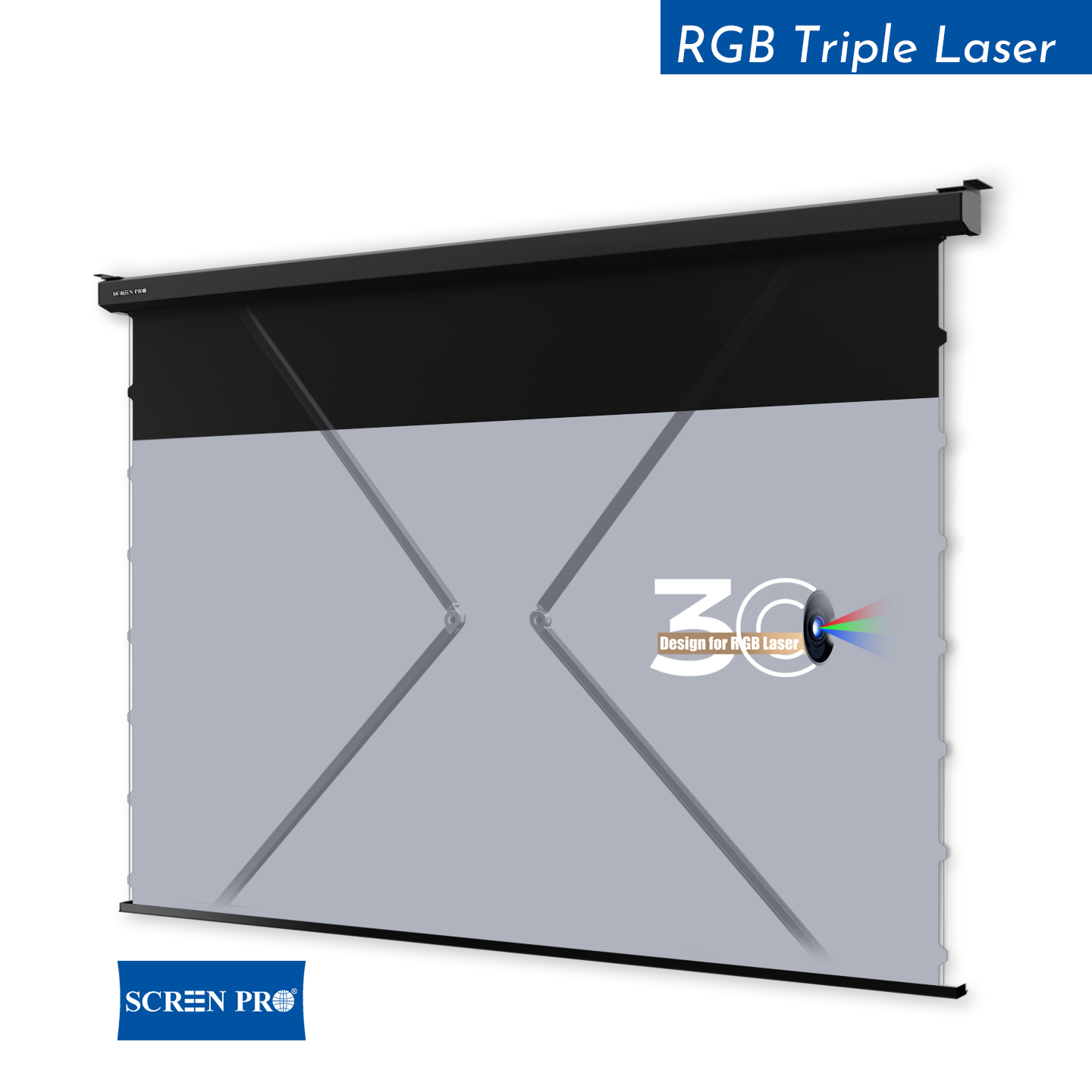
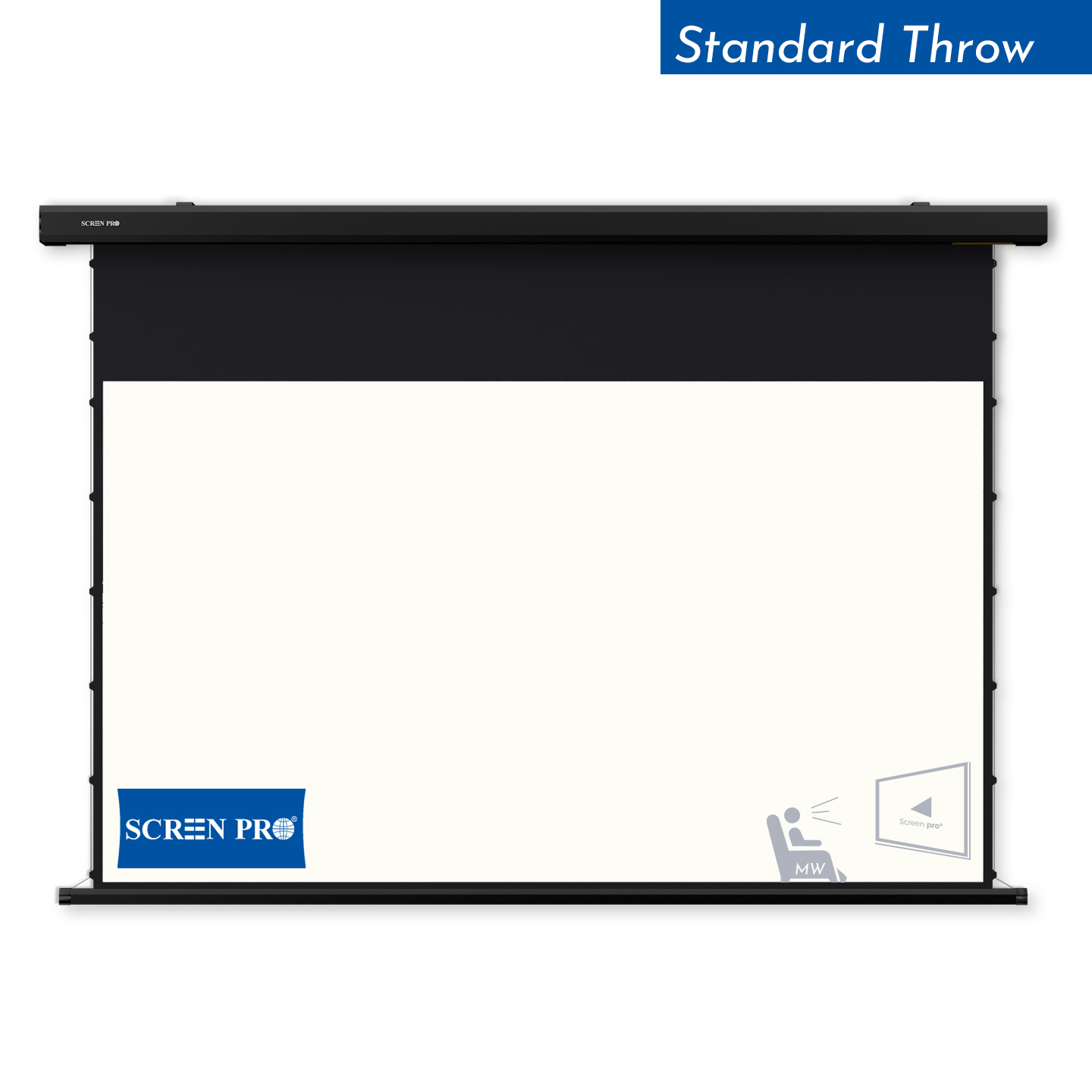
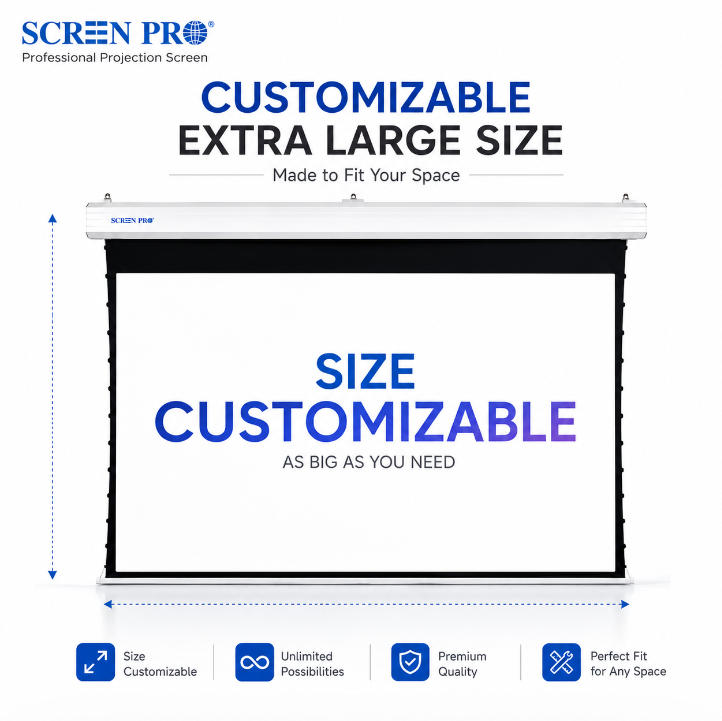
Tab-Tensioned Motorized Screen
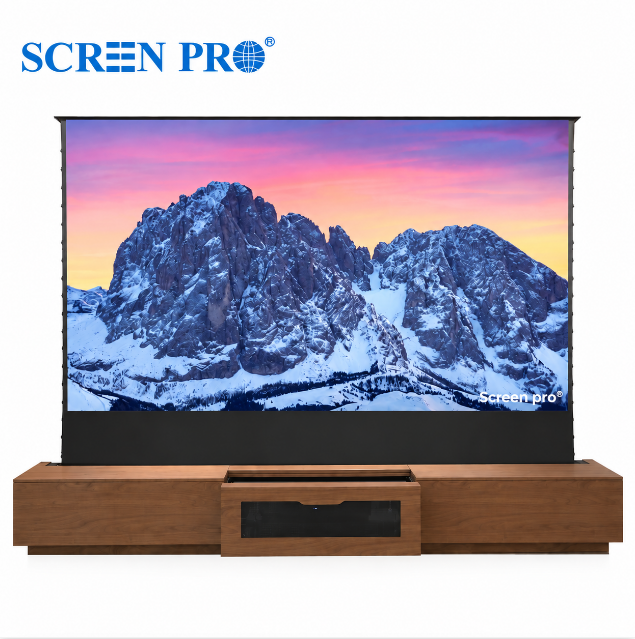
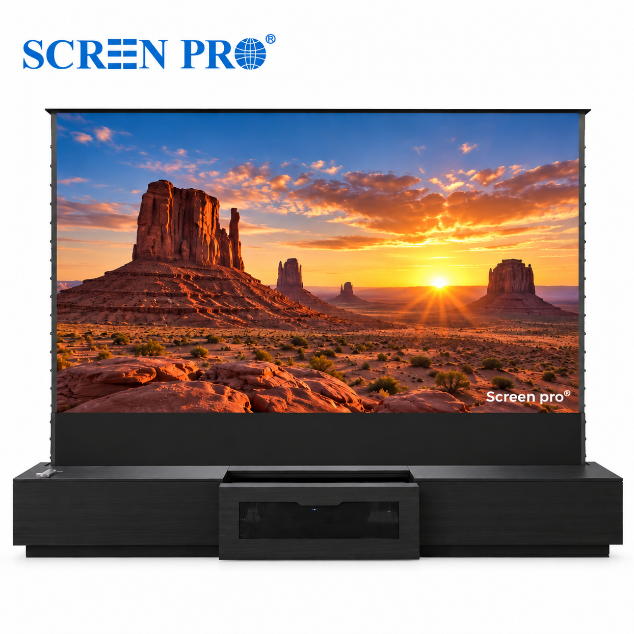
A strong option for multipurpose gaming rooms where the screen needs to retract when it is not being used.
3. Best for Dedicated Gaming Rooms: Fixed-Frame Screens
If you are building a dedicated gaming room, a fixed-frame screen is one of the simplest ways to achieve a consistently flat projection surface.
The material remains under tension, helping preserve straight edges and image geometry during fast-moving gameplay.
Fixed-frame screens are particularly suitable for:
- dedicated gaming rooms;
- gaming + home theater rooms;
- racing simulators;
- console gaming;
- large-screen PC gaming;
- permanent entertainment spaces.
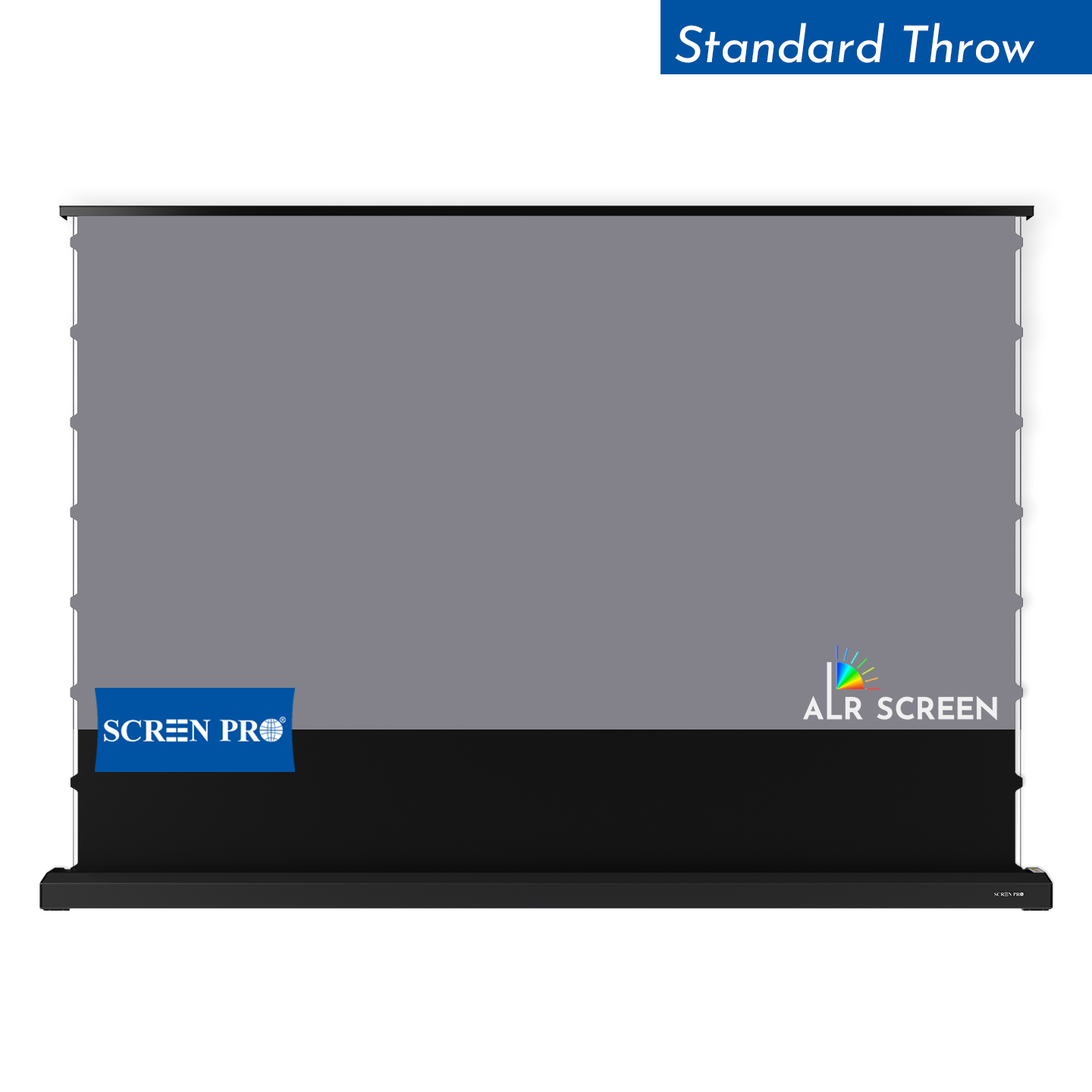
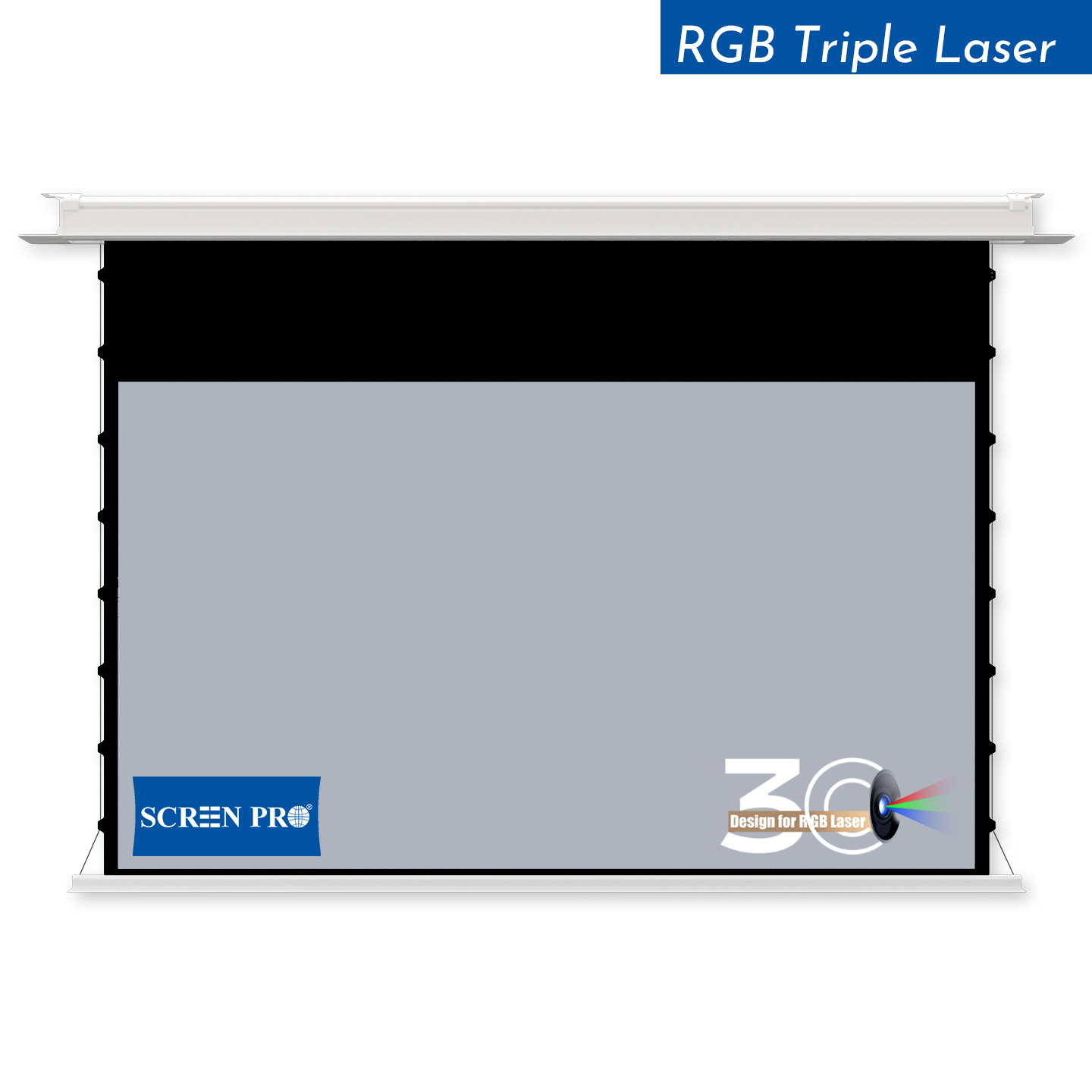
4. Best for Multipurpose Gaming Rooms: Motorized Screens
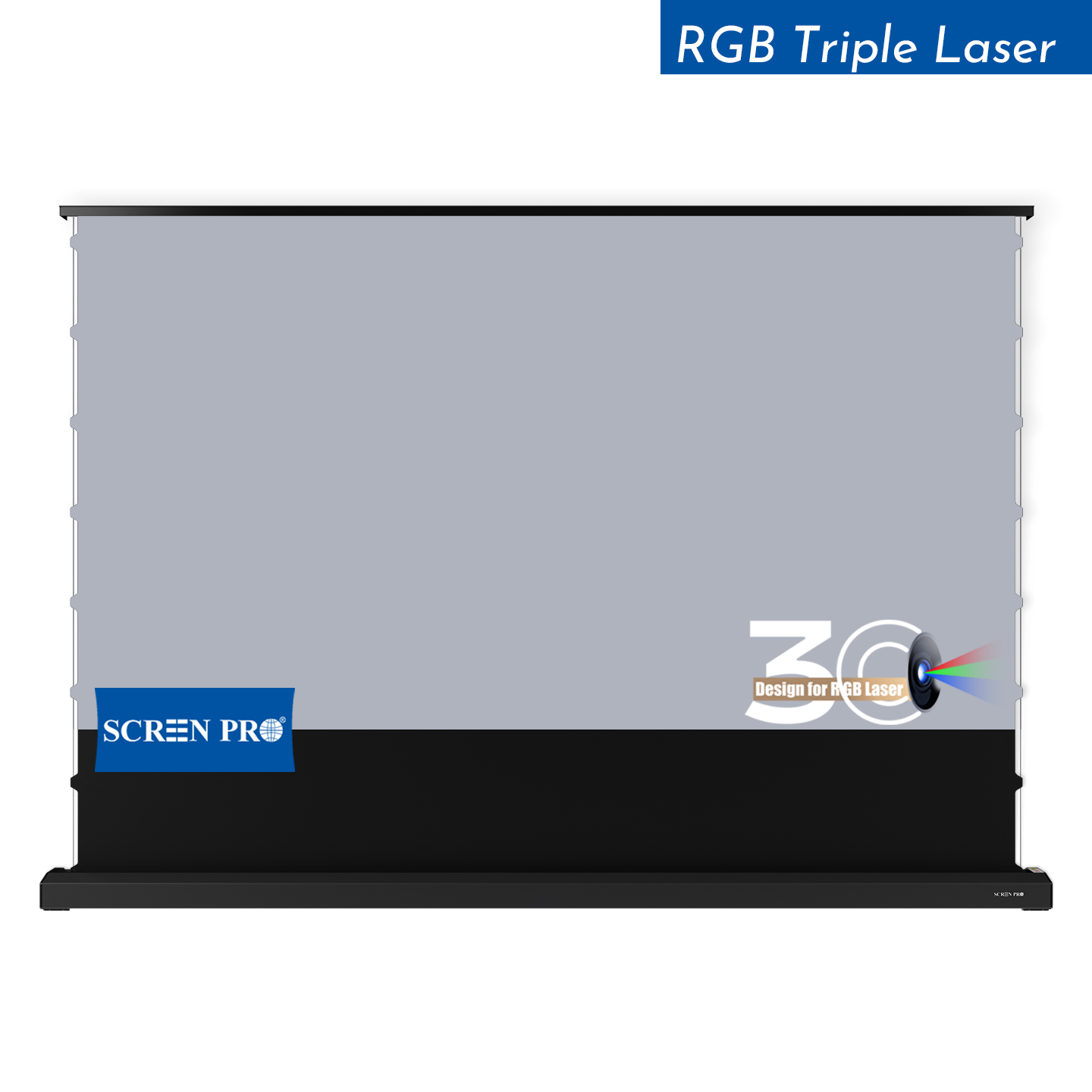
Not every gaming setup needs a permanently visible screen. In bedrooms, living rooms and multipurpose entertainment spaces, a motorized projection screen can disappear when gaming is finished.
For gaming, a tab-tensioned design is particularly useful because the side tensioning system helps maintain a flatter viewing surface than a conventional non-tensioned retractable screen.
This creates a useful balance between:
- large-screen gaming;
- clean interior design;
- screen flatness;
- retractable installation.
5. What Screen Material Is Best for Gaming?
There is no universal gaming screen material. The correct surface depends on the projector and the room.
| Gaming Environment | Good Starting Point | Main Reason |
|---|---|---|
| Dark Dedicated Gaming Room | Matte White | Neutral image and broad viewing angle |
| Room with Ambient Light | Compatible ALR | Helps preserve perceived contrast |
| RGB Triple-Laser Projector | Anti-Speckle Material | Helps reduce visible laser speckle |
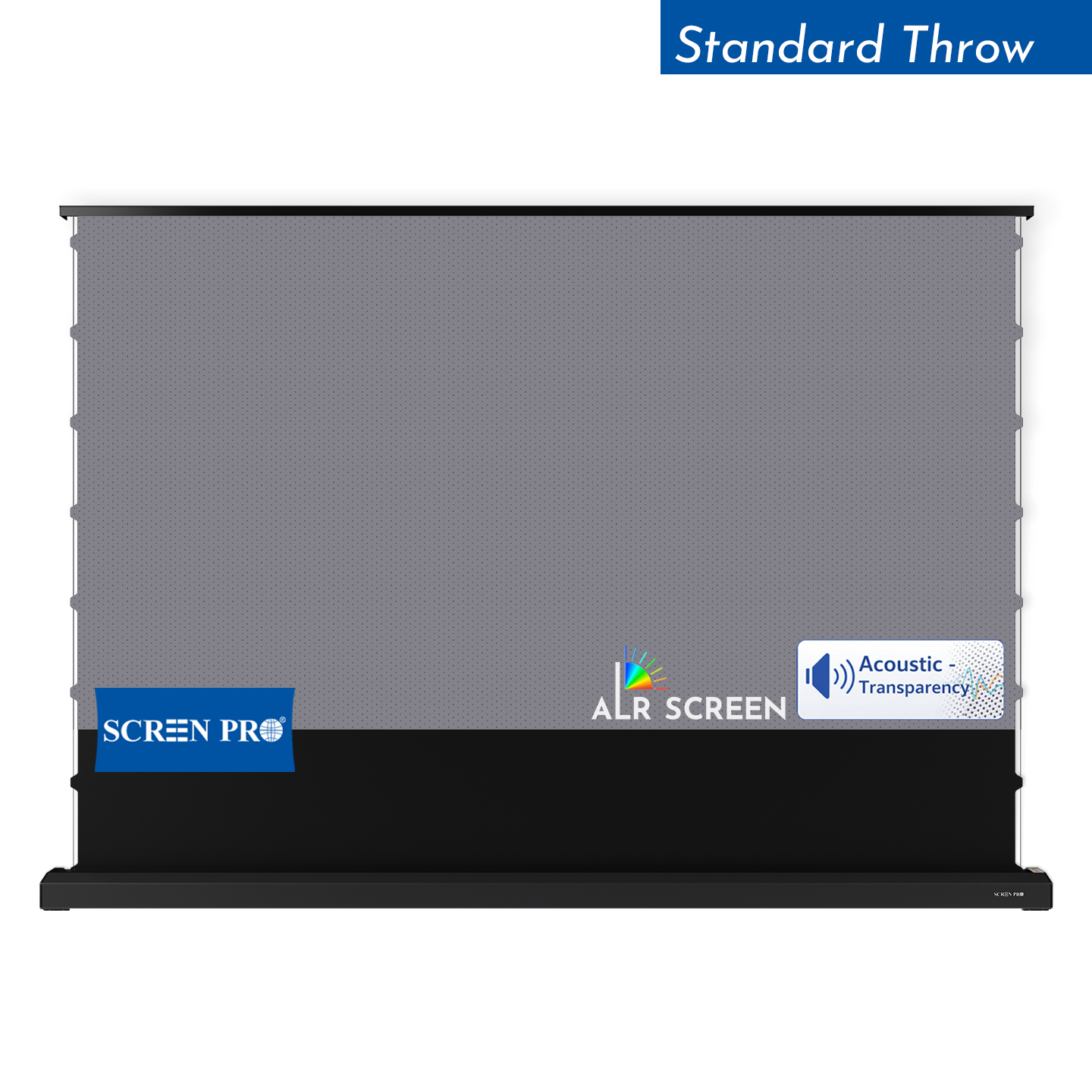
| UST Gaming Setup | UST-Specific Optical Screen | Matches the steep projection angle |
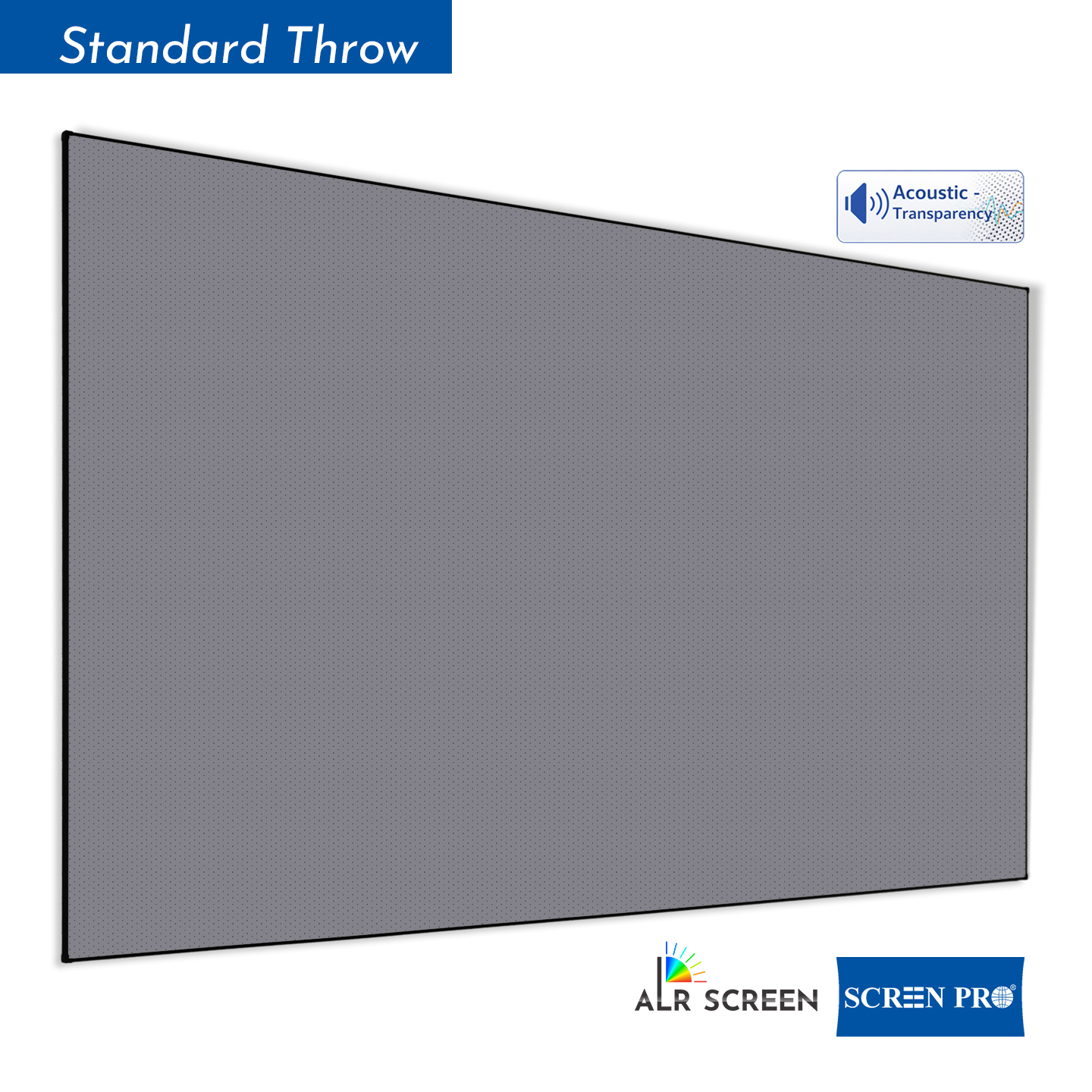
| Speakers Behind Screen | Acoustically Transparent Material | Allows center and front speakers behind the image |
For a detailed comparison of SCREENPRO materials, see How to Choose the Right Projection Screen Material .
6. Matte White for Dark Gaming Rooms
In a dark or well-controlled gaming room, a matte white surface remains one of the most versatile choices.
It provides:
- broad viewing angles;
- neutral color reproduction;
- good image uniformity;
- compatibility with many standard and long-throw projectors;
- a natural choice for mixed gaming and movie use.
If you regularly play local multiplayer games with several people sitting across a wide seating area, a broad viewing angle can be especially valuable.
7. ALR Screens for Gaming Rooms with Ambient Light
Some gaming rooms are also living rooms, media rooms or open entertainment spaces where complete light control is not practical.
In these situations, a compatible Ambient Light Rejecting (ALR) screen can help maintain perceived contrast when environmental light is present.
However, ALR is directional technology. The screen must match:
- projector position;
- projector throw type;
- ambient-light direction;
- viewer position;
- required viewing angle.
Learn more in What Is an ALR Projector Screen and How Does It Work? .
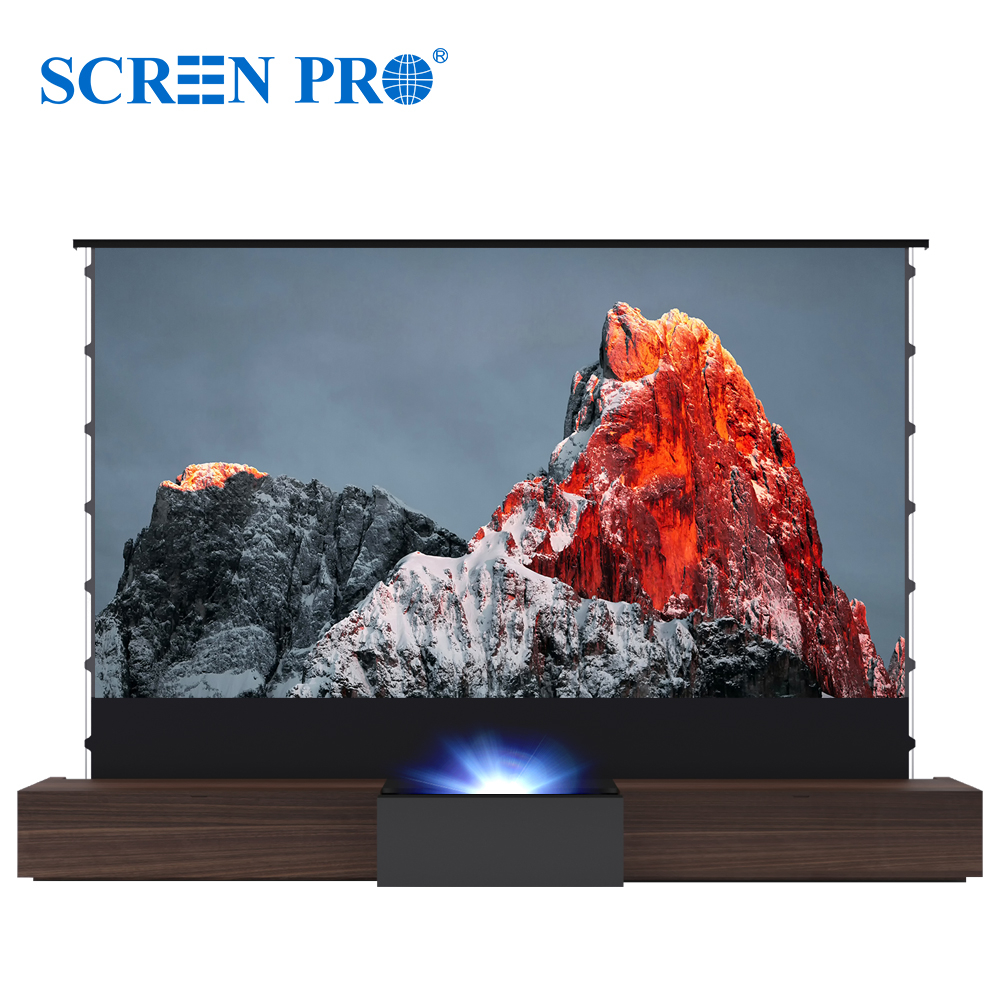
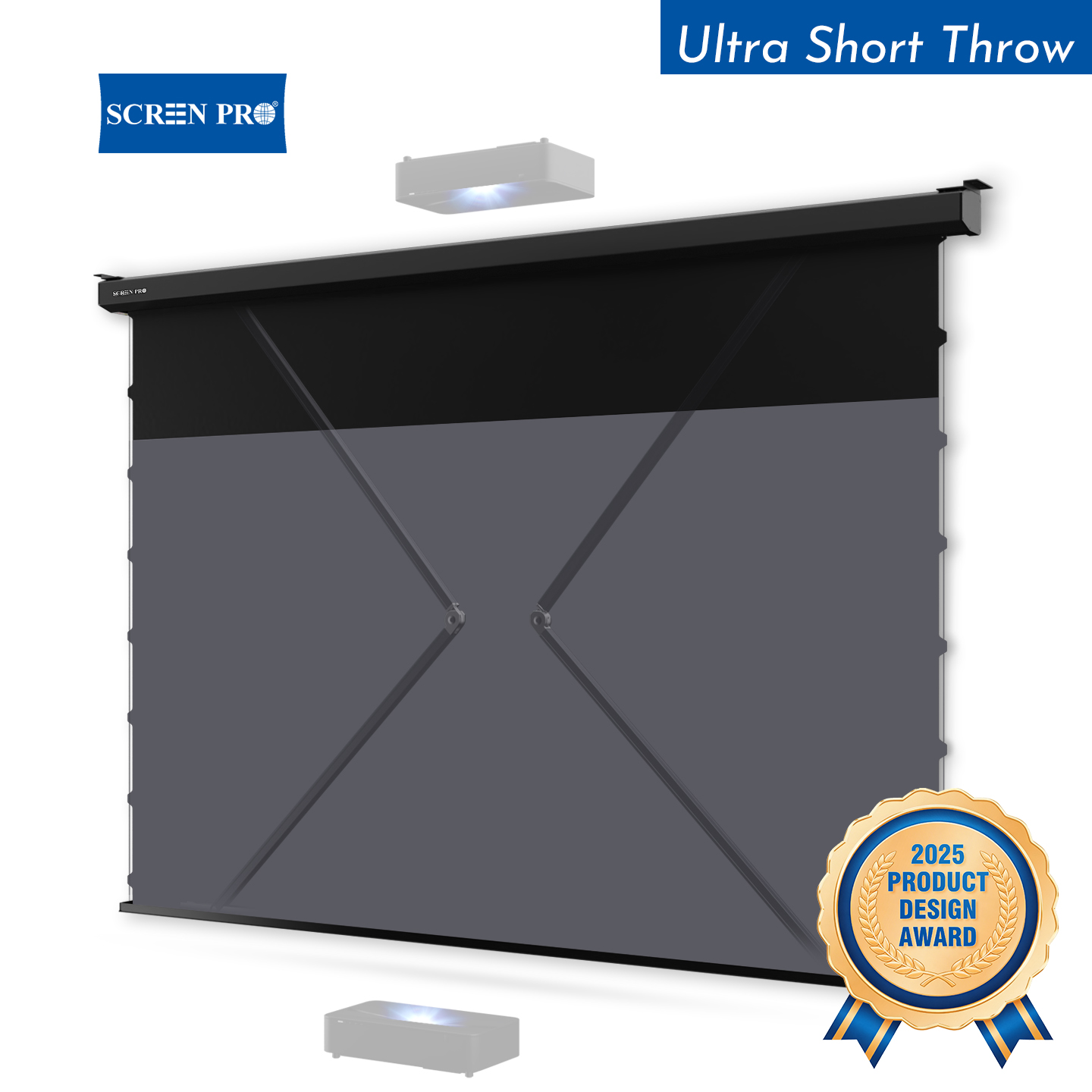
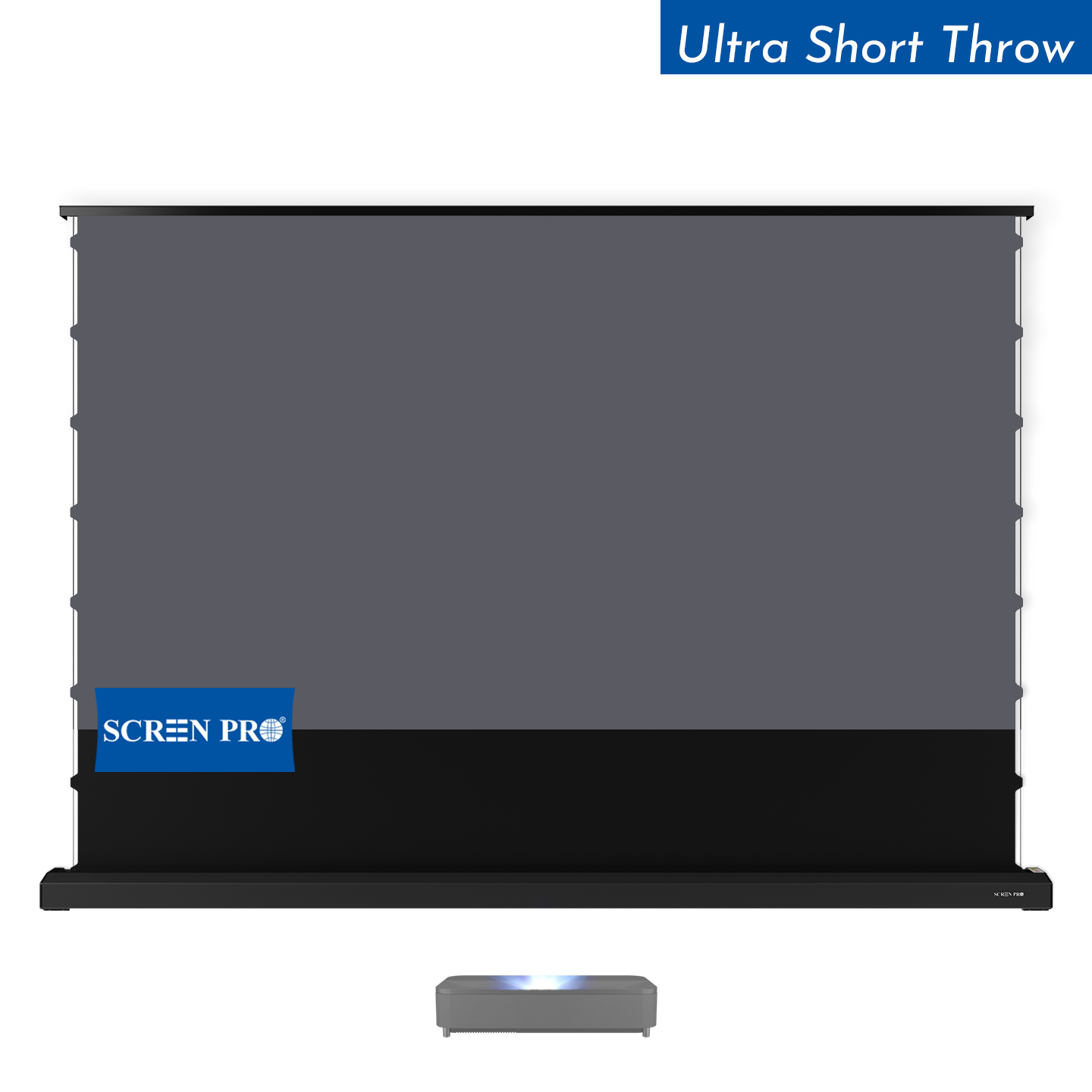
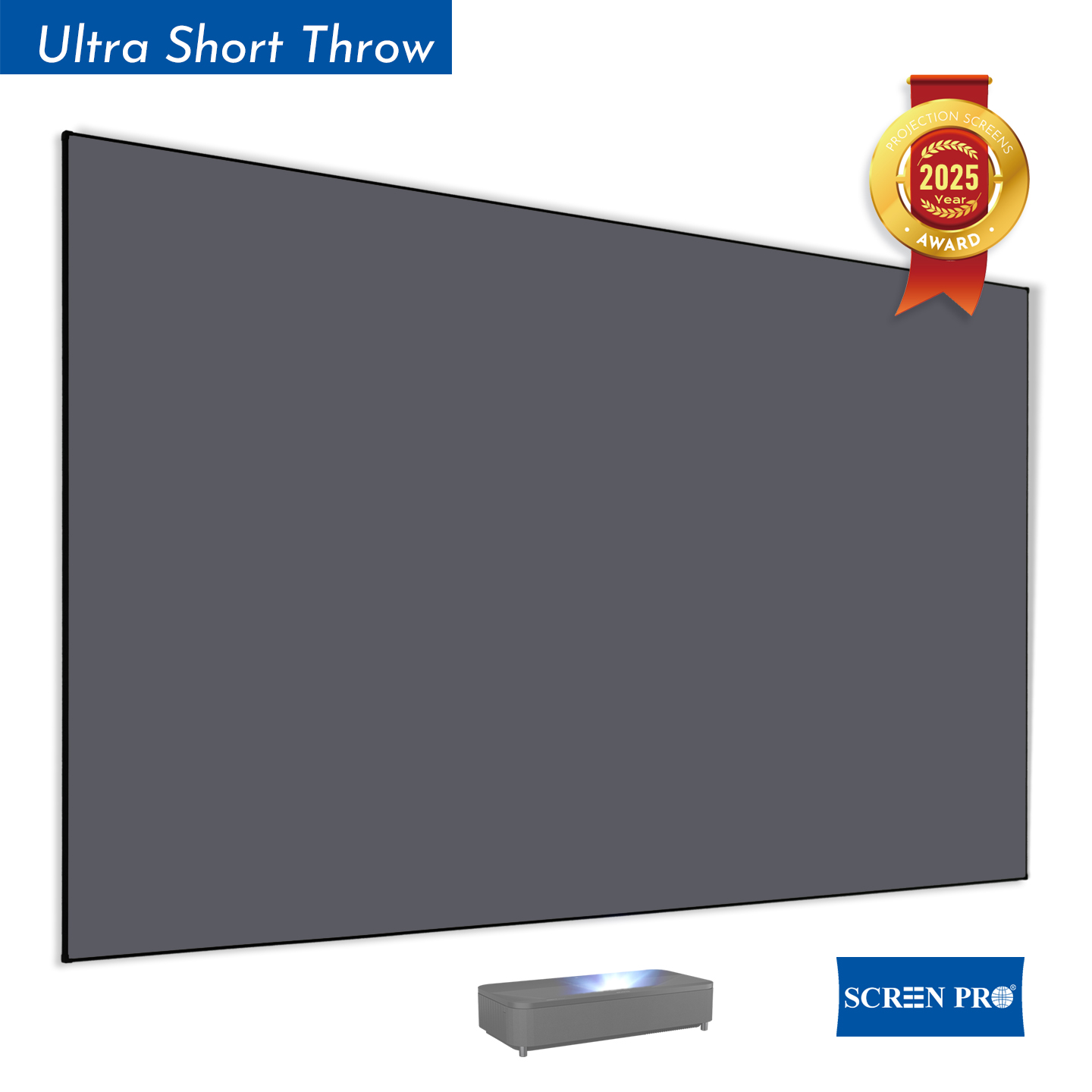
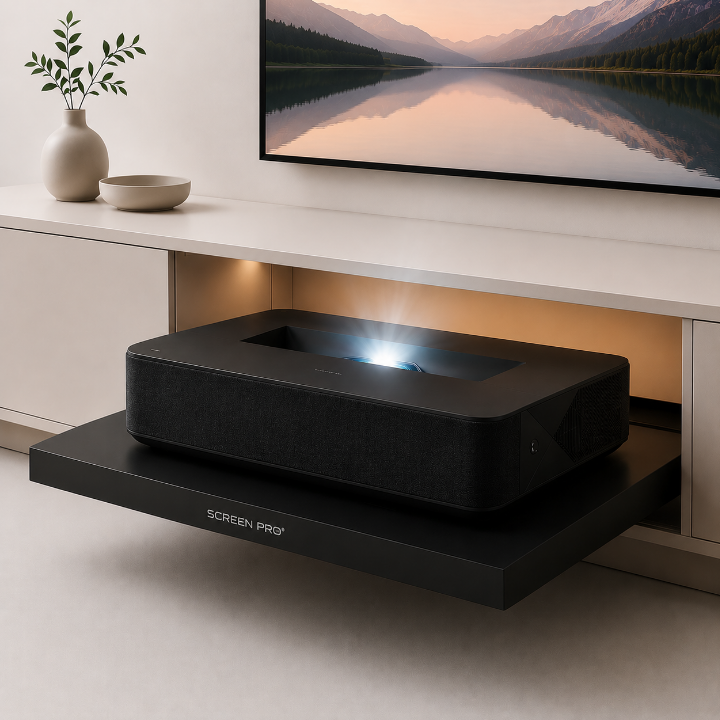
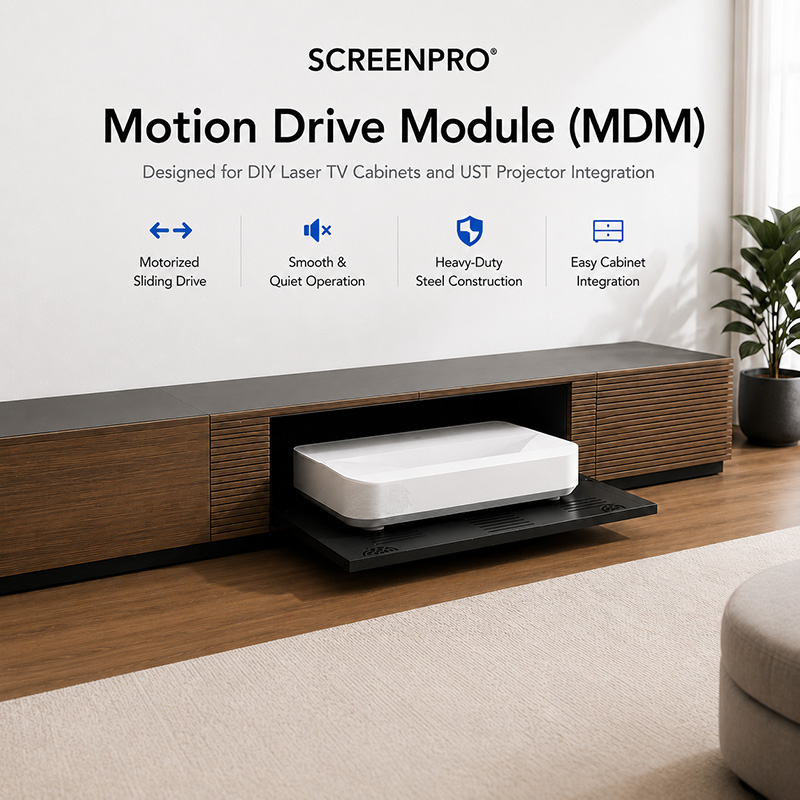
8. UST Projectors Can Be Excellent for Gaming Rooms
Ultra-short-throw projectors can create a very large image while sitting close to the screen, which can be useful in rooms where a conventional ceiling-mounted projector is difficult to install.
They can also reduce the chance of players walking through the projector beam.
However, UST projection geometry is very demanding. Small waves in the screen surface can become highly visible because the projector light reaches the screen at a steep angle.
For this reason, UST setups should use a screen structure and material specifically suited to ultra-short-throw projection.
9. RGB Triple-Laser Gaming: Watch for Laser Speckle
Modern RGB triple-laser projectors can provide wide color performance and strong brightness, but coherent laser light can also create visible speckle on certain projection surfaces.
Speckle may become especially noticeable in games containing:
- large bright color areas;
- fine textures;
- high-contrast UI elements;
- bright skies;
- smooth gradients;
- high-saturation game environments.
For RGB laser gaming, do not select the screen by gain alone. Surface structure and optical diffusion also matter.
SCREENPRO provides specialized anti-speckle materials including 3C and 3W for different projection and audio configurations.
Compare them here: 3C vs T3 vs 3W vs TW: Which Screen Material Is Right for You?
10. What About 4K Gaming?
Modern consoles and gaming PCs can produce highly detailed 4K content. The projection surface should therefore be sufficiently smooth and uniform to preserve fine details across the image.
This becomes particularly important when viewing:
- small text;
- game HUDs;
- detailed textures;
- maps;
- strategy-game interfaces;
- PC desktop content.
A screen cannot create additional projector resolution, but a poor or visibly textured surface can reduce the perceived clarity of the projected image.
11. What About 120Hz and High-Refresh-Rate Gaming?
The projector determines whether the system can accept and display 120Hz or other high-refresh-rate signals.
A passive projection screen does not have a refresh-rate specification in the same way that a television or monitor does.
Therefore, when building a high-refresh gaming system, focus on:
- projector refresh-rate support;
- resolution at the desired refresh rate;
- HDMI bandwidth;
- Game Mode;
- input latency;
- source device capability.
Then select the screen for optical performance, flatness and room compatibility.
12. What Screen Gain Is Best for Gaming?
Higher gain is not automatically better.
A higher-gain surface can increase reflected brightness toward certain viewing positions, but it may also reduce viewing angle or increase hotspotting depending on the material.
For gaming rooms with multiple seats, image consistency across the entire seating area can be more important than maximum center-seat brightness.
For a deeper explanation, read Projector Screen Gain Explained .
13. How Large Should a Gaming Screen Be?
Gaming screens are often viewed more closely than traditional home theater screens because players need to see small interface elements and react quickly to action across the entire image.
| Screen Size | Typical Gaming Use | Consideration |
|---|---|---|
| 92–100" | Compact gaming room | Easy to scan the full image from a shorter distance |
| 110–120" | Gaming + home theater | Strong balance between immersion and visibility |
| 130–150" | Large dedicated gaming room | Highly immersive but requires sufficient projector brightness |
| 150"+ | Simulation / large entertainment space | Requires careful brightness, resolution and viewing-distance planning |
14. 16:9 or 21:9 for Gaming?
For console gaming, 16:9 remains the safest and most flexible choice because it matches the native format of most console games, streaming content and video.
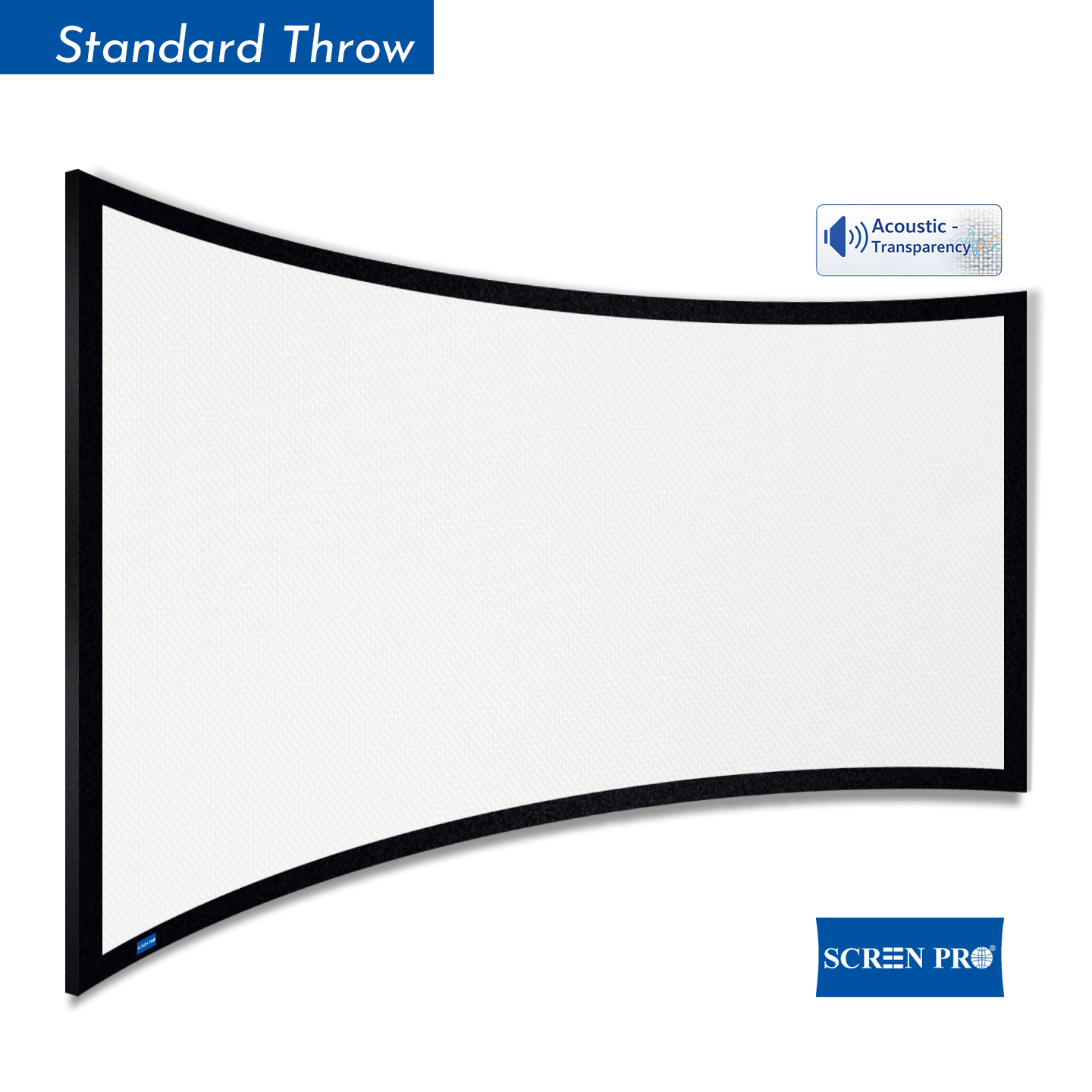
For PC gaming, ultrawide formats can create a more immersive experience when the game, graphics hardware and projector setup support the required resolution and aspect ratio.
| Format | Best For | Consideration |
|---|---|---|
| 16:9 | Console gaming, movies, streaming | Most universal choice |
| 21:9 / Ultrawide | Compatible PC games and simulation | Requires compatible content and projection setup |
15. Acoustically Transparent Screens for Gaming + Cinema Rooms
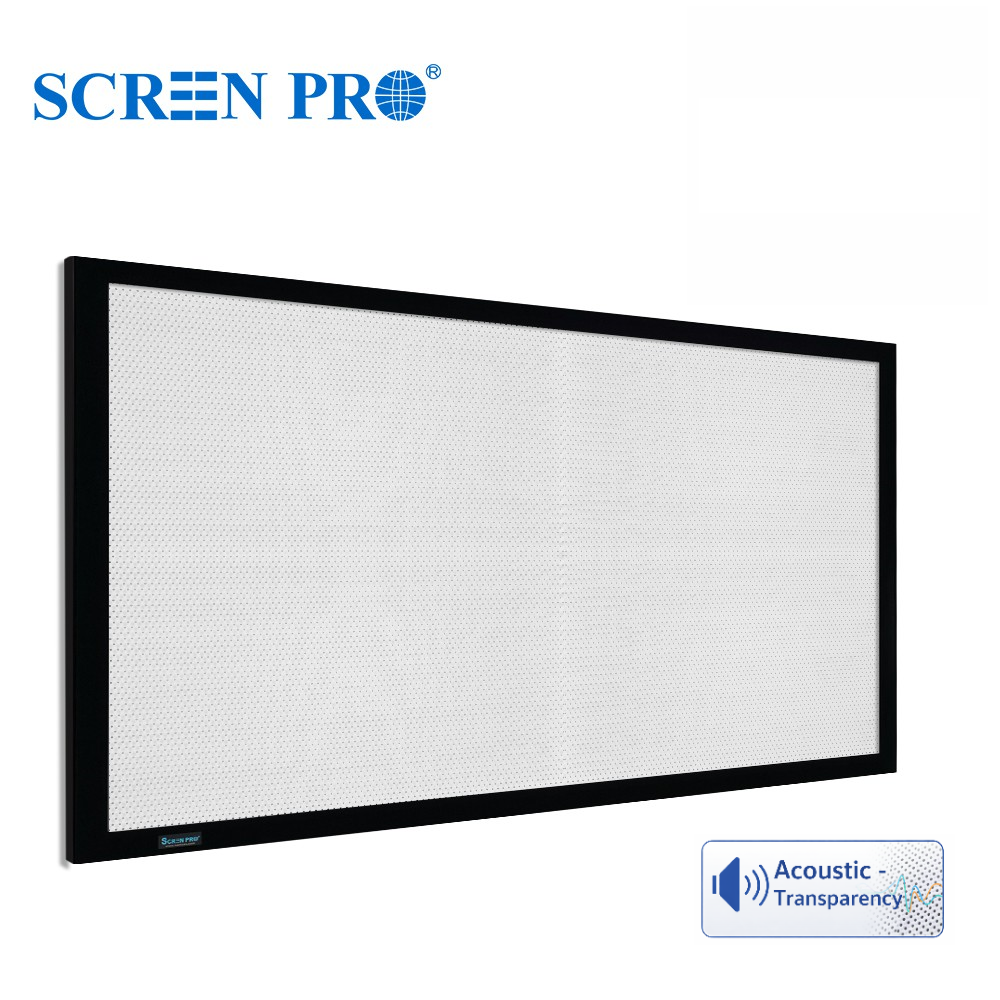
If the gaming room also functions as a serious home theater, an acoustically transparent screen can allow the front speakers and center channel to be placed behind the projected image.
This can create a more natural relationship between on-screen action and sound, especially for:
- story-driven games;
- racing simulators;
- cinematic action games;
- gaming + movie rooms;
- immersive surround-sound installations.
For RGB triple-laser systems that also require acoustic transparency, SCREENPRO 3W is designed around both requirements.
Best Screen Type by Gaming Setup
Dedicated Dark Gaming Room
Fixed-frame matte white or appropriately selected low-gain screen with a flat, uniform surface.
Gaming + Living Room
Tab-tensioned motorized screen or compatible ALR solution depending on ambient light.
UST Gaming Setup
UST-compatible screen with excellent flatness and optical structure matched to the projector geometry.
RGB Triple-Laser Gaming
Anti-speckle material such as SCREENPRO 3C, selected according to room and projector requirements.
Gaming + Hidden Speakers
Woven acoustically transparent material, with anti-speckle options available for compatible RGB laser systems.
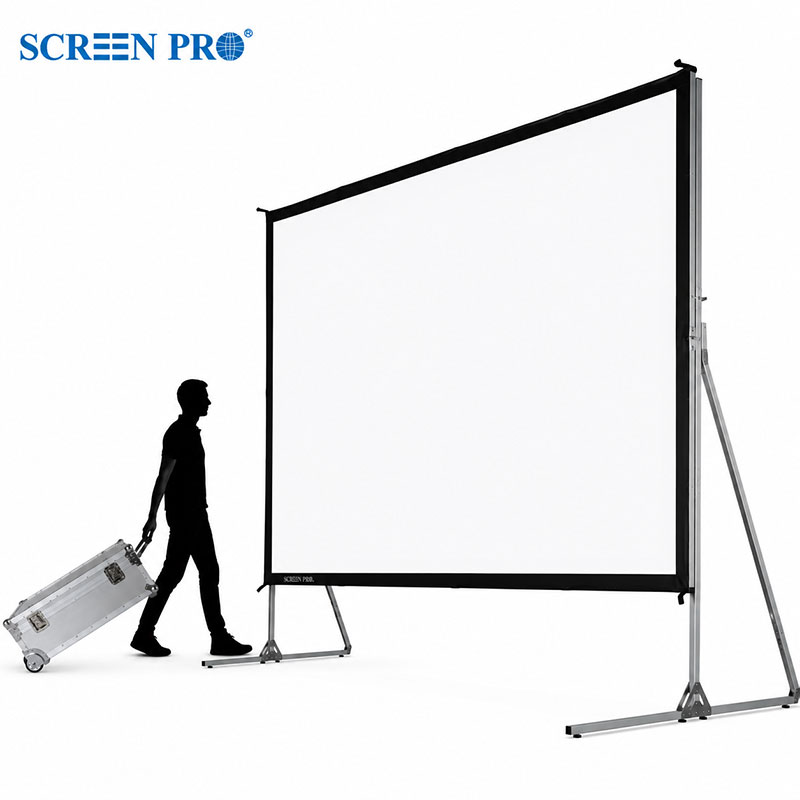
Large Simulator Room
Large tensioned screen selected around field of view, projector brightness, resolution and player distance.
Common Gaming Screen Mistakes
- Buying the largest screen possible. Extreme size can make HUD elements harder to monitor and reduce image brightness.
- Blaming the screen for input lag. Latency usually comes from the projector and signal-processing chain, not the passive projection surface.
- Ignoring screen flatness. Wrinkles and waves are particularly visible during camera pans and on-screen menus.
- Choosing high gain only for brightness. Higher gain can affect viewing angle and image uniformity.
- Using the wrong ALR material with a UST projector. UST and long-throw ALR screens use different optical geometry.
- Ignoring laser speckle. RGB triple-laser systems may benefit from purpose-designed anti-speckle materials.
- Assuming every game supports ultrawide projection. Check game, GPU and projector compatibility before building around a 21:9 format.
What Is the Best Projection Screen for a Gaming Room?
For a dedicated dark gaming room, a flat fixed-frame screen with a neutral matte white or appropriately selected low-gain surface is an excellent starting point.
For multipurpose spaces, a tab-tensioned motorized screen provides a cleaner installation while maintaining better surface flatness.
Rooms with ambient light may benefit from a compatible ALR screen, while RGB triple-laser projectors should also be evaluated for visible laser speckle. UST gaming setups require screens specifically suited to steep-angle projection.
Most importantly, treat the projector and screen as one system: projector latency and refresh rate determine gaming responsiveness, while the screen determines how effectively the final image is presented to the player.
Build the Right Screen Setup for Your Gaming Room
SCREENPRO offers fixed-frame, motorized, UST ALR, anti-speckle and acoustically transparent projection screen solutions for gaming rooms, home theaters and large-screen entertainment spaces.
Find the Right Projection Screen Compare Screen MaterialsDiscuss Your Gaming Setup
Frequently Asked Questions
What type of projector screen is best for gaming?
For a dark dedicated gaming room, a flat fixed-frame matte white or appropriately selected low-gain screen is a strong starting point. Rooms with ambient light, UST projectors or RGB laser projectors may require more specialized materials.
Does a projector screen increase input lag?
A passive projection screen does not normally add meaningful electronic input lag. Gaming latency is primarily determined by the projector, its image-processing settings, the signal chain and the source device.
Can a projector screen work with 120Hz gaming?
Yes. A passive projection screen does not have a refresh-rate limitation like an electronic display. The projector and signal chain must support the required resolution and refresh rate.
Is an ALR screen good for gaming?
ALR can be useful in gaming rooms with ambient light, but the screen must match the projector geometry and viewing positions. A dark dedicated gaming room may not require ALR.
What screen size is best for gaming?
The ideal size depends on viewing distance, projector brightness and the type of games being played. Gaming screens should be immersive without requiring excessive eye or head movement to monitor the full image.
What screen is best for an RGB triple-laser gaming projector?
RGB triple-laser projectors may show visible laser speckle on some surfaces. An engineered anti-speckle material can help reduce this effect while preserving image detail and contrast.
Is a fixed-frame or motorized screen better for gaming?
A fixed-frame screen is ideal for a dedicated gaming room because it remains permanently tensioned. A tab-tensioned motorized screen is useful in multipurpose rooms where the screen needs to retract when not in use.