


© 2026 SCREENPRO®. Specifications are subject to change without notice. | SamsAV All Rights ReservedSite Map Designed by iwonder.cn


Projection screen viewing angle describes the range of positions from which viewers can see the projected image with acceptable brightness and image performance.
A wider viewing angle allows viewers seated farther to the sides of the screen to experience more consistent image brightness, while a narrower viewing angle concentrates more reflected light within a smaller viewing area.
Viewing angle is influenced by the optical structure, gain, and reflective characteristics of the projection material.
Standard, ALR, acoustically transparent, and other specialized screen materials can have different viewing characteristics, so the specified viewing angle should be considered together with room width and seating positions.
For rooms with wide seating arrangements, screen material selection should take the side seating positions into account rather than considering only the center viewing position.
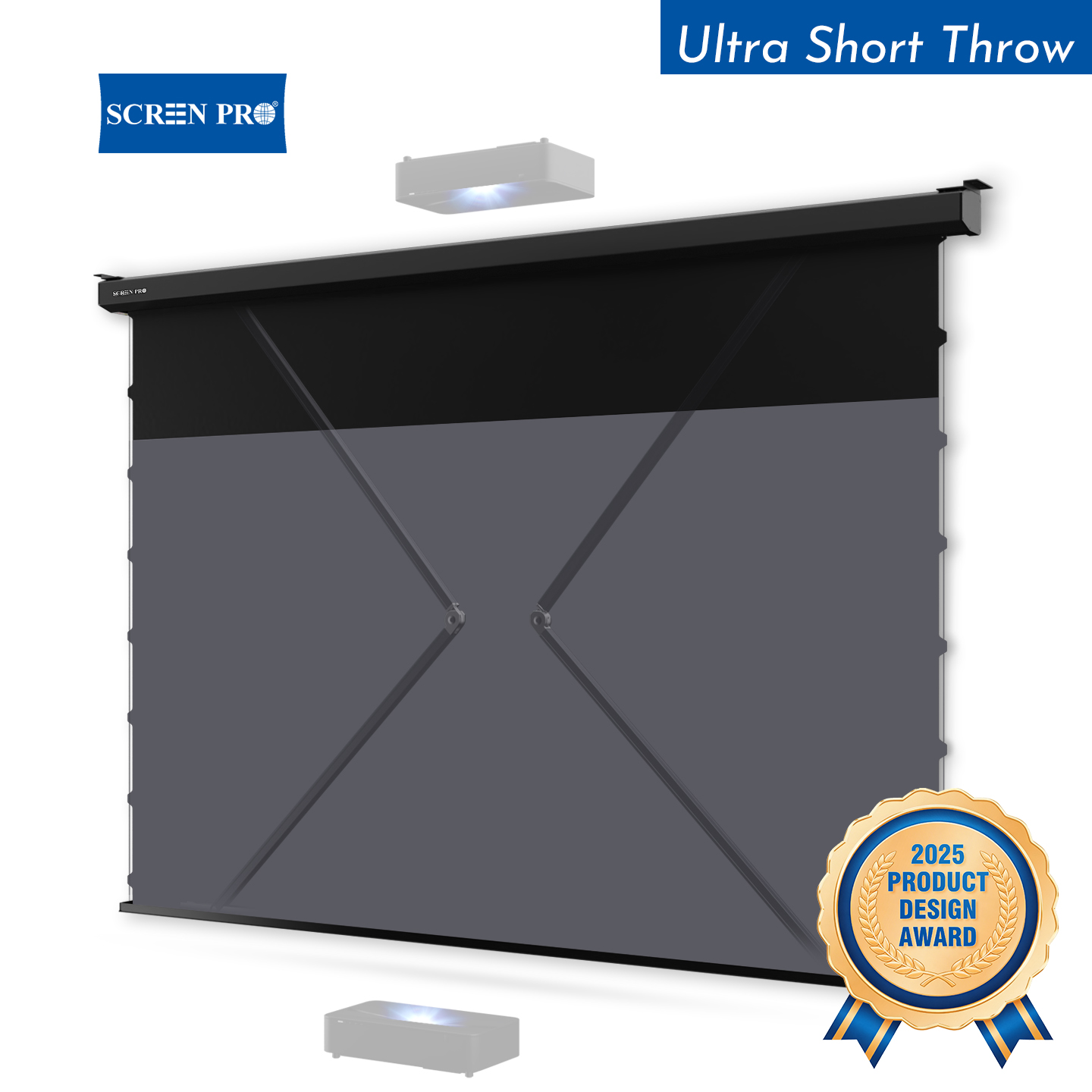
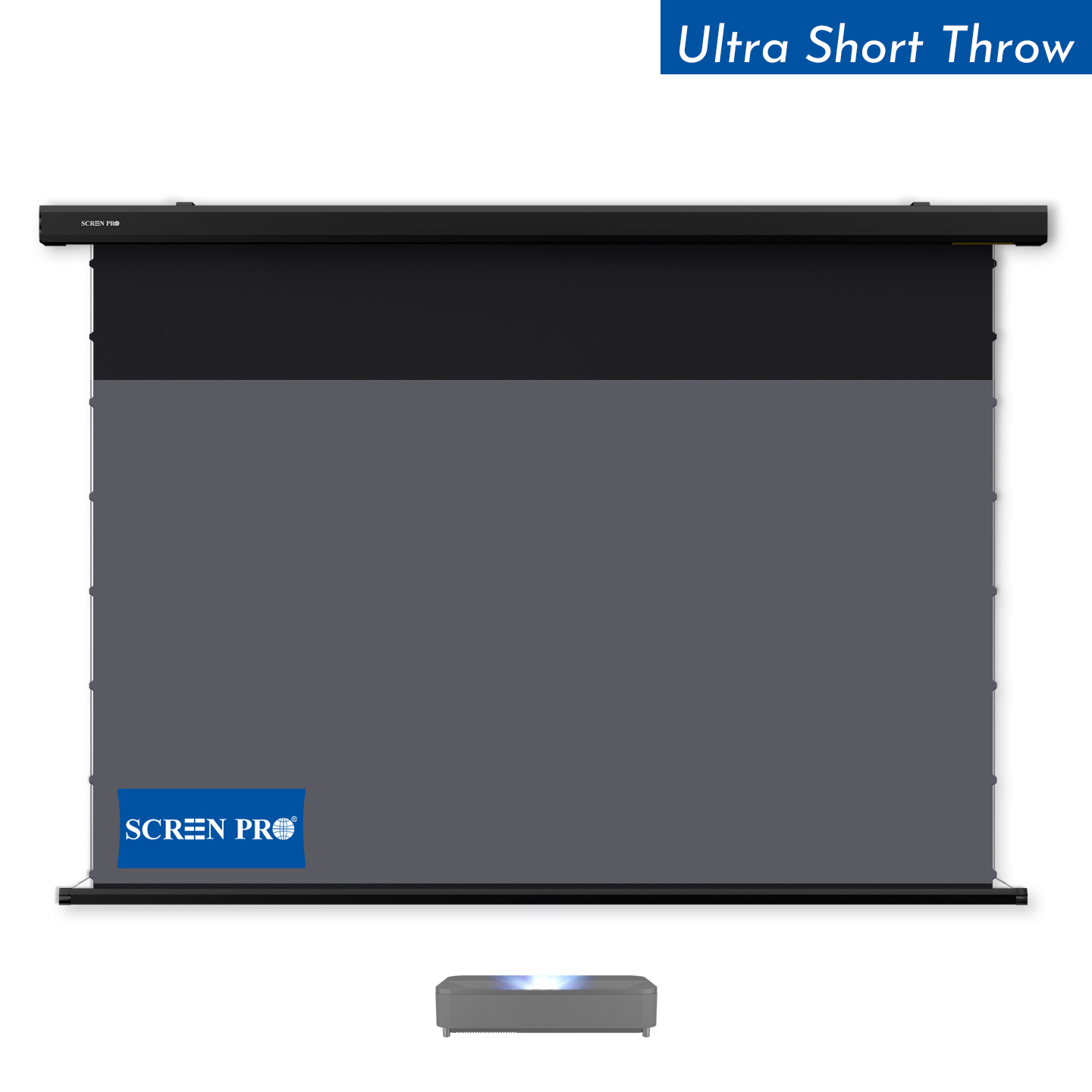
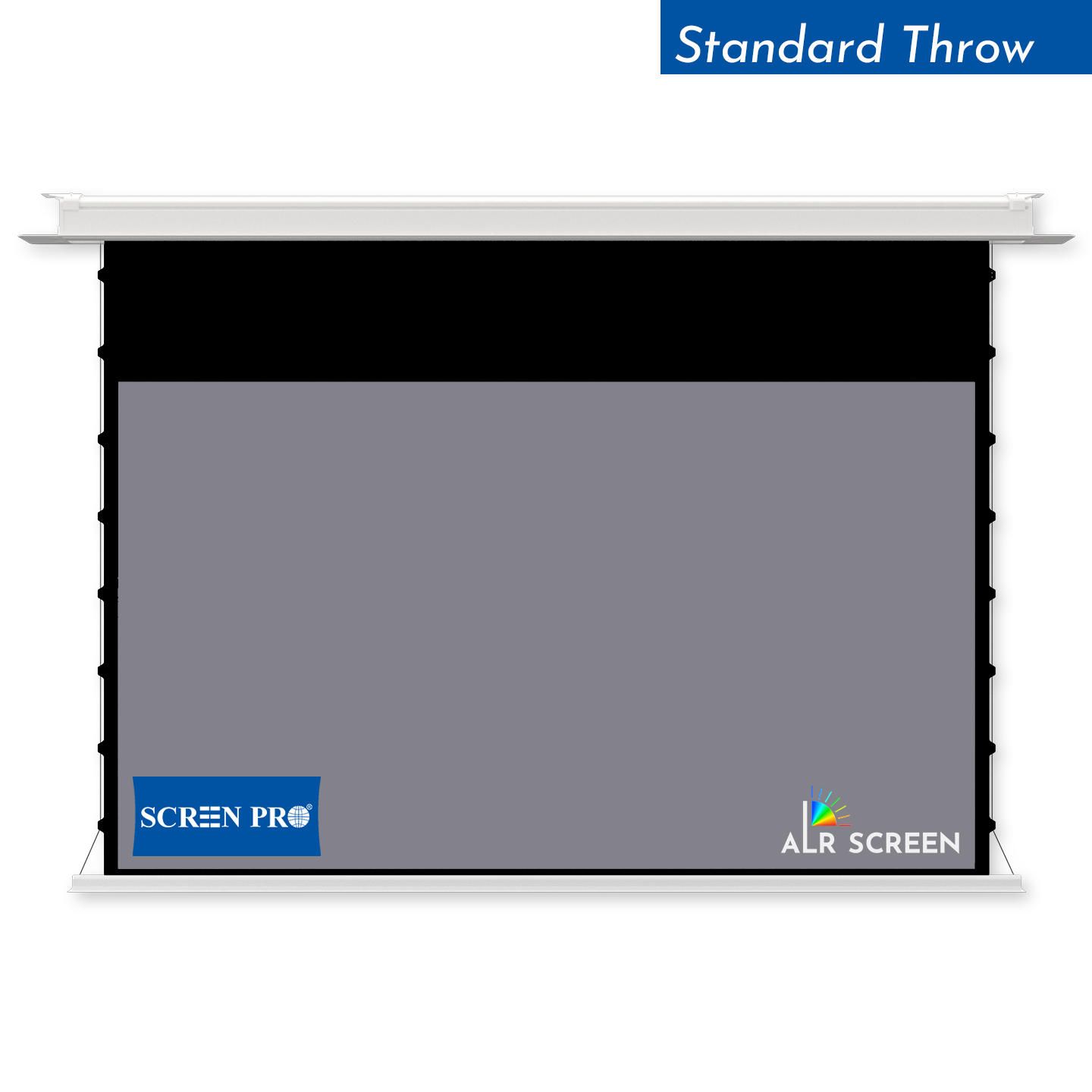
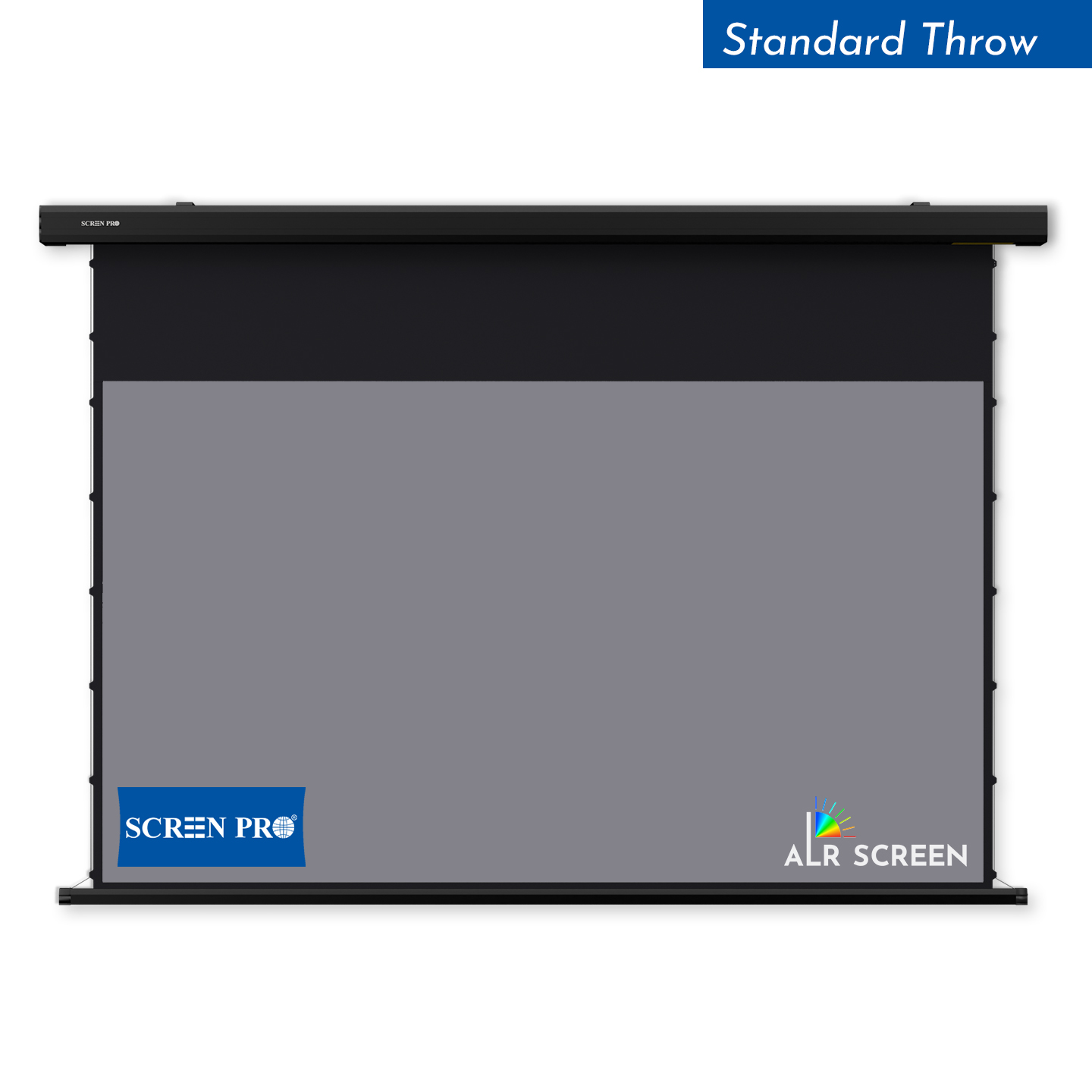
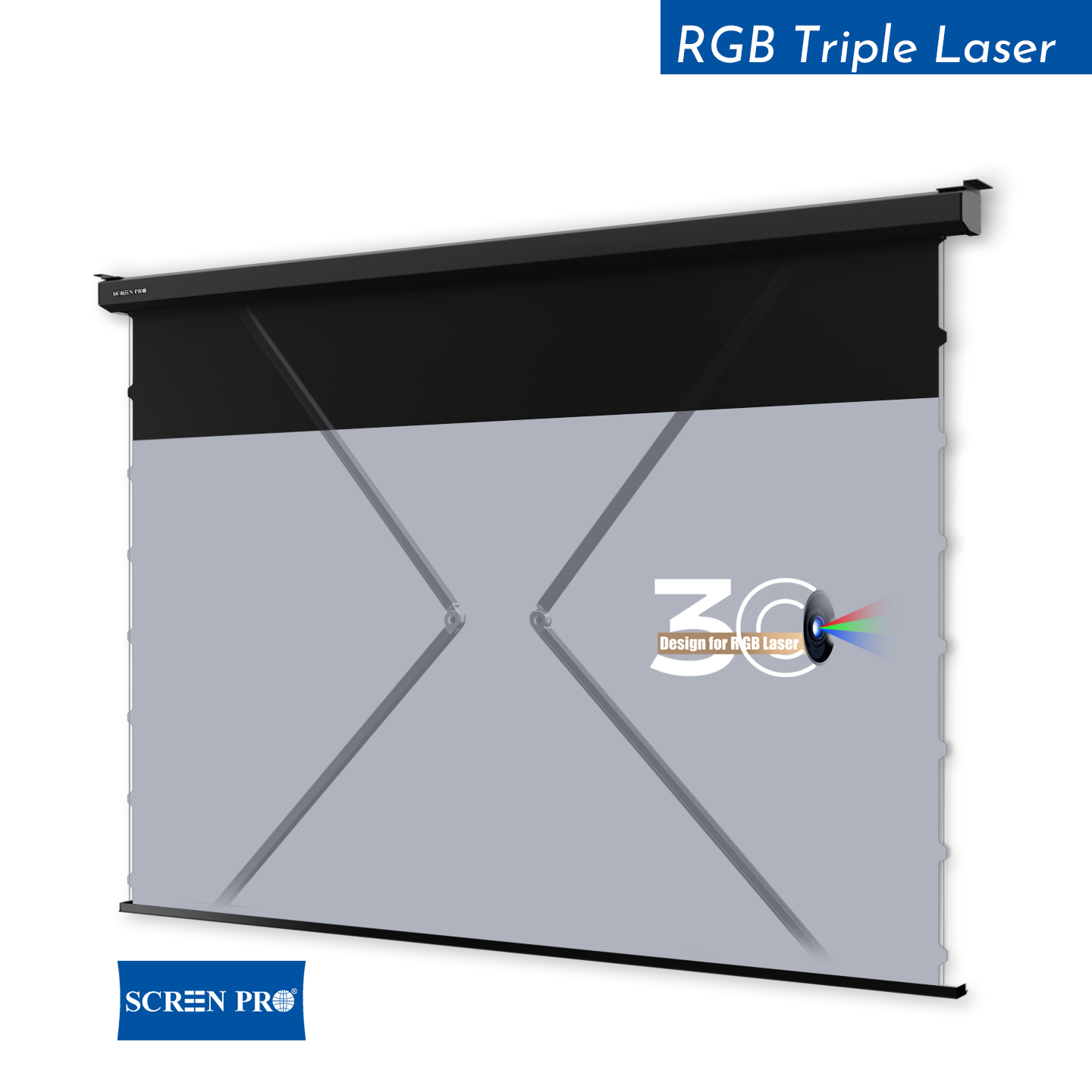
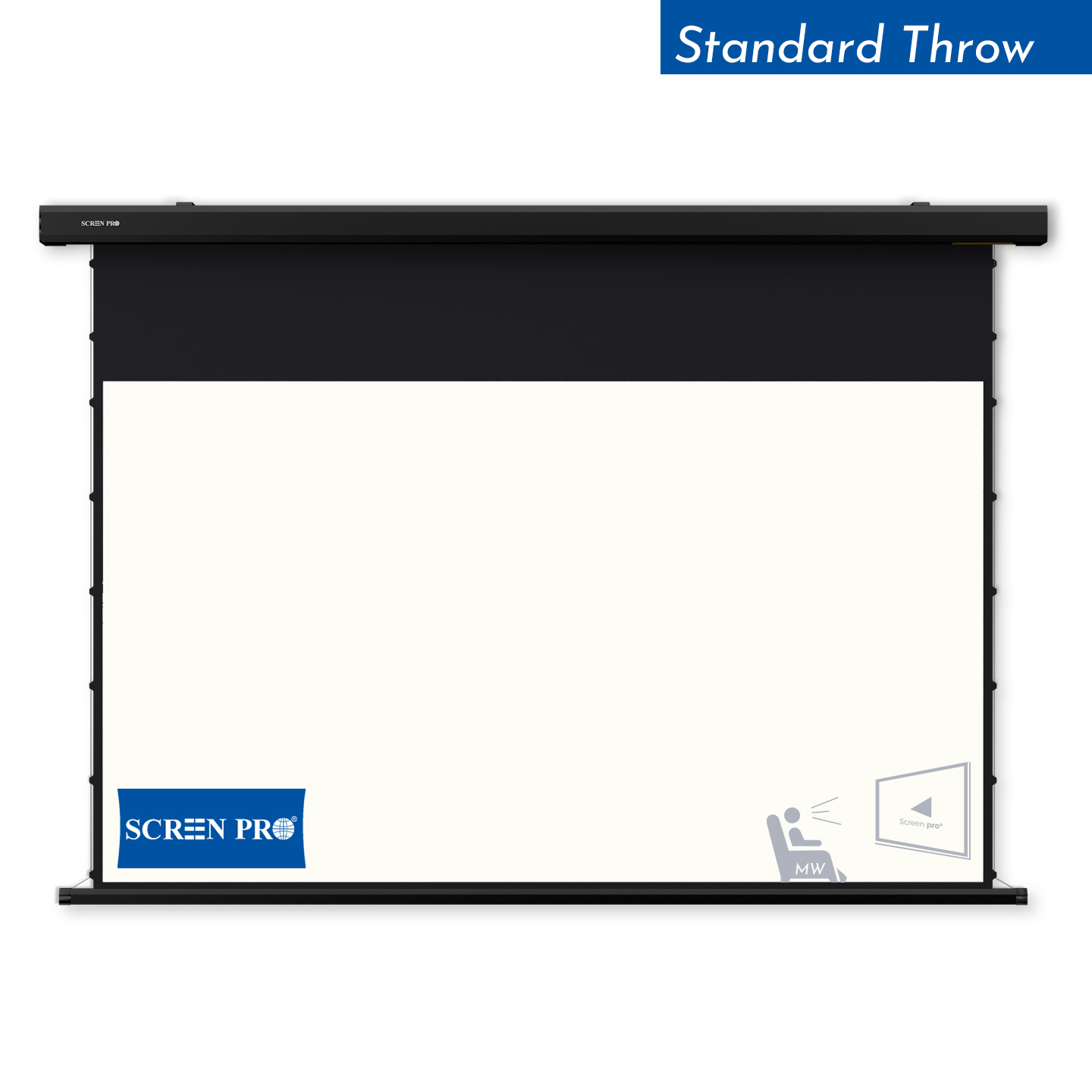
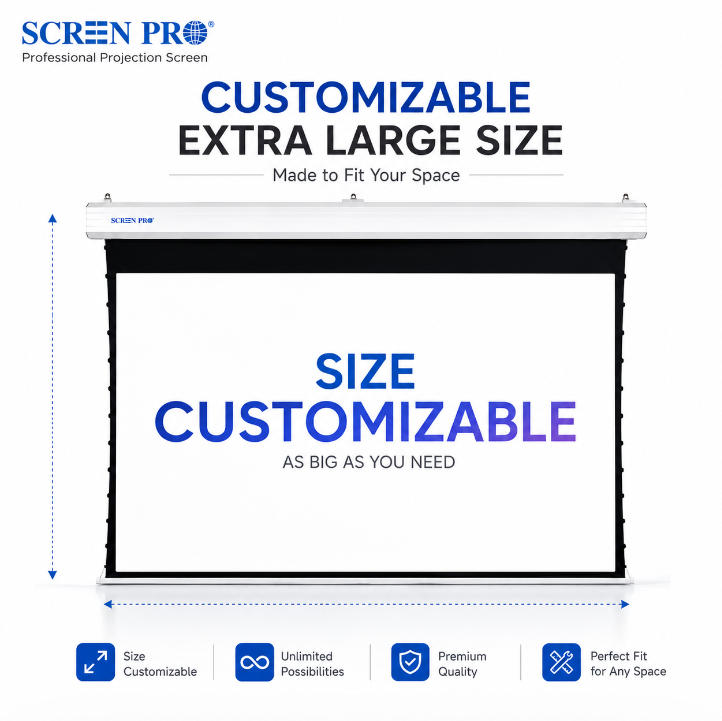
A tab-tensioned projection screen is a retractable screen that uses a tensioning system along the sides of the screen surface to help maintain a flatter viewing area when the screen is deployed.
Side tensioning works together with the lower weight bar to apply controlled tension across the projection surface, helping reduce edge curl and surface waviness compared with a basic non-tensioned retractable screen.
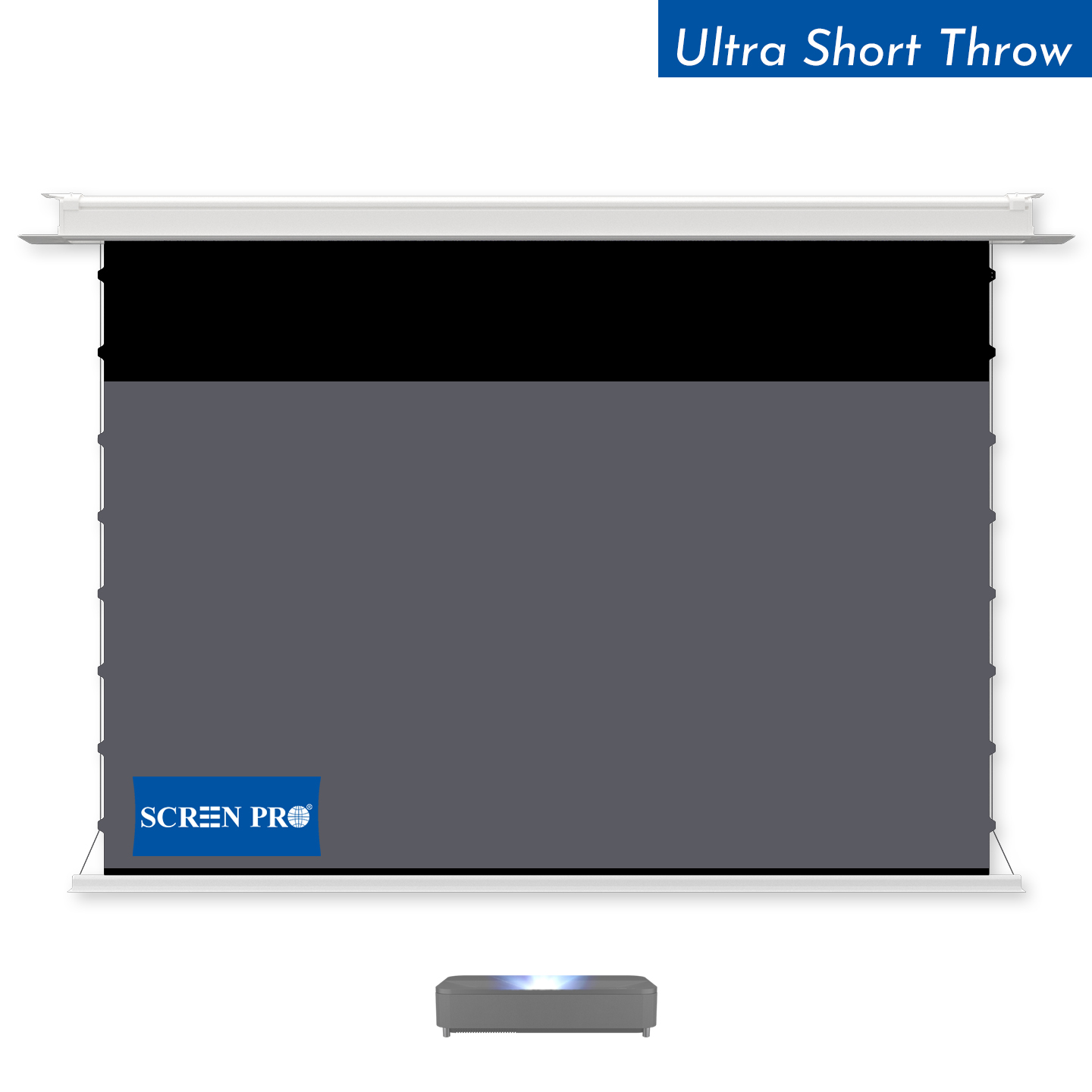
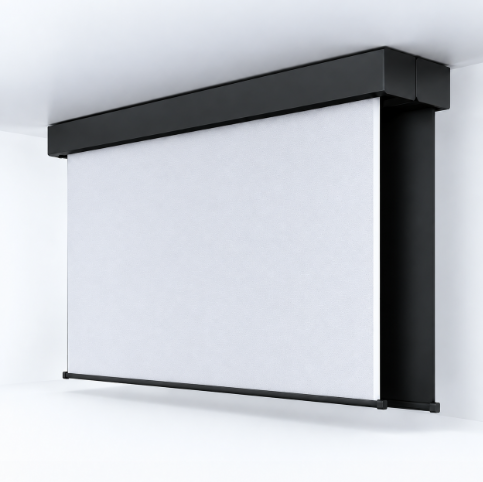
Tab-tensioned systems are commonly used for motorized, in-ceiling, and other retractable projection screens where a flat viewing surface is important.
They are especially useful with screen materials and projection applications that benefit from consistent surface geometry.
Tab tension helps maintain screen flatness, but it does not mean that every flexible projection surface will remain perfectly rigid or completely free of minor surface movement under all environmental conditions.
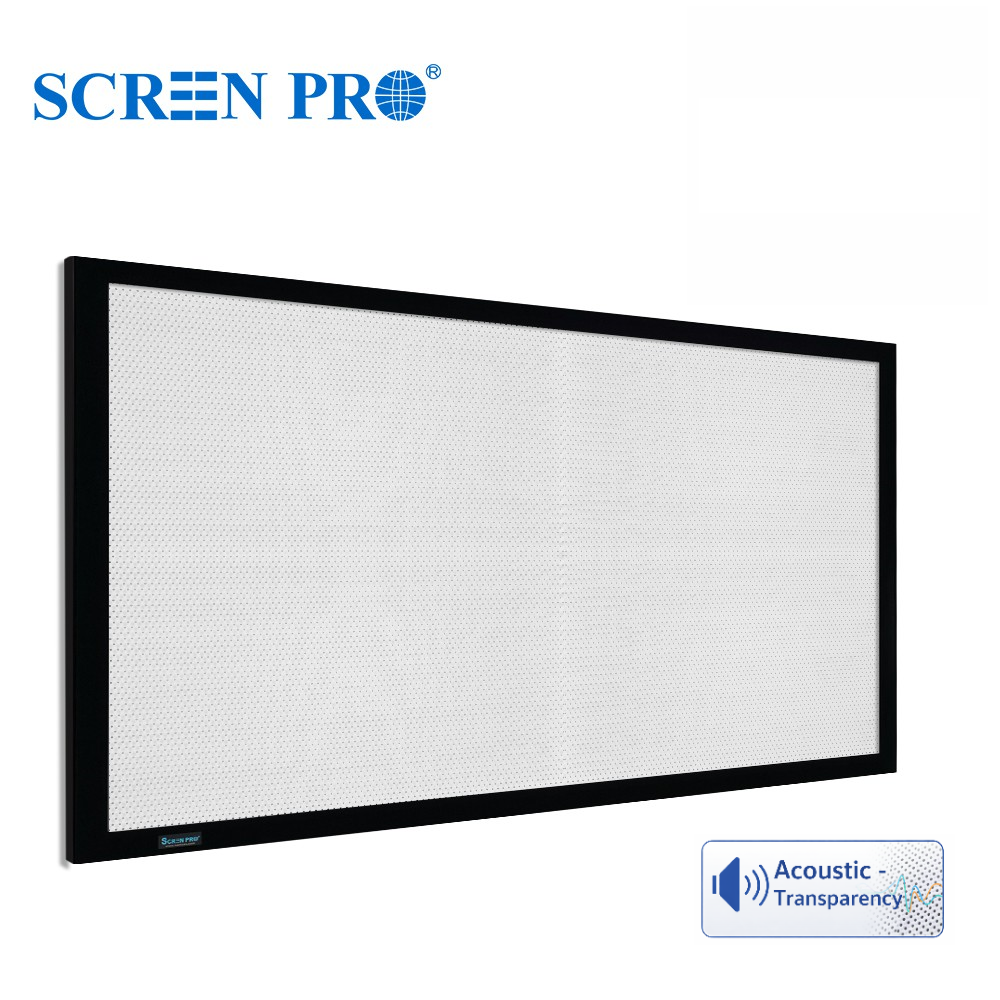
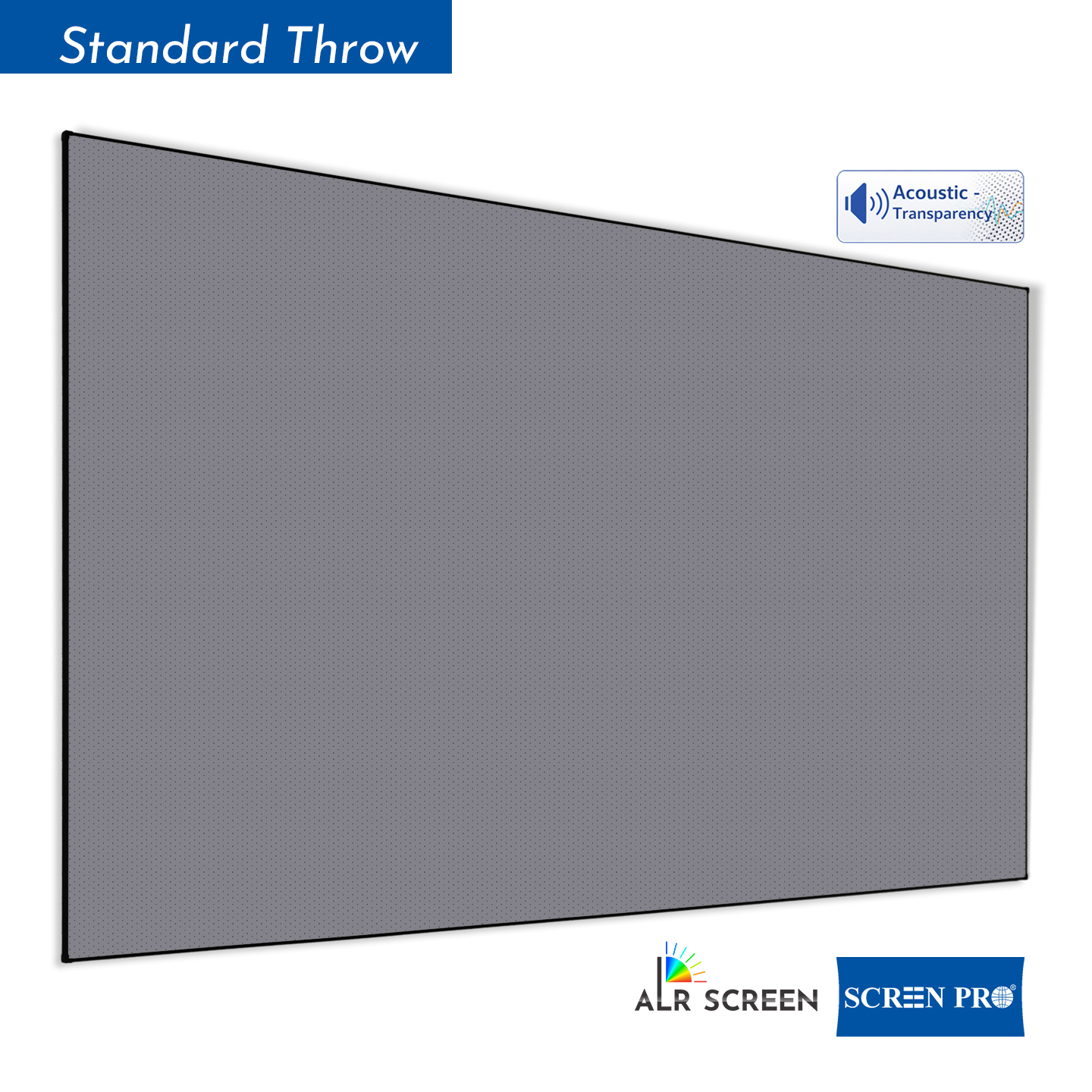
Woven and perforated projection screens are two common types of acoustically transparent screen materials, but they use different structures to allow sound to pass through the projection surface.
Woven screens are made from interwoven fibers that create naturally distributed openings for sound transmission. They are often preferred where acoustic transparency and reduced risk of moiré are important.
Perforated screens use very small holes distributed across the projection surface. They can provide a smoother visual surface, but viewing distance and projector alignment should be considered because the perforation pattern may become visible at close distances or interact with the projected pixel structure.
The better choice depends on viewing distance, projector resolution, speaker placement, screen size, image requirements, and acoustic requirements.
For SCREENPRO® acoustically transparent materials, confirm the specifications of the selected material when planning the installation.
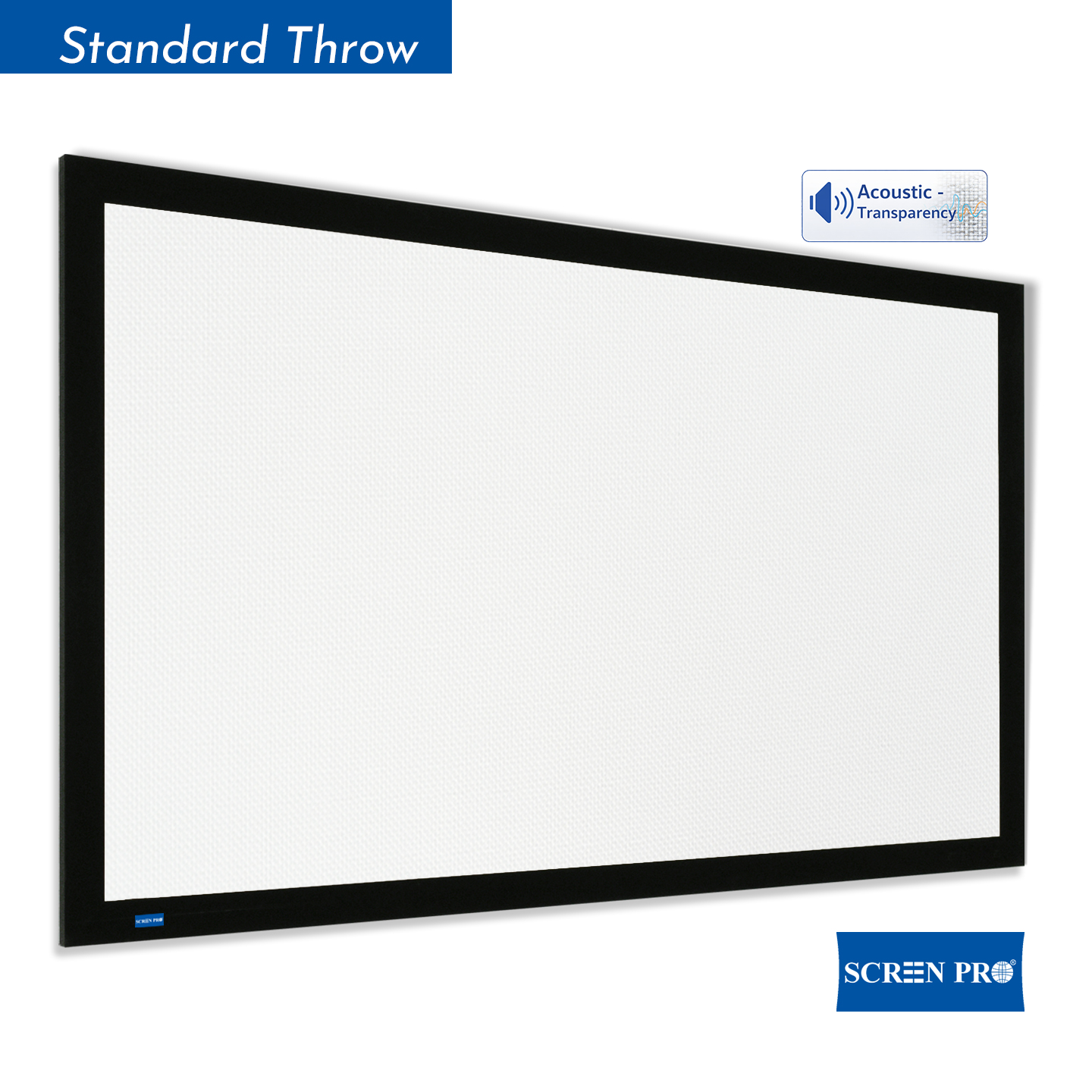
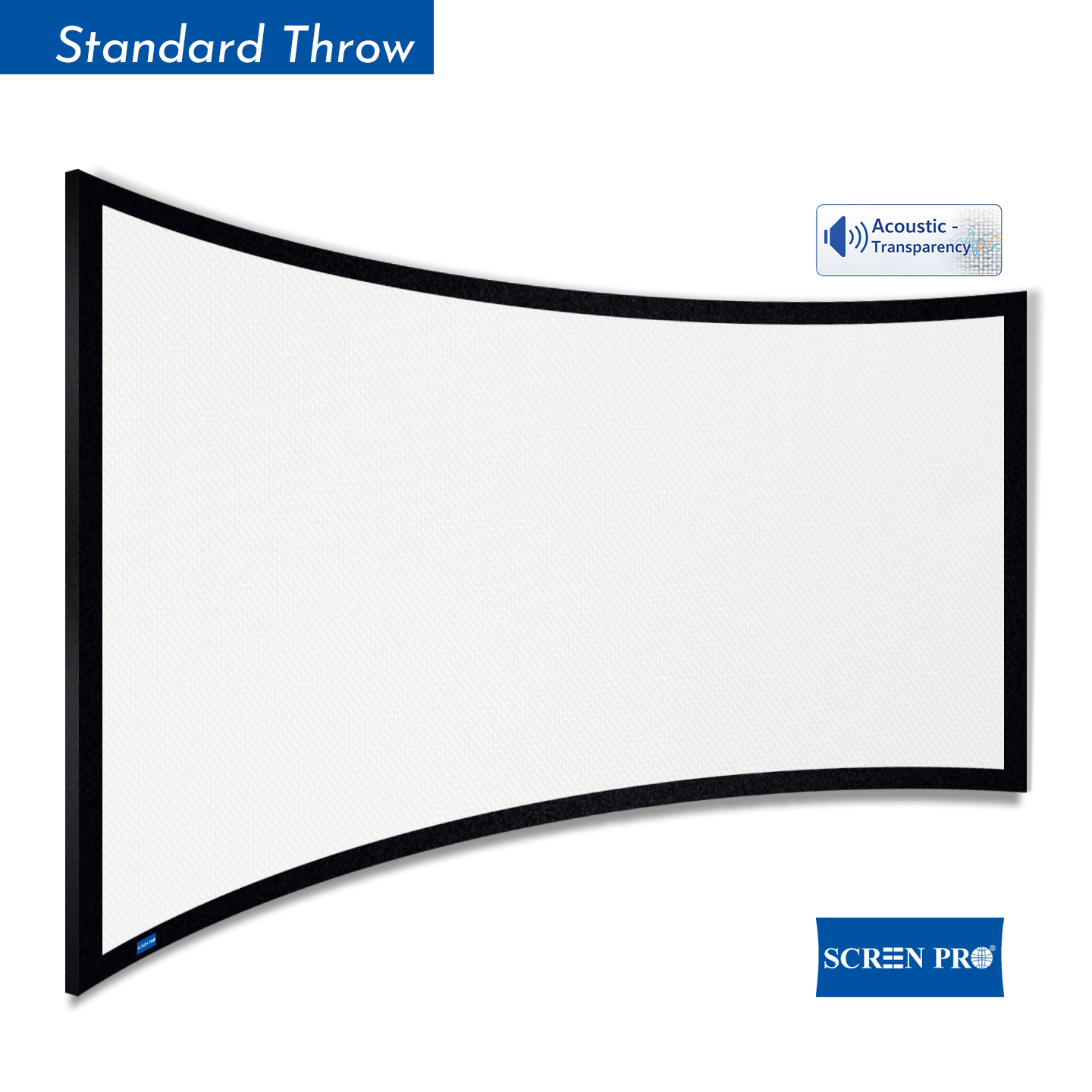
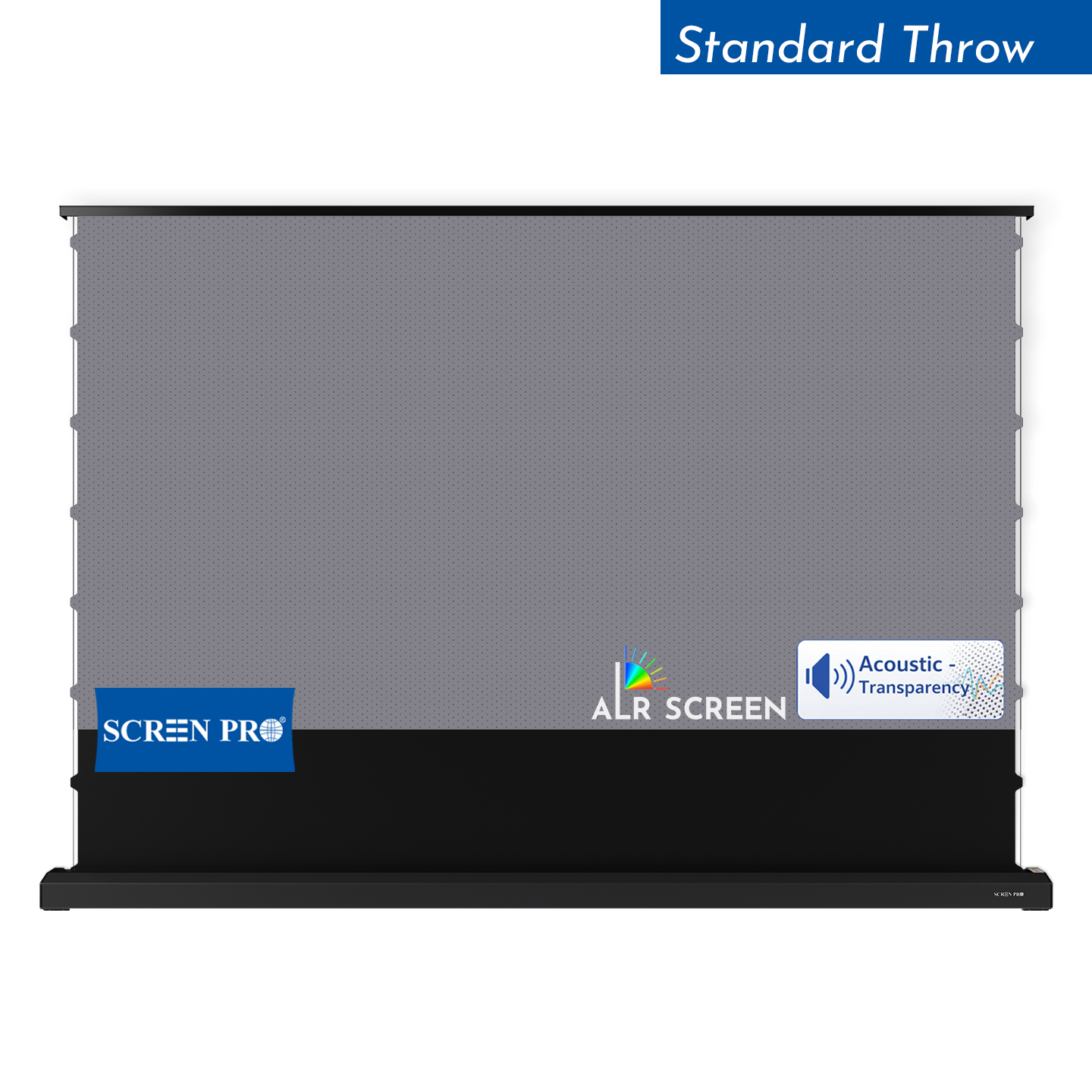
An acoustically transparent (AT) projection screen is designed to allow sound from speakers positioned behind the screen to pass through the projection surface.
This allows the front speakers, including the center channel, to be installed behind the projected image so that sound can appear to come directly from the picture.
The two common types of acoustically transparent projection materials are woven and micro-perforated surfaces.
When choosing an acoustically transparent screen, consider image quality, acoustic transparency, viewing distance, speaker position, screen size, and the possibility of visible texture or moiré.
Acoustically transparent screens are commonly used in dedicated home theaters, screening rooms, cinemas, and other installations where speakers need to be concealed behind the screen.
Projection screen gain describes how much light a screen reflects toward the viewing area compared with a reference surface.
A screen with a gain of 1.0 is commonly used as a reference point. A gain below 1.0 reflects less light toward the reference viewing direction, while a gain above 1.0 reflects more light in that direction.
Higher gain does not automatically mean better image quality. Screen gain should be considered together with projector brightness, ambient light, viewing angle, screen size, and seating position.
For example, a lower-gain surface may be useful when wider viewing angles or controlled brightness are preferred, while a higher-gain surface may help direct more light toward the primary viewing area.
Always consider gain together with the optical characteristics and intended application of the screen material rather than using gain alone to select a projection screen.
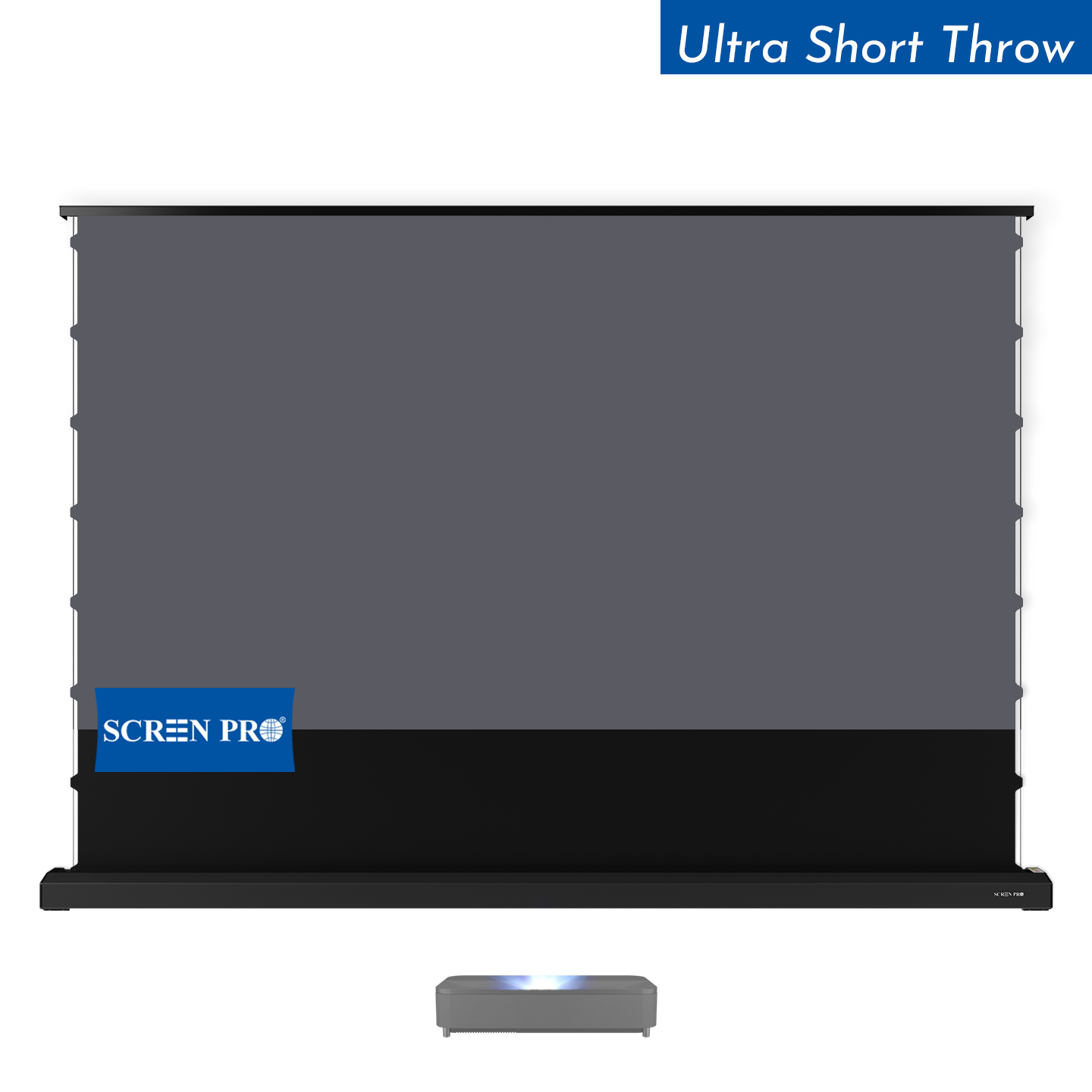
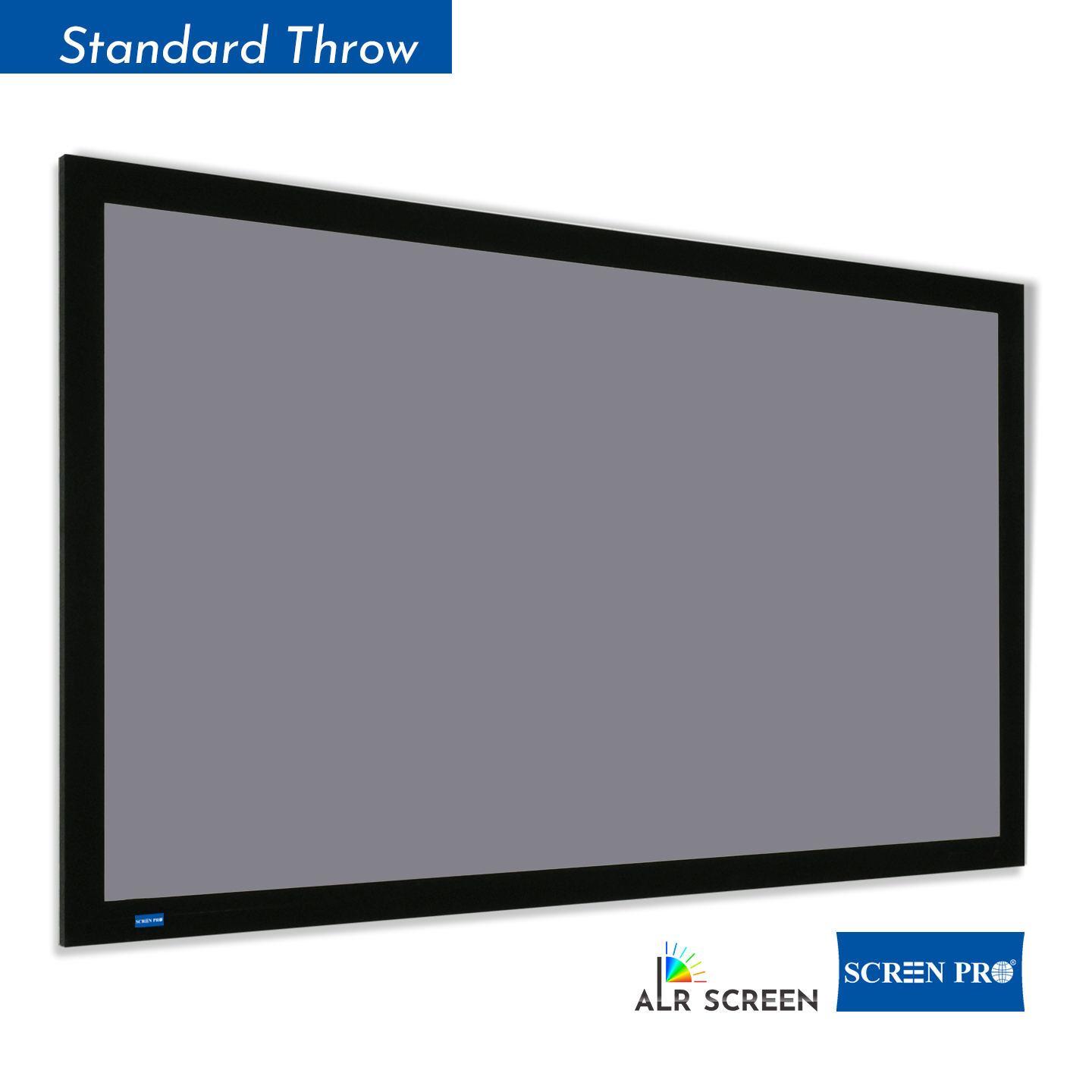
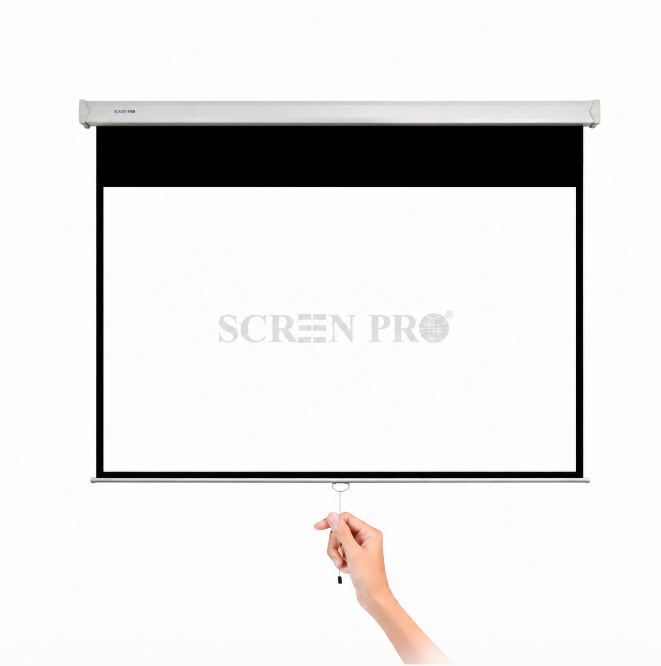
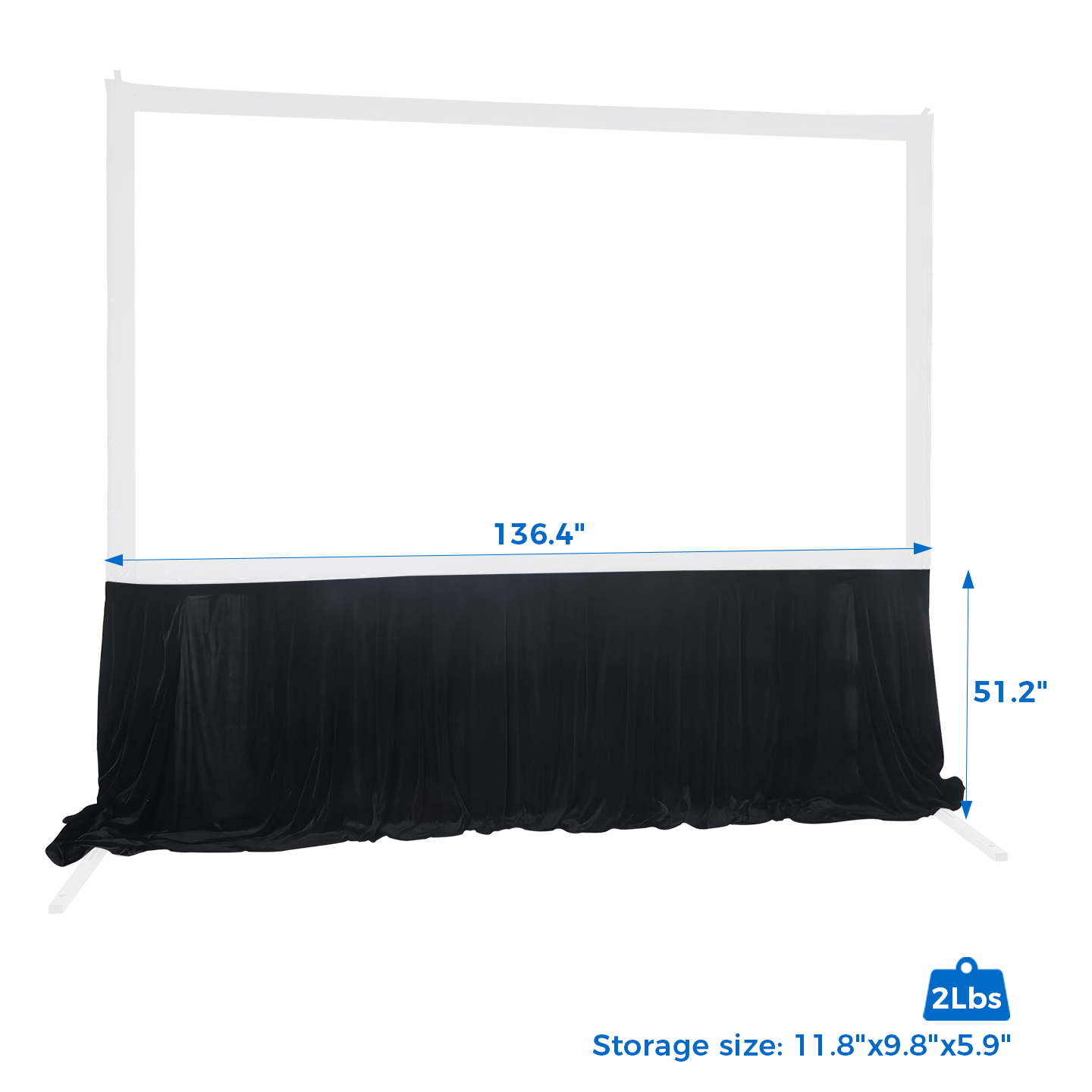
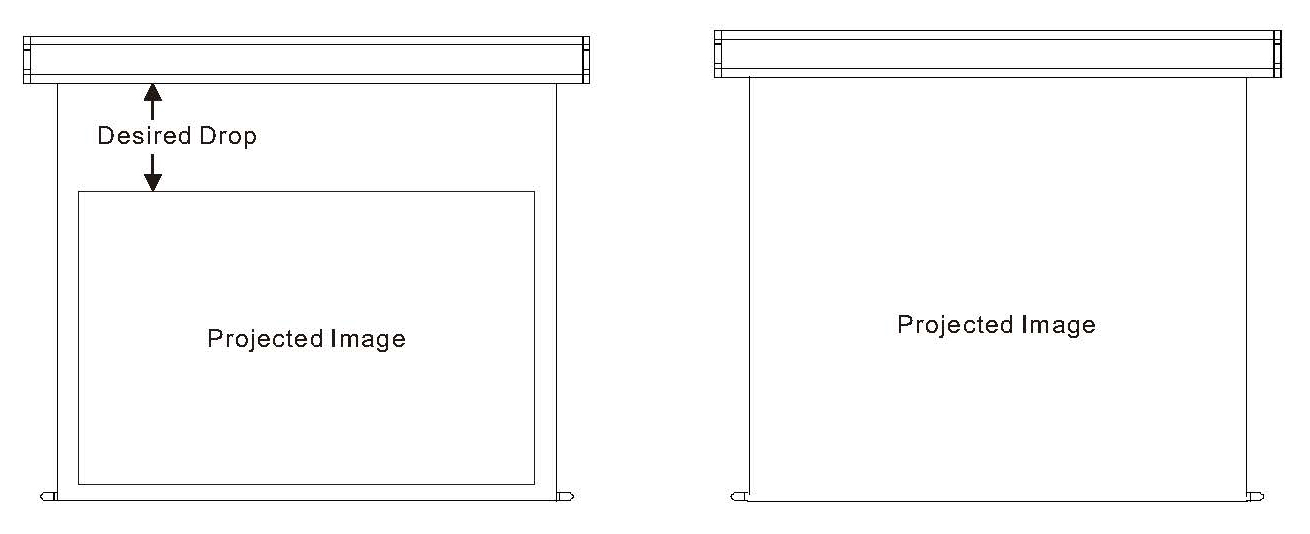 The black border around a projection screen is commonly called a masking border. It visually defines the viewing area and helps absorb minor image overspill around the edges of the projected image.
Common configurations include borders around the viewing area and an additional upper black drop used to position the image at a more comfortable viewing height.
Depending on the screen structure, black borders may also form part of the tensioning or edge construction of the screen.
For selected SCREENPRO® screens, border dimensions, upper black drop, or Full-Screen configurations may be customized according to project requirements.
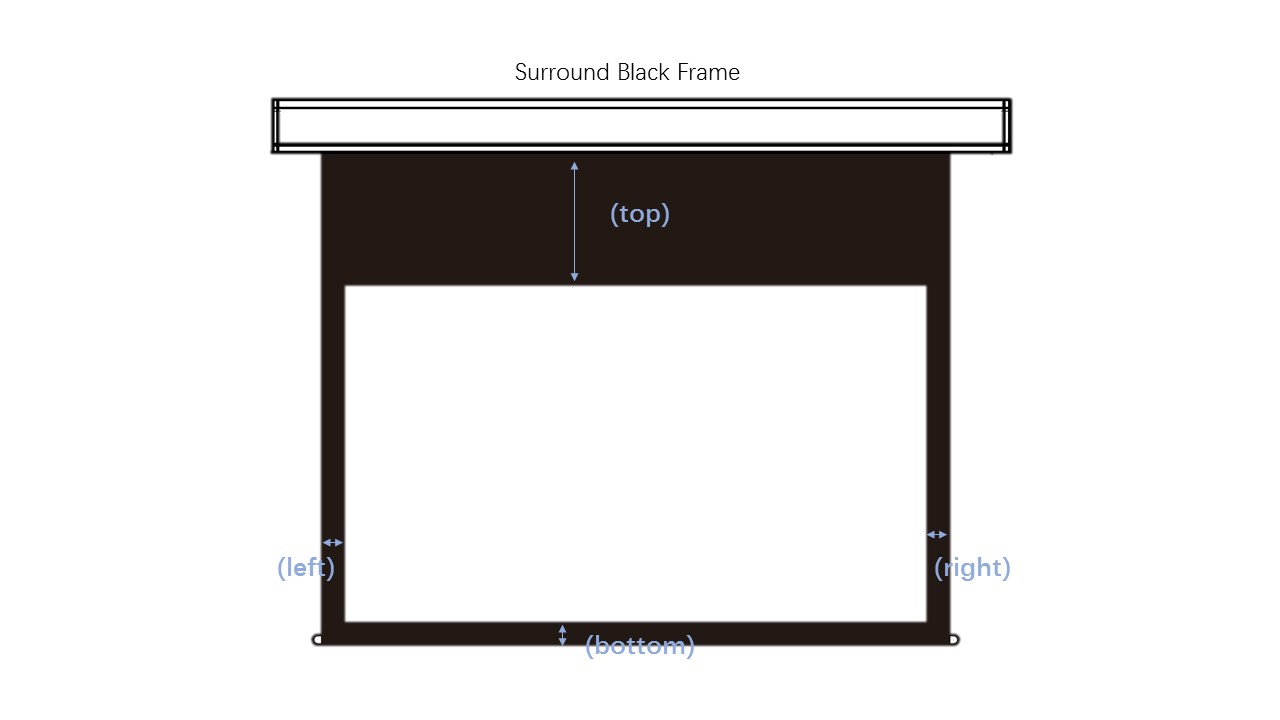
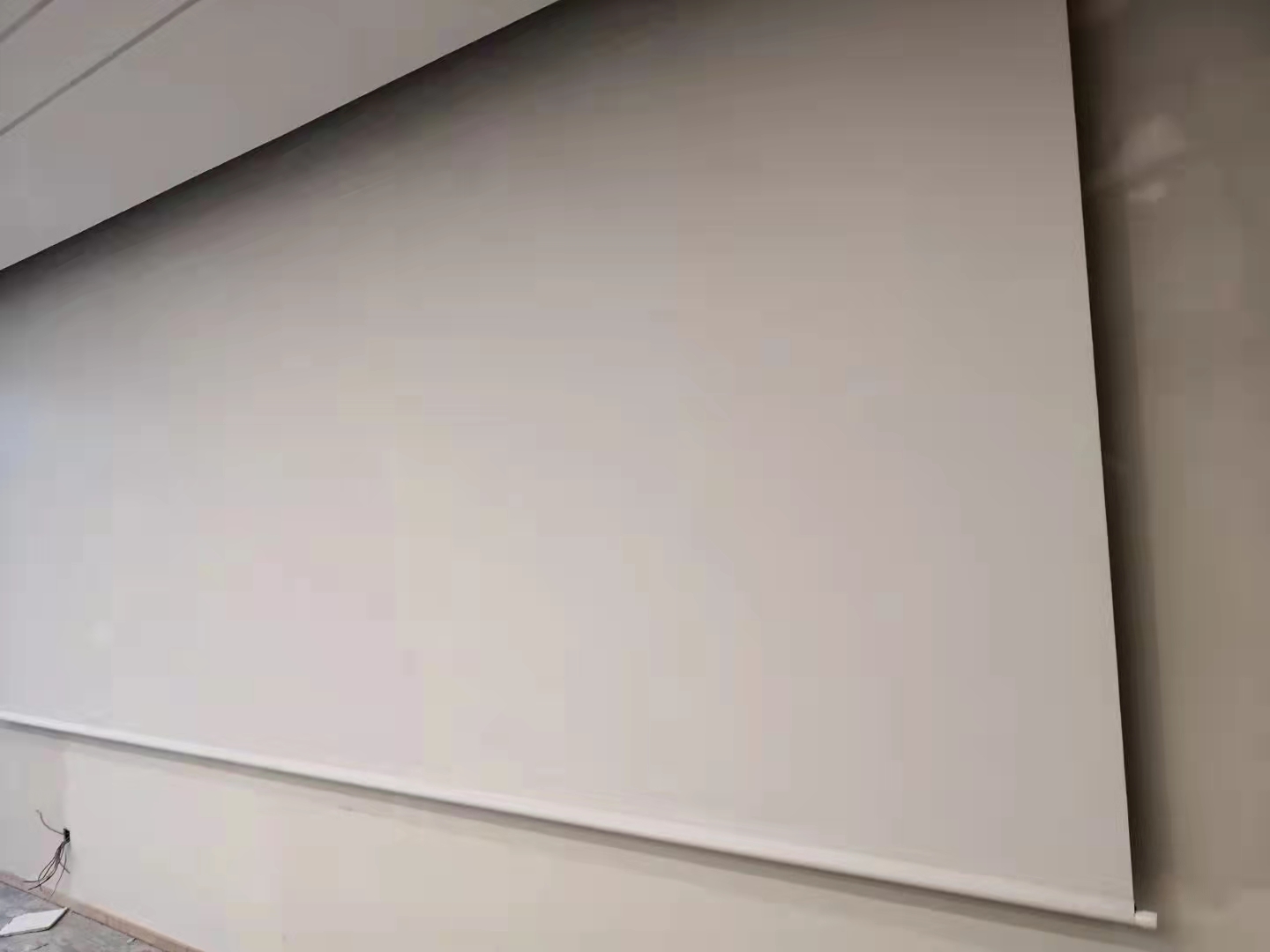
A SCREENPRO® Full-Screen projection surface is a custom screen configuration designed without visually contrasting black masking borders.
Full-Screen does not necessarily mean that the structural border fabric is removed. Depending on the screen design, the extended border areas may remain as part of the screen structure but use the same or similar color as the projection surface instead of conventional black masking.
Full-Screen customization can also be adapted to different installation requirements. For example, selected configurations may be produced without the left and right black borders while retaining other border areas.
The upper black drop may also be reduced or removed for selected screen configurations when required by ceiling height or installation conditions.
The specified screen size and aspect ratio still refer to the intended viewing area. Available border and black-drop customization depends on the screen series, material, dimensions, and screen structure.
Projector throw ratio describes the relationship between the distance from the projector to the screen and the width of the projected image.
The basic formula is:
Throw Ratio = Projection Distance ÷ Image Width
For example, a projector with a throw ratio of 1.5:1 requires approximately 1.5 units of projection distance for every 1 unit of image width.
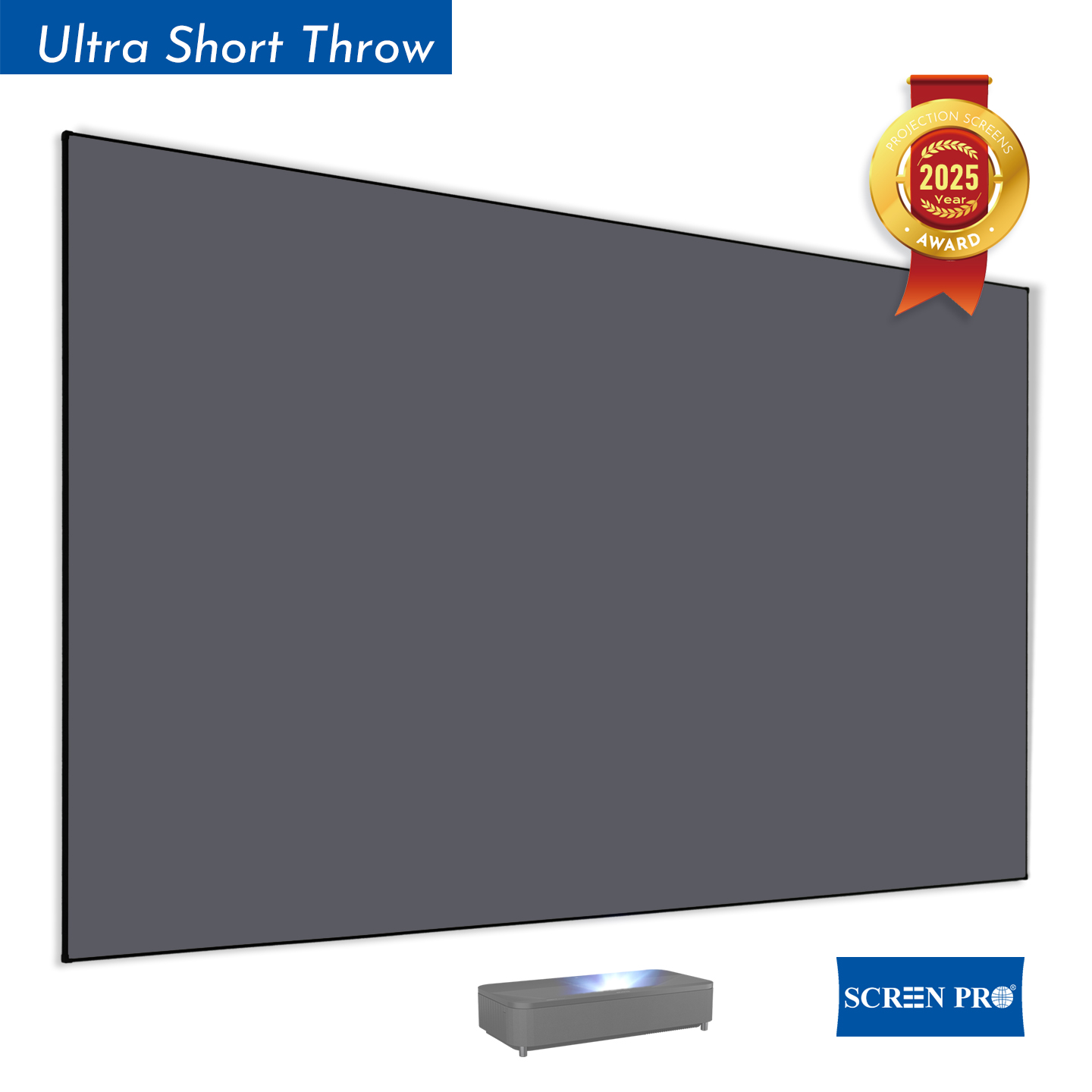
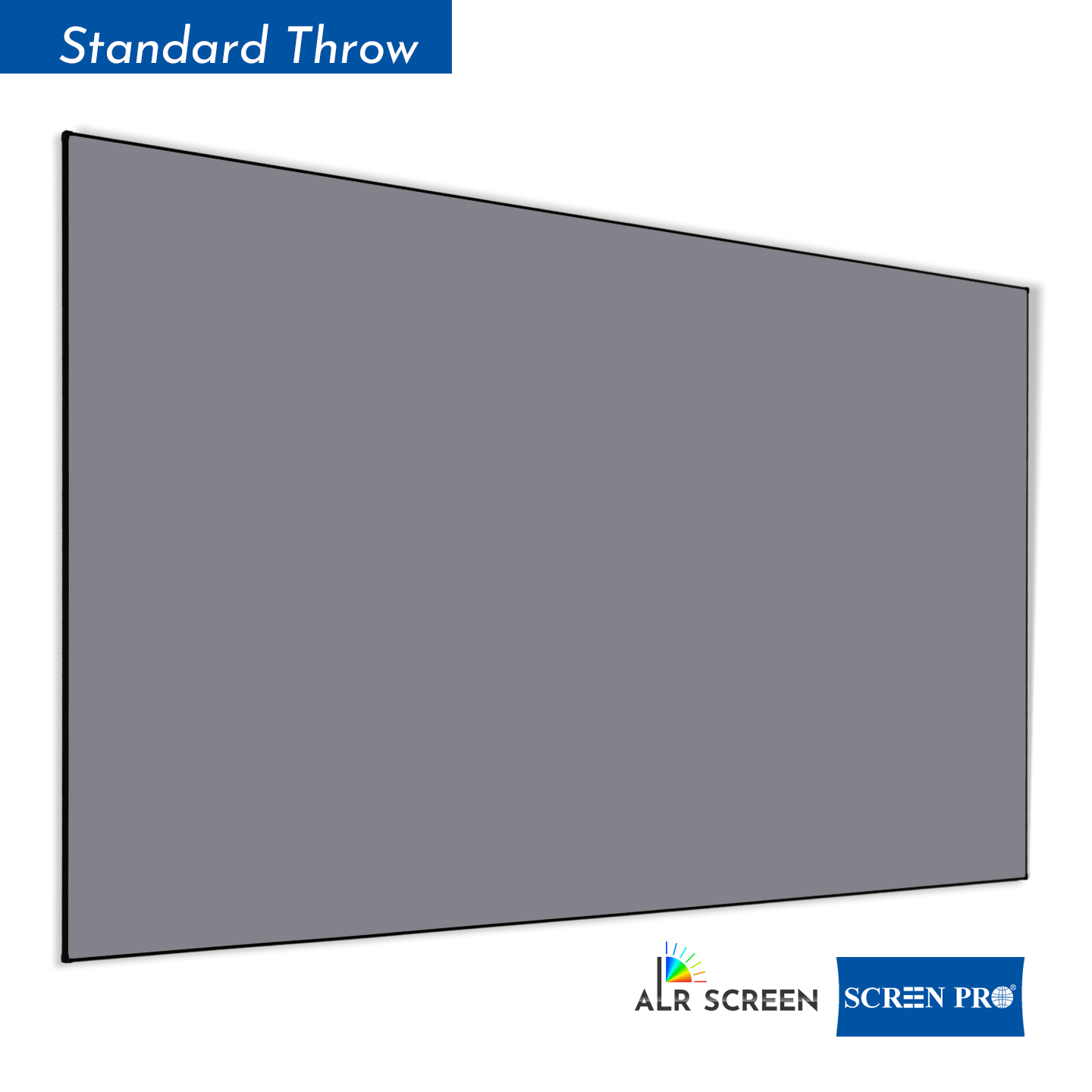
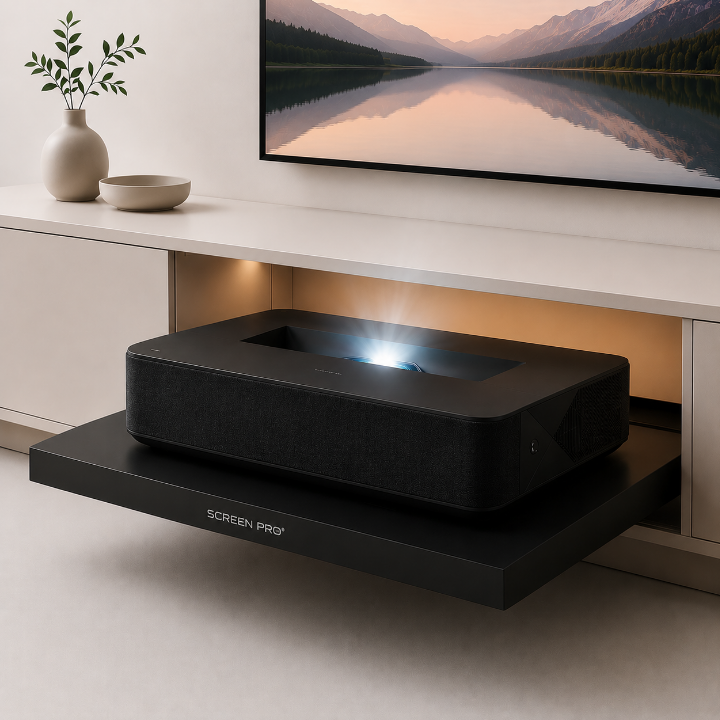
A lower throw ratio allows a projector to create a larger image from a shorter distance. Ultra-short-throw (UST) projectors use very low throw ratios and are installed much closer to the screen than standard or long-throw projectors.
Throw ratio is important when selecting a projection screen because projector type and projection geometry can affect screen material compatibility, screen size, and installation position.
If you are unsure which screen is suitable, provide your projector model or throw ratio together with the required image size.
SCREENPRO® performance specifications, such as screen gain, viewing angle, ambient light rejection, and acoustic performance, are measured internally under defined test conditions.
To improve consistency and comparability, measurements are performed using controlled test setups and consistent reference conditions appropriate to each performance parameter.
Unless otherwise specified, published specifications represent typical measured values from SCREENPRO® internal testing and should not be interpreted as results certified by an independent third-party laboratory.
Actual performance may vary depending on the projector, viewing angle, ambient lighting, installation environment, speaker configuration, measurement method, and other system conditions.
For projects requiring testing according to a specific standard or independent laboratory certification, please contact SCREENPRO® with your testing requirements.





© 2026 SCREENPRO®. Specifications are subject to change without notice. | SamsAV All Rights ReservedSite Map Designed by iwonder.cn